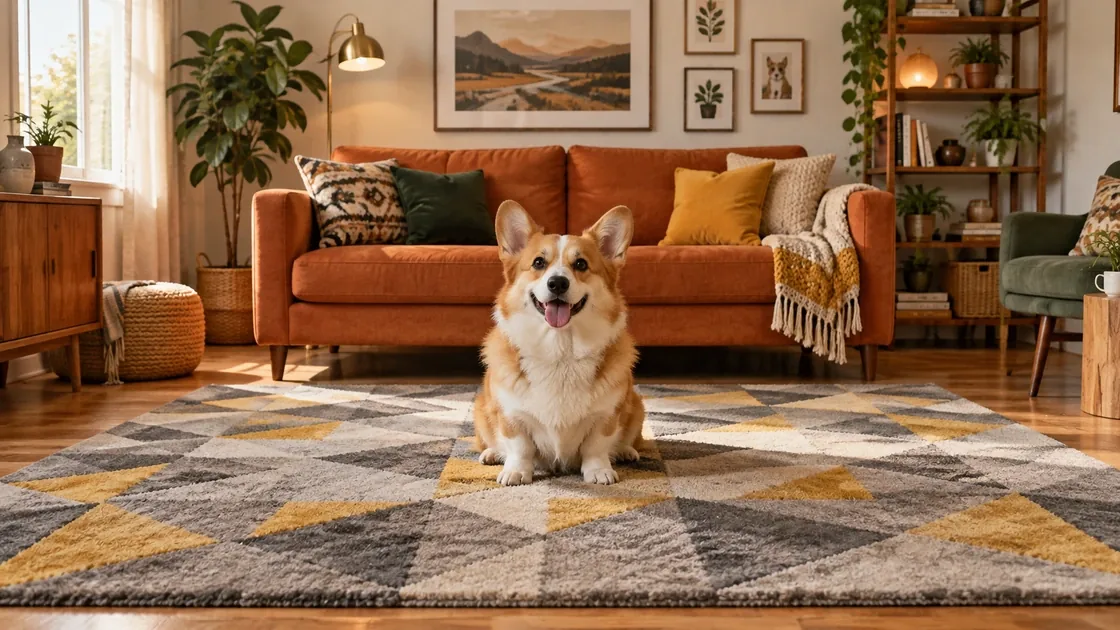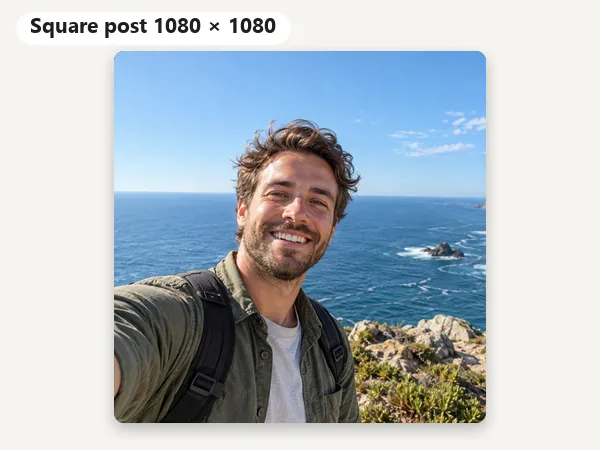
Square Post · 1080 × 1080
The classic shape; safe for every feed and carousel.
Make photo fit Instagram, whatever its shape: 1080 × 1350 portrait posts, 1080 × 1080 squares, the 1080 × 1440 grid size, 1080 × 566 landscape, 1080 × 1920 Stories and Reels, and a 320 × 320 profile picture. Fit the whole photo on a blurred or color background, or crop and drag to frame it. Free, in your browser.
One-click Instagram sizes
Fine-tune
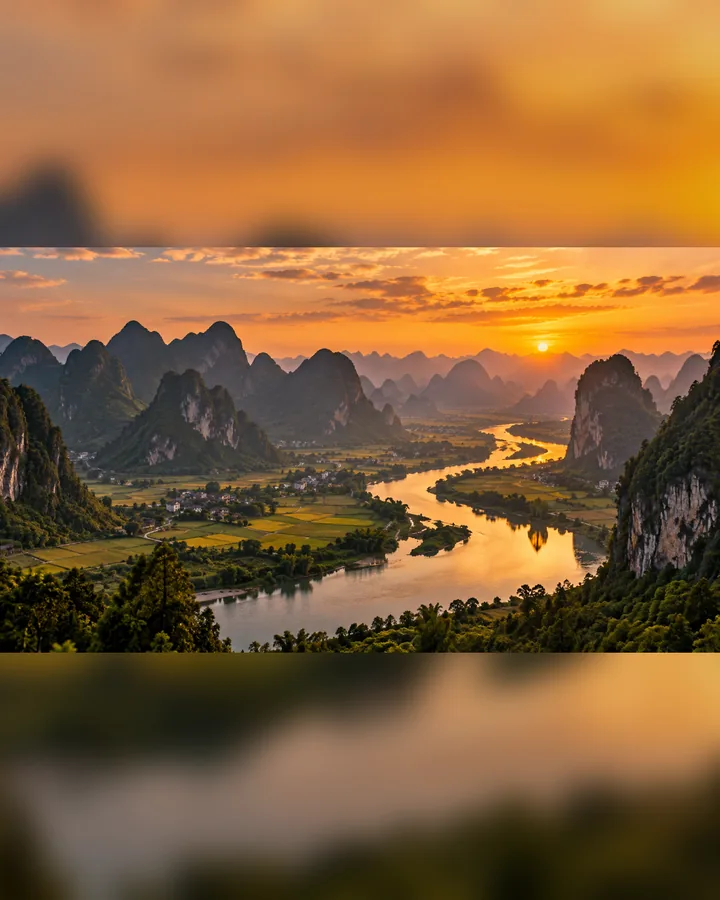
Reference example. It is not a result generated from your upload.
Instagram shows feed photos between 1.91:1 (landscape) and 4:5 (portrait); since 2025 it also accepts 3:4 photos, and the profile grid now shows every post as a 3:4 rectangle. A photo outside that range, such as a tall 9:16 screenshot, a 2:3 camera shot, or a wide panorama, is cropped when you post it, and the grid trims the sides of 4:5 and square posts. Stories and Reels fill a 9:16 phone screen, so other shapes get zoomed or cut. That is why Instagram crops photos, and why heads, feet, and text so often go missing.
This Instagram photo fitter fixes it before you post. Pick a size, then fit the whole picture on a blurred or color background (no crop at all), or crop to fill and drag the photo to frame it. Use it as a photo resizer for Instagram posts, an Instagram story resize tool, or a profile picture cropper, and download one size or every size at once. It runs in your browser, so it is free, needs no sign-up, and never uploads your photo.
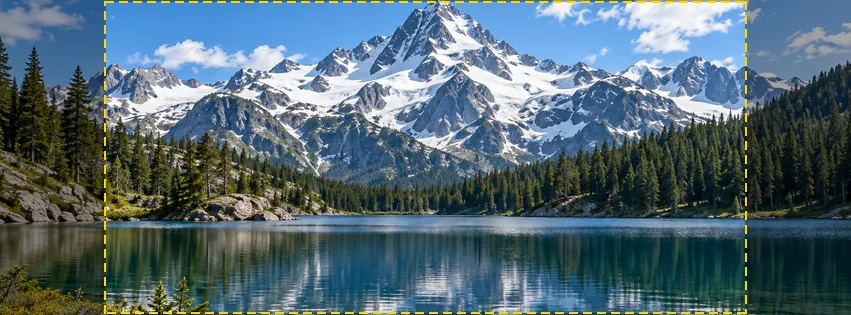
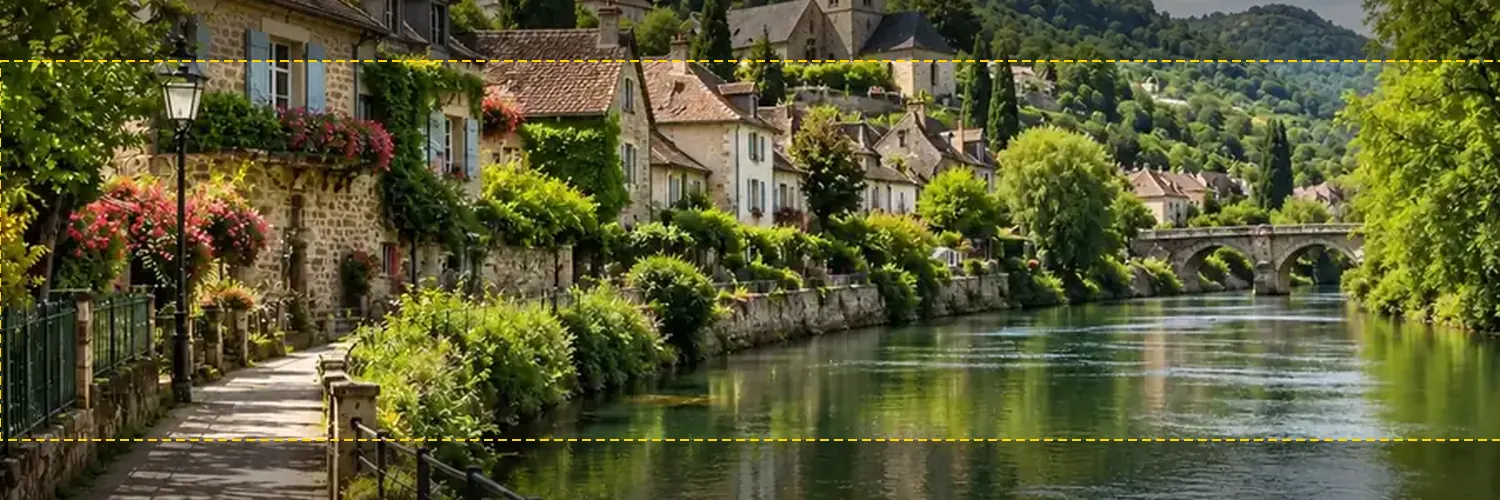
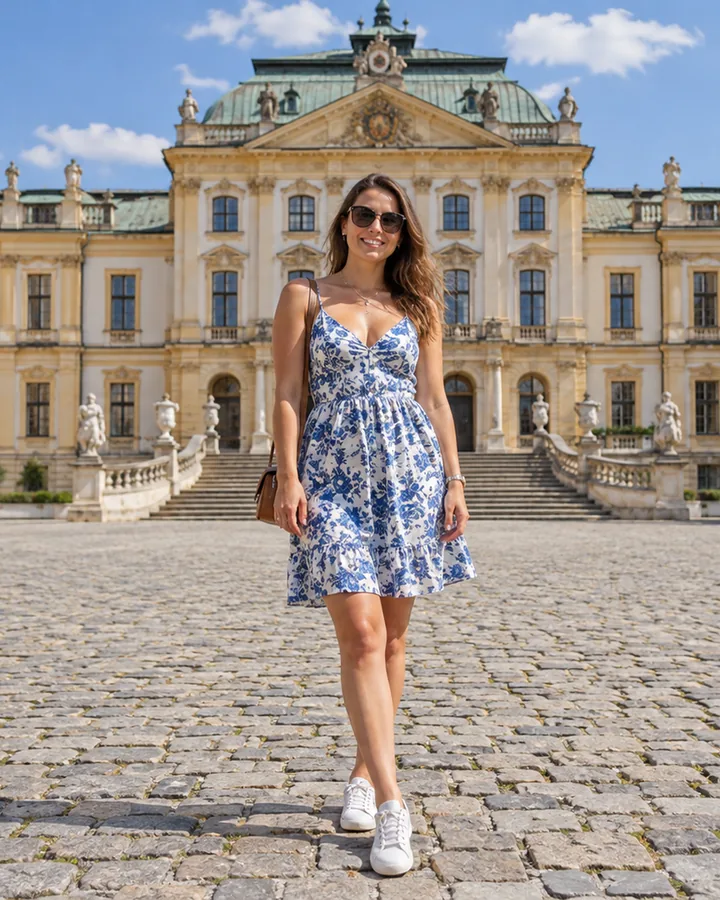
Each card is a real Instagram photo resize made by this tool. Pick a card to load the same preset.
The classic shape; safe for every feed and carousel.
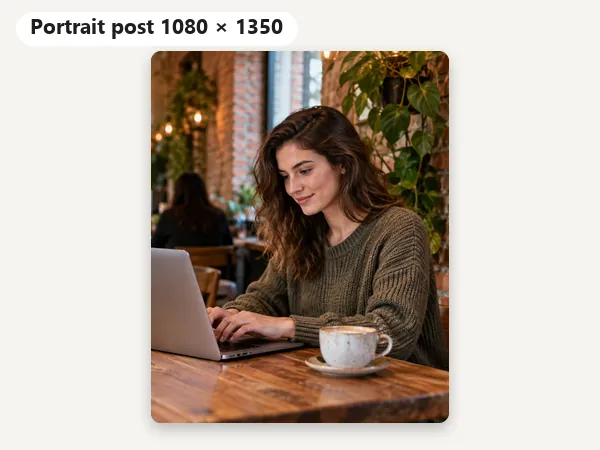
The 4:5 post that fills the most of the feed.
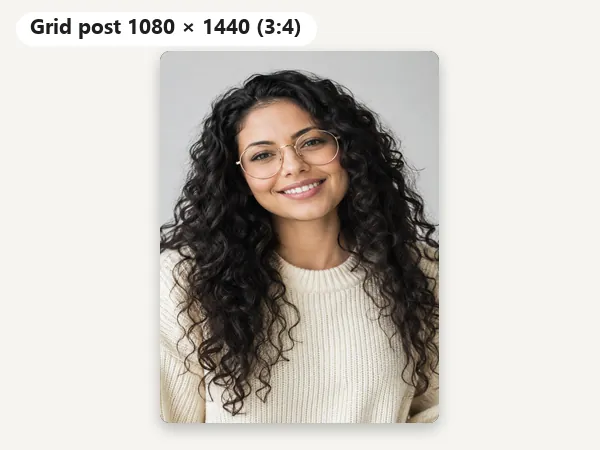
3:4 matches the profile grid, so nothing is trimmed there.
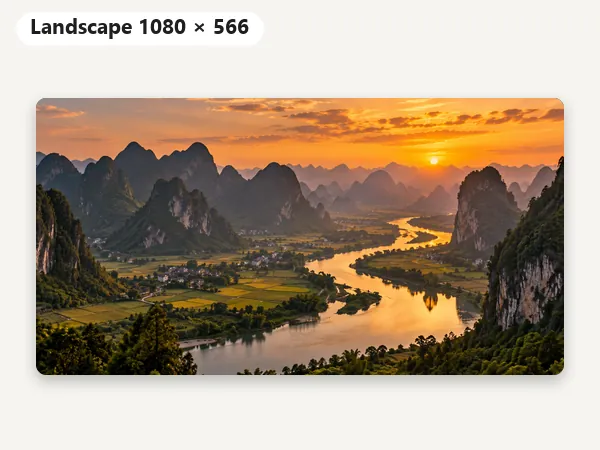
The widest shape the feed shows without cropping.
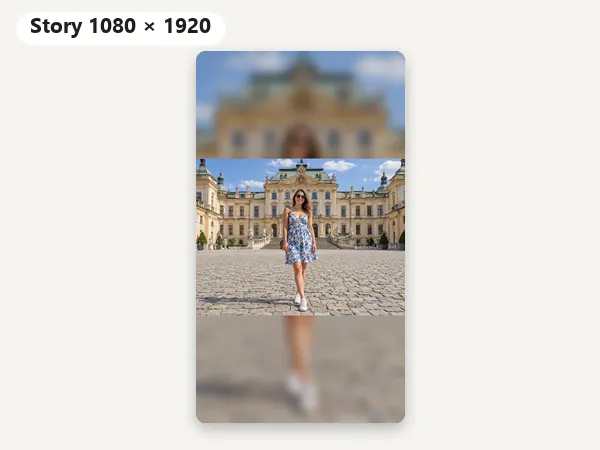
Full-screen 9:16 with the whole photo kept on a blurred background.
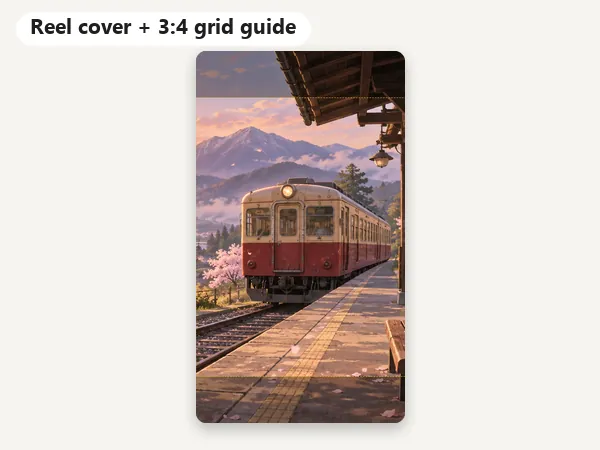
The dashed box is the 3:4 part your profile grid shows.
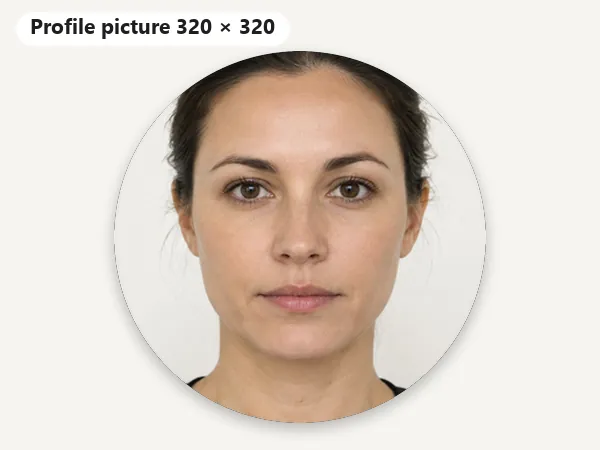
A centered square that Instagram shows as a circle.
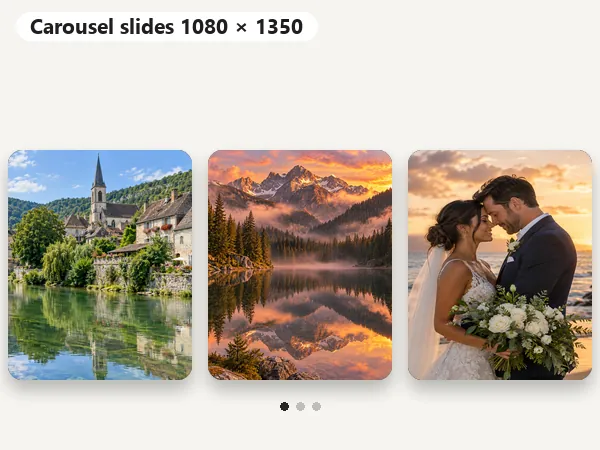
Every slide the same 4:5 shape, as Instagram requires.
The size to export for every place a picture appears on Instagram.
| Type | Size (px) | Ratio | Notes |
|---|---|---|---|
| Portrait post | 1080 × 1350 | 4:5 | Takes the most room in the feed; the best pick for most photos |
| Square post | 1080 × 1080 | 1:1 | The classic shape; works everywhere, including carousels |
| Grid post | 1080 × 1440 | 3:4 | Matches the 3:4 profile grid (as of 2025), so nothing is trimmed there |
| Landscape post | 1080 × 566 | 1.91:1 | The widest shape the feed shows uncropped |
| Story | 1080 × 1920 | 9:16 | Full screen; keep text and faces about 250 px from the top and bottom |
| Reel cover | 1080 × 1920 | 9:16 | The grid shows the middle 3:4 (1080 × 1440) of the cover |
| Profile picture | 320 × 320 | 1:1 | Shown as a small circle (about 110 px across on phones) |
| Carousel | 1080 × 1350 or 1080 × 1080 | 4:5 or 1:1 | Up to 20 slides; every slide takes the first slide’s shape |
Instagram stores feed photos 1080 px wide: wider uploads are scaled down and very small ones scaled up. Feed photos between 1.91:1 and 4:5 (and 3:4 since 2025) are shown without cropping; anything outside that range is cropped. Sizes reflect Instagram’s help pages and common practice as of October 2026 and may change.
How to resize Instagram photos in four steps, on a phone or a computer.
Add a JPG, PNG, or WebP up to 20 MB. It opens in your browser and is never uploaded anywhere.
Portrait post 4:5, Square, Grid post 3:4, Landscape, Story / Reel, Profile picture, or Custom W × H. The one-click presets resize picture for Instagram posts, Stories, Reels, and carousels.
Keep Fit, no crop to show the whole photo on a blurred or color background, or choose Crop to fill and drag the preview to frame it. Zoom for a tighter crop, and turn on a guide to see the Story safe zone or the 3:4 grid crop.
Save a JPG (smallest) or a PNG. Download All Instagram Sizes saves every size as its own file, ready to post.
A simple image resizer for Instagram posts, Stories, Reels, and profile pictures.
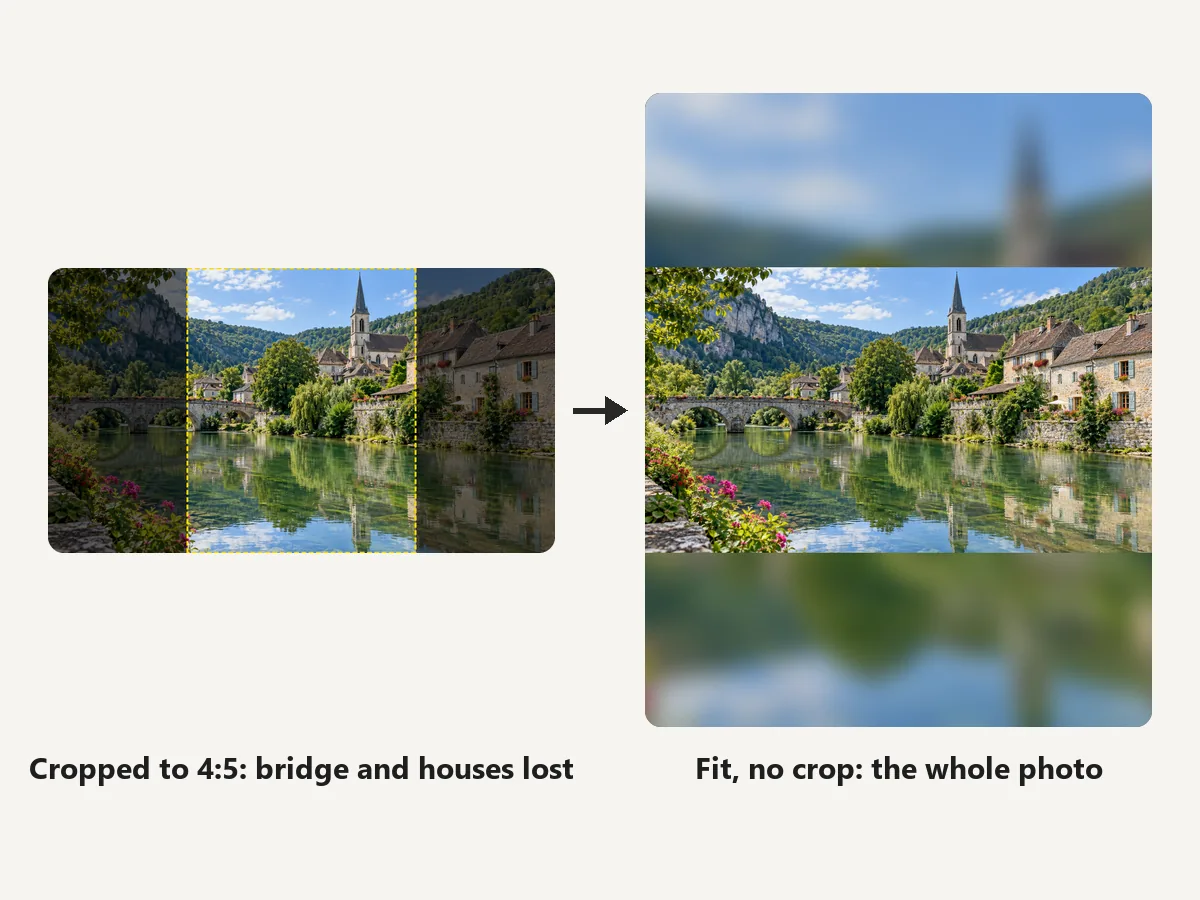
Resize image for Instagram without cropping: Fit, no crop scales the whole photo into the frame and fills the gaps with a blurred copy or a color you pick, so panoramas, group shots, and tall screenshots fit a 4:5 post or a Story with nothing cut off. Fit picture to Instagram shapes the way the app never will: this is the Instagram photo fitter for when the app keeps trimming the edges.
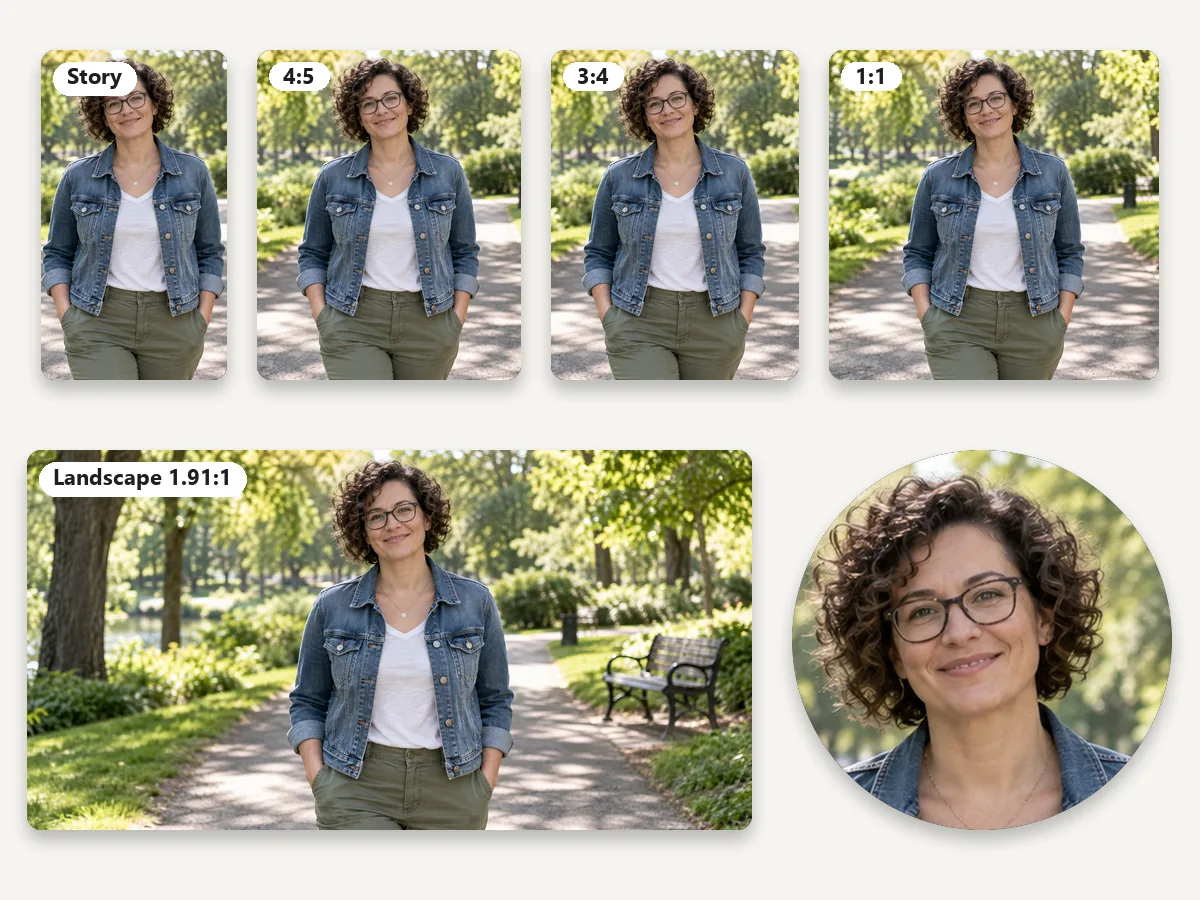
One Instagram post resize, every shape: square and portrait posts, the 3:4 grid size, landscape, Stories, Reels, and the profile picture are one click each. Frame the photo once, then Download All Instagram Sizes saves every one as its own file, so you can resize Instagram photos for a whole campaign without repeating the work.
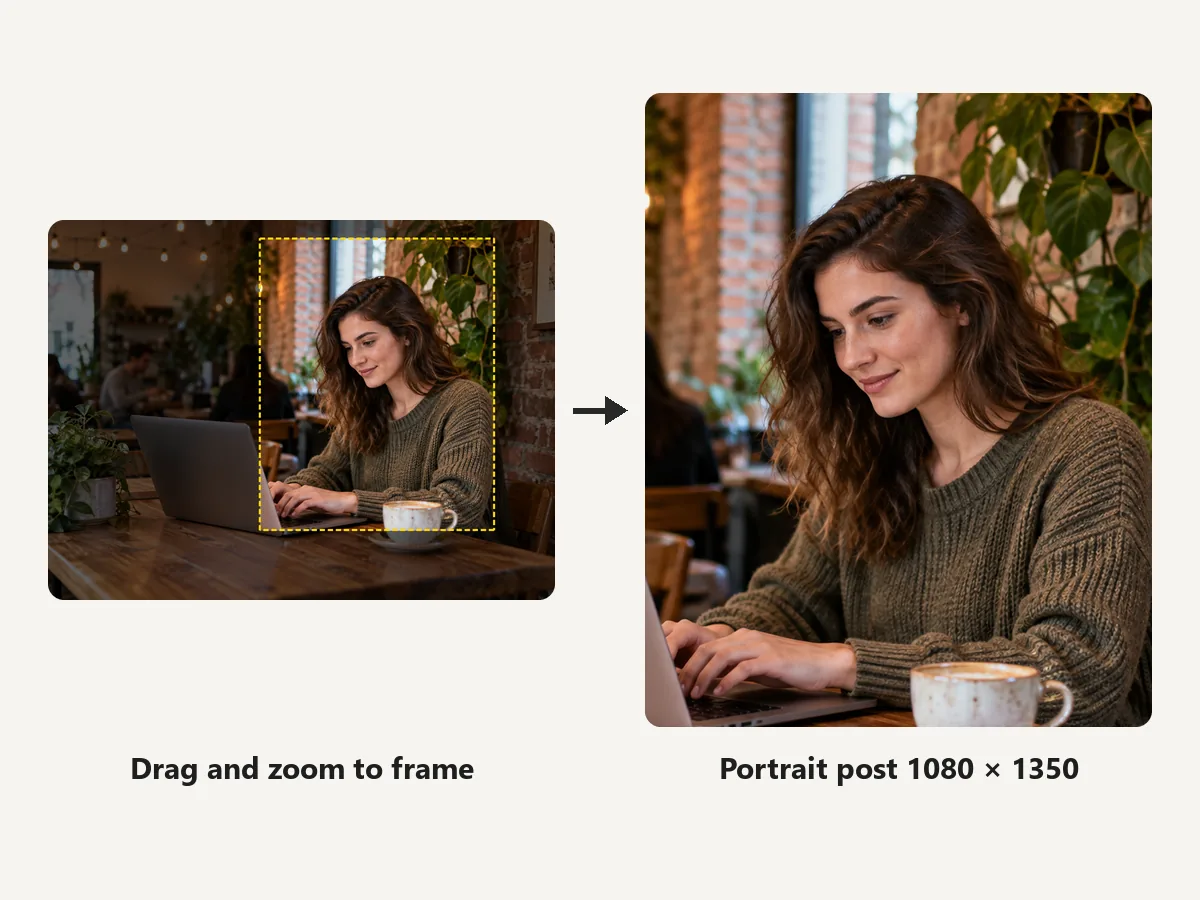
Prefer a crop? Choose Crop to fill, then drag the preview to put the face or product exactly where you want it and zoom in for a tighter frame. It goes further than the crop in Instagram, which only offers a square or the original shape, and lets you crop pics for Instagram with the grid guide on so the profile thumbnail looks right too.
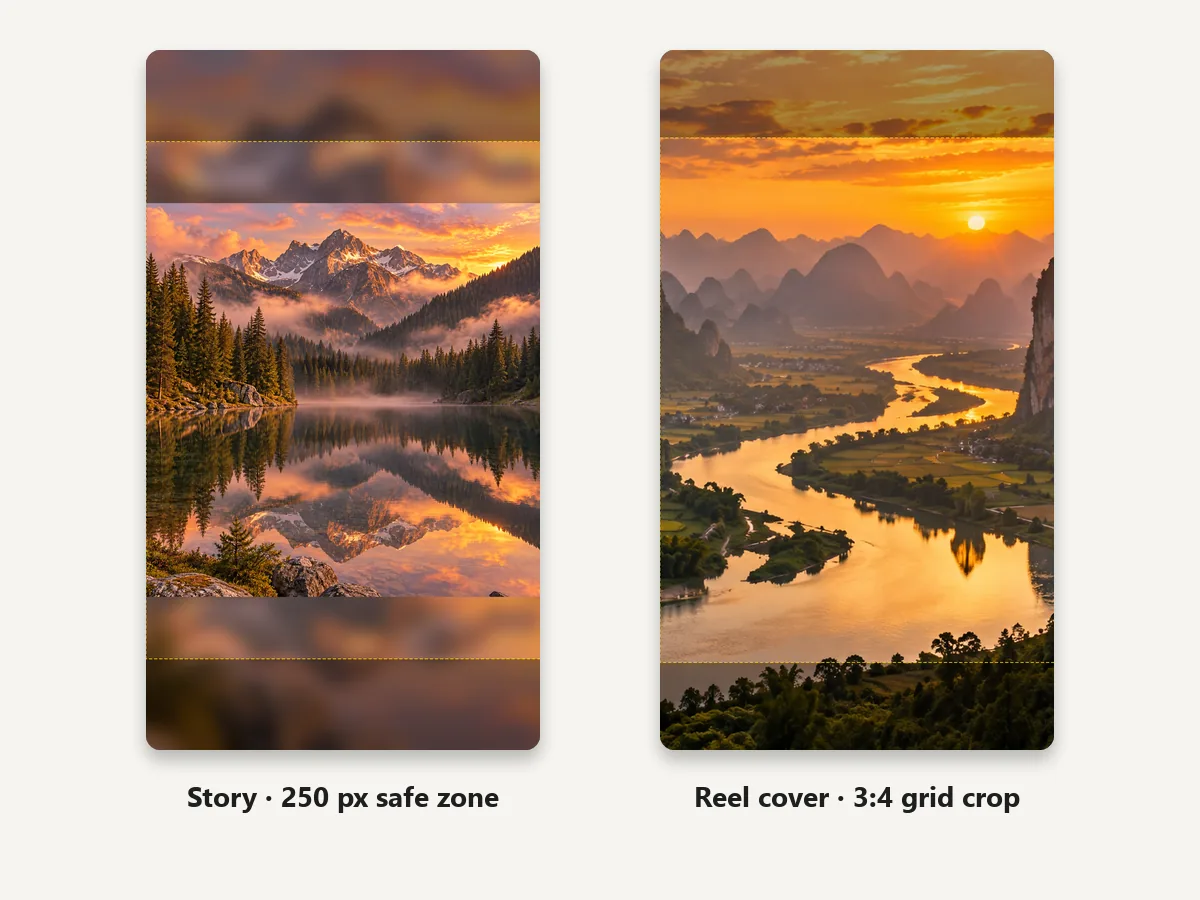
Turn any photo into a 1080 × 1920 Story: fit it whole on a blurred background or crop to fill the screen. The Story safe zone guide marks the 250 px at the top and bottom where the profile name and reply bar sit, and the Reel cover guide shows the middle 3:4 that appears on your grid, so you can resize Instagram story images and Reel covers with nothing important hidden.
Resizing pictures for Instagram, from personal feeds to shops and creators.
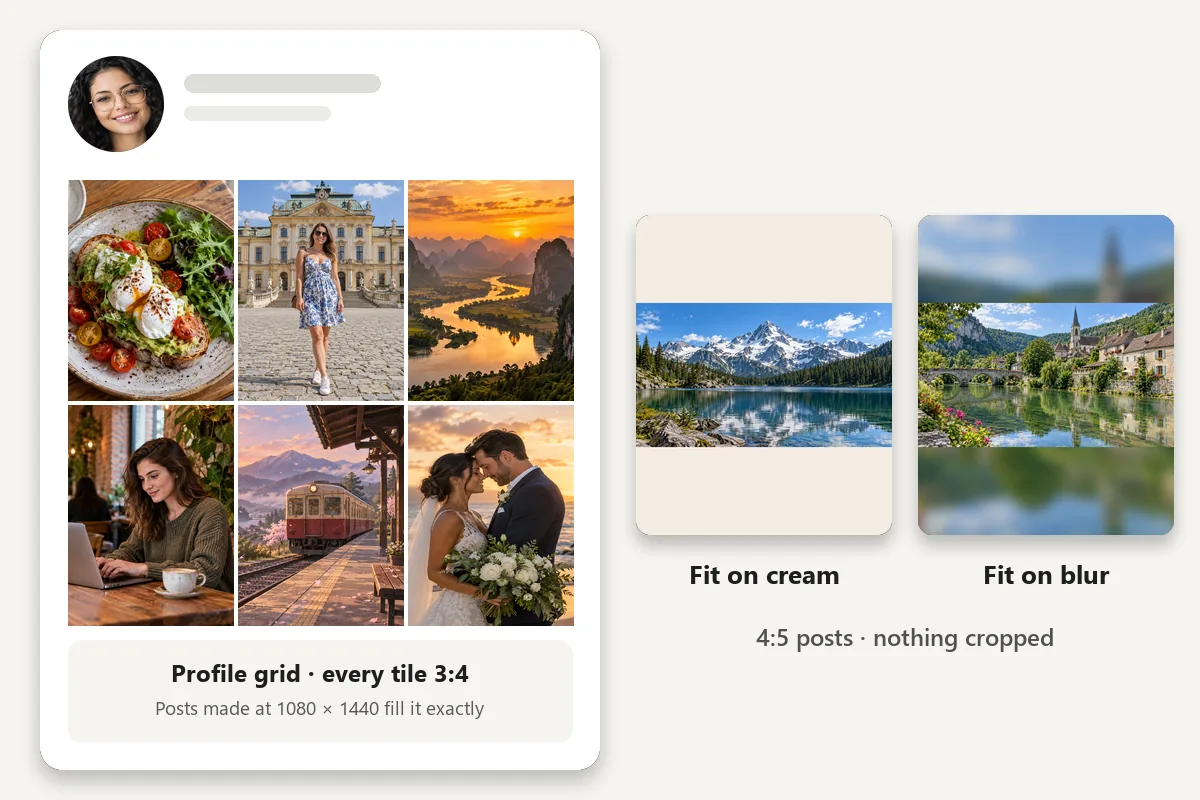
Fit wide panoramas into a 4:5 post or a Story with blurred edges instead of losing the view.
Square and portrait product shots on a clean white or brand-color background.
Reel covers framed for the 3:4 grid and Stories with text kept out of the edges.
Keep everyone in the shot: fit the whole picture instead of cropping friends out.
Post artwork and posters in full, with a color border that suits the piece.
A centered 320 × 320 profile picture and a grid that looks tidy at 3:4.
The in-app way to crop, and when to resize Instagram picture files here first.
In the app, tap +, choose Post, and pick a photo. Tap the Instagram resize button (two arrows) in the bottom-left corner of the preview to switch between the square crop and the photo’s own shape.
Pinch to zoom and drag to frame the shot, then tap Next. That is the whole Instagram crop: anything taller than 4:5 or wider than 1.91:1 still gets trimmed.
With several photos, the first one sets the shape for every slide, so resize them all to the same size here before you post.
Instagram only crops. Here you can fit the whole photo on a blurred or color background, drag to an exact frame, check the 3:4 grid crop, and export every size at once.
The same fit-or-crop workflow for other social sizes, plus tools for the finishing touches.
Profile picture, cover photo, post, story, and ad sizes for Facebook.
Resize for FacebookHeaders and post images sized for X / Twitter, with a safe-area guide.
Resize a bannerEmotes, badges, panels, and banners at Twitch’s sizes.
Resize for TwitchTurn a selfie into a styled profile picture with AI.
Make a PFPCrop to any ratio or pixel size by hand, or into a circle.
Crop an imageTurn a small or soft photo into a sharper HD image before you post it.
Convert to HDExtend a photo to 4:5 or 9:16 with AI instead of a blurred border.
Expand with AIShrink a file’s size in KB without changing what it shows.
Compress an imageResize a banner to 1584 x 396 for your profile or 1128 x 191 for a company page, free in your browser.
Open toolMake square 2048 x 2048 product photos on a white background for your Shopify store.
Open toolSizes, cropping, Stories, the 3:4 grid, and privacy.
1080 × 1350 (4:5) for portrait posts, 1080 × 1080 for squares, 1080 × 1440 (3:4) to match the profile grid, 1080 × 566 for landscape, 1080 × 1920 for Stories and Reels, and 320 × 320 for the profile picture. Instagram shows feed photos 1080 px wide.
Upload it, pick a size such as Portrait post 4:5 or Story, and keep Fit, no crop. The whole photo is scaled into the frame and the empty space is filled with a blurred copy or a color you choose. Download and post: Instagram has nothing left to crop.
The feed only shows shapes between 1.91:1 and 4:5 (plus 3:4), Stories and Reels are 9:16, the profile picture is a circle, and the grid shows 3:4 thumbnails. Anything else is trimmed to fit. Uploading at the right size, or fitted on a background, avoids it.
When you create a post, tap the two-arrow resize button at the bottom-left of the preview to switch between square and the original shape, then pinch and drag to frame it. That is how to crop in Instagram; the Instagram crop photo screen offers nothing more. For an exact 4:5 or 3:4 crop, crop here first and upload the result.
1080 × 1920 pixels (9:16). Keep text and faces about 250 px from the top and bottom, where the profile name and reply bar sit. The Story preset fits any photo with a blurred background, so nothing is cut off.
Upload at least 320 × 320 pixels. Instagram shows it as a small circle (about 110 px across on phones), so keep the face in the middle with some room around it. The Profile picture preset crops a centered square for you.
Yes. As of 2025 the profile grid shows every post as a 3:4 rectangle. A 1080 × 1440 post fills its tile exactly, a 4:5 post loses a little on the left and right, and a square loses more. Turn on a grid guide to see what will show.
Yes. You can resize photo for Instagram free here, with no sign-up and no watermark. It works in your browser, so your photo never leaves your device. Only upload photos you have the right to use.
No more than Instagram itself would. Posts are exported 1080 px wide, the width Instagram stores, so it has no reason to scale them again. Start from the original photo: enlarging a tiny picture looks soft, so sharpen it with the HD Image Converter first if needed.
One photo can be exported in every Instagram size at once with Download All Instagram Sizes. For a carousel, resize each photo to the same size (for example Carousel slide 4:5) one after another; your settings stay as you set them.
Upload a photo, pick a size or all of them, fit or crop, and download. Free and private, in your browser.
Instagram is a trademark of Meta Platforms, Inc. EzImgMaker is an independent tool and is not affiliated with or endorsed by Instagram or Meta. Sizes follow Instagram’s help pages and common practice as of October 2026 and may change.