
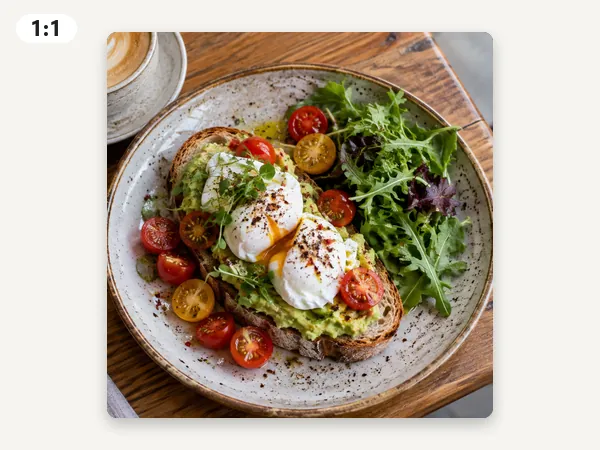
1:1 Square · 1080 × 1080
Profile pictures, feed posts, and product photos.
A free picture cropping tool that runs in your browser. Snap to 1:1, 4:5, 16:9, 9:16, a passport size, or any width and height, drag and zoom to frame the shot, switch to a circle, and download a JPG, PNG, or WebP.
Snap crop presets
Fine-tune
Runs in your browser. Your photo is never uploaded.
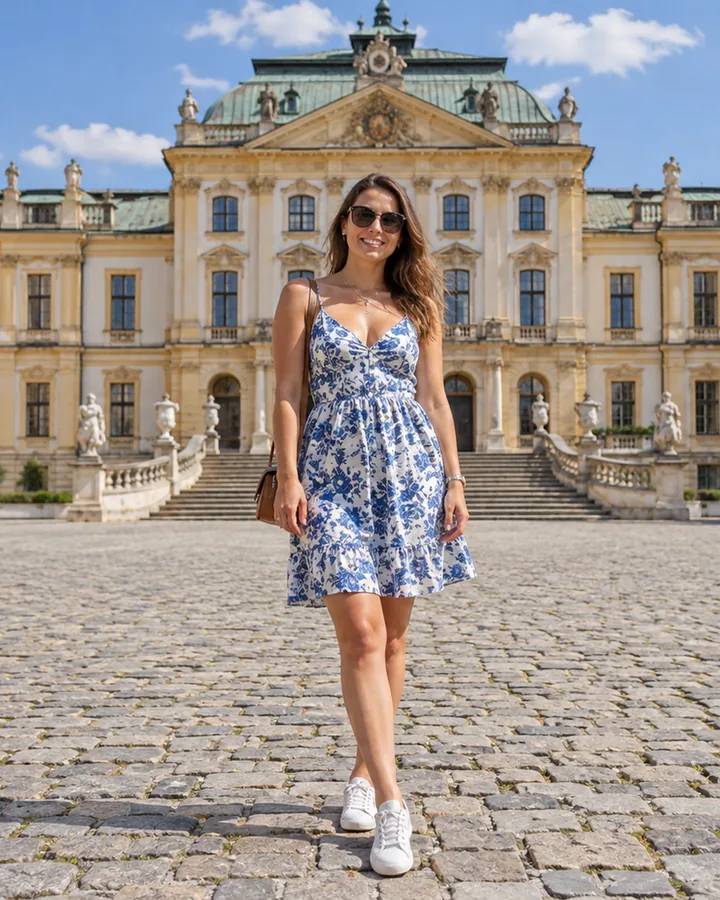
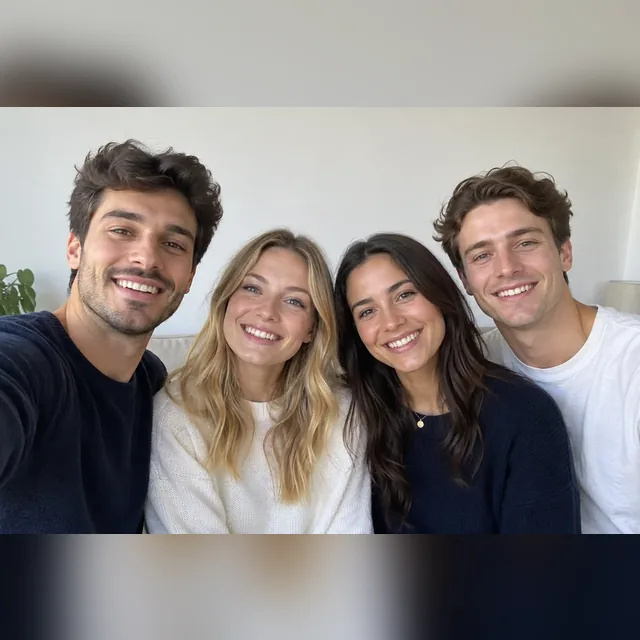
Reference example. It is not a result generated from your upload.
Cropping cuts away the edges of a picture so the subject fills the frame and the image fits the shape you need: a 1:1 square for a profile, a 4:5 portrait post, a 16:9 thumbnail, a 9:16 story, a 3:2 print, or a 2 × 2 inch passport photo. This picture cropping tool does all of them in one place. Pick a ratio, drag the photo to frame it, zoom in to trim image edges tighter, and download the result at an exact pixel size.
Use it as a photo crop tool, image trimmer, or picture trimmer for everyday jobs: trim photo borders, crop face close-ups for avatars, crop ID and passport photos, or make a custom crop image at any width and height. Unlike an AI editor, this photo trimmer never repaints what stays inside the frame. Everything runs in your browser, so this free crop tool needs no sign-up and your photos are never uploaded.
Every ratio in the cropper, the pixel size it exports, and where it fits best.
Profile pictures, feed posts, and product photos.
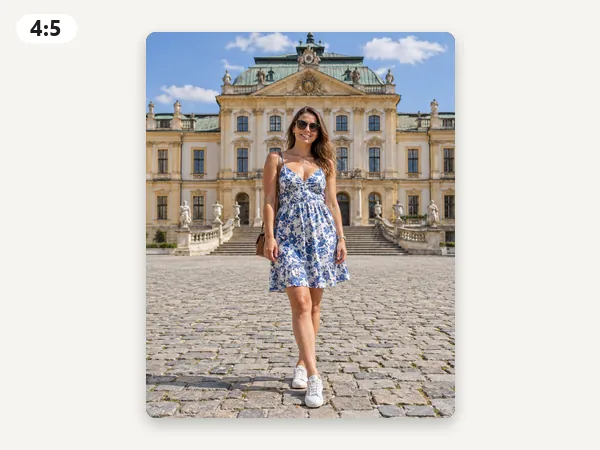
Tall feed posts that fill more of the screen; 8 × 10 prints.
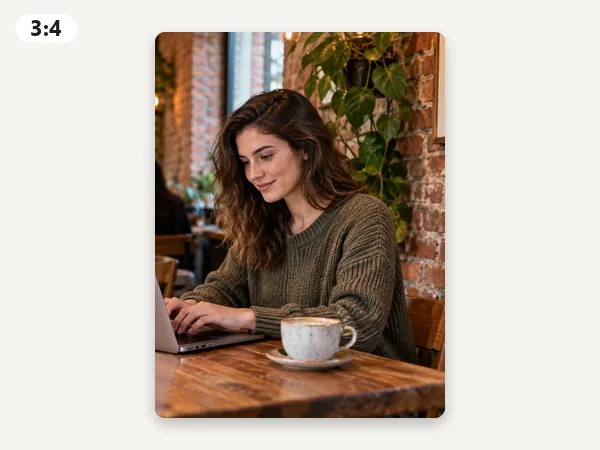
The shape phone cameras shoot upright; shop listings and slides.
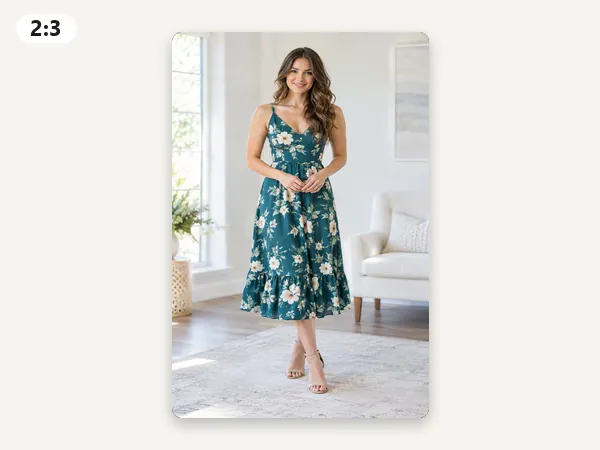
Upright 4 × 6 prints, posters, and full-length shots.
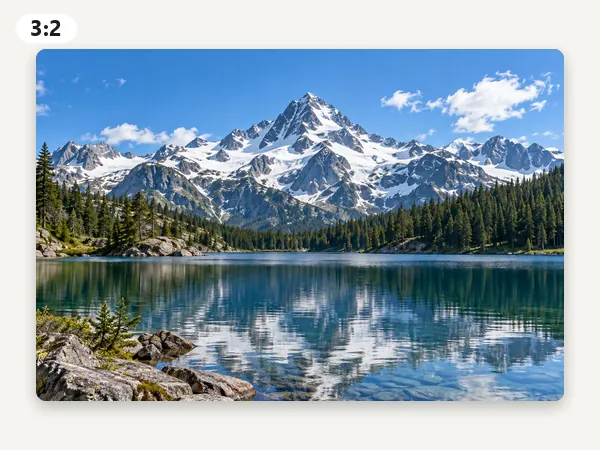
The classic camera ratio: 6 × 4 prints at 300 DPI, blog headers.
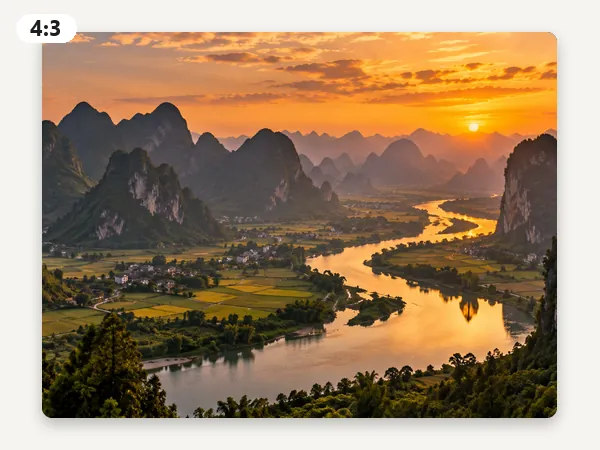
Slides, tablets, and phone photos taken sideways.
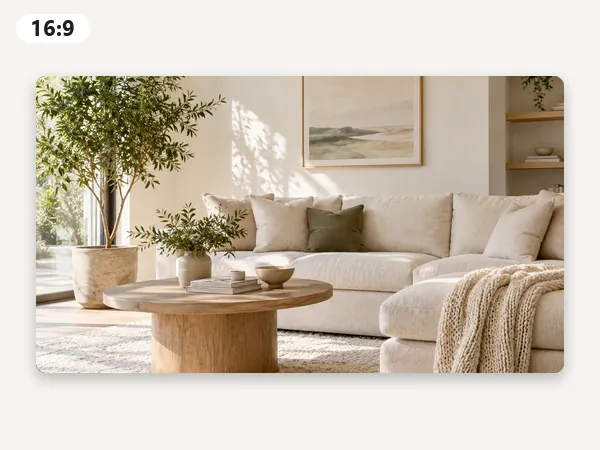
Video thumbnails, wallpapers, presentations, and TVs.
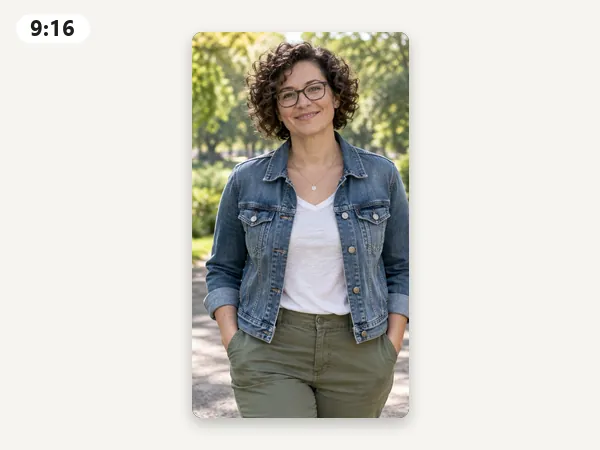
Stories, Reels, Shorts, and phone wallpapers.
From upload to a cropped file in your browser, nothing to install.
Add a JPG, PNG, or WebP up to 20 MB. It opens in your browser and is never sent to a server.
Pick a one-click preset or a ratio: 1:1, 4:5, 3:4, 2:3, 3:2, 4:3, 16:9, 9:16, passport 2 × 2 in, ID 35 × 45 mm, or Custom W × H for a freeform crop at an exact pixel size.
Drag the photo in the live preview to choose what stays, and zoom up to 400% to crop tighter. You never draw crop boxes by hand, so the frame always keeps the exact ratio.
Save a JPG for small files, a PNG for lossless quality or a transparent circle, or a WebP. Download Every Size exports one file per ratio in a single click.
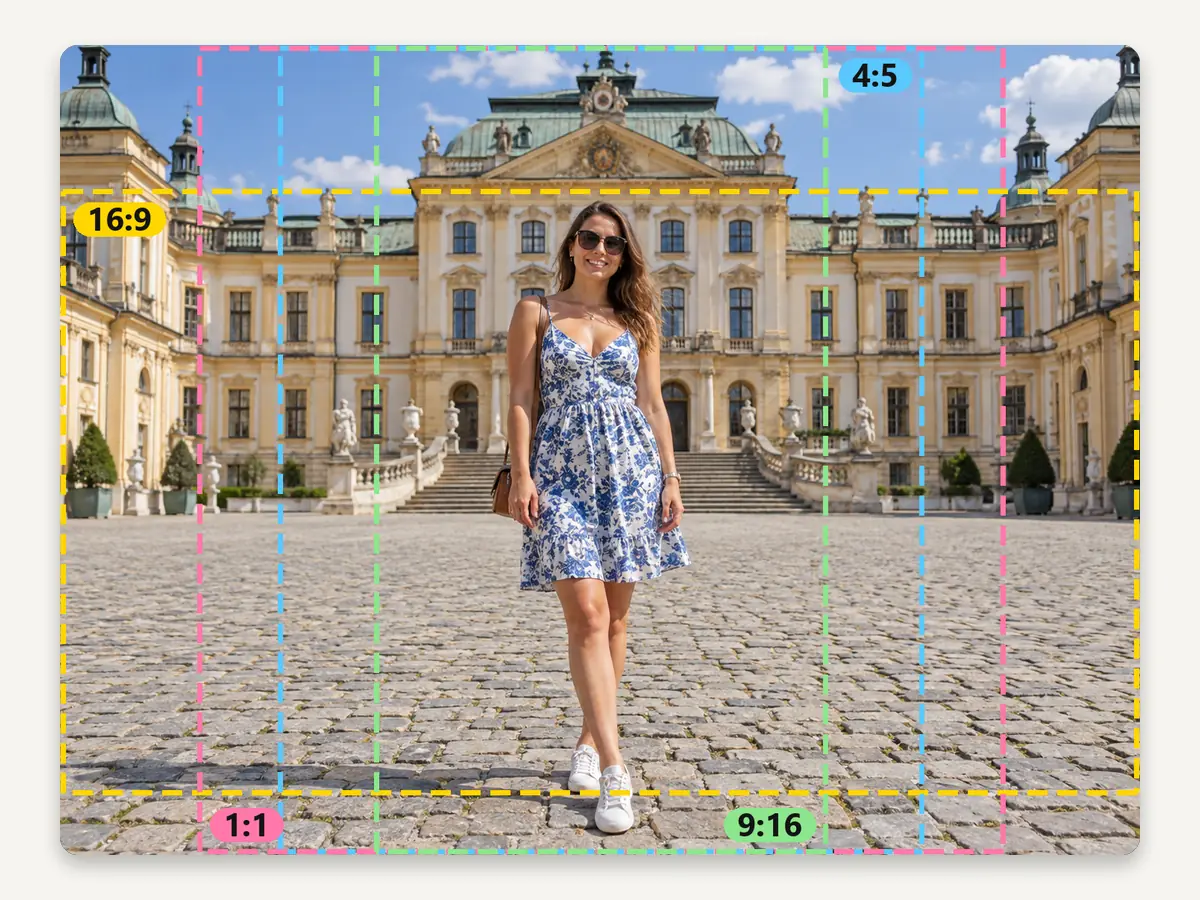
Choose from eight common ratios or set a custom crop: the width and height sliders run from 50 to 5,000 px, so you can match any upload slot, template, or print size. The frame is always exact, with no photo editor cropping menus to dig through.
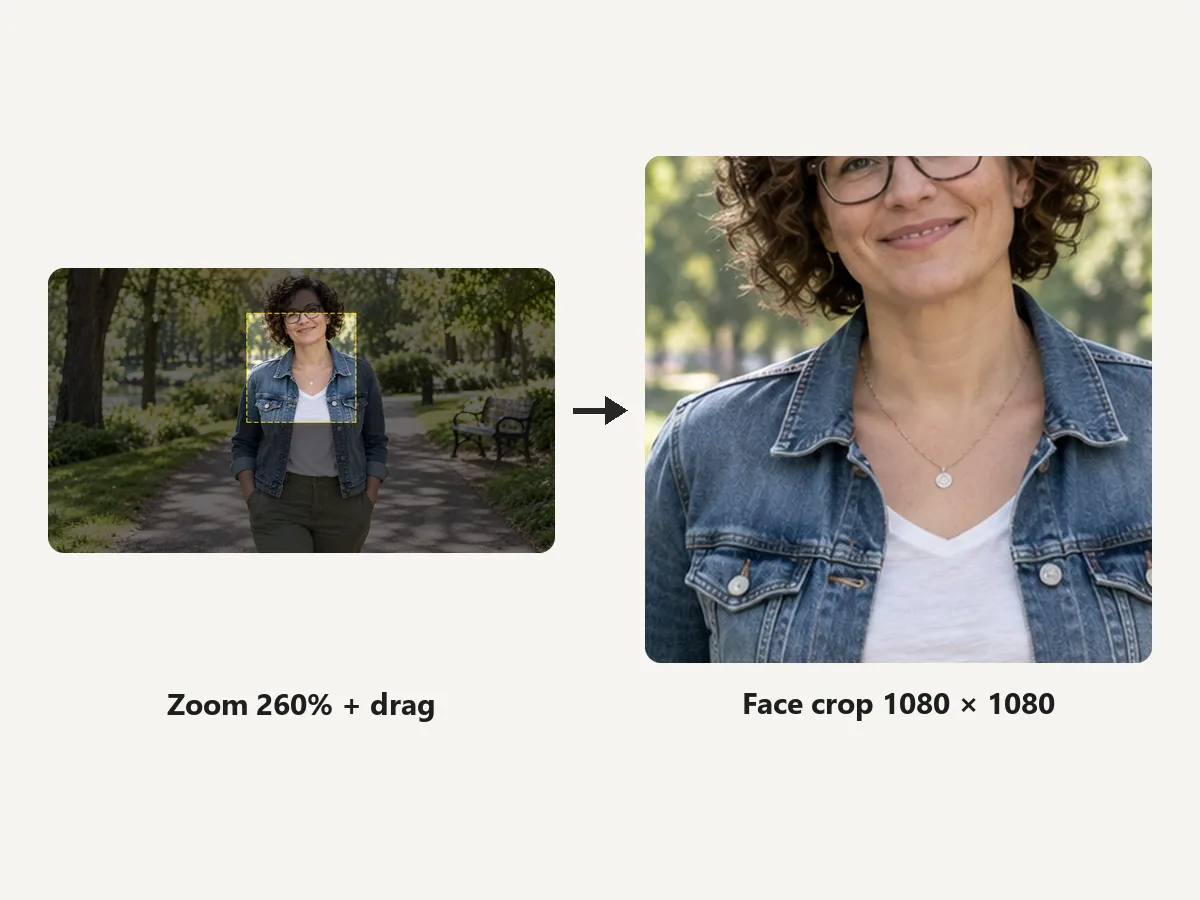
Drag the picture inside the frame and zoom in to crop face shots for avatars, pull one person out of a group photo, or trim a cluttered edge. Smart cropping defaults help too: the crop starts centered, and the Top anchor keeps heads in frame on tall photos.
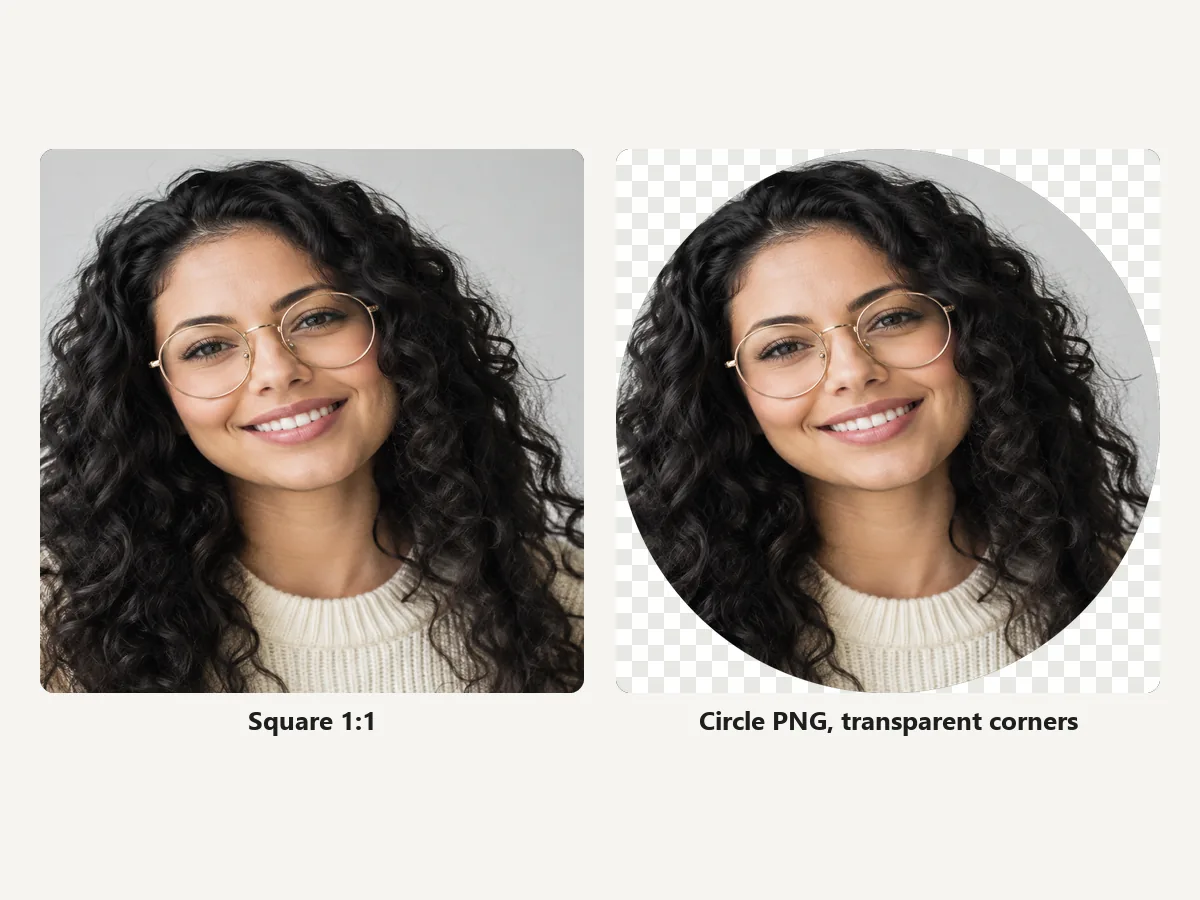
Switch the shape to Circle for round avatars, team photos, and logos. PNG and WebP keep the corners transparent; JPG fills them with white. For Discord, X, and WhatsApp avatar sizes, the Avatar Cropper has presets.
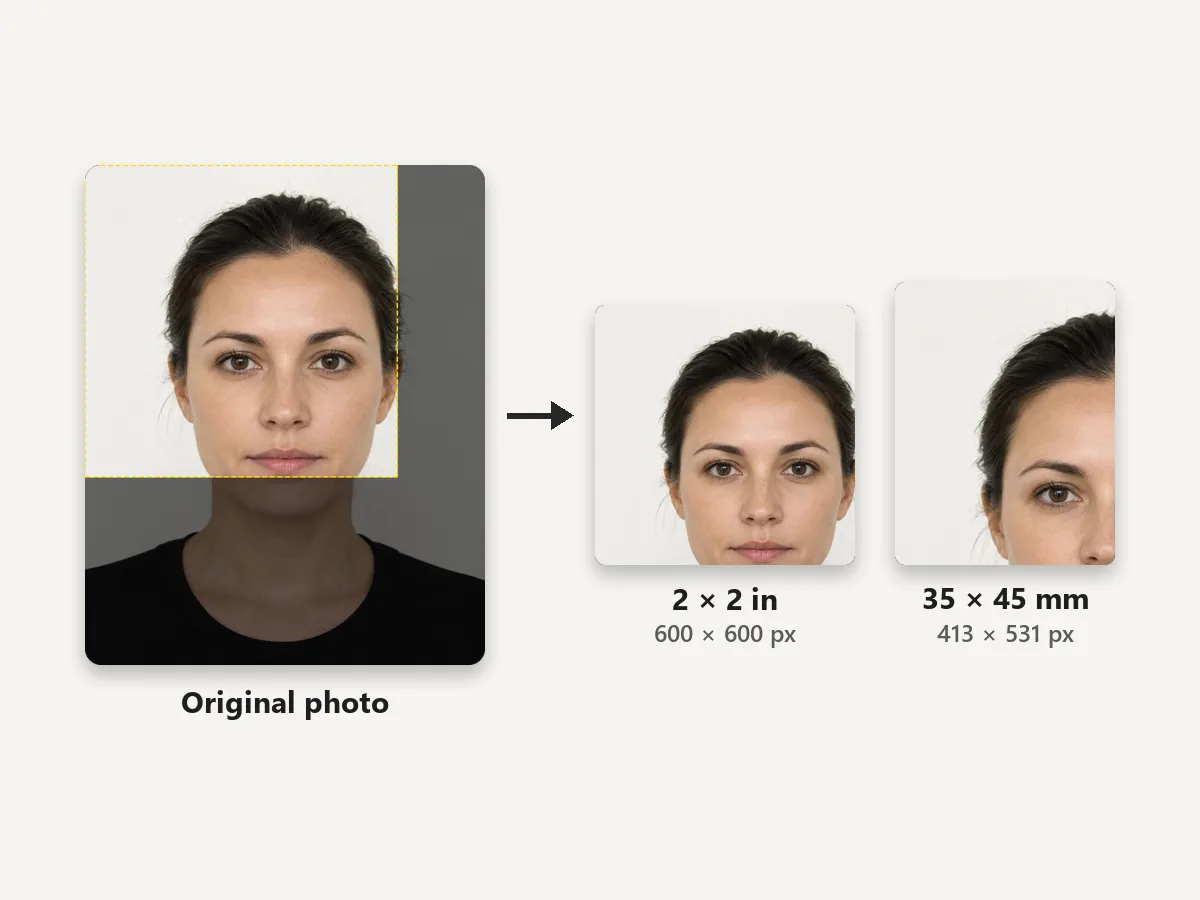
Crop ID and passport photos to 600 × 600 px (2 × 2 in at 300 DPI, the size for U.S. passports, visas, and USCIS forms) or 413 × 531 px (35 × 45 mm, used in the UK, the EU, and many other countries). It works as a USCIS photo crop tool for the framing; check the official head-size and background rules before you print.
What each kind of crop does, and where to do it on EzImgMaker.
| Crop type | What it does | Where to do it |
|---|---|---|
| Ratio crop (snap crop) | Cuts the photo to a fixed shape such as 1:1, 4:5, 16:9, or 9:16 | This cropper: one-click presets |
| Custom crop / freeform crop | Any rectangle you need, set by width and height in pixels | This cropper: Custom W × H |
| Circle crop | A round crop with transparent corners for avatars and logos | This cropper (Shape: Circle) or the Avatar Cropper |
| Fit without cropping | Keeps the whole picture and fills the empty edges with white, black, blur, or transparency | This cropper: Fit whole image |
| Freehand crop | Follows a hand-drawn outline around one subject | No freehand image cropper here: Background Remover or Sticker Maker cut the subject out as a transparent PNG |
| Oval crop | An elliptical crop | Not available yet: use Circle, or a square the app rounds itself |
| AI cropper / smart cropper | Software guesses the subject and picks the framing for you | Not used here: you set the framing in the live preview |
| Uncrop (outpainting) | Adds new scene around the edges instead of removing them | AI Image Expander |
One upload, the right shape for every place it goes.
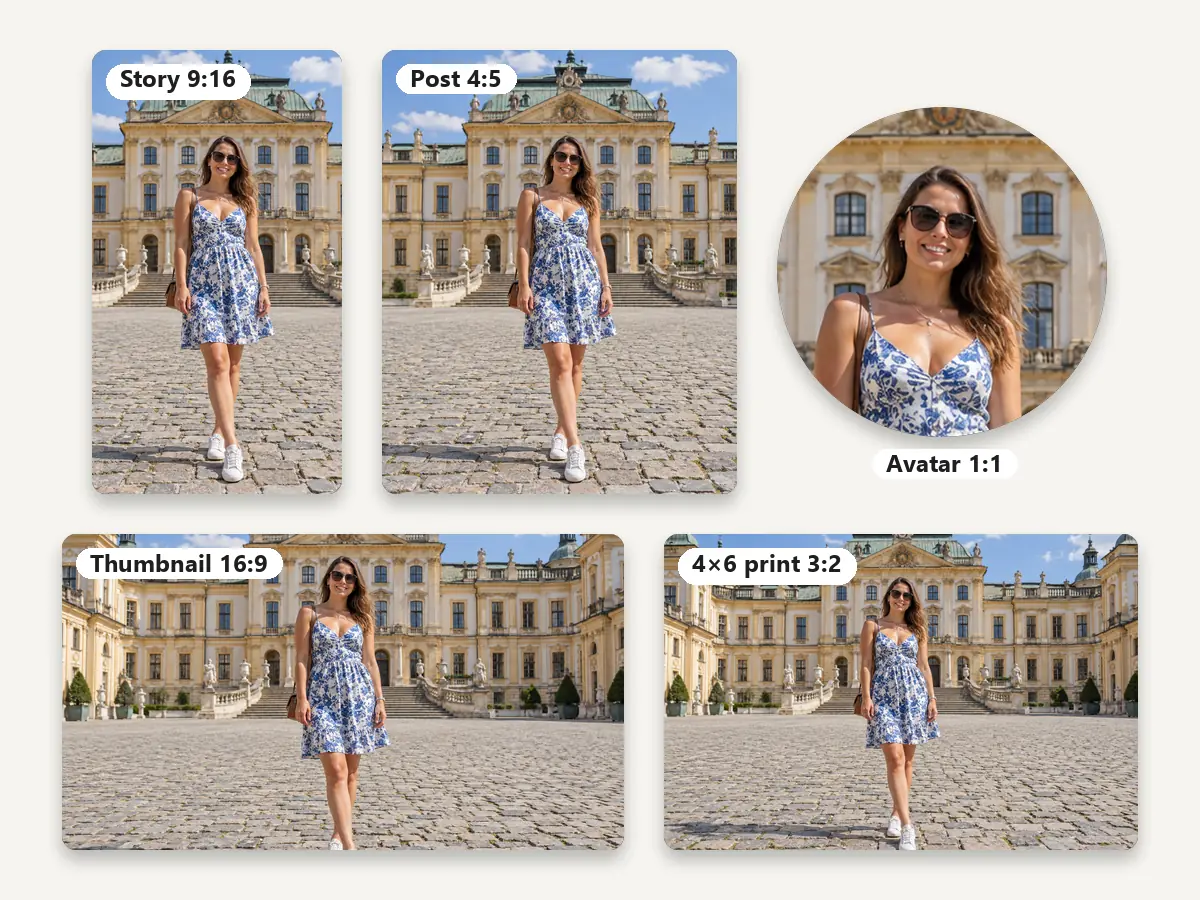
Crop one photo to 1:1 or 4:5 for the feed and 9:16 for stories, so nothing important ends up under the app buttons. For every Facebook size at once, use Resize Picture for Facebook.
3:2 is a 4 × 6 print, 4:5 an 8 × 10, and 2:3 an upright poster. Crop first, then check the print size and DPI before you order.
Frame a head-and-shoulders shot at 2 × 2 in or 35 × 45 mm, then lay several copies onto a 4 × 6 sheet with Photo Print Sizes.
Crop face close-ups into squares or circles for profile pictures, team pages, and email signatures.
Cut 16:9 frames for video thumbnails and slides, or use Custom W × H as a banner cropper for site headers. YouTube Banner Size and Twitter Banner Resizer add each platform’s safe area.
Use it as a manhwa cropper for single panels: set a custom size, drag along the strip to the panel you want, and download. It also trims screenshots and scanned pages to a clean rectangle.
Built-in editors crop too. Here is where the crop tool sits on each device.
Open the image in Preview, show the Markup toolbar, choose Rectangular Selection, drag over the part to keep, and click Crop. In Photos, click Edit, then Crop, and pick an aspect ratio.
Open the photo, tap Edit, then the Crop button. Tap the aspect-ratio button for Square, 4:5, 16:9, and more, drag the corners, and tap Done.
Open the image in the Photos app, select Edit image (Ctrl + E), drag the crop handles or choose an aspect ratio, then save as a copy to keep the original.
Open the picture, tap Edit, then Crop. Choose a ratio from the aspect-ratio icon or drag freely, and tap Save copy.
Platform presets, print sizes, and file tools that run in your browser, plus AI follow-ups.
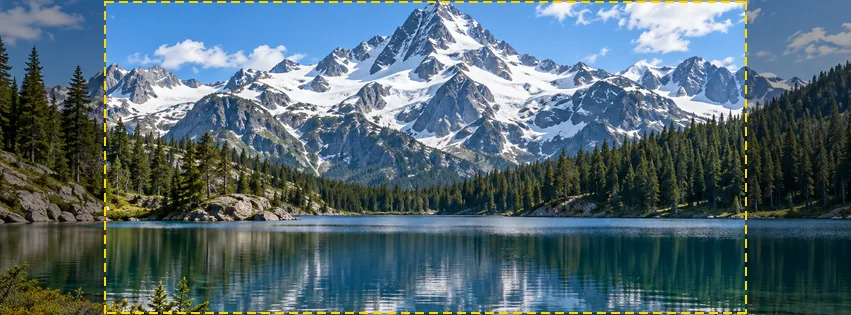 Resize a Picture for FacebookResize a picture for Facebook free in your browser: profile picture, cover photo, posts, stories, event and group covers, plus every size in one download.
 Avatar CropperFree avatar cropper that runs in your browser: crop photos into circles, fit the entire picture into a Discord PFP, and download PNG avatars at any size.
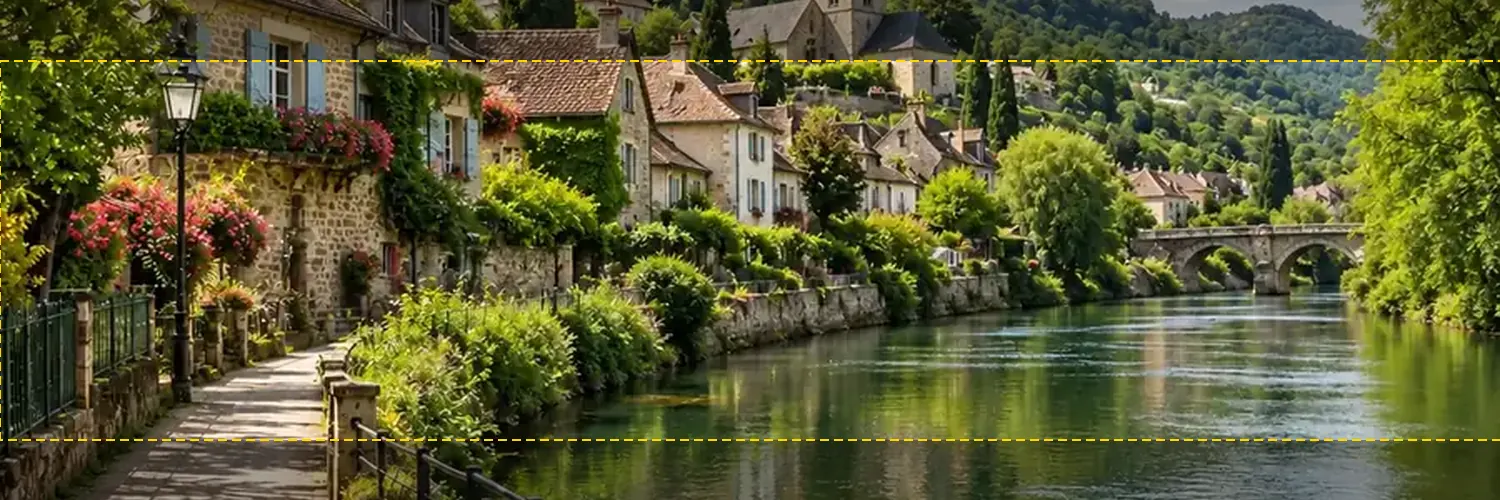 Twitter Banner ResizerFree Twitter banner resizer and cropper: make a 1500x500 (3:1) X header with a crop guide for the 60 px trimmed on some screens, plus 400x400 profile photos.
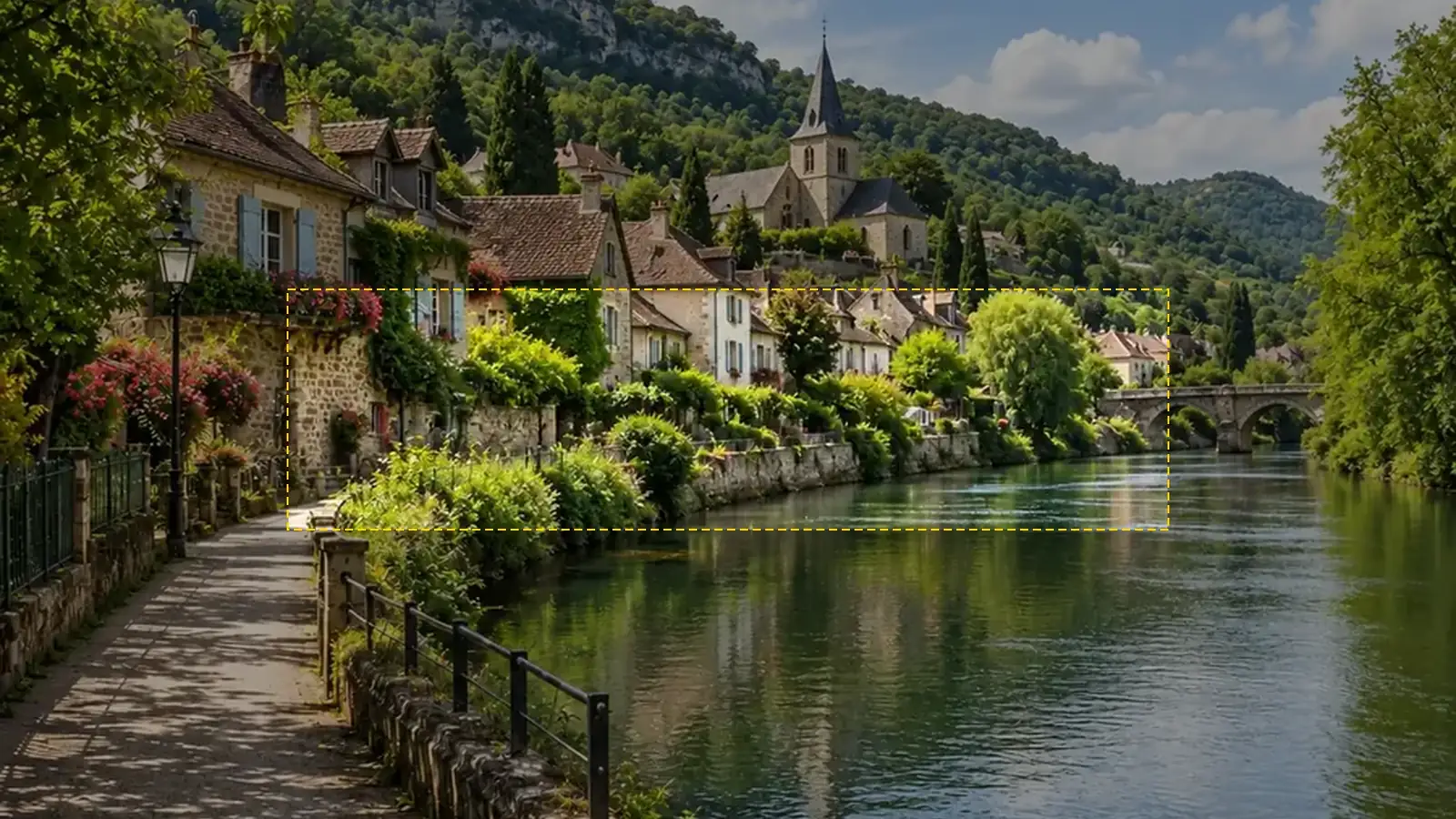 YouTube Banner SizeYouTube banner size: 2560x1440 px, 16:9, safe area 1546x423, max 6 MB. A free YouTube banner resizer with a live safe-area guide that runs in your browser.
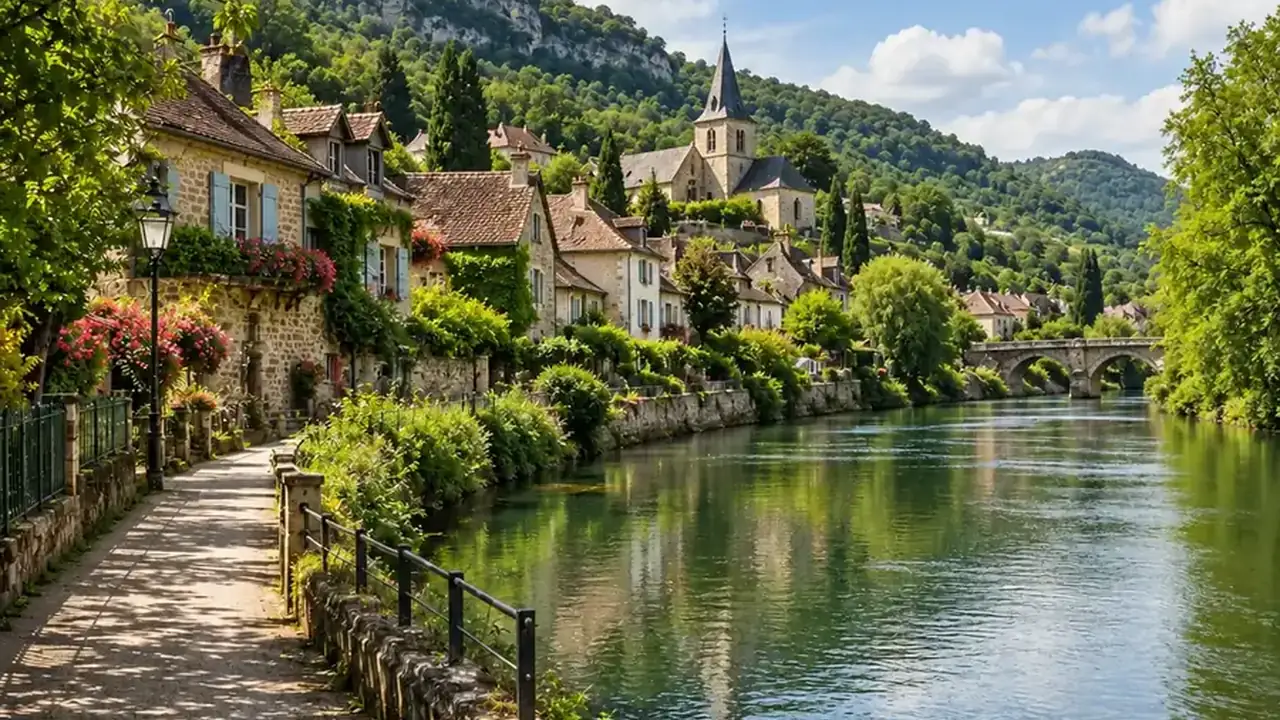 YouTube Thumbnail SizeYouTube thumbnail size: 1280x720 px, 16:9, under 2 MB. A free YouTube thumbnail resizer that crops or fits any image in your browser, then downloads JPG or PNG.
 Discord PFP SizeDiscord PFP size: a square of 128x128 px or larger, shown as a circle. A free Discord image resizer for avatars, banners, and emojis that runs in your browser.
 Twitch Profile Picture SizeTwitch profile picture size: 256x256 px minimum, 800x800 for sharpness. A free Twitch image resizer for emotes, sub badges, panels, banners, and channel points.
 WhatsApp Profile Picture SizeWhatsApp profile picture size: a square, 640x640 px recommended, shown as a circle. Fit your full photo as a WhatsApp DP with no crop, free in your browser.
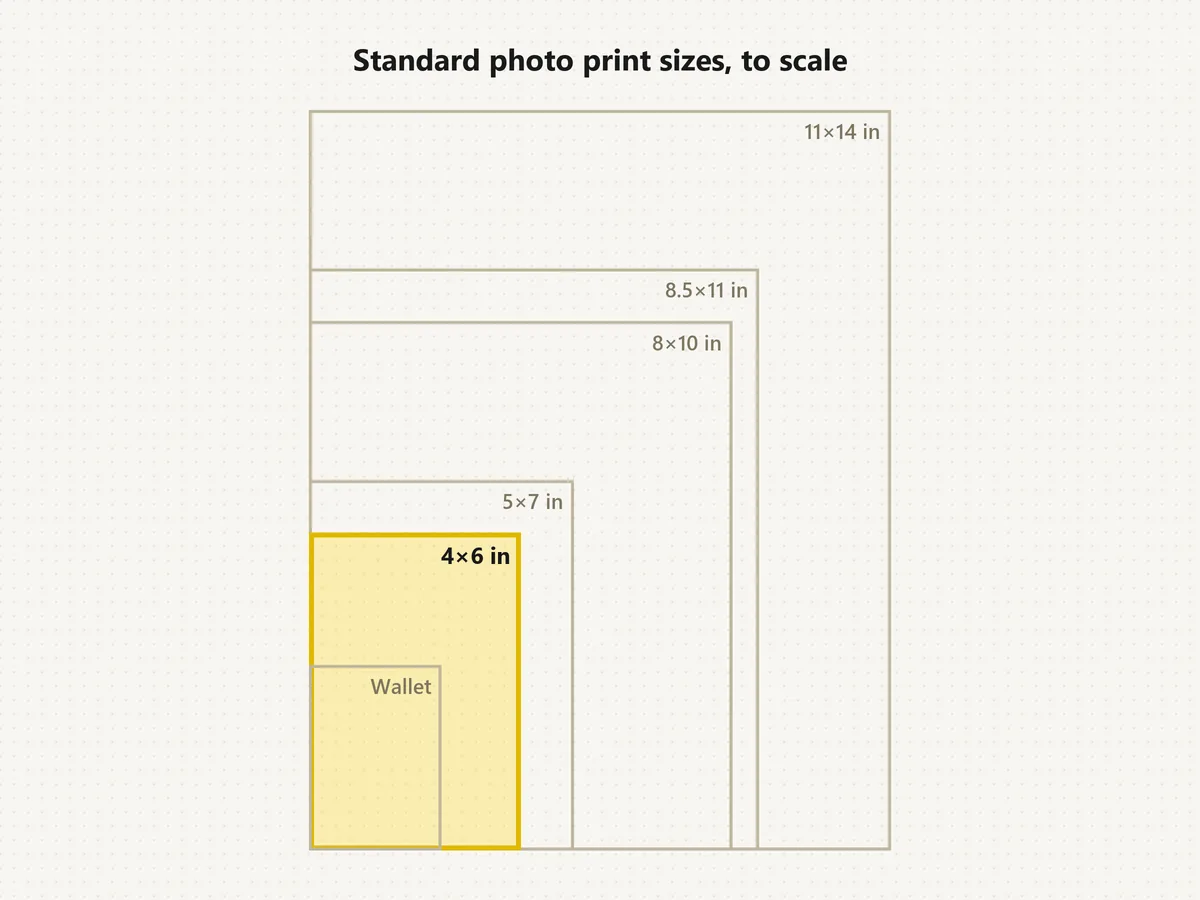 Standard Photo Print SizesWhat's the standard picture size? The normal photo size is 4×6. See each standard photo print size in inches, cm and pixels, compare to scale, and crop free.
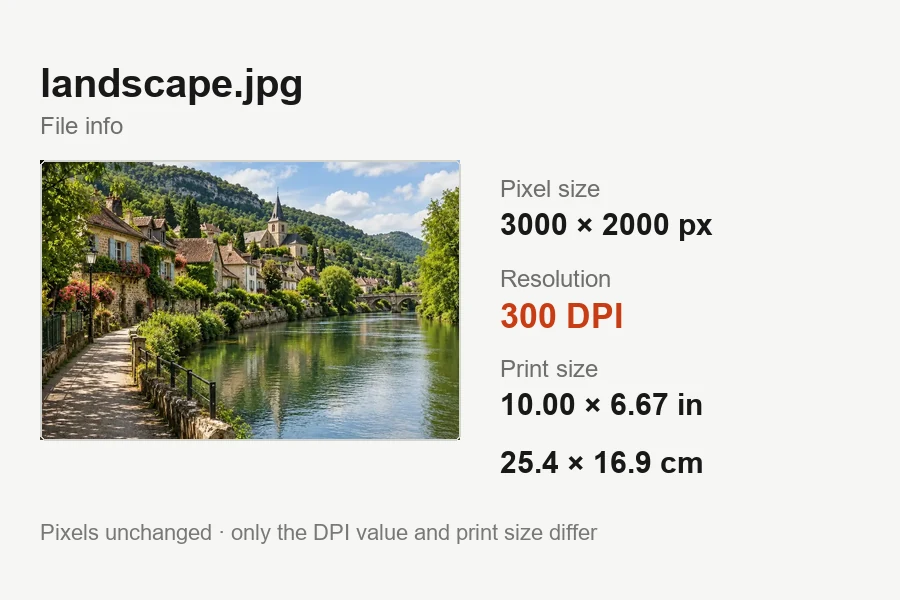 Increase DPI of ImageIncrease DPI of image files to 300 or any value in your browser: set the print resolution, see the print size live, and download JPG or PNG. Free, no upload.
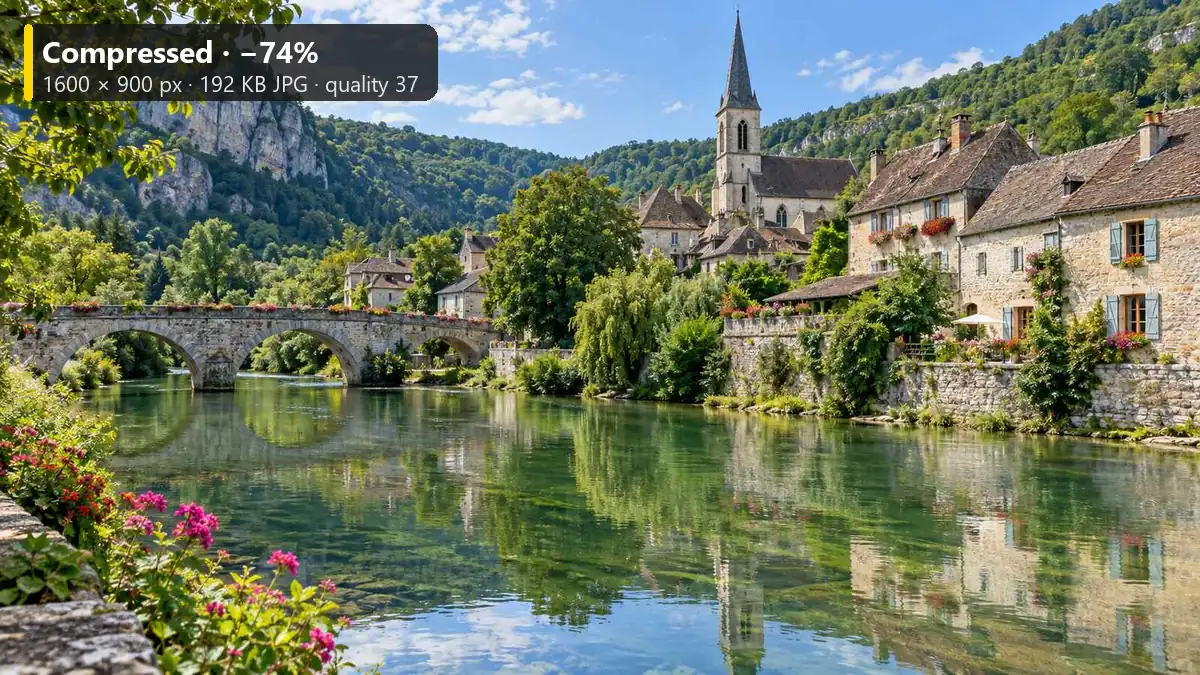 Reduce Image SizeReduce image size to 20 KB, 100 KB, or any target with this free image size reducer. Compress JPG, PNG, and WebP in your browser. No upload, no sign-up.
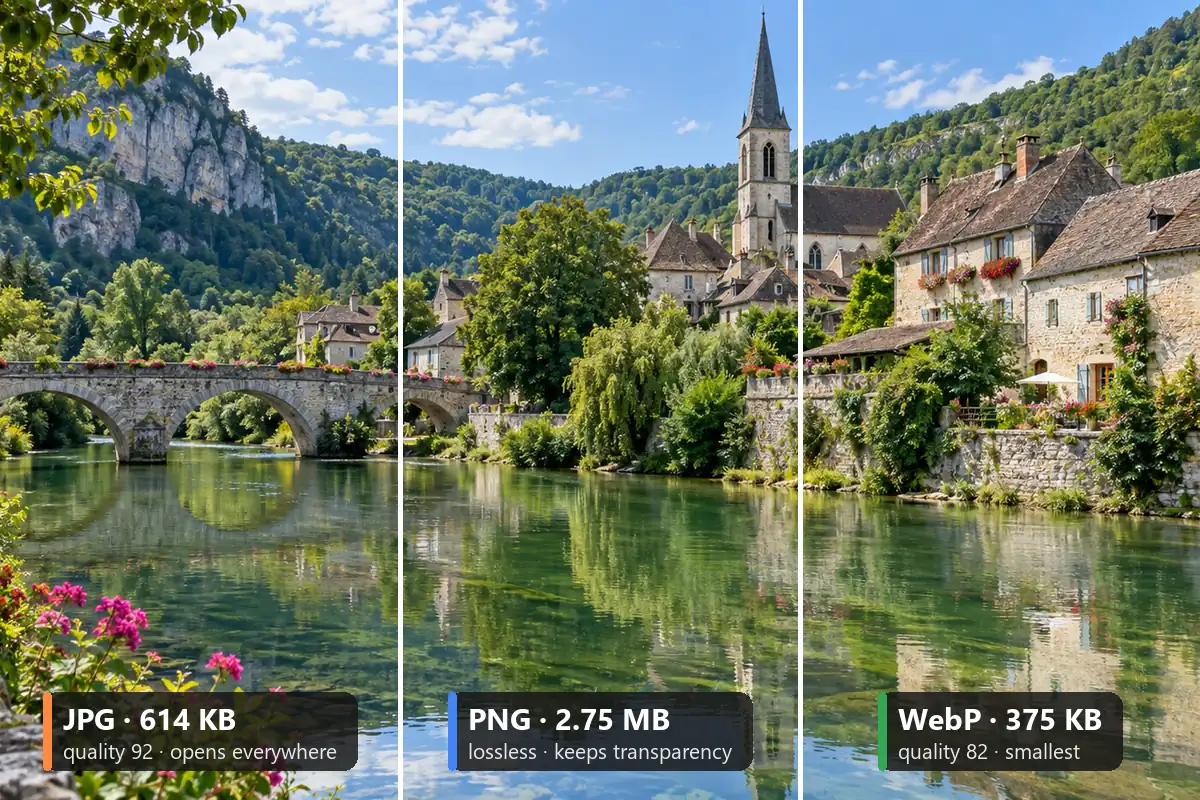 Image ConverterFree image converter: convert a picture to JPG, PNG, or WebP in your browser. Change photo format, keep transparency, resize, and save all three. No upload.
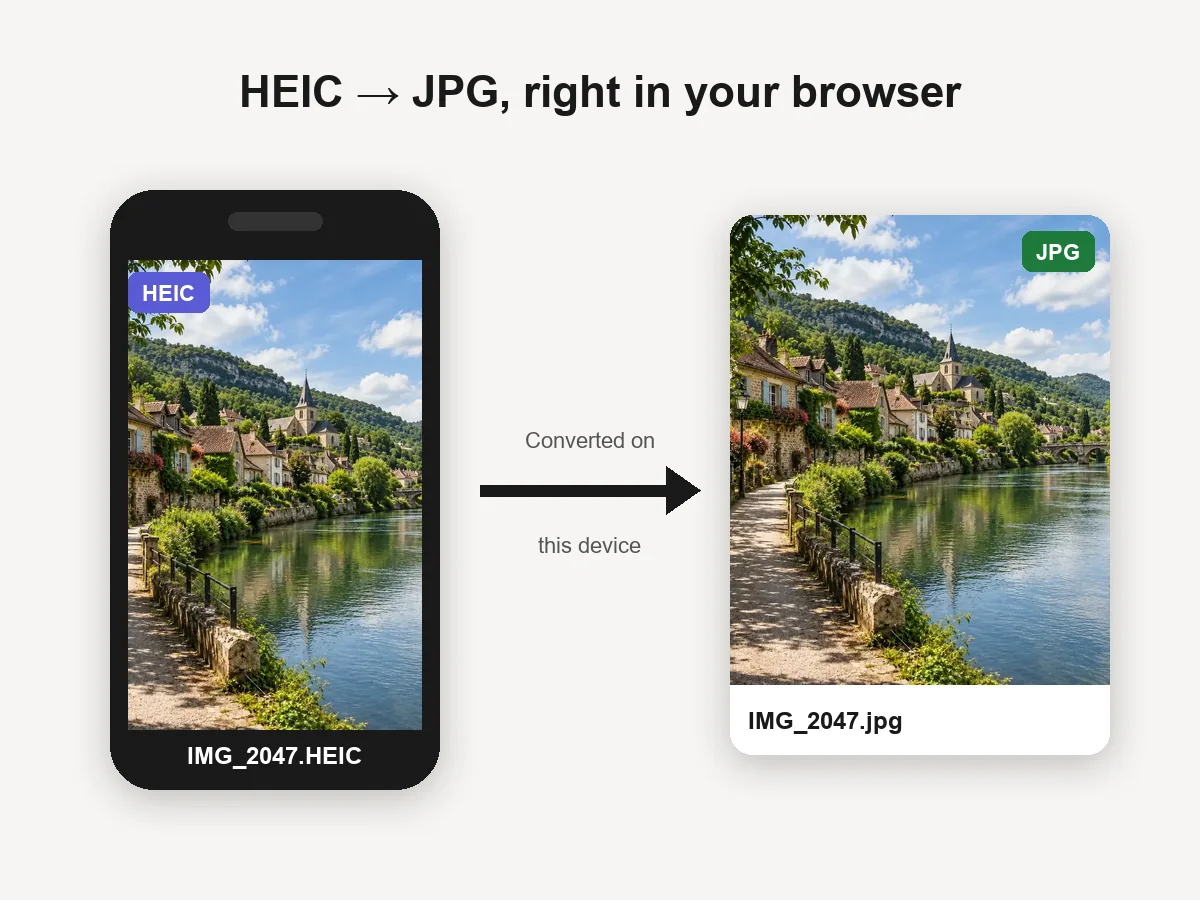 HEIC to JPG ConverterHEIC convert to JPG in your browser: batch convert iPhone HEIC and HEIF photos to JPG or PNG for free. Files never leave your device. Download one or all.
 Background RemoverRemove background free to try: the AI background remover online cuts out people, products and pets, then gives you a transparent PNG, white, color or new scene.
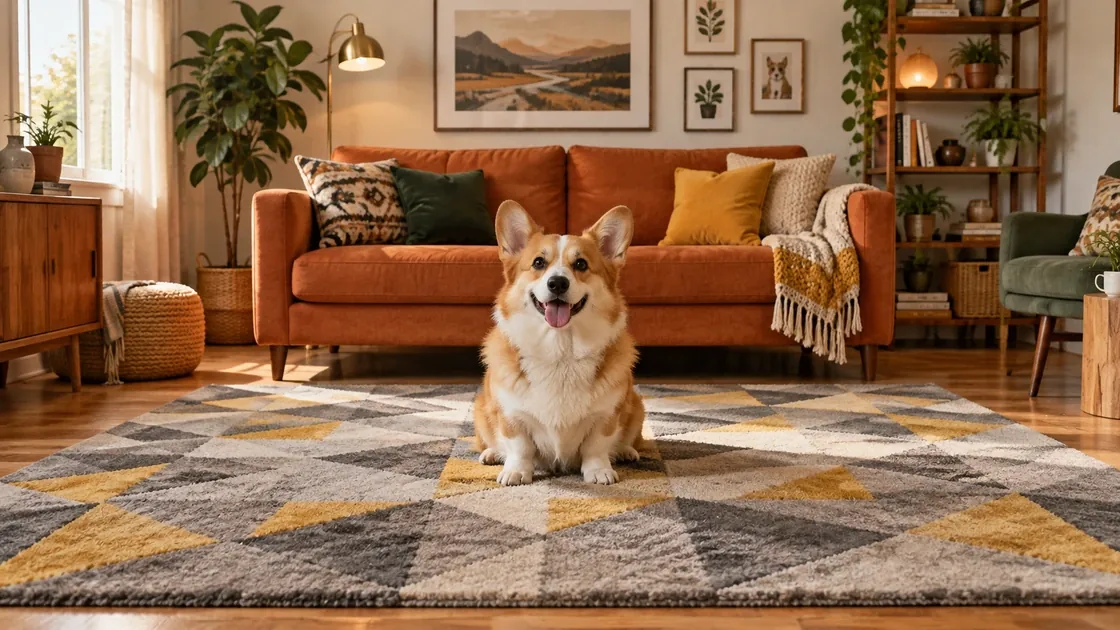 AI Image ExpanderAI image expander and image extender: expand image borders to 16:9, 9:16, 1:1 or 21:9, uncrop photos and zoom out pictures with matching scenery. Free to try.
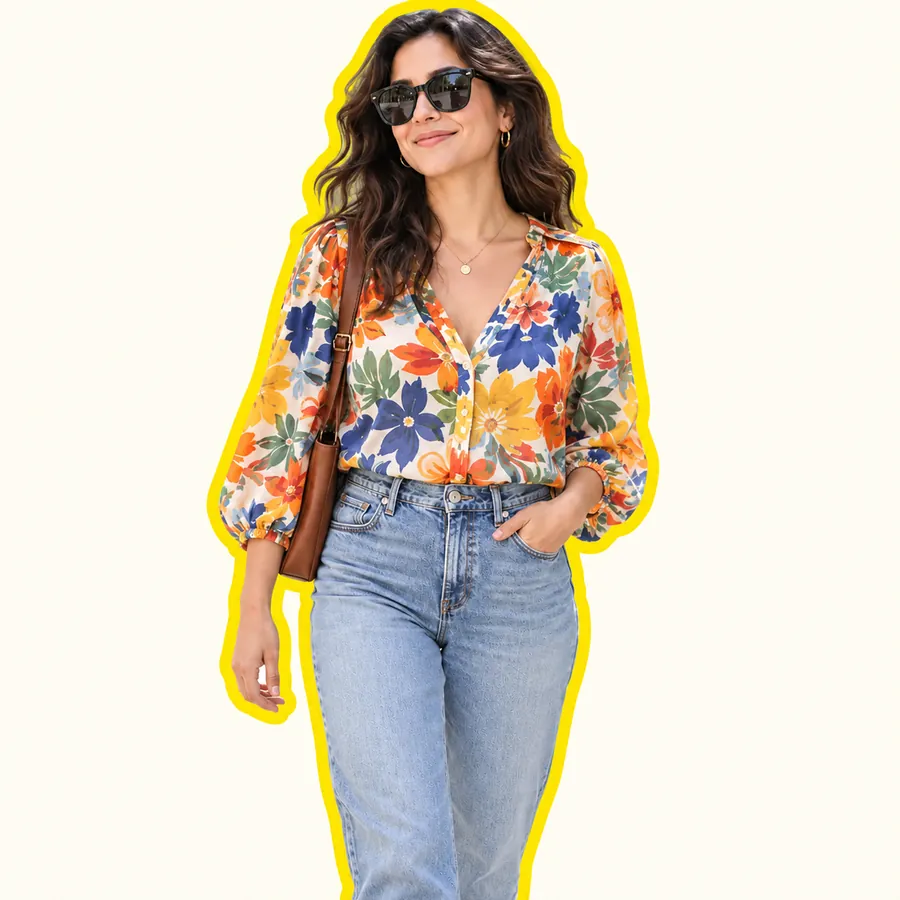 AI Sticker MakerHow to make a picture a sticker: upload a photo or screenshot, pick a style like die-cut, cartoon, chibi, or kawaii, and the AI sticker maker turns it into a PNG.
 AI Image UpscalerAI image upscaler for photos, logos, PNGs and art. Upscale images and pictures 2×, 4× or to 4K with faithful AI upscaling that keeps faces and text intact.
Exact inches, centimeters, and pixels for the print sizes people crop to most.
Every print size with pixels at 300 DPI, plus a layout tool for 2 × 2 and wallet photos on one sheet.
Open the size chartThe 3:2 print: pixels, crop tips, and which phone photos fit it.
Read the guideWhy a 4:5 crop matters for 8 × 10 frames and portraits.
Read the guideLarge 4:5 prints and how many pixels they need.
Read the guideWallet print dimensions and how to fit several on one sheet.
Read the guideSquare prints in inches, centimeters, and pixels, and how to crop for them.
Read the guideRatios, custom sizes, circles, freehand crops, and privacy.
Upload the picture here, tap a ratio (or Custom W × H), drag the preview to frame it, and download. There is nothing to install, it works on phones and computers, and the photo never leaves your device.
No. An AI crop tool or AI photo cropper guesses the subject and picks the framing for you, which can cut off the wrong thing. Here you choose the ratio and drag the photo in a live preview, so the crop is exactly what you see. If you want AI to change the picture itself, the AI Image Expander adds scene around a photo (the opposite of a crop) and the Background Remover cuts the subject out.
This cropper makes straight-edged crops: any ratio, any custom size, or a circle. A freehand crop draws a custom outline around one subject, and people who look for a free hand crop online usually want to lift a person or object off its background. The Background Remover does that automatically and saves a transparent PNG, so you get the result of a freehand image crop without tracing anything by hand.
Choose Custom W × H and set the width and height sliders anywhere from 50 to 5,000 px; the arrow keys fine-tune them one pixel at a time. For a print, multiply inches by 300: a 5 × 7 in print is 1500 × 2100 px. It is the quickest way to custom crop photo files for templates and upload forms.
Circles, yes: set Shape to Circle and download PNG or WebP for transparent corners. There is no oval cropper yet; on a non-square size the circle stays round and centered. Most apps show square profile photos as circles anyway, so a square crop works there too.
It crops raster images: JPG, PNG, and WebP. To crop an SVG, export it as a PNG from your design app first, crop it here, and download a PNG to keep any transparency. The result is a bitmap, so keep the original SVG for vector edits.
To cut a subject out of its background as a sticker, use the Sticker Maker’s photo cut-out or the Background Remover; both give a transparent PNG. To crop a finished sticker image to a square or circle, upload it here, choose 1:1 or Circle, and download a PNG so the edges stay transparent.
No. This cropper works in the mobile browser on iPhone and Android: tap to upload, drag the preview with a finger, and download. Your phone’s own editor crops too; use this one when you need an exact ratio, a passport size, or every size at once.
Cropping a small area and exporting it at a large size enlarges the pixels. Start from the original photo, zoom in less, or pick a smaller output size. If you need more pixels, the AI Image Upscaler can enlarge the crop afterwards.
It is free with no sign-up. Photos are processed in your own browser and never leave your device. Only crop photos you have the right to use.
Upload a photo, snap to a ratio or set a custom size, drag to frame it, and download a JPG, PNG, or WebP.