
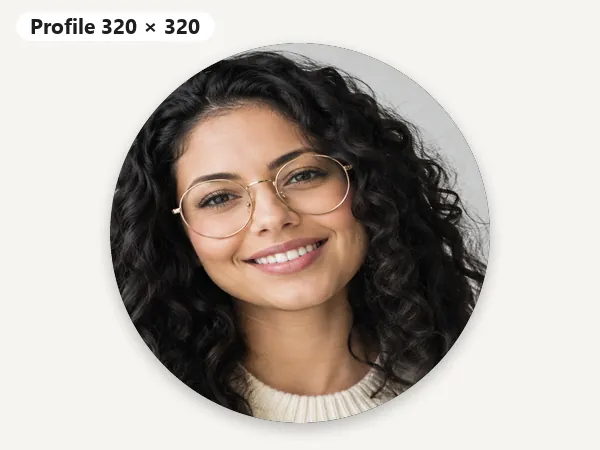
Profile picture · 320 × 320
Square, shown as a circle. Use 720 × 720 for extra sharpness.
Upload once and get every current Facebook size: a 320 × 320 profile picture, 851 × 315 cover photo, 1640 × 856 group cover, 1920 × 1005 event cover, 1080 × 1080 and 1080 × 1350 posts, 1200 × 630 link image, and 1080 × 1920 story. Drag to frame, then download one size or all of them.
One-click Facebook sizes
Fine-tune
Runs in your browser. Your photo is never uploaded.
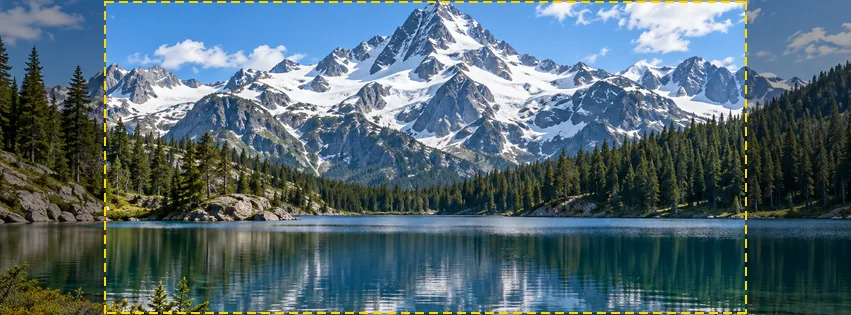
Reference example. It is not a result generated from your upload.
Facebook crops anything that does not match the slot it lands in. Meta recommends a square profile picture of at least 320 × 320 pixels, shown as a circle at 176 × 176 on computers and 196 × 196 on phones, and says a cover photo loads fastest as an sRGB JPG of 851 × 315 pixels under 100 KB. Group covers are 1640 × 856 (1.91:1), link images 1200 × 630, and Meta’s ads guide asks for 1440 × 1800 (4:5) feed images and 1440 × 2560 (9:16) story images. Event covers are usually made at 1920 × 1005, and regular posts at 1080 × 1080 or 1080 × 1350.
This Facebook image resizer turns one photo into all of them. Pick a size, drag the photo to frame it, check the cover or story safe area, or fit the whole picture with blurred edges so nothing gets cut. Use it as a picture resizer for Facebook profile photos, a Facebook profile picture cropper, a Facebook cover crop tool, or a Facebook picture resizer for posts, stories, and ads. It runs in your browser, so it is free, needs no sign-up, and never uploads your photo.
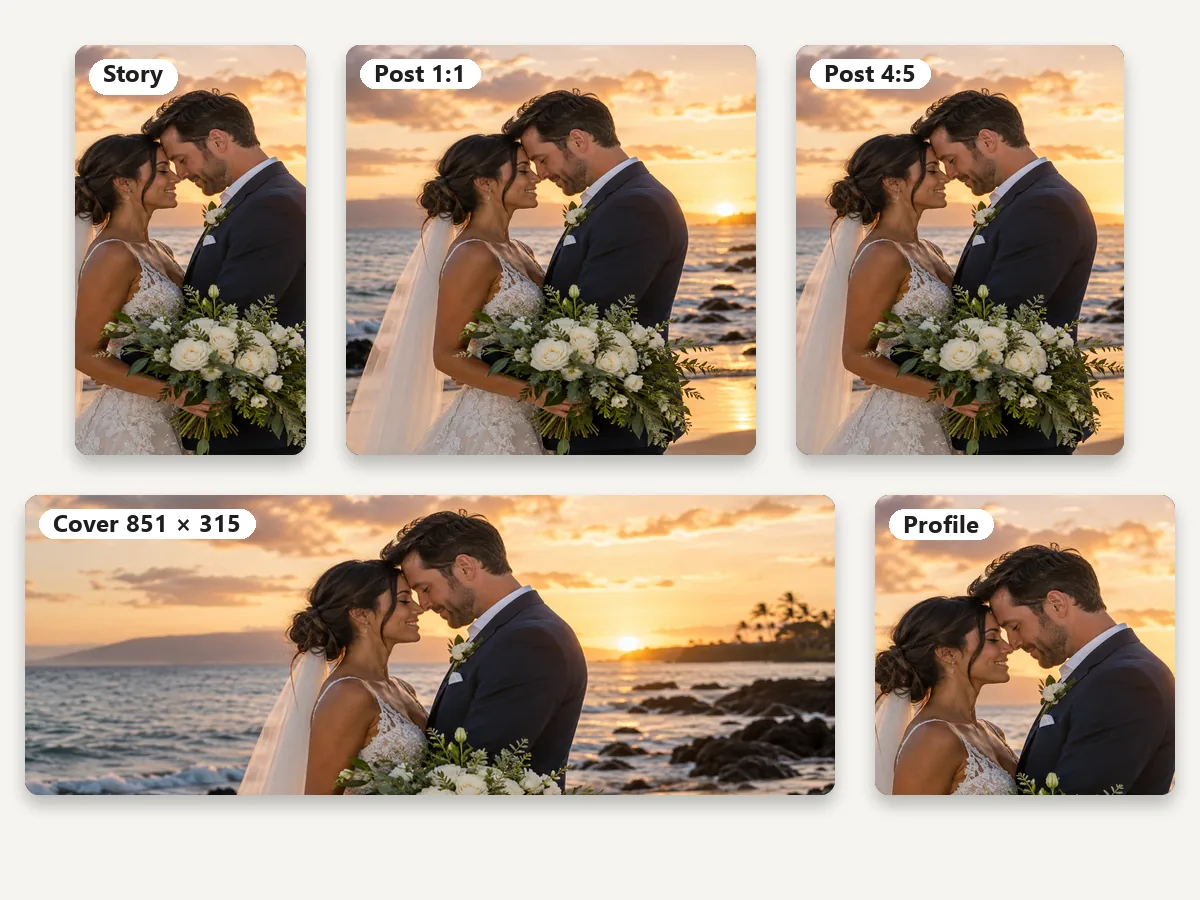
Each card is a real output of this resizer; pick the same preset in the workspace.
Square, shown as a circle. Use 720 × 720 for extra sharpness.
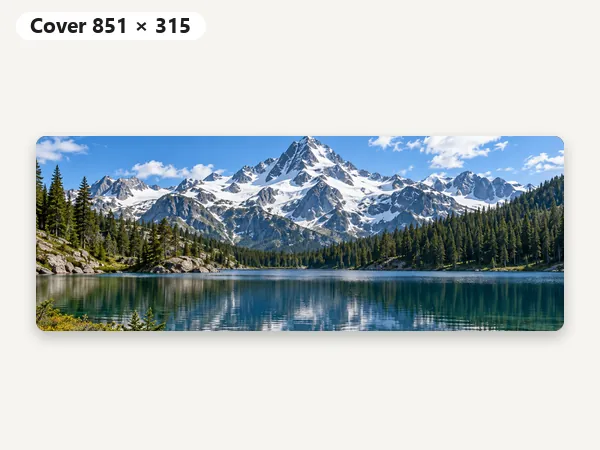
Meta’s fastest-loading size: sRGB JPG under 100 KB.
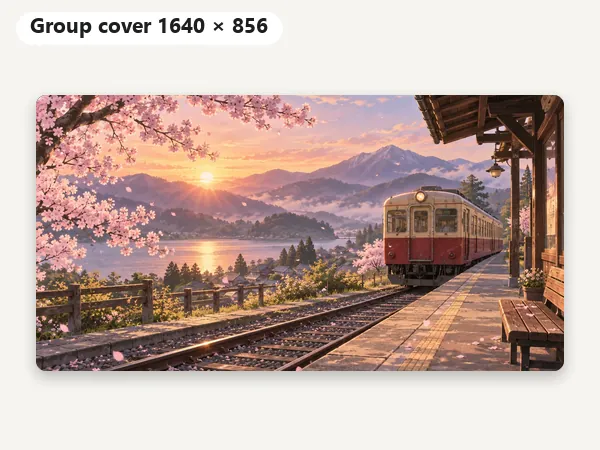
The 1.91:1 size from Meta’s group help page.
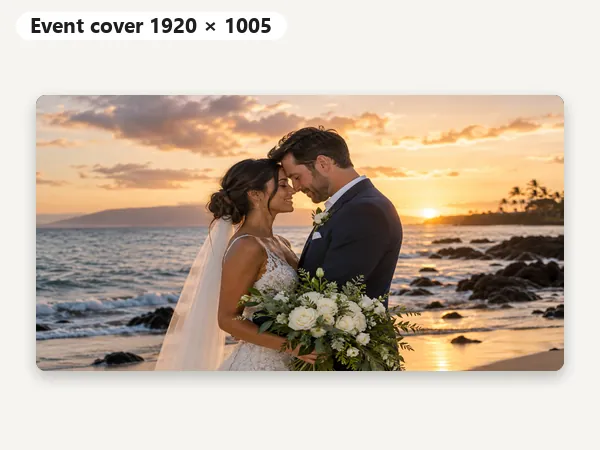
Keep faces and text in the upper part; details cover the bottom on phones.
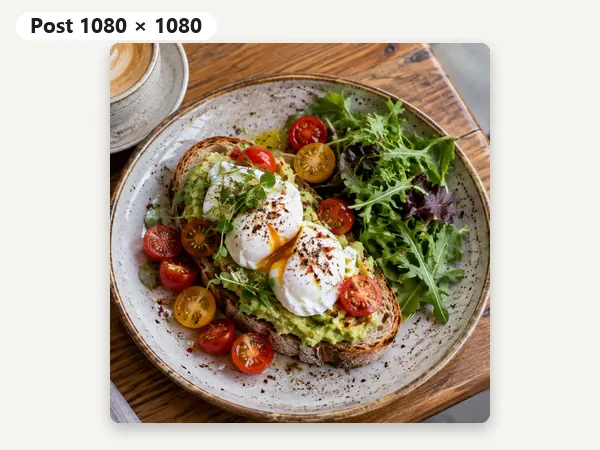
The safe all-rounder for feed photos and carousels.
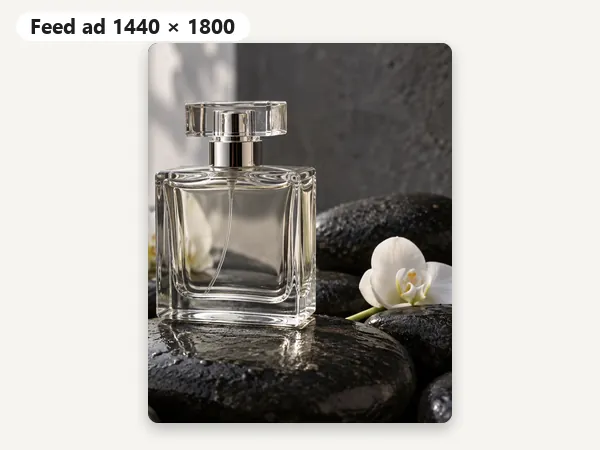
Meta’s recommended 4:5 image for feed ads.
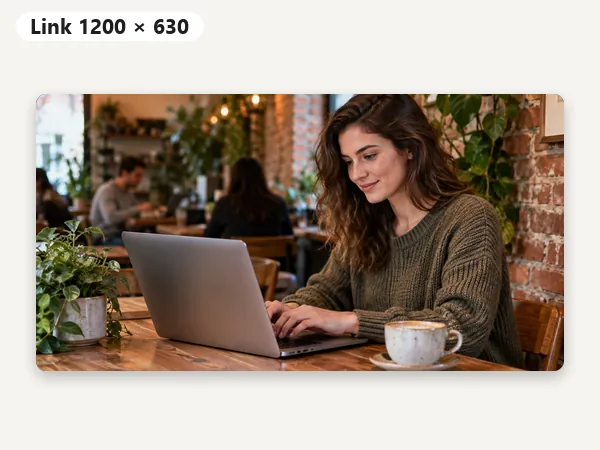
Shared links and landscape posts at 1.91:1.
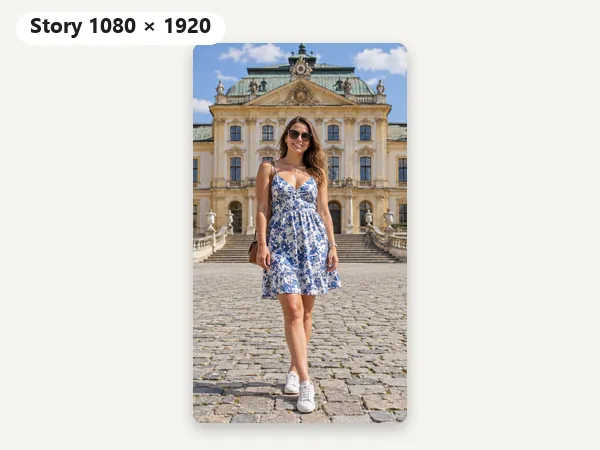
Full-screen 9:16; keep text about 250 px from the top and bottom.
Upload sizes for every placement, with where each number comes from.
| Placement | Upload size | Ratio | How Facebook shows it | Source |
|---|---|---|---|---|
| Profile picture | 320 × 320 px or larger (720 × 720 for extra sharpness) | 1:1 | Circle: 176 × 176 on computers, 196 × 196 on phones | Meta Help Center |
| Cover photo (profile & Page) | 851 × 315 px, sRGB JPG under 100 KB | about 2.7:1 | Cropped differently on computers and phones; minimum 400 × 150 | Meta Help Center |
| Group cover | 1640 × 856 px | 1.91:1 | Edges may be hidden on phones | Meta Help Center |
| Event cover | 1920 × 1005 px | 1.91:1 | Bottom can sit under the event details on phones | Common practice (Meta lists no size) |
| Square post | 1080 × 1080 px | 1:1 | Full width in the feed | Common practice |
| Portrait post | 1080 × 1350 px | 4:5 | Takes up the most feed space | Common practice |
| Link image / landscape post | 1200 × 630 px (minimum 600 × 315) | 1.91:1 | Image above a shared link | Meta for Developers |
| Story / Reel | 1080 × 1920 px | 9:16 | Full screen; keep about 250 px top and bottom clear | Common practice |
| Feed ad | 1440 × 1800 px (minimum 600 × 750) | 4:5 | JPG or PNG, up to 30 MB | Meta Ads Guide |
| Story ad | 1440 × 2560 px | 9:16 | Keep text out of the top 14% and bottom 35% | Meta Ads Guide |
Checked against Meta’s Help Center, Ads Guide, and developer docs on 12 October 2026. Facebook changes layouts often; where Meta publishes no number, the size shown is the one most designers use.
Resize photos for Facebook profile, cover, and feed slots in four steps.
Add a JPG, PNG, or WebP up to 20 MB to resize image to Facebook profile, cover, or post sizes. It opens in your browser and is never uploaded anywhere.
Choose Profile picture, Cover photo, Group or Event cover, Square or Portrait post, Link, Story, an ad size, or Custom W × H. The profile presets resize picture for Facebook profile picture slots as a ready square.
Drag the preview to frame faces and zoom in to crop tighter. Turn on the safe-area guide for covers and stories, or choose Fit whole image to keep everything with blurred edges.
Save a JPG (smallest, best for photos and covers) or a PNG (logos and text). Download All Facebook Sizes saves every preset as its own file.
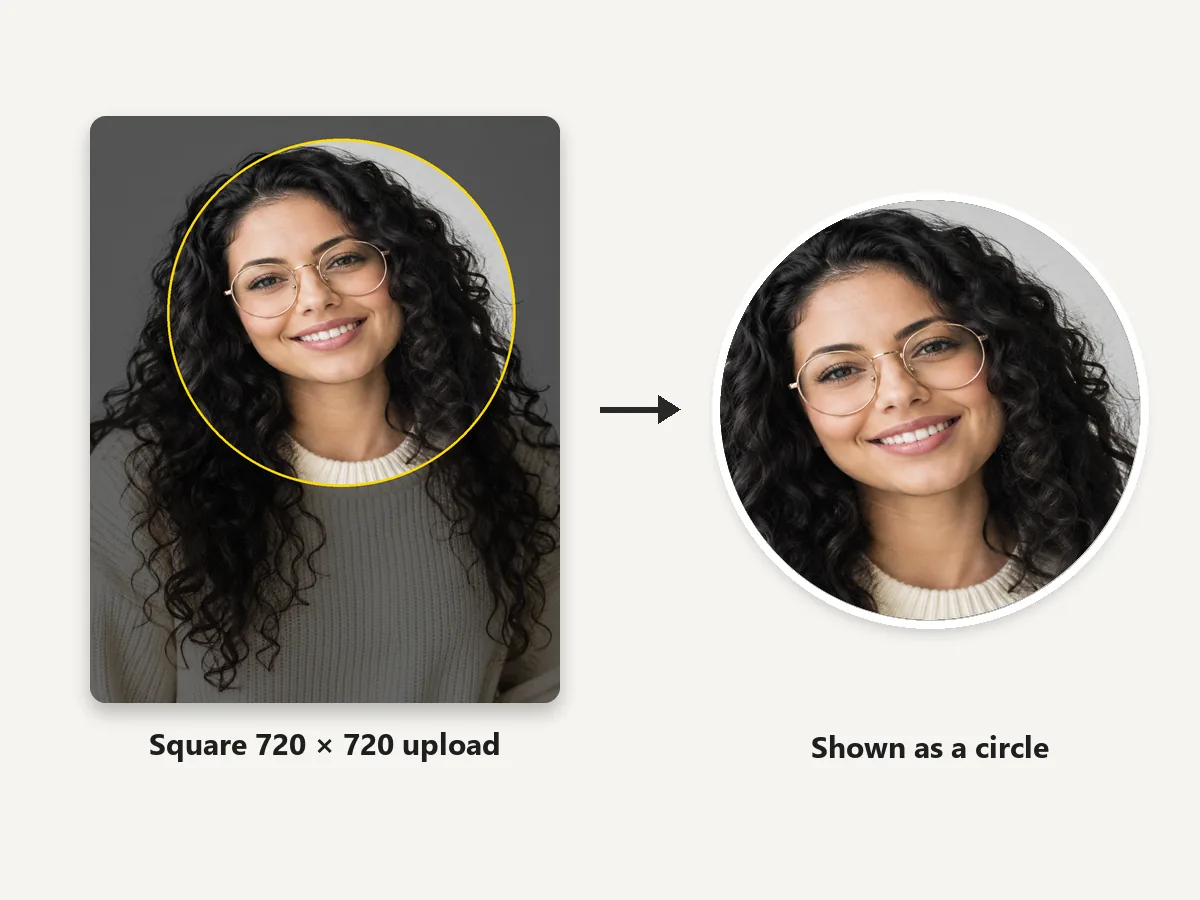
This Facebook profile picture resizer crops any photo to a square: 320 × 320 is Meta’s recommended size, and 720 × 720 stays sharper when someone opens your photo. Facebook shows the square as a circle, so drag and zoom until the face sits in the middle for a Facebook profile photo crop with nothing important in the corners. It is an image resizer for Facebook profile pictures that saves you from Facebook’s small crop window.
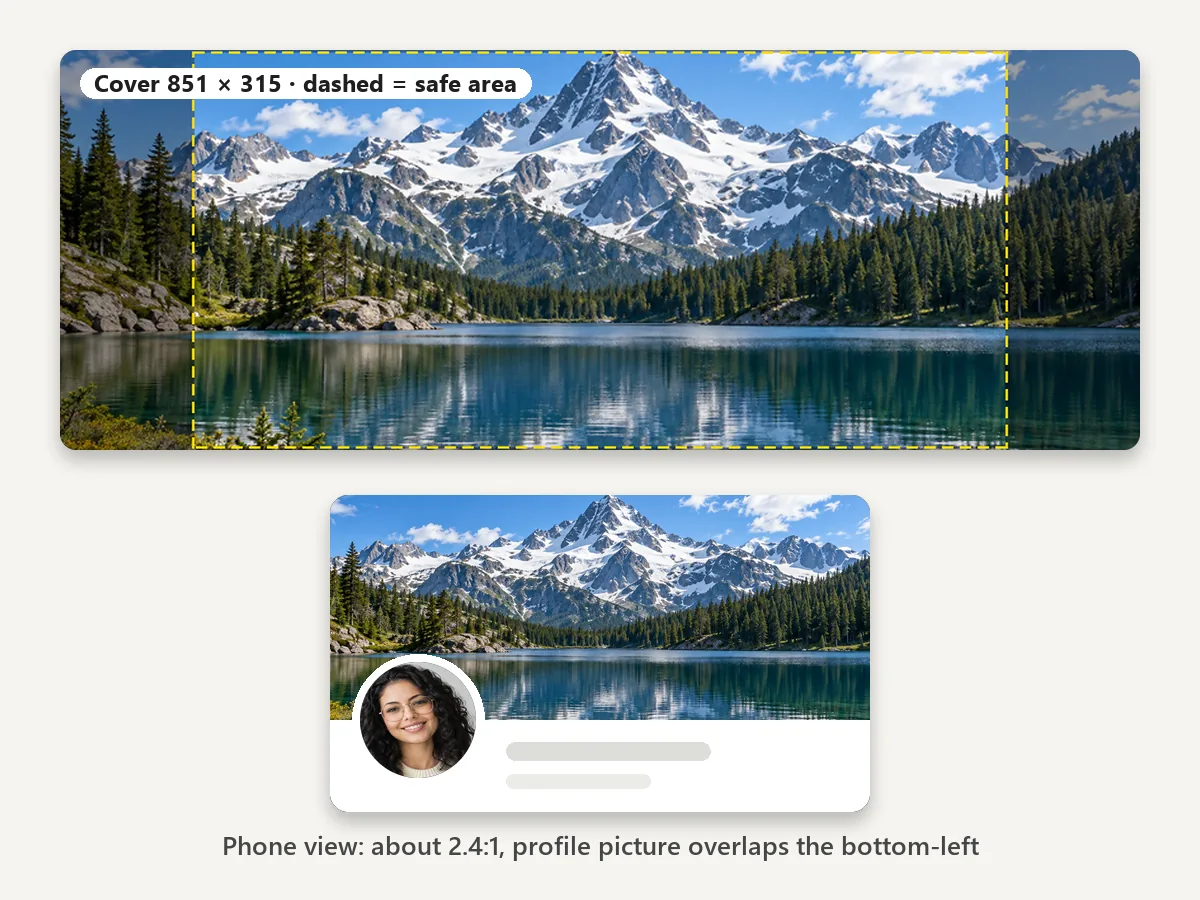
Resize photo to Facebook cover size (851 × 315), then turn on the safe-area guide: the dashed box marks the center that stays visible on computers and phones. On phones the cover is shown at about 2.4:1 and your profile picture overlaps its lower-left corner, so keep faces and text away from the edges.
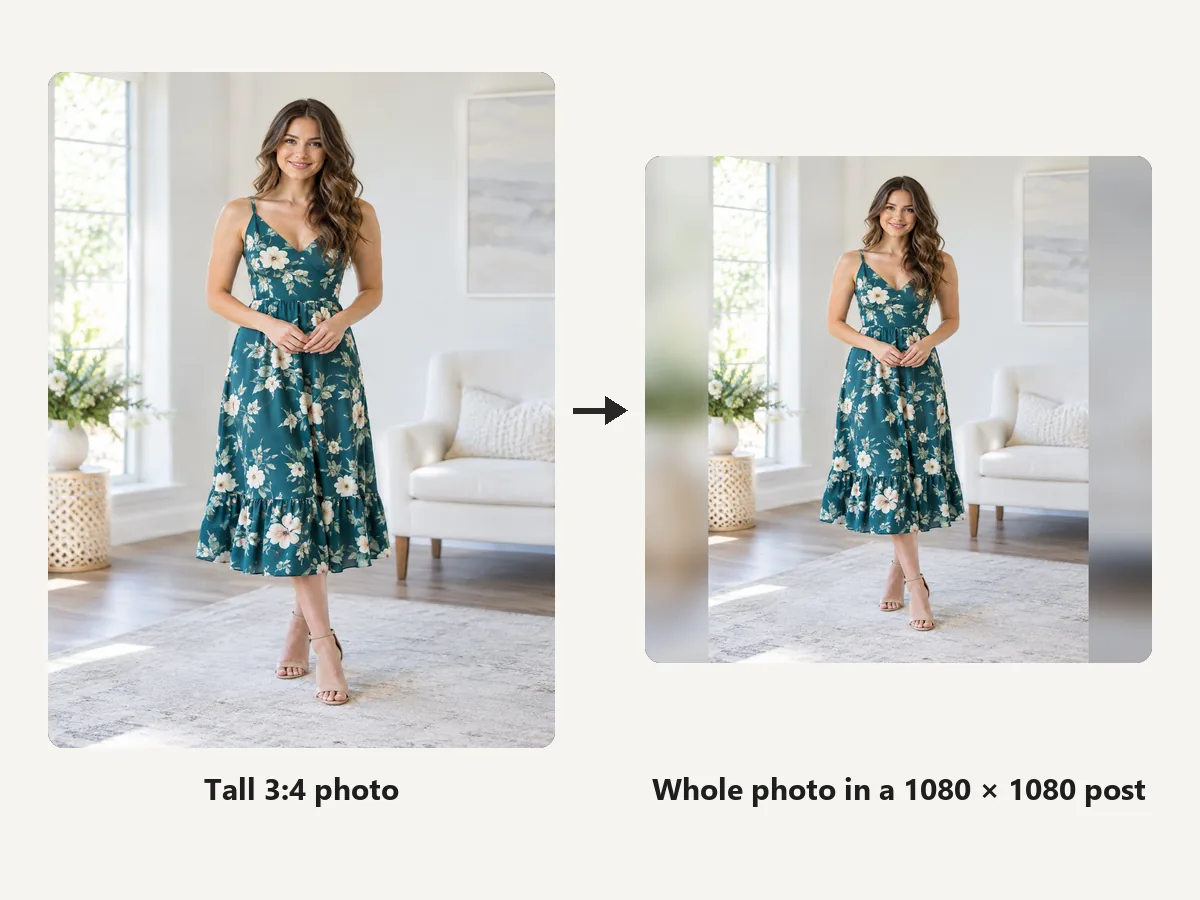
Not every photo should be cropped. Fit whole image keeps the entire picture and fills the gaps with a blurred copy, white, or black, so tall portraits, group shots, and posters fit a square post or link image without losing anyone.
Set up the crop once and Download All Facebook Sizes saves the profile pictures, cover, group and event covers, posts, link image, story, and ad sizes as separate files. Resize pics for Facebook Page refreshes and campaigns without repeating the work.
Use this photo resizer for Facebook profile pictures first, then set the photo on Facebook.
Click your profile picture, then your name, and select the camera icon on your profile picture. Choose Upload photo, adjust the crop in the preview, and save.
Open your profile, tap your profile picture, choose to select a new one, pick the photo, position it in the circle, and save.
Upload the square made here and the circle lands where you framed it. A clean picture resize for Facebook profile photos means little or nothing to fix in Facebook’s own crop window.
If Facebook cut off a head or a friend, re-crop the original here (or use Fit whole image) and upload it again as a new profile picture.
Small details that keep pictures sharp and uncropped.
Meta suggests PNG for profile pictures and covers with logos or text; JPG keeps photo files small.
An 851 × 315 sRGB JPG under 100 KB loads fastest. If yours is larger, shrink it with Reduce Image Size.
On phones the profile picture overlaps the cover by about 40 px and hides part of its left side.
Keep text about 250 px from the top and bottom of a story; for story ads Meta asks for 14% and 35%.
Upload the original photo. Enlarging a small picture looks soft; the Image Upscaler can add pixels first.
Phone photos already are. If a design looks dull after upload, export it as sRGB from your editor.
The same drag-and-download workflow for other social sizes, plus file tools for the finishing touches.
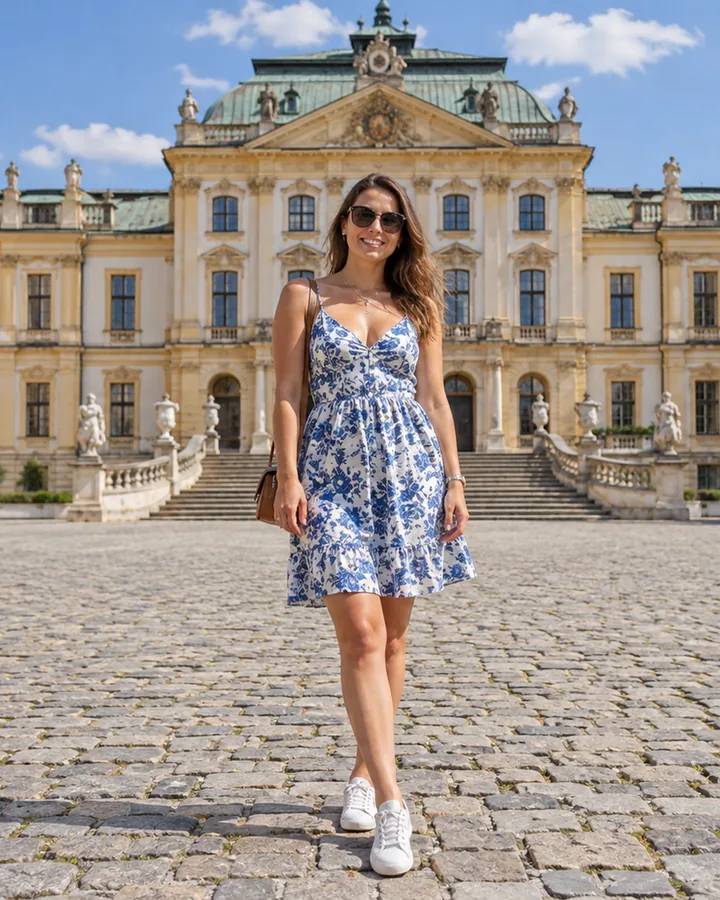 Crop Image OnlineCrop image files free in your browser: snap to 1:1, 4:5, 16:9, 9:16, passport 2x2 or a custom size, drag and zoom to frame, cut a circle, and download.
 Avatar CropperFree avatar cropper that runs in your browser: crop photos into circles, fit the entire picture into a Discord PFP, and download PNG avatars at any size.
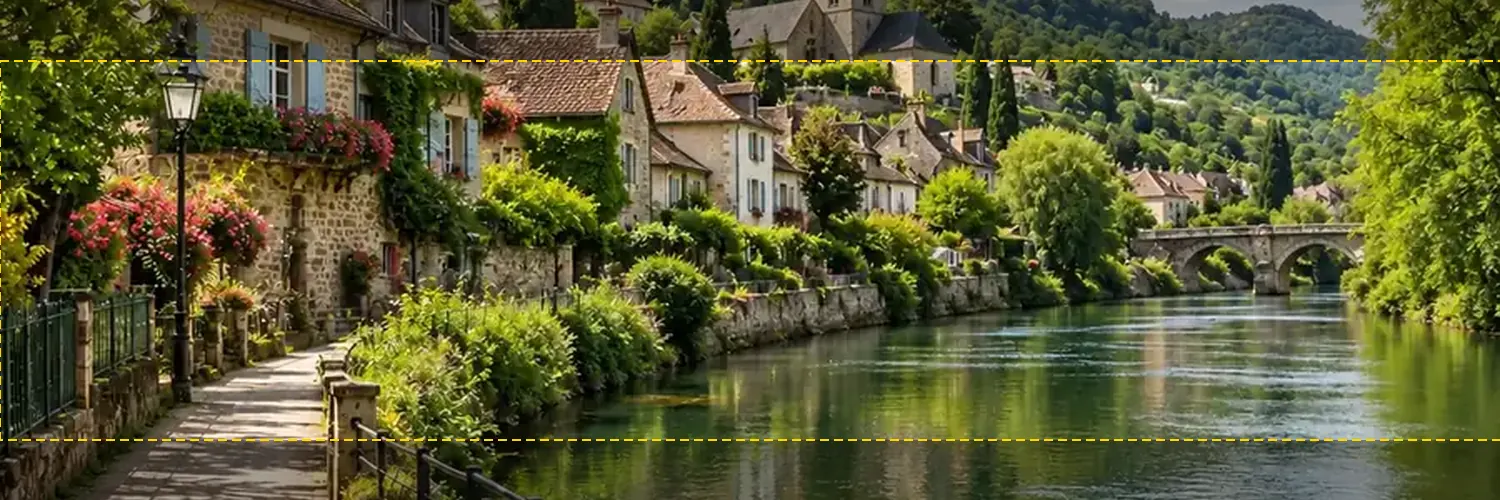 Twitter Banner ResizerFree Twitter banner resizer and cropper: make a 1500x500 (3:1) X header with a crop guide for the 60 px trimmed on some screens, plus 400x400 profile photos.
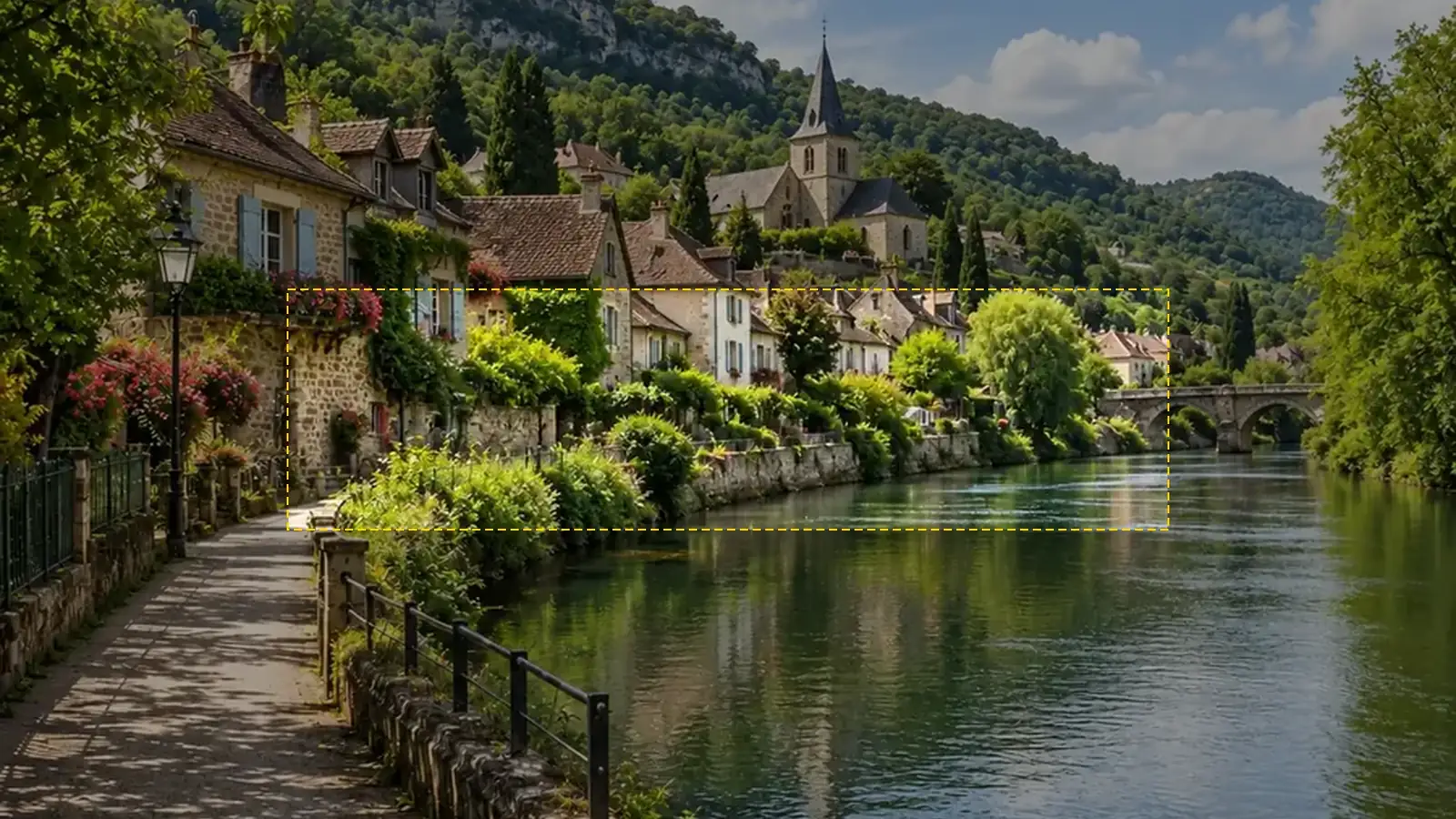 YouTube Banner SizeYouTube banner size: 2560x1440 px, 16:9, safe area 1546x423, max 6 MB. A free YouTube banner resizer with a live safe-area guide that runs in your browser.
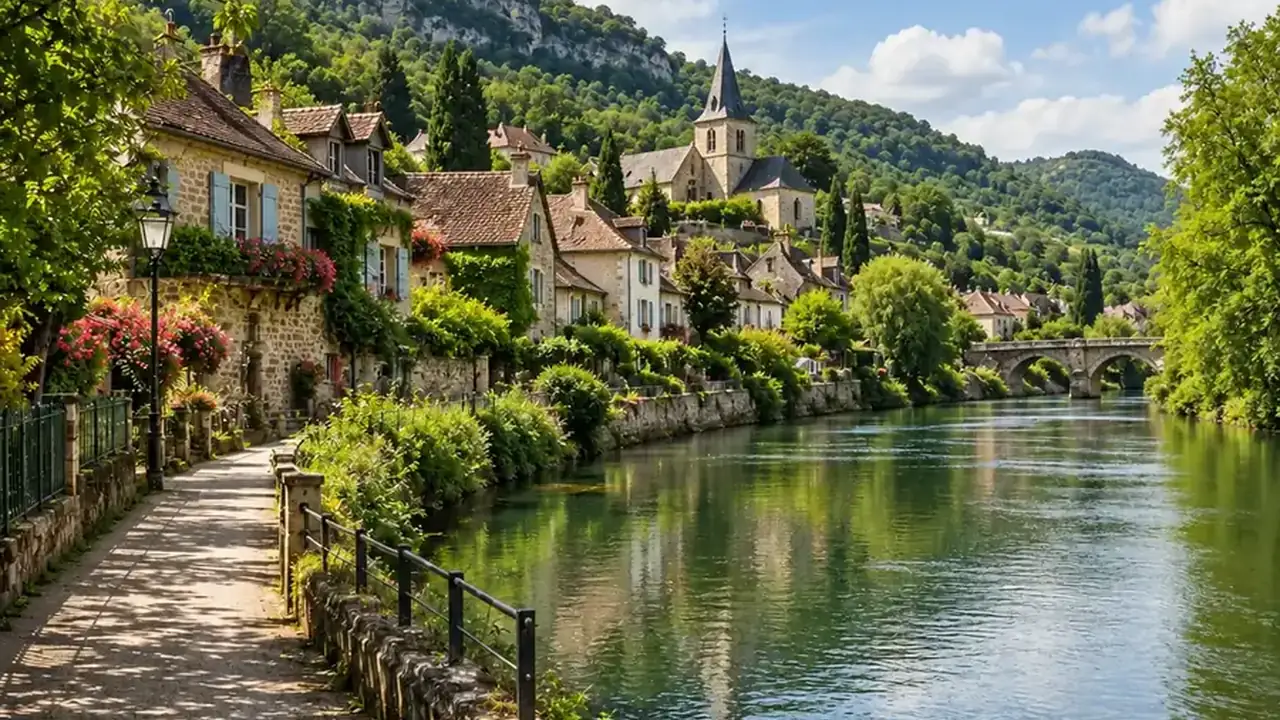 YouTube Thumbnail SizeYouTube thumbnail size: 1280x720 px, 16:9, under 2 MB. A free YouTube thumbnail resizer that crops or fits any image in your browser, then downloads JPG or PNG.
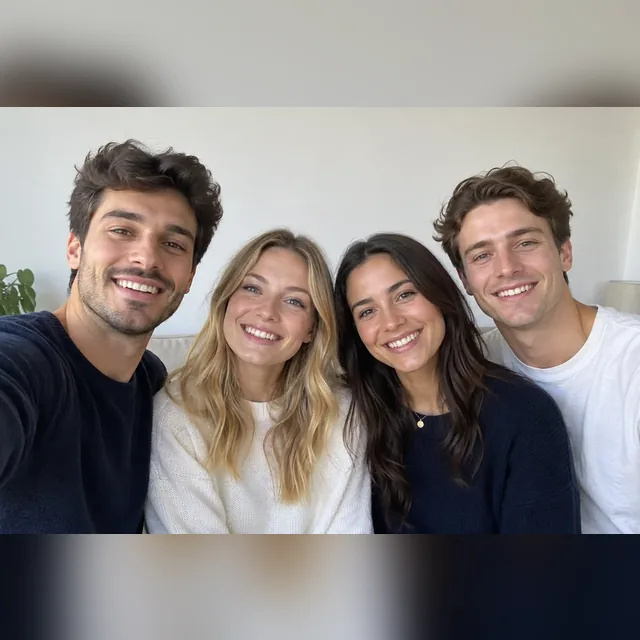 WhatsApp Profile Picture SizeWhatsApp profile picture size: a square, 640x640 px recommended, shown as a circle. Fit your full photo as a WhatsApp DP with no crop, free in your browser.
 Discord PFP SizeDiscord PFP size: a square of 128x128 px or larger, shown as a circle. A free Discord image resizer for avatars, banners, and emojis that runs in your browser.
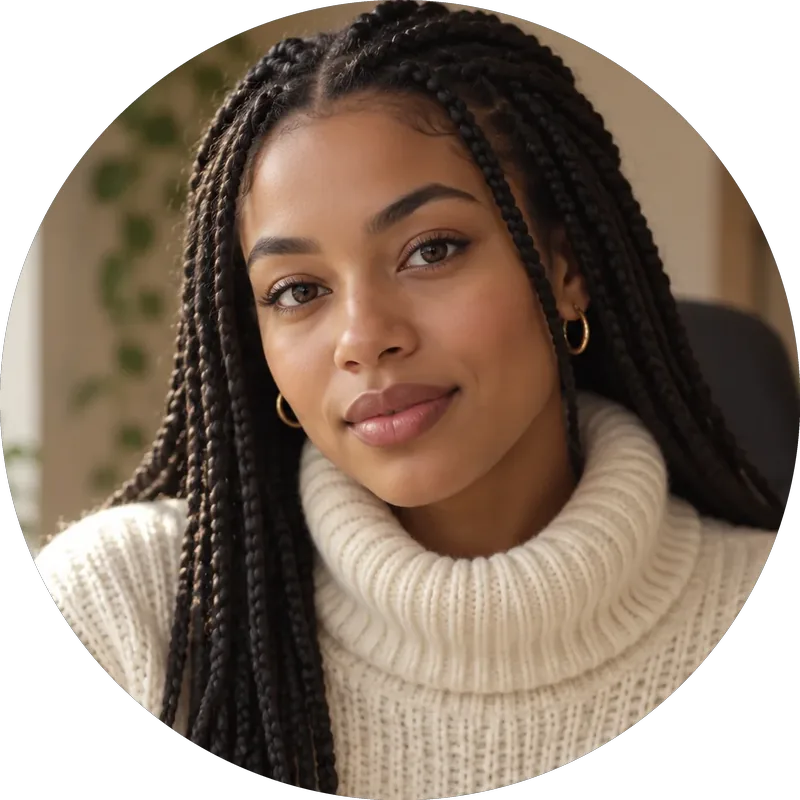 Twitch Profile Picture SizeTwitch profile picture size: 256x256 px minimum, 800x800 for sharpness. A free Twitch image resizer for emotes, sub badges, panels, banners, and channel points.
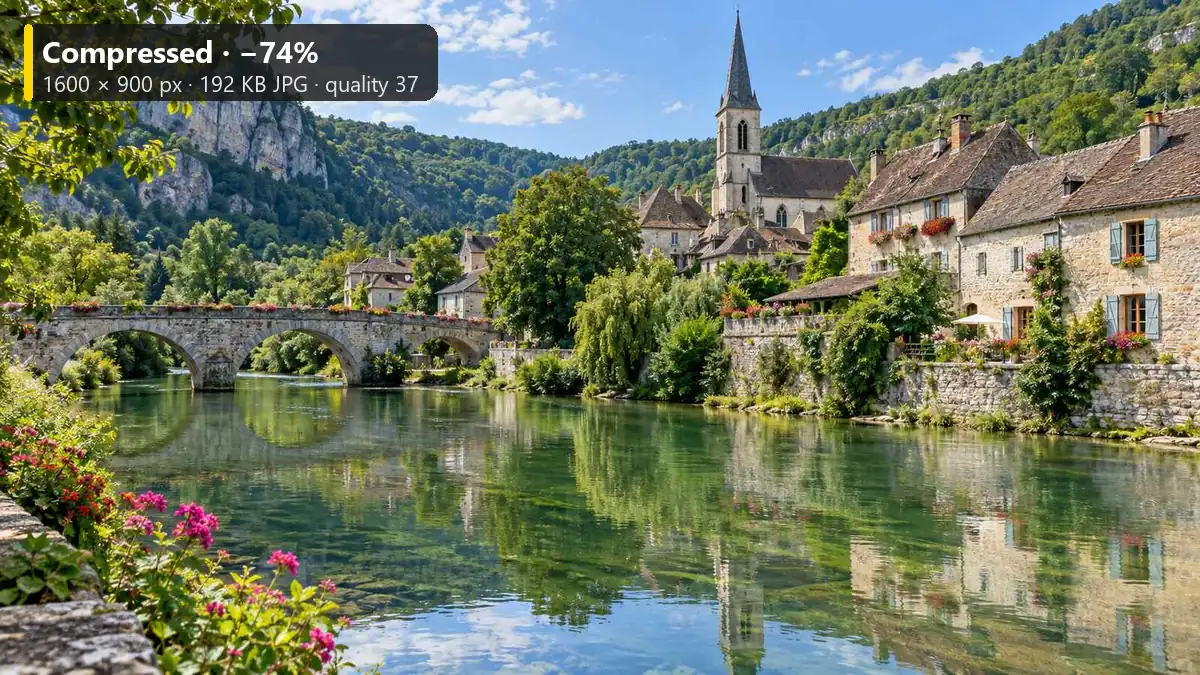 Reduce Image SizeReduce image size to 20 KB, 100 KB, or any target with this free image size reducer. Compress JPG, PNG, and WebP in your browser. No upload, no sign-up.
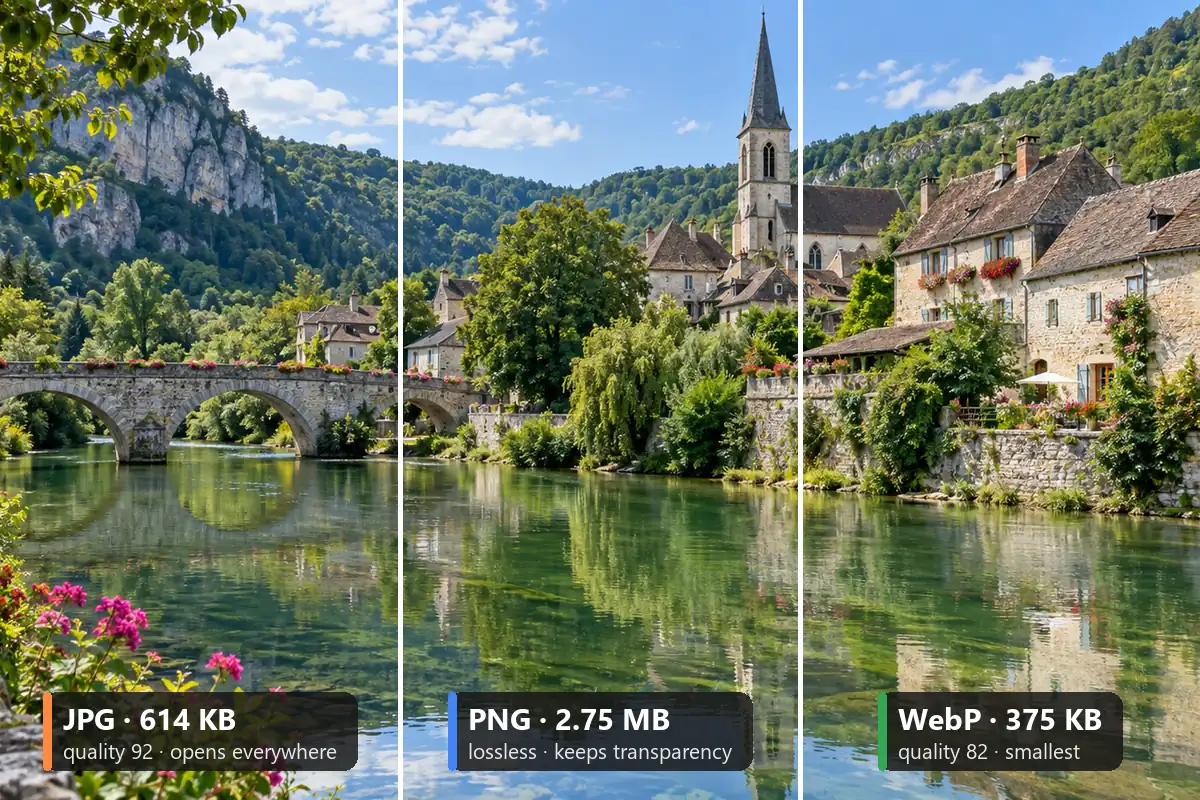 Image ConverterFree image converter: convert a picture to JPG, PNG, or WebP in your browser. Change photo format, keep transparency, resize, and save all three. No upload.
 AI Image ExpanderAI image expander and image extender: expand image borders to 16:9, 9:16, 1:1 or 21:9, uncrop photos and zoom out pictures with matching scenery. Free to try.
 Background RemoverRemove background free to try: the AI background remover online cuts out people, products and pets, then gives you a transparent PNG, white, color or new scene.
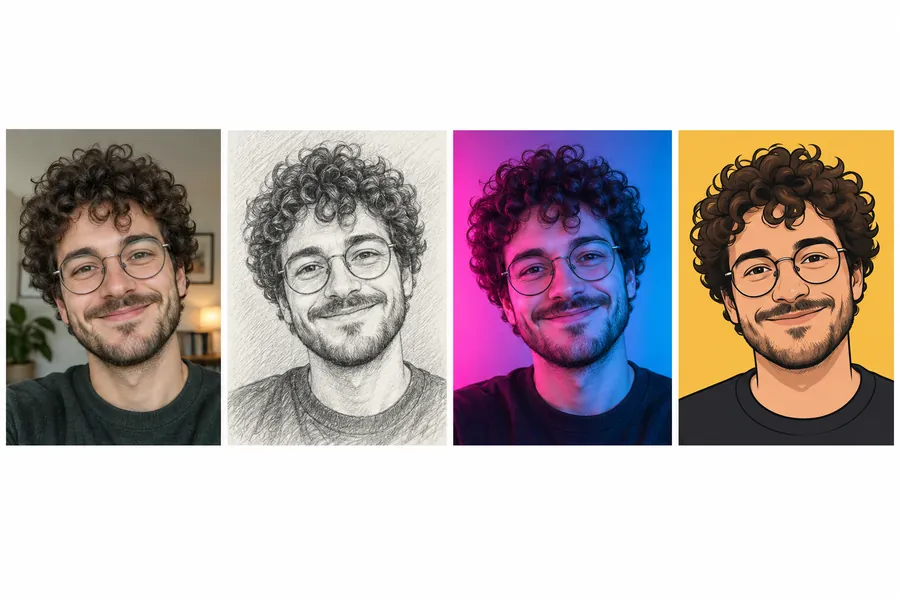 AI PFP MakerPFP maker for any app: upload a selfie, pick anime, 3D, pixel art, aesthetic, or letter styles, and the AI profile picture maker creates a square pfp to download.
Sizes, cropping, formats, and privacy.
Profile picture 320 × 320 or larger (square), cover photo 851 × 315, group cover 1640 × 856, event cover 1920 × 1005, posts 1080 × 1080 or 1080 × 1350, link images 1200 × 630, and stories 1080 × 1920. Feed ads are 1440 × 1800 and story ads 1440 × 2560 in Meta’s ads guide.
Upload the photo, choose Profile picture 320×320 or HD 720×720, drag the face to the middle, and download a JPG. That is the quickest way to convert image to Facebook profile size; then click the camera icon on your profile picture and upload it.
Facebook shows a crop preview after you choose Upload photo from the camera icon on your profile picture; adjust it there and save. For full control, crop picture for Facebook profile use here first and upload the finished square.
Meta says a cover loads fastest as an 851 × 315 sRGB JPG under 100 KB, with a minimum of 400 × 150. To resize for Facebook cover photo slots, choose Cover photo 851×315 and turn on the safe-area guide so faces and text stay in the middle.
Yes. Facebook scales and crops anything that does not match the slot, which is how heads and edges get cut. Uploading at the right size and ratio, or using Fit whole image, means there is nothing left for Facebook to crop.
Only to display them smaller (176 × 176 on computers, 196 × 196 on phones). The square you upload already has the right shape, so Facebook does not need to crop it. To resize profile picture for Facebook use, keep it at least 320 × 320; the Profile presets convert to Facebook profile picture size in one click.
Group covers are 1640 × 856 pixels (1.91:1), the size on Meta’s group help page. Meta publishes no event cover size; 1920 × 1005 is the size most designers use. On phones part of both covers can be hidden, so keep important details in the center.
JPG for photos: smaller files that load quickly. PNG for profile pictures and covers with logos or text, which Meta says look better as PNG. Facebook re-compresses uploads either way, so start from a sharp image.
Yes. The resizer works in mobile browsers on iPhone and Android: tap to upload, drag the preview with a finger, and download. Resize Facebook profile picture files, covers, and stories without installing an app.
It is free with no sign-up. Your photo is processed in your own browser and never leaves your device. Only upload photos you have the right to use.
Upload a photo, pick a Facebook size or all of them, frame it, and download.
Facebook and Meta are trademarks of Meta Platforms, Inc. EzImgMaker is an independent tool and is not affiliated with or endorsed by Meta. Sizes follow Meta’s Help Center, Ads Guide, and developer docs and common practice as of October 2026 and may change.