Upload a Picture
Add a JPG, PNG, or WebP up to 20 MB: a selfie, a pet photo, game art, or a banner image. It opens locally and never leaves your device.
The Discord PFP size is a square image of at least 128 × 128 pixels that Discord shows as a circle. Upload a photo, preview the circle crop, and download a profile picture, banner, server icon, or emoji in the right size.
One-click Discord sizes
Fine-tune
Runs in your browser. Your photo is never uploaded.
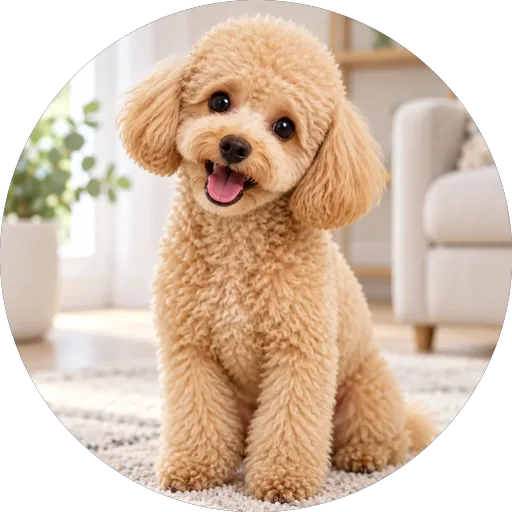
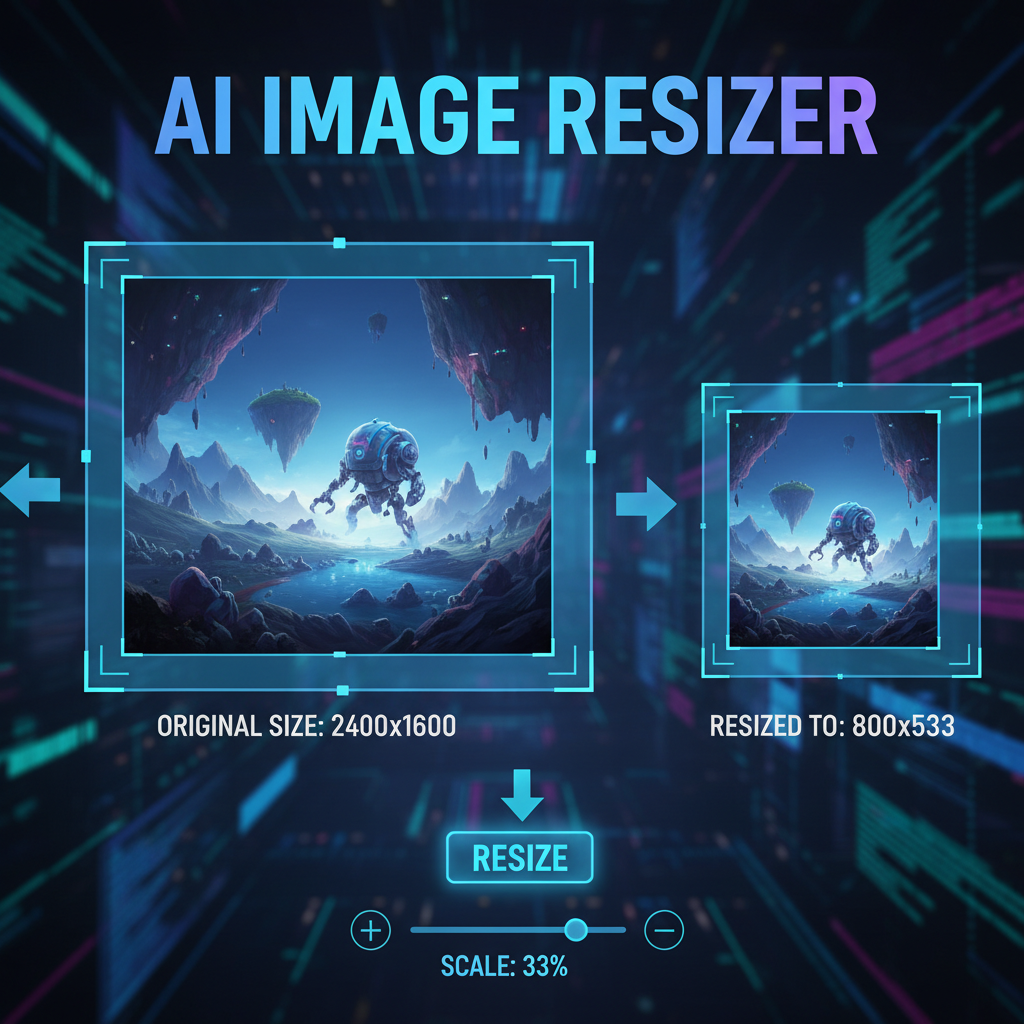
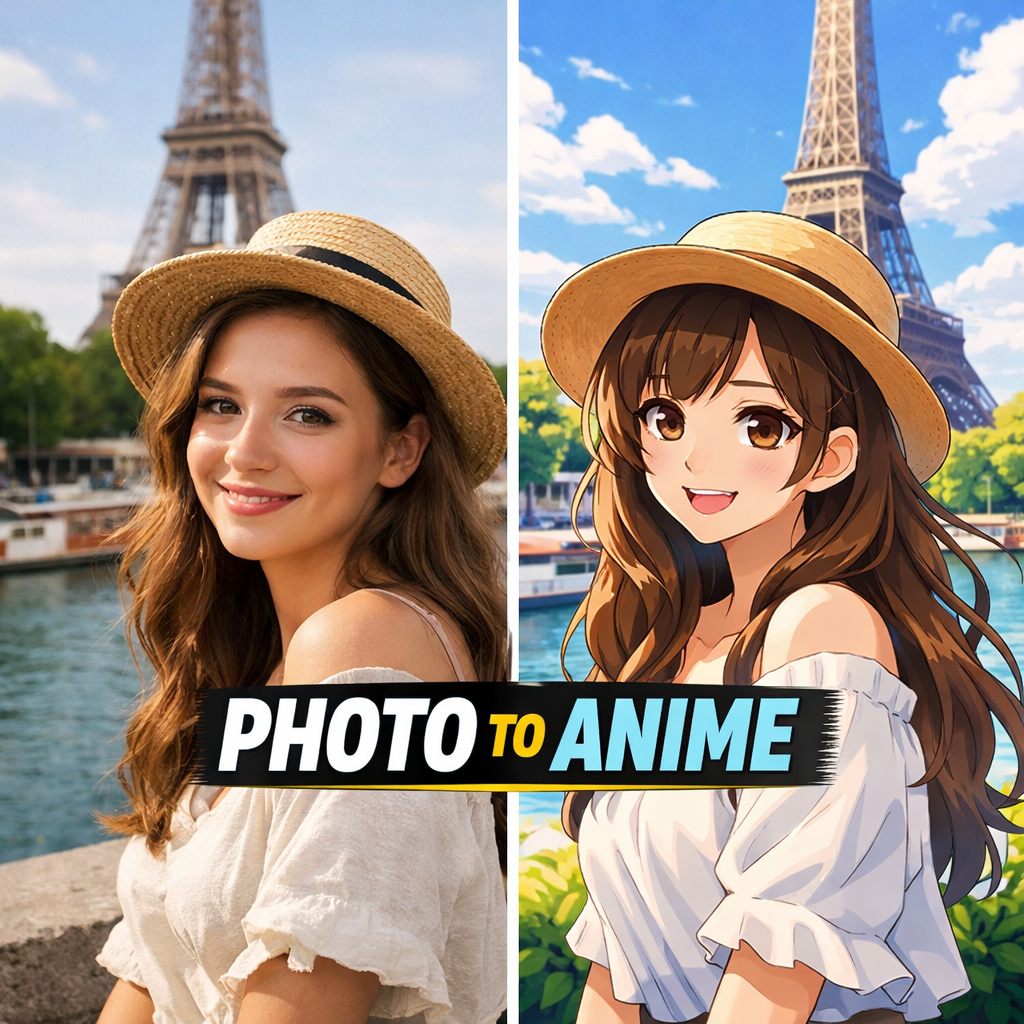
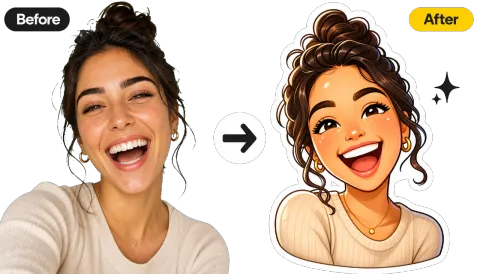
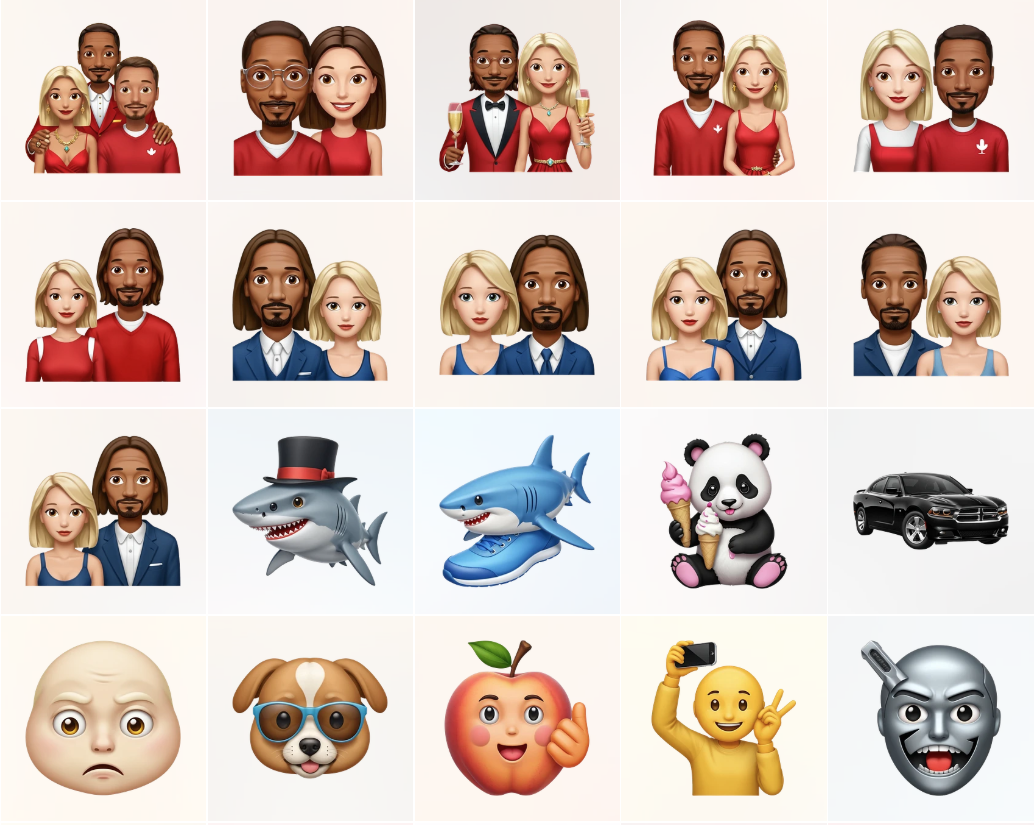
Reference example. It is not a result generated from your upload.
The Discord PFP size is a square (1:1) image of at least 128 × 128 pixels. Discord crops your avatar into a circle and scales it down, so a larger square such as 512 × 512 stays sharper on high-resolution screens. Discord Help lists PNG and GIF for avatars, with animated GIF avatars reserved for Nitro. Nitro profile banners must be PNG, JPG, or animated GIF under 10 MB and at least 680 × 240 pixels; server banners (Boost Level 2) should be at least 960 × 540 at 16:9; custom emojis must be under 256 KB and are usually made at 128 × 128.
This Discord image resizer turns any picture into those Discord image sizes in one click. It previews the circle crop live, can fit the entire picture inside the circle instead of cutting it, and exports PNG with transparent corners or a small JPG. It is a Discord cropper and Discord resizer in one, and because it runs in your browser it is free, needs no sign-up, and never uploads your photo.
From any photo to a Discord-ready avatar, banner, or emoji.
Add a JPG, PNG, or WebP up to 20 MB: a selfie, a pet photo, game art, or a banner image. It opens locally and never leaves your device.
Choose PFP 512×512 circle, Emoji 128×128, Profile banner 680×240, or Server banner 1920×1080. Drag the photo in the preview and use Zoom to center your face in the circle, or switch to Fit whole picture to keep everything inside it.
Save a PNG (transparent corners, sharp edges) or a JPG, then set it in User Settings › Profiles or Server Settings.
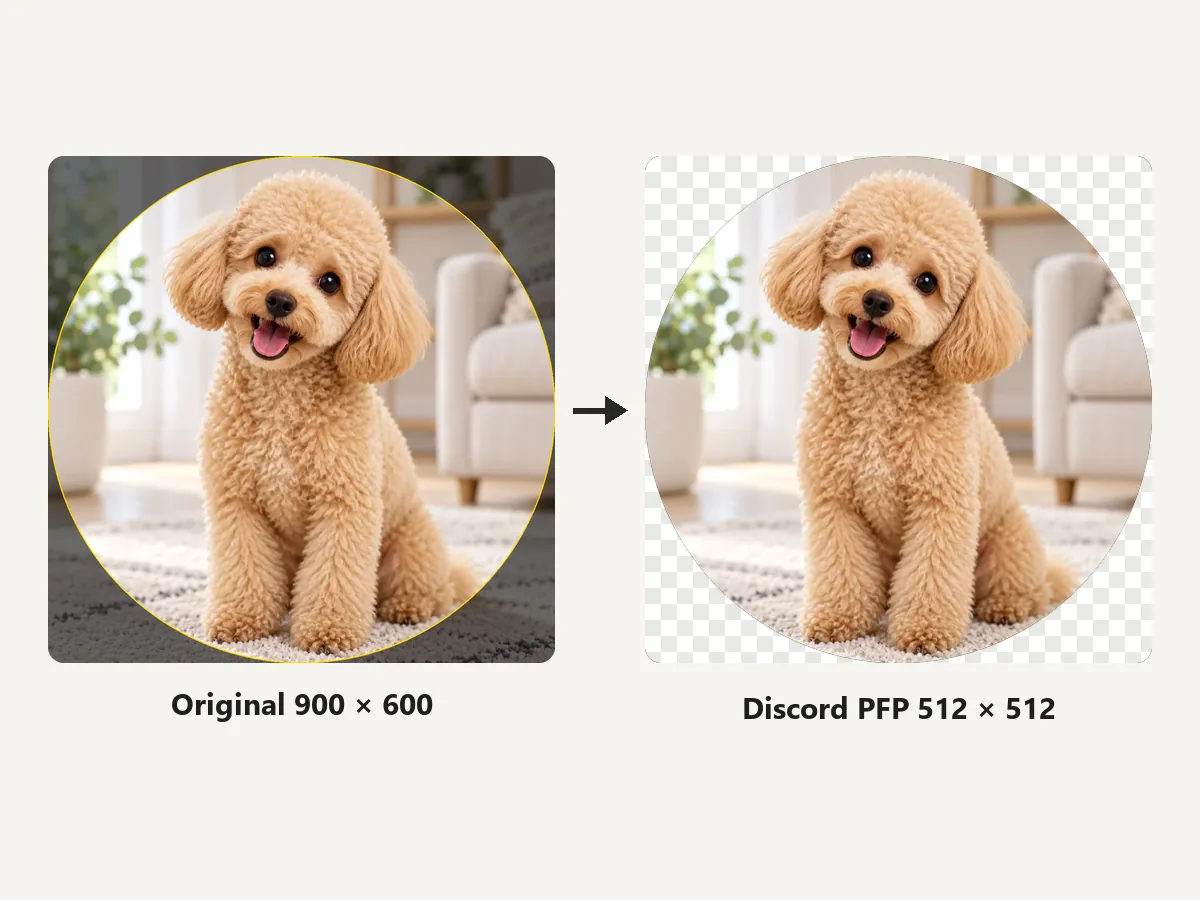
See exactly what Discord will show before you upload. The square is cropped to your chosen size and masked to a circle, with transparent corners in PNG, so faces stay centered and nothing important hides behind the round edge.
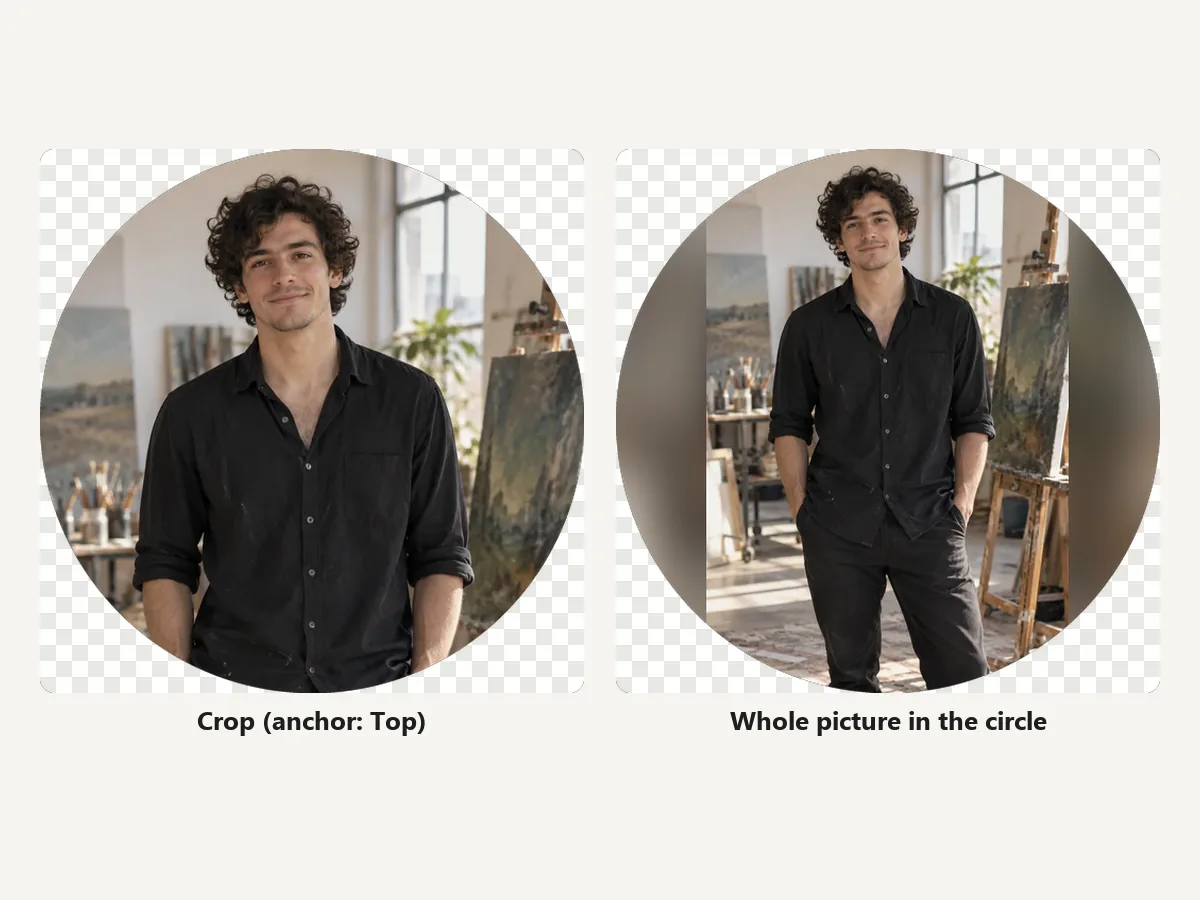
Full-body shots, group photos, and wide art lose a lot to a square crop. Fit whole picture shrinks the image to sit completely inside the circle and fills the gap with a blurred copy, transparency, black, or white.
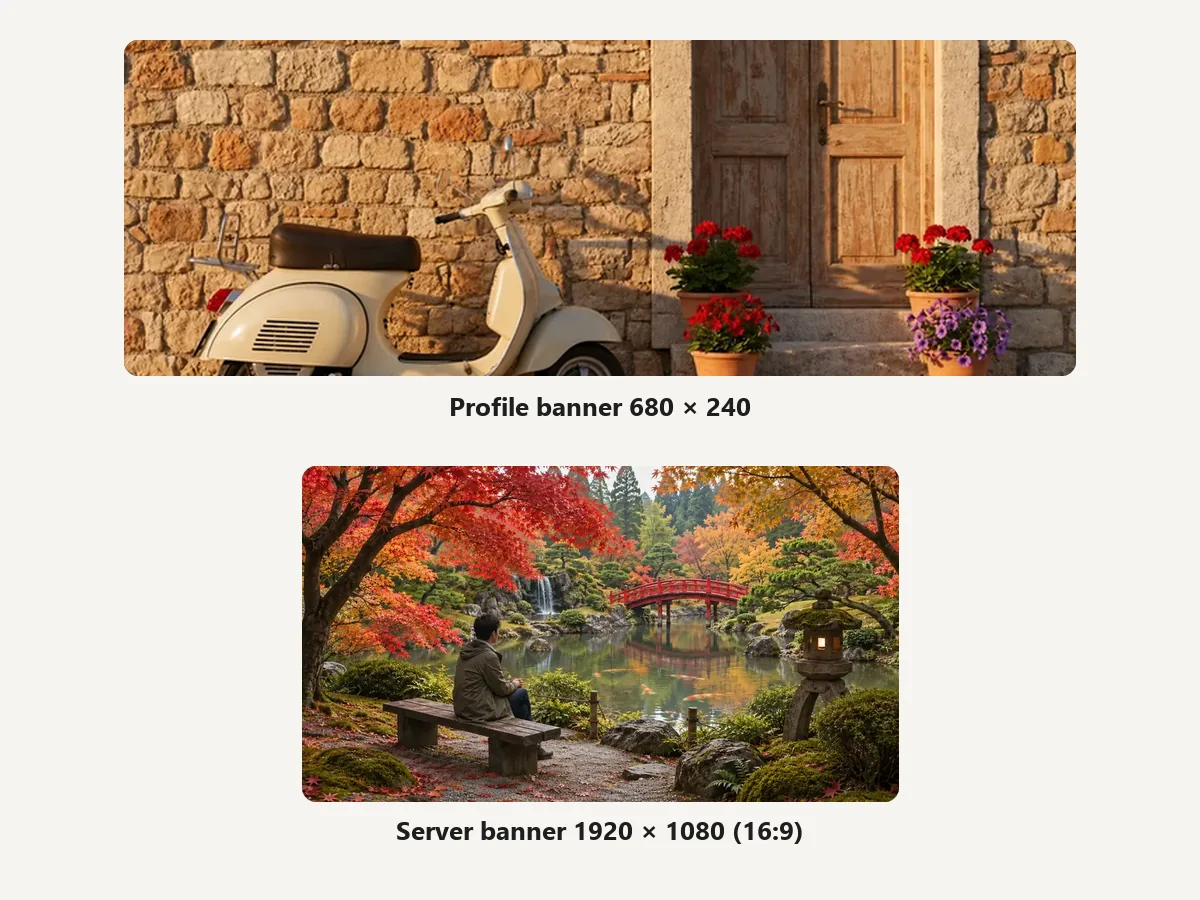
Make a 680 × 240 Nitro profile banner or a 16:9 server banner from any photo. It works as a Discord banner cropper too: move the crop anchor to Top or Bottom and keep the top 48 px of a server banner calm so the server name stays readable.
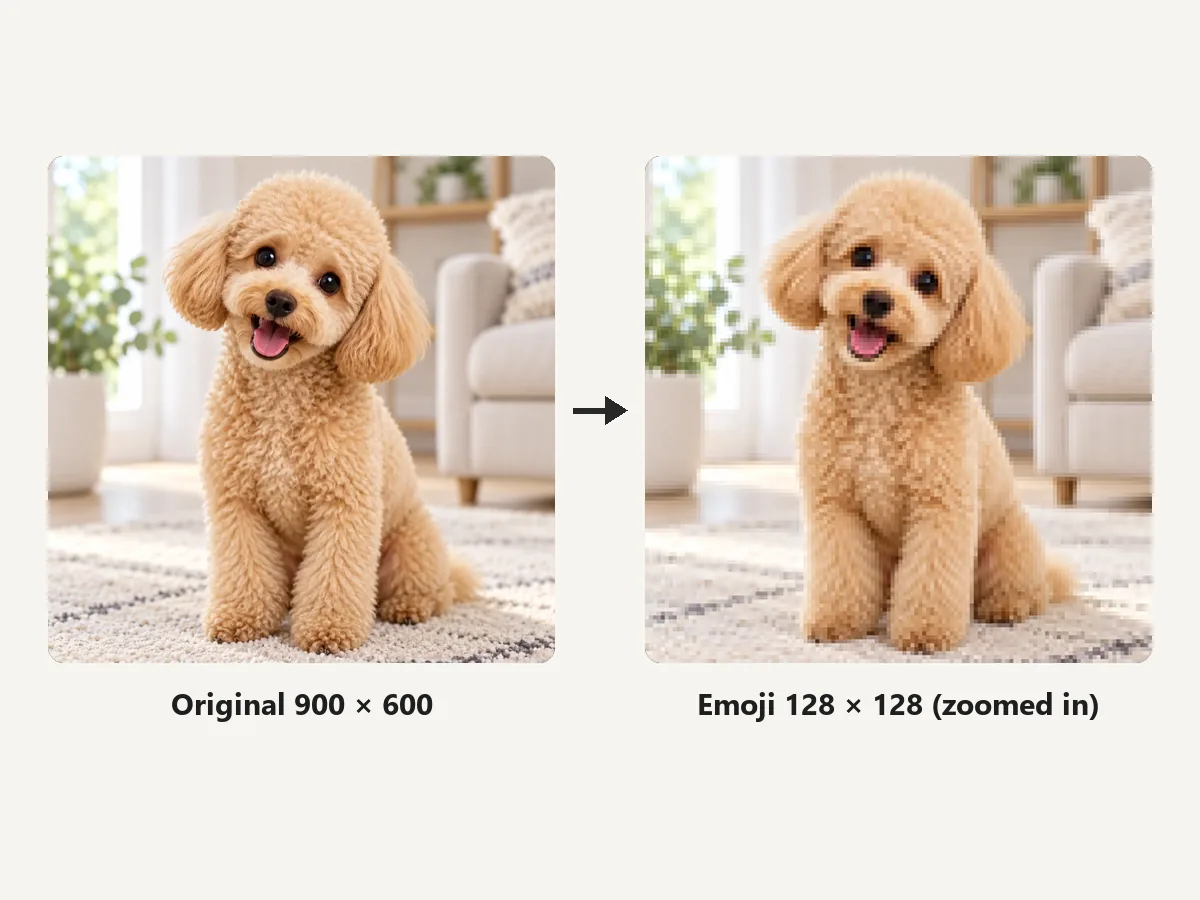
Custom emojis must be under 256 KB. Crop the subject to a 128 × 128 square and save it as PNG; at that size the file is a tiny fraction of the limit.
The Discord picture size for each spot, from Discord Help where Discord publishes a number.
Square, shown as a circle. 512 × 512 looks crisper on high-DPI screens. PNG or GIF; animated avatars need Nitro.
Minimum size for Nitro profile banners. PNG, JPG, or animated GIF under 10 MB.
At least 960 × 540 at 16:9 (1920 × 1080 works). Needs Boost Level 2; keep the top 48 px simple and avoid text or logos.
JPEG, PNG, GIF, or WebP. Servers get 50 static emoji slots by default.
Your PFP is tiny in chat, so a few habits go a long way.
Details vanish at chat size. Fill most of the circle with the face or character.
Anything in the corners of the square is hidden by the circle. Check the circle preview before saving.
A clear subject against a plain or blurred background reads better than a busy photo.
Upload a sharp source and let the resizer scale it down; enlarging a tiny image makes it soft.
How people use a Discord image resizer.
Illustrative examples adapted from reference material, not verified reviews of EzImgMaker.
My cat photo always lost an ear to the circle. The live circle preview let me nudge it until it fit, and the PNG corners are clean.
I run a 3,000-member server. Banner, icon, and a pack of emojis came out the right Discord image sizes on the first try.
Fit whole picture is the trick for my full-body character art. The whole outfit shows in the circle with a soft blurred background.
My phone photos were too big to post. Resizing to 1920 wide as JPG shrank them from 12 MB to well under the limit.
Avatar, banner, emoji, and upload limits explained.
Use a square image of at least 128 × 128 pixels; 512 × 512 looks sharper. Discord crops it into a circle, so the Discord profile pic size is about the square, not the corners. Discord Help lists PNG and GIF for avatars, and animated GIF avatars require Nitro.
Make custom emojis 128 × 128 pixels and keep them under 256 KB. Discord accepts JPEG, PNG, GIF, and WebP, and a server starts with 50 emoji slots. Discord emojis size down automatically in chat, so a clean 128 × 128 source looks best.
Send the emoji on its own, with no other text, and Discord shows it larger (jumbo). You cannot change the display size beyond that, but uploading a sharp 128 × 128 file keeps it crisp when enlarged.
Nitro profile banners must be at least 680 × 240 pixels, PNG, JPG, or animated GIF, under 10 MB. Server banners (Boost Level 2) should be at least 960 × 540 at 16:9; a 1920 × 1080 image is resized automatically. Keep the top 48 px of a server banner simple and avoid logos or text.
The server icon is square and shown as a circle, so a 512 × 512 image is a safe Discord server pic size. The server banner is 16:9, at least 960 × 540.
Free accounts were limited to 10 MB per file from 2024, and Discord raised that to 20 MB in August 2026 (Nitro Basic 50 MB, Nitro 500 MB). Resizing a big photo to 1920 × 1080 or smaller and saving it as JPG usually brings it far below either limit, so the resizer doubles as an image compressor for Discord.
Yes. Choose PFP, whole picture (or set Fit to Fit whole picture). The full image is scaled to sit inside the circle and the empty space is filled with a blurred copy, transparency, black, or white.
This tool exports still images (PNG or JPG), so an animated GIF becomes a single frame. For animated emojis, use a GIF editor and keep the file under 256 KB.
Usually the source was small or heavily compressed. Start from a larger photo, export a 512 × 512 PNG, and crop tight so the subject fills the circle.
It is free with no sign-up. Your image is processed in your own browser and never leaves your device. Only use images you have the right to edit and share.
Upload a picture, preview the circle, and download an avatar, banner, or emoji ready for Discord.
Discord and Nitro are trademarks of Discord Inc. EzImgMaker is an independent tool and is not affiliated with or endorsed by Discord. Sizes and limits follow Discord Help and public announcements at the time of writing and may change.