Anime PFP
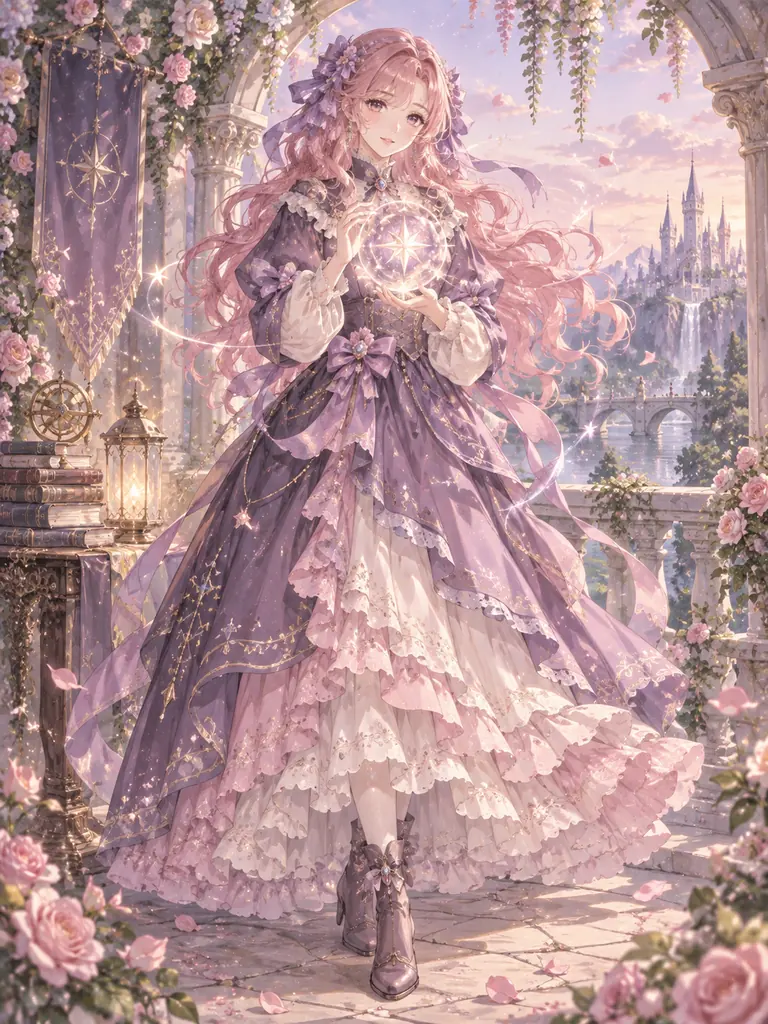
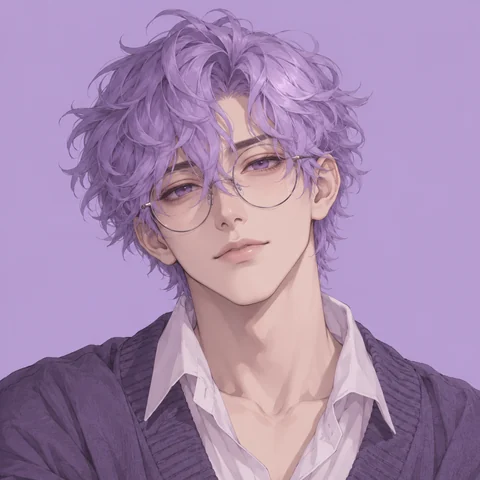
The most popular Discord look: soft lines and expressive eyes that read at any size.
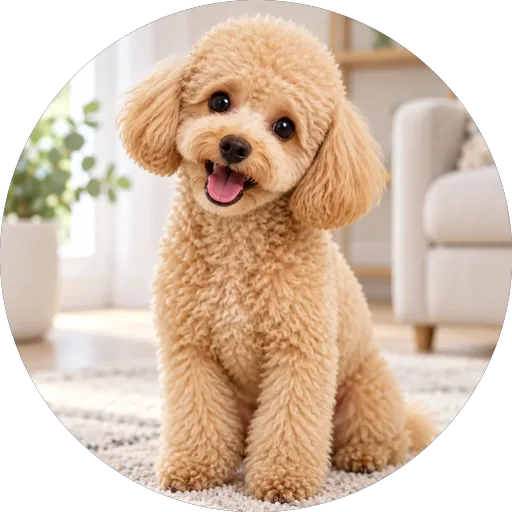
Upload a selfie, a pet, or a character drawing, or skip the photo and describe one. Pick anime, pixel art, 3D, chibi, gamer, or dark aesthetic, add cat ears, a halo, or a headset, choose a background, and get a square avatar made for Discord’s tiny circle. Free credits when you sign up.
Avatar Style: Anime · Extras: No Extras · Background: Match the Style
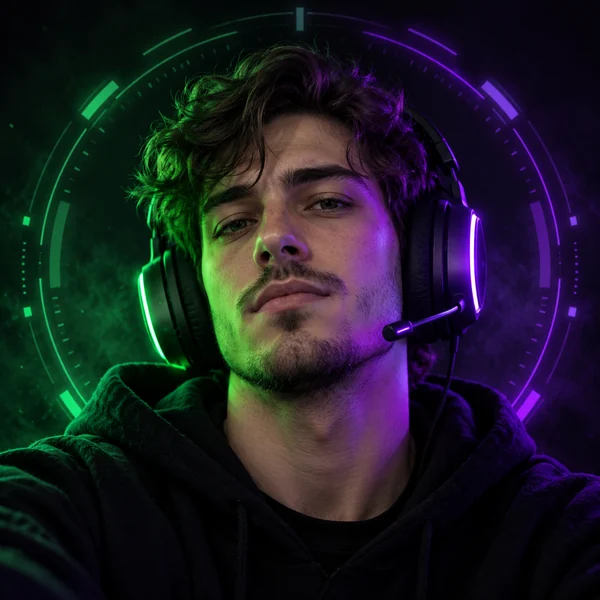
Reference example. It is not a result generated from your upload.
Your Discord pfp is the little circle next to every message you send, in every server you join. A Discord PFP maker turns a selfie, a pet photo, or a drawing of your character into an avatar that still looks good at that tiny size. This one is also a Discord pfp generator: leave the photo empty, describe a character in a sentence, and it designs an original avatar for you.
Use it as a Discord profile maker for your main account, a different look for each server, or a fresh avatar for a new community. Twelve styles cover anime, pixel art, 3D, chibi, gamer, cyberpunk, dark aesthetic, and more; eight extras add cat ears, fox ears, a headset, a halo, horns, a crown, or a hood and mask; eight backgrounds finish the look. Every result is a square image ready for Discord’s circle crop, and the Discord profile picture maker is free to try with the credits you get when you sign up.
The best Discord pfps have one thing in common: you can still read them at 128 pixels. Tap a card to try the look on your own photo or character.
The most popular Discord look: soft lines and expressive eyes that read at any size.
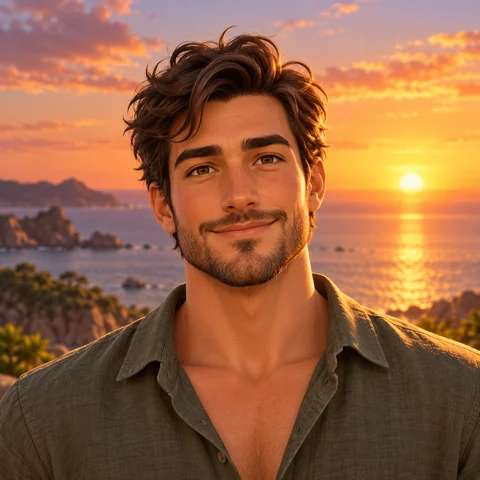
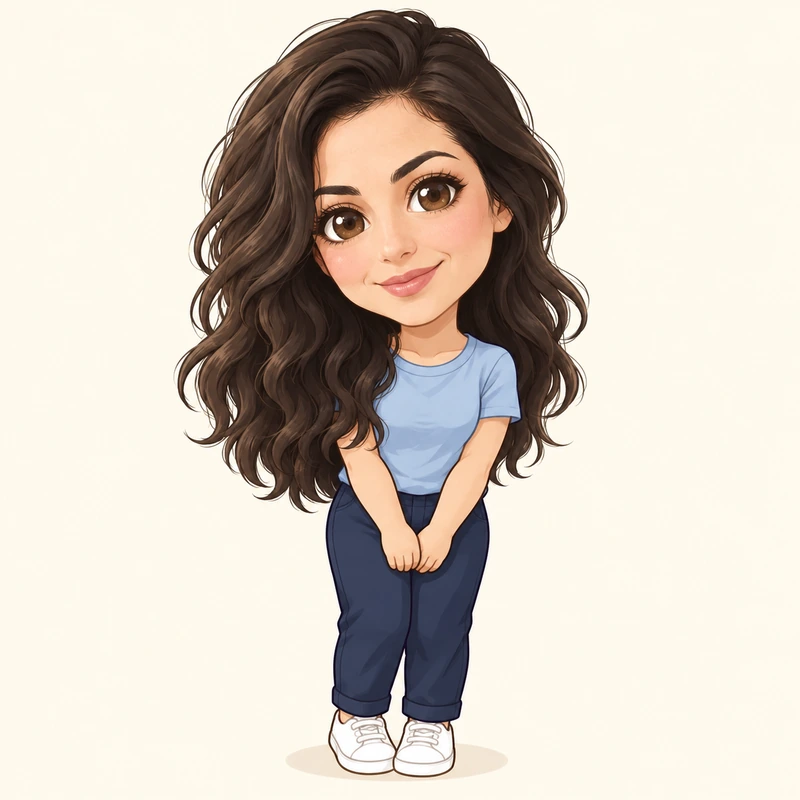
A friendly animated-movie look that stays recognizable in a small circle.
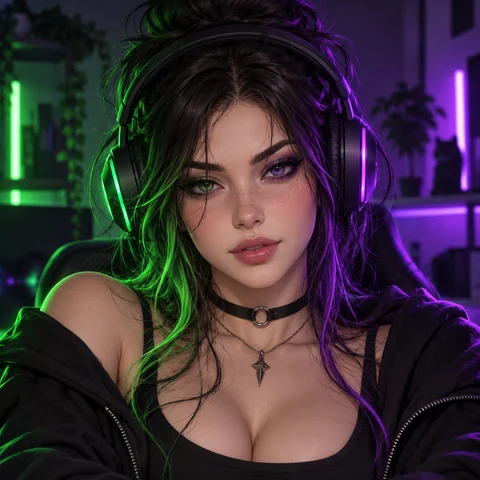
RGB light and a headset for gaming servers, clans, and voice channels.
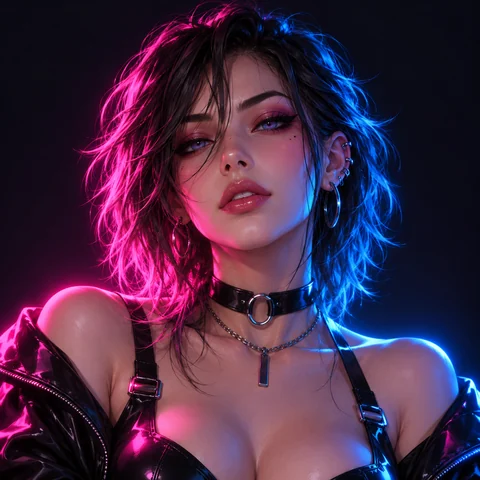
Pink and blue neon on a dark backdrop: one of the cool pfp Discord classics.
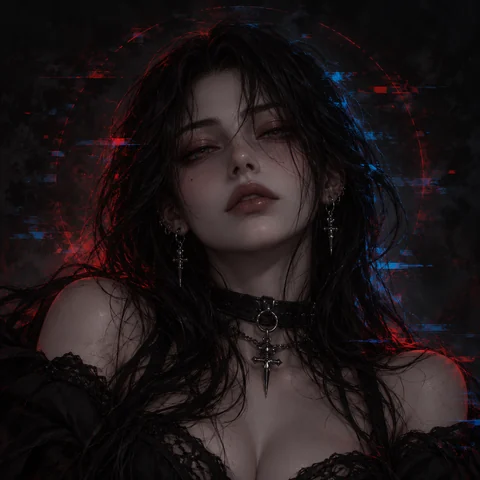
Moody light and deep shadows for late-night servers and alt accounts.
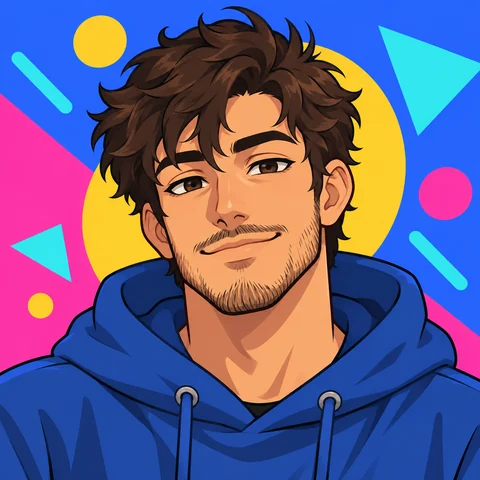
Flat colors and bold outlines: simple, readable, and a little playful.
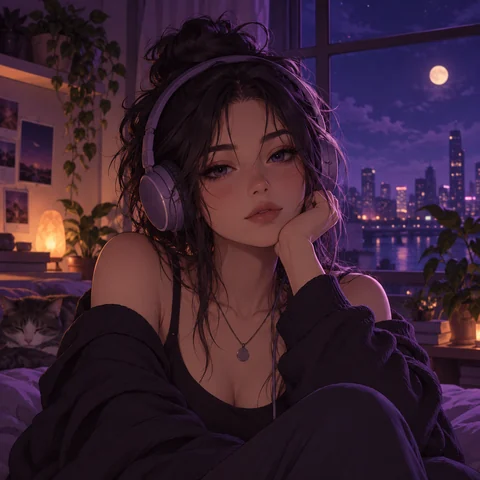
Soft pastel tones and a calm vibe for study, music, and art servers.
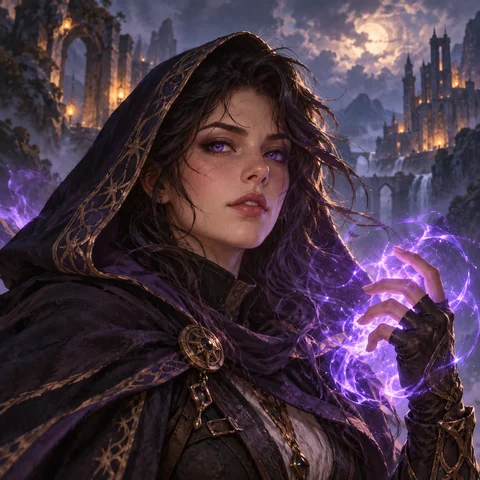
Painterly RPG detail for role-play servers and tabletop groups.
Three steps on your phone or computer, with or without a photo.
Add a clear selfie, a pet photo, or a drawing of your OC. No photo? Leave the upload empty and describe the character in the details box, such as “a sleepy cat girl with silver hair”.
Choose one of 12 avatar styles, add an extra like cat ears or a halo, and pick a background color. Blurple, Midnight, and Neon Purple all stand out in Discord’s dark theme.
Create one, two, or four versions, compare them at thumbnail size, and download your favorite. In Discord, open User Settings, then Profiles, choose Change Avatar, and upload it.
A Discord profile pic maker that thinks about the circle first and the style second.
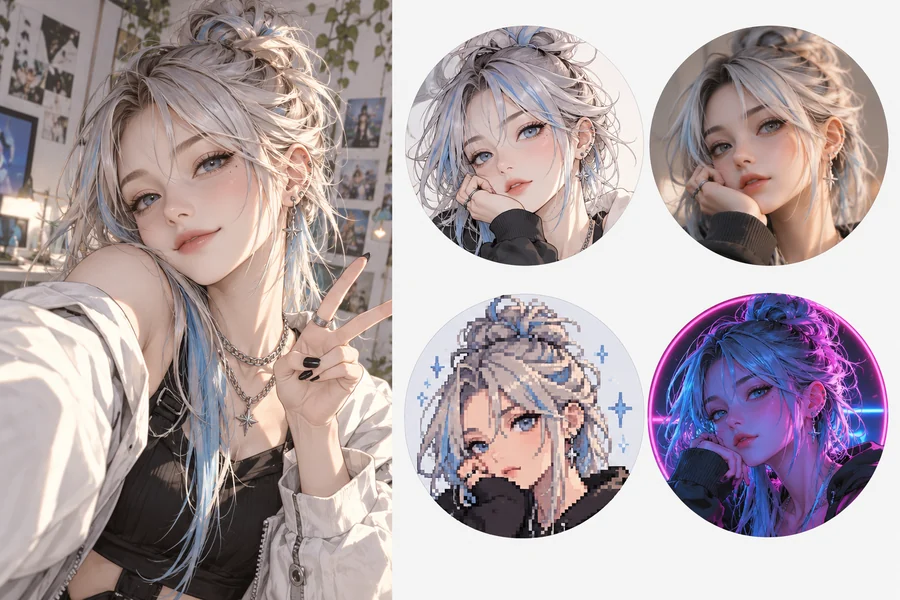
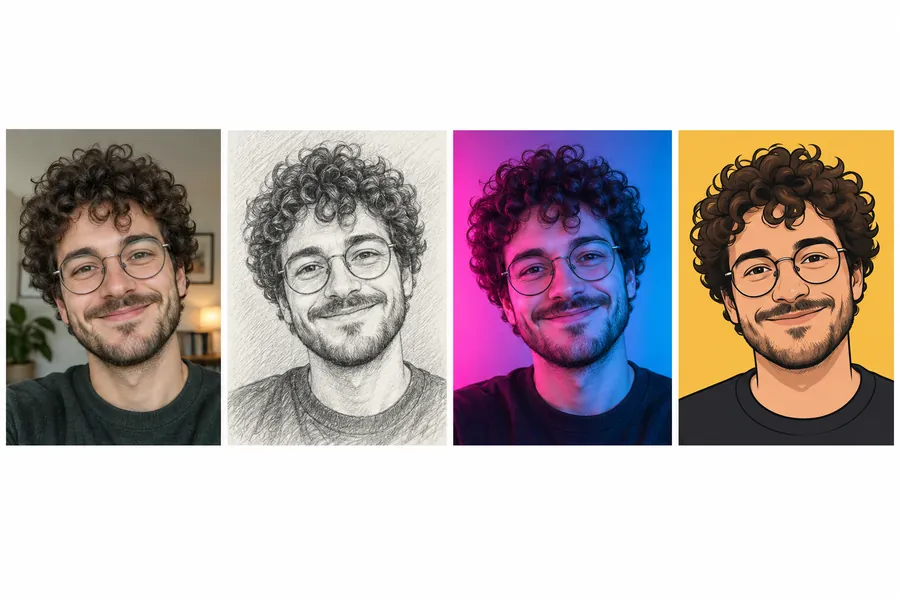
Upload one photo and get the same face as an anime character, a 3D avatar, pixel art, or a neon portrait. Your hair, glasses, and expression carry over, so friends still know it is you, even in a voice channel list.
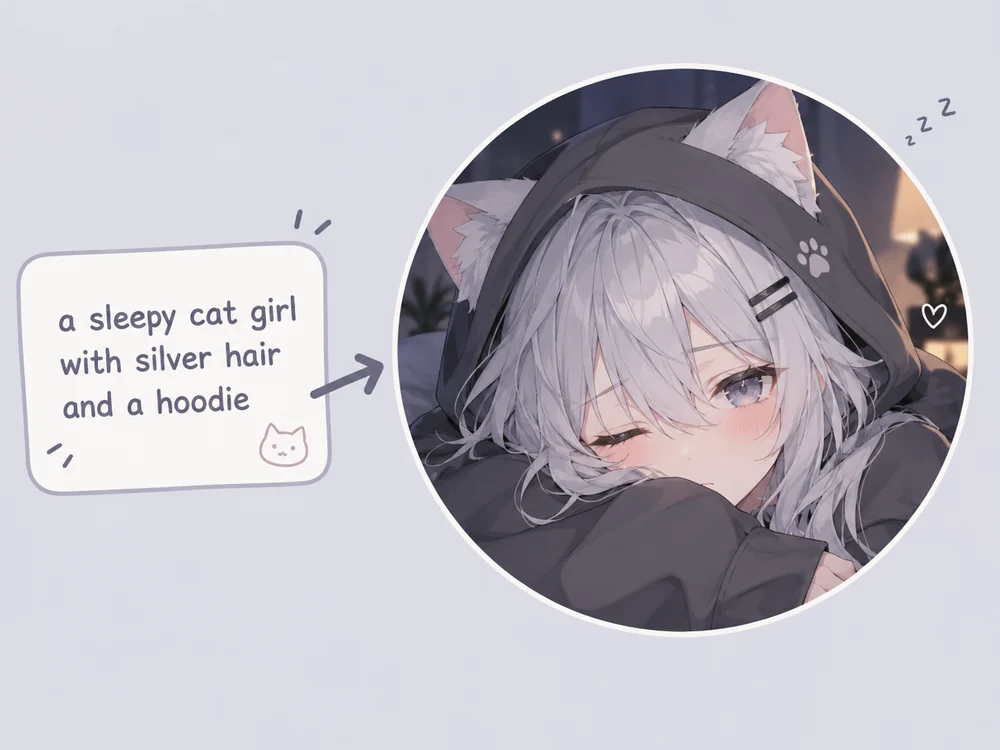
Not everyone wants their face on Discord. Leave the upload empty, type a short description, and the Discord pfp generator designs an original character in the style you pick. It is the easy way to make an OC, a server mascot, or a private alt avatar.
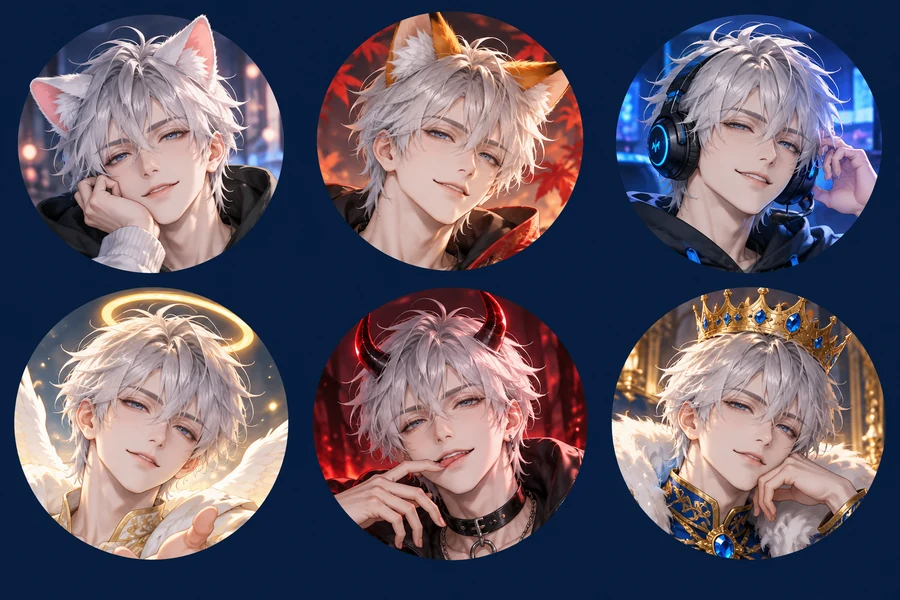
Extras are what make a Discord avatar feel like yours: cat or fox ears for anime fans, a gaming headset for voice regulars, a halo or devil horns for a little attitude, or a hood and mask when you want to stay anonymous. Mix any extra with any style and background.
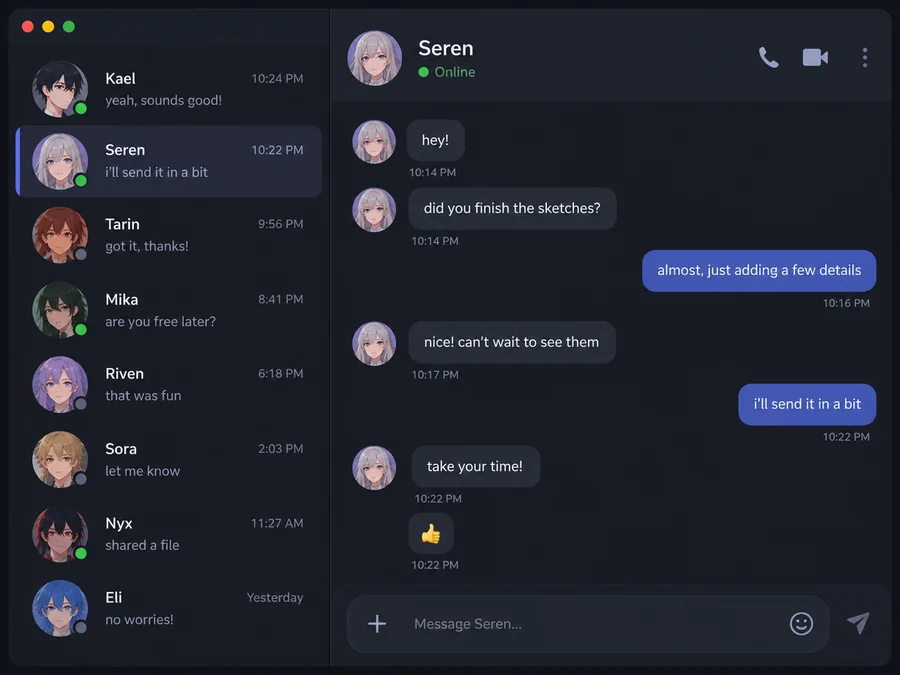
Every avatar is square with the face centered and space around the head, so nothing important gets cut off by Discord’s round crop. Before you upload, use our Discord PFP Size tool as a Discord pfp tester: it previews the circle and exports 128 or 512 pixels.
What Discord asks for, so your new avatar and server art upload cleanly.
| Image | Recommended size | Good to know |
|---|---|---|
| Profile picture (avatar) | Square, at least 128 × 128 px; 512 × 512 looks sharper | Shown as a circle, so keep the face away from the corners. |
| Animated avatar | Square GIF | Animated avatars need Discord Nitro. This tool makes still images. |
| Server icon | Square, 512 × 512 px | Also cropped to a circle in the server list. |
| Profile banner | At least 680 × 240 px | A Nitro feature: PNG, JPG, or GIF under 10 MB. |
| Server banner | At least 960 × 540 px (16:9) | Available from server Boost Level 2. |
| Custom emoji | 128 × 128 px | The file must be under 256 KB. |
Sizes from the Discord Help Center as of October 2026. Results from this tool are square images of roughly 1K to 2K pixels; the Discord PFP Size tool crops them to an exact size and previews the circle.
From gaming clans to study groups, a custom avatar helps people find you in the member list.
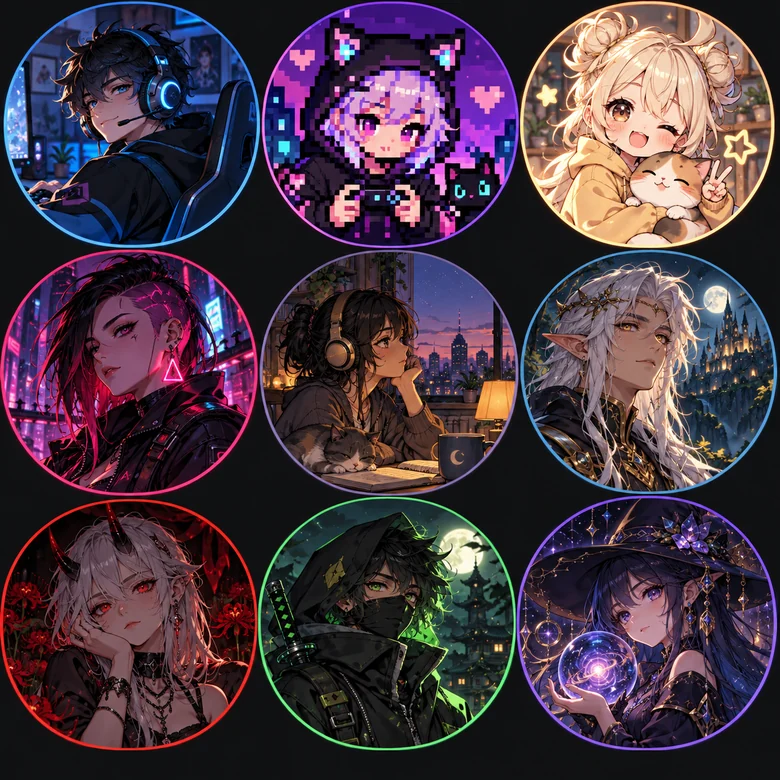
Gamer, pixel art, and cyberpunk avatars that match your squad or main game.
Design a server icon or a bot avatar from a short description, no photo needed.
Keep one recognizable face across Discord, Twitch, and your stream overlays.
Bring your original character to life in anime, manga, or fantasy style.
Lo-fi, pastel, and cartoon looks that feel friendly in calmer communities.
A hood and mask, a chibi, or an invented character when you would rather not show your face.
Wondering what your Discord pfp should be? These are the habits behind good Discord pfps and the best Discord pfps in any server.
Let the face or character fill most of the square. Tiny subjects disappear at 128 pixels.
A single bold background color makes you easy to spot in a long member list.
Most people use Discord’s dark theme, so bright or neon edges stand out more than black on black.
Zoom out until the avatar is tiny. If you still recognize it, it works in chat.
Pick a background that matches your profile banner and color theme for a clean profile card.
Use your own photo or an original character rather than art or faces you do not have rights to.
LGBTQ pfp maker for every pride flag: add a rainbow, trans, bi, pan, lesbian, or nonbinary ring, glow, or background to your photo, or mix 2 flags…
Open toolCrop your avatar to 128 or 512 pixels, preview the circle, and export banners and emoji sizes in your browser.
Open toolDesign a 2D VTuber avatar, expression sheet, or PNGtuber art from text or a photo.
Open toolMake a pair of matching pfps for you and a friend, partner, or sibling in one picture.
Open toolTurn your selfie into a bold battle-royale style gaming avatar for Discord, YouTube, and Twitch.
Open toolThe best Discord pfp maker is one that keeps you recognizable and designs for the circle. This one turns a selfie into 12 avatar styles, works as a Discord pfp generator from text when you skip the photo, and always outputs a square, centered avatar.
Pick something that fits your servers: an anime or chibi version of you for fan communities, a gamer or pixel art avatar for gaming servers, a lo-fi or pastel look for study and art servers, or an original character if you prefer privacy. Generate a few and keep the one you recognize fastest at thumbnail size.
A good Discord pfp has one clear subject, a face or character that fills the frame, strong contrast for dark mode, and a simple background. The best pfp for Discord is also personal: a cartoon of you, your pet, or your own OC beats a picture everyone else already uses.
Yes. Leave the upload empty, describe the character in the details box, and pick a style. The Discord profile picture maker then creates an original character instead of editing a photo.
Discord avatars are square, at least 128 × 128 pixels, and shown as a circle; 512 × 512 looks sharper on large screens. Results here are square, so they upload without stretching. For an exact size, run the image through the Discord PFP Size tool.
Use the Discord PFP Size tool linked on this page as a Discord pfp tester: upload your avatar, see it inside Discord’s circle, drag to reposition, and download it at 128 or 512 pixels. You can also simply zoom out on your screen until the avatar is tiny.
No, this tool makes still PNG-style images. Animated GIF avatars on Discord also require a Nitro subscription. A still avatar works for everyone and can be reused as your server icon.
On desktop, open User Settings, go to Profiles, choose Change Avatar, upload the image, and save. On mobile, tap your profile picture, choose Edit Profile, tap your avatar, and upload the new one.
It is free to try: new accounts get free credits when they sign up, and each generation uses a few credits after that. Generating two or four versions at once uses credits for each image.
Only use photos you own or have permission to use, and never use an avatar to pretend to be someone else. The tool creates original characters in an anime or game style rather than copying existing copyrighted characters.
Upload a selfie or describe a character, pick a style, and download a square avatar ready for Discord.