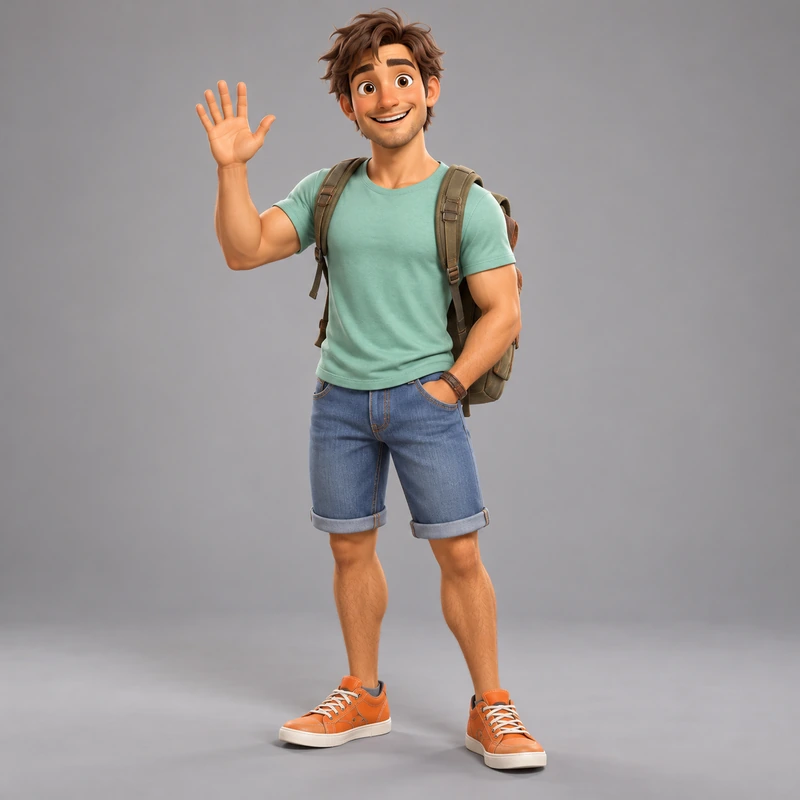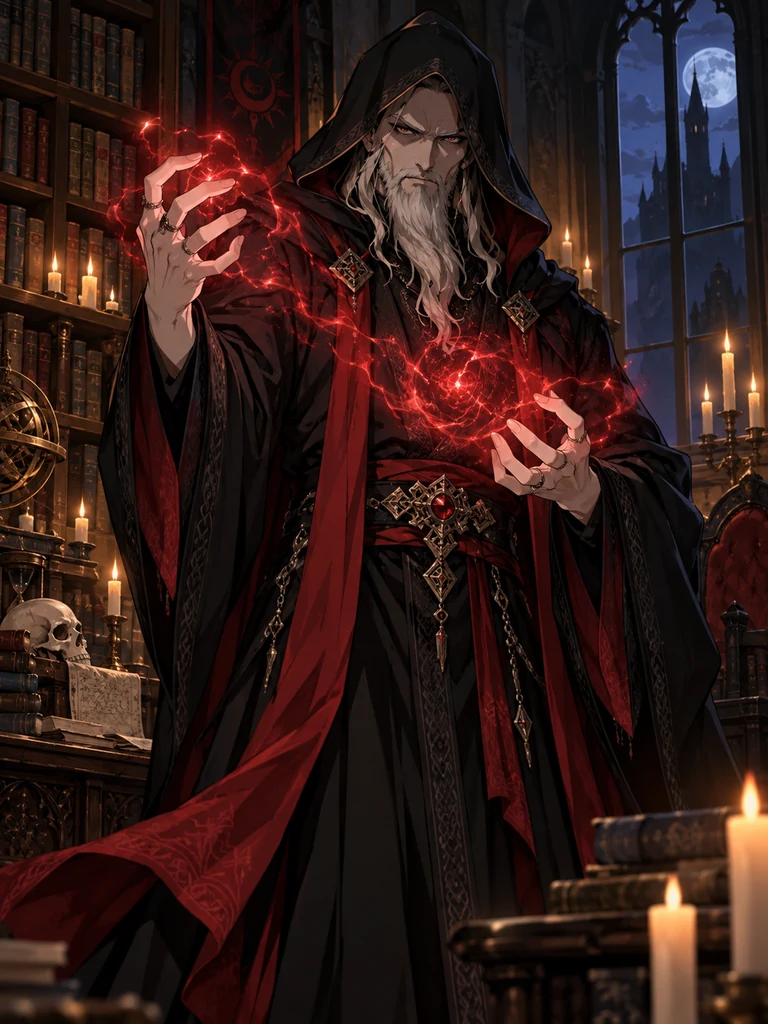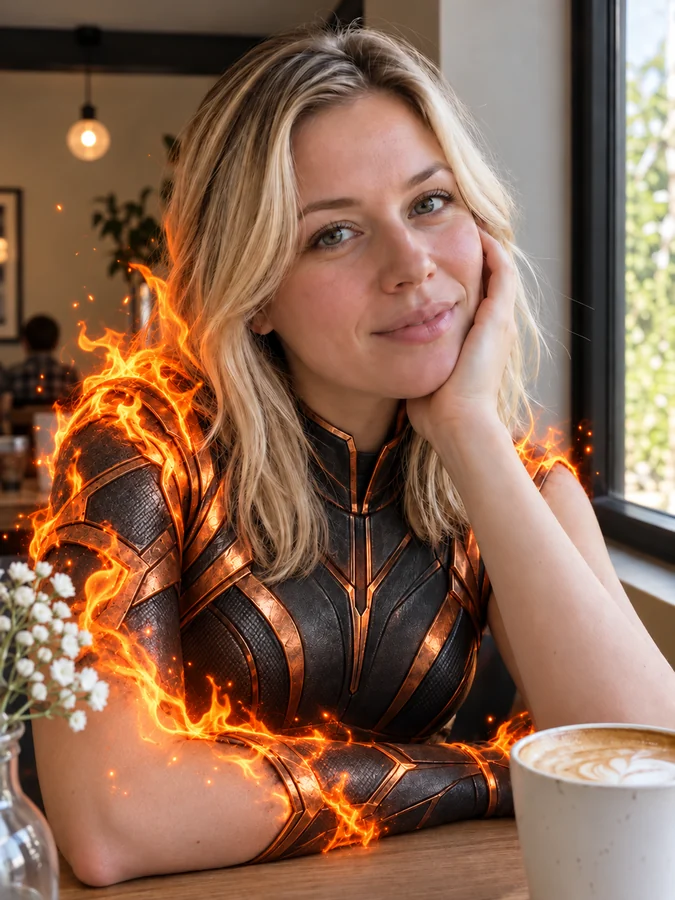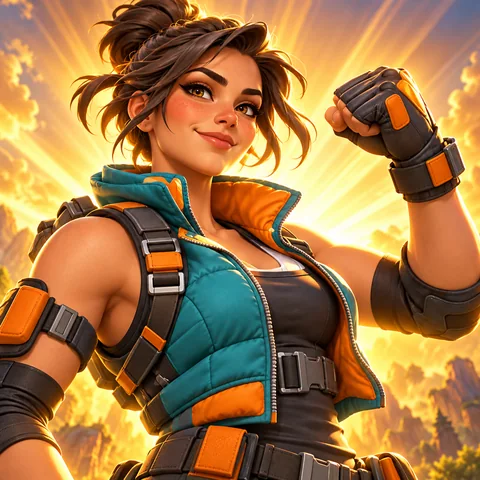
Tactical Soldier
Padded vest, gloves, and a game-face stare.
Upload a selfie, or skip it and describe a character, and get a bold battle-royale style gaming avatar. Choose from 12 original looks, a pose, and a rarity glow or island background for a profile pic made for YouTube, Twitch, and Discord. A fan-made tool, free credits when you sign up.
Character Look: Tactical Soldier · Pose: Hero Pose · Background: Legendary Gold
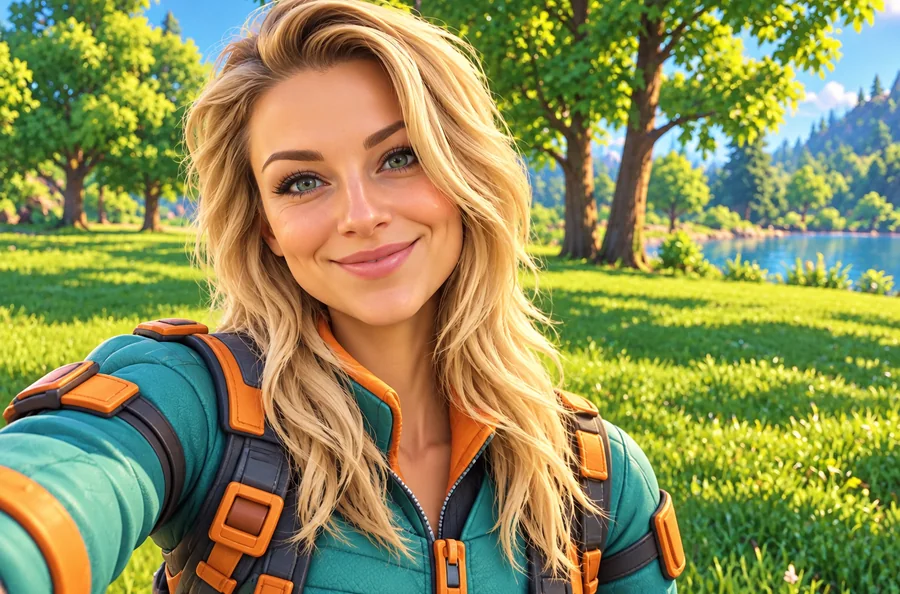
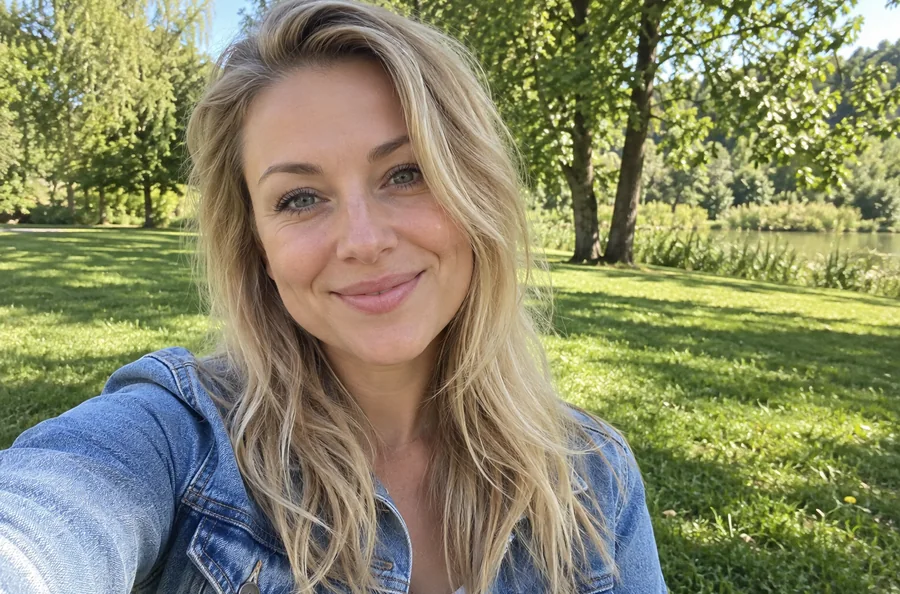
Reference example. It is not a result generated from your upload.
A Fortnite pfp is a gaming profile picture in the bright, chunky 3D style of the battle royale: bold outfits, dramatic light, and a glowing background that looks great on a YouTube channel, a Twitch profile, or a Discord server. This Fortnite PFP maker builds one from your own selfie, so your gaming avatar actually looks like you, or creates an original character from a short description when you would rather stay anonymous.
Think of it as a Fortnite profile picture maker for original characters: pick one of 12 looks, from Tactical Soldier and Cyber Ninja to Golden Legend and Storm Mage, a pose, and a rarity-style glow or island background. It is a fan-made tool: EzImgMaker is not affiliated with Epic Games, and results are original outfits in the game’s art style, never official skins, logos, or items.
Original battle-royale style looks that read clearly at thumbnail size. Tap a card to try it on your photo.
Padded vest, gloves, and a game-face stare.
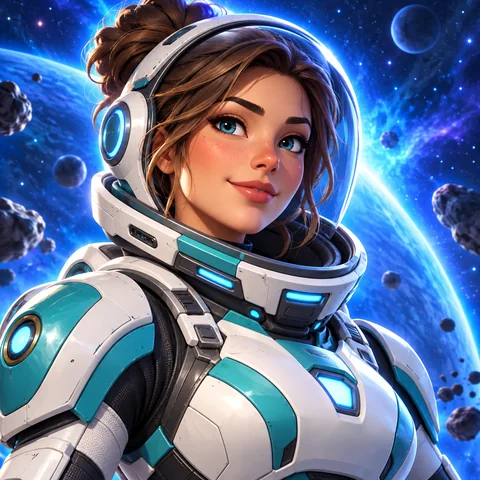
White and teal armor with a sci-fi glow.
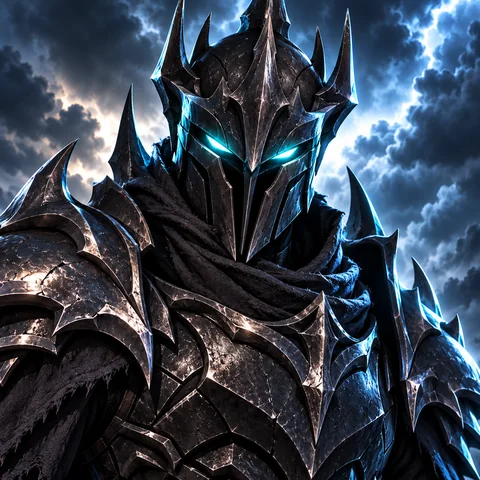
Jagged black armor for a seriously tuff pfp.
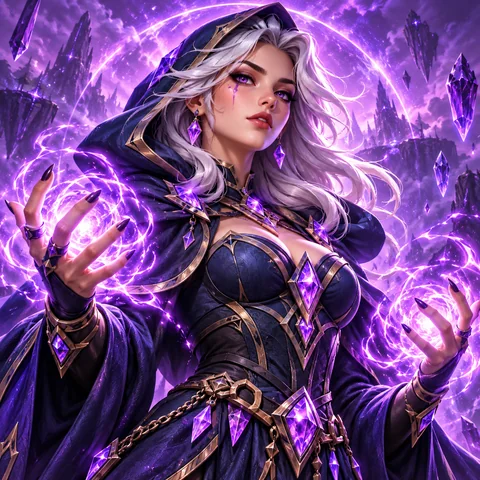
A glowing staff and a cloak full of storm energy.
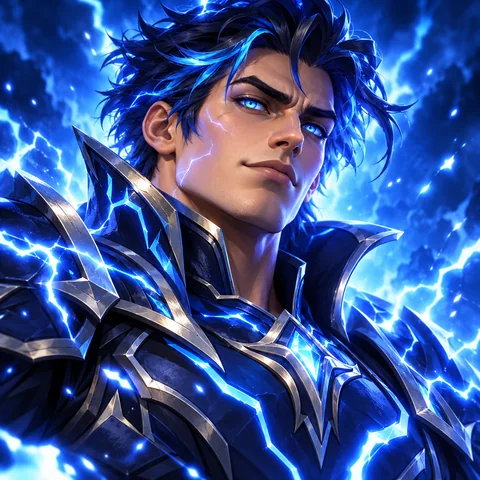
Electric blue lightning around a dark armored suit.
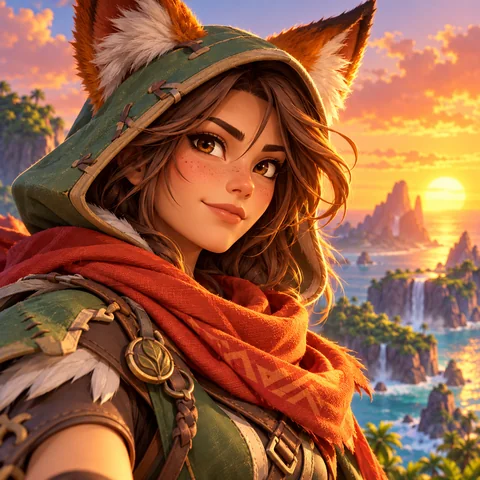
An explorer with a scarf and a golden sunset behind.
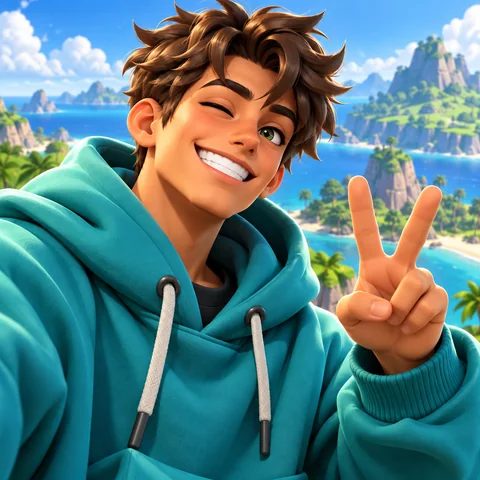
Bright streetwear and a big grin: the default look, but better.
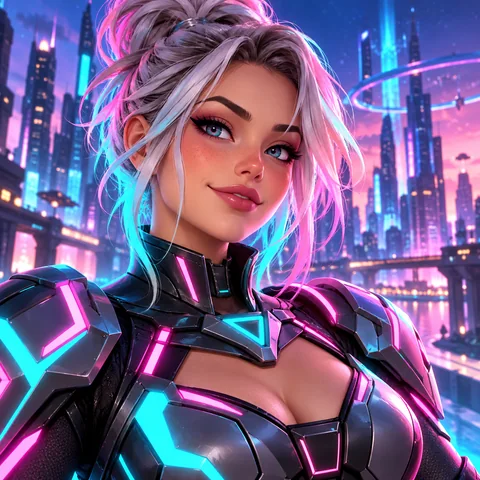
Glowing trim and a visor for streamers who play at night.
From selfie to gaming avatar in three steps.
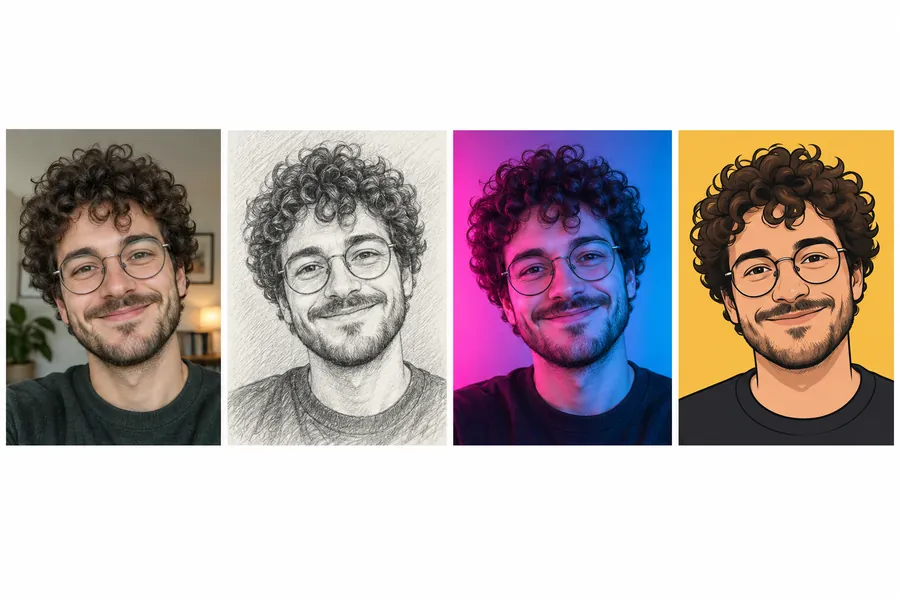
A front-facing selfie with good light gives the most recognizable result. Prefer to stay anonymous? Skip the photo and describe your character, like “a fox-masked ninja in orange armor”.
Choose one of 12 character looks, a pose such as Hero Pose or Skydive Drop, and a background: Legendary Gold, Epic Purple, Storm Sky, Island Sunset, and more. Add outfit colors or a clan tag in the details box.
Create up to four versions, pick the tuffest one, and download a square image ready for YouTube, Twitch, Discord, and X.
A Fortnite profile pic maker that keeps your face and invents the outfit.
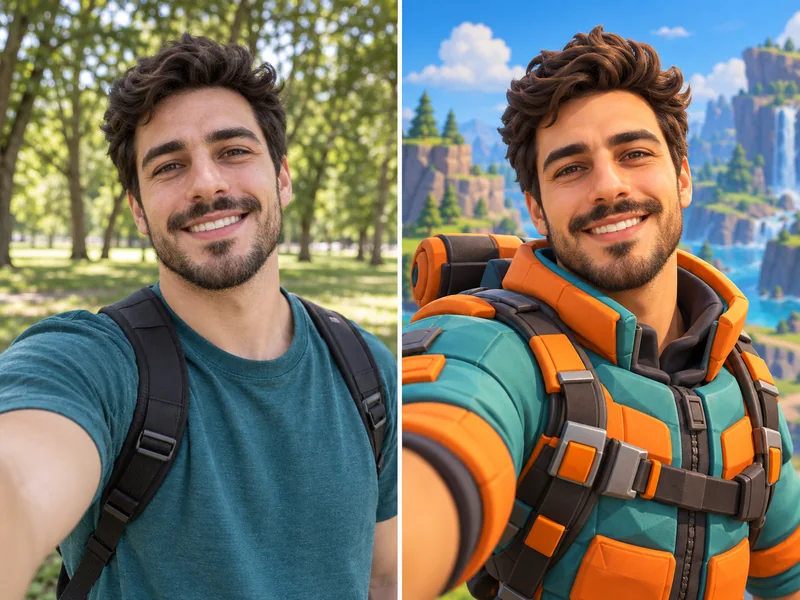
Upload one photo and the AI redraws you in a stylized 3D game look: same face shape, skin tone, hair, and glasses, now in a battle-ready outfit with dramatic lighting. It is the easiest way to get a gaming avatar that is unmistakably you.
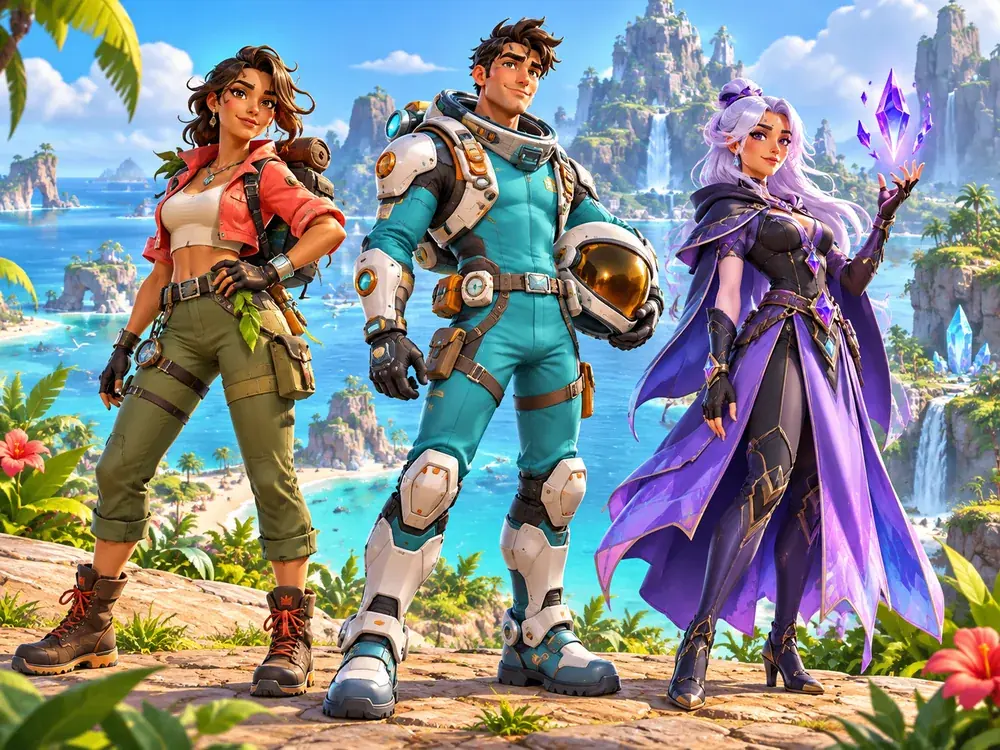
Skip the upload and type a short description. The Fortnite pfp maker designs a brand-new character in the look you pick, which is perfect for a channel mascot, a faceless gaming account, or a clan avatar. Every outfit is original, so it never copies an existing skin.
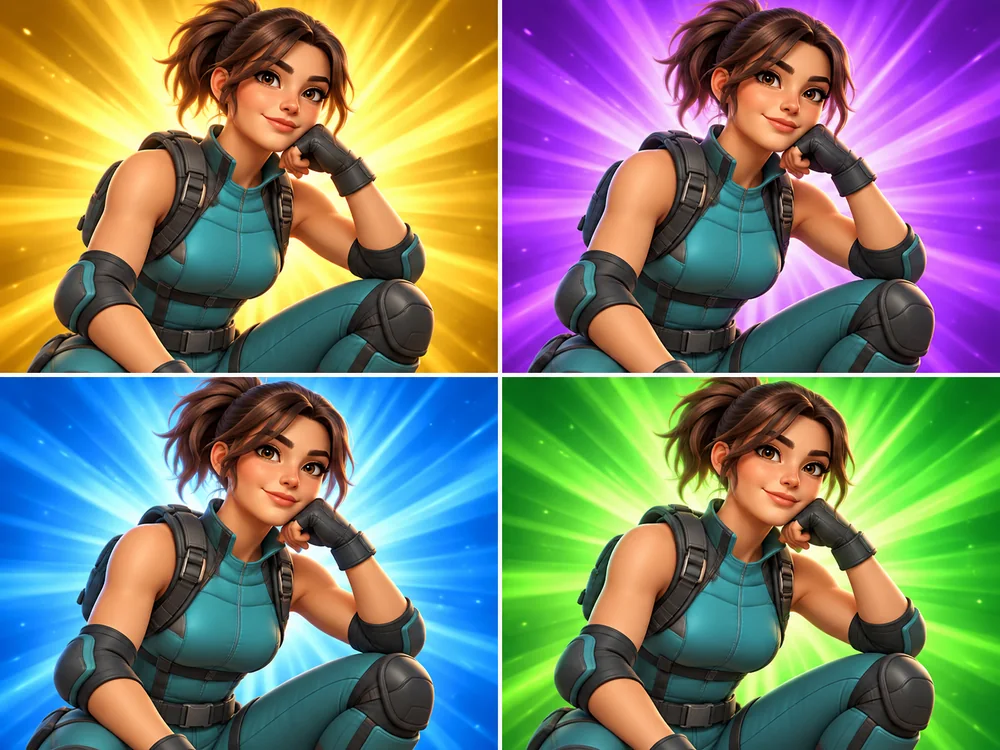
Backgrounds are half of a tuff Fortnite pfp. Pick a glowing Legendary Gold, Epic Purple, Rare Blue, or Uncommon Green burst, a purple Storm Sky, an Island Sunset, a Neon City, or a Snowy Peak, and the light on your character matches the backdrop.
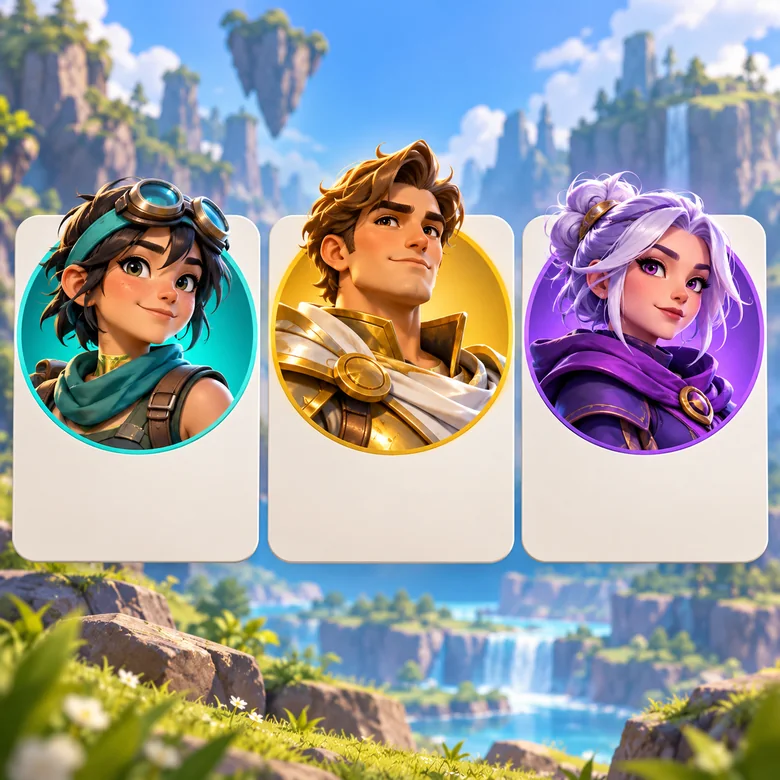
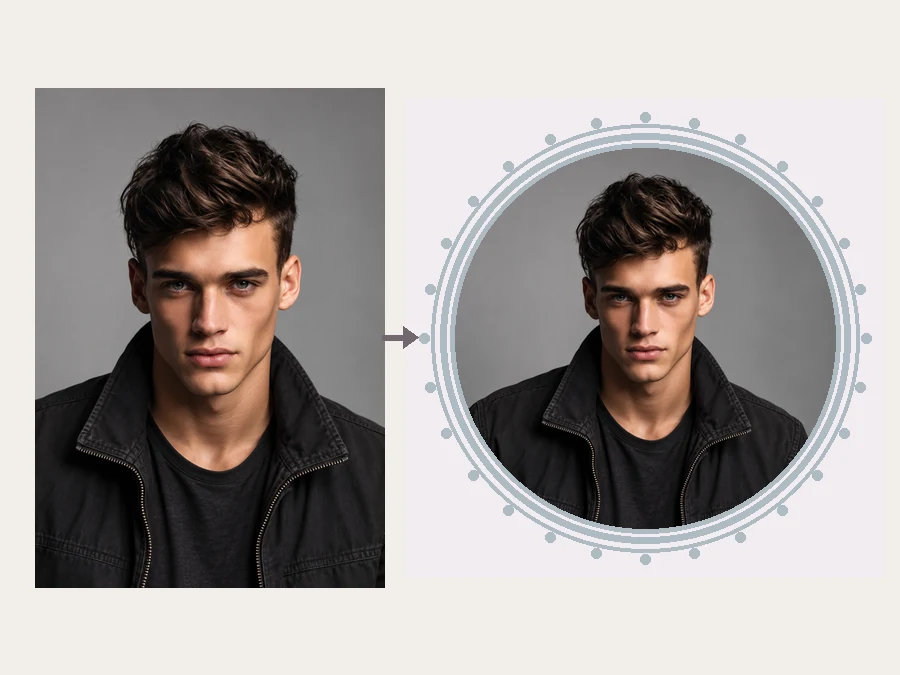
Results are square with the character centered, so they survive the round crop on YouTube, Twitch, Discord, and X. Use the same avatar on every channel, or make a matching set with different poses for each platform.
Every result is a square image. These are the sizes each platform asks for.
| Platform | Profile picture size | Tip |
|---|---|---|
| YouTube | 800 × 800 px recommended | Shown as a circle; keep the face and helmet away from the corners. |
| Twitch | At least 256 × 256 px; 800 × 800 looks sharper | Bright rarity glows stand out next to the chat. |
| Discord | At least 128 × 128 px; 512 × 512 looks sharper | Close-Up Glare reads best at Discord’s tiny size. |
| X (Twitter) | 400 × 400 px recommended | Strong contrast helps in a busy timeline. |
| Clan or team avatar | Square, 512 × 512 px or larger | Add your clan tag in the details box. |
Need an exact size or a circle preview? Run the download through the Avatar Cropper or the Discord PFP Size tool.
Anyone who wants a gaming avatar with more personality than a default icon.
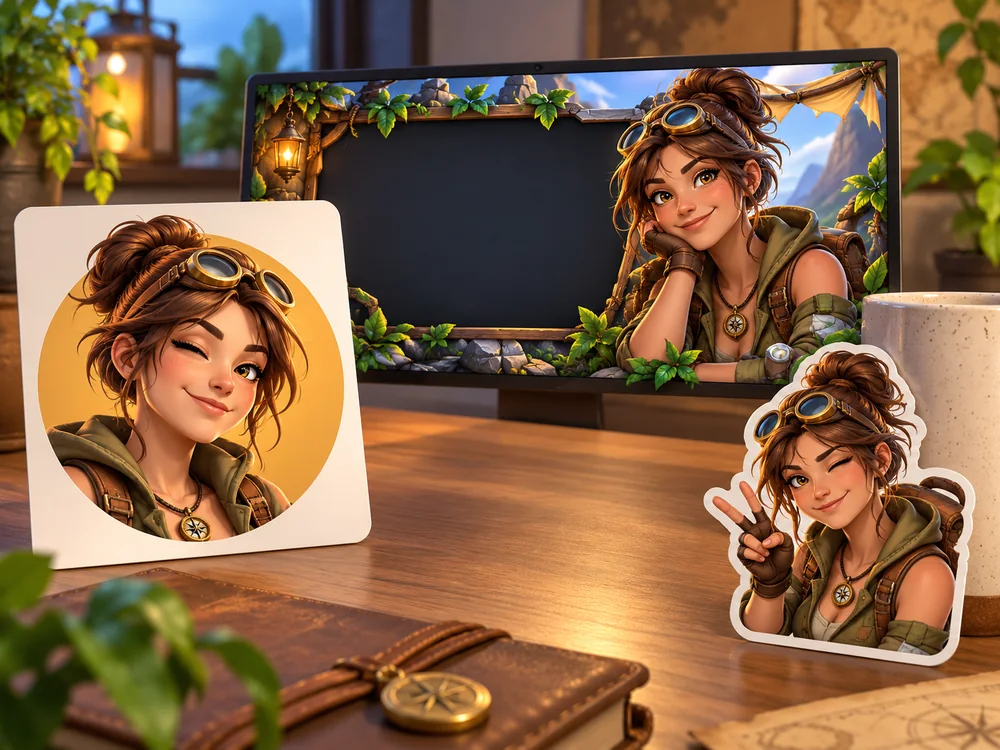
A channel icon that matches your thumbnails and intro.
One recognizable avatar for your profile, panels, and stream overlays.
Everyone in the squad picks a look for a matching set of server avatars.
A Fortnite clan pfp maker in practice: same background, different looks, one clan tag.
An original character from text when you do not want to show your face.
A fresh gaming look for TikTok, Instagram, and X between seasons.
“Tuff” means it looks tough and cool. These details get you there.
Pick Close-Up Glare or Hero Pose so the face fills the circle.
Dark looks such as Shadow Ninja and Dark Knight pop against a bright rarity glow.
Ask for a two-color outfit in the details box; busy outfits blur at thumbnail size.
Good light and a front-facing angle keep the character looking like you.
Use the same background for every friend and change only the look.
Describe your own outfit idea rather than an official skin; originals stand out more anyway.
Create 3D characters and avatars in animated-movie, clay, low-poly, and game styles.
Open toolTurn a selfie into a custom GTAG pfp with fur colors, cosmetics, and 3D or pixel styles.
Open toolMake an anime, pixel art, gamer, or 3D avatar for your Discord servers.
Open toolTurn your photo into a boxed action figure with accessories and packaging.
Open toolIt is a tool that turns your selfie, or a text description, into a gaming profile picture in the bright 3D battle-royale art style. You choose the look, pose, and background, and download a square avatar.
“Tuff” is slang for tough or cool. A tuff Fortnite pfp usually has a dark or armored look, a confident pose, strong rim light, and a glowing background, like Dark Knight with Close-Up Glare on Legendary Gold.
You can turn your selfie into a Fortnite-style character for your profile picture. It is a picture, not an in-game item, and the outfit is an original design rather than an official skin.
No. The tool only creates original outfits in the art style and does not reproduce official skins, characters, logos, or items. Describe your own idea in the details box instead.
No. It is a fan-made tool. EzImgMaker is not affiliated with, endorsed by, or sponsored by Epic Games, and Fortnite is mentioned only to describe the art style.
No. Leave the upload empty, describe a character, and the Fortnite profile pic maker invents one. With a photo, the character keeps your face, skin tone, and hair.
Yes. Pick the same background for everyone, change the look per member, and type your clan tag in the details box, for example “VXN on the chest”. Short tags of three or four letters read best.
YouTube recommends 800 × 800 pixels, Twitch at least 256 × 256, Discord at least 128 × 128, and X 400 × 400. The square result works on all of them; crop to an exact size with the Avatar Cropper if needed.
It is free to try with the credits new accounts get when they sign up. Each avatar uses a few credits after that.
Your own, or a photo of someone who has agreed to it. Do not upload photos of other people without permission or use an avatar to pretend to be someone else.
Upload a selfie, pick a look and a glow, and download a tuff Fortnite-style pfp.
Fan-made tool. EzImgMaker is not affiliated with, endorsed by, or sponsored by Epic Games. Fortnite is a trademark of Epic Games, Inc., mentioned only to describe an art style; every result and example on this page is an original character, and no official skins, logos, or game assets are used.