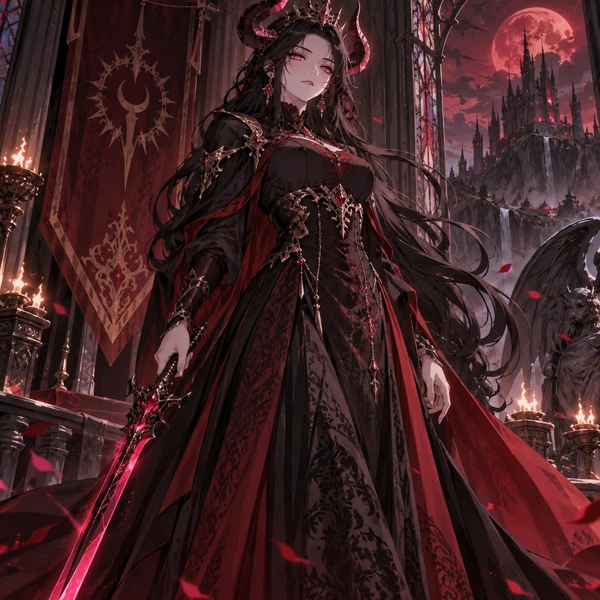
Demon Queen
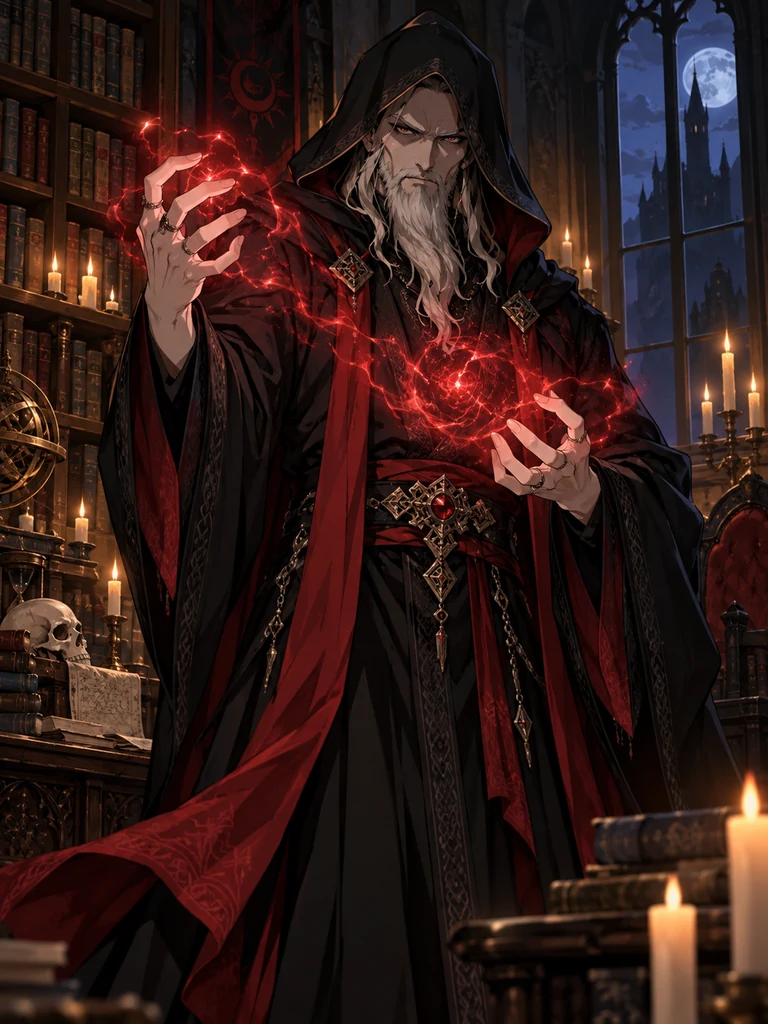
Horns, a crimson blade, and a gothic stage presence.
Describe your stream persona or upload a selfie, and this AI VTuber maker draws a 2D VTuber character: a front-facing model sheet, a half-body stream pose, an expression sheet, PNGTuber states, or chibi emotes. It designs the art; rigging it for Live2D is a separate step. Free credits when you sign up.
VTuber art type
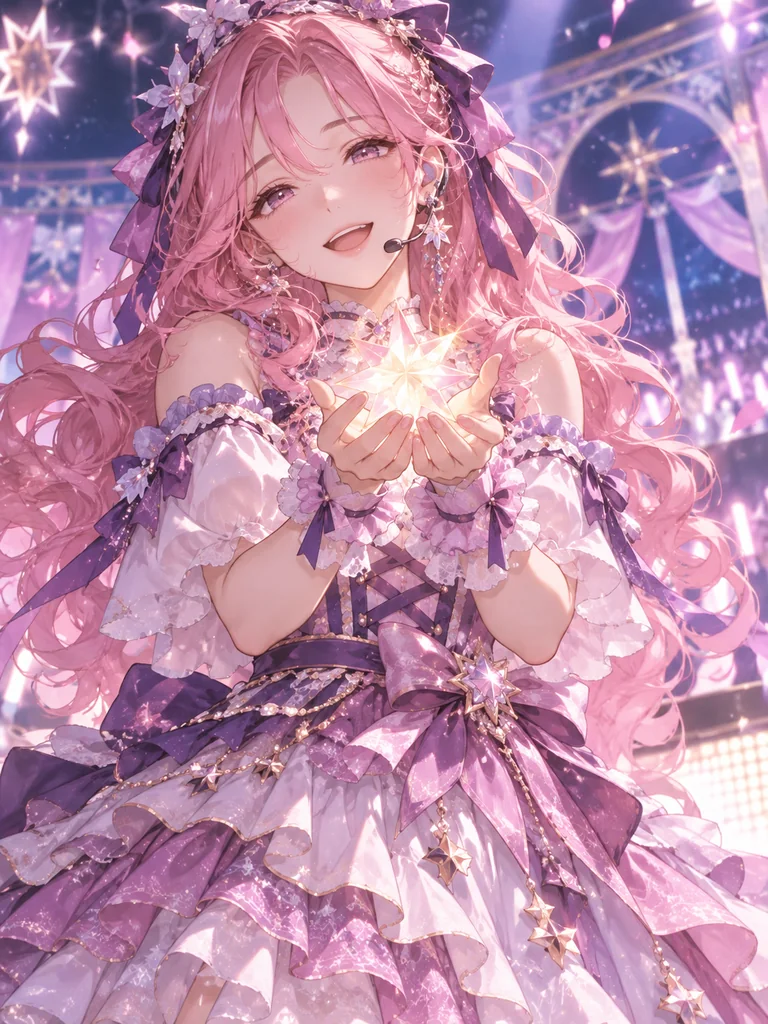
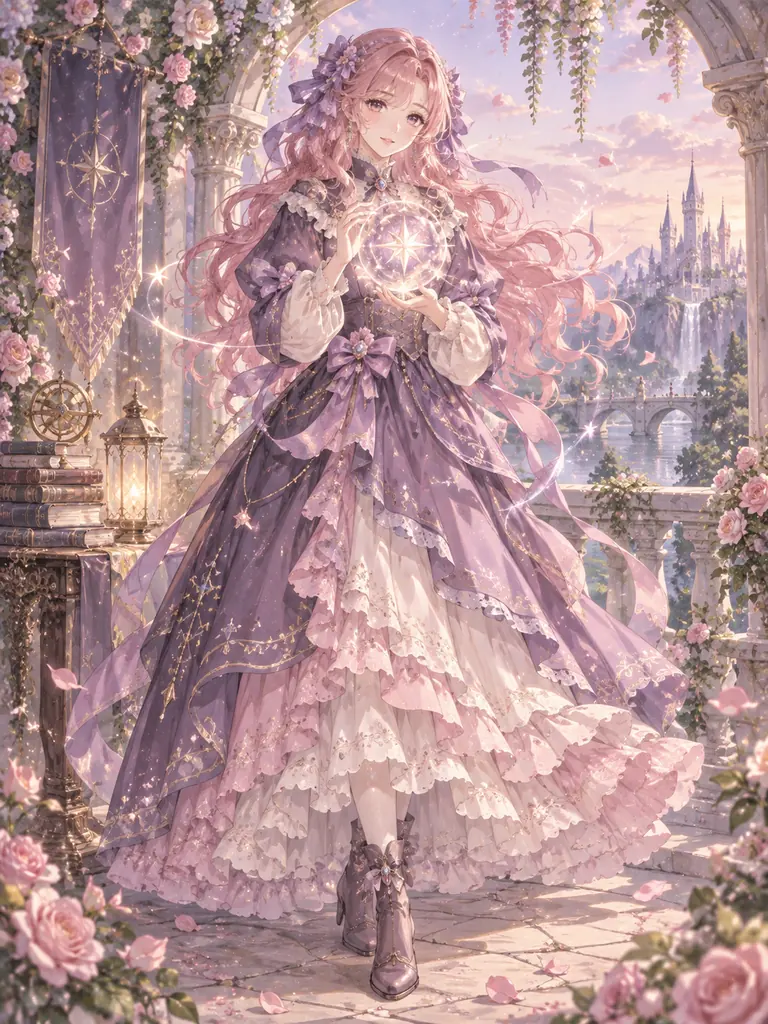
A cheerful idol VTuber with long pink curls tied with ribbons, a frilly purple-and-pink stage dress, a headset microphone, and a glowing star in her hands.
Reference example. It is not a result generated from your upload.
A VTuber (virtual YouTuber) streams as an animated character instead of on camera. Before that character can move, it has to be designed: the look, the outfit, the expressions, and a clean front view an artist can rig. An AI VTuber avatar maker handles that first, creative part. Describe your persona, or upload a selfie, and this VTuber creator draws a custom VTuber character in anime style, ready to become your stream identity.
This VTuber AI tool makes 12 kinds of 2D VTuber art: a rig-ready front model sheet, a half-body stream pose, an expression sheet, PNGTuber idle and talking states, chibi versions, emote sets, and persona looks like animal ears, idol, fantasy, cyber android, and cozy streamer, each with a plain, green-screen, or stream-room background. It works as a VTuber maker online, so you don’t need a VTuber editor or a download, and it is free to try with the credits you get when you sign up. What it does not do: Live2D rigging, physics, or face tracking. Those come next, with a rigger or rigging software.
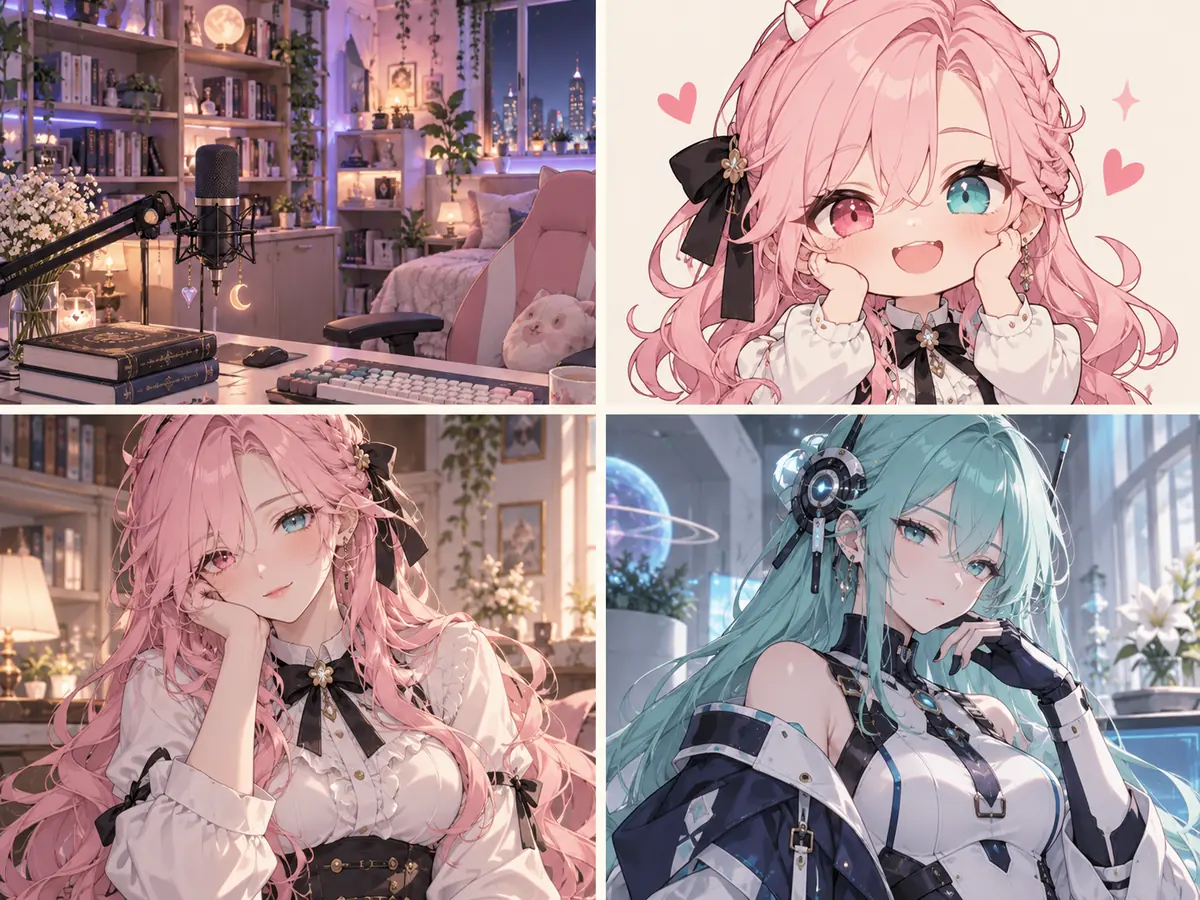
Every persona below is an original character. Tap one to load a matching idea or art type, then make it your own.
Horns, a crimson blade, and a gothic stage presence.
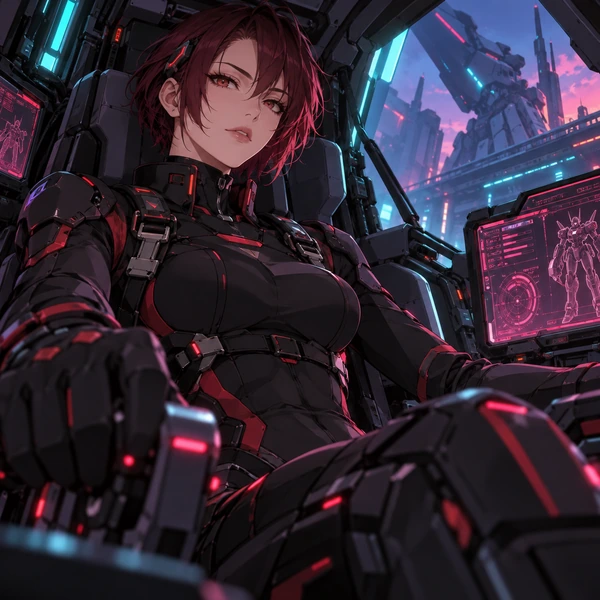
A sci-fi persona streaming from her cockpit.
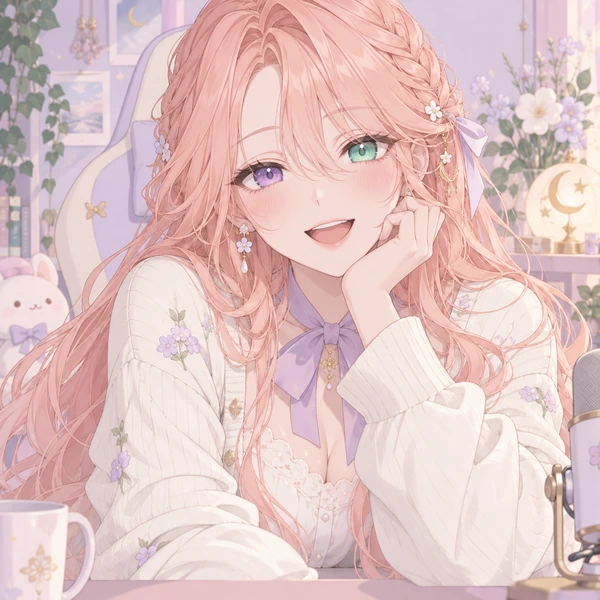
Soft pink hair, heterochromia, and a big smile.

A tiny version of the persona for alerts and panels.
Every VTuber model starts as a drawing. Here is how to create a VTuber model design with this AI VTuber generator.
Write the vibe, hair, eyes, outfit, and one signature detail such as horns, a halo, or animal ears. Ideas like Idol singer or Cozy bear gamer work as a VTuber template you can edit.
Choose Model Sheet for a rig-ready front view, Expression Sheet, PNGTuber States, Emote Set, or a persona look, then a plain, green-screen, or stream-room background.
Upload a selfie to base the avatar on you, or a rough sketch of your persona so the AI keeps your design and redraws it cleanly.
Create up to four versions and keep the best. Use the PNGTuber states right away, or hand the model sheet to a rigger to split layers and rig it in Live2D.
A VTuber model creator for the art you need before your debut, from model sheet to emotes.
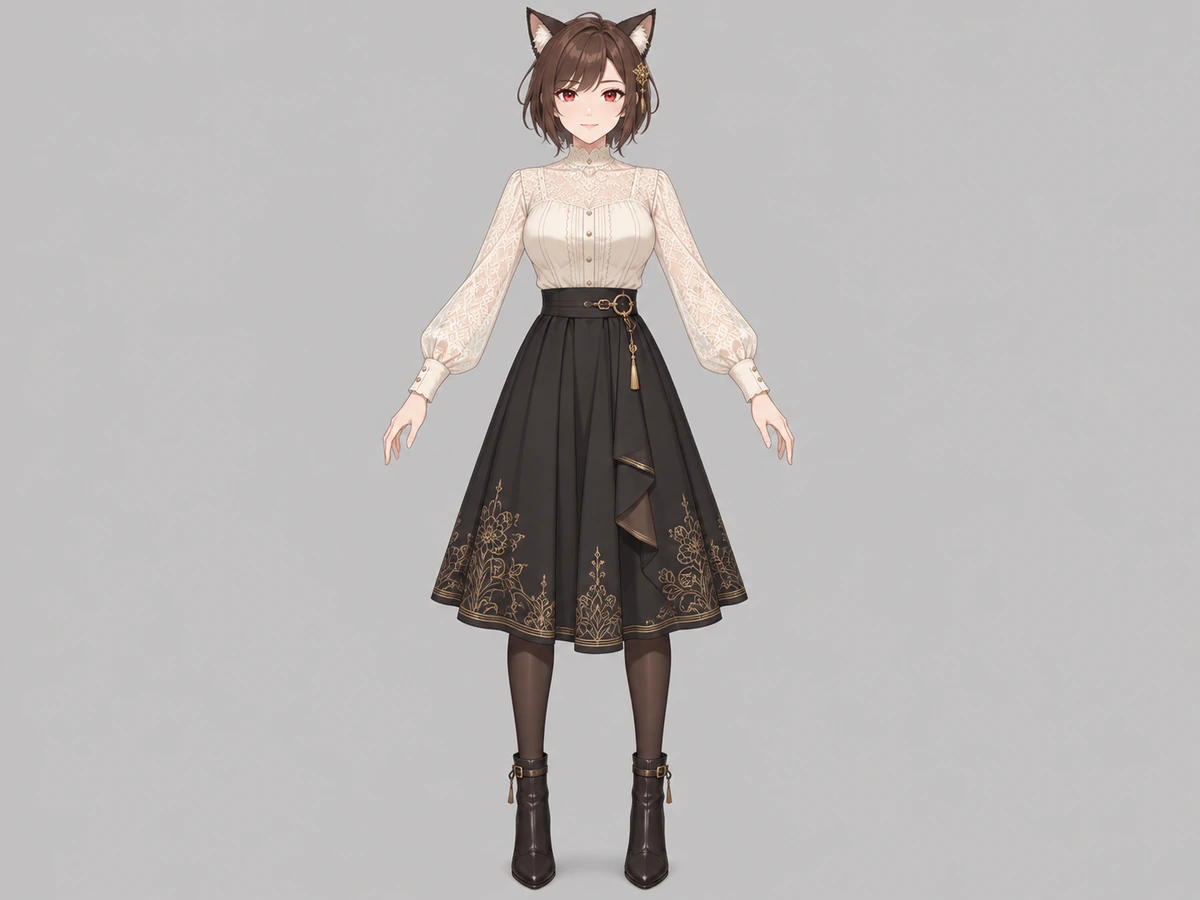
Pick Model Sheet and you get the character standing front-facing in a neutral pose, eyes open and mouth closed, with hair and clothes clearly separated on a plain background: the view a rigger asks for first. It turns this 2D VTuber maker into a fast way to settle your design before you pay for layering and rigging.
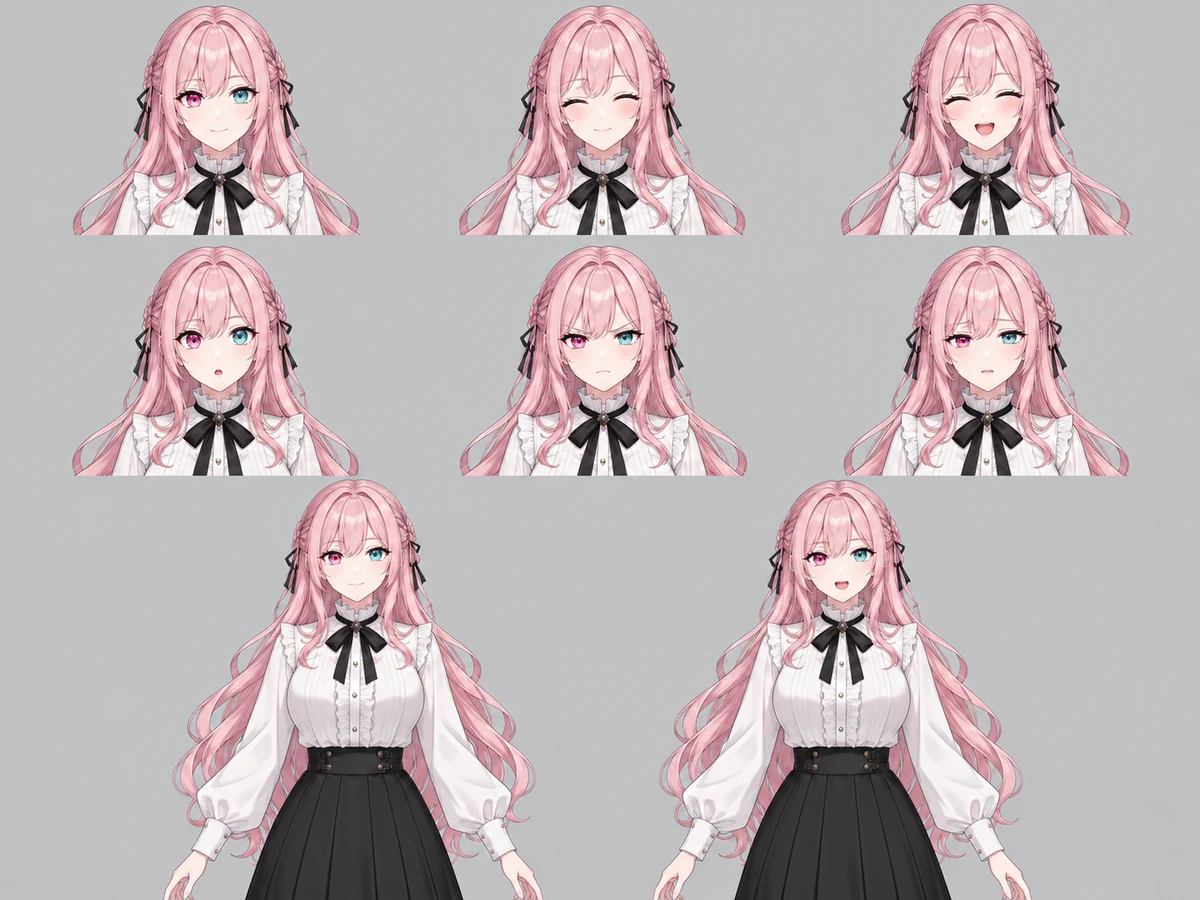
Expression Sheet draws the same face as neutral, happy, laughing, surprised, angry, and sad, so you can plan reactions and toggles. PNGTuber States gives an idle and a talking image in the same pose, which is all a PNGTuber setup needs to start streaming as a VTuber online today, no rigging required.
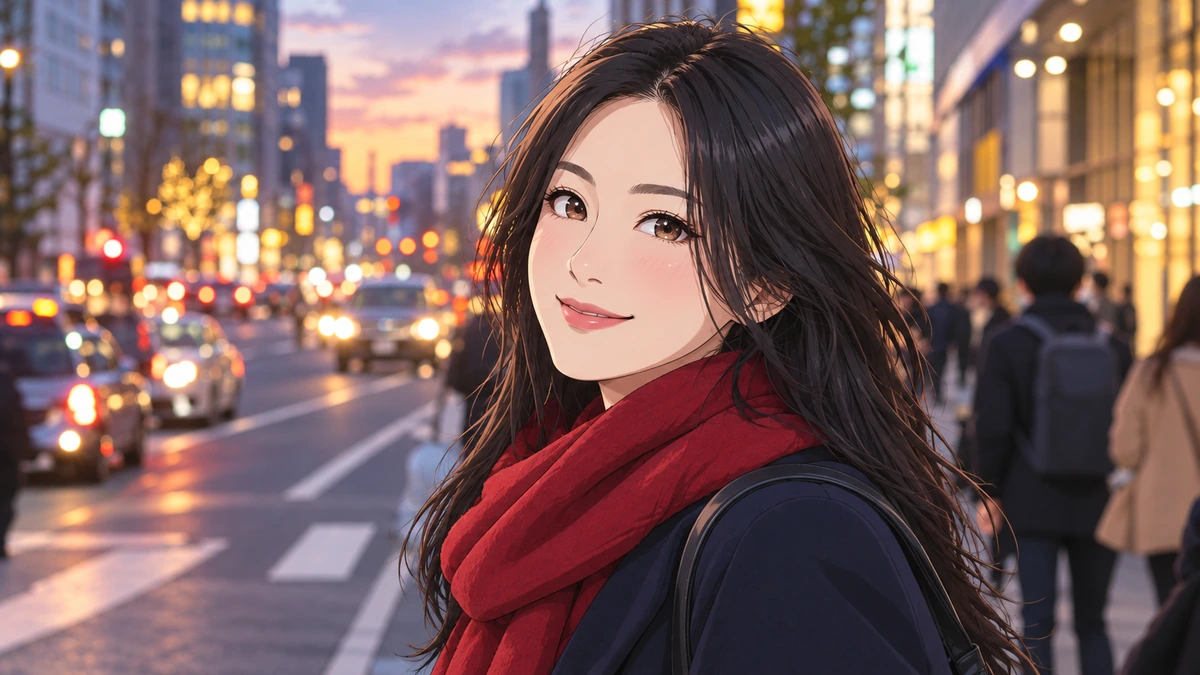
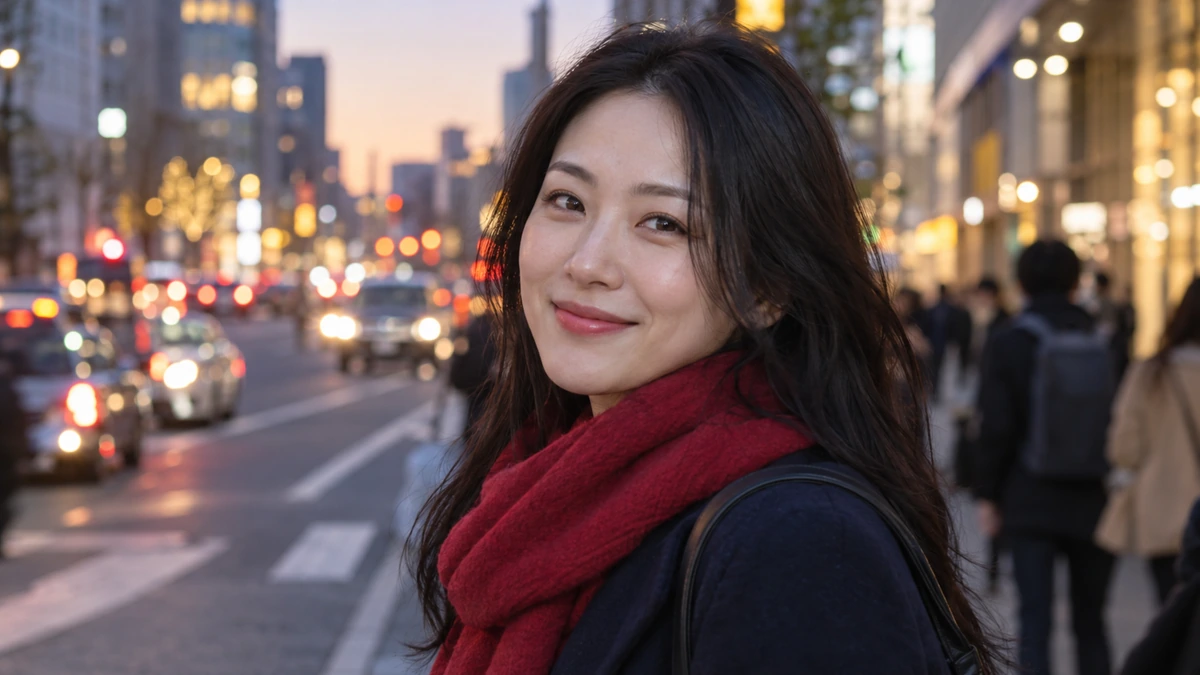
Upload a selfie and the AI VTuber maker designs an anime persona based on you, keeping your hairstyle, hair color, glasses, and style, so the avatar still feels like you on stream. Add a prompt like “with fox ears and a hoodie” to push the persona further.
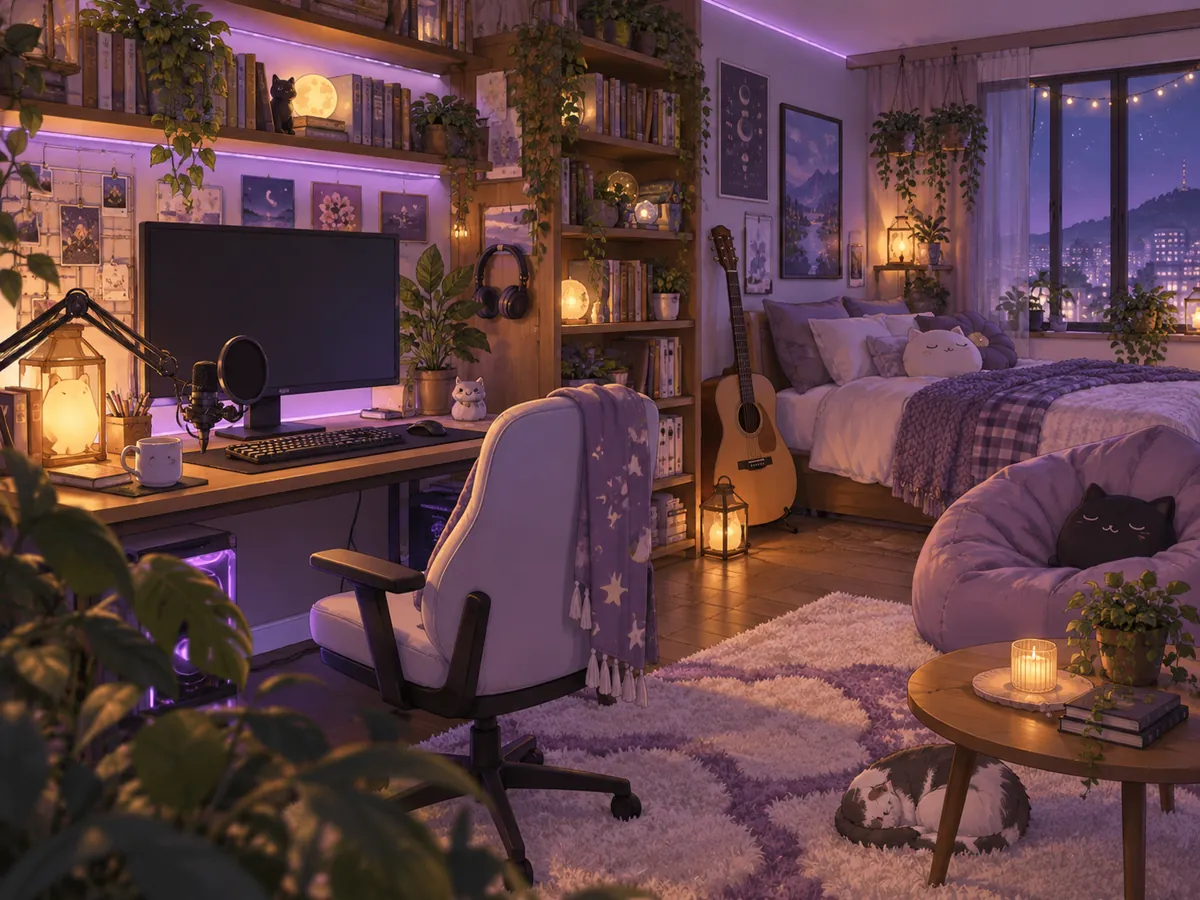
Set Background to Plain for an easy cut-out, Green screen for chroma keying in your streaming software, or Stream room for a ready-made cozy scene. Combine a model sheet with a matching room for a complete starter look.
Be clear on the pipeline: this tool designs the art; rigging and tracking happen in other tools or with a rigger.
| Step | Made here? | How |
|---|---|---|
| Character design and concept art | Yes | Describe a persona or upload a selfie |
| Front-facing model sheet | Yes | Model Sheet art type, plain background |
| Expression sheet | Yes | Expression Sheet art type |
| PNGTuber idle and talking images | Yes | PNGTuber States art type |
| Chibi versions and emotes | Yes | Chibi VTuber or Emote Set art types |
| Stream background or green screen | Yes | Background control |
| Layered file split into parts | No | Your artist, or split it yourself in a layered image editor |
| Live2D rigging and physics | No | A rigger, or Live2D Cubism |
| Face tracking for streams | No | Tracking apps such as VTube Studio |
| 3D VRM model | No | 3D tools such as VRoid Studio |
Output is a 2D image (PNG). It is a starting point for a custom VTuber, not a finished, moving model.
From a first debut to a refresh of an existing persona, the art comes first.
Test looks for your first VTuber character before you commit to a commission.
Hand a model sheet and an expression sheet to a rigger or a VTuber avatar artist.
Start streaming with idle and talking images while your full model is in progress.
Chibi emotes for Twitch or Discord and alert art in the same style.
A half-body PFP and matching art for channel panels and banners.
Try new outfits for holidays and anniversaries on the same persona.
What riggers wish every VTuber design had.
Eyes open, mouth closed, arms away from the body: easiest to rig.
Clear gaps between bangs, side hair, and accessories make layering simpler.
Three or four main colors keep the avatar readable in a small stream window.
Horns, a halo, ears, or a hairpin make your persona recognizable at a glance.
An expression sheet shows whether the face works when it moves.
Avoid copying existing VTubers; an original design is safer to grow a channel on.
Make your persona in other styles, then size it for every platform you stream on.
 Anime Character MakerFree-to-try AI anime character maker: describe an OC or turn your photo into an anime character. Full body art, character sheets, and 12 anime styles online.
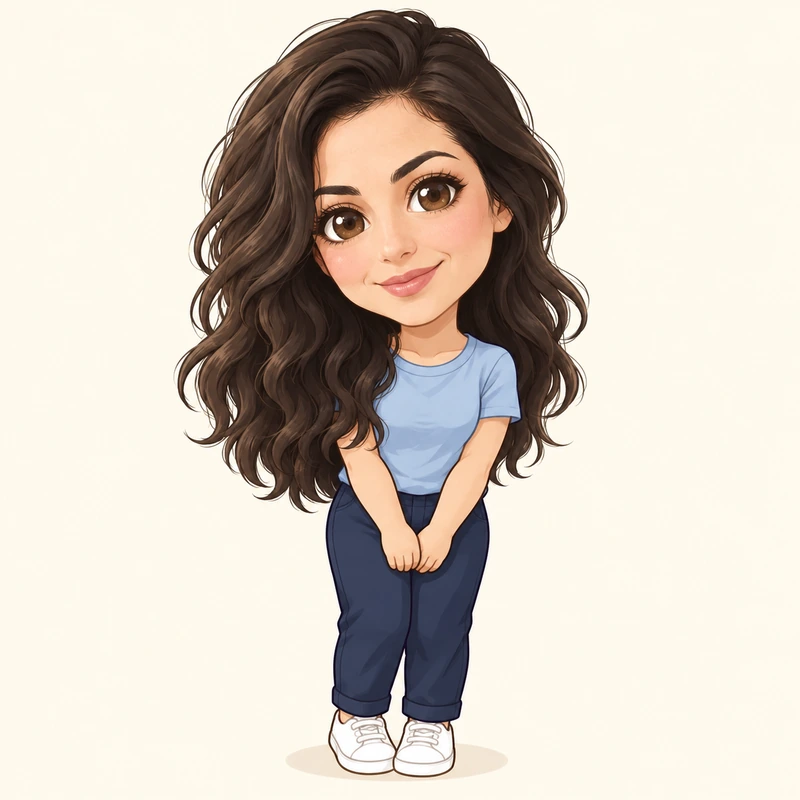 AI Chibi GeneratorFree-to-try AI chibi generator: turn your photo into a cute chibi or make a chibi character from text. Anime, 3D, sticker, couple and pet chibi styles.
 AI Character GeneratorFree-to-try AI character generator: create a character from text or a photo in anime, 3D, chibi, realistic, or pixel styles, plus character sheets and cards.
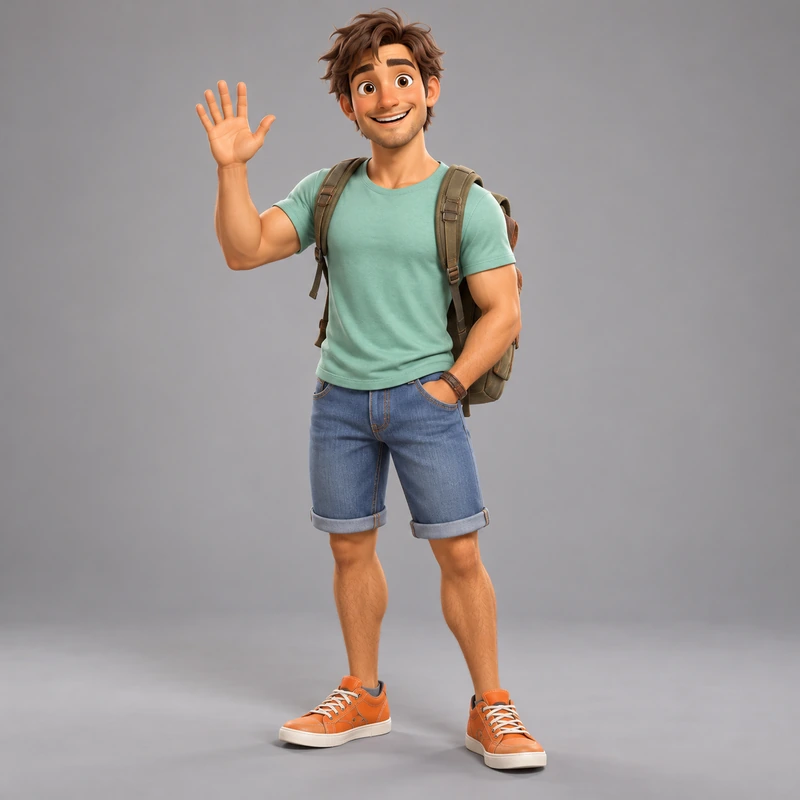 AI 3D Character GeneratorFree-to-try 3D character maker: describe a character or turn your photo into a 3D avatar. Animated movie, clay, low poly, designer toy and game styles.
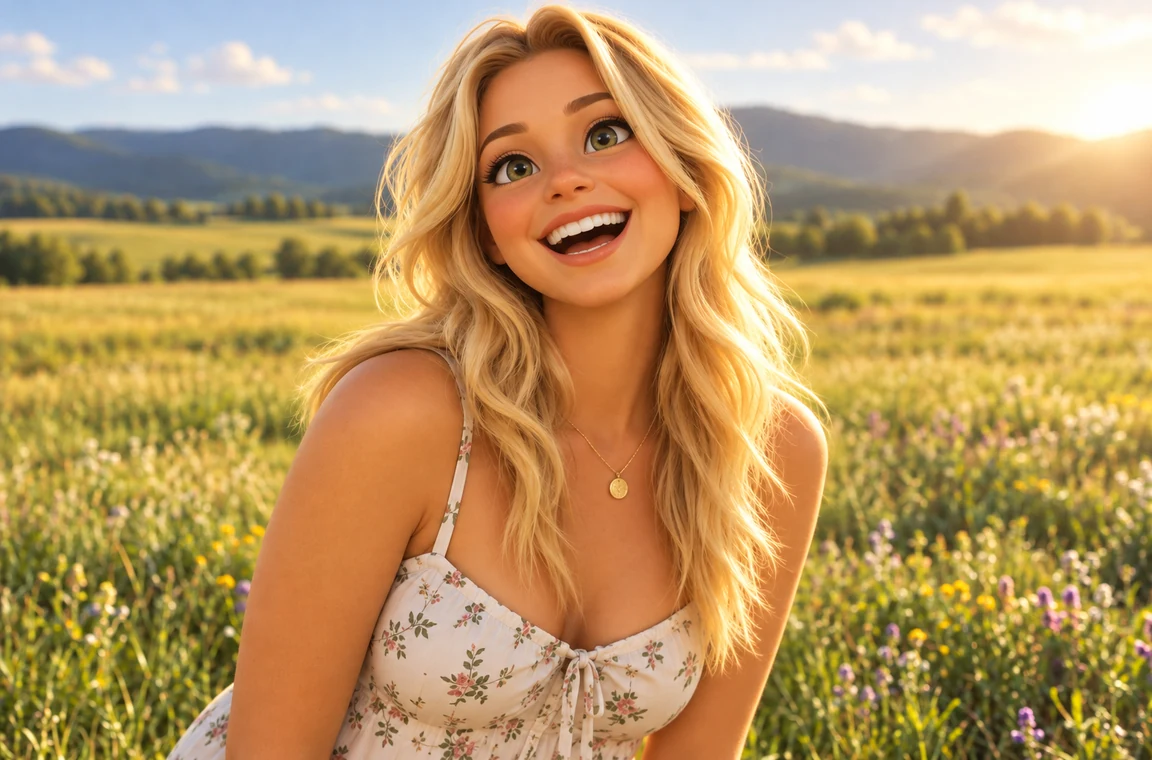 Photo to CartoonPhoto to cartoon AI cartoonizer: pick 3D animated, anime, comic, caricature or line art and turn a photo into a cartoon of you, your pet or car. Free to try.
 Anime UpscalerAI anime upscaler for fan art, screenshots, manga, and waifu wallpapers. Upscale anime images 2×, 4×, or to 4K with crisp line art and clean color blocks.
 Twitch Profile Picture SizeTwitch profile picture size: 256x256 px minimum, 800x800 for sharpness. A free Twitch image resizer for emotes, sub badges, panels, banners, and channel points.
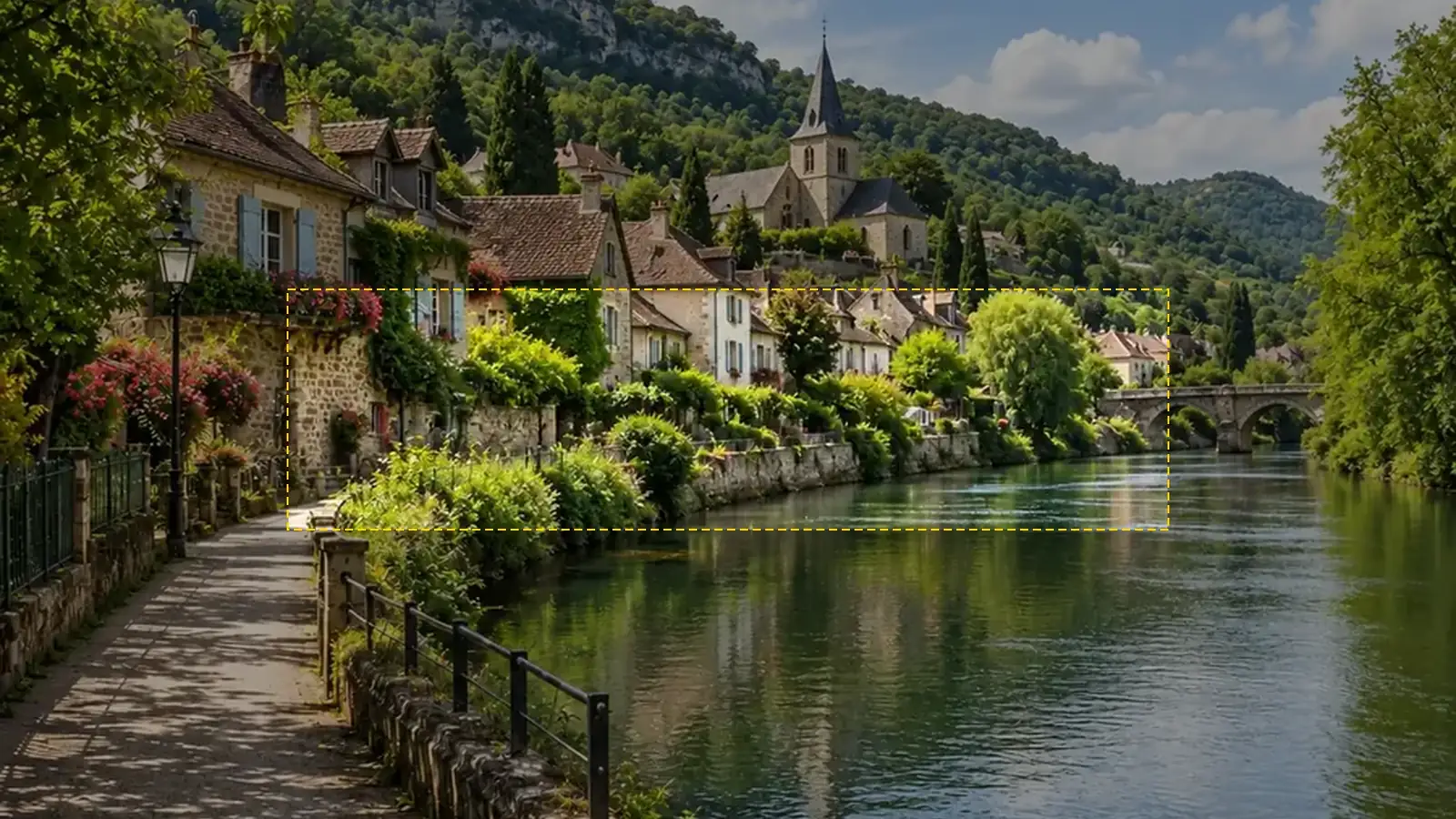 YouTube Banner SizeYouTube banner size: 2560x1440 px, 16:9, safe area 1546x423, max 6 MB. A free YouTube banner resizer with a live safe-area guide that runs in your browser.
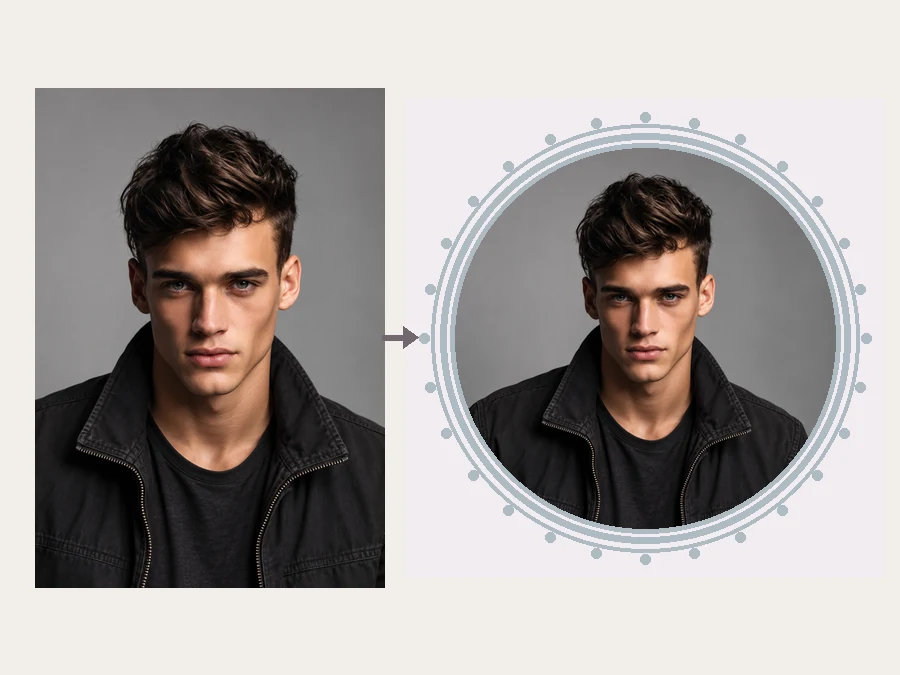 YouTube Profile Picture MakerMake a YouTube PFP from a selfie. Pick an anime, pop art, gaming, logo, or framed style and the AI YouTube profile picture generator designs a channel icon.
 Discord PFP SizeDiscord PFP size: a square of 128x128 px or larger, shown as a circle. A free Discord image resizer for avatars, banners, and emojis that runs in your browser.
 Green Screen RemoverFree green screen remover in your browser: chroma key green or blue backdrops out of photos, clean up green edges, and download a transparent PNG.
 Background RemoverRemove background free to try: the AI background remover online cuts out people, products and pets, then gives you a transparent PNG, white, color or new scene.
 AI Sticker MakerHow to make a picture a sticker: upload a photo or screenshot, pick a style like die-cut, cartoon, chibi, or kawaii, and the AI sticker maker turns it into a PNG.
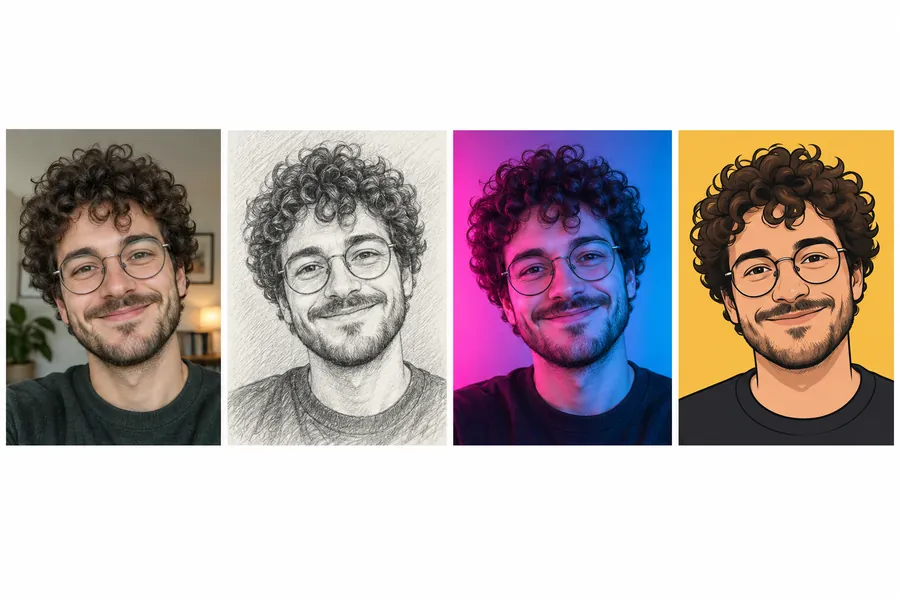 AI PFP MakerPFP maker for any app: upload a selfie, pick anime, 3D, pixel art, aesthetic, or letter styles, and the AI profile picture maker creates a square pfp to download.
It is an AI VTuber generator that designs the 2D artwork for a virtual streamer persona from a description or a photo: concept art, a front model sheet, expressions, PNGTuber images, chibis, and emotes. You download the images and use them to build your VTuber.
No. It creates 2D images (PNG), not a rigged Live2D model or a layered file. To make it move, split the design into layers (eyes, mouth, hair, body) and rig it in Live2D Cubism, or hire a rigger. If you want to stream right away, use the PNGTuber States images with a PNGTuber app.
A typical path: 1) plan the persona and its personality; 2) design the character, here or with an artist; 3) get a front-facing model sheet and expressions; 4) have the art split into layers; 5) rig it in Live2D Cubism or with a rigger; 6) connect face tracking in an app such as VTube Studio; 7) add the avatar to your streaming software and go live. PNGTubers can skip steps 4 to 6.
Design the art here with the free credits you get when you sign up, then use free tools: PNGTuber apps take two images (idle and talking), Live2D Cubism offers a free version with limits, and VRoid Studio is free for 3D models. Check each tool’s current terms before you start. Here is how to make a 2D VTuber avatar for free in short: one front-view design and a few expressions from this page, then a free rigging or PNGTuber app.
It covers the design side. People searching for a V Tuber maker, a V Tuber creator, or an AI V Tuber tool usually need the art first: this makes your V Tuber avatar, model sheet, and expressions. Rigging and tracking happen in separate software.
Yes. Upload a clear selfie in the optional photo box and the AI designs an anime persona based on you, keeping your hairstyle, hair color, glasses, and style. Only upload photos of yourself or of people who agreed.
Front-facing, full body or half body, a neutral pose with arms away from the body, eyes open, mouth closed, nothing covering the face, and a plain background. The Model Sheet art type is set up exactly like that.
Yes, it is a free VTuber maker to try: new accounts get free credits when they sign up, and each image shows its credit cost on the button before you generate. It runs in your browser, so it is a VTuber maker online, free, no download needed, and a VTuber avatar maker free to start on any device. People looking for a free VTuber model maker or a free 2D VTuber model maker usually need the art first: this 2D VTuber avatar maker, free to try, draws that art, and a VTuber model maker free tool such as the Live2D Cubism free version handles the rigging later. The idea prompts on this page are free to copy.
Nano Banana 2 is a fast default with good likeness from selfies. Nano Banana Pro and GPT Image 2 follow long persona descriptions and multi-panel sheets most closely, Seedream 4.5 gives rich anime color, and FLUX.2 is great for detailed lighting in stream rooms.
Yes, for your avatar, panels, emotes, and thumbnails. Keep the design original (it will not copy existing VTubers or anime characters), and check our terms before selling merch made from it.
Describe your persona or upload a selfie, pick the art type, and get your custom VTuber model art in a few clicks.
This tool creates 2D artwork only; it does not rig Live2D models, split layers, or set up face tracking. Live2D and Cubism are trademarks of Live2D Inc.; VTube Studio and VRoid Studio are trademarks of their owners. Nano Banana is a trademark of Google LLC, GPT Image of OpenAI, Seedream of ByteDance, and FLUX of Black Forest Labs. EzImgMaker is not affiliated with or endorsed by these companies.