Anime Couple
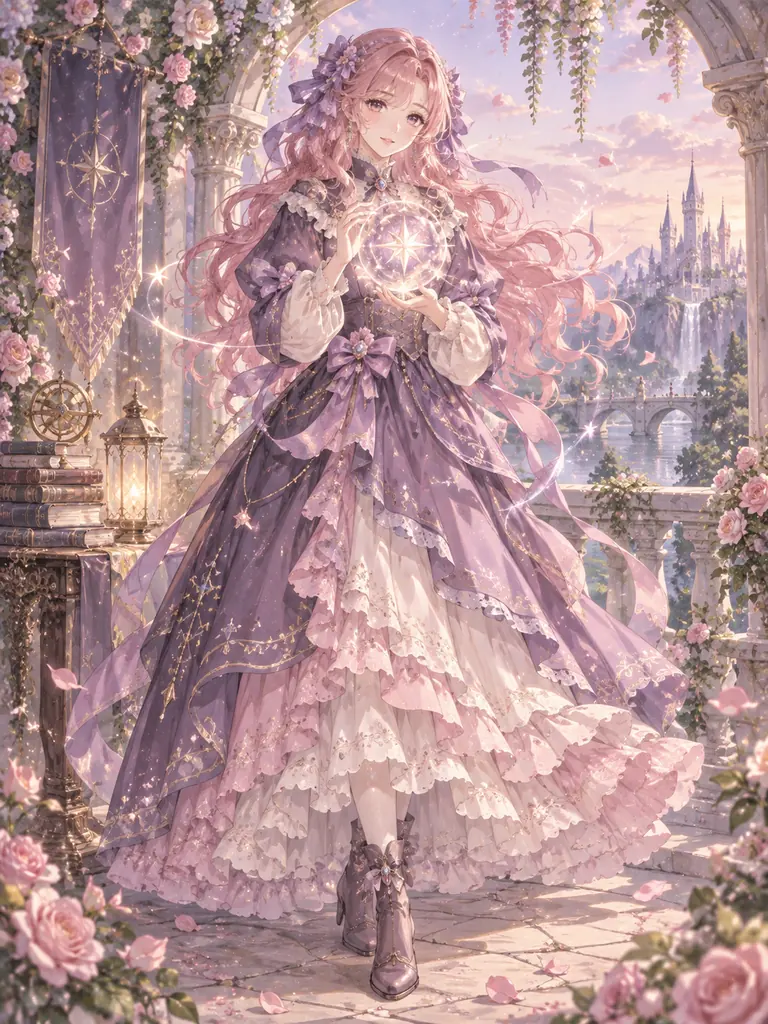
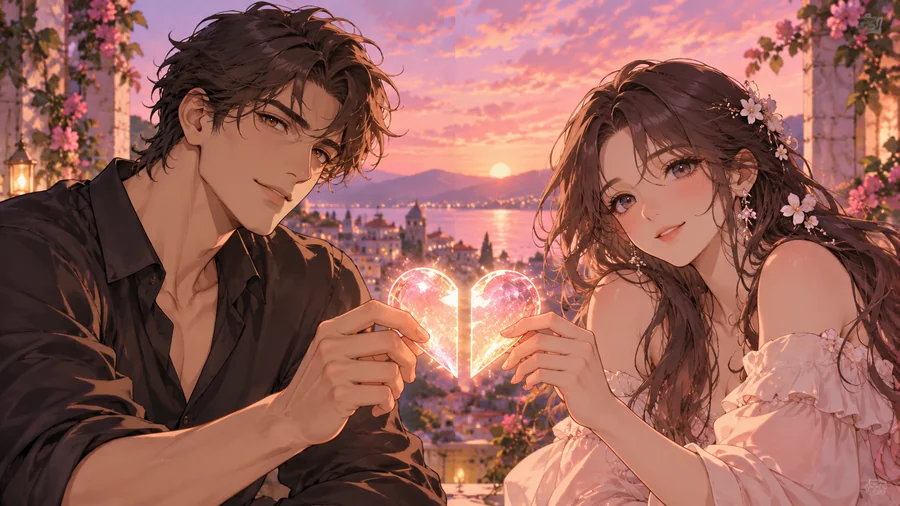
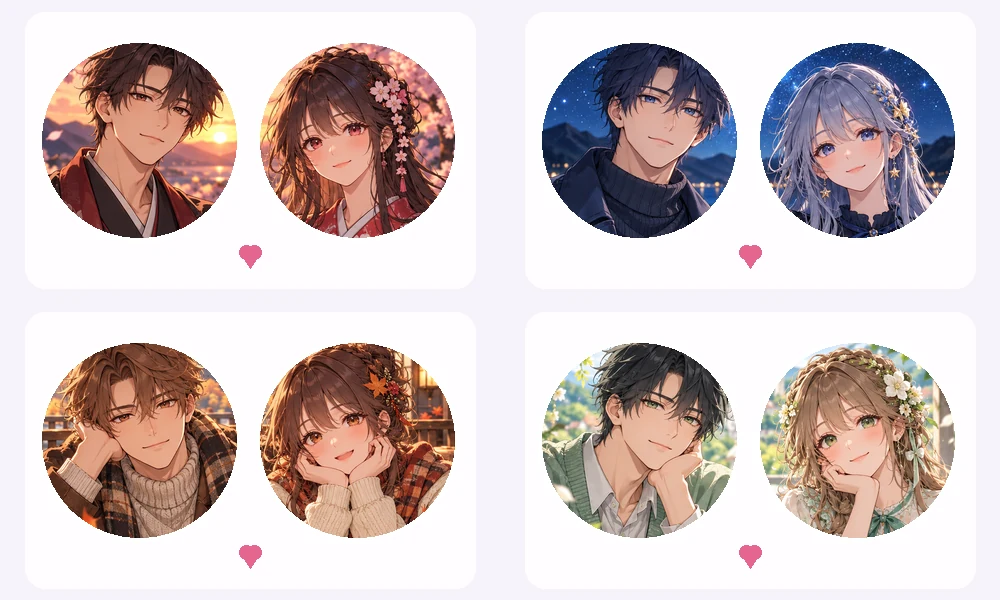
Soft anime portraits that match in line art and color.
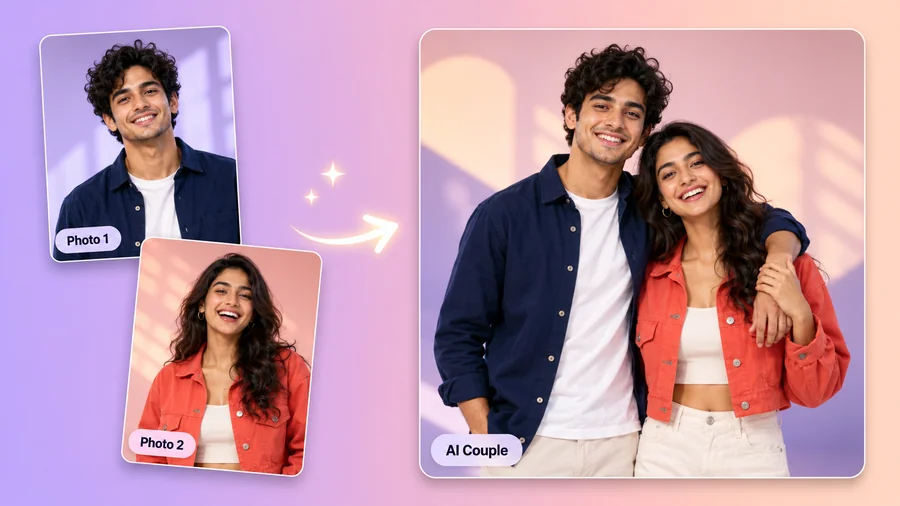
Upload one photo of you both, or one photo of each person, and get a matching pair in one wide picture: same style, same light, a theme that connects the two halves. Crop each half into its own profile picture with the Avatar Cropper. Free credits when you sign up.
Style: Real Photo · Theme: Same Background · Who: Couple
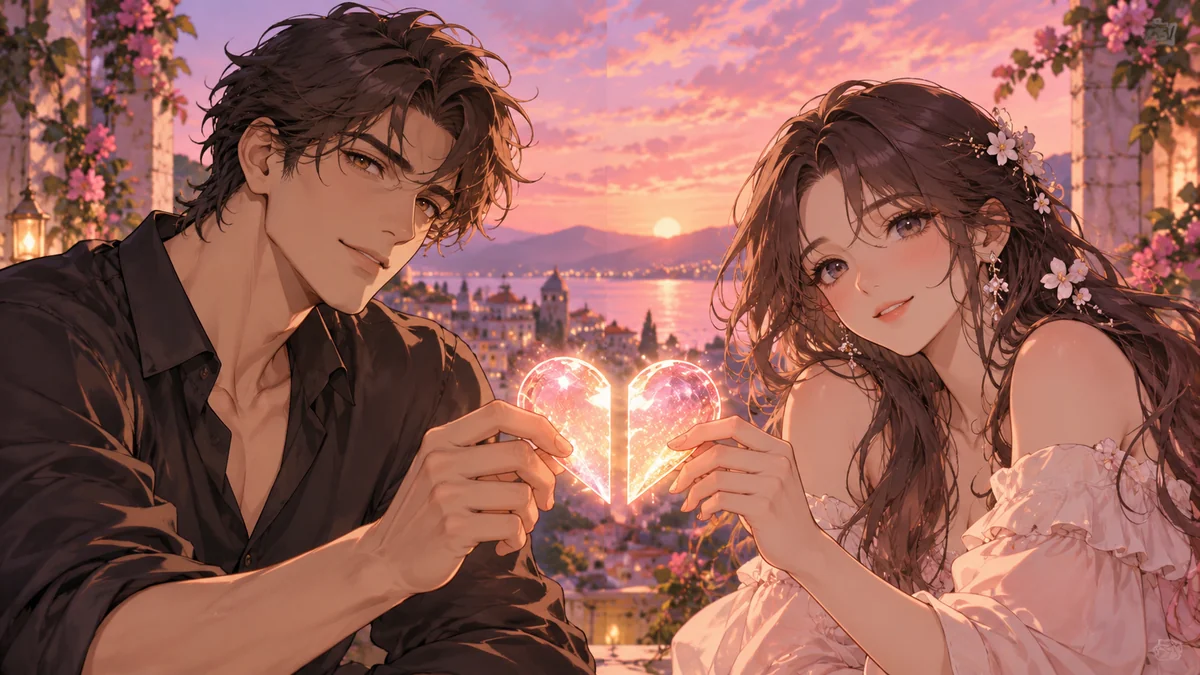
Reference example. It is not a result generated from your upload.
Matching pfps are two profile pictures that belong together: the same art style, the same colors, or two halves of one idea, like a sun and a moon. Couples use them to show they are a pair, best friends use them for inside jokes, and gaming duos use them so the squad recognizes them in a voice channel.
This matching pfp maker creates the pair in a single wide picture, with one person on each half, so both pfps share exactly the same light and style. Upload one photo of you both, or one photo of each person, or no photo at all for an original anime or cartoon pair. Then crop each half into its own square or circle with the Avatar Cropper and set them on your accounts. It is free to try with sign-up credits.
Each idea comes out as one wide picture; crop the left and right halves into two pfps. Tap a card to start with that look.
Soft anime portraits that match in line art and color.
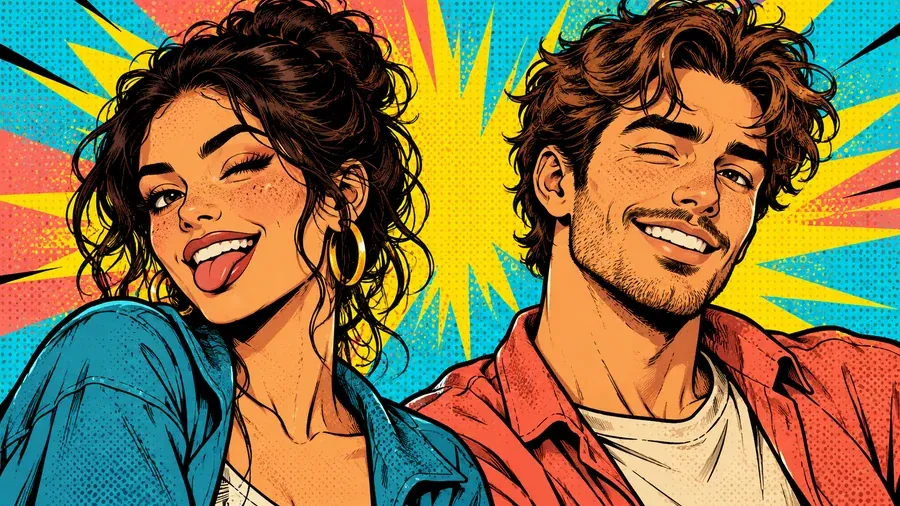
Bold colors and halftone dots for a loud, fun duo.
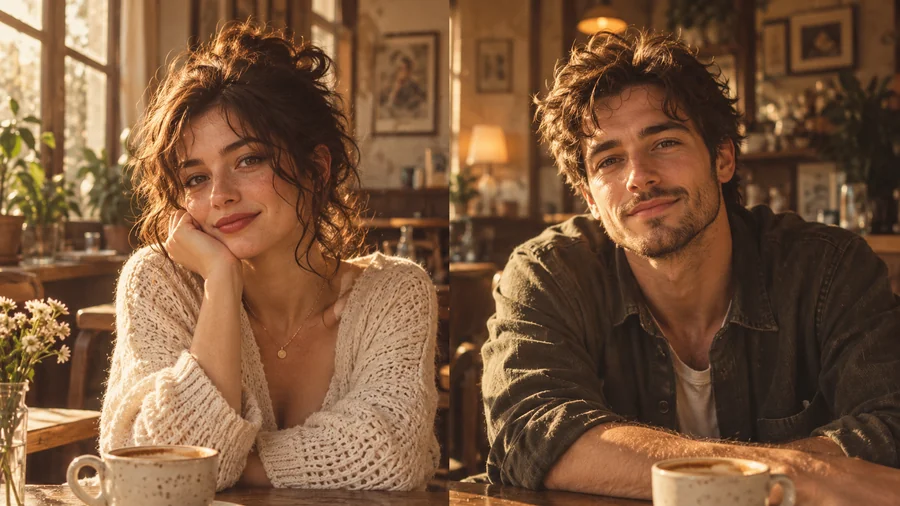
Warm tones and soft grain, like two photos from the same roll.
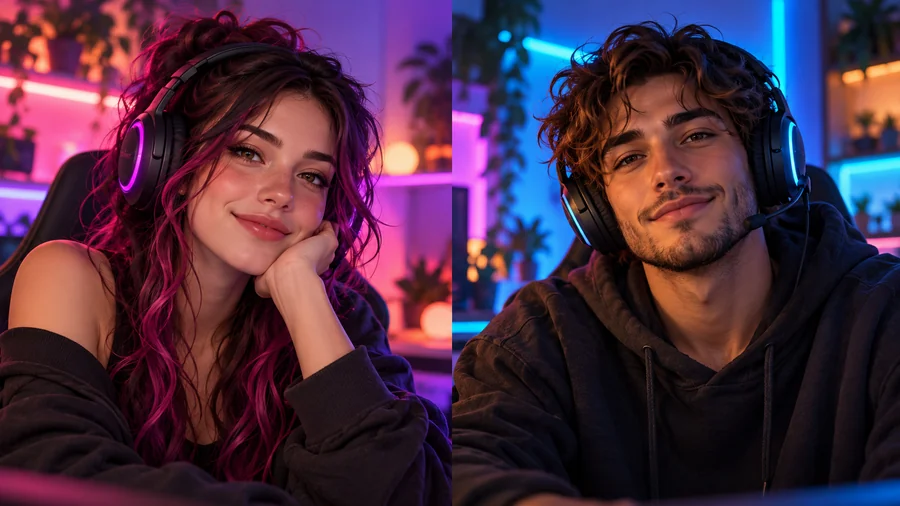
Dark backgrounds and RGB light for a matching squad look.
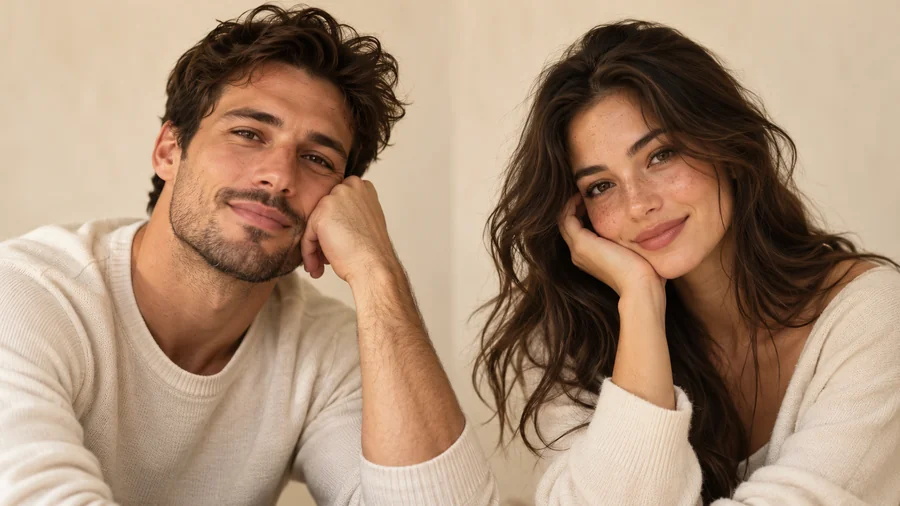
Neutral tones and a shared backdrop: subtle, but clearly a pair.
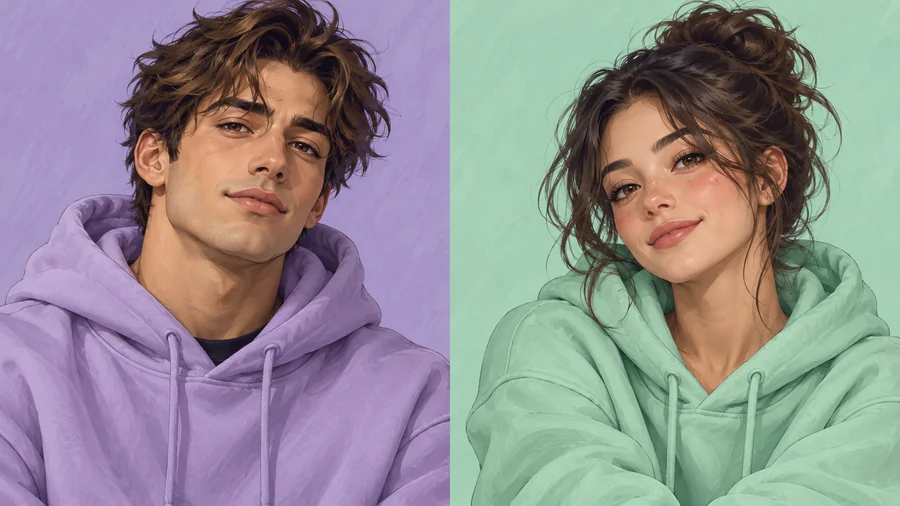
One illustrated style with a different color for each sibling.
Four steps from your photos to two profile pictures that pair up.
Add one photo where you are both clearly visible, or one photo of each person in Photo 1 and Photo 2. No photos? Leave both empty for an original matching pair.
Choose a style such as Anime or Real Photo, a theme such as Sun & Moon or Heart Halves, and whether you are a couple, best friends, siblings, or a gaming duo.
You get a 16:9 image with one person on each half. Make two or four versions and keep the pair you both like.
Open the picture in the Avatar Cropper, drag it so the left portrait fills the square or circle, and download it; then drag to the right portrait and download again. Each person sets their half as their pfp.
Built so the two pfps actually look like they belong together.
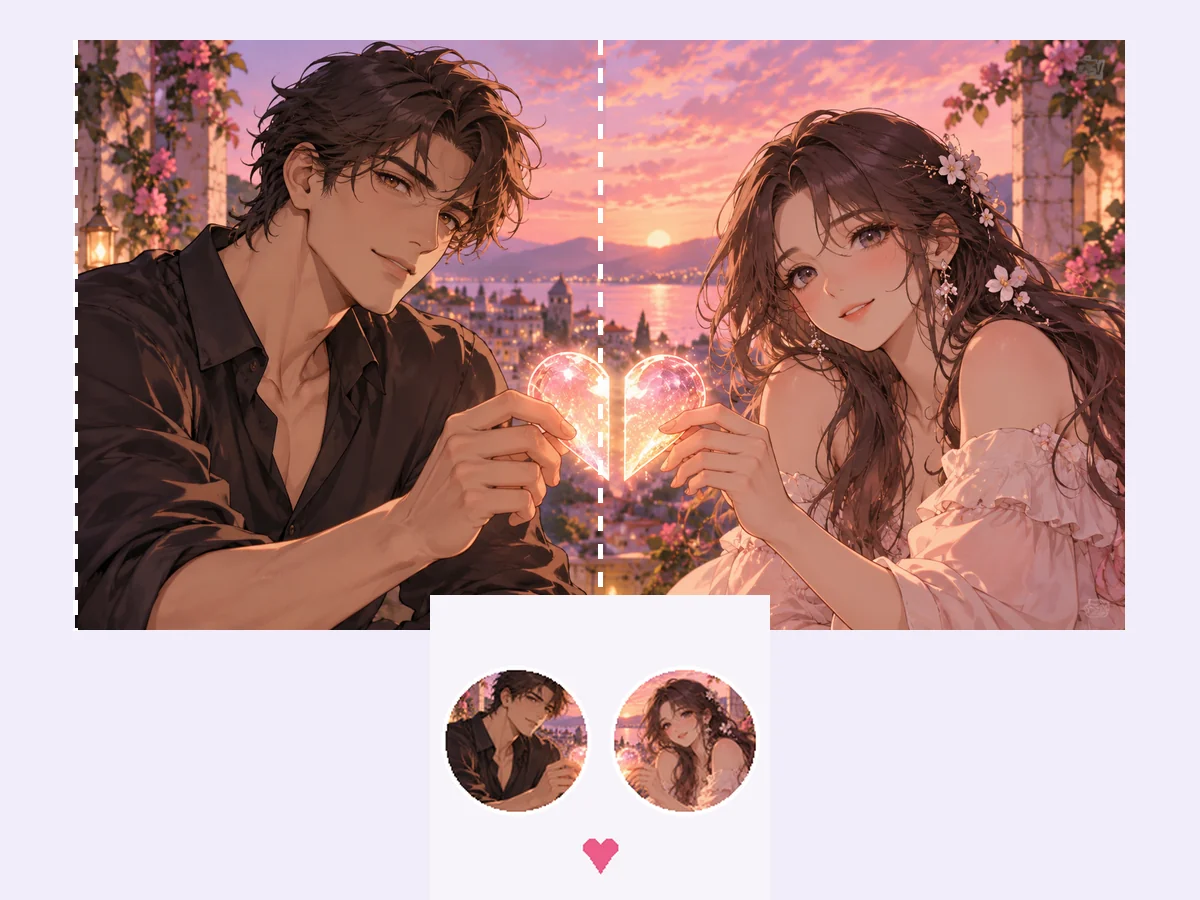
Both portraits are made in the same image, so they share the same style, colors, and light, something that is hard to get when two people edit separate photos. Each half has room around the head, so it crops cleanly into a square or a circle.
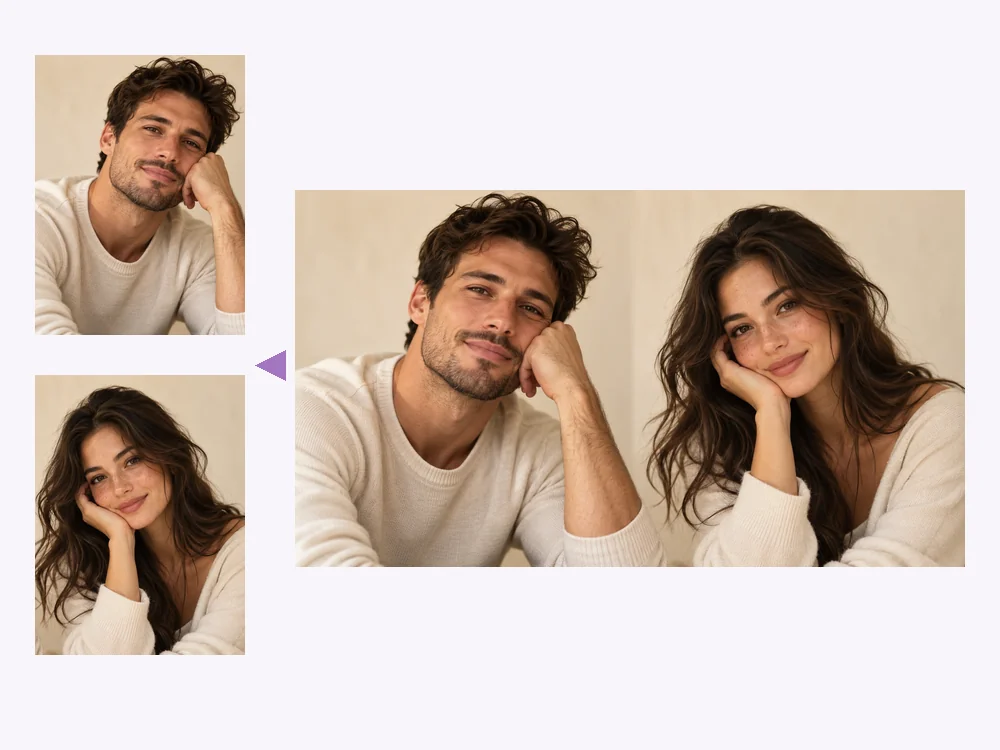
Have a photo of you both? Upload it alone and each person gets a half. Living apart or only have solo selfies? Upload one photo per person. Faces, skin tones, and hair stay recognizable in every style.
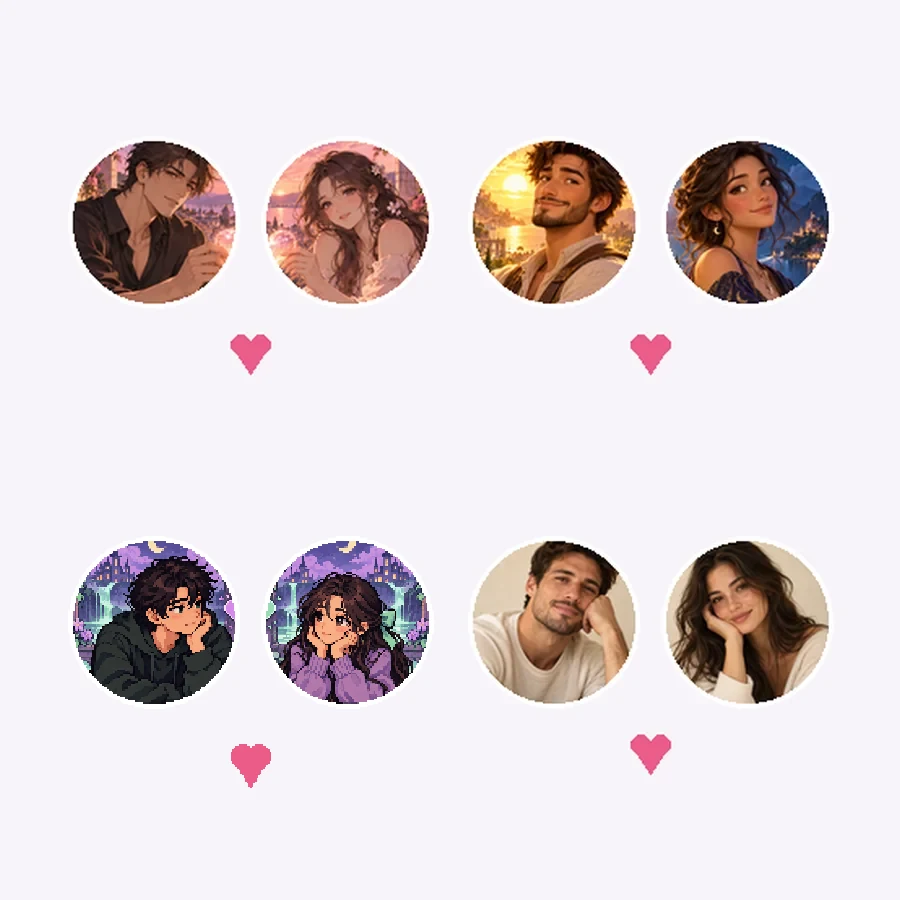
Short on ideas? Themes do the thinking: Sun & Moon, Heart Halves, Red String, Matching Outfits, Mirror Poses, Hands Across, or one scene that joins when the pfps sit side by side. Add an inside joke in the details box to make it yours.
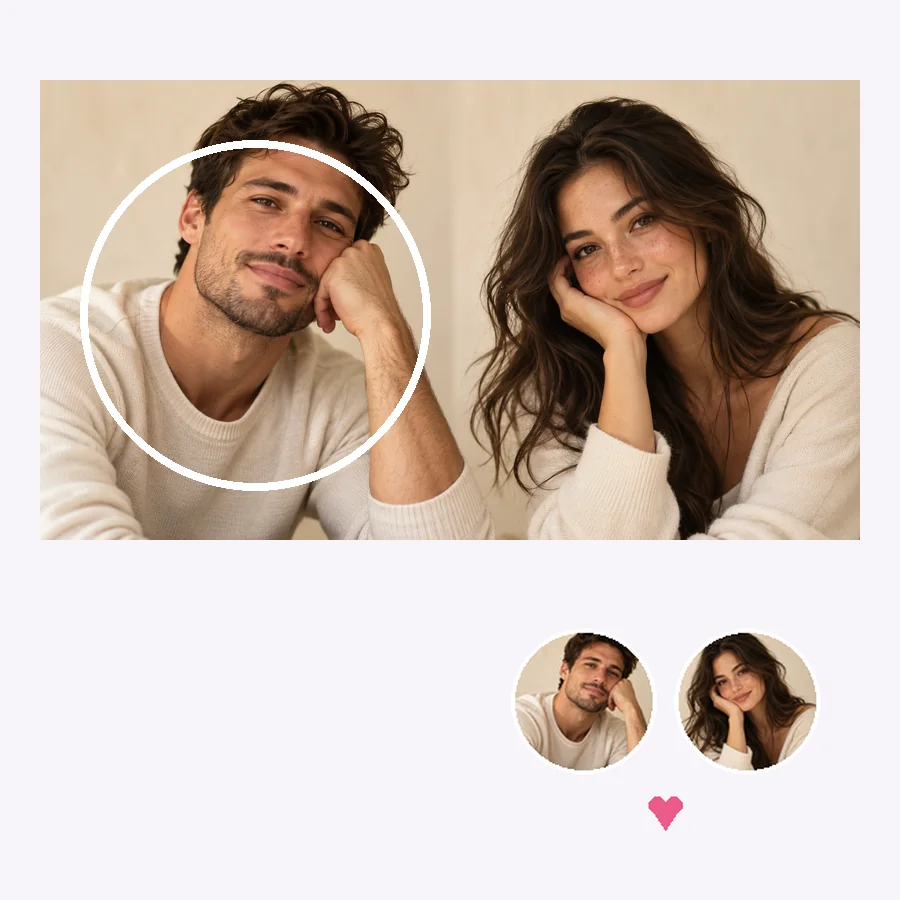
The matching pair comes as one 16:9 image. Open it in the free Avatar Cropper, drag the left portrait into the square or circle, use Zoom to frame it, download, and repeat for the right portrait. Both pfps then have the same size and framing.
Pick the row that fits you two, then use the theme and style in the tool.
| Who | Theme ideas | Styles that work |
|---|---|---|
| Couple | Heart Halves, Red String, Hands Across | Real Photo, Anime, Watercolor |
| Best friends | Matching Outfits, Mirror Poses, an inside joke | Pop Art, 3D Cartoon, Neon Glow |
| Siblings | Same Background in two colors, Matching Outfits | 3D Cartoon, Watercolor, Real Photo |
| Gaming duo | One Scene Split, Same Background | Neon Glow, Pixel Art, Anime |
| Long-distance pair | Sun & Moon (day and night), One Scene Split | Real Photo, Watercolor, Black & White |
| Three or more friends | Run it more than once with the same style and background | Any style, kept the same for everyone |
Matching pfps do not have to be identical: the same style and background with different poses or colors still reads as a set.
A sweet couple pfp to mark the date, then keep it or switch back.
Surprise your best friend with a matching pair on their birthday.
Two separate selfies become one pair that shows you belong together.
Matching avatars so your squad spots you both in the member list.
Give the whole friend group the same style with a different color each.
No photos? Generate an original anime pair for you and your partner.
Two selfies with similar angles and light make halves that match better.
Center each face in its own half so nothing gets cut when you crop.
A shared background or outfit color is the simplest way to show you are a set.
Look at both crops next to each other at thumbnail size before you set them.
A pet, a hobby, or a shared nickname in the details box makes the pair personal.
Make matching pfps only with photos of people who want to match with you.
Crop each half of your matching picture into a square or circle pfp, right in your browser.
Open toolPut two people into one romantic couple photo with poses and scenes, rather than two pfps.
Open toolMake an anime, pixel art, or gamer avatar for Discord from a selfie or a description.
Open toolAdd one or two pride flags to your profile picture as a ring, glow, or background.
Open toolA matching pfp is one of two (or more) profile pictures designed to go together, through the same style, colors, or a shared theme. Couples, best friends, and siblings use them on Instagram, TikTok, Discord, and other apps.
Upload a photo of you both (or one photo each), pick a style, a theme, and Couple or Best Friends, and press Start. You get one wide picture with a portrait on each half; crop each half into its own pfp.
Open the downloaded picture in the Avatar Cropper, drag the left portrait into the circle (or square), and download it. Then drag to the right portrait and download again. Each person uploads their half as their profile picture.
Yes. Put the first person in Photo 1 and the second in Photo 2. This works well for long-distance couples or friends who do not have a photo together.
Yes. Leave both uploads empty, pick a style and theme, and describe the pair in the details box, such as “a girl with a cat and a boy with a dog”. The matching pfp maker invents two original characters.
Popular couples pfp ideas include sun and moon, two halves of a heart, a red string between you, matching outfits, mirrored poses, and one scene that joins when the pfps sit side by side. All of them are themes in the tool.
No. Most matching pfps share a style or background but show different people, poses, or colors. That way each person still has their own profile picture, and together they read as a pair.
The tool makes one pair per picture. For a group, run it again with the same style and background for the next pair, so the whole group matches.
It is free to try with the credits new accounts get when they sign up. Each picture holds both pfps, so one generation covers the pair. The Avatar Cropper is free.
Your own and those of people who agreed to match with you. Do not upload someone’s photo without permission or use a matching pfp to suggest a relationship that does not exist.
Upload your photos, pick a style and a theme, and crop two profile pictures that belong together.