
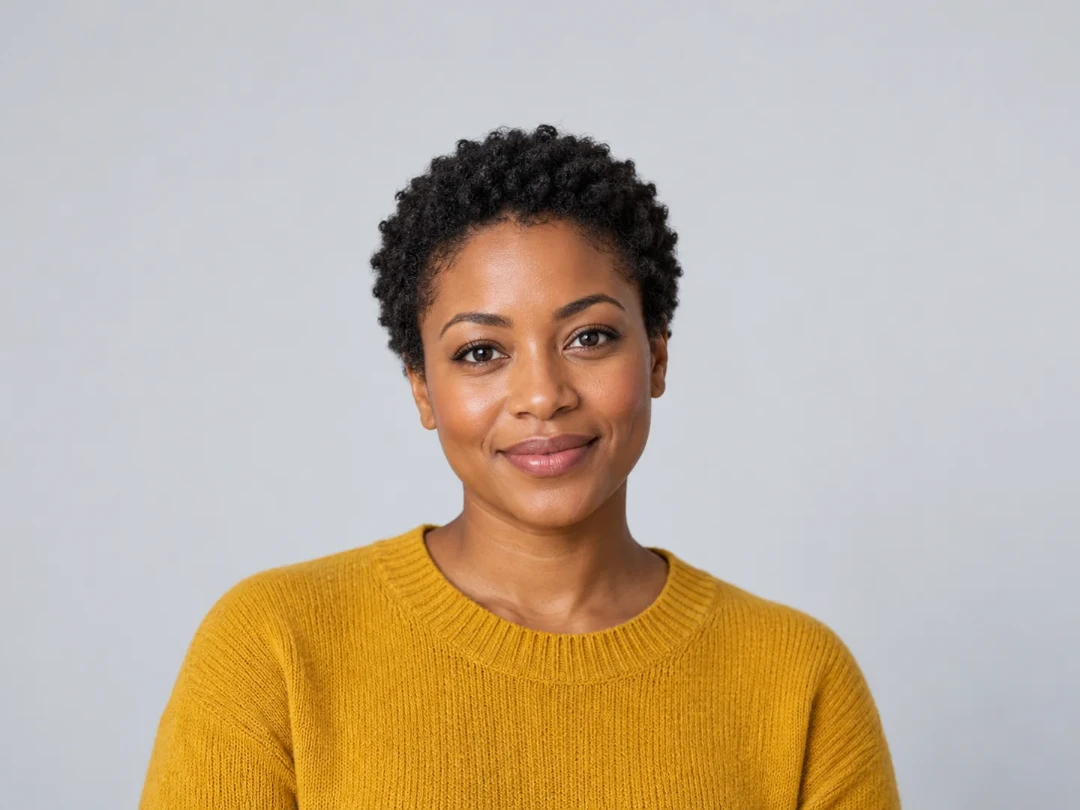
Portrait at 1080 pixels wide
A portrait resized proportionally to 1080 pixels wide.
Resize a photo for free in your browser. Set width, height, percentage, or an exact box, preserve proportions, and download one image or a ZIP of a batch.
Popular sizes
Resize settings
Height: automatic
Every image becomes 1080 px wide; each height follows the photo's own shape.
Output
Reference example. It is not a result generated from your upload.
An image size editor resamples pixels to change dimensions. To resize picture without losing quality, start from a large source and avoid unnecessary enlargement. Resizing always changes pixels; no image resizer can promise no quality loss in every situation.
A portrait resized proportionally to 1080 pixels wide.
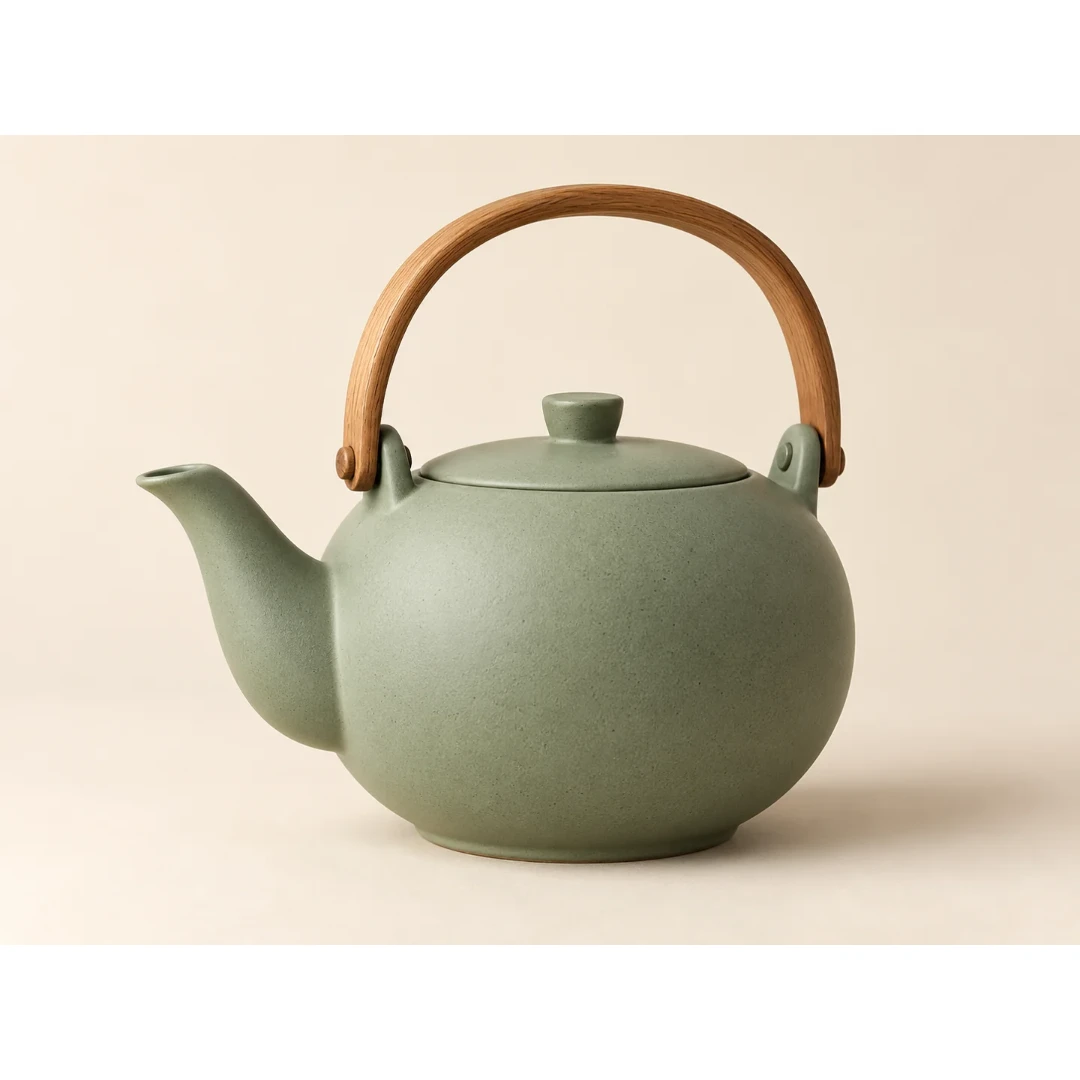
The complete teapot preserved with white padding inside a square.
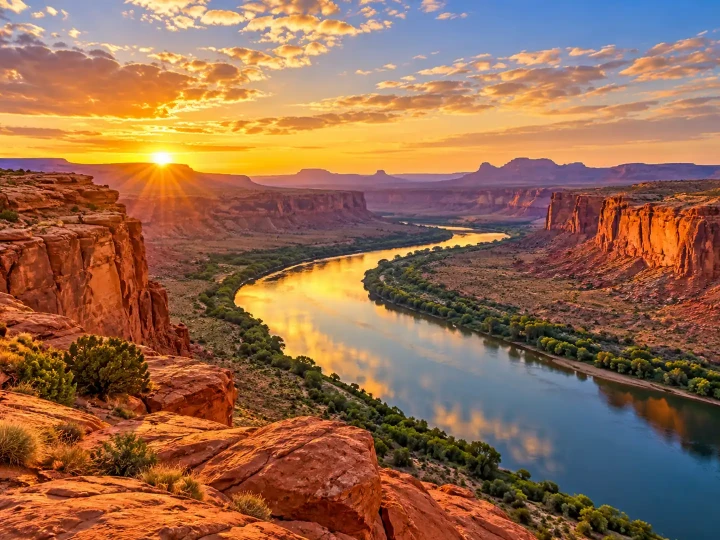
Both dimensions halved from the original desert photograph.
Use Add Images to choose JPG, PNG, WebP, or supported HEIC files. Select up to 100 images; processing happens locally on your device.
Pick 50%, Width 1080, Full HD 1920, 4K 3840, or Square 1080. Use Custom when you need a specific width and height.
For an exact box, choose how the image fits. Padding preserves the whole picture; cropping fills the frame. Inspect faces, product edges, and small text in the preview.
Keep the original format or select an output format, then use the download action. A batch is packaged into one ZIP so resized files stay together.
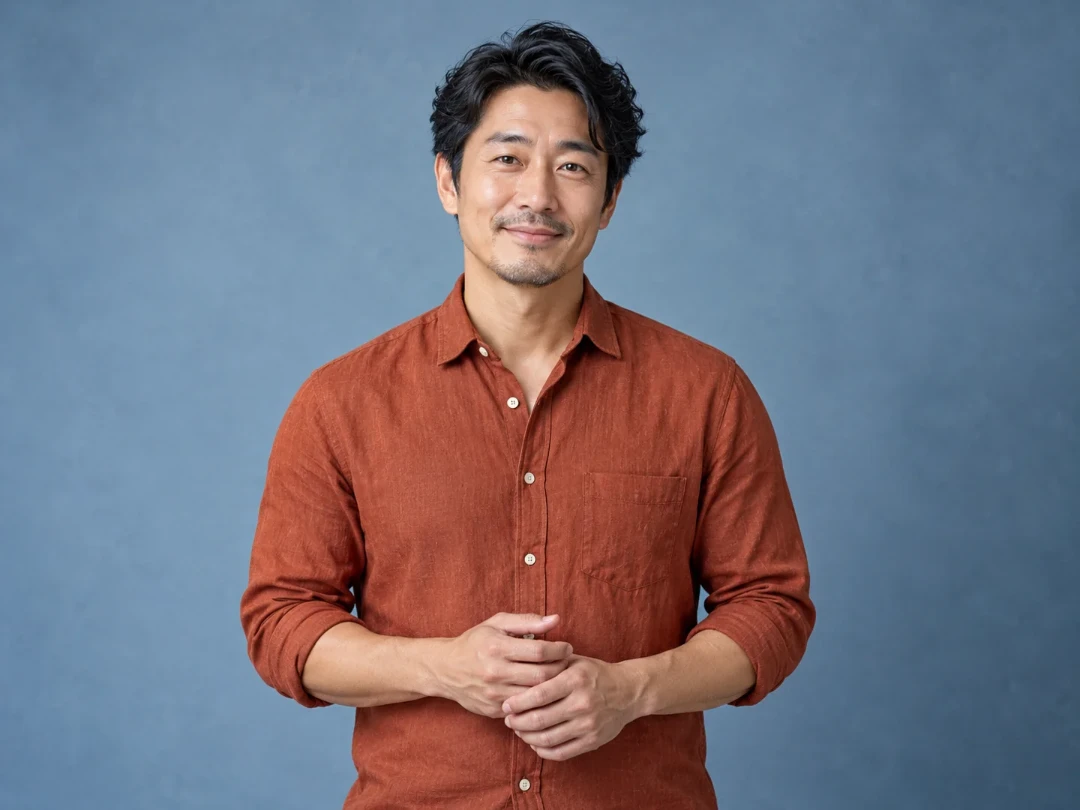
A fixed width changes the height proportionally. Use the image size editor to prepare a headshot while keeping the face’s natural proportions.
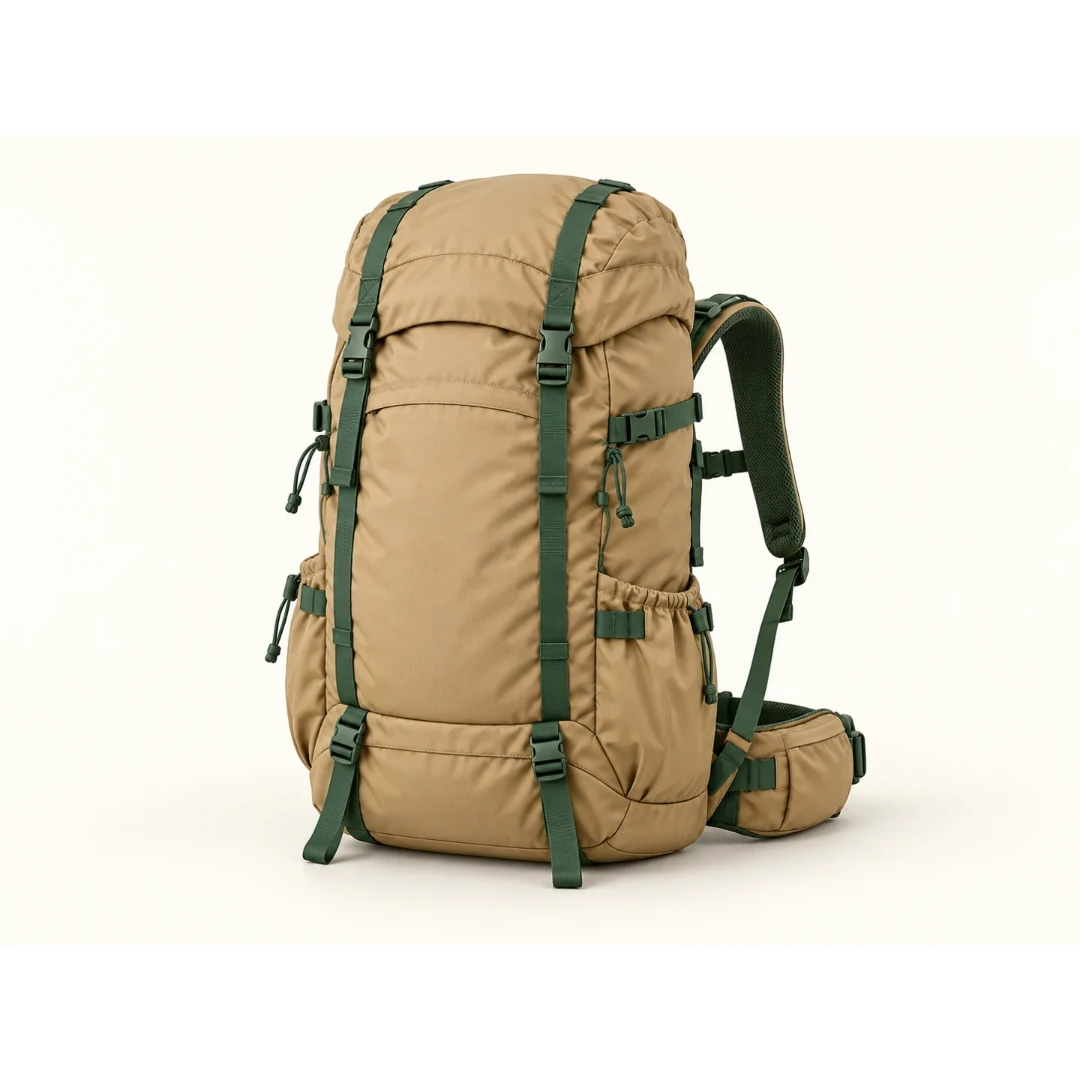
Square 1080 can preserve a whole product inside a square canvas. Padding avoids cutting off handles, lids, or packaging edges.
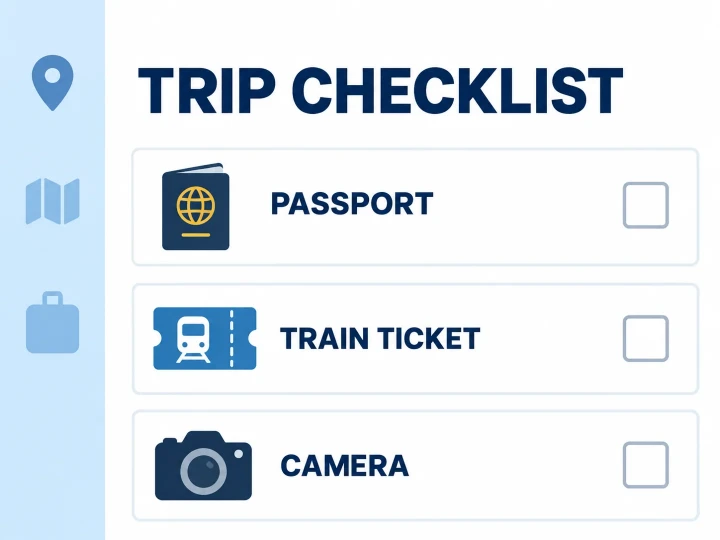
The 50% preset reduces both sides of a screenshot. Read labels and thin lines at the exported size before sharing a smaller file.
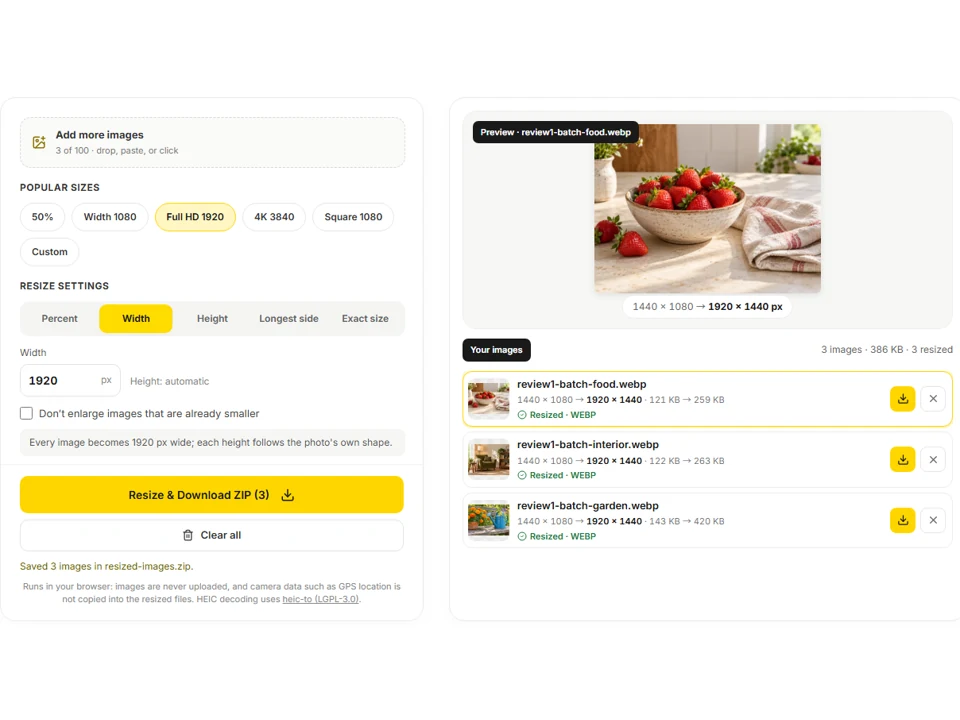
Queue different source images, apply one setting, and download the outputs together. The batch image dimension editor keeps the workflow local to your browser.
Repeated saving and resizing can soften edges. Begin with the largest clean source available and save a separate result.
The 50% preset halves each image’s own dimensions, preserving the relative sizes of a collection.
Padding is safer when a square crop would remove hair, hands, or the edge of a product. Use crop only when the composition allows it.
A screenshot can look sharp in a large preview but become difficult to read after reduction. Inspect the downloaded file at 100%.
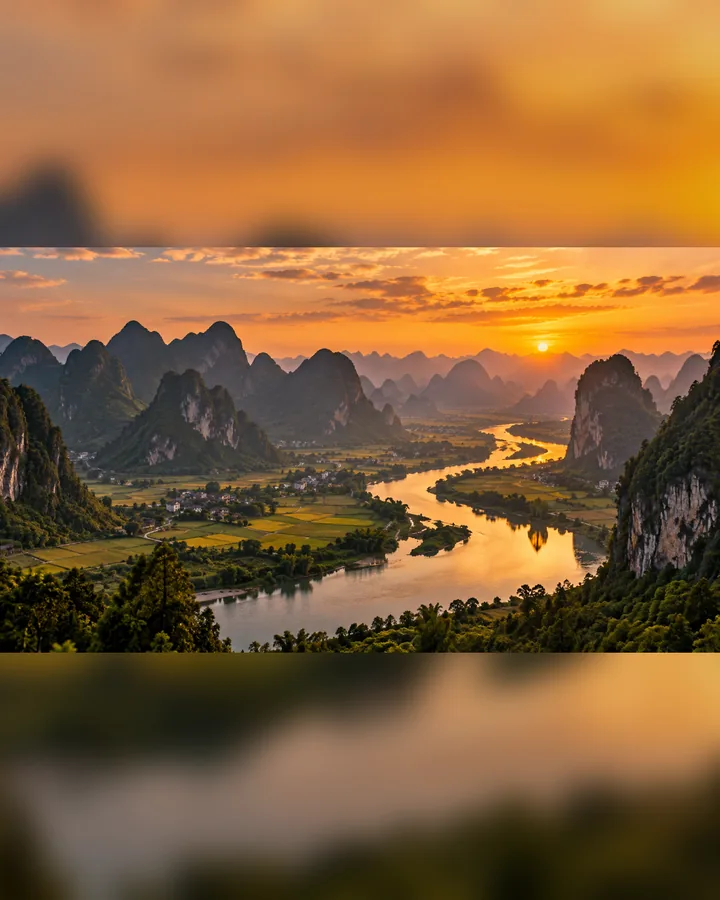 Resize Image for InstagramResize image for Instagram without cropping: square and portrait posts, landscape, Stories, Reels, and profile pictures. Fit with a blurred or color background.
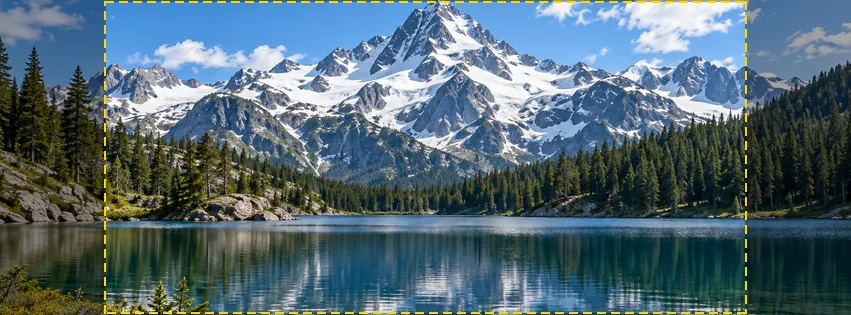 Resize a Picture for FacebookResize a picture for Facebook free in your browser: profile picture, cover photo, posts, stories, event and group covers, plus every size in one download.
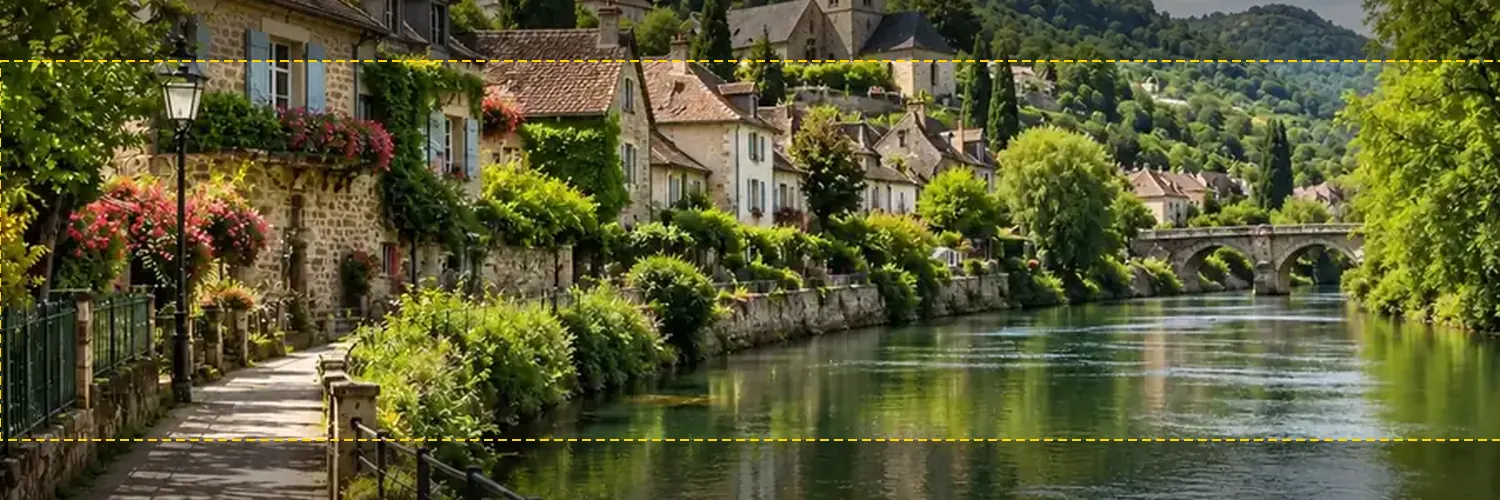 Twitter Banner ResizerFree Twitter banner resizer and cropper: make a 1500x500 (3:1) X header with a crop guide for the 60 px trimmed on some screens, plus 400x400 profile photos.
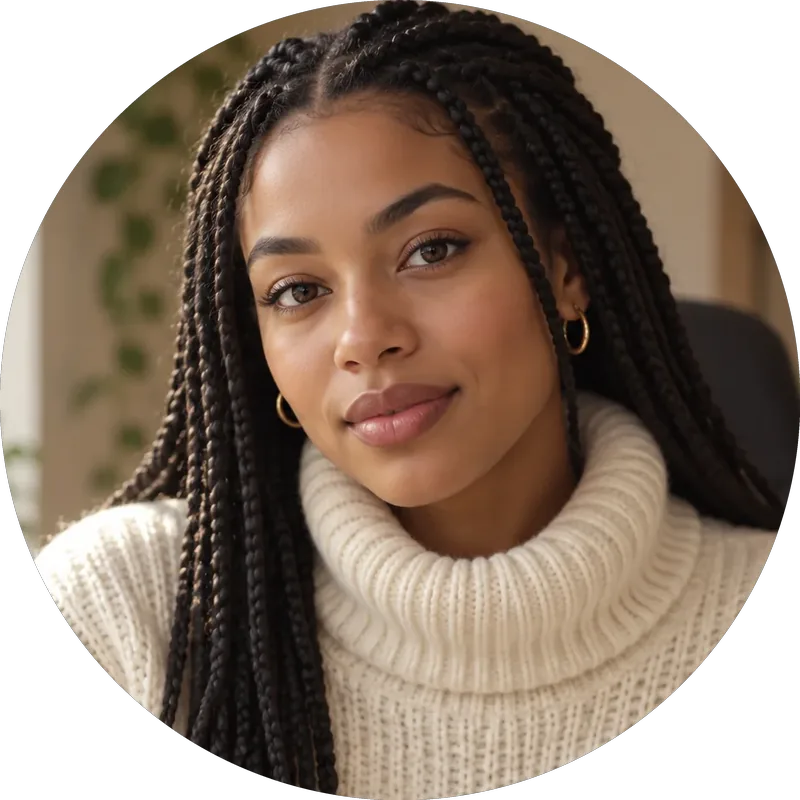 Twitch Profile Picture SizeTwitch profile picture size: 256x256 px minimum, 800x800 for sharpness. A free Twitch image resizer for emotes, sub badges, panels, banners, and channel points.
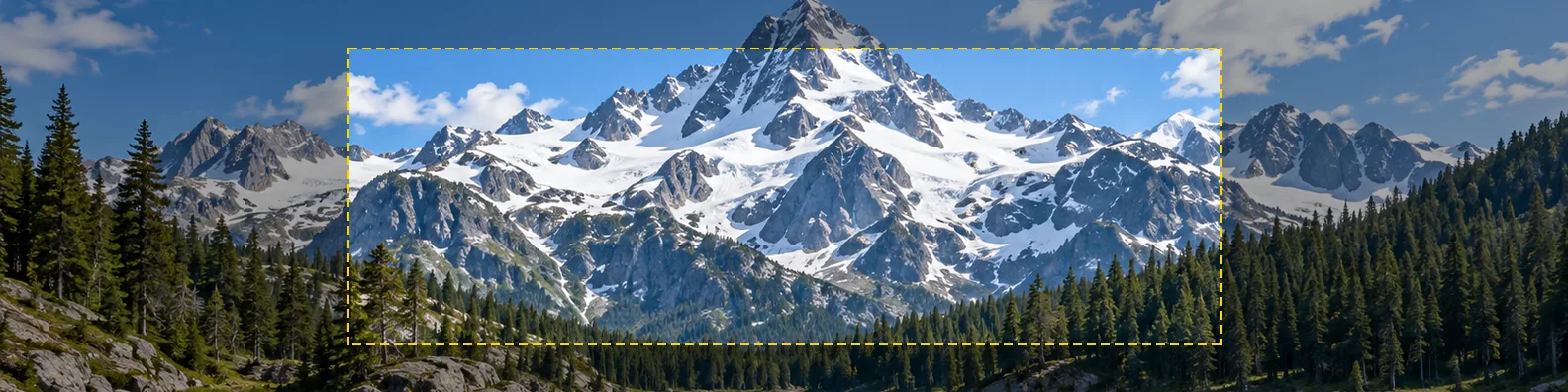 LinkedIn Cover Photo SizeLinkedIn cover photo size: 1584 x 396 for profiles, 1128 x 191 for company pages, plus profile picture and post sizes. Resize your image to fit, free.
 YouTube Banner SizeYouTube banner size: 2560x1440 px, 16:9, safe area 1546x423, max 6 MB. A free YouTube banner resizer with a live safe-area guide that runs in your browser.
 YouTube Thumbnail SizeYouTube thumbnail size: 1280x720 px, 16:9, under 2 MB. A free YouTube thumbnail resizer that crops or fits any image in your browser, then downloads JPG or PNG.
 WhatsApp Profile Picture SizeWhatsApp profile picture size: a square, 640x640 px recommended, shown as a circle. Fit your full photo as a WhatsApp DP with no crop, free in your browser.
 Shopify Image ResizerShopify image resizer for product photos: free 2048 x 2048 squares, collection, banner and logo sizes, with white padding so every photo matches. No upload.
 Avatar CropperFree avatar cropper that runs in your browser: crop photos into circles, fit the entire picture into a Discord PFP, and download PNG avatars at any size.
 Crop Image OnlineCrop image files free in your browser: snap to 1:1, 4:5, 16:9, 9:16, passport 2x2 or a custom size, drag and zoom to frame, cut a circle, and download.
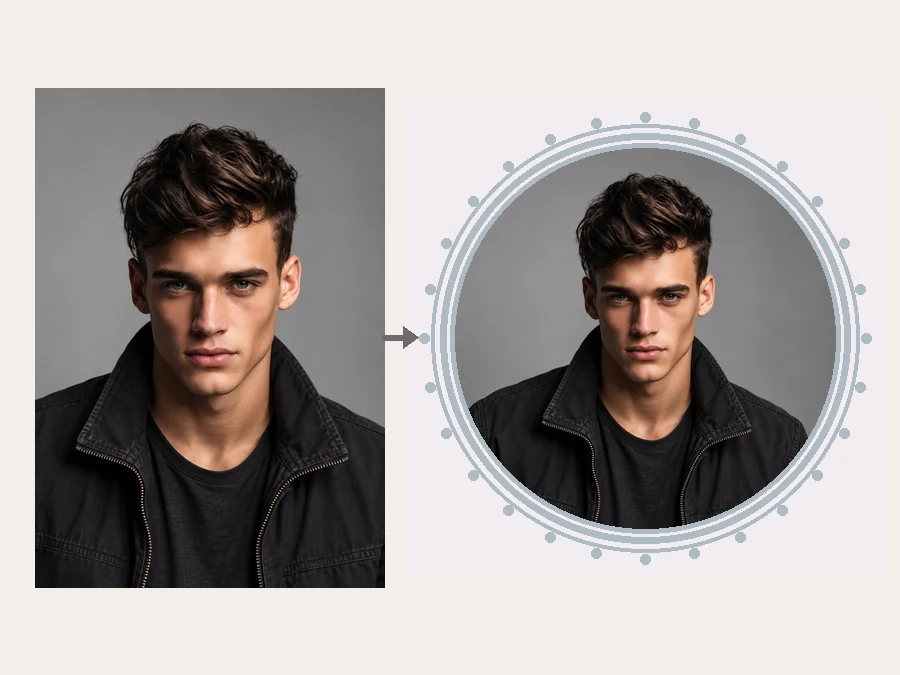 YouTube Profile Picture MakerMake a YouTube PFP from a selfie. Pick an anime, pop art, gaming, logo, or framed style and the AI YouTube profile picture generator designs a channel icon.
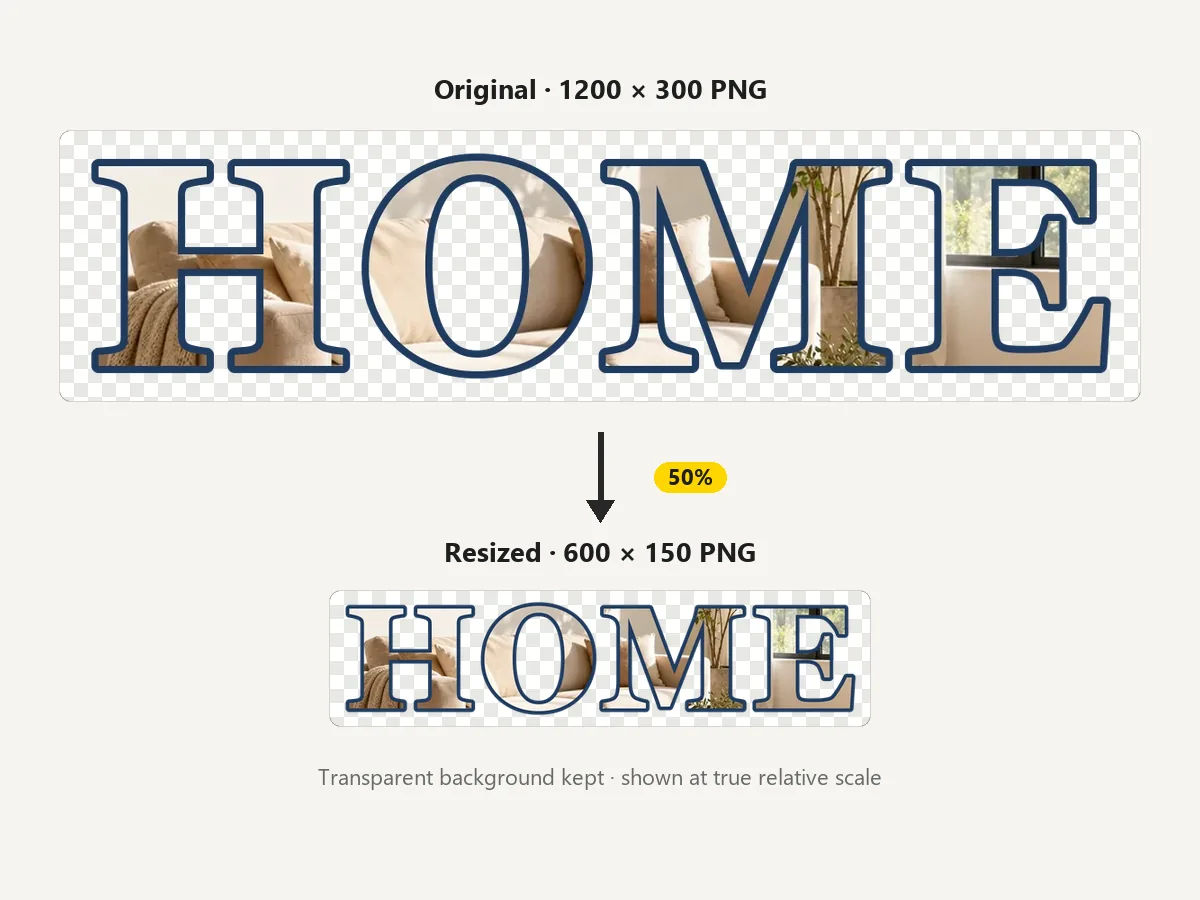 Resize PNGResize PNG images online for free: change width and height in pixels or by percent and keep the transparent background. No upload, works in your browser.
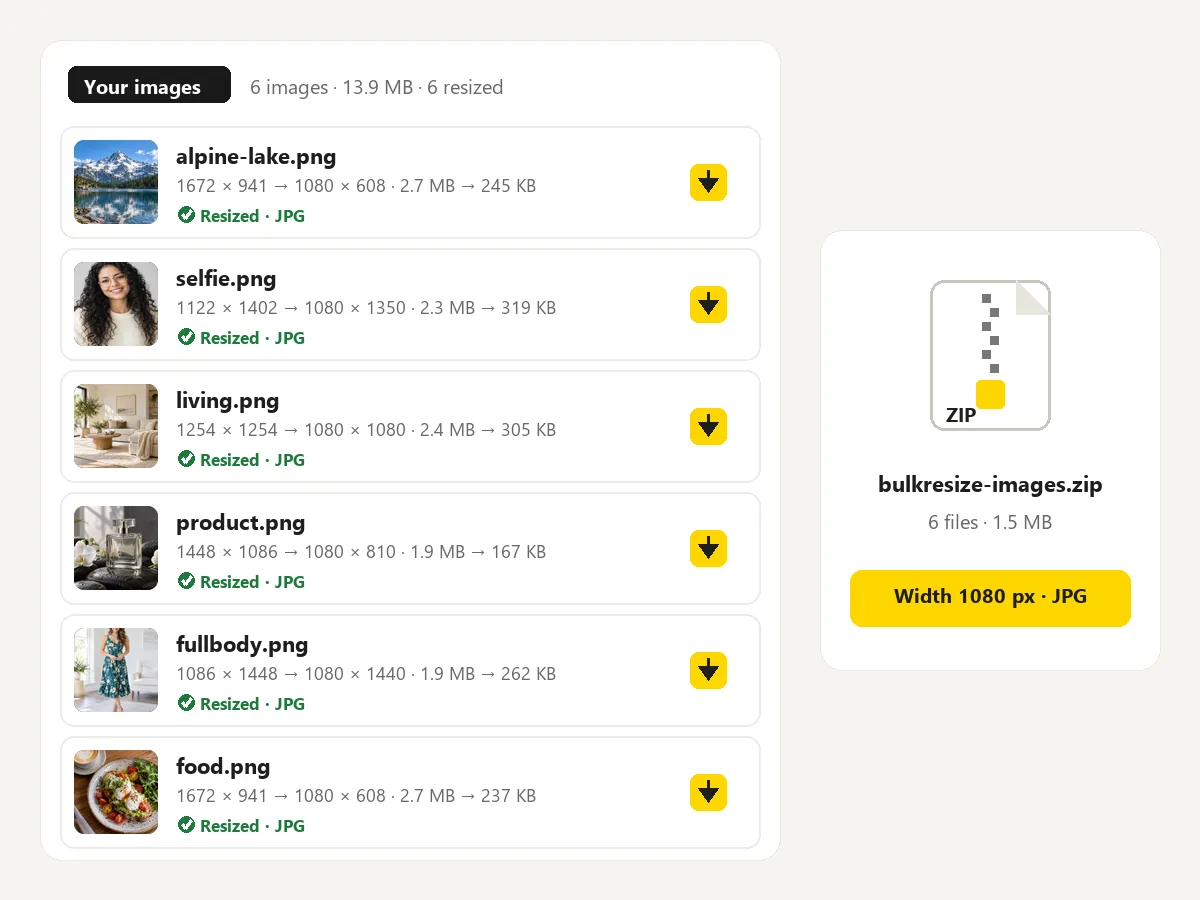 Bulk Image ResizerFree bulk image resizer: resize up to 100 images at once by width, height, longest side or percent, keep or change the format, and download a ZIP. No upload.
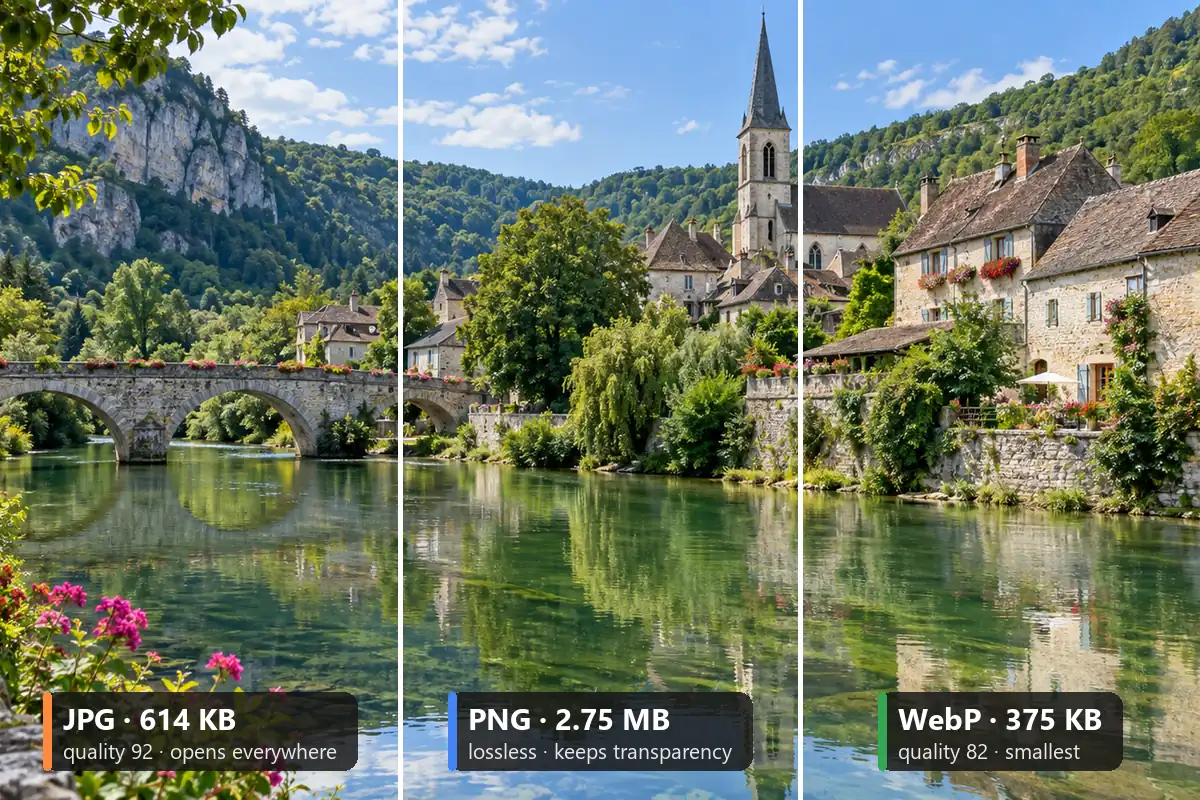 Image ConverterFree image converter: convert a picture to JPG, PNG, or WebP in your browser. Change photo format, keep transparency, resize, and save all three. No upload.
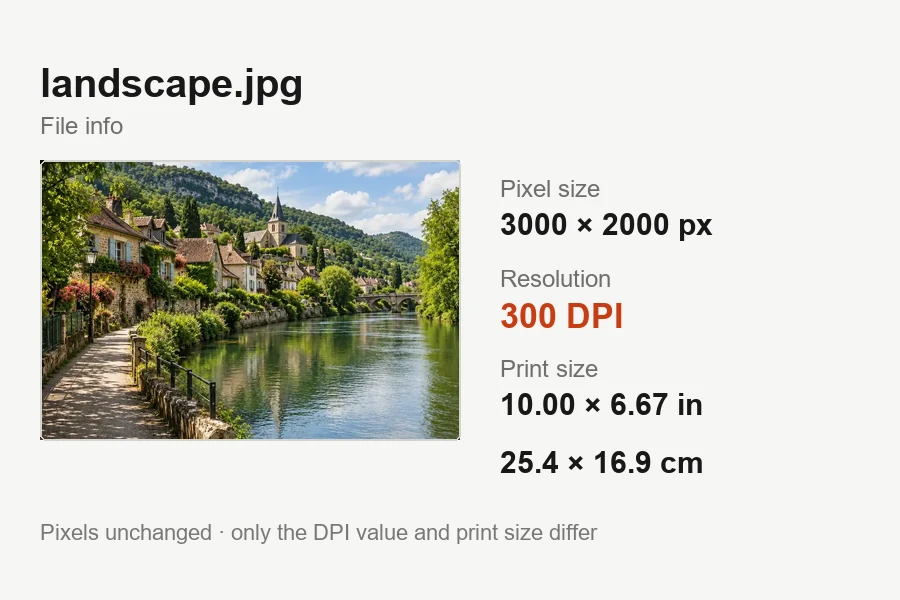 Increase DPI of ImageIncrease DPI of image files to 300 or any value in your browser: set the print resolution, see the print size live, and download JPG or PNG. Free, no upload.
Keep proportions intact and choose a width that fits the destination’s requirements.
Use padding when the entire product must remain visible on a consistent square background.
Reduce large captures carefully while preserving readable labels and diagrams.
Apply one width or percentage to the batch and collect the resulting files in a ZIP.
Work through a queue of images using shared resize settings.
Read the guideCut out individual reactions or adjust a picture’s framing.
Read the guideChange PNG dimensions while choosing how to preserve the image.
Read the guideFit channel art to a banner with its safe area in view.
Read the guideAdd a photo, choose a target width or percentage, check the preview, and download. Use exact size when both dimensions matter.
Set width, height, or longest side. To increase dimensions of image files, enter a larger size, but expect softer detail rather than newly recovered information.
Work from the original and avoid repeated recompression. To resize picture without losing quality, keep the same aspect ratio and use PNG or WebP when crisp edges matter. Reducing dimensions discards pixels, so retain the original for later edits.
Choose a width, height, percentage, or exact box. This picture size editor can resize an image for free and save single files or a batch. Use the image dimension editor’s contain mode when the whole subject must stay inside an exact box.
Yes. Open it in a current browser on Windows, add a PNG or JPEG capture, and choose a smaller width or 50%. Check text at the exported size before downloading. Processing runs locally in the browser without installing a desktop app.
Yes. Set Custom to 72 by 72 pixels for small icons. Check the game or platform requirements before saving. A sub badge resizer needs clear shapes at tiny dimensions.
Use the YouTube banner image resizer linked below for channel art. Thumbnail pixel size and YouTube size picture requirements differ from banners. To resize picture for YouTube or resize image for YouTube, choose the format that matches its destination.
For a smaller version with the same framing, choose Width 1080 or enter a lower width. To rescale image files by percentage, use 50% or a custom percentage. If you need to know how to resize the photo for a square post, choose Square 1080 and select contain for padding or cover for cropping. The platform directory links to dedicated social media image resizer pages.
Yes. This browser tool is free, requires no sign-up, and processes your images locally.
No AI generation is required. This free local tool resamples pixels. An AI image resizer may invent detail, while this tool changes dimensions without claiming to recover it.
Set the dimensions, compare crop and padding, and save your resized files directly from the browser.