Upload Your Photo
Add a JPG, PNG, or WebP up to 20 MB. A wide landscape or city shot makes the easiest banner. The file opens in your browser and is never uploaded.
Every LinkedIn image size in one free resizer: a 1584 × 396 profile banner, 1128 × 191 company page cover, 400 × 400 profile picture and logo, 1200 × 627 post image, square and portrait posts, a 1920 × 1080 article cover and a 1776 × 444 event cover. Pick a size, drag to frame, and download one file or all of them.
One-click LinkedIn sizes (as of 2026)
Fine-tune
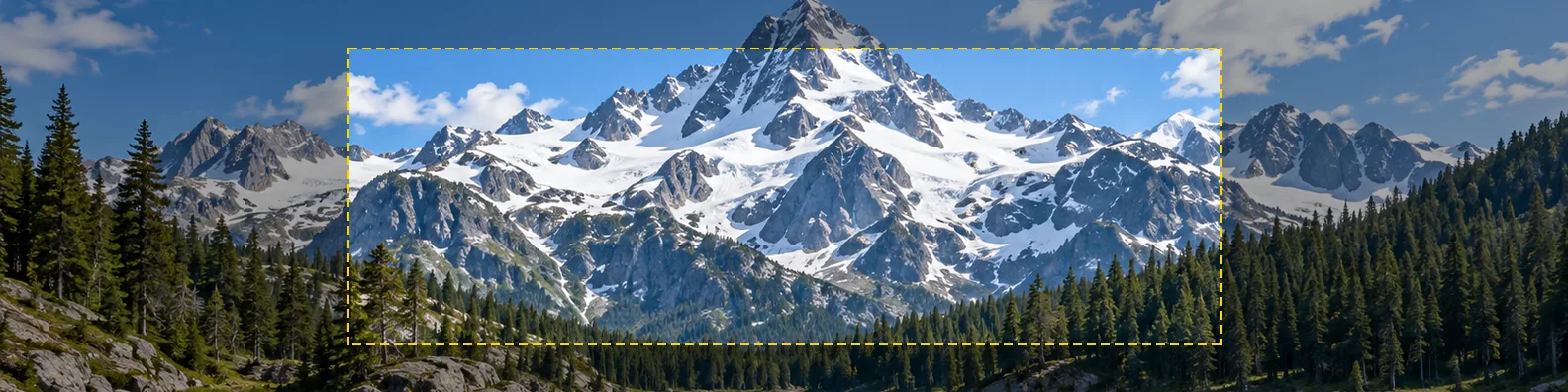
Reference example. It is not a result generated from your upload.
The LinkedIn cover photo size for a personal profile is 1584 × 396 pixels, a 4:1 banner that LinkedIn also calls the background photo or header. LinkedIn Help lists JPG, PNG, or GIF files up to 8 MB. Company pages use a thinner 1128 × 191 cover, and the profile picture LinkedIn size is a 400 × 400 square shown as a circle. Posts share best at 1200 × 627, with 1200 × 1200 square and 1080 × 1350 portrait images as the common alternatives; article and newsletter covers are 1920 × 1080, and event covers 1776 × 444.
The catch is the crop. Your profile picture sits on the lower-left corner of the banner, and on a phone the banner is shown much smaller while the photo covers a bigger share of it, so a photo that looks right in an editor can lose a face or a tagline on LinkedIn. This LinkedIn photo resizer cuts any picture to the exact LinkedIn pic size, lets you drag it into place, shows a text zone that stays clear of the profile photo, and can fit a whole photo with blurred or colored edges instead of cropping. It runs in your browser: free, no sign-up, and nothing is uploaded.
The right photo size for LinkedIn banners, profile pictures, posts, and covers; pick the same size in the resizer above.
| Placement | Size (px) | Ratio | Notes |
|---|---|---|---|
| Profile banner (cover / background photo) | 1584 × 396 | 4:1 | JPG, PNG or GIF up to 8 MB; profile photo covers the lower left |
| Profile picture | 400 × 400 | 1:1 | Shown as a circle; up to 8 MB |
| Company page cover | 1128 × 191 | about 5.9:1 | Logo overlaps the lower left |
| Company logo | 400 × 400 | 1:1 | Square; use Fit whole image so nothing is cut |
| Post / link image | 1200 × 627 | 1.91:1 | Landscape posts, shared links, Featured section items |
| Square post | 1200 × 1200 | 1:1 | Safe all-rounder in the feed |
| Portrait post | 1080 × 1350 | 4:5 | Takes the most room in the mobile feed |
| Article / newsletter cover | 1920 × 1080 | 16:9 | Header image above long-form posts |
| Event cover | 1776 × 444 | 4:1 | Banner at the top of an event page |
Sizes as of October 2026, from LinkedIn Help where LinkedIn publishes a number and common practice elsewhere. LinkedIn changes its layout from time to time, so leave a margin around anything important.
Resize photo for LinkedIn profile, company page, or post slots in four steps.
Add a JPG, PNG, or WebP up to 20 MB. A wide landscape or city shot makes the easiest banner. The file opens in your browser and is never uploaded.
Choose Profile banner 1584×396, Company page cover, Profile picture or logo, Post image, Square or Portrait post, Article cover, Event cover, or a Custom W × H. Download All LinkedIn Sizes saves every preset at once.
Drag the preview and zoom to crop. On the profile banner, keep faces, logos, and text inside the dashed text zone so the profile photo never covers them, or switch to Fit whole image for blurred or colored edges.
Save a JPG for photos (smallest file) or a PNG for logos and text. Then open your profile, select the camera icon on the banner, and upload the new LinkedIn background photo.
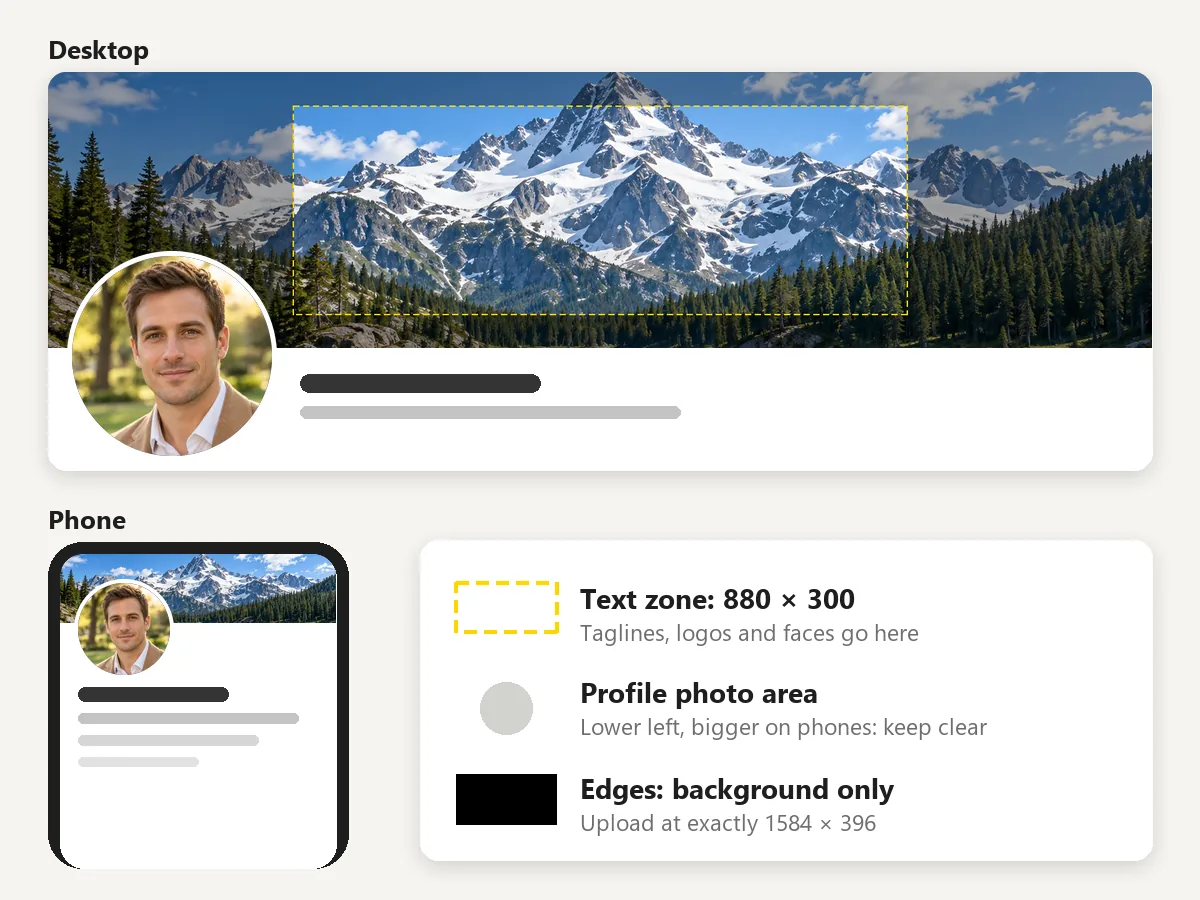
The LinkedIn banner size is 1584 × 396 on every device, but the view changes: computers show the full width with your profile picture on the lower left, while phones shrink the banner so the photo covers a bigger share of it. The dashed 880 × 300 text zone sits right of the photo and away from the edges, so a tagline or logo inside it stays readable in both views.
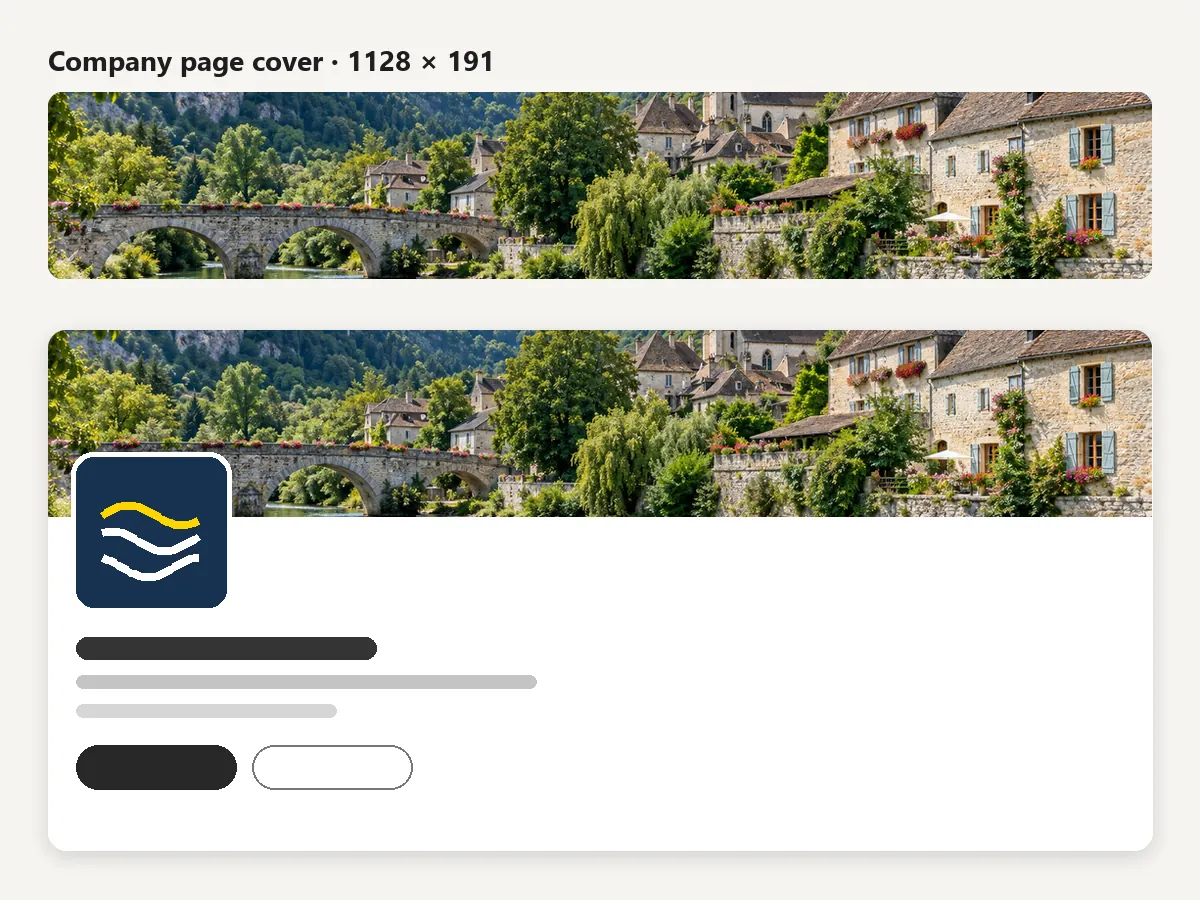
The LinkedIn cover page size for companies is 1128 × 191 pixels, almost six times wider than tall, with the company logo overlapping the lower left. Pick Company page cover, slide the photo until the subject sits center-right, and download. A panorama, an office front, or a product row works better than a portrait.
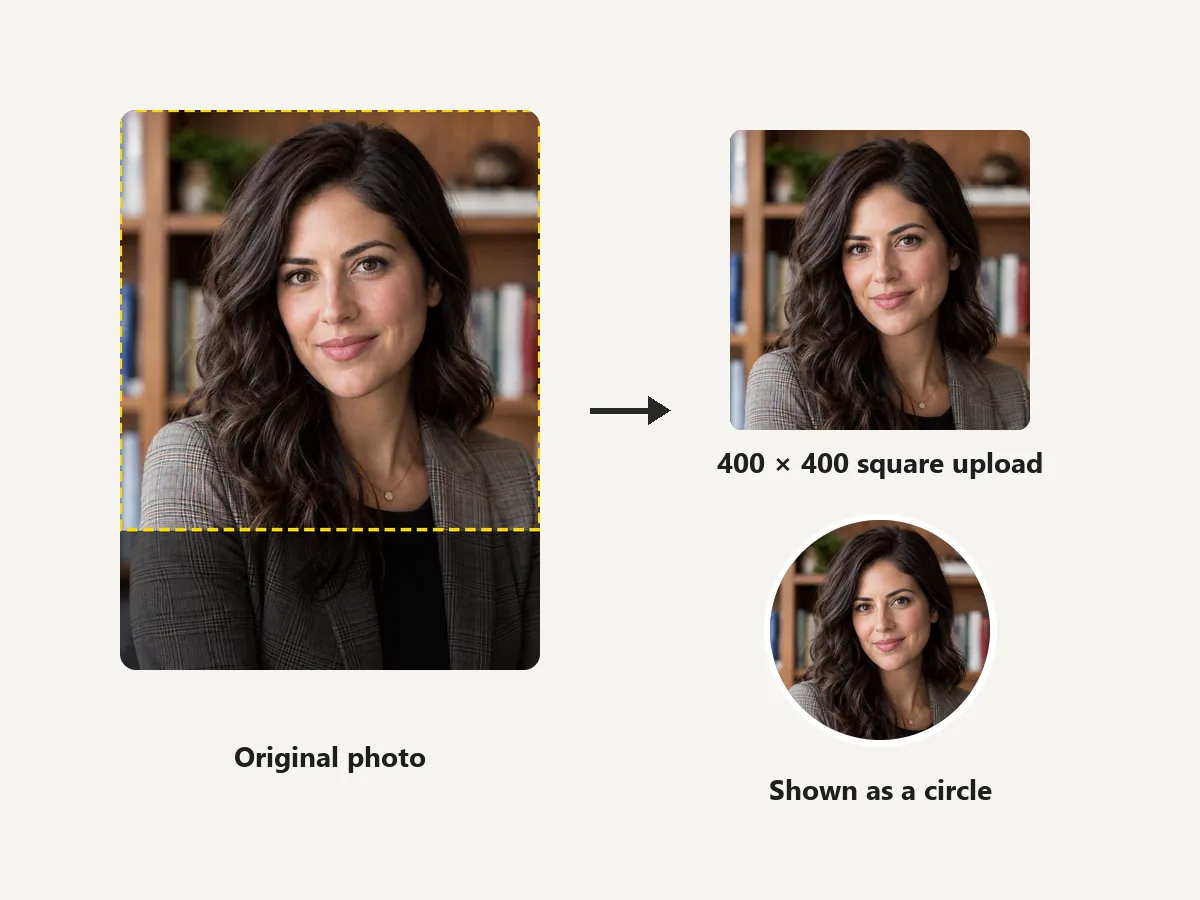
The LinkedIn profile pic size is 400 × 400 pixels, uploaded as a square and shown as a circle across the site. Crop a headshot to the square, zoom until your face fills about 60% of it, and keep your eyes a little above the center. For a company logo, use Fit whole image on white so the edges are never trimmed.
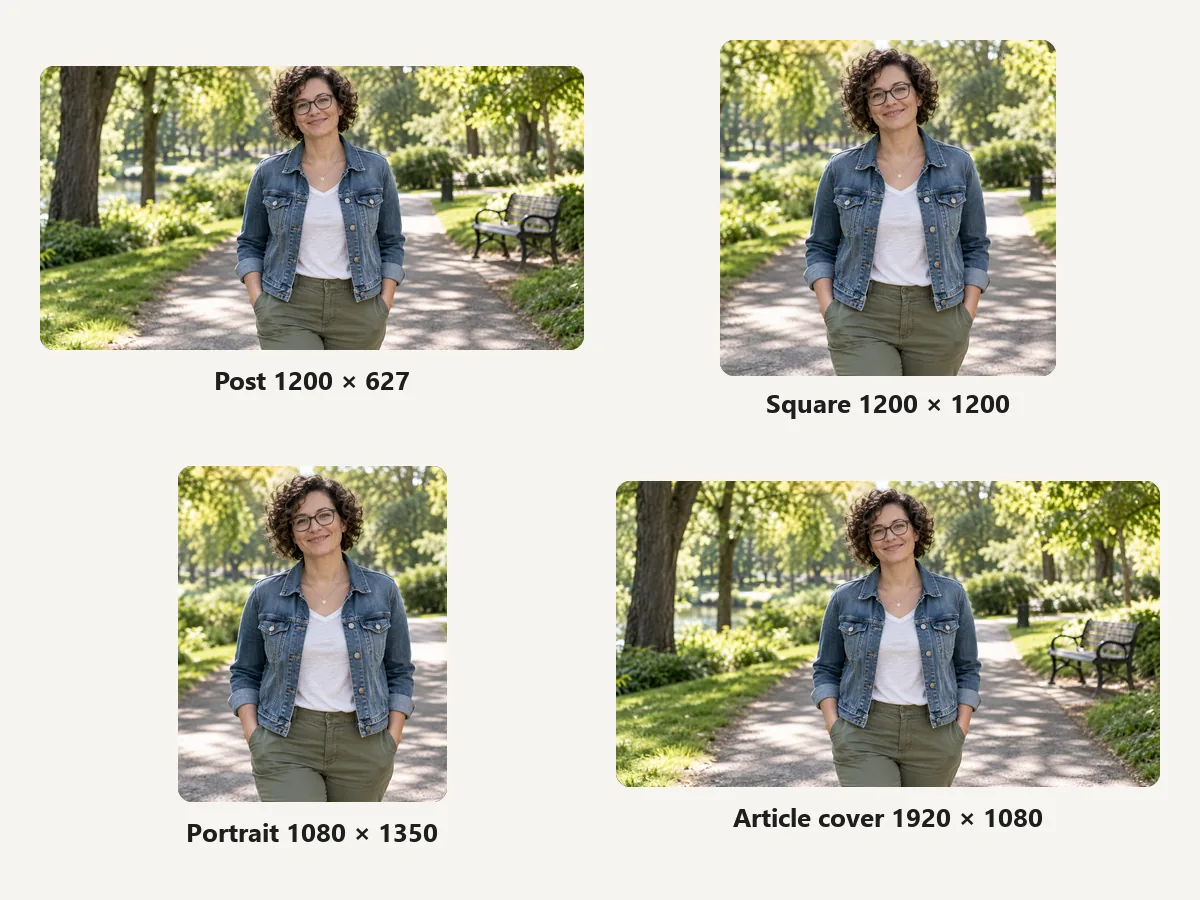
Not sure which picture size for LinkedIn posts to use? The LinkedIn post image size for links and landscape posts is 1200 × 627 (1.91:1). Square 1200 × 1200 and portrait 1080 × 1350 posts take more room in the feed, and 1920 × 1080 is the cover above articles and newsletters. Crop one photo to all four from the same upload.
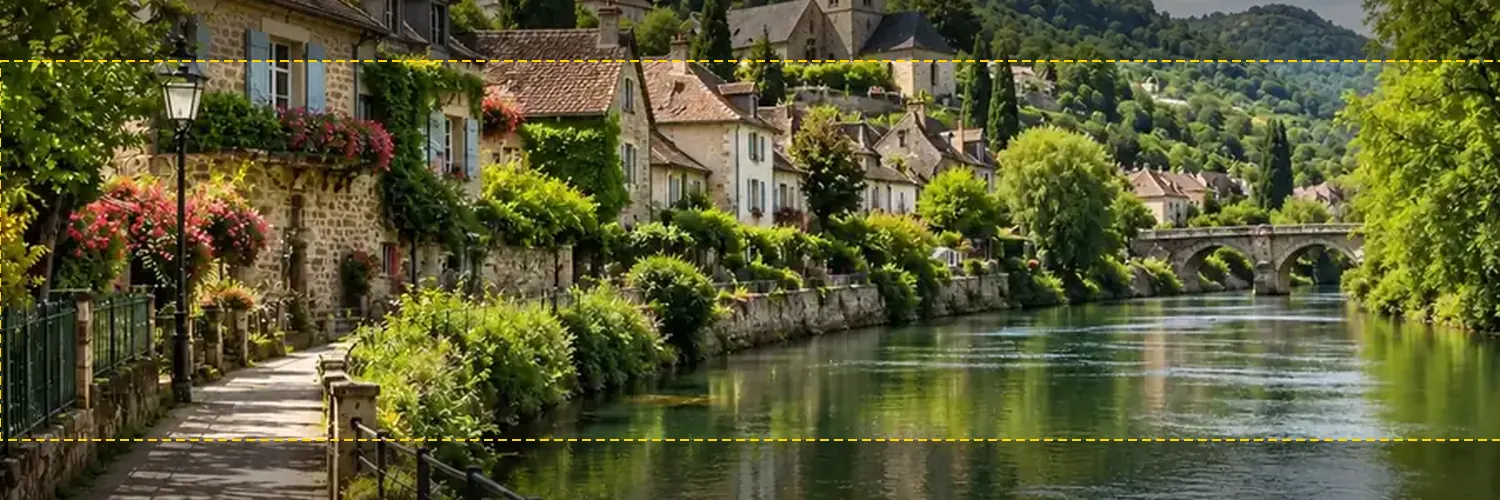
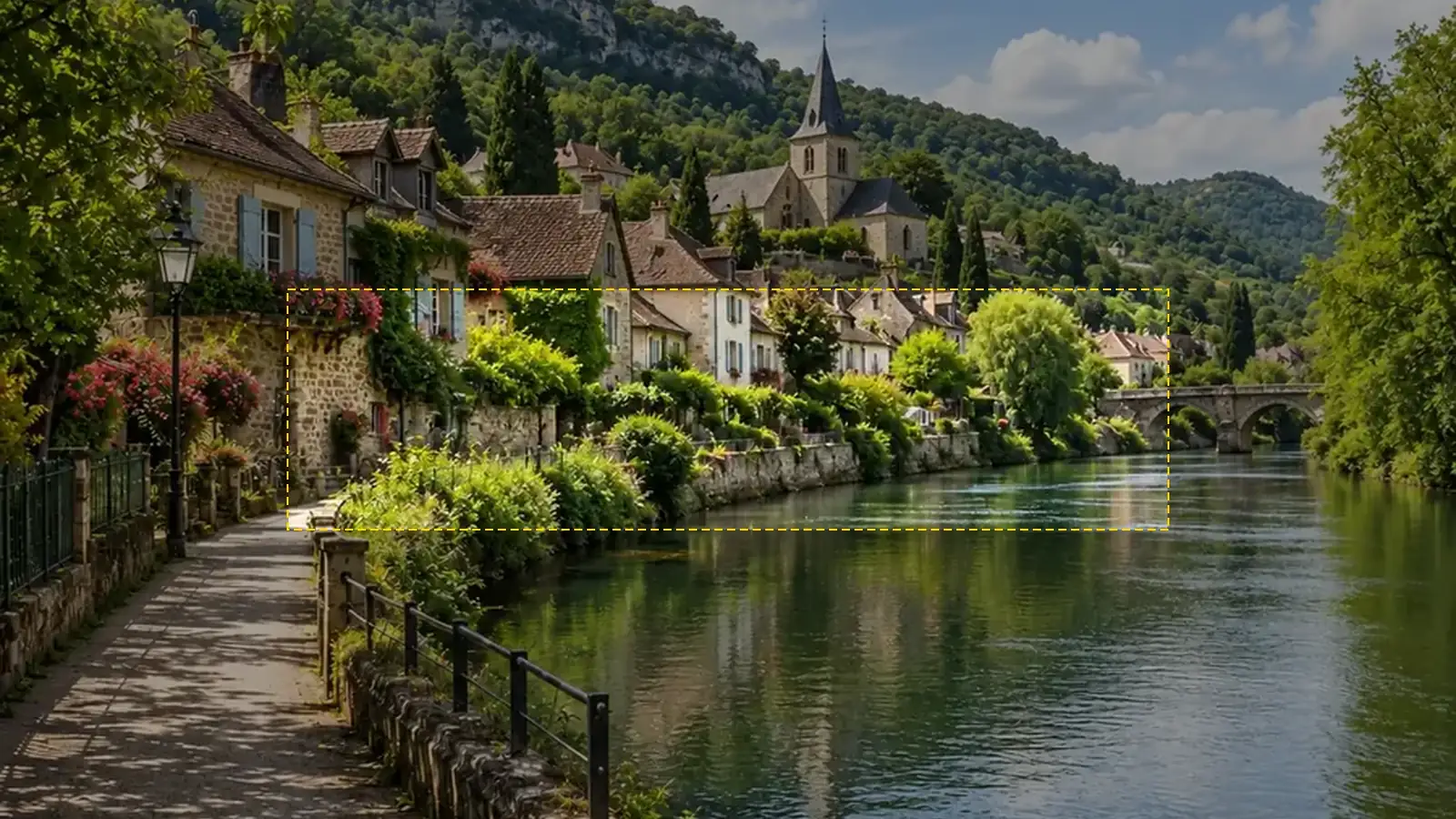
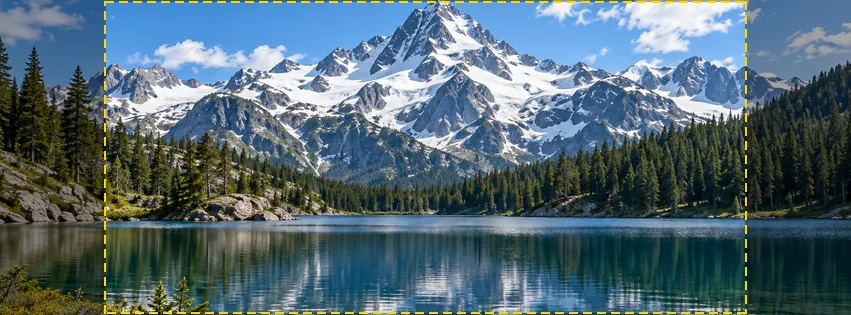
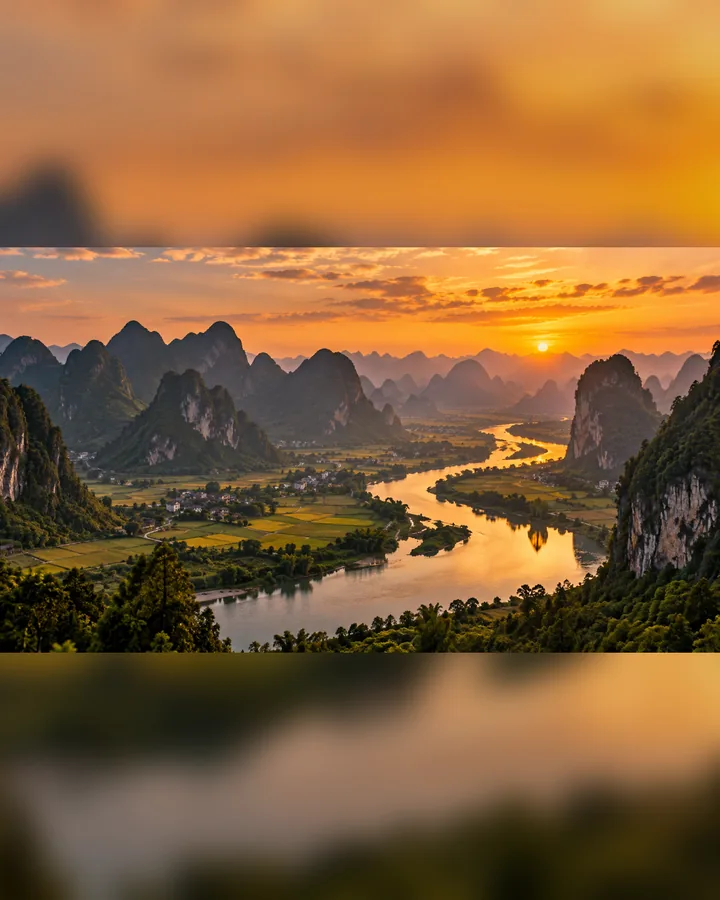
Real 1584 × 396 outputs of this resizer, shown on a sample profile card.
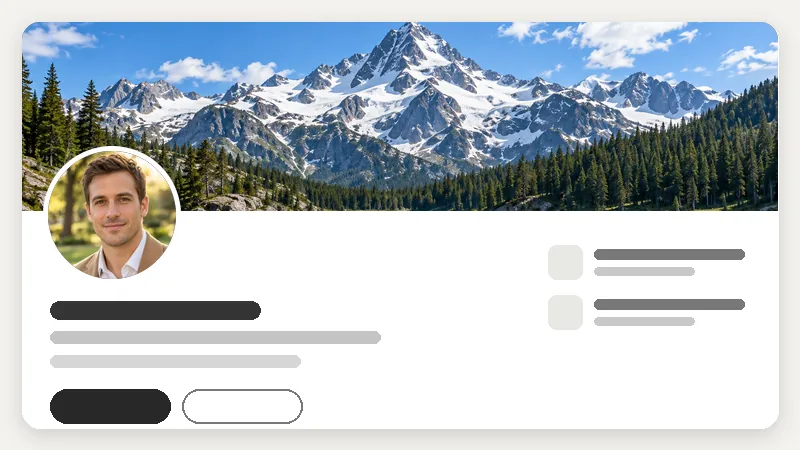
Mountains or sea read well at 4:1 and never fight with your photo.
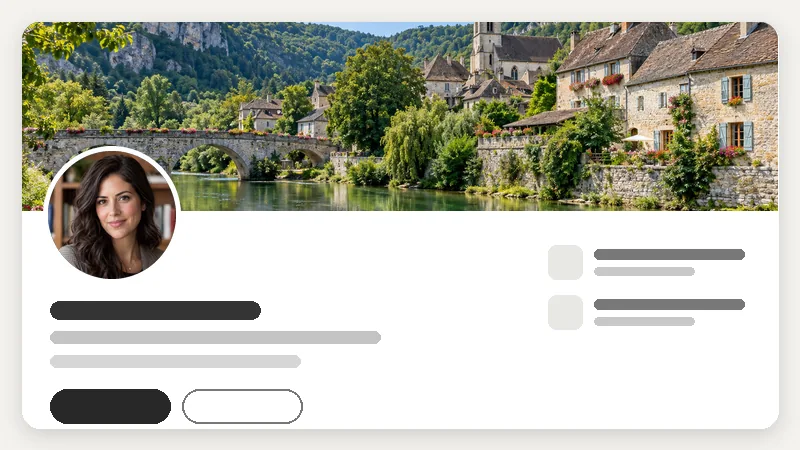
A skyline or street from where you work signals place and team.
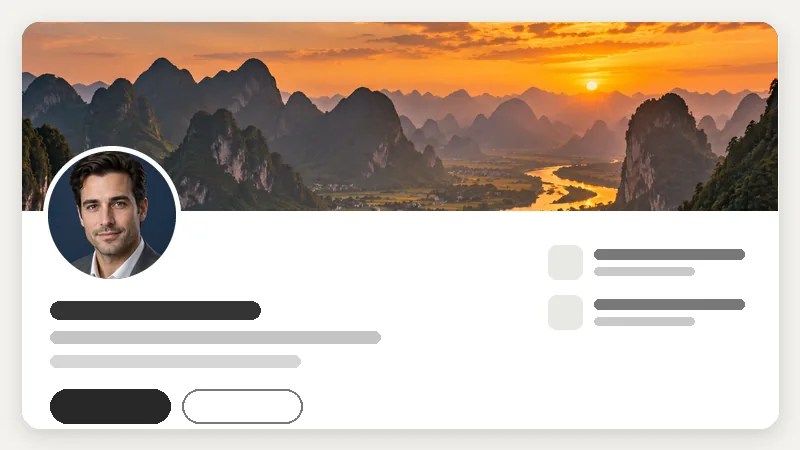
Warm color fills the strip; keep the bright sun right of the photo.
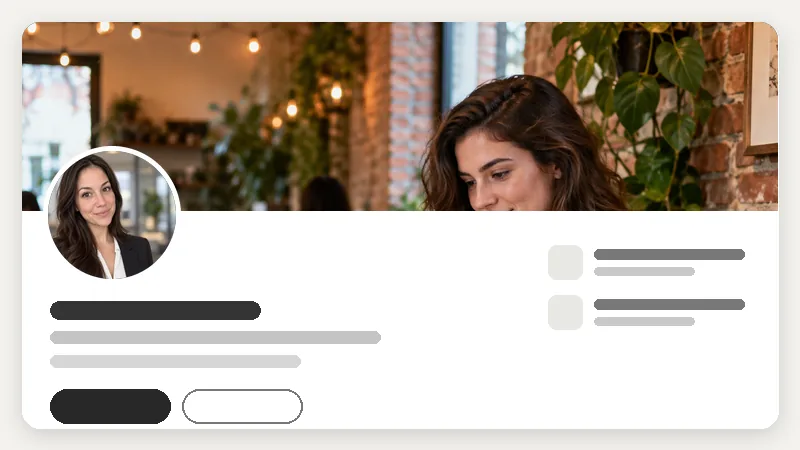
A desk, studio, or laptop scene for freelancers and remote roles.
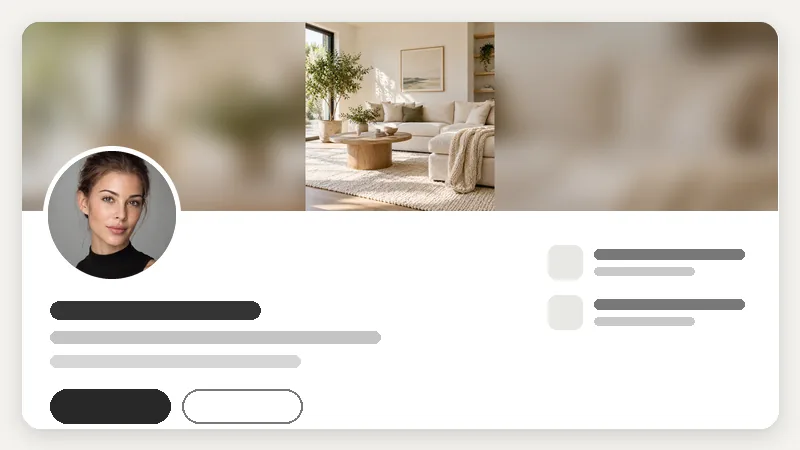
A square room photo fitted whole with blurred edges instead of cropped.
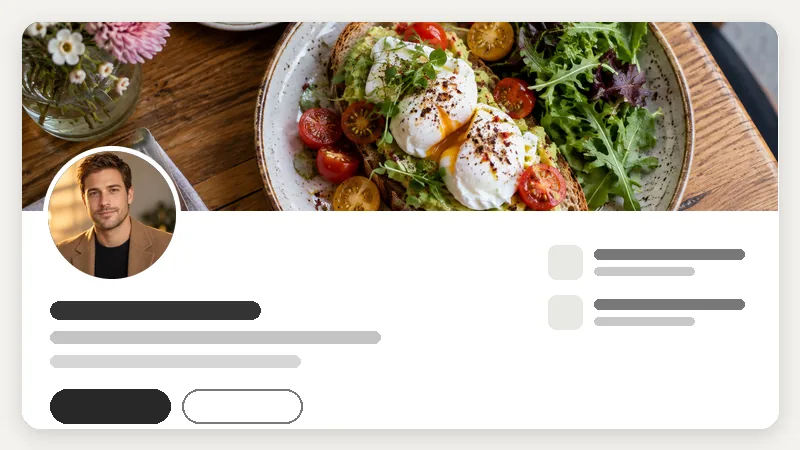
Food, products, or craft close-ups tell visitors your field at a glance.
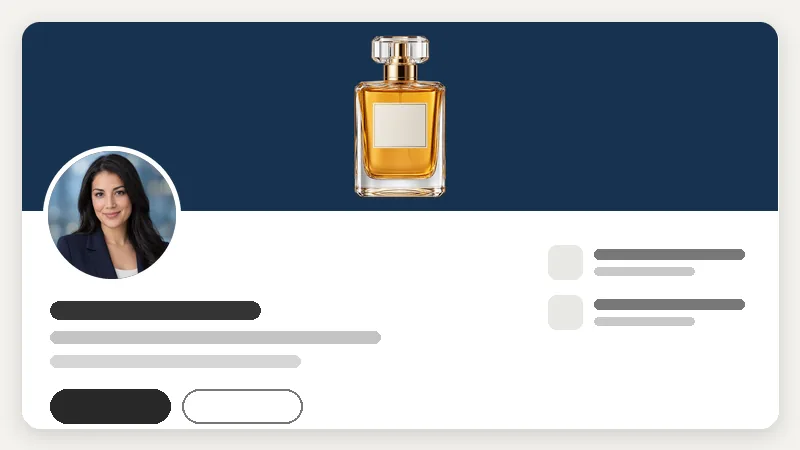
A transparent product shot fitted on a solid color, right of the photo.
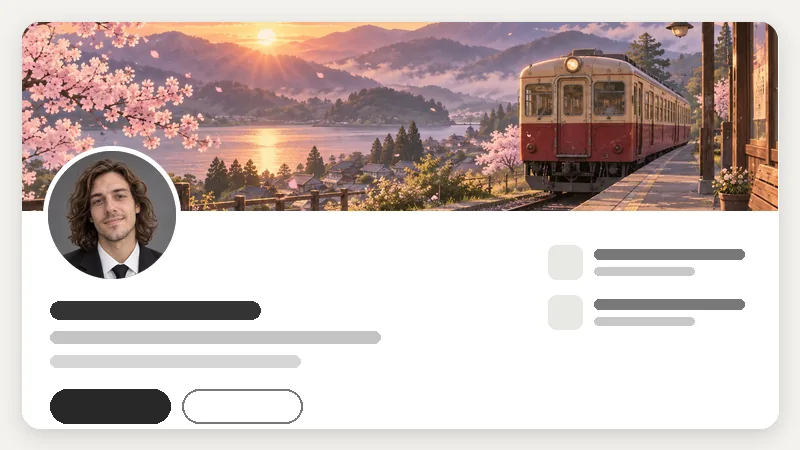
Artwork or a scene you drew, cropped so the detail sits in the text zone.
One photo, every LinkedIn slot, cropped or fitted the way you want.
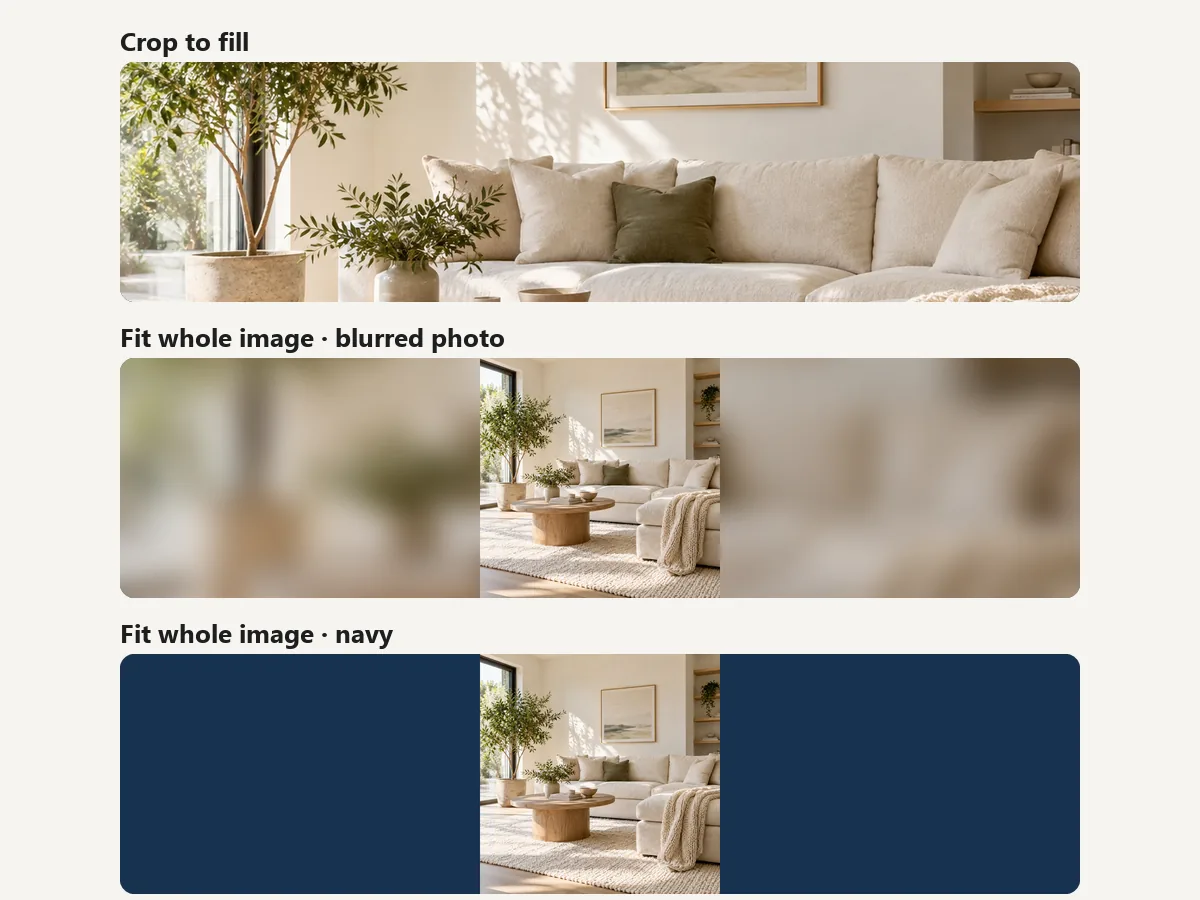
Refresh your LinkedIn header size and photo before applying, so recruiters see a clean, uncropped profile.
Put your services or portfolio in the text zone of a 1584 × 396 banner that reads on phones too.
Make the 1128 × 191 cover, a 400 × 400 logo, and launch post images from one set of brand photos.
Create matching banners for a hiring team, plus an event cover for a careers fair or webinar.
Crop article and newsletter covers to 1920 × 1080 and keep post images consistent.
Turn a campus or city photo into a banner and a square profile picture with no design app.
Small details that keep your cover and profile picture sharp and uncovered.
Your round profile picture covers part of the banner’s lower left on computers and phones. Keep text and faces away from that corner.
Put taglines, logos, and contact details inside the dashed 880 × 300 zone; let the edges hold only background.
LinkedIn accepts profile and background photos up to 8 MB. A 1584 × 396 JPG from this tool is usually a few hundred KB.
Upload the original photo, at least 1584 px wide. A small picture stretched to banner width looks soft; the Image Upscaler can add pixels first.
Crop a 1500 × 500 header and a 400 × 400 profile photo for X with the same drag-to-frame workspace.
Open toolA 2560 × 1440 channel banner with the TV, desktop, and mobile safe area marked.
Open toolProfile picture, 851 × 315 cover photo, posts, stories, and event covers in one download.
Open toolSquare, portrait, and story sizes for Instagram without cutting off the edges.
Open toolFree to try: turn a selfie into a professional headshot, then crop it to 400 × 400 here.
Open toolMake a stylish round profile picture with backgrounds, borders, and effects.
Open toolSizes, cropping, file limits, and privacy.
A personal profile cover (background photo) is 1584 × 396 pixels, a 4:1 ratio, as of 2026. Company pages use 1128 × 191. Choose Profile banner 1584×396 in the resizer and the photo is cropped to the exact LinkedIn cover size, ready to upload.
The LinkedIn banner size is 1584 pixels wide by 396 pixels tall. LinkedIn may show it smaller on screen, but uploading at exactly 1584 × 396 keeps it sharp and stops LinkedIn from cropping it again. The same numbers apply to the LinkedIn header size and the LinkedIn cover pic size people search for.
The LinkedIn profile photo size is a square of at least 400 × 400 pixels; the recommended size of LinkedIn profile photo uploads is exactly 400 × 400, and LinkedIn shows it as a circle. Crop a headshot here with Profile picture 400×400, keep your face centered, and leave a little space above your head.
The company page cover is 1128 × 191 pixels, and the company logo is a 400 × 400 square that overlaps the cover’s lower left. Use Company page cover 1128×191 for the banner and Company logo 400×400 (Fit whole image on white) for the logo.
Two reasons: the photo was not 4:1, so LinkedIn cropped it, and your profile picture covers the lower-left corner, a bigger share of it on phones. Resize to exactly 1584 × 396, keep text inside the dashed text zone, or use Fit whole image so nothing gets trimmed.
LinkedIn Help lists JPG, PNG, or GIF for background photos and an 8 MB limit for profile and background photos. JPG is best for photos; PNG keeps logos and text crisp. Files from this resizer are usually well under the limit.
The LinkedIn photo size post images share best at is 1200 × 627 (1.91:1) for landscape posts and links. Square 1200 × 1200 and portrait 1080 × 1350 posts take more room in the feed, and the image size for LinkedIn Featured section items follows the post or link image, so 1200 × 627 with the subject centered is a safe choice.
Open your profile, select the camera or pencil icon on the banner, choose to upload a new background photo, and pick the 1584 × 396 file from this tool. Adjust the position if LinkedIn offers it, then save. The steps are similar in the LinkedIn app.
Yes. The LinkedIn photo resizer is free with no sign-up and no watermark. Your photo is processed in your own browser and never leaves your device. Only use photos you have the right to use.
Scaling a large photo down to 1584 × 396 keeps it sharp. Enlarging a small photo makes it soft, because the pixels are not there; start from the original file or run it through the Image Upscaler first. Exporting as PNG avoids JPG compression on logos and text.
Upload a photo, pick the LinkedIn cover photo size or all of them, frame it, and download.
LinkedIn is a trademark of LinkedIn Corporation. EzImgMaker is an independent tool and is not affiliated with or endorsed by LinkedIn or Microsoft. Sizes follow LinkedIn Help and common practice as of October 2026 and may change. Sample people and places in the images are fictional.