Add Your PNG
Resize .png files of any size (JPG and WebP work too): drop, paste, or choose one or more. Each image is read on your device and listed with its current size.
Change PNG dimensions in pixels or by percent: 50%, 25%, 200%, 512 × 512 icons and stickers, 1024 × 1024, 256 × 256, a 64 × 64 favicon, or any width and height with the aspect ratio locked. Transparent backgrounds stay transparent. Resize one PNG or a whole batch and download a ZIP.
Quick PNG sizes
Resize settings
Every image becomes 50% of its original width and height.
Output
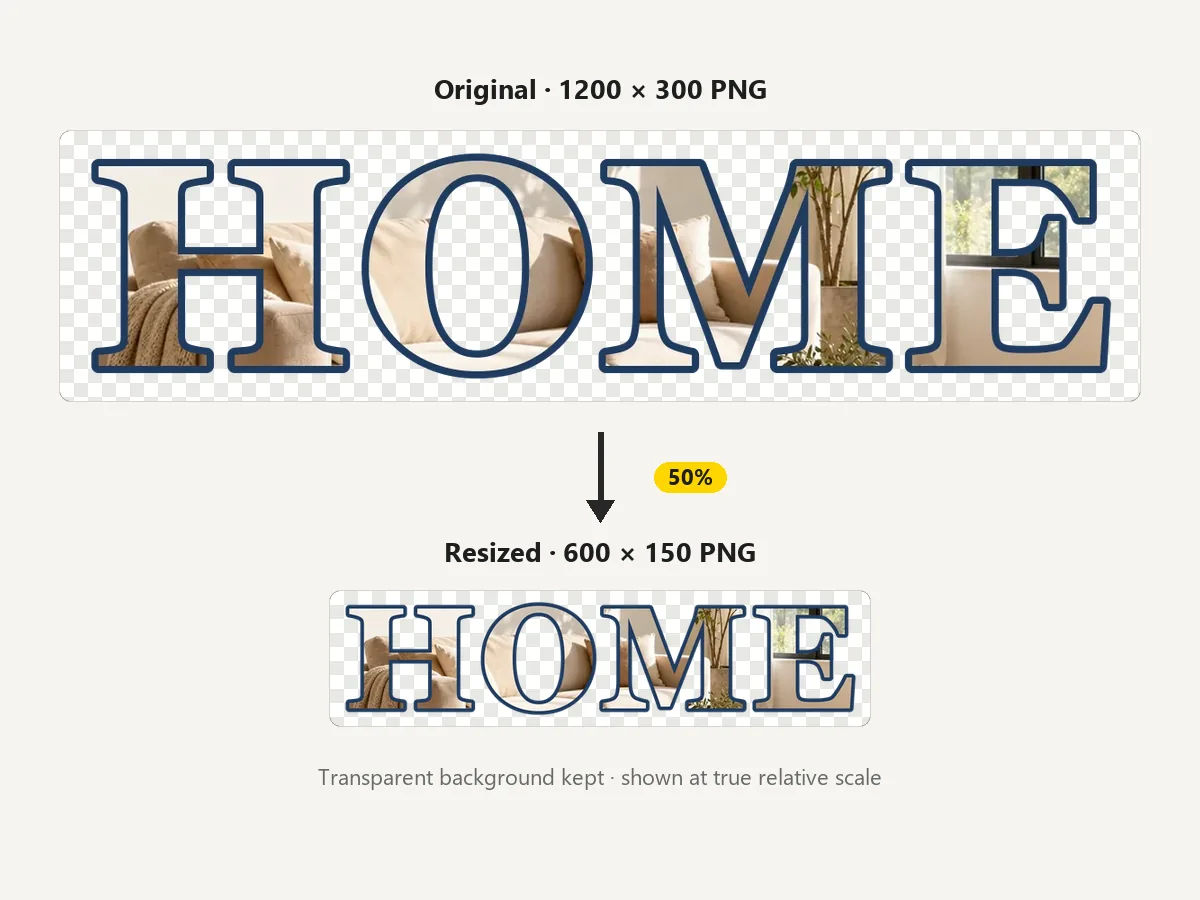
Reference example. It is not a result generated from your upload.
PNG is the format for logos, icons, stickers, screenshots, and product cut-outs because it is lossless and can hold a transparent background. Many resizers flatten that transparency to white or black, or save a JPG by accident. This PNG resizer keeps the alpha channel: change PNG dimensions by percent (50%, 25%, 200%), by width, height, or longest side, or to an exact box such as 512 × 512, and the clear areas stay clear in the PNG or WebP you download.
Resizing changes the pixel size, and fewer pixels usually mean a smaller file, so it works as a PNG image size reducer for large web images too. If you need an even smaller file at the same dimensions, use Reduce Image Size after resizing. It is a PNG resize online tool that runs entirely in your browser: it is free, needs no sign-up, never uploads your images, and can resize PNGs in a batch of up to 100 with one ZIP download.
How to shrink a PNG image, enlarge it, or set exact pixel dimensions.
Resize .png files of any size (JPG and WebP work too): drop, paste, or choose one or more. Each image is read on your device and listed with its current size.
Tap 50%, 25%, or 200%, choose 512×512, 1024×1024, 256×256, or Favicon 64×64, or type a custom width and height with the aspect ratio locked. The preview and the list show the new dimensions before you save.
Keep PNG (lossless, transparency kept) or switch to WebP for smaller files. One image downloads directly; several come as one ZIP.
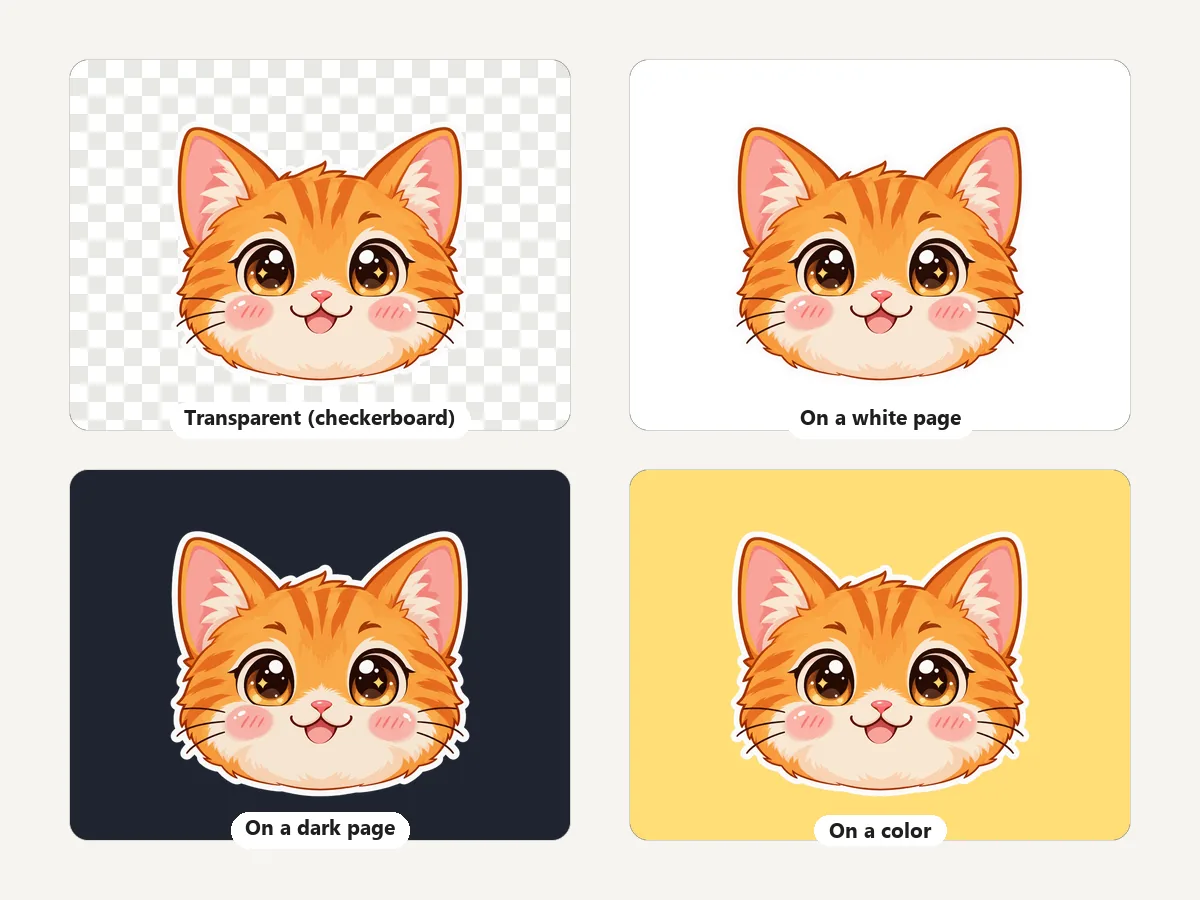
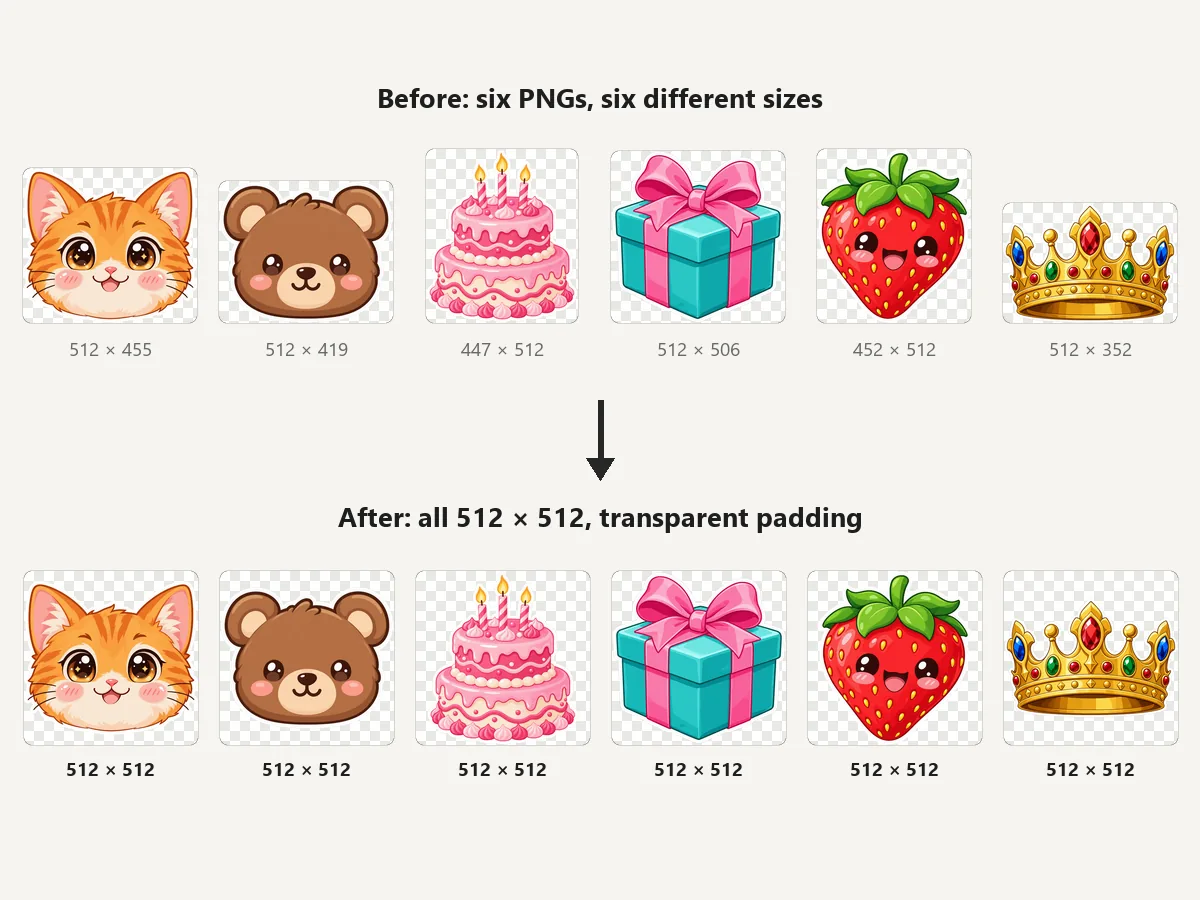
Resize transparent PNG files without a white box appearing around them. The alpha channel is resized with the colors, so soft shadows, anti-aliased edges, and see-through areas look the same on any background. When an exact size needs padding, it is transparent too, unless you choose a color.
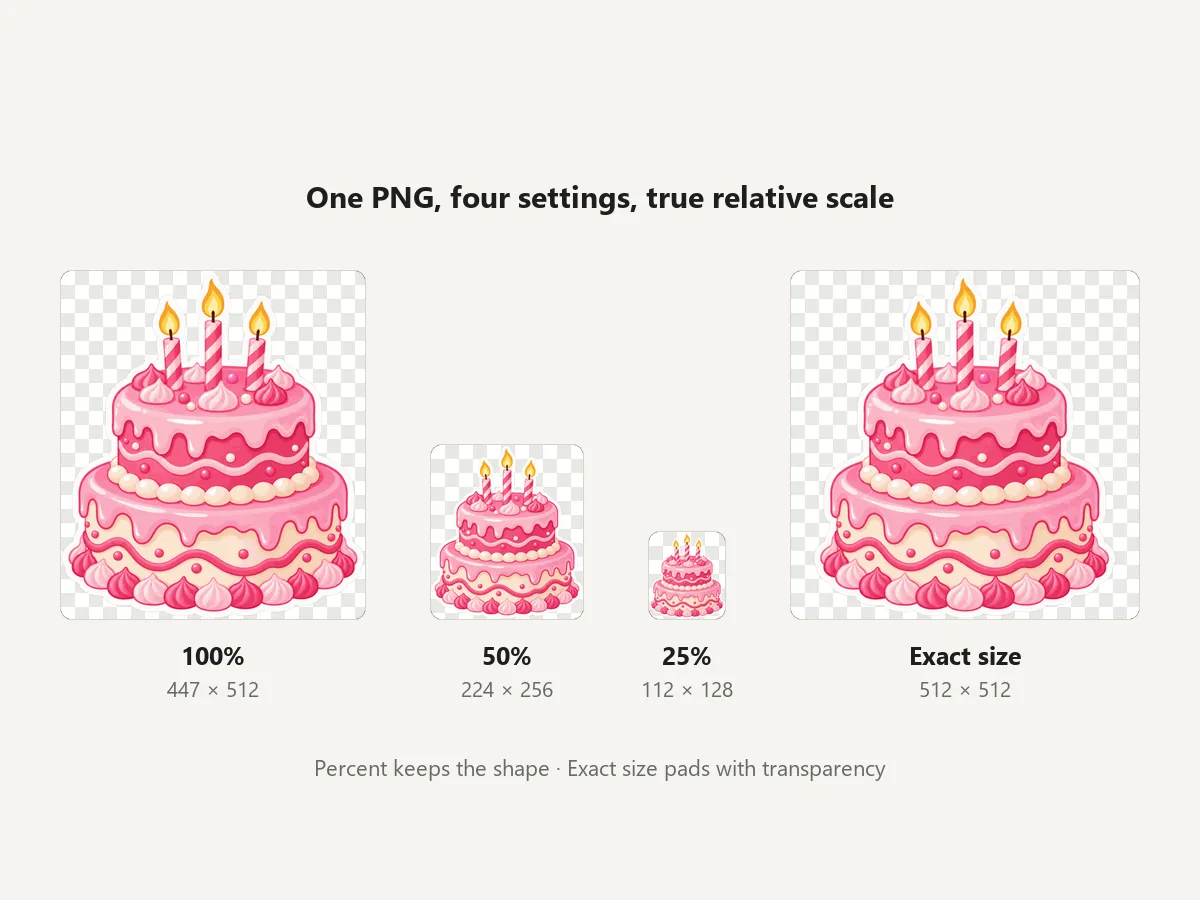
Use percent for a quick PNG scale (50% halves both sides), Width or Height to set one side and let the other follow, Longest side for mixed portrait and landscape images, or Exact size for a precise PNG image resize for icons and stickers. It is a PNG dimension changer and a PNG size increaser in one: 200% doubles the pixels.
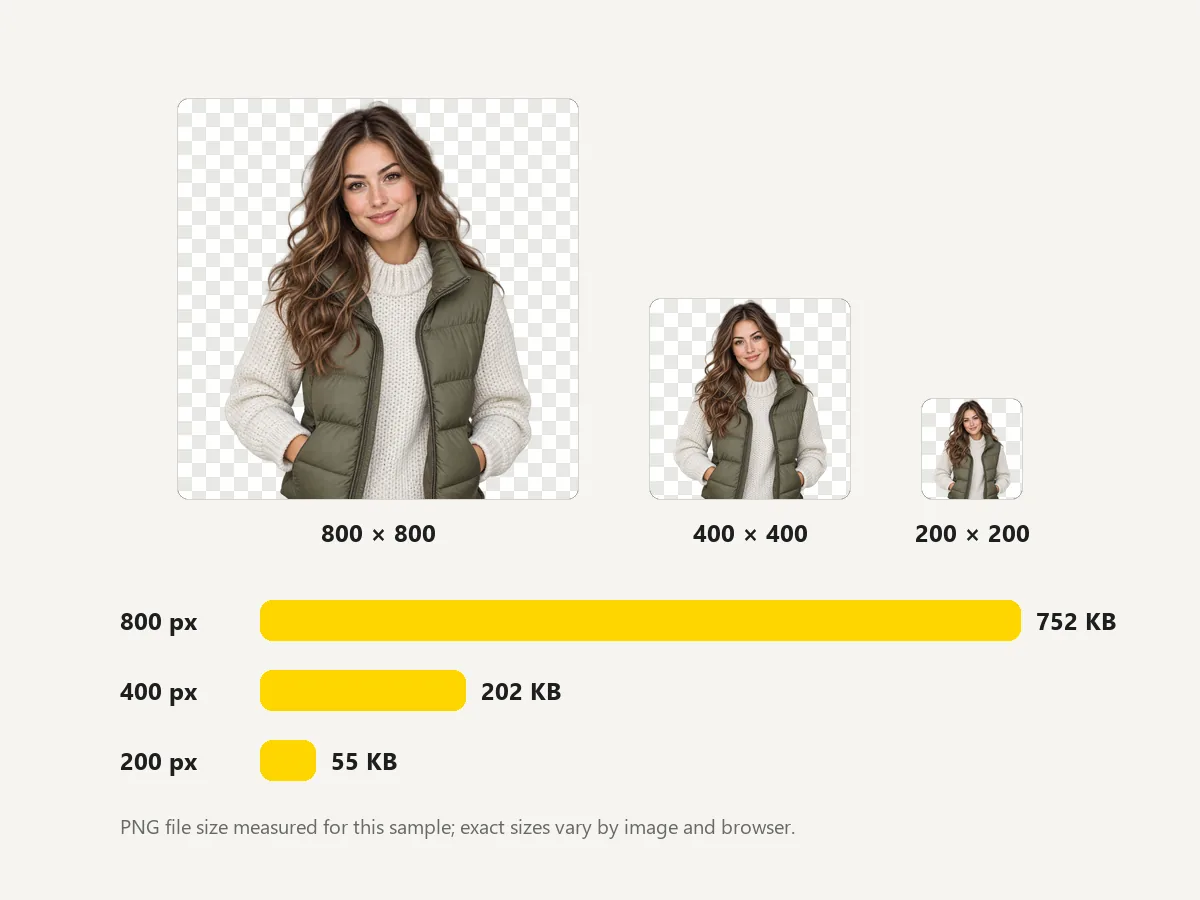
A PNG shrinker and PNG downsizer that works on pixels: halving the width and height leaves a quarter of the pixels, so big PNGs usually get much lighter. Shrink PNG images to the size they are shown on your site, then check the PNG shrink size in the list (old and new KB); a small PNG that was already compressed by another app can come out larger, so keep the original in that case. To minimize PNG size further at the same dimensions, run the result through Reduce Image Size or save it as WebP.
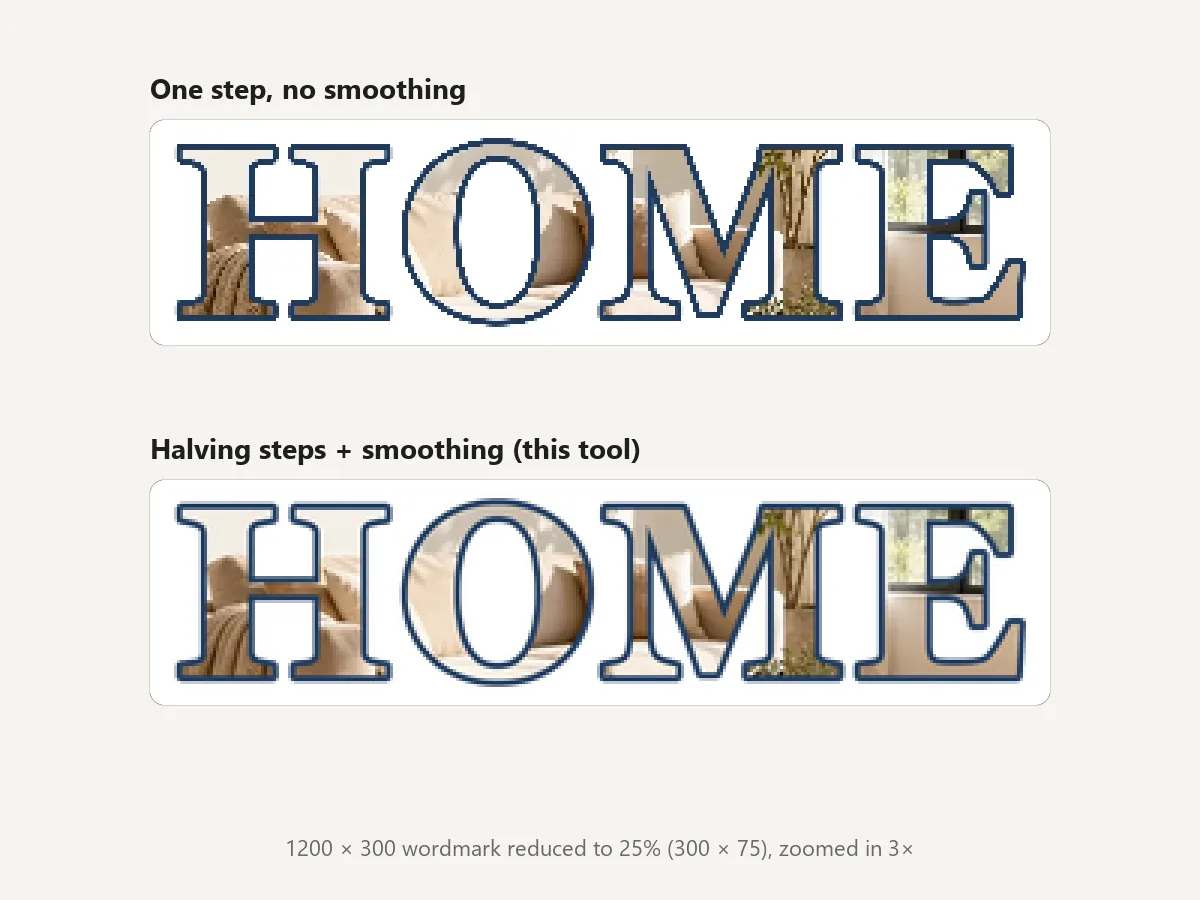
Big reductions are done in halving steps with high-quality smoothing, so thin lines and lettering stay smooth instead of turning jagged. That is how to resize PNG without losing quality when you go smaller. Enlarging cannot invent detail: above 200% the image softens, and the Image Upscaler is the better tool.
Pixel sizes that come up most when you change PNG size for icons, stickers, and logos.
| Use | Size (px) | Notes |
|---|---|---|
| Browser favicon | 32 × 32 or 48 × 48 | Make a 64 × 64 PNG and let your favicon tool scale it down |
| Apple touch icon | 180 × 180 | Home-screen icon on iPhone and iPad |
| Web app (PWA) icons | 192 × 192 and 512 × 512 | The two sizes a web app manifest usually lists |
| Messaging stickers | 512 × 512 | Transparent background, artwork inside the square |
| App store icon | 1024 × 1024 | Square, no transparency on some stores |
| Discord emoji | 128 × 128 | Square PNG, keep it small in file size |
| Twitch emote | 112 × 112 (plus 56 and 28) | Three sizes of the same transparent PNG |
| Website logo | About 2× its display width | A 250 px wide logo slot looks crisp at 500 px |
| Product cut-out | 2048 × 2048 | Square store image; see the Shopify Image Resizer |
Common sizes as of 2026; platforms change their rules, so check the upload page when a size matters.
Real outputs of the presets on a transparent checkerboard, shown at actual size up to 440 px.
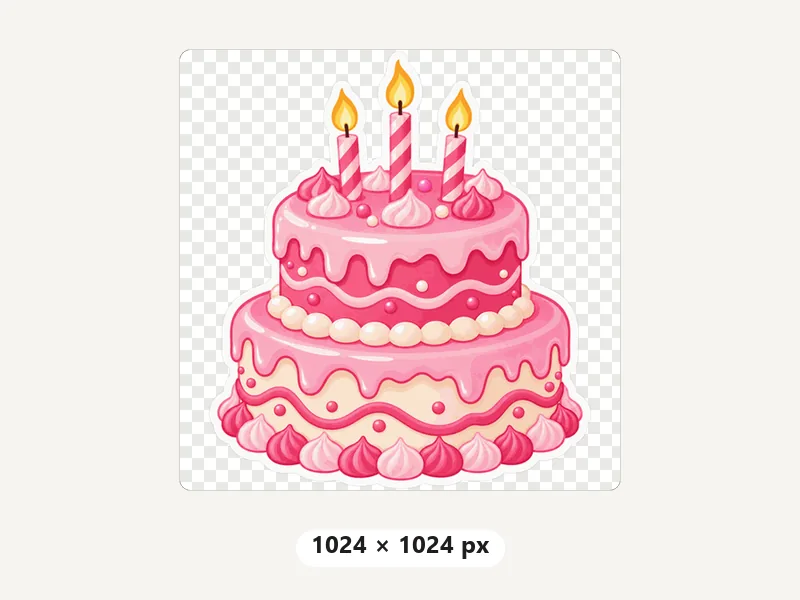
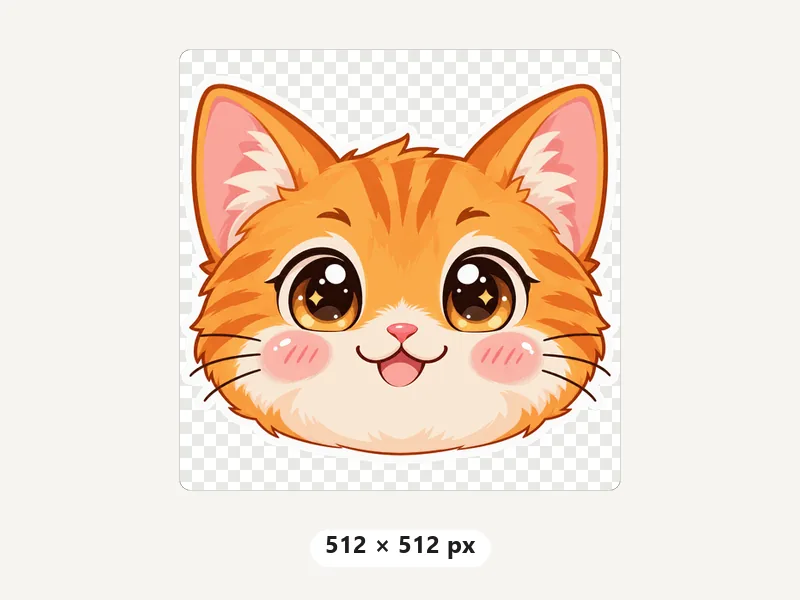
App icons and large print stickers.
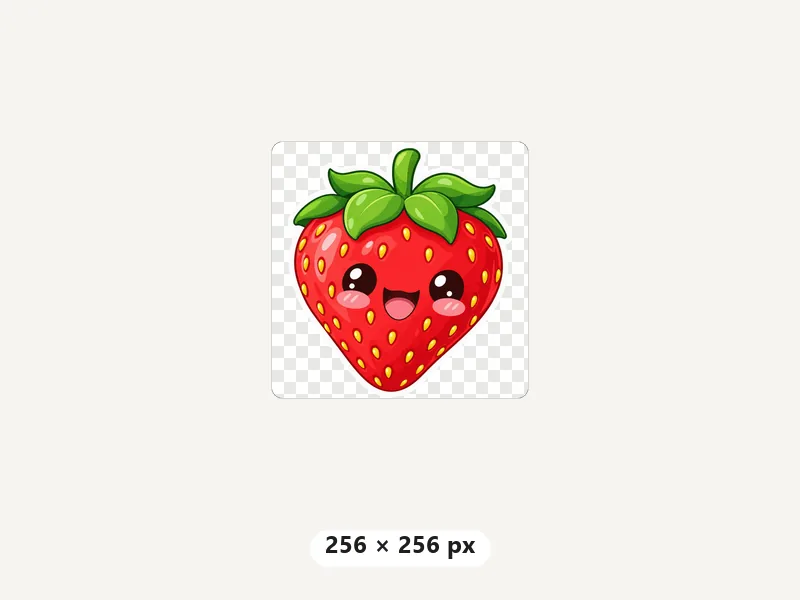
Stickers and web app icons.
Thumbnails, emoji, and small icons.
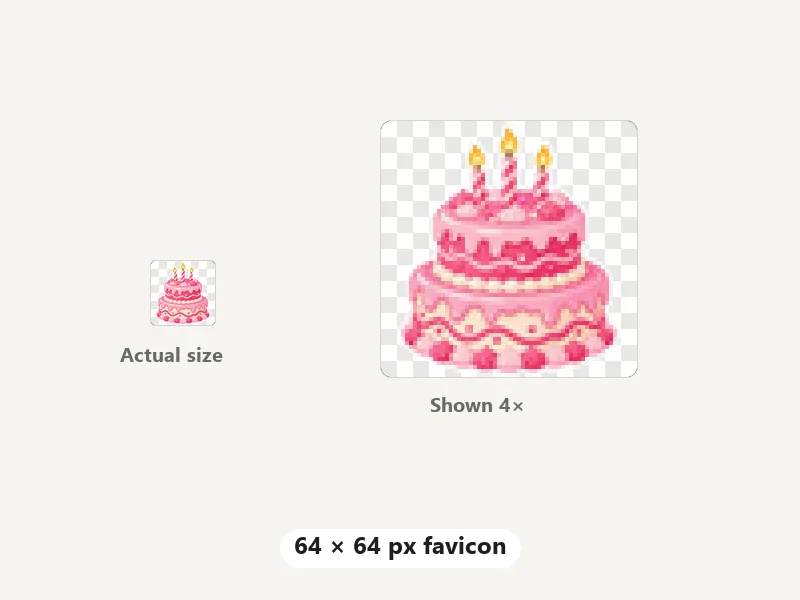
A clean source for browser tab icons.
Resizing PNG images for the places they actually go.
Resize a transparent logo to twice its display width so it stays crisp on high-DPI screens without a heavy file.
Turn artwork into 512 × 512 stickers, 128 × 128 emoji, or 112 / 56 / 28 emotes with the background kept clear.
Make 1024, 512, 256, and 64 px versions of an app or site icon from one PNG.
Fit background-free product shots into a square with transparent padding, ready for any store theme.
Scale screenshots by 50% for help articles and slides while text stays smooth.
Batch resize PNGs exported from a design app to the exact sizes a developer asked for.
Get the right size, the right file weight, and clean edges.
Above about 200%, a PNG gets blurry because the detail is not there. For bigger, sharper images, use the Image Upscaler instead.
Resizing cuts pixels; Reduce Image Size cuts kilobytes at the same dimensions. Use both for the lightest web PNG.
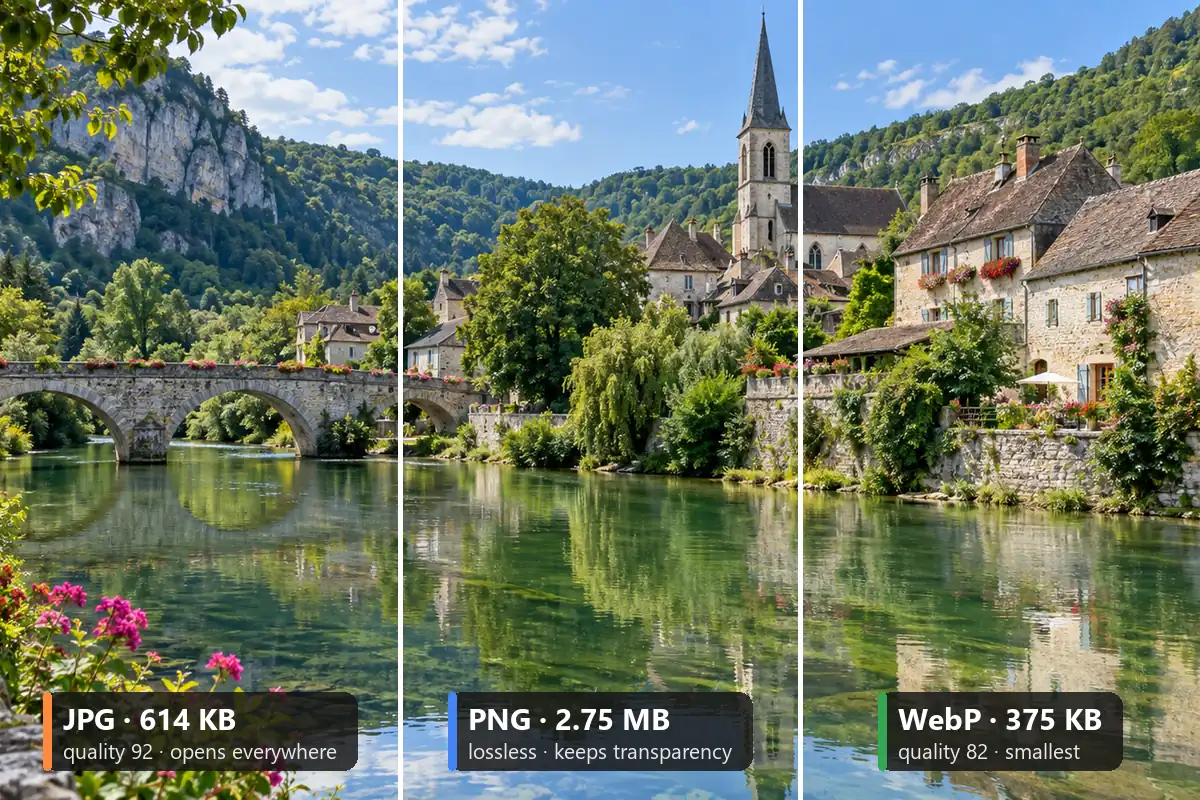
Both keep transparency. WebP files are usually much smaller; PNG opens in every app and stays lossless.
Set the file name ending, for example -resize or -512, so logo.png saves as logo-resize.png and never replaces the original.
Compress PNG and JPG files to a target KB without changing their dimensions.
Open toolConvert PNG to JPG, WebP, and other formats in your browser.
Open toolRemove a solid background to get a transparent PNG you can resize here.
Open toolResize up to 100 JPG, PNG, WebP, and HEIC images at once and download a ZIP.
Open toolFree to try: enlarge small PNGs with AI so they stay sharp at 2× or 4×.
Open toolFree to try: cut out people and products, then resize the transparent PNG.
Open toolTransparency, quality, file size, and privacy.
How do you resize a PNG file here? Add the PNG above, choose a preset (50%, 25%, 200%, 512×512, 1024×1024, 256×256, Favicon 64×64) or type a width and height, then download. That is how to resize a PNG file in three clicks: the PNG change size happens on your device, and the new dimensions show before you save.
Yes. Output is PNG or WebP, both with an alpha channel, so clear areas stay clear and soft edges stay soft. If an exact size adds padding, the padding is transparent too unless you pick a color.
Scale down, not up: reductions are made in halving steps with high-quality smoothing and saved losslessly as PNG, so lines and text stay clean. Avoid large enlargements; for those, the Image Upscaler adds detail with AI.
To reduce a PNG file size, first resize it to the size it is actually shown (50% leaves a quarter of the pixels). To lower PNG file size further without changing dimensions, use Reduce Image Size, or save as WebP here, which keeps transparency in a much smaller file.
Yes. To resize a PNG image on a phone, open this page in Safari, Chrome, or another mobile browser: tap Add PNG Images, pick from Photos or Files, choose a size, and the download goes to your Files or Downloads folder. No app needed.
Yes, it is a free online PNG resizer with no sign-up and no watermark. It runs in your browser, so you can resize PNG files one at a time or up to 100 in a batch.
No. Resizing PNG images happens in your browser with the canvas engine on your device. Your files are never sent to a server, so private or unreleased artwork stays with you.
Make it about twice the size it appears on screen: a logo shown 250 px wide works well at 500 px. Use Width with the aspect ratio kept, save as PNG to keep the transparent background, and resize again for each place it appears.
Yes, the 200% preset or any larger width works as a PNG size increaser, but enlarging stretches the existing pixels and looks softer. For big enlargements that stay sharp, use the Image Upscaler, then resize the result here if you need an exact size.
Yes. Add up to 100 PNGs, choose one setting, and download them all as a ZIP. For mixed JPG, PNG, WebP, and HEIC batches with format conversion, use the Bulk Image Resizer.
Add a PNG, pick a percent or pixel size, and download it with the transparent background intact.