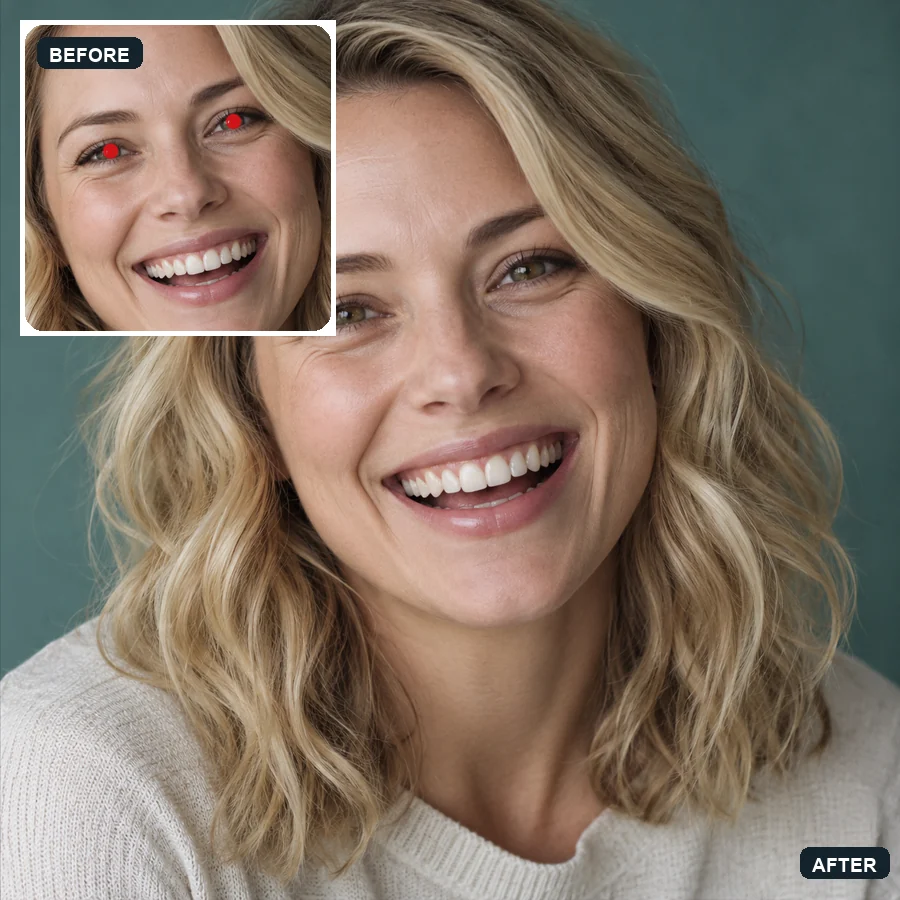
Smiling Close-Up
Bright red pupils from an indoor flash return to natural green-brown eyes.
Flash turned the pupils red, or your dog’s eyes into glowing green dots? Upload the photo and the AI restores natural, dark pupils that match each person’s or pet’s real eye color.
Fine-tune
Your photo stays in this browser during this UI preview.
Reference example. It is not a result generated from your upload.
Red eye happens when a camera flash fires in a dim room. The pupils are wide open, light bounces off the blood-rich back of the eye, and the camera records a bright red dot where a dark pupil should be. In cats and dogs the same flash reflects off a mirror-like layer behind the retina, so their eyes glow green, yellow, or white instead.
A red eye remover finds those glowing pupils and replaces them with a natural dark pupil, keeping the iris color, the catchlight, and the skin around the eye exactly as they were. This photo red eye remover handles people and pets, single portraits and group shots, so you can take away red eye without zooming in and painting each pupil by hand.
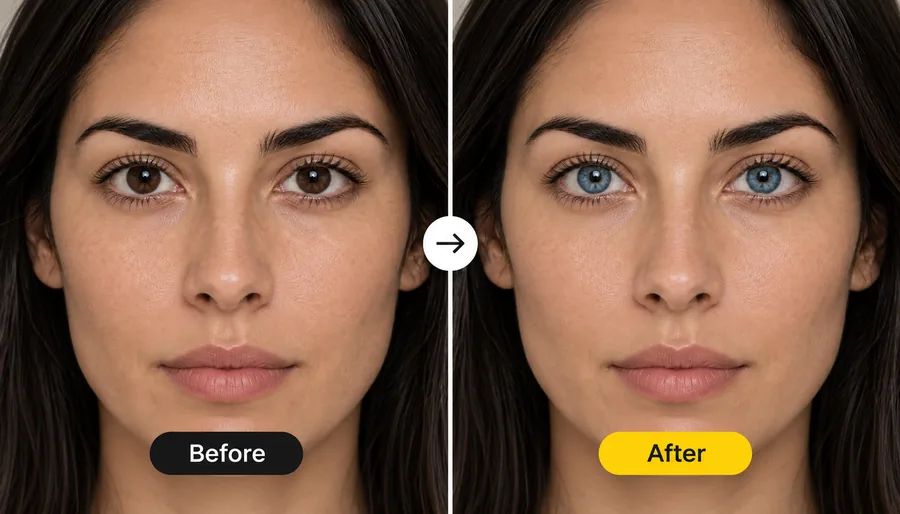
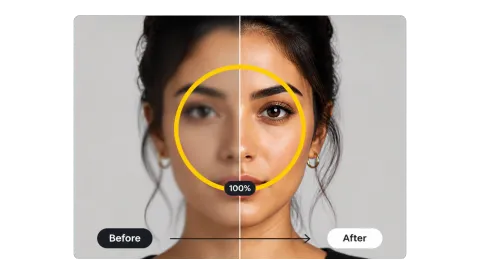
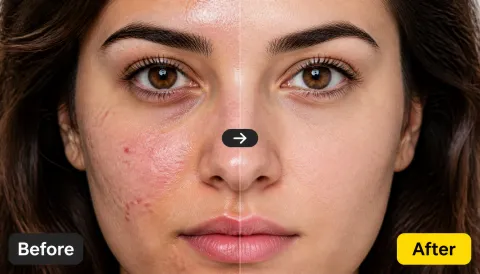
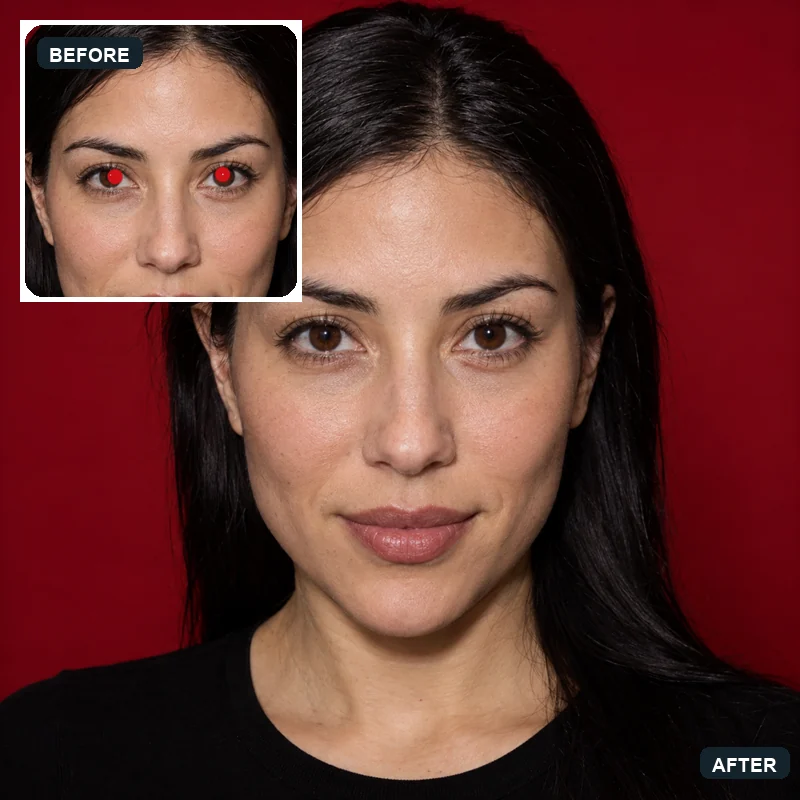
Each card shows the flash photo next to the corrected version.
Bright red pupils from an indoor flash return to natural green-brown eyes.
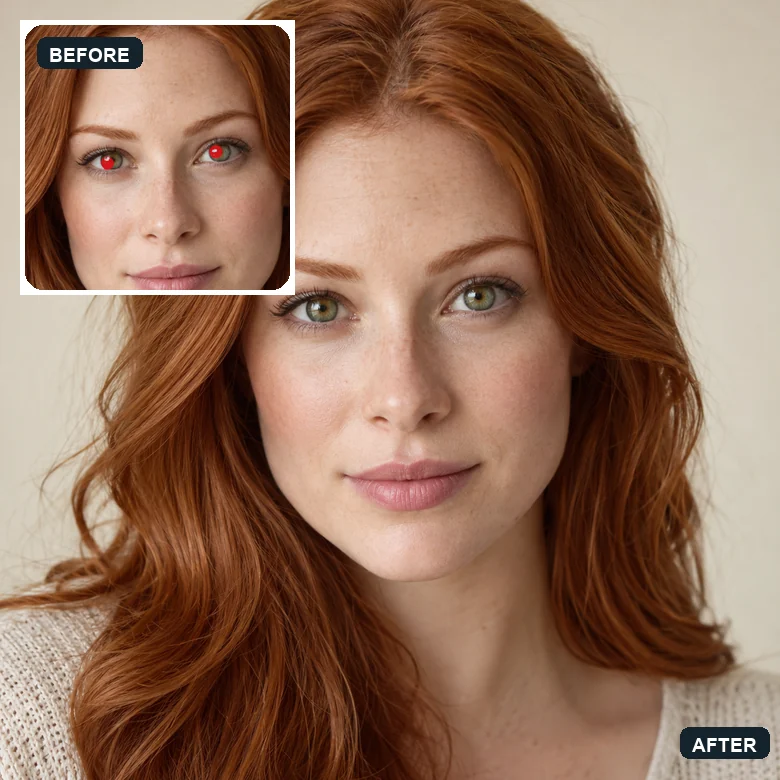
Red eye is removed while the delicate skin tones and makeup stay untouched.
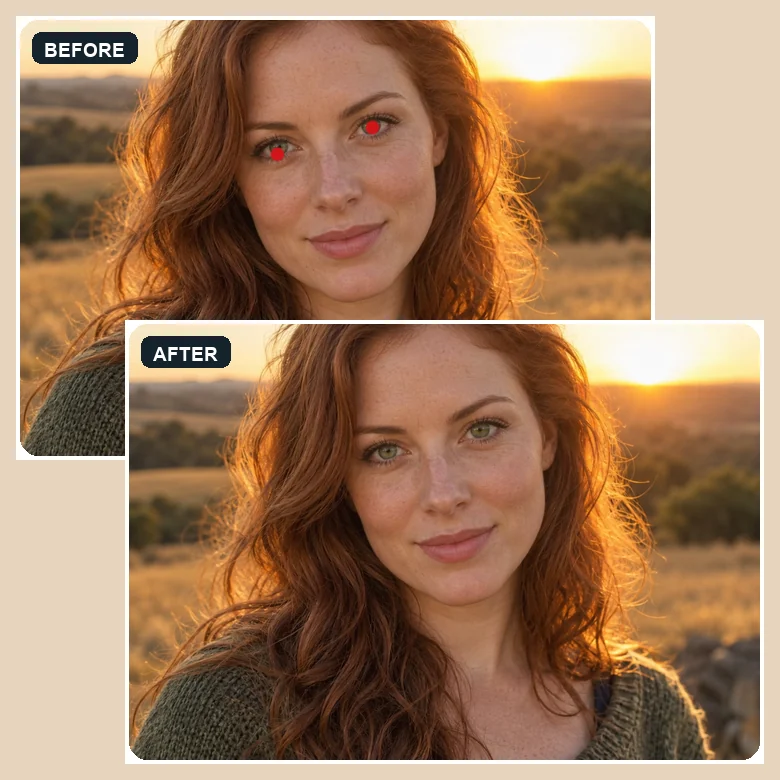
Even in warm, backlit light the pupils come back dark and natural.
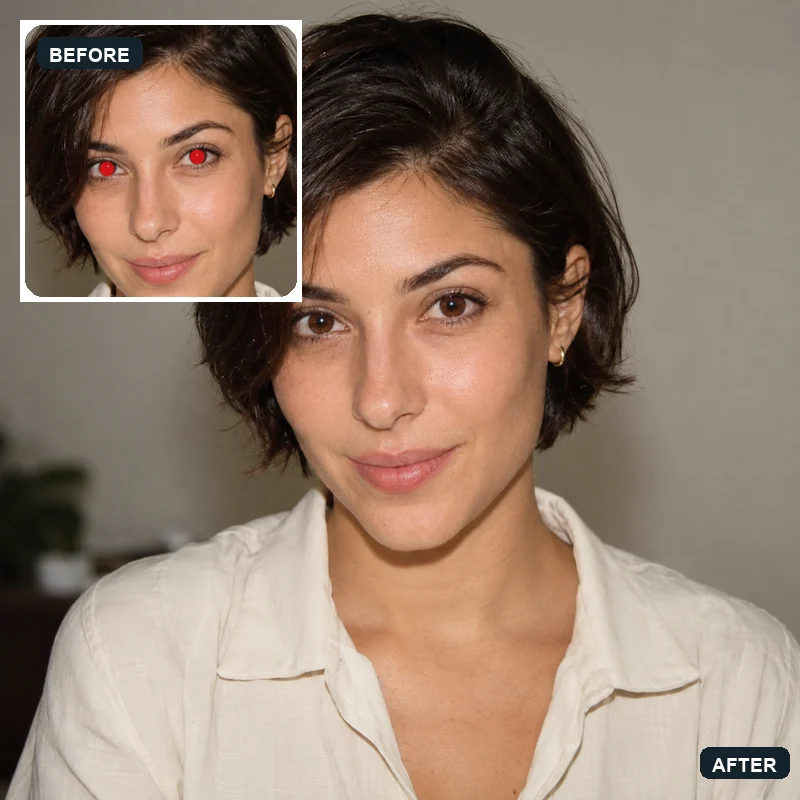
Deep red pupils are replaced with dark brown eyes that match the iris.
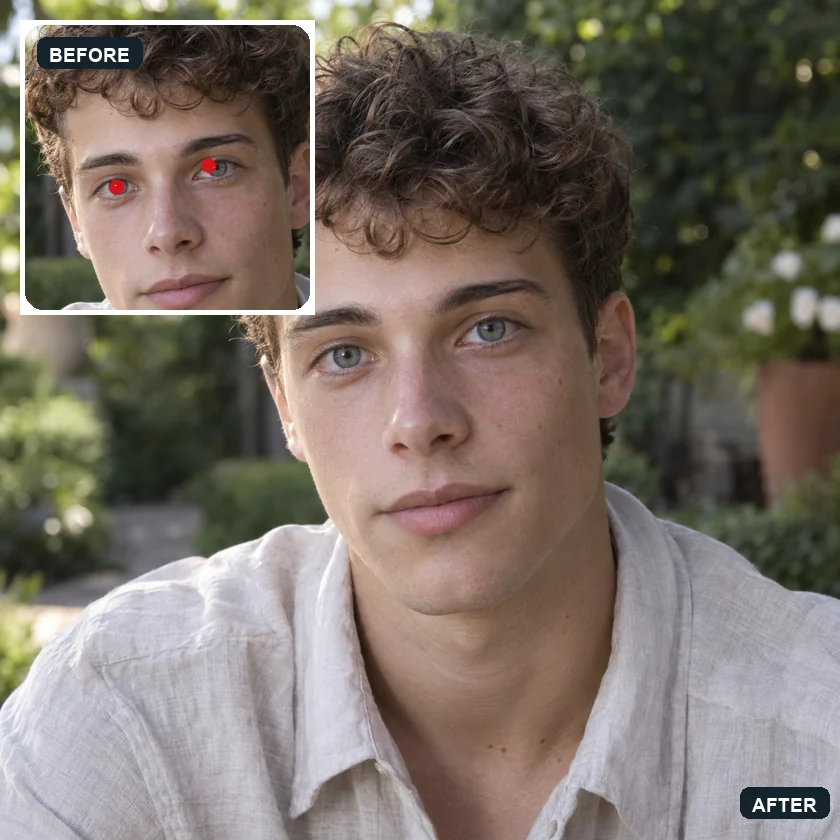
A flash snapshot in the garden gets clear grey-blue eyes again.
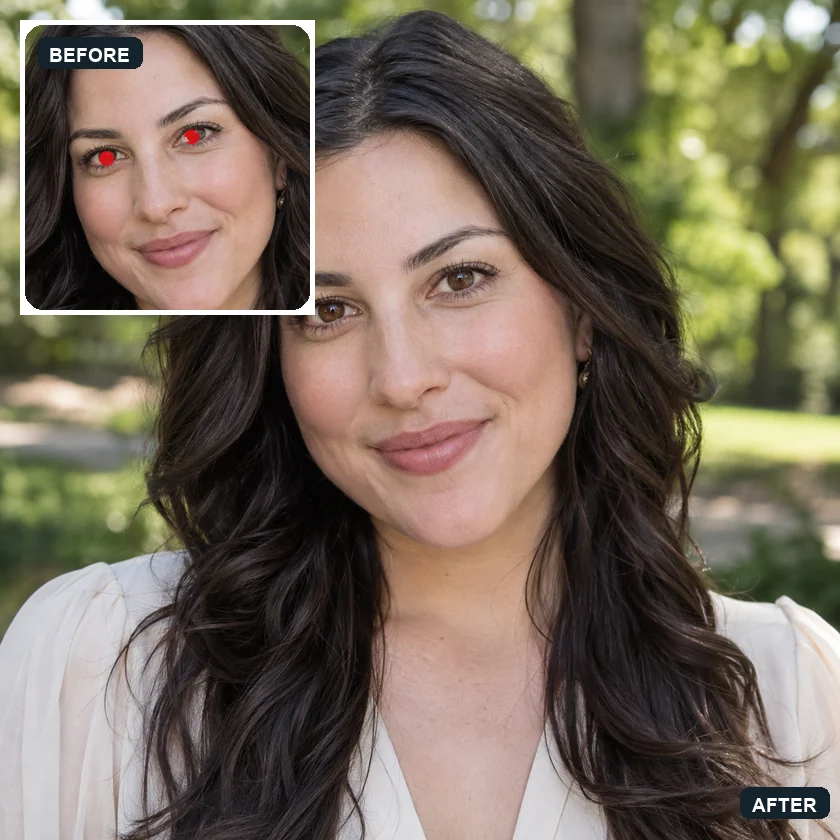
Red pupils from fill flash are corrected without changing the soft background.
Three steps to edit out red eye, no brush or zoom required.
Add a JPG, PNG, or WebP up to 10 MB: a portrait, a party shot, a group photo, or a pet picture.
Pick who needs fixing and whether to correct all faces or only the ones you describe, such as "the girl in the middle".
Start the correction, compare the eyes with your original, and download the fixed photo.
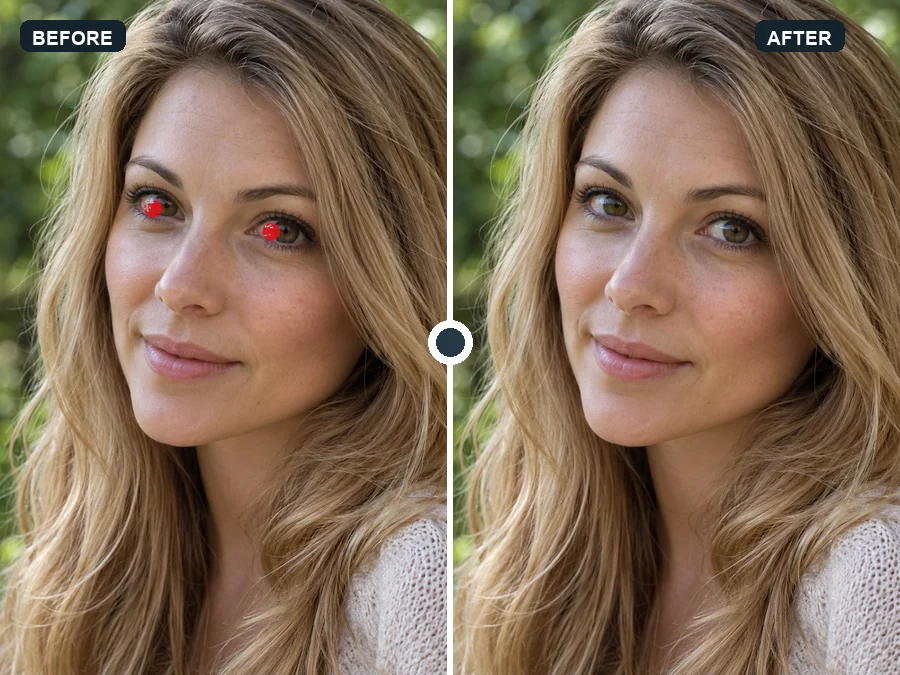
Old red eye filters simply painted the pupil black, which looked flat and lifeless. This red eye fixer rebuilds a dark pupil with the right size, soft edge, and catchlight, and keeps the iris color, so the eyes still look alive.
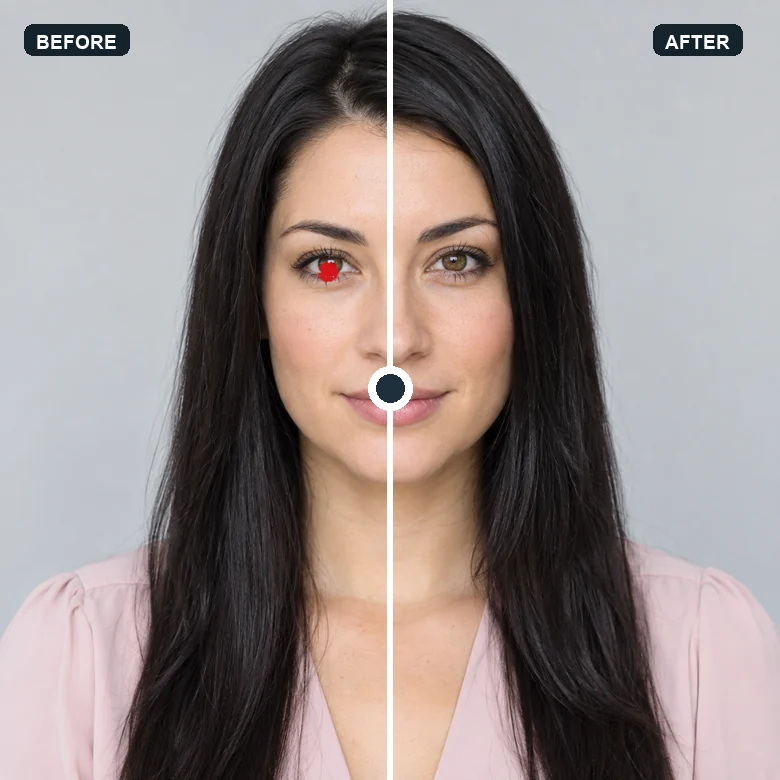
Skin, eyelashes, makeup, and hair stay exactly as they were. The red eye editor targets the glowing pupil, so the rest of the portrait keeps its original look and quality.
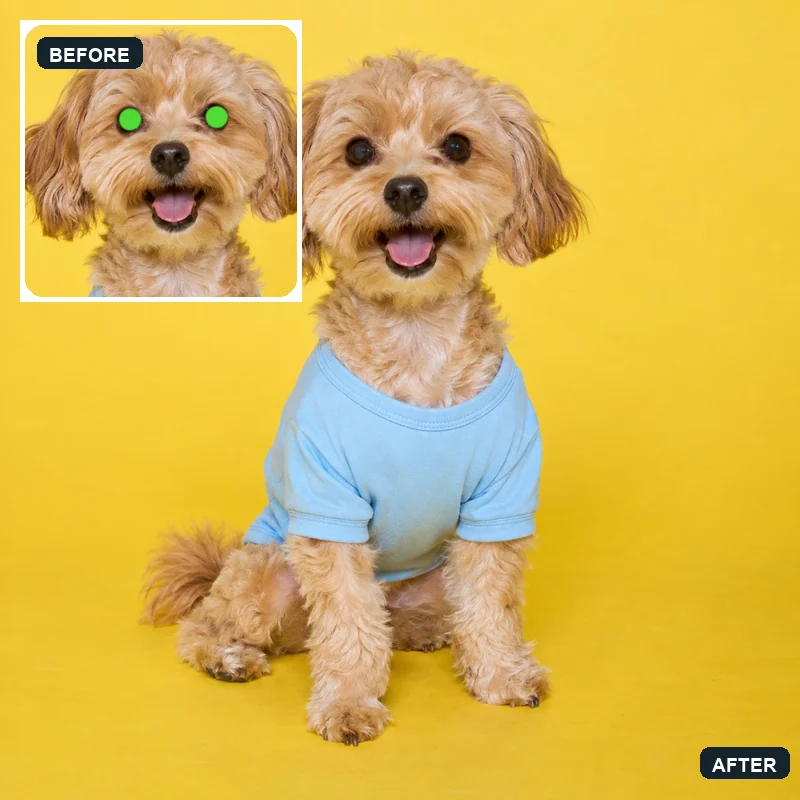
Dogs and cats reflect flash as green, yellow, or white eye shine rather than red. Choose "Pets" and the AI restores dark, natural pet eyes, so you can eliminate red eye in photos of the whole family, furry members included.
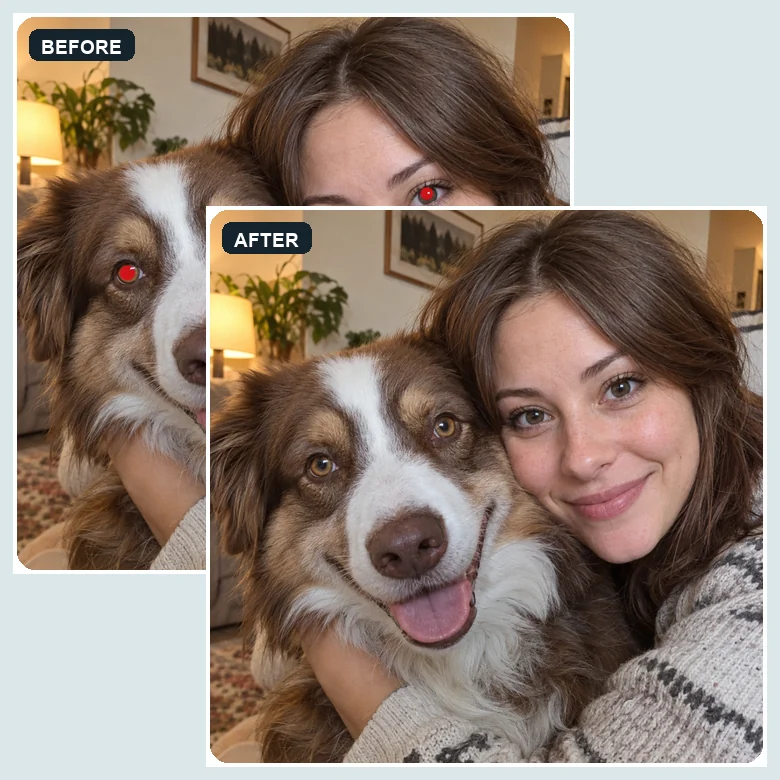
Flash at a party or dinner leaves red eyes on several people at once. Fix every face in one pass, or describe the ones you want corrected. It works like a red eye filter that knows where each pair of eyes is.
Where people use an online red eye removal tool most often.
Birthdays, weddings, and holidays are shot indoors with flash. Fix red eyes before printing or sharing.
Old film snapshots are full of red eyes from built-in flashes. Clean them up while digitizing albums.
Replace glowing pet eyes with natural ones for profile pictures, cards, and prints.
Make headshots and team photos taken with flash look polished and natural.
Prevent red eye at capture time, then use the red eye remover for anything that slips through.
Brighter rooms shrink pupils, which makes red eye much less likely.
Turn on the red eye reduction camera setting, which fires a pre-flash so pupils close before the photo.
Ask people to look just past the camera so the flash does not bounce straight back.
Point an external flash at the ceiling or use a diffuser to soften the light.
Typical flash photos people fix.
Illustrative examples adapted from reference material, not verified reviews of EzImgMaker.
Half of our wedding reception photos had red eyes from the guests’ phone flashes. Fixing all faces at once saved me an evening of editing.
I am scanning my parents’ 1990s albums and nearly every indoor shot has red eyes. The pupils look natural, not painted black.
My cat’s eyes always glow green in the evening. The pets setting finally gave me a portrait I could frame.
For team headshots taken with flash, describing which colleagues to fix worked better than correcting everyone.
Answers about red eye correction in photos.
In low light, pupils open wide. A flash close to the lens then reflects off the back of the eye, which is rich in blood vessels, and the camera records it as red. Pets show green, yellow, or white eye shine for the same reason.
Upload the picture, choose People, Pets, or both, and start the correction. The AI replaces the red pupils with natural dark ones and leaves the rest of the face untouched. That is the quickest way to remove red eyes without editing skills.
Night and party photos are where red eye appears most. Upload them as they are, keep "All faces" selected, and the AI fixes every pair of red eyes in one pass.
Choose "Pets (eye glow)". The AI recognizes the green, yellow, or white eye shine typical of dogs and cats and restores natural, dark pet eyes.
Yes. Select "Only the ones I describe" and write something like "the boy on the right". Everyone else in the photo stays exactly as it was.
No. Red eye correction replaces only the red or glowing pupil. Iris color, eyelashes, and the catchlight are kept, so blue eyes stay blue and brown eyes stay brown.
No. If you were looking for the best red eye remover app or a get rid of red eye app, this page works in mobile browsers, so you can fix photos from your phone’s camera roll without installing anything.
It is a setting that fires a short pre-flash or lamp before the real flash, so pupils contract and less light reflects back. It reduces red eye but does not always prevent it, which is why a red eye remover is still useful afterwards.
Occasional uneven reflections are usually just the angle of the flash. But if one pupil repeatedly shows a white or yellow glow in flash photos, especially in a child, mention it to an eye doctor. This tool edits photos and is not a medical check.
JPG, PNG, or WebP images up to 10 MB that you took, appear in, or have permission to edit.
Upload a flash photo and get natural eyes back for people and pets.