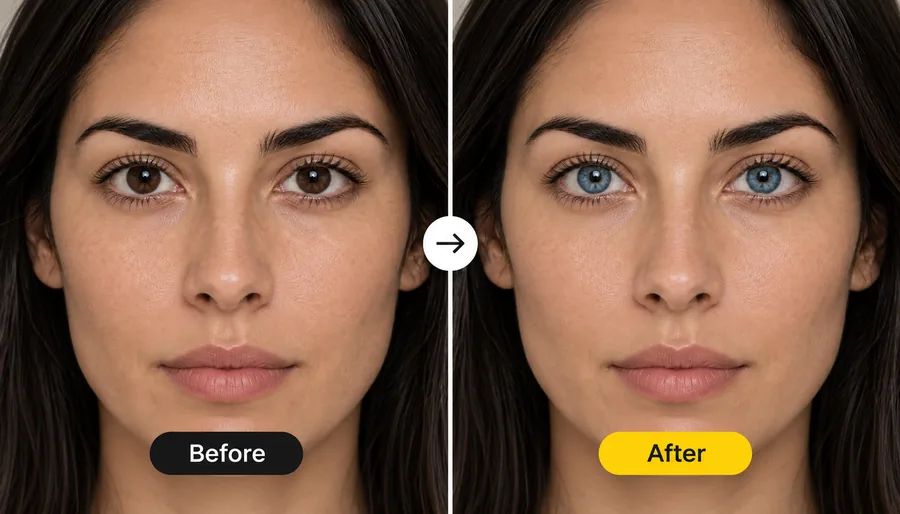
Upload the Photo
Add the JPG, PNG or WebP picture with the closed eyes, up to 10 MB. Solo portraits, selfies and group photos all work.
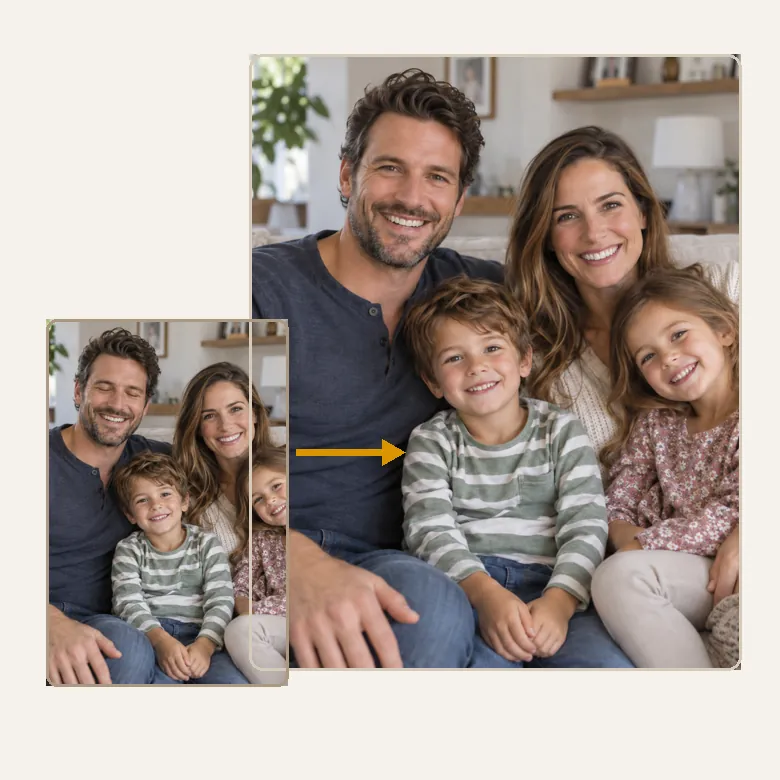
Someone blinked in the best shot? Upload the photo, mark the person if it is a group, and the AI opens the closed eyes with their own eye shape, color and gaze. Smiles, poses and the background stay exactly as you took them.
Common fixes
Fine-tune
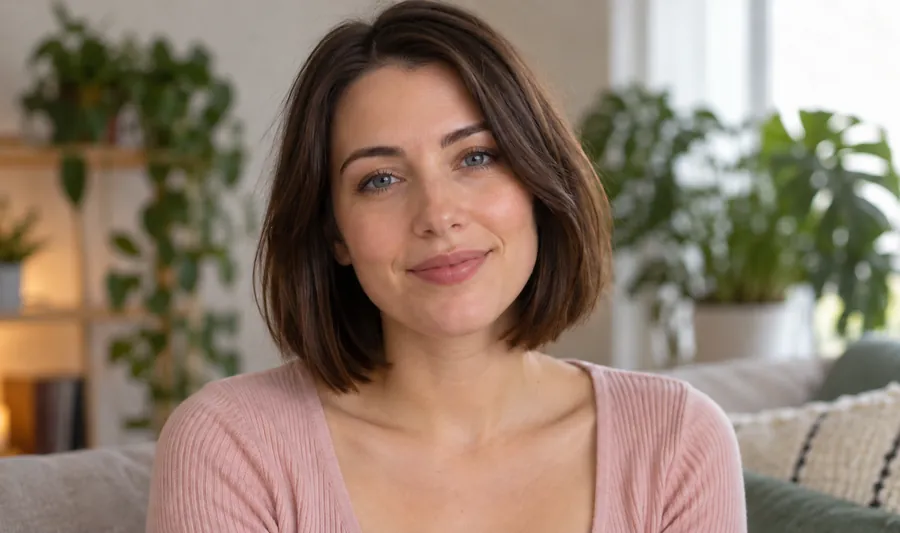
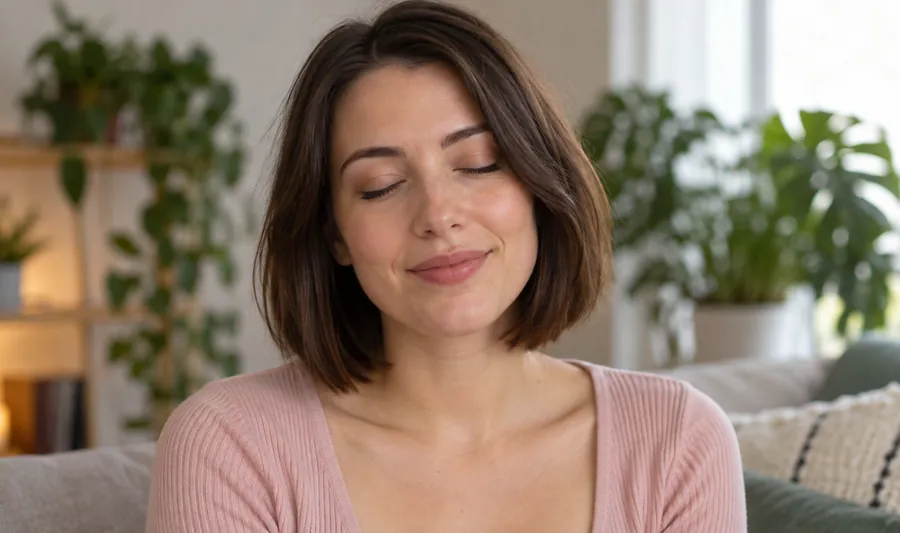
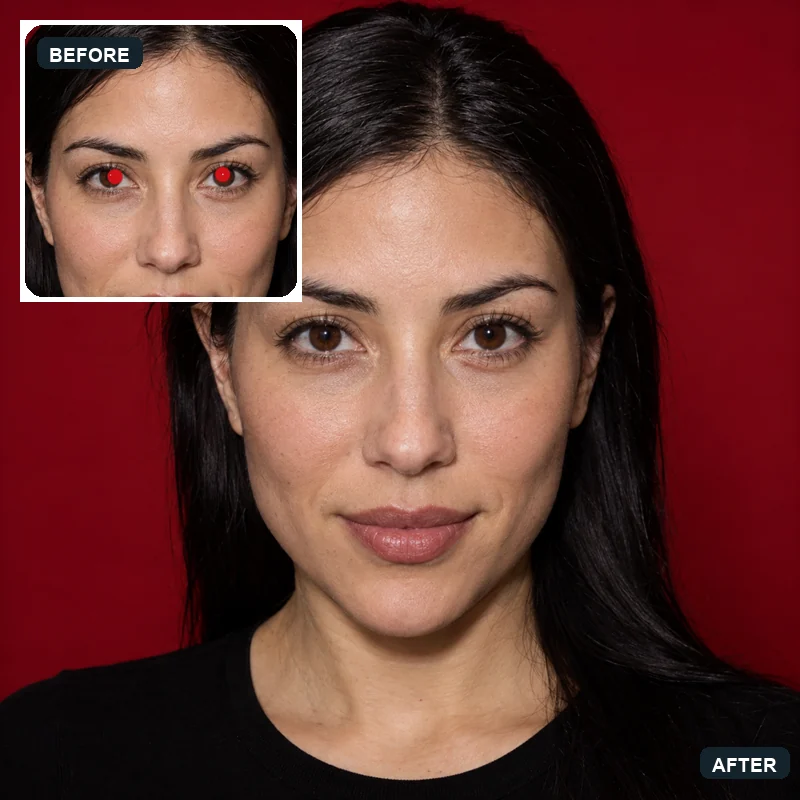
Reference example. It is not a result generated from your upload.
Yes. When you open eyes in photo with AI, the model finds the closed eyelids, works out where the eyes sit from the brows, nose and face shape, and paints open eyes into that space: eyelids, lashes, irises, pupils and catchlights that match the lighting of the shot. Everything around the eyes, from the smile to the background, is kept as it was, so a blink no longer ruins a photo you love.
Most photo editor open eyes tools simply drop generic eyes onto the face. This open eyes AI face editor tries to keep your own eyes instead: it follows the eyelid crease and eye shape it can see, lets you choose the eye color and look direction, and accepts a second photo of the same person with open eyes, the most reliable way to make eyes open the way they really look.
Wondering how to open eyes in photo shots from your phone? The quickest closed eyes in photo fix takes four steps, right in the browser.
Add the JPG, PNG or WebP picture with the closed eyes, up to 10 MB. Solo portraits, selfies and group photos all work.
Pick Blinked, Half-closed, One eye closed or Squinting, then choose how open the eyes should be and where they should look.
In a group photo, brush over the eyes to fix. Add a photo of the same person with open eyes for the closest match.
Generate, drag the slider to compare the closed and open eyes, and download the eyes open image or try another setting.
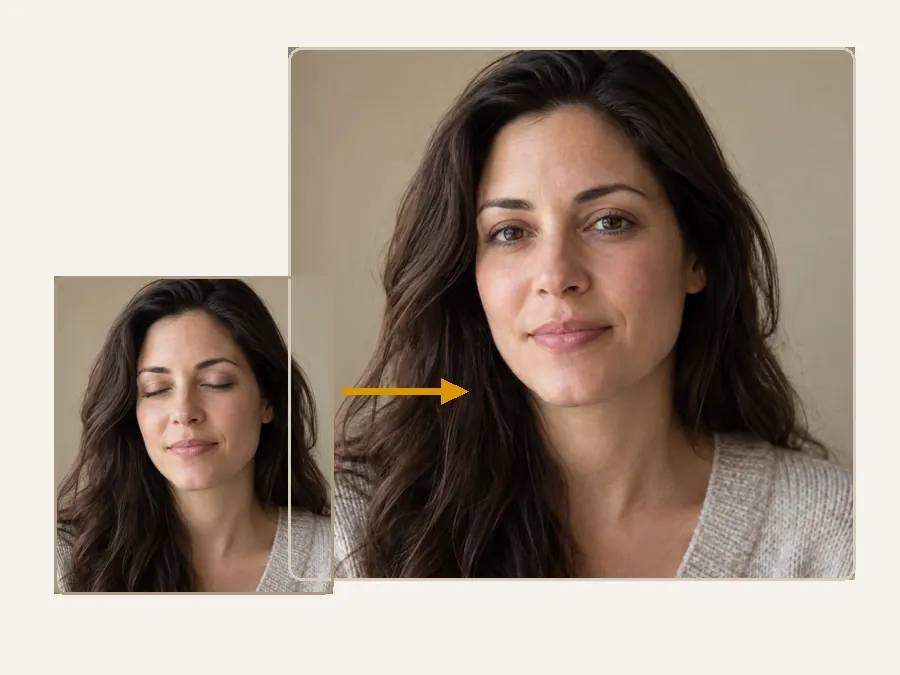
Eyes are the most personal part of a face, so this open eye AI keeps them yours. It keeps the eyelid shape, lash line and spacing it can read from the photo, matches the iris color to your coloring or the color you pick, and copies the real eyes from a reference photo when you add one.
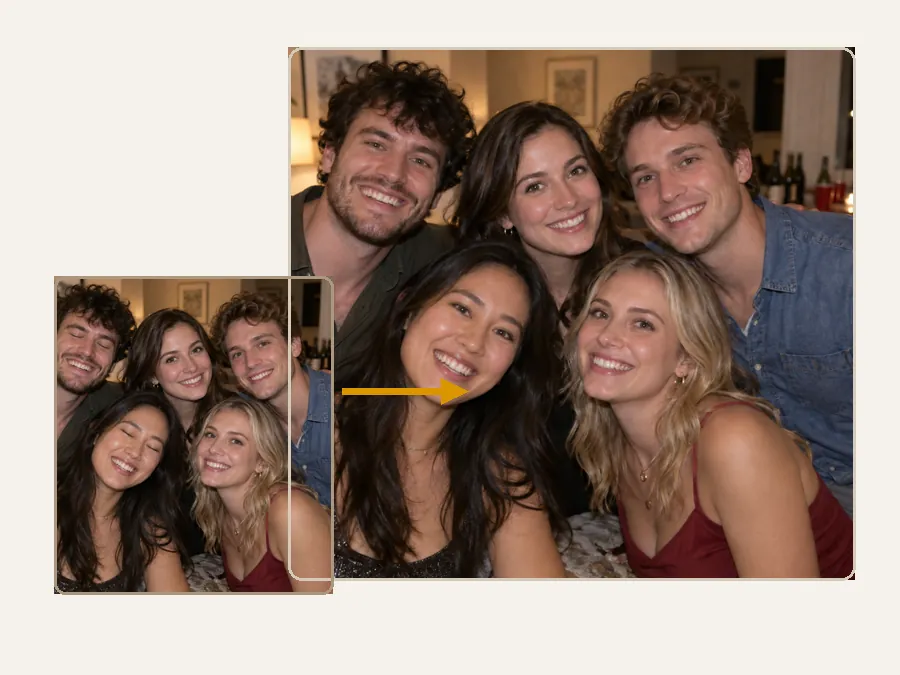
Group shots are where blinks hurt most. Brush over the closed eyes of the person who blinked, or describe them in the text box, and everyone else in the photo is left exactly as they were.
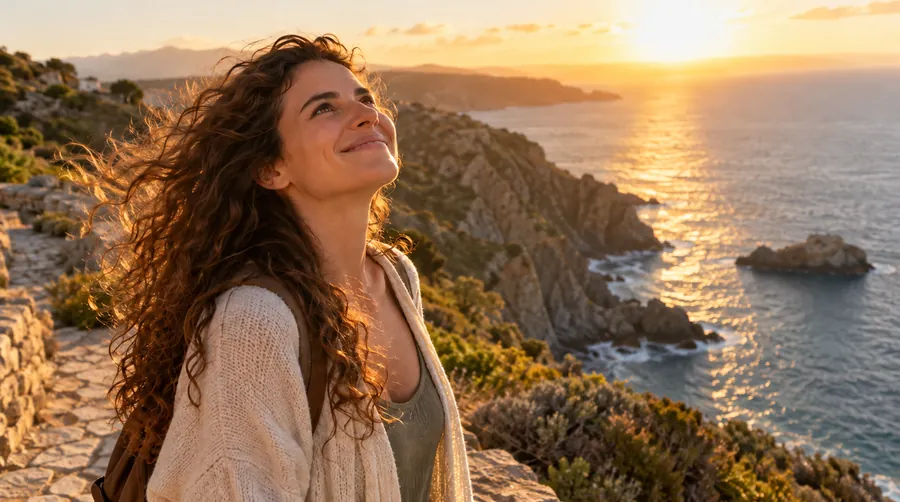
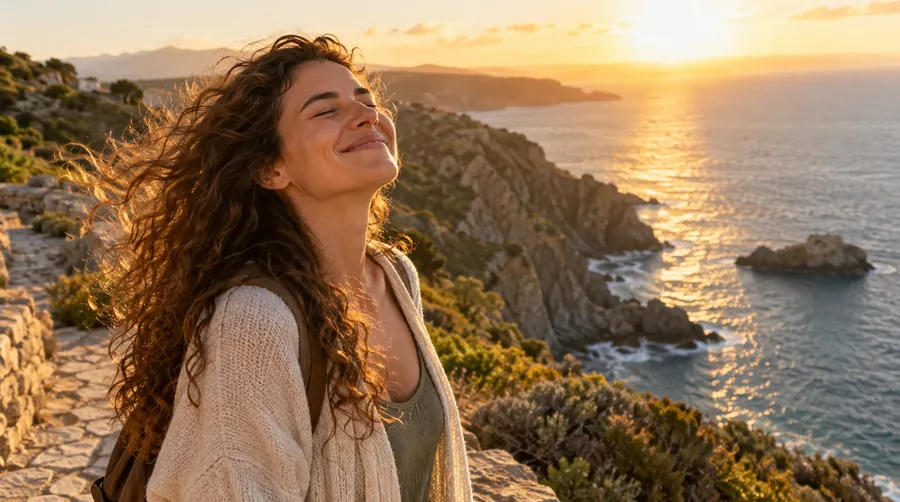
Not every problem is a full blink. Lift droopy, half-closed lids, relax eyes squinting into the sun, or open a single eye caught mid-wink while the other one stays untouched.
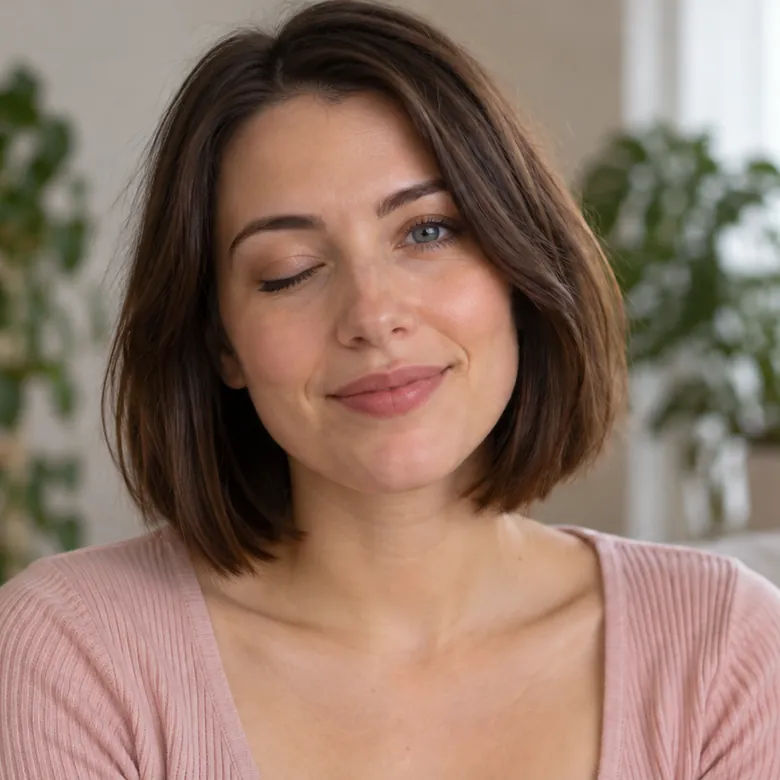
Closed eyes hide their color, so you decide: let the AI match the person, or pick dark brown, brown, hazel, green, blue or grey. Then set a natural, bright or soft openness and have the eyes look at the camera or where the face points.
The AI tool is the quickest route, but it helps to know the other options too.
| Method | How it works | Best when |
|---|---|---|
| This open eyes AI | Upload the photo, choose the fix, mark the person and generate. Add an open-eyed photo of them for the closest match. | You only have the one shot, or the open-eyed frames are blurry |
| iPhone Live Photo | Open the photo in Photos, tap Edit, tap the Live Photo button, slide through the frames and tap Make Key Photo on one where the eyes are open. | The picture was taken as a Live Photo on an iPhone |
| Burst or series + desktop editor | In Photoshop or GIMP, layer the open eyes from another frame of the same series over the blink, align them and blend with a soft layer mask. | You have a near-identical shot with open eyes and some editing time |
| Retake the photo | Count “one, two, three” and shoot on “two”, use burst mode, or ask everyone to close their eyes and open them on cue. | The moment and the people are still there |
Phone menus change between versions; the steps above describe current iPhone Photos and common desktop editors.
Some photos cannot be taken again. If you need an app to open eyes on photo after photo from an event, these are the shots people fix most often.
Rescue the ceremony group shot or the first-dance photo where one guest blinked.
Keep the cap-and-gown portrait you already love instead of settling for a backup frame.
Fix the holiday or reunion picture where a child or grandparent blinked at the wrong moment.
Turn a sleepy or half-closed headshot into an alert, open-eyed profile picture.
Save the sunset or landmark shot where bright light made you squint.
Open the eyes in a scanned family photo when the only copy caught a blink.
A few details in the source photo make a big difference to how real your open eyes photo looks.
A second open eyes image of the same person is the best guide to their real eye shape and color.
Eyes open AI results look best on the frame where the face is largest and in focus; tiny, blurry faces give softer eyes.
In group shots, brush over just the closed eyes, not the whole face, so nothing else changes.
If you know the person’s eye color, pick it; closed eyes give the AI no color to copy.
Other ways to rescue a portrait after the shutter clicks.
Turn red flash pupils and glowing pet eyes back into natural, dark pupils.
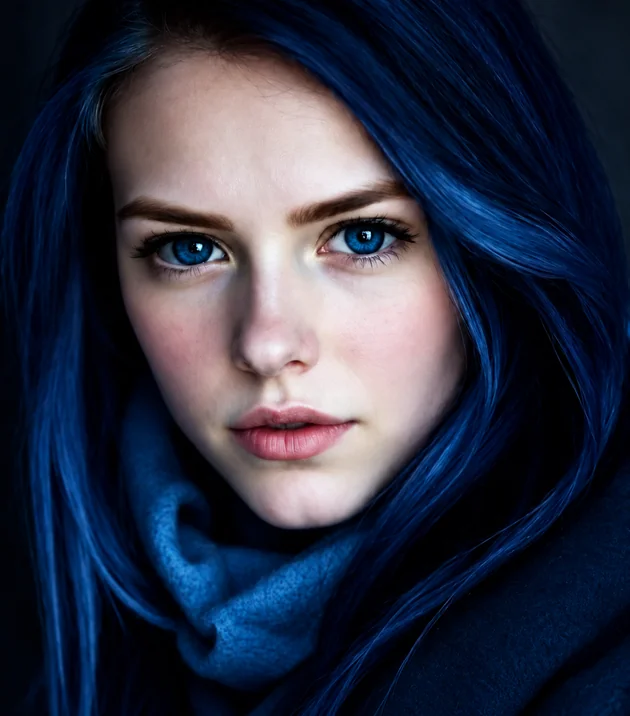
Try itRecolor the irises to hazel, green, grey or any custom shade.
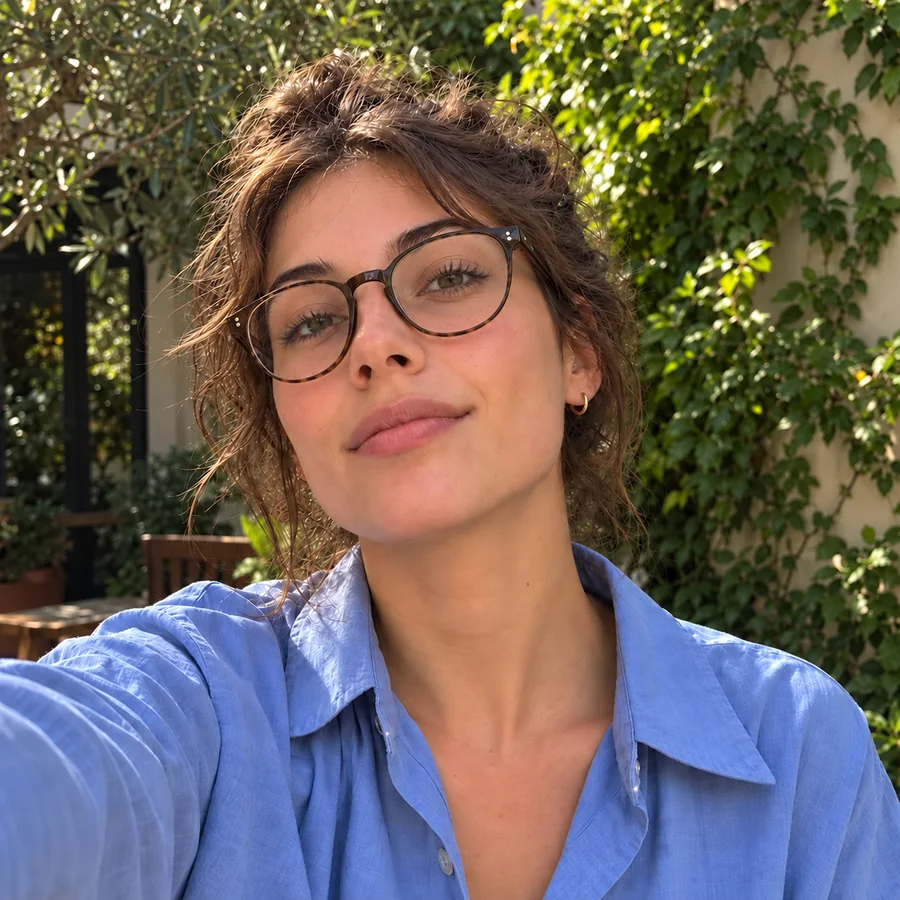
Try itClear reflections from lenses so the eyes behind them show again.
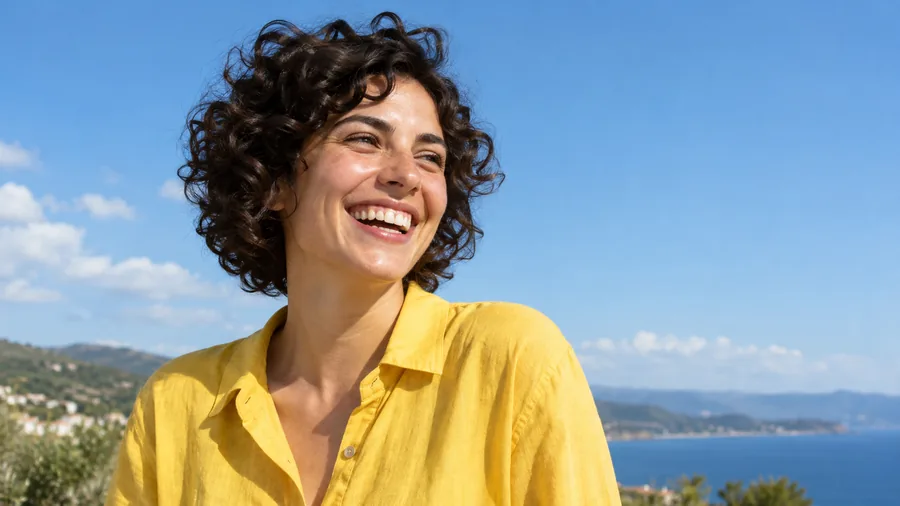
Try itSwap a stiff face for a soft smile, a laugh or a confident look.
Try itEye shapes explained, from doe and almond eyes to fox and siren eyes, with photo tips.
Read the guideAnswers to common questions about fixing closed eyes with AI.
Upload the picture, choose Blinked (closed), pick how open the eyes should be and click Open Eyes. The AI rebuilds open eyes in place of the closed lids and keeps the rest of the photo unchanged. For a group shot, brush over the eyes of the person who blinked first.
Choose Half-closed / sleepy as the problem and Natural or Bright & alert as the openness. The AI lifts the upper eyelids so the eyes look awake without making them unnaturally wide.
If it is a Live Photo, open it in Photos, tap Edit, tap the Live Photo button and choose a frame with open eyes as the key photo. If not, open this page in Safari, upload the photo and let the AI open the eyes; it works the same on iPhone, Android and desktop.
The best app to open eyes in photos is an app that opens closed eyes without swapping in someone else’s. Whether you use an app or an AI photo editor eyes open results depend on that, plus group-photo support, a way to pick one person and eye color control. This tool runs in the browser, so there is no open eyes in photo app to install.
The AI follows the eyelid shape, brows and face it can see, so the eyes usually fit the face well, but the hidden iris is an informed guess. Add a photo of yourself with open eyes and choose your eye color for the closest match.
You can open eyes in photo online free to try with the credits you get when you sign up. If you were looking for an app to open eyes in photo free to try, this one runs in the browser instead, and you can open eyes on photo free with those sign-up credits. After that, each edit uses credits, shown on the Open Eyes button before you start.
Yes. Brush over that person’s eyes with the optional marker, or describe them in Extra details, for example “the man in the grey suit on the left”. Unmarked, every closed eye in the photo is opened.
Yes. Choose One eye closed and the AI opens that eye to match the open one in shape, size, color and gaze, without touching the eye that is already open.
It is tuned for human faces. Pet eyes have a very different shape, so results on cats and dogs vary; for glowing pet eyes from a flash, use the red eye remover instead.
Only upload photos you have the right to edit, and ask before you share an edited photo of someone else. Do not use the tool to mislead people about what happened in a picture.
Upload it, mark the blink, and let the AI open eyes in photo with each person’s own eyes. Try AI open eyes in photo free with your sign-up credits.