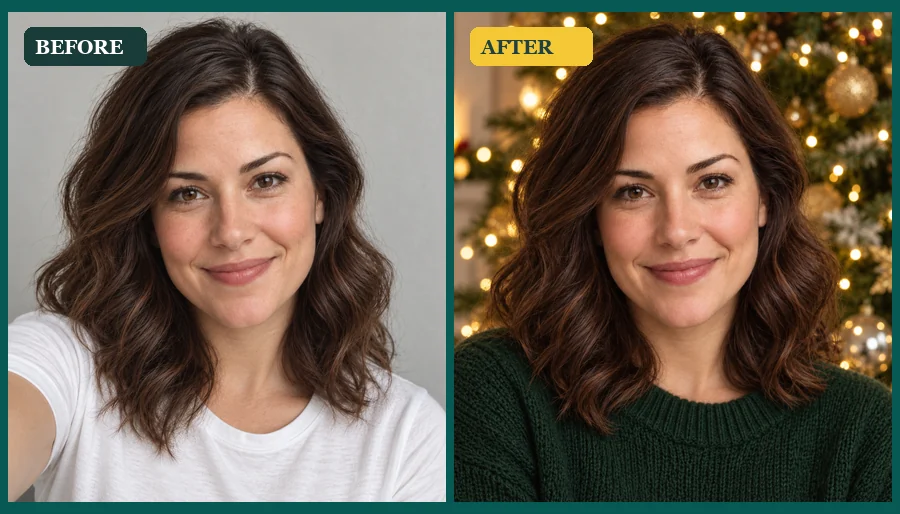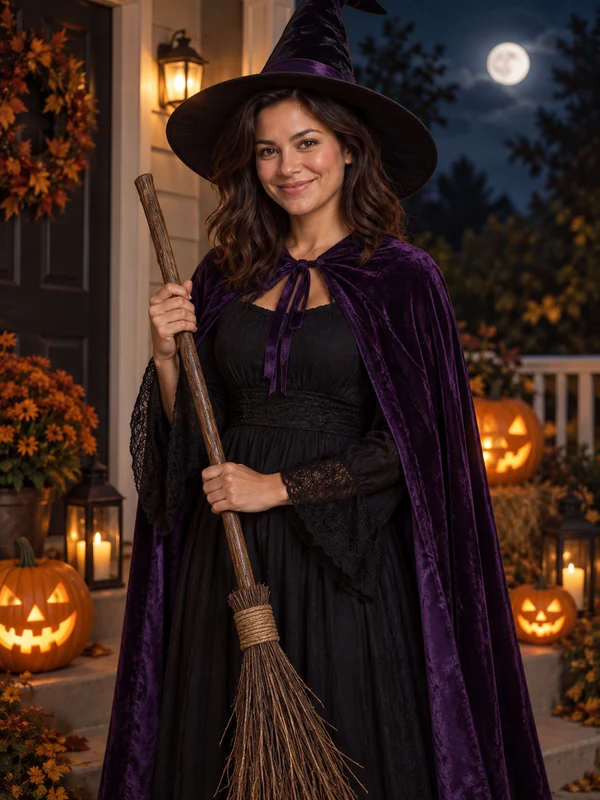
Witch
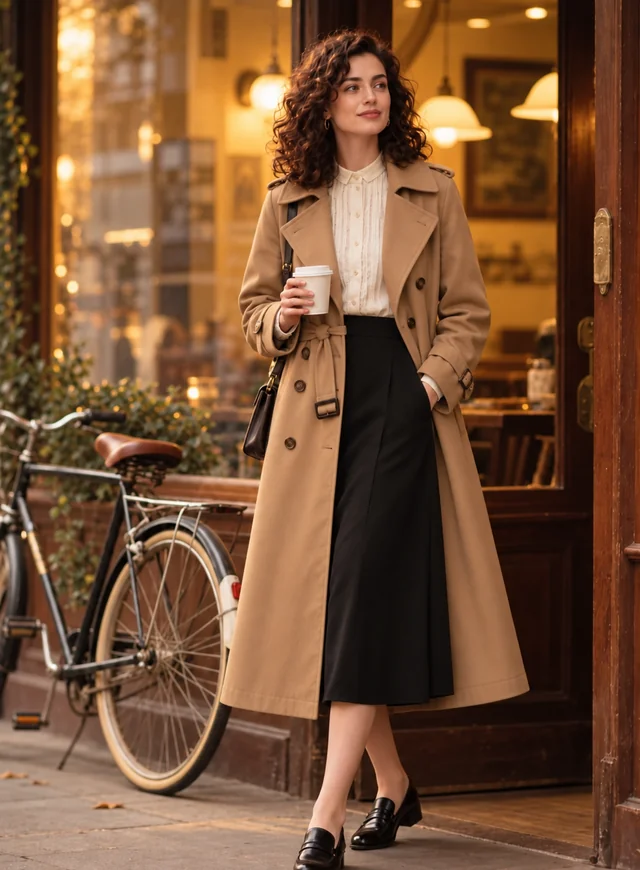
Pointed hat, velvet cape, a broom, and a moonlit pumpkin path.
Upload a selfie or full-body photo and see yourself as a witch, vampire, skeleton, pirate, or a random surprise, with the costume, makeup, props, and Halloween scene styled around your own face.
Your photo stays in this browser during this UI preview.
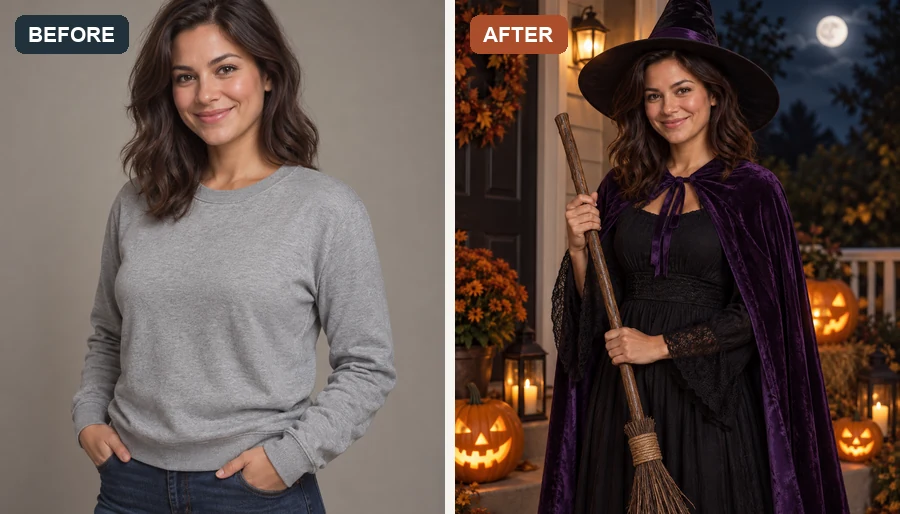
Reference example. It is not a result generated from your upload.
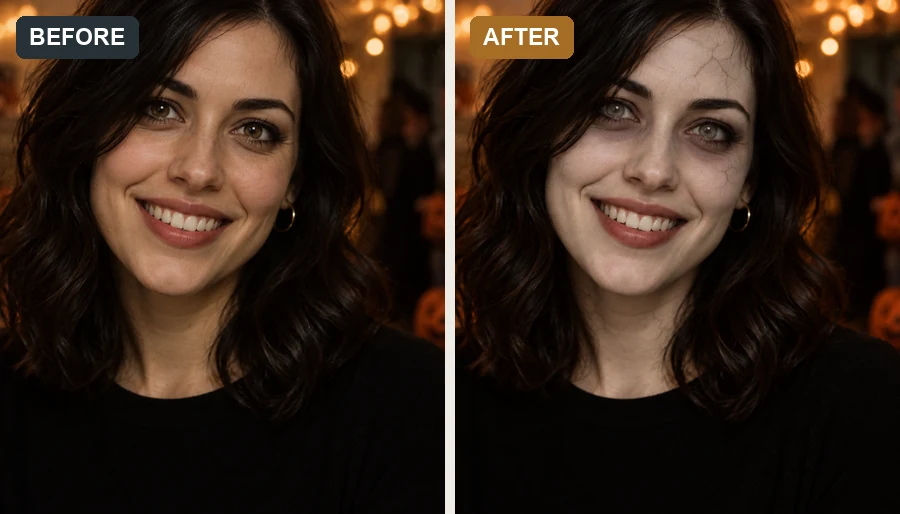
An AI Halloween costume generator is a photo tool that dresses the person in your picture in a complete Halloween costume. Instead of pasting a mask on top, it restyles the clothing, headpiece, face paint, props, and background, while your face, skin tone, hair color, and pose stay the same. The result reads as you in costume, not as a generated stranger.
Use this Halloween costume generator to test an AI costume before you buy one, shortlist AI costume ideas for a party, or open Random and let the random Halloween costume generator decide for you. Every AI Halloween costume here is a festive look, from a cute pumpkin suit to a classic vampire cape, with no gore.
Classic costumes, each styled with matching makeup, props, and a Halloween night scene. Pick one to load it in the workspace.
Pointed hat, velvet cape, a broom, and a moonlit pumpkin path.
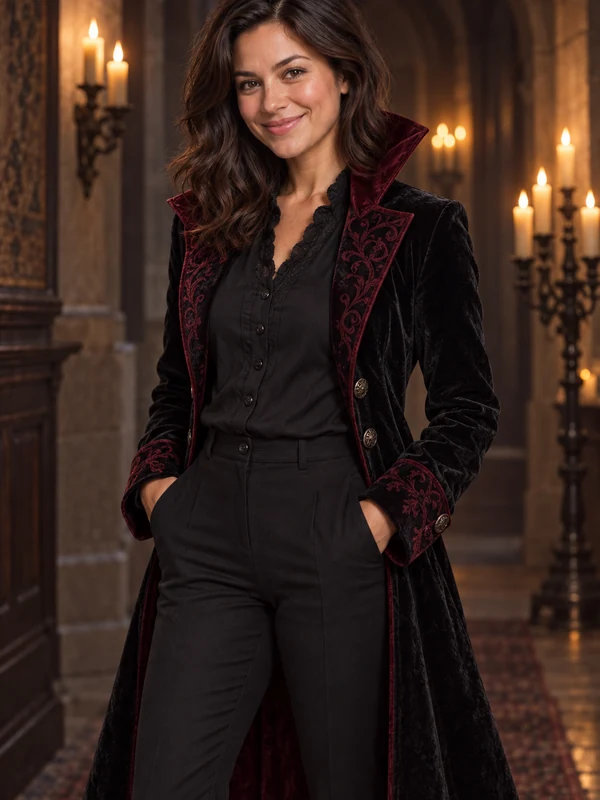
High-collar cape, pale stage makeup, and a candlelit gothic hallway.
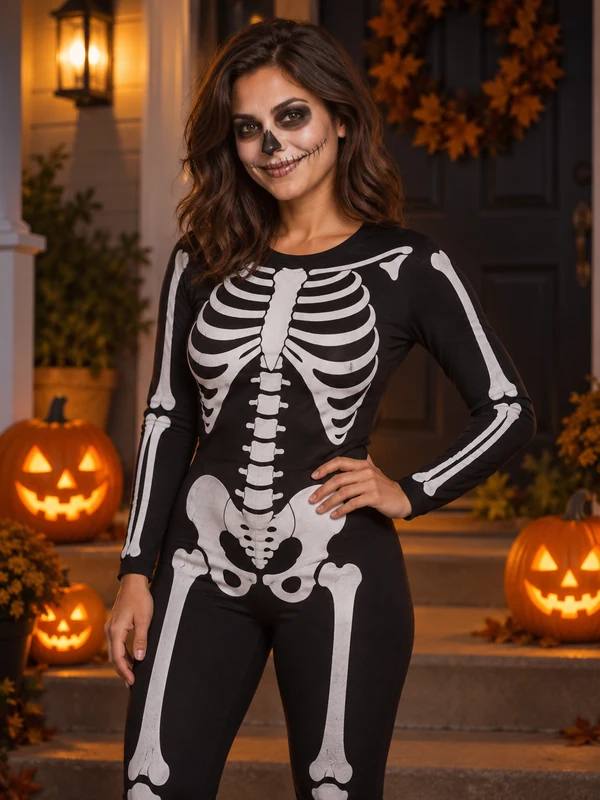
A bone-print bodysuit with matching face paint on a jack-o’-lantern porch.
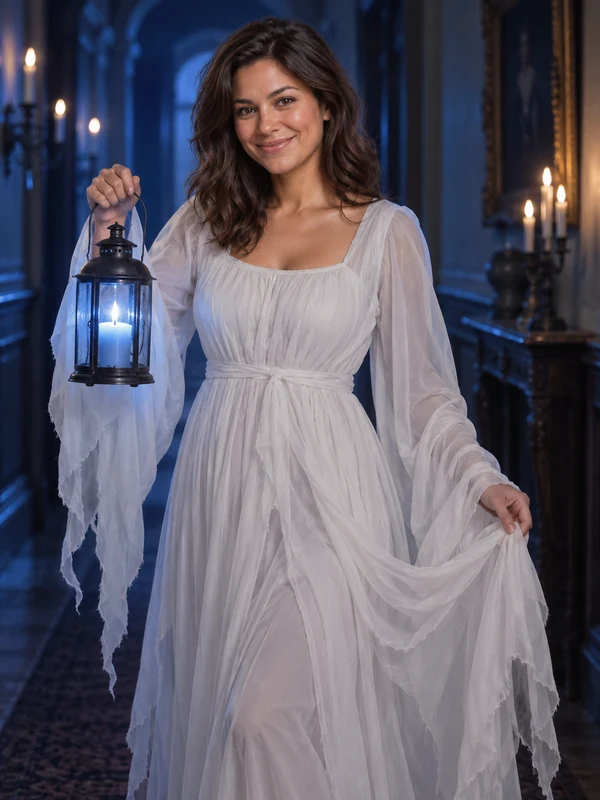
A flowing white gown and soft blue candlelight for a gentle haunting.
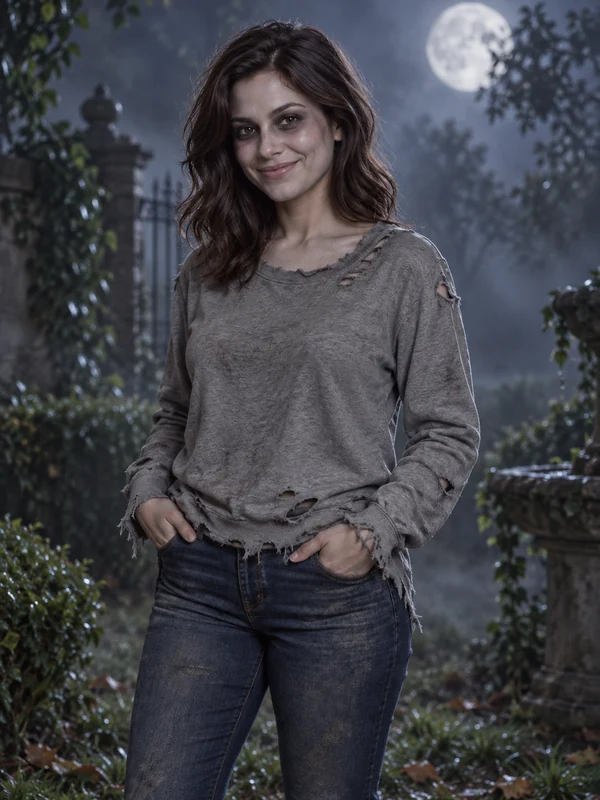
Gray makeup, a torn shirt, and a foggy graveyard. Spooky, but never gory.
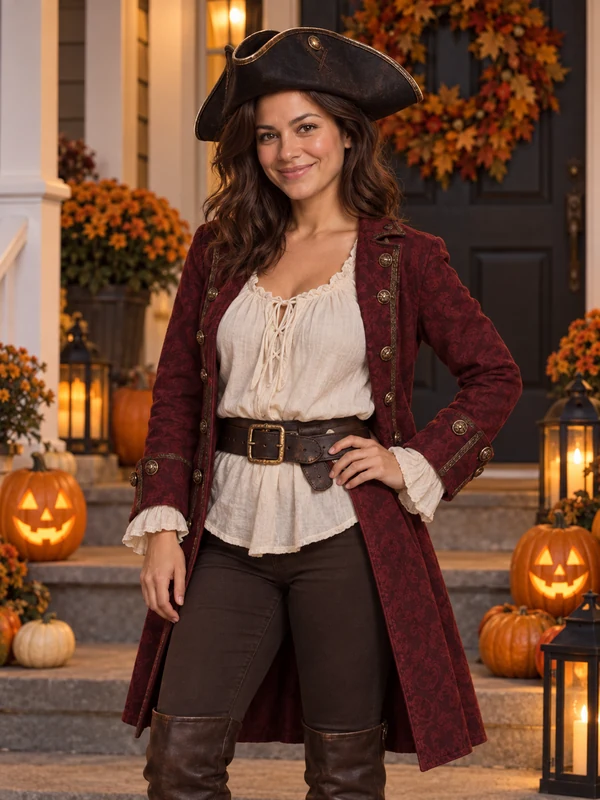
A tricorn hat, a brocade coat, and a lantern-lit porch.
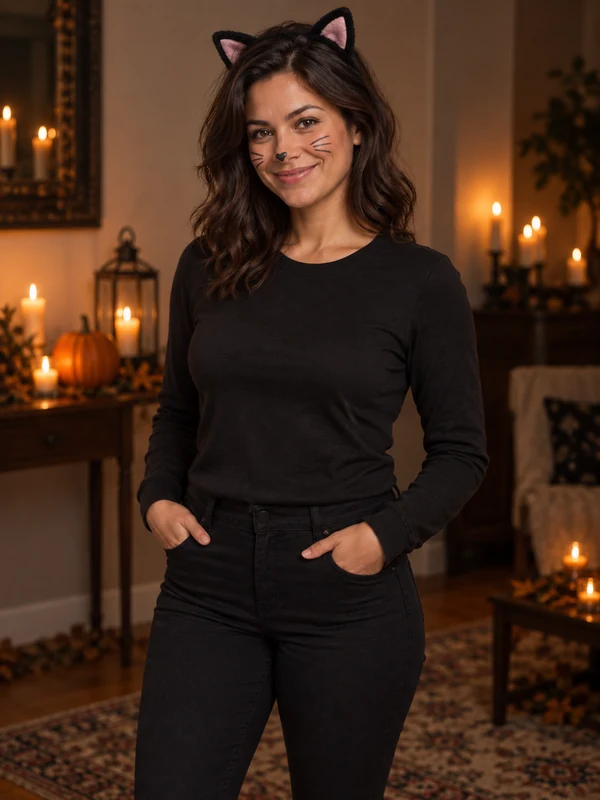
Cat ears and a sleek black outfit, the easiest last-minute favorite.
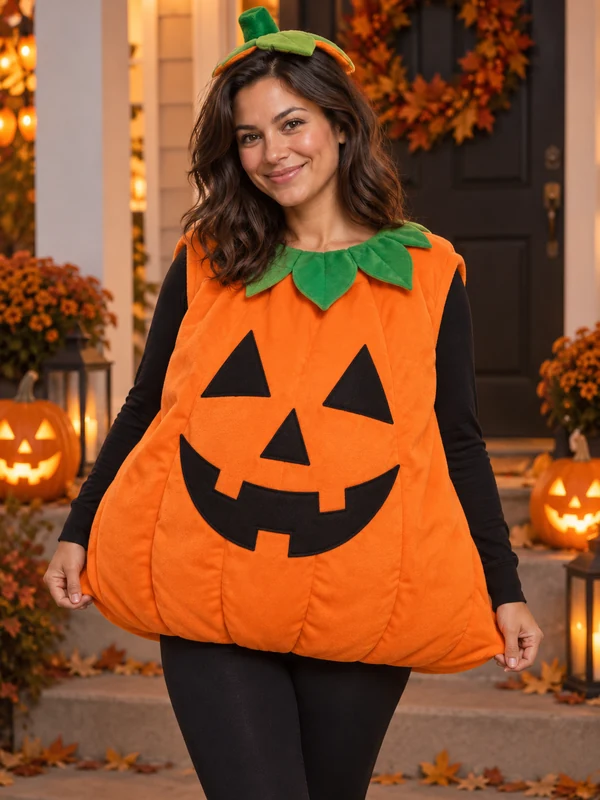
A round jack-o’-lantern suit and a big smile, perfect for family photos.
No costume shop, no face paint, no prompt writing required.
Use a selfie or full-body shot with your face and shoulders clearly visible. The more of you is in frame, the more of the costume the AI can style. JPG, PNG, and WebP files up to 10 MB are supported.
Choose a classic or creative costume, or open Random and let the AI choose for you. Have your own idea? Describe it in the note box.
Preview your AI Halloween costume, then try another one on the same photo to build a shortlist before you buy or post.
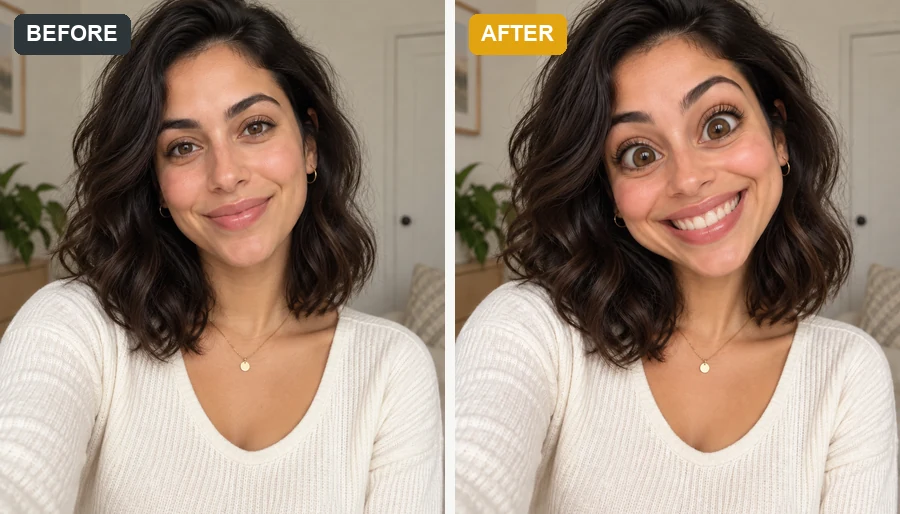
Facial structure, skin tone, hair color, and pose come through unchanged. Only the outfit, makeup, props, and scene are rebuilt, so the photo reads as you in costume rather than a lookalike.
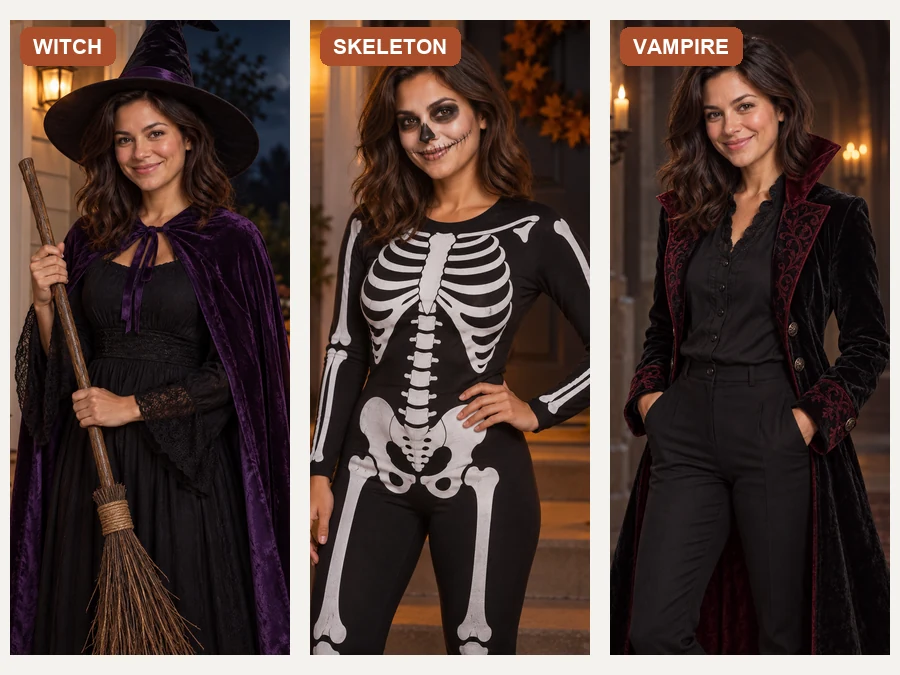
Stuck on what to be? Open Random and the AI picks a costume archetype for you: scary, cute, or funny. Run it a few times on the same photo and you have a shortlist of AI costume ideas in one sitting.
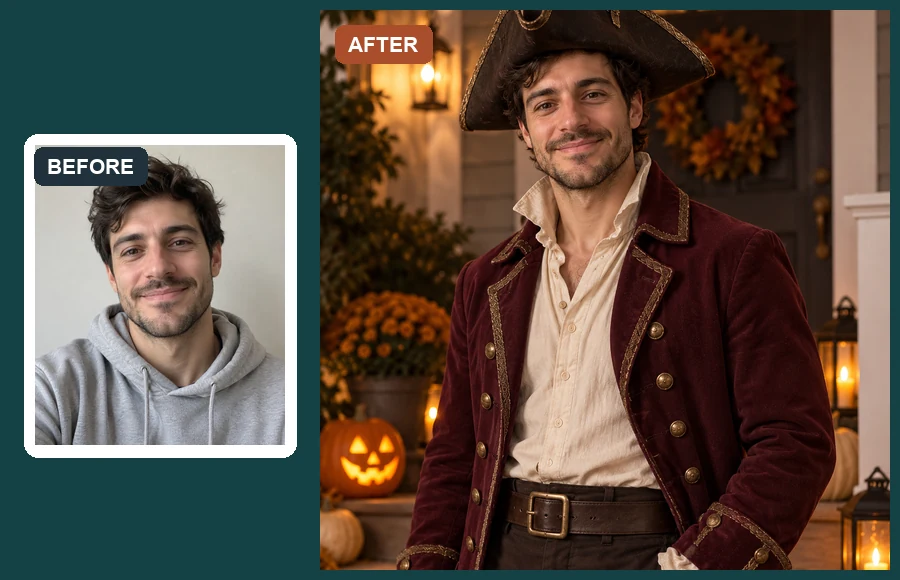
Each AI costume arrives fully styled: fabric and headpiece, matching face paint, a prop or two, and a Halloween night backdrop such as a jack-o’-lantern porch or a moonlit graveyard. No separate edits needed.
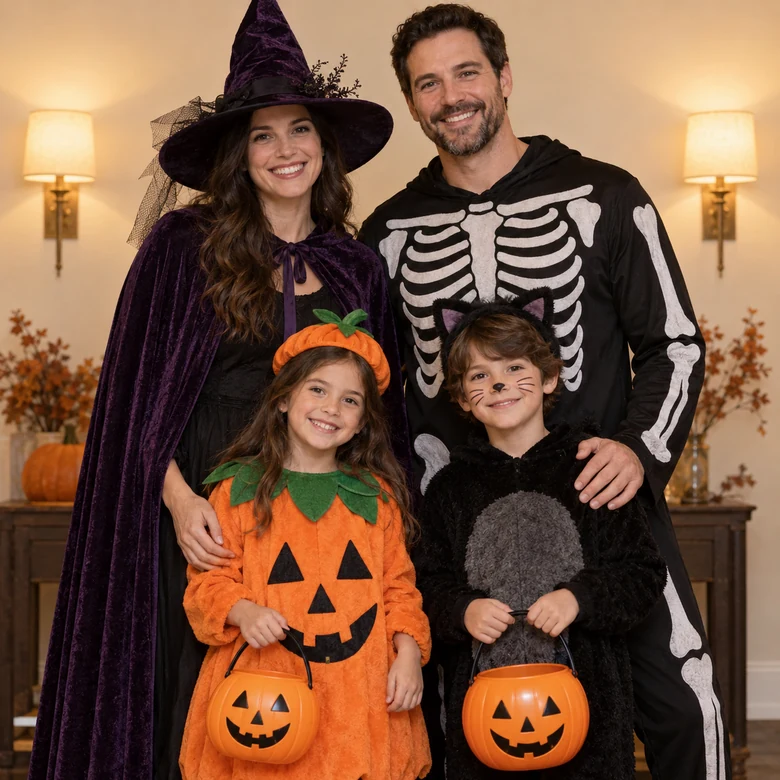
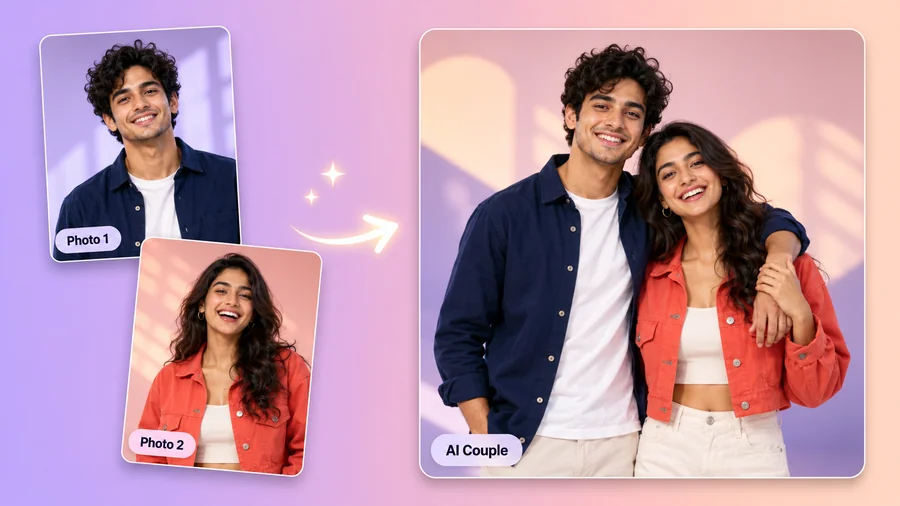
Upload a group or family photo and give everyone a coordinated look, from a witch and skeleton pair to kids holding pumpkin buckets. Everyone keeps their own face while the AI costumes match the theme.
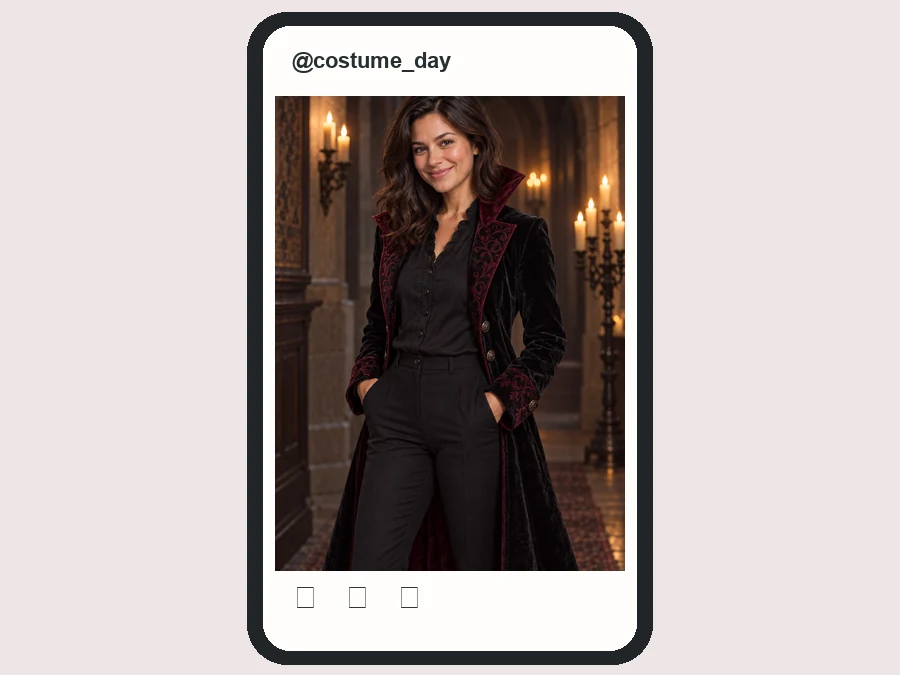
The party is tonight and nothing in the closet reads as a costume. Upload a selfie and arrive with a costume photo already posted.
Share a before-and-after costume reveal without buying a wig, face paint, or a single prop.
See how a witch, vampire, or skeleton look reads on your own face before you spend anything at the costume shop.
Give the whole team or friend group a costume for a video call or group chat, even the people who never dress up.
The photo you start with decides how much of the costume the AI can show.
A straight-on or slightly angled face with no sunglasses or hands in front keeps your features intact.
Half-body or full-body photos let the AI style the whole outfit, from headpiece down to props.
Soft daylight or indoor light helps skin tone and hair color carry over into the night scene.
Mention colors, props, or accessories to keep, such as "keep my glasses" or "purple cape and a lantern".
Party guests, creators, and cosplayers on the looks they generated.
Illustrative examples adapted from reference material, not verified reviews of EzImgMaker.
I tried four costumes on my commute and the vampire one is what I actually wore. It basically shortlisted my costume for me.
My reveal post went from a phone selfie to a full skeleton look, and it was still clearly my face. That is what made it convincing.
Half of our remote team never dresses up for the Halloween call. This time everyone sent a costume photo instead.
Seeing the witch costume on my own face told me the hat shape was wrong for me before I spent anything.
Costume choice, random picks, photos, and what happens to your face.
An AI Halloween costume generator, also called a Halloween costume maker or AI costume changer, turns an ordinary photo into a costumed one. It dresses the person in a styled Halloween outfit with matching makeup and props, then places them in a night scene such as a pumpkin porch or a moonlit graveyard.
Open the Random tab and choose Surprise Me, Random Scary, Random Cute, or Random Funny. The AI picks a costume archetype in that mood and styles it on your photo. Generate again on the same photo to get a completely different costume.
Yes. Pick any costume from Classic Costumes or Creative Costumes, and use the note box to add details such as colors, props, or a specific setting.
That is the goal. Your facial structure, skin tone, hair color, body proportions, and pose are kept, and only the clothing, makeup, props, and background are rebuilt. Clear, well-lit photos give the most recognizable results.
Classic options include Witch, Vampire, Skeleton, Ghost, Zombie, Pirate, Black Cat, Pumpkin, Fairy, and Dinosaur. Creative options include Skull Diva, Steampunk Ghost Hunter, Porcelain Doll, Neon Demon, Forest Spirit, Ghost Pirate Captain, and Glam Clown.
Yes. Choose the closest costume and describe the rest in the note box, for example "steampunk witch with copper goggles" or "black cat with a silver collar and a full moon behind me".
A clear, evenly lit photo where your face and shoulders are visible. A straight-on selfie works, and a full-body shot gives the AI more of the costume to style.
Yes. Upload a photo with everyone in it to get a coordinated set, or run each person separately and post the results side by side. Everyone keeps their own face.
No. The Halloween costume generator runs online in your browser on phone or desktop, so there is nothing to download except your finished image.
Only upload photos you own or have permission to edit. For photos of children, get a parent's or guardian's permission first, and never use a costume photo to embarrass or mislead anyone.
One photo, a costume pick or a random surprise, and a party-ready look with your own face still in it.