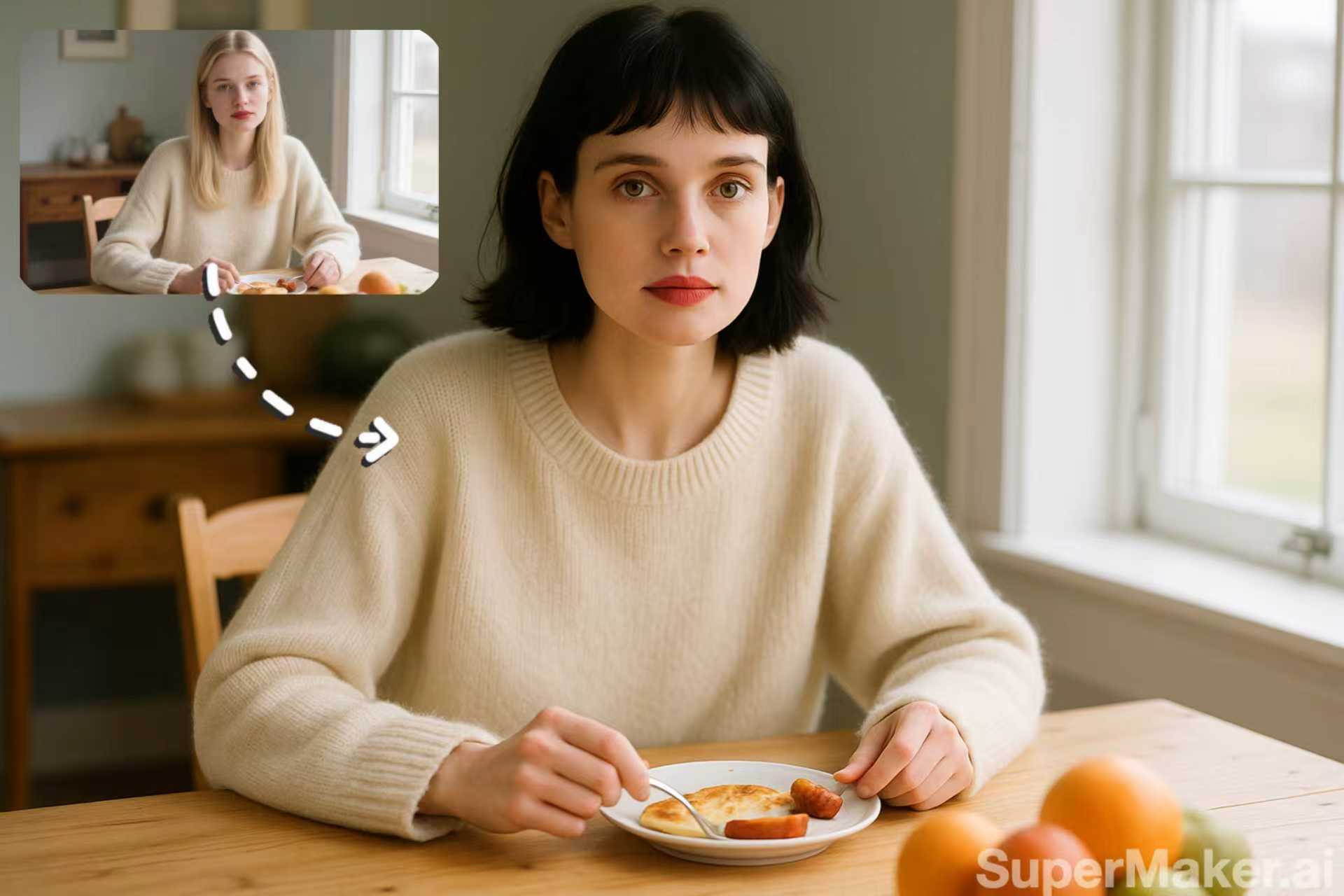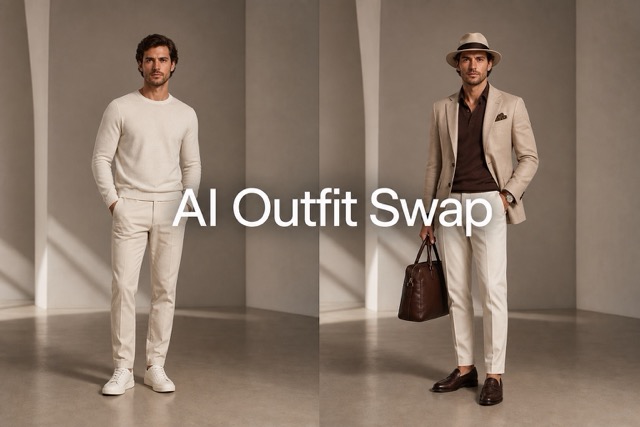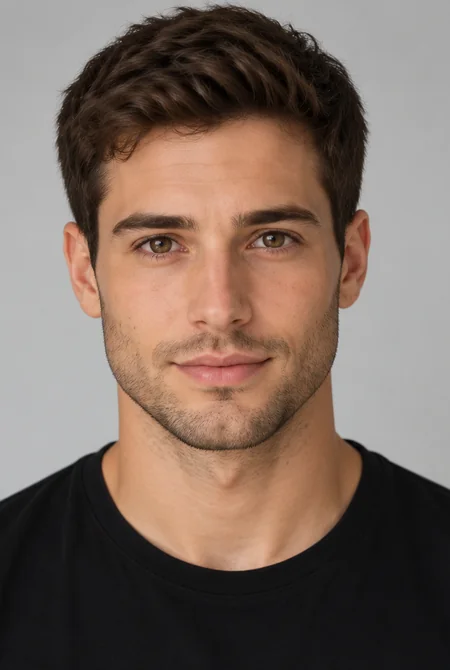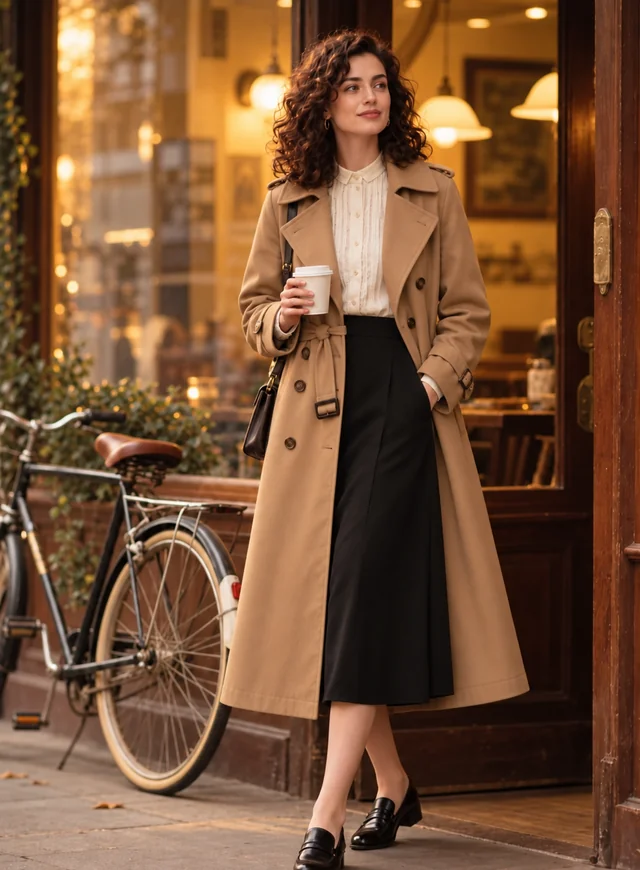
Full Head, New Hairstyle
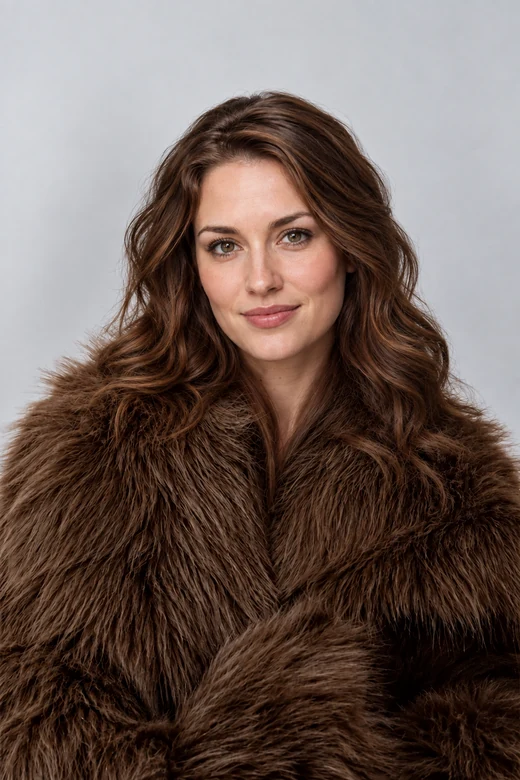
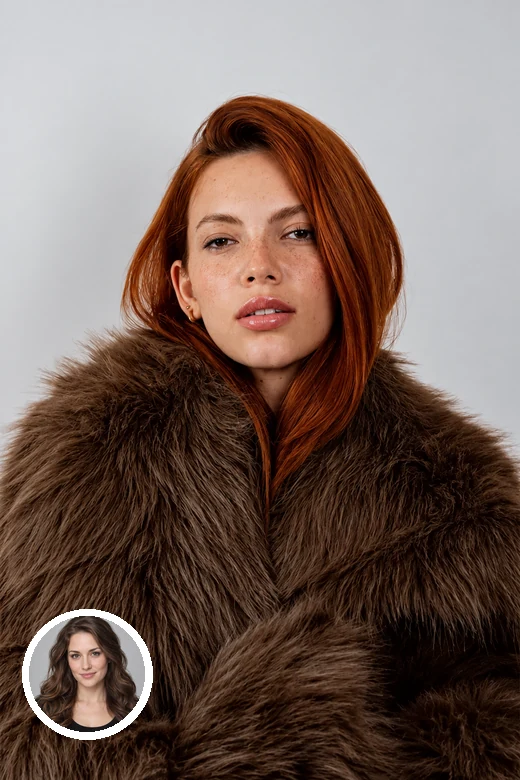
The new head brings its own wavy brown hair, hairline, and face shape, while the fur coat and studio backdrop stay untouched.
Upload a head photo and a body photo. The AI head swapper places the full head, including face, hairstyle, and head shape, onto the body and matches skin tone, angle, and lighting.
Swap modes
Fine-tune
Your photo stays in this browser during this UI preview.
Reference example. It is not a result generated from your upload.
An AI head swap replaces the entire head of a person in one photo with the head from another photo. Where a face swap only moves the eyes, nose, and mouth, a head swap carries over everything above the neck: face, hairstyle, hairline, ears, and head shape. The body, outfit, pose, and background stay exactly as they were.
This head swap AI does the hard parts automatically: it finds both heads, matches the angle and size, blends the neck and skin tone, and relights the new head so it fits the scene. You get a natural-looking photo without masking, cloning, or hours in a desktop editor.
Drag each slider. The small circle on the left image shows the head that was swapped in.
The new head brings its own wavy brown hair, hairline, and face shape, while the fur coat and studio backdrop stay untouched.
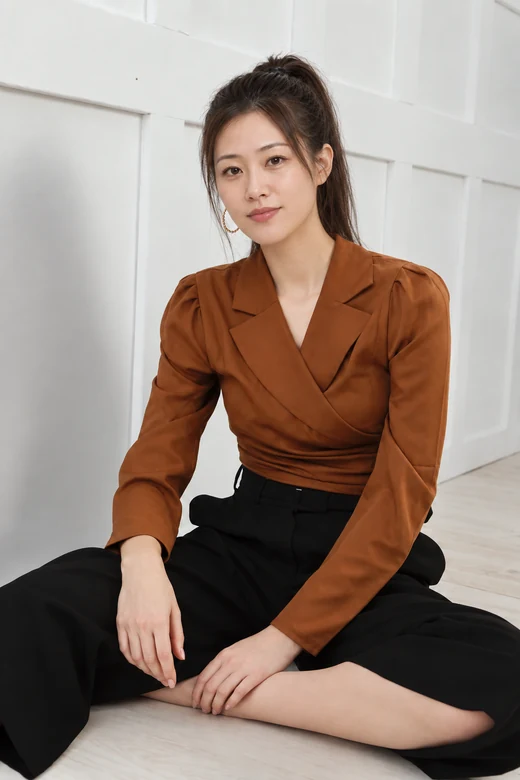
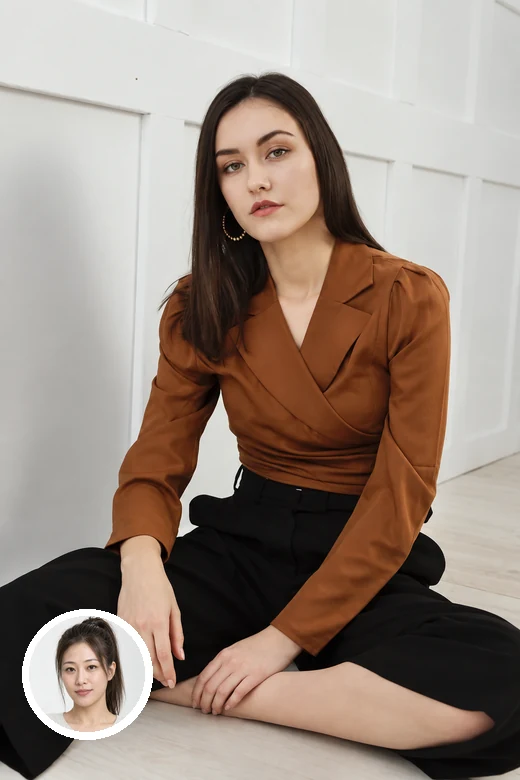
A seated studio pose keeps its posture; the swapped head is turned and lit to match the body, with a clean blend at the neck.
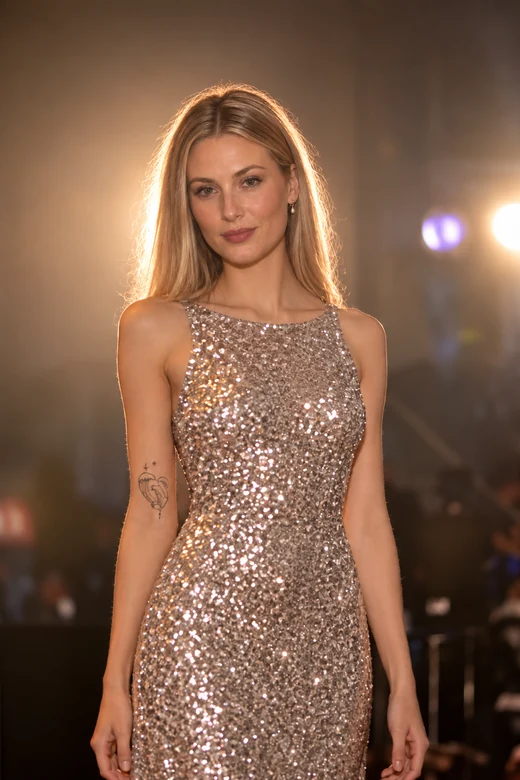
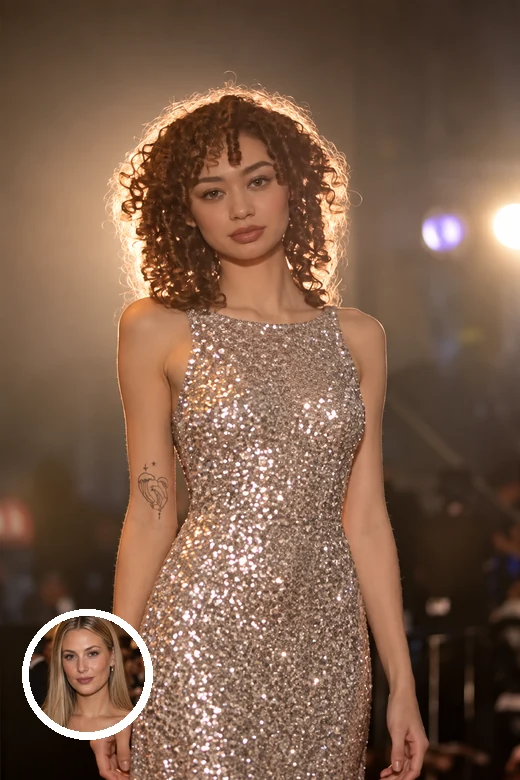
Glitter, stage lights, and bokeh are hard to edit by hand. The head swapper keeps the dress and lights and only changes the head.
Three steps to swap heads in a photo, no layers or masks required.
Add the photo with the head you want to use, then the photo whose body, outfit, and background you want to keep. JPG, PNG, or WebP up to 10 MB each.
Pick Full Head Swap to bring the new hair along, Face Only to keep the original hair, and choose which person to replace if the body photo has several.
Start the swap, check the neck, hairline, and lighting in the before/after view, and try again with a note if something needs adjusting.
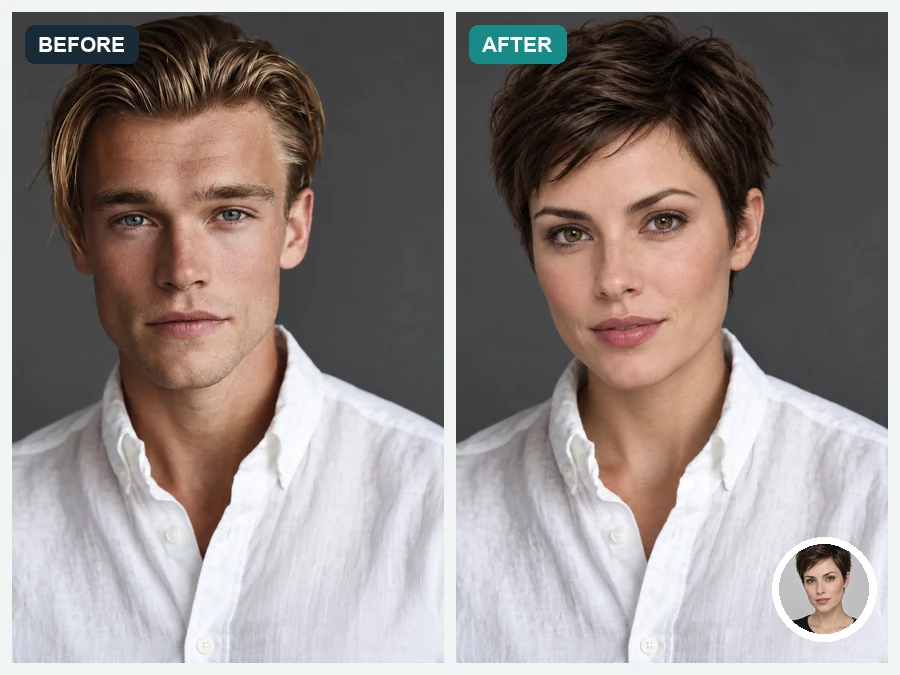
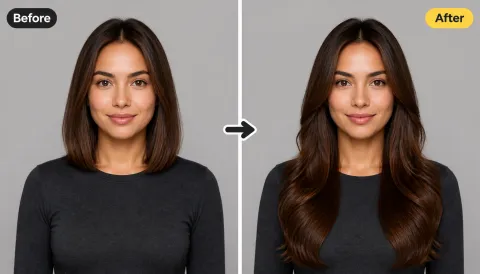
A face swap often looks off because the old hairline and head shape stay behind. A head swap transfers the full silhouette, so short hair stays short, curls stay curly, and the new person actually looks like themselves.
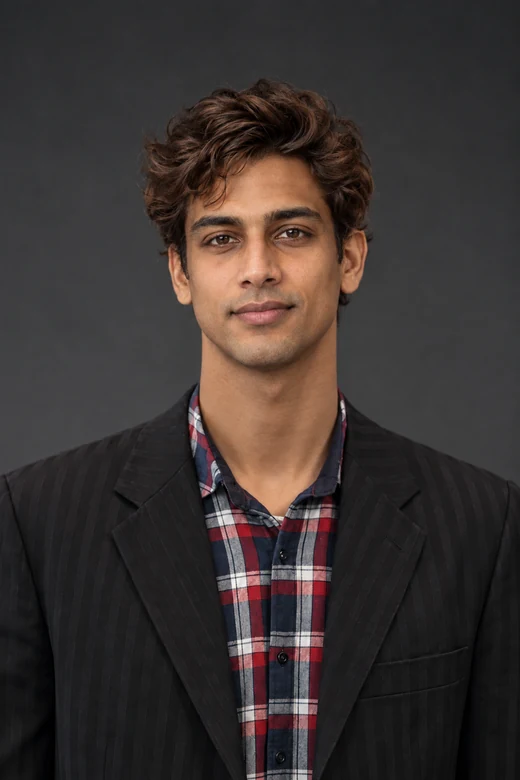
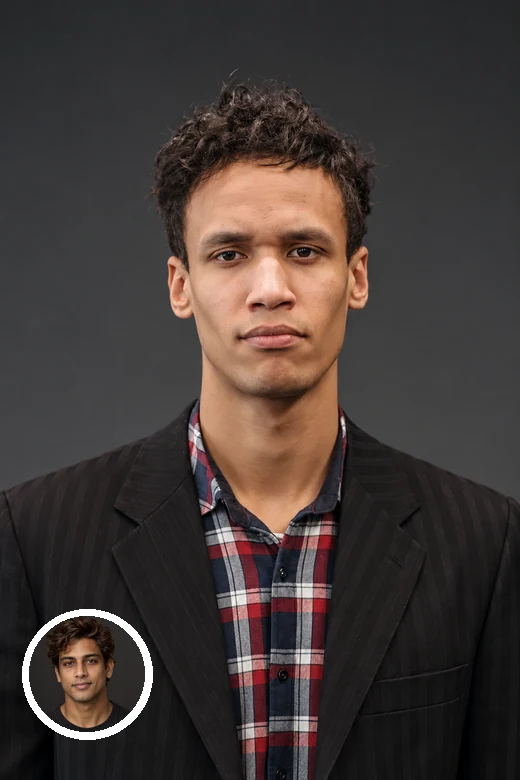
The AI matches skin tone between the head and body, smooths the join at the neck and collar, and adjusts shadows and color so the head looks lit by the same light as the scene.
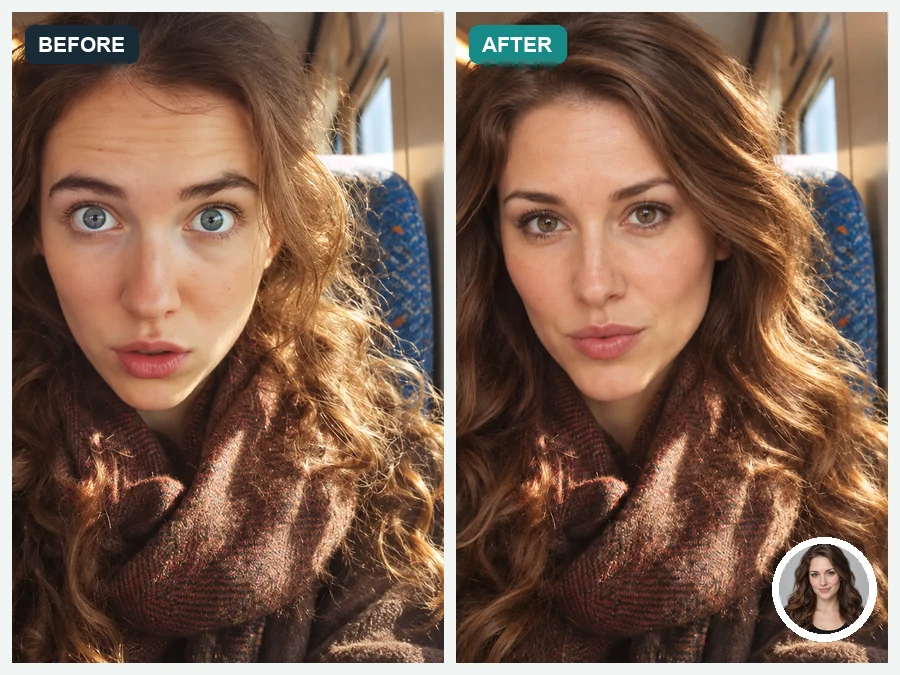
Want to keep the original hairstyle or a hat? Switch to Face Only, Keep Hair and the tool behaves like a careful face swap instead of a full head replacement.
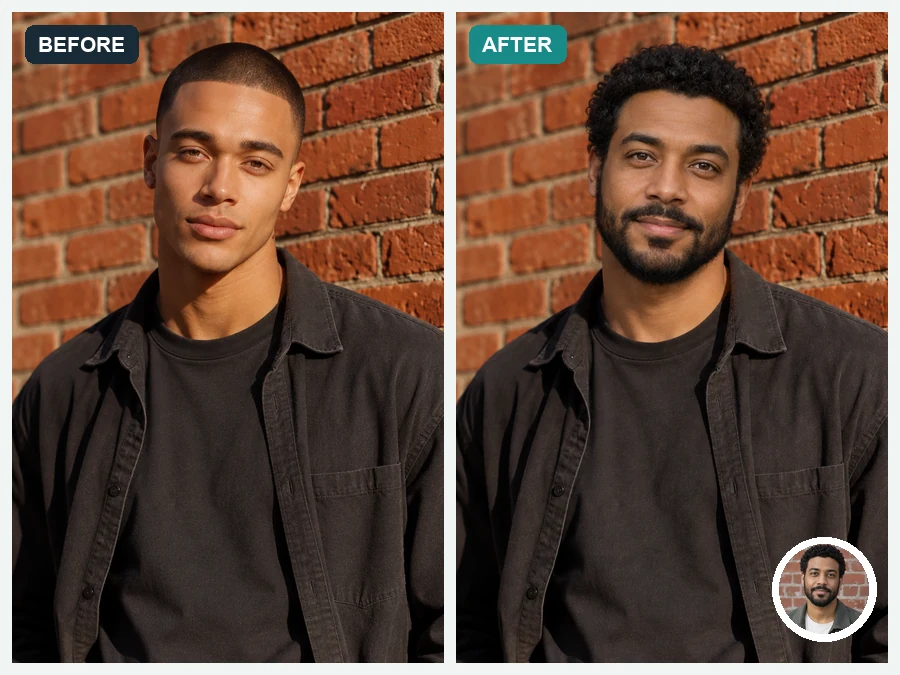
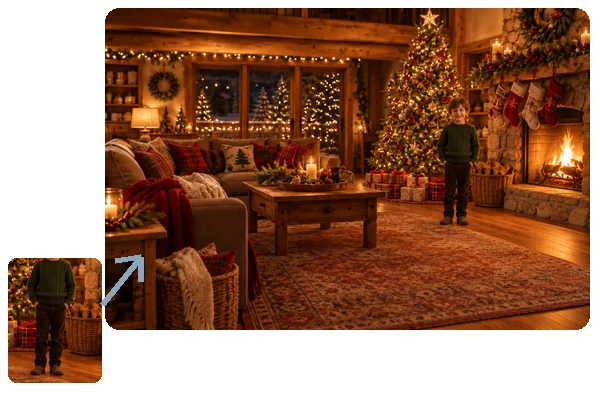
Street shots, brick walls, mixed light, and casual poses: upload everyday photos, not just studio portraits, and swap heads in the photo while the scene stays intact.
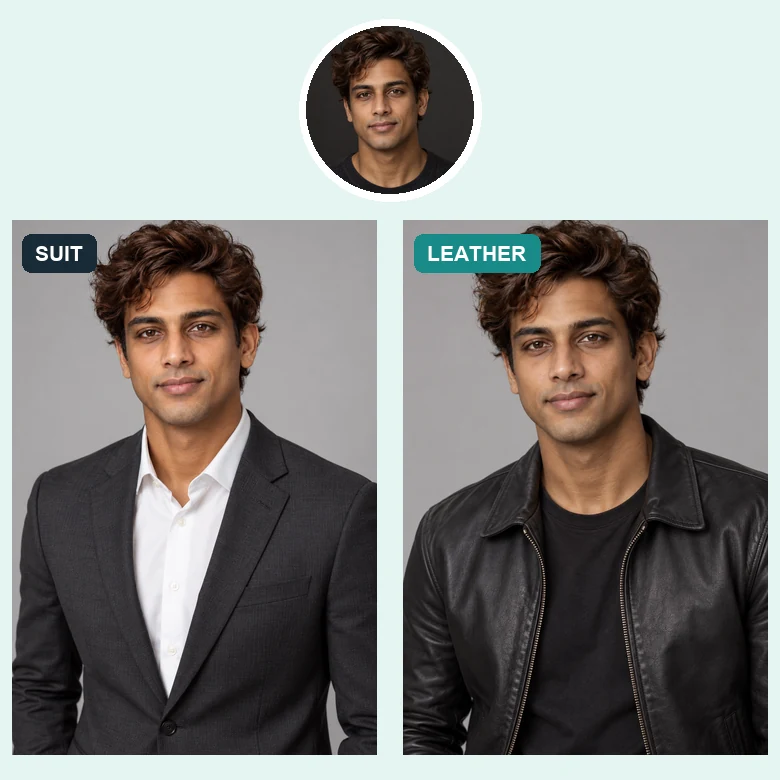
Put your head on a photo of an outfit, suit, or costume you like and see how the whole look suits you.
Someone blinked in the best shot? Swap in their head from another frame of the same moment, with their permission.
Drop your own head into a themed scene for a birthday card, party invitation, or a fun poster.
Make lighthearted swaps between friends who agree to it, or place your head into original character art.
Choosing compatible photos matters more than anything else.
A front-facing head works best on a front-facing body; avoid mixing profiles with straight-on shots.
Pick photos with light from a similar direction so shadows on the face and body agree.
Hands, hats, or hair covering the face make the swap harder. Use sharp, uncovered heads.
The head should not be tiny in one photo and huge in the other; crop if needed.
Common, consent-based ways people swap heads in photos.
Illustrative examples adapted from reference material, not verified reviews of EzImgMaker.
My sister closed her eyes in our only good family photo. Swapping in her head from the next frame saved the picture.
I put my head on a photo of the suit I was about to buy. Seeing the full look, haircut included, helped me pick the color.
For our office party invite, everyone agreed to have their heads swapped into a movie-poster style scene. It looked surprisingly real.
The Face Only mode was handy when I wanted to keep a hat from the original photo and only change the face.
Answers to common questions about swapping heads in photos.
A head swap replaces the whole head in a photo, including face, hair, ears, and head shape, with a head from another photo, while the body, outfit, and background stay the same.
A face swap changes only the facial features and keeps the original hair and head shape. A head swap moves the entire head. Use Face Only, Keep Hair if you want face-swap behavior.
Upload the head photo in the Head slot and the photo you want to keep in the Body slot, choose Full Head Swap, and start. The AI head swapper aligns, blends, and relights the new head automatically.
Yes. Choose which person to replace: the largest face, the leftmost, or the rightmost. For several swaps, run the tool once per person.
By default, the head is adjusted to match the body’s skin tone and the scene’s light. Choose Keep the head’s tone if you want the head’s original color preserved.
Large differences in angle, lighting, or head size are the usual cause. Use two photos with a similar pose and light, keep the face uncovered, and add a short note for small fixes.
Only use photos you own or have permission to edit, and get consent from every person whose head or body appears. Never create sexual, defamatory, or deceptive images, impersonate anyone, or upload photos of minors.
Yes, for fun and creative uses with the consent of the people shown. Do not present a head swap as a genuine photo of a real event, and label edits clearly when there is any chance of confusion.
Upload a head and a body photo and let the head swap AI do the blending.