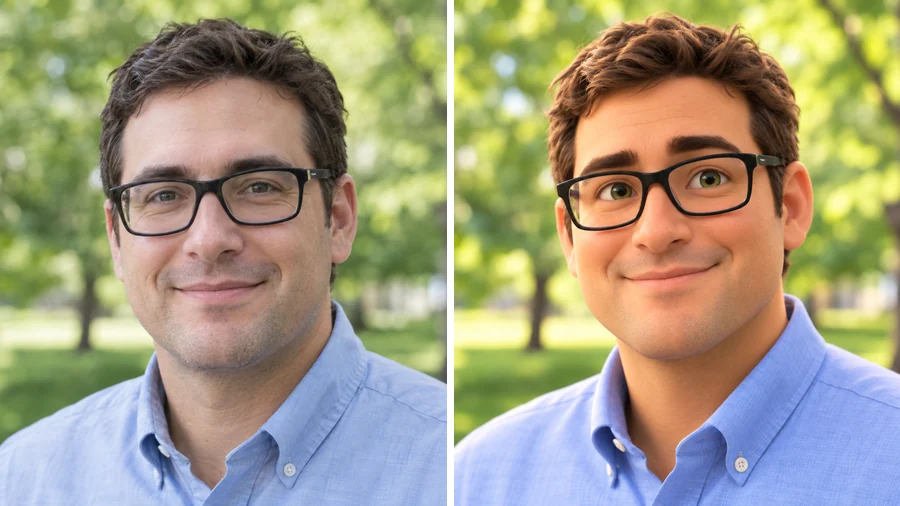
Glasses and a Grin
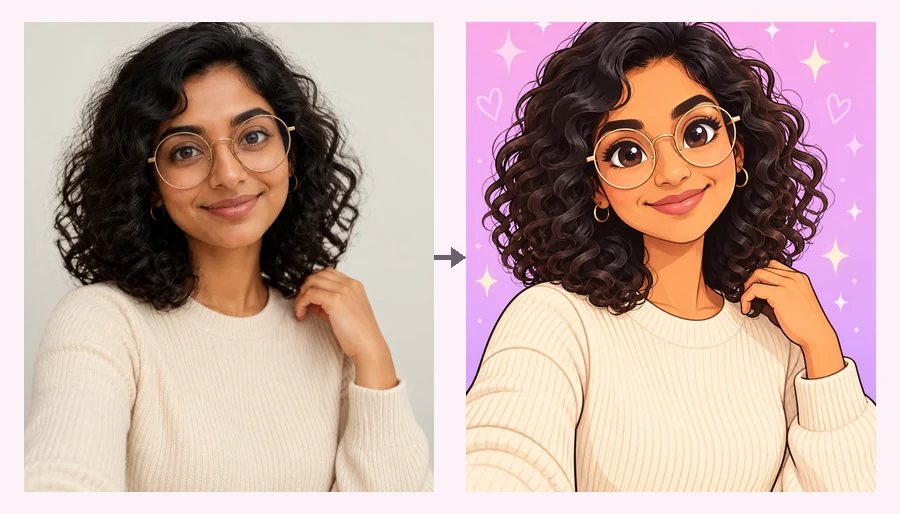
Thick frames, a neat side part, and a friendly smile turn into a big-eyed animated lead.
Upload a selfie, couple, family, or pet photo and redraw it in a Disney-inspired animated style, from a glossy 3D movie look to a classic hand-drawn cartoon, while keeping your face, hair, and smile.
Animation Style: 3D Animated Movie · Photo Type: Selfie Avatar · Character Role: As Myself
Your photo stays in this browser during this UI preview.
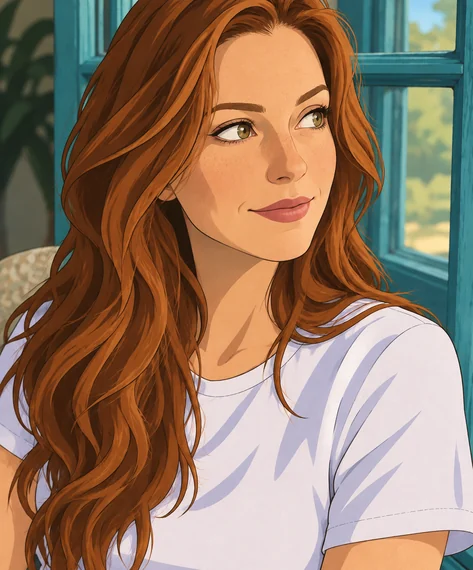
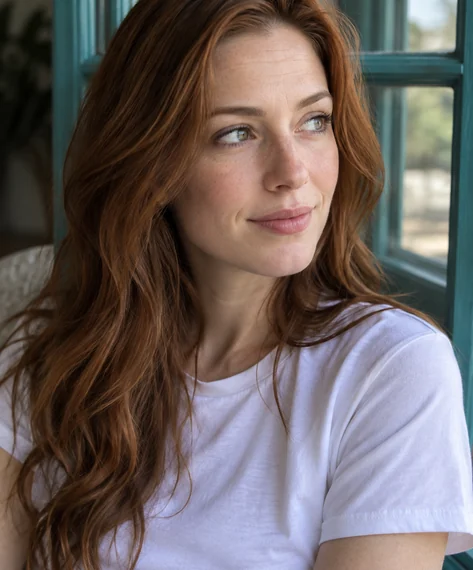
Reference example. It is not a result generated from your upload.
A Disney character generator redraws your photo in the look of classic and modern animated family films: big expressive eyes, soft rounded features, warm cinematic lighting, and smooth, colorful shading. This Disney AI generator keeps what makes you recognizable, such as your face shape, hairstyle, glasses, beard, and smile, so the result reads as a Disney style cartoon of you rather than a random face.
Pick a glossy 3D animated movie look or a classic hand-drawn 2D cartoon, then decide whether you appear as yourself or as a fairy-tale royal, a brave adventurer, or a charming villain. It works on selfies, couples, family photos, and pets. EzImgMaker is an independent tool, is not affiliated with Disney or Pixar, and does not recreate existing characters.
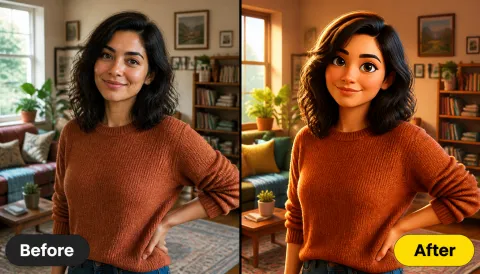
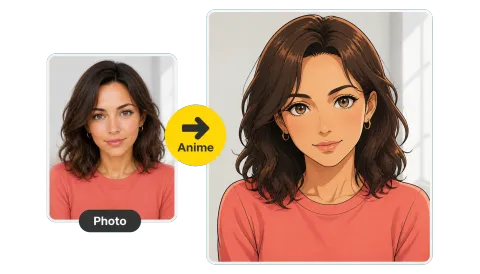
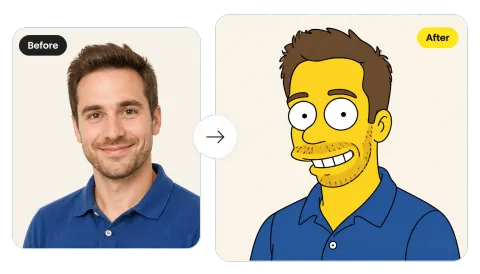
Real portraits redrawn in a 3D animated-movie style. Glasses, beards, hair, and outfits all carry over, so each character is still clearly the same person.
Thick frames, a neat side part, and a friendly smile turn into a big-eyed animated lead.
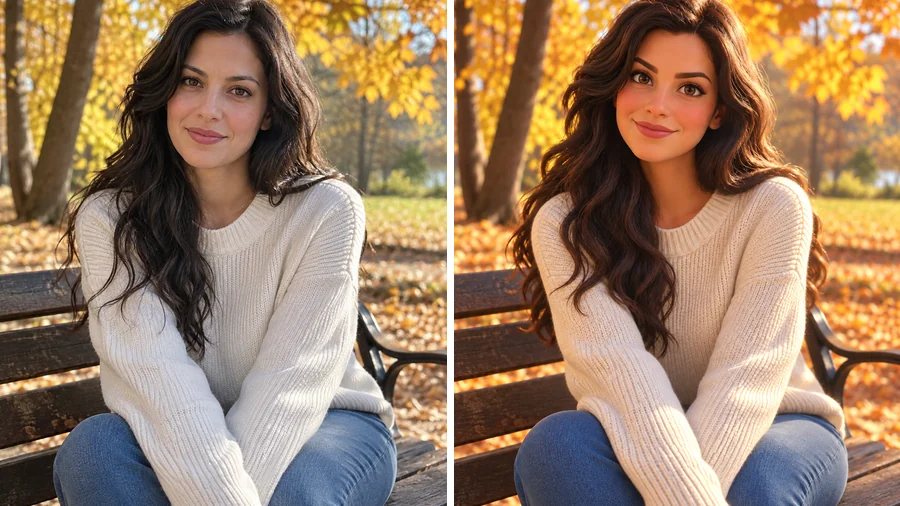
Long wavy hair and a cozy sweater become a warm, storybook-ready heroine.
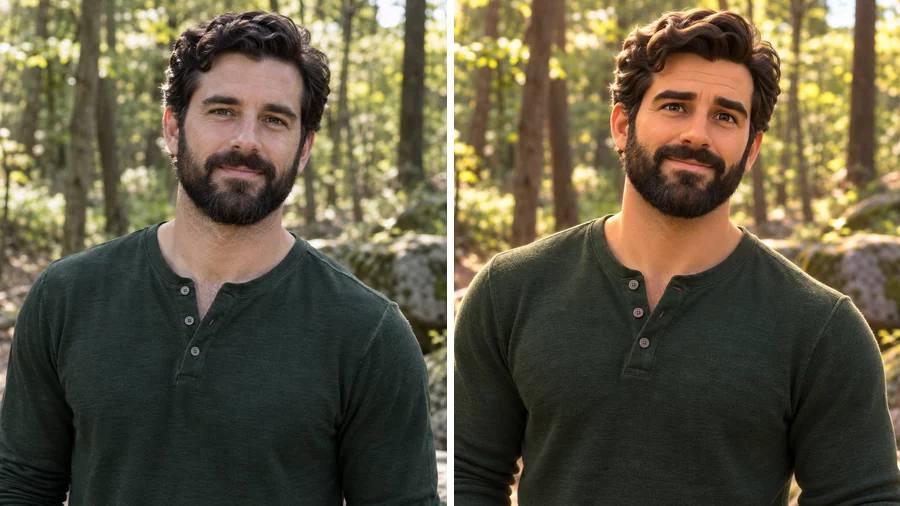
A full beard and a green henley turn into a lovable animated adventurer.
Use the Disney characters generator in three steps, with no drawing skills needed.
Add a clear selfie, couple shot, family photo, or pet picture. JPG, PNG, and WebP files up to 10 MB are supported.
Choose 3D Animated Movie or Classic 2D Cartoon, tell the AI what kind of photo it is, and appear as yourself or as a fairy-tale royal, adventurer, or villain. Add outfit or scene details in the optional box.
Generate up to four versions, compare them, and save your favorite Disney image for profile pictures, cards, and prints.
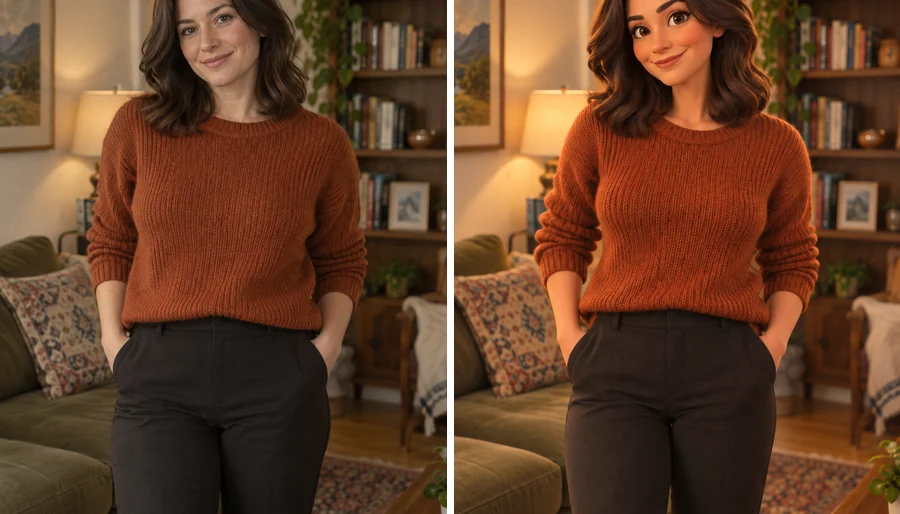
The Disney character AI keeps your face shape, hairline, hair texture, and expression, then adds big glossy eyes and soft shading. Your outfit and even the room behind you come along, redrawn like a frame from an animated film.
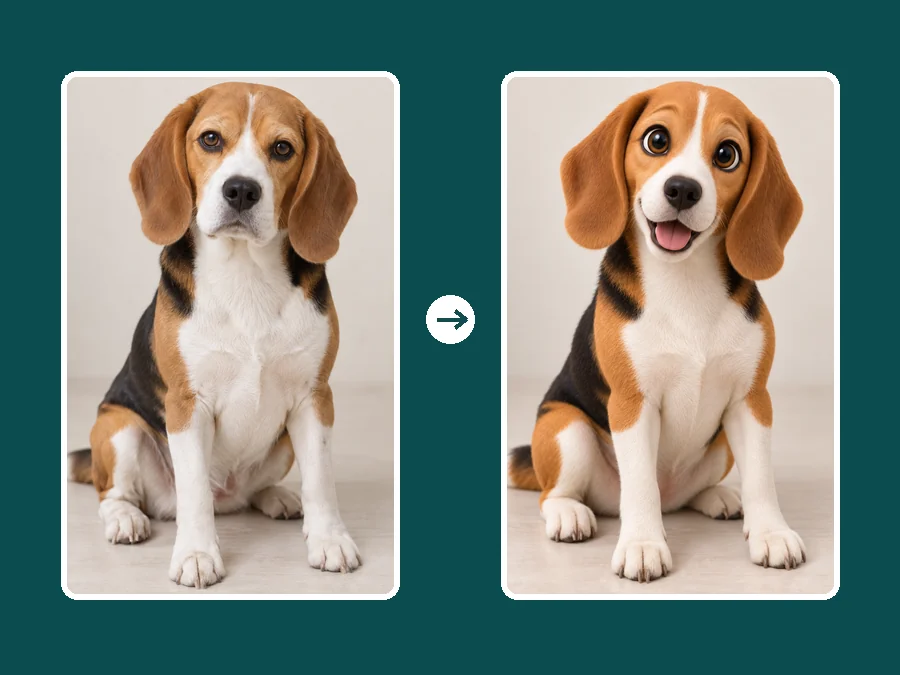
Dogs, cats, and other pets get huge expressive eyes and soft, plush fur while keeping their real markings and that one ear that always flops. It is the easiest way to turn your dog into a Disney cartoon.
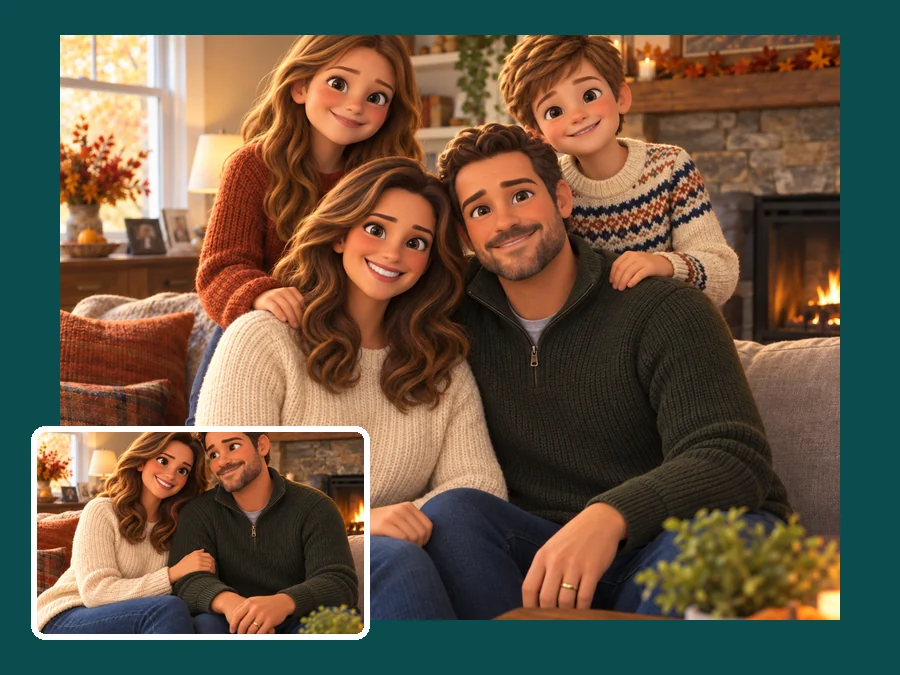
Parents, kids, and grandparents keep their places and become one matching animated scene, ready for a holiday card. Use it as a Disney twin filter with a sibling or best friend, or make Disney characters of the whole family at once.
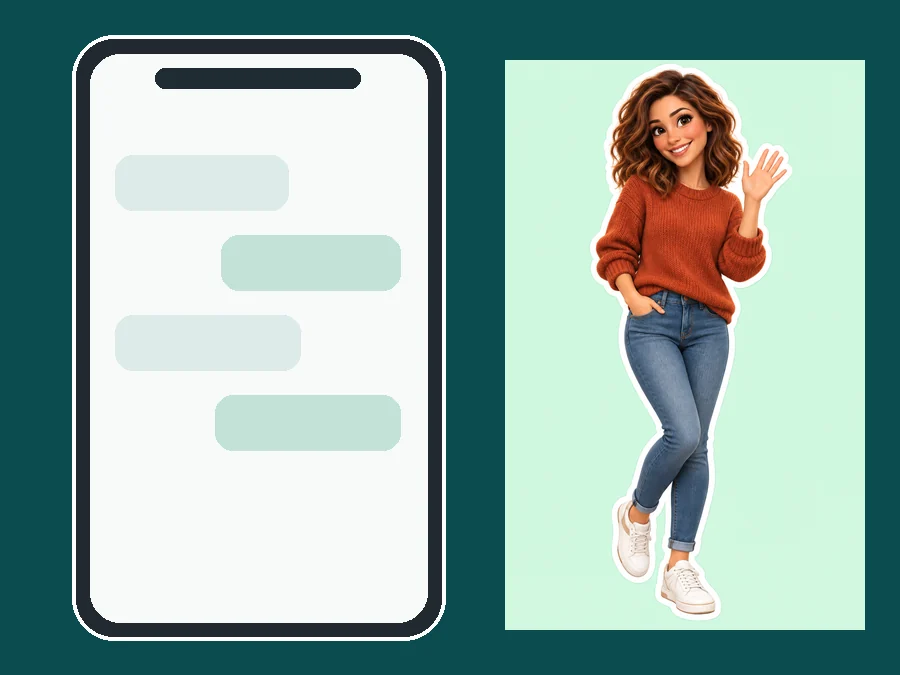
Make your own avatar Disney-style for profiles, or choose Emoji Sticker to get a full-body cutout with a clean outline. It doubles as a Disney emoji creator for reactions in group chats.
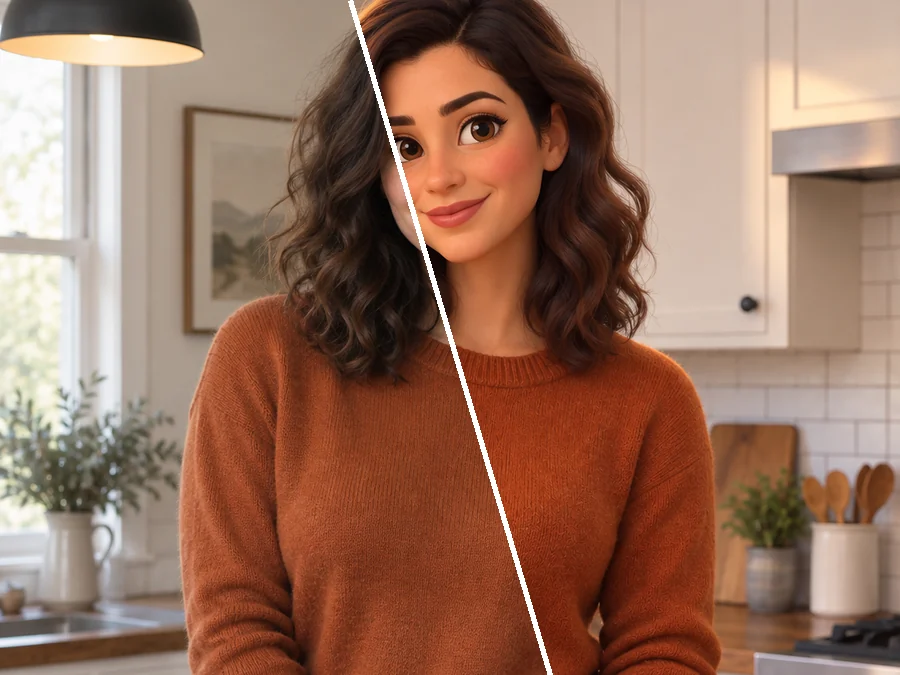
Swap your usual headshot for an animated version on social and gaming profiles, or treat it as a Disney emoji maker for chat reactions.
Turn the birthday star into the lead of their own animated movie poster or invite.
Redraw an anniversary photo or a family portrait as a warm animated still to print and frame.
Give your dog or cat the big-eyed animated treatment for a mug, a card, or a wall print.
A clear photo helps the AI keep the details people recognize.
Front-facing or slightly angled photos with visible eyes give the most expressive results.
Soft daylight keeps skin tone and hair color true and suits the cinematic animated look.
Glasses, freckles, beards, and favorite outfits carry over and make the character yours.
One to six people give the cleanest family or friend scene.
Common ways families, couples, and pet owners use their animated portraits.
Illustrative examples adapted from reference material, not verified reviews of EzImgMaker.
I wanted to know what I would look like as a Disney character, and the 3D version kept my curls and my slightly crooked smile. It is now my profile picture.
We used the family photo from our trip and turned it into an animated still for our holiday card. The kids could not stop pointing at themselves.
Our beagle with giant glossy eyes is the best thing on my desk. His brown patches and droopy ears came through exactly.
My sister and I made matching characters as a joke, and the classic 2D style looked like a hand-drawn movie poster.
What people ask before turning their first photo into a cartoon.
It is an AI tool that redraws a photo in a Disney-inspired animated style, with big expressive eyes, soft features, and warm cinematic color. Unlike text-only tools that invent AI Disney characters from scratch, this one starts from your own photo, so the character keeps your likeness.
Upload a clear photo, pick 3D Animated Movie or Classic 2D Cartoon, choose a role such as As Myself or Fairy-Tale Royal, and generate. Try both styles: the same face can look very different as a glossy 3D lead and as a hand-drawn heroine.
This tool does not match you to an existing movie character. Instead it draws you as your own Disney-inspired character, which is why your face, hair, and accessories stay recognizable. Pick a role to set the mood of the character.
Yes. Choose Surprise Me under Character Role and the generator picks a random role and outfit for you, from royal to villain. It works like a Disney character random generator for your own face and never copies existing characters.
Yes. Choose Pet Portrait and upload a clear photo of your dog, cat, or other pet. The AI keeps its real fur colors and markings while adding big, glossy cartoon eyes.
No app is needed. Unlike a Disney filter app or a live camera lens, this Disney character filter runs online in your browser on phone or desktop and edits a photo you upload, so you can compare versions and keep the one you like.
In a way. It works like a Disney look alike filter that keeps your own features: face shape, hair, glasses, and expression are kept while the art style changes to an animated look.
No. EzImgMaker is an independent AI art tool and is not affiliated with, endorsed by, or sponsored by The Walt Disney Company or Pixar. "Disney" is only used to describe the animated art style, and we don't use logos, castles, or characters from any film.
Only upload photos you own or have permission to edit, and get a parent's or guardian's permission before editing a child's photo. Keep results to personal use such as cards and profile pictures, and avoid selling them or suggesting any connection to Disney.
Upload a photo and redraw it in a Disney-inspired animated style that still looks like you.
Disney-inspired results are fan-inspired creative edits. EzImgMaker is not affiliated with, endorsed by, or sponsored by The Walt Disney Company or Pixar. Disney, Pixar, and related names are trademarks of their respective owners.