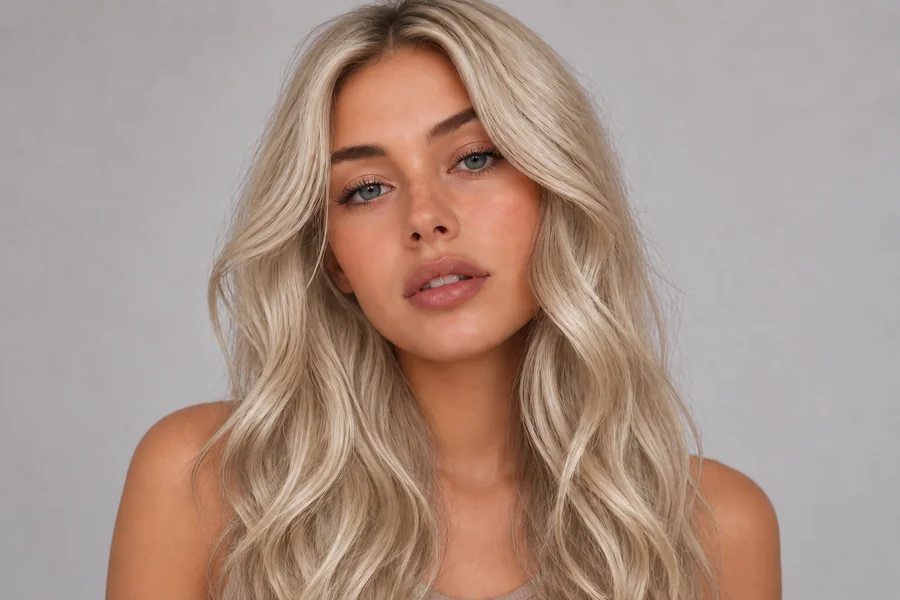
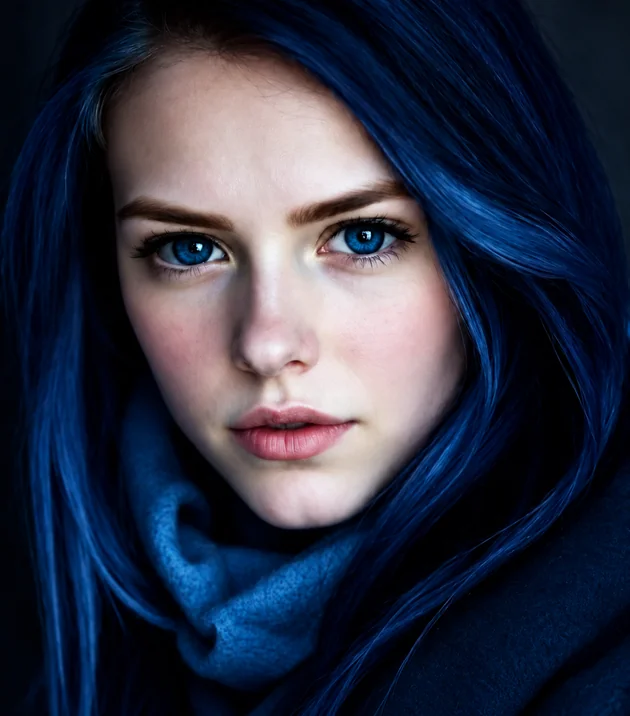
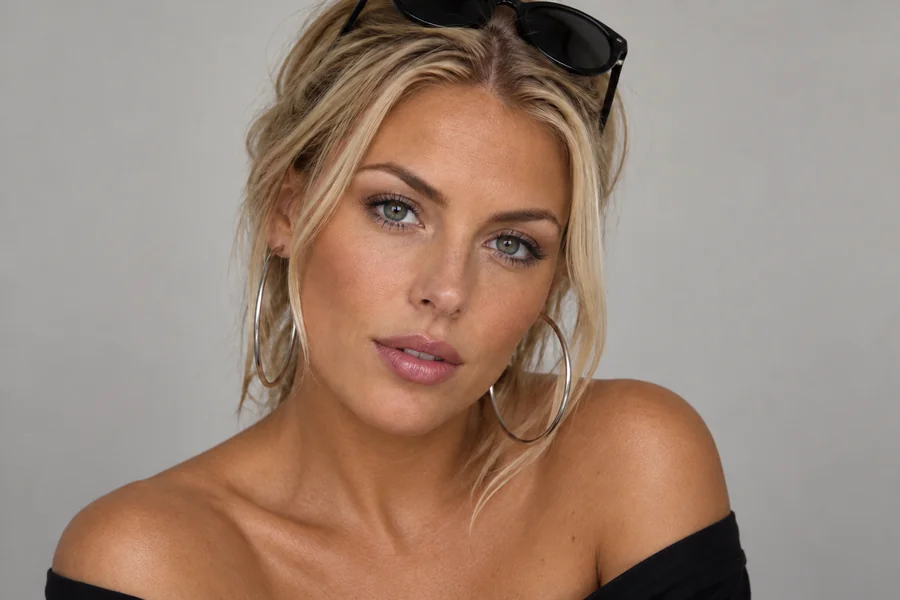
Upload Your Image
Add a JPG, PNG or WebP up to 10 MB: a product shot, an outfit, a room, a car, a logo, or a PNG with a transparent background, which is the easiest way to change color of PNG image online.
Upload a photo, logo or PNG, type what to recolor or brush over it, and pick a new color. This AI image color changer repaints only that object and keeps its texture, folds, shadows and highlights, so a teal shirt turns purple, a beige sofa turns green or a navy logo turns white while the rest of the image stays exactly as it was.
Popular colors
Fine-tune


Reference example. It is not a result generated from your upload.
An image color changer is an AI color changer that recolors one part of a picture and leaves the rest alone. Tell it what to change (the car, her dress, the walls, the logo) or paint over the area, pick a color, and it repaints that object in the new shade while keeping the fabric weave, wood grain, folds, shadows and highlights. That is the difference from a hue shifter or hue changer, which rotates every color in the image at once, and from a basic image color replacer, which only swaps one exact pixel color for another.
Use it to change color of image areas for product variants, try a new paint color on a house, test a logo in your brand palette, or turn a PNG icon white for a dark website. It works as a picture color changer, image recolorer, photo color editor and PNG color changer in your browser, so you can edit image color without masking by hand, and it is free to try with the credits you get when you sign up. Whether you search for an image colour changer, a way to edit colour of image files, or an image recolor tool, the steps below are the same.
Change image color in four steps. They work the same for photos, logos, icons and transparent PNG files.
Add a JPG, PNG or WebP up to 10 MB: a product shot, an outfit, a room, a car, a logo, or a PNG with a transparent background, which is the easiest way to change color of PNG image online.
Type the object, such as “the car” or “her dress”, or brush over it in the preview. Painting is the most precise way to change color of object in photo scenes where several similar things sit side by side, or to replace color in picture areas that share one shade.
Tap a popular color, choose a swatch, or open the picker to change picture color to an exact hex code from your brand guide. Natural keeps the original material; Matte, Glossy and Metallic change the surface; Tint lays a see-through color over the image.
Click Change Color, drag the slider to compare the color change with your original, and download the recolored image. Not quite right? Try a lighter or deeper shade, or change image colors one object at a time.


A hue shift moves every pixel. Here only the object you name or paint changes: the shorts go from blue to olive while the purple T-shirt, the skin, the plants and the wooden fence stay untouched. It is a color replacement tool and color swap photo editor that understands objects, not just pixel values, so you can swap colors in image areas even when the same shade appears elsewhere.
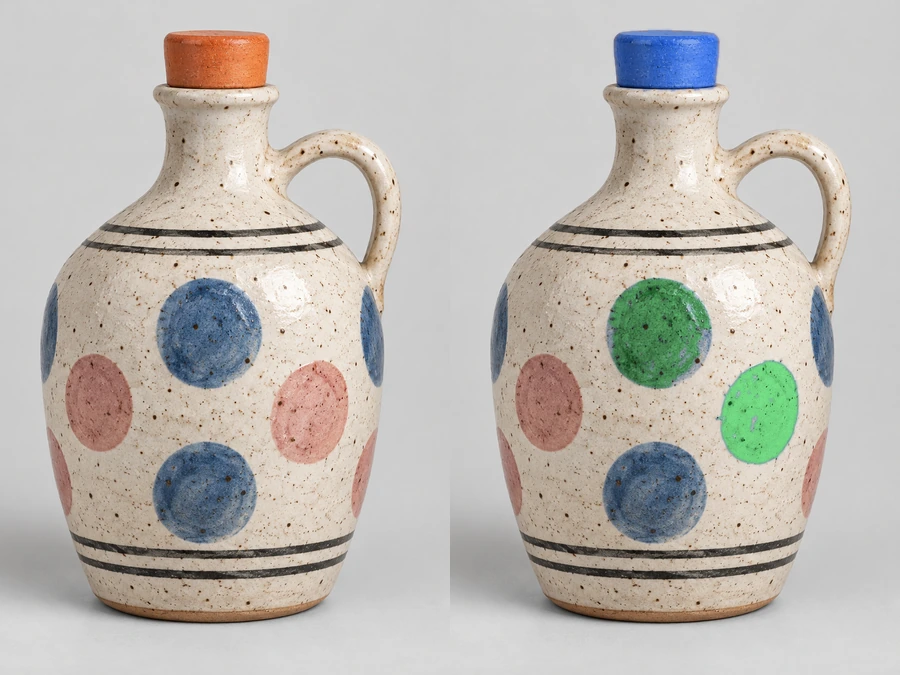
Recoloring by hand usually flattens a surface. When you let the AI change color of image surfaces, it keeps speckles, glaze, folds and reflections and repaints only the hue and tone, so a ceramic vase, a knit sweater or a leather bag still looks like the same material in its new color. Choose Matte, Glossy or Metallic when you want the surface to change as well.
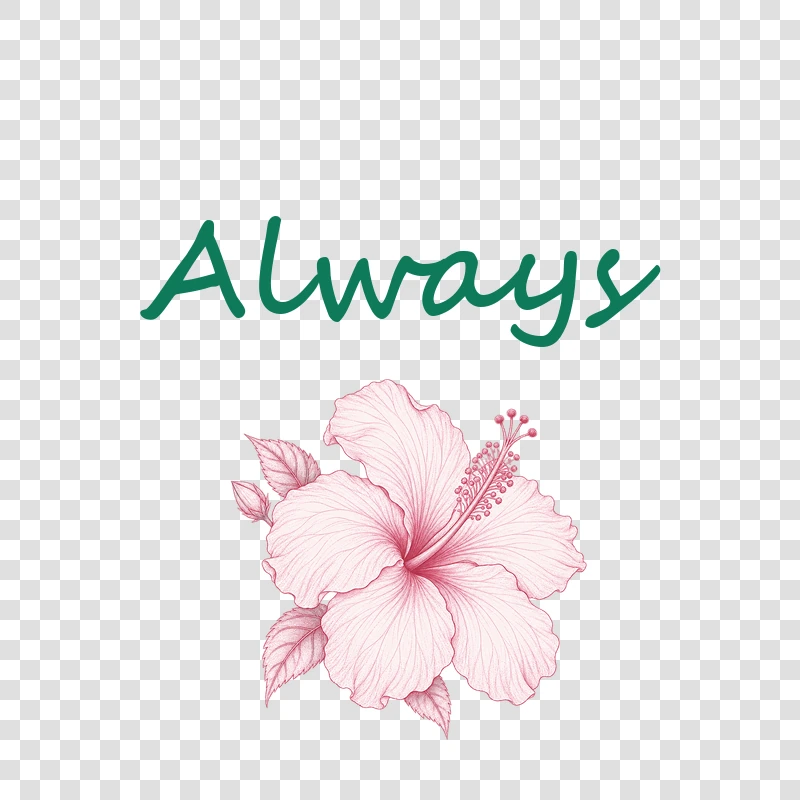
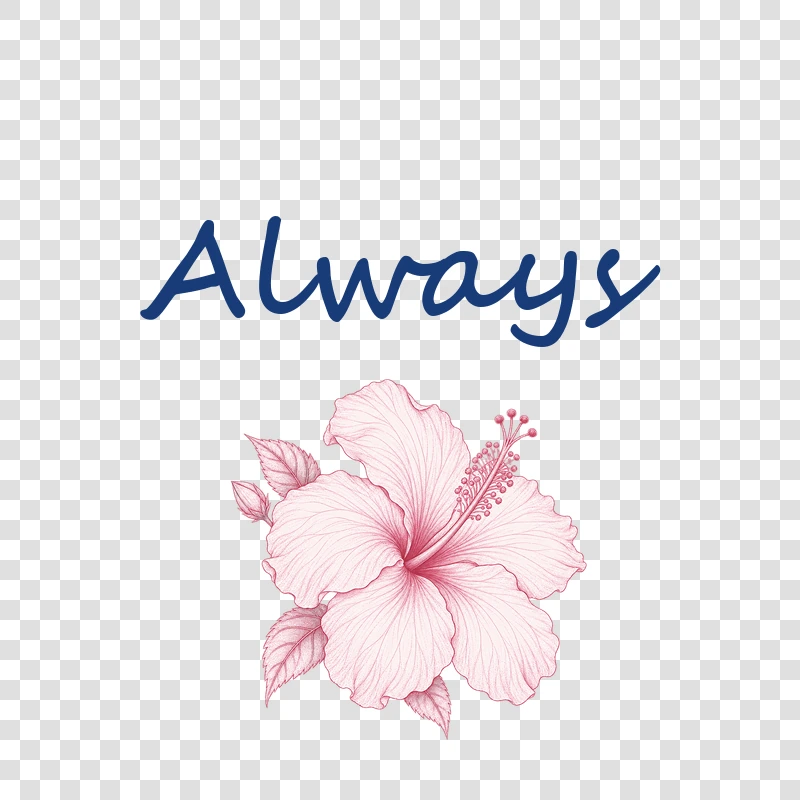
Upload a transparent PNG, write the part to change, for example “the blue lettering”, and the transparent background stays transparent. Use it as a logo color changer or icon color changer: change PNG colors to match a brand kit (or change PNG colour, if you spell it that way), change colors of PNG icon sets one by one, or make a logo white for a dark banner.
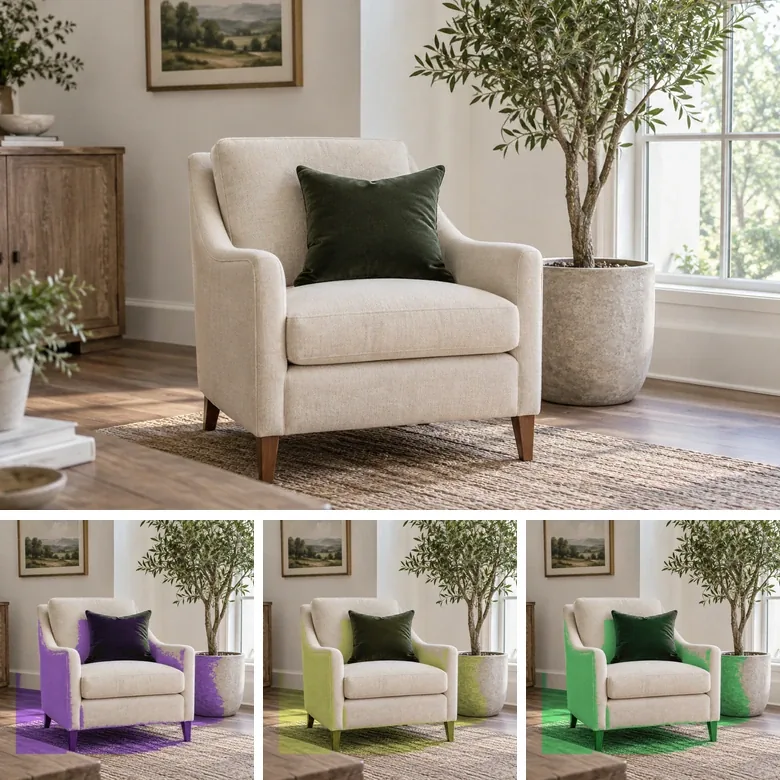
Sellers and designers can recolor pictures of one product into every colorway: an armchair in purple, yellow and green, a dress in five shades, or sneakers in the season’s palette, with no new photo shoot. Each result keeps the same light, angle and background, so color switching between variants on a catalog page stays consistent.
Four common ways to edit color of picture files, and when each one is the right choice.
| Method | What it changes | Best for | How to do it here |
|---|---|---|---|
| Hue shifter / image hue changer | Rotates every hue in the image by the same angle, so reds turn green and blues turn purple at the same time | Quick color effects on flat graphics; a hue shift image for fun | No separate slider: use the Tint finish with no target for a whole-image color cast |
| Color replacer / color swap | An online color replacer can replace color in image areas that share one exact color, plus similar shades, wherever it appears | Flat logos, icons and illustrations with solid fills; quick PNG recolor jobs | Write “all the blue parts” as the target; to delete a color instead, use Remove Color from Image |
| AI color changer / AI color replacer (recolor AI) | Recolors only the object or area you name or paint, keeping texture, shadows and highlights | Photos of clothes, cars, furniture, walls and products, logos on real surfaces, and any picture recolor where texture matters | This page: target or paint, color, finish |
| Tint and color grading | Lays one color or mood over the whole photo, like a filter | A color tint image, a green tint picture, warm or cool color grading photos | Pick a color, choose Tint and leave the target empty |
A hue shifter online, hue changer online, color replacer online or color swap online tool works on pixel values only. The AI works on objects, which is why it can recolor a blue shirt without touching a blue sky.
One image color editor, many everyday jobs. As an AI photo color changer it handles products, rooms, cars and brand assets.
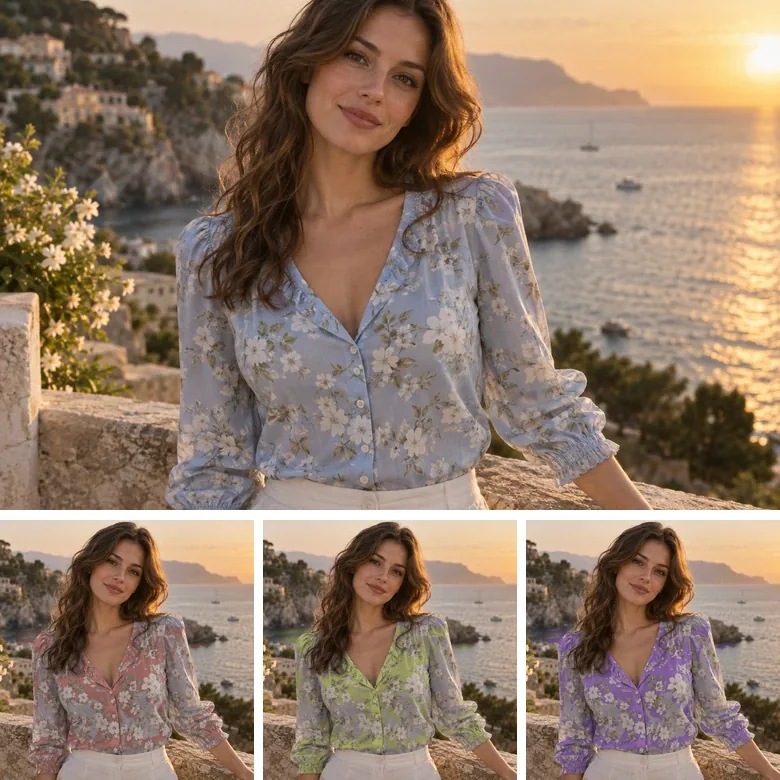
Recolor images of a bag, mug or sneaker to show every color from a single product photo and keep store listings consistent.
Change color of fabric on a T-shirt, curtain or sofa cover. For outfits on people, the clothes color changer adds outfit presets.
Preview a wrap or paint job before you commit: car color change AI keeps the reflections and chrome, so a silver coupe turns deep blue believably.
Use it as an AI house color changer: let the AI change color of house siding, doors and walls, or see a green sofa in your living room before you order one.
Change colour of logo online for dark or light backgrounds, change color of icon sets or change color icon by icon, or use it as an ink color changer for a scanned signature.
Try it as a lip color changer or a nail polish preview. For eyes, hair and skin tone, the dedicated changers below give finer control.
A few habits that help the AI recolor exactly what you want.
“The car” works better than “the car and the sky”. For two colors, recolor one object, then run the second change on the result.
When a jacket and a bag share a shade, brush over just the jacket so the color swap stays on the right item.
If the whole shot looks yellow or blue, fix white balance before you recolor. Not sure how to color correct photos? The warmth slider in your phone’s editor or the image brightener handles most color casts. Clear light also makes it easier to make the image black or a dark logo white.
Paste the exact hex value from your brand guide into the color picker so every recolored picture matches.
Make one color transparent or white, or keep a single color for a splash effect. Runs in your browser.
Open toolTurn the background of a photo or logo into a real transparent PNG before you recolor it.
Open toolChange the background color to white, black or any brand color, or swap in a new scene.
Open toolPut a portrait or product on a clean black backdrop.
Open toolNeed more room around the recolored product? Extend the scene to 16:9, 9:16 or 1:1.
Open toolAnswers about recoloring photos, logos and PNG files.
To recolor an image, type the object in “What to recolor” (for example “the car” or “the front door”) or paint over it in the preview. The color changer AI recolors exactly that and nothing else; if you leave both empty, it recolors the main subject. Glossy suits car paint, Matte suits walls, and Natural keeps fabric and wood grain.
Name a single object, or paint over it with the brush or box. This change color of image AI recolors only that area and leaves the background, skin and every other object exactly as they were, which a global hue slider cannot do.
To change color in PNG files, upload the transparent PNG, type the part you want to change (for example “the icon” or “the red text”), choose the color and download. The transparent background stays transparent. As an online PNG color changer it doubles as a PNG color editor and PNG color replacer: change colors in a PNG one part at a time, or write “the whole graphic” to recolor all of it.
Upload the logo, write which part to recolor, such as “the whole logo” or “the house symbol”, and paste your brand’s hex code into the color picker. To make logo white for a dark background, pick White with the Natural finish. A logo change color keeps the edges crisp, so that is how to change color of logo files (or change color on logo mockups) without redrawing them. Recolor only logos you own or are allowed to edit.
A hue shifter (also called an image hue shifter, picture hue changer or color hue changer) rotates every color in the picture by the same amount, so the whole image changes, much like a hue shift online slider. A color changer like this one recolors only the object you choose and keeps its texture and shading, which is what you need for products, clothes, cars and logos.
Pick purple or green, choose the Tint finish and leave “What to recolor” empty: the whole picture gets an even, see-through color cast. It is the quickest way to make image purple, blue or rosy in one pass, and it turns the page into a green tint picture maker or a way to tint image online in any color.
Can you change the color of your skin in pictures? Yes. The skin color changer is built for faces and bodies: it keeps skin texture natural and shows how to change color of skin tones, tans and undertones step by step. Use it for styling, makeup and creative ideas, never to mislead anyone about who a person is.
No. Whether you spell it color or colour, the image change colour steps are identical and run in any phone or desktop browser. It works as an online color replacement tool (a colour replacement tool online, colour replacer, logo colour changer or icon colour changer, if you prefer), so you can change the colour in photos, logos and graphics with AI change colour edits and no install.
Yes. You can change color PNG free to try: new accounts get free credits when they sign up, enough to use the color change AI free on several images. After that, each change uses credits from your balance.
Only upload images you own or have permission to edit, such as your own photos, product shots and brand assets. Don’t recolor someone else’s logo or artwork to pass it off as an official version.
Upload a photo, logo or PNG, name what to recolor and pick a color. Free to try with sign-up credits.