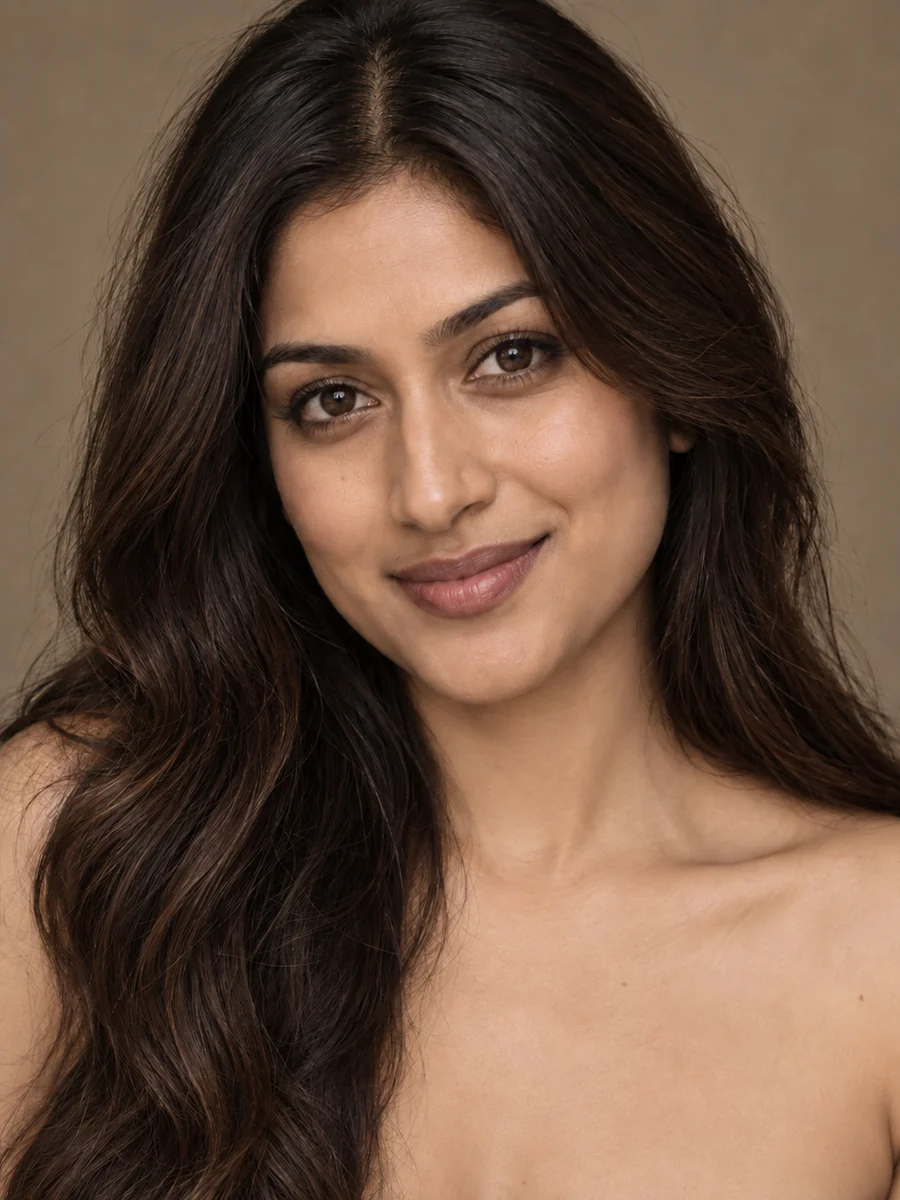
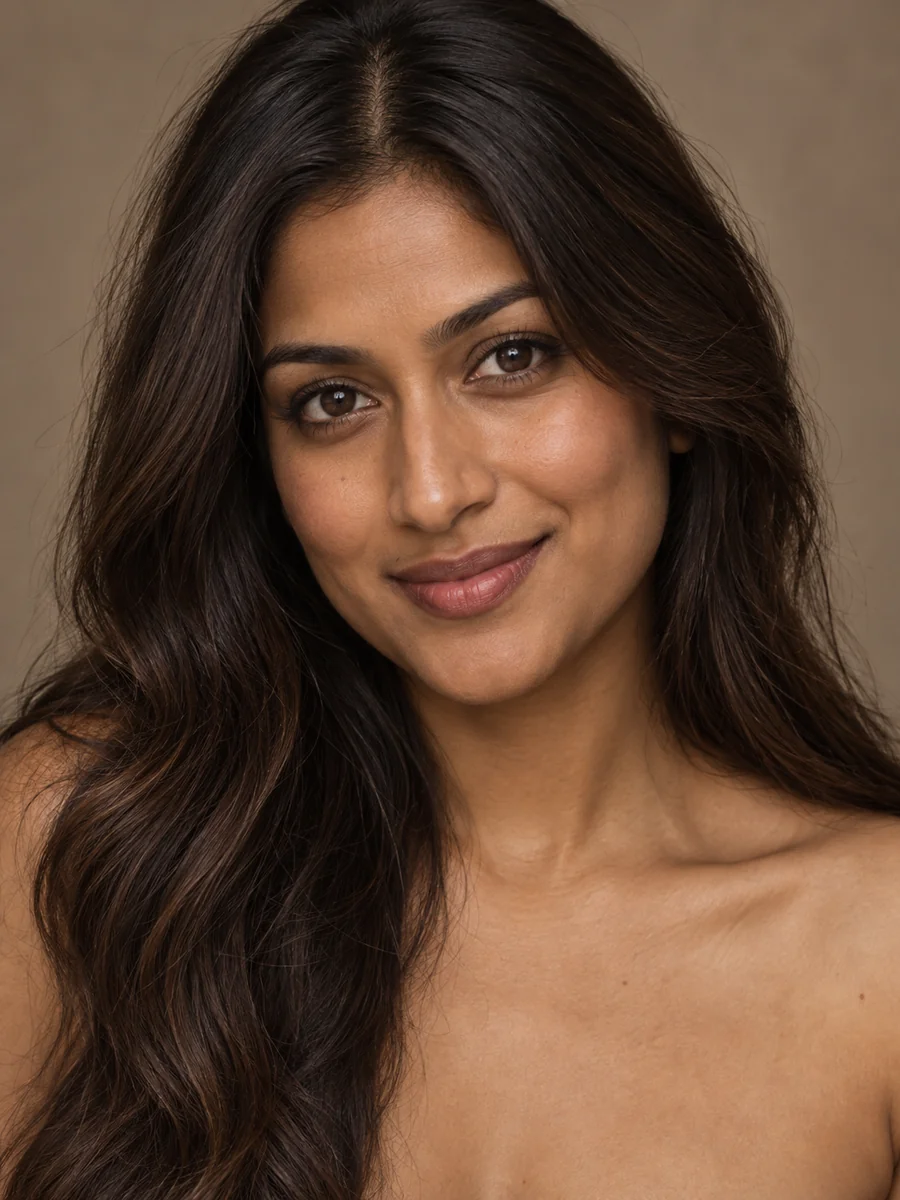
Light Neutral Tone
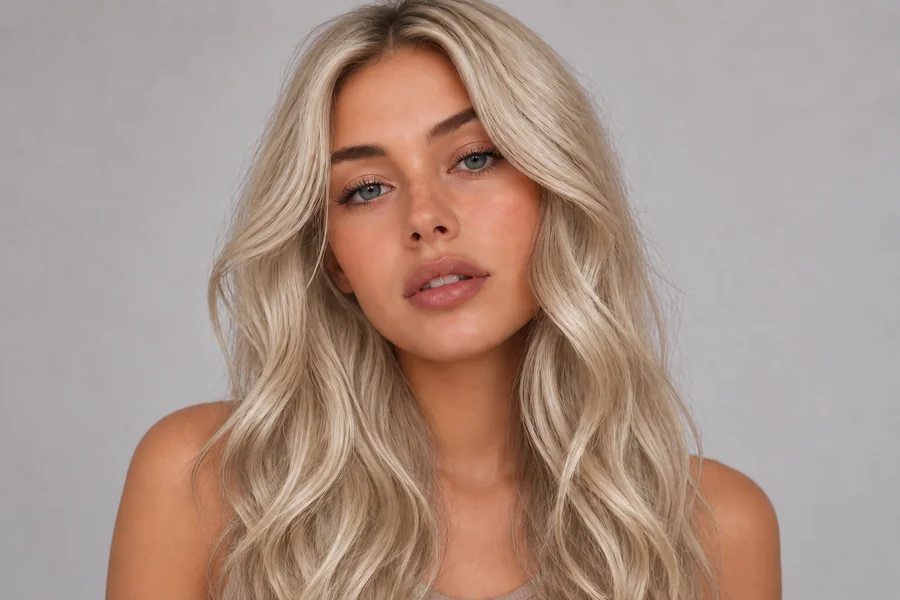
Move the skin tone lighter by a shade with a soft beige undertone. Useful when warm bulbs or a strong tan filter pushed a portrait too orange.
Change skin color in any portrait with AI. Upload a selfie, choose a shade, a warm tan, or an undertone, and get a realistic skin tone preview that keeps your face and texture.
Your photo stays in this browser during this UI preview.
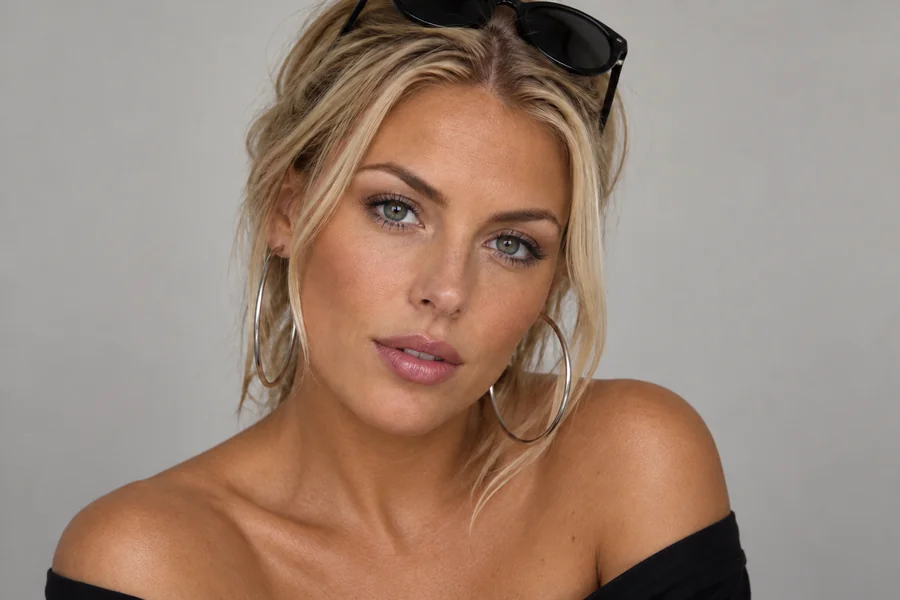
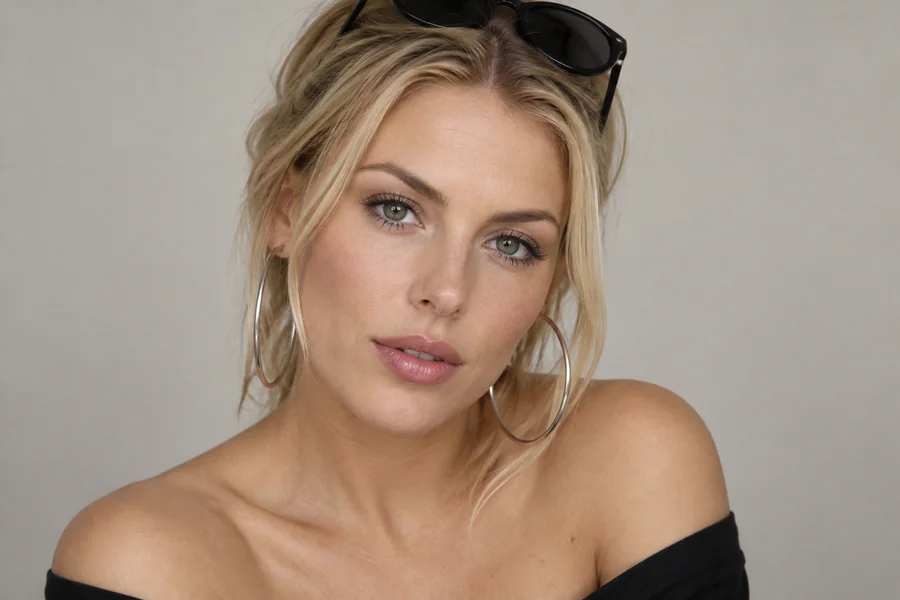
Reference example. It is not a result generated from your upload.
A skin color changer is an AI photo editor that finds the visible skin in a portrait, shifts the tone, and blends the new color back into the original lighting. Skin color changing used to mean hand-painted masks and fiddly color curves. This AI skin color changer handles the masking for you while keeping pores, freckles, and facial structure intact.
Use it as a skin tone changer to preview a sun-kissed tan, as a skin color editor to even out a face that doesn't match the neck, or as a creative skin tone generator for characters and cosplay. Every result is a styling preview: no skin tone is better than another, and the tool is not meant to change anyone's identity or ethnicity.
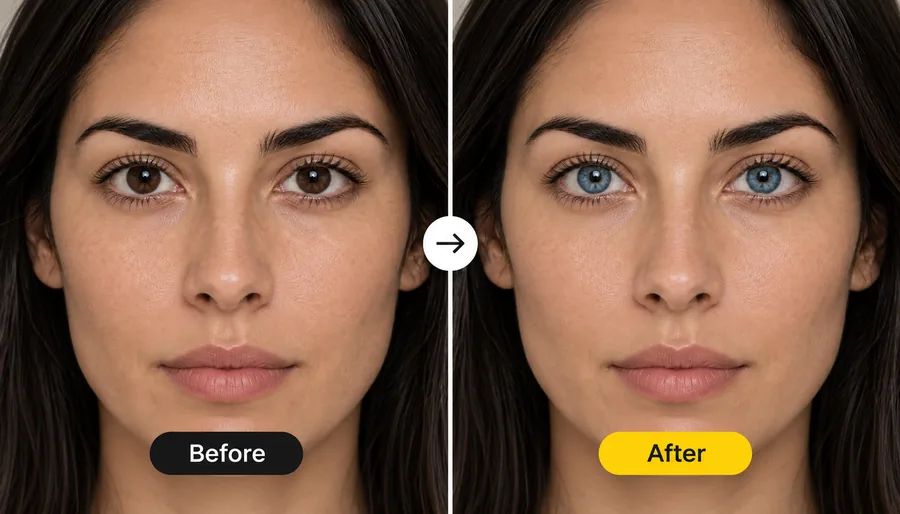
See how one portrait changes with different tone directions. Drag each image to compare the original with the new skin tone.
Move the skin tone lighter by a shade with a soft beige undertone. Useful when warm bulbs or a strong tan filter pushed a portrait too orange.
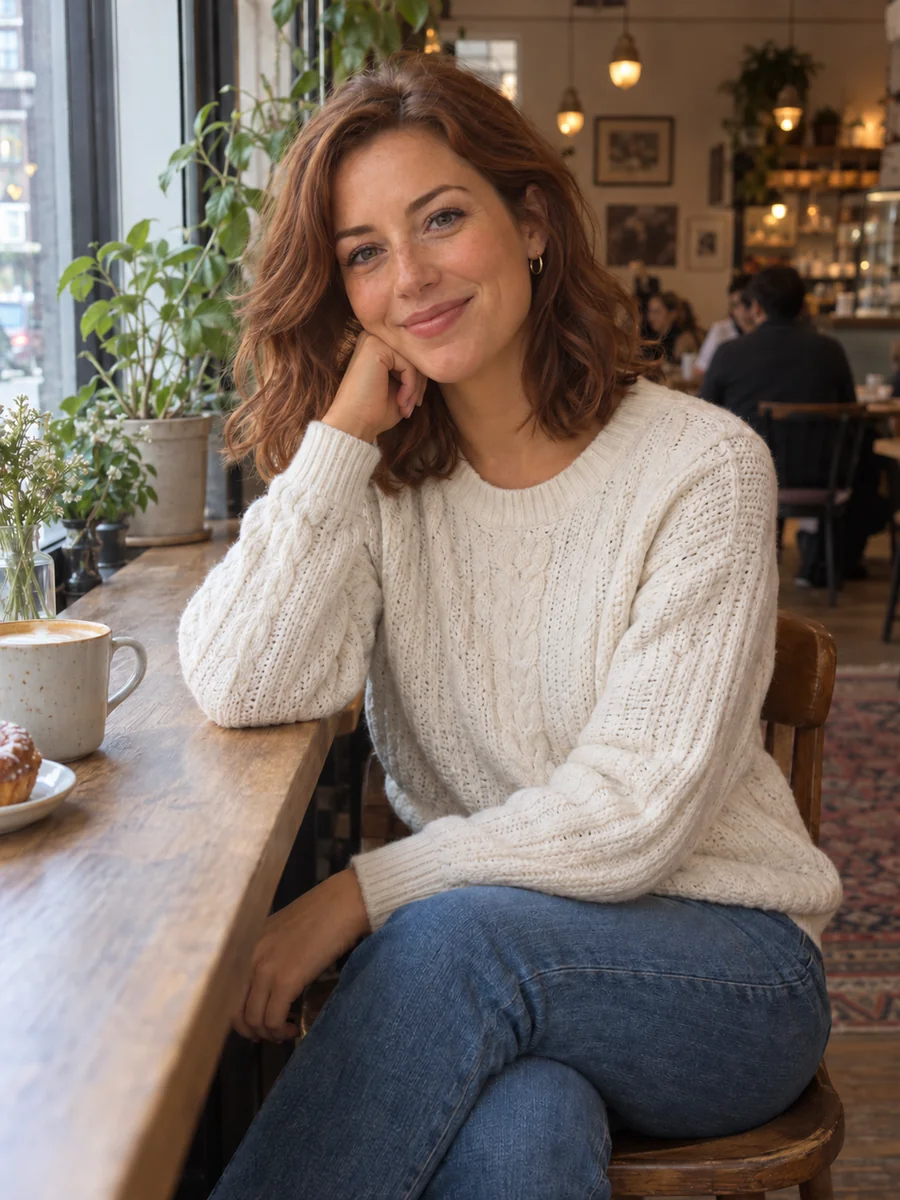
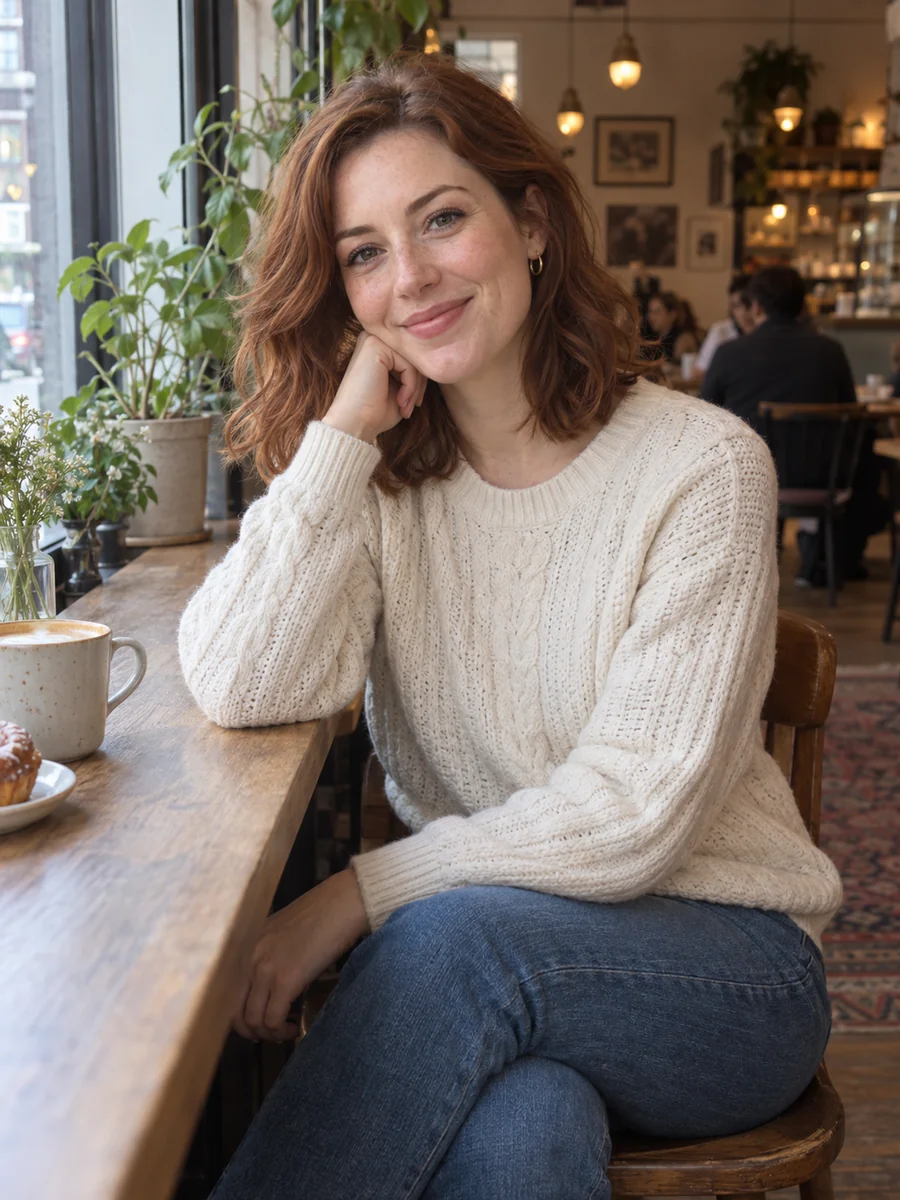
Add a sun-kissed tan with golden undertones to plan a summer look, a beach post, or a new foundation shade without an hour in the sun.
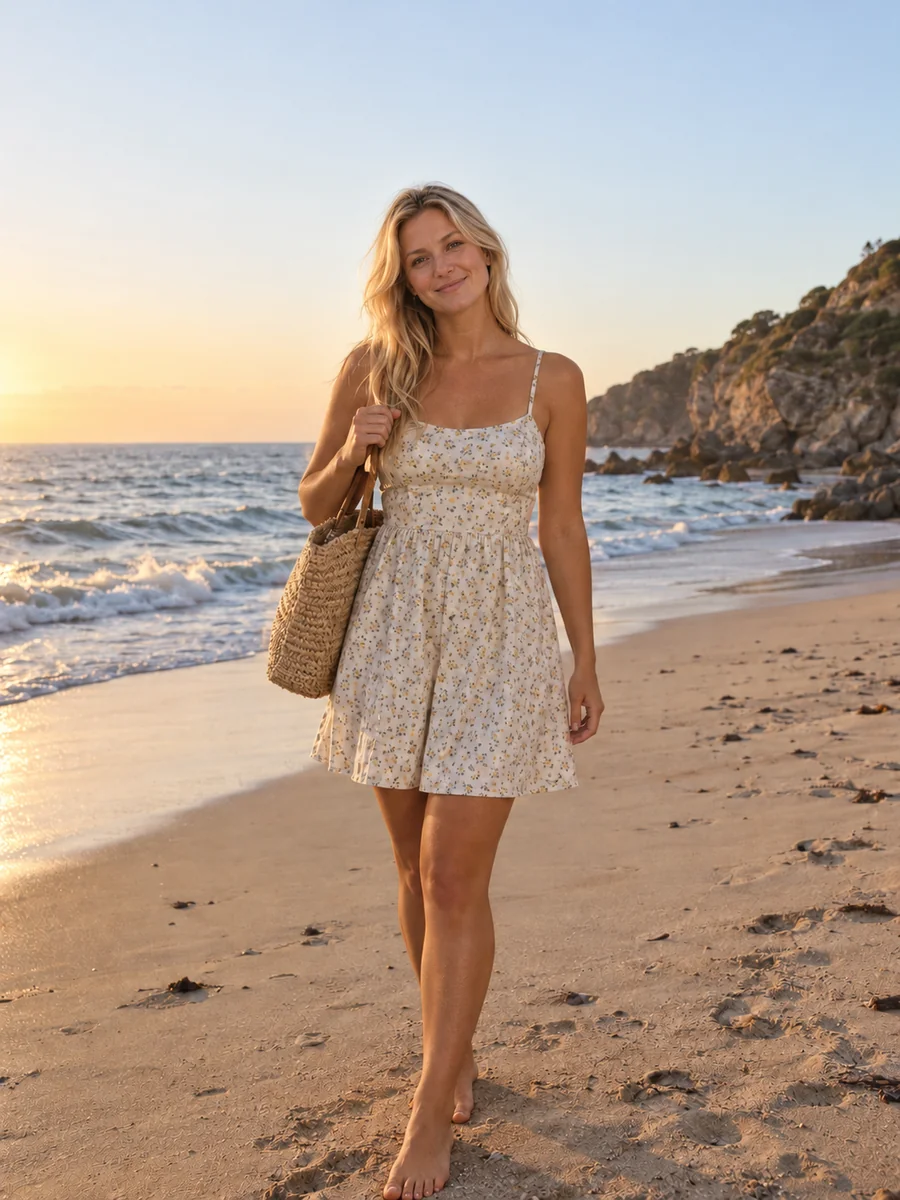
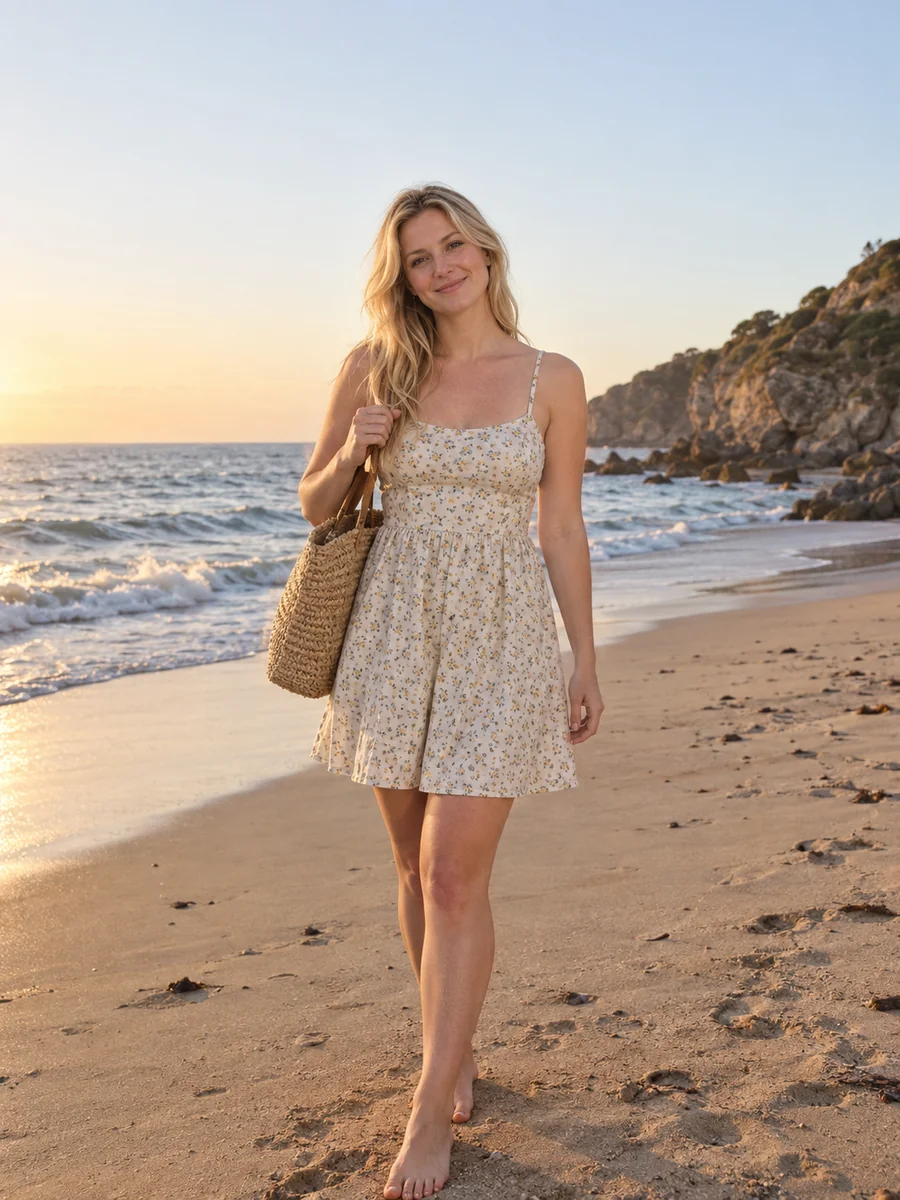
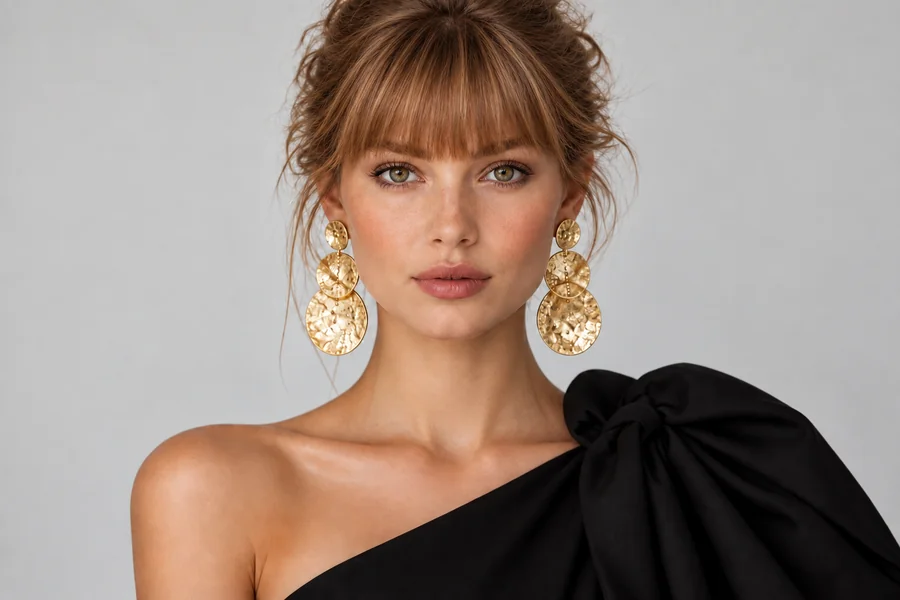
Preview a muted green-gold undertone and see how it works with your hair color, jewelry, and outfits before a shoot or a styling change.
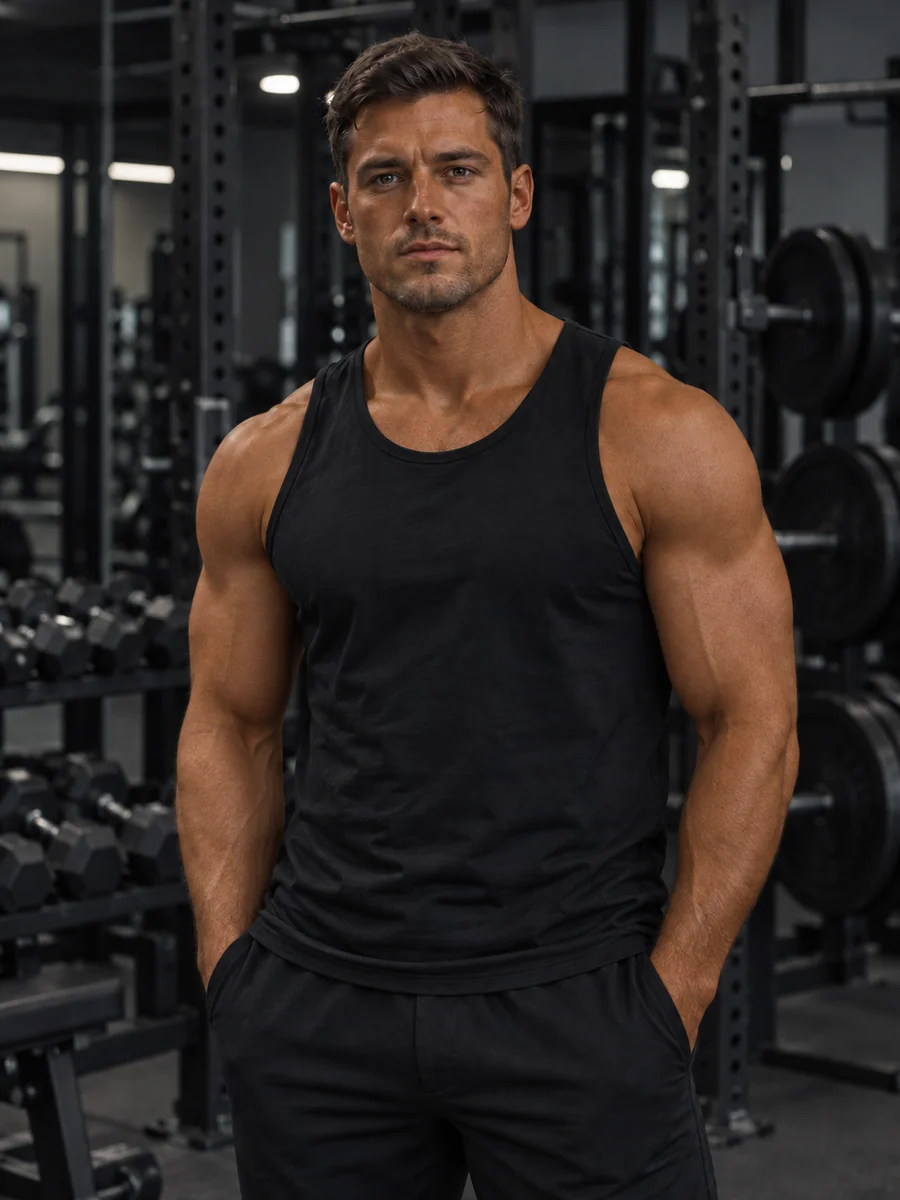

Go for a rich bronze glow for fitness shots, editorial concepts, or bold creative styling while the face, expression, and texture stay the same.
Wondering how to change your skin color in a photo? It takes three steps in your browser, on phone or desktop.
Pick a selfie, headshot, or full-body photo where the skin is visible and evenly lit. JPG, PNG, and WebP files up to 10 MB are supported.
Select a shade from Fair to Dark, or open Tan & Touch-Up for a warm tan, olive undertone, deep bronze, or tone correction. Want something specific? Describe it in Custom.
Generate one to four versions, compare them with your original, and keep the AI skin color change that looks most natural to you.
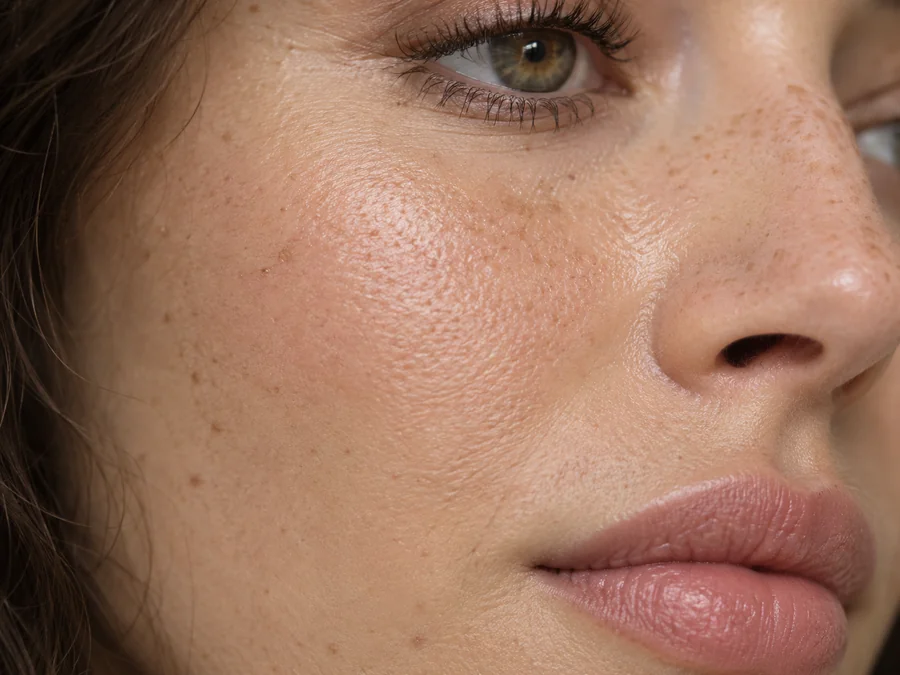
Many change skin color AI tools lay a flat tint over the face. This one adjusts tone while keeping pores, freckles, moles, and facial structure exactly where they are, and highlights and shadows follow the original light, so the edit still looks like a real photo.
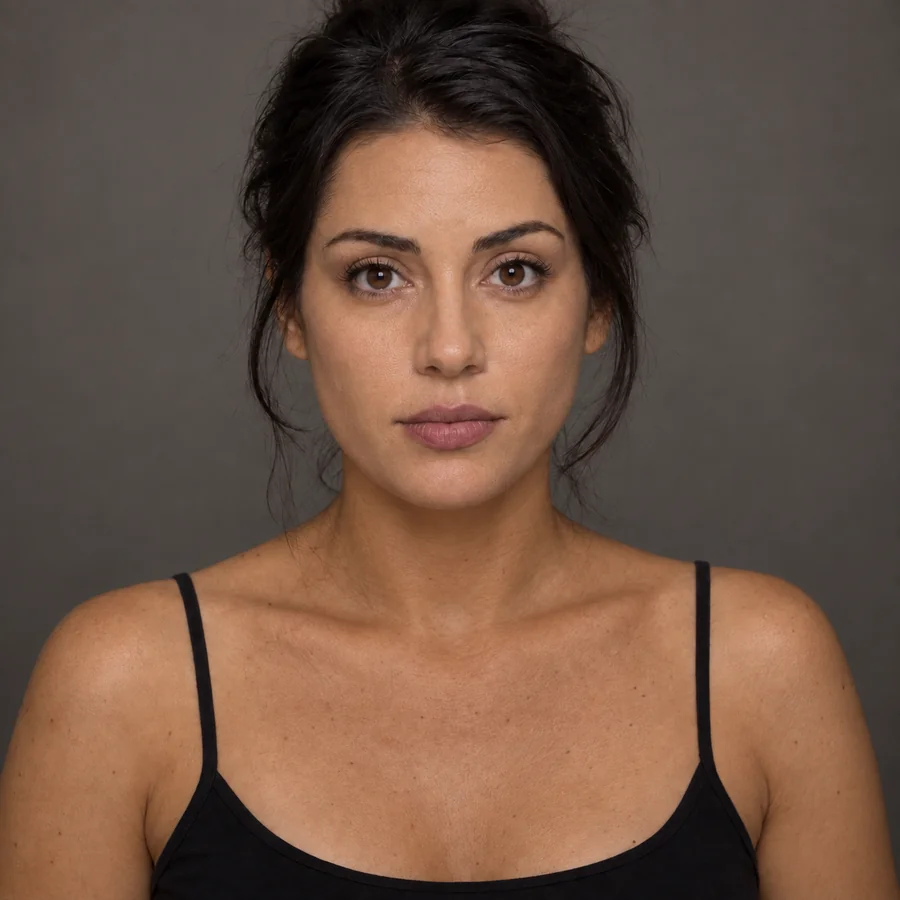
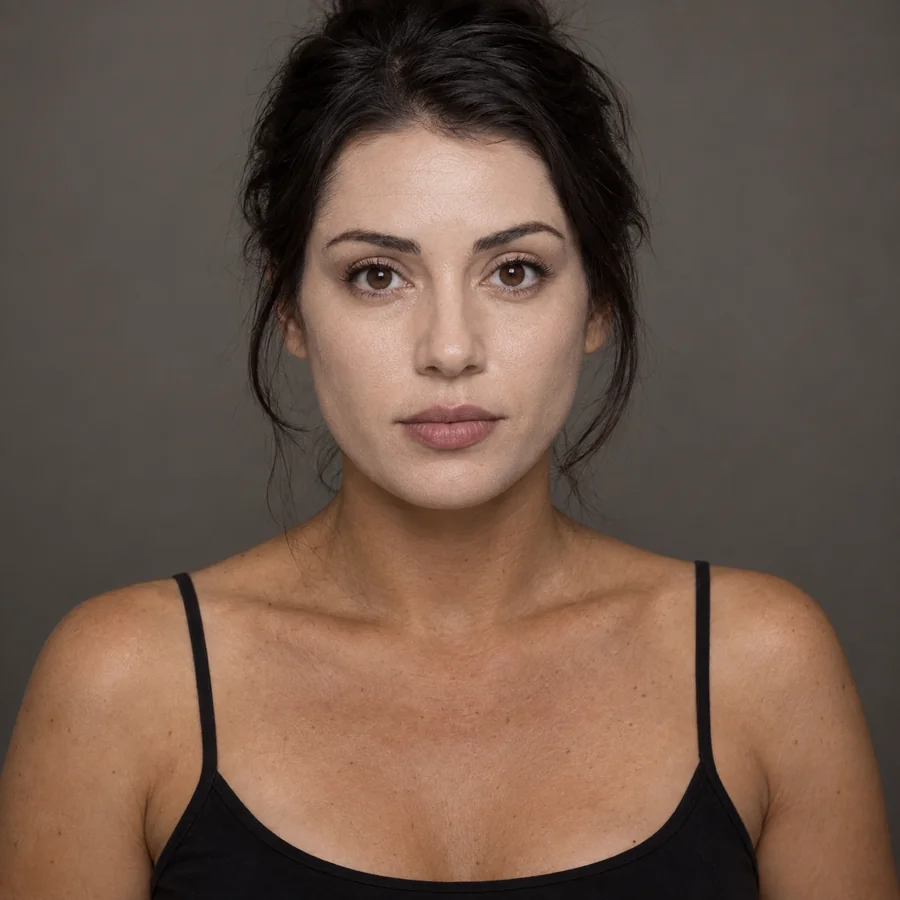
Foundation lines, sunburn, and mixed lighting can leave your face one shade and your neck another. Choose Even Out Tone and the skin color evener helps match skin color across the face, neck, and chest for one consistent, believable tone.
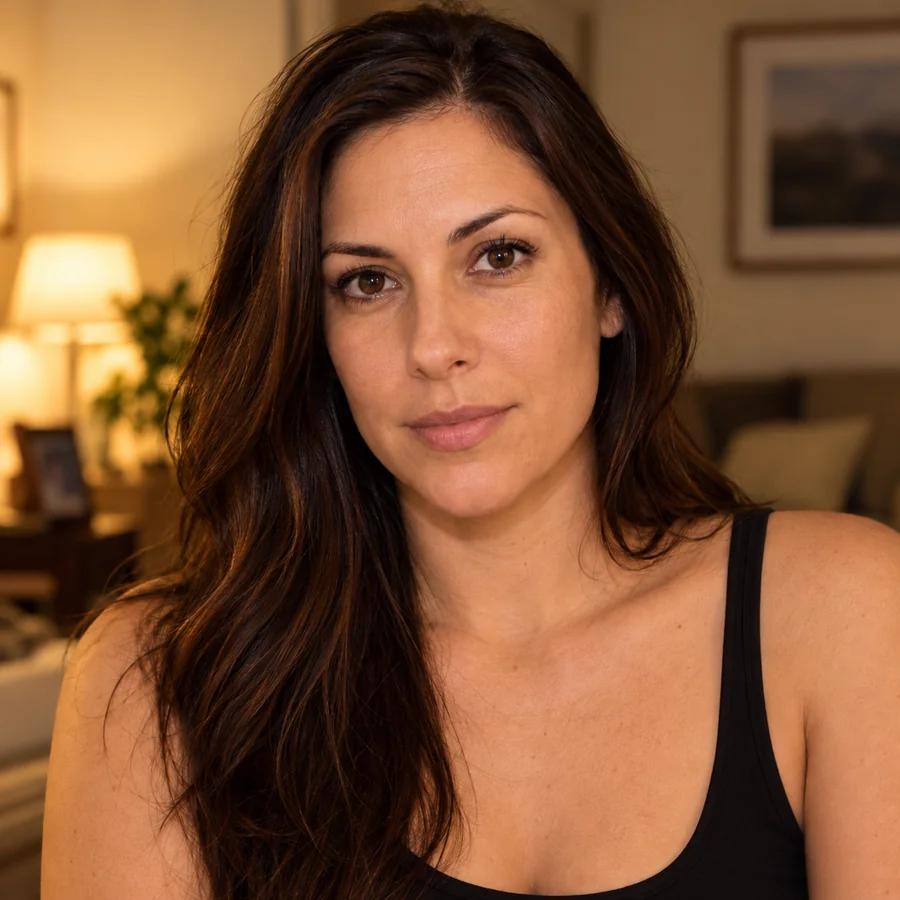
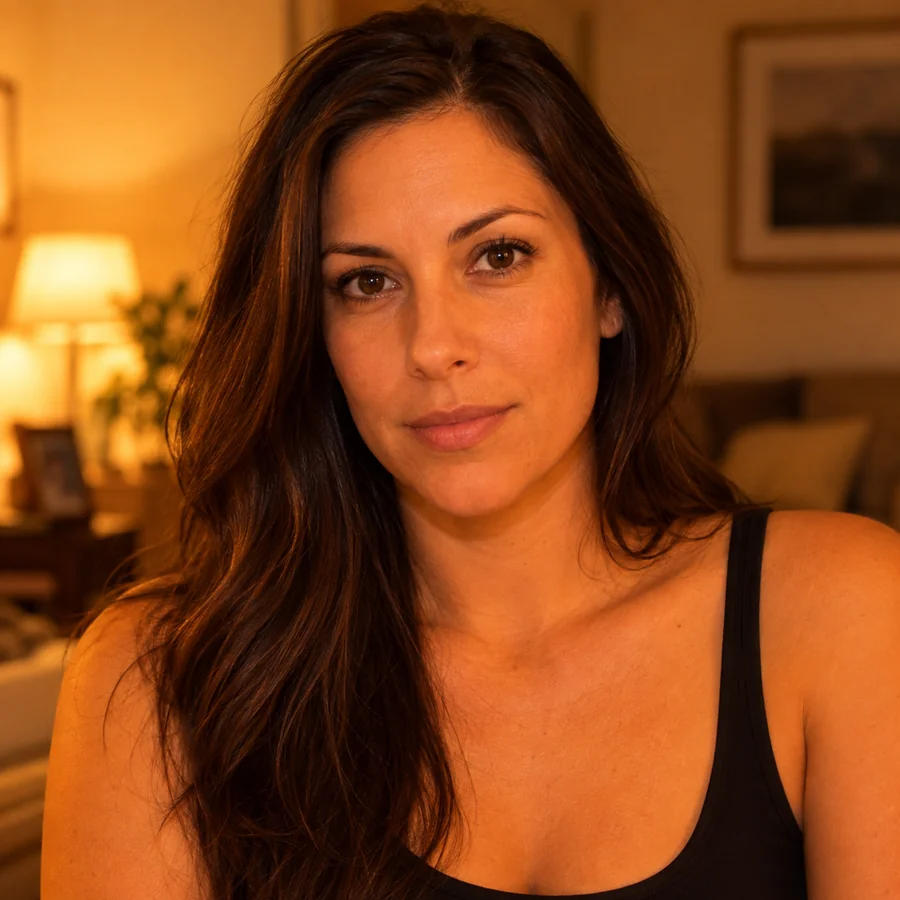
Warm indoor bulbs, cloudy days, and camera white balance can turn skin orange or gray. Choose Fix Color Cast to change the skin back to a balanced, natural tone while hair, clothes, and background stay untouched.
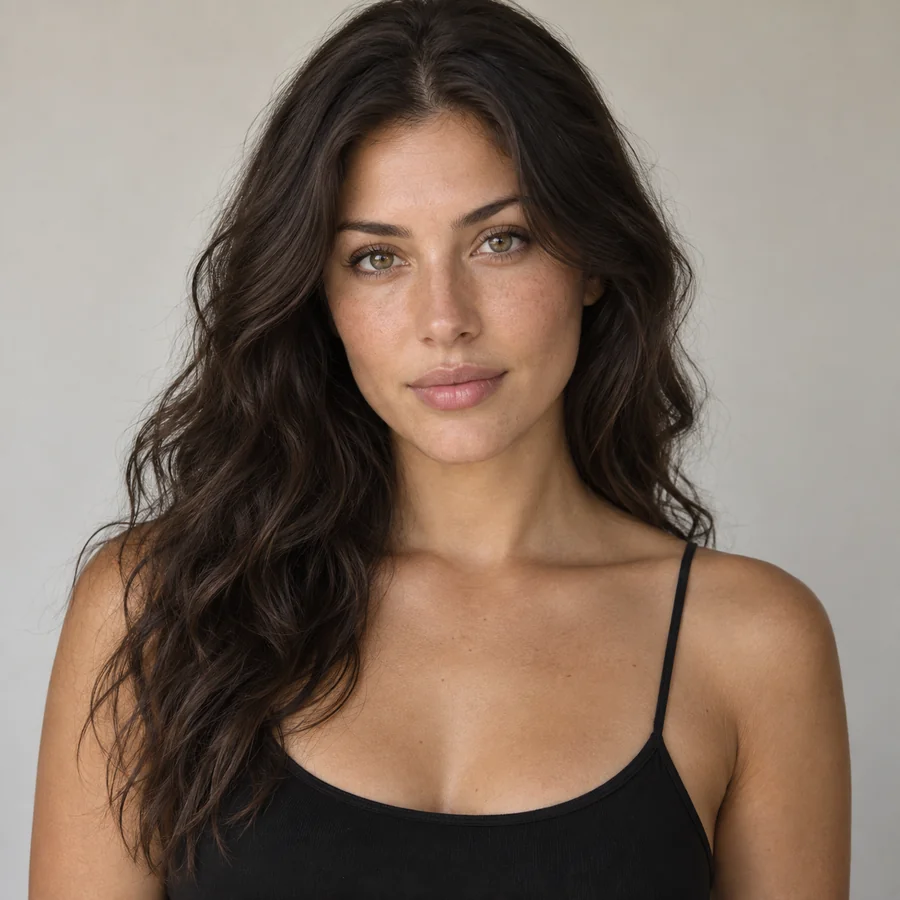
Describe exactly what you want: a soft golden tan, a cool rose undertone, "match my face to my neck", or blue fantasy skin for cosplay. The skin tone editor follows your words instead of a single fixed slider.
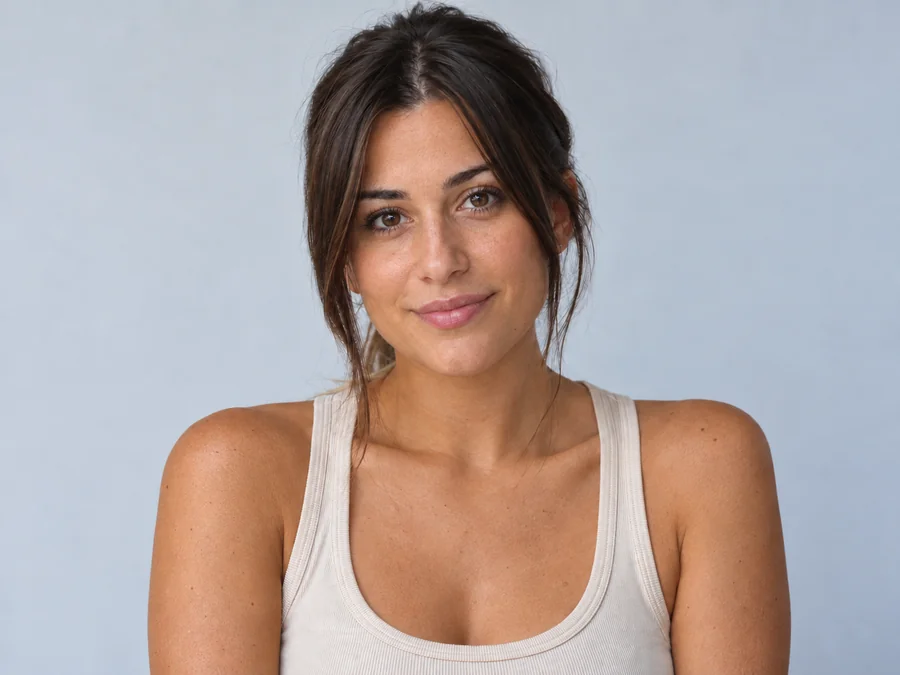
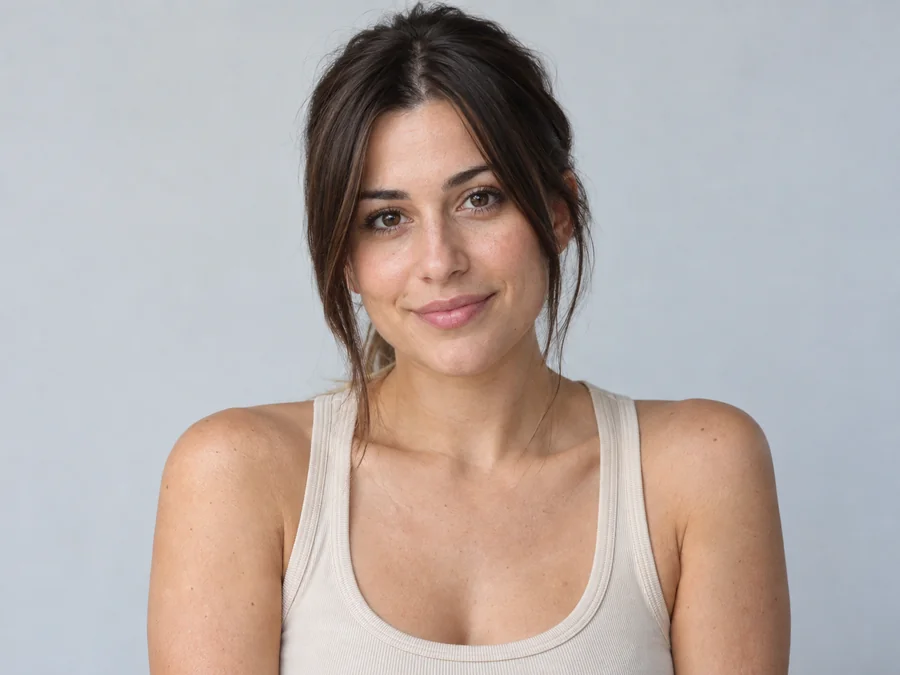
Changing skin color digitally lets you try a light tan, a deep beach bronze, or a golden glow before a vacation, a spray tan, or a new foundation shade.
Seen the change your skin tone meme on your feed? Make a playful tan or fantasy-color edit of your own photo for a reaction post. Keep it lighthearted and never use it to mock anyone's real skin tone or ethnicity.
Balance headshots, thumbnails, and profile photos shot under different light so your skin looks the same across every post and platform.
Generate several outputs like a random skin color generator for game characters, or preview green, blue, or silver skin for cosplay, fantasy art, and Halloween concepts.
The source photo has the biggest impact on how believable the new tone looks.
Soft daylight or balanced indoor light gives the AI an honest starting tone to work from.
Keep hair, hands, and accessories from covering the face, neck, or arms you want to edit.
Beauty filters and strong color grading hide the real tone and texture the edit needs.
Start with one realistic shift, such as a light tan, before trying bolder or creative colors.
Common ways creators use skin color changer results.
Illustrative examples adapted from reference material, not verified reviews of EzImgMaker.
My face looked much warmer than my neck in a headshot. The even-tone result looked natural enough to use as a profile photo reference.
I shot thumbnails in three different rooms. Matching the tone across them made my channel look far more consistent.
Before booking a spray tan I tested a warm tan and a golden glow on the same selfie. Seeing both side by side made the choice easy.
For a cosplay concept I needed blue skin that still showed real texture. Describing it in Custom worked better than painting it by hand.
Answers to common questions about changing skin tone in photos.
A skin color changer, also called a skin tone changer or skin color editor, is an AI tool that adjusts the color of visible skin in a photo. It detects skin areas, applies the tone you choose, and blends the result with the original lighting so texture and features stay the same.
Upload a clear portrait, choose a shade from Fair to Dark or a style such as Warm Tan or Even Out Tone, then generate. Compare the results with your original and try another shade if you want a softer or stronger change.
No. This skin color changer runs online in your browser on phone or desktop, so you get the kind of result you would expect from a change skin colour app or change skin color app without installing anything.
Yes. The Shades presets range from Fair to Dark, so you can move a portrait's skin tone lighter or deeper for color correction or styling. For the most natural result, choose a shade close to the original and change one step at a time.
No. It is built for tone styling, tan previews, color correction, and creative edits, and it does not reshape facial features. No skin tone is better than another. Don't use edited photos to claim or imply a different race, ethnicity, or identity.
The edit targets visible skin, so hair, eyes, lips, clothing, and background should stay as they were. Very busy lighting or skin-colored clothing can occasionally confuse the detection; a clearer photo usually fixes that.
Yes. Open Custom and describe the look, for example "pale blue skin for an ice character" or "green skin for a Halloween costume". It works like a creative skin tone generator while keeping your real skin texture.
You can try, but single-person portraits give the most consistent results. Group photos often mix lighting and overlapping faces, which makes the tone change less predictable.
A sharp, evenly lit photo where the skin is clearly visible works best. Avoid heavy beauty filters, strong color grading, deep shadows, and blurry or very small faces.
Only upload photos you own or have permission to edit, and get the person's consent before you change their skin tone. Keep edits respectful, and never use the result to mislead people about someone's identity or appearance.
Upload a portrait and change skin tone online with natural shades, tans, undertones, or your own custom description.