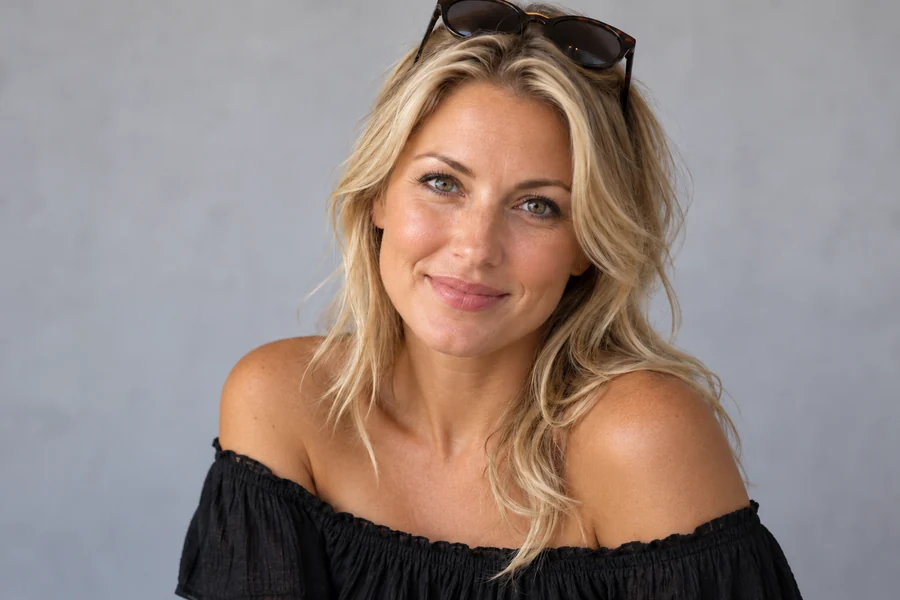
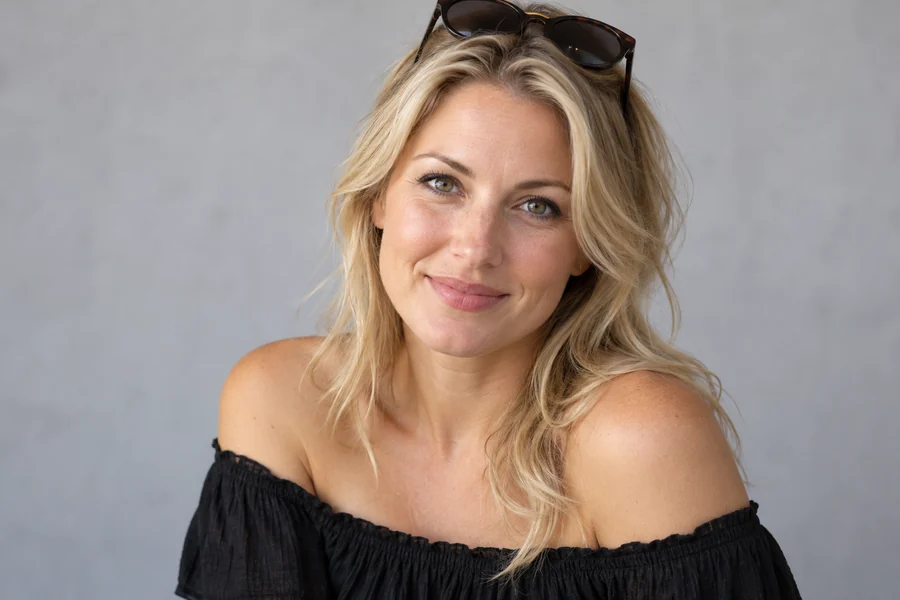
Sun-Kissed Glow
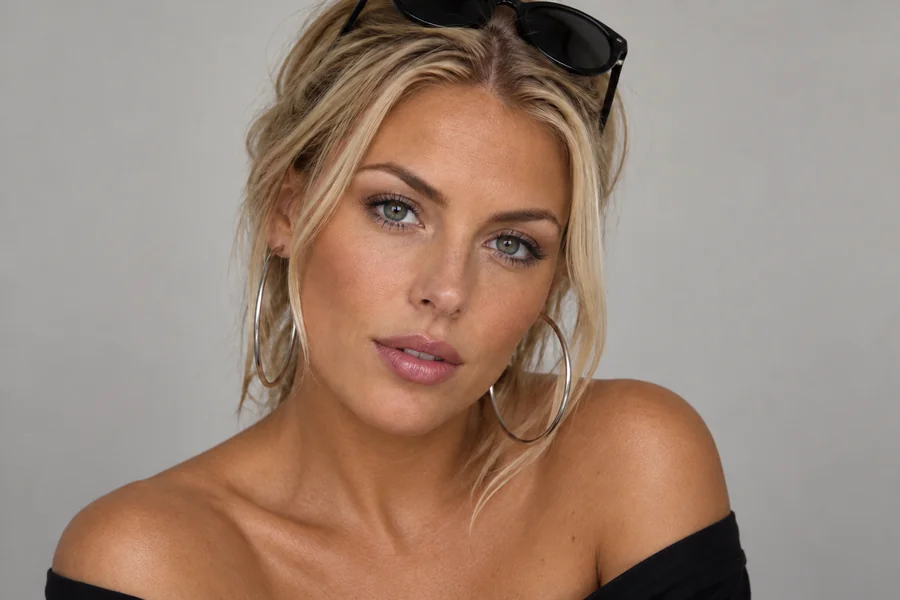
One shade deeper with a little warmth across the cheeks and shoulders, the most believable everyday tan.
Back from vacation in your head but not in your photos? Upload a picture, pick how deep the tan should be, the finish and where it goes, and the AI adds a believable suntan on your own skin tone. Your face, features, hair and background stay exactly the same.
Tan Shade: Sun-Kissed · Finish: Natural · Where: All Visible Skin
Reference example. It is not a result generated from your upload.
A tan filter adds a suntan to the skin in a photo. This AI tan filter reads your skin, the light and the shadows in the picture, then deepens your own tone by one to four shades with a warm, golden or bronze undertone, the way a real tan builds up. It keeps freckles, pores and shading, leaves palms, lips and eyes natural, and avoids the orange cast of old tanning apps.
It is a tan, and only a tan: your features, face shape, hair and identity stay exactly as they are, and it never changes anyone’s ethnicity. Use it to see yourself with a tan before a holiday or a spray tan appointment, to give a pale winter photo a summer glow, or to match a lighter face to a tanned body.
Drag each slider. The same face, hair and light; only the skin is tanned.
One shade deeper with a little warmth across the cheeks and shoulders, the most believable everyday tan.
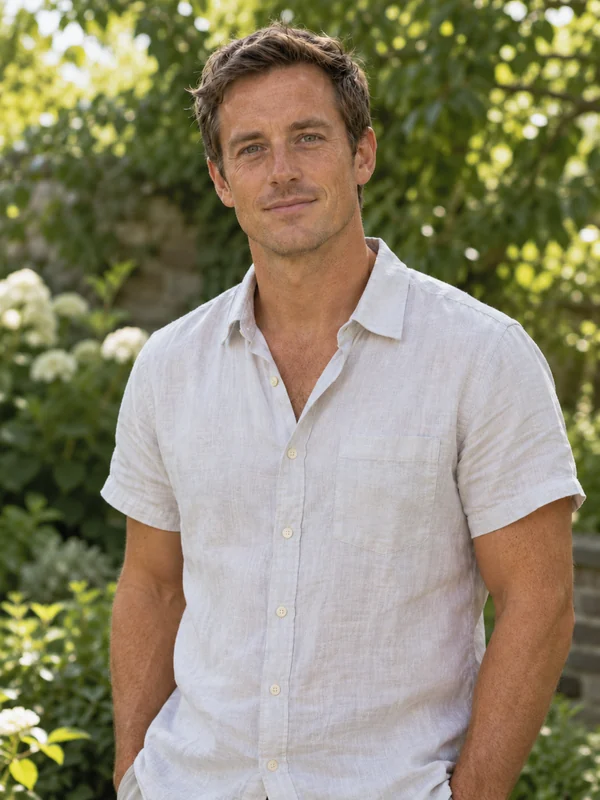

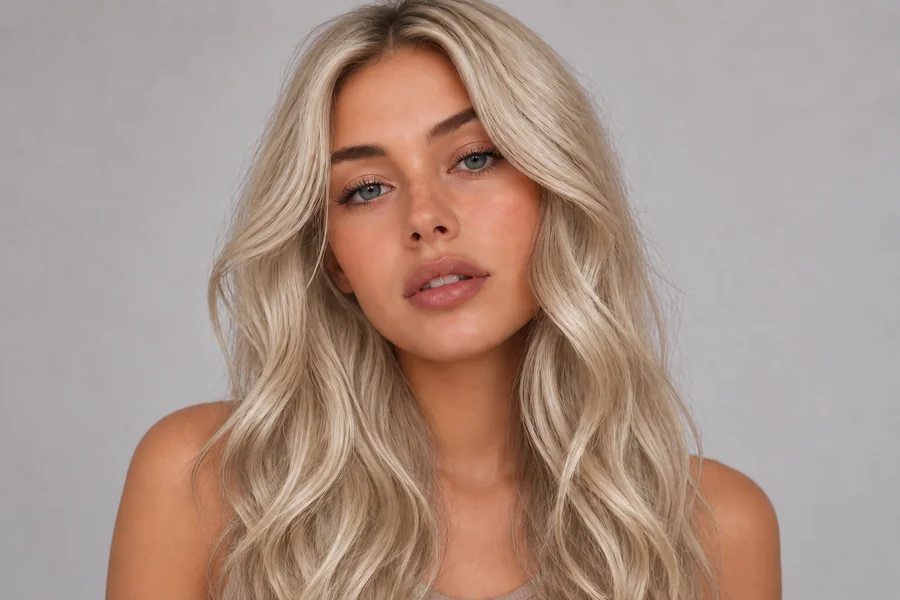
A warm, golden beach tan about two shades deeper, with freckles and skin texture kept.


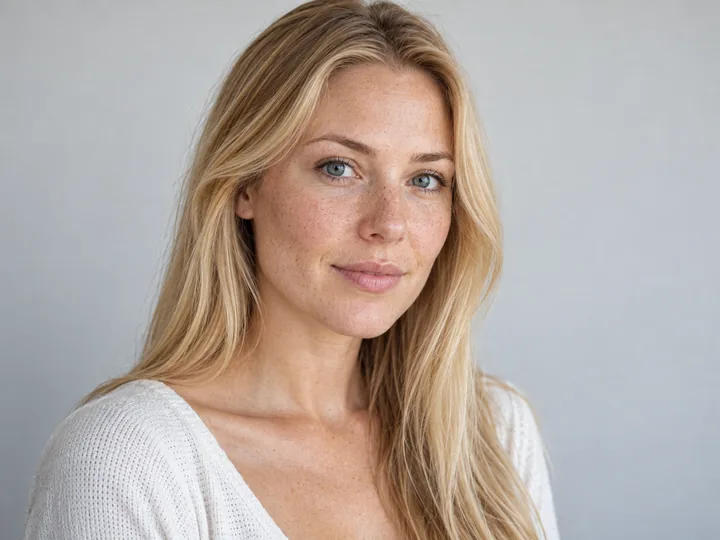
The deepest setting: a rich summer tan that is still clearly built on her own undertone.
Three steps, no sun and no sliders to fight with.
Add a JPG, PNG or WebP up to 10 MB: a selfie, a portrait, a full-body or a group photo with the skin clearly visible.
Pick Sun-Kissed, Golden Tan, Bronze or Deep Tan, then a Natural, Glowy, Shimmer or Matte finish, and whether to tan all visible skin, the face, the body or match face to body.
Create 1 to 4 versions, drag the slider to compare with the original, and download your favorite.
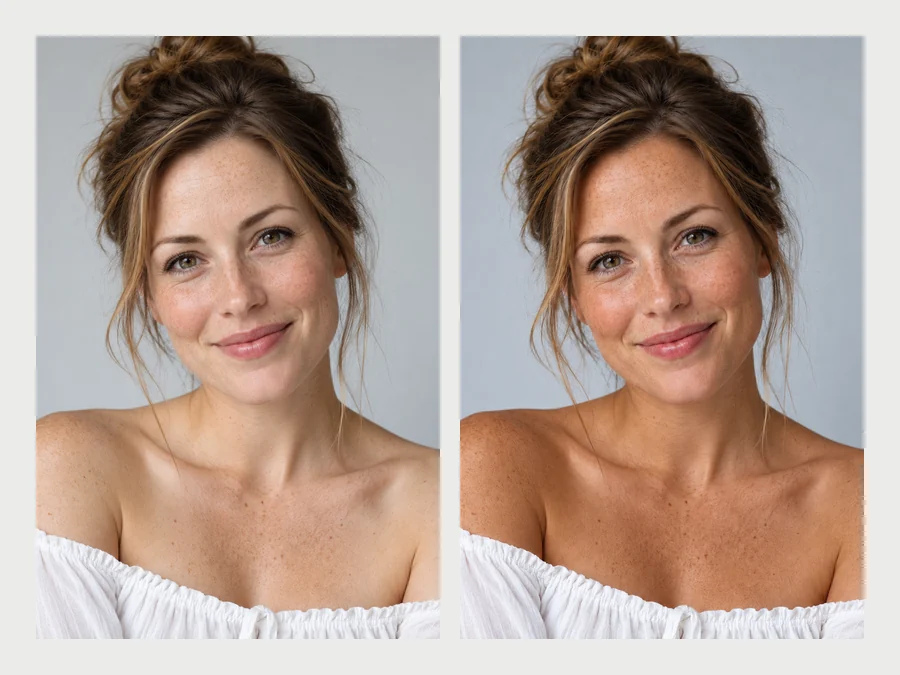
Four shades, each defined as one to four shades deeper than your own skin, so the tan always starts from you. Add a finish (natural, glowy, shimmer or a matte spray-tan look) to get the exact summer skin you have in mind.
The tan filter changes skin color and nothing else. Facial features, face shape, hair, eye color, makeup and identity are kept, and palms, lips and the whites of the eyes stay natural, which is exactly what makes a tan look real.
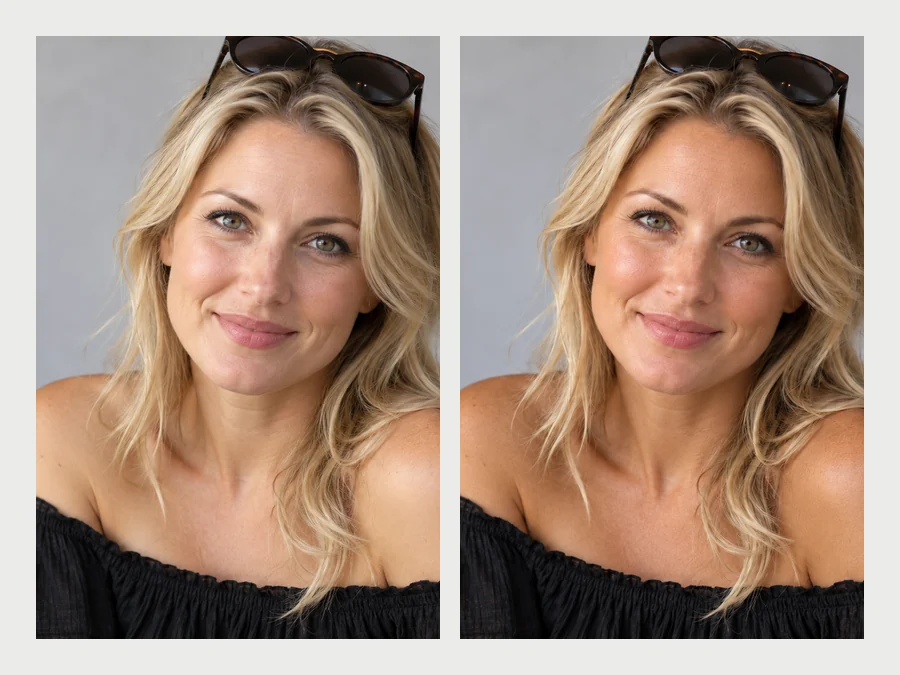
Self-tan on the body but not the face, or the other way around? Match Face to Body tans the lighter area so face, neck and body read as one even tone, a common fix for portraits and event photos.
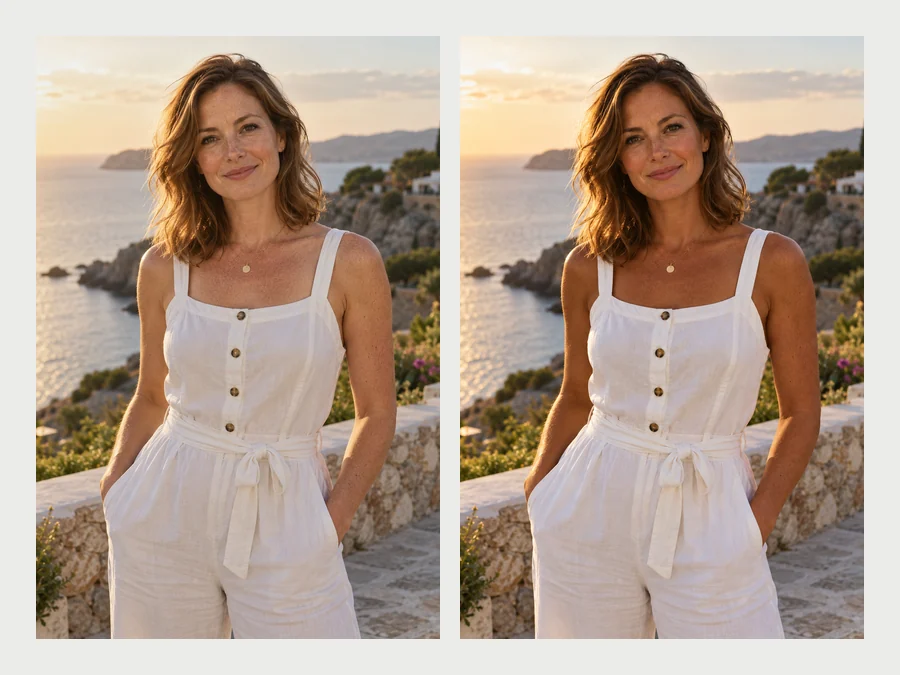
Beach days, travel shots and outfit posts look the way they felt. The tan respects the light of the photo, so a golden-hour picture gets a warm glow and an overcast one stays soft, with no orange mess and no tanning bed.
Two related tools for different jobs.
| Tan Filter | Skin Color Changer | |
|---|---|---|
| What it does | Adds a suntan, one to four shades deeper than your own skin | Changes or evens out skin tone, undertone and color casts |
| Starts from | Your own skin tone and undertone | A target shade or a correction you choose |
| Extras | Natural, glowy, shimmer or matte finish; face, body or match | Fix orange or gray casts, match face and neck, fantasy colors |
| Best for | Summer looks, self-tan previews, pale winter photos | Color correction, makeup shade matching, creative edits |
A believable tan is about restraint and consistency.
One shade is often enough. Go deeper only if the photo still looks pale next to the scene.
A tanned face with pale hands gives the edit away. All Visible Skin keeps everything even.
Glowy and Shimmer suit beach and party photos; Natural and Matte suit everyday and portraits.
Bright, warm daylight carries a deep tan best. Indoor or cool light looks better with Sun-Kissed.
From vacation posts to planning a spray tan.
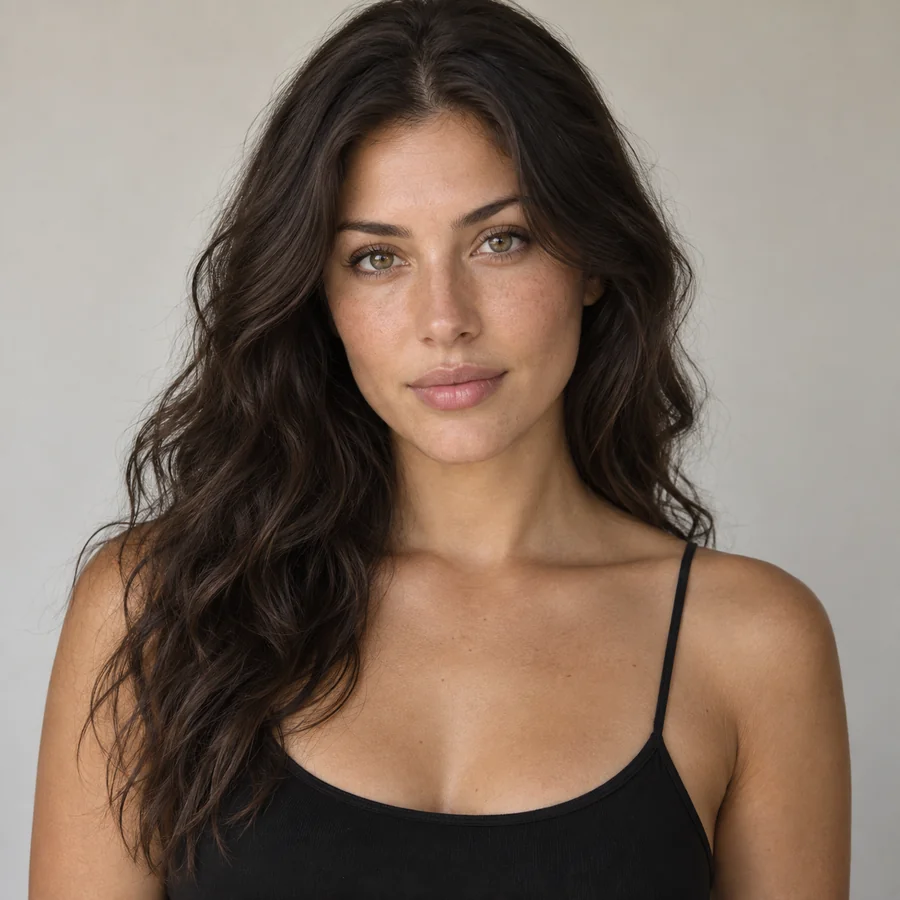
Give beach, pool and travel photos the glow you came home with.
See Sun-Kissed, Golden or Bronze on your own photo before choosing a product or booking a session.
Even out a face and body that tanned differently, or warm up a pale portrait.
Check how outfit colors, gold jewelry and makeup read against tanned skin.
Add warmth to pictures taken in the darkest months without changing anything else.
Adjust the whole skin tone, browse filters, or edit the rest of the face.
Change or even out skin tone, fix color casts and match face and neck.
Change Skin ToneCartoon, vintage, holiday and beauty filters for any photo.
Browse FiltersSmile, jawline, nose, makeup, teeth and skin edits in one place.
Open Face EditorTry a bronzed summer makeup look to go with your tan.
Try MakeupHow the tan filter works and what it keeps.
Upload the photo, choose a tan shade (Sun-Kissed, Golden Tan, Bronze or Deep Tan), a finish and where to apply it, then generate. Compare with the original and step down a shade if it looks too deep for the light in the picture.
No. It only adds a suntan on top of your own skin tone and undertone. Facial features, face shape, hair, eye color and identity are kept exactly as they are. For a whole skin-tone or color-cast correction, the skin color changer is the right tool.
It should not. The AI builds the tan on your own undertone and the light of the photo, and keeps palms, lips and eyes natural. If a result looks too warm, choose a lighter shade or the Natural finish.
Yes. Pick Face & Neck, Body Only, or Match Face to Body, which tans whichever area is lighter so the whole photo reads as one even tone.
You can ask for them in the note, for example "soft tan lines from a strappy top". Keep them subtle; strong lines are harder to make look real.
It is free to try: new accounts get free credits when they sign up. After that, each generation uses credits, shown on the start button before you begin.
No. The tan filter runs in the browser on iPhone, Android and desktop, so you can upload from your camera roll without installing anything.
Yes. By default everyone visible gets the same tan. To tan one person only, describe them in the note, for example "only the man on the right".
Only edit photos of yourself or photos you have permission to edit, and ask before sharing an edited picture of someone else. Do not use the tan filter to mock or misrepresent anyone.
Upload a picture and try the tan filter: sun-kissed, golden, bronze or deep, always on your own skin tone.
Tanned images are AI photo edits that add a suntan effect only; they do not change anyone’s features or ethnicity. Only edit photos of yourself or photos you have permission to edit.