Upload a Photo From Your Camera Roll
Choose a selfie, pet, product or food photo where the subject is easy to see. JPG, PNG and WebP files up to 10 MB work.
Make custom stickers for Stories and Reels from any photo. AI cuts out a person, pet or product, adds a white border, a neon edge, an instant photo frame or a caption, and gives you a sticker PNG to add to your next Story.
Instagram sticker presets
Fine-tune
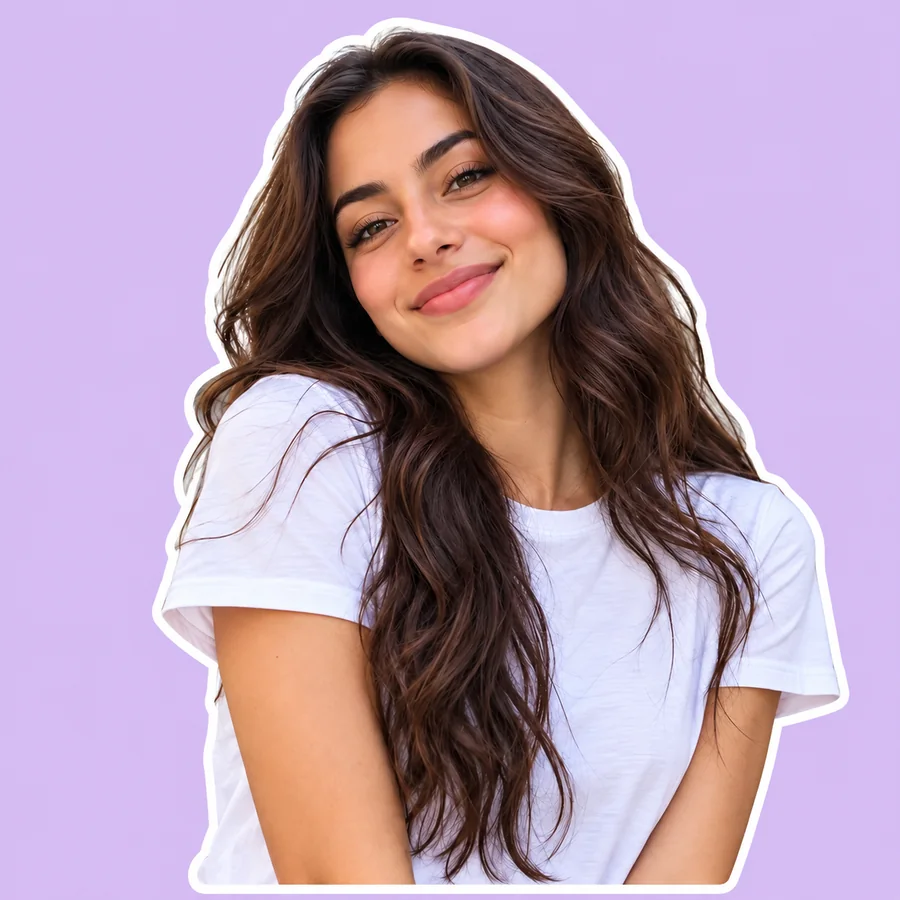
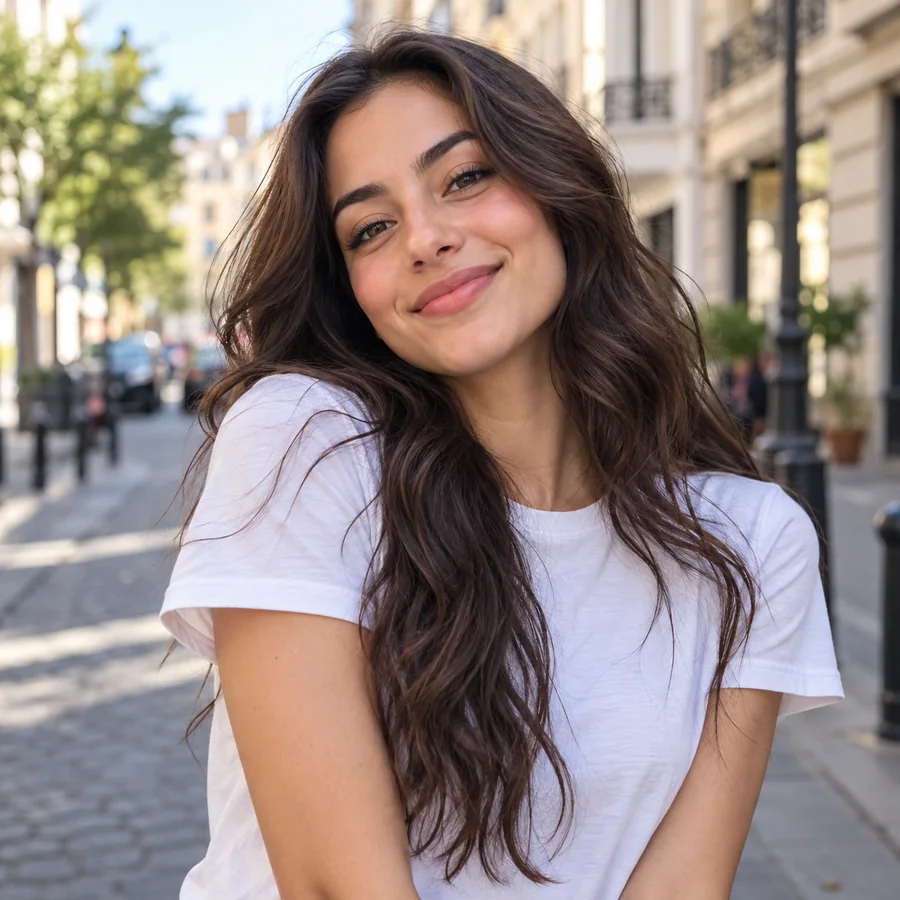
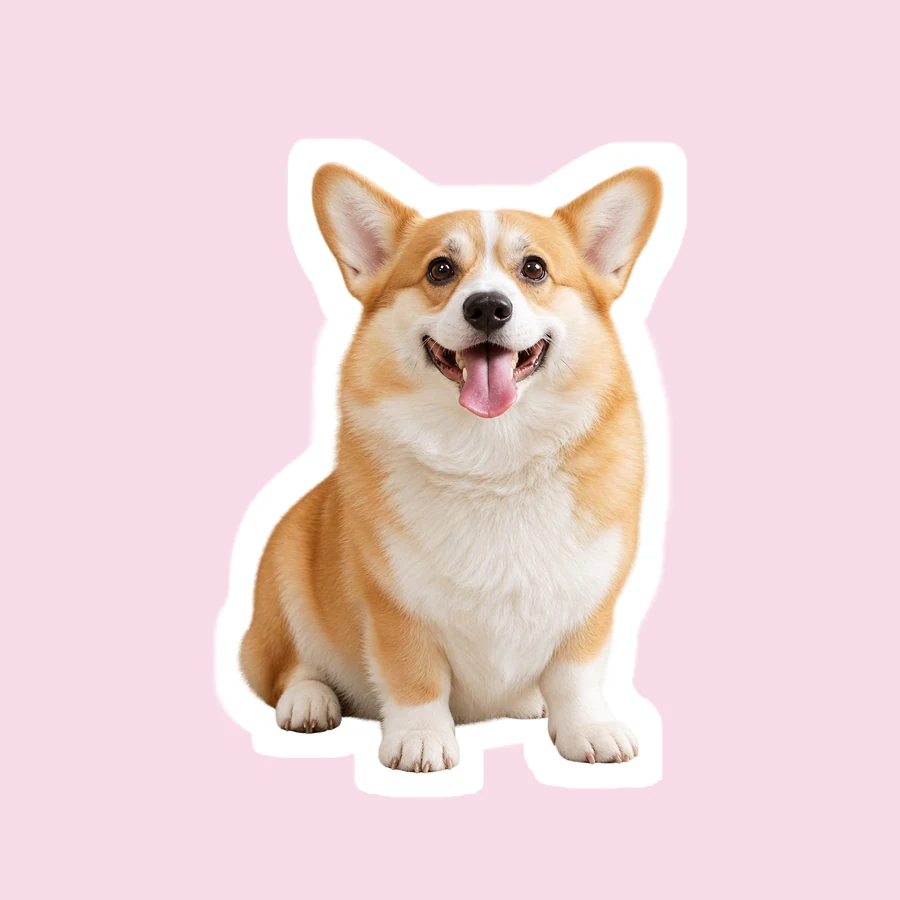
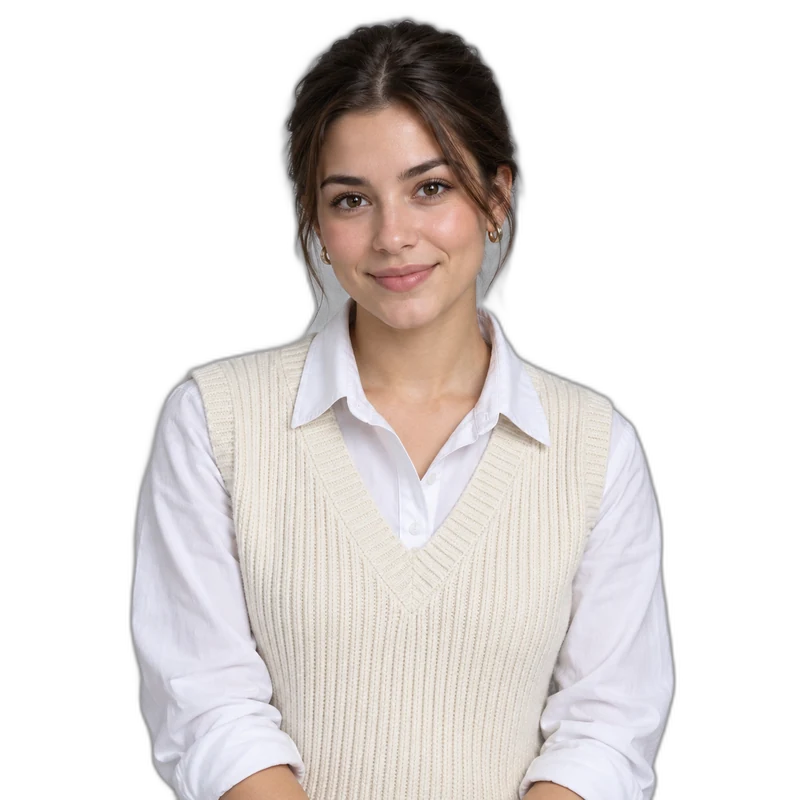
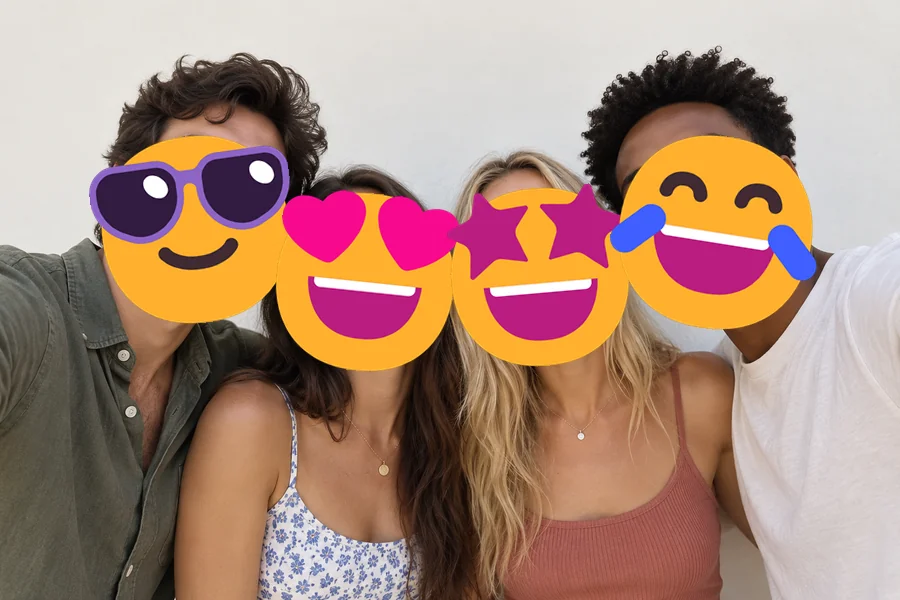
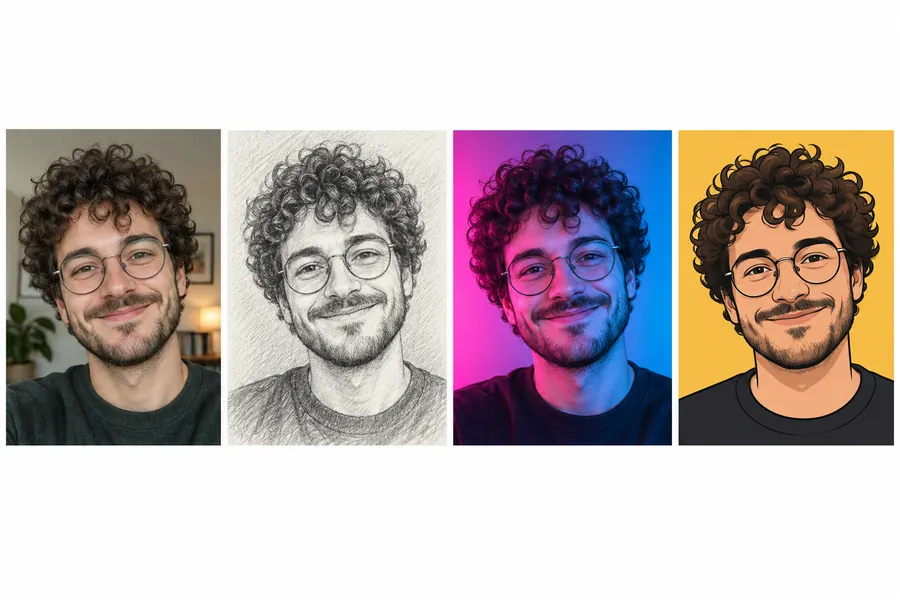
Reference example. It is not a result generated from your upload.
Instagram has its own cutout tool, so here is how to make stickers on Instagram without another app. Open the Story camera, tap the sticker icon and choose Cutouts (it may be labeled Create cutout). Pick a photo from your camera roll, let Instagram select the subject and save it. The cutout goes into your sticker tray, so you can add it to any Story or Reel later. On some public posts and Reels you can also create a cutout from the three-dot menu. Feature availability varies by app version, account and region.
Instagram cutouts are plain, though: no border, no frame, no text. For custom Instagram stickers with a white border, a neon edge, an instant photo frame or a caption, make the sticker here first, download the PNG, then add it to your Story or save it once as a cutout so it stays in your sticker tray. That is how to make your own stickers on Instagram that look like a real sticker pack.
How to create stickers on Instagram that stand out: start with a clean cutout and a bold border. Three steps, on your phone or computer.
Choose a selfie, pet, product or food photo where the subject is easy to see. JPG, PNG and WebP files up to 10 MB work.
Start from a preset such as White Cutout, Neon Edge or Instant Photo Frame, then change the border, its width, the frame or the style, and type an optional caption.
Make the sticker and save the PNG to your phone. It sits alone on a plain background, so Instagram’s cutout tool picks it up cleanly. Want a fully see-through background? Run it through Make Image Transparent first.
Once the sticker is saved, this is how to add your own stickers to Instagram. Menus can vary slightly between app versions.
Swipe to the Story camera, pick a background photo or color, then tap the sticker icon. What is the photo sticker on Instagram? It places any picture from your camera roll on top of a Story: choose it and pick your sticker PNG.
To keep it for later, choose Cutouts in the sticker tray, select the sticker PNG and save it. With a clean border on a plain background, Instagram finds the edge in one try.
Pinch to resize and rotate, drag it into place and share. Interactive stickers such as polls, questions and links can’t be covered, so keep photo stickers next to them, not on top.
Instagram stickers custom-made from your own photos look better with a clean cutout, a bold border and a little personality.
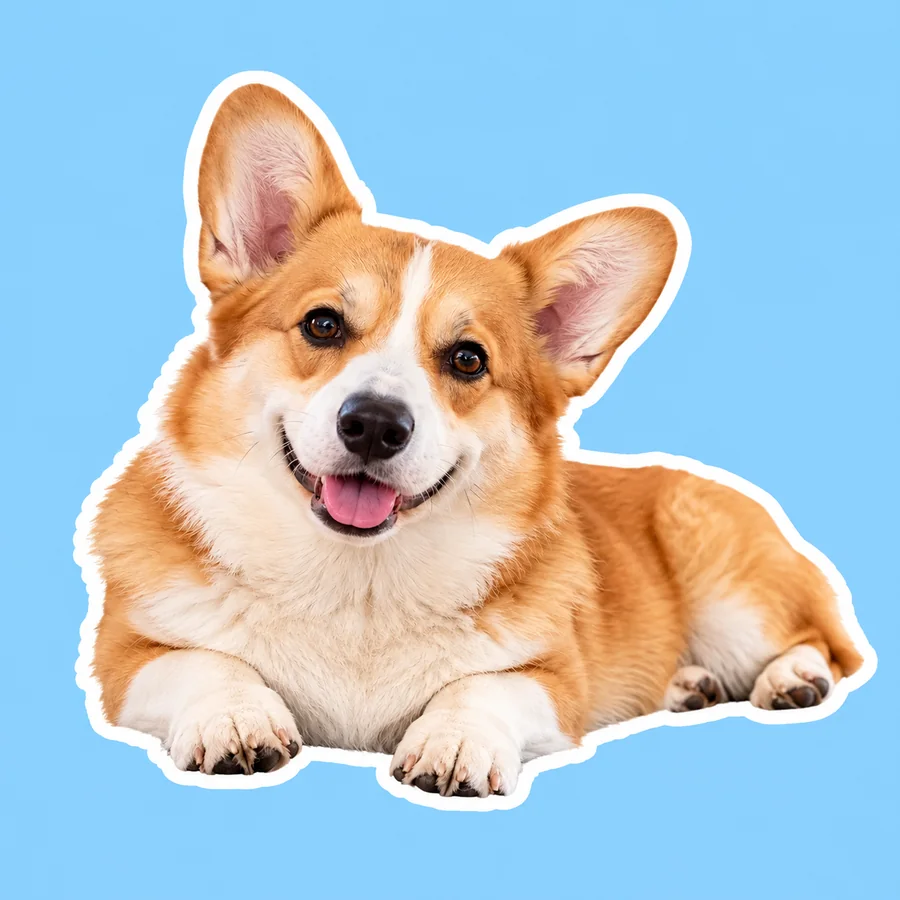
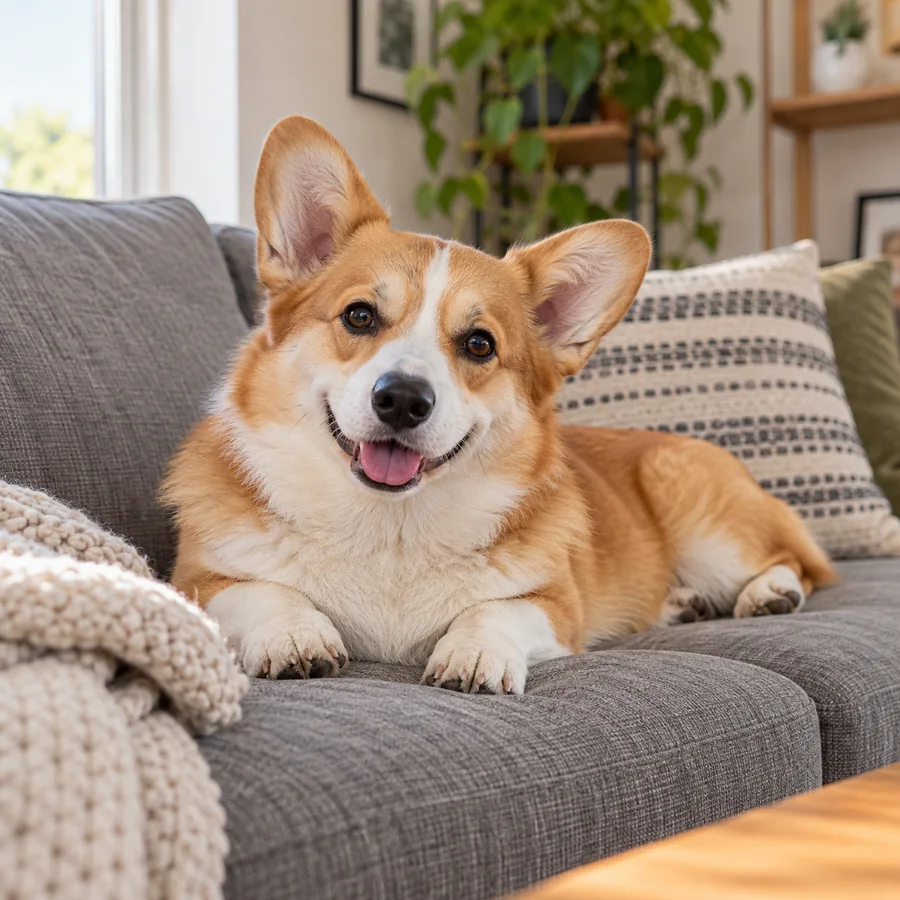
AI finds the subject and removes the background, keeping hair, fur and product edges. A selfie, your dog on the sofa or a candle you sell becomes a custom Instagram sticker in one step, with no tracing.
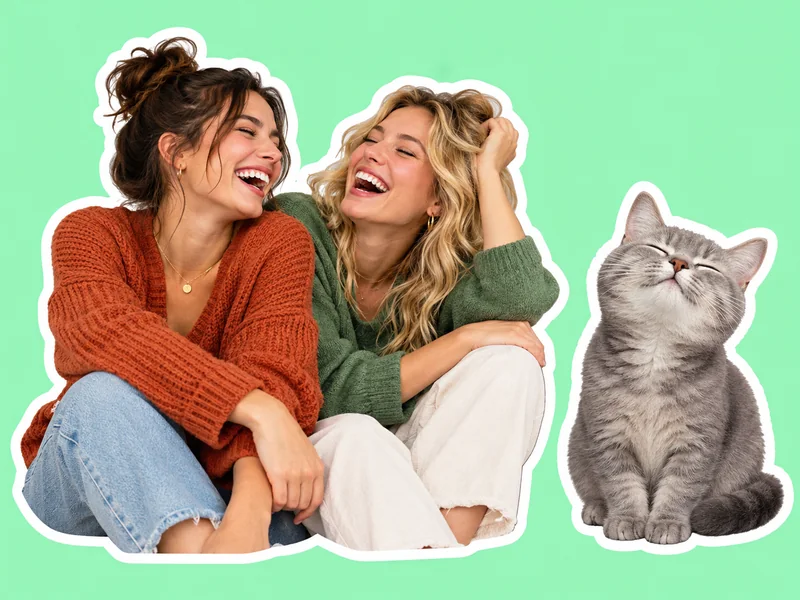
A thick white die-cut border is what makes a cutout look like a sticker. Choose white, black, neon or pink, set the width, or put the subject in an instant photo frame or on a pastel badge.
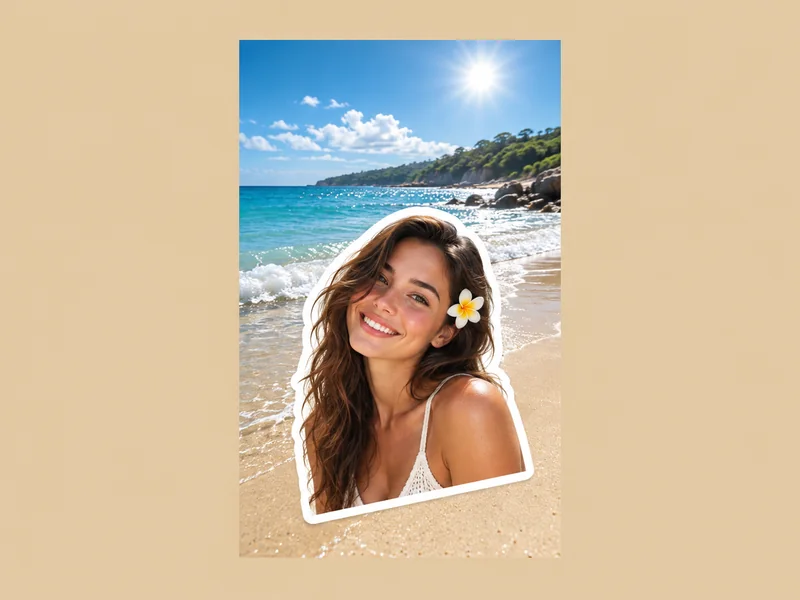
Every sticker downloads as a PNG with the design alone on a plain background and a margin around it, so it drops onto a Story or Reel, goes into Instagram’s cutout tool in one tap, or turns fully transparent with Make Image Transparent.
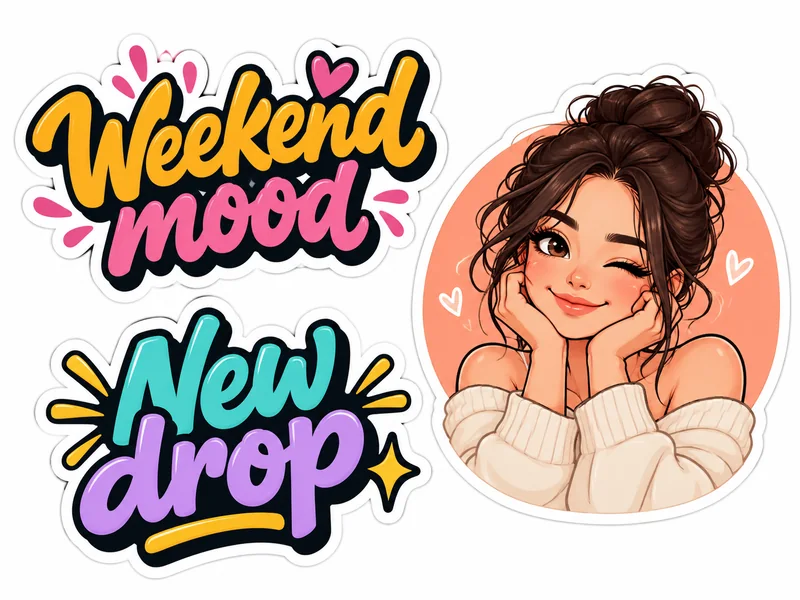
Type a short caption such as "Weekend mood", "New drop" or "Thank you" and it is lettered into the sticker. Great for custom IG stickers on product launches, countdowns and birthdays.
How to make Instagram stickers people remember: pick an idea, then a look.
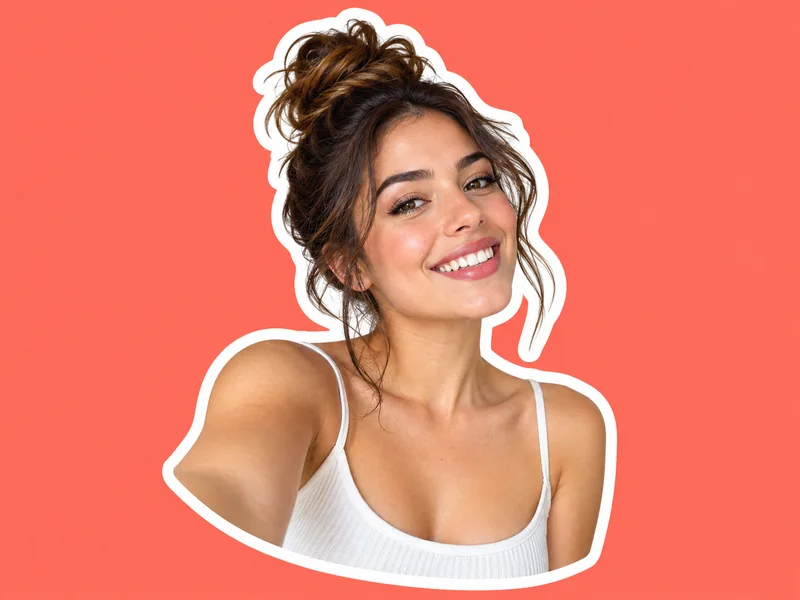
Your best reaction face with a white border, ready for any Story.
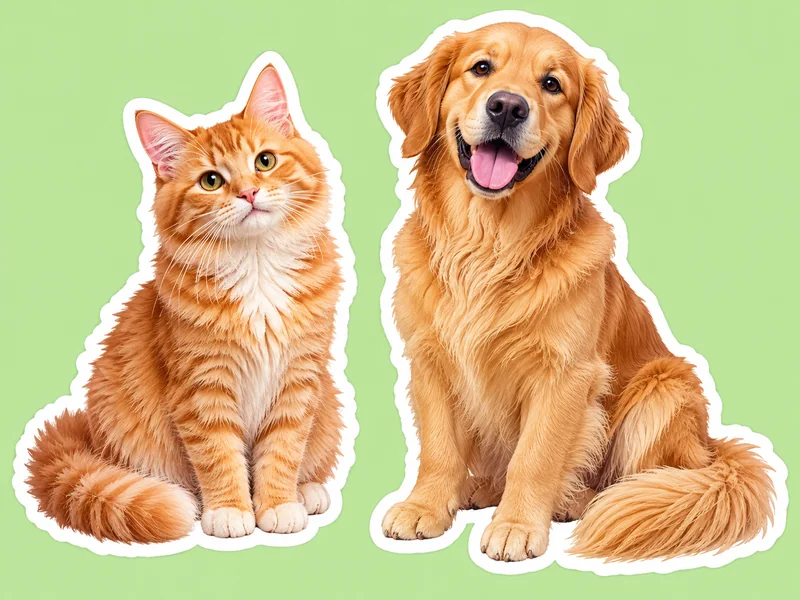
Dogs and cats with fur edges kept, made for pet accounts and Story replies.
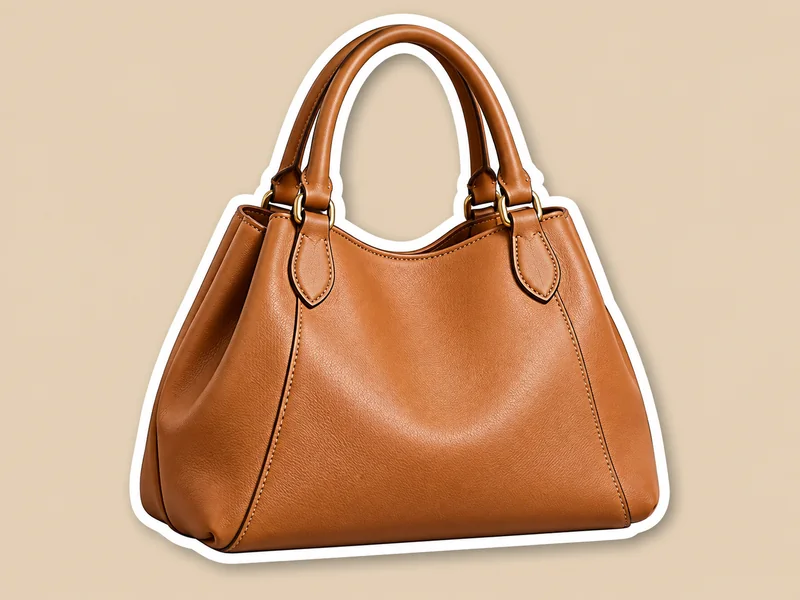
Products lifted off the page with a soft shadow for shop Stories and launches.
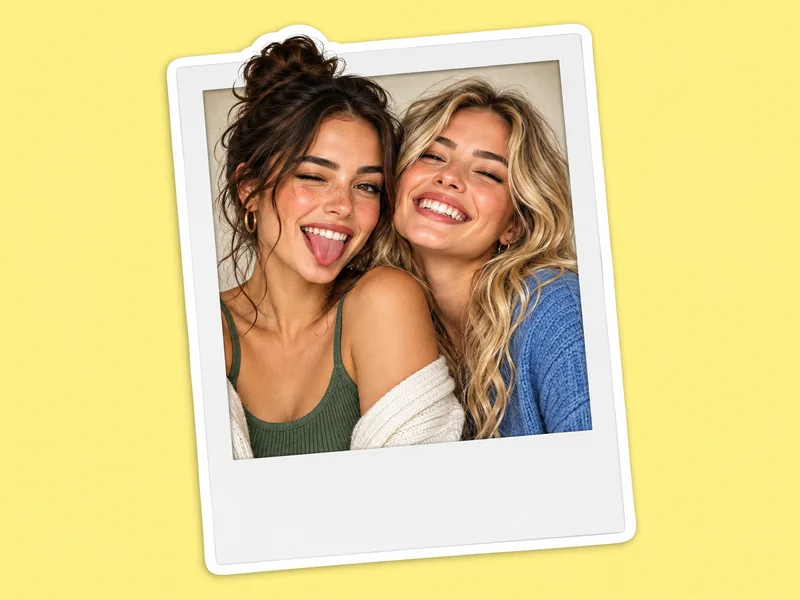
The subject inside a tilted instant photo frame, like a print on a corkboard.
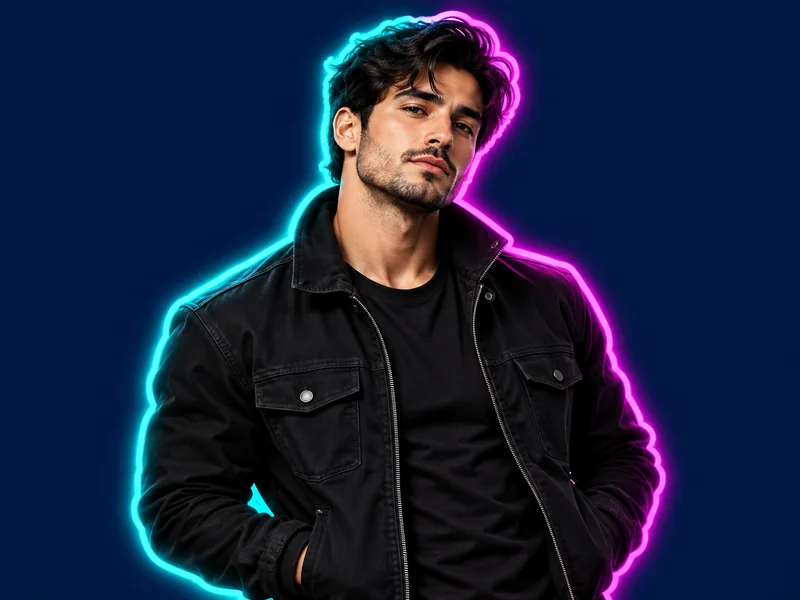
A cyan-to-magenta glow around the cutout that pops on night photos.

Bold ink lines and halftone dots for a playful, cartoon look.
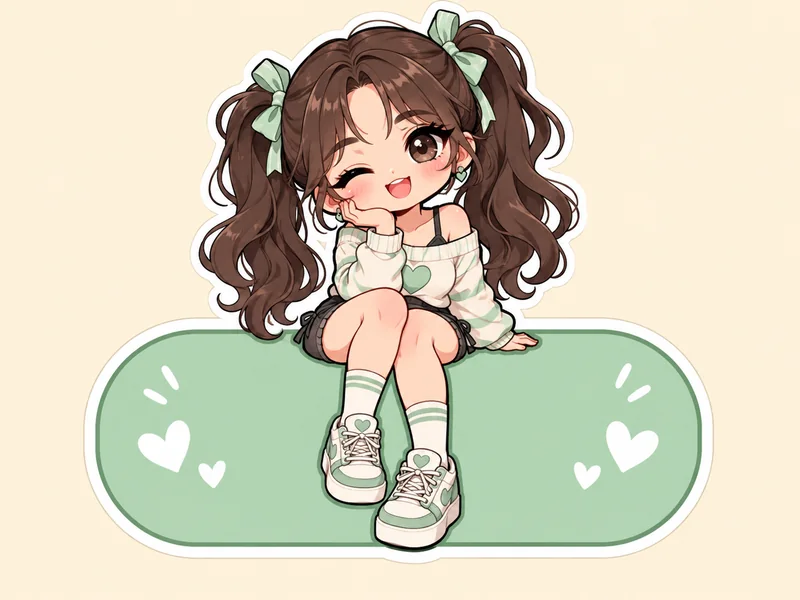
A kawaii version of you on a soft pastel badge for cute Stories.
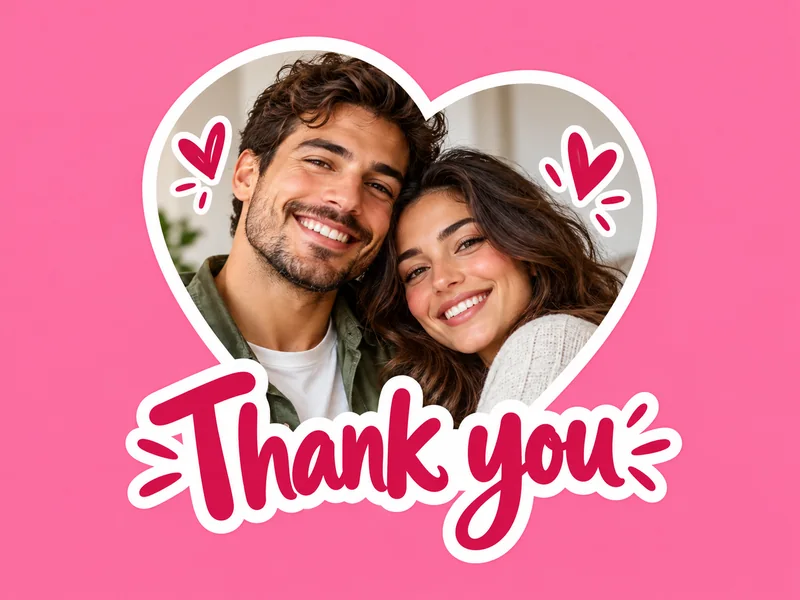
Short words lettered into the sticker for replies, promos and countdowns.
How to create Instagram stickers once and use them across Stories, Reels and Highlights.
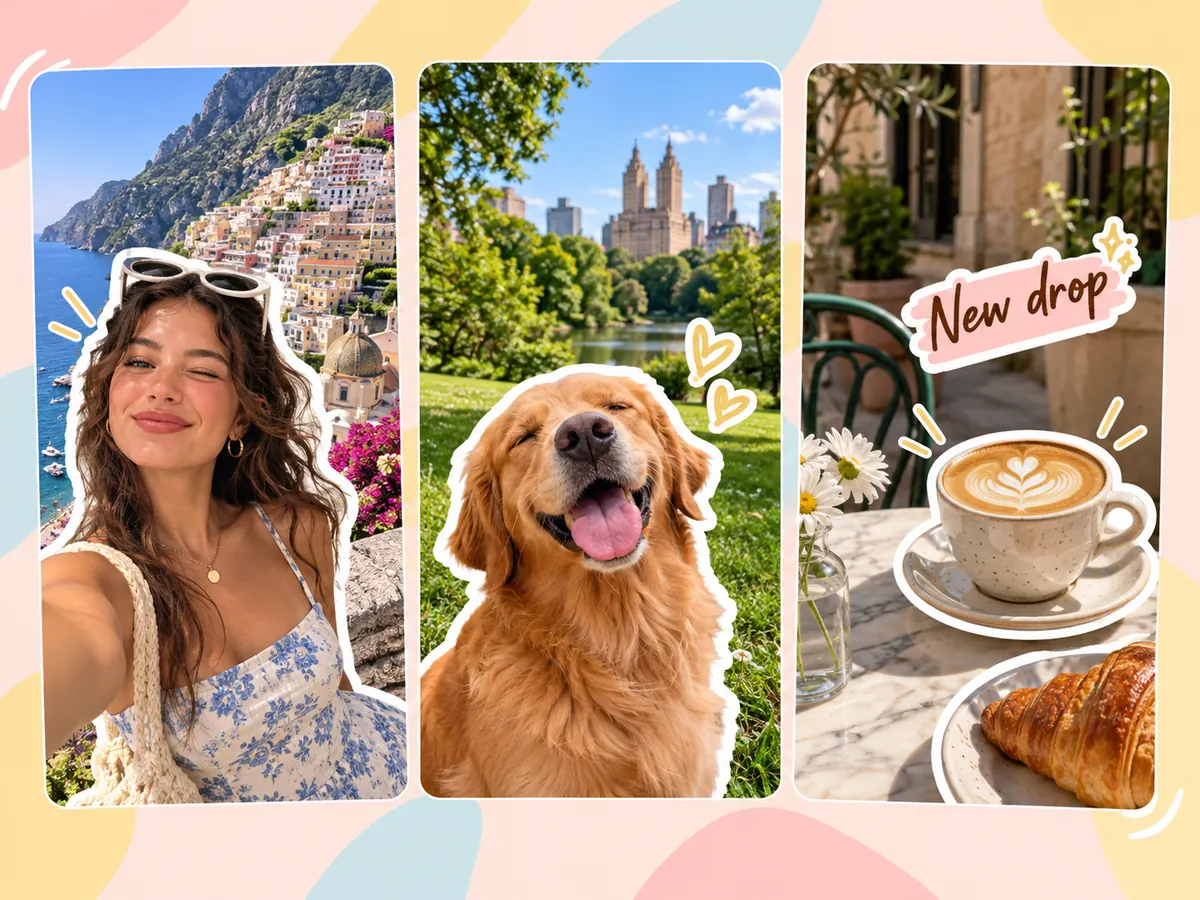
Drop your own reaction stickers on travel, food and weekend Stories instead of the same stock stickers.
Give your pet’s account a signature sticker set to reuse on every post and Story.
Turn products into stickers with captions such as "New drop" or "Back in stock" for launches and sales.
Make a mascot, logo or face sticker in your brand colors so every Story looks consistent.
Sticker the birthday person, the couple or the team and post them with countdowns and shout-outs.
Use a bold cutout sticker on a solid color for Reel thumbnails and matching Highlight covers.
How to make an Instagram sticker that stays sharp starts with the right photo.
Upload the full-quality photo instead of a screenshot so the sticker stays crisp when you enlarge it.
A single person, pet or product that stands out from the background gives the cleanest cutout.
White borders work on almost any photo; neon or black borders stand out on light or busy backgrounds.
One to three words read best at Story size and leave room for the photo behind.
Make stickers for other apps or finish your Instagram graphics.
Create stickers from photos or text in cartoon, kawaii, 3D, pixel and die-cut styles.
Open toolMake Telegram stickers from photos and publish your own pack with the @Stickers bot.
Open toolTurn your face or pet into a custom Discord emoji or emote that reads at chat size.
Open toolDecorate a photo with hearts, sparkles, speech bubbles and other free stickers in your browser.
Open toolFit any photo to Instagram post, portrait, Story and Reel sizes without cropping out what matters.
Open toolRemove the background from any photo and keep a transparent PNG or a new backdrop.
Open toolHow to make, add and use custom stickers on Instagram.
If you mean how to make a sticker on Instagram itself: open the Story camera, tap the sticker icon, choose Cutouts, pick a photo and save the cutout to your sticker tray. For a sticker with a border, frame or caption, here is how to make your own sticker on Instagram: upload the photo here, pick a preset, download the PNG and add it to your Story.
In the Story sticker tray, choose Cutouts (or Create cutout), select a photo from your camera roll and let Instagram select the subject, then save it. That is how to make a sticker in Instagram from a photo in a few taps. A sticker made here first gets a cleaner edge because it already sits on a plain background.
Cutouts are rolling out by app version, account type and region, so not everyone has them yet. Update the Instagram app and check again. Until then, here is how to create a sticker on Instagram without it: make the sticker here and add the PNG to your Story with the photo sticker.
Here is how to add a sticker on Instagram from your camera roll: start a Story, tap the sticker icon and choose the photo sticker, then pick your sticker PNG. Instagram photo stickers can be pinched to resize and dragged into place before you share. Keep it next to interactive stickers such as polls or links, because those can’t be covered.
There is no fixed sticker size: you resize it with two fingers in the Story editor. Stories are 1080 × 1920 pixels, so a sticker image of about 1,000 pixels on its longest side stays sharp even when enlarged. Stickers made here download at full resolution and work well at that size.
Yes. How do you make a sticker on Instagram from your own photo? Upload it here: selfies, pets, products and food all work, and you can add a border, frame or caption. Only use photos you have the right to use, and ask friends before turning them into stickers.
It is free to try: you get free credits when you sign up, and the price of each sticker is shown before you make it. Instagram’s own Cutouts feature is free inside the app.
Not with this tool; it makes still stickers. Instagram can create cutouts from some videos and Reels, and you can search GIF stickers in the sticker tray. A still sticker with a bold border still stands out in a Story or Reel.
Yes. This sticker maker runs in your phone browser on Android and iPhone, so there is nothing to install. Save the PNG to your gallery, then add it in the Instagram app. The Cutouts feature itself depends on your Instagram version.
Your photo is uploaded only so the AI can make your sticker. We do not sell your photos, share them publicly or use them as examples on this site. Download the sticker when it is ready, and only upload photos you have the right to use.
Upload a photo, pick a border, frame or caption, and save a sticker for your next Story.
Instagram is a trademark of Meta Platforms, Inc. EzImgMaker is an independent tool and is not affiliated with, endorsed by, or sponsored by Instagram or Meta.