School Clipart
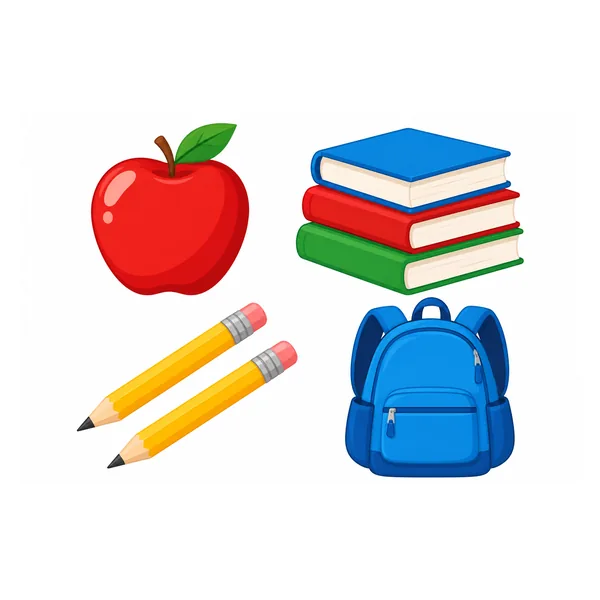
Pencils, books, an apple and a backpack in crisp flat vector for worksheets and newsletters.
Type what you need, or turn a photo into clipart, then pick flat vector, kawaii, cartoon, line art, watercolor, sticker and more. Every piece lands on a clean white background, ready for slides, worksheets, cards and print. Free to try with the credits you get when you sign up.
Clipart style
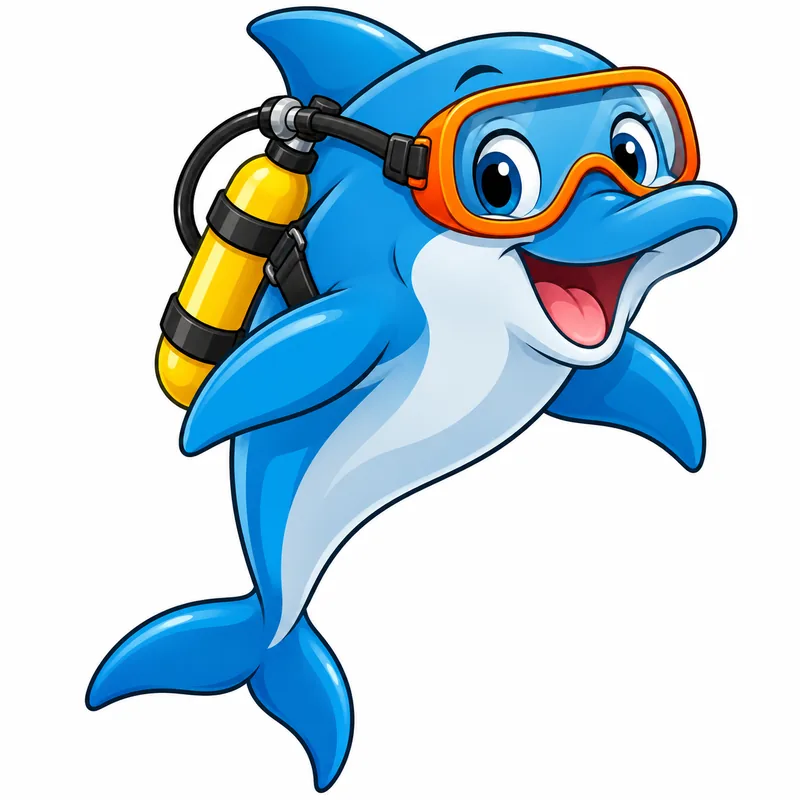
A cheerful blue dolphin wearing orange scuba goggles and a small yellow air tank, jumping with a big smile, one single item.
Reference example. It is not a result generated from your upload.
An AI clipart generator turns a short description into clipart: simple, clean pictures with a clear outline and a limited palette, isolated on a plain white background so they drop straight onto a slide, a worksheet or a card. Type "a smiling cactus in a pink pot" and the clipart creator draws it; ask for a set and you get matching AI cliparts in one style. Think of it as a clipart text generator in reverse: words go in, pictures come out.
It also works from a photo. Add a picture of your dog, a favorite mug or a hand-drawn logo idea and the AI redraws it, so you can turn a photo into clipart, make a picture into clipart for a class project, or change clipart you already have into a new style. Choose from 12 looks (flat vector, kawaii, isometric, silhouette, cartoon, hand-drawn doodle, line art, watercolor, sticker, retro 50s, 3D clay and chalk), a layout, colors, five AI models and five sizes. It is free to try with the credits you get when you sign up.
Every card is AI generated clipart on a clean white background. Tap Try to load that style, then describe your own subject or add a photo.
Pencils, books, an apple and a backpack in crisp flat vector for worksheets and newsletters.
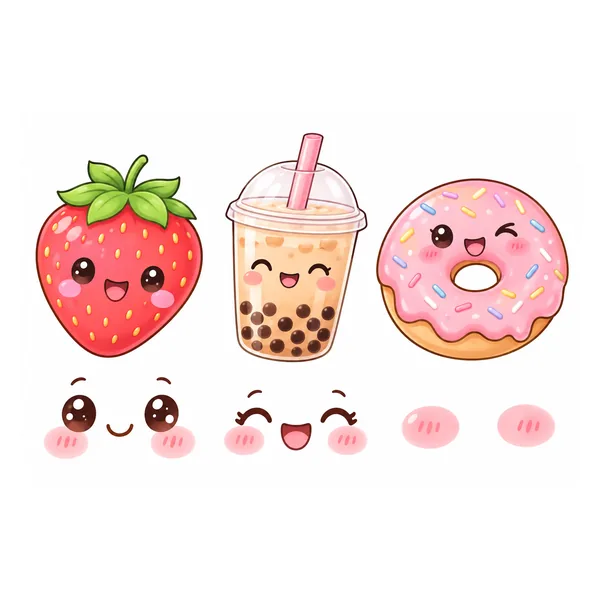
A smiling strawberry, boba tea and a donut with blush cheeks.
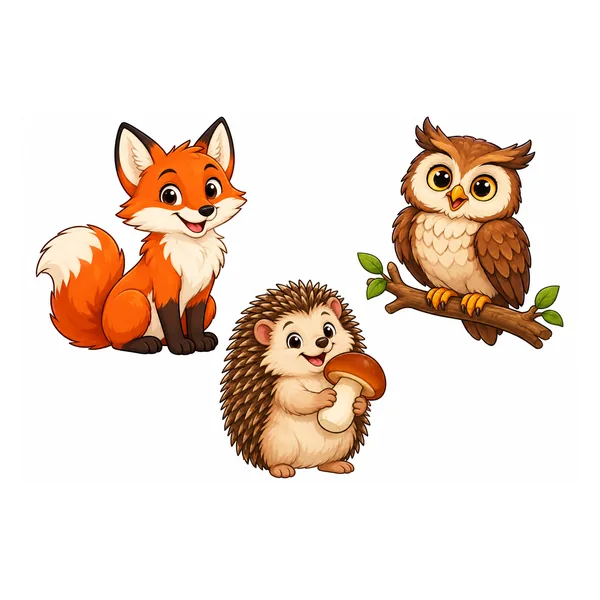
A cartoon fox, an owl and a hedgehog with bold outlines and bright colors.
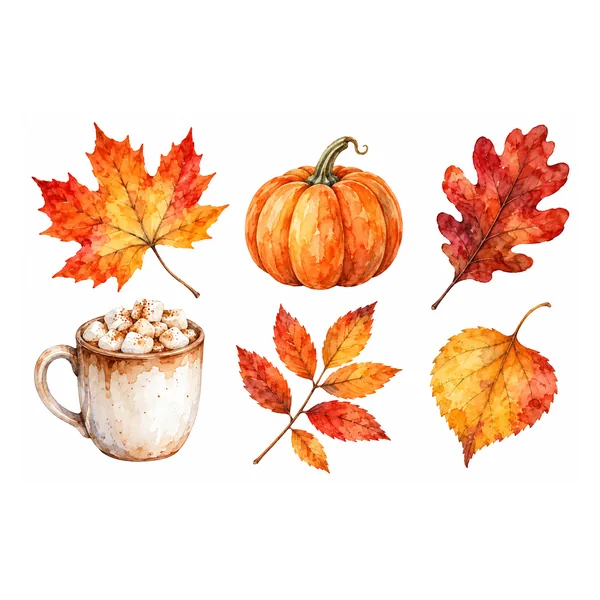
Soft washes of autumn leaves, pumpkins and a mug of cocoa for cards and invitations.
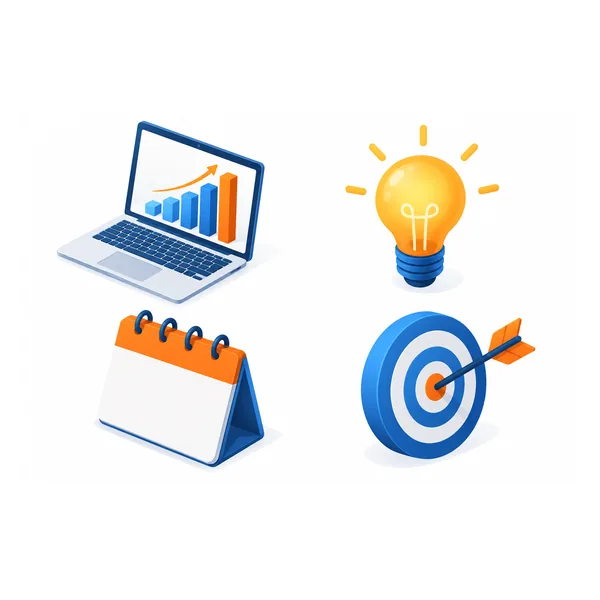
A laptop with a chart, a lightbulb and a calendar at a tidy isometric angle.
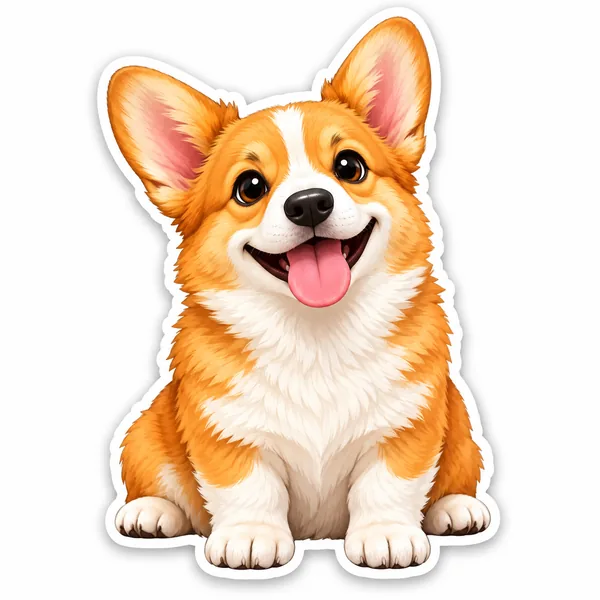
A happy corgi with a thick white die-cut border, ready for planners and sticker sheets.
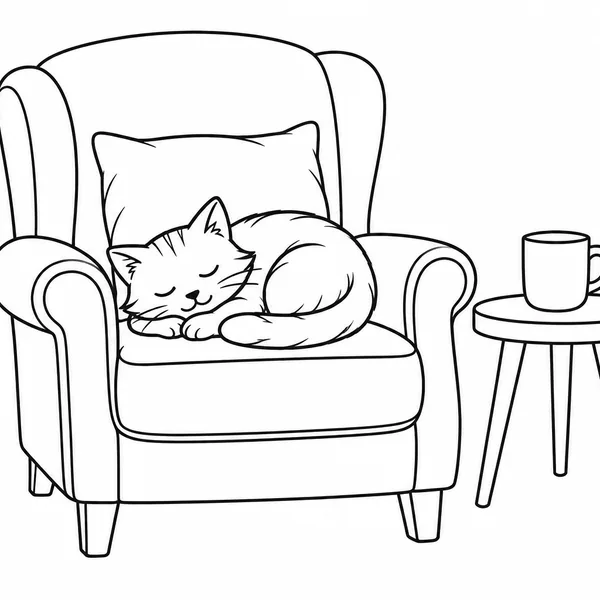
Black outlines only, so it prints cleanly and can be colored in.
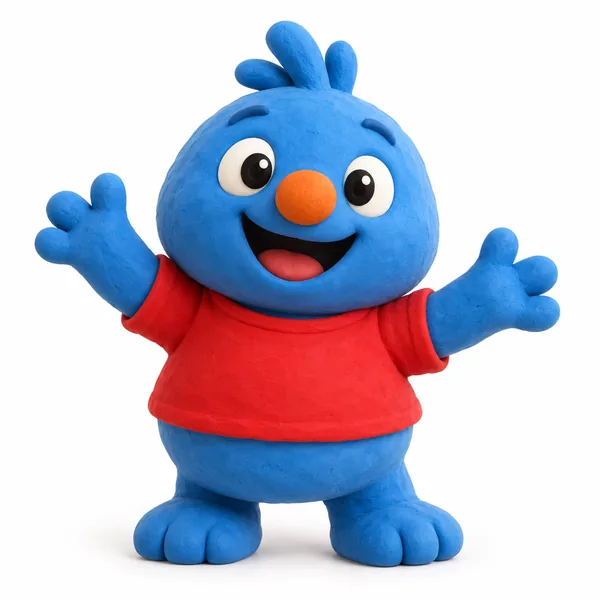
Soft, rounded characters that look sculpted from modeling clay.
Create clipart in four steps, from a few words or from a photo.
Type what you want, such as "a sleepy koala hugging a coffee cup", or tap an idea or Surprise me. For picture to clipart, add your photo under Turn a photo into clipart; the text box can stay empty or describe changes.
Choose a Flat, Drawn or Fun style, then a layout (single item, a matching set, or a border), colors, and under More settings an AI model and a size.
Press Create Clipart for one, two or four versions. Not quite right? Switch the style and generate again to change clipart without rewriting your prompt.
Save the version you like. Need a transparent PNG? Run it through the Background Remover, then drop it into slides, worksheets, cards or a print shop.
Text or photo, one icon or a whole set, flat or hand-drawn: one place to generate clipart.
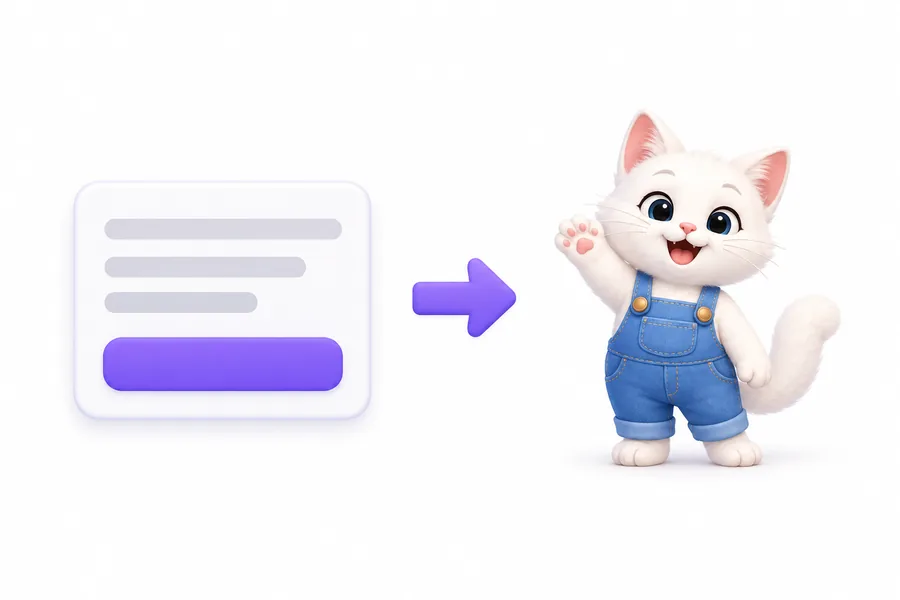
Describe a subject, a mood and a color or two, and the AI clip art generator draws it on plain white. Ask for "a set of six weather icons" and you get matching pieces ready to line up on a slide. It is a clip art builder for the exact picture a stock library never has: a clipart AI that makes what you describe instead of what someone else uploaded.


Add a selfie, a pet photo or a product shot to turn picture into clipart in any style. The AI keeps what makes the subject recognizable, such as face shape, hair, glasses, markings or the outline of a logo, and drops everything else onto white. Use it to make picture into clipart for a yearbook page, a pet-sitting flyer or a team badge, like a clip art filter that redraws the photo instead of tinting it.
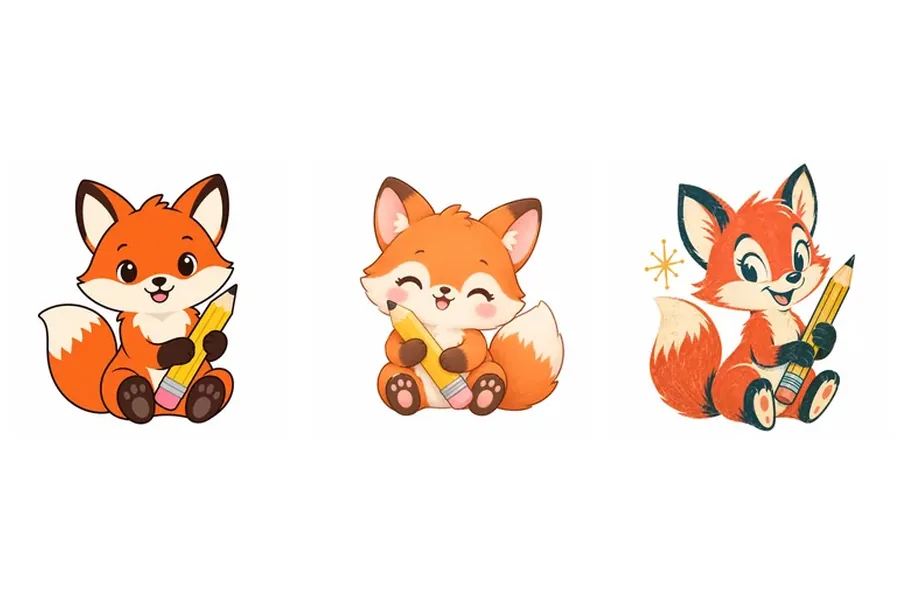
Already have a drawing? Use the generator as a clipart editor: upload it, pick another style and transform clipart from flat vector to watercolor, from color to line art, or from a doodle to a sticker. These image to image clip art variations keep the subject and change the look, so you can turn clipart into a matching set or refresh old artwork without redrawing it.
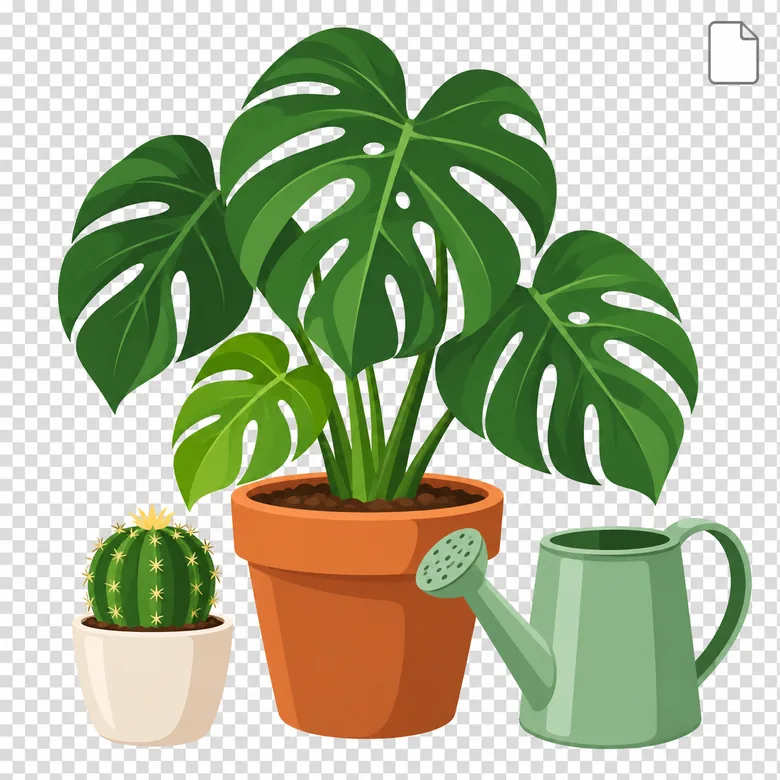
Most image generator clipart arrives on a busy backdrop. Here every result sits on clean white with crisp edges, so the cut-out is easy: run it through the Background Remover for a transparent PNG, then superimpose clipart on photos, layer it over colored slides or place it on product mockups.
Clean clipart makes almost any page easier to read. A few favorite uses:
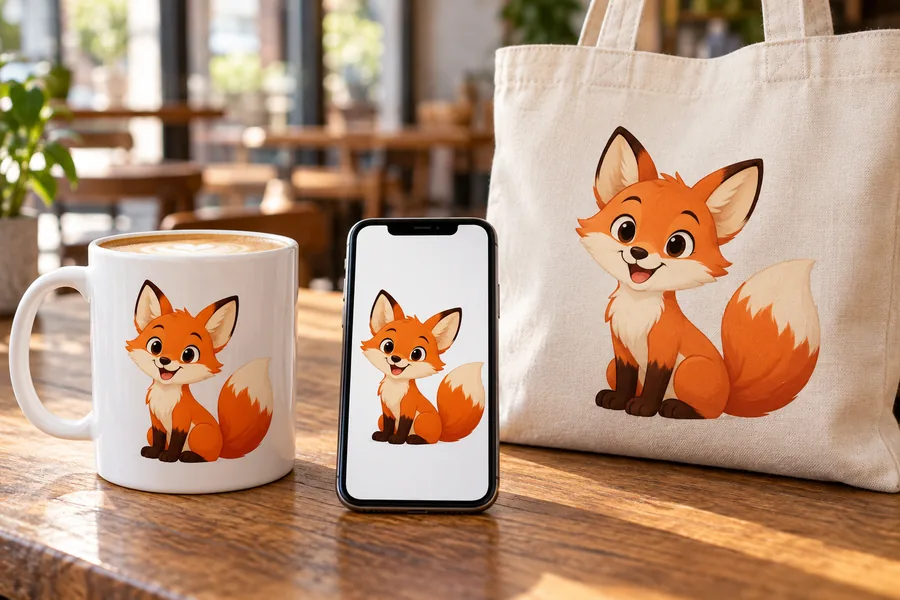
Simple clip art makes a slide easier to scan than a busy stock photo. Use 4:3 or 16:9 so it fits the layout.
Line art and flat vector print cleanly in black and white. Students who need to turn in clipart for a class project can make their own.
Watercolor and kawaii clipart for birthday cards, thank-you notes and party invitations.
Sticker-style clipart with a white die-cut border for planners, journals and printable sticker sheets.
Use it as a clip art creator for t-shirts, mugs and tote bags, and check the chosen model’s usage terms before you sell.
Small spot illustrations for posts, email headers and blog articles, all in one consistent style.
Clipart works best when it is simple. These habits keep results clean.
Say what it is and how it feels, such as "a cheerful sun wearing sunglasses". Short prompts give cleaner clipart.
Name two or three colors, or choose Black & white for printable worksheets and coloring.
Pick the Clipart set layout and list the items, so every piece shares one style and line weight.
For photo to clipart, use a sharp, well-lit picture with one main subject and a simple background.
Finish your clipart with these tools, or switch to a full illustration when you need one.
Need a full scene or a realistic picture instead of clipart? Create any image from a prompt.
Open generatorTurn clipart or a photo into die-cut stickers with white borders and captions.
Make stickersRemove the white background for a transparent PNG you can layer anywhere.
Remove backgroundTrace any photo into clean outlines, then use it as line art clipart or a stencil.
Make line artMake full-page coloring sheets from text or a photo for kids and classrooms.
Make a coloring pageTurn a photo into a watercolor, oil or acrylic painting when you want artwork rather than clipart.
Paint a photoStyles, photos, transparent backgrounds, sizes and usage.
AI clipart is clipart made by an image model from your description or photo instead of picked from a stock library. It keeps the classic clipart look, simple shapes, a clear outline and a plain white background, so AI-gen clipart works anywhere regular clip art does. Because every piece is generated fresh, it can match an exact subject, color scheme or style.
Describe the clipart you want, pick one of the 12 styles, choose a layout and a size, and press Create Clipart. To generate clipart from a picture, add a photo first. Download the version you like, or change one detail and generate again.
It is free to try: new accounts get free credits when they sign up, and the credit cost of each run is shown on the Create Clipart button before you start. Every finished image can be downloaded.
Yes. Add a photo under Turn a photo into clipart, pick a style and generate. People, pets, objects and drawings all work: the AI keeps the recognizable features and redraws them as clipart on white. Only upload photos you own or have permission to use.
Results come on a plain white background with clean edges, which most layouts can use as is. For a transparent PNG, download the clipart and open the Background Remover; it cuts the white away in one step.
Usage rules depend on the AI model you choose and its terms, so check them before you sell AI-created clipart on products. Do not ask for logos, trademarks or existing characters; the generator is built to create original designs.
Yes. Upload the clipart as your photo, choose a new style and describe any changes. The clip art AI keeps the subject and redraws it, so a doodle can become flat vector, or a color piece can become line art for coloring.
Keep it short and concrete: the subject, an action or mood, two or three colors and a style, for example "a smiling watermelon slice, pastel pink and green, kawaii". List the items when you want a set. Text only appears when you put words in quotes.
Square 1:1 for most clipart, 4:3 for slides and worksheets, 3:4 portrait, 16:9 for banners and headers, and 9:16 for stories and phone screens. Choose the size under More settings.
Clipart is a small, self-contained picture meant to sit on something else: one clear subject, simple shapes and a blank background. An illustration usually fills the whole frame with a scene. AI generator clip art stays readable at small sizes because it skips background detail; for full scenes, use the AI Image Generator.
Describe it or add a photo, pick a style, and get clean clipart on a white background.
Nano Banana is a trademark of Google LLC, GPT Image of OpenAI, Seedream of ByteDance, and FLUX of Black Forest Labs.