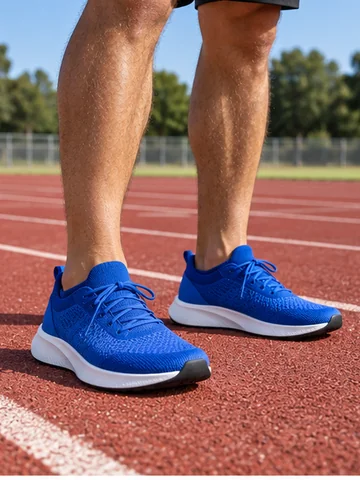
Running Shoes
Breathable mesh and a cushioned sole, ready for the track.
Upload a photo where your feet are visible, pick a shoe style and color, or add a product photo of the exact pair. The AI shoe changer fits the new shoes to your feet, camera angle and light, while the rest of the photo stays exactly the same.
Shoe Style: Everyday Sneakers · Shoe Color: As Shown
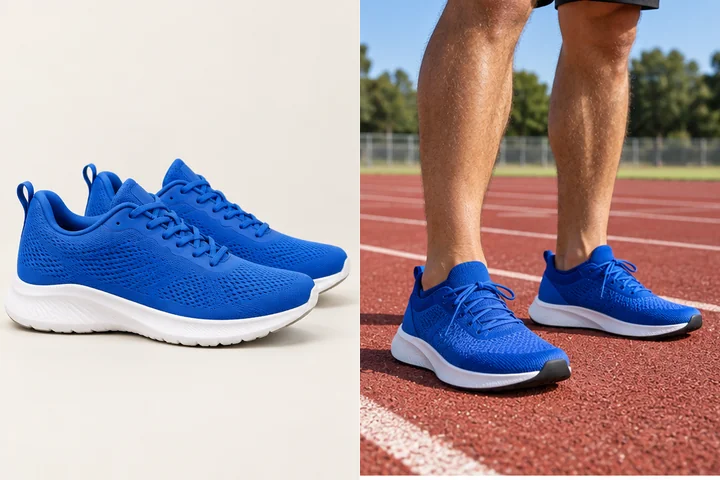
Reference example. It is not a result generated from your upload.
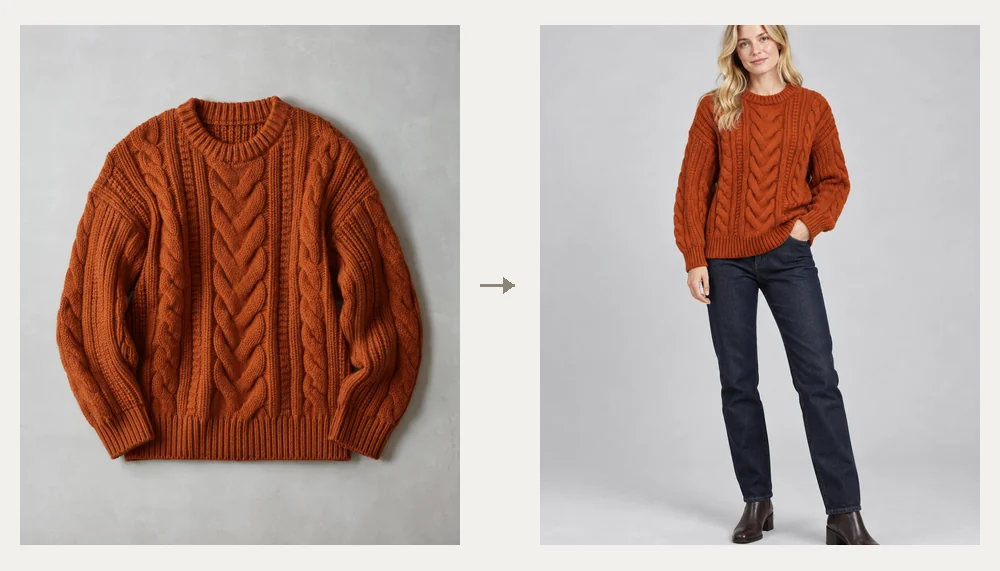
A virtual shoe try on shows a new pair of shoes on your own feet using a photo. Instead of a sticker pasted over your sneakers, this AI shoe swap reads the angle of each foot, the floor and the light, then draws the new shoes in the right size and perspective with soft contact shadows, so it looks like you were wearing them when the picture was taken. Your legs, outfit, pose and background stay as they were.
Pick from 12 styles, from everyday sneakers, running shoes and trail runners to loafers, oxfords, stilettos, block heels and four kinds of boots, then choose a color. Or add a product photo for a shoe change to the exact pair you are thinking of buying. AR shoe try on apps need your phone camera pointed at your feet; this works on any photo you already have, in the browser, and it is free to try with the credits you get when you sign up.
Each result started with a plain product photo. Tap a card to load the style, then upload your own photo.
Breathable mesh and a cushioned sole, ready for the track.
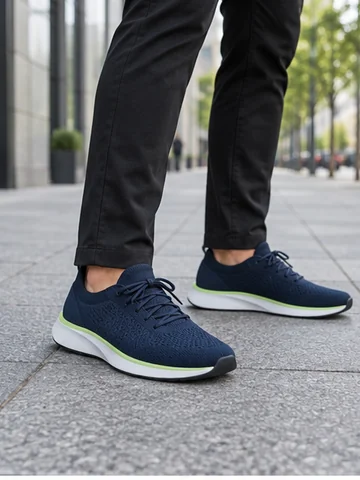
Light knit sneakers with a neon edge for gym and errands.
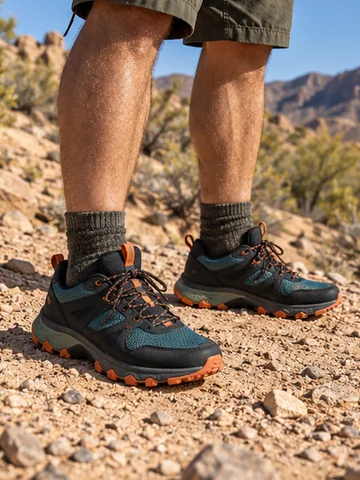
Grippy soles and bold accents on a dusty trail.
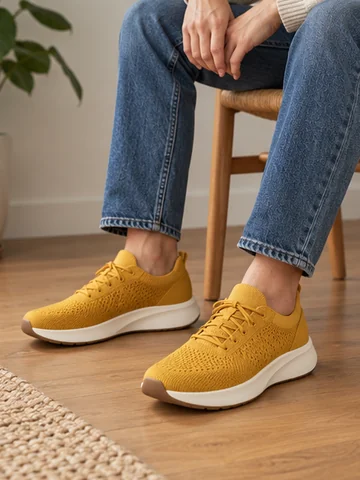
Light knit sneakers for an easy, everyday outfit.
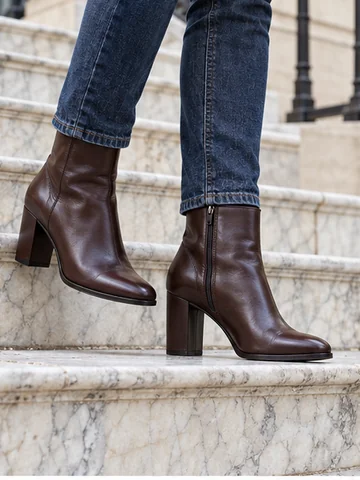
A slim heel and a sleek shape that dress up jeans.
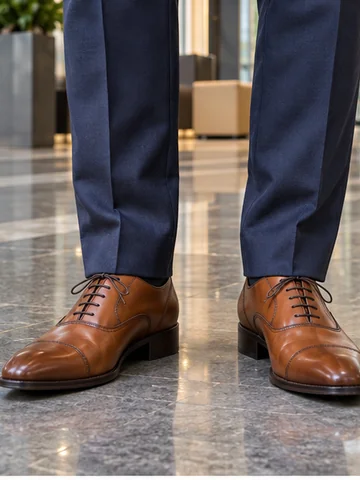
Polished cognac oxfords for work, weddings and interviews.
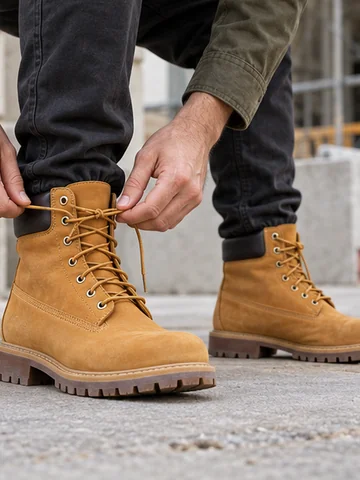
Rugged nubuck and a lug sole for a weekend look.
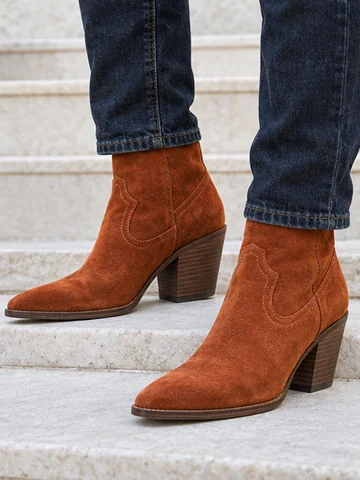
Pointed toes and a stacked heel in bold suede.
A shoe try on in three steps, with no store visit and no app to install.
A full-body outfit photo or a legs-and-feet shot works best, with both shoes in the frame and not cut off. JPG, PNG or WebP up to 10 MB.
Choose one of 12 shoe styles and a color, or upload a product photo in the Shoe Photo slot to try that exact pair. Sandals, flats or anything else can be described in the note.
Make 1 to 4 versions, compare them with your original photo and download the look you like before you buy.
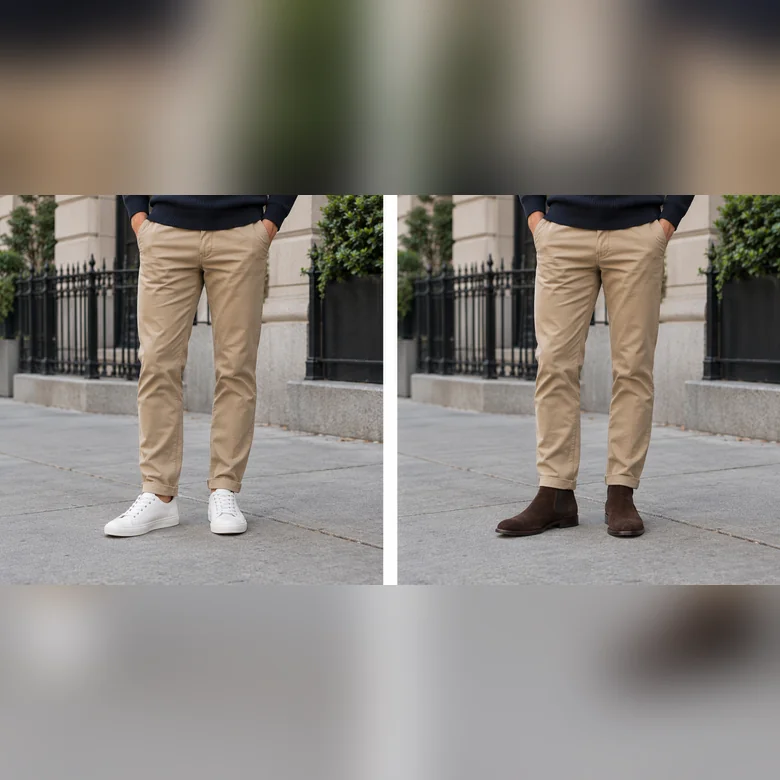
Outfit selfies, vacation photos, event pictures: the new pair is fitted to the angle of each foot, sits on the floor with real contact shadows and picks up the light of the scene. Trouser hems and socks are kept, adjusted only where boots or heels need it.
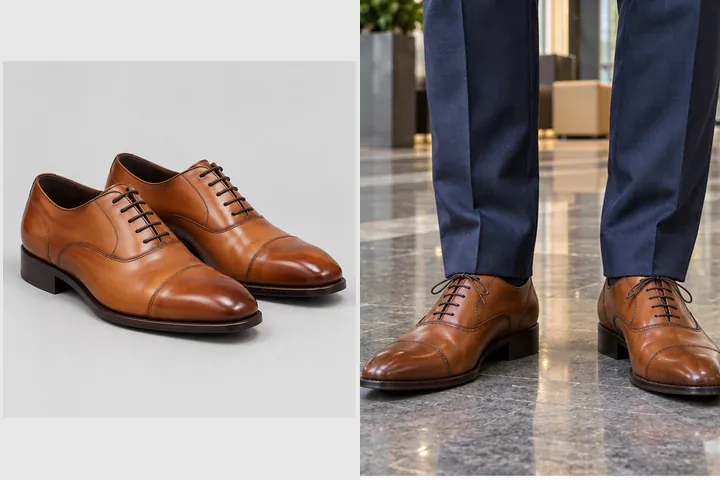
Found a pair online? Save the product photo, add it in the Shoe Photo slot and switch to Use my shoe photo. The AI copies its shape, color, material, sole and laces onto your feet, so you can judge it with your own outfit.
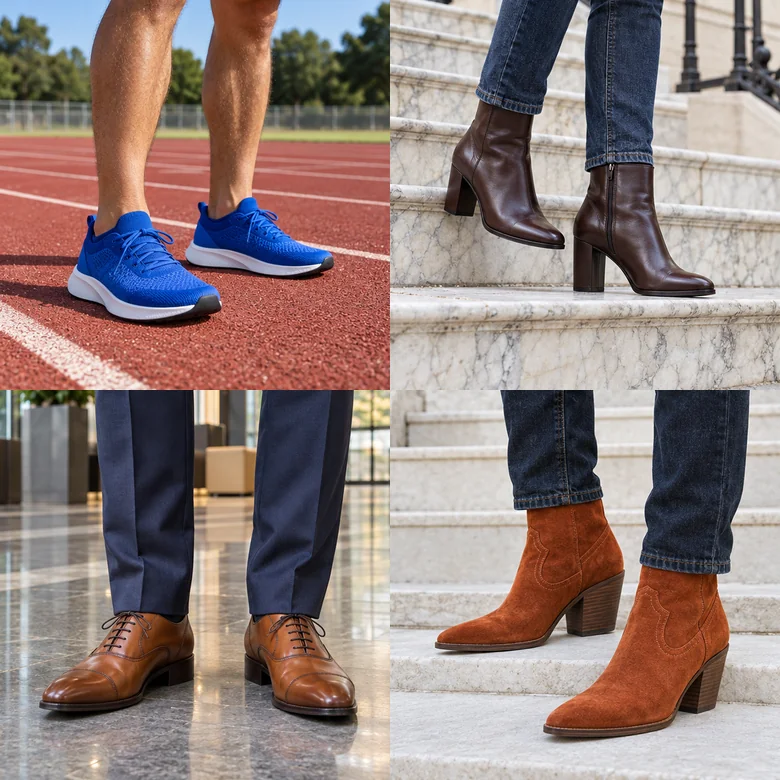
Twelve styles cover everyday shoe swapping: four sneakers, loafers and oxfords, stilettos and block heels, and four boots from heeled ankle boots to work boots. Eight colors, including black, white, tan and metallic, change any of them.
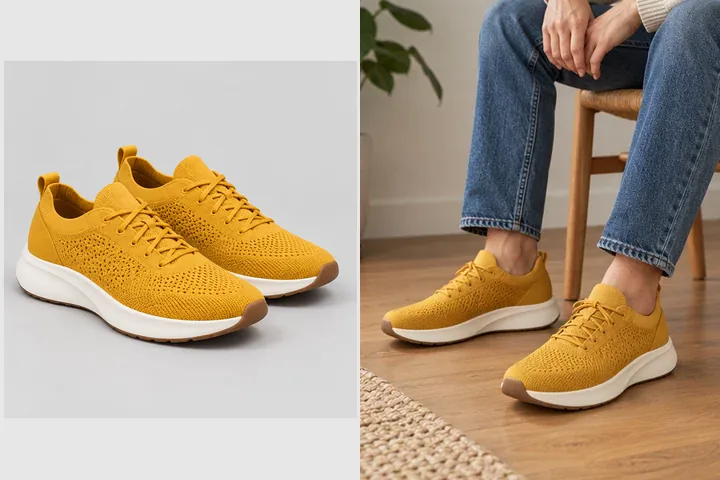
Sellers can upload a model or lifestyle photo plus a product shot to create on-foot images for listings and ads without a new photoshoot. Use only product photos you own and model photos you have permission to use.
Both help you picture a pair before buying. Here is how they differ.
| AI photo try on (this tool) | AR shoe try on apps | |
|---|---|---|
| Input | Any photo you already have | Your phone camera pointed at your feet |
| App needed | No, it runs in the browser | Usually a brand or store app |
| Which shoes | Any style, color or product photo | Only the catalog of that app |
| Result | A realistic still photo with matching light | A live overlay you can move around |
| Best for | Judging a pair with your real outfit, sharing, listings | Checking a shoe from every angle in real time |
Neither method checks size or fit. Use the brand’s size guide before you order.
The most common reasons people swap shoes in a photo.
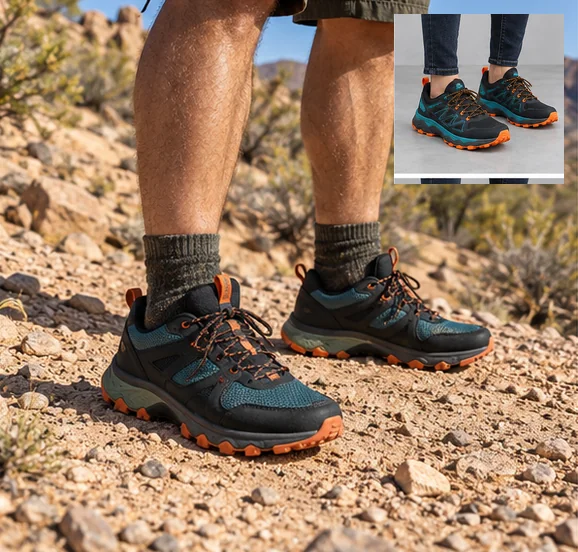
See a pair with your actual jeans, dress or suit before ordering.
Find the shoes that finish a look, then build the rest with the AI outfit generator.
Compare heels, flats and dress shoes with your event outfit in one evening.
Sellers create on-foot photos from a product shot and a model photo.
Stylists and creators show the same outfit with different shoes.
Wore the wrong shoes in a favorite photo? Swap them for the pair you wish you had worn.
Shoes swap AI results depend most on how much of your feet the photo shows.
Photos cut at the ankles leave the AI guessing; show the full shoes and a bit of floor.
Daylight or soft indoor light gives the most believable shadows under the new pair.
A side view of the shoe on a plain background copies best in the Shoe Photo slot.
Boots under wide trousers or heels with cropped jeans look most natural.
Small differences in angle and shine add up; keep the best one.
Upload photos you own or have permission to edit, and product photos you may use.
Finish the look from head to toe.
All try on tools in one place: clothes, glasses, hats, shoes, wigs and more.
Browse allSwap your outfit in the same photo, or upload a garment to try on.
Open toolAdd a cap, beanie, fedora or cowboy hat to your photo.
Open toolGet a complete outfit for any occasion, shoes included.
Open toolAnswers to common questions about trying on shoes with AI.
It finds the feet in your photo, reads their angle, the floor and the light, then replaces the shoes with the style you picked or the pair in your product photo, adding contact shadows so the new shoes sit naturally. Everything else in the photo is kept.
Yes. Upload a product photo of the pair in the Shoe Photo slot and choose Use my shoe photo. A clear side view on a plain background copies the shape, color and sole most faithfully.
No. AR shoe try on apps overlay a 3D shoe on your live camera view. This tool edits a still photo instead, so it works with any shoe and any photo, needs no app, and gives a realistic picture you can save and share.
No. It shows the style and how the pair looks with your outfit, not the fit. Check the brand’s size chart, and reviews about sizing, before you order.
Yes, as long as the shoes are visible. Old or low-resolution photos work, but sharp photos with clear light give the most realistic result.
It is free to try: new accounts get free credits when they sign up. After that each generation uses credits, and the cost is shown on the Generate button before you start.
No. Only the shoes change. Trouser hems, socks and skin are kept, and adjusted only where a new pair naturally needs it, such as boots under jeans.
Yes. Describe them in the note, for example “tan leather sandals with thin straps” or “black ballet flats”, or upload a product photo of the pair.
Yes, for shoes you sell: upload a model or lifestyle photo you have rights to and your product photo. Do not use other brands’ photos or logos, and label edited images where marketplace rules require it.
Upload a photo, pick a style or add the exact pair, and let the AI shoe swap show you how they look.