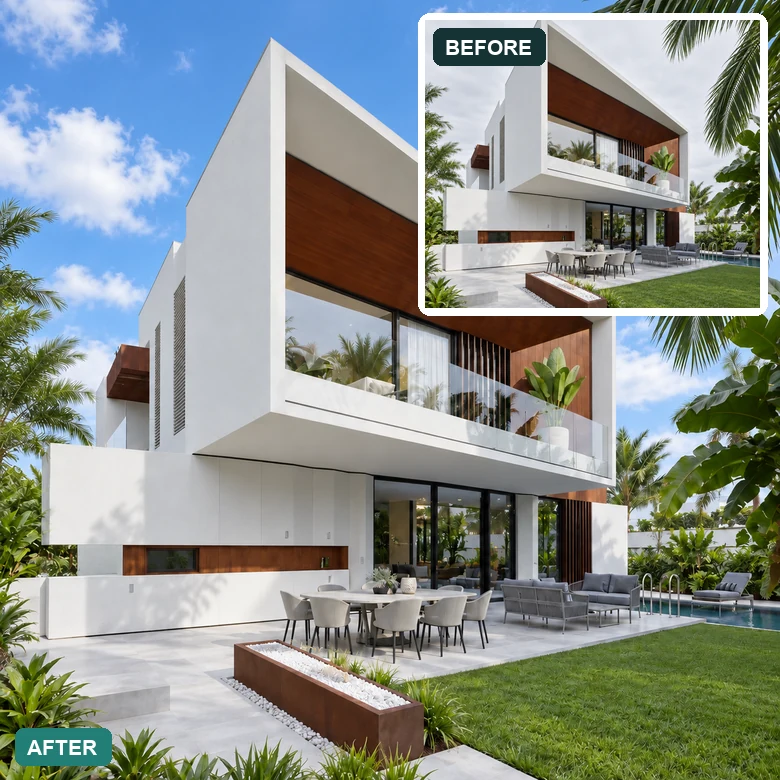
Sky Replacement
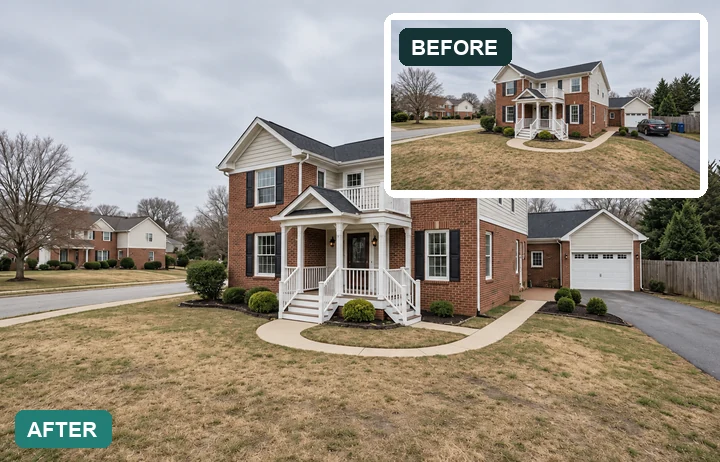
Swap a washed-out or gray sky for clear blue with soft clouds, with natural light on the facade.
Upload a property photo and pick the fix: blue sky, twilight, greener lawn, decluttered room, brighter interior, straight verticals, or virtual staging. The AI edits only what you choose and keeps the home itself accurate.
Your photo stays in this browser during this UI preview.
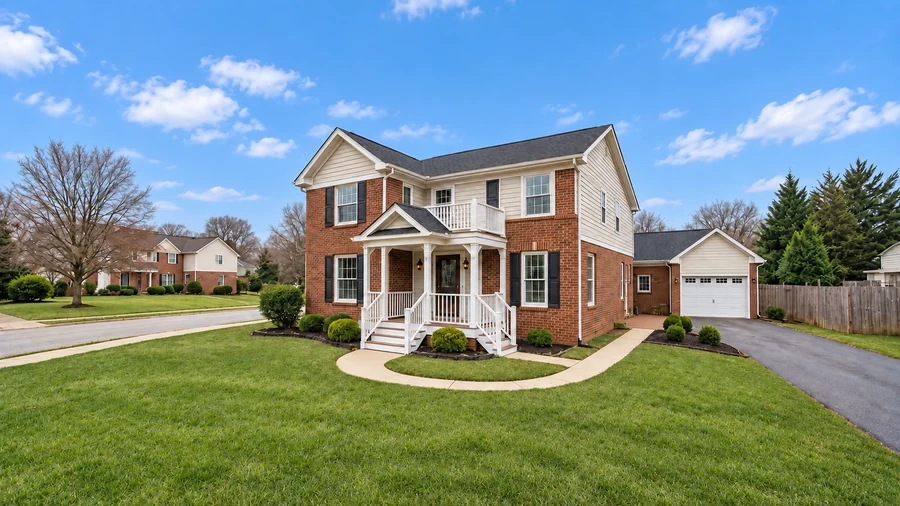
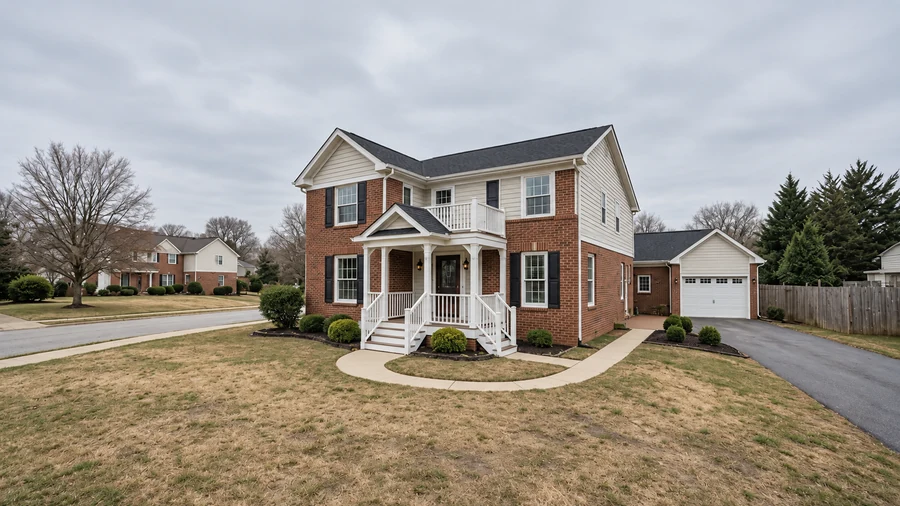
Reference example. It is not a result generated from your upload.
Real estate photography photo editing used to mean sending every shoot to real estate photo editors and waiting a day or two for sky swaps, object removal, and color correction. AI real estate photo editing does the same jobs on demand: upload a listing photo, choose an edit such as Blue Sky, Declutter, or Stage Empty Room, and get a polished version you can drop straight into the listing.
It is built for agents, brokers, real estate photographers, property managers, and short-term rental hosts. Each edit is targeted, so the property itself is not redesigned: walls, windows, layout, and fixtures stay as they are, while weather, light, clutter, and empty space are improved. That makes it useful image editing for real estate photography that still represents the home honestly.
The listing edits agents and photographers ask for most. Pick one to load the matching preset.
Swap a washed-out or gray sky for clear blue with soft clouds, with natural light on the facade.
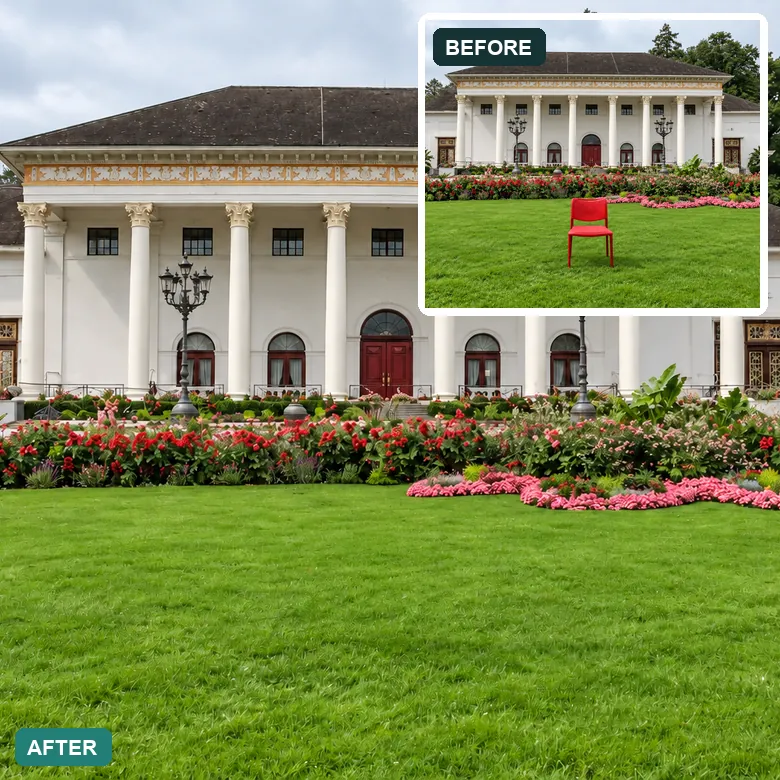
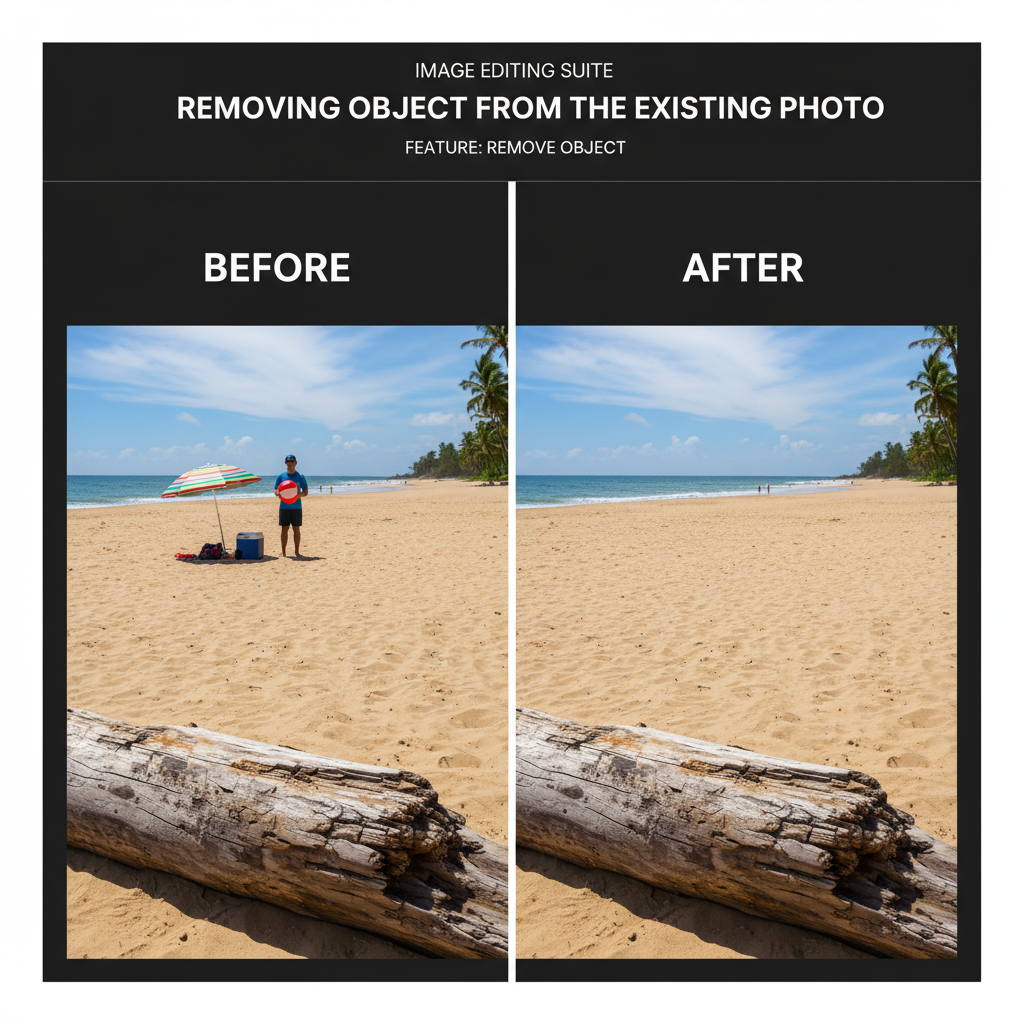
Erase chairs, bins, hoses, cables, signs, and parked cars that distract from the property.
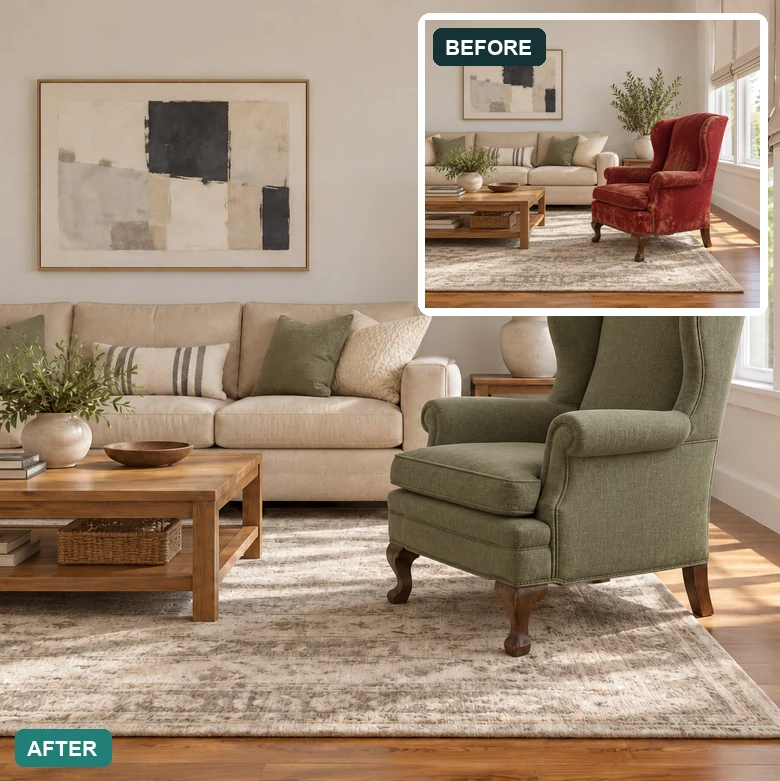
Replace a dated sofa or armchair with a modern piece that suits the room and the buyer.
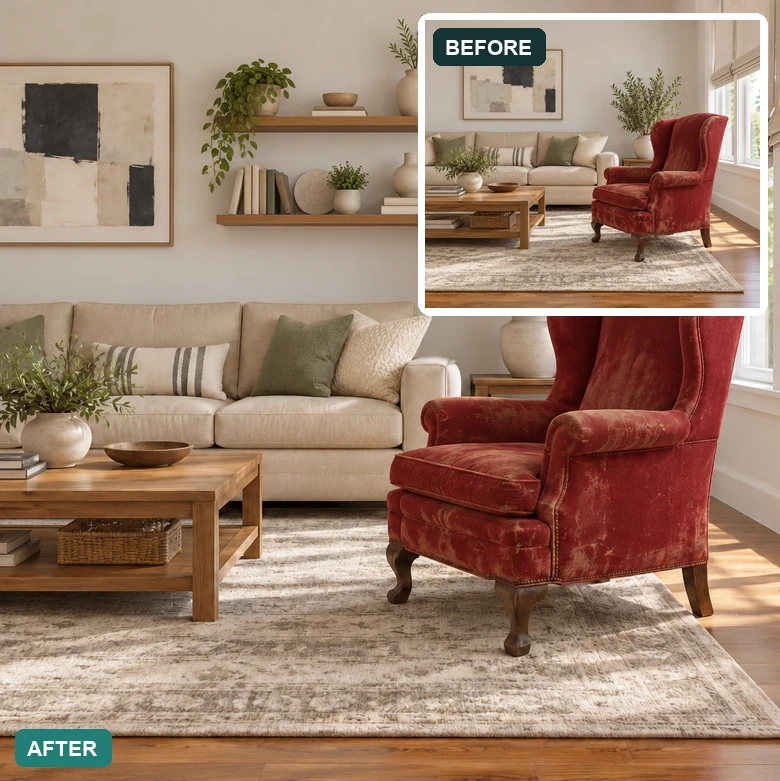
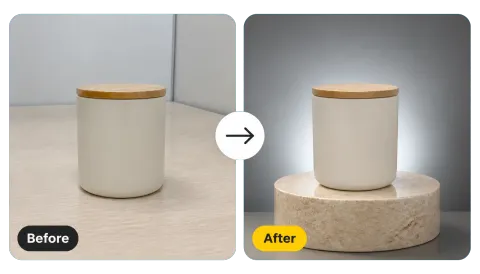
Fill bare walls and corners with art, plants, shelves, and accessories so rooms feel lived in.
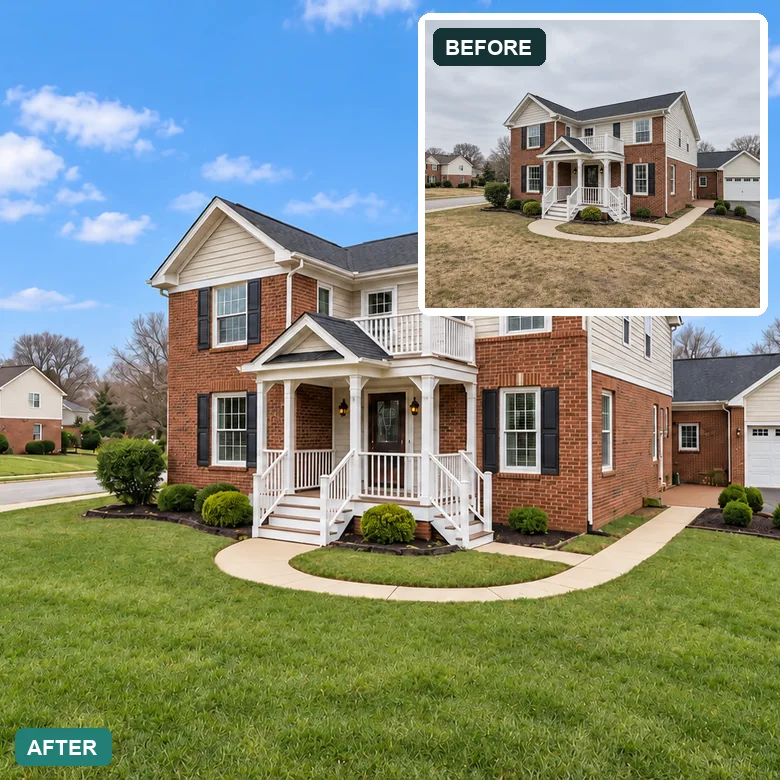
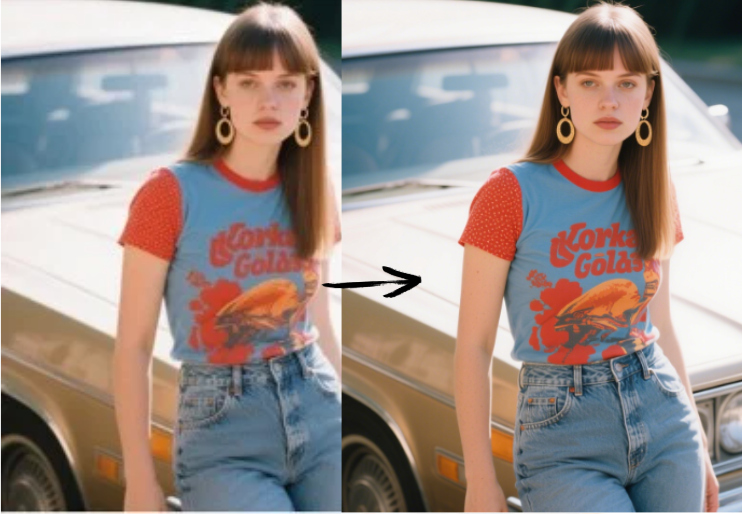
Balance brightness, contrast, and white balance so siding, trim, and lawns show their true colors.
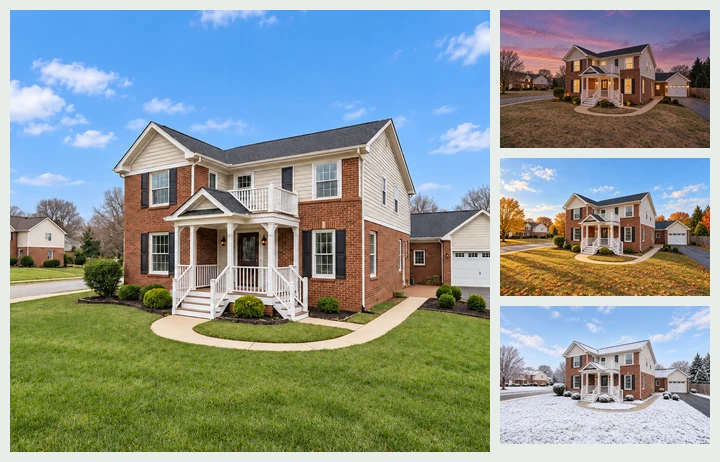
Show the same home at dusk, in autumn, or in winter for seasonal marketing.
Editing real estate photos takes three steps, with no real estate photography editing software to install.
Add an interior or exterior shot as JPG, PNG, or WebP up to 10 MB. Straight-on, well-exposed photos give the cleanest results.
Pick an Exterior fix (Blue Sky, Twilight, Green Lawn), an Interior fix (Bright & Airy, Declutter, Straight Verticals), or a Virtual Staging style. Use Custom to describe anything else.
Compare the edit with the original, check that the property details are unchanged, and use the result in your listing, website, or brochure.
Shoot days are not always sunny. Replace a flat gray sky with blue, green up a patchy lawn, and warm the light so the facade looks the way it does on a good day. The house, windows, and landscaping stay true to life.
Trash bins, garden hoses, cables, toys, and personal items pull attention away from the space. Remove them in one step instead of retouching each photo by hand, the kind of photo editing real estate agents usually have to outsource.
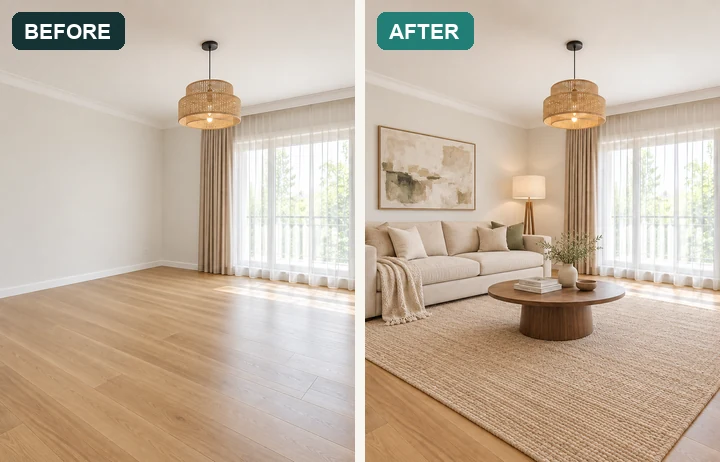
Empty rooms look smaller and colder in photos. Stage them with a sofa, rug, lighting, and decor in a style that suits the property, so buyers can picture living there. Always label virtually staged photos in your listing.
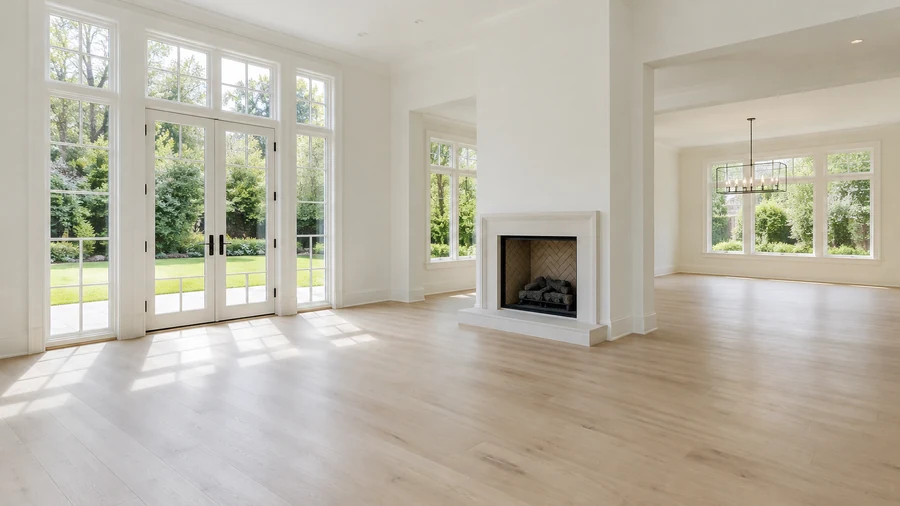
Lift dark rooms so floors, cabinets, and windows read clearly, or turn a daytime exterior into a warm twilight hero shot with glowing windows, without booking a second shoot at dusk.
Who uses AI real estate picture editing and property photography editing, and for what.
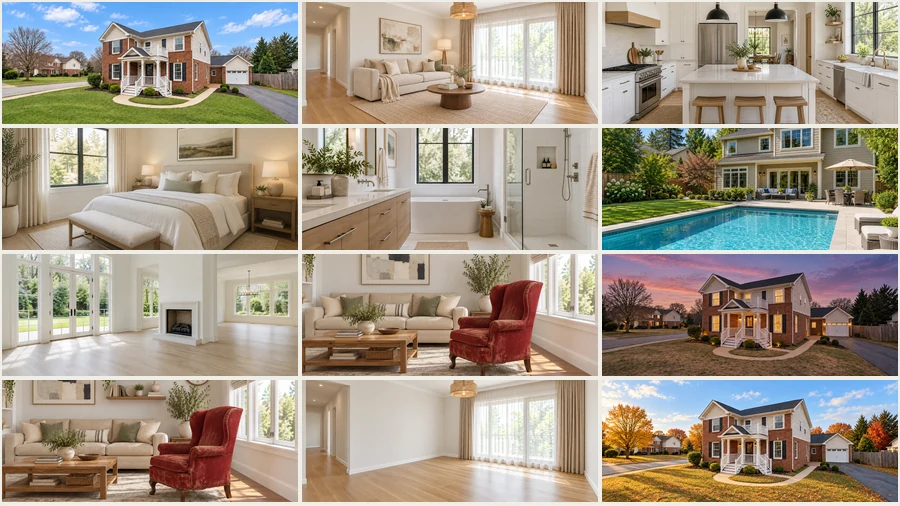
Get listing photos market-ready the same day with a simple real estate editor: better skies, clean rooms, and a twilight cover image for portals and social posts.
Use it as a real estate photography editor for quick fixes between shoots, and keep a consistent look across the whole listing set.
Refresh rental and vacation-home photos with brighter rooms, tidy spaces, and updated decor without a new shoot.
Stage empty show homes and new builds, and present exteriors in their best light before landscaping is finished.
Habits that make online real estate photo editing look professional and stay honest.
Shoot at chest height with the camera level. Straight Verticals can fix small tilts, but a level original looks best.
A slightly bright original keeps more detail in corners and cabinets than a dark one.
Apply the sky first, then declutter or stage. Stacking edits step by step keeps each change clean.
Do not hide damage or change permanent features, and disclose virtual staging as your local listing rules require.
Typical jobs from agents, photographers, and hosts.
Illustrative examples adapted from reference material, not verified reviews of EzImgMaker.
Half my spring listings were shot under gray skies. Blue Sky and Green Lawn fixed the exteriors in an afternoon, and the houses still look exactly like the houses.
I still deliver my own edits, but for rush jobs I use it for sky swaps and small clutter. It saves me from sending those to an outside editing service.
Our vacant condo looked like a box. Virtual staging made the living room readable, and we labeled the photos as staged.
The twilight version became our cover photo and got far more clicks than the daytime shot.
Answers to common questions about editing property photos with AI.
It is the use of AI to make listing photos market-ready: sky replacement, day-to-twilight conversion, lawn enhancement, object removal and decluttering, brightening, perspective correction, and virtual staging. You choose the edit; the AI applies it to that photo.
Upload the photo, pick a preset such as Blue Sky, Declutter, or Stage Empty Room, and generate. For several changes, apply them one after another. Start from a sharp, level, well-exposed original for the best result.
Exterior: blue sky, twilight, green lawn, curb appeal, tidy exterior, car removal, and pool cleanup. Interior: brighter rooms, decluttering, window views, warm relighting, and straight verticals. Virtual staging: furnish empty rooms, refresh a kitchen, add decor, or swap furniture. Custom handles other requests.
For everyday fixes such as skies, clutter, brightness, and staging, many teams handle them in-house with AI. Complex retouching, large batches with strict brand standards, or heavy compositing may still be worth sending to a professional real estate photo editing service.
Results look natural when the original photo is sharp and well exposed. The AI matches light and perspective, but always review each image at full size before publishing, especially edges around windows, rooflines, and furniture.
Generally yes, but many markets and listing services require you to disclose virtually staged or digitally altered photos. Label staged images and keep an unedited version available. Never use edits to hide defects or change permanent features of the property.
The best photo editor for real estate is one that handles the common listing fixes quickly and keeps the property accurate. An AI photo editor for real estate covers skies, clutter, light, and staging without editing skills; traditional real estate editing software and general photo editing software for real estate give more manual control but take longer to learn.
Yes. Residential homes, condos, rentals, offices, and retail spaces all work. Upload photos you took yourself or have the rights to edit, such as images licensed from your photographer.
JPG, PNG, and WebP images up to 10 MB. For large camera files, export a high-quality JPG first.
Upload a property photo and fix the sky, the clutter, or the empty room with AI real estate photo editing.