Modern
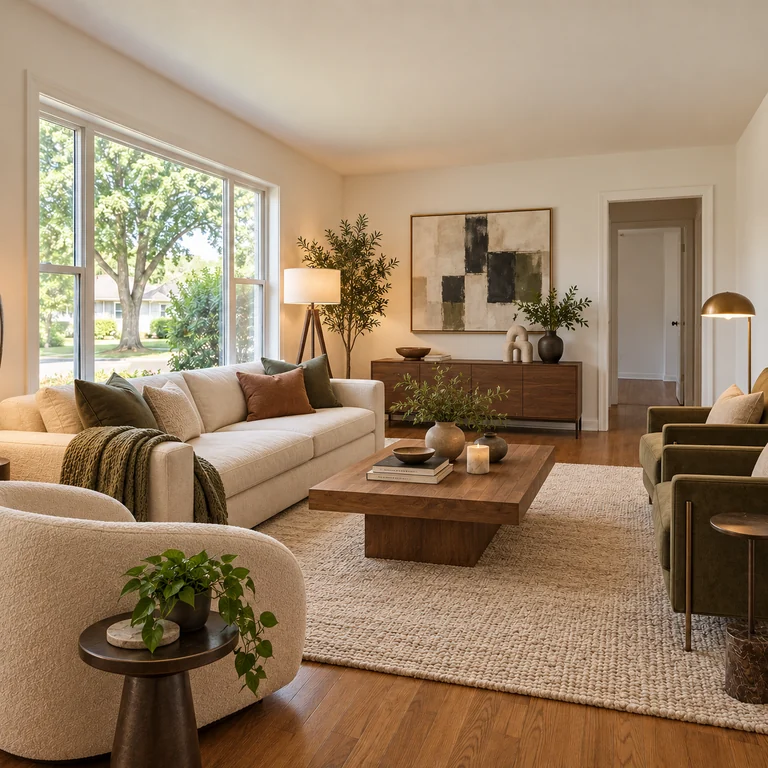
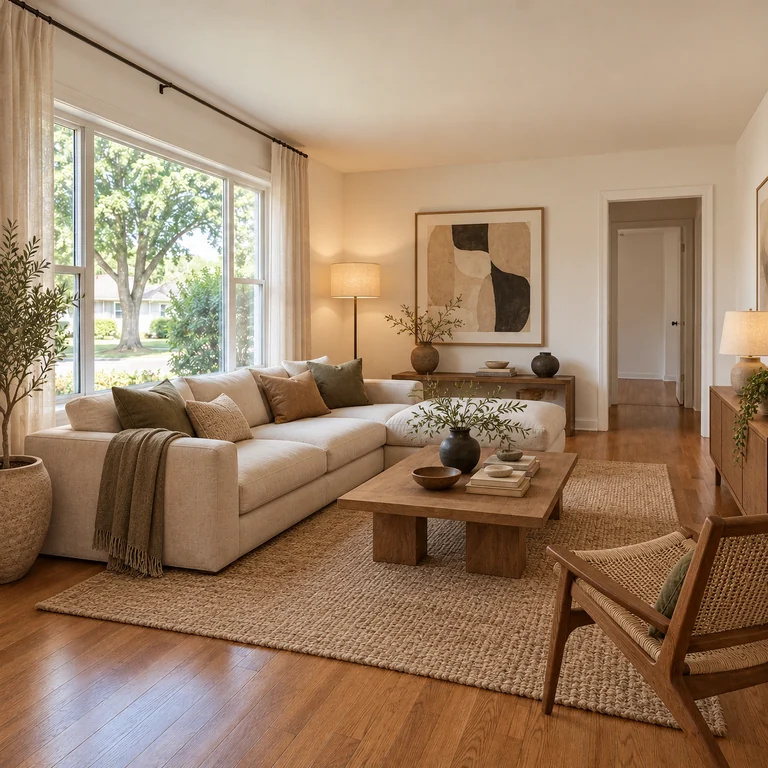
A cream sofa, low wood coffee table, floor lamp and abstract art, with clean lines and warm neutrals.
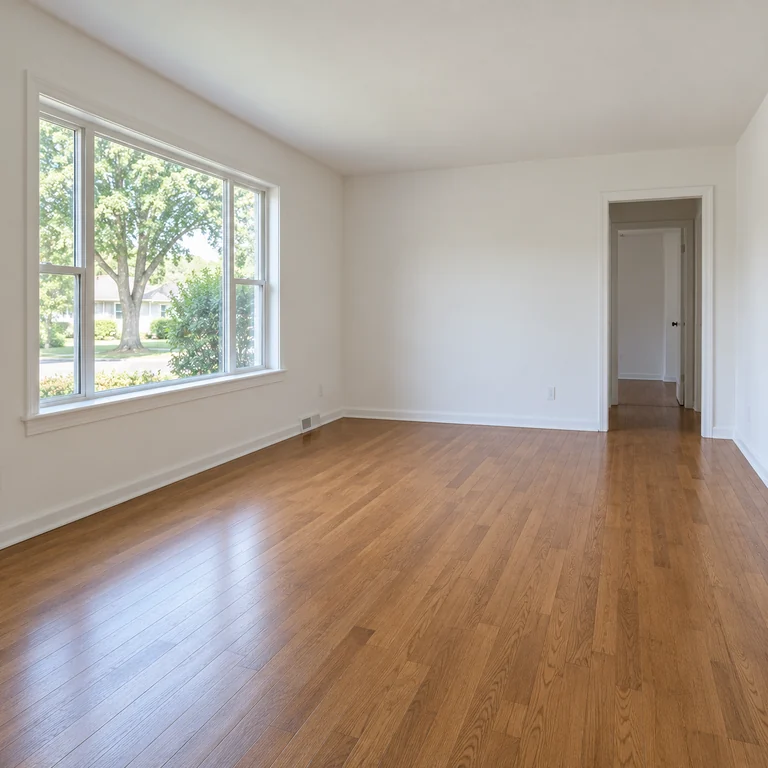
Take a picture of your room, choose Living Room, Bedroom, Kitchen, Bathroom, Home Office or Dining Room, then pick a style such as Japandi, Boho or Art Deco. The AI adds furniture and new finishes and is told to keep your walls, windows, doors and camera angle.
Room type: Living Room · Style: Modern
Reference example. It is not a result generated from your upload.
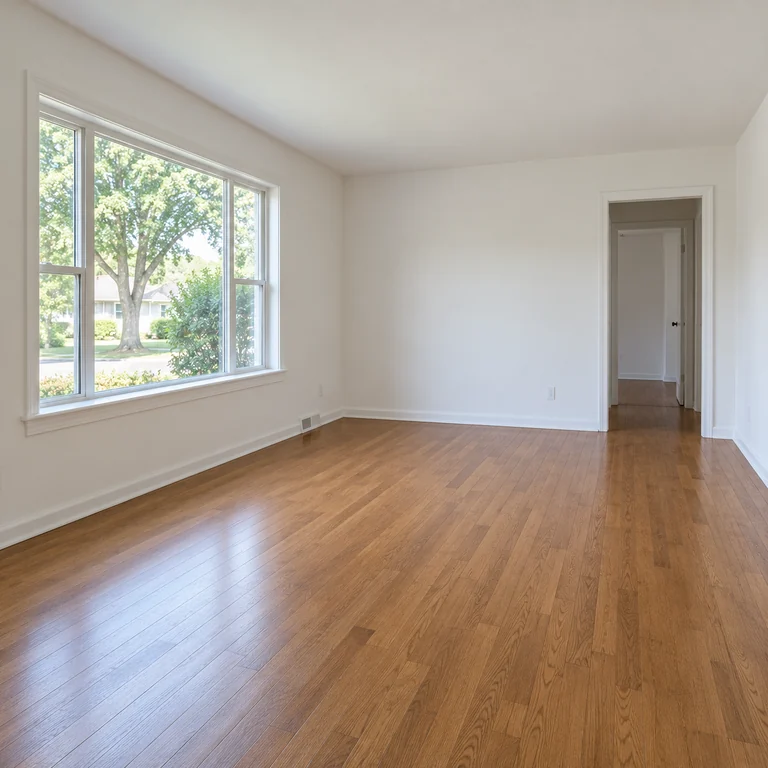
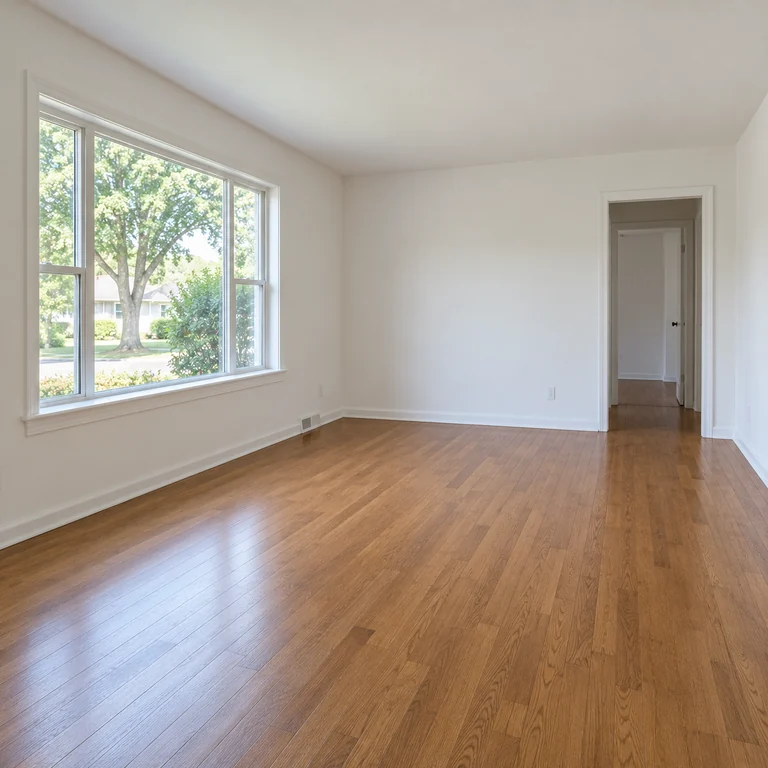
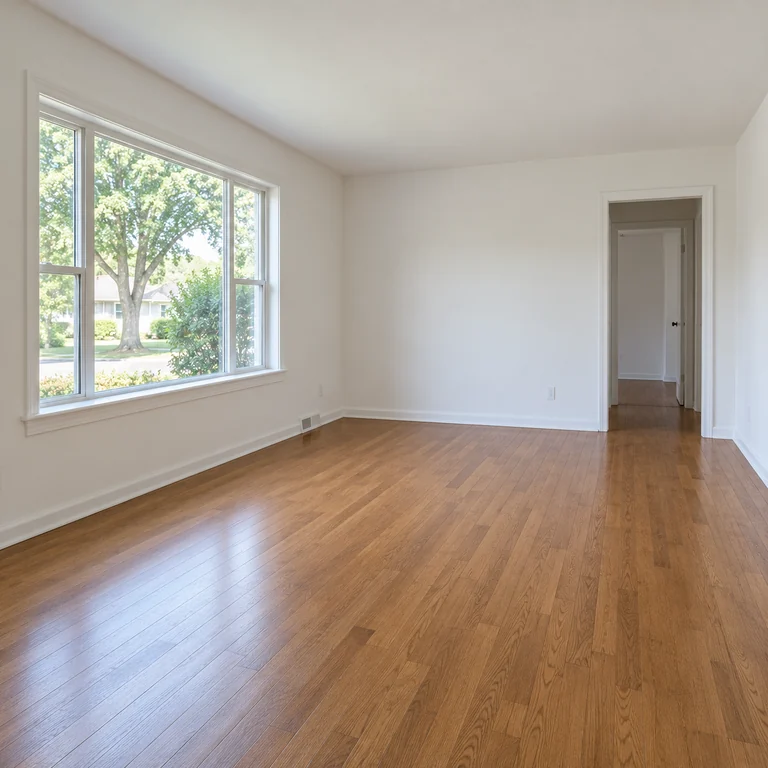
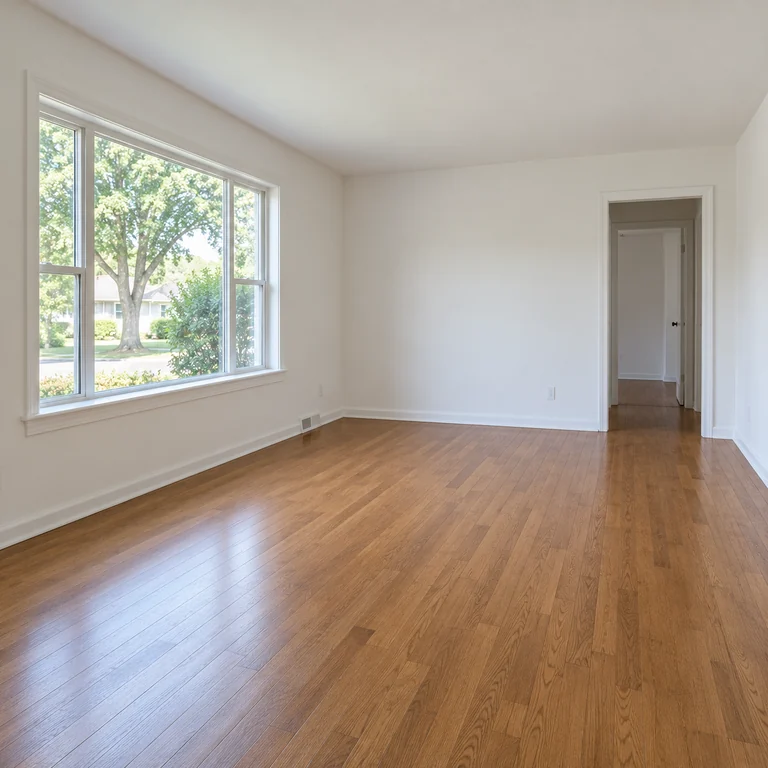
Upload one photo of a real room and make two choices: the room type and a style. The AI redraws furniture, rugs, lighting, wall colors and materials in that style, and every request asks it to keep the walls, windows, doors, structure, camera angle and perspective of your photo. That makes it a quick way to see an empty or dated room furnished in several directions before you buy anything.
Twelve styles sit in three tabs: Clean & Modern (Modern, Scandinavian, Japandi, Minimalist), Eclectic (Industrial, Mid-century Modern, Boho, Coastal) and Classic & Cozy (Farmhouse, Luxury, Art Deco, Cozy Cottage). The six room types tell the AI home designer which furniture belongs in the space.
Think of the result as a mood board you can stand inside, not a plan. AI furniture placement shows a possible arrangement and palette, but it does not measure the room, check clearances or price the pieces. Use it for home AI interior design ideas and AI apartment design for rentals, then measure before ordering.
A cream sofa, low wood coffee table, floor lamp and abstract art, with clean lines and warm neutrals.
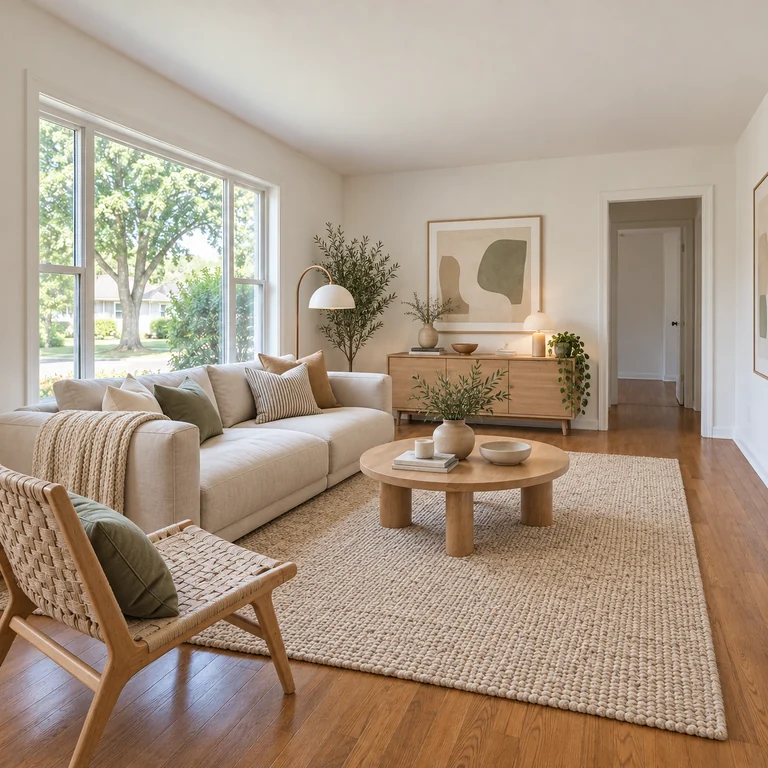
Light wood, a pale sofa with knit throws, a jute rug and potted plants keep the room bright and airy.
Low natural-wood furniture, linen textiles and muted earth tones with a few carefully chosen objects.
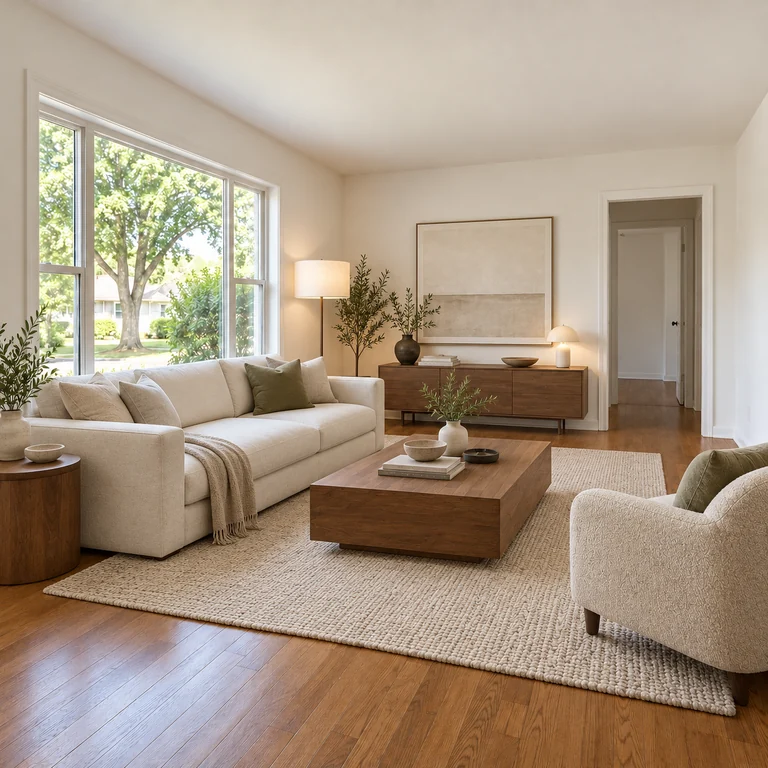
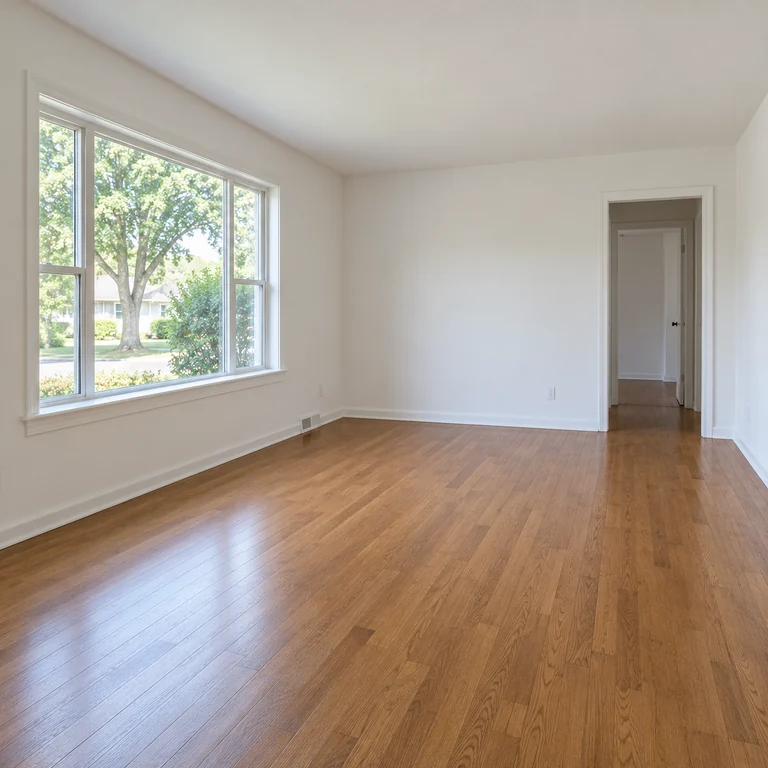
Only the essentials: a pale sofa, an armchair and a plain coffee table, leaving the floor and walls open.
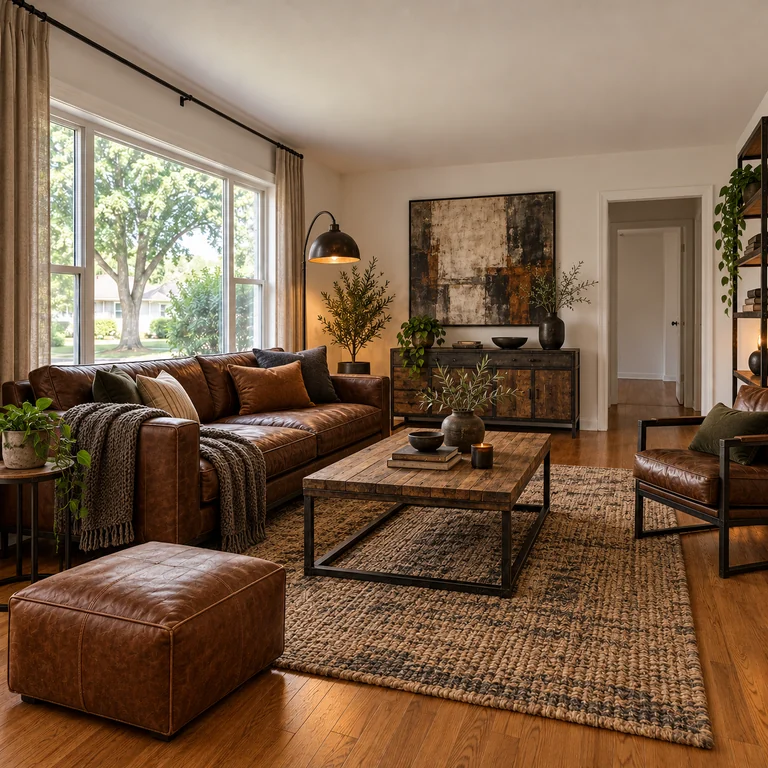
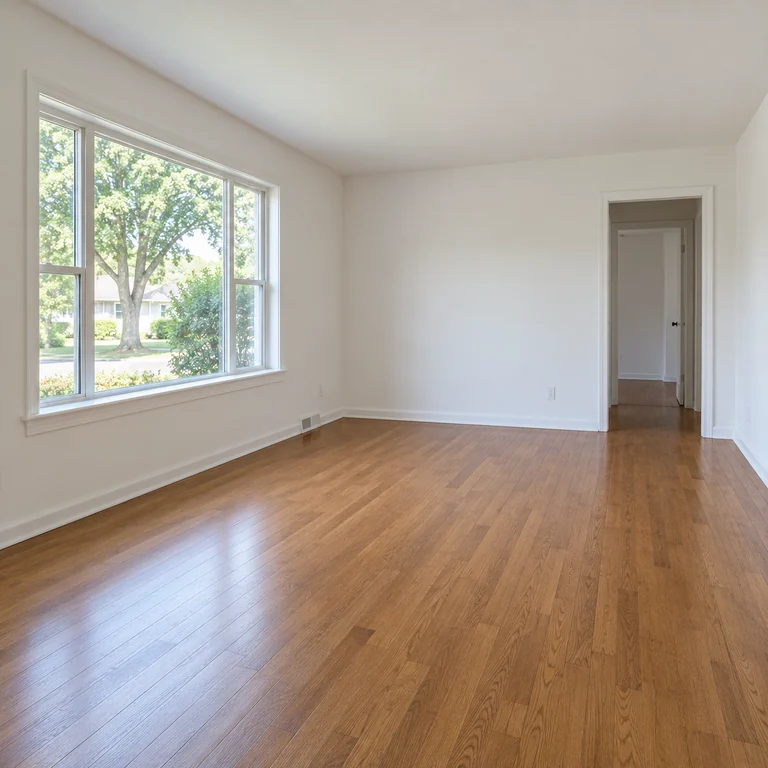
A cognac leather sofa, metal-framed table, dark accents and an ottoman bring a loft feel to the same room.
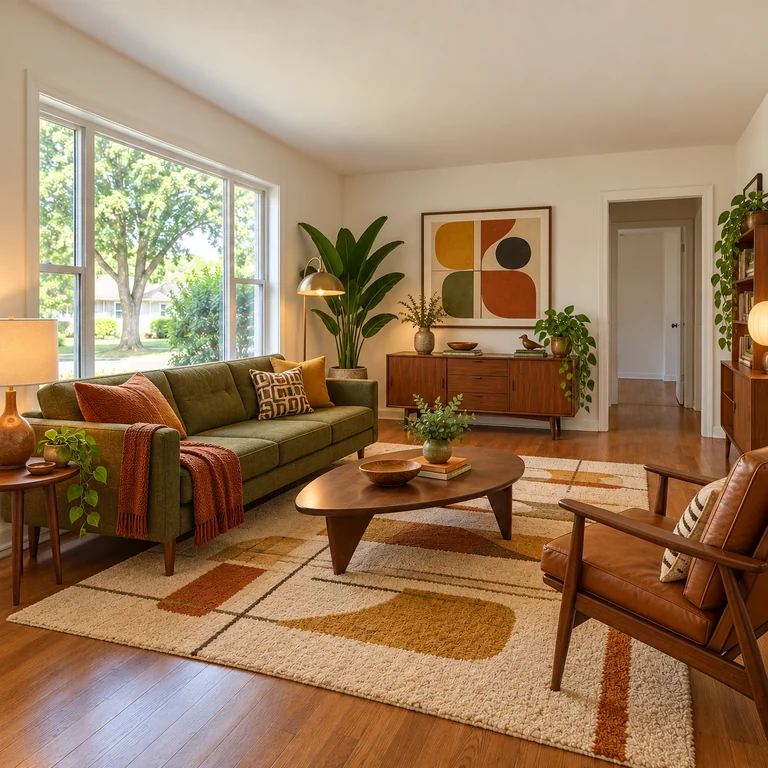
Tapered wooden legs, an olive sofa, graphic art and a warm patterned rug in classic mid-century colors.
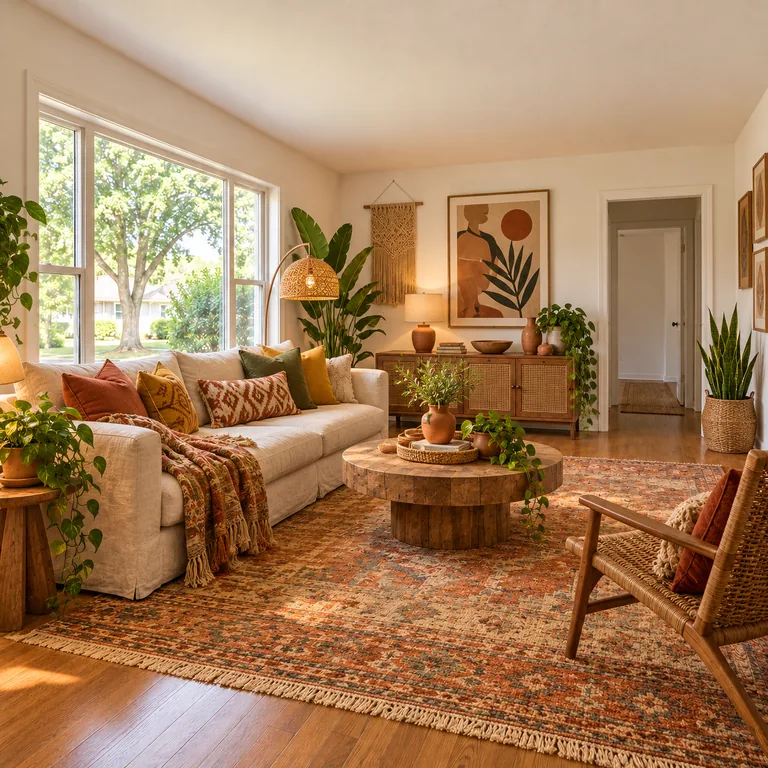
Layered patterned rugs, rattan, plants and terracotta tones for a relaxed, collected look.
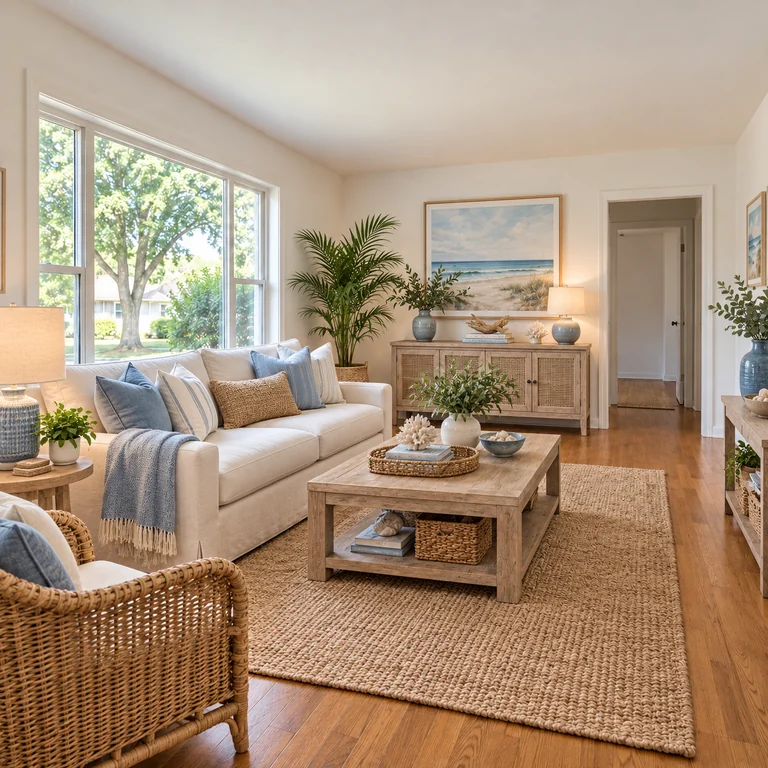
White and soft blue textiles, woven chairs and beach-toned art for a light, breezy living room.
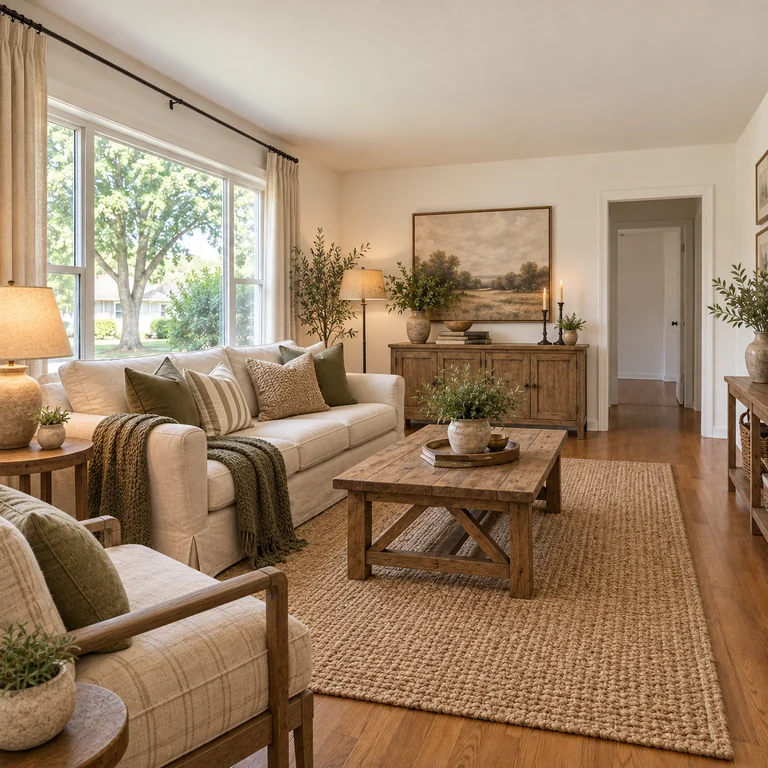
A slipcovered sofa, rustic wood coffee table and woven textures for a warm farmhouse feel.
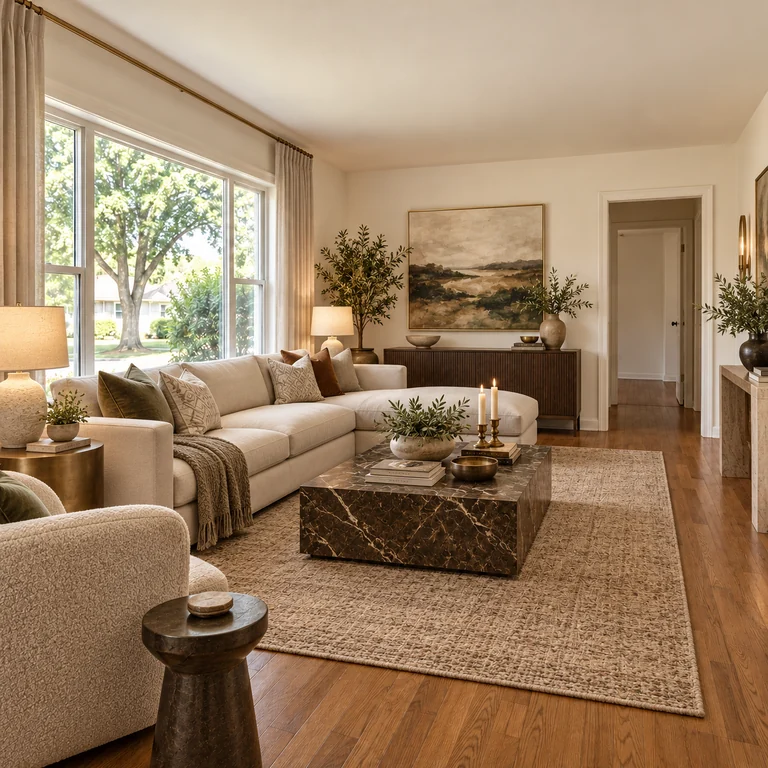
A deep sectional, a statement coffee table and rich textures give the room a more formal, hotel-like finish.
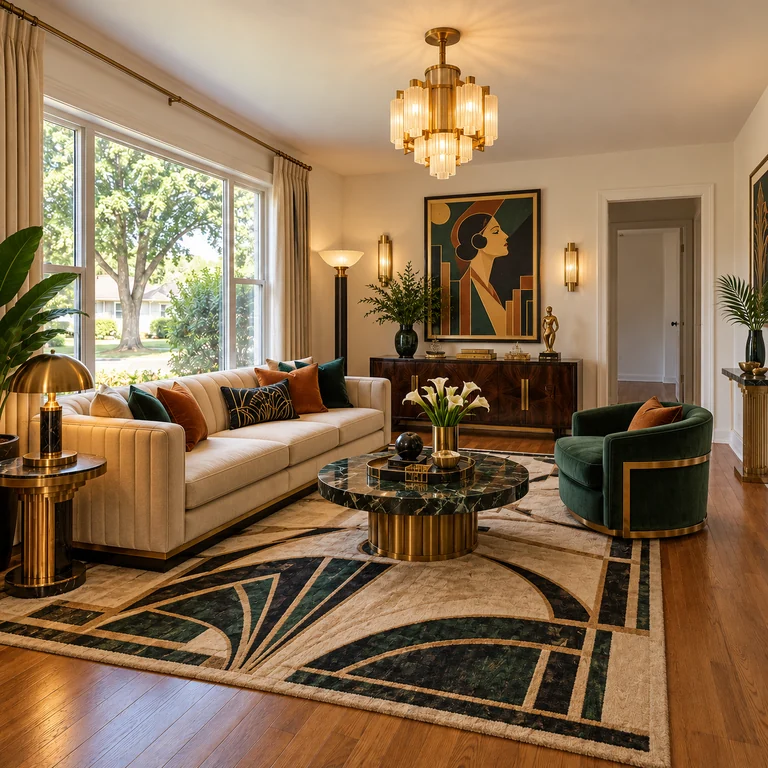
A geometric black-and-gold rug, brass chandelier and green velvet chair recall 1920s glamour.
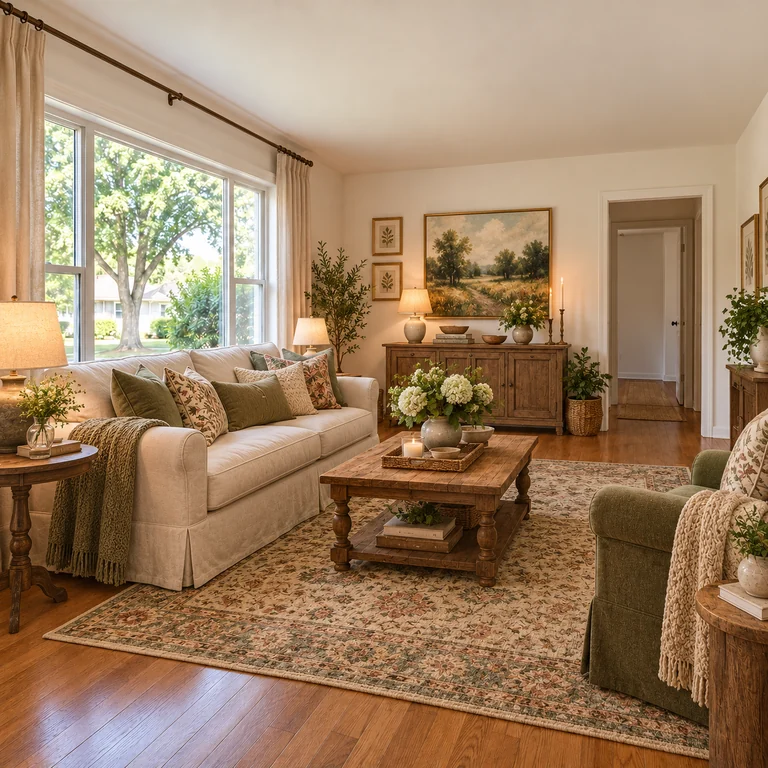
A soft sofa, patterned cushions, a vintage-style rug and warm lamps turn the bare room into a cottage sitting room.
Stand in a corner at chest height and include the floor, ceiling line, windows and doors. Daylight and a level camera give the best reference.
Living Room, Bedroom, Kitchen, Bathroom, Home Office or Dining Room. This tells the AI which furniture belongs in the space.
Browse Clean & Modern, Eclectic and Classic & Cozy, then generate up to four outputs to see several arrangements in the same style.
Check that windows and doors stayed in place, save the designs you like and measure the real room before buying furniture.
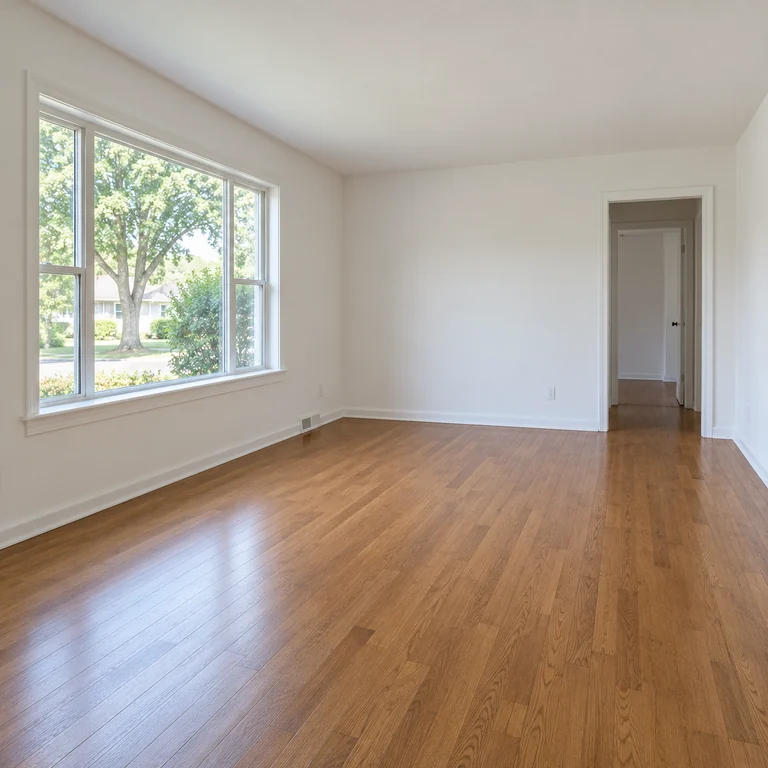
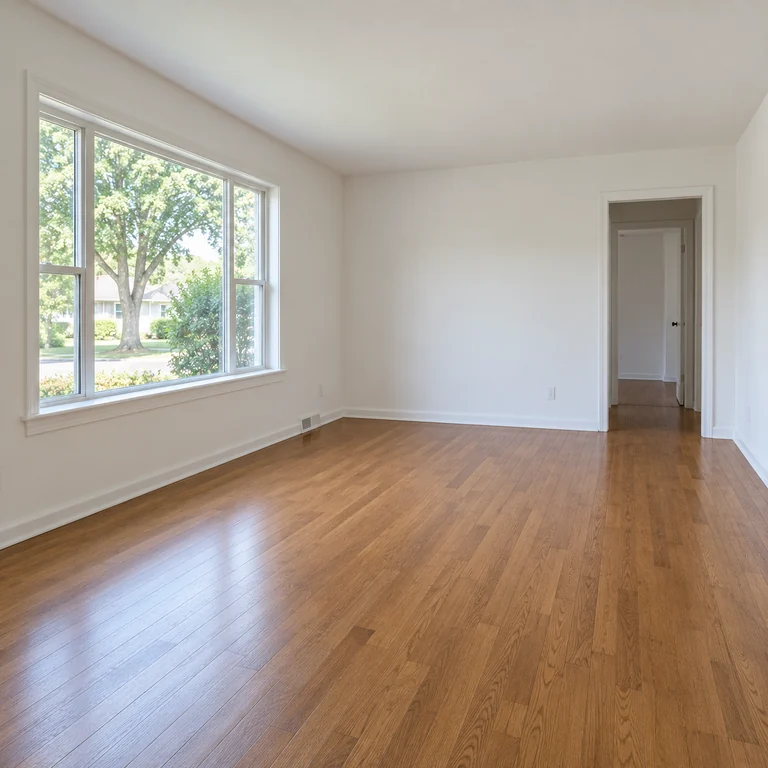
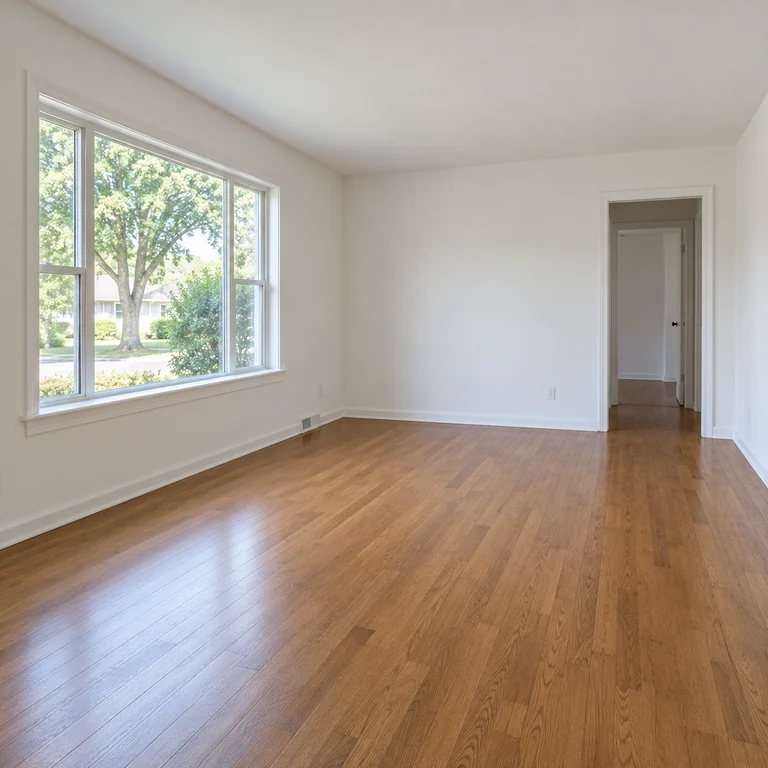
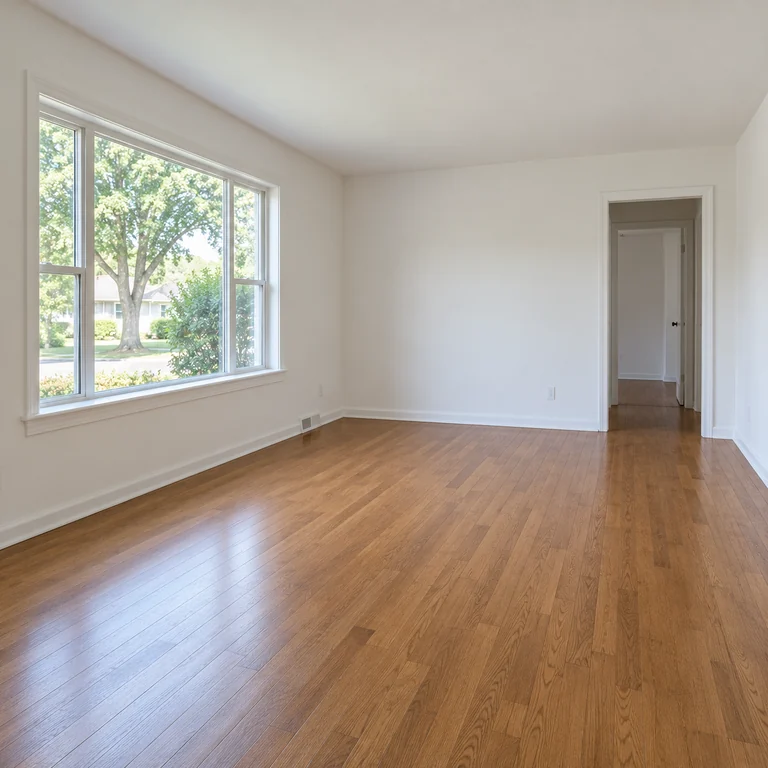
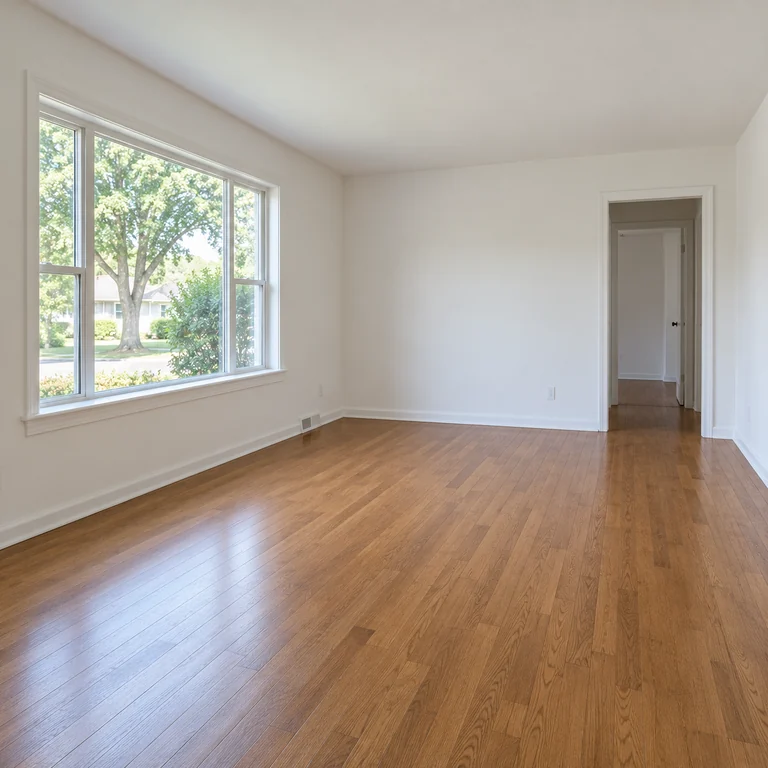
Start from the room as it is, even empty or half-furnished. The Modern example adds a sofa, coffee table, lamp and art while the big window, doorway and oak floor stay where they were. It is a simple way to add furniture to photo concepts before you shop.
Set Room type to Living Room and compare calm, light Scandinavian with other schemes. Pale wood, knit throws and plants are typical; the result shows a direction for palette and layout rather than a measured floor plan.
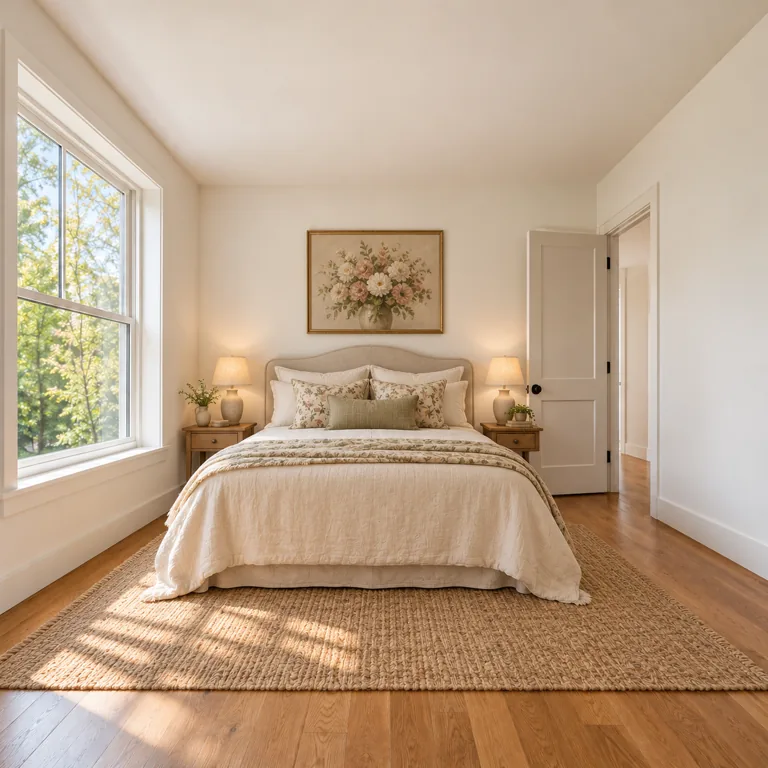
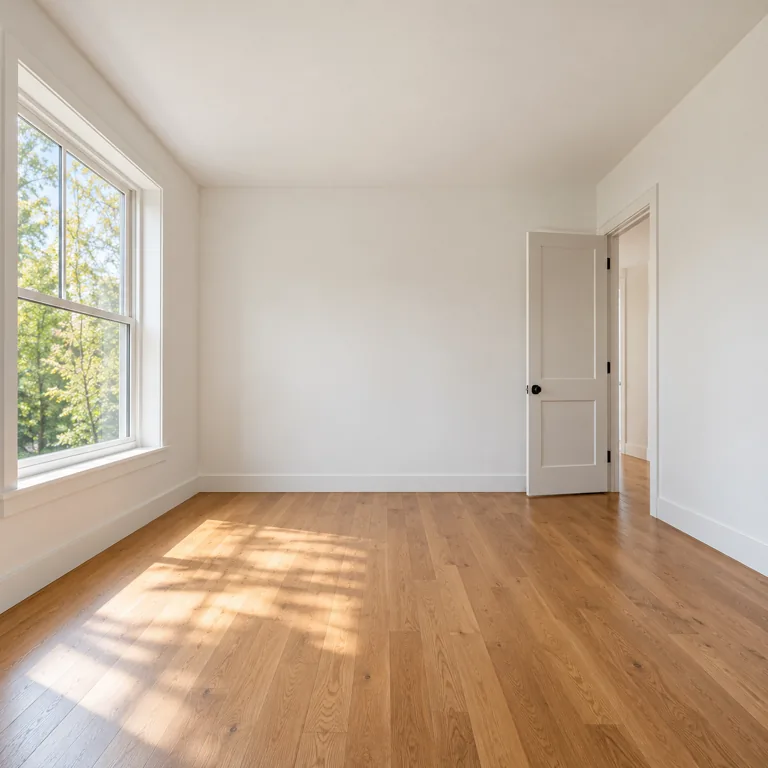
Choose Bedroom to furnish a bare room with a bed, side tables, lamps and a rug, as in this example where the window and door stay put. The button loads Japandi, a calm style that suits bedrooms; Cozy Cottage gives a softer, more traditional take.
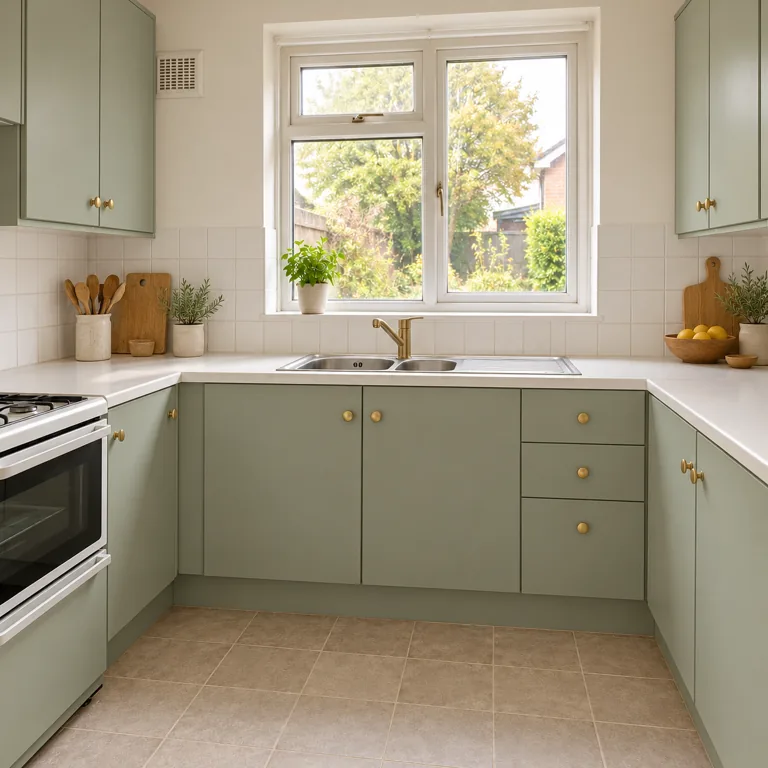
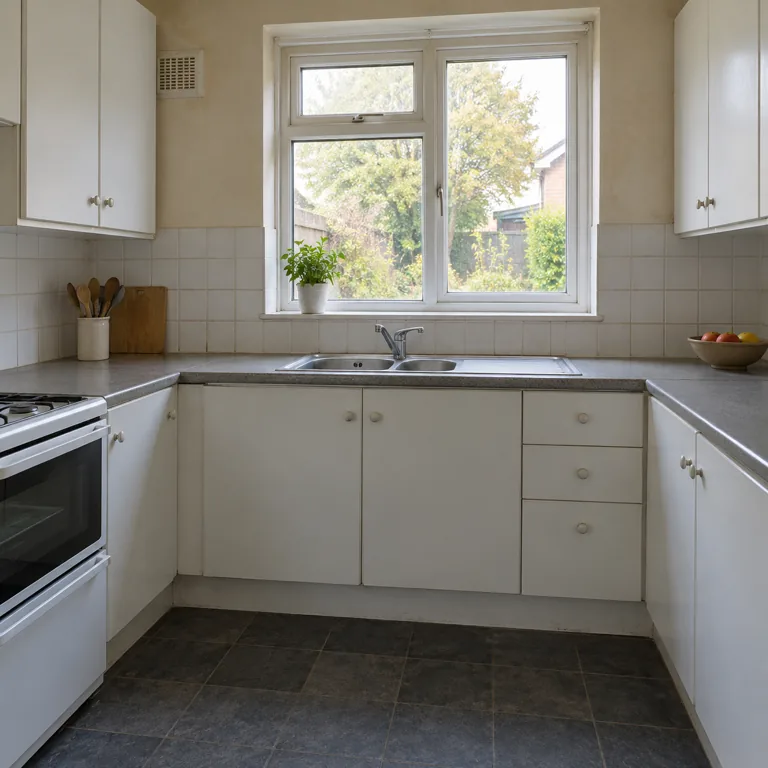
Choose Kitchen to try new cabinet colors, counters and shelving while the window, sink wall and cabinet runs keep their places. Here grey fronts became sage green with open wood shelves. The button loads Minimalist; the result is a finish idea, not a renovation plan.
Openings anchor the architecture. If they are cropped out, the AI has less to keep and may invent walls.
Boxes, laundry and cables can be read as furniture. A tidy or empty room gives cleaner AI decorating room results.
A concept can place a sofa across a doorway. Walk the real room and keep paths clear when you copy an idea.
The image has no scale. Check sofa, bed and desk sizes against the room before ordering anything.
Mirrors, glossy floors and glass doors can trick any home interior design AI into adding openings that are not there.
If you share a concept for a rental or sale listing, make clear that the furniture and finishes are proposals, not the current room.
Write your own prompt and add extra reference images, for example a sofa you already own, to restyle a room your way.
Read the guideMake one targeted change, like repainting a wall or removing a cabinet, with a typed instruction.
Read the guideGenerate interior mood images from text when you do not have a room photo yet.
Read the guidePlan where the rooms go before styling them: describe the property and get a top-down concept floor plan, furnished or in 3D.
Open the toolThat is part of every request: keep the walls, windows, doors, structure, camera angle and perspective, and change only furniture, materials and colors. Results usually follow it, but compare each design with your photo because small shifts can happen.
Six room types (Living Room, Bedroom, Kitchen, Bathroom, Home Office, Dining Room) and twelve styles, from Modern and Japandi to Boho, Farmhouse and Art Deco. You choose one room type and one style per run.
AI interior design is Free to try. Each run uses credits, and the Generate button shows the cost before you start.
Yes. Choose Home Office and a style to see a desk, chair, shelving and lighting arranged in your room. An AI office design generator is good for exploring mood and materials; it is not an office builder or a space-planning tool with real dimensions.
Designers and agencies can use this interior design AI generator for early mood boards: upload a client’s room photo with permission, choose Home Office and compare styles. AI design office space concepts are illustrations, not construction drawings or furniture specifications.
Yes. Empty rooms work well because nothing hides the floor and walls. Choose the room type so the AI knows whether to add a sofa, bed, desk or dining table.
No. You get photo-style images of the redesigned room from the same angle. As room decoration AI it gives visual direction only: no floor plan, 3D model, shopping list or measurements.
A wide, level shot from a corner in daylight that shows the floor, ceiling line, windows and doors. JPG, PNG or WebP files up to 20 MB are accepted.
Only rooms you live in, own, manage or have permission to photograph. Leave people, family photos and personal documents out of the frame.
Each run is a fresh interpretation of the same style, so furniture and decor vary between versions. Generate two to four outputs and keep the one whose layout suits your room.
Choose the room type and a style, then compare up to four AI home interior design ideas for the same space.