
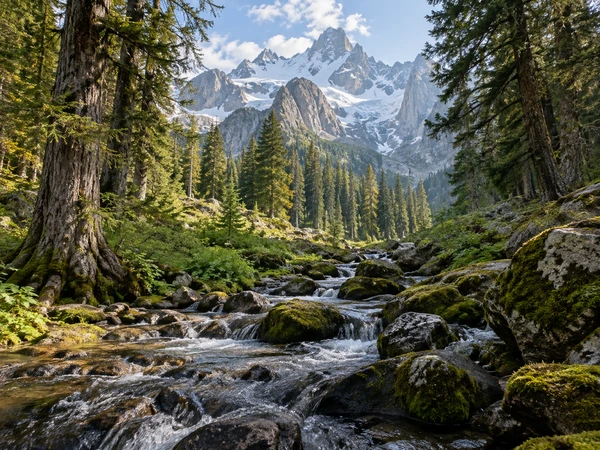
Mountain Forest
Granite peaks framed by old trees and a clear stream.
Describe a place, or upload a landscape photo, then choose the scenery, season, light, and art style: a misty alpine lake at sunrise, a tropical beach, an anime countryside, or an oil painting of an autumn forest. The AI paints the whole scene edge to edge, ready for wallpapers, games, and posts. Free credits when you sign up.
Art style
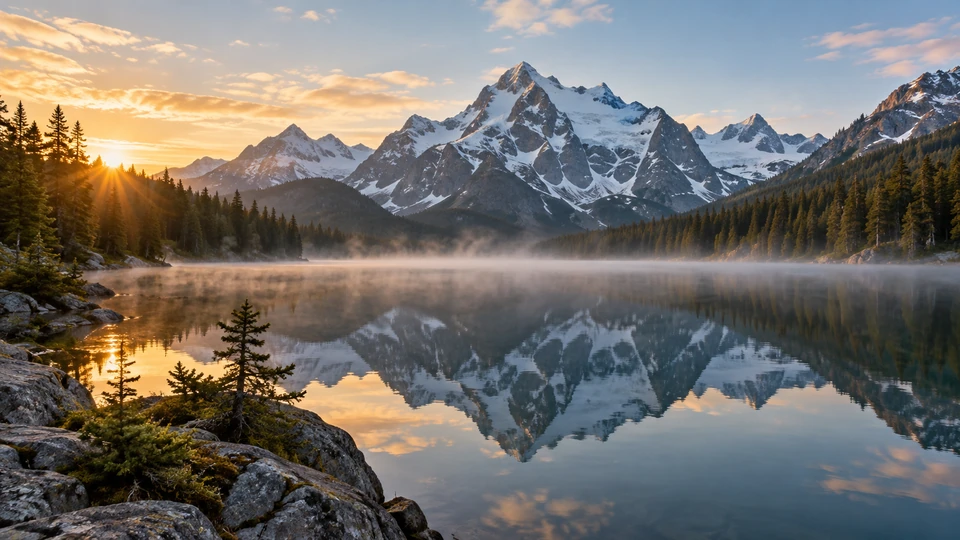
A calm alpine lake at sunrise, jagged snowy peaks reflected in the still water, pine forest on both shores, and a thin layer of mist over the surface.
Reference example. It is not a result generated from your upload.
An AI landscape generator turns a few words into a complete scene. Describe a place, a mountain lake, a beach at dawn, a fantasy valley, and the AI paints the land, water, sky, and light in one image, with real depth from the foreground to the horizon. It is a scenery generator you steer with plain language instead of brushes and layers, so anyone can make AI scenery for a wallpaper, a game backdrop, a slide, or a post.
You get more than a text box. Choose the scenery (mountains, coast, forest, desert, lake, countryside, tropical, or city), the season, the light and weather, and one of 12 styles, from photoreal and cinematic to anime scenery, oil painting, watercolor, ink wash, and pixel art. Upload a photo and it works as an AI landscape generator from photo: it keeps your view and repaints it, changes the season, or turns your backyard into a garden concept. It is free to try: new accounts get free credits when they sign up.
Each scene below began as a short description. Tap a card to load the same idea or style, then make it yours.
Granite peaks framed by old trees and a clear stream.
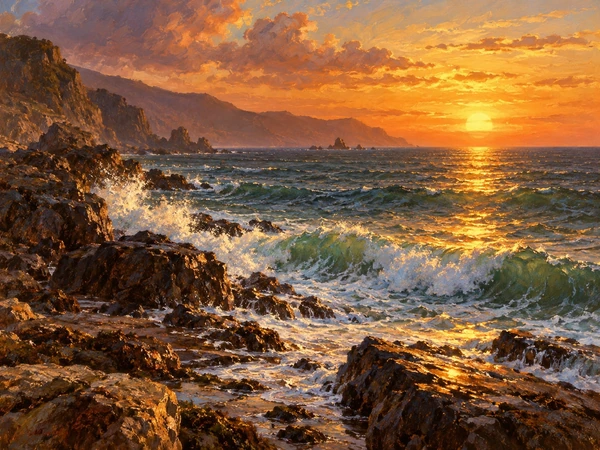
Glowing waves rolling onto a golden beach.
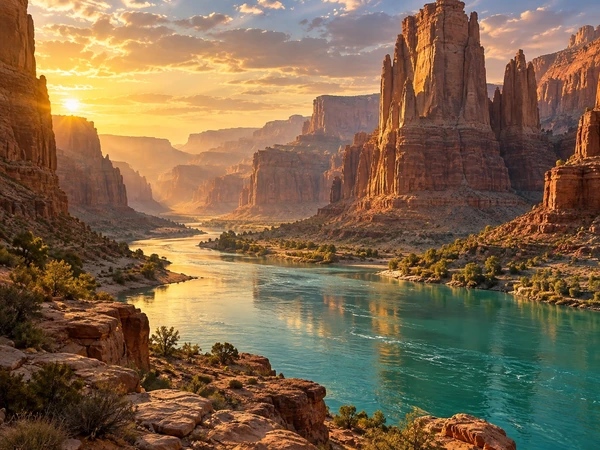
Red rock towers above a turquoise river at golden hour.
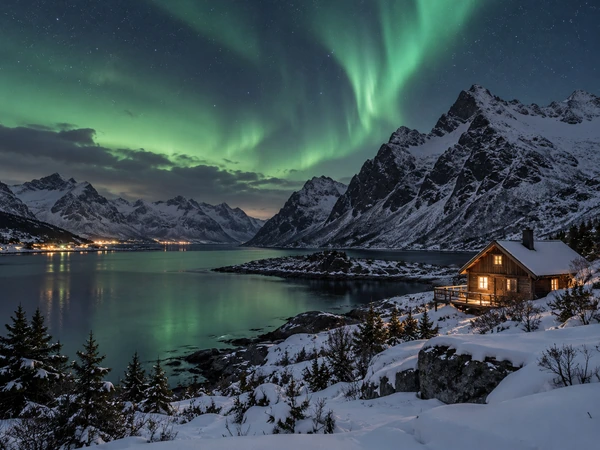
A log cabin under fresh snow and alpine peaks.
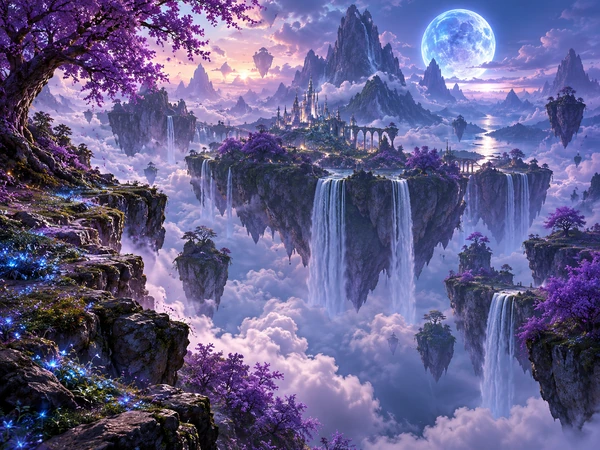
A glowing moon over a magical mountain valley.
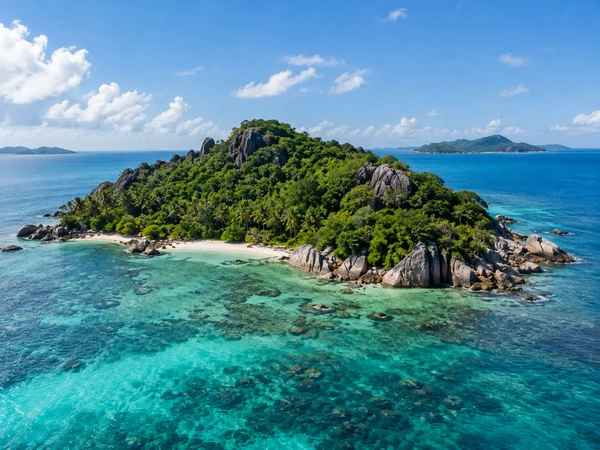
A jungle-covered island in crystal-clear water.
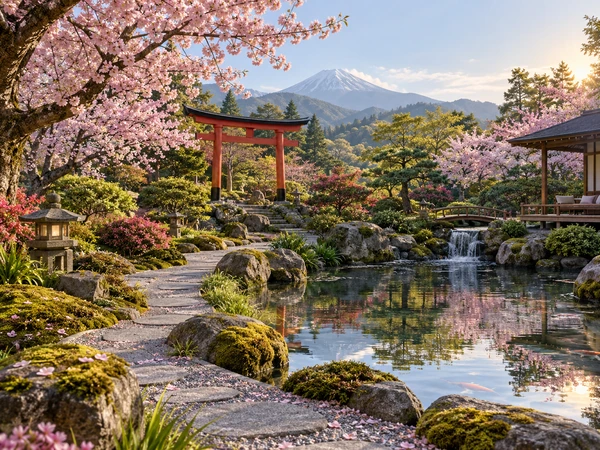
A red bridge, cherry blossoms, and a still pond.
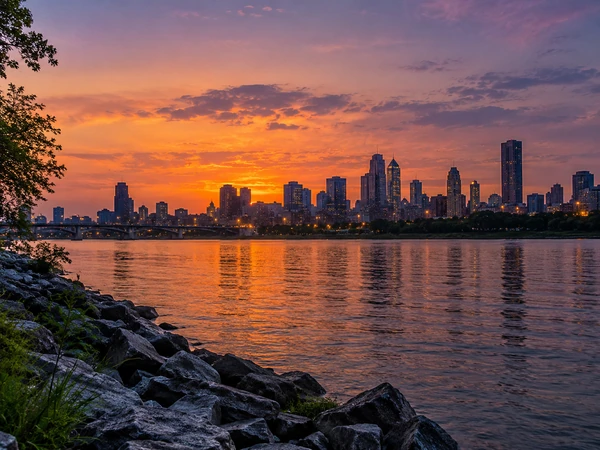
Skyscrapers glowing over a city at dusk.
Start from words or from a photo; both take three steps.
Write the place, the main feature, and the mood, such as “a misty alpine lake at sunrise”. Or upload a landscape photo, a yard photo, or a sketch as the reference image to build on.
Choose Mountains, Coast, or Forest, set the season and the light (Golden hour, Misty, Starry night), and pick a style such as Photoreal, Anime Scenery, or Watercolor. Set the size: 16:9 or 21:9 for wide views, 9:16 for phones.
Press Generate Landscape and compare the results. Change one thing, such as the season or the time of day, and generate again until it feels right, then download your favorite.
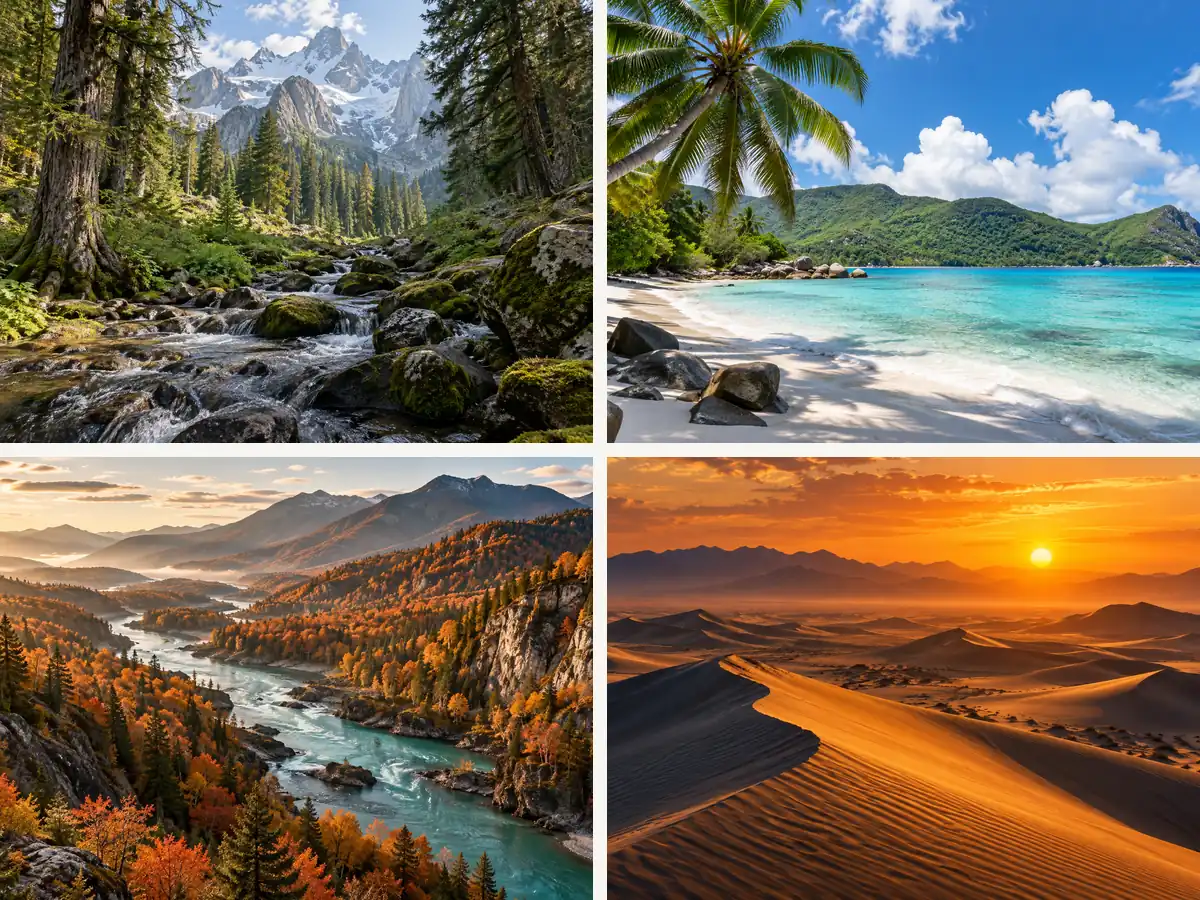
Nine scenery presets, four seasons, and six kinds of light and weather turn a short line into a specific place. Ask for a desert at golden hour, a forest in winter mist, or a coastline under a storm, and the scenery AI composes it with a real foreground, middle ground, and horizon. Prefer worlds that do not exist? Pick Fantasy and add floating islands or two moons.
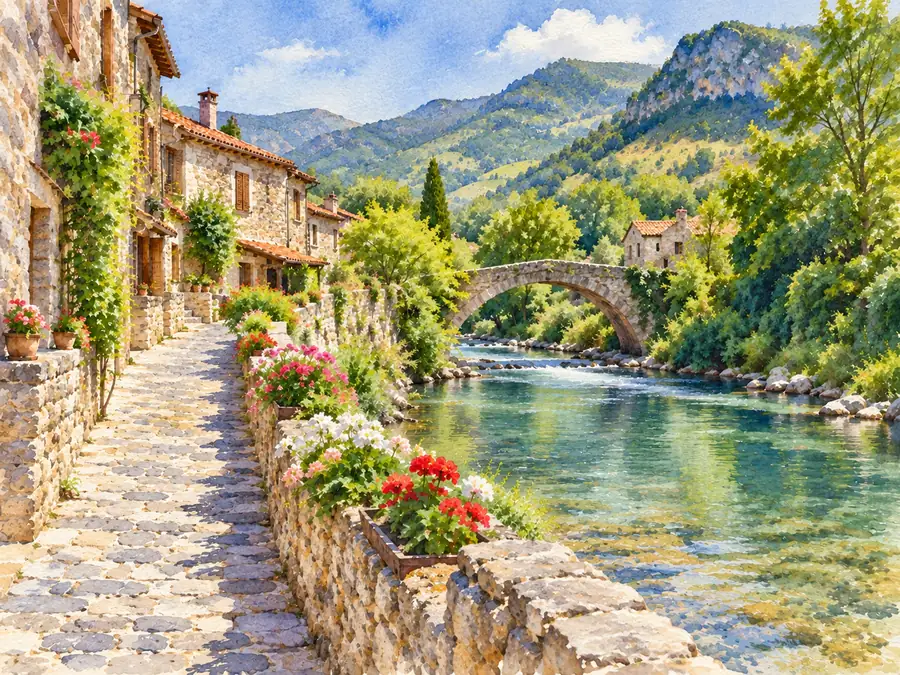
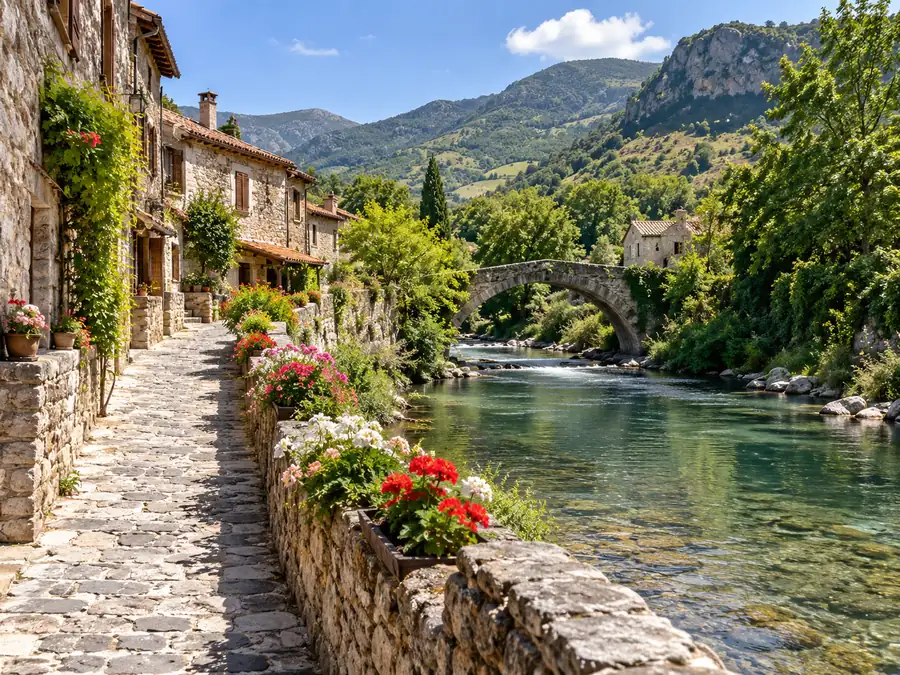
Upload a photo of a view you love and the AI keeps its horizon, landforms, and buildings while repainting it: turn it into a watercolor or an oil painting, swap summer for snowy winter, move it to sunset, or give it a fantasy twist. Drag the slider to compare a landscape photo with its watercolor version.
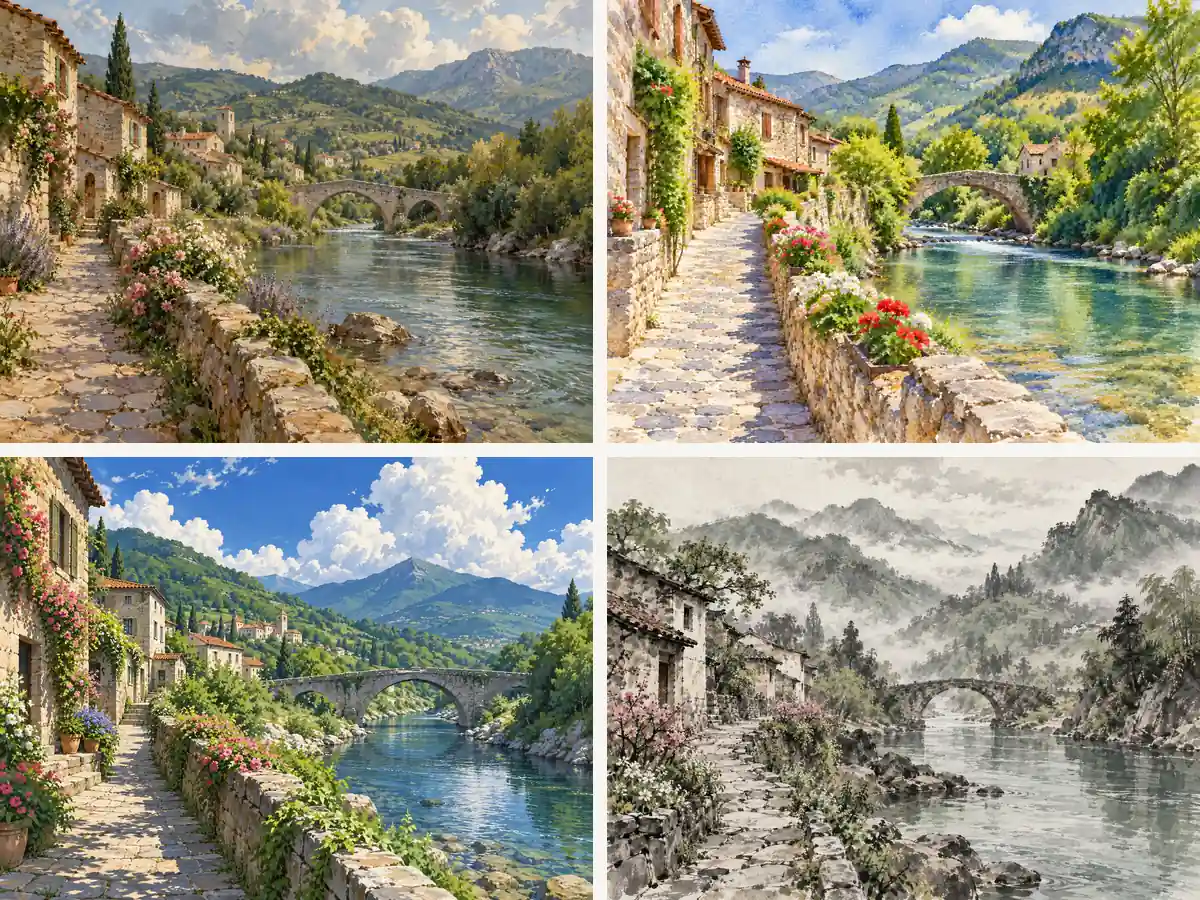
Keep the same description and switch the style card: a glowing 19th-century oil painting, a loose watercolor, a misty ink wash with empty space, or bright anime background art. It is an easy way to make AI generated landscapes that match a book, a game, or a brand.
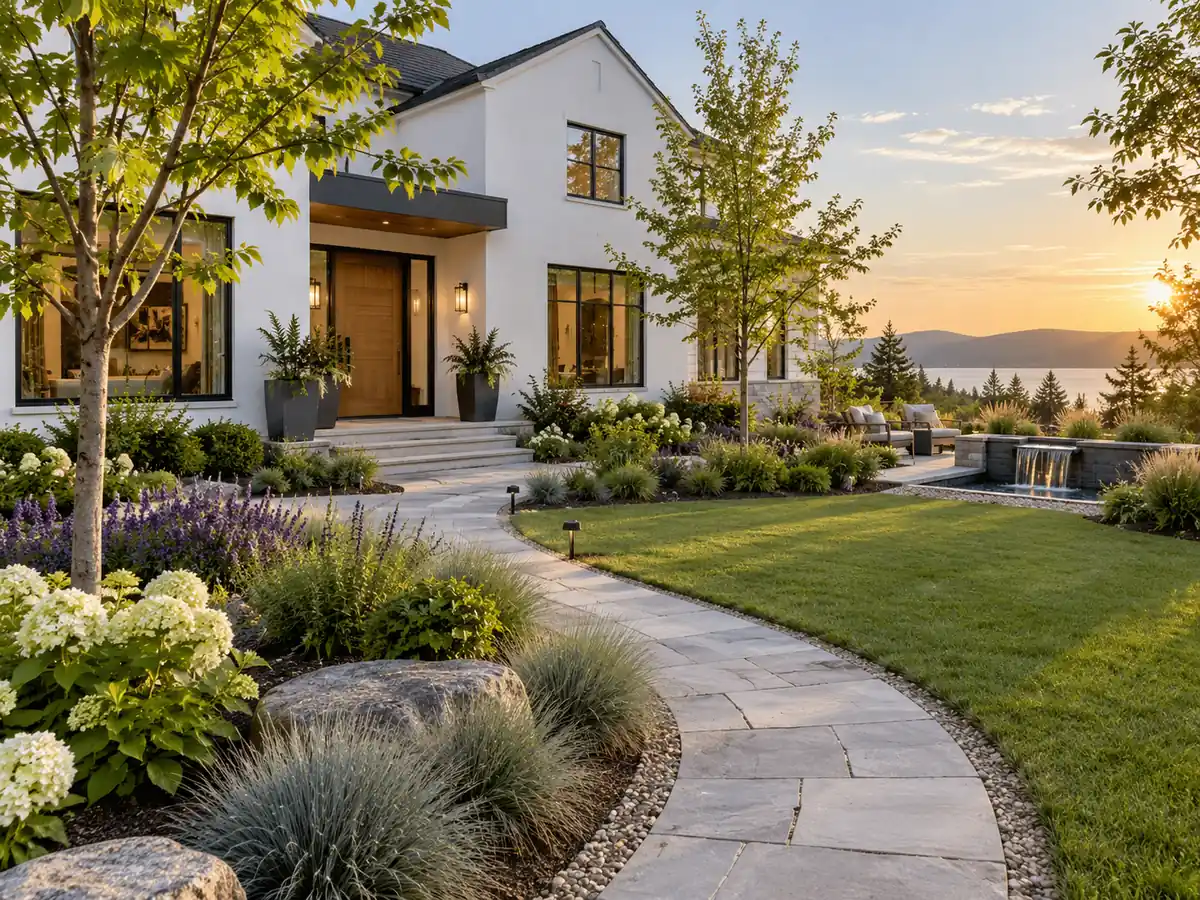
Choose Garden Design to picture planting beds, paths, lawns, ponds, and seating. Upload a photo of your yard and the AI keeps the house and boundaries while it redesigns the planting, so you can compare styles before talking to a landscaper. The results are concept images, not construction plans or planting schedules.
Good scenery prompts answer the same six questions. Fill in what matters and let the settings do the rest.
| Part | What to write | Example |
|---|---|---|
| Place | The landform and its main feature | “a glacier lake below jagged peaks” |
| Foreground | Something close to the viewer for depth | “wildflowers and wet rocks in the foreground” |
| Season | Leaves, snow, blossoms, or dry grass | “early autumn, the first yellow larches” |
| Light and weather | Time of day, sky, mist, or storm | “golden hour, low mist over the water” |
| Viewpoint | Where the camera stands | “aerial drone view” or “wide-angle from the shore” |
| Style | Photo, painting, or illustration look | “as a watercolor” or “cinematic film still” |
The Scenery, Season, Light & weather, and Art style settings add these parts for you, so a short description is enough.
From a game’s concept art to the background of a slide, here is what people make with an AI landscape generator.
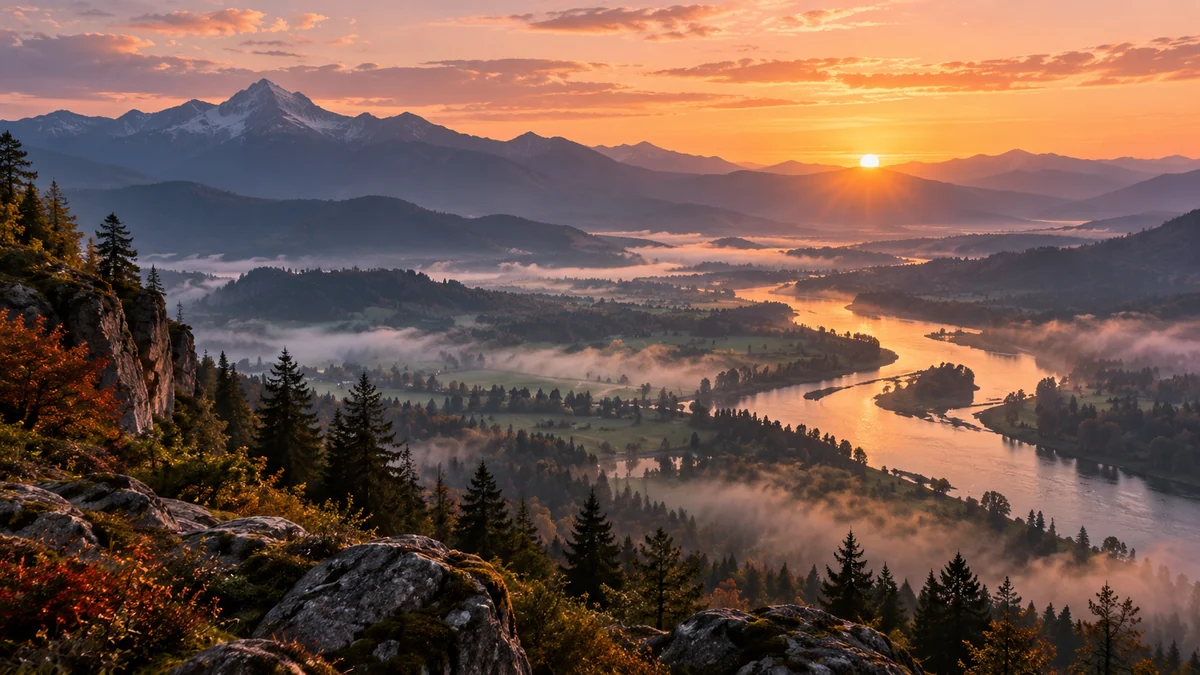
Level backdrops, environment studies, and mood boards for worlds you are building.
Desktop, phone, and video-call backgrounds in the exact size you need.
Calm scenery for presentations, YouTube intros, and hero banners.
Covers and prints with a landscape painted for your story or song.
Imagined destinations, seasonal moods, and dreamy scenery for your feed.
Quick concepts for a yard makeover or an outdoor view, before the real work starts.
Small changes that make landscapes feel real, or magical.
Rocks, flowers, or a path in front create depth and lead the eye in.
Golden hour, mist, or a starry night sets the mood more than any adjective.
“Teal water and orange cliffs” looks stronger than every color at once.
Pick 16:9 or 21:9 for wide views and 9:16 for phone wallpapers before generating.
A lone red cabin or a single blooming tree makes a scene memorable.
Keep the prompt and switch only the season, light, or style to compare.
Go beyond the horizon, design an outdoor space, or prepare your landscape for any screen.
Zoom out to space: design the whole planet your landscape sits on, from ice worlds to gas giants.
Make a PlanetTurn your scenery into a phone, desktop, or ultrawide wallpaper sized for every screen.
Make a WallpaperUpload a photo of your patio or balcony and try modern, Mediterranean, or Japanese makeovers.
Redesign a PatioWiden a landscape into a panorama or a taller frame by extending the scene beyond its edges.
Expand a SceneGenerate more scenes, repaint your own photos, or finish a landscape for print.
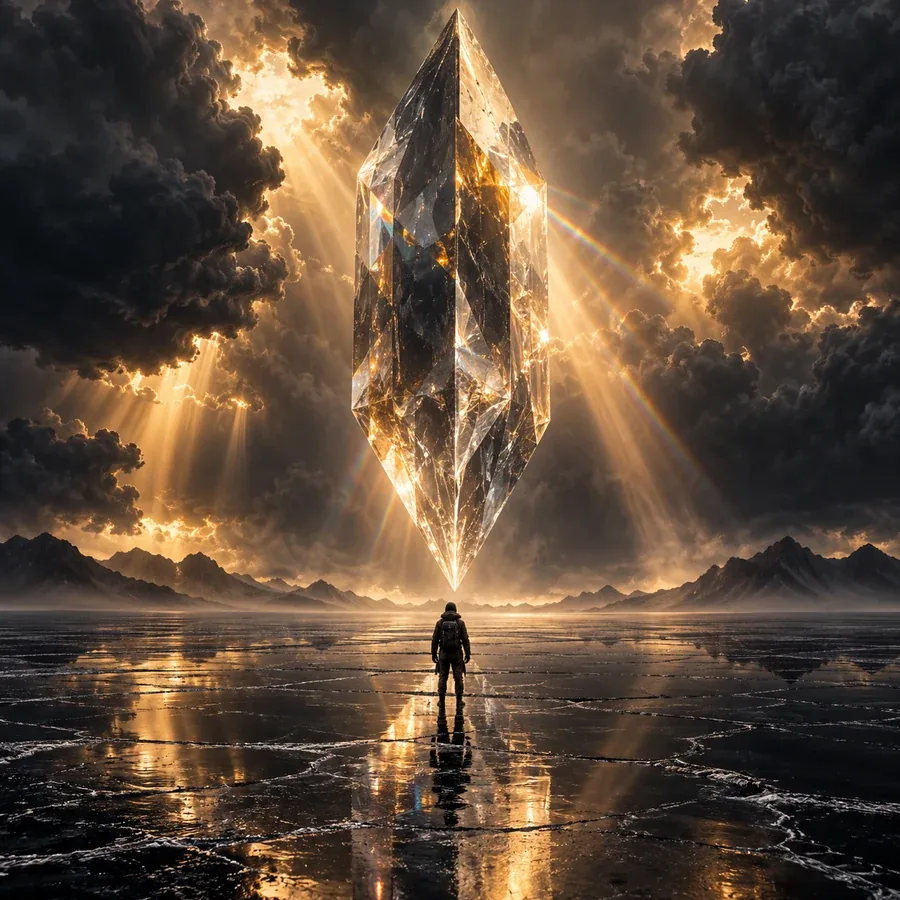 AI Image GeneratorFree to try AI image generator: type a prompt or add a photo, pick Nano Banana 2, GPT Image 2, Seedream, or FLUX, choose a style, and create AI images online.
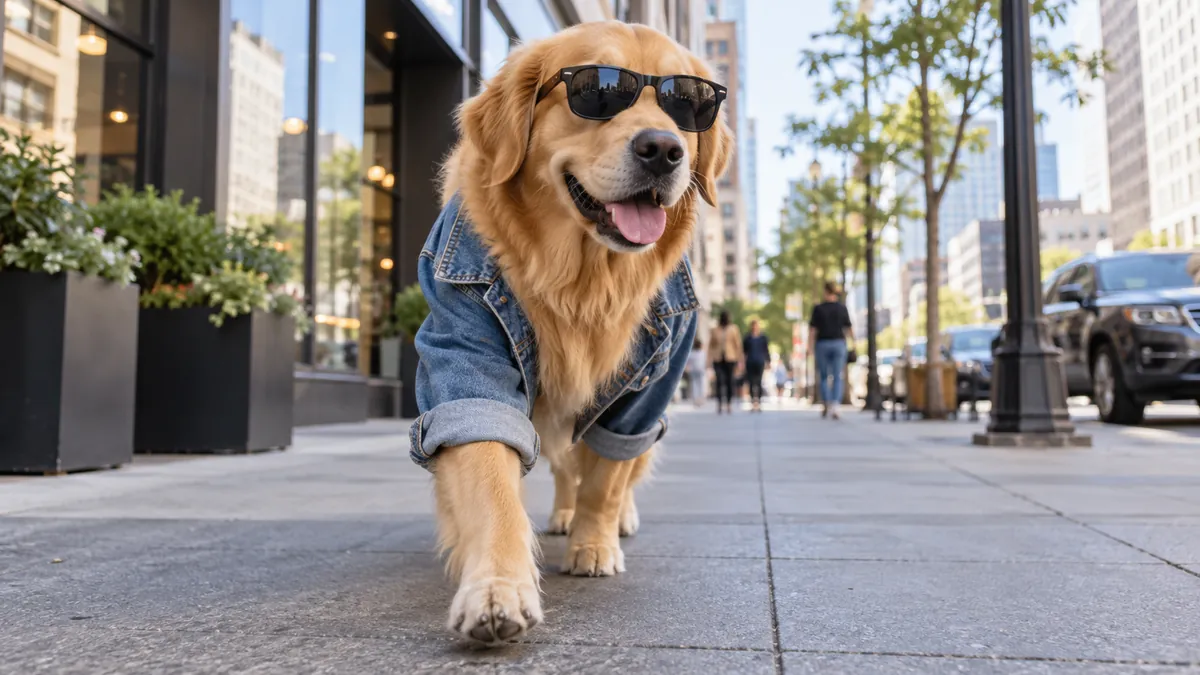 Text to Image AIText to image AI that turns words into pictures: type a prompt, pick a model and a style, and the AI image generator from text creates images you can download.
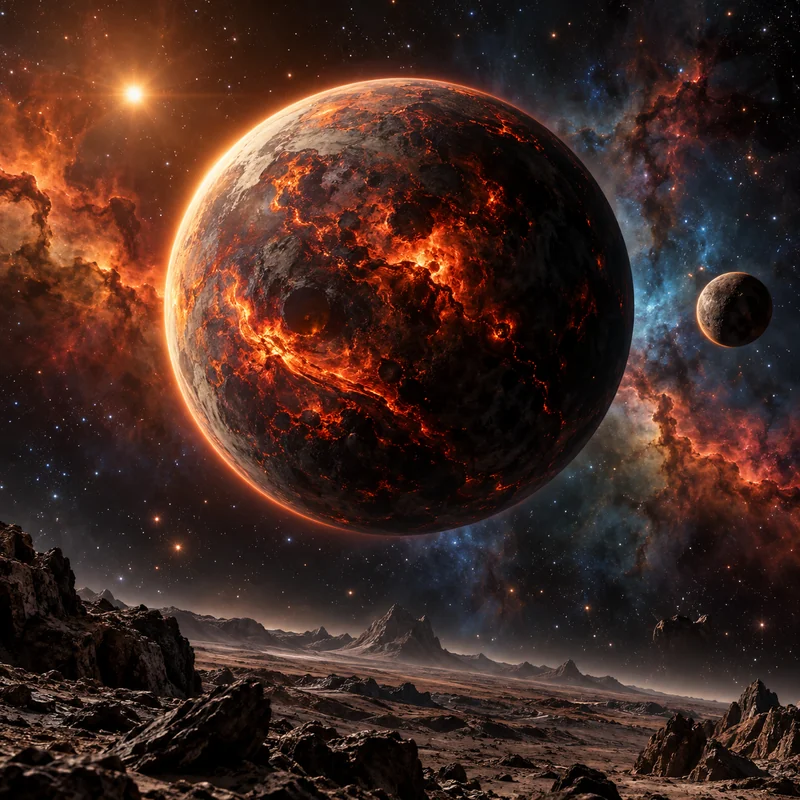 Planet MakerPlanet maker with AI: describe a world, pick ice, lava, or gas giant and a style from realistic to pixel art, then create planets or textures. Free to try.
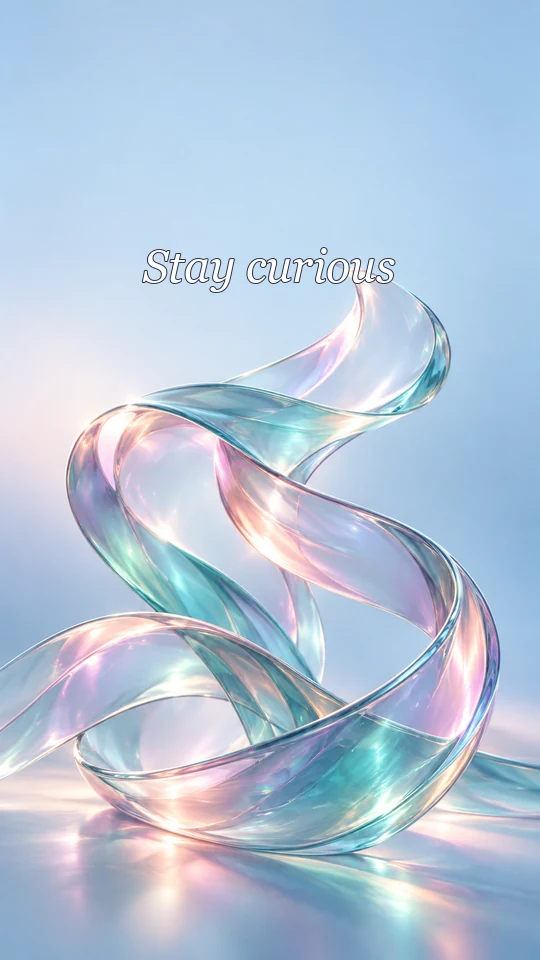 AI Wallpaper MakerFree to try AI wallpaper maker: describe a scene or a quote, pick a phone, desktop, ultrawide, or tablet size, and generate a custom wallpaper or lock screen.
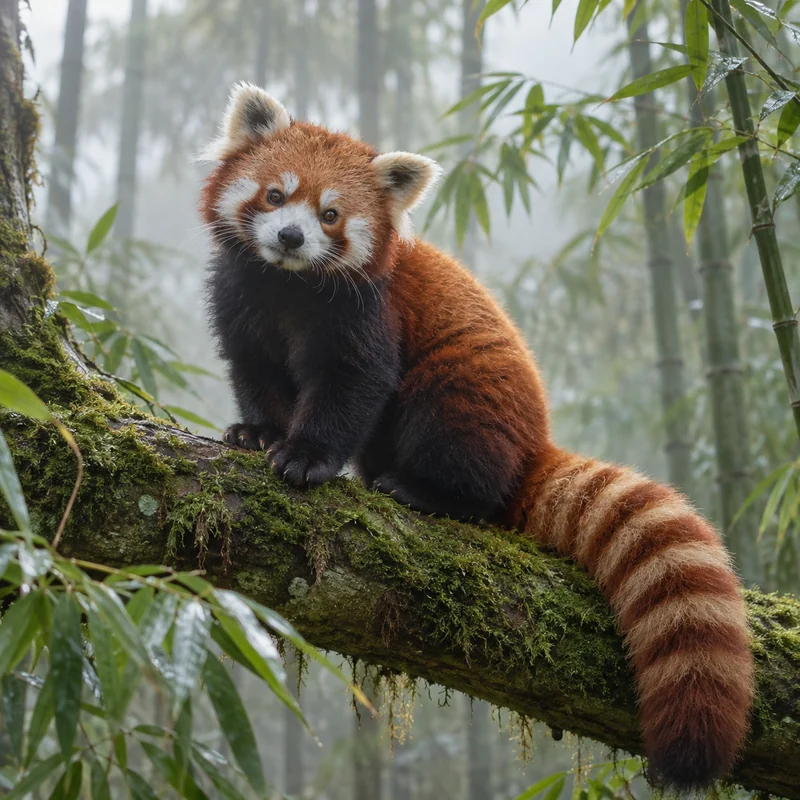 AI Animal GeneratorAnimal maker powered by AI: create your own animal, real or imaginary, then pick a habitat, a pose, and a style like realistic, cartoon, 3D, or pixel. Free to try.
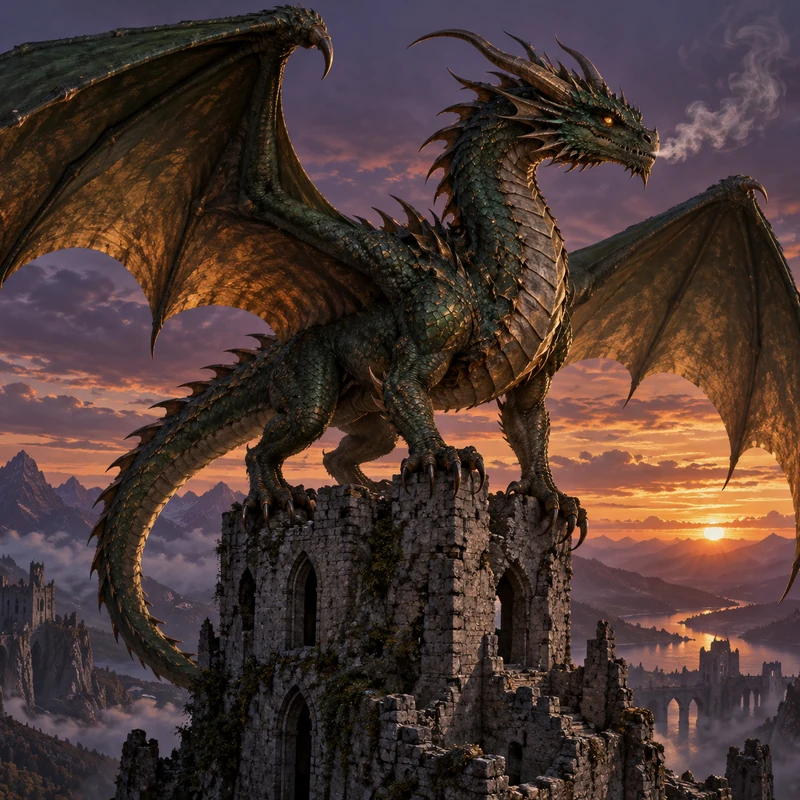 AI Dragon GeneratorCreate your own dragon with the AI dragon generator: describe it, then pick an element, a pose, and a style like Eastern, Western, cute, or pixel. Free to try.
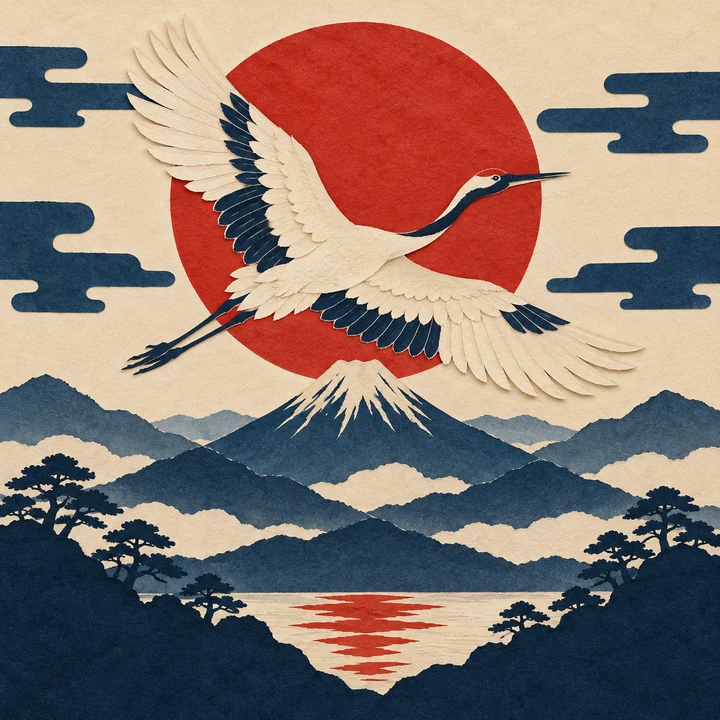 Random Art Prompt GeneratorFree random art prompt generator: the prompt generator art fans use for AI art prompts and drawing ideas. Mix 260+ words, lock what you like, reroll, copy.
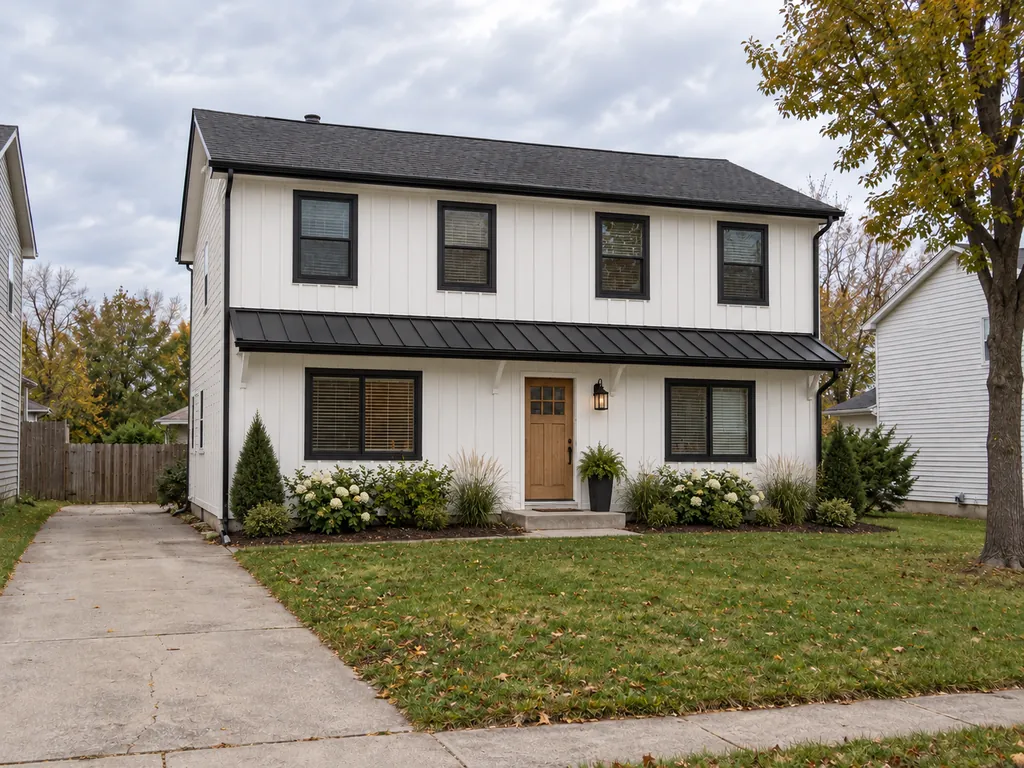 AI Home Exterior DesignAI home exterior design, free to try: upload a photo of your house, pick modern farmhouse, craftsman, or Mediterranean, change the paint color, and see the remodel.
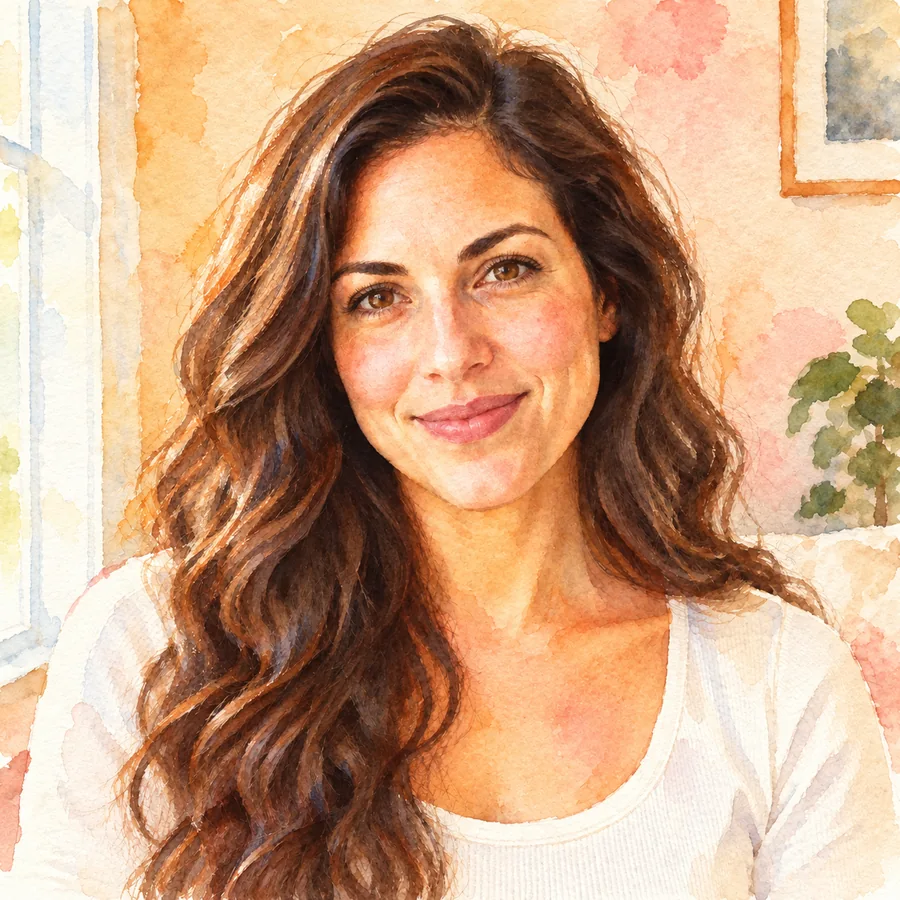 Photo to WatercolorTurn photo into watercolor art online. Upload a portrait, pet, or travel shot, pick a style, and turn it into a watercolor painting with soft, natural washes.
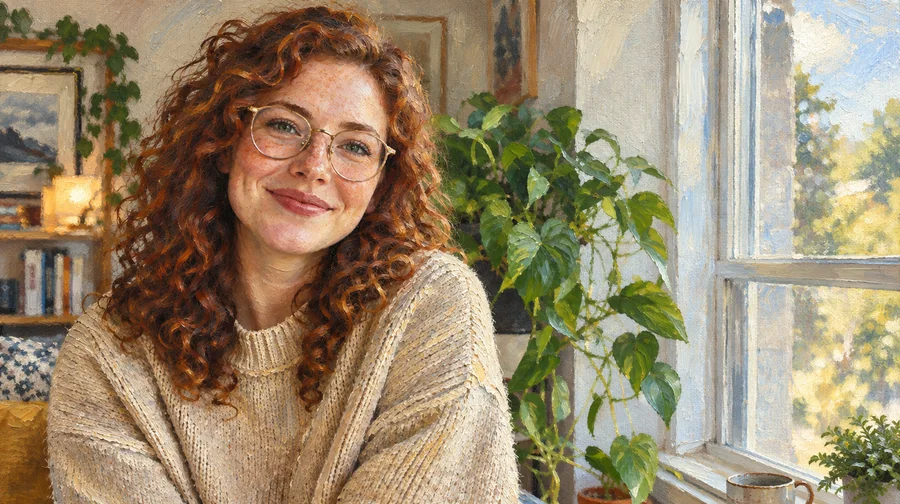 Photo to Oil Painting ConverterTurn photo into oil painting online. Upload a picture, pick a Classic, Renaissance, or Impressionist style, and get an oil painting photo with canvas texture.
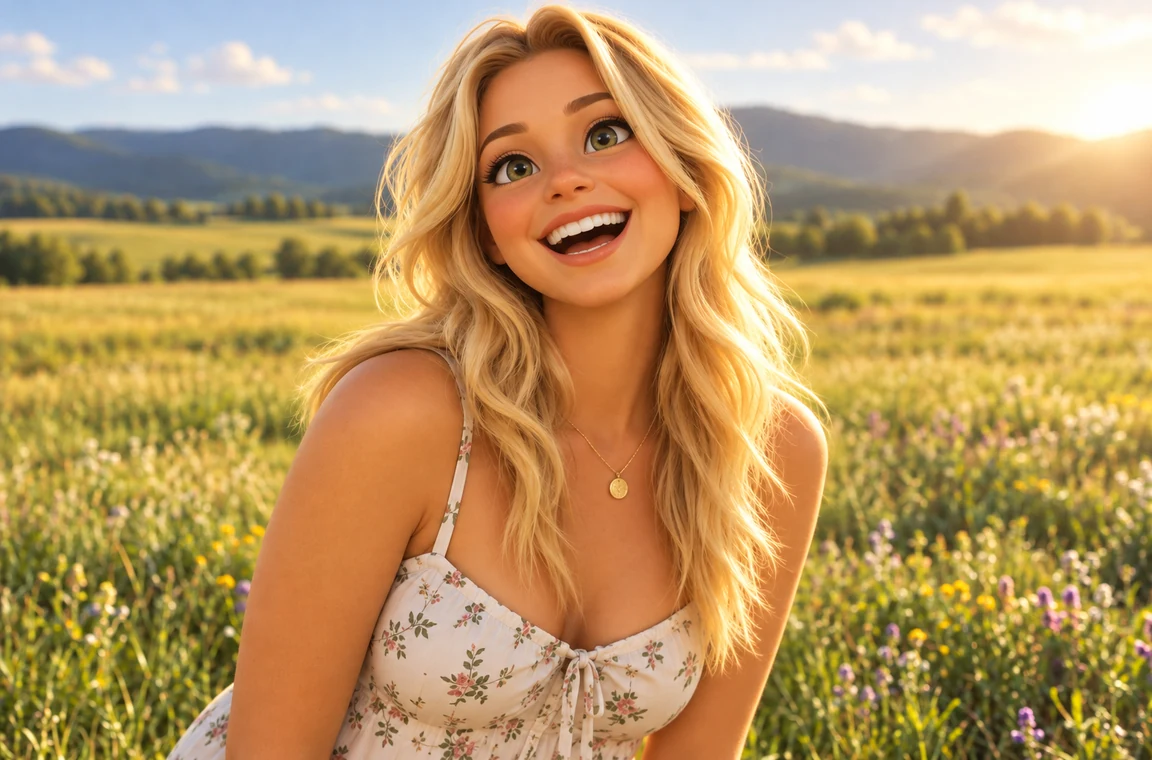 Photo to CartoonPhoto to cartoon AI cartoonizer: pick 3D animated, anime, comic, caricature or line art and turn a photo into a cartoon of you, your pet or car. Free to try.
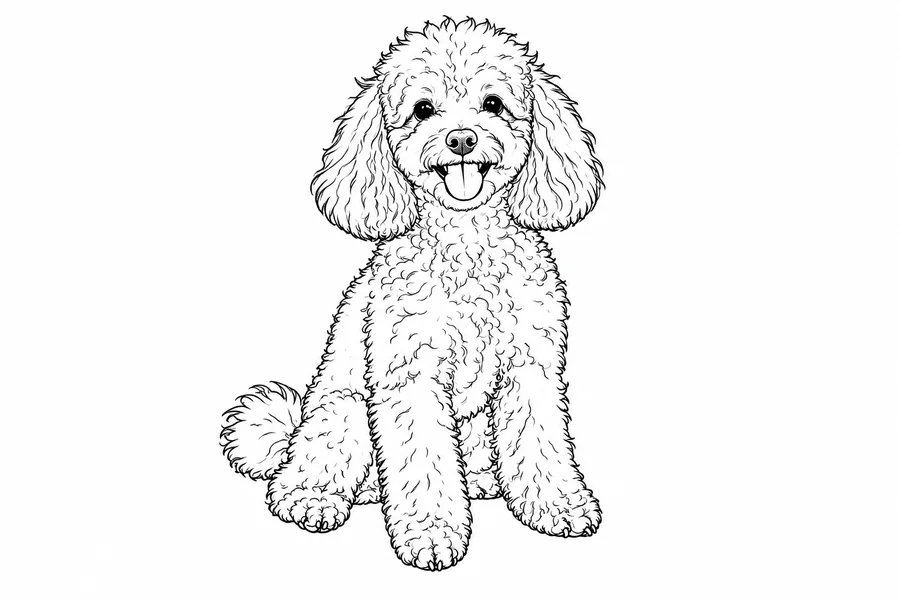 Photo to Line Art GeneratorConvert photo to line drawing online. Upload any picture to the line art generator, pick a style, and turn it into clean line art, outlines, or coloring pages.
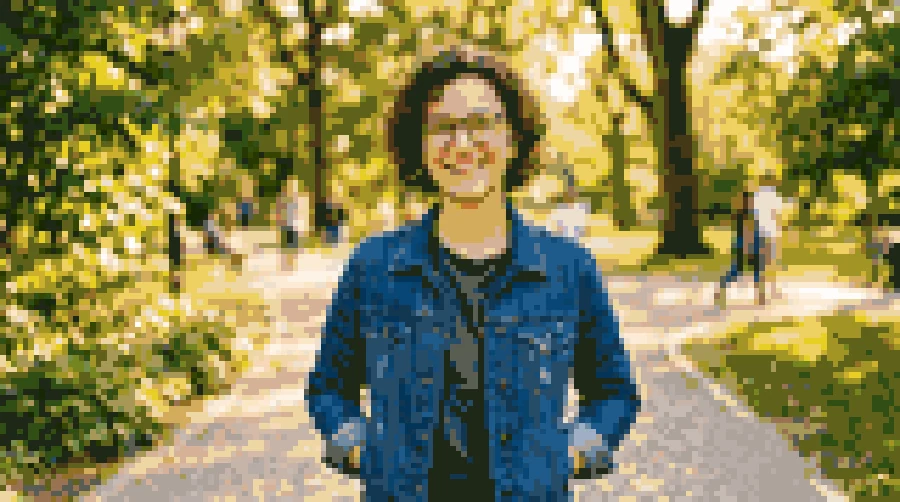 Photo to Pixel ArtTurn any image to pixel art with AI. Upload a photo, pick 8-bit, 16-bit, handheld green, or game sprite style, and get grid-aligned retro pixel art, not a blur.
 AI Photo EditorAI image editor free to try: upload a photo, type the change and pick Nano Banana, Seedream, GPT Image or FLUX to swap backgrounds, outfits, light and more.
 4K Image Upscaler4K image upscaler and converter: make an image 4K quality for wallpapers, TVs and prints. Upscale photos to 3840 px or more with faithful AI. Free to try.
 AI Image UpscalerAI image upscaler for photos, logos, PNGs and art. Upscale images and pictures 2×, 4× or to 4K with faithful AI upscaling that keeps faces and text intact.
 AI Image ExpanderAI image expander and image extender: expand image borders to 16:9, 9:16, 1:1 or 21:9, uncrop photos and zoom out pictures with matching scenery. Free to try.
 Crop Image OnlineCrop image files free in your browser: snap to 1:1, 4:5, 16:9, 9:16, passport 2x2 or a custom size, drag and zoom to frame, cut a circle, and download.
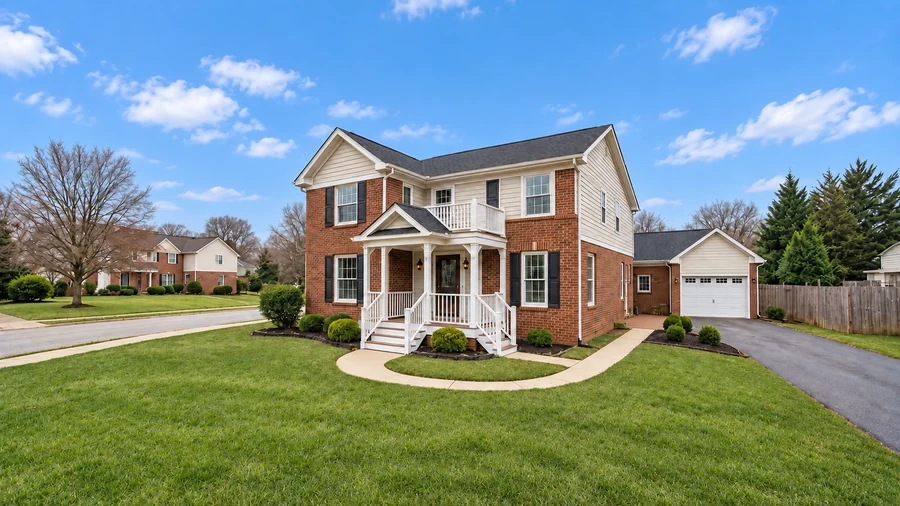 AI Real Estate Photo EditingAI real estate photo editing for listings: replace gray skies, declutter rooms, brighten interiors, convert to twilight, and add virtual staging to any photo.
Describe the place in the prompt box, pick the scenery, season, light, and an art style, and press Generate Landscape. Not sure what to write? Tap an idea chip such as Alpine lake or Northern lights fjord, or press Surprise me.
This one is free to try in your browser. New accounts get free credits when they sign up, so you can use the AI landscape generator from photo free for your first scenes. After that, each image uses credits, and the cost is shown on the button before you generate.
Yes. Upload the landscape photo, choose a season (for example Winter) or a light setting (for example Starry night), and add a line such as “same view after fresh snowfall”. The AI keeps the horizon, landforms, and buildings while it changes the season or light.
Yes. Scenery generator, scenery AI, and AI landscape generator all describe a tool that creates outdoor scenes from a description. This one also takes a photo as a starting point and offers scenery, season, light, and style settings.
It can show ideas. Pick the Garden Design style, upload a photo of your yard, and describe what you want, such as “a cottage garden with a gravel path and a small pond”. You get a realistic concept image to discuss with a landscaper; it does not produce measured plans, plant lists, or costs.
It makes images, not 3D model files. Choose the 3D Render style for a game-engine or low-poly look. If you were searching for a 3D scenery generator to build a navigable scene, use these images as concept art or skybox references for your 3D software.
Yes. Choose 21:9 for a panorama, 16:9 for a desktop, or 9:16 for a phone before you generate. For a very wide panorama, extend the result with the AI Image Expander, and upscale it for a 4K screen.
Yes. Name the movement or technique instead of a specific artwork, for example “Impressionist oil painting”, “Romantic landscape painting”, or “Chinese shan shui ink painting”, or choose the Oil Painting, Watercolor, or Ink Wash style.
Nano Banana 2 is a fast, balanced default. Seedream 4.5 and FLUX.2 shine at photoreal light and water, and Nano Banana Pro follows long, detailed scene descriptions closely. Generate the same prompt on two models and keep the better one.
Download them for wallpapers, games, slides, and personal projects. Only upload photos you took or have permission to use, and check our terms before any commercial use.
Describe a place or upload a photo, pick a season and a style, and let the AI landscape generator do the rest.
Nano Banana and Gemini are trademarks of Google LLC; GPT Image is a trademark of OpenAI; Seedream is a trademark of ByteDance; FLUX is a trademark of Black Forest Labs. EzImgMaker is an independent service and is not affiliated with or endorsed by these companies. Model names are used only to describe compatibility.