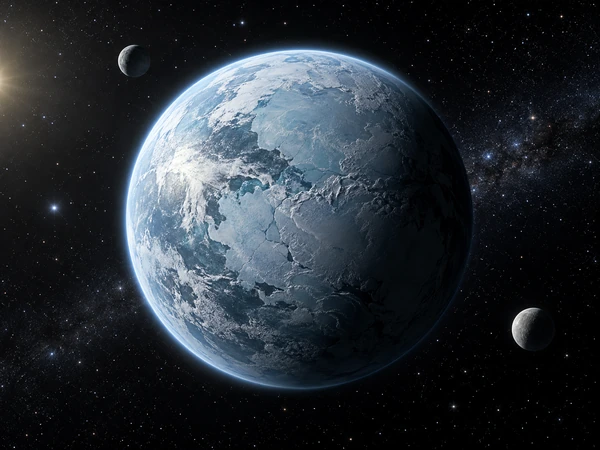
Ice World
Pale glaciers, frozen seas, and two small moons.
Describe the world you imagine, then choose what it is made of, whether it has rings or moons, and how it should look: a photoreal gas giant, a glowing lava world, a cute cartoon planet, a pixel-art sprite, or a flat texture map for your 3D scene. The AI draws it in full color. Free credits when you sign up.
Art style
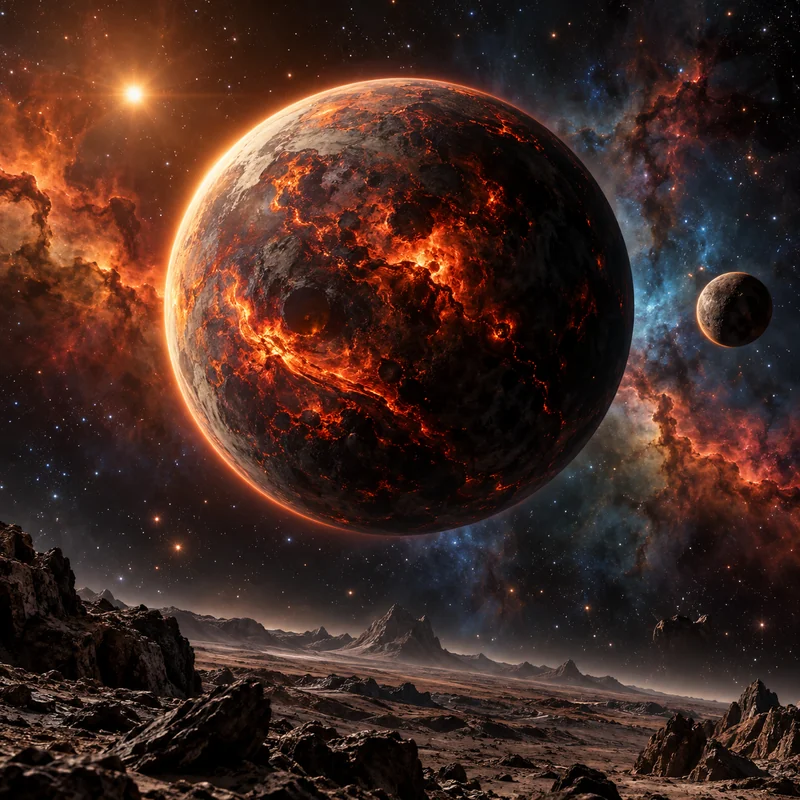
A scorched planet glowing orange and red inside a colorful nebula, a small moon to the right, and a rocky alien horizon in the foreground under a starry sky.
Reference example. It is not a result generated from your upload.
A planet maker is a tool for designing worlds that do not exist yet. With this AI planet generator you describe a planet in plain words, its oceans, deserts, storms, rings, and moons, and the AI paints it for you. There are no sliders to learn and no 3D software to install: write one sentence, press Create My Planet, and you get a finished image you can save as a wallpaper, drop into a story, or use in a game.
It works like a planet creator with presets. Pick a planet type (Earth-like, ocean, ice, lava, desert, gas giant, alien jungle, or crystal), add rings or moons, and choose one of ten art styles, from realistic telescope-style space art to cartoon, pixel art, low poly, and watercolor. Switch to Texture Map and it becomes a planet texture generator that unwraps the surface into a flat map. It is free to try: new accounts get free credits when they sign up.
Every planet below started as a short description. Tap a card to load the same idea or look into the planet maker.
Pale glaciers, frozen seas, and two small moons.
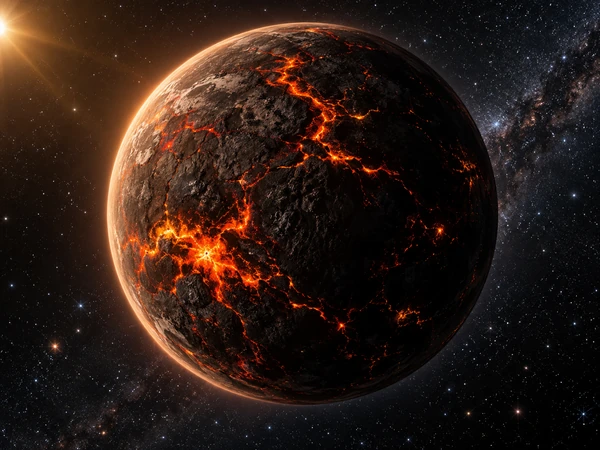
Glowing magma cracks across a black crust.
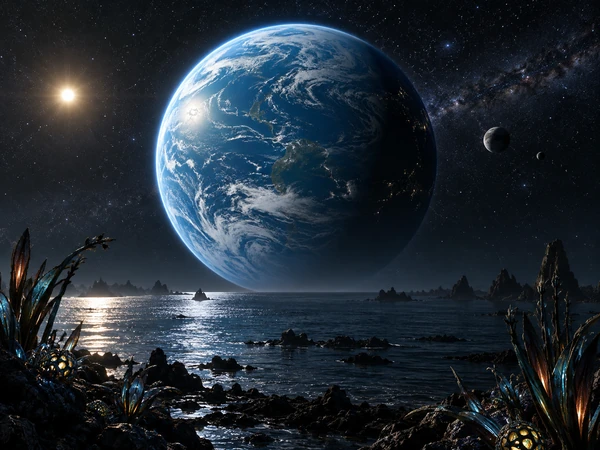
A water planet ringed by glowing plants and a calm sea.
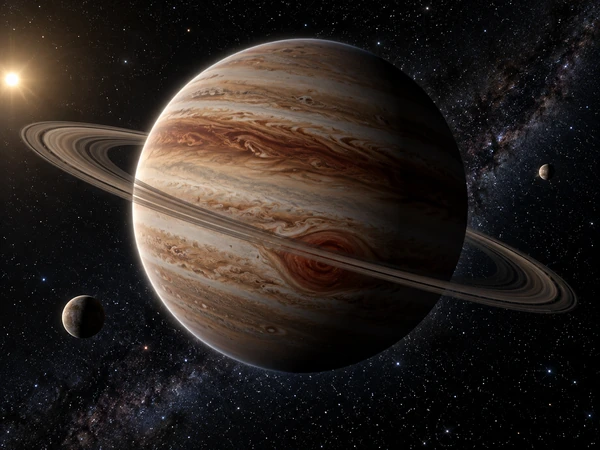
Broad cloud bands, storms, and a pair of moons.
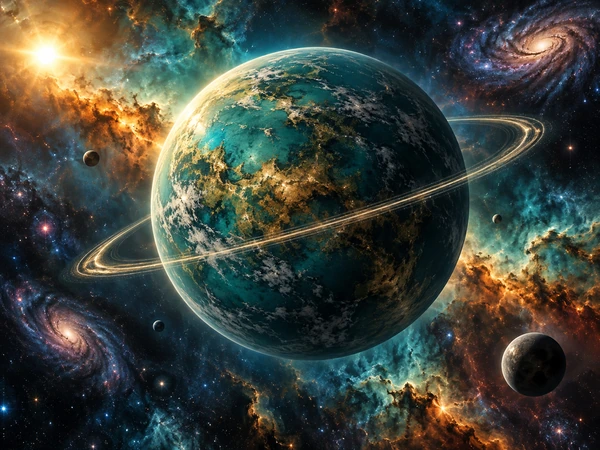
A thin bright ring tilted across a teal world.
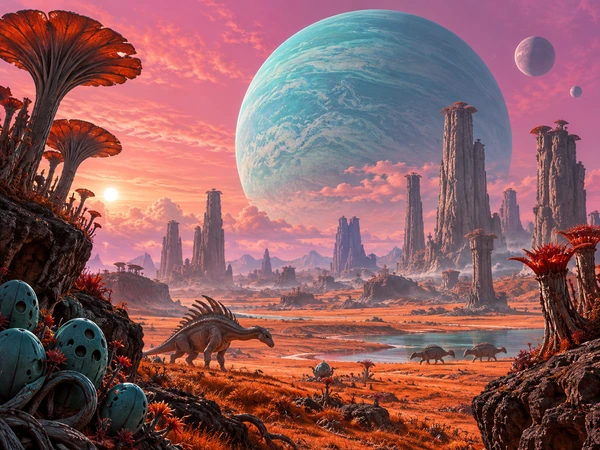
Rock spires and a huge moon over a strange land.
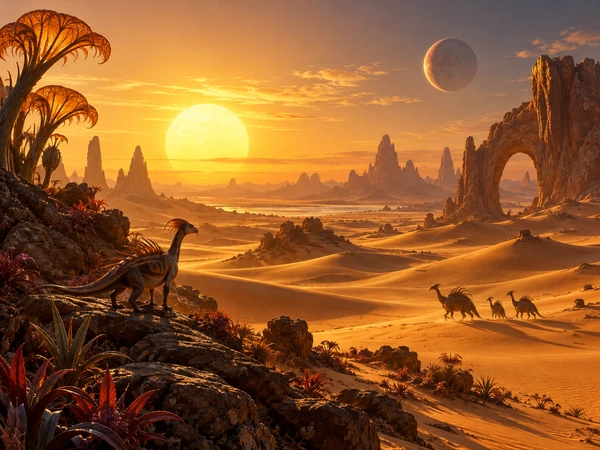
Endless dunes under a burning sun and a second world.
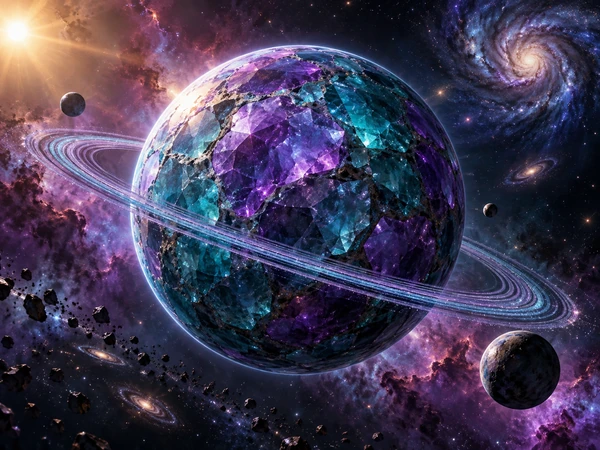
Violet and turquoise gemstone plates with a ring.
Three steps from an idea to a planet you can download.
Write what the world looks like: oceans or deserts, colors, clouds, storms, rings, moons, and the space around it. Or tap an idea such as Ocean world or Ringed gas giant, and upload a sketch or a texture if you have one.
Set the planet type, add rings, moons, or both, and pick a style from Realistic to Pixel Art. Choose Texture Map for a flat surface map, and set the size: square for icons, 16:9 or 9:16 for wallpapers, 21:9 for texture strips.
Press Create My Planet and compare the results. Change one detail, like the ring color or the number of moons, and generate again until it matches the world in your head, then download it.
Naming the kind of world gives the planet creator the right colors, surface, and atmosphere to start from.
| Planet type | What it looks like | Words to use |
|---|---|---|
| Rocky (terrestrial) | Solid surface, craters, mountains, thin or no atmosphere | “a cratered rocky planet with grey highlands” |
| Earth-like | Oceans, continents, clouds, and polar ice caps | “an Earth-like planet with two large continents” |
| Ocean world | Water almost everywhere, a few islands, heavy clouds | “a turquoise ocean world with small island chains” |
| Ice world | Glaciers, frozen seas, cracks, and frost | “a frozen ice planet with blue cracks in the ice” |
| Lava world | Magma rivers, volcanoes, ash, and a glowing night side | “a lava planet with glowing magma seas” |
| Desert world | Dunes, canyons, dust storms, and dry seabeds | “a rust-red desert planet with huge canyons” |
| Gas giant | No surface, colored cloud bands, giant storms | “a banded gas giant with a red storm” |
| Ringed planet | Any of the above with ice and dust rings | “a ringed planet with wide icy rings” |
Combine them: “an ice planet with lava cracks”, “a ringed ocean world”, or “a desert moon orbiting a gas giant” all work.
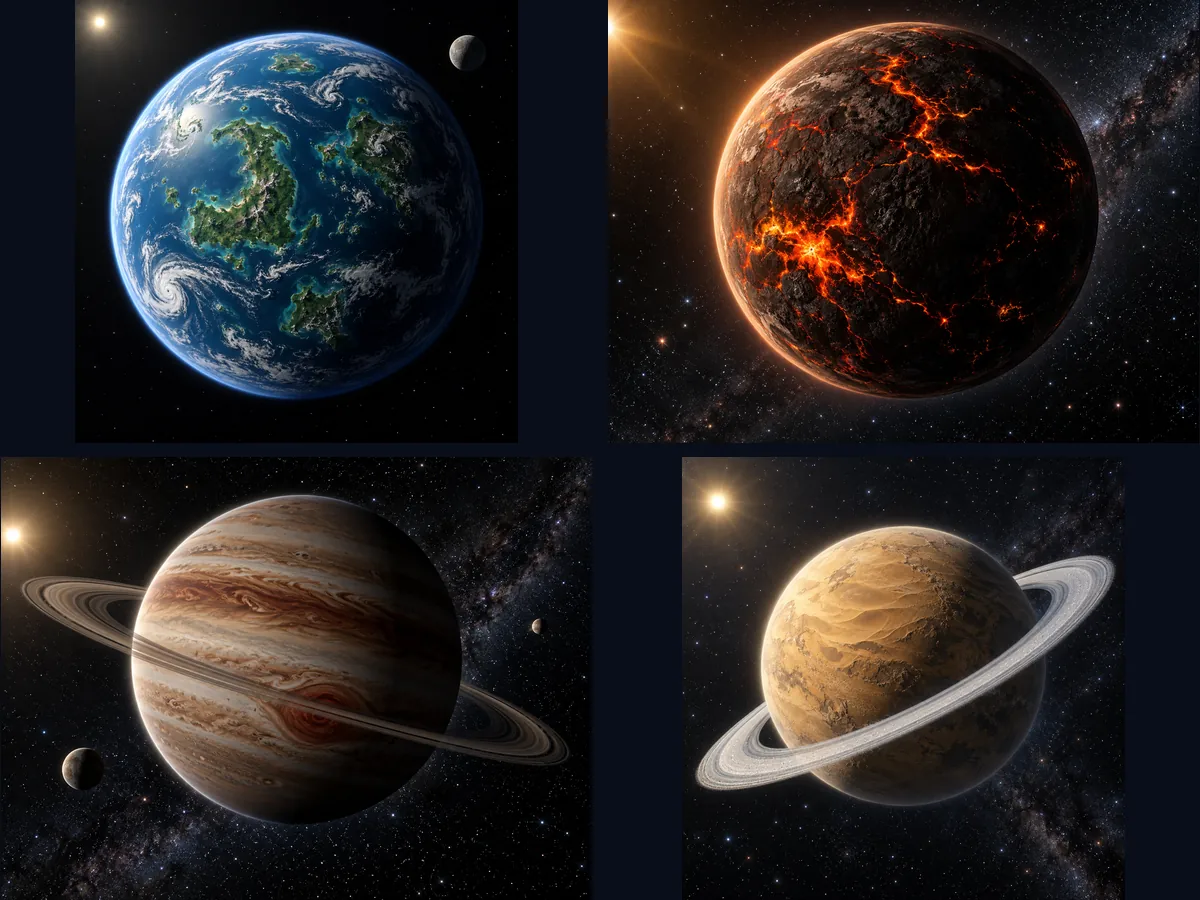
Most generators give you one text box. This planet creator adds the choices that shape a world: nine planet types with matching colors and surfaces, rings, moons, or both, and ten art styles. Want a crystal world with a pink ring, or a lava planet with three moons? Pick it, add a line of description, and the AI planet generator does the rest.
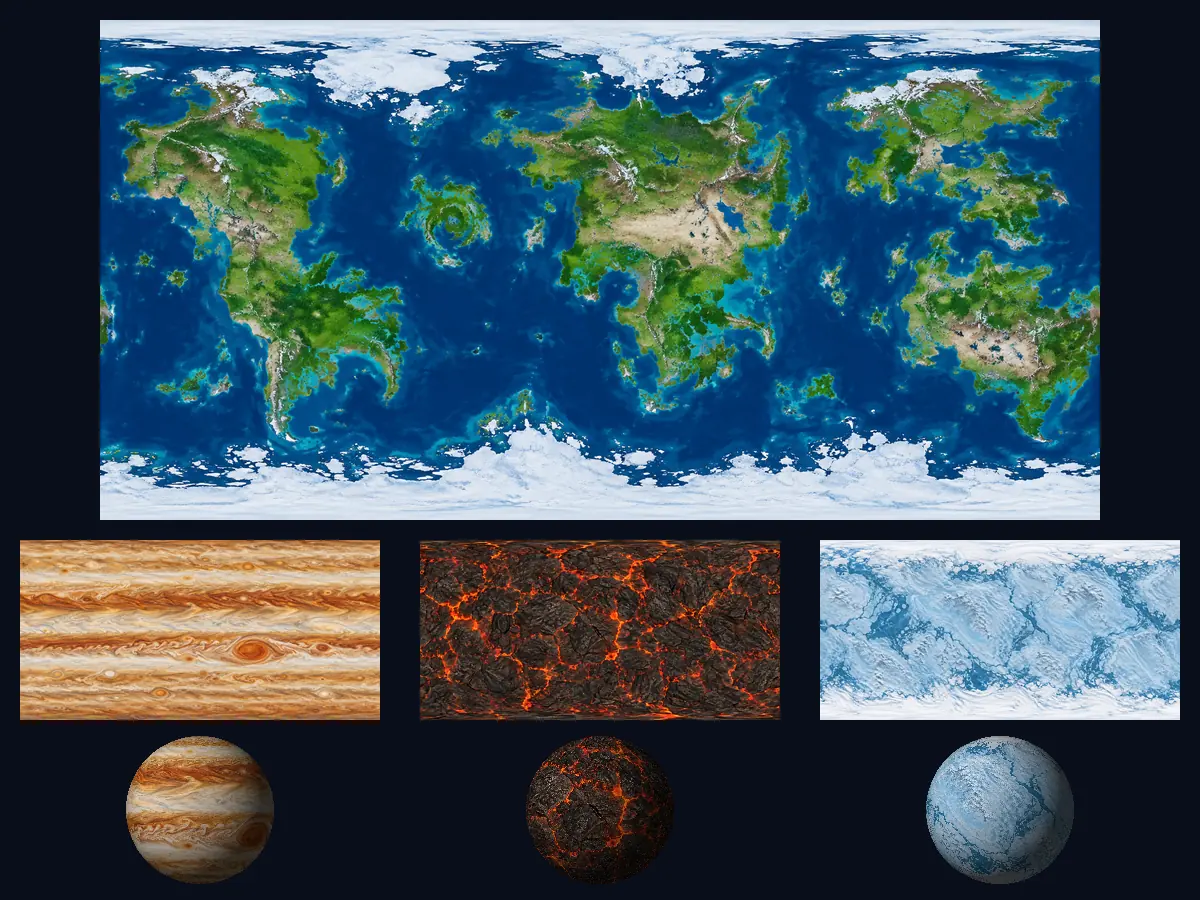
Choose the Texture Map style and the planet texture generator draws the surface unwrapped as a flat equirectangular map instead of a sphere, ready to wrap on a globe in Blender, Unity, Godot, or a web 3D viewer. Generate at 21:9, then crop it to an exact 2:1 map with the Crop Image tool. Check the poles and the left-right seam before you use it, as with any painted texture.
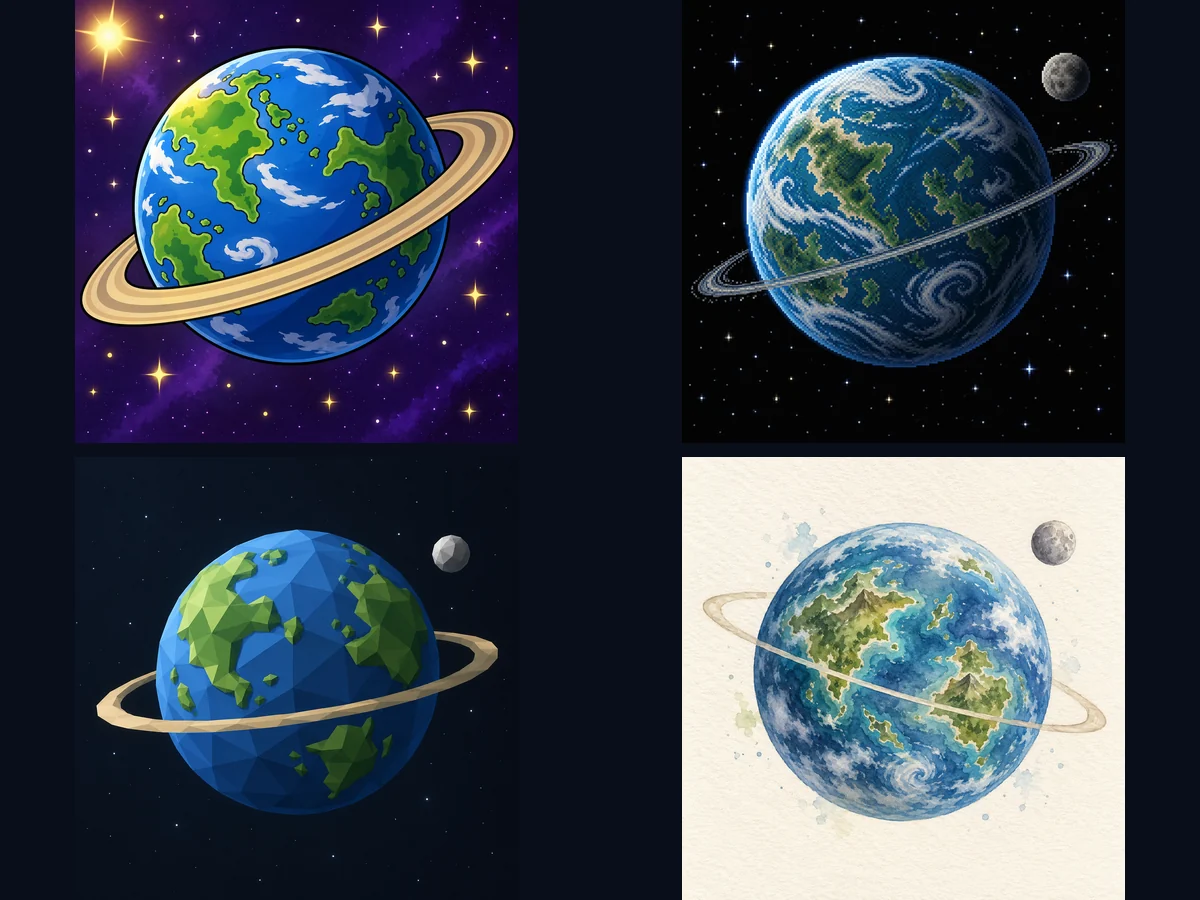
One description can become a photoreal world lit by a distant star, a bold cartoon planet for a kids’ book, a pixel-art planet sprite for your game, a low-poly asset, or a soft watercolor. Keep the prompt and switch the style card to see the same planet in a new look.
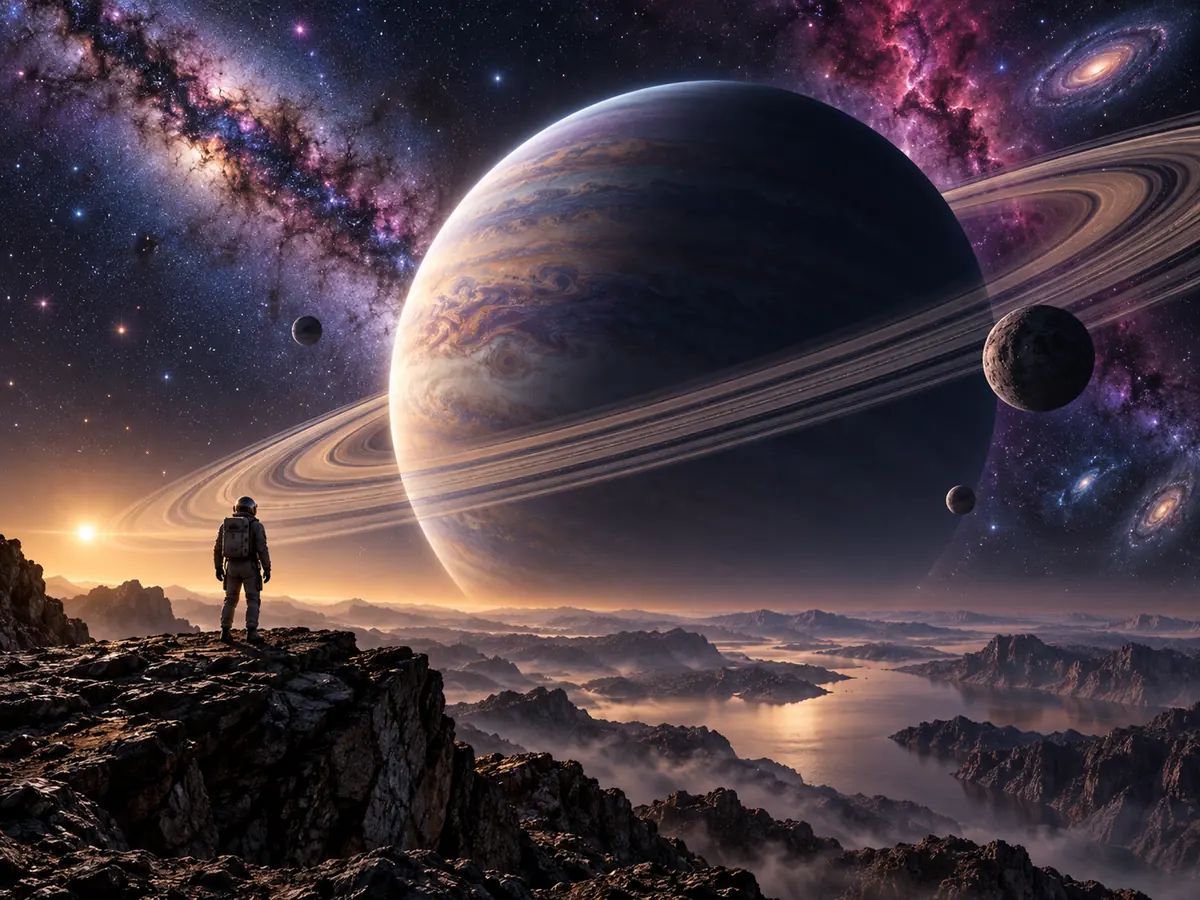
Set 16:9 for a desktop, 9:16 for a phone, or 3:4 for a poster before you generate, so the planet is composed for that frame. Galaxy Poster adds nebulae and distant worlds for drama. For a large print or a 4K screen, run your favorite result through the 4K Image Upscaler afterward.
From a novel’s star map to a game’s backdrop, these are the most popular uses for AI generated planets.
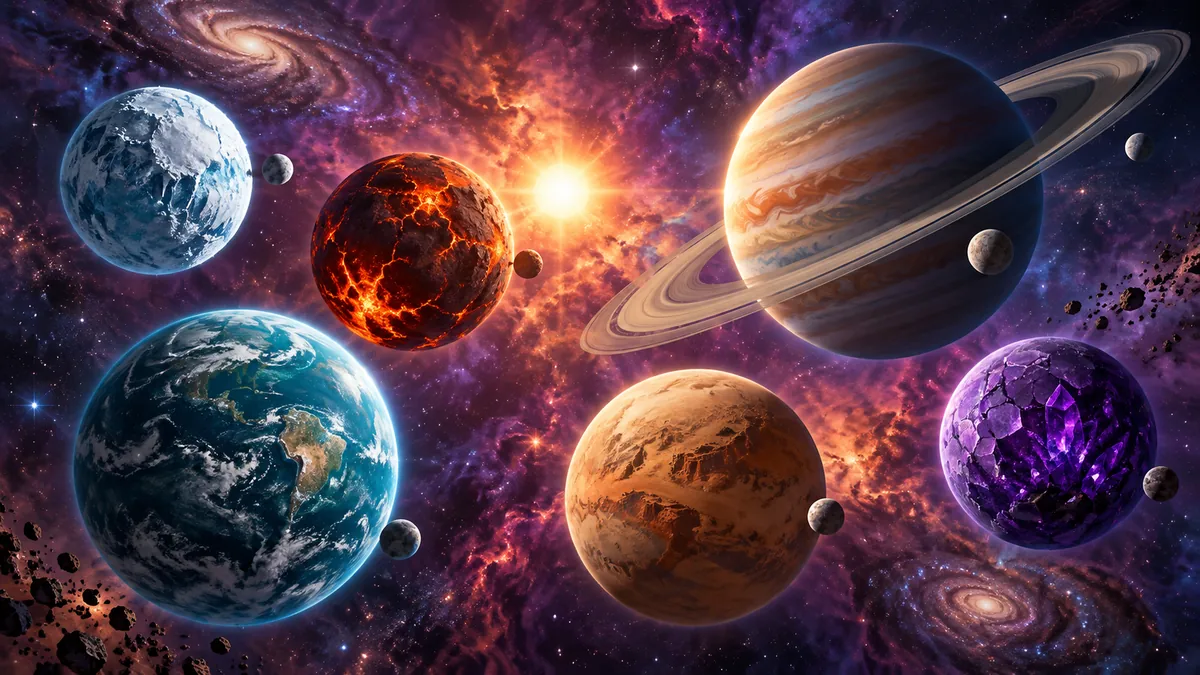
Visualize the planets of your universe for covers, wikis, and inspiration boards.
Planet sprites, menu backdrops, skyboxes, and textures for space games.
Show players the world they are about to land on, or a whole star system.
Desktop and phone wallpapers, channel art, and posts with your own planet.
Cosmic artwork for music, podcasts, and self-published sci-fi.
Imaginary planets for creative writing, art lessons, and design-a-planet projects.
Small prompt changes that make a big difference.
“Turquoise seas and rust-red deserts” reads better than a rainbow of details.
A red dwarf, twin suns, or a blue star changes the mood of the whole world.
A giant storm, a broken ring, or a glowing canyon makes the planet memorable.
An ice world with lava cracks or a ringed ocean planet feels fresh.
Choose 16:9, 9:16, or 21:9 before generating so the planet fits the frame.
Keep the prompt, then switch only the style, type, or rings to compare.
Land on your planet, turn it into a wallpaper, or prepare a texture for 3D.
Step onto the surface: generate mountains, alien deserts, and fantasy scenery for your world.
Make a LandscapeTurn your planet into a phone, desktop, or ultrawide wallpaper with the right size for every screen.
Make a WallpaperCrop a 21:9 texture strip to an exact 2:1 equirectangular map in your browser.
Crop to 2:1Need ships, pilots, and aliens for your space game? Make pixel sprites and sprite sheets.
Make SpritesGenerate more worlds and creatures, or finish your planet for print and screens.
 AI Image GeneratorFree to try AI image generator: type a prompt or add a photo, pick Nano Banana 2, GPT Image 2, Seedream, or FLUX, choose a style, and create AI images online.
 Text to Image AIText to image AI that turns words into pictures: type a prompt, pick a model and a style, and the AI image generator from text creates images you can download.
 AI Landscape GeneratorFree to try AI landscape generator from text or photo: create AI scenery from mountains and beaches to anime and oil-painting worlds, or reimagine your own photo.
 AI Wallpaper MakerFree to try AI wallpaper maker: describe a scene or a quote, pick a phone, desktop, ultrawide, or tablet size, and generate a custom wallpaper or lock screen.
 AI Dragon GeneratorCreate your own dragon with the AI dragon generator: describe it, then pick an element, a pose, and a style like Eastern, Western, cute, or pixel. Free to try.
 AI Animal GeneratorAnimal maker powered by AI: create your own animal, real or imaginary, then pick a habitat, a pose, and a style like realistic, cartoon, 3D, or pixel. Free to try.
 AI Flag GeneratorFree to try AI flag generator: describe colors, symbols, and text, pick a style, and create a custom, pride, team, or fictional country flag to download.
 Random Art Prompt GeneratorFree random art prompt generator: the prompt generator art fans use for AI art prompts and drawing ideas. Mix 260+ words, lock what you like, reroll, copy.
 4K Image Upscaler4K image upscaler and converter: make an image 4K quality for wallpapers, TVs and prints. Upscale photos to 3840 px or more with faithful AI. Free to try.
 AI Image UpscalerAI image upscaler for photos, logos, PNGs and art. Upscale images and pictures 2×, 4× or to 4K with faithful AI upscaling that keeps faces and text intact.
 Background RemoverRemove background free to try: the AI background remover online cuts out people, products and pets, then gives you a transparent PNG, white, color or new scene.
 AI Image ExpanderAI image expander and image extender: expand image borders to 16:9, 9:16, 1:1 or 21:9, uncrop photos and zoom out pictures with matching scenery. Free to try.
 Crop Image OnlineCrop image files free in your browser: snap to 1:1, 4:5, 16:9, 9:16, passport 2x2 or a custom size, drag and zoom to frame, cut a circle, and download.
 AI Photo EditorAI image editor free to try: upload a photo, type the change and pick Nano Banana, Seedream, GPT Image or FLUX to swap backgrounds, outfits, light and more.
Describe the planet in the prompt box (surface, colors, clouds, rings, moons), pick a planet type and an art style, and press Create My Planet. Not sure what to write? Tap an idea chip or Surprise me, then edit the details.
It is free to try. New accounts get free credits when they sign up, enough to make several planets in different styles. After that, each image uses credits, and the cost is shown on the button before you generate.
Both names describe the same thing. Planet maker, planet creator, and AI planet generator all mean you describe a world and the AI draws it. This one adds planet types, rings and moons, and ten art styles on top of the text box.
Yes. Choose the Texture Map style and the planet texture generator draws a flat, evenly lit surface map instead of a sphere. Generate at 21:9, crop it to 2:1, and wrap it on a sphere. AI textures are painted images, so check the poles and the edge seam and touch them up if needed.
Yes. Use the Rings and moons setting to add a ring system, one to three moons, or both. You can also describe them yourself, such as “thin golden rings” or “a cratered grey moon in the foreground”.
Yes. Upload your sketch as the reference image, add a short description, and the AI keeps your shapes and colors while painting it in the style you pick. A photo of a marble, a rock, or a pattern also works as a surface to wrap on the planet.
They are artwork, not scientific simulations. The AI follows what you describe and can make a world look believable, but sizes, orbits, and atmospheres are not calculated. For school projects, use them as imaginary planets and check real facts in a reliable source.
Yes. Choose 16:9 for a desktop, 9:16 for a phone, or 21:9 for an ultrawide screen before you generate. For a sharp 4K wallpaper, upscale the result afterward with the 4K Image Upscaler.
Nano Banana 2 is a fast, balanced default. Seedream 4.5 and FLUX.2 are strong at photoreal clouds and lighting, and Nano Banana Pro follows long, detailed descriptions closely. Try two models on the same prompt and keep your favorite.
Download them for stories, games, wallpapers, and personal projects. Only upload sketches and photos you made or have permission to use, and check our terms before any commercial use.
Describe it, pick a type and a style, and let the planet maker do the painting.
Nano Banana and Gemini are trademarks of Google LLC; GPT Image is a trademark of OpenAI; Seedream is a trademark of ByteDance; FLUX is a trademark of Black Forest Labs. EzImgMaker is an independent service and is not affiliated with or endorsed by these companies. Model names are used only to describe compatibility.