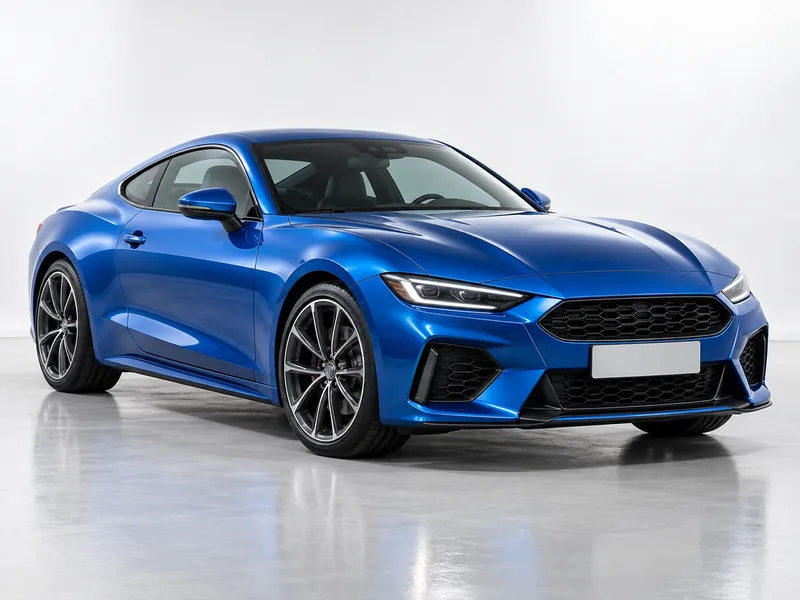
White Studio
A seamless white studio with soft light and a natural floor shadow.
Upload a photo of your car and pick an edit: a white studio or showroom background, a city-at-night or mountain-road scene, a new paint color or matte wrap, a detailing shine, or golden-hour light. The AI keeps the exact car and changes only what you choose.
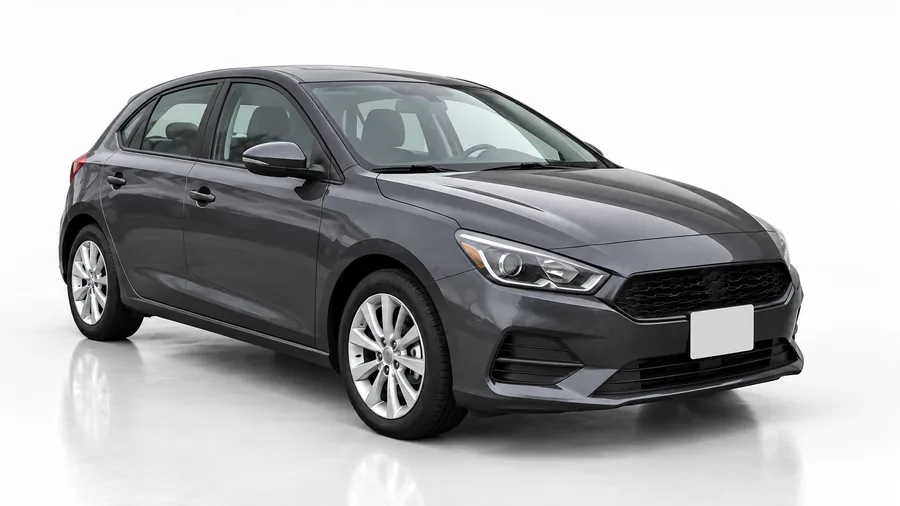
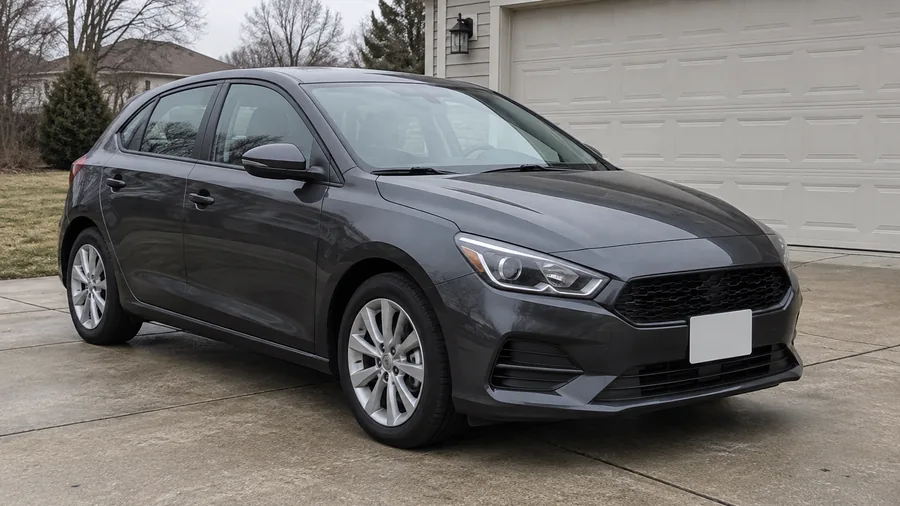
Reference example. It is not a result generated from your upload.
An AI car photo editor gives an ordinary car photo the look of a professional shoot. Upload a picture of your car, pick an edit such as White Studio, Change Paint Color, or Golden Hour, and the AI rebuilds the background, the paint, or the light while the car itself, its model, shape, wheels, and trim, stays exactly as it is. It is car photo editing without a studio, a lighting rig, or hours of masking, and it works on phone shots as well as raw car photos to edit from a camera.
Dealers use it for automotive photo editing across a whole inventory, private sellers use it to make a marketplace ad stand out, and owners use it to preview a wrap or a new color before paying for one. Unlike an AI car image generator that invents a car from text, this car picture editor starts from your real car, so the photo still shows the vehicle you are selling or driving. No need to hunt for the best car photo editing app either: it all runs in your browser.
Backgrounds, paint, and lighting edits for listings, social posts, and car lovers. Pick one to load it in the workspace.
A seamless white studio with soft light and a natural floor shadow.
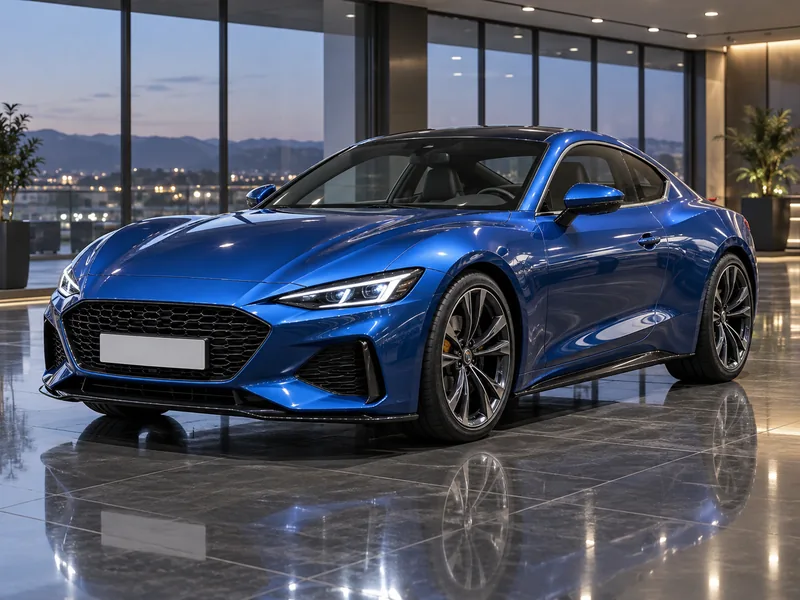
A polished dealership floor with spotlights and real reflections.
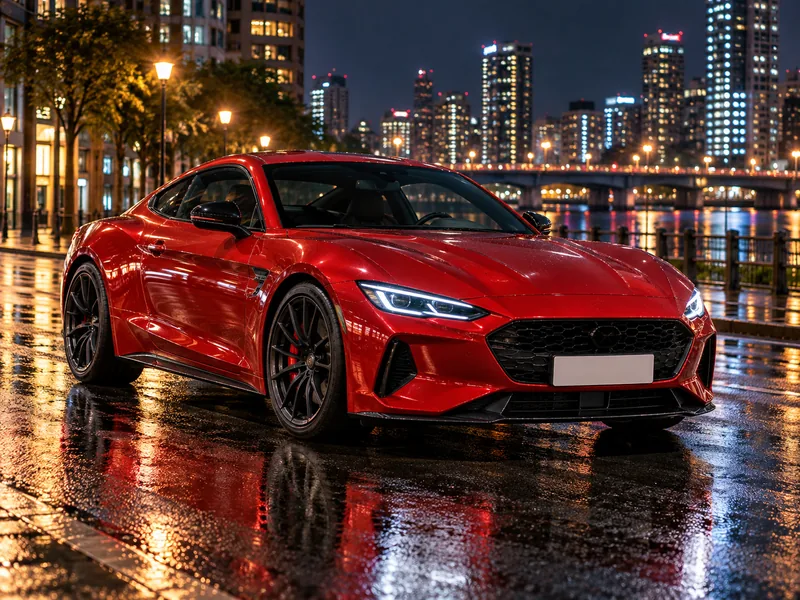
Wet streets, city lights, and glowing reflections on the paint.
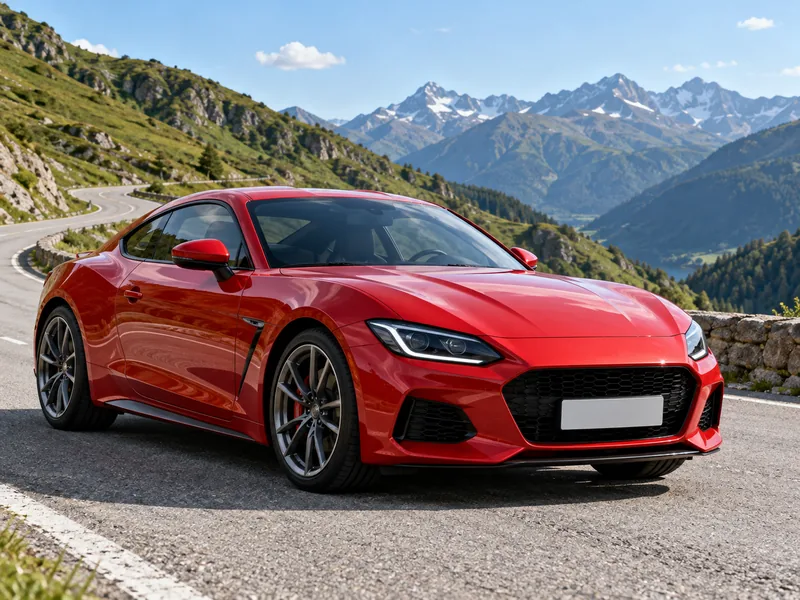
A winding road and open scenery for an adventurous look.
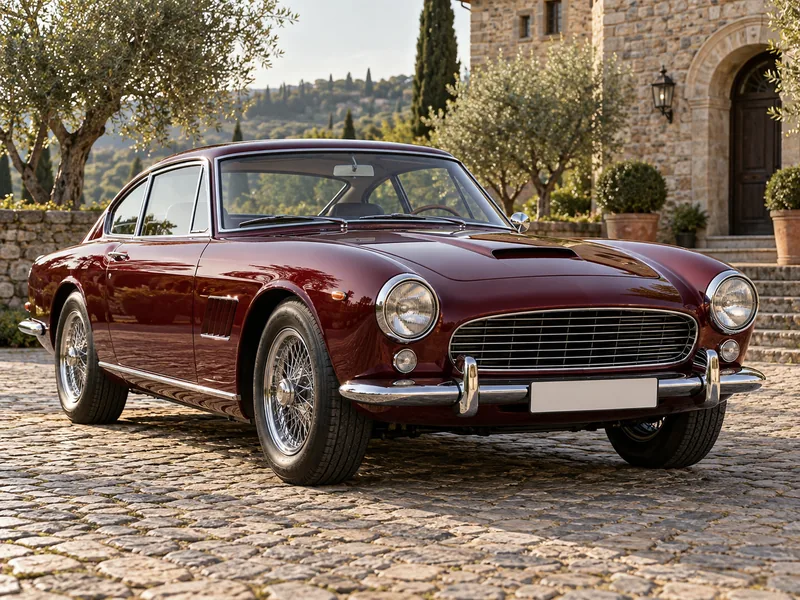
Any color you name, with the original finish and reflections kept.
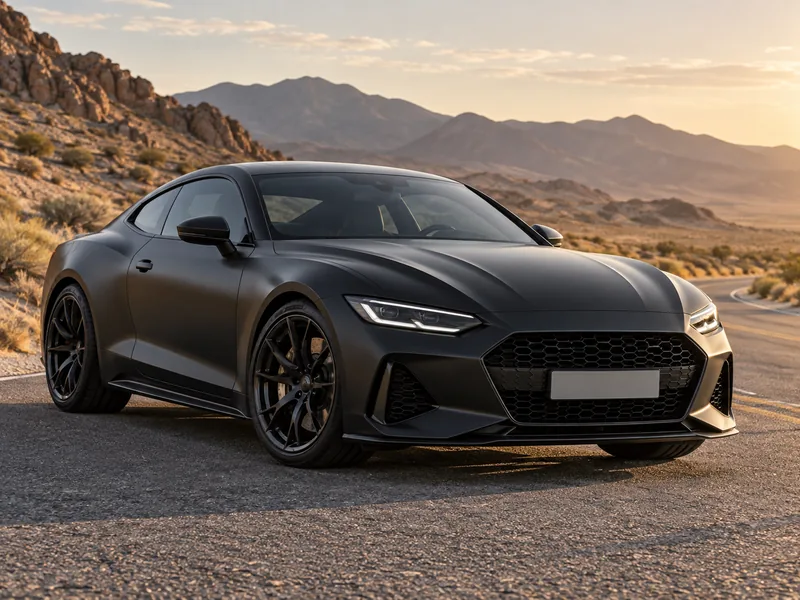
A flat satin-black wrap with soft, diffuse highlights.
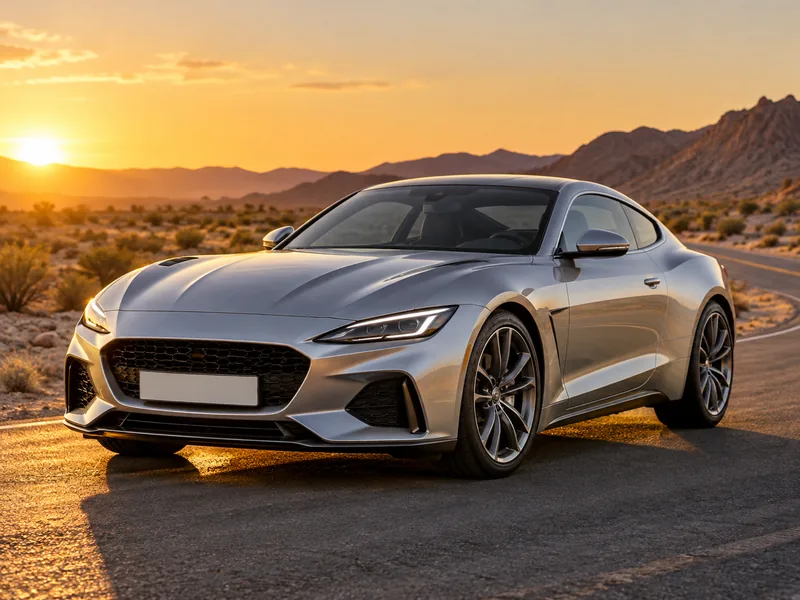
Low warm sun and glowing highlights along the body lines.
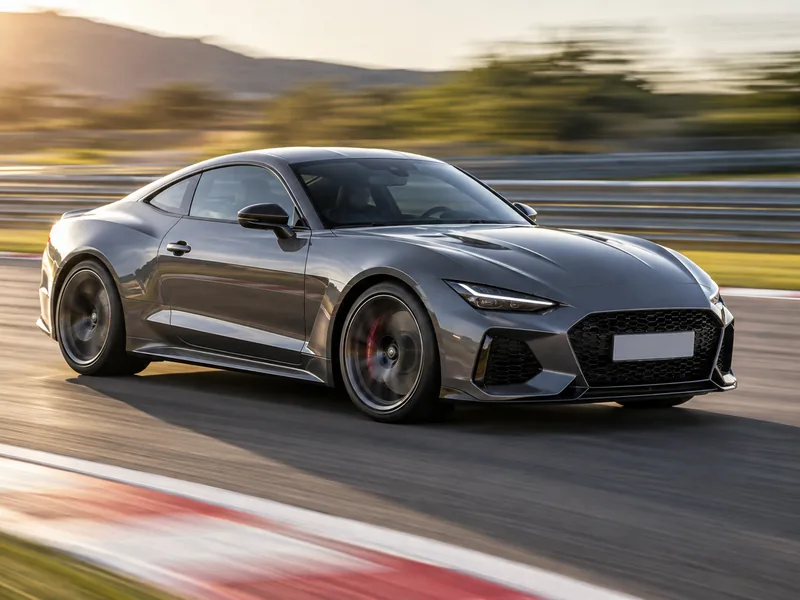
A sharp car and a streaked background, like a panning shot.
Three steps with the AI car editor, from a driveway snapshot to a listing-ready photo.
Use a phone photo or a raw car photo exported as JPG, PNG, or WebP, up to 10 MB. The whole car in frame, shot from a front three-quarter angle, works best.
Choose from Backgrounds, Paint & Detail, or Lighting. For Change Paint Color, write the color in the note, such as "pearl white" or "satin olive green".
Compare the result with your original, try another edit on the same photo, then download it for your listing or animate it into a short video.
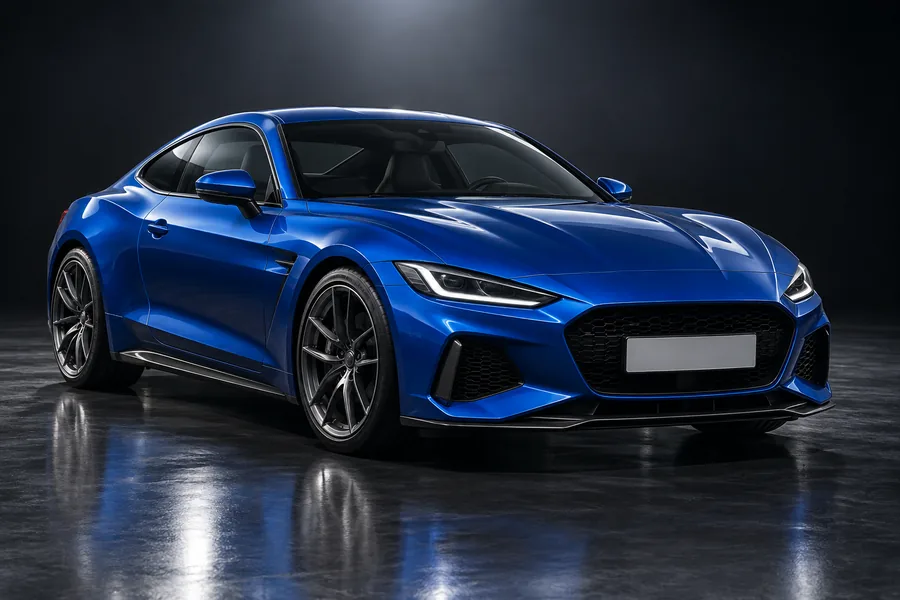
A clean background is the quickest way to make a listing look professional. White Studio and Showroom Floor replace a cluttered driveway, a parking lot, or a dealer’s back lot with a consistent studio set, complete with soft light, a contact shadow, and floor reflections that match the car. Use the same preset on every car for a uniform automotive photo editing look.
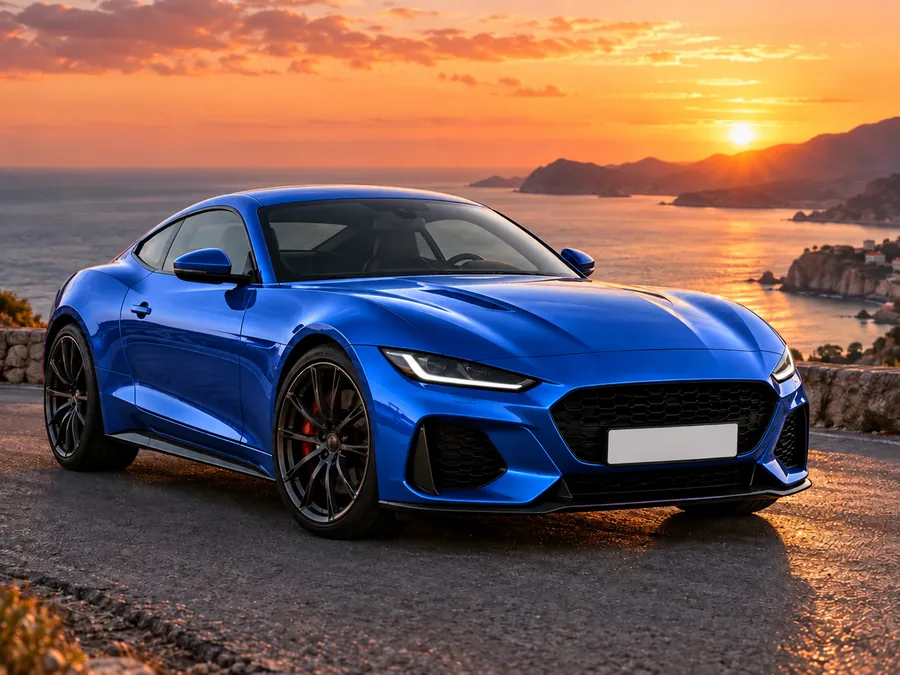
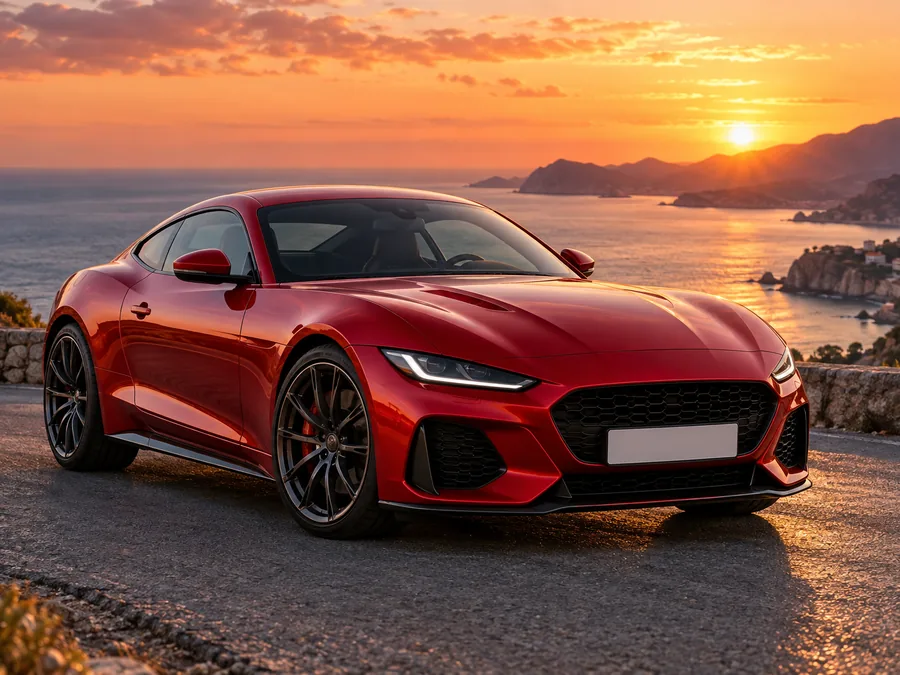
Thinking about a respray or a wrap? Pick Change Paint Color and write any shade in the note, or try Matte Black Wrap. This car picture editor keeps the body lines, panel gaps, chrome, glass, and wheels, and changes only the paint, with reflections that still follow the shape of the car.
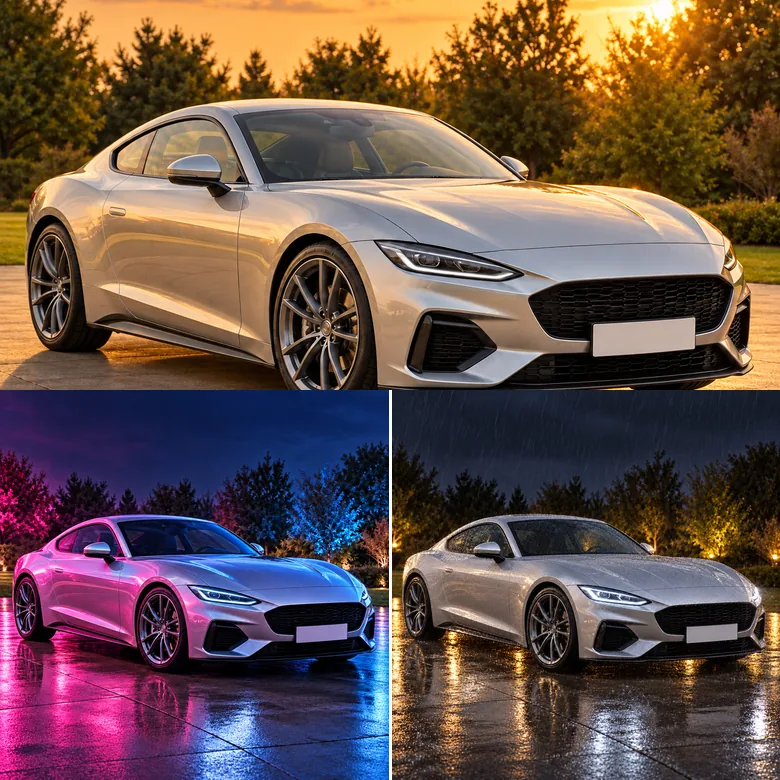
Light makes or breaks car photography. The Lighting presets relight the car and the scene together: a low golden-hour sun along the body lines, pink and blue neon in the paint, wet ground mirroring the car on a rainy night, or panning-shot motion blur on a track. It is AI car photography lighting you would otherwise wait hours for.
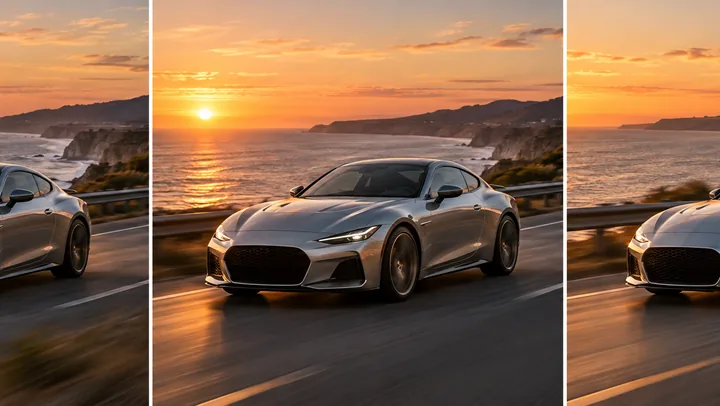
Press Animate on any result, or open Image to Video, to turn the still into a short clip: wheels rolling, a slow camera orbit, or rain falling on the paint. A few seconds of motion helps a listing, a reel, or a story stand out from still photos.
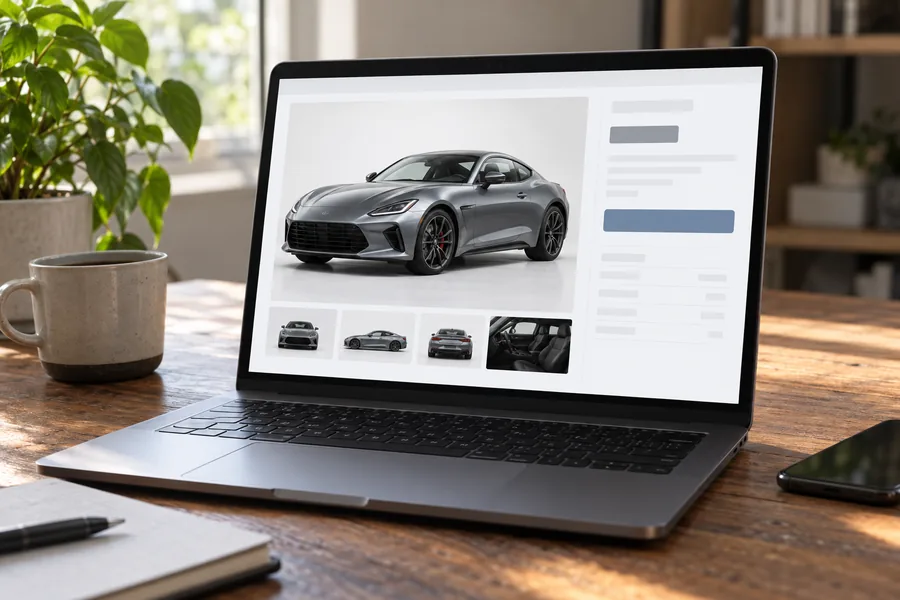
Give every vehicle in your inventory the same studio or showroom background for a consistent listing page.
Make a marketplace ad stand out with a clean background and a freshly detailed look.
Got raw car photos to edit? Try backgrounds and lighting before you commit to a full retouch.
See a new color or a matte wrap on your own car before you pay for it.
Turn a parking-lot snapshot into a neon night or golden-hour shot for your feed.
Refresh tired fleet photos with clean, bright, consistent backgrounds.
A good starting photo gives the AI more to work with.
Leave a little space around the bumpers and roof so the new background can wrap around the car.
Even, soft light keeps the paint color true and makes relighting look more natural.
The classic front three-quarter view shows the shape of the car best and gives the cleanest results.
For paint changes, write a specific shade such as "gunmetal gray" or "pearl white".
Cut out the car, sharpen or enlarge the photo, change the sky above it, or make it move.
Cut the car out of any photo for a transparent PNG or a plain backdrop.
Remove the BackgroundBlue skies, twilight, staging, and car removal for property listing photos.
Edit a Listing PhotoKeep the location and swap a gray sky for a sunset or a starry night.
Replace the SkyEnlarge your finished car photo for print, banners, or a large listing gallery.
Upscale an ImageTurn a soft or low-resolution car photo into a sharp HD image.
Convert to HDDescribe any other edit in plain words, such as removing a person behind the car.
Open the Photo EditorTurn the edited photo into a short clip with rolling wheels or a camera orbit.
Make a VideoSharpen and clean up a blurry or noisy car photo before you edit it.
Enhance a PhotoEditing, paint colors, listings, license plates, video, and downloads.
Upload a photo of your car, choose an edit from Backgrounds, Paint & Detail, or Lighting, and press Generate. The AI keeps the car and changes only the background, paint, or light you picked. Unlike car photo editing apps built on masks and sliders, there is nothing to adjust by hand, so you can try several looks on the same photo.
It is free to try. You get free credits when you sign up, and each edit uses the credits shown on the Generate button. If you were looking for a car editor online free of app installs, it runs in any browser on desktop or phone.
Yes. Pick Change Paint Color and write the color in the note, for example "pearl white", "gunmetal gray", or "candy apple red". The AI repaints the body and keeps the finish, reflections, chrome, glass, wheels, and tires. Matte Black Wrap gives a flat, satin finish instead of gloss.
Yes. White Studio places the car in a seamless white studio with a soft floor shadow, and Showroom Floor puts it on a polished dealership floor. Both keep the car exactly as it is, so the listing still shows the real vehicle.
That is the rule every edit follows. The model, body shape, proportions, wheels, lights, and trim are kept, and no parts are added, removed, or restyled; only the background, paint, or light changes. If a detail ever looks off, generate again.
Yes. Dealers use it for automotive photo editing across their inventory, and private sellers use it to make a marketplace ad stand out. Keep the car itself accurate and follow each platform’s rules on edited photos: a studio background is fine, but never hide damage or change features a buyer will see.
The plate is kept as it is by default. To hide it, write "blur the license plate" in the note before you generate. Badges and logos are kept small and are never turned into a close-up.
Yes. Press Animate on the result, or open Image to Video, and describe the motion, such as "wheels rolling, slow camera orbit, golden-hour light". Each video is a separate generation.
Yes. Phone photos work well, and the AI car photo editor runs in the browser on iPhone and Android, so you can upload from your camera roll and save the result to your phone. Shoot in soft light with the whole car in frame for the best result.
You get a PNG in the same shape as your upload, at about 1K–2K pixels on the long side. For large banners or print, enlarge it with the Image Upscaler afterwards.
One car photo, a studio, a new color, or golden-hour light, and the same car looking like it came from a professional shoot.