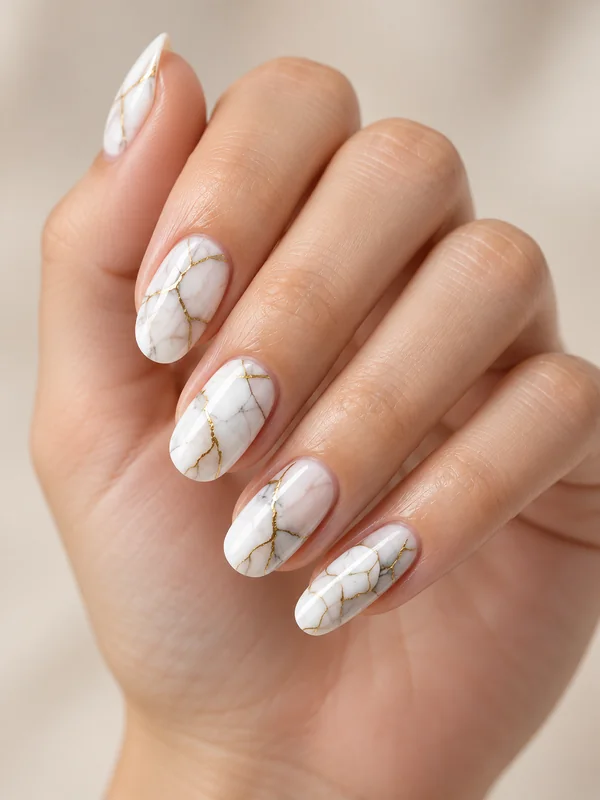
Marble Nails
White stone marbling with fine gold veins on short square nails.
AI Virtual Try On
EzImgMaker’s AI nail art generator puts AI nails on a photo of your own hand online, free to try. Choose from 12 nail art styles, 6 shapes and 4 lengths, or add a photo of a set you love as a design reference, and the AI paints each nail with matching light and shadow. Get up to 4 versions for 4 credits per image from a JPG, PNG or WebP up to 10 MB, then show the set to your nail tech.
Nail Art Style: French Tips · Nail Shape: Keep My Shape · Length: Keep My Length
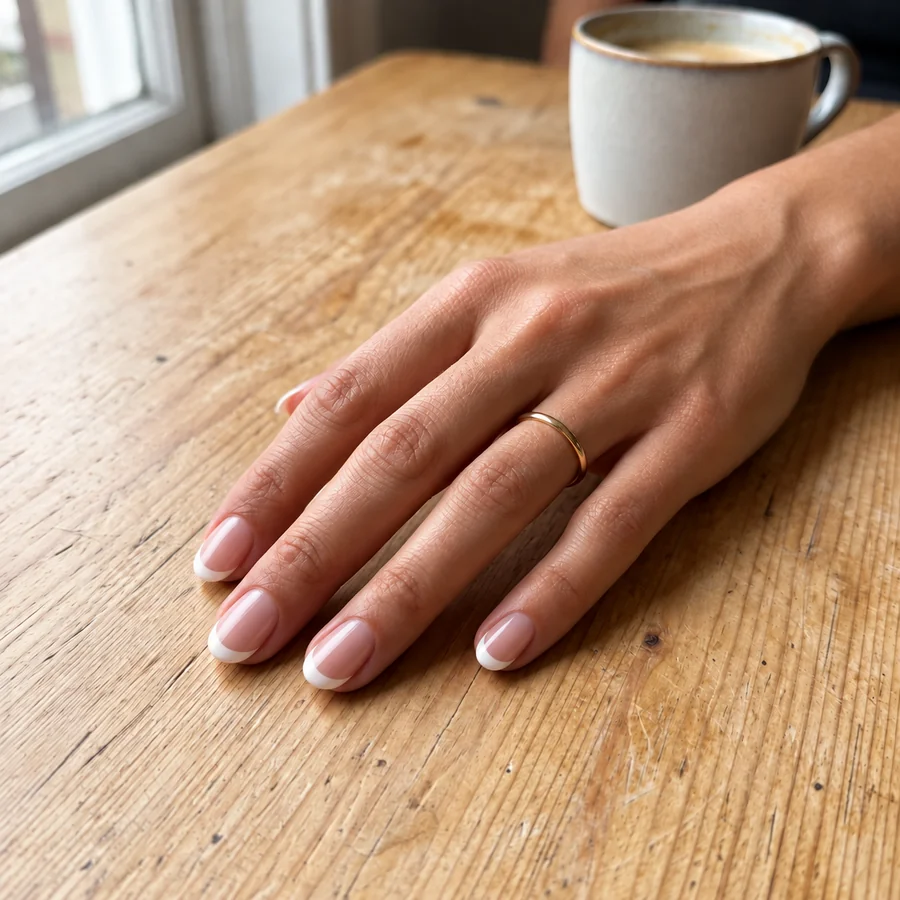
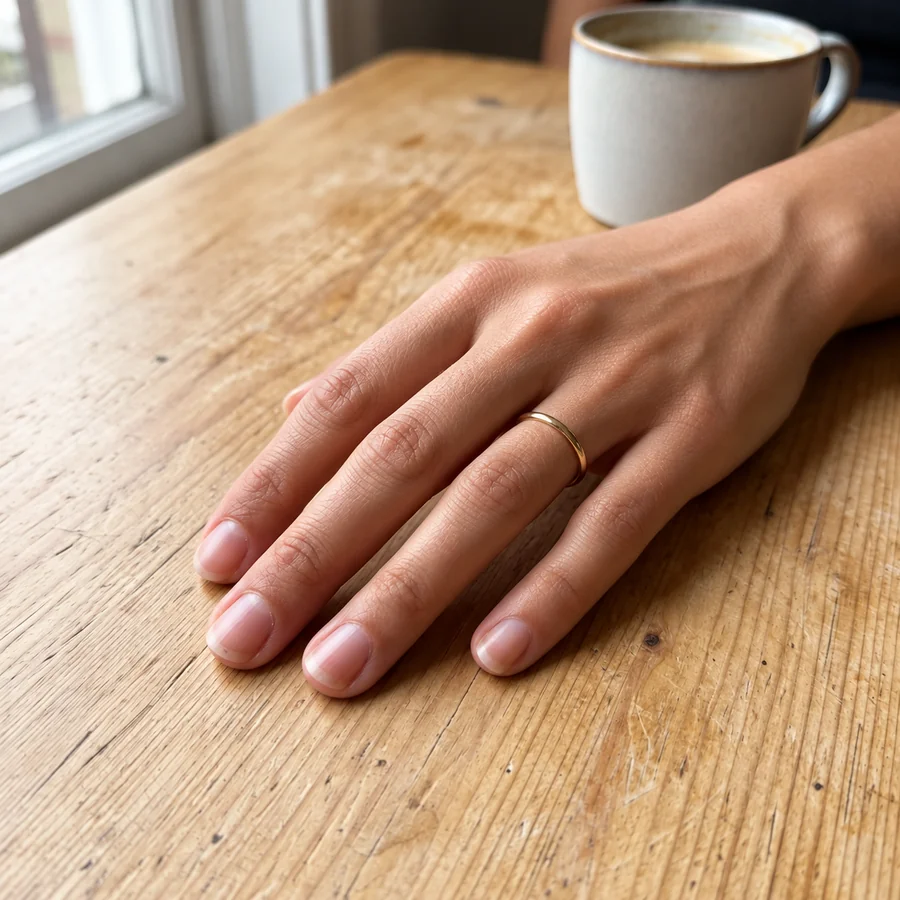
Reference example. It is not a result generated from your upload.
Overview
An AI nail art generator is a nail designer that works on a photo of your own hand. You pick a style such as French tips, chrome, or marble, choose a nail shape and length, and the AI paints the design onto each nail, following its curve, the lighting, and your skin tone. The result is AI nails you can actually picture on yourself, not a flat swatch on a stock hand.
Use it as a nail art designer to test a look before the salon, as a nail maker online when you make your own nails or press-ons, or as a simple nail art maker to create your own nail art for fun. It is a visual preview: your nail tech will still adapt the final set to your natural nails.
Examples
A few looks from the style library. Tap Try on any card to load that style, then upload your hand.
White stone marbling with fine gold veins on short square nails.
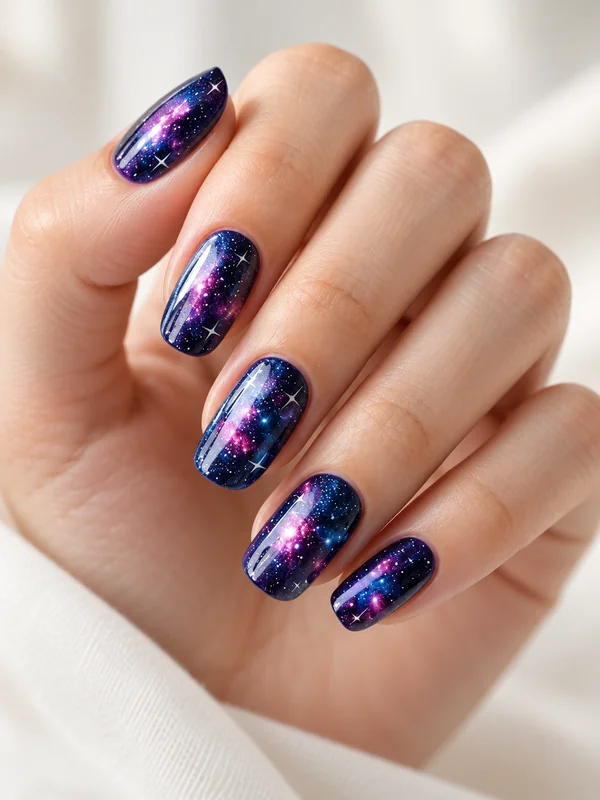
Deep blue and violet nebula swirls with tiny white stars.
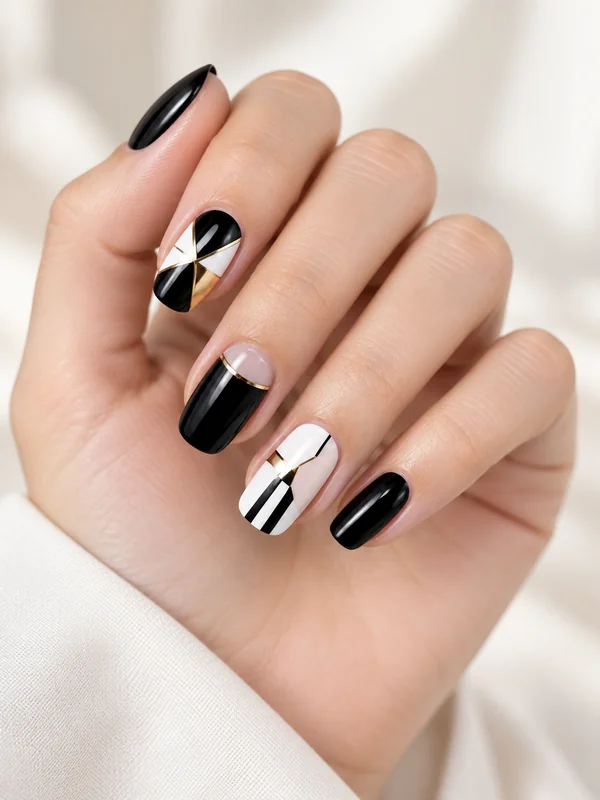
Black, white, and gold color blocks with crisp lines.
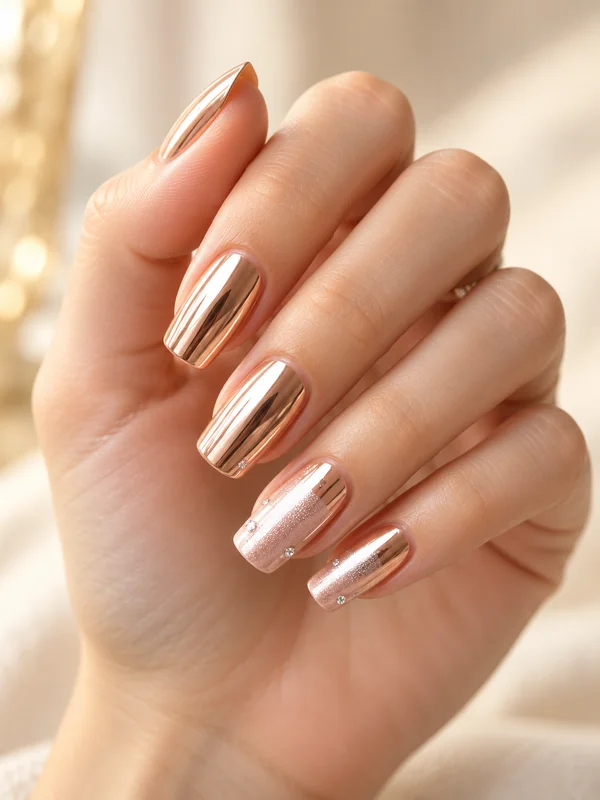
Mirror-shine rose gold with a few tiny rhinestones.
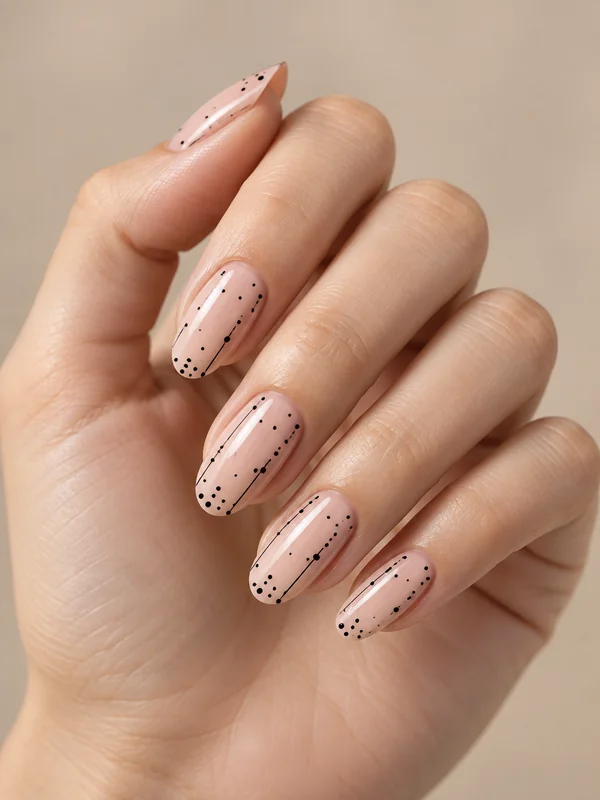
A sheer nude base with scattered black dots and a fine line.
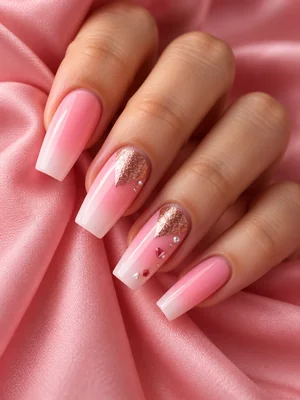
Long coffin nails in pink with one glitter accent nail.
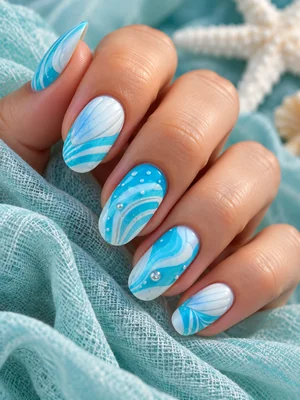
Blue and white wave swirls for a summer set.
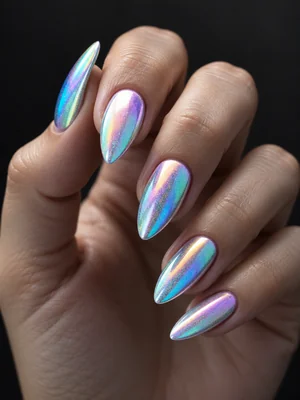
Iridescent chrome on sharp stiletto nails.
How it works
Create your own nails in three steps, with no drawing and no nail design app to install.
Take a clear, well-lit photo of your hand with the nails facing the camera. JPG, PNG, and WebP files up to 10 MB are supported.
Choose one of 12 nail art styles, then a shape such as almond or coffin and a length. Describe extra details in the text box, or add a photo of nails you love as a design reference.
Generate up to four versions, compare them with your bare nails, and save the set you want to show your nail tech.
Features
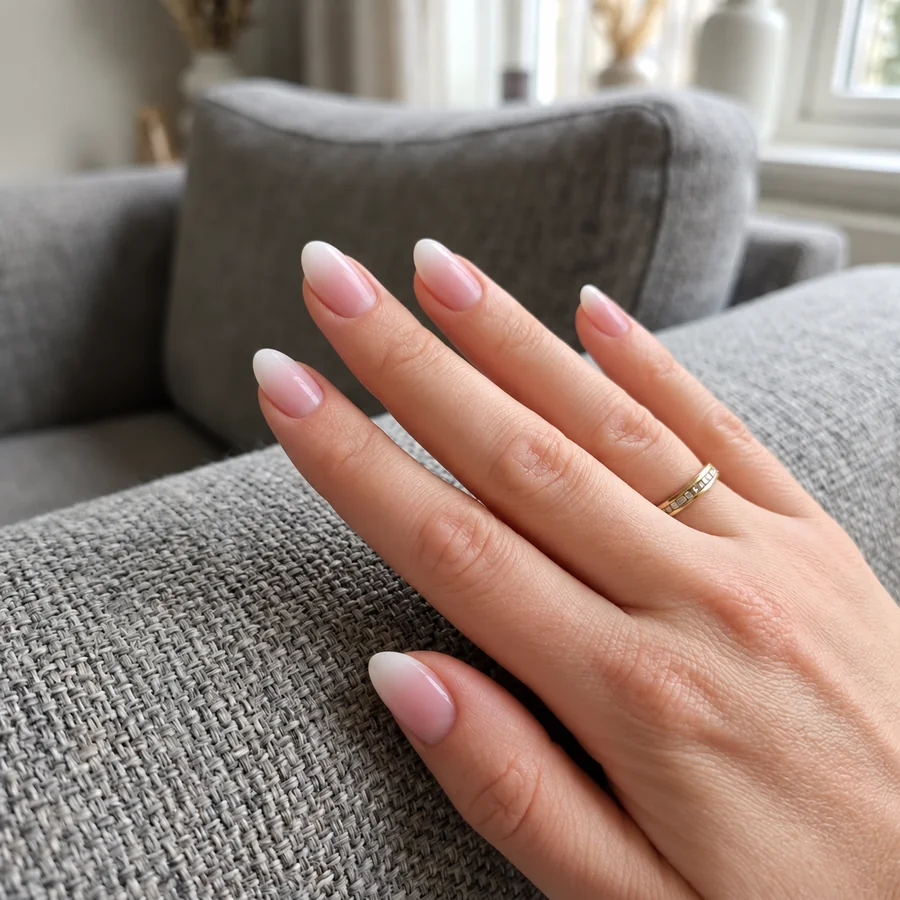
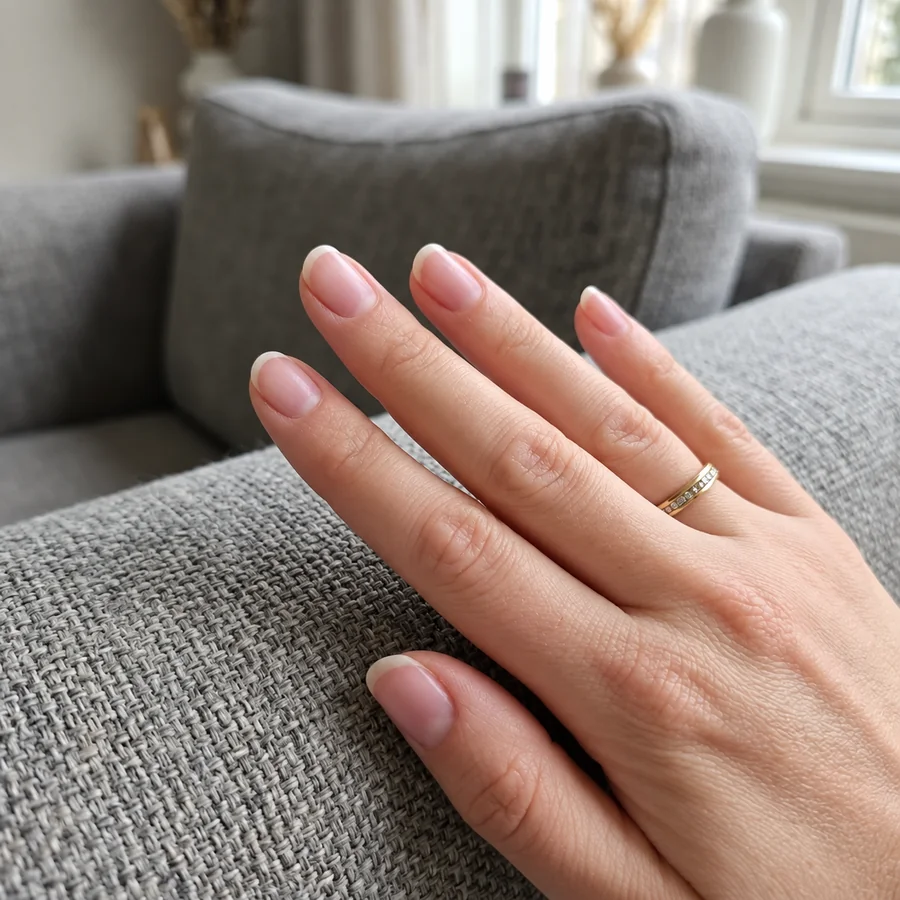
Most nail design websites show a design on a model hand. This AI nail generator paints the set onto your own photo: each nail is detected on its own, the color wraps around its curve, and the shine follows your lighting, so the preview looks like a fresh manicure.
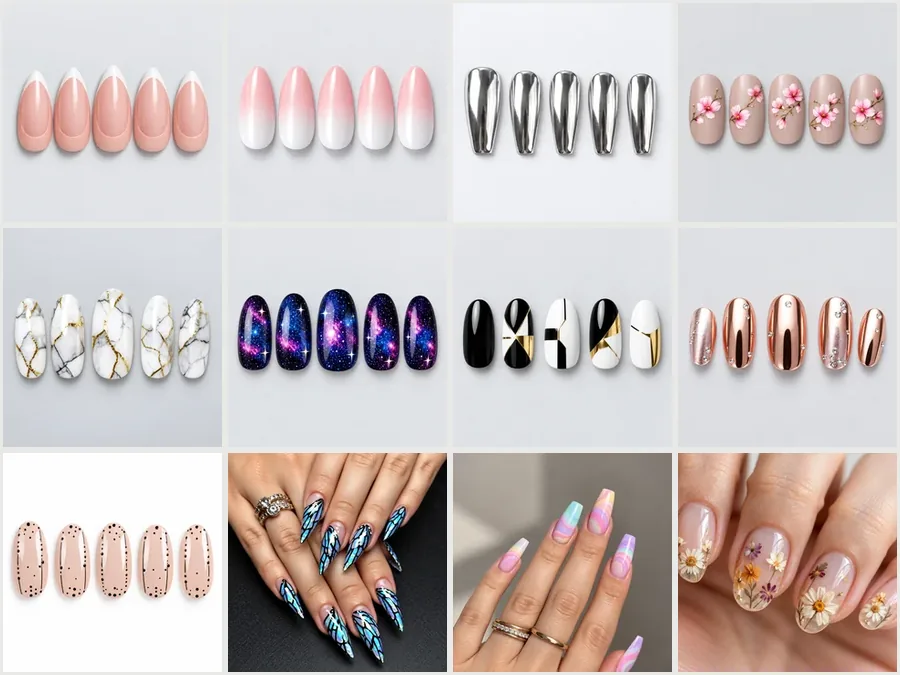
Mix any style with any shape and length: French tips on short squares, chrome on long stilettos, or cherry blossoms on medium almonds. Switch one setting at a time and compare, the way a good nail design maker should work.
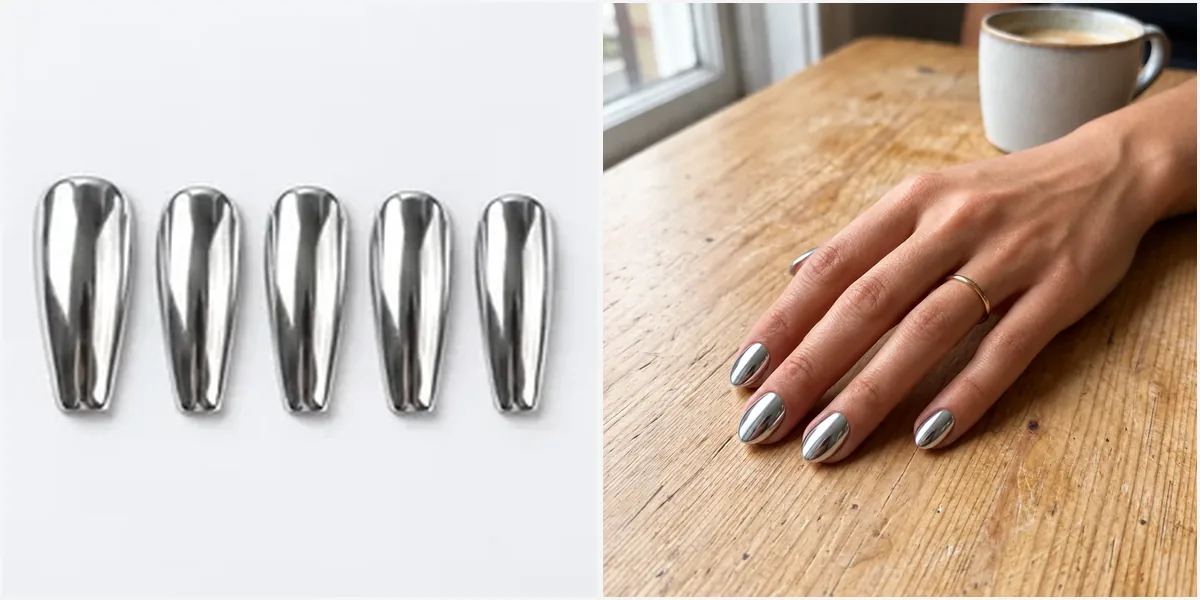
Saw a set you love? Add it in the optional Nail Design Reference slot and the AI copies its colors, pattern, and finish onto your nails. Or describe a custom nail design in your own words, from "matte black with gold tips" to "tiny strawberries on every nail".
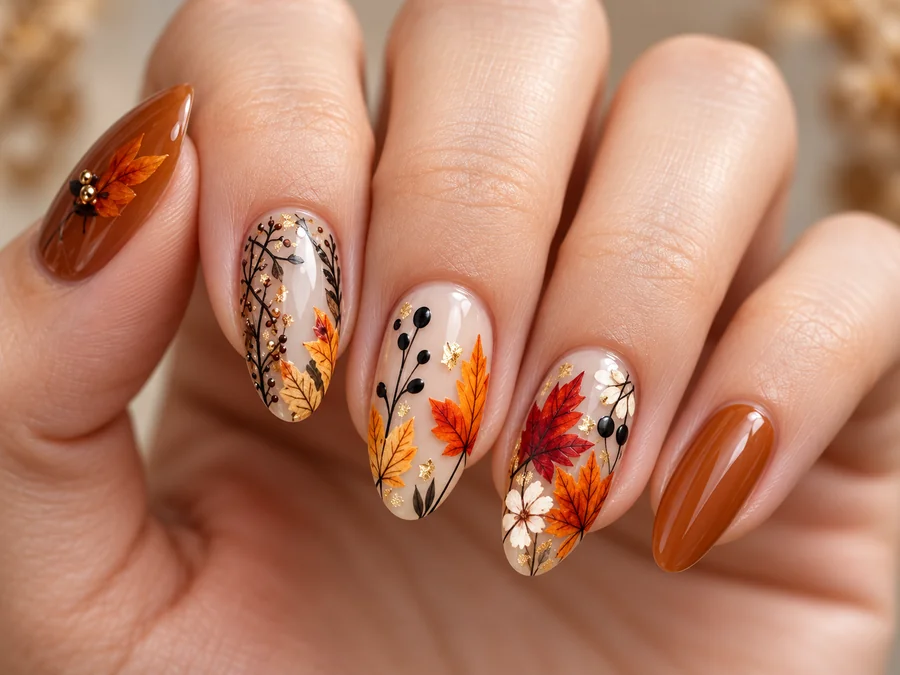
Walk into the salon with a picture of the exact set on your own hand instead of a vague mood board. Nail artists can also use the generator to design a nail look for a client and agree on details before the appointment.
Use cases
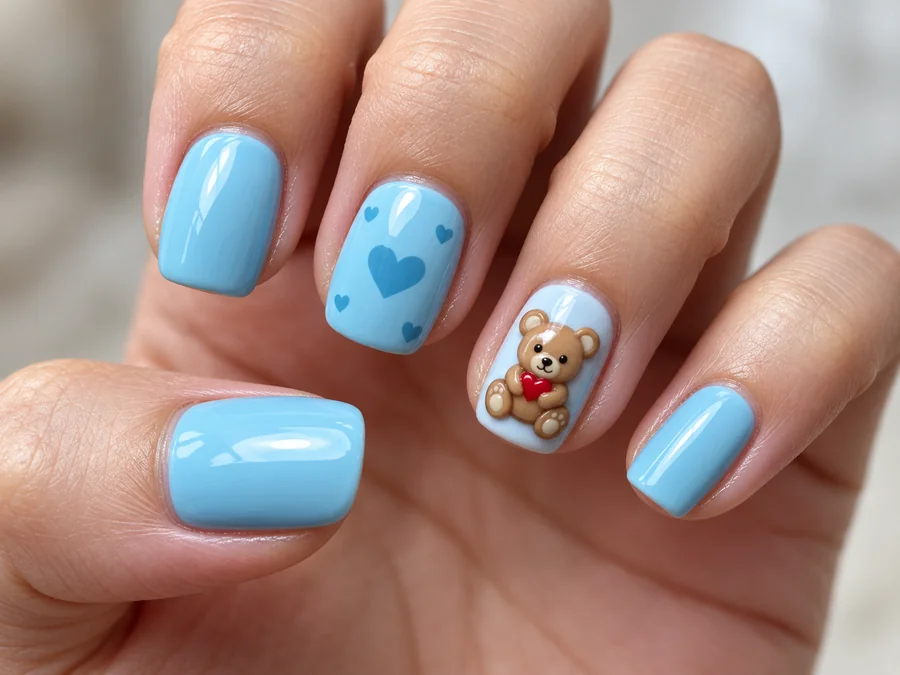
Try a few nail designs on your own hand and book the appointment knowing what you want.
Use it as a nail creator for client consultations, seasonal menus, and portfolio ideas.
Make your own nail design, check it on a real hand, then paint it or turn it into press-ons.
Create nail art for posts and reels, from wedding sets to holiday themes, without booking a session.
Tips
The hand photo matters more than anything else.
Spread your fingers slightly and keep all five nails visible and in focus.
Even light without harsh glare keeps the nail edges and your skin tone accurate.
Bare or lightly polished nails give the cleanest result, especially for light colors.
Name colors, finish, and accent nails, e.g. "glossy nude with a glitter ring finger".
More tools
FAQ
Answers to common questions about designing and trying on AI nails.
It is a nail design generator that creates nail art and shows it on a photo of your hand. You choose a style, shape, and length, and the AI renders the manicure on each nail with matching light and shadow, so you can judge the look before you paint it.
Upload a hand photo, pick a nail art style such as French Tips or Marble, choose a shape and length, and generate. To design your own nails from scratch, describe the colors, pattern, and accent nails in the text box.
Yes. Add the photo in the optional Nail Design Reference slot next to your hand photo. The AI transfers its colors, pattern, and finish onto your nails. Only use images you are allowed to use as inspiration.
Each of the 12 styles works as a ready-made template. Start from one, change the shape or length, and add your own details in the note to turn it into a custom nail design.
Almond, Oval, Square, Coffin, and Stiletto, in Short, Medium, or Long. Choose Keep My Shape and Keep My Length to put the design on your natural nails as they are.
The design follows the curve and size of each nail and matches the lighting of your photo, so it reads like a real manicure. A sharp, well-lit photo with every nail visible gives the most convincing result.
Yes. Use it to design a nail look for a client, build seasonal ideas, or show a preview on the client’s own hand before the appointment. The final set still depends on the nail tech’s skill and the client’s natural nails.
No. You can design nails online: this nail designer online runs in your phone or desktop browser, so there is nothing to download before you start.
Only upload photos you own or have permission to edit. Do not use edited nail photos to misrepresent a salon’s or artist’s real work.
Upload a hand photo and create nails that match your outfit, season, or next event with the AI nail art generator.