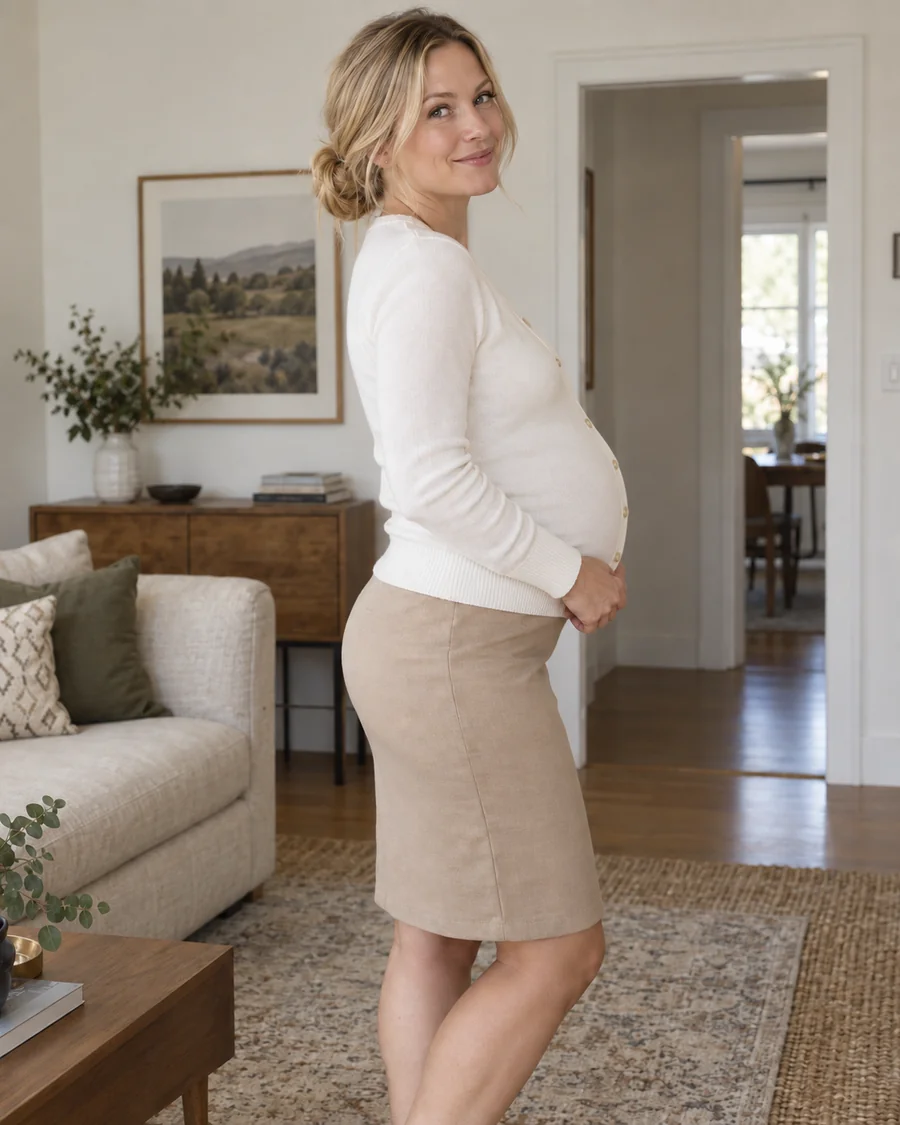
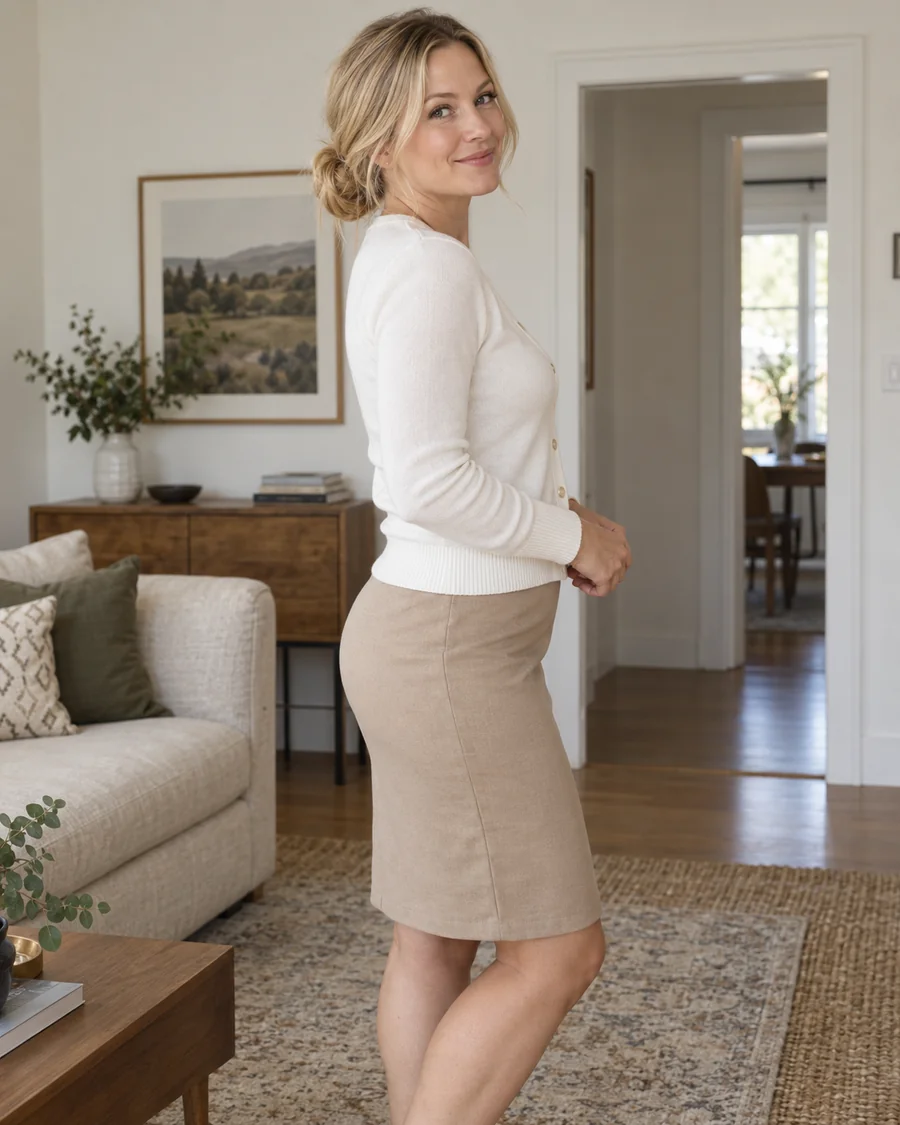
Realistic Baby Bump Filter
The most natural pregnant filter for everyday portraits, with believable proportions, soft shadows, and clothing that stretches the way real fabric does.
Upload a portrait and the pregnant AI generator adds a realistic baby bump while keeping the same face, pose, outfit, and lighting. Choose an early, mid, or late stage.
Your photo stays in this browser during this UI preview.
Reference example. It is not a result generated from your upload.
A pregnant AI generator, also called an AI pregnancy filter or pregnant filter, is a photo effect that adds a realistic baby bump to an ordinary portrait. Upload one photo and the AI keeps the same face, pose, outfit, and lighting while reshaping the midsection, so the result looks like a natural pregnant photo of the same person.
It is a simple way to answer "what would I look like pregnant?" for curiosity, couple keepsakes, maternity outfit planning, or creative projects. Every AI pregnant image is a visual preview only. It is not a pregnancy test, a medical prediction, or proof that anyone is expecting.
Drag each image to compare the original photo with the pregnancy result. Every style keeps the person, outfit, and scene.
The most natural pregnant filter for everyday portraits, with believable proportions, soft shadows, and clothing that stretches the way real fabric does.
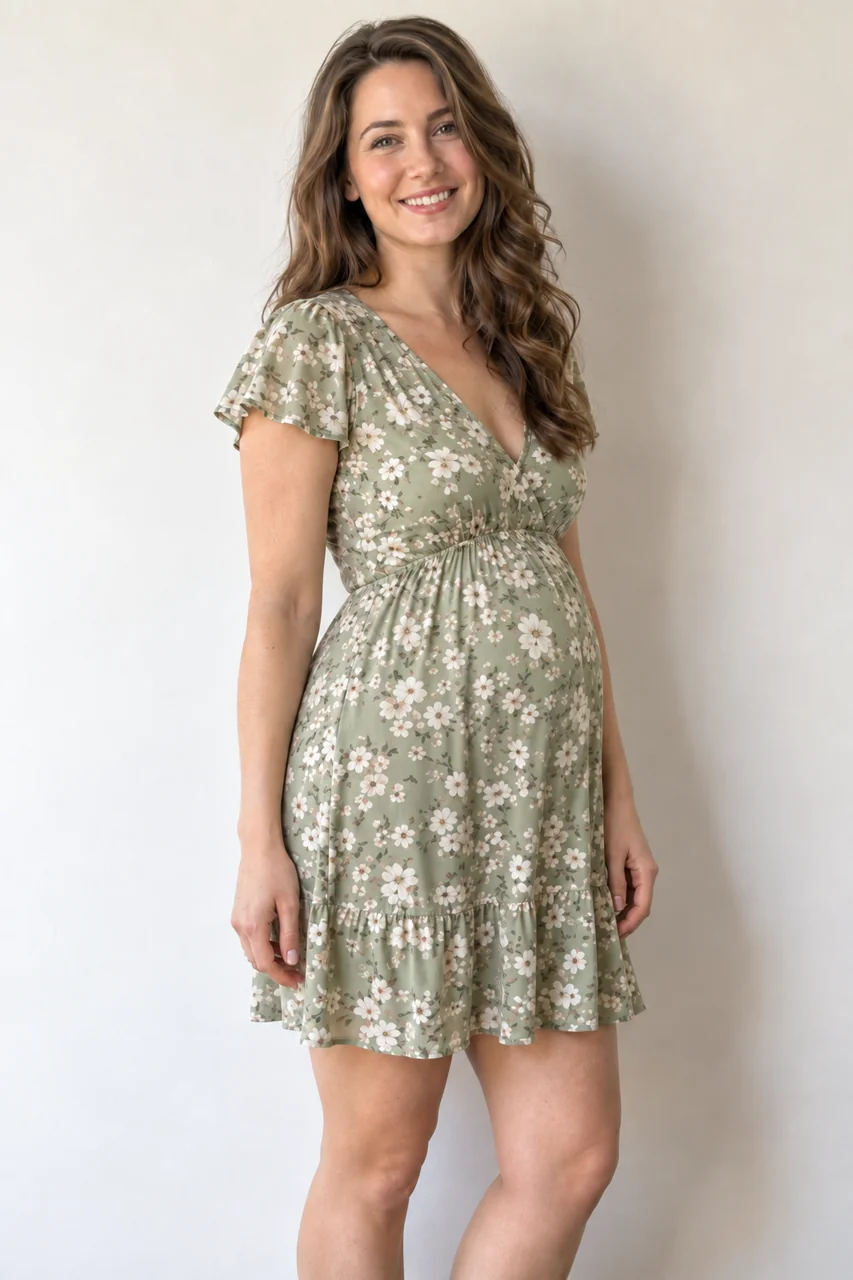
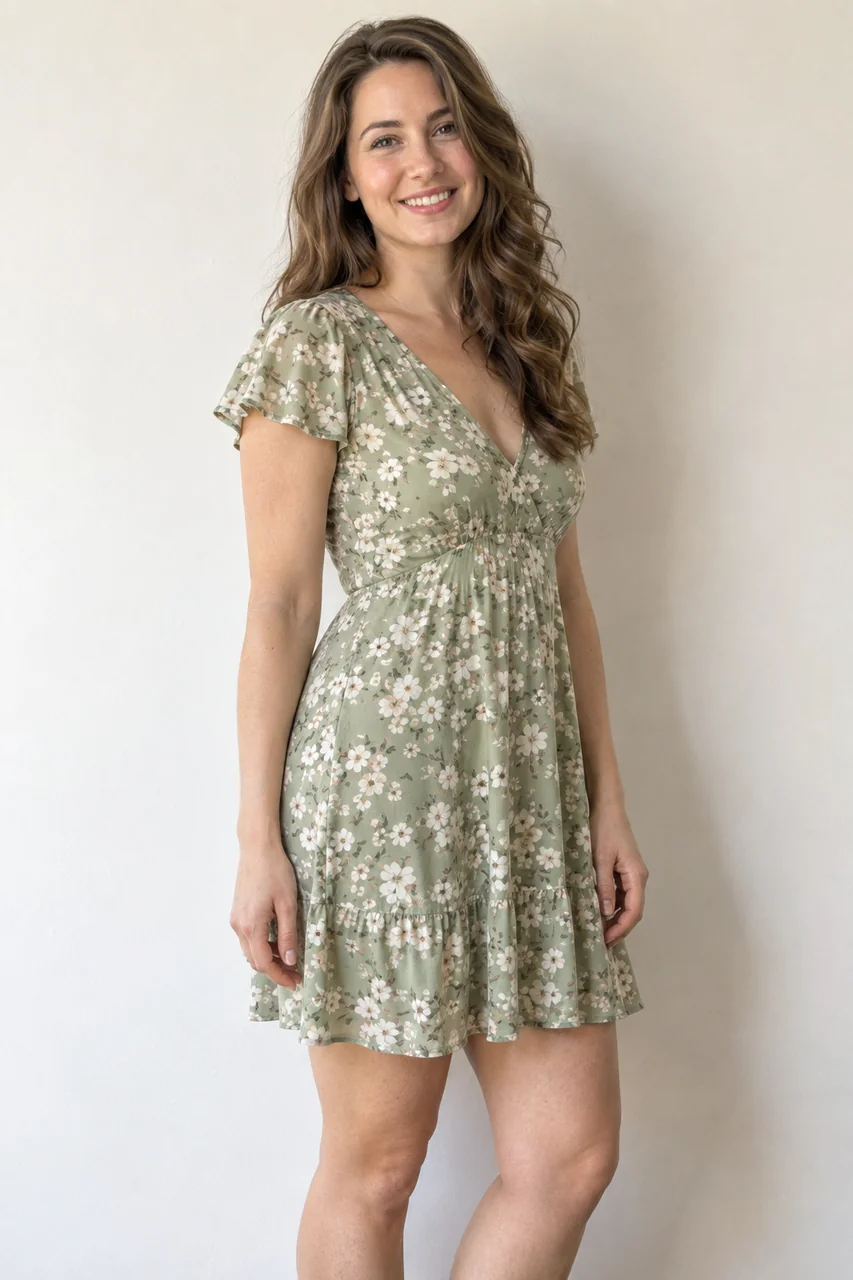
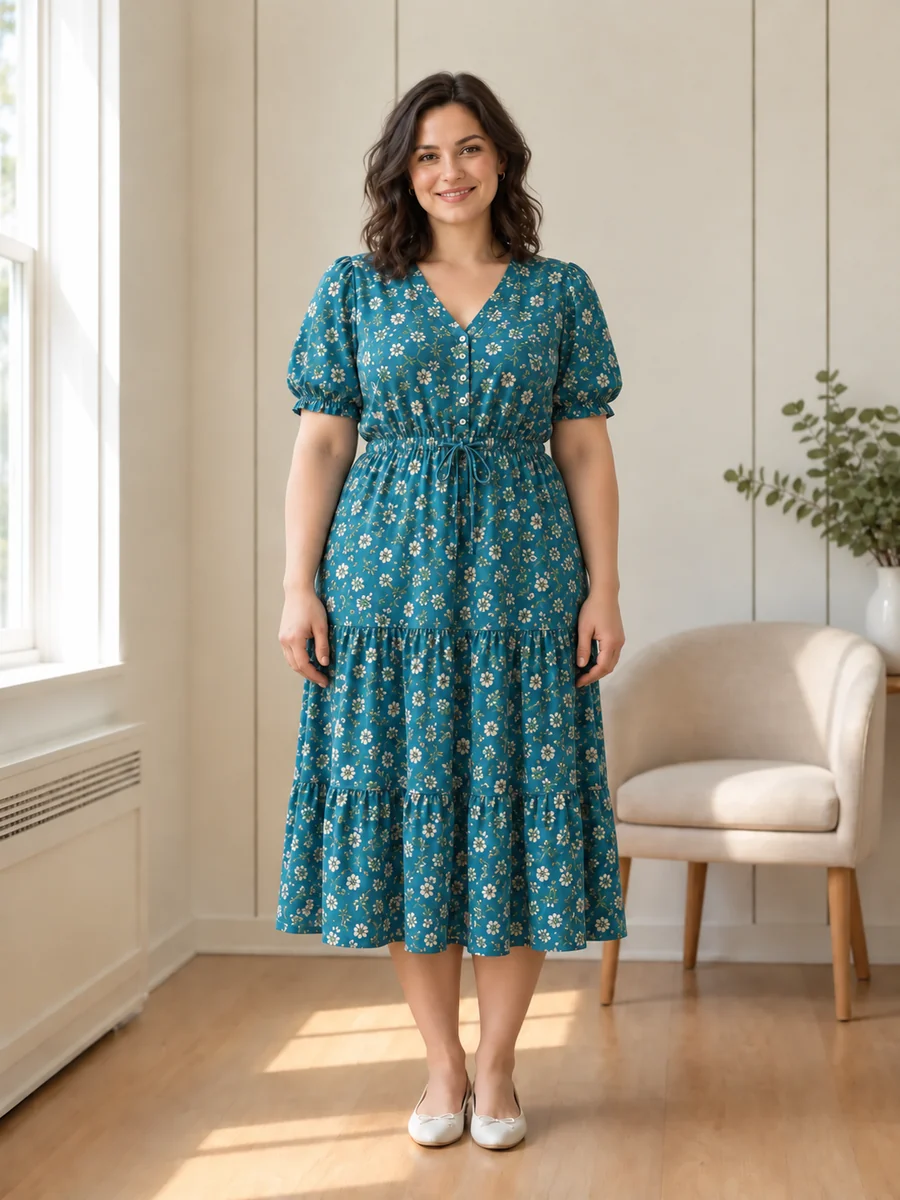
See how a baby bump looks in a sundress, T-shirt, or mirror selfie before you plan real photos. The pregnant belly AI keeps your everyday style.
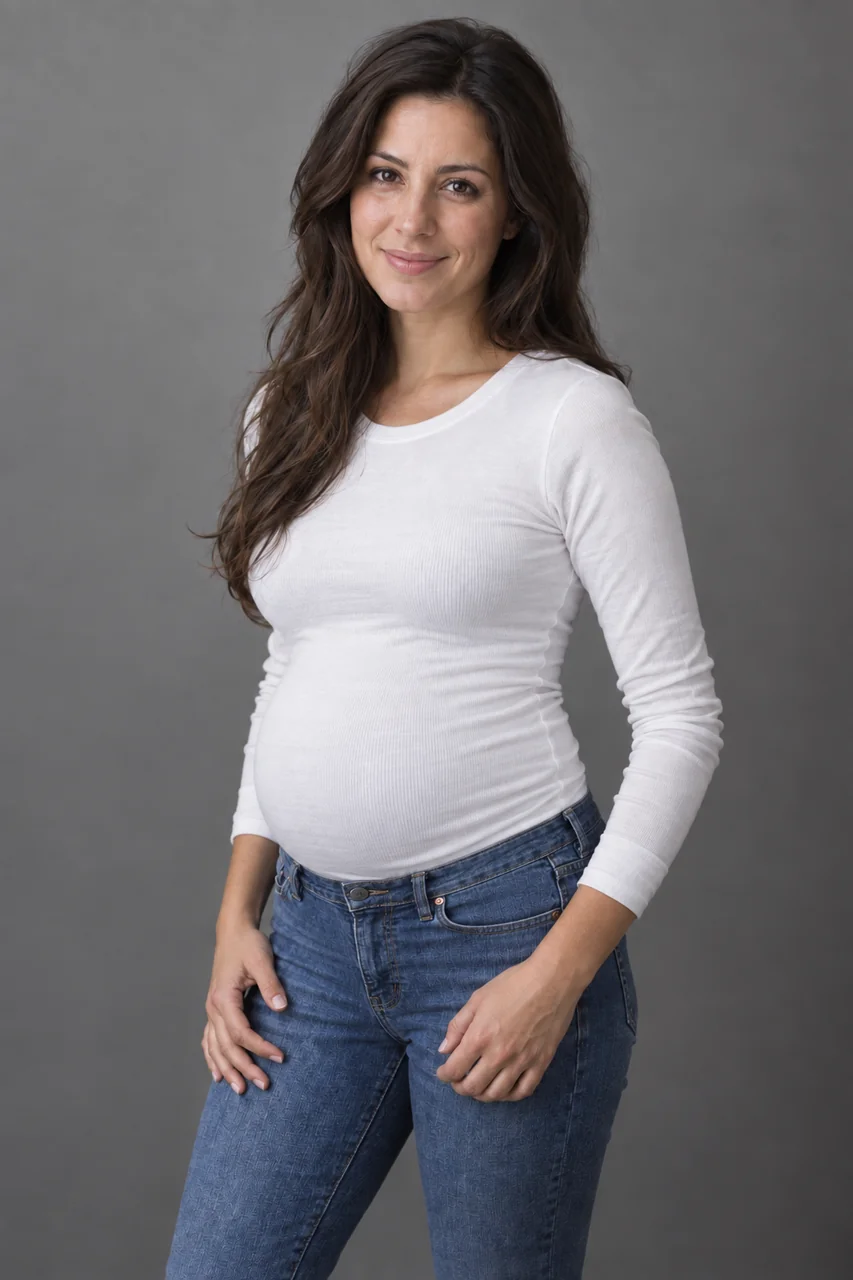
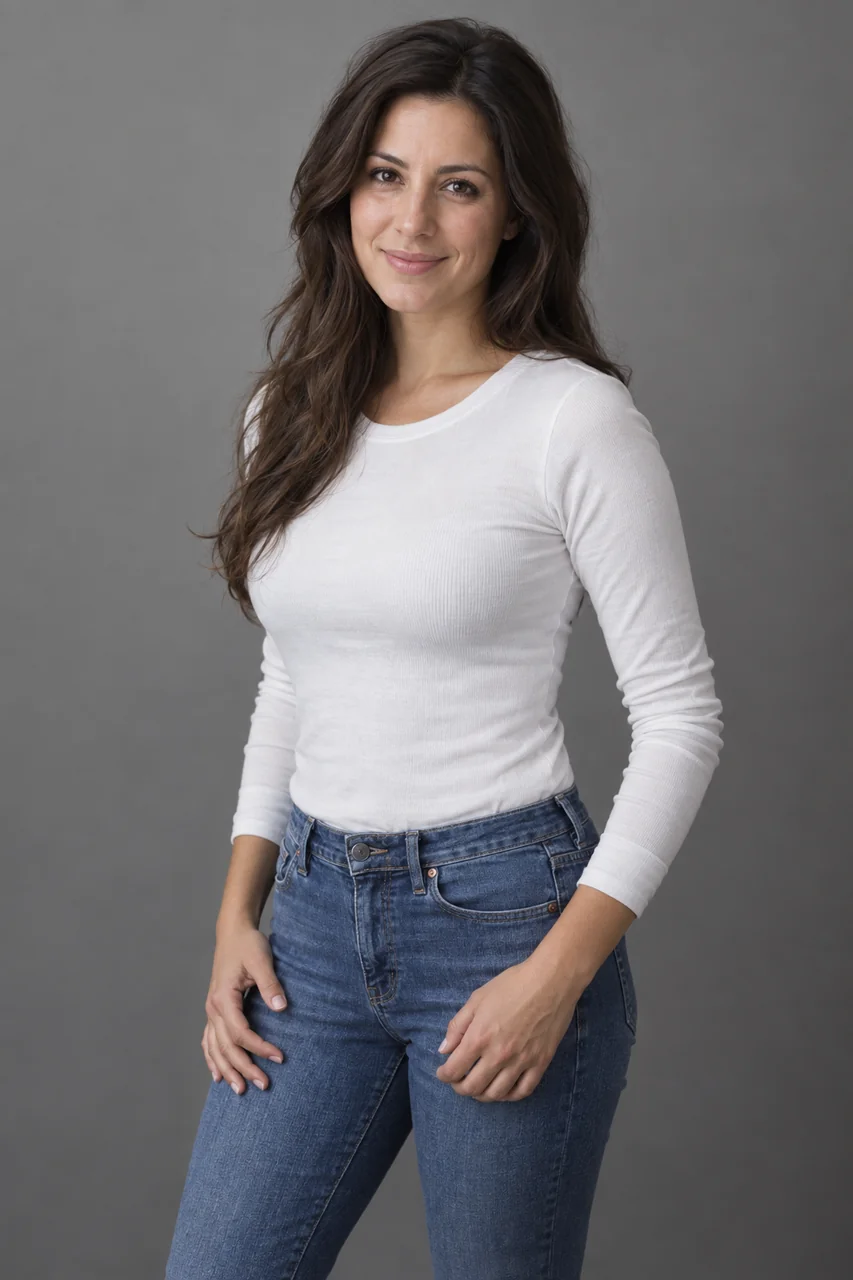
A warm, gentle maternity look for private keepsakes. The face, hairstyle, and expression stay exactly as they were.
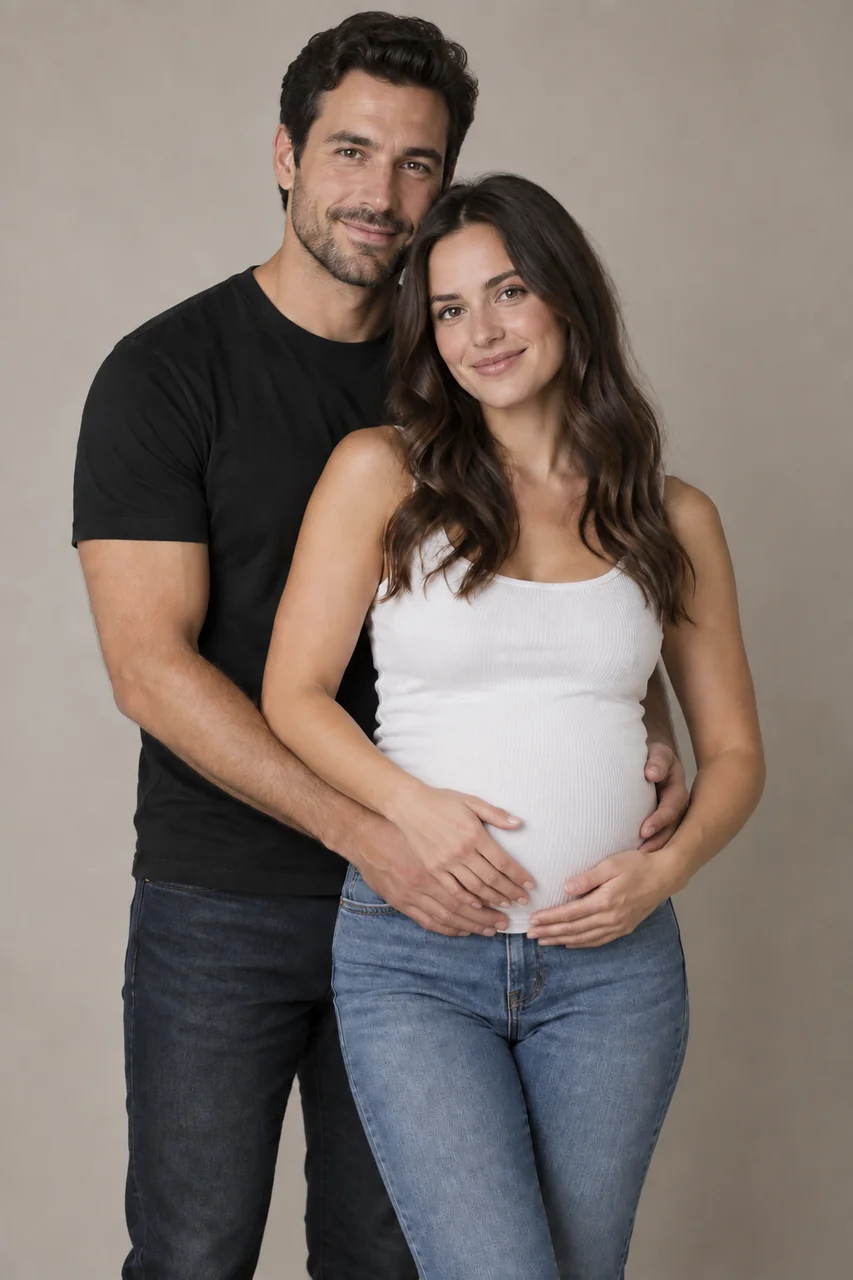
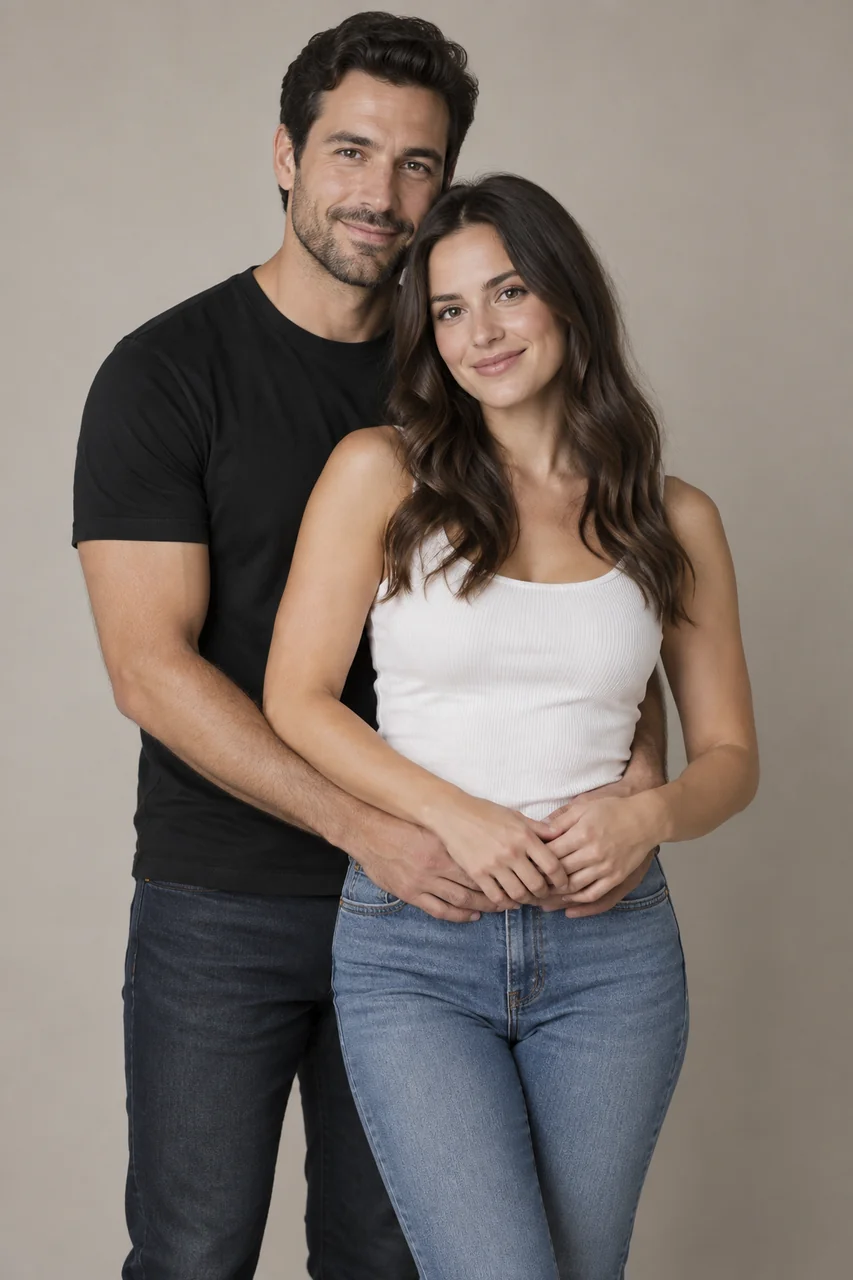
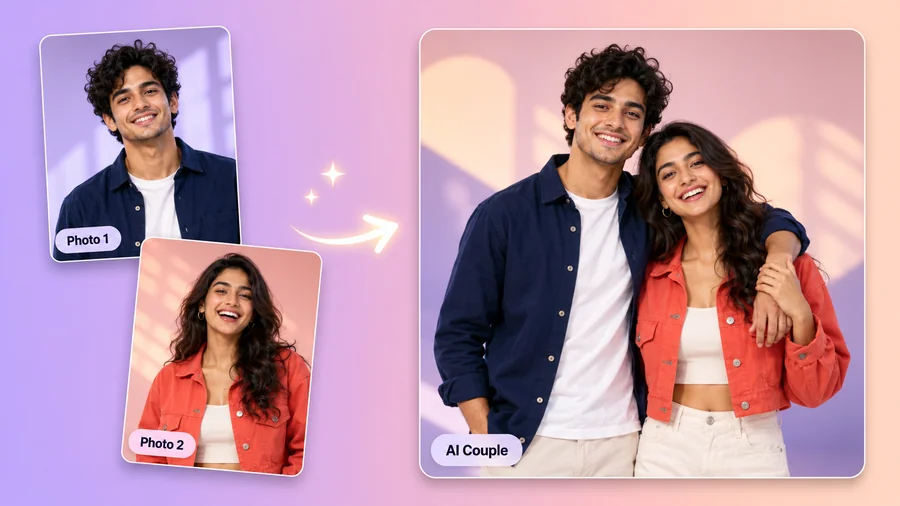
Add a bump to a couple photo for a future-family concept or an announcement mockup, made only with both partners’ consent.
Create a pregnancy preview in three simple steps with this AI pregnant photo maker. No pregnant belly app to install and no editing skills required.
Choose a well-lit photo where the face and midsection are visible. Front-facing or three-quarter portraits work best. JPG, PNG, and WebP files up to 10 MB are supported.
Choose Early, Mid, Late, or Full Term, or a style such as Natural, Soft Maternity, Casual Outfit, Couple, or Maternity Gown. Prefer something specific? Describe it in Custom.
Generate up to four versions, compare the baby bump with your original, and keep the one that looks most natural.
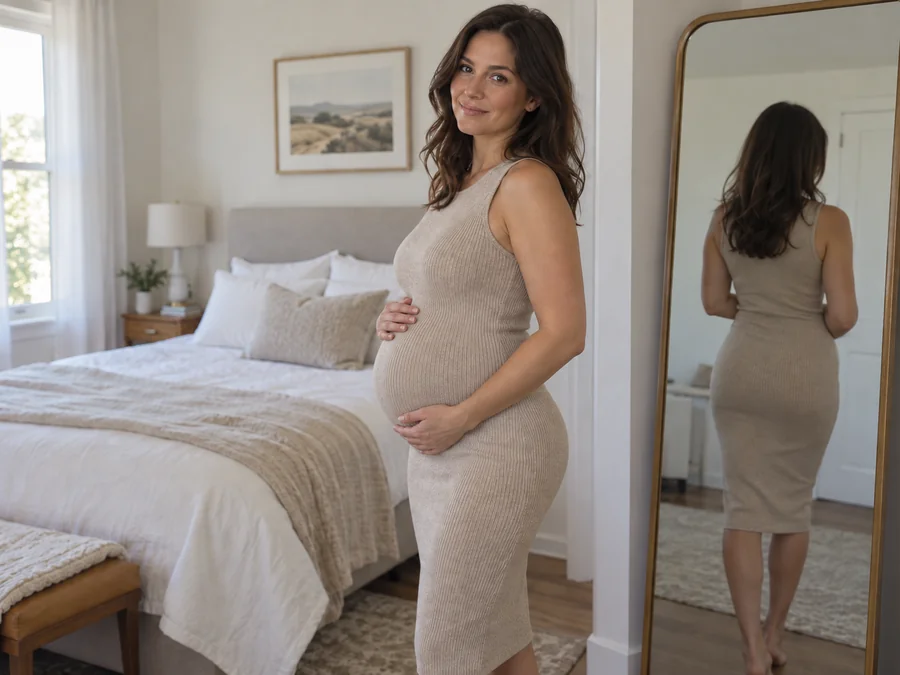
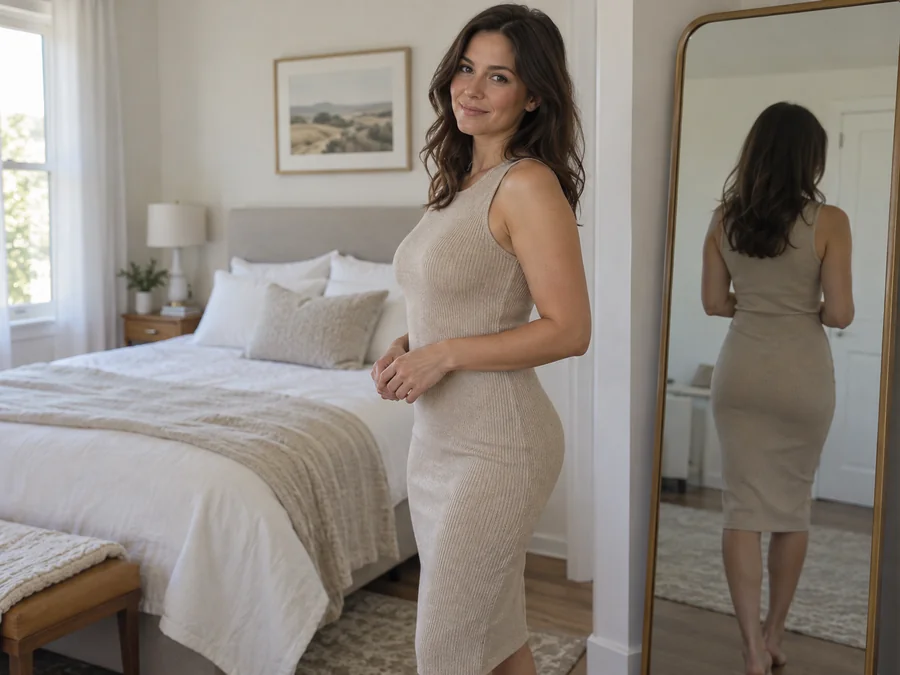
The bump follows your body angle, posture, and clothing instead of sitting on top like a sticker. Light, shadows, and fabric folds are rebuilt so the pregnant image blends into the original photo.
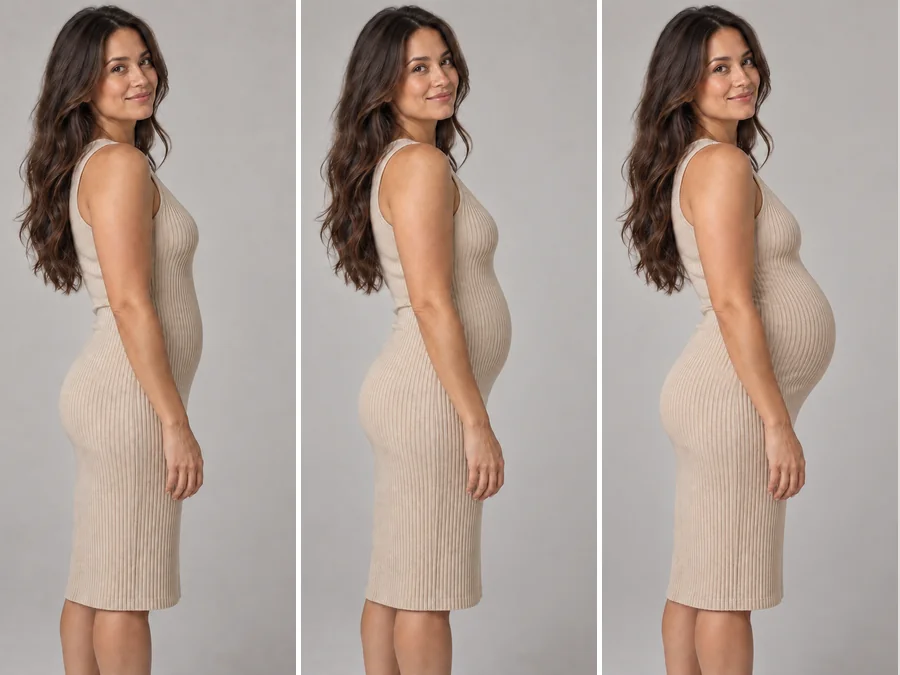
Choose how far along the preview looks, from a subtle early bump to a full-term belly. Run several stages on the same photo to build a pregnant morph sequence that shows the bump growing step by step.
This AI pregnancy generator changes only the midsection and the way clothes fit around it. Your face, hairstyle, outfit, and background stay the same, so the result still looks like your photo.
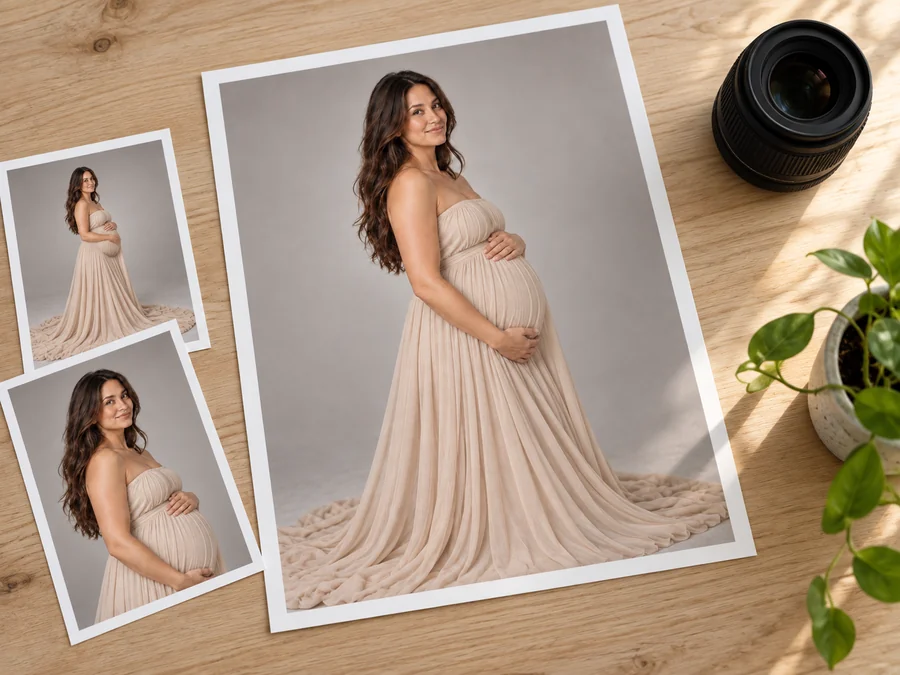
Photographers, maternity brands, and creators can use an AI pregnant woman preview to test poses, gowns, and lighting before a real shoot, or mock up AI pregnant women models for clothing concepts when they own the rights to the source photo.
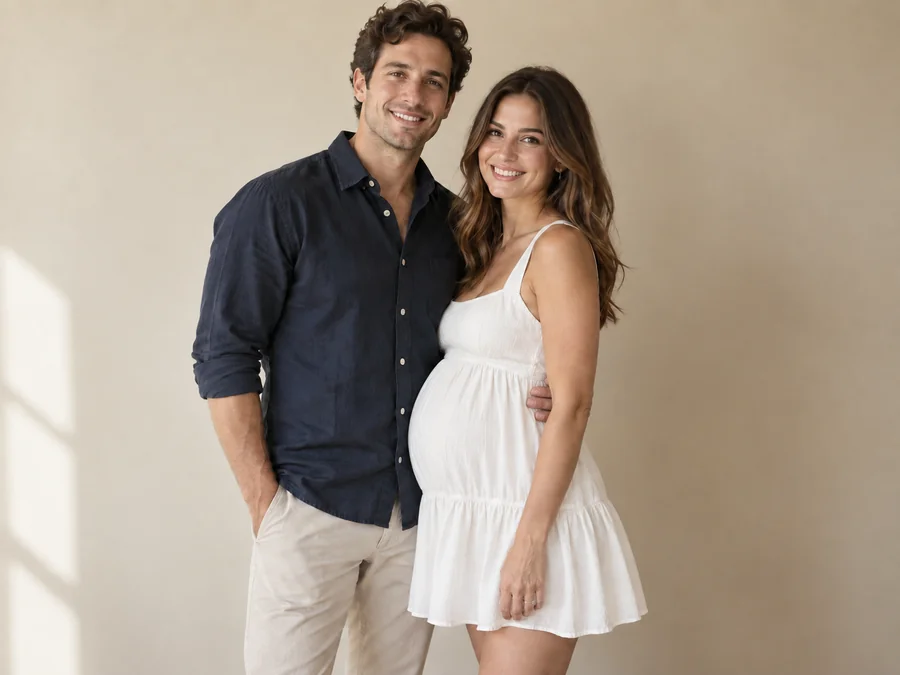
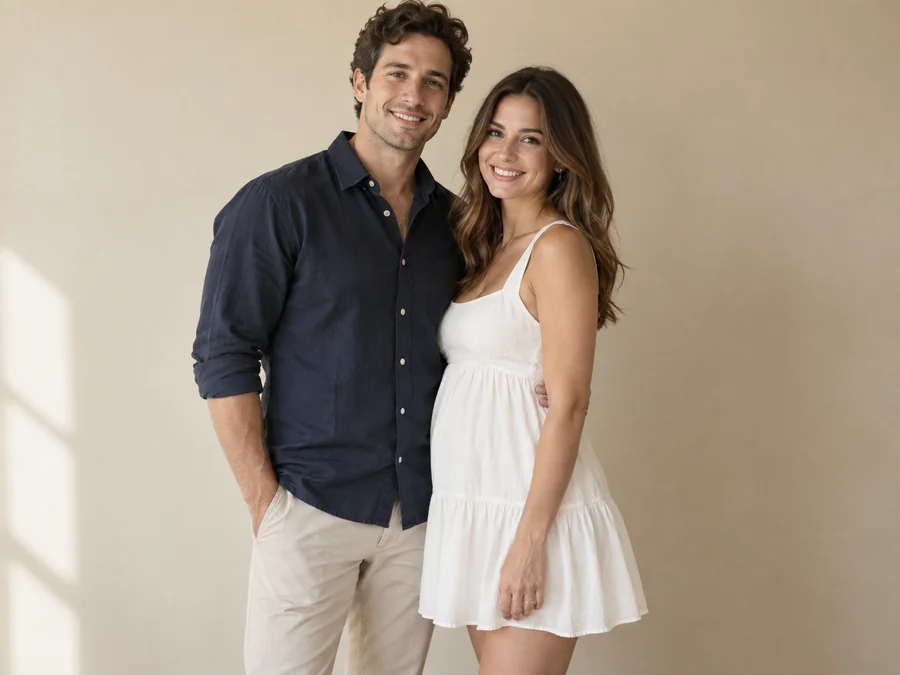
Curious how you might look pregnant? Make a private what-if photo from a selfie or a full-body portrait.
Expecting couples can use it as a pregnancy announcement generator to sketch reveal ideas before a real photoshoot. Only announce real news.
Preview fitted dresses, casual outfits, and poses on a pregnant photo before buying clothes or booking a maternity session.
Writers, artists, and creators make clearly labeled AI pregnant photo concepts for stories, mood boards, and before-and-after posts.
Clear source photos give the pregnancy AI filter the most to work with.
Pick a photo where the torso is visible and not hidden behind bags, arms, or tables.
Soft, natural light helps the AI match shadows and skin tone on the new bump.
Fitted tops and plain dresses make the clothing stretch look cleaner than bulky layers.
Front-facing or three-quarter shots look more natural than steep top-down selfies.
Common ways creators use pregnant AI results.
Illustrative examples adapted from reference material, not verified reviews of EzImgMaker.
I made a before-and-after just for fun and kept the same outfit and expression. The bump looked like part of the photo, not a sticker.
I showed a client how different poses and gowns could look for a maternity session. It made planning the shoot much easier.
My partner and I made a couple preview just for ourselves. It still looked like our own photo, which made it sweet rather than strange.
I tried it out of curiosity and kept it as a private what-if picture, not something to pass off as real.
Answers to common questions about pregnancy filters and AI pregnant photos.
A pregnant AI generator, or AI pregnant generator, is an online pregnancy AI tool that adds a realistic baby bump to a photo. It works like an AI pregnant image generator: it reads body shape, pose, clothing, and lighting, then rebuilds the midsection so the person looks pregnant while staying recognizable.
Upload a clear photo, choose a stage such as Mid or Late, and generate a few versions. Compare them with your original to see a playful preview of your pregnant look. It is an illustration, not a prediction.
Most portraits work if the midsection is visible. The AI pregnant filter works best on clear, well-lit photos of one person, and the Couple style handles photos of two people.
No. The AI pregnancy filter only creates a visual effect. It cannot tell whether someone is pregnant, predict how a real pregnancy will look, or replace advice from a doctor or midwife.
Yes. Early, Mid, Late, and Full Term roughly follow the first, second, and third trimester. For finer control, describe the bump size, outfit, or pose in Custom.
No. This pregnancy filter runs online in your browser on phone or desktop, so you get the same kind of result as a pregnant belly app or pregnancy picture app without installing anything.
The tool works on portraits of any gender. Some people make a pregnant man AI image for a lighthearted role-swap joke between partners or a creative concept. Keep it kind, get permission first, and never use it to mock anyone.
It is designed to keep the same face, hairstyle, outfit, and background while changing only the belly and how clothes fit around it. If something drifts, try a clearer photo or add "keep the same outfit" in Custom.
Only upload photos of adults who have agreed to the edit, or photos you have the right to use. Never upload pictures of minors, and do not use the result to embarrass anyone or to fake a pregnancy announcement.
Yes, as long as you label it as an AI edit. Do not present the image as real pregnancy news, medical evidence, or a real photo of someone else’s body.
Upload a portrait and create a realistic AI pregnant photo with the pregnant AI generator.