Pet
Explore pet with settings you can adjust.
Turn photos into coloring pages with clean black outlines on white. Choose simple shapes for kids or detailed scenes for adults, then download your result.
Quick settings
Fine-tune
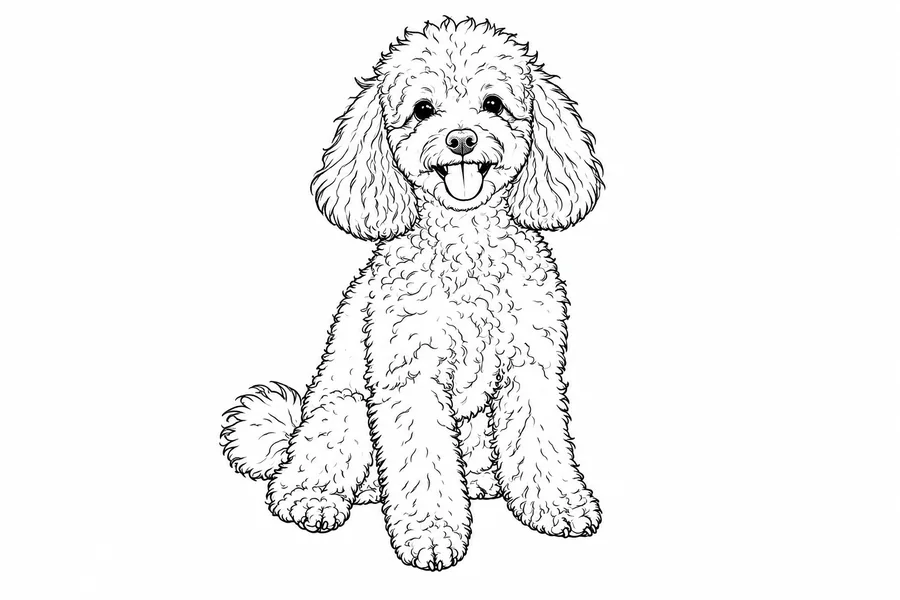
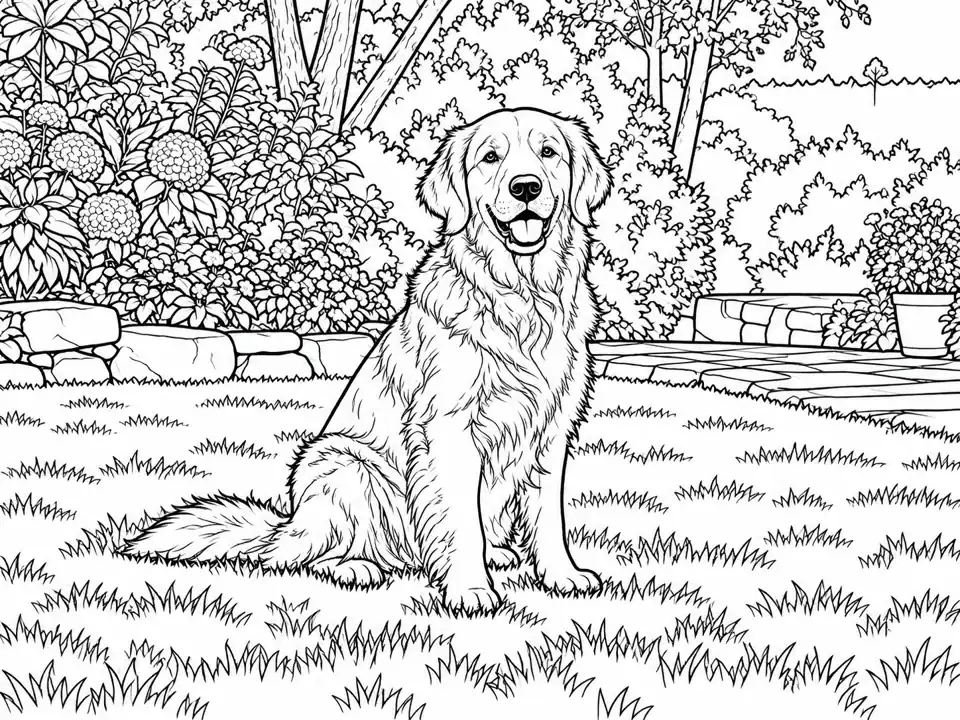
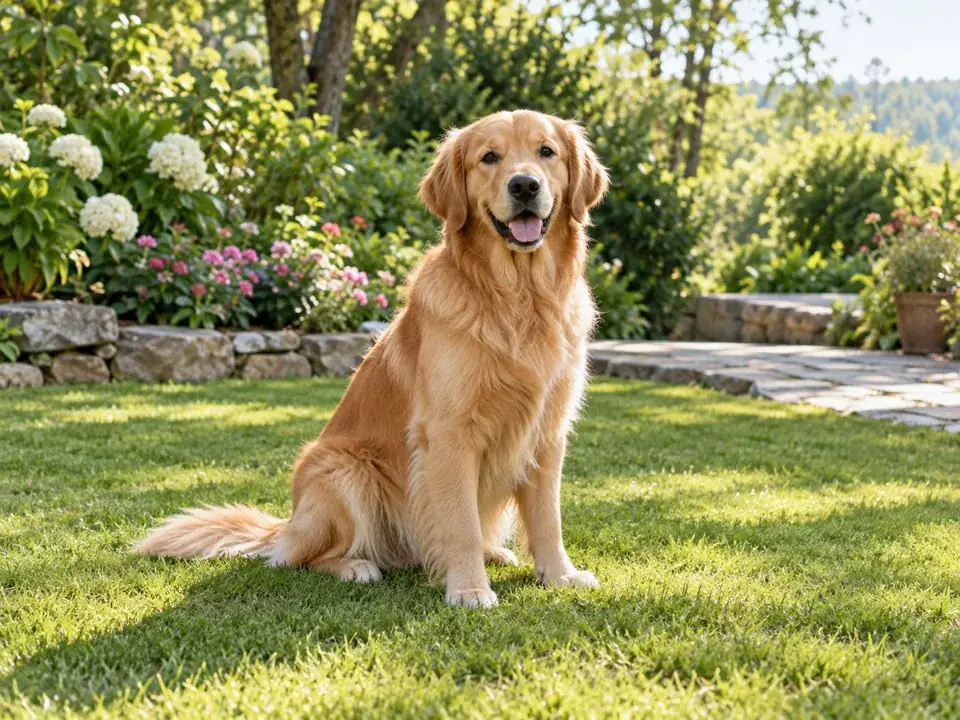
Reference example. It is not a result generated from your upload.
A picture to coloring page workflow converts the shapes in a reference photo into printable line art. Use this image to coloring book tool for personal activities, gifts, and classroom inspiration. Review fine lines before printing.
Explore pet with settings you can adjust.
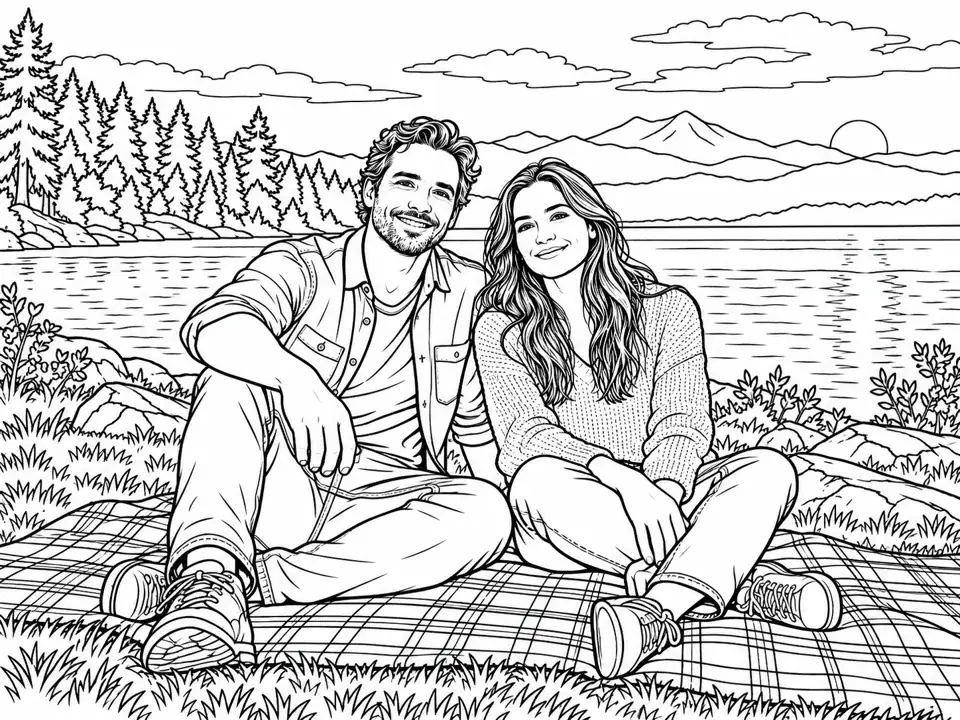

Explore family with settings you can adjust.
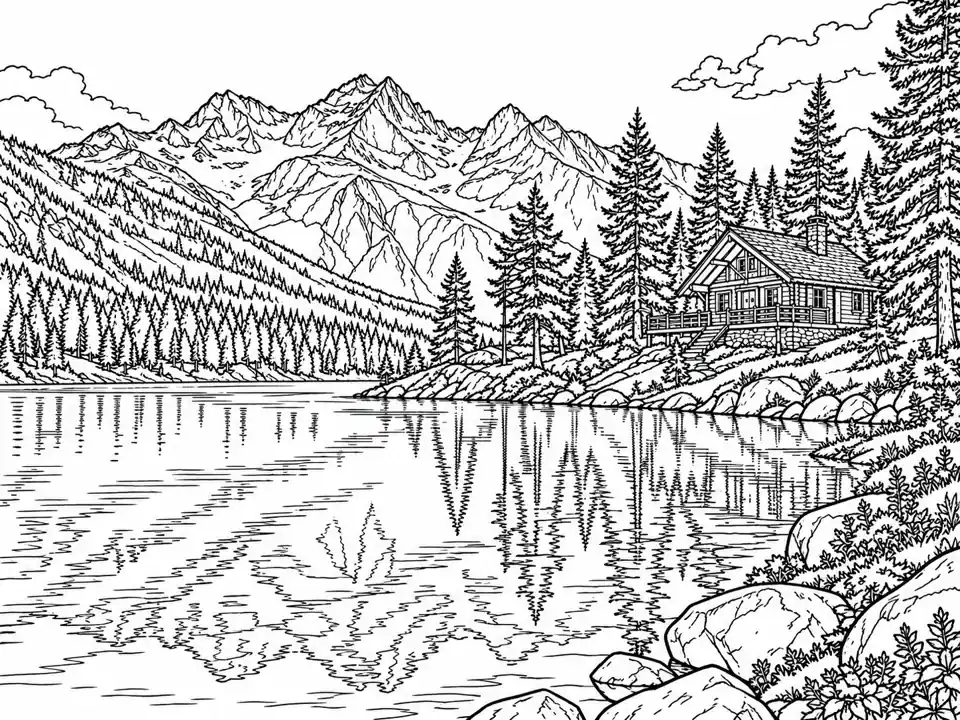

Explore landscape with settings you can adjust.
Upload a pet, family portrait, landscape, or object with clear edges. A clean subject makes it easier to turn photos into coloring pages that remain recognizable.
Choose Simple (kids), Medium, or Detailed (adults). Then select Thin, Medium, or Bold under Line weight to control the outlines.
Keep scene includes the surroundings; Subject only removes distractions; Blank leaves open white space. Choose Square, A4 portrait, or Letter portrait as a shape guide.
Press Start Now, inspect the black outlines, and download. In your print dialog, select the actual paper size and fit the image inside the printable area.
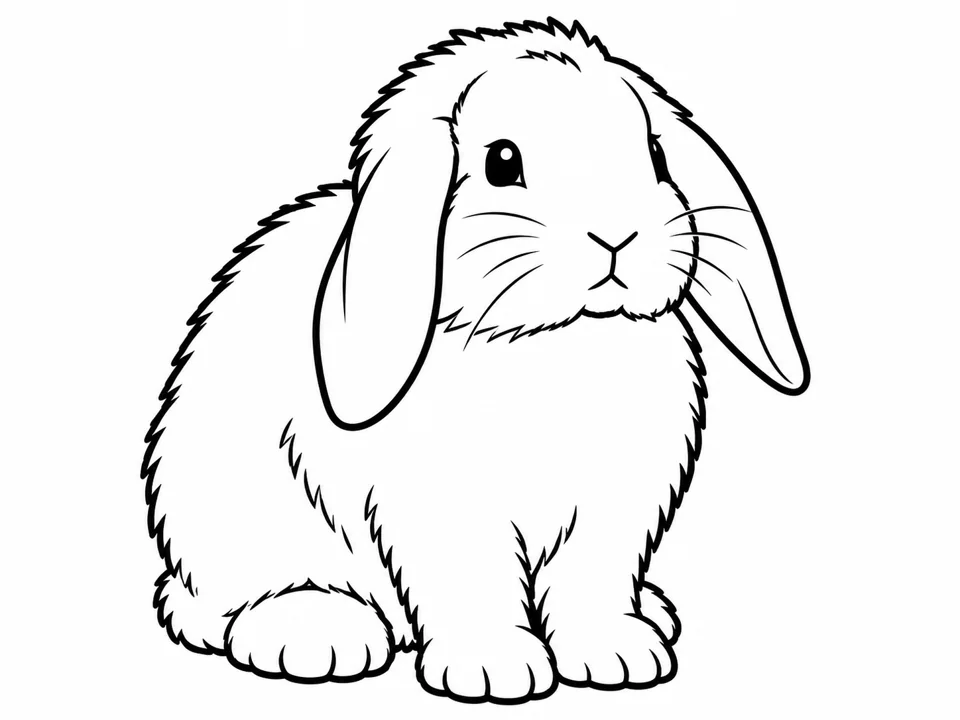
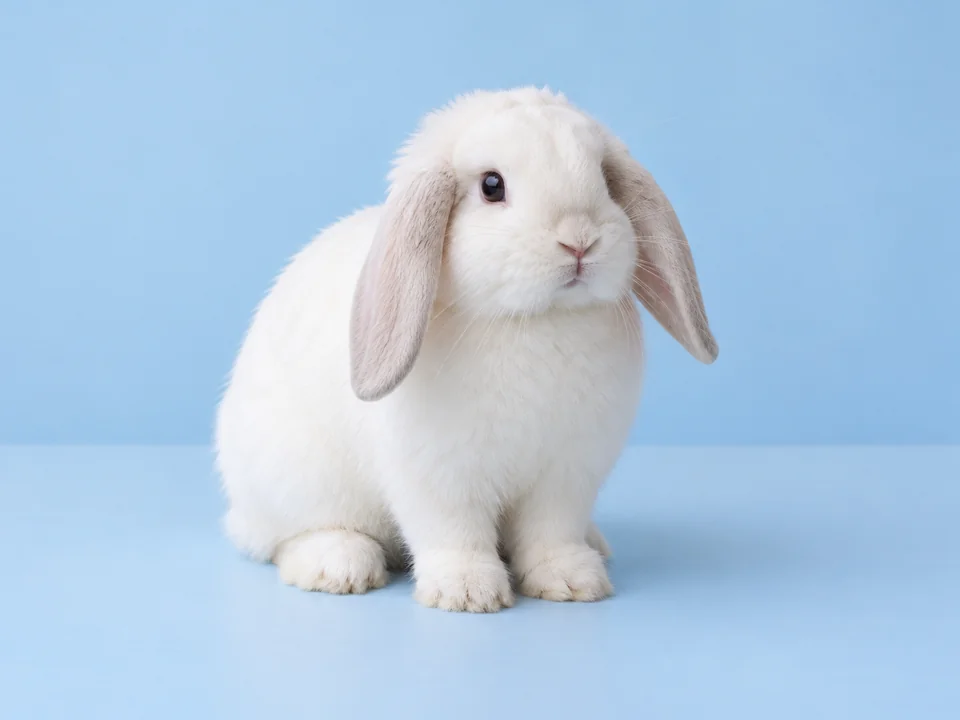
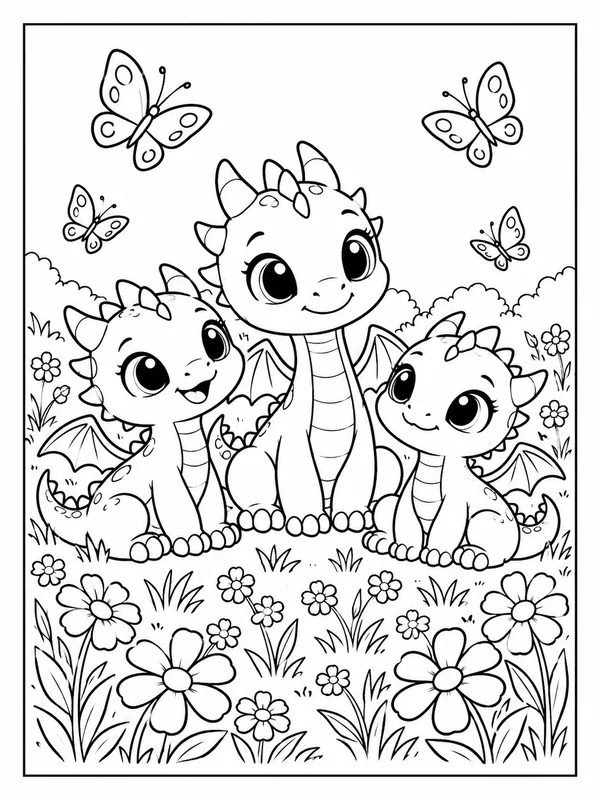
Simple detail and Bold line weight turn a clear animal photo into generous coloring areas. Large connected shapes leave room for crayons without losing the animal’s silhouette.
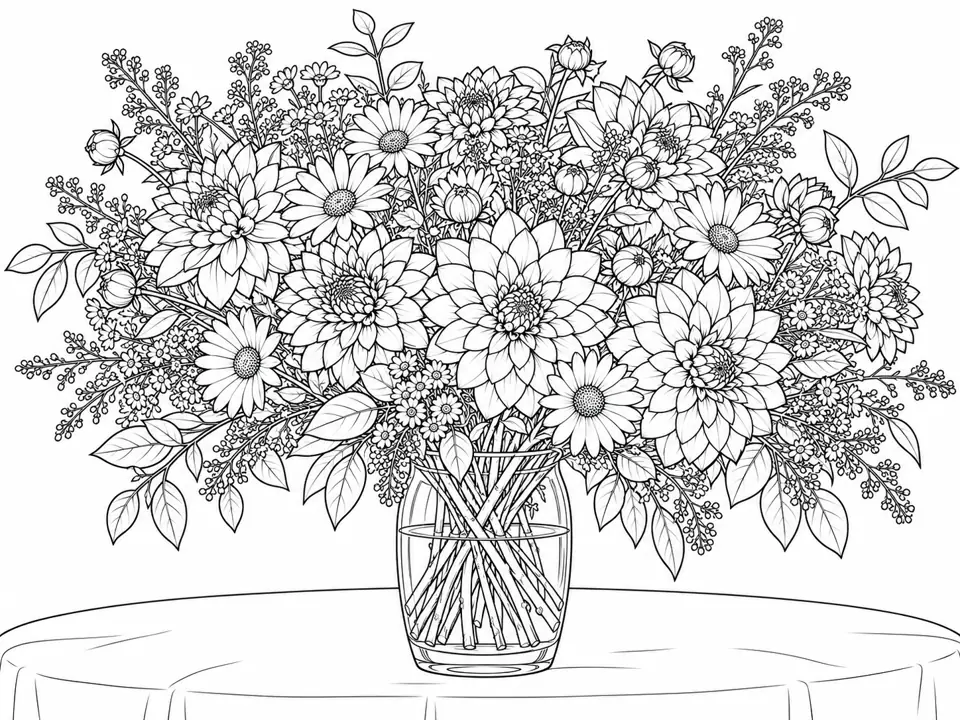
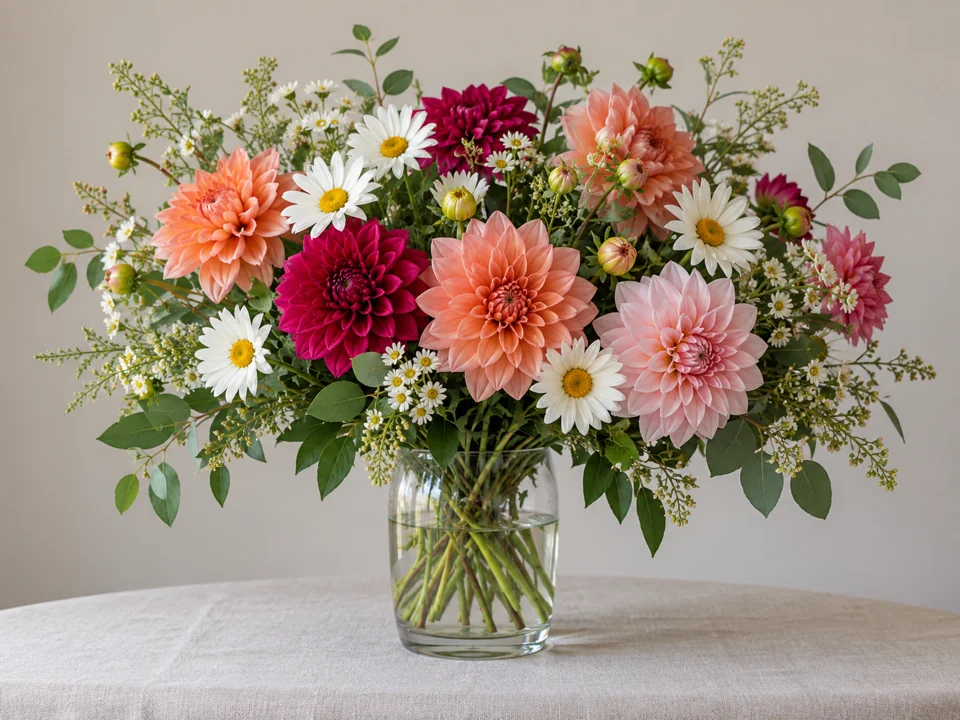
Detailed (adults) and Thin line weight preserve the small curves and repeating patterns in a still life. Convert photos into coloring pages suited to slower, more precise coloring.
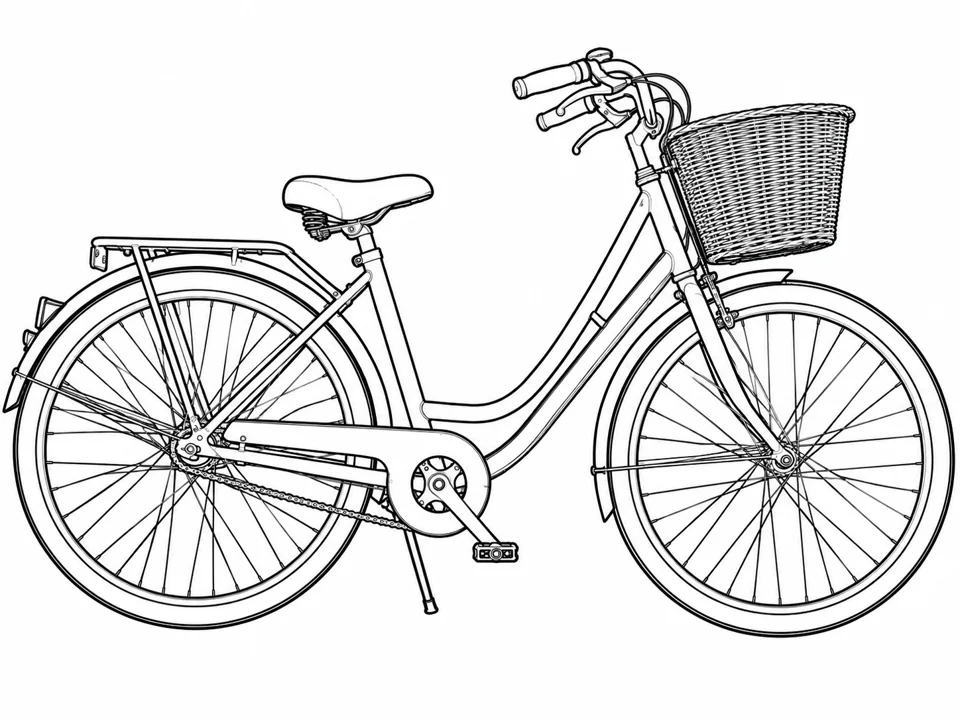
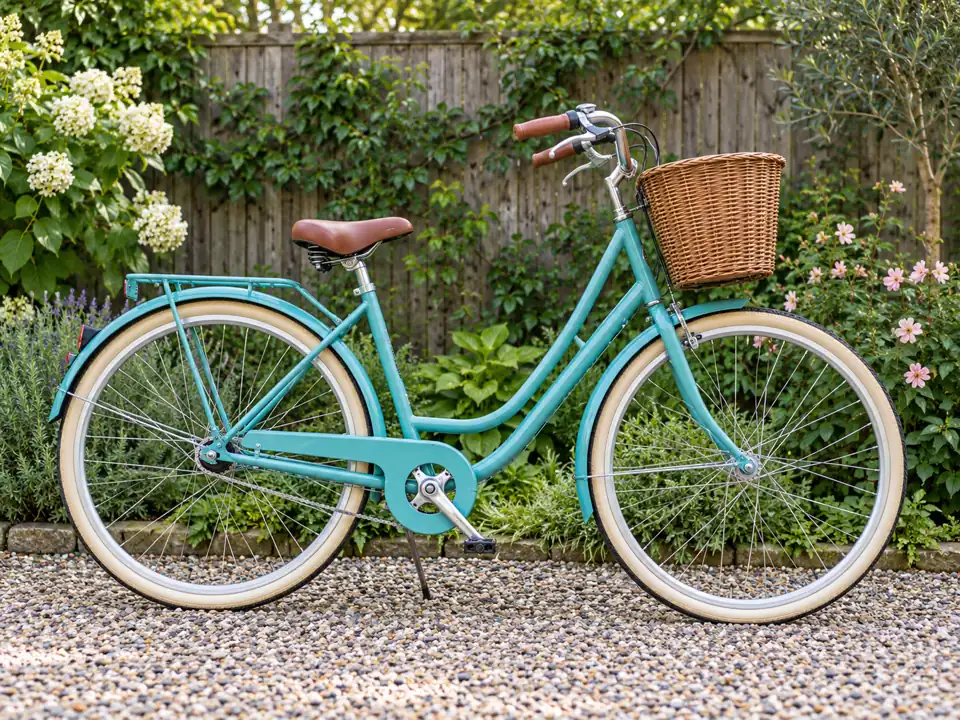
Subject only removes surrounding clutter so an object can stand on its own. An image to coloring book page works better when the main outline is easy to follow.
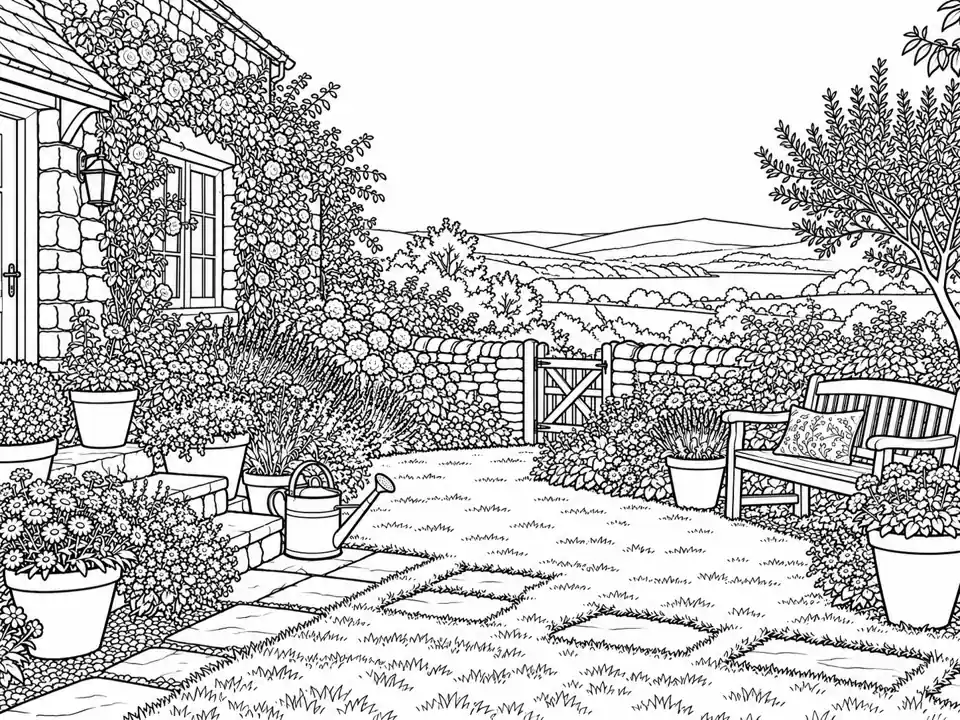

Keep scene preserves the setting as well as the subject. Use a favorite garden or travel photograph to create a coloring page from photo memories.
Simple (kids) and Bold produce clearer boundaries and larger spaces for crayons or broad markers.
Detailed (adults) works best when small leaves, textures, and architectural edges are part of the activity.
Choose Subject only for a cluttered pet photo. Keep scene when the setting is part of the memory.
Check margins and the smallest enclosed spaces on paper before preparing a stack. Screen contrast can hide very thin outlines.
Turn a family pet into a page and let each person choose a different coat color.
Convert your own landmark and landscape photographs into a small collection of printable pages.
Use detailed flowers, architecture, or still life images for more intricate line work.
Create a page from a photo you have permission to use and keep the line complexity appropriate to the group.
This photo to coloring page app runs through your browser. It uses AI after sign-in, with free credits when you sign up.
Look for controllable detail, readable outlines, and usable print margins. Inspect a sample before printing a full activity book.
Yes. Use it to convert photos to coloring book pages. Start with a sharp reference, choose detail, then inspect the finished line drawing.
Use sharp photos with clear subject boundaries. Only upload photographs you own or have permission to use.
Start with Simple (kids) and Bold. Larger open spaces are easier to color with crayons than dense fine-line textures.
It guides the portrait shape using a supported model ratio. Select A4 or Letter and fit-to-page in your printer dialog for the actual paper dimensions.
Choose Subject only to focus on the main object, or Blank for open surrounding space. Check the result for unwanted remaining lines.
AI generation requires sign-in. It is free to try with free credits when you sign up; this is not a no-sign-up image conversion tool.
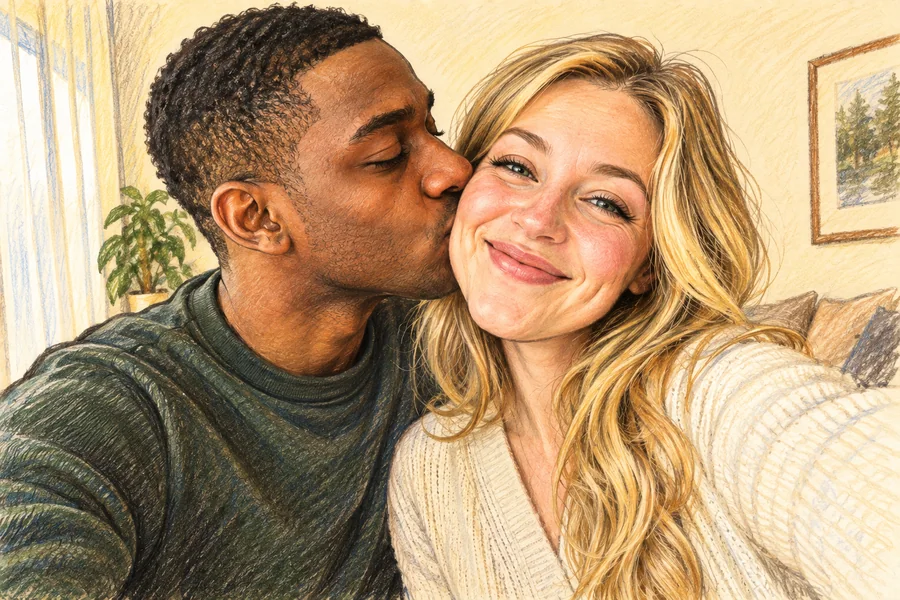
Yes, with permission from the people shown. Well-lit faces and some separation between people help keep the outlines understandable.
AI can simplify or invent edges. Check faces, hands, tiny enclosed areas, and paper margins before making copies.
Choose the detail, line weight, and background that suit your next coloring activity.