Crayon
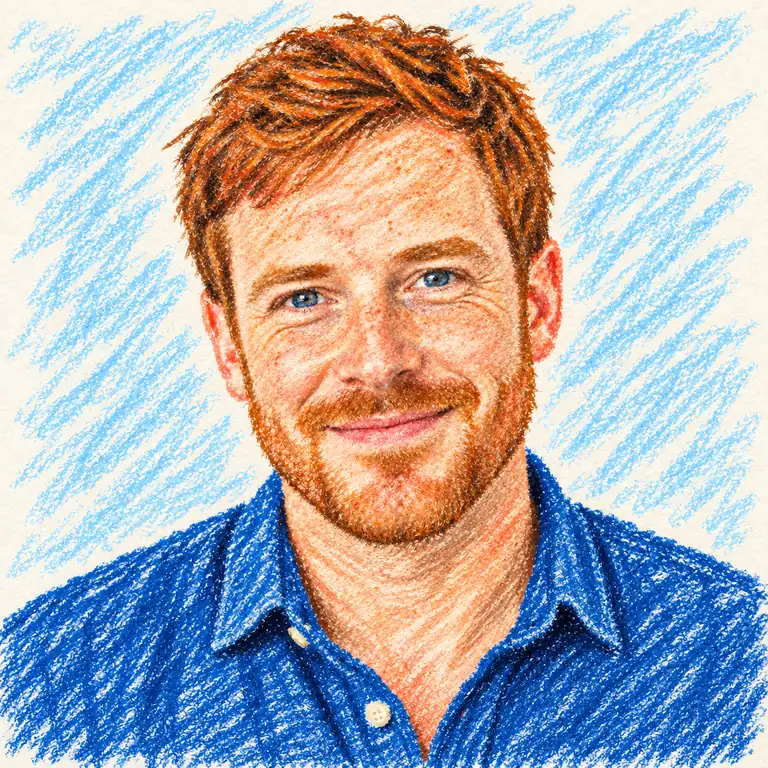
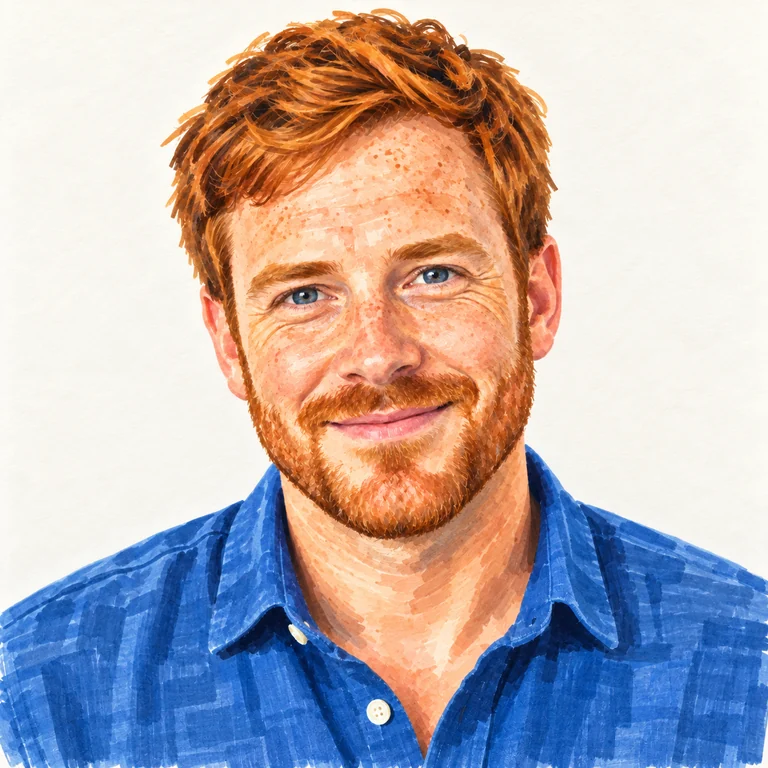
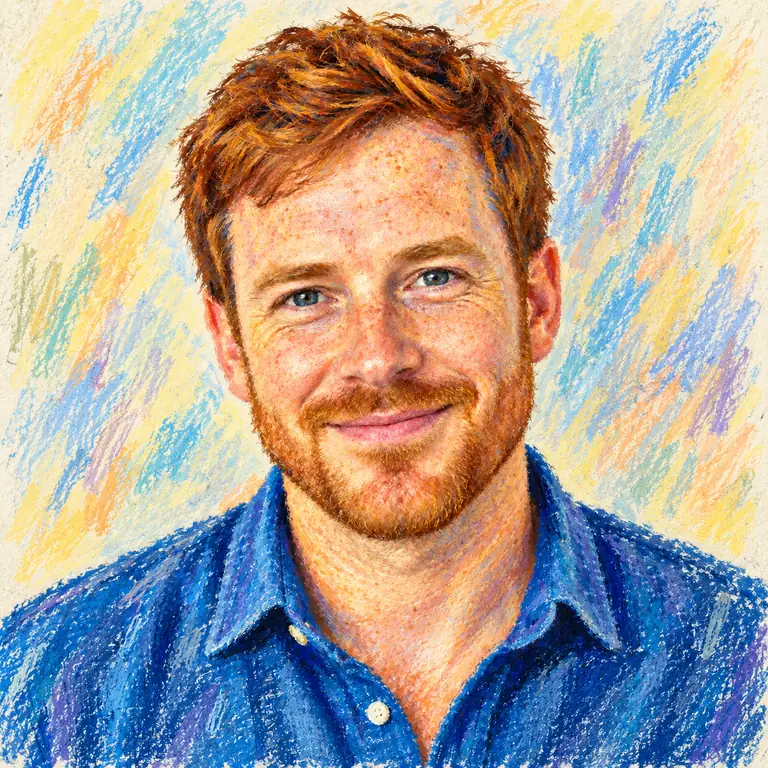
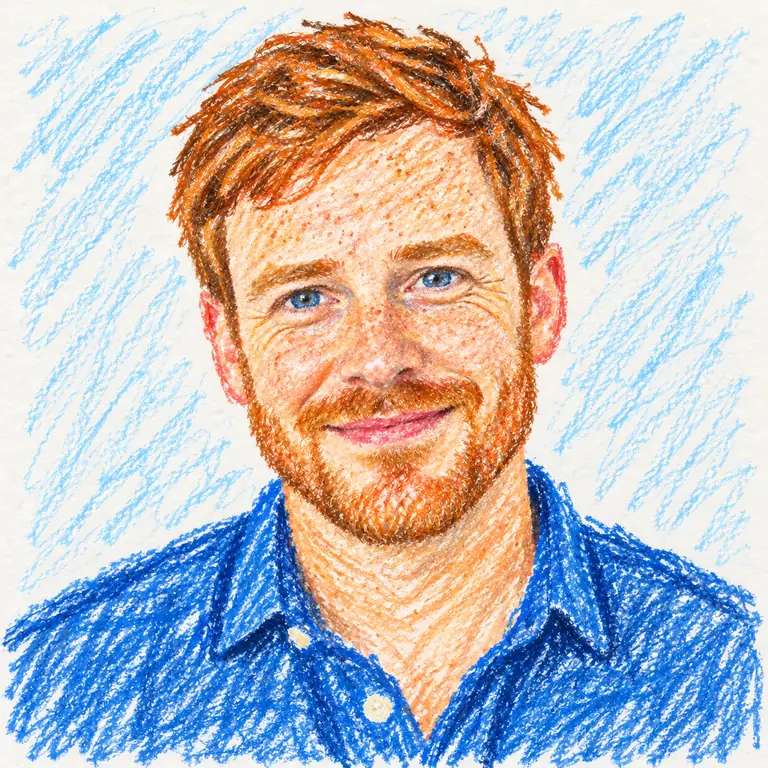
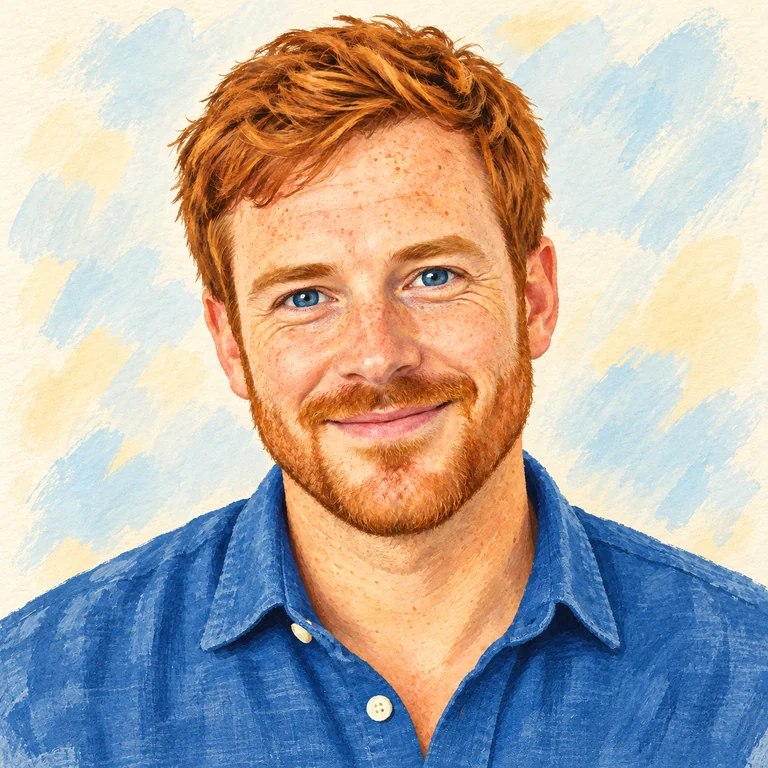
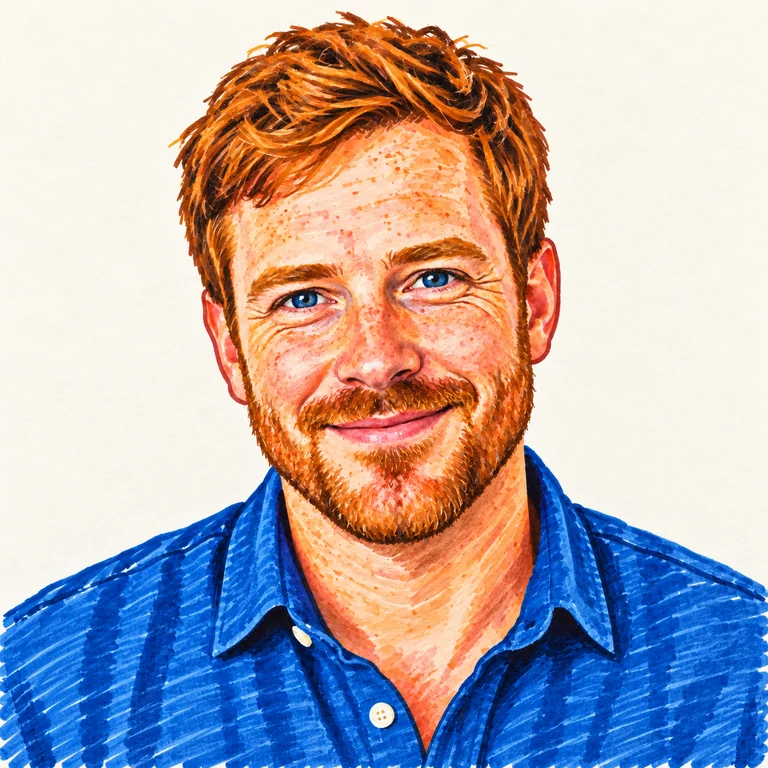
Waxy blue and orange strokes fill the shirt and hair, with a scribbled sky-blue background and visible paper grain.
Convert photo to drawing art that looks made with real materials: waxy crayon, bold marker, blue ballpoint hatching, oil pastel, chalk on a blackboard or a child’s doodle. Upload a portrait, pet or landscape and pick a medium.
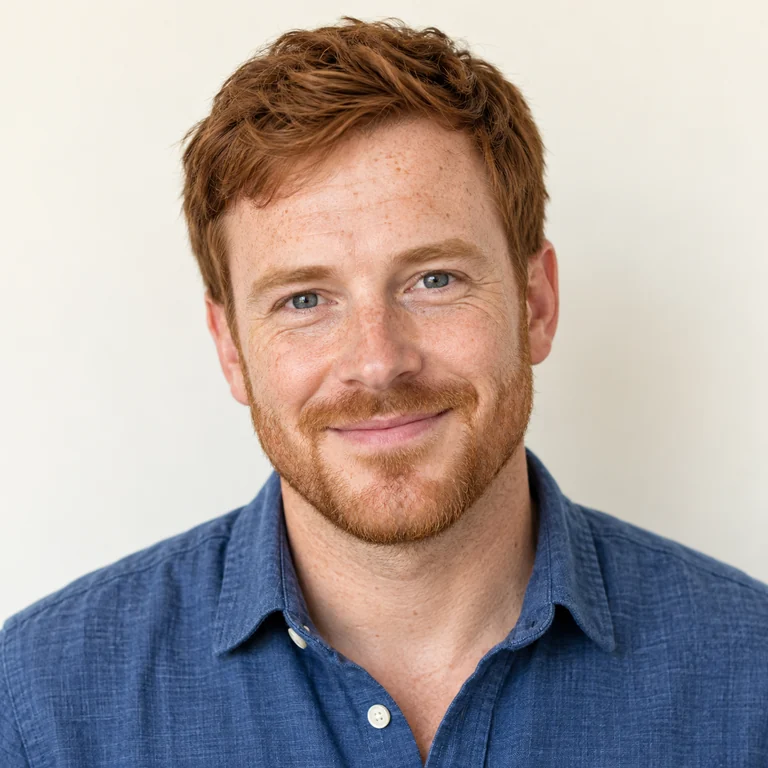
Reference example. It is not a result generated from your upload.
Most photo filters only trace edges. This image to drawing tool redraws your picture in a specific material, so the texture changes with your choice: crayon leaves waxy grain, marker lays down flat color with hard edges, ballpoint pen builds shadows from fine blue hatching, and oil pastel smears thick color across the paper.
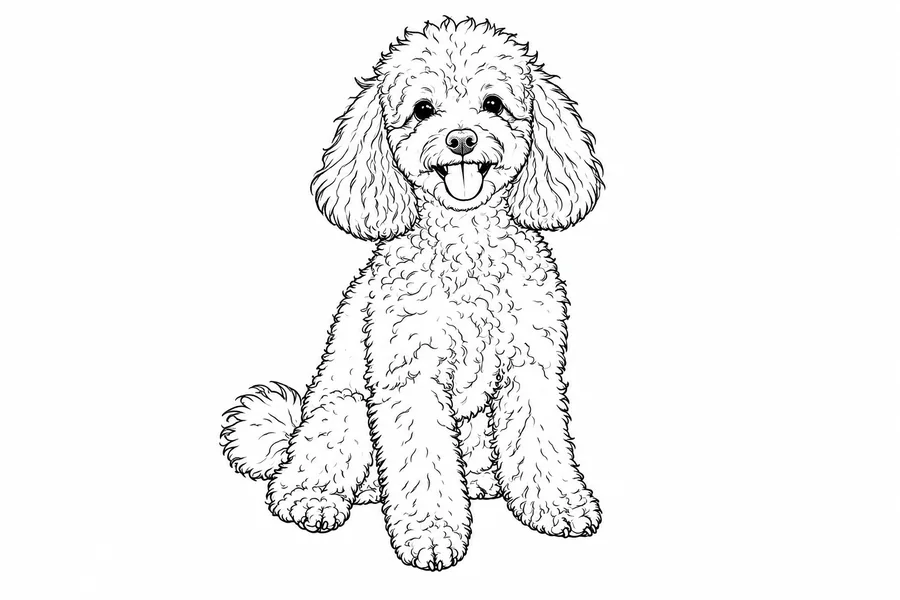
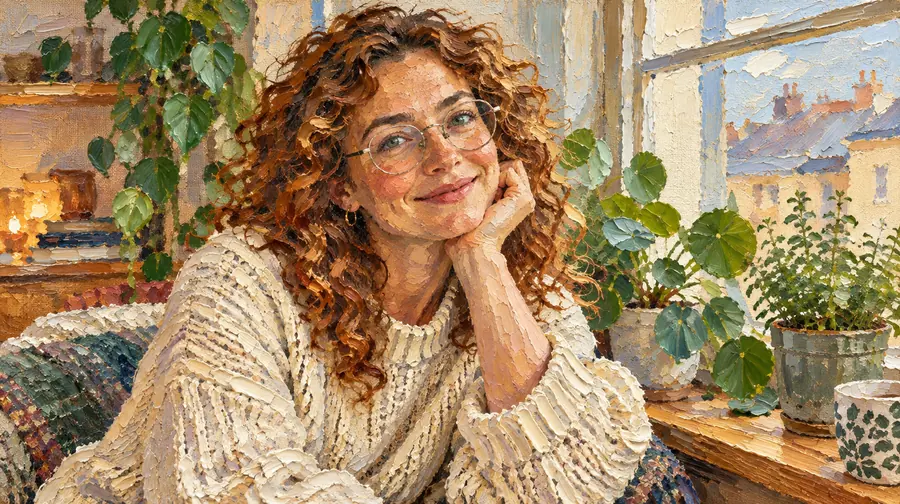
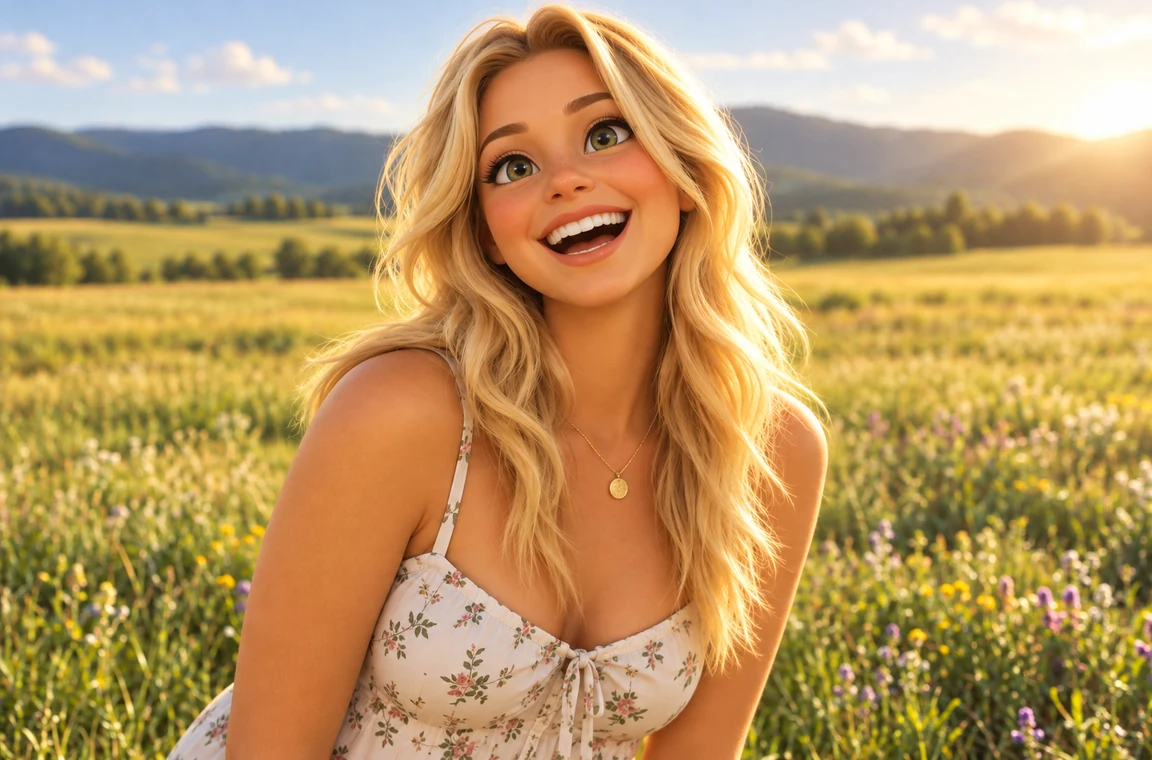
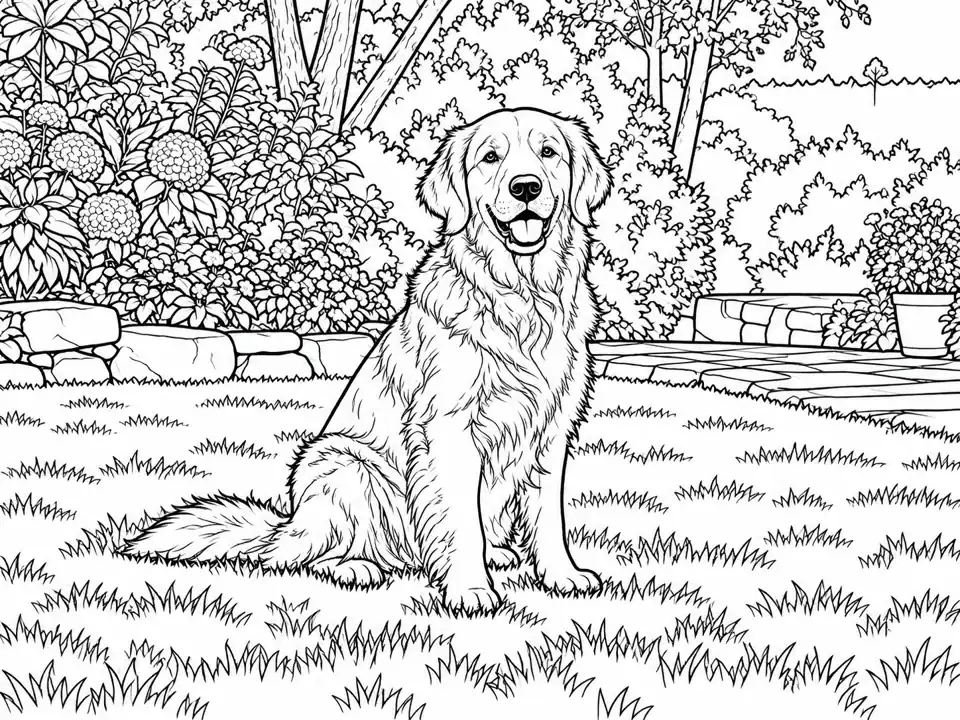
The twelve materials sit in three tabs, each with four ways to change photo into drawing art. Dry Media: Crayon, Marker, Ballpoint Pen and Oil Pastel. Expressive: Chalkboard, Kid’s Drawing, Doodle Art and Children’s Book. Illustrated: Ink Wash, Felt-tip Cartoon, Sticky-note Doodle and Watercolor Pencil.
Looking for pencil, graphite or charcoal? Those study-like styles are on Photo to Sketch. Come here when you want a colorful drawing photo that looks hand-made, for a card, a poster, a gift or a fun profile picture, and when you want to turn pictures into drawings of pets and places as well as people.
Waxy blue and orange strokes fill the shirt and hair, with a scribbled sky-blue background and visible paper grain.
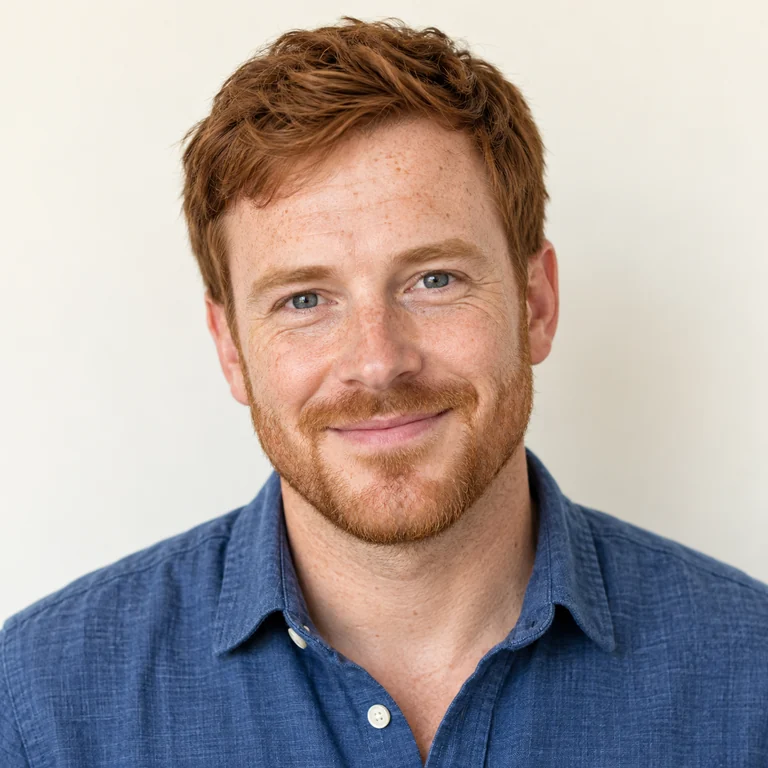
Saturated marker color with crisp edges on the beard and collar and an almost blank background, close to a poster print.
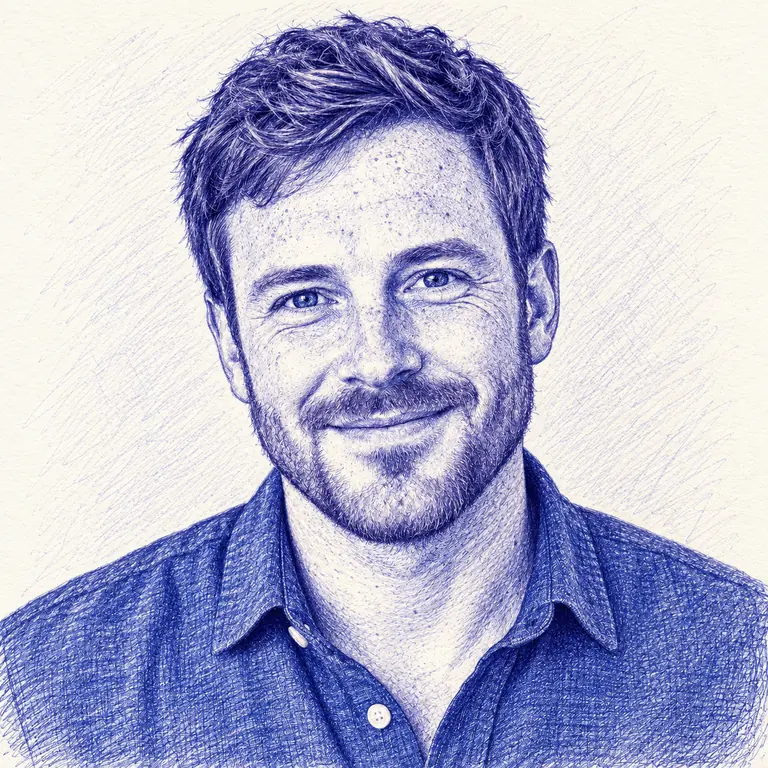
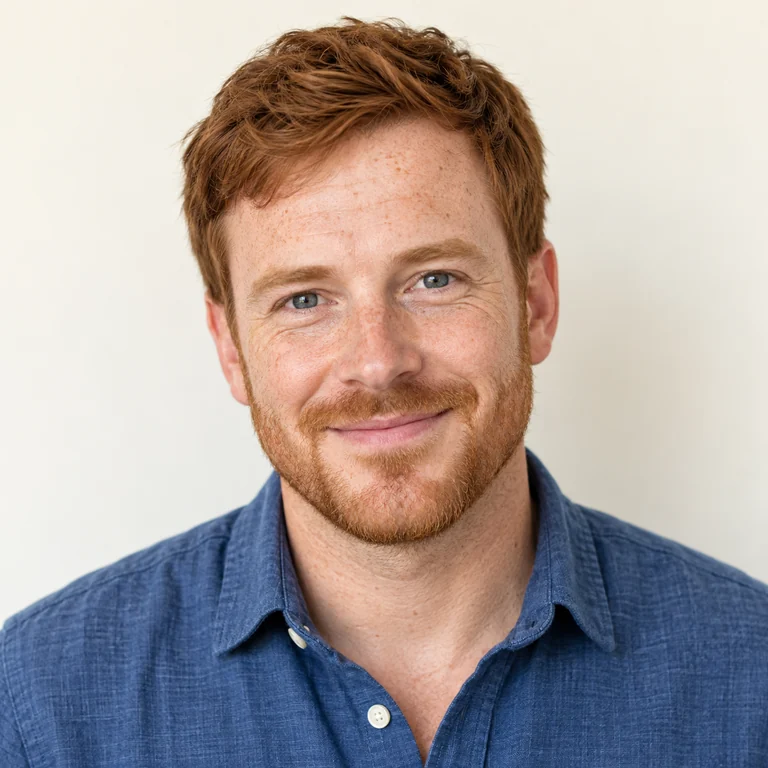
The whole portrait redrawn in blue ballpoint hatching, with denser cross-strokes in the hair and shadows.
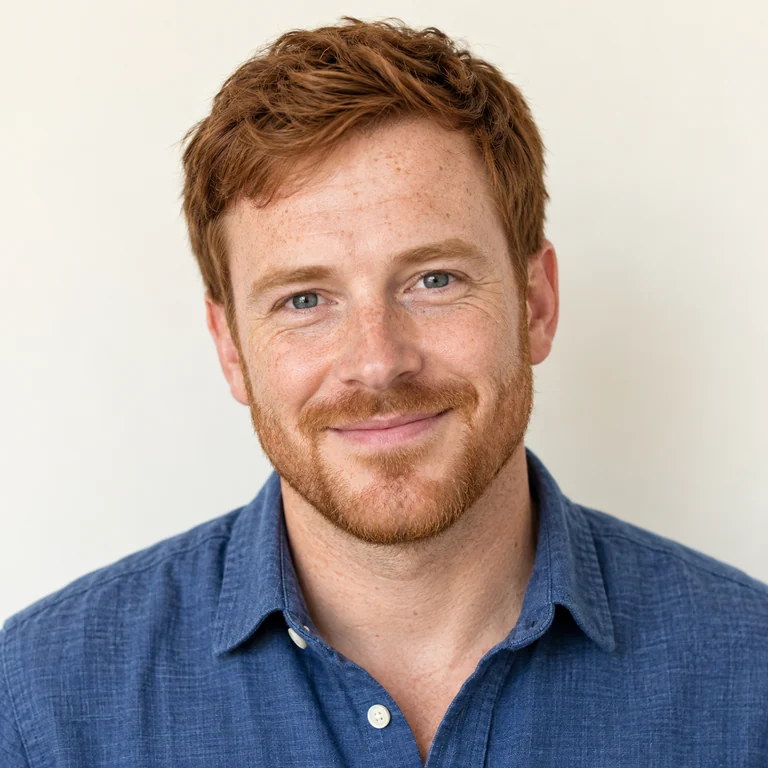
Thick, blended pastel in yellow and blue behind the subject, with broken, textured edges around the hair.
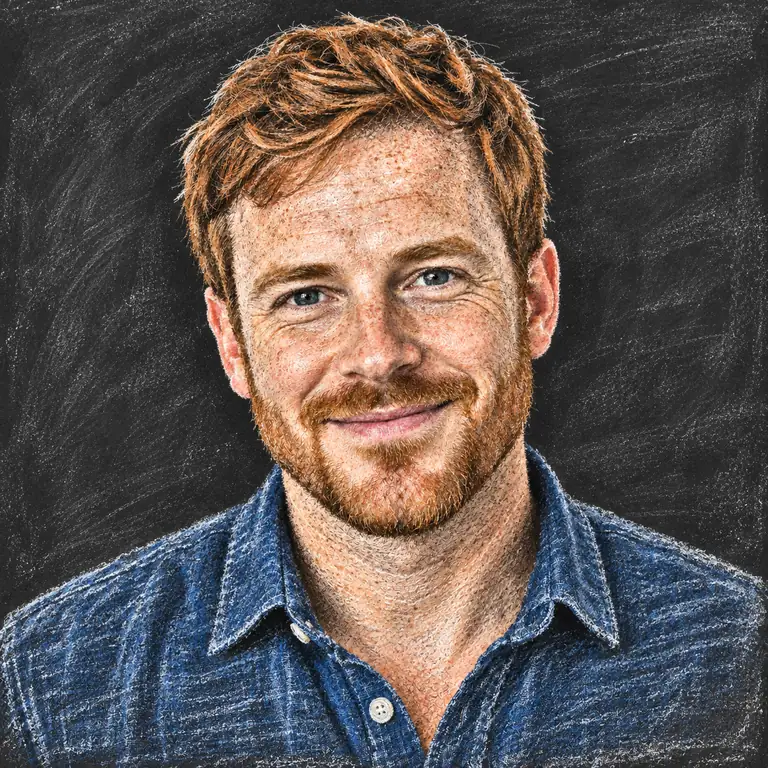
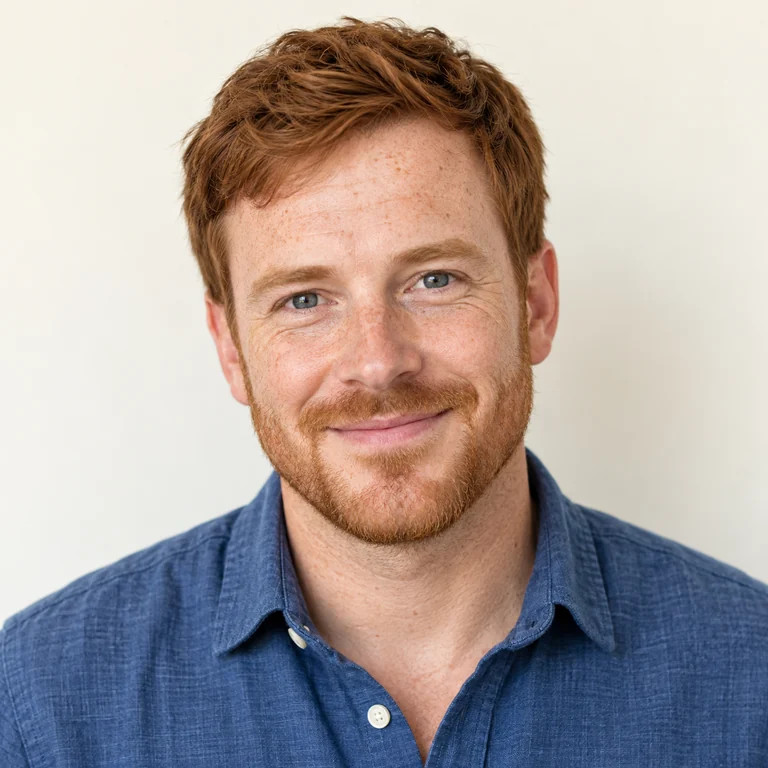
White and colored chalk on a black slate, softly smudged around the face and denim shirt.
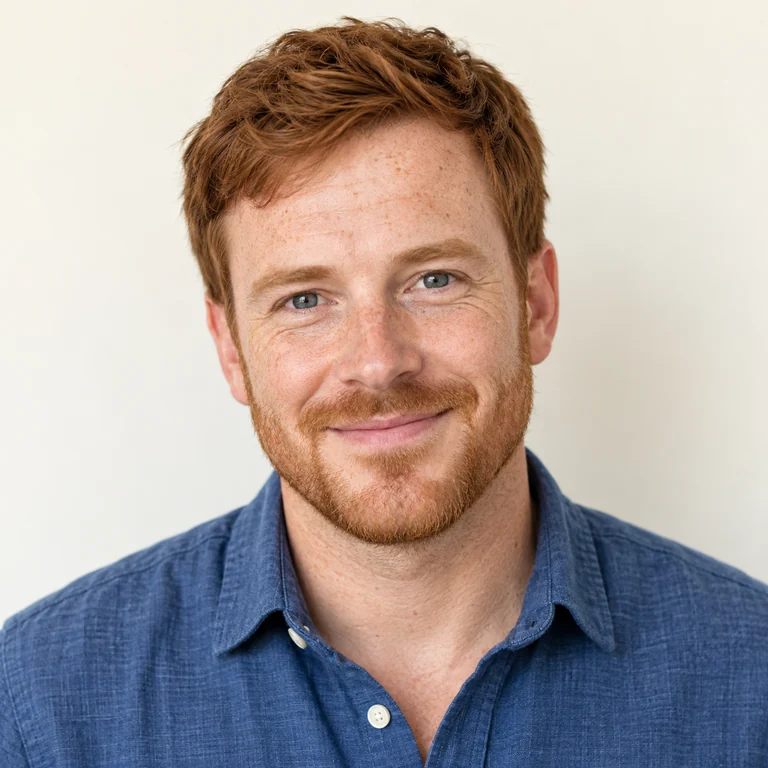
Loose colored scribbles and simple shapes, like a picture drawn by a child, while the smile and red hair stay recognizable.
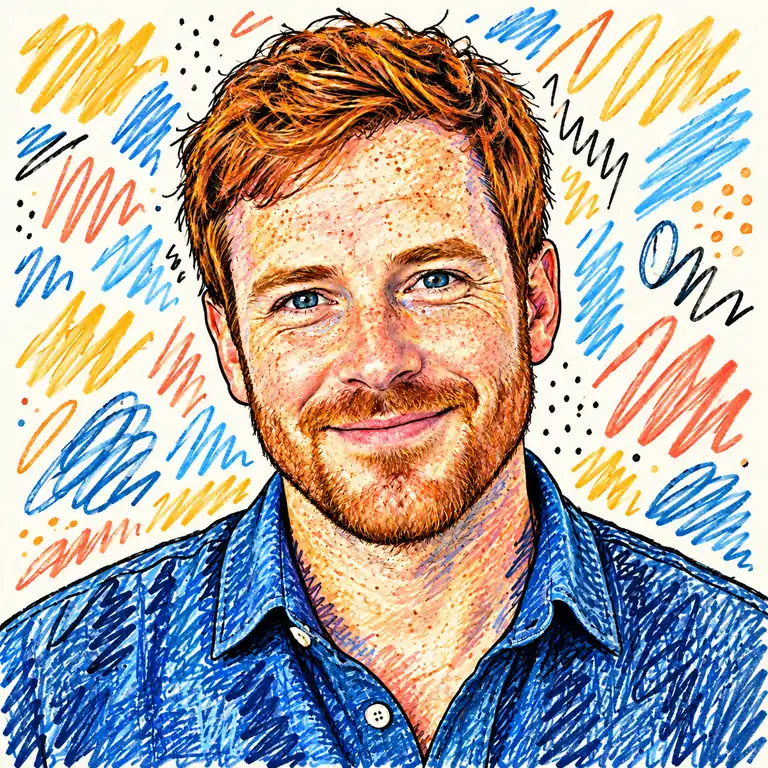
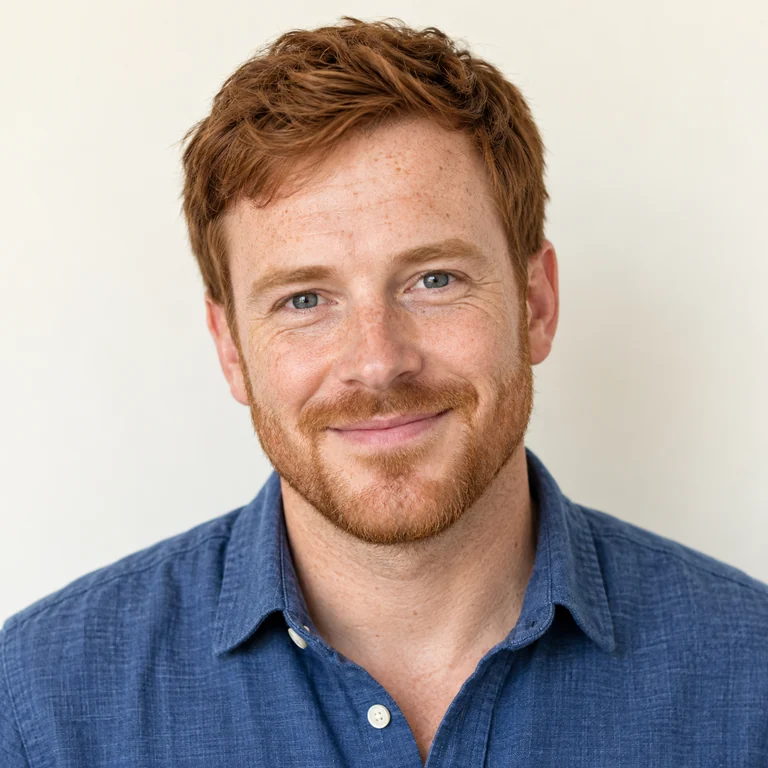
Black outlines surrounded by playful squiggles, zigzags and dots in bright colors.
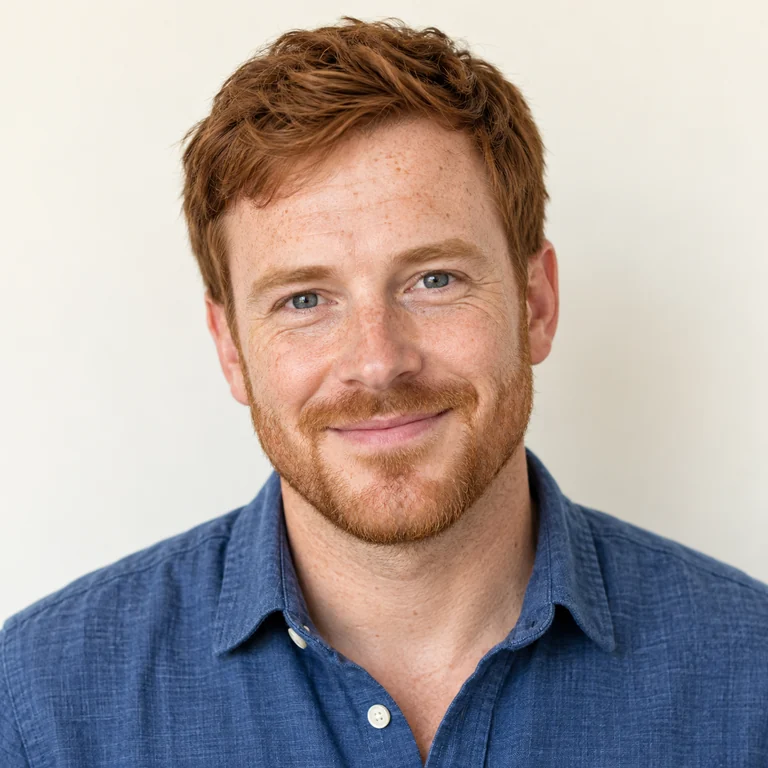
Soft colored-pencil shading and gentle tones, like an illustration from a picture book.
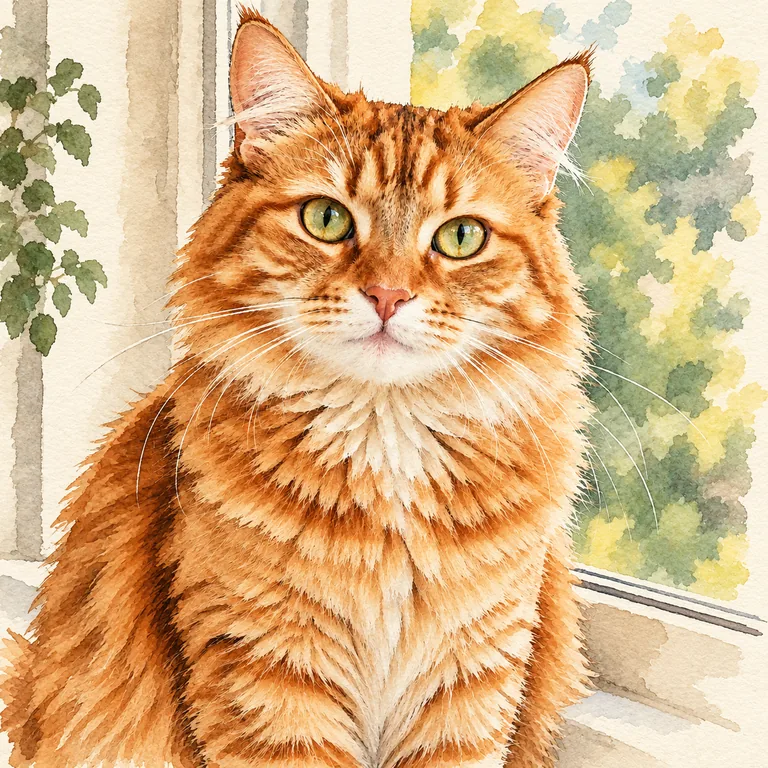
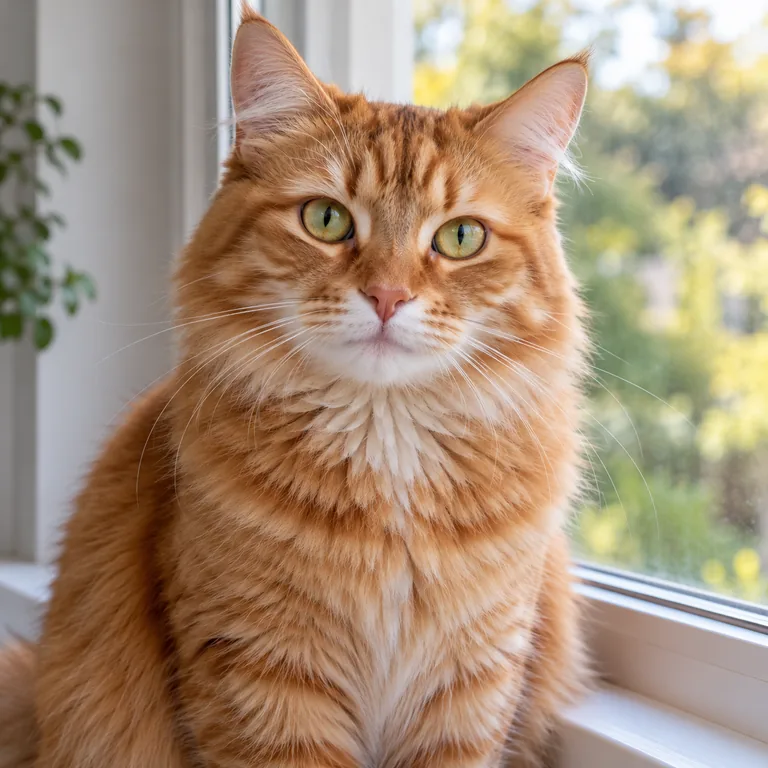
An orange tabby cat by a window, redrawn with ink lines and watery washes that keep the fur pattern and green eyes.
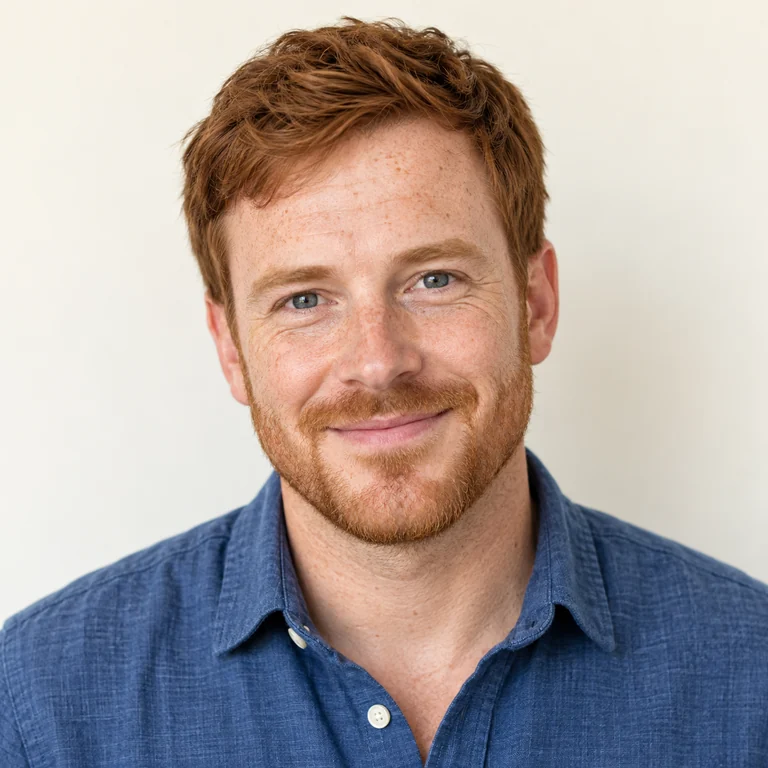
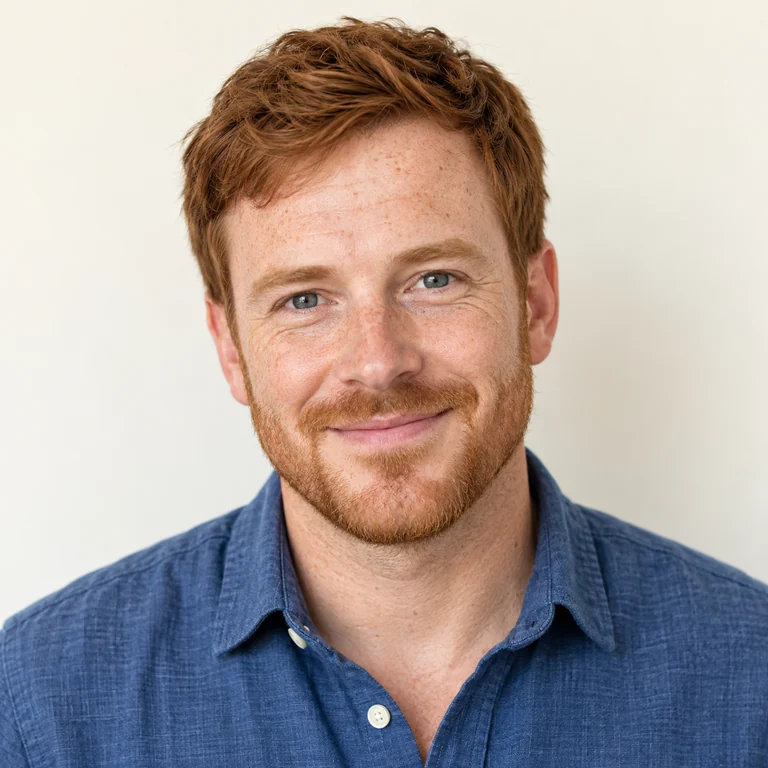
Bright felt-tip coloring with darker outlines turns the portrait into a cheerful cartoon.
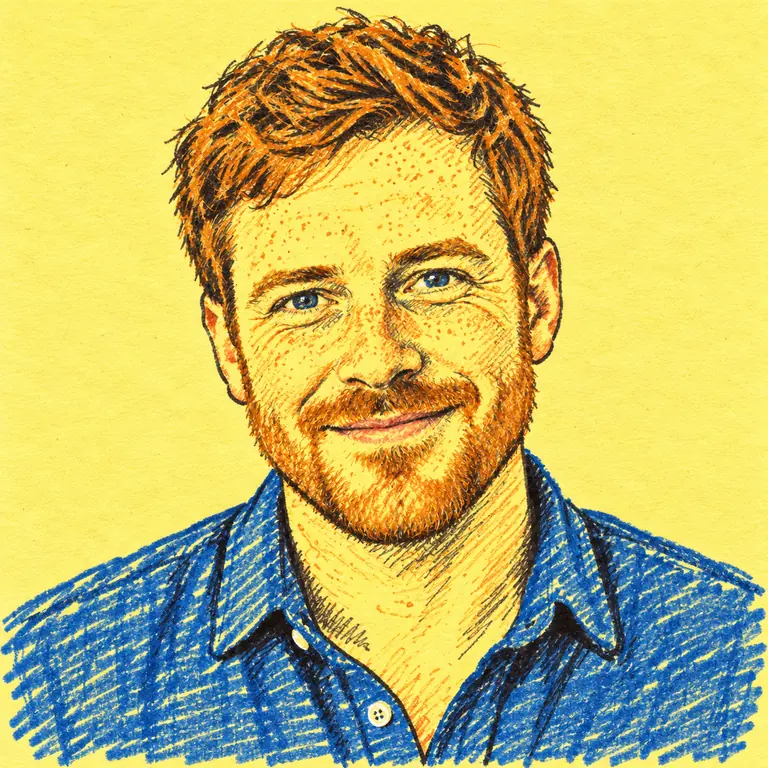
Quick pen lines on a yellow sticky-note background, as if sketched during a meeting.
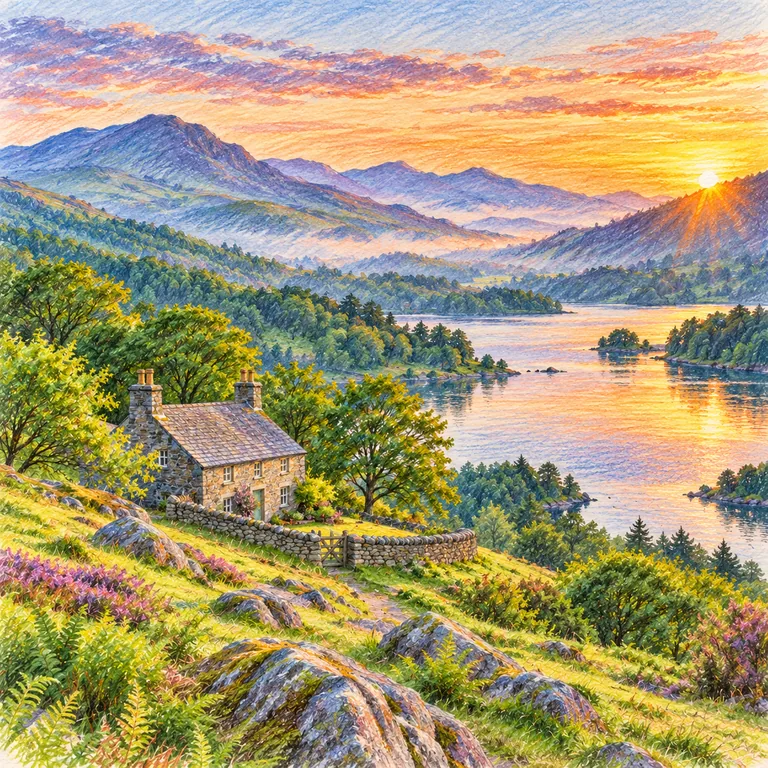
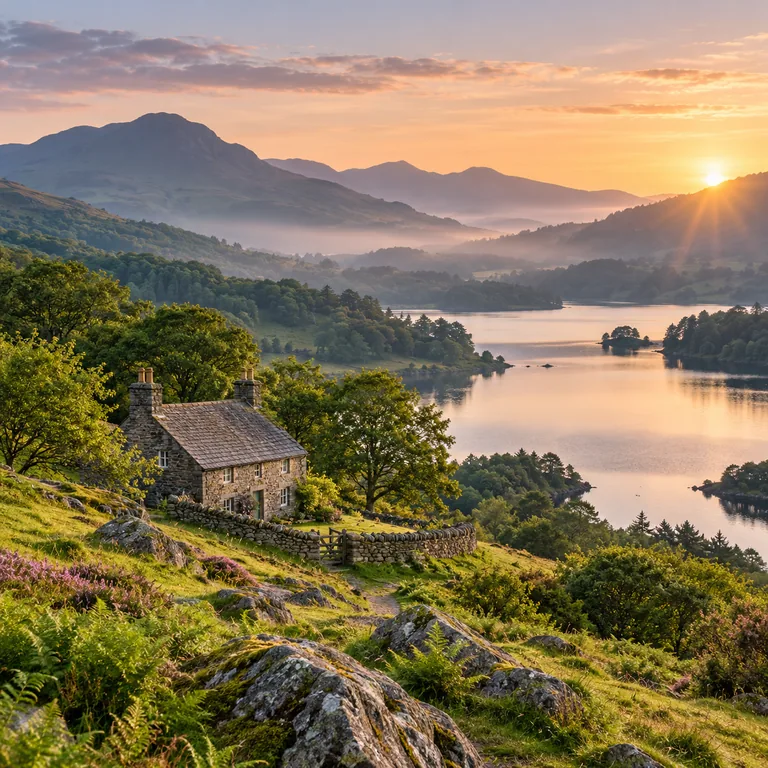
A lakeside cottage and hills at sunset in watercolor pencil, with soft washes in the sky and pencil texture in the grass.
Use a JPG, PNG or WebP up to 20 MB with one clear subject. Faces should be large in the frame and not hidden by hands, hats or heavy shadow.
Pick a tab, then one material. Crayon and Kid’s Drawing simplify the most; Ballpoint Pen and Watercolor Pencil keep more detail.
Make one to four versions and check the eyes, smile and hairline for people, or markings and eye color for pets, against your photo.
Save the version you like as an image file. It is a flat picture rather than layered, editable strokes, so keep the original photo too.
Crayon is the most forgiving material: it skips fine texture and keeps big shapes and color. Use it for birthday cards or a playful profile picture, or to render an image crayon-style for a party invitation.
Marker gives flat, saturated color and clean edges, close to a poster or sticker. It works best with a simple background; busy scenes turn into patches of color.
Blue ballpoint hatching rebuilds the face from thousands of tiny lines, like a notebook portrait. Be honest about generated art: don’t tell people you drew the picture yourself.
Oil pastel layers thick, creamy color with rough, broken edges. Bright backgrounds and warm skin tones come through strongly, which suits portraits and colorful pets.
Group shots and busy streets get simplified into shapes; one person or animal near the center stays recognizable.
Window light and an in-focus face give the drawing clear features to follow. A drawing from photograph details can only be as clear as the upload.
Ballpoint Pen, Ink Wash and Watercolor Pencil keep fine detail; Crayon, Marker and Kid’s Drawing simplify on purpose.
Redraw photo subjects beyond portraits: a cat on a windowsill works well in Ink Wash, a cottage landscape in Watercolor Pencil.
Generate the same photo in Marker and in Ballpoint Pen, for example, then keep the one that fits where the drawing will be used.
If you share it with a caption like “I drew a picture of my dog,” add that it was generated from your photo.
For pencil, graphite, charcoal or ink sketches with realistic shading, open the sketch styles hub.
Read the guideRemove a distracting object or calm a busy background before turning the photo into a drawing.
Read the guideHave no photo? Describe a scene and generate a drawing-style image from text.
Read the guideTo turn an image into a drawing, upload the picture, open Dry Media, Expressive or Illustrated, select one material and click Generate. Compare the result with your photo, try a second material if the first simplifies too much, then download.
Use a sharp photo where the face fills much of the frame, then choose a detailed material such as Ballpoint Pen or Watercolor Pencil. Playful materials like Kid’s Drawing change proportions on purpose, so they look less like the original.
Here you get finished, colorful drawings in materials like crayon, marker, chalk and oil pastel. Photo to Sketch covers monochrome study styles such as pencil, graphite, charcoal and crosshatch, so start there for shading and realism.
This page needs a photo to work from. To make a drawing from words only, use the AI Image Generator and name the subject and material, for example “crayon drawing of a lighthouse.”
Yes. Pets work well when the animal faces the camera and its eyes are sharp. Ink Wash, Watercolor Pencil and Oil Pastel keep fur color and markings; check whiskers and eye color in the result.
No. The output is a flat 2D image that cannot be rotated or printed as an object. This tool goes from photo to drawing, not from drawing to 3D.
Photo to drawing is Free to try. Generating uses credits, and the Generate button shows the cost before each run.
Your own photos, or pictures you have clear permission to edit. Ask before turning a friend’s or relative’s portrait into a drawing, and do not use photos taken from other people’s accounts.
You download the photo drawing as an image file. For printing, check its pixel size against the print dimensions you want; cards and small prints are usually safer than large posters.
Each material redraws the whole image, background included. Crayon and Doodle Art may replace it with scribbles or patterns, so to make a drawing from a photo with a clean backdrop, upload one with a plain wall behind the subject.
Pick crayon, marker, ballpoint, chalk or ink wash and compare up to four custom drawings from photos of people, pets and places.