Upload Your SD Video
Add an MP4, MOV, or MKV clip up to 50 MB and 60 seconds: old camcorder footage, a DVD rip, a 480p download, or a low-res screen recording.
Upload an SD or blurry clip and the AI HD video converter rebuilds each frame at 2× or 4× the resolution, so 360p, 480p, and 720p videos reach 1080p-class HD with sharper detail.
Fine-tune
Your video stays in this browser during this UI preview.
Reference example. It is not a result generated from your upload.
An HD video converter turns standard-definition footage (360p, 480p, 576p) into high-definition video, usually 720p or 1080p, so it fills a modern screen. Most converters only change the frame size, which stretches existing pixels and leaves the video looking soft. This high definition video converter uses AI instead: it rebuilds edges, faces, and textures at the larger size, so the HD result has real detail rather than enlarged blur.
The AI converts in fixed steps of 2× or 4× the original width and height. A 540p clip becomes exactly 1080p at 2×; 360p and 480p clips go beyond 1080p at 4× and can be exported at 1920 × 1080 in any editor. The table below shows which setting makes your video HD.
Convert video file to HD in three steps with an online 1080p video converter, no desktop software.
Add an MP4, MOV, or MKV clip up to 50 MB and 60 seconds: old camcorder footage, a DVD rip, a 480p download, or a low-res screen recording.
Choose the preset that matches your clip (360p, 480p, 540p, 720p, or 1080p). It selects 2× or 4× so the output reaches HD.
The AI rebuilds every frame at the new size. Compare it with the original and download the HD video as MP4.
Output size = source size × factor. Landscape 16:9 examples; vertical videos swap width and height.
| Your video | Choose | HD output | Result |
|---|---|---|---|
| 240p (426 × 240) | 4× | 1704 × 960 | Close to 1080p; a big jump from tiny clips |
| 360p (640 × 360) | 4× | 2560 × 1440 | 1440p, above 1080p |
| 480p (854 × 480) | 4× | 3416 × 1920 | Above 1440p; export at 1920 × 1080 if needed |
| 540p (960 × 540) | 2× | 1920 × 1080 | Exactly 1080p Full HD |
| 720p (1280 × 720) | 2× | 2560 × 1440 | 1440p, sharper than 1080p |
| 1080p (1920 × 1080) | 2× | 3840 × 2160 | 4K Ultra HD |
480p at 2× gives 1708 × 960, which is HD but just under 1080p. Choose 4× when you need to upscale to 1080p or above.
Real HD detail, not a bigger copy of the same pixels.
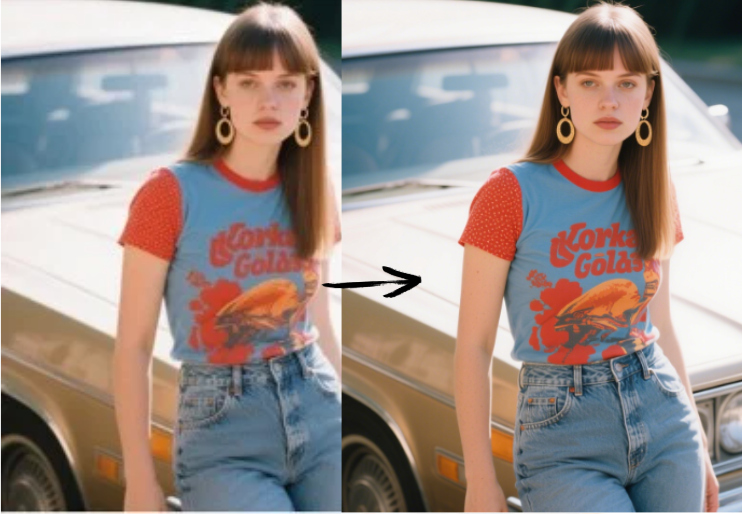
Changing a video’s resolution in a player or basic converter just enlarges each pixel. The AI redraws edges and textures at HD size, so steam, ceramic, and metal look crisp instead of blocky when you convert to HD video.
DVD rips, early phone clips, and old downloads are usually 480p. Choose the 480p preset (4×, 3416 × 1920) to upscale video to 1080p and beyond in one pass, with compression noise cleaned along the way, so it works as a 480p to 1080p upscaler for archives. It is the simplest way to make old footage look HD in video editors and on TVs.
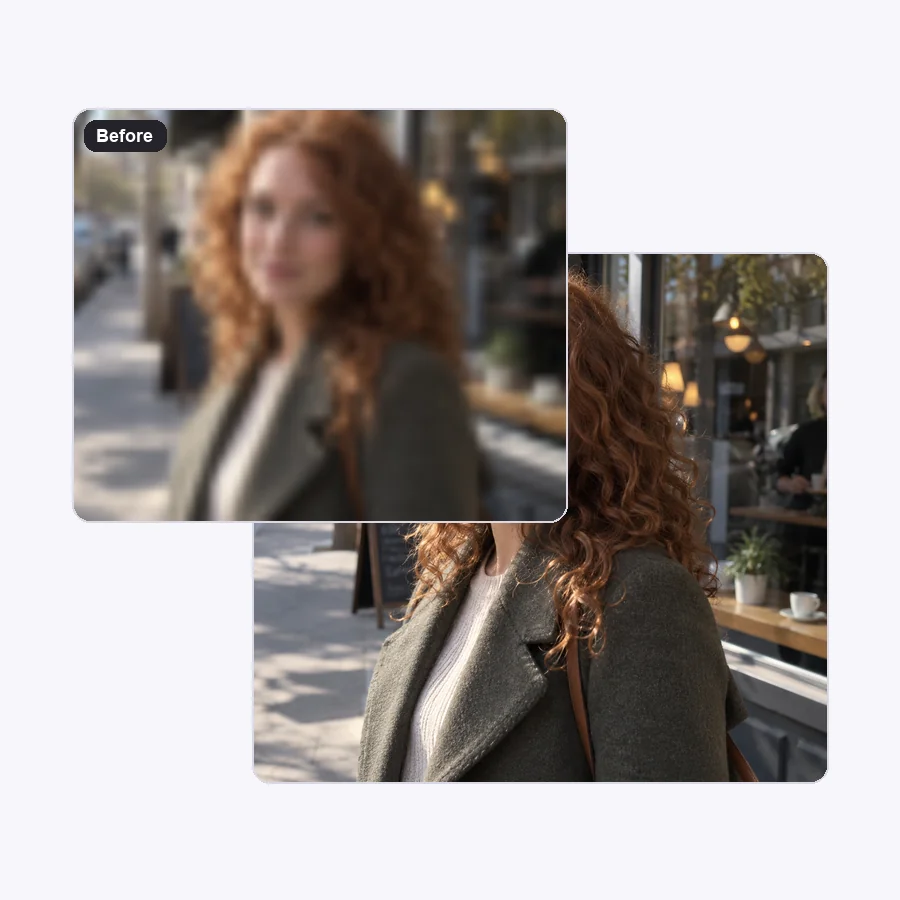
Going from 720 to 1080 lines needs only a small boost. The 2× setting takes 720p clips to 1440p, which is sharper than Full HD and downsizes cleanly to 1080p, so you can create HD video for YouTube, presentations, and client deliverables.
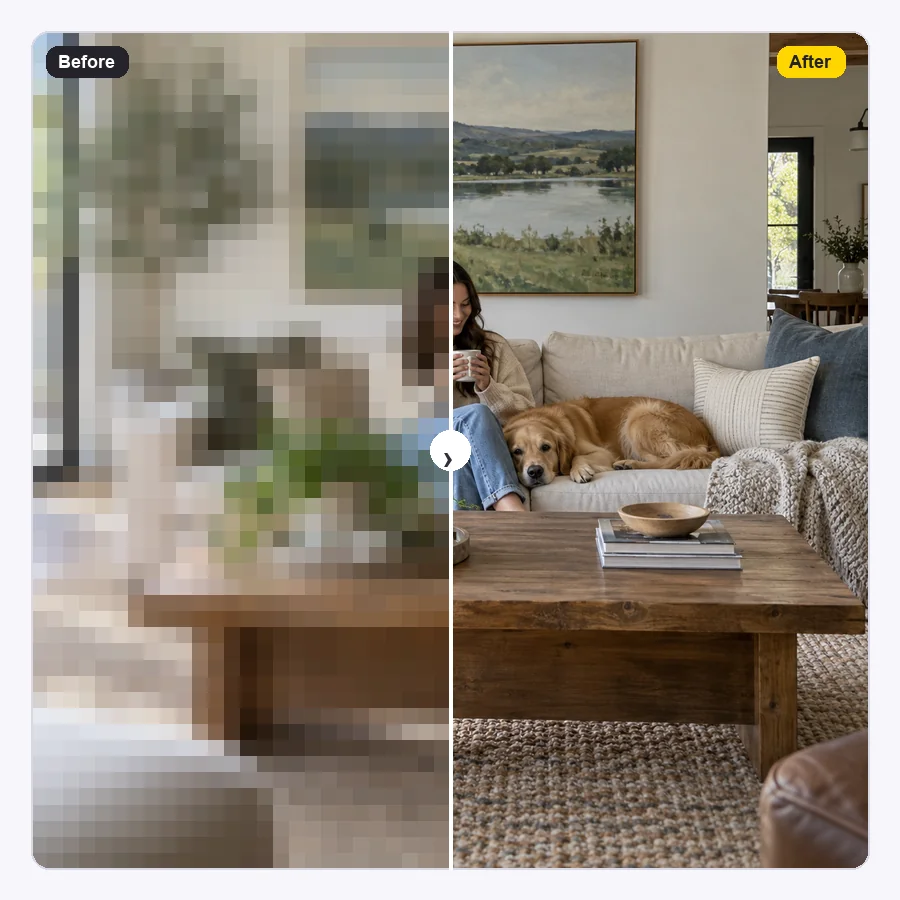
Pixelated screen recordings and tiny clips saved from chats get the biggest improvement. The AI smooths blocks and restores lines, so a low-resolution video becomes a clean HD file you can actually use.
HD is the minimum most screens, platforms, and clients expect today.

Make a video HD so camcorder and DVD footage fills a 1080p or 4K screen instead of looking smeared.
Many platforms and ad tools expect at least 1080p. Convert video to 1080p before uploading so it is not rejected or downscaled.
Bring SD clips up to the same HD size as the rest of your timeline so cuts do not jump in sharpness.
Make HD video versions of older product videos and recordings for projectors and displays, without visible pixels.
A few habits that help any HD conversion.
Upload the original file, not one re-saved from a chat app or social site.
Check your clip’s resolution first, then pick the matching preset so the output lands at HD.
Need exactly 1920 × 1080? Convert above 1080p, then export at 1080p in your editor; downsizing keeps it sharp.
Convert to 1080p or higher first, then add titles and effects so they render at full resolution.
Typical SD-to-HD jobs.
Illustrative examples adapted from reference material, not verified reviews of EzImgMaker.
Our community theater show was filmed in 480p. The 480p preset got it above 1080p, and I exported a clean Full HD copy for the cast.
The ad platform required 1080p and my source was 540p. 2× landed exactly on 1920 × 1080.
Mixing 720p archive clips into a 1080p documentary used to look jarring. Converting them first evened everything out.
The table told me exactly what my 360p tutorial would become. 1440p was more than enough for our course site.
Resolutions, formats, and how to convert video to HD.
Upload the clip, pick the preset for its current resolution, and start. 540p at 2× becomes exactly 1080p; 360p and 480p at 4× go beyond 1080p and can be exported at 1920 × 1080; 720p at 2× becomes 1440p.
Choose the 480p preset (4×). The AI rebuilds every frame at 3416 × 1920 and cleans compression noise. Export at 1920 × 1080 in your editor if your platform needs exactly 1080p. Expect a clear improvement, though a 480p source will not match footage shot natively in HD.
Yes. Use the 720p preset (2×) to get 1440p, which is sharper than 1080p and scales down cleanly. The model does not offer a 1.5× factor, so going above 1080p and downsizing is the way to get an exact 1080p file.
Yes. Choose the 360p preset (4×) for 2560 × 1440, which is above 1080p; export at 1920 × 1080 if you need it exact. Very small sources improve a lot, but faces and text that were only a few pixels wide may still look soft.
It converts resolution, not just the container. You can upload MP4, MOV, or MKV and you get an HD MP4 back, so it also changes MOV and MKV clips into MP4 along the way. For other format conversions without changing resolution, use a regular format converter.
Both. Unlike a basic video HD converter that only resizes, the AI adds detail and removes compression blocks while it enlarges. Footage that is badly out of focus may need an unblur pass as well.
Yes. Choose the 1080p preset (2×) to get 3840 × 2160 Ultra HD.
MP4, MOV, and MKV videos up to 50 MB and 60 seconds. New users get free credits to try the HD converter; after that, conversions use credits from a credit pack.
Only upload videos you recorded or have the right to edit. Converting a clip to HD does not give you the right to republish someone else’s movie or footage.
Upload an SD clip and get a sharper 1080p-class HD video for TVs, uploads, and edits.