
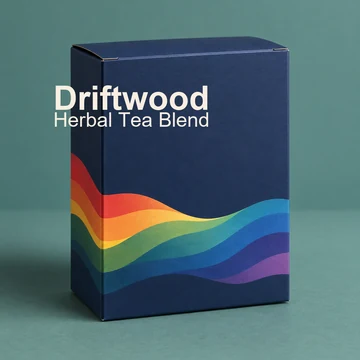
Retail Product Box
A folding carton with a bold wave pattern and a clean label.
Describe your product, type the brand name and flavor, and pick a package such as a coffee bag, a product box, or a bottle label. The AI designs the packaging with your exact wording and shows it as a realistic mockup, flat label art, or a full product family. Add your logo or a photo of your current pack. Free credits when you sign up.
Package type
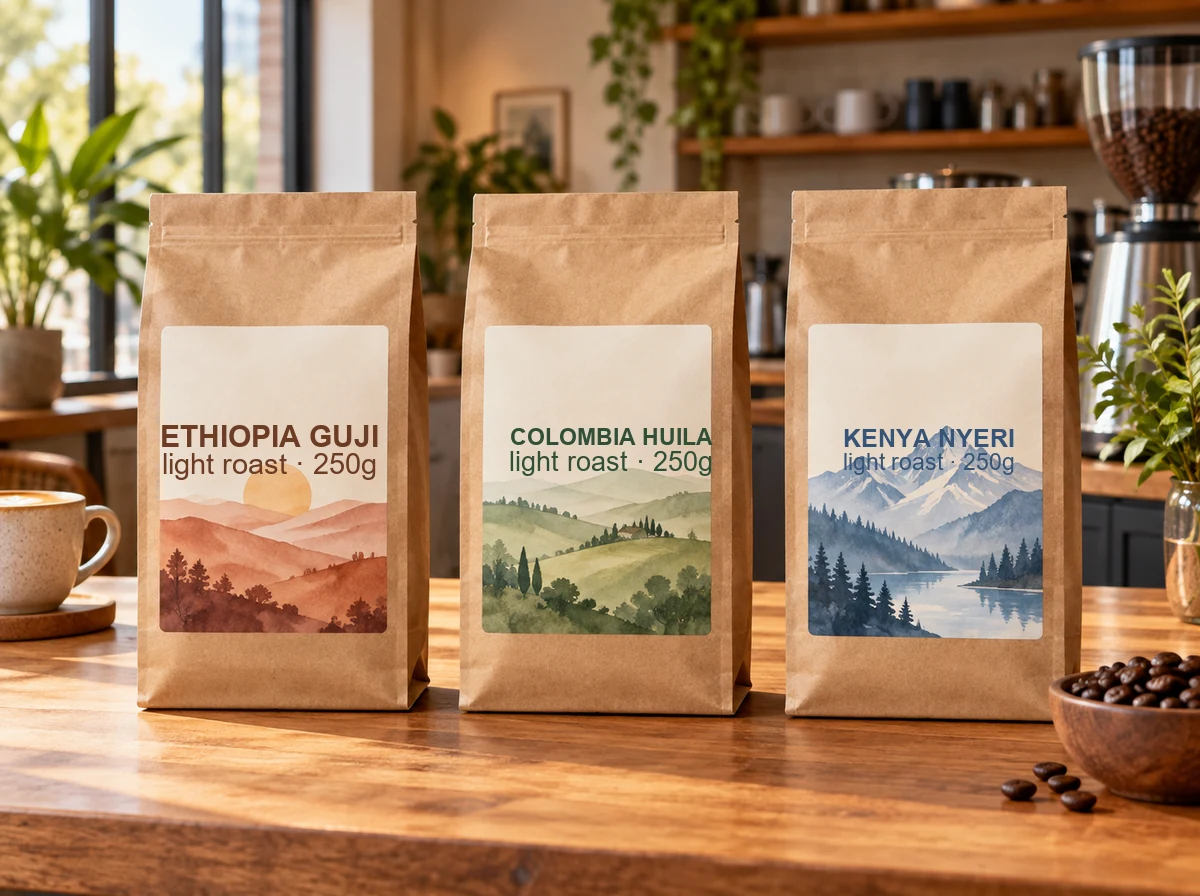
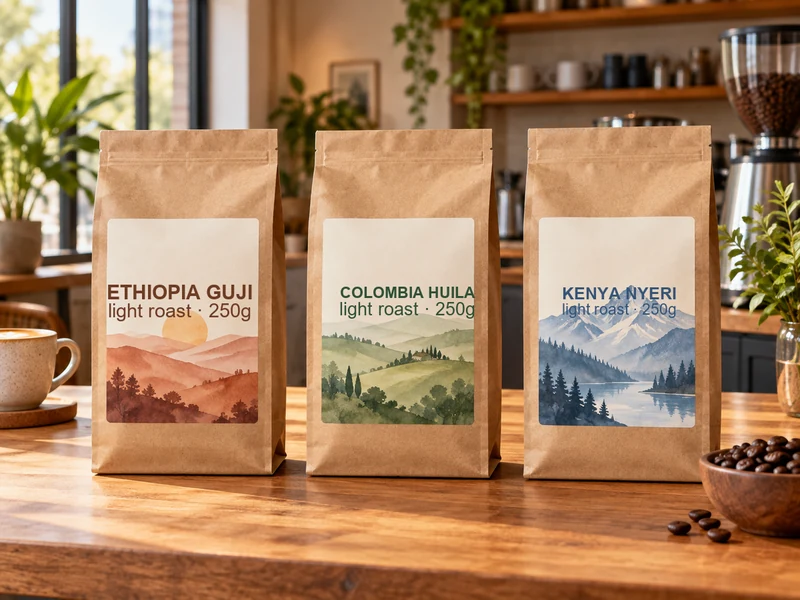
Three kraft flat-bottom coffee bags on a wooden café counter, each with a cream label and a watercolor landscape of its origin, minimal serif type. Text: "ETHIOPIA GUJI", "COLOMBIA HUILA", "KENYA NYERI", "light roast · 250g".
Reference example. It is not a result generated from your upload.
An AI packaging design generator turns a short description into a finished package design. You describe the product and the mood, type the brand name, flavor, and small print, and pick a package such as a coffee bag, a product box, or a bottle label; the packaging AI lays out the label, chooses colors and illustration, and renders it as a realistic mockup or as flat label art. Artificial intelligence packaging design is the fastest way to see a dozen directions before you brief a designer or order samples.
This AI packaging generator offers 12 package types, seven looks from Minimal to Luxury, four views (3D mockup, flat label art, lifestyle scene, and product family), and five AI models. Add your logo and it goes on the pack unchanged, or upload a photo of your current packaging to redesign it. It is free to try: new accounts get free credits when they sign up, and every idea on this page is free to copy.
Boxes, bags, bottles, cups, and tubes made with generative AI packaging prompts. Tap a card to load a matching package type or idea.
A folding carton with a bold wave pattern and a clean label.
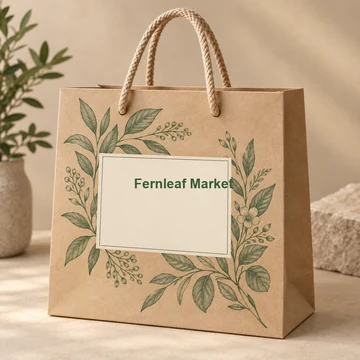
Kraft paper, botanical line art, and a recyclable feel.
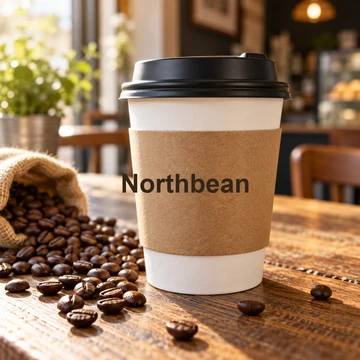
A printed sleeve and lid for a café or a coffee cart.
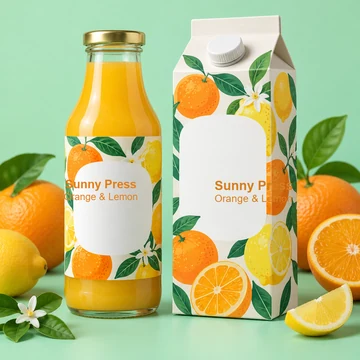
A matching bottle and gable-top carton with citrus art.
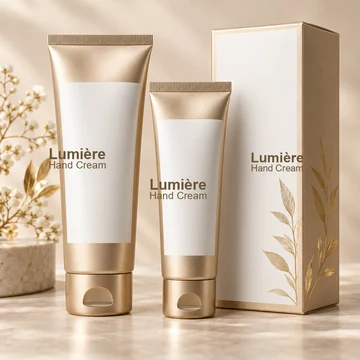
Metallic squeeze tubes and a box for a skincare line.
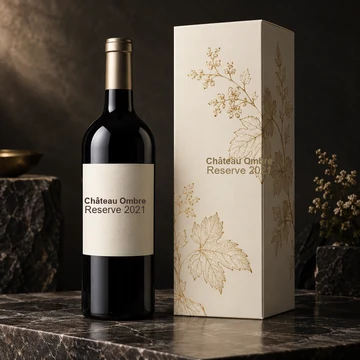
A dark bottle label with a matching line-art gift carton.
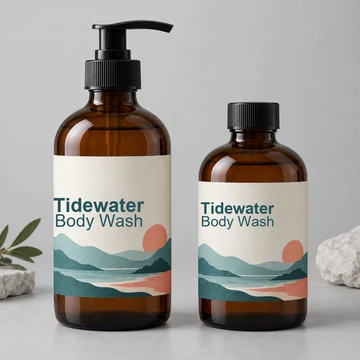
Pump and screw-cap bottles with layered landscape labels.
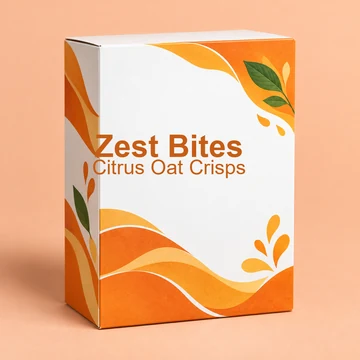
A bright carton with orange waves and a leafy accent.
Four steps from a product idea to an AI package design you can share with a printer or a client.
Write what the product is, who it is for, and the mood, and put every word you want on the pack in quotes: brand, product name, flavor, and size. Or tap an idea like Specialty coffee or Craft beer can, or fill in the brand, product, and small-print fields.
Choose a package such as Coffee Bag, Product Box, Bottle Label, or Product Family, then a look: Minimal, Luxury, Eco / kraft, Playful, Vintage, or Bold.
Show it as a 3D mockup, flat label art for printing, a lifestyle scene, or a full product family. Pick an image size and a model; for long or small text, Nano Banana Pro and GPT Image 2 are the strongest.
Press Design My Packaging, check every word, then change one thing at a time (the color, the illustration, the look) and generate again until it is right. Download the best versions for your mood board, client deck, or printer.
A complete packaging prompt answers these questions. The more you specify, the closer the first result gets.
| Prompt part | What to describe | Example |
|---|---|---|
| Product | What is inside and who buys it | specialty coffee for home brewers |
| Package type | The container and its structure | a kraft flat-bottom coffee bag with a valve |
| Wording in quotes | Brand, product, flavor, size | "Northbean", "Ethiopia Guji", "250 g" |
| Look and colors | Style, palette, typography | minimal, cream and terracotta, thin serif |
| Illustration or imagery | The main visual on the pack | a watercolor mountain landscape |
| Materials and finish | Paper, glass, foil, matte, gloss | matte kraft with a gold foil stamp |
| View | Mockup, flat label, scene, or family | 3D mockup on a café counter |
Leave out anything you do not care about and the AI fills it in. Never add claims, certifications, or nutrition facts you cannot back up; check legal text with your printer.
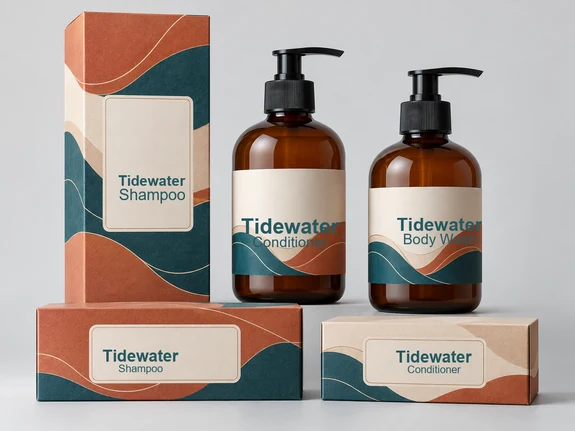
Type the brand, product, and small print in quotes or in the fields and the AI sets them exactly as written, with the brand most prominent and the details in a clear hierarchy. Upload your logo and it is placed unchanged, like a real label. For long or tiny text, choose Nano Banana Pro or GPT Image 2 and always proof the result.
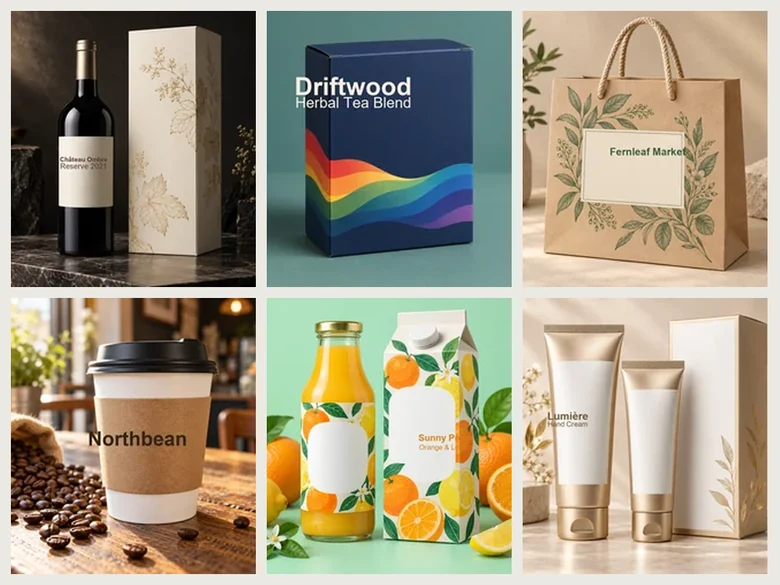
Twelve package types cover the classics: product boxes, stand-up pouches, coffee bags, bottle labels, cosmetic tubes, jars and tins, gift boxes, shopping bags, takeaway cups, bottles and cartons, and full product families. It works as a packaging creator for food, drinks, beauty, candles, pets, and hardware.
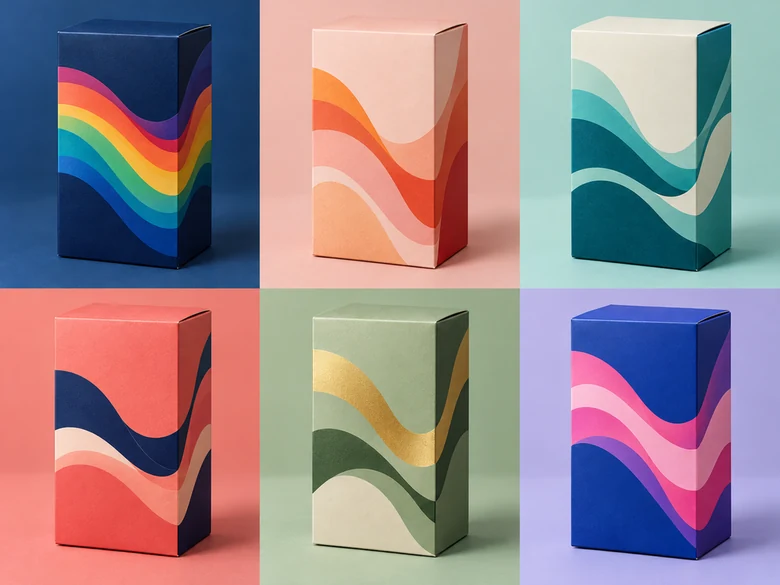
Choose 3D mockup and the AI packaging mockup generator renders the box, bag, or bottle on a clean surface with real materials and shadows, ready for a pitch deck, a crowdfunding page, or an online store listing. Switch to Product family to see flavors side by side, or Flat label art for the print file starting point.
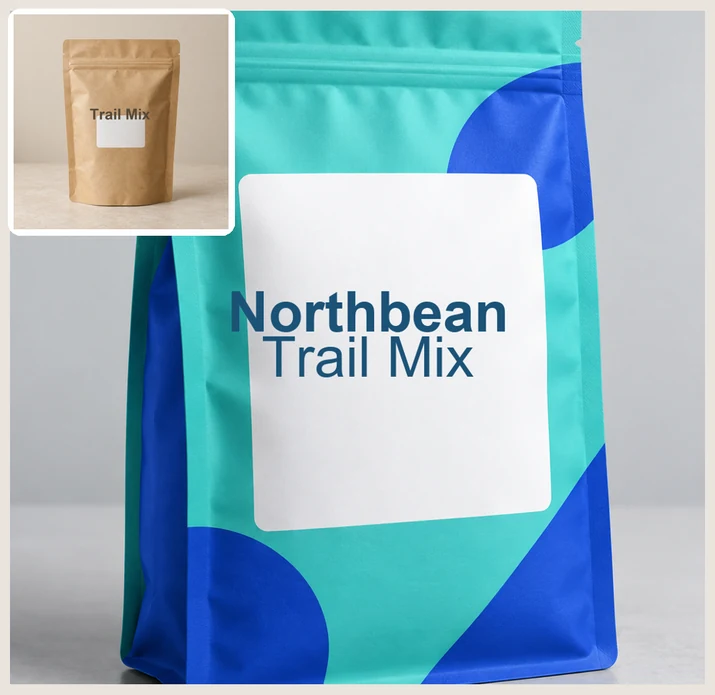
Upload a photo of your current pack, describe the new direction (“modern, colorful, same shape”), and the packaging design AI keeps the product’s shape while it reimagines the colors, illustration, and layout. It is a quick way to test a refresh before you pay for a full redesign.
From a weekend market stall to a retail launch, generative AI packaging helps you see the shelf before you print.
Bags, tins, and pouches with origin labels, roast levels, and a family look across blends.
Chip pouches, chocolate wrappers, sauces, and honey jars that stand out on a shelf.
Serum bottles, tubes, and boxes in a consistent system for a whole product line.
Luxury boxes, jars, and gift sets with foil, embossing, and seasonal editions.
Craft beer cans, juice cartons, and wine labels with bold, collectible art.
A power tool packaging design with specs and a product render, or a pet food bag with a friendly mascot.
How designers and brand owners get print-worthy packaging concepts from AI.
Put the brand, product, flavor, and size in separate quotes. Anything not quoted should not appear as text.
Use Product family to set the system, then make each flavor on its own with the same look and colors.
“Terracotta, cream, and forest green” beats “earthy colors” for a consistent brand palette.
Generate the front panel flat, then hand it to a designer to build the dieline and add legal text.
Check spelling, sizes, and claims, and never rely on AI for nutrition facts, barcodes, or certifications.
Upscale a favorite for print and remove the background to drop the mockup into your store or deck.
Prepare your logo, cut out mockups, upscale for print, or build the rest of your brand.
 Background RemoverRemove background free to try: the AI background remover online cuts out people, products and pets, then gives you a transparent PNG, white, color or new scene.
 Make Image TransparentMake image transparent online: the AI erases the background and saves a transparent PNG of people, products or logos. Make background transparent, free to try.
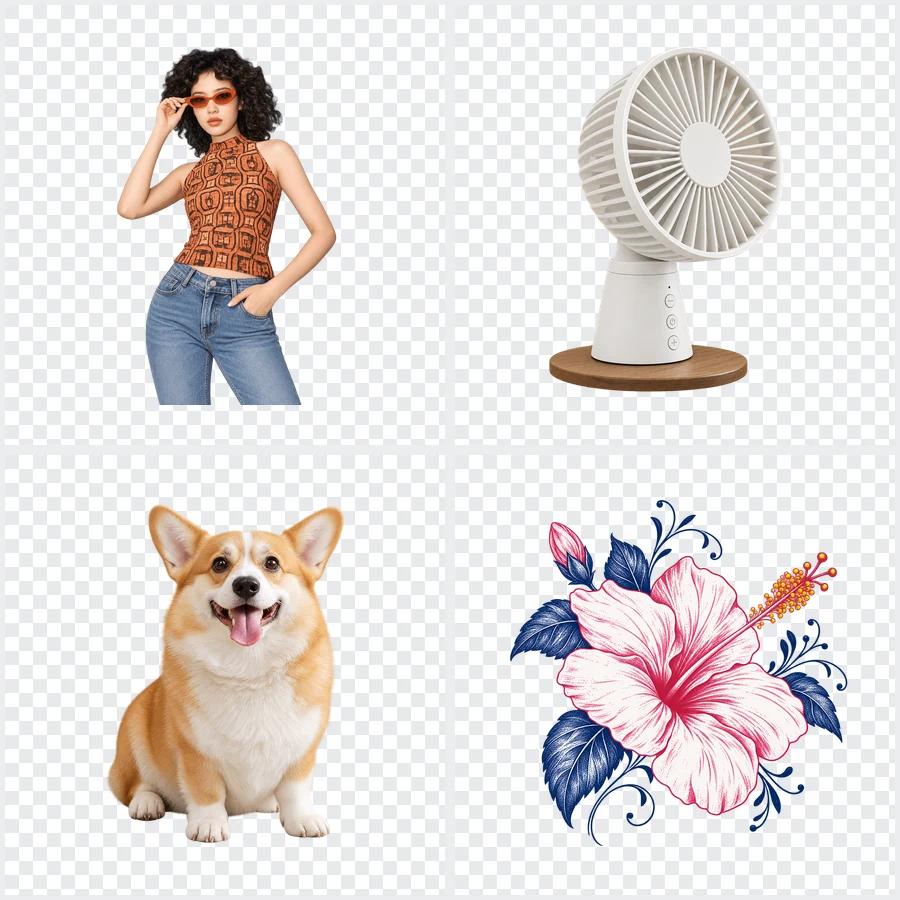 Bulk Background RemoverBulk background remover for product photos and portraits. Upload a batch, let AI cut out every subject, and get matching transparent or white backgrounds.
 4K Image Upscaler4K image upscaler and converter: make an image 4K quality for wallpapers, TVs and prints. Upscale photos to 3840 px or more with faithful AI. Free to try.
 AI Image UpscalerAI image upscaler for photos, logos, PNGs and art. Upscale images and pictures 2×, 4× or to 4K with faithful AI upscaling that keeps faces and text intact.
 Image Color ChangerImage color changer online: change color of image objects, logos and PNGs. Name or paint what to recolor, pick a shade, keep texture and shadows. Free to try.
 AI Photo EditorAI image editor free to try: upload a photo, type the change and pick Nano Banana, Seedream, GPT Image or FLUX to swap backgrounds, outfits, light and more.
 AI Image ExpanderAI image expander and image extender: expand image borders to 16:9, 9:16, 1:1 or 21:9, uncrop photos and zoom out pictures with matching scenery. Free to try.
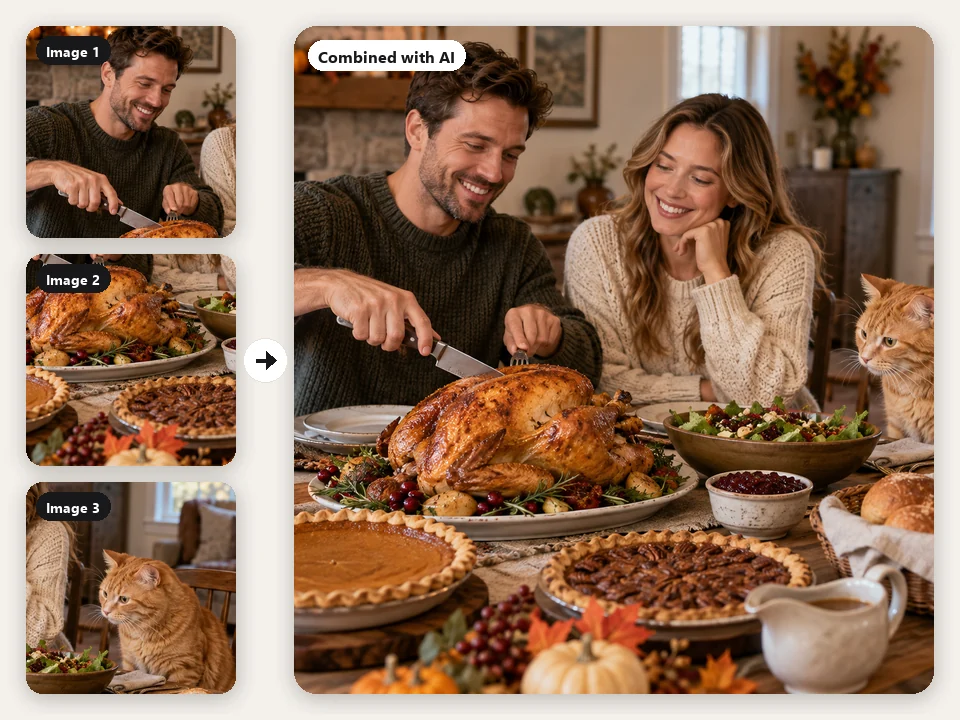 AI Image CombinerFree to try AI image combiner: upload 2–4 photos, describe the scene, and the AI photo merger blends people, products, and places into one natural image.
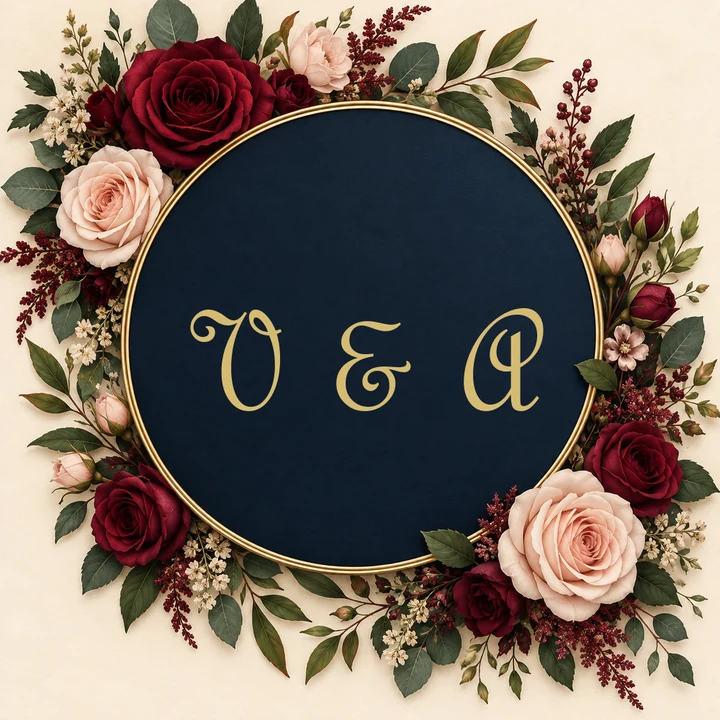 Monogram MakerFree to try monogram maker: type 2, 3, or 4 initials, pick interlocking, cursive, circle, or wedding styles, and the AI monogram generator designs your logo.
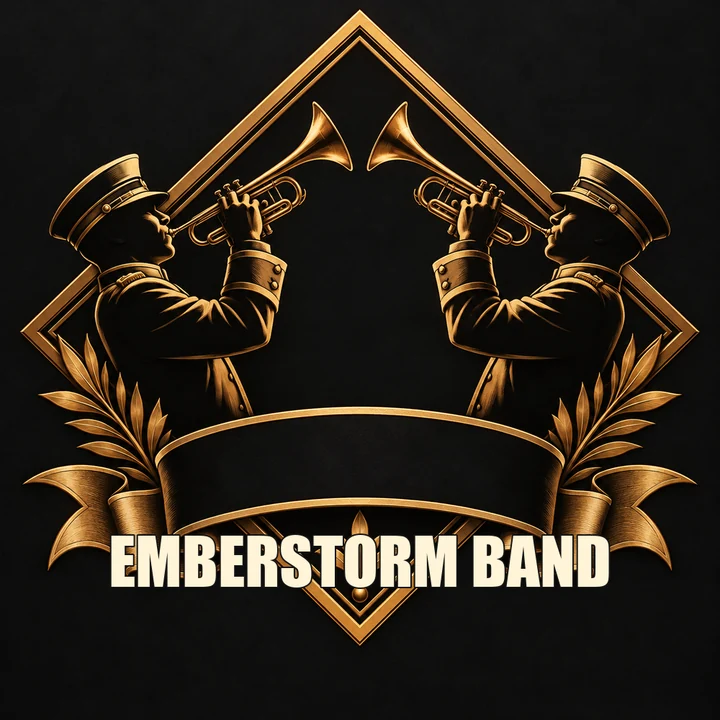 Band Logo GeneratorFree to try band logo generator: type your band name, pick metal, punk, indie, hip-hop, or K-pop, and the AI band logo maker designs a logo you can print.
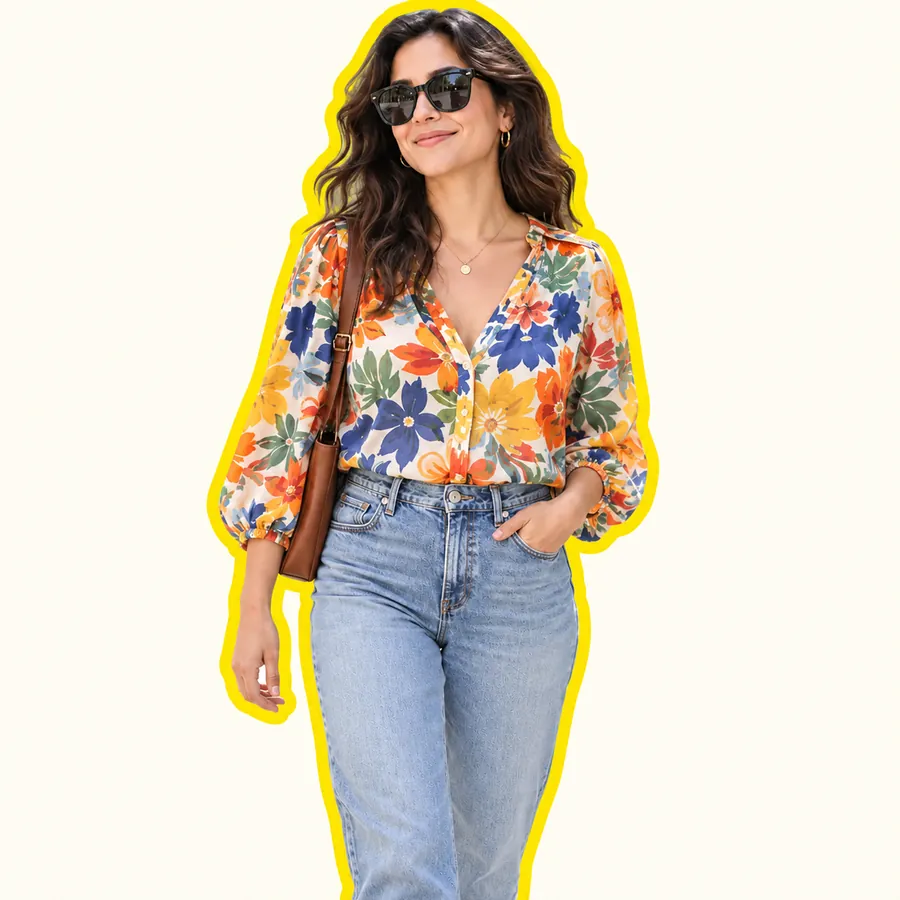 AI Sticker MakerHow to make a picture a sticker: upload a photo or screenshot, pick a style like die-cut, cartoon, chibi, or kawaii, and the AI sticker maker turns it into a PNG.
 AI Image GeneratorFree to try AI image generator: type a prompt or add a photo, pick Nano Banana 2, GPT Image 2, Seedream, or FLUX, choose a style, and create AI images online.
 Text to Image AIText to image AI that turns words into pictures: type a prompt, pick a model and a style, and the AI image generator from text creates images you can download.
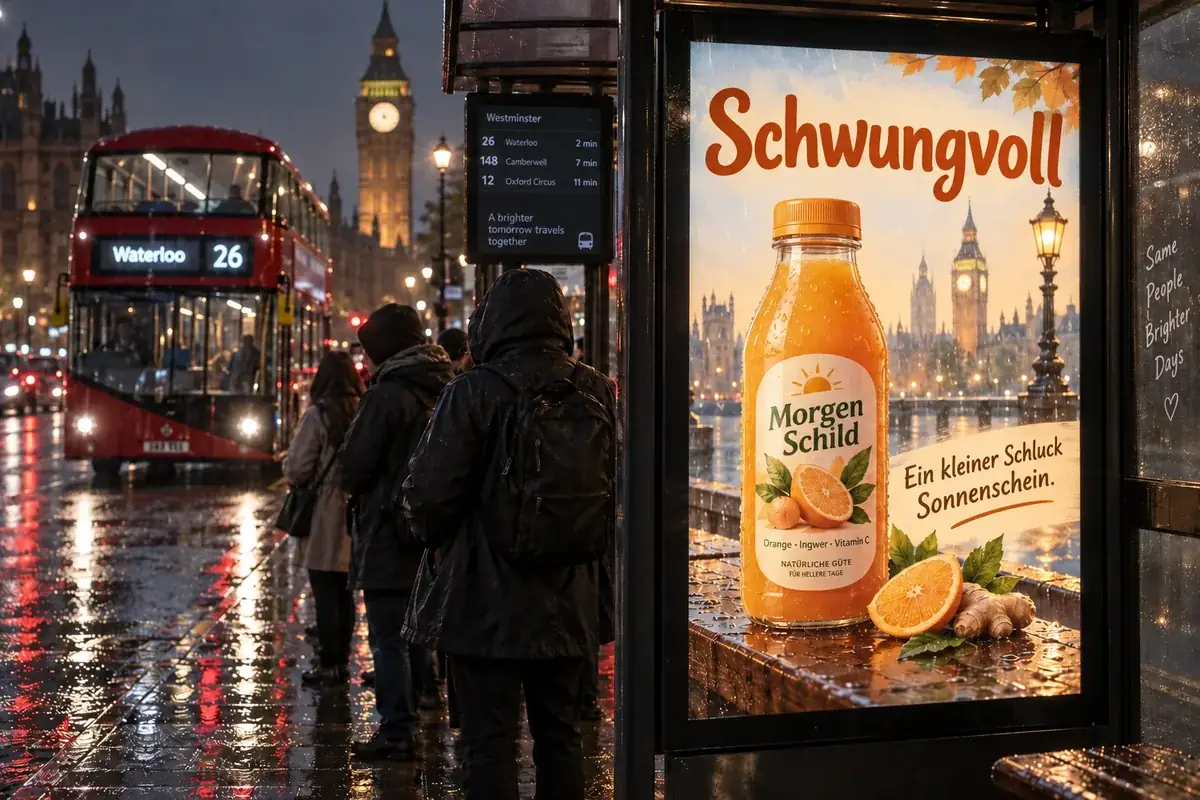 Nano Banana ProCreate 2K and 4K images with Nano Banana Pro, the Gemini 3 Pro Image model: legible text in many languages, infographics, multi-image blends, and studio control.
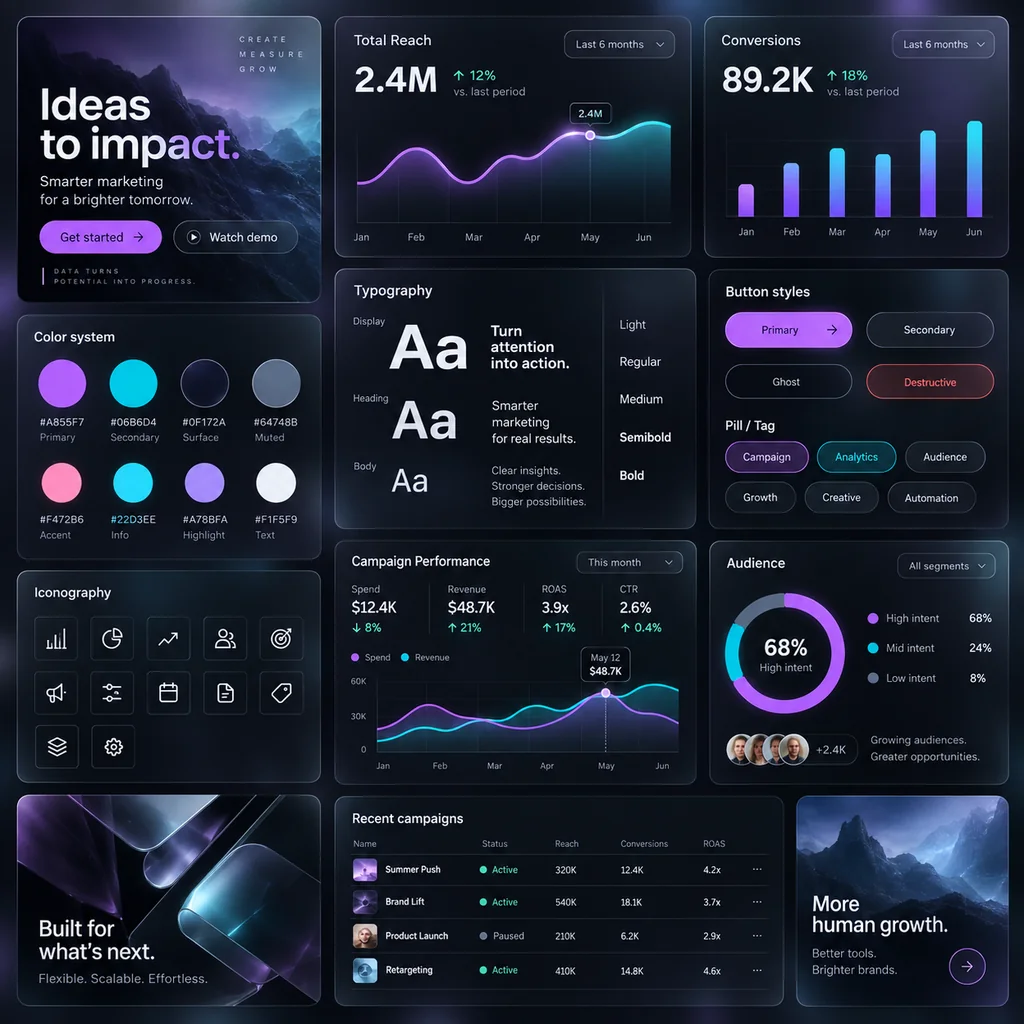 GPT Image 2Use GPT Image 2, OpenAI’s gpt-image-2 model, to create images with dense, readable text, UI mockups, and edits from up to 16 reference images, at 1K, 2K, or 4K.
Compare models on a real packaging test and get ideas for the logo on your pack.
A side-by-side test that includes a coffee packaging prompt, label text, and product shots.
Read the guideGreen logo inspiration and what the color says about an eco, fresh, or natural brand.
Read the guideA simple step-by-step way to sketch a logo mark before you put it on your packaging.
Read the guidePackaging AI is artificial intelligence that designs product packaging from a text description: the label layout, colors, illustration, and lettering, shown as a mockup or as flat label art. This AI packaging design generator lets you choose the package type, the look, the view, and the model.
Yes. Put the brand name, product, and small print in quotes or in the detail fields and the AI typesets them exactly as written. Upload your logo and it is placed on the pack unchanged. Only upload logos you own or have the right to use.
This one is free to try: new accounts get free credits when they sign up, enough for several packaging concepts; after that, each design uses credits shown on the button before you generate. The ideas and the prompt checklist on this page are free to copy.
It depends on the job. For packaging with lots of text, Nano Banana Pro and GPT Image 2 give the most reliable lettering; Seedream 4.5 and FLUX.2 are strong at photoreal mockups and materials; Nano Banana 2 is a fast all-rounder. Because all five are in one tool, you can run the same prompt on each and compare.
Yes. Choose 3D mockup for a realistic render on a clean surface, Lifestyle scene for an in-use shot, or Product family for a lineup of flavors. It works as a packaging box mockup generator, a pouch and bag mockup maker, and a bottle mockup tool in one.
They are high-quality concepts and label art, not production files. Use the Flat label art view as a starting point, upscale it if needed, and have a designer or printer build the dieline, set bleed and safe zones, and add barcodes and legal text.
Yes. Upload a photo of your current package and describe the new direction. The AI keeps the shape and proportions of the product and redesigns the graphics, which is handy for testing a rebrand or a seasonal edition.
Traditional packaging design tools give you templates and dielines to fill in by hand. This generator creates new artwork and mockups from words in one step, so you can explore many directions quickly, then take the winner into your usual packaging design tool for production.
Yes. That spelling, and “logo brand packet generator”, is how many people look for a tool that puts a logo and brand name on packets, pouches, sachets, and boxes. Upload your logo, type the brand name in quotes, choose Stand-Up Pouch or Product Box, and generate.
Do not copy another company’s logo, name, or recognizable packaging, and do not add health claims, certifications, or nutrition facts you cannot support. Designs that impersonate real brands are not allowed.
Describe the product, add your brand name, and see your packaging as a mockup in one click, free to try with your sign-up credits.
Nano Banana and Gemini are trademarks of Google LLC; GPT Image is a trademark of OpenAI; Seedream is a trademark of ByteDance; FLUX is a trademark of Black Forest Labs. EzImgMaker is an independent service and is not affiliated with or endorsed by these companies. Model names are used only to describe compatibility. Brand names in the examples are fictional.