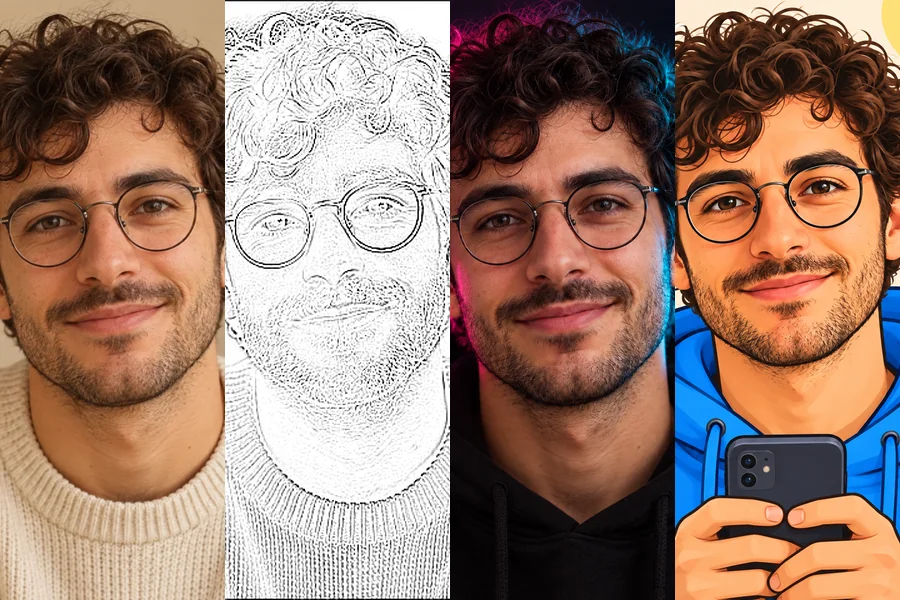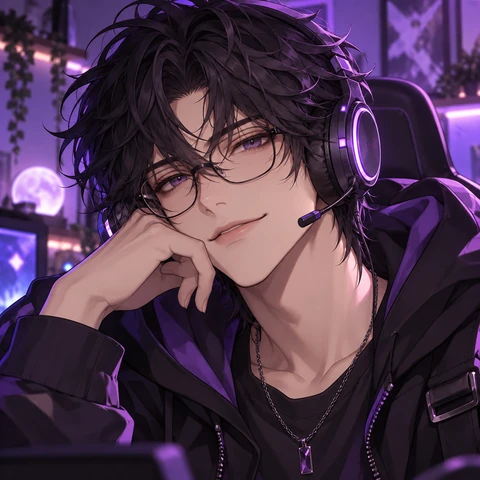
Anime Streamer
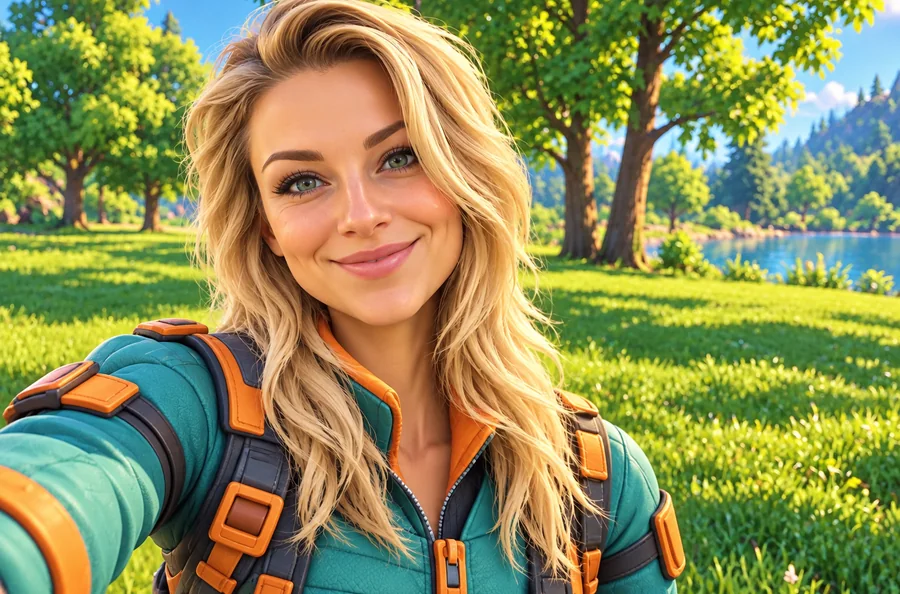
Clean anime art with a headset and a soft glow, the classic streamer avatar.
Turn a selfie, your face cam or your pet into an anime streamer, 3D chibi, neon cyberpunk, pixel art or mascot-style avatar, or skip the photo and create an original character. Every result is a square made for Twitch’s small circle. Free to try.
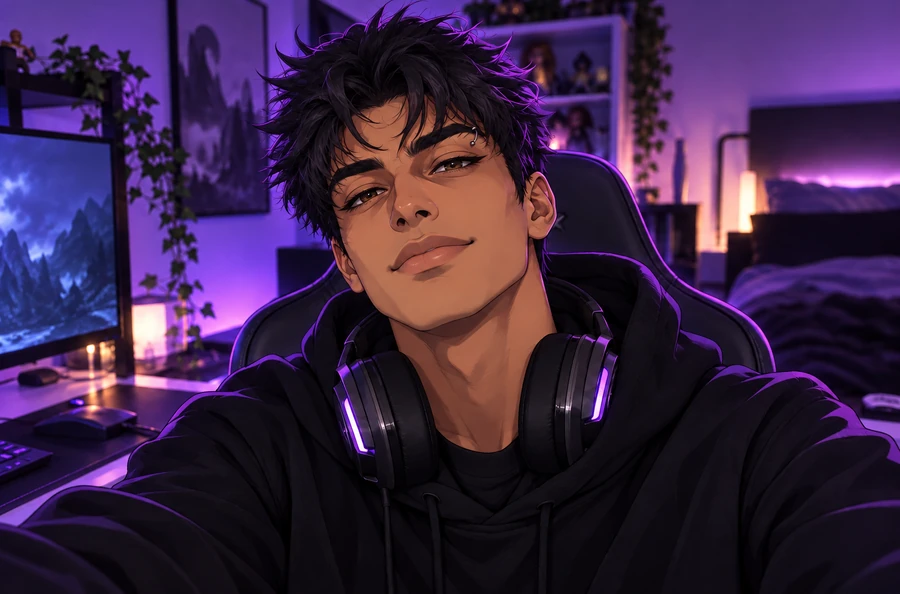
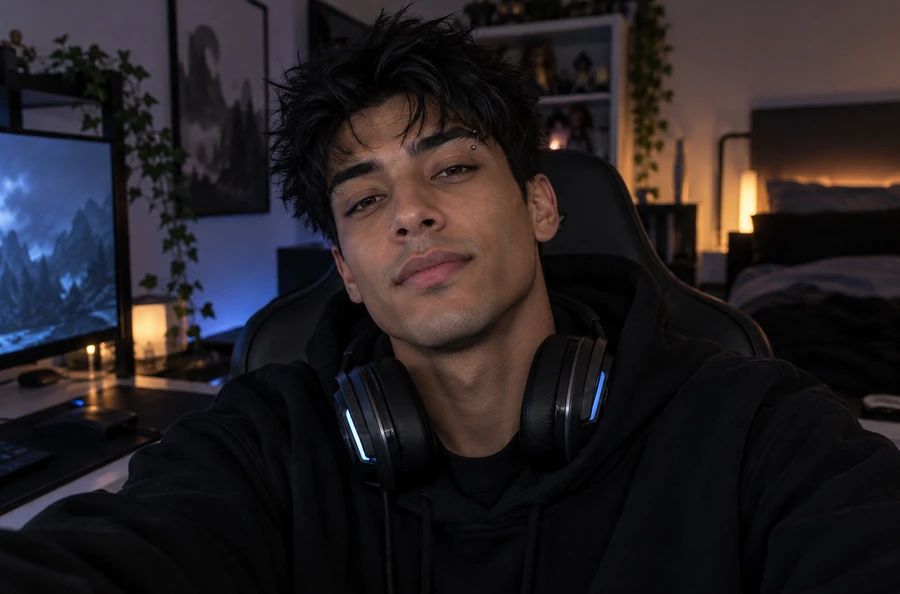
Reference example. It is not a result generated from your upload.
Your Twitch pfp shows up everywhere viewers find you: in the browse grid, the following list, chat, raids and clips. It is usually smaller than a thumbnail, so a great one has one clear subject, bold shapes, strong contrast and colors that match your overlay and emotes. Most streamers use either a stylized version of their face or a character that stands for the channel.
This Twitch pfp maker does both. Upload a selfie or a face-cam screenshot and pick a look such as Anime Streamer, 3D Chibi, Neon Cyberpunk or Pixel Art, or skip the photo and describe an original character. The AI frames it as a square for Twitch’s circle crop. It is a profile picture maker for Twitch, not a Twitch pfp grabber: it makes a new picture instead of downloading someone else’s. EzImgMaker is an independent tool and is not affiliated with Twitch.
Eight looks the Twitch profile pic maker can make from your photo or from a description. Tap one to try it.
Clean anime art with a headset and a soft glow, the classic streamer avatar.
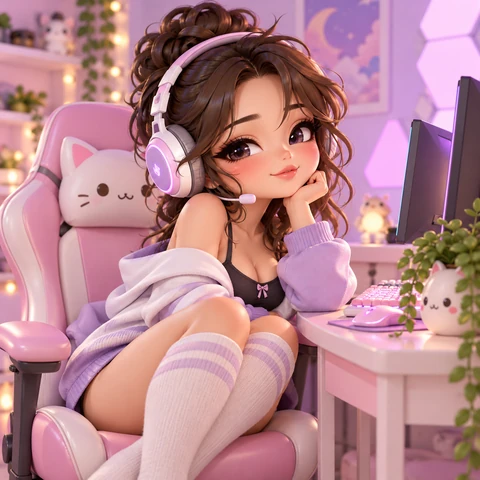
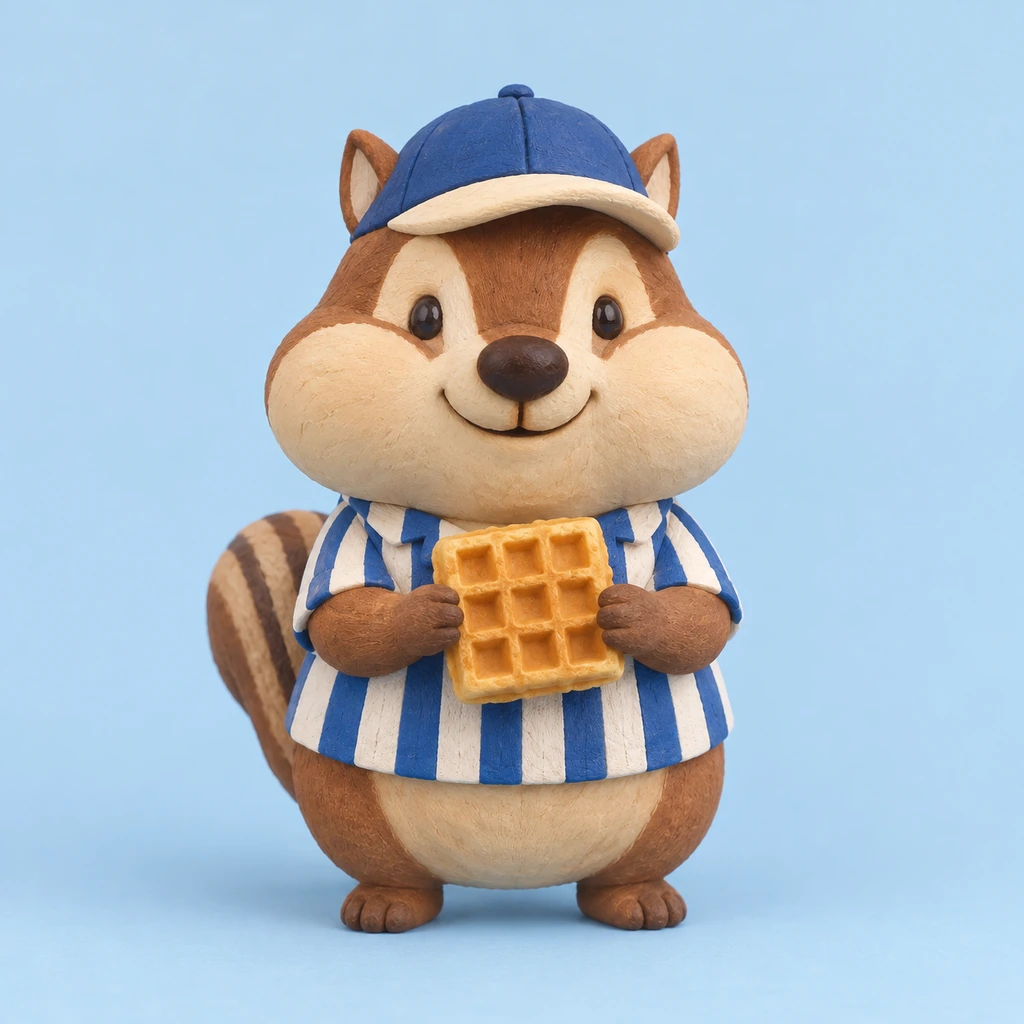
A cute toy-like mini you for cozy, variety and community streams.
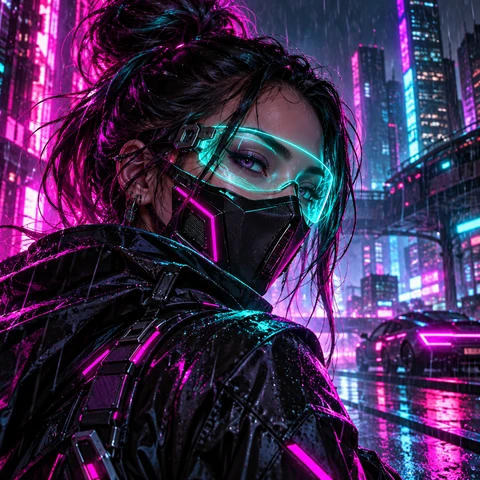
Pink and cyan neon for FPS, sci-fi and late-night streams.
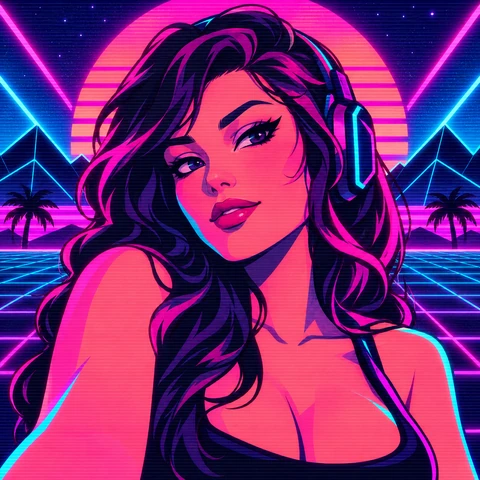
Headset, glowing game light and an 80s arcade palette.
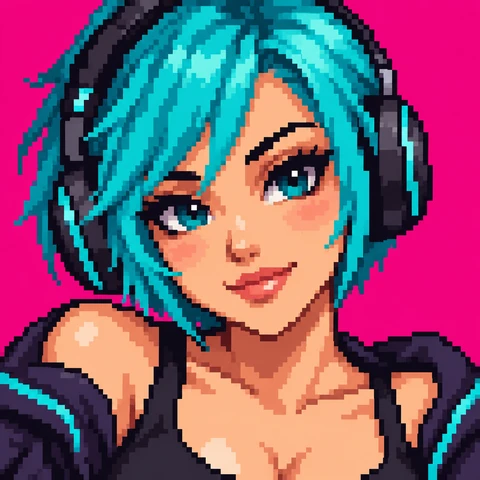
Crisp 16-bit pixels for retro, indie and speedrun channels.
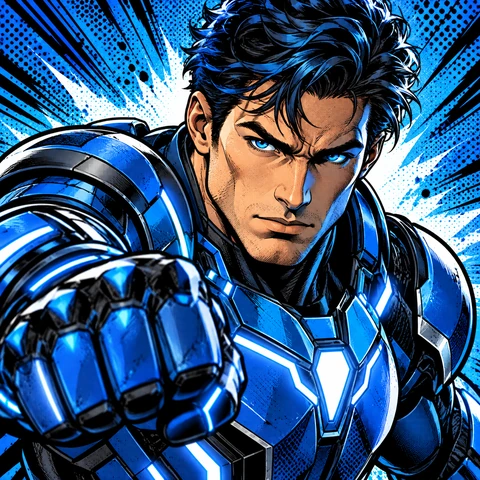
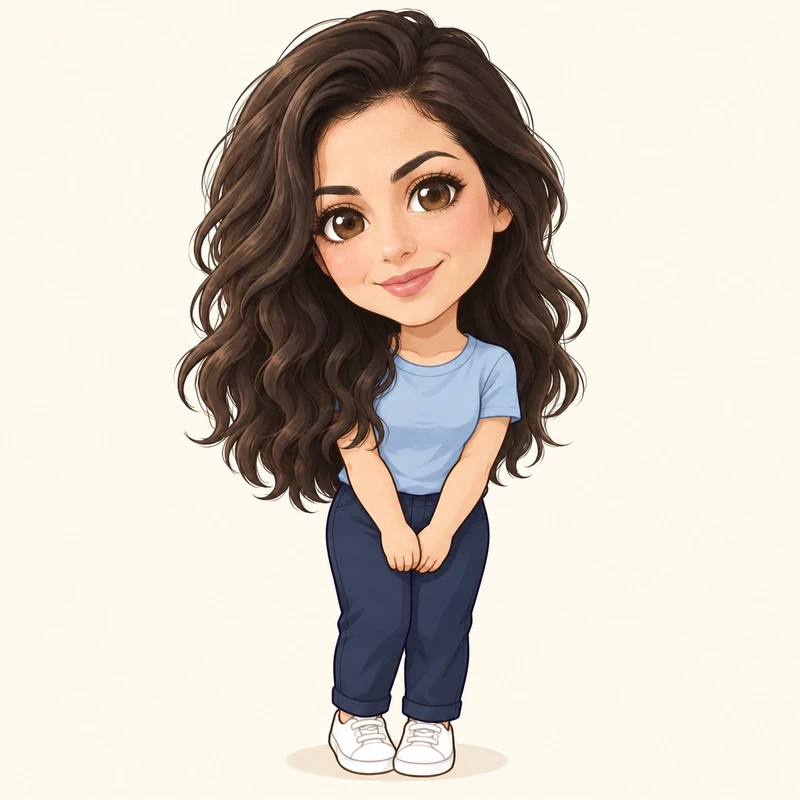
Bold ink and halftone for an original hero version of you.
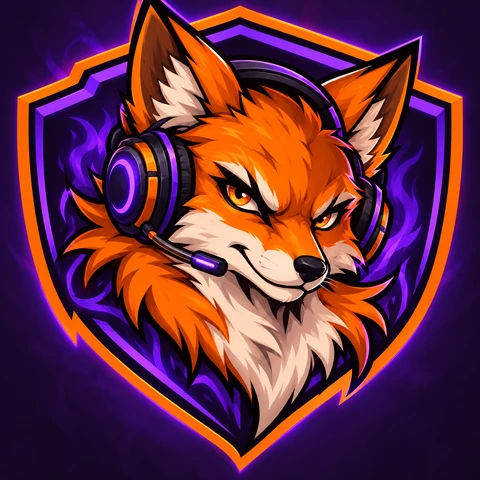
An esports-style badge that works as a pfp and a channel logo.
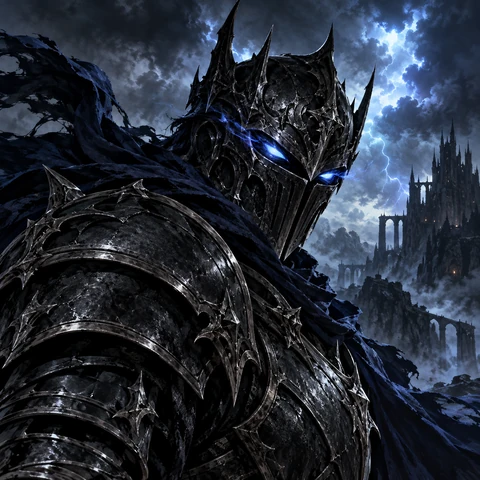
Armor, cloaks and magic light for RPG and horror streams.
Three steps from photo, or just an idea, to a new Twitch pfp.
Upload a clear selfie, a face-cam screenshot or your pet, or leave the box empty and describe an original character in the details box.
Choose from Streamer or Avatar Art, then add your stream colors or details such as cat ears, a headset or a hoodie.
Create up to four versions, keep the one that reads best at small size, and set it as your Twitch profile picture.
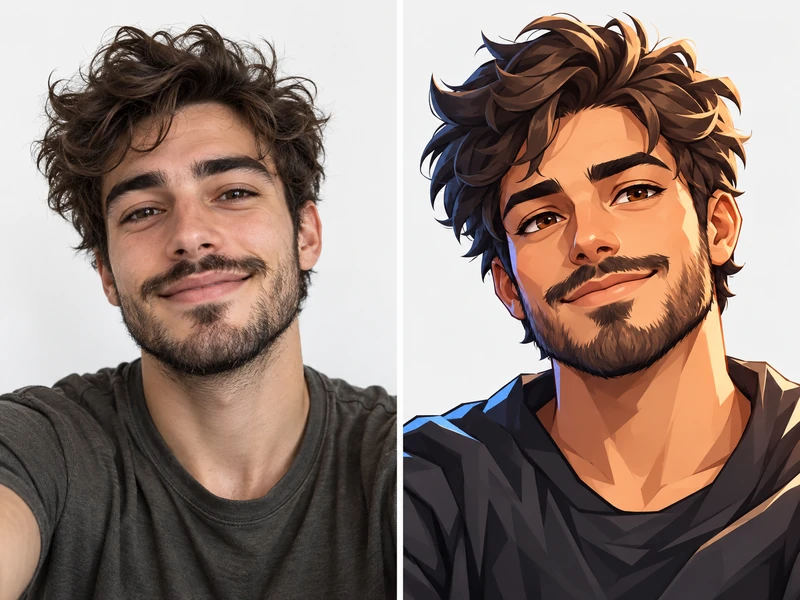
Viewers get to know your face on camera, so a stylized version of it ties your channel together. The AI keeps your face shape, hair, glasses and expression and redraws them as an anime, chibi, neon or pixel avatar. No photo you want to use? Leave the upload empty and describe a character instead.
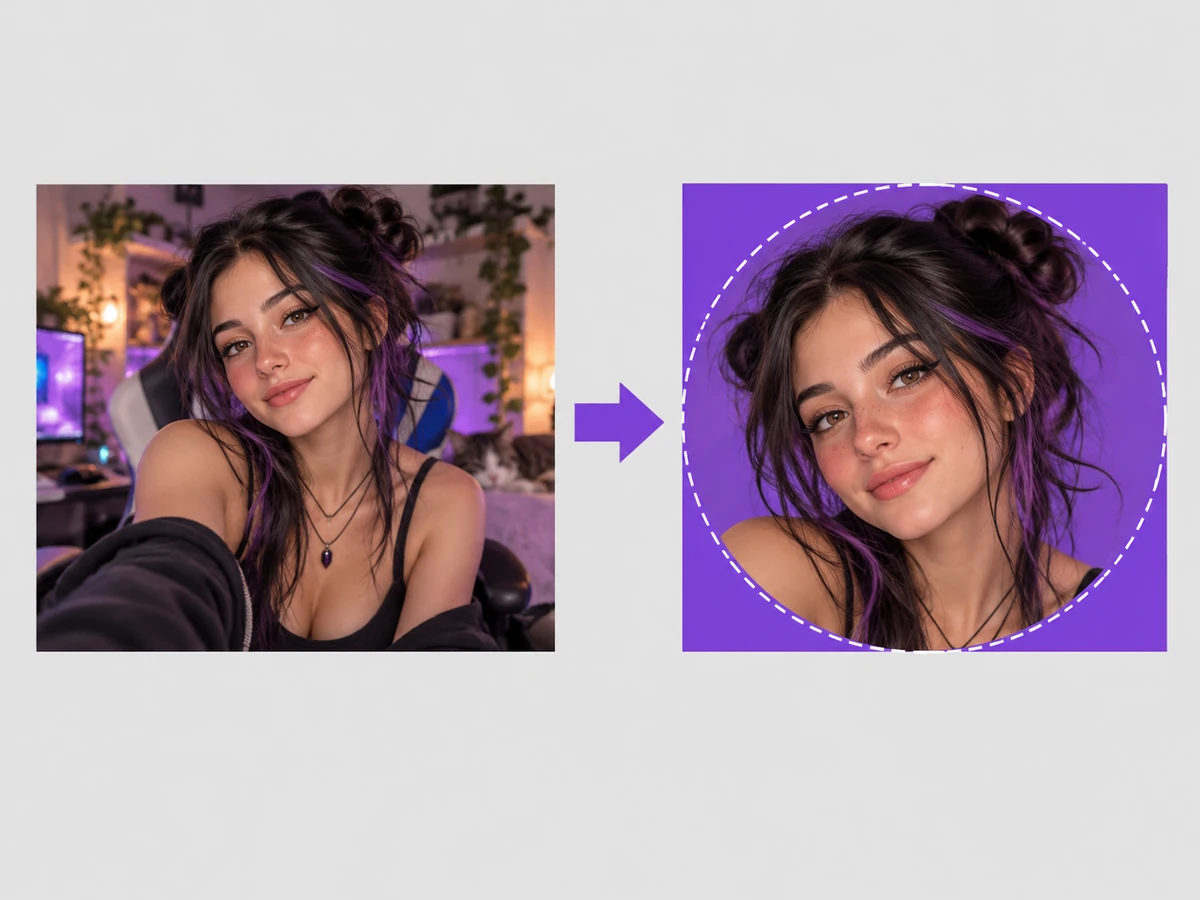
Twitch asks for a profile picture of at least 256 × 256 pixels, recommends 800 × 800, accepts files up to 10 MB and shows it as a circle (as of 2026). Results come out square with the subject centered, so nothing important is cut off. Need an exact 800 × 800 file, a banner or an offline screen? Use the free Twitch Image Resizer.
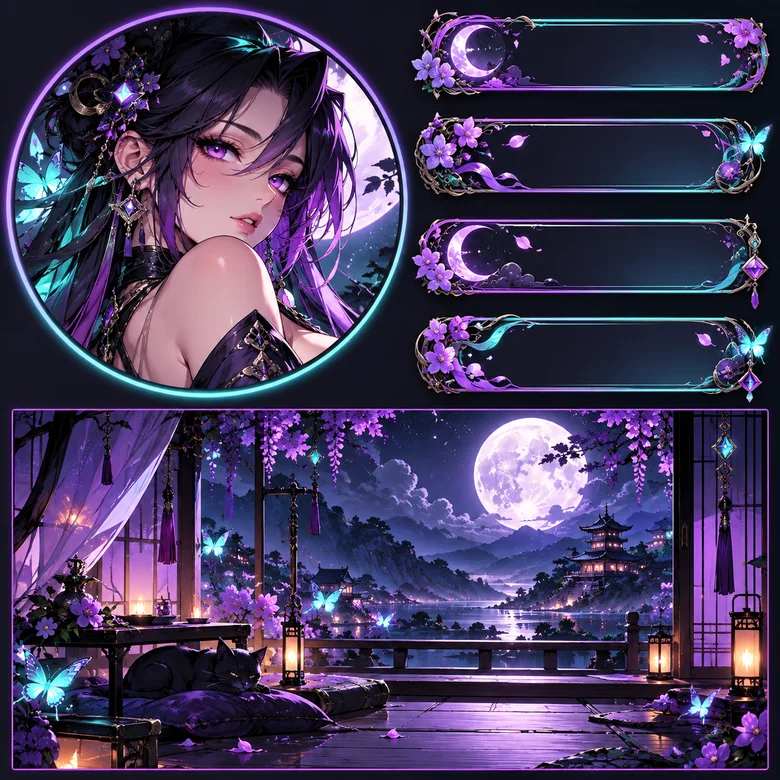
Type your overlay colors, your mascot or your signature item in the details box and the Twitch pfp maker builds the avatar around them. Use the same look on your offline screen, panels and socials so viewers recognize the channel anywhere.
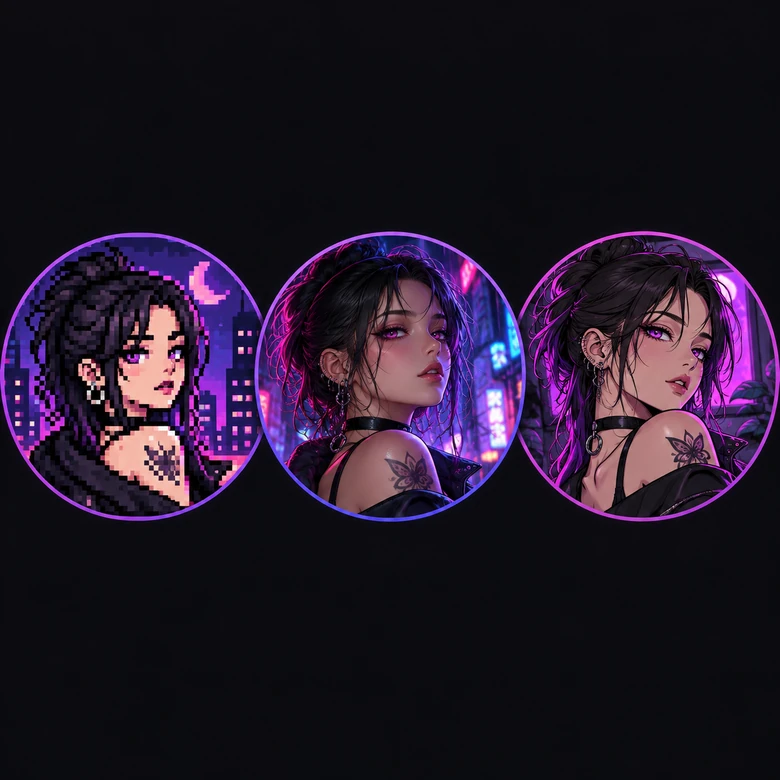
Eight looks cover the most popular streamer styles: anime, 3D chibi, neon cyberpunk and retro arcade in the Streamer tab, and pixel art, comic hero, mascot emblem and dark fantasy in Avatar Art. Generate a few and keep the one that still reads clearly at chat size.
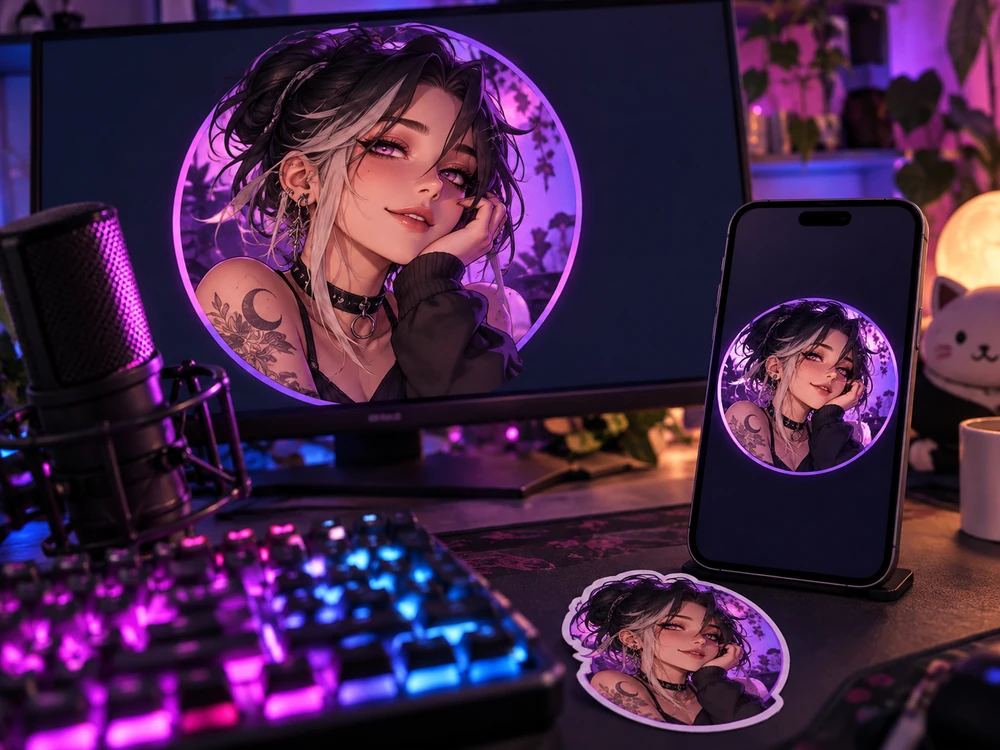
Replace the default avatar with a picture that looks like a real channel from day one.
Turn your face-cam look into an avatar so viewers connect your pfp with the person on stream.
Create an original character without showing your face, then build emotes and panels around it.
Try a seasonal or event version of your pfp, like a dark fantasy look for a horror month.
Once your new pfp is ready, here is how to set it (menu names as of 2026).
Save your favorite result. Twitch needs at least 256 × 256 pixels and up to 10 MB; 800 × 800 looks sharpest.
On the website, click your avatar in the top-right corner, choose Settings and stay on the Profile tab.
Under Profile Picture, click Update Profile Picture, pick the file and adjust the circle so your face sits in the middle.
Look at your pfp in chat and the following list; if it is hard to read, try a simpler background or bolder style.
Resize images to Twitch profile picture, banner, offline screen, panel, emote and badge sizes in your browser.
Open toolMake a matching Discord avatar in anime, pixel art, 3D or gamer style for your community server.
Open toolDesign an anime VTuber character with model sheets, expressions and PNGTuber poses.
Open toolProfile pictures and channel logos for YouTube, from gaming looks to mascots and frames.
Open toolGorilla-style avatars with fur colors, cosmetics and 3D, pixel or doodle styles.
Open toolTurn your photo into an anime avatar in 12 styles, from shoujo and chibi to cyberpunk and 90s anime.
Open toolAnswers to common questions about Twitch profile pictures.
As of 2026, Twitch asks for at least 256 × 256 pixels, recommends 800 × 800, accepts JPEG, PNG and GIF files up to 10 MB, and shows the picture as a circle. Use a square image with the subject in the middle.
On the website, click your avatar in the top-right corner, open Settings, and on the Profile tab click Update Profile Picture. Choose your file, adjust the crop and save. In the mobile app, open your profile and look for the edit option on your picture; menu names can change between app versions.
Twitch only lets you crop the picture when you upload it. To change the style, colors or background, edit the image first: upload it here, pick a look, then upload the new version to Twitch. That is how to edit Twitch profile picture colors and style without design software.
It is free to try: you get free credits when you sign up, and the price of each generation is shown on the Generate button before you start.
Yes. Leave the photo box empty, pick a style and describe the character in the details box, for example "girl with short pink hair, cat ears and a headset". The AI creates an original character that does not copy a real person or an existing game character.
Yes. Anime Streamer gives a clean anime look with a headset and glow, and 3D Chibi a cute mini version. For more anime styles, try the Anime Avatar Maker or the VTuber Avatar Maker.
Yes. The result is a square image that works on Discord, YouTube, X and most other platforms, which all crop to a circle. Using one look everywhere helps viewers find you.
One clear subject, a simple background, bold colors that match your overlay and no small text. Check it at chat size: if you can still tell what it is, it works.
The file is probably smaller than 256 × 256 or was cropped from a small screenshot. Upload a square image of 800 × 800 pixels or more; you can resize the result to exactly 800 × 800 with the Twitch Image Resizer.
Your photo is only used to make your profile pictures. Only upload photos of yourself or of people who agreed, and never use someone else’s face to pretend to be them.
Upload a selfie or describe a character and get a streamer avatar made for Twitch’s circle.
Twitch is a trademark of its owner. EzImgMaker is an independent tool and is not affiliated with, endorsed by, or sponsored by Twitch.