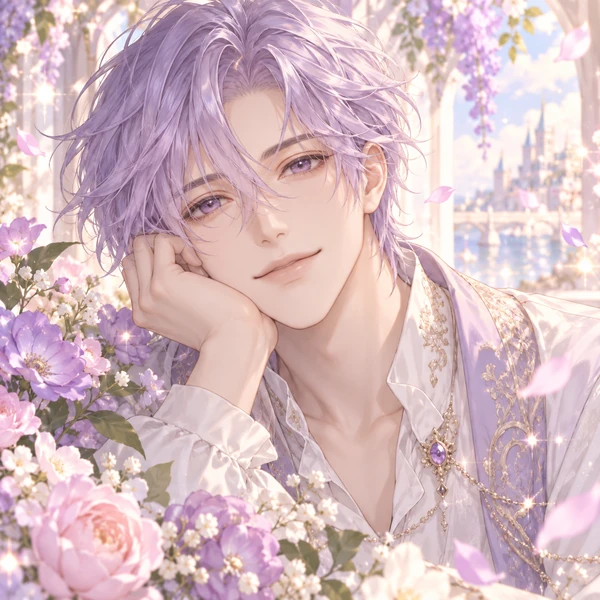
Shoujo
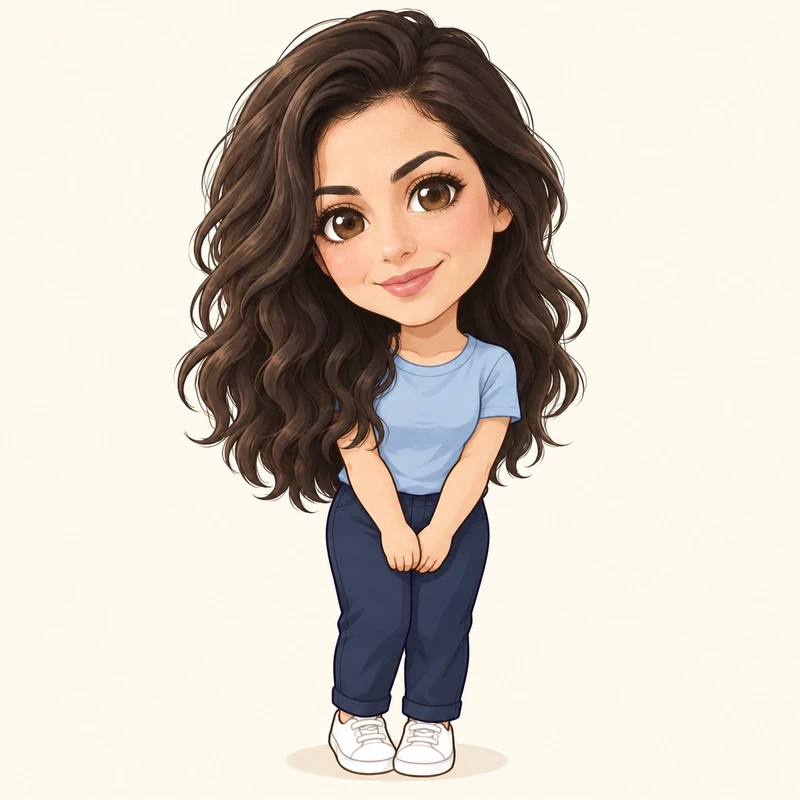
Soft colors, sparkling eyes and flowing hair, straight out of a romance anime.
Upload a selfie and pick one of 12 anime styles, from shoujo, shonen and 90s retro to chibi, webtoon and cyberpunk. The AI redraws you as a square head-and-shoulders anime avatar that still looks like you, ready for Discord, Slack, Instagram and every other profile. Free to try.
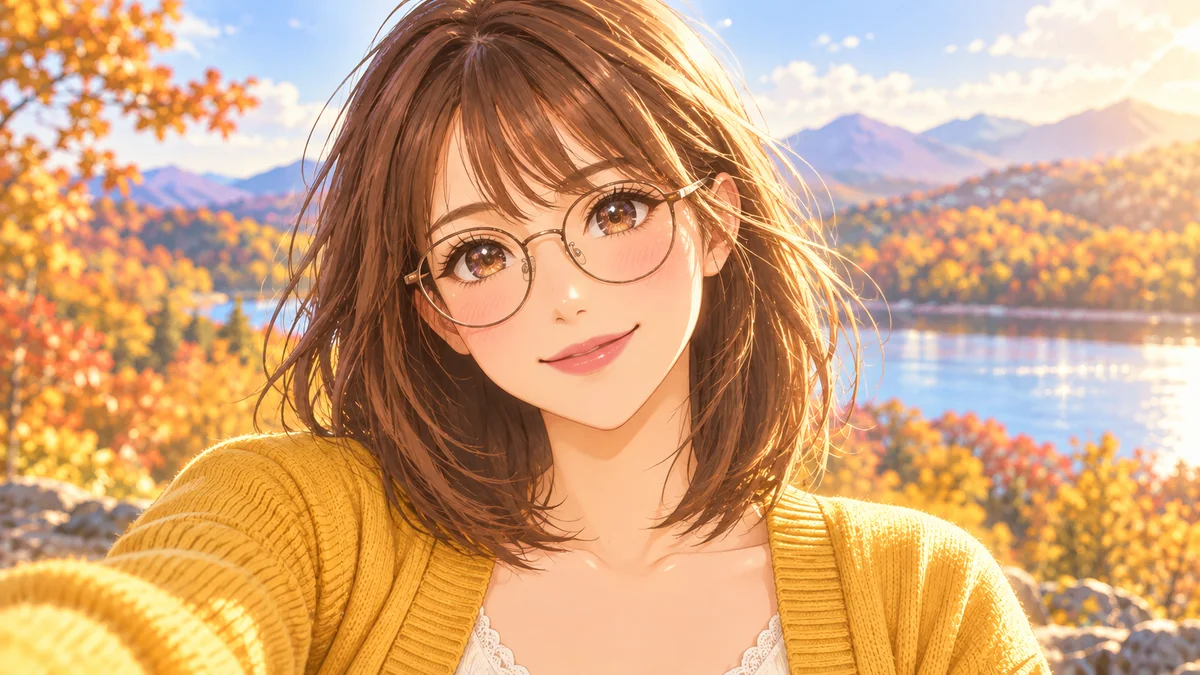
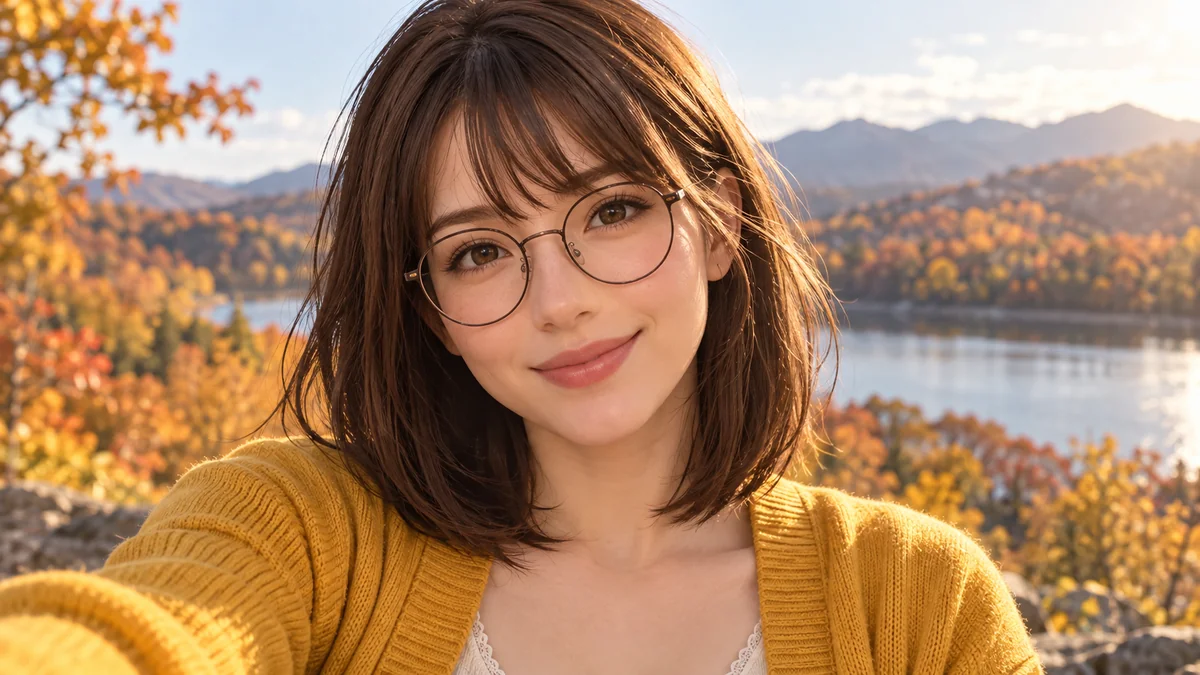
Reference example. It is not a result generated from your upload.
An anime avatar maker turns a photo of you into an anime-style profile picture: big expressive eyes, clean line art and soft cel shading, but still your hair, your glasses and your smile. People use their anime avi on Discord, Slack, Instagram, gaming profiles and forums, where a drawn avatar feels more personal than a stock icon and more fun than a plain selfie.
This AI anime avatar generator gives you 12 styles in three tabs, Classic, Cute and Bold, and frames every result as a square head-and-shoulders portrait that fits round and rounded-square profile slots. Most avatar maker anime filters just add big eyes; here the AI redraws the whole picture in the chosen style while keeping your features. It is made for your own avatar; to design an original character or OC, use the Anime Character Maker.
A few of the 12 looks this anime profile picture maker can give you. Tap one to try it on your own photo.
Soft colors, sparkling eyes and flowing hair, straight out of a romance anime.
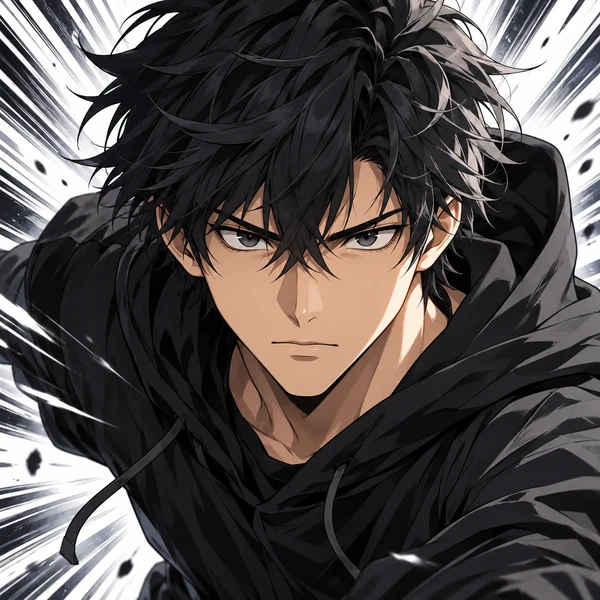
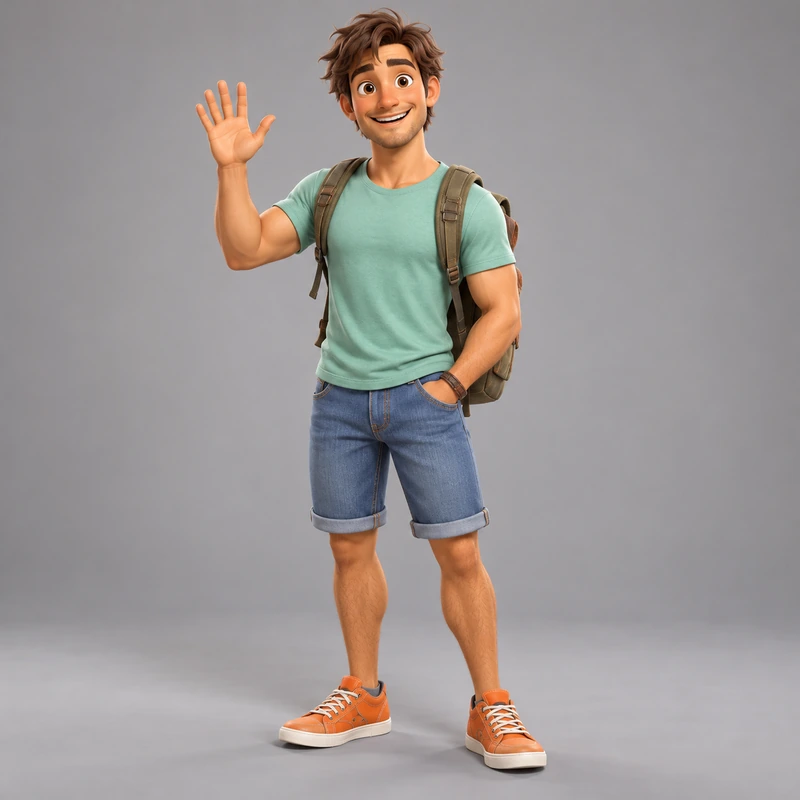
Sharp lines and a determined look, like the hero of an action series.
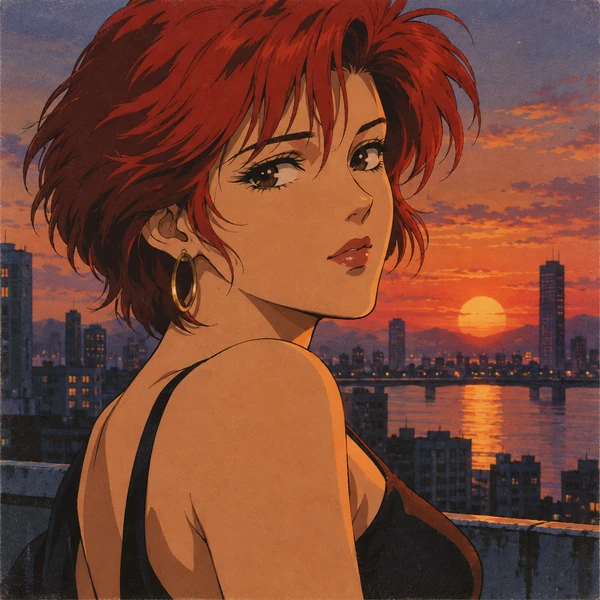
Hand-painted cels and warm film colors for a nostalgic anime avi.
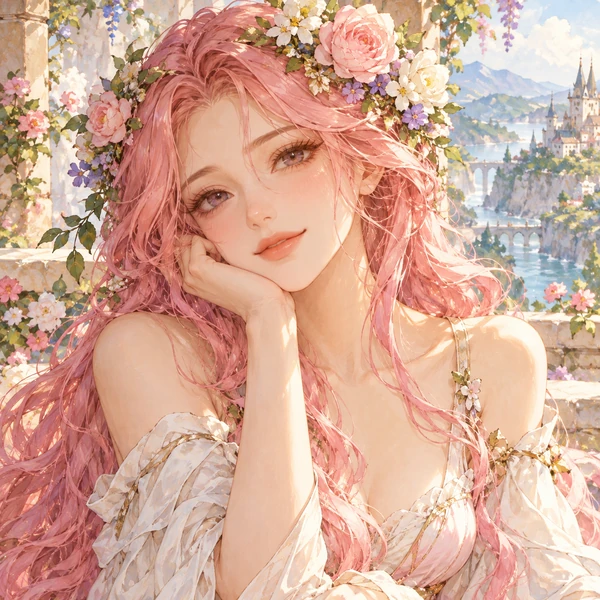
Gentle washes and storybook light for a calm, dreamy profile.
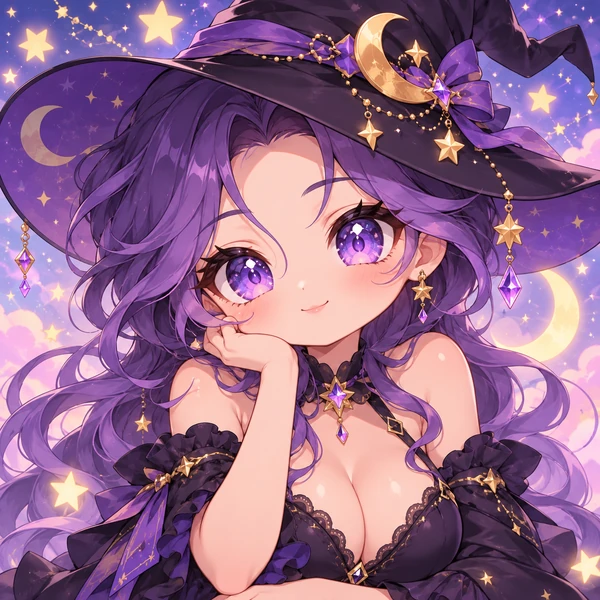
A tiny, big-headed version of you that is impossible not to smile at.
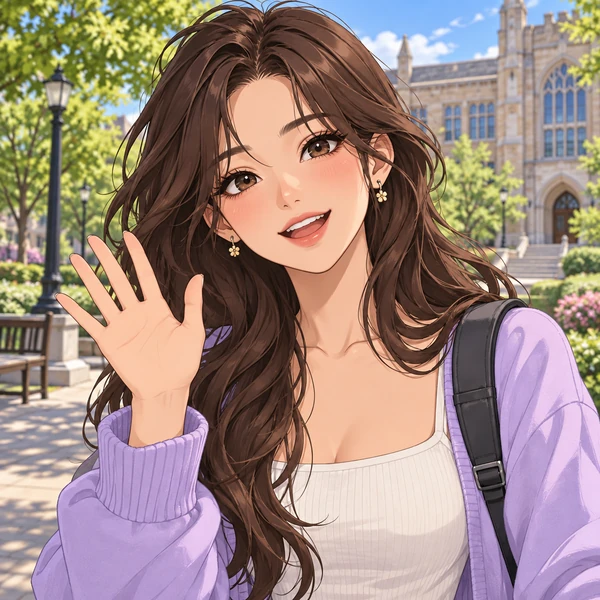
Clean digital comic art with bright colors, like a modern webtoon.
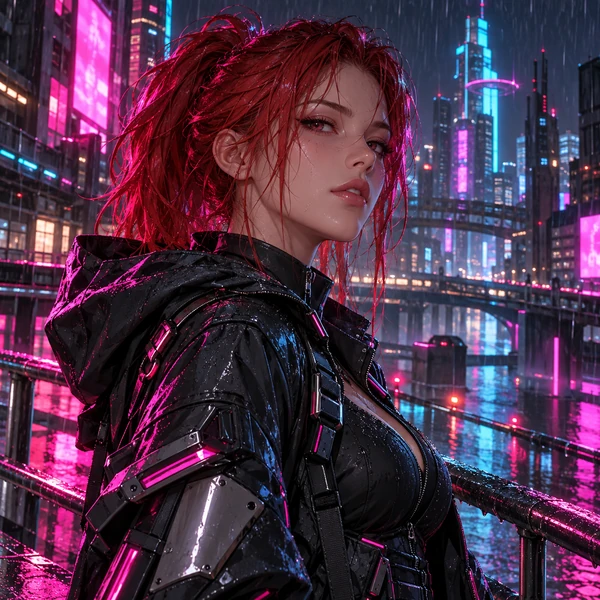
Neon light, techwear and a rainy city for gaming and tech profiles.
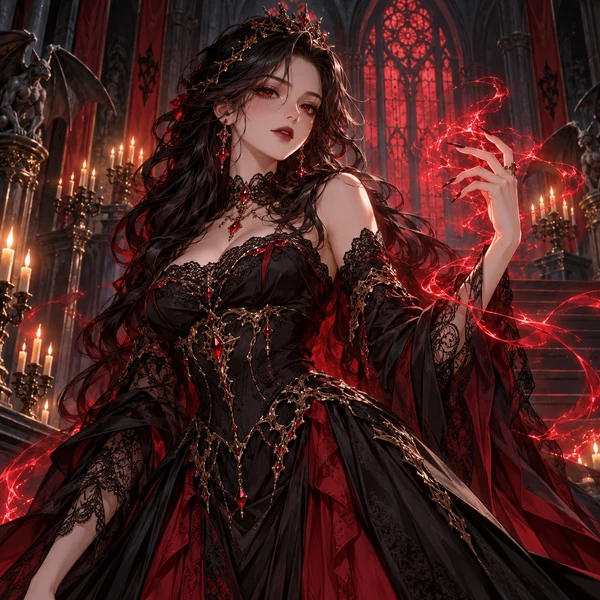
Cloaks, magic glow and gothic shadows for RPG and fantasy fans.
Three steps to create anime avatar pictures of yourself, no drawing skills needed.
Use a sharp, well-lit selfie with your face near the center. JPG, PNG and WebP files up to 10 MB work.
Choose from Classic, Cute and Bold, and add details such as "keep my glasses" or "lavender background" if you like.
Create up to four versions, pick your favorite and set it as your profile picture on Discord, Slack or anywhere else.
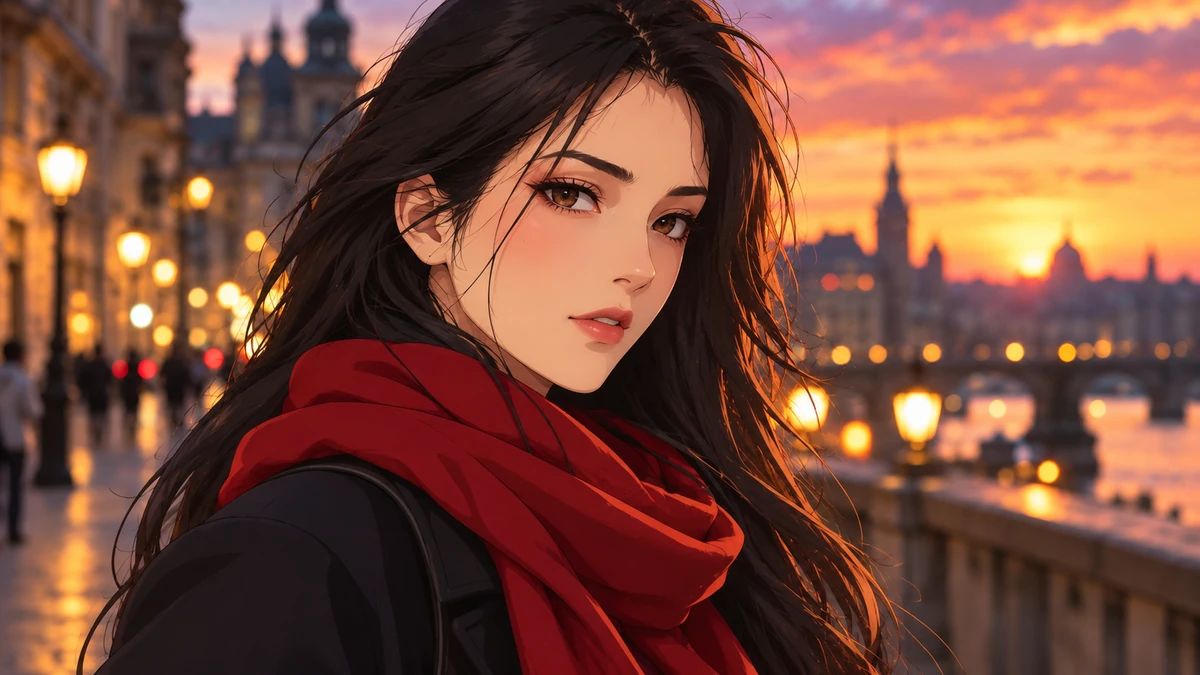
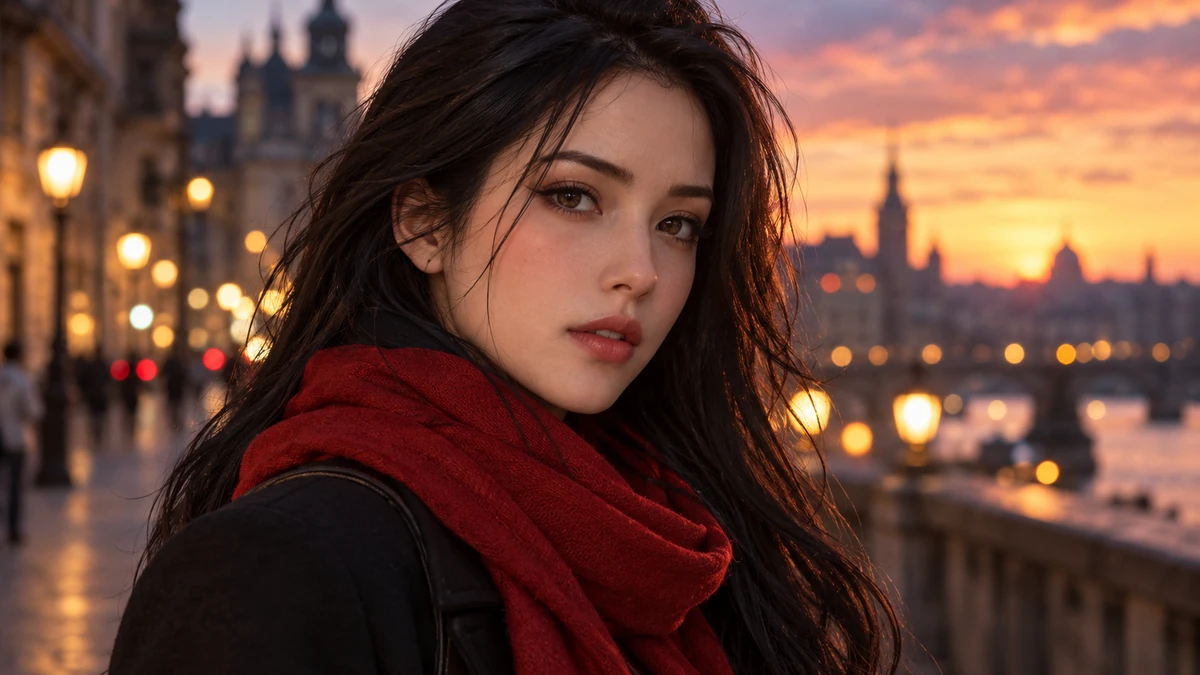
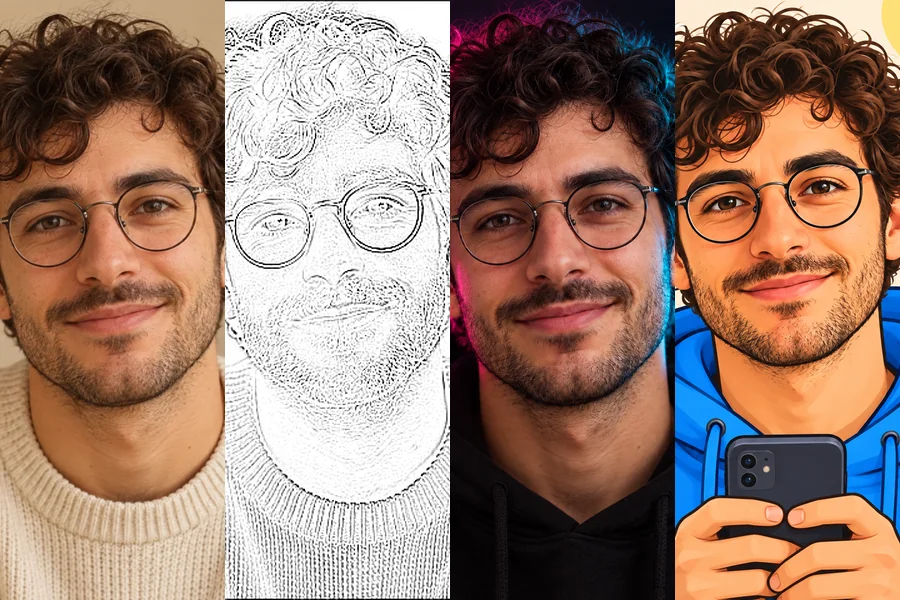
Make your avatar anime without drawing a single line. Upload one photo, pick a style, and the AI redraws your face, hair and outfit as clean anime art. Drag the slider to see how much of the original stays: the pose, the expression and the details that make it you.
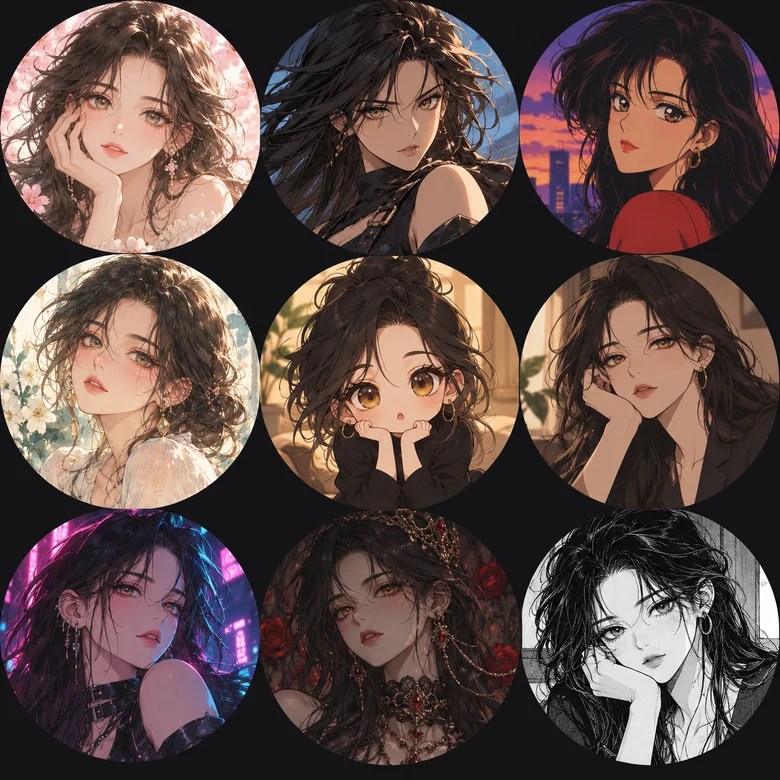
Classic has shoujo, shonen, 90s retro and soft watercolor. Cute has chibi, kawaii pastel, webtoon and sticker. Bold has cyberpunk, dark fantasy, sports anime and monochrome manga. Try a few to create your avatar anime style that fits each app, from a cute chibi for Discord to a clean webtoon look for work.
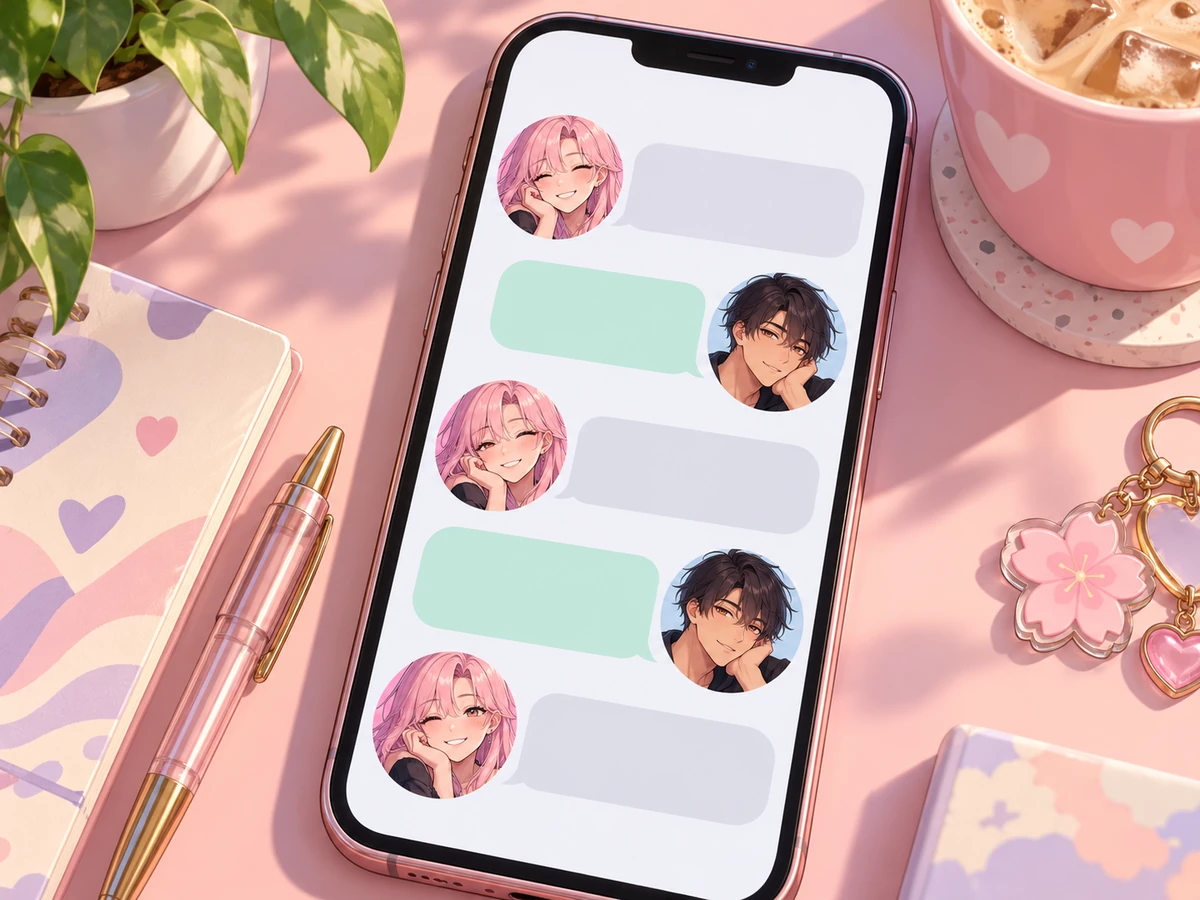
Every result is a square head-and-shoulders portrait with your face centered, so it fits the round and rounded-square slots of Discord, Slack, Instagram, X, Twitch and game profiles. An anime avatar for Slack is a friendly way to stand out in a busy workspace while staying recognizable.
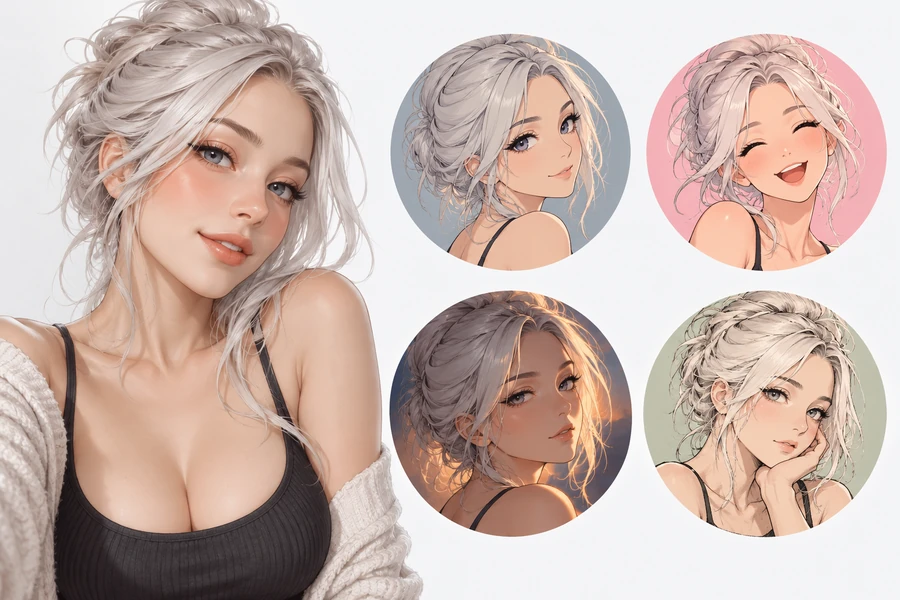
The AI is told to keep your hairstyle, hair color, eye color, skin tone, glasses, facial hair and signature accessories, so friends and coworkers know it is you at a glance. Think of it as an anime avatar / face maker that starts from your real face instead of a blank template.
One AI anime avatar maker and anime profile picture creator: a picture for every place you show up online.
A cute chibi or cyberpunk anime pfp fits right in on servers, game profiles and launchers.
A friendly webtoon or watercolor avatar keeps you recognizable on Slack, Teams and email.
Match your anime avatar to your feed, or use one anime AI pfp across every social account.
Show your favorite genre with a shoujo, shonen or 90s retro look on forums and fan sites.
Make anime avatars for the whole team or club in one style for a fun, matching set.
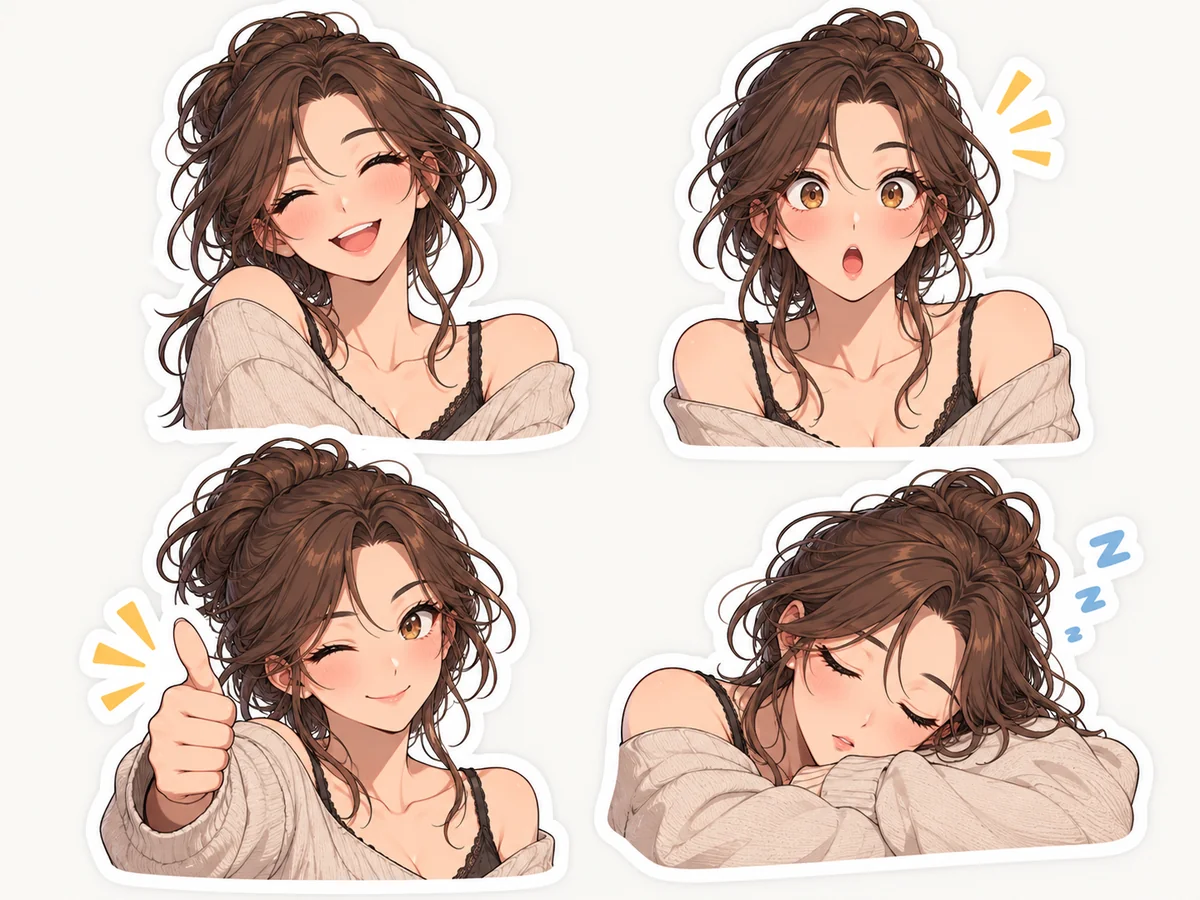
Use the Sticker Style result in chats, or as the start of a small emote pack.
A good photo in means a better anime profile picture generator result out.
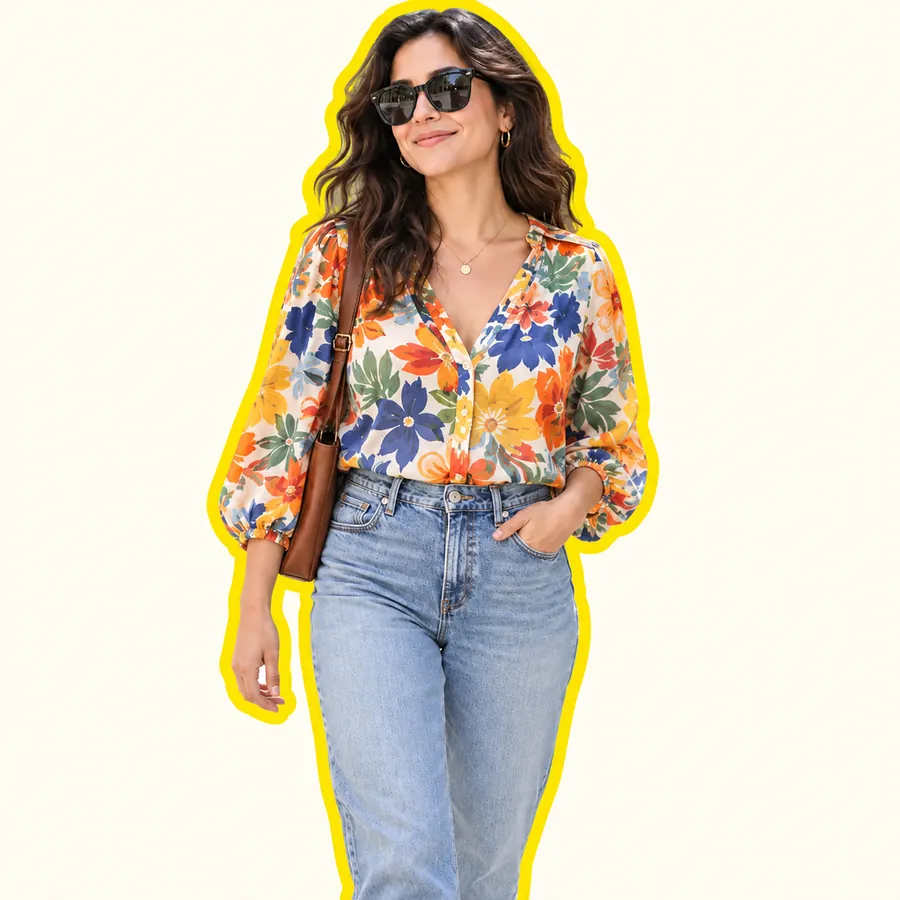
A front-facing photo with your whole face visible keeps the most likeness.
Avoid hard shadows and strong color casts; they turn into odd colors in the anime version.
Crop group photos to just you. For couples and friends, try the Matching PFP Maker.
Write "keep my glasses" or "keep my braids" in the details box when a feature matters to you.
Design an original anime character or OC from a description, with character sheets and full-body art.
Open toolTurn photos into 2D cartoons, 3D animated characters, comic art, caricatures and more.
Open toolDiscord avatars in anime, pixel art, 3D or gamer style, from a selfie or a description.
Open toolCreate an anime VTuber character with model sheets, expression sheets and PNGTuber poses.
Open toolStreamer avatars in anime, 3D chibi, neon, pixel art and mascot styles, sized for Twitch.
Open toolProfile pictures for every platform: aesthetic, cartoon, text and themed pfps from one photo.
Open toolAnswers to common questions about making an anime avatar from a photo.
Upload a clear selfie, pick one of the 12 styles in the Classic, Cute or Bold tab, and press Generate. Download the version you like and set it as your profile picture.
It is free to try: you get free credits when you sign up, and the price of each generation is shown on the Generate button before you start.
Yes. Results are square with your face centered, which fits Slack’s rounded-square avatars and Discord’s circle. Download the image and upload it in your profile settings on each app.
The AI keeps your hairstyle, hair color, eye color, skin tone, glasses and facial hair while changing the drawing style, so it should read as you. Clear, front-facing photos work best; stronger styles such as chibi and monochrome manga simplify more.
Twelve: Shoujo, Shonen, 90s Retro Anime and Soft Watercolor Anime (Classic); Chibi, Kawaii Pastel, Webtoon and Sticker Style (Cute); Cyberpunk, Dark Fantasy, Sports Anime and Monochrome Manga (Bold).
Yes. Pick Chibi in the Cute tab for a big-headed mini you, or Kawaii Pastel for an extra-sweet look. For full-body chibi figures and emote packs, try the Chibi Generator.
Every avatar is a square (1:1) image, large enough for Discord, Slack, Instagram and other profile pictures, which all display much smaller. If an app asks for an exact size, crop or resize it with the Avatar Cropper.
The avatar is made for one person, so the AI draws the most prominent face. For the best result, crop the photo to just you before uploading. For two people, the Matching PFP Maker makes a pair of matching avatars.
Your photo is only used to make your avatars. Only upload photos of yourself or of people who agreed, and get a parent’s permission for photos of anyone under 18.
An anime avatar is you, drawn in anime style as a square profile picture. An anime character is an original design, such as an OC for a story or game, usually made from a description. For the second, use the Anime Character Maker.
Upload a selfie, pick one of 12 styles and get an anime avatar for every profile.
Anime avatars are original AI illustrations of your photo and do not copy any existing anime, manga or game character. EzImgMaker is an independent tool and is not affiliated with any anime studio or with Discord or Slack.