Glossy Plastic
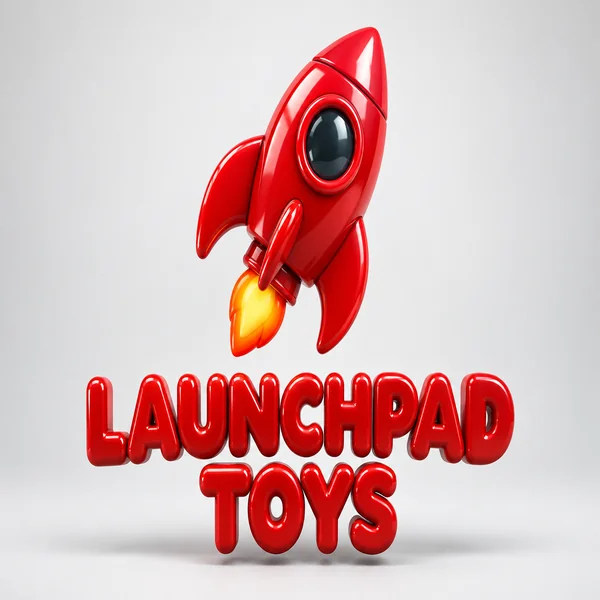
A candy-red plastic rocket for Launchpad Toys, as shiny and rounded as an app icon.
Type a brand name and pick a base color, then choose a material: Glossy Plastic, Chrome Metal, Glass, Gold, Clay, Neon Tube, Stone Carved, or Balloon. Already have a flat logo? Upload it and the AI rebuilds it with depth, light, and shadow. Free to try, with square, 4:3, and 16:9 canvases.
Material
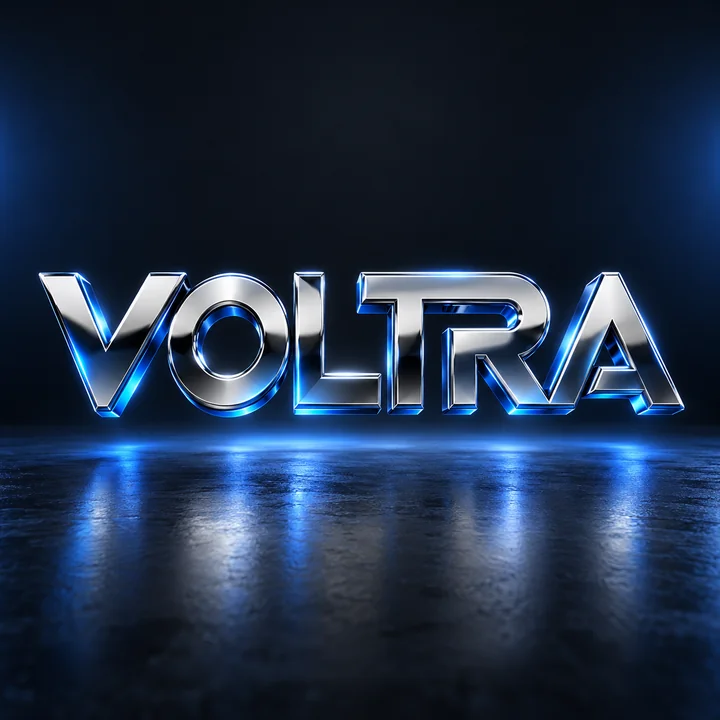
A 3D logo for "VOLTRA": thick mirror-chrome letters with beveled edges and blue reflections, floating above a dark charcoal studio floor with rim light.
Reference example. It is not a result generated from your upload.
A 3D logo looks like an object you could pick up: chrome that reflects the room, glass that bends light, clay you could press a thumb into. This 3D logo generator renders that look from a brand name, a base color, and a material, with no modeling software and no render settings to learn.
Start from text, or create 3D logo versions of the flat mark you already use: upload it and get the same shape rebuilt with depth and shadow. Pick a light, dark, or colored studio backdrop and a square, 4:3, or 16:9 canvas for icons, slides, and hero banners. It is free to try when you sign up for an account.
Six fictional brands rendered with the generator. Choose a card to switch the workspace to that material.
A candy-red plastic rocket for Launchpad Toys, as shiny and rounded as an app icon.
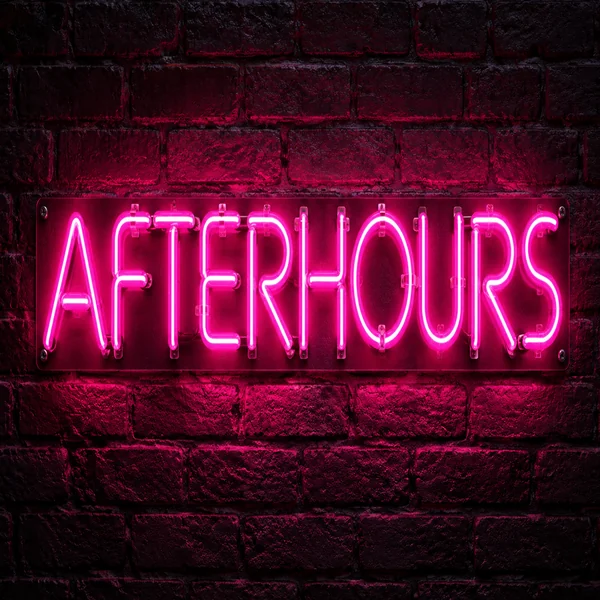
Bent pink tubes spell Afterhours on a brick wall, mounting clips and light spill included.
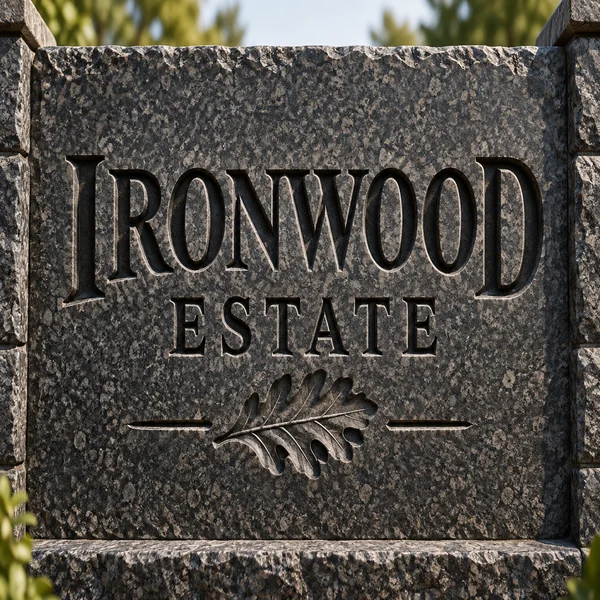
Ironwood Estate chiseled into granite, the kind of letters you expect on a gate pillar.
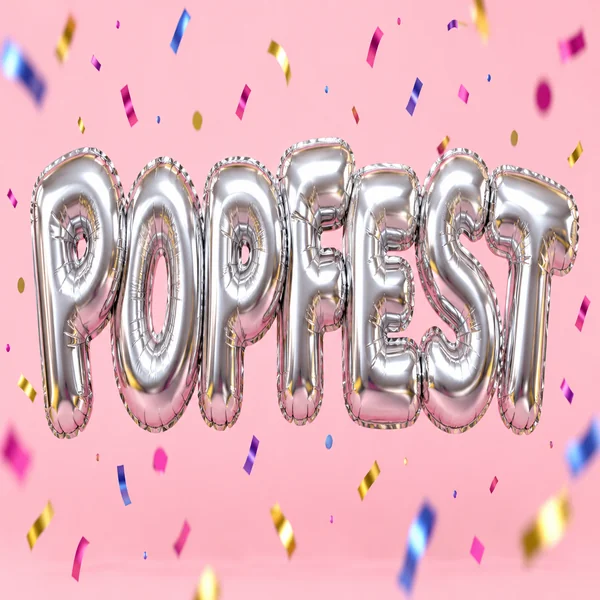
Silver foil balloons spelling Popfest, with confetti, for a party and events brand.
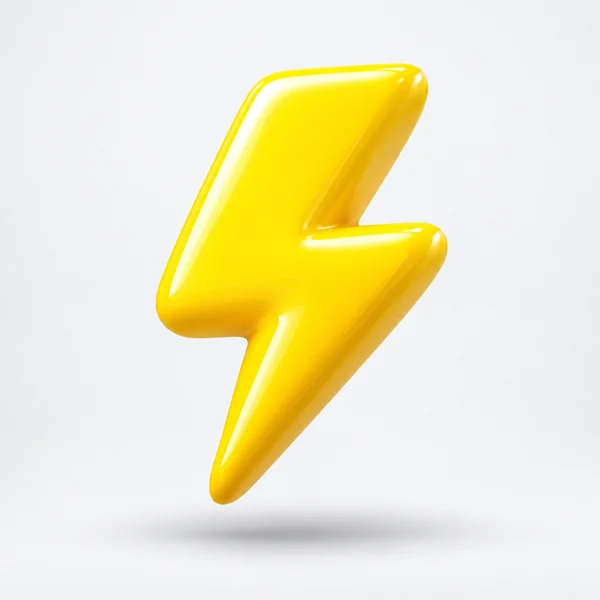
A chunky yellow lightning bolt for Boltline, rendered without text for an app icon.
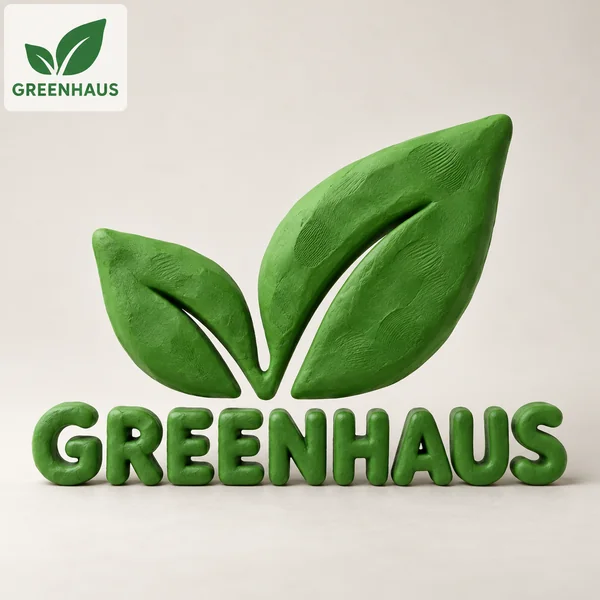
Greenhaus uploaded its flat leaf logo and got the same shape back in soft green clay.
Enter the name exactly as it should appear in 3D. If you already have a 2D logo, upload it and the AI keeps its shapes while adding depth.
The base color tints the material, from blue plastic to ruby glass. Then pick Name only, Icon + name, or Icon only.
Glossy Plastic, Chrome Metal, Glass, Gold, Clay, Neon Tube, Stone Carved, or Balloon, on a light, dark, or colored studio backdrop.
Compare lighting and angles, check that every letter survived the reflections, and download the version that reads best.
Convincing materials, flat-to-3D conversion, readable lettering, and backdrops ready for your site.
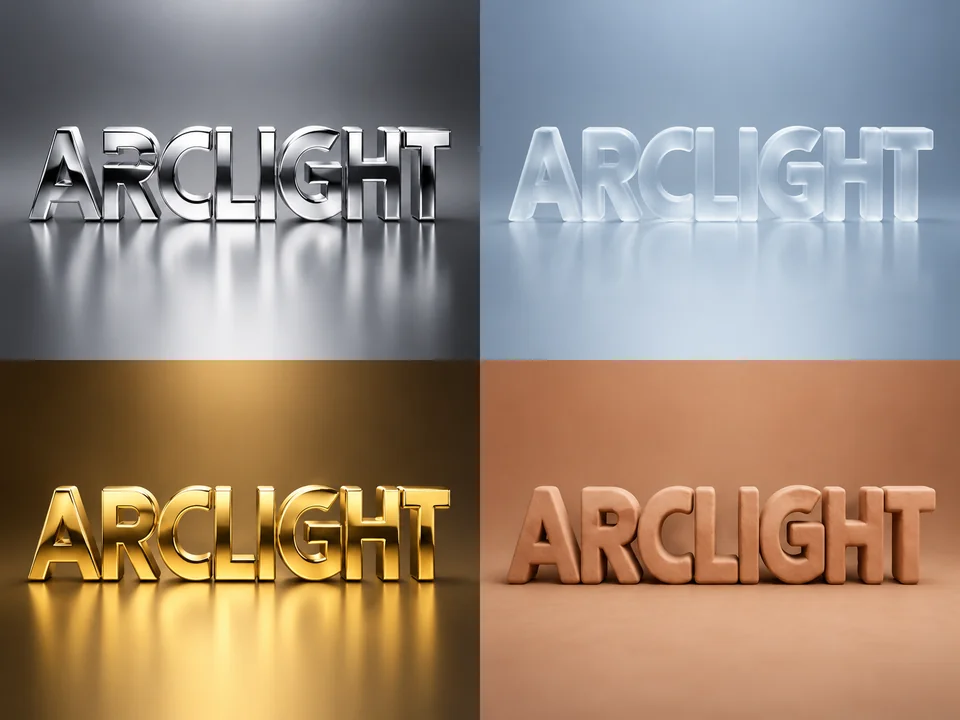
Chrome reflects, glass refracts, clay shows fingerprints, and gold has weight. Each material comes with its own lighting, so the logo looks photographed rather than filtered, and you never touch modeling, texturing, or render settings.
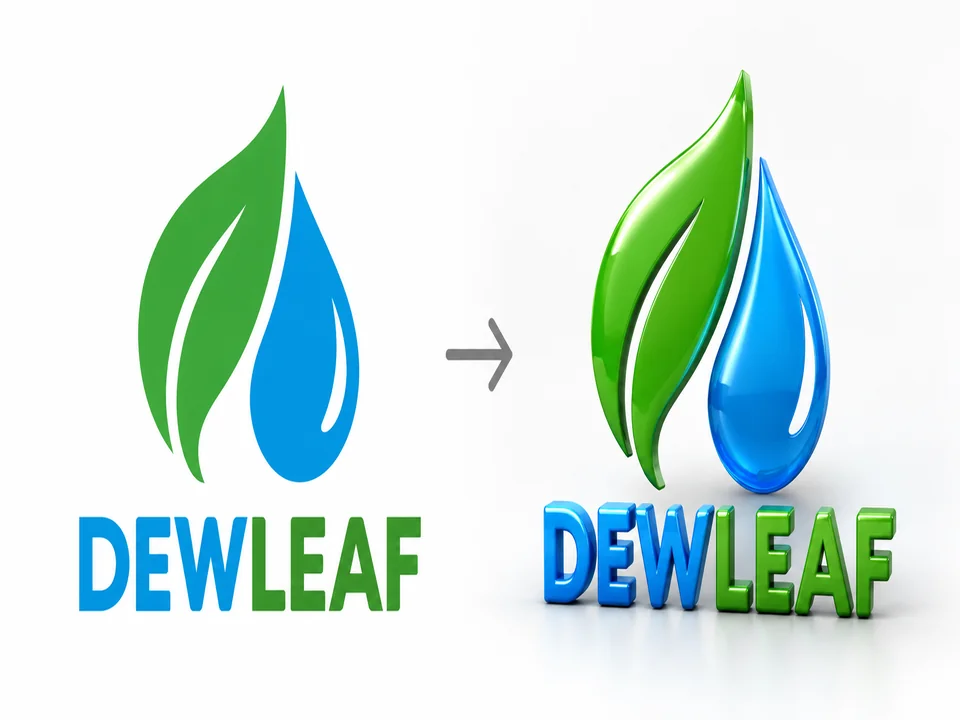
Upload the 2D logo you already use and the 3D logo generator AI rebuilds the same silhouette with bevels, depth, and shadow. It is the quickest way to preview a 3D version before paying for animation or print production.
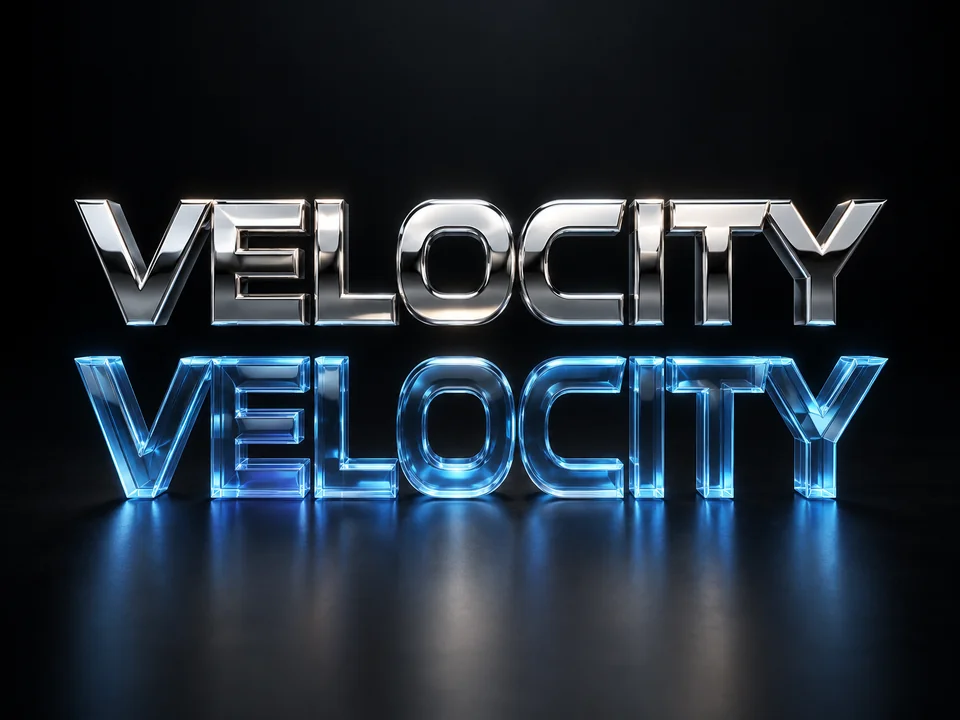
Shiny materials love to warp letters. The model is told to keep the brand name exact and readable from the front, which is why GPT Image 2 is the default. Read every letter anyway: chrome and glass are the likeliest to bend a stroke.
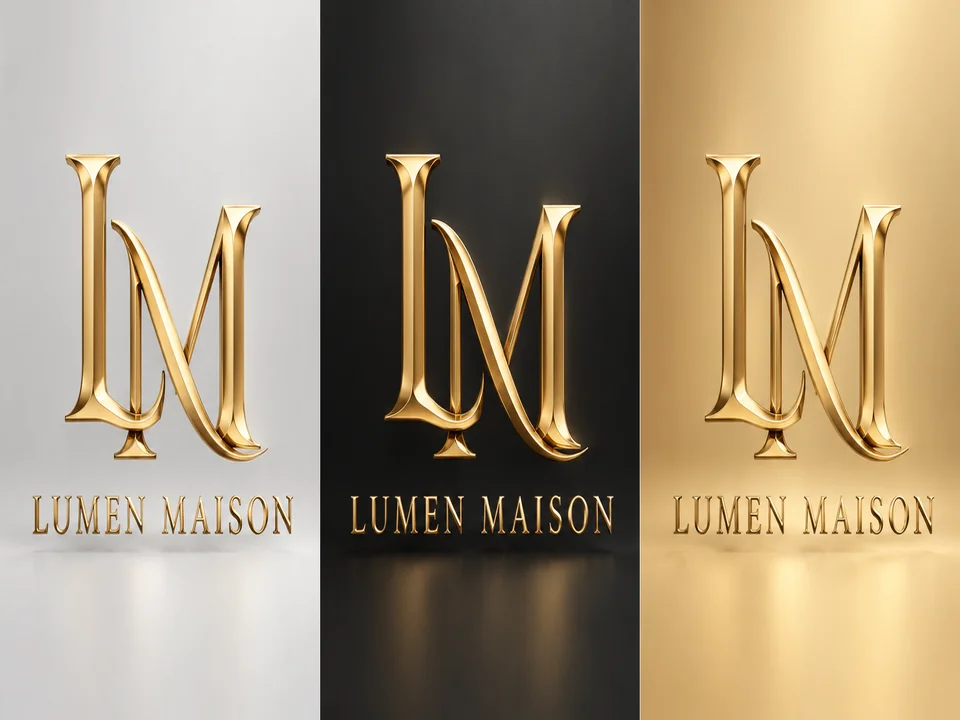
Choose a light studio, a dark studio, or a tint of your base color, plus a square, 4:3, or 16:9 canvas, so the render drops straight into icons, product pages, and hero banners.
Pick the material by where the logo will live, not just by how it looks large.
| Material | Best for | Reads small? | Watch out for |
|---|---|---|---|
| Glossy Plastic | Apps, toys, games, kids’ brands | Yes, bold shapes hold up | Too many colors look cheap |
| Chrome Metal | Music, cars, tech, Y2K looks | Fairly well | Reflections that bend letters |
| Glass | Tech, wellness, beauty | Not very | Thin edges vanish on white |
| Gold | Luxury, jewelry, awards, weddings | Fairly well | Heavy bevels can feel dated |
| Clay | Kids’ products, bakeries, playful brands | Yes | Texture disappears when tiny |
| Neon Tube | Bars, arcades, streamers, events | Yes, on dark | Needs a dark background |
| Stone Carved | Wineries, estates, heritage brands | Not very | Gray on gray lacks contrast |
| Balloon | Parties, events, product launches | Yes | Puffy letters can merge |
Keep a flat version of your logo as well: embroidery, single-color print, and favicons rarely work with 3D effects.
Rendered logos shine on screens and big surfaces; keep the flat one for stitching and stamps.
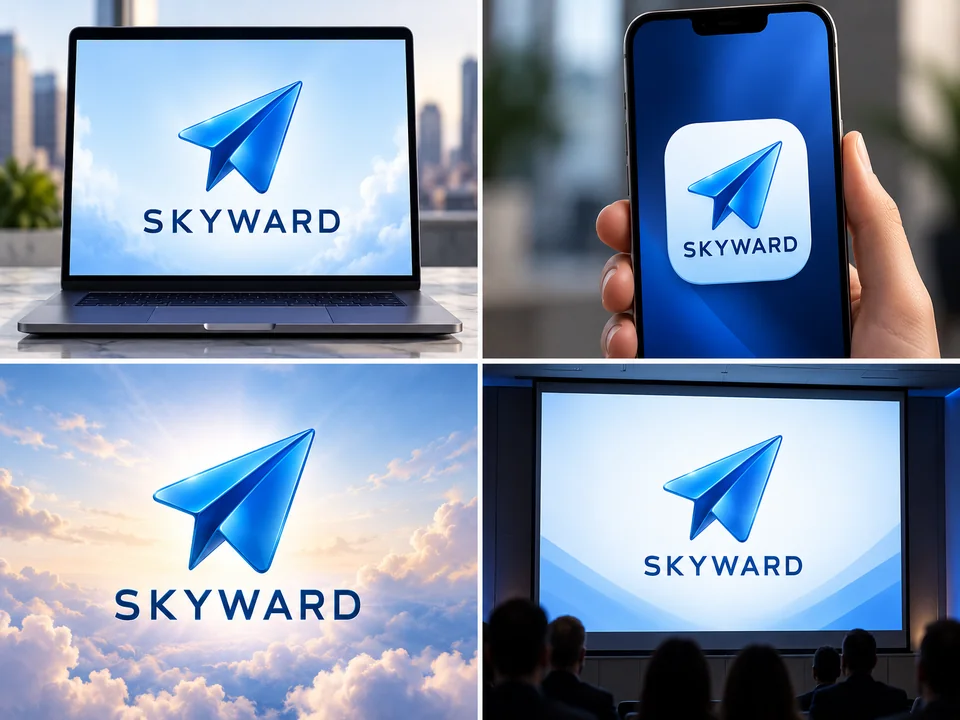
A 16:9 render on a dark studio backdrop makes a striking first screen.
Glossy plastic and clay shapes keep their form at icon sizes.
A chrome or glass logo stops the scroll, and it can be animated for a reveal.
A rendered logo on the title slide makes a young brand look finished.
Neon and balloon letters for parties, launches, and festival backdrops.
Gold and glass renders help a client picture foil and embossing.
Chrome letters on a glass icon on a gold base is three logos at once. Choose one.
One or two short words leave room for bevels and depth without crowding.
Clear glass on white disappears; use Dark studio or Color pop for glass and chrome.
Use the 3D version on screens and keep your 2D logo for print and embroidery.
Make it move, cut it out, upscale it, or design a sister logo in another look.
Turn the still render into a short reveal clip with motion and a light sweep.
Open the toolDrop the studio backdrop for a PNG that floats over photos and slides.
Open the toolEnlarge the render for a 4K hero image or a print-ready file.
Open the toolDesign the flat master logo first, with a slogan field and your brand colors.
Open the toolThe opposite mood: retro badges, Art Deco, and hand-lettered marks.
Open the toolA channel logo built for the round profile picture, in neon, gradient, or mascot styles.
Open the toolYes, using the free credits every new account gets at sign-up. When they run out, each render costs credits, and the Generate 3D Logo button shows that cost for your model and number of versions.
No. You get a 2D image rendered to look three-dimensional, not an OBJ, FBX, or GLB file. For a rotating model or a printed object, a 3D logo designer can rebuild it in modeling software using your render as the brief.
Yes. Upload it under Flat logo to turn 3D, pick a material, and the AI keeps the outline while adding depth and light. Clean, high-contrast logos convert best; fine gradients may be simplified along the way.
For screens and quick previews, often not. For animation files, sign fabrication, or a model that must match exact measurements, 3D logo design services are still the right call, and a render from here makes a clear brief for them.
Glossy Plastic and Clay, because their shapes are bold and their highlights soft. Glass and Stone Carved look best large, on a banner or a slide.
Yes. Download the render and open the Animated Logo Maker, which turns a still logo into a short reveal video with motion and light.
Render it on Light studio, then remove the backdrop with Make Image Transparent. The soft floor shadow usually goes with it; to keep the shadow, place the render on a page of the same light gray instead.
Reflections and refraction can distort strokes, and models sometimes swap letters in long names. Generate again, try Nano Banana Pro, or switch to Glossy Plastic, which keeps edges cleaner.
About 1K, which suits websites, slides, and social posts. For print or a 4K hero image, run the render through the 4K Image Upscaler afterwards.
Only with the client’s permission. Do not upload logos of brands you do not represent; the tool is meant for your own marks and the ones you are authorized to work on.
Type the name or upload your flat logo, pick a material, and compare up to four renders side by side.
Renders are flat images with a 3D look, not 3D model files. GPT Image and Nano Banana are trademarks of OpenAI and Google LLC respectively, used here only to name the models; EzImgMaker is not affiliated with either. The brands shown are fictional.