EzImgMaker logoEzImgMaker

Image to Prompt Generator for Any AI Image Model

Upload a photo, illustration or AI image and get the prompt behind the look: subject, style, composition, lighting, lens and colors, written three ways for GPT Image and Nano Banana, Midjourney and Stable Diffusion. Edit it, copy it, or send it straight to the AI Image Generator. Free to try.

Prompt length
Describe

Whole image describes the subject, setting, style, composition, lighting, lens and colors.

Your image is only used to write the prompt.

See a sample result

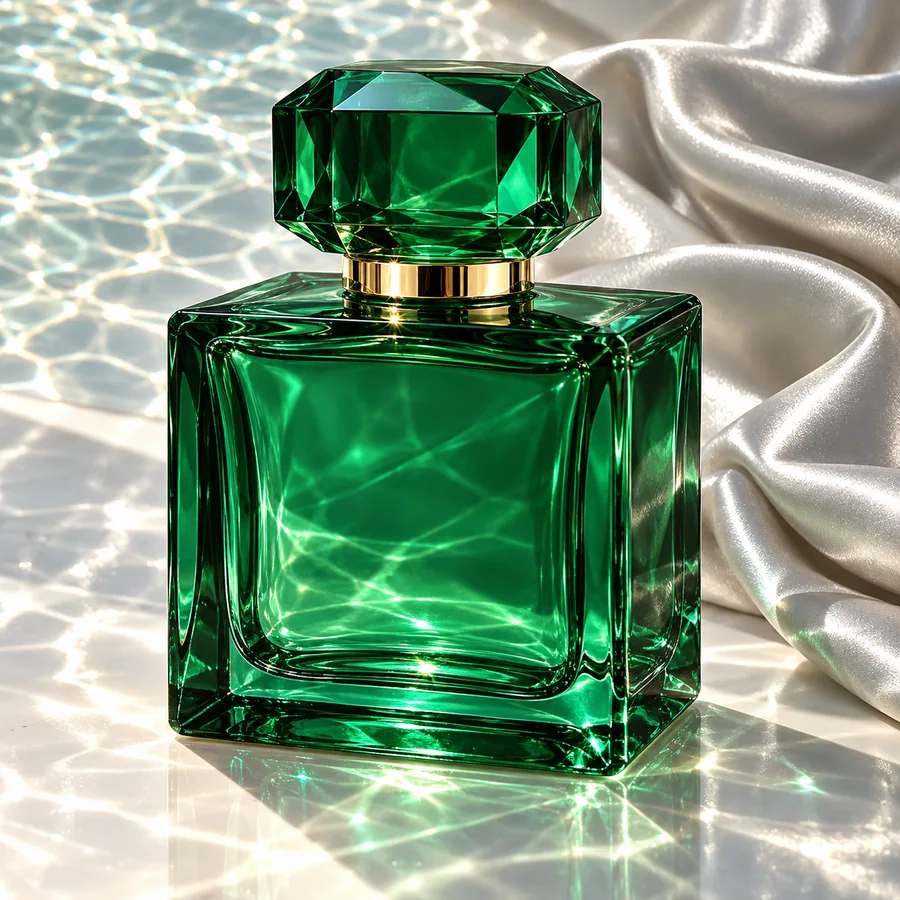
Sample image for image to prompt: an emerald-green perfume bottle beside silver satin in rippling sunlightSample result

Prompt for

Emerald Perfume Still Life

Photo1:1
Subject
A square emerald-green glass perfume bottle with a faceted cap and a thin gold collar beside folds of liquid-silver satin
Style
Luxury beauty product photography
Composition
Eye-level close-up, bottle centered, satin fabric flowing along the right edge
Lighting
Bright sunlight through rippling water, caustic light patterns on white
Camera & render
100mm macro look, crisp focus on the glass, soft clean background
Mood
Fresh, luxurious, cool
For GPT Image, Nano Banana and most AI image generators · 83 words
Use This Prompt

Sample result for this image. Upload your own image to get prompts written for it.

Your settings are ready

AI prompts are opening soon. Your image has not been uploaded and no credits were used.

What Is an Image to Prompt Generator?

An image to prompt generator works like a reverse image prompt: instead of typing words to get a picture, you upload a picture and get the words. An AI vision model, briefed like a prompt engineer, reads the subject, setting, art style, composition, lighting, lens and color palette, then writes a prompt that an AI image model can use to make a similar image. Think of it as an image to prompt AI image analyzer that answers the question every AI artist asks: how was this made?

This image-to-prompt tool gives you three versions of every prompt: natural language for GPT Image, Nano Banana and most AI image generators, comma phrases for Midjourney, and image to prompt tags with a negative prompt for Stable Diffusion. Edit any of them in place, copy with one click, or press Use This Prompt to recreate the look in the AI Image Generator. It runs as an image to prompt online tool on phone or desktop, and it is free to try with the credits you get when you sign up.

How to Get a Prompt From an Image

Wondering how to create an AI prompt from a photo? Three steps to generate prompt from image uploads, no prompt-writing experience needed.

01

Upload Your Image

Click the upload box or drag a file in: the AI image prompt generator import box takes photos, illustrations, 3D renders and AI images as JPG, PNG or WebP up to 10 MB.

02

Pick Length and Focus

Choose a Detailed or Concise prompt, and Whole image or Style only. Style only captures the medium, light and palette and leaves a [subject] slot for your own idea. Then press Get Prompt.

03

Copy or Create

Switch between Natural language, Midjourney and Stable Diffusion, tweak the wording, copy it, or press Use This Prompt to open the AI Image Generator with the prompt filled in.

Why Use This AI Prompt Generator From Image Uploads

From one image to prompts for every major model, plus the breakdown behind them.

A prompt recipe card next to the artwork it describes, showing how an image becomes a prompt

Three Prompt Formats

Every image to prompt result comes three ways. Natural language reads like a detailed brief for GPT Image and Nano Banana. Midjourney gets short comma phrases with the aspect ratio added (--ar) and --style raw for photos. Stable Diffusion gets comma-separated tags plus a negative prompt, ready for SD, SDXL and FLUX tools.

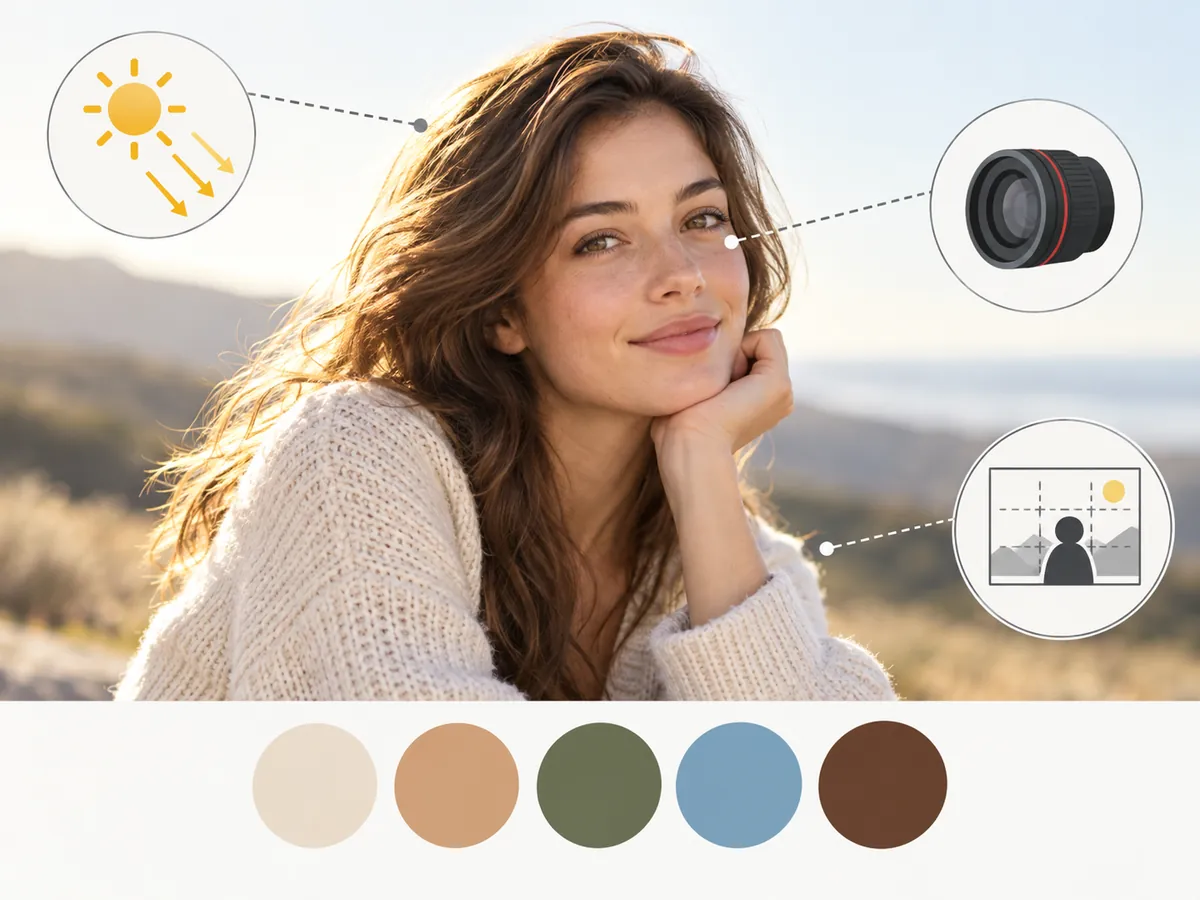
Three artworks with their color palettes and lighting notes, the details an image to prompt breakdown lists

Every Detail: Style, Light, Lens and Color

Above the prompts, the result breaks the picture down into subject, style, composition, lighting, camera and mood, with the main colors as hex swatches you can copy. It is the quickest way to describe an image for AI, or to see exactly which words make a photo look cinematic, soft or moody.

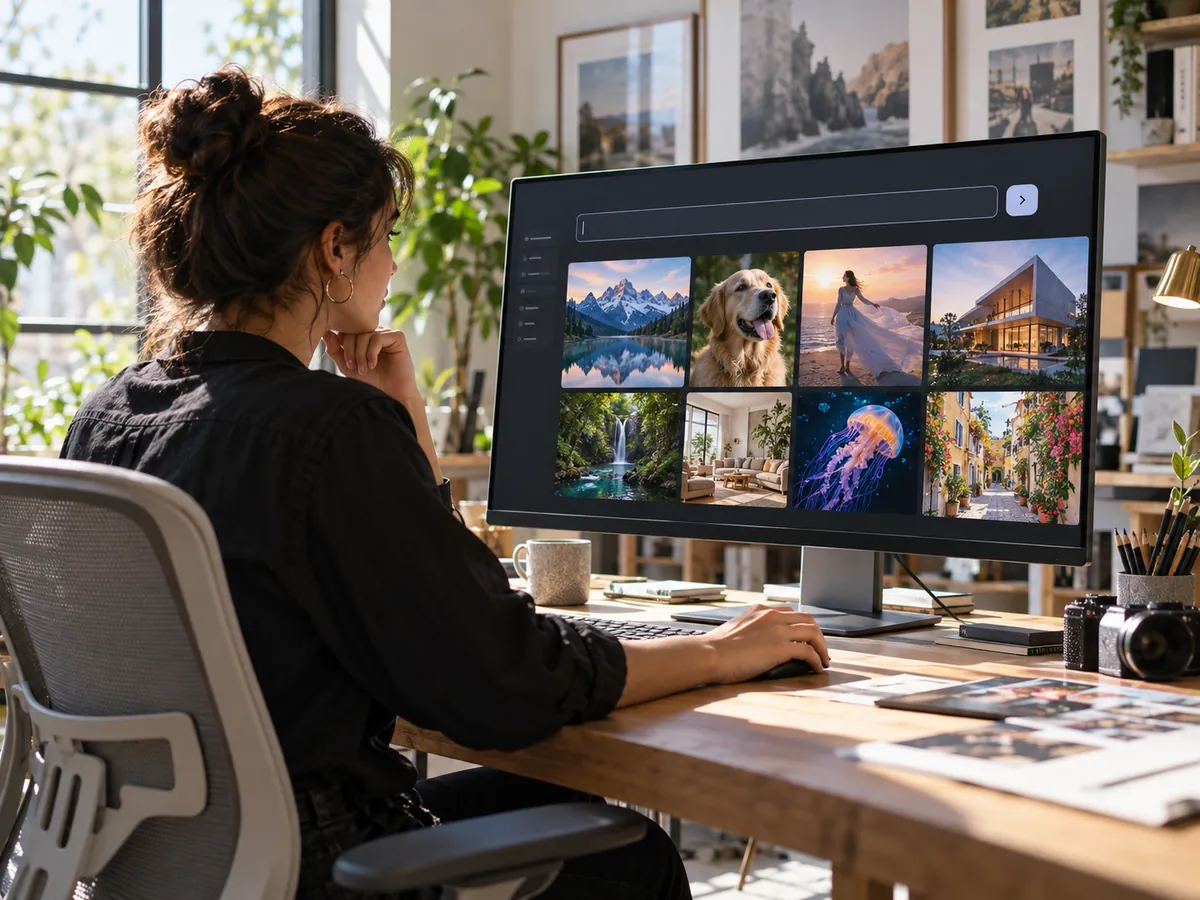
A designer pasting a prompt into an AI image generator on a large monitor

Recreate It in One Click

Press Use This Prompt and the AI Image Generator opens in a new tab with the prompt already in the box, so you can pick a model such as Nano Banana 2 or GPT Image, change a detail, and generate your own version. Nothing starts until you press Generate there.

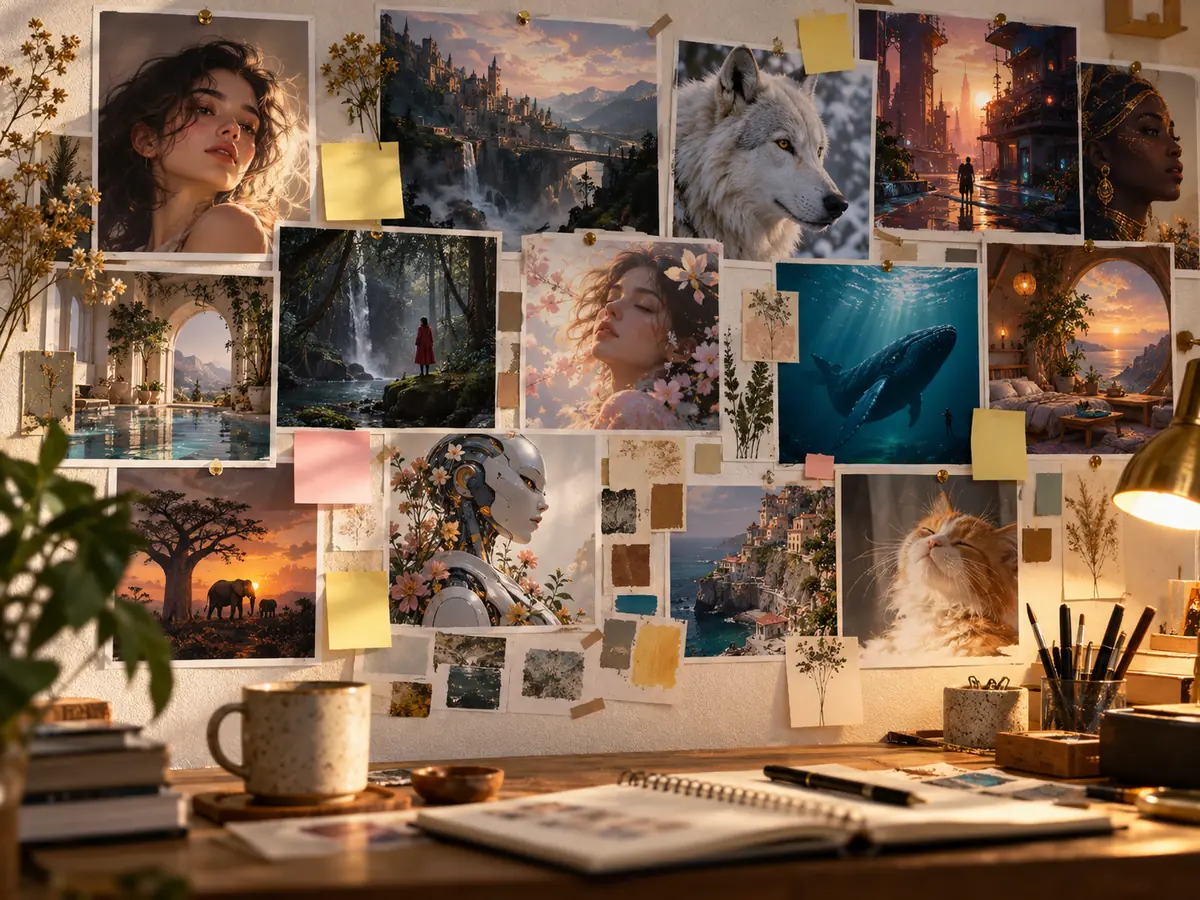
A mood board of AI art with prompt notes, used to learn image prompting

Learn to Write Better Prompts

Image prompting is easier when you can see good examples. Upload images you love and study how the prompt names the medium, the light, the lens and the palette. After a few, you will write sharper prompts from scratch, and you can always come back to get prompt from image references.

Images Turned Into Prompts

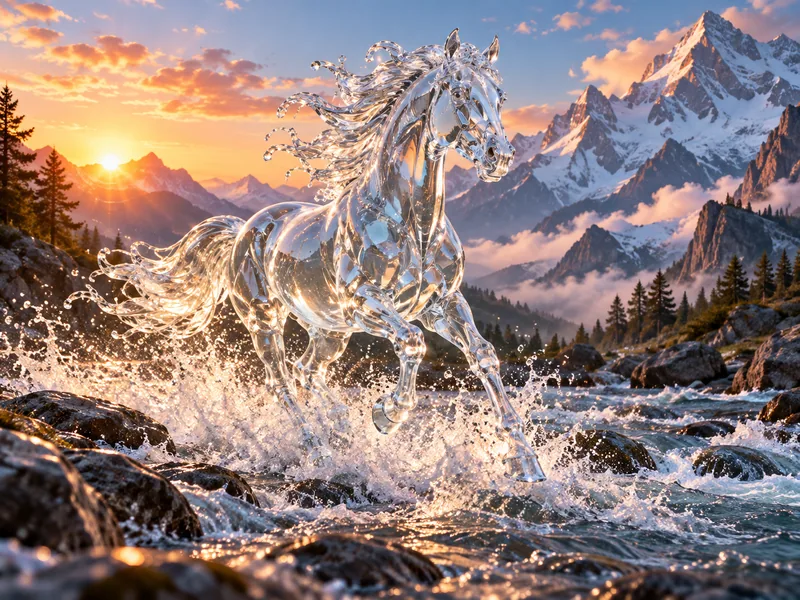
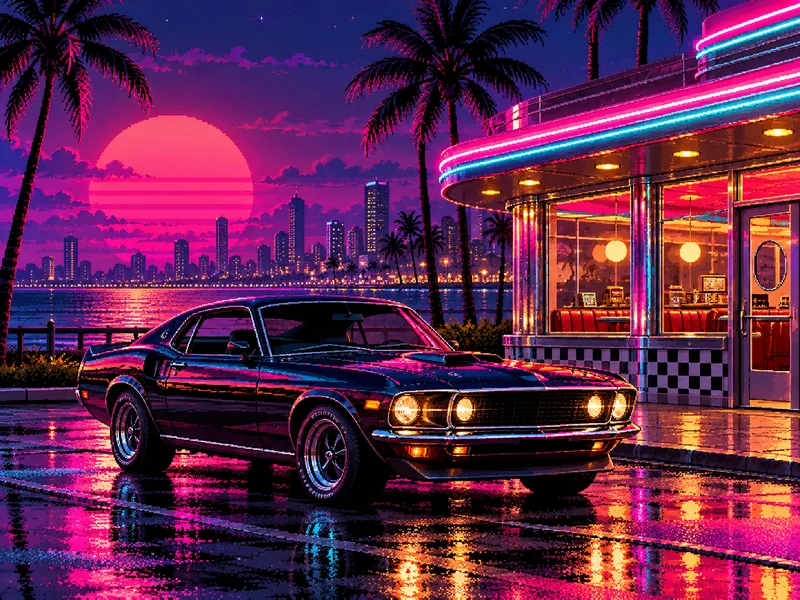
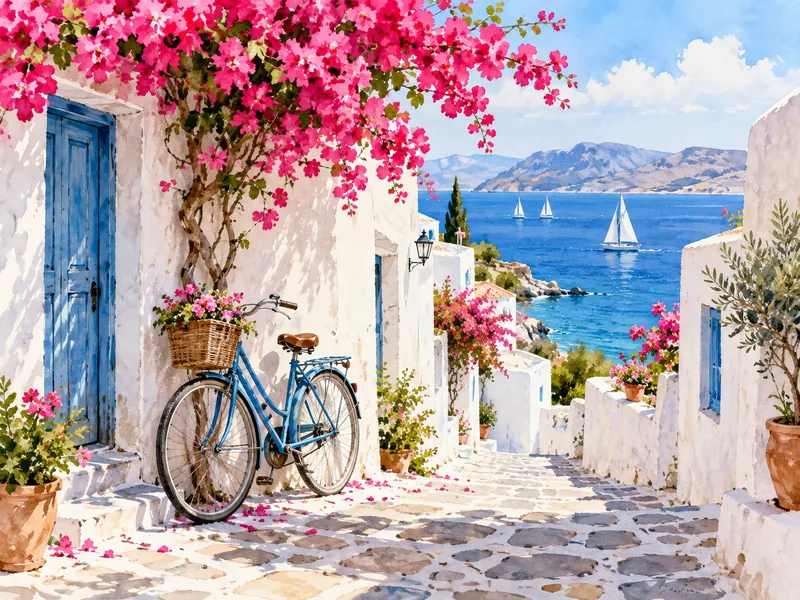
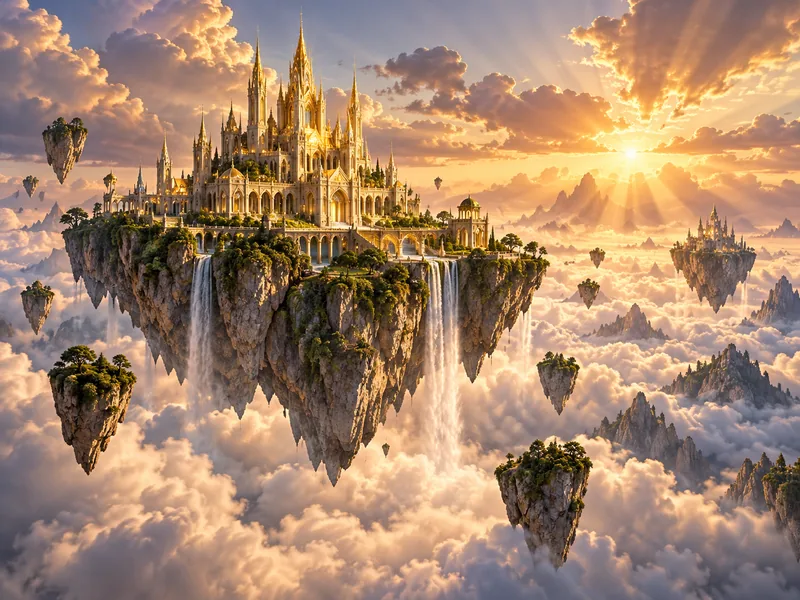
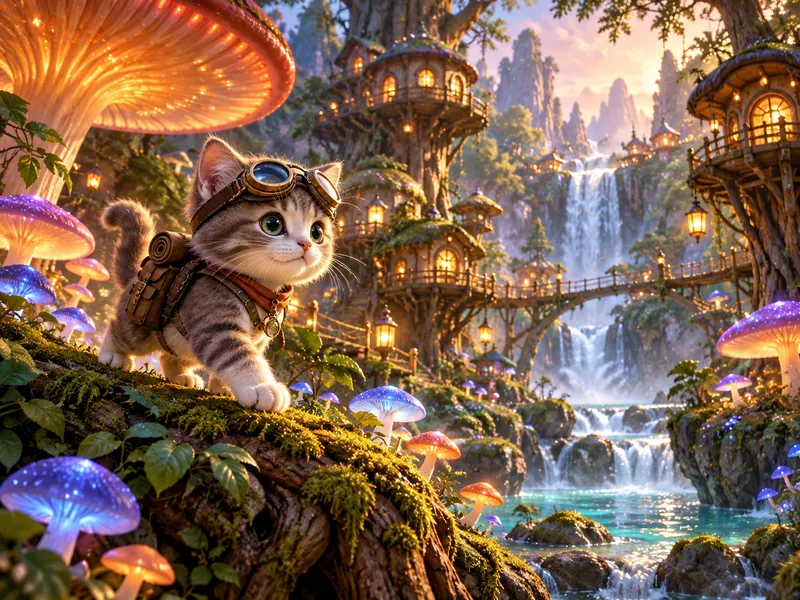
Photo to prompt, picture to prompt, art to prompt: each card shows the start of the kind of prompt the AI writes for that image.

Which Prompt Format Should You Use?

The image to prompt AI writes all three; this is what each one is for.

FormatBest forWhat it looks likeTip
Natural languageGPT Image, Nano Banana and most AI image generatorsOne or two flowing sentences that read like a photo briefChange one detail at a time (season, outfit, color) to make variations
MidjourneyMidjourney and other phrase-based toolsShort comma phrases, most important first, with --ar and --style raw for photosMove the phrases you care about most to the front
Stable DiffusionSD, SDXL and FLUX tools that take tagsComma-separated tags plus a negative promptKeep the negative prompt; delete tags the image does not need
Style onlyReusing a look on a new subjectAny format with [subject] where the subject goesReplace [subject] with your own idea before generating

Prompt formula: subject + setting + style or medium + composition + lighting + lens + colors + mood.

Who Uses an Image to Prompt Tool

Anyone who has seen a picture and wanted to turn that image to AI prompt text and make something like it.

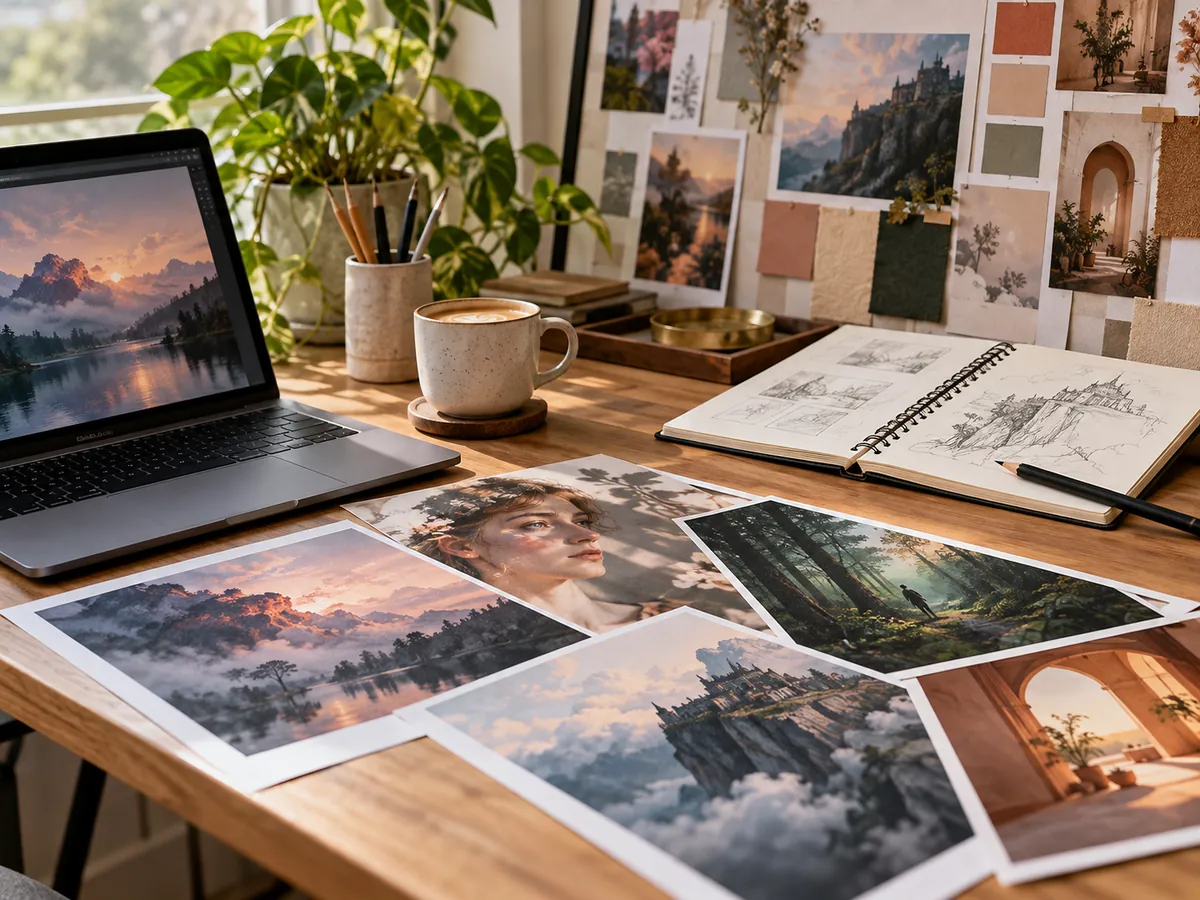
A designer desk with AI visuals, mood boards and a sketchbook

AI Artists

Find out how a striking AI image was likely prompted, then remix it with your own subject and style.

Designers and Marketers

Turn a reference photo or mood board image into a prompt for on-brand visuals, ads and social posts.

Photographers

Describe your own shots in prompt language to plan similar scenes, or to explain a look to a client.

Content Creators

Recreate a thumbnail, cover or background style in a few minutes instead of searching stock sites.

Prompt Learners

Study the words behind great images, learn how to prompt images like a pro, and pick up image prompting faster than with any cheat sheet.

Alt Text and Captions

Use the subject and style breakdown as a starting point for alt text, captions and image descriptions.

Tips for Better Prompts From Images

The AI can only describe what it sees, so a few habits make every AI prompt from image uploads more useful.

Use a Clear, Full Image

Upload the original rather than a blurry screenshot or a crop with UI around it, so small details make the prompt.

Try Style Only for Remixes

When you want the look, not the content, switch to Style only and fill the [subject] slot with your own idea.

Edit Before You Generate

Swap a color, the season or the outfit right in the prompt box: small changes give fresh variations.

Match the Model to the Format

Paste the natural-language prompt into GPT Image or Nano Banana, phrases into Midjourney and tags into Stable Diffusion.

Image to Prompt FAQ

Answers about turning images into AI prompts.

Turn Your Next Favorite Image Into a Prompt

Upload any image to prompt AI models with the right words: natural language, Midjourney and Stable Diffusion, ready to copy or generate.

Prompts are written by AI from the image you upload and recreate a similar image, not an exact copy. Midjourney, Stable Diffusion, GPT Image and Nano Banana are trademarks of their owners; EzImgMaker is an independent site and is not affiliated with them.