Landscape
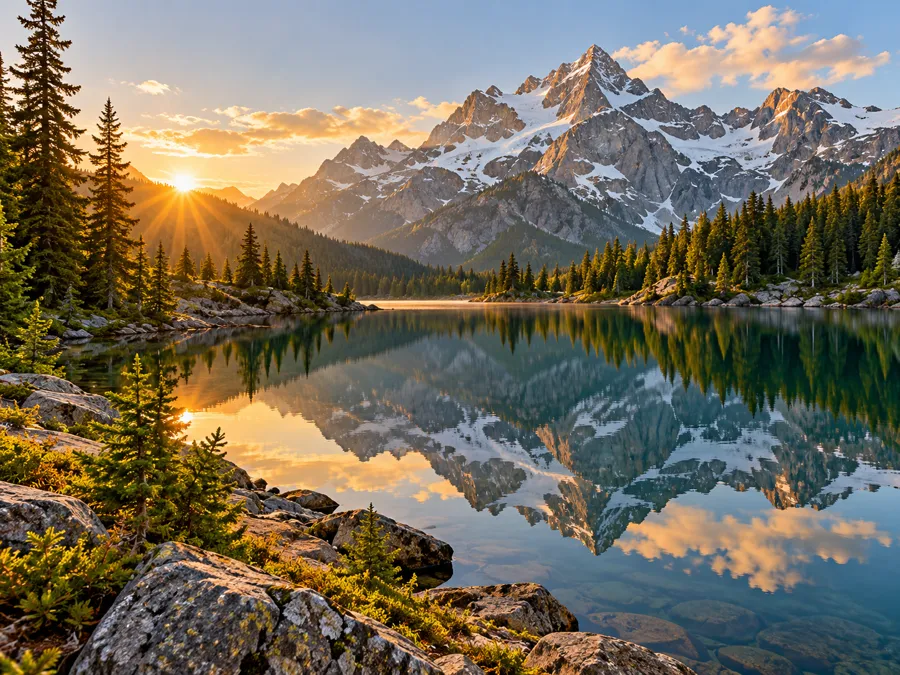
Detailed description works through the scene in order: rocks and pines in front, a still lake, then the mountain ridge in morning light. Use it when a reader needs the whole picture.
Upload a photo, screenshot or chart and get a factual image description, a short caption, alt text up to 125 characters, a social caption, product copy or a story prompt, then ask follow-up questions.
1Your image
2What to write
Free to try. Only upload images you have the right to use.
Ask about this image
An image describer turns pixels into text. Upload a photo and this AI picture describer writes a factual image description of the visible subjects, setting, colors and composition, or a shorter image summary when you only need the gist.
Whether you need to describe this photo for a blog or describe this picture for a shop listing, pick the output that matches where the words will go. Most AI image description tools return one paragraph; here you choose between six formats and 19 languages, with the image and description side by side for checking.
Ask “explain this image” or “explain this picture” as a follow-up and the answer stays on visible content. The photo describer does not identify people or guess hidden facts, and image description AI can still miss small details, so read the text before you publish.
Detailed description works through the scene in order: rocks and pines in front, a still lake, then the mountain ridge in morning light. Use it when a reader needs the whole picture.
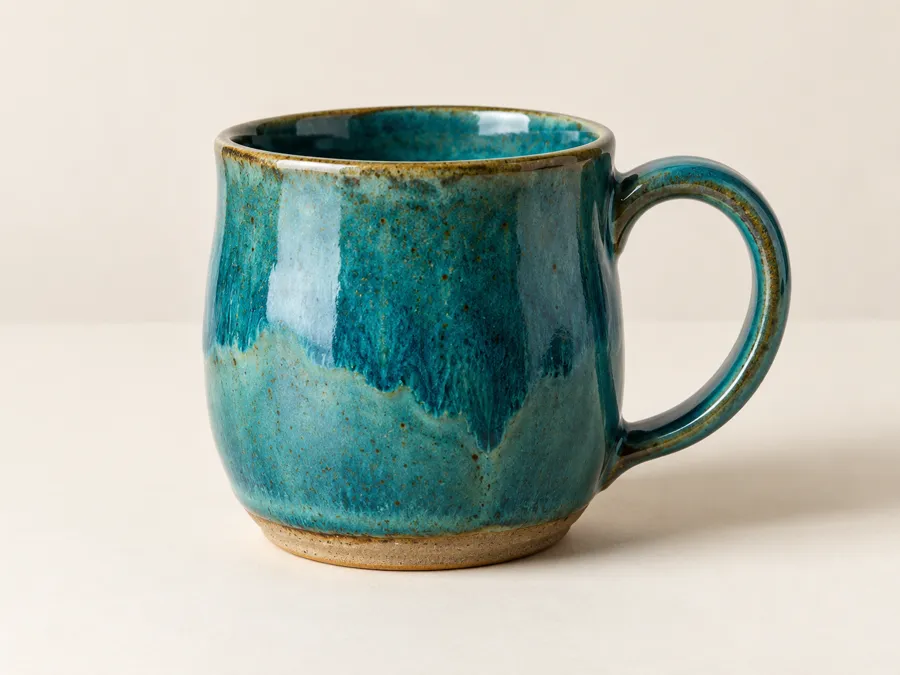
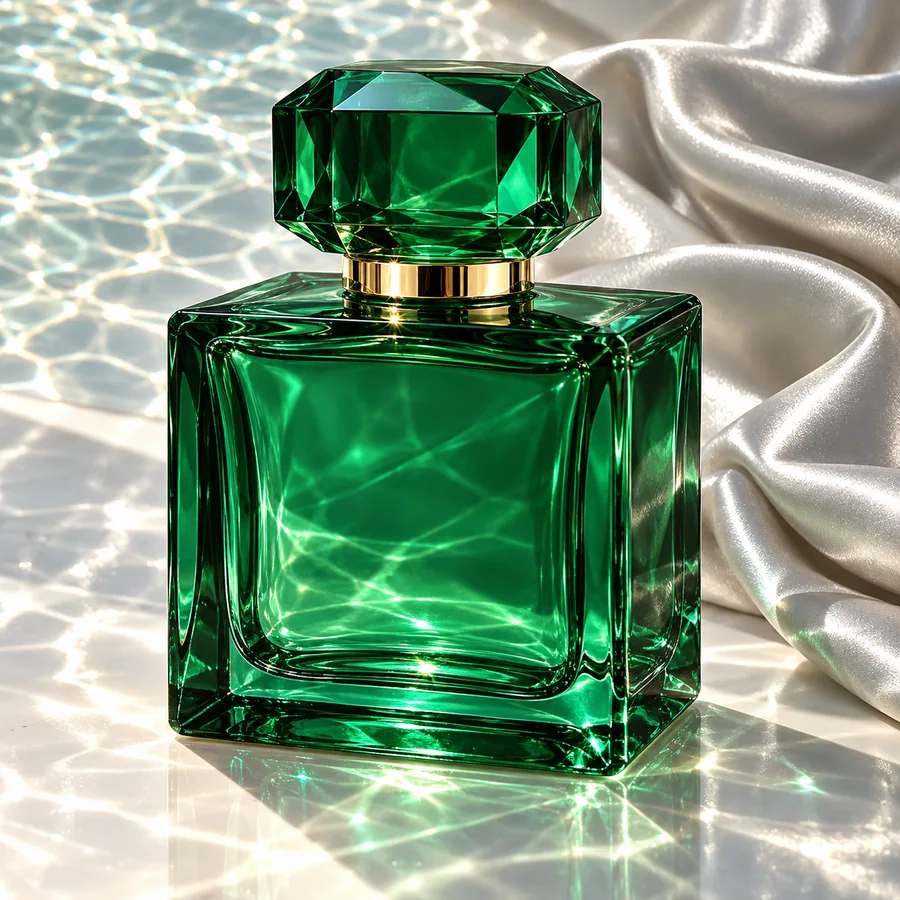
Alt text keeps only what matters on the page, for example “Teal ceramic mug with a curved handle on a pale table.” A counter shows how close you are to 125 characters.
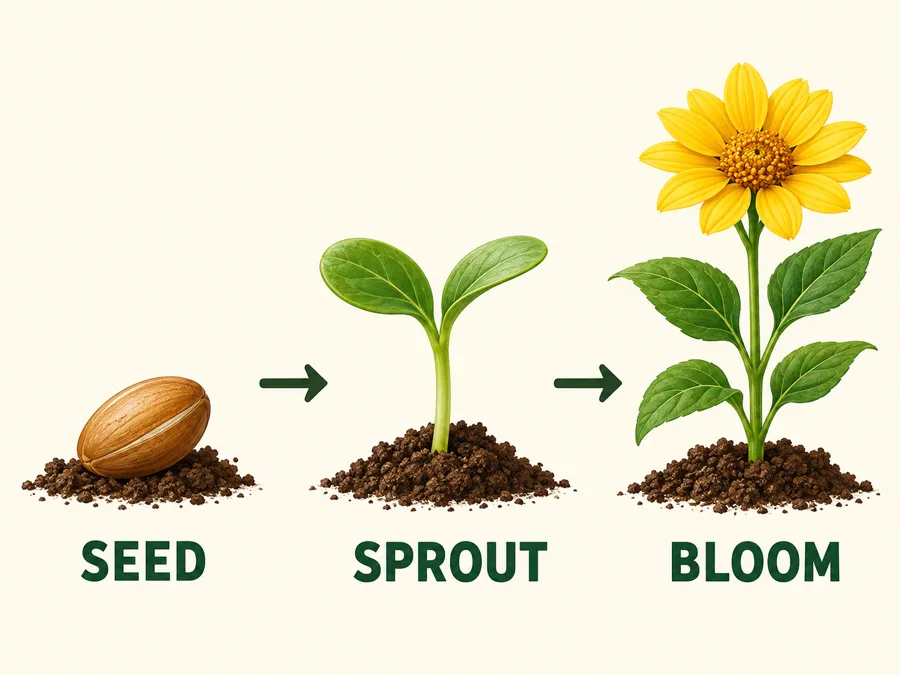
Charts and diagrams are read in order, so the labeled stages SEED, SPROUT and BLOOM come out as a clear sequence. A short caption sums it up in one line: “Three stages of plant growth: seed, sprout and bloom.”
Add a JPG, PNG or WebP up to 10 MB; you can describe picture files from a phone, a camera or a screenshot. Crop away browser bars and unrelated borders first.
Choose one of six outputs and one of 19 languages. Short caption, Social media caption and Product description also offer a Neutral, Friendly or Professional tone.
The text appears next to your picture. Check names, numbers, colors and positions against what you can actually see.
Copy the text, save it as a .txt file, or type a follow-up such as “describe this pose” to get a focused answer about the same picture.
Detailed description is the longest format: subjects, setting, light, color and composition in reading order. It suits blog posts, archives and anyone who needs a full text description of a photo.
Alt text is capped at 125 characters and written for screen readers. Describe pics in the context of their page: the same photo needs different alt text on a shop page than in a news story.
Product description writes listing copy from visible materials, colors and shape without inventing sizes or certifications. The same rule applies to diagrams: every labeled stage is read and nothing is added.
Short caption gives one line for a gallery or slide. Then ask about this image, for example “what is in the foreground?”, and let the AI describe photo details you care about. Each question runs as a new analysis.
If only one item in a group shot matters, crop to it first; the description follows whatever is in the frame.
Alt text for a button image should say what the button does, while a gallery caption can describe mood. A description of images in a series should point out what differs from shot to shot.
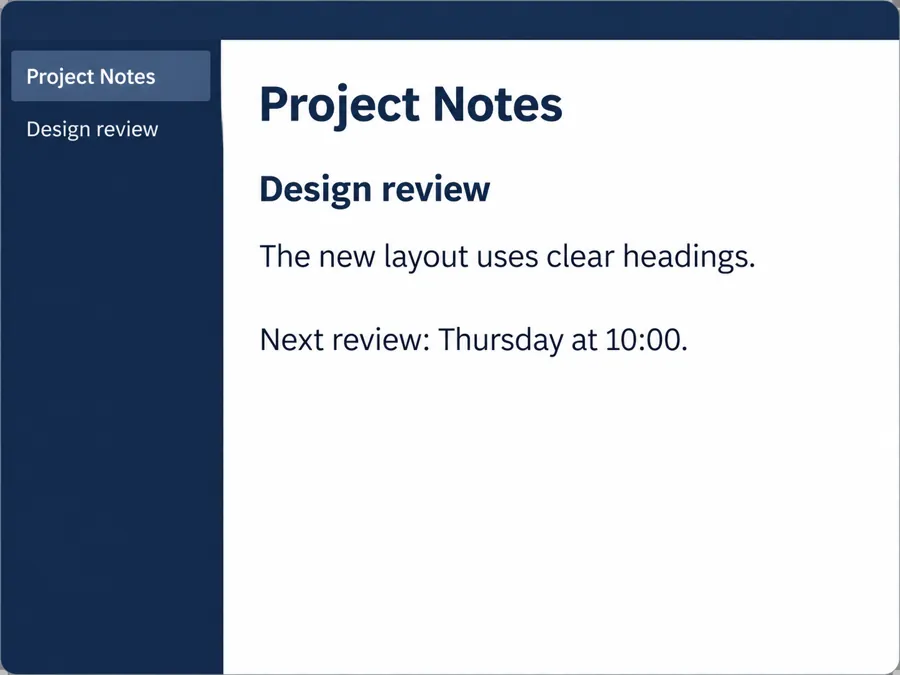
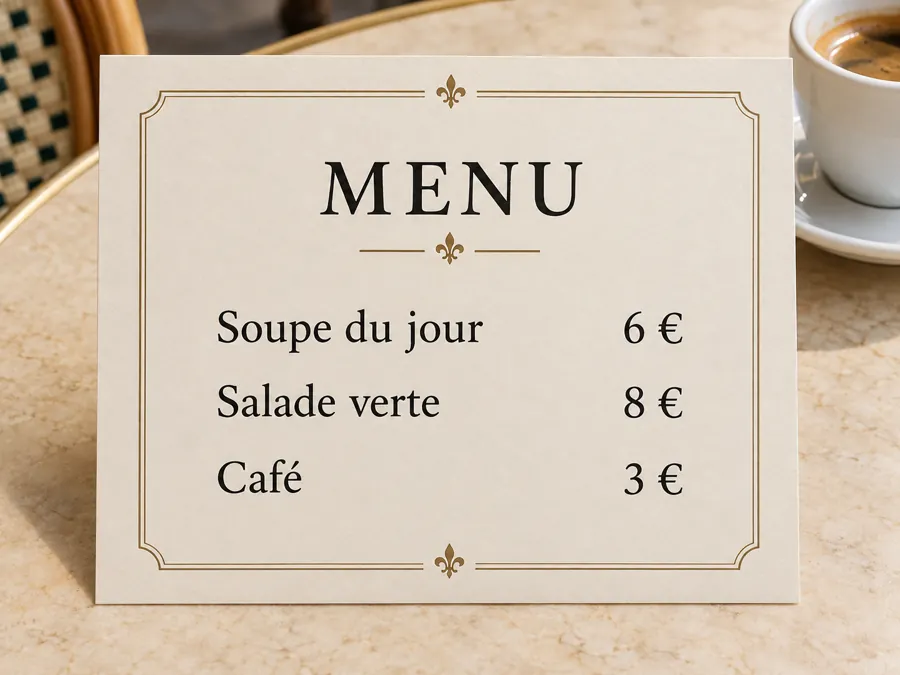
Text in images, prices and small labels are where a describe image AI most often slips. Compare them with the picture before you publish.
Choose the target language up front rather than translating later, then let a fluent reader check names and special terms.
Not always. It can overlook small objects, misread text in the picture or add a detail that is not there, so treat every result as a draft and check numbers, labels and materials against the image.
Type a question under Ask about this image, such as “describe this pose”, “what is in the foreground?” or “what can you tell me about this image”, rather than repeating “describe this image.” Each question is a separate analysis of the photo you uploaded.
The tool works with uploaded files, not web addresses. Save the image first, only if you have permission to use it, then upload the file and choose an output.
That message usually means the image has no alt text. Upload the picture here, pick Alt text, and paste the reviewed result into the alt field of your website or app.
Good alt text says what the image means on that page in one short sentence. The Alt text output stays within 125 characters; a complex chart may also need a longer explanation in the page text, which Detailed description can draft.
Detailed description for articles and archives, Short caption for galleries, Alt text for accessibility, Social media caption for posts, Product description for listings, and Story prompt for descriptive writing on a picture. Story prompt is imaginative, so do not use it as a factual record.
You can write in 19 languages, including English, Spanish, French, German, Japanese, Korean, Chinese, Arabic and Hindi. Captions and Product description add a Neutral, Friendly or Professional tone; ask a fluent reader to check names and special terms.
It is Free to try. The Describe Image button shows the cost before you start, and every follow-up question counts as a new analysis.
JPG, PNG or WebP files up to 10 MB that you own or have the right to use. Ask before describing private photos of other people, and avoid uploading documents that show personal data.
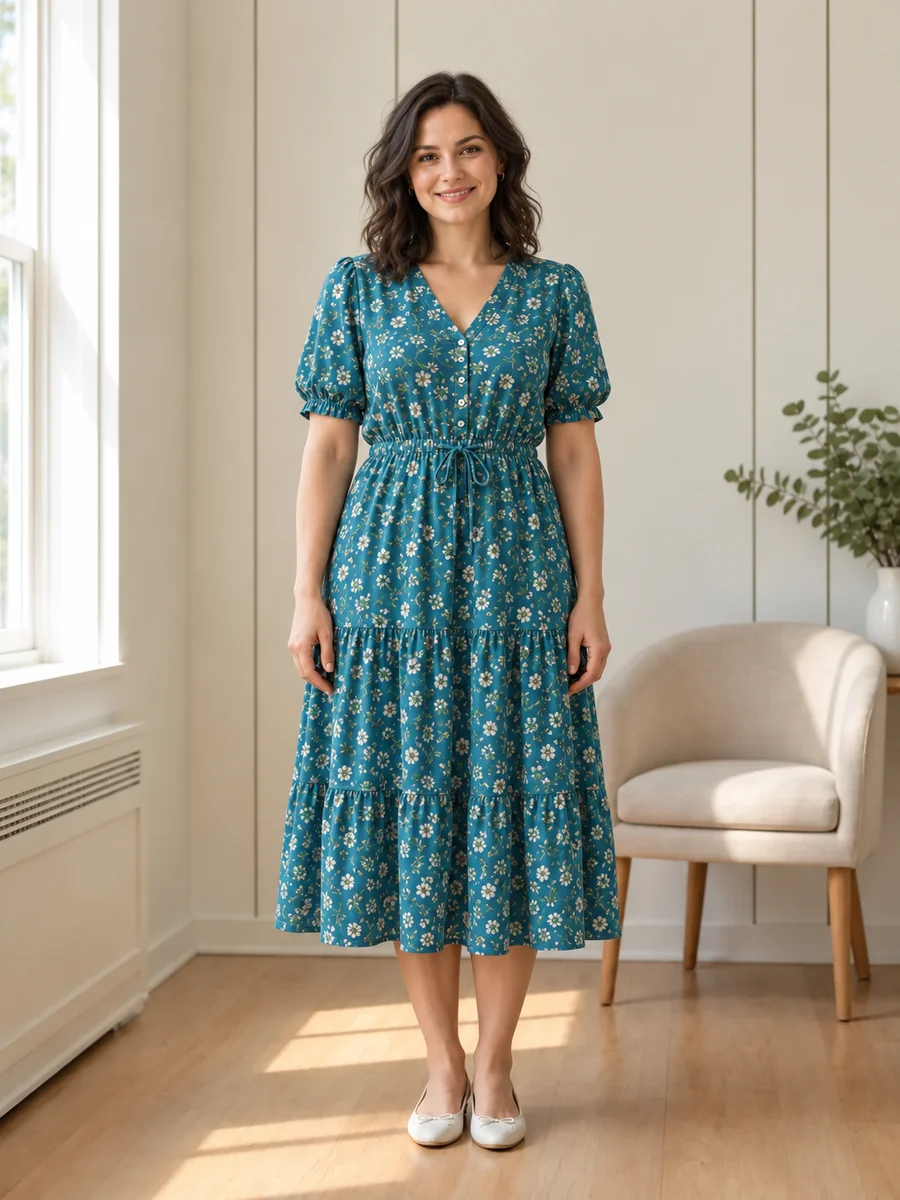
No. It describes visible things such as clothing, pose and setting, and it will not name real people or guess sensitive traits such as health, religion or ethnicity.
Upload a photo, choose a description, caption or alt text, and review the words beside the picture before you copy them.