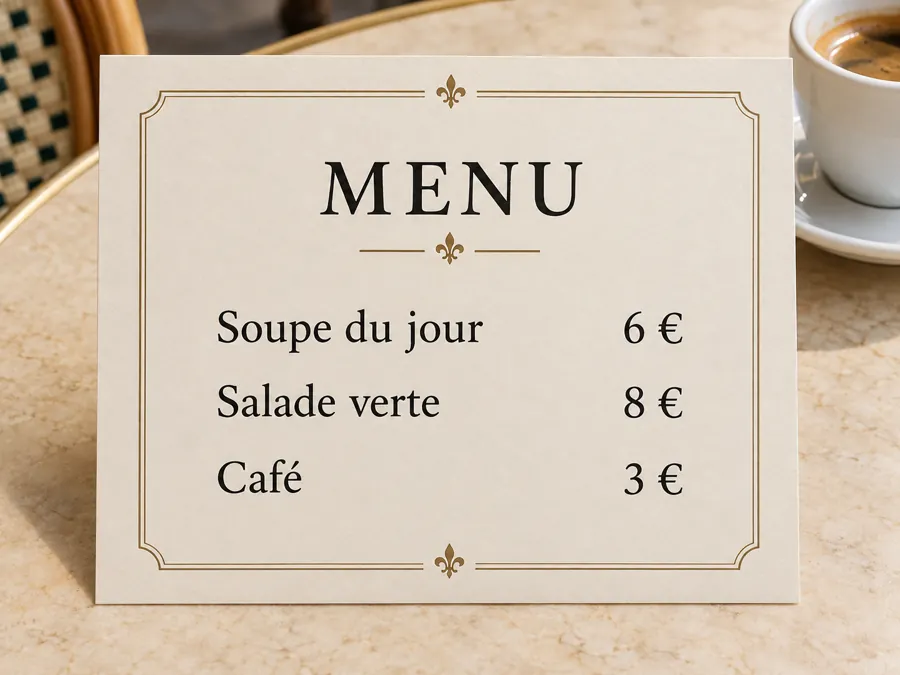
French menu
Read the French soup, salad and coffee menu in English while keeping each price beside its dish.
Photograph and translate menus, signs and labels. Translate text from image into English or 18 other languages, compare the original, and download a PNG.
Only upload images you have the right to use. Review the result before relying on it.
Sample result · Check names, numbers and line breaks.
A photo translator reads menus, signs and package instructions. Select English to translate images to English, or choose another target language.
Translate text in image blocks and download the translated image. The photo translate preview paints translated words over the source without reconstructing the artwork.
Translate photo text from a clear menu, sign or package. You can translate from image uploads, translate from picture details and translate from photo labels without retyping each line. Translate pictures into editable text, or translate image text directly on the preview.
Need to translate English to Hindi in photo content? Select Hindi. To translate the text in the image to Spanish, choose Spanish. For an image translate to English workflow, select English before you start.
Read the French soup, salad and coffee menu in English while keeping each price beside its dish.
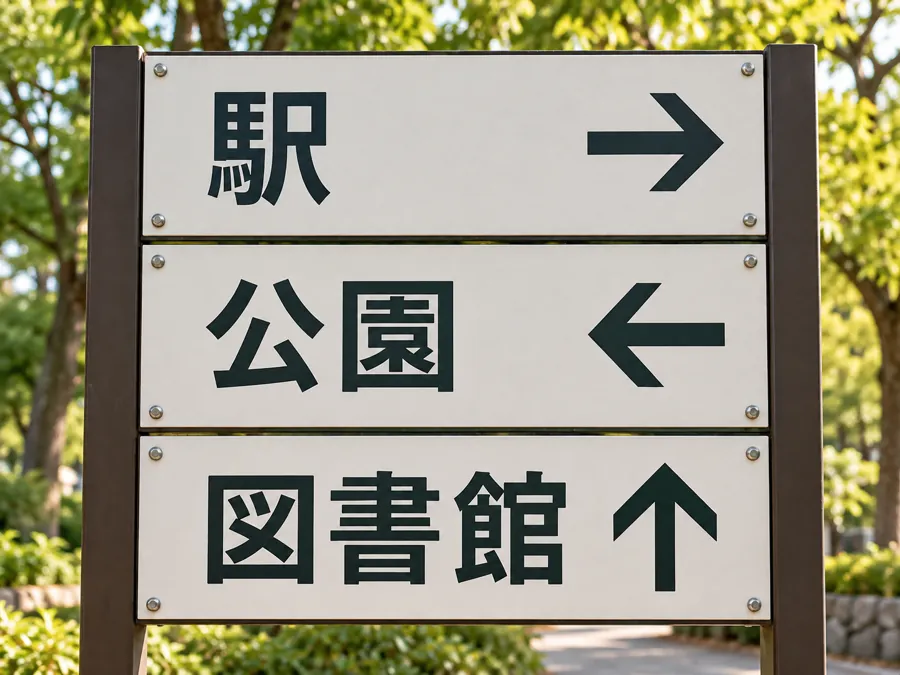
Translate the Japanese station, park and library directions, with arrows left in place.
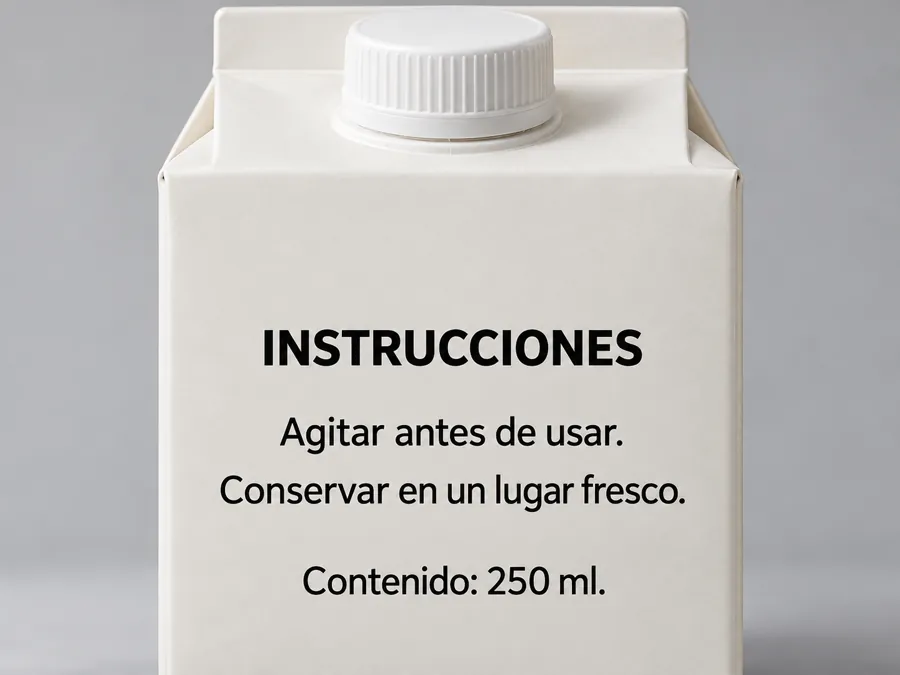
Read the Spanish package label and compare the storage instructions and volume with the original lettering.
Add a JPG, PNG or WebP under Your image. Photograph and translate one clearly framed surface at a time so the words are large enough to read.
Choose English, Spanish or another language, then press Translate Image. The source language is detected from the lettering in your photo.
Switch between Translated image and Text to check the translation. Copy the text, or use Download PNG to save words placed over the original image.
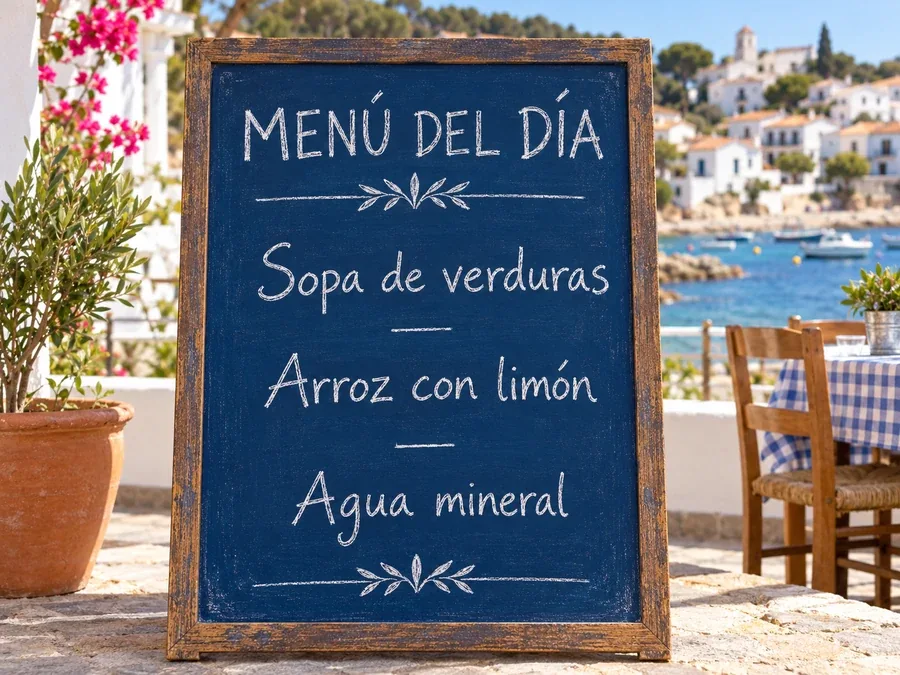
Translate text from image menus before ordering. Dish names, ingredients and prices remain available in the original text so you can compare a translation with the waiter’s menu.
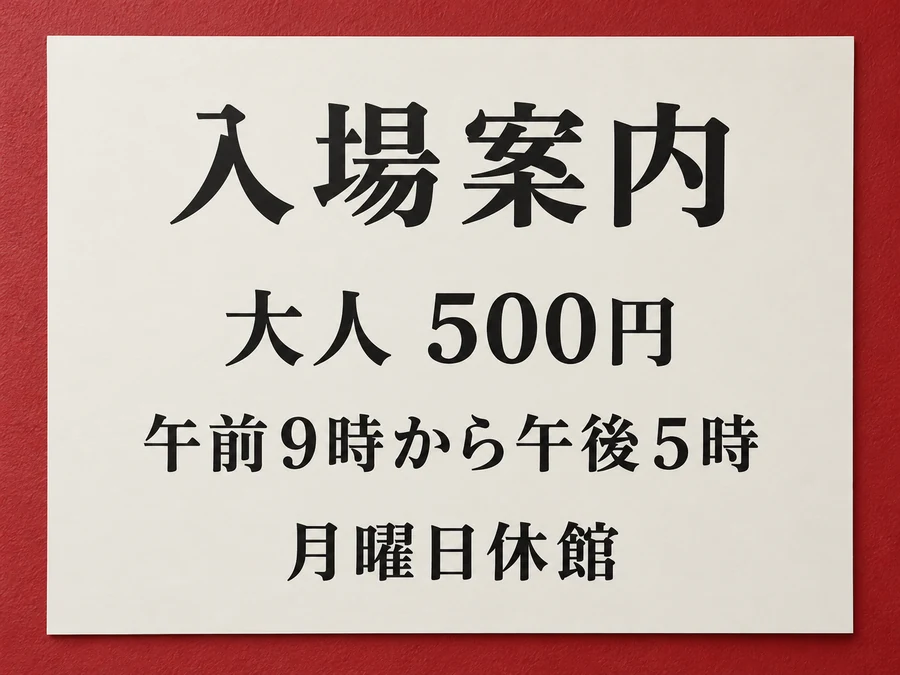
Read Japanese text from image admission notices, including opening times and ticket prices. A kanji photo translator works best when every character is sharp and the entire notice is inside the frame.
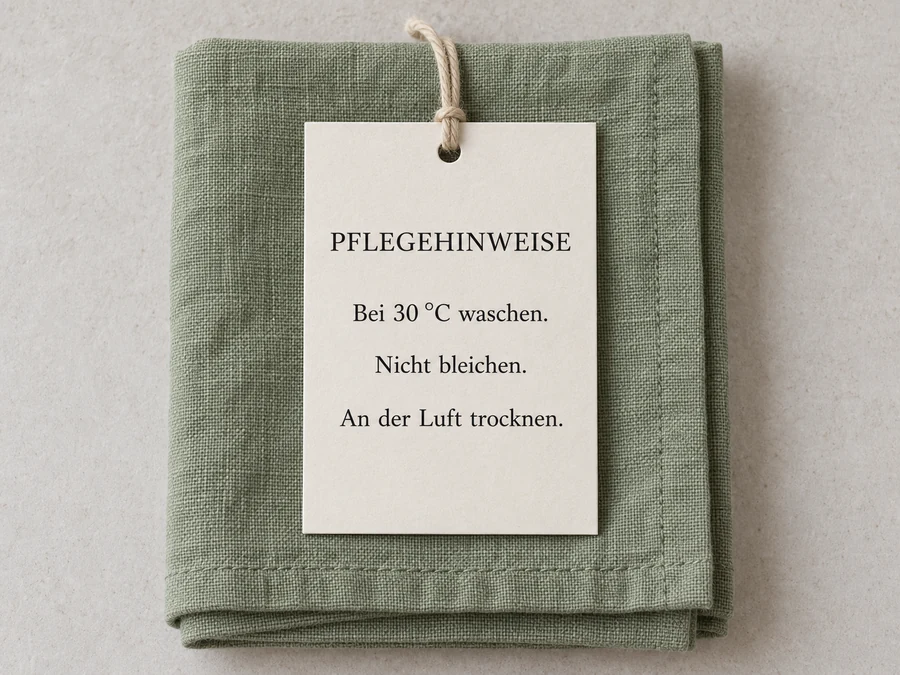
Turn German care instructions into the language you read. Translate text in image blocks, compare the washing temperature with the source, and download the translated image with each line near its original position.
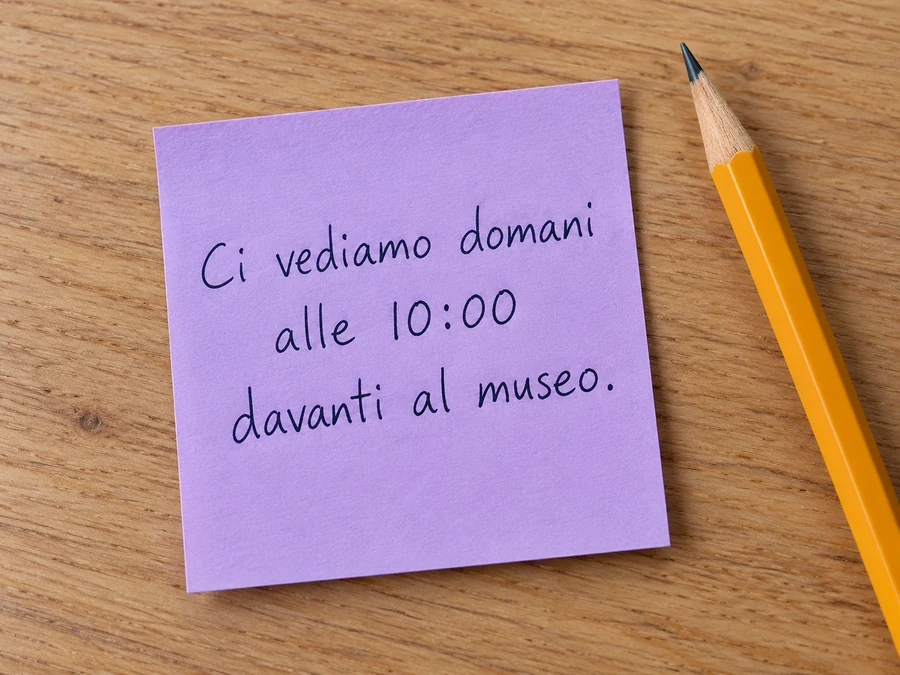
Translate the text in a picture of a handwritten travel note. Use Text to compare the meeting time and place, then copy the translation into a message without downloading another picture.
Japanese kanji and Arabic lettering can change meaning when a stroke is cut off. Leave a small border around the full line.
Flatten folded packaging and avoid glare on glossy menus. A square-on photo gives the translator clearer text blocks.
Compare original and translated text for dates, washing temperatures and prices. Keep proper names unchanged when they identify a place or product.
Long translated words may need more room than the source. Copy the text when a narrow label becomes difficult to read in the PNG.
A photo translator reads menus, signs and package instructions. Select English to translate images to English, or choose another target language.
Upload a menu or sign under Your image, select the Target language and press Translate Image. Review Translated image or Text, then copy the translation or download a PNG.
Free to try with free credits when you sign up. The interface shows the cost before you start.
Only upload images you have the right to use, and avoid sharing other people’s private details such as names, addresses or ID numbers.
A failed generation is refunded. Read the error message, check your source and try again.
Yes. Choose the menu photo from your phone, select the Target language, and translate it. Take the photo straight on and avoid reflections across the dish names.
Upload your picture, choose a target language, and press Translate Image. Compare each original block with its translation, then copy the text or download the PNG.
Read Japanese text from image and translate Japanese from picture uploads. A kanji photo translator needs sharp lettering for picture kanji translation or kanji translation from picture details. To translate kanji from image content, keep the full character visible.
Translate the text in a picture and compare source text alongside its translation. For a Chinese translator with picture input, select English or another target. Chinese character picture translation, Korean to English picture text and Arabic image to English translation all use the same language selector.
Check names, numbers, symbols and any unclear text. Results can contain errors; verify important information against the original.
Photograph and translate menus, signs and labels. Translate text from image into English or 18 other languages, compare the original, and download a PNG.