Meme Captions
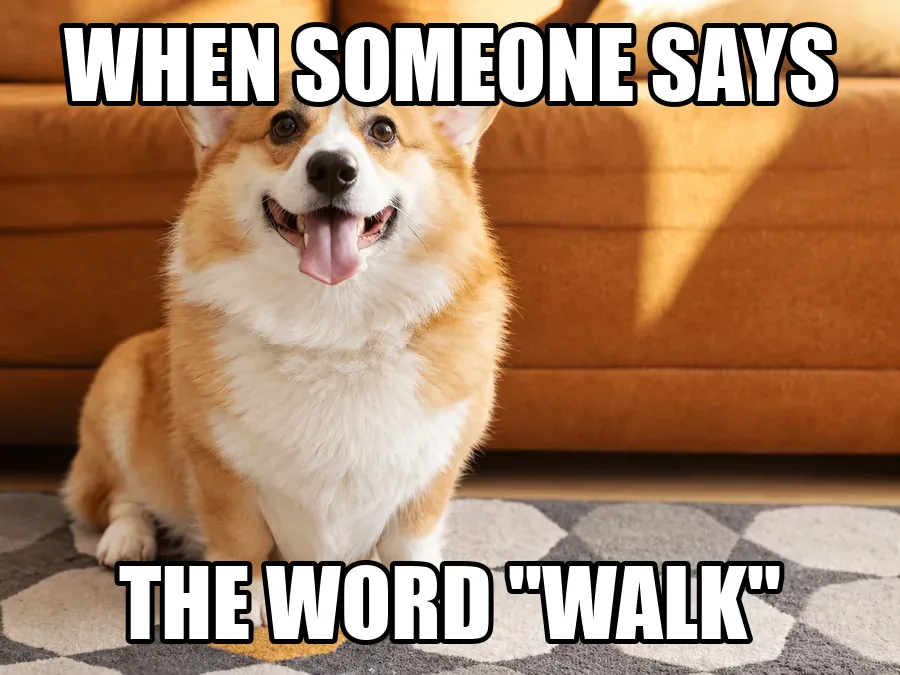
Impact-style top and bottom captions removed from a meme you made, so the photo can carry a new joke. The sofa, fur and rug pattern come back under every letter.
Upload a picture, choose the kind of text (a meme caption, a title, a date stamp, a price sticker, a sign, handwriting or manga lettering) and brush over it if you like. The AI erases the words and rebuilds what was underneath, with the whole frame kept and no smudge left behind.
Common text jobs
Fine-tune
Reference example. It is not a result generated from your upload.
An AI text remover finds the words in a picture, paints them out and rebuilds whatever the letters were covering: sky, skin, fabric, a wooden table or the rug under a meme caption. Removing text from an image used to mean cropping, a blur patch or a long session with the clone brush. Here you remove text from picture files by telling the AI what kind of text it is and, if you want, brushing over it. Whether you call it a text eraser or a font remover, the job is the same.
This photo text remover handles text added on top of a picture (captions, titles, camera date stamps, price stickers, handwriting) as well as text that is part of the scene, like a billboard or the lettering in manga speech bubbles, where the board or bubble stays and only the words go. Use it to remove words from picture files you own: reuse a template, clean a product shot, or delete text from picture scans before you print them.
Drag each slider to compare. Every example matches one text type in the workspace, and its button loads that setting.
Impact-style top and bottom captions removed from a meme you made, so the photo can carry a new joke. The sofa, fur and rug pattern come back under every letter.
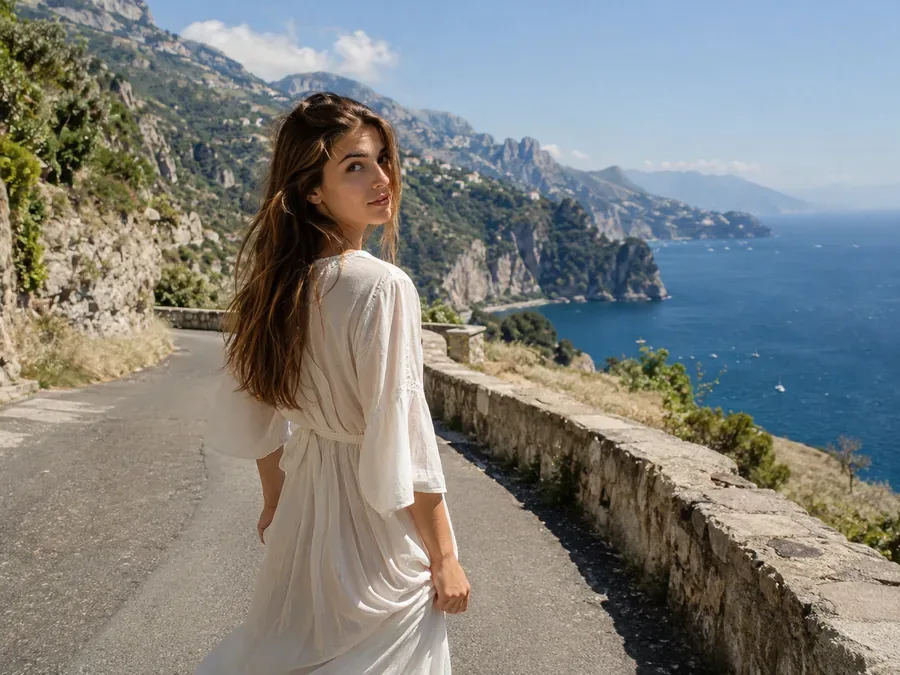
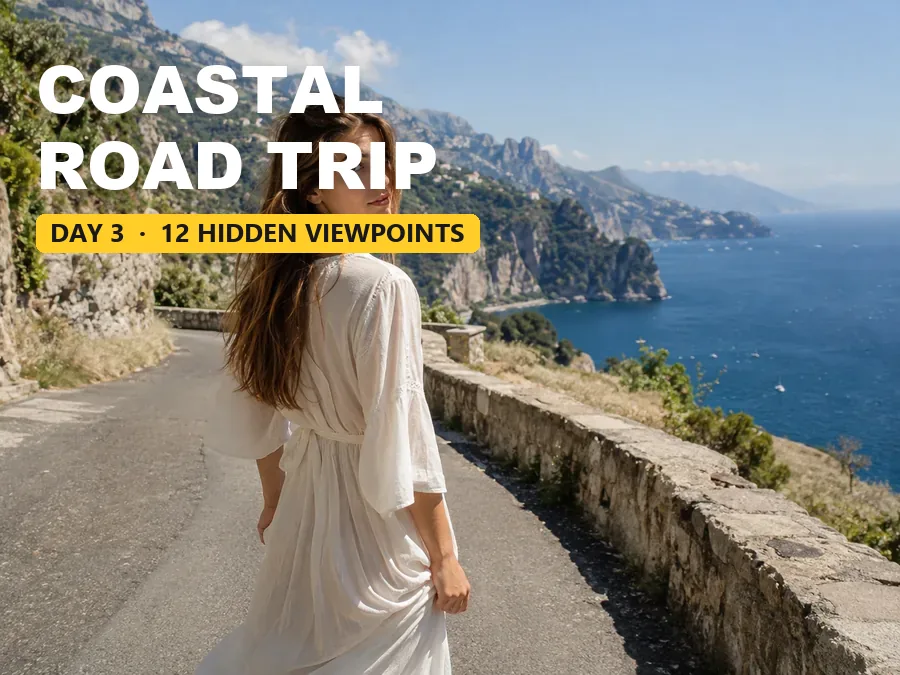
A bold title and a yellow label on a travel thumbnail. Take the title off and the cliffs, sea and sky fill in, ready for a new headline; the same works to remove text from poster designs you made.
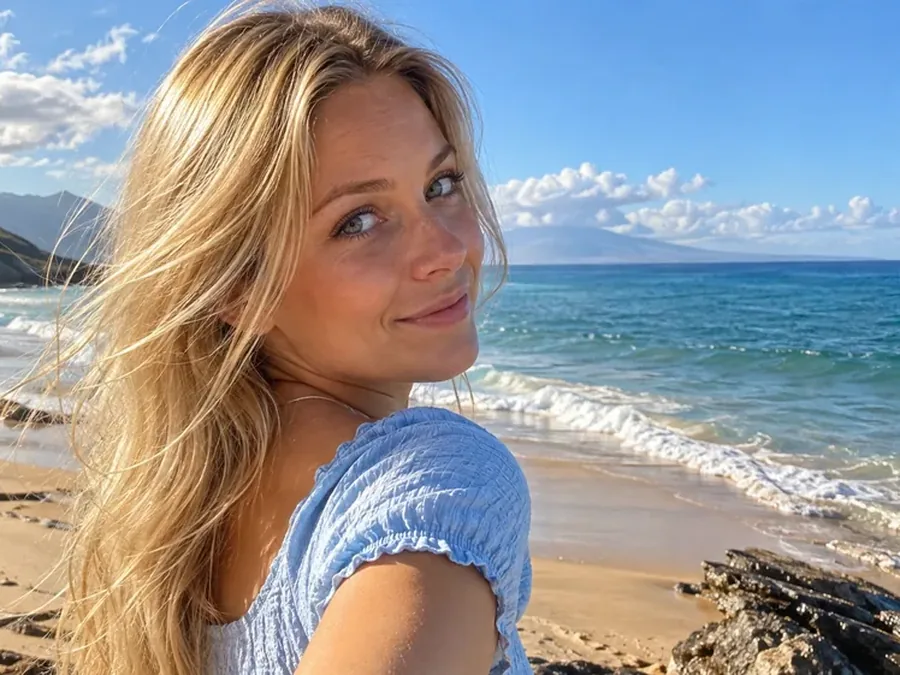
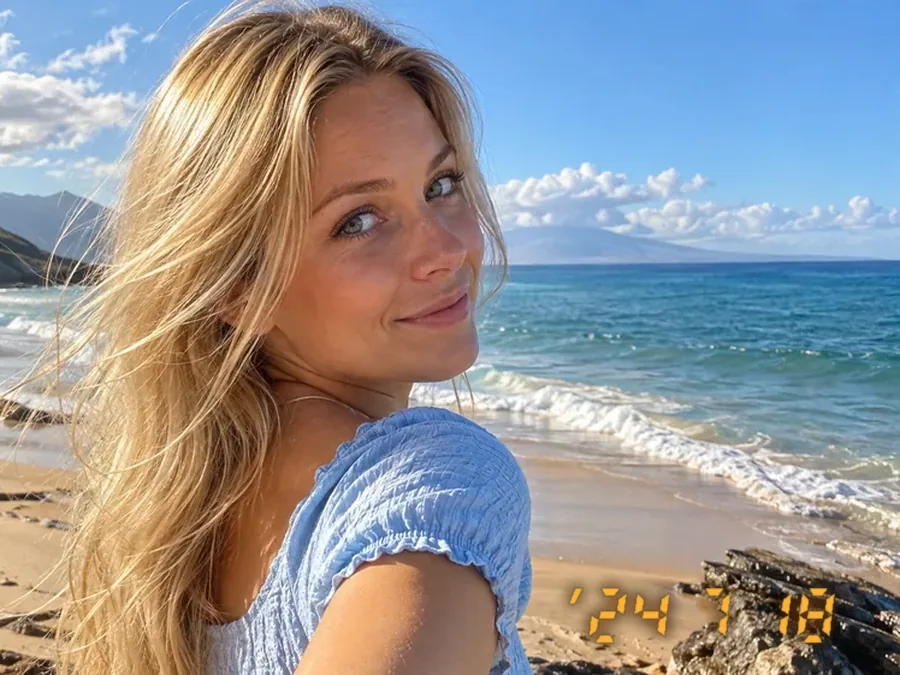
The orange digits an old camera printed in the corner. Remove text in photo corners like this one and keep the beach, not the date.
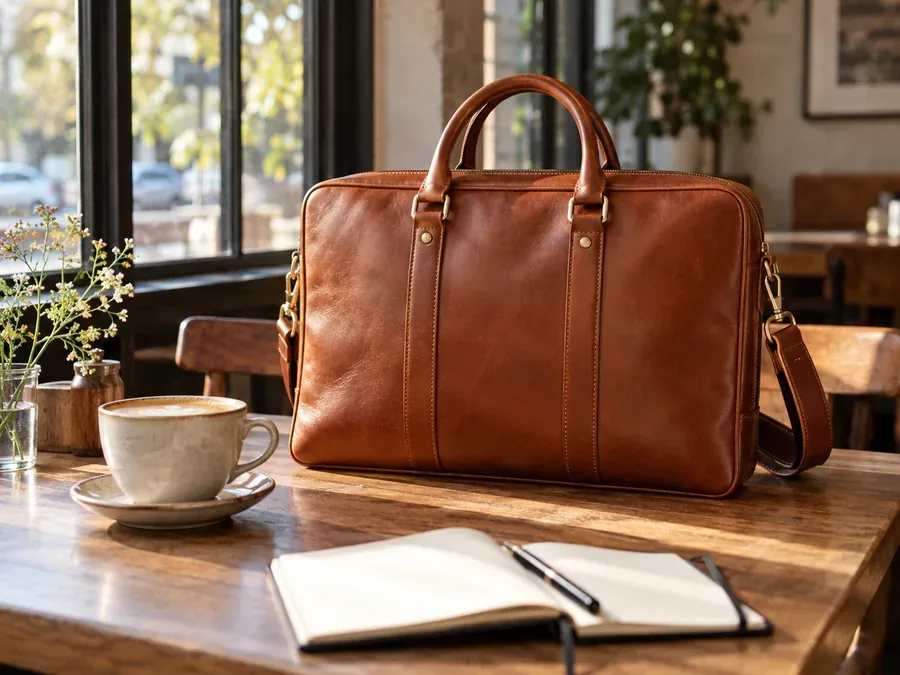
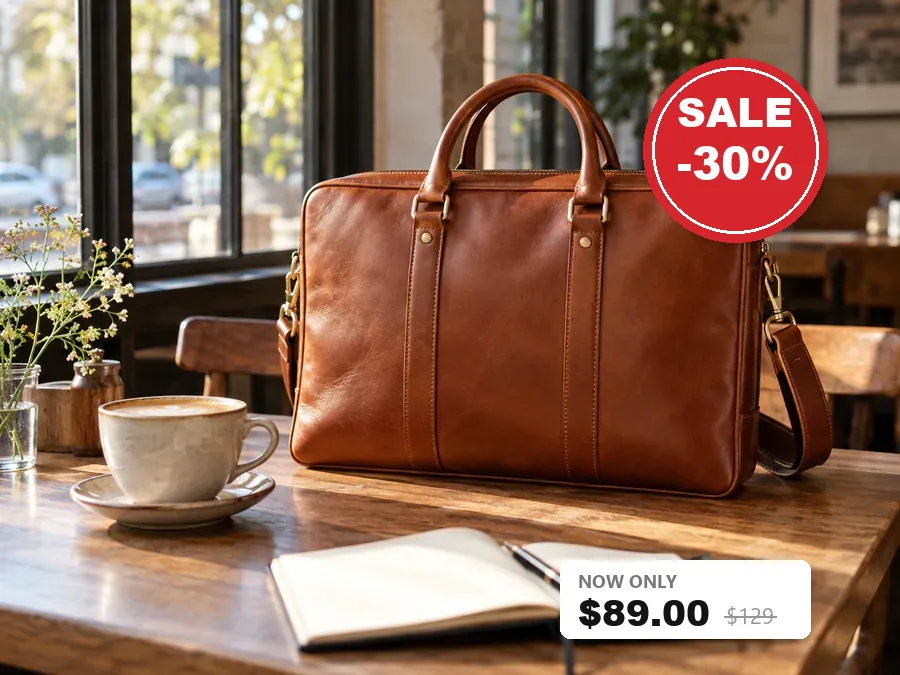
A sale sticker and a price label on last season’s product photo. The sticker and its text go; the bag, the table and the coffee cup stay as they were.
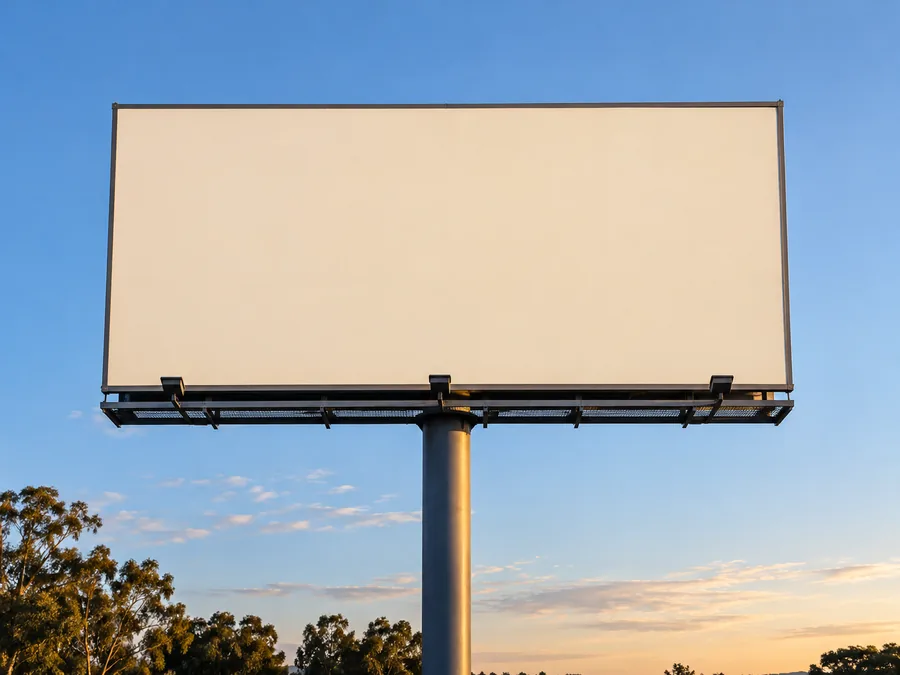
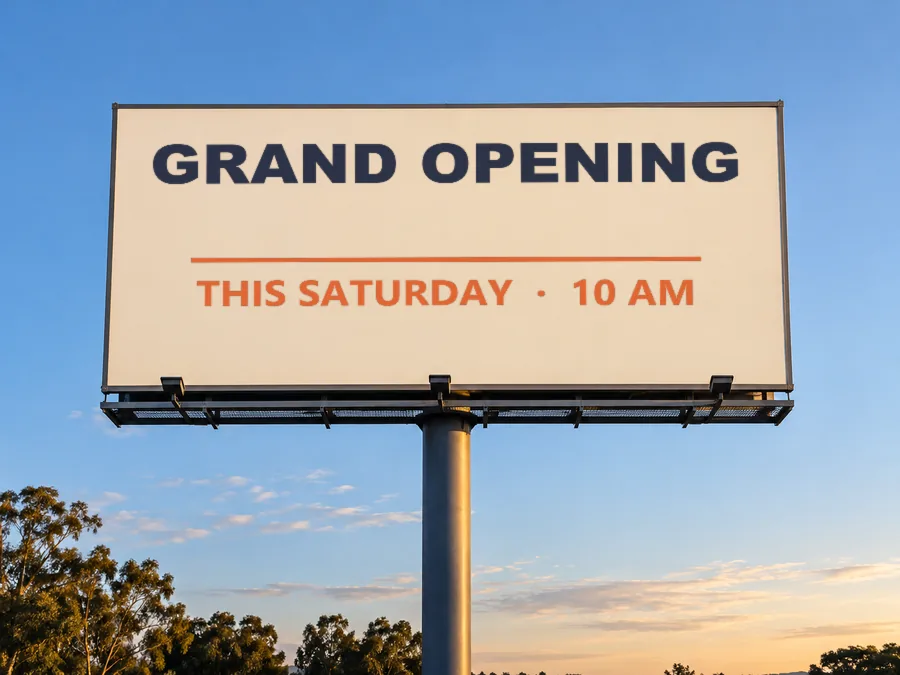
Lettering that belongs to the scene follows its surface and perspective. Sign mode erases the words on this billboard and leaves an empty board in the sky.
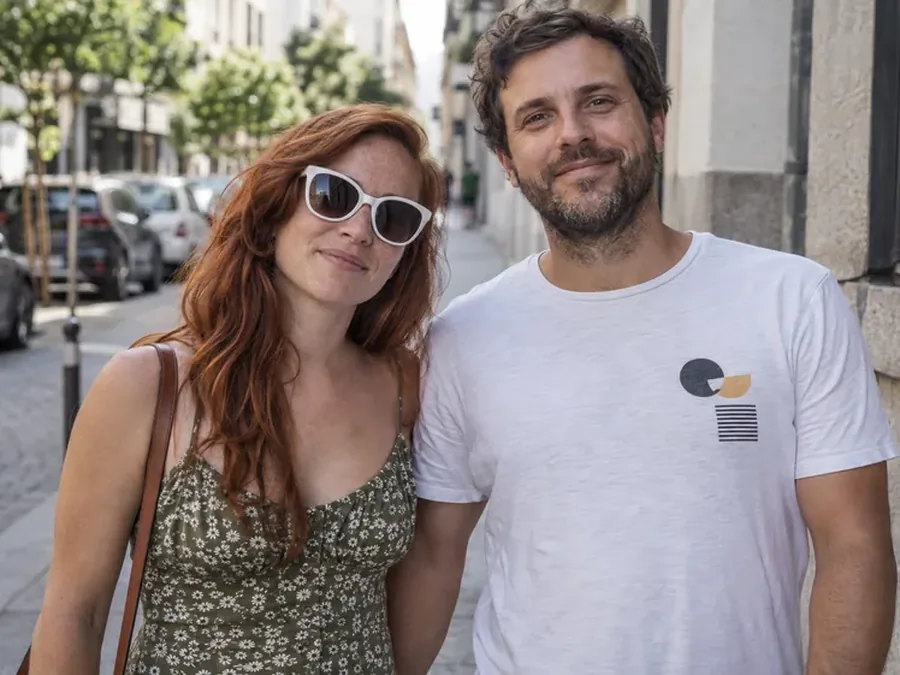
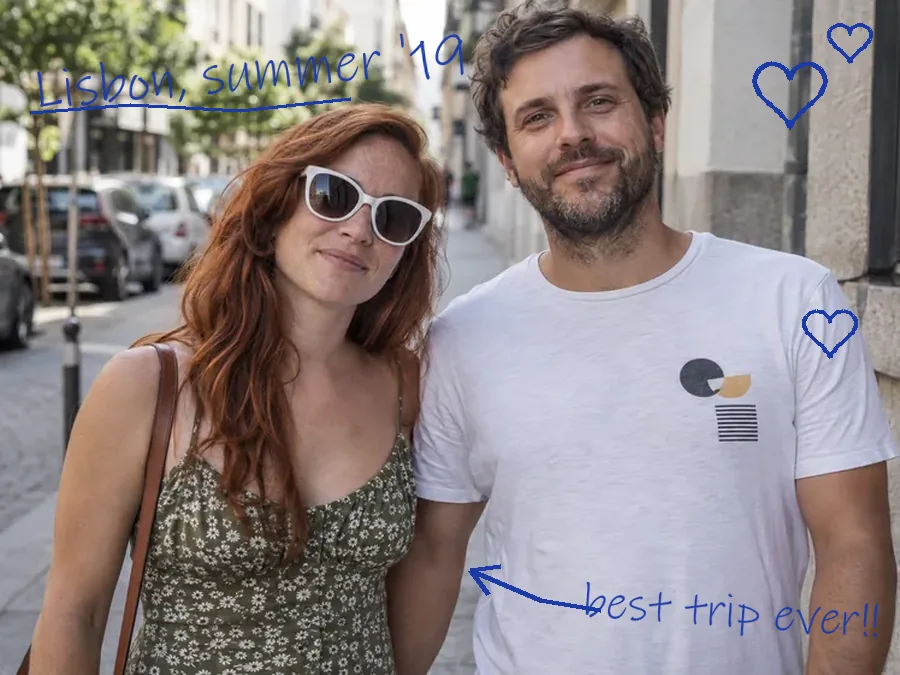
Pen notes, hearts and an arrow drawn over a printed photo. To remove writing from photo prints like this, handwriting mode lifts every ink stroke and restores the faces and street behind them.
How can I remove text from a picture without layers or a clone brush? Upload it, tell the AI what to erase, and download the clean image.
Add a JPG, PNG or WebP up to 20 MB: a photo, a screenshot, a poster or a comic page you made. The original file works better than a re-shared copy.
Brush over the words or drag a box around them (optional), then choose Caption / meme, Title, Date stamp, Price tag, Sign in the scene, Handwriting or Manga bubbles. Add a note such as “keep the shop name” if some text should stay.
Click Remove Text, drag the slider to compare the two versions, and download the picture with the words removed and the frame uncropped.
How do I remove text from a picture with software I already have? Here is how to remove text from image files by hand, and where each method works best.
Select the letters with the Lasso tool, widen the selection a little (Select > Modify > Expand, 4–8 px), then choose Edit > Content-Aware Fill, or paint over the words with the Remove tool. Plain backgrounds clean up quickly; busy textures may need a few passes.
Pick the Heal tool, Ctrl-click a clean area next to the text to set the source, then paint over the letters with a brush slightly larger than the strokes. Switch to the Clone tool for straight edges such as walls or table lines.
In the Photos app, tap Edit and choose Clean Up on models that support it, then brush or circle the writing. On older iPhones you can crop the text out, or upload the picture here.
Many Android gallery apps include an object eraser: open the photo, tap Edit, pick the eraser and draw over the letters. Results vary by phone; for big captions or text over patterns, the AI text remover above rebuilds more of the background.
Each setting tells the AI what kind of text it is looking at, and what has to stay.
| Setting | Removes | Keeps | Typical picture |
|---|---|---|---|
| Auto-detect | Captions, titles, stamps and stickers added on top | Signs and printing that belong to the scene | A first try on any picture |
| Caption / meme | Meme text, captions and subtitles burned into a still, with their outlines | Faces and background under the lines | Memes, screenshots, video stills |
| Title / heading | Big titles, label boxes and highlight bars | The photo behind the layout | Thumbnails, posters, slides, flyers |
| Date stamp | Orange, red or white camera digits and their glow | Everything else in the corner | Film scans, early digital photos |
| Price tag / sticker | Sale stickers, badges and price labels | The product and its own printed branding | Product and listing photos |
| Sign in the scene | Lettering on boards, walls, posters and graffiti | The board or wall as an empty surface | Street photos, storefronts, billboards |
| Handwriting / doodles | Pen writing, scribbles and drawn hearts or arrows | Printed text and the photo underneath | Printed photos, notes, worksheets |
| Manga / comic bubbles | Lettering in speech bubbles and caption boxes | Bubble shapes, outlines, art and screentones | Your own comic or manga pages |
Logos and watermarks on your own images go to the watermark remover, and text in clips goes to the video text remover. Not sure which type fits? Start with Auto-detect, then try a specific setting and compare.
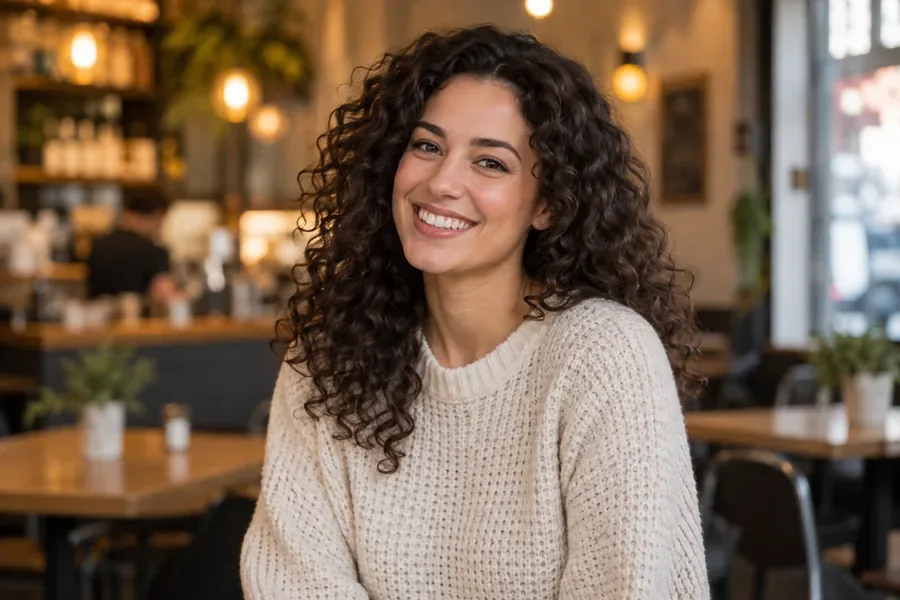
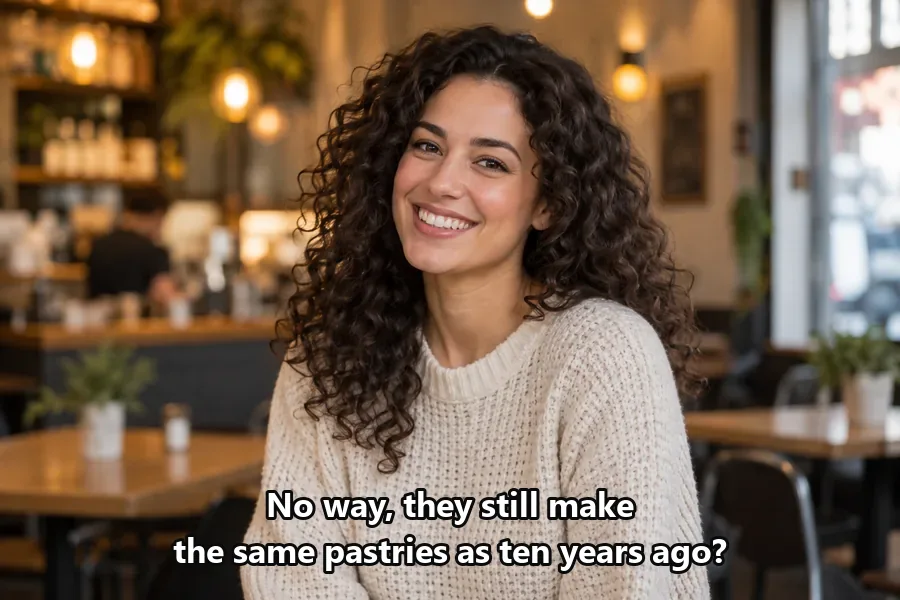
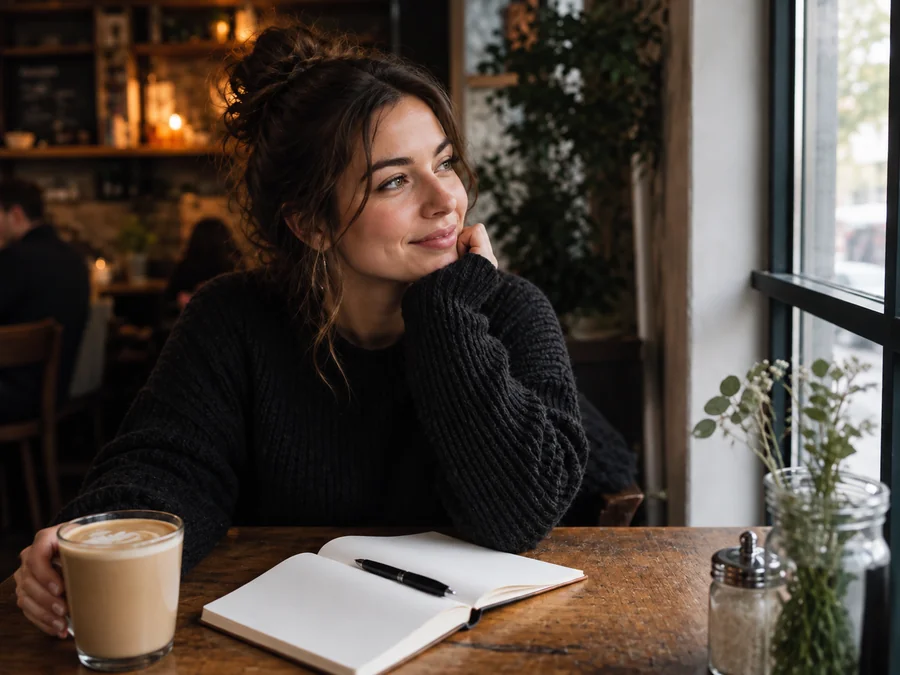
Cropping cuts the scene and a blur patch leaves a smudge. AI text removal reconstructs the café, the sweater and the light behind every letter, so subtitles burned into a video still or a screenshot disappear and the frame keeps its full width. It is the cleanest way to delete text from image files without removing background detail.
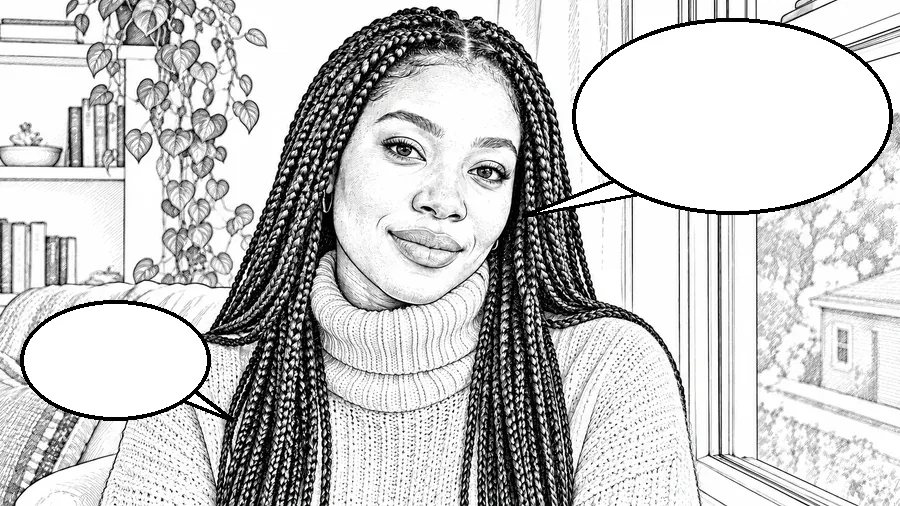
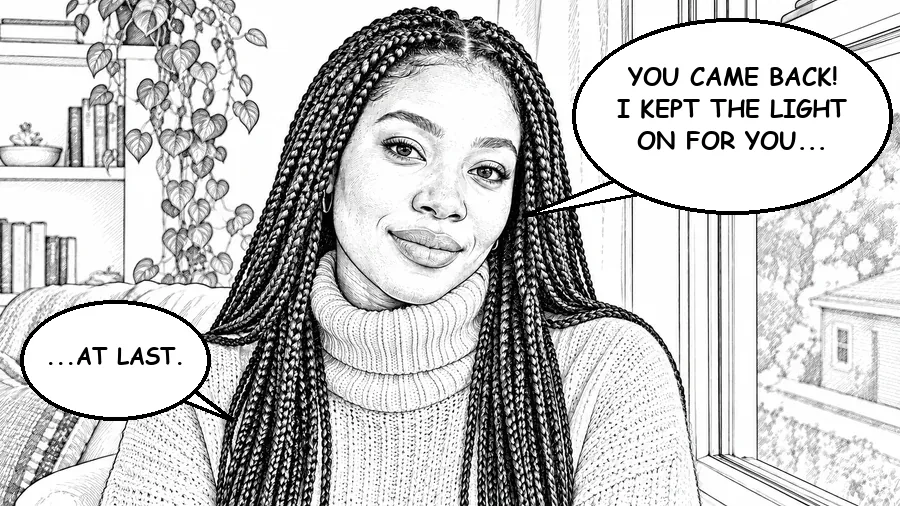
Re-lettering or translating your own comic? As a manga text remover, Manga / comic bubbles mode erases only the lettering and leaves each speech bubble, its outline and its tail clean and empty, with the ink lines, hatching and screentones untouched. Use it as a manga text bubble remover for your own pages, commissioned art or comics you have permission to translate.
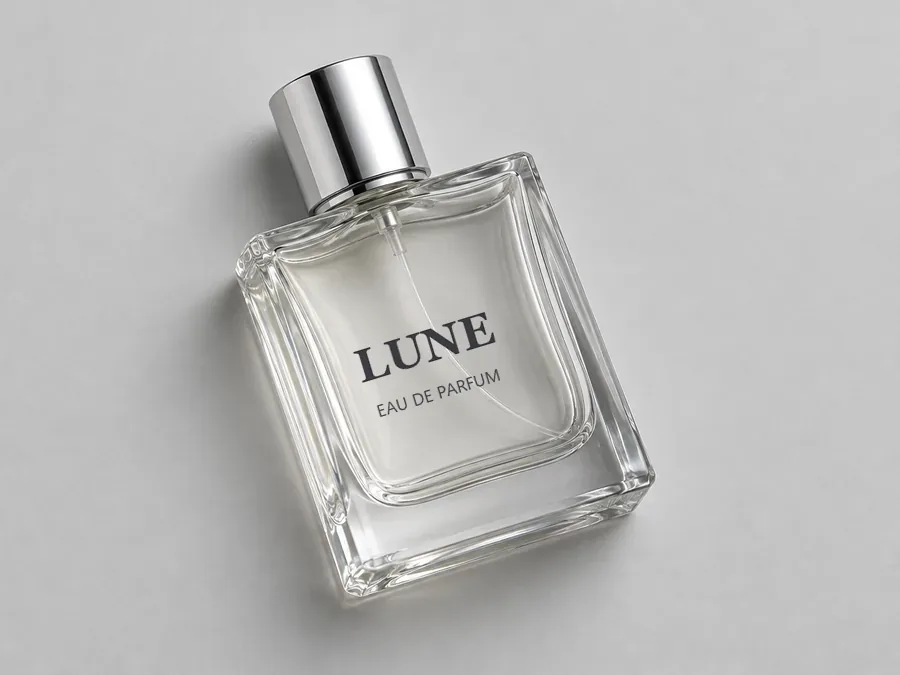
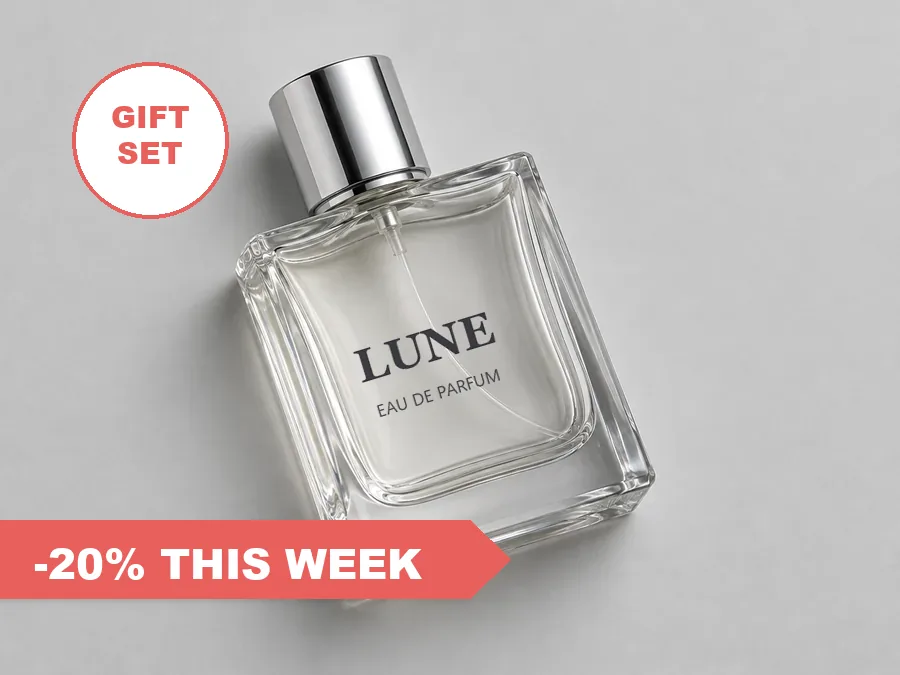
Brush over the sticker or drag a box around it, or simply pick Price tag / sticker: the sale ribbon and the badge disappear while the name printed on the bottle stays sharp. Write what must remain in Extra details, like “keep the label” or “keep the shop name”, and this photo word remover leaves it alone.
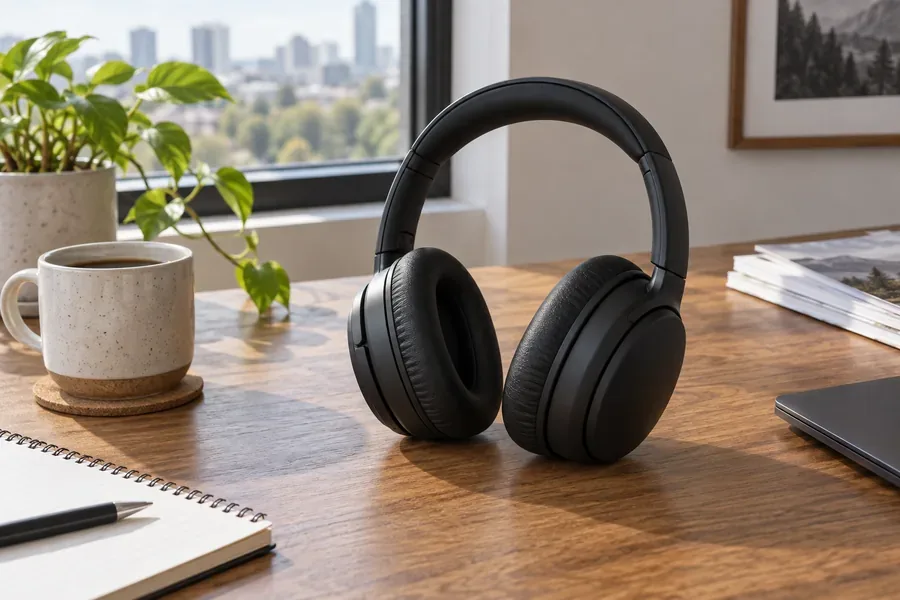
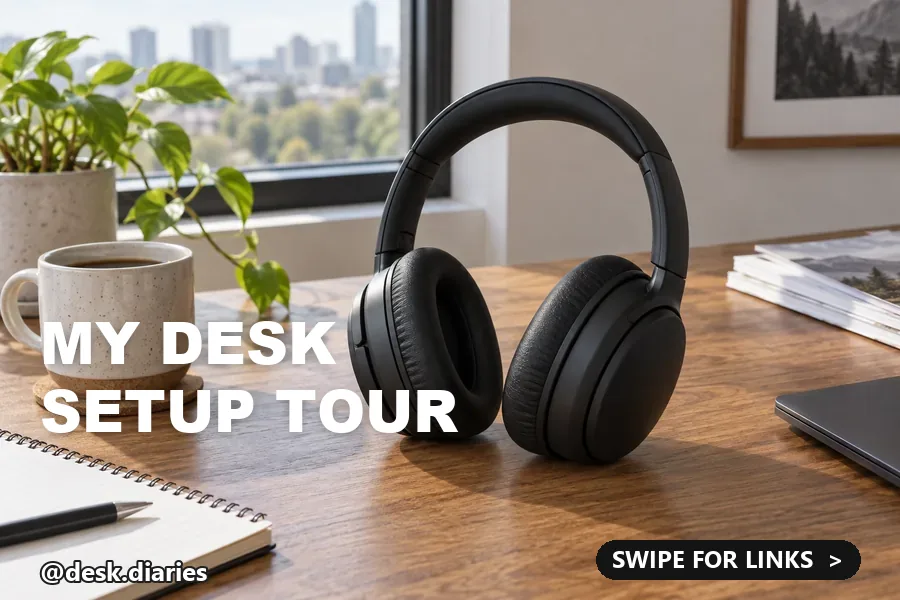
A title, an @handle and a “swipe” button stacked on one image? Auto-detect or Title mode finds every overlay at once, so you can remove words from text-heavy posts, slides and screenshots of your own and reuse the photo underneath. Remove all words in the picture, or only the ones you name in the note.
Everyday jobs on pictures you own or are allowed to edit.


Remove caption from photo templates and remove words from image memes you made, then add a fresh joke or translate it.
Take old prices, sale badges and promo text off product photos instead of reshooting the whole set.
Clear the lettering from your own manga or comic pages so they can be re-lettered, or translated with permission.
Erase text from photo prints (date stamps, handwritten notes and doodles) before you frame or reprint them.
Blank your own worksheets and slides: remove text from paragraph boxes and answer lines so the layout can be reused.
Reuse your own listing photos and flyers: get rid of text on image overlays such as “Open House” or last month’s hours.
A few habits that give the AI more to work with when you remove text from images.
Upload the full-size file instead of a screenshot of it; more real pixels around the letters means a cleaner rebuild.
To get rid of words cleanly, cover the outline, glow or drop shadow around them too, so no ghost letters are left behind.
Working through a set? Do one picture and one kind of text at a time, and check each result before moving on.
Use it on your own pictures or ones you have permission to change, never to alter documents or screenshots to mislead.
Logos, clips, GIFs and blurry words each have their own tool.
Logos, watermarks and stamps on your own photos, with logo, signature and tiled-overlay modes.
Remove a WatermarkTitles, captions and date stamps that run through a clip, removed on every frame.
Remove Video TextNeed to remove text from a GIF that animates? This page edits still pictures; the GIF tool keeps the motion.
Clean a GIFThe opposite job: make blurry words in a photo or screenshot readable again without changing them.
Deblur TextRemove and add text in image online: clear the old words here, then write new ones in the AI photo editor.
Open the EditorTurn a cleaned photo into big letters filled with the picture, for a cover, poster or title card.
Make Picture TextHow the AI text remover works, where its limits are, and which pictures you may edit.
Upload the picture, pick the type of text or leave Auto-detect, brush over the words if you want to limit the edit, and click Remove Text. The AI erases the words and rebuilds the area behind them; drag the slider to compare and download the result. If a faint trace is left, brush that spot and run it again.
Brush a little past the letters so their outline, shadow or glow is included, and pick the matching type: Caption for outlined meme text, Sign for lettering on a board or wall. Blur and clone tools smear the pattern; the AI continues it. When you erase text from picture backgrounds like brick, grass or water, or erase words from picture areas with fine detail, a second pass on the leftover spot usually cleans it up.
Brush only over the words that should go, or describe them in Extra details, for example “remove the price but keep the shop name”. Text you do not mark or mention, such as a label printed on a product, stays as it is.
Often, but it is reconstruction, not recovery. The AI cannot see what was under the letters, so it paints a believable continuation of the texture around them. On plain or repeating backgrounds that is hard to spot; under large text that covers a face, a detailed pattern or other writing, the rebuilt area may differ from what was really there. Zoom in, compare with the slider and run it again on any leftover spot.
Cropping takes the text away together with part of the scene and changes the frame. A blur or a solid box hides the words but leaves an obvious patch. AI text removal keeps the whole frame and rebuilds the area, so it is the better way to remove text on image backgrounds that matter. Cropping is still fine when the text sits on an edge you do not need.
The model looks for letters, or uses the area you brushed, reads the type of text you picked, and fills the area with texture, color, light and perspective taken from around it. Speech bubbles, labels and sign boards stay as empty shapes when only their lettering should go. Nothing new is written in, and the frame is not cropped.
This tool edits still images (JPG, PNG and WebP), so an animated GIF would lose its motion here. To remove text from a GIF that animates, use the GIF watermark remover, which treats every frame; for MP4 clips, use the video text remover.
Edit pictures you own or have permission to change: your photos, your designs, your comic pages, your product shots. Do not remove other people’s watermarks, credits or copyright notices, and never use a text eraser to alter documents, receipts, IDs, certificates or screenshots to deceive anyone, which can be fraud. Removing text does not change who owns an image.
Whether you compare apps, text removal software for images or sites that remove text from photos, look for a tool that rebuilds the background instead of blurring it, lets you brush or box the exact words, keeps the text you want (labels, signs, bubbles), returns the whole frame without cropping, and is clear about pricing. Try a few on the same photo and compare them at full zoom; here you can test with the free credits you get when you sign up.
It is free to try: new accounts get free credits when they sign up, and each removal then uses credits from your balance. The text remover image upload takes JPG, PNG or WebP files up to 20 MB, one at a time, so you remove text image by image and can check each result before the next.
Upload a picture, pick the kind of text or brush over it, and get the clean image back with the background rebuilt.
Use the text remover only on pictures you own or have permission to edit. Do not remove other people’s watermarks, credits or copyright notices, and never use it to alter documents, receipts, IDs, certificates or screenshots to mislead anyone. The examples on this page use fictional people, products and signs.