Grey Curls to Soft Black
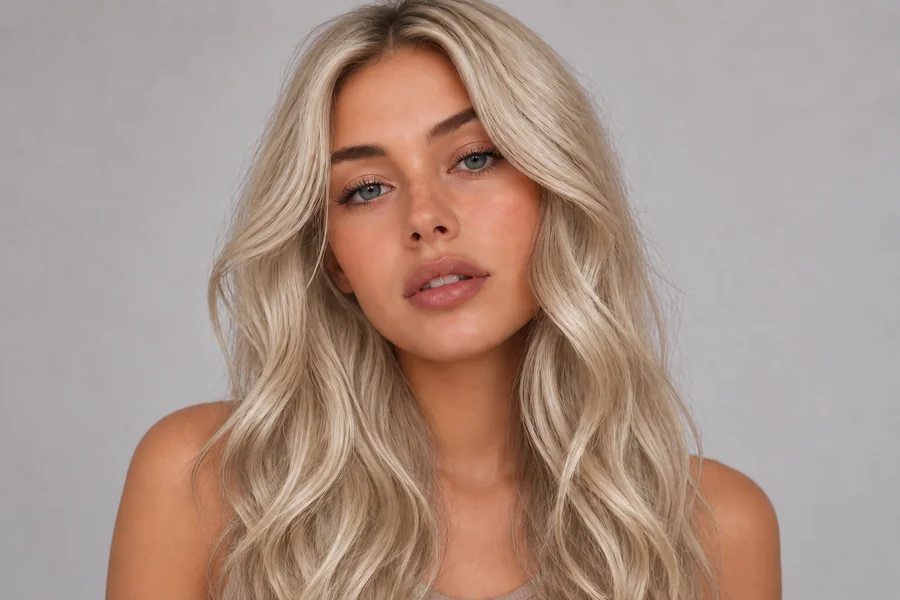
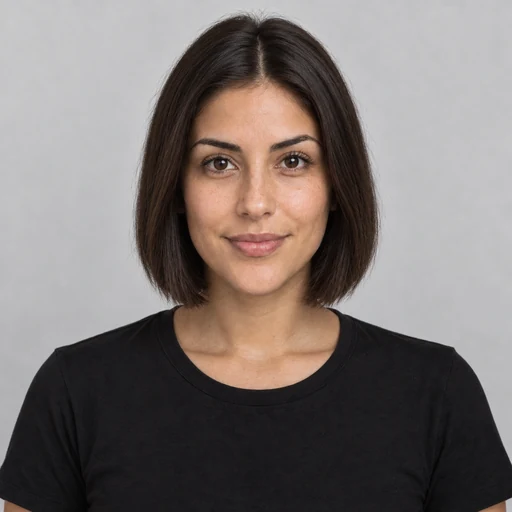
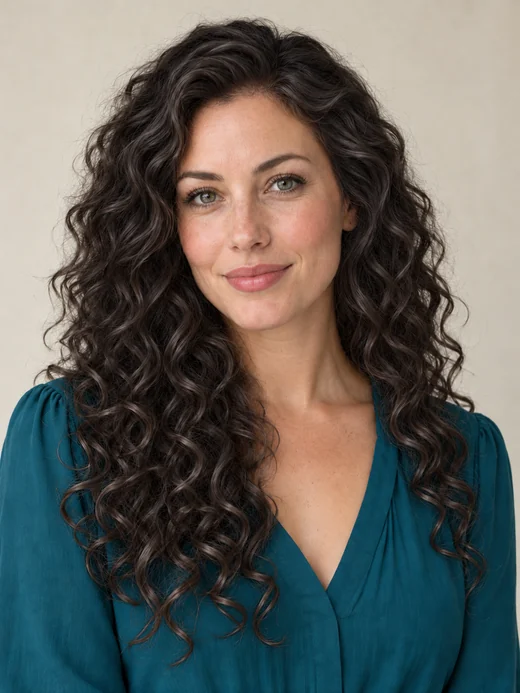
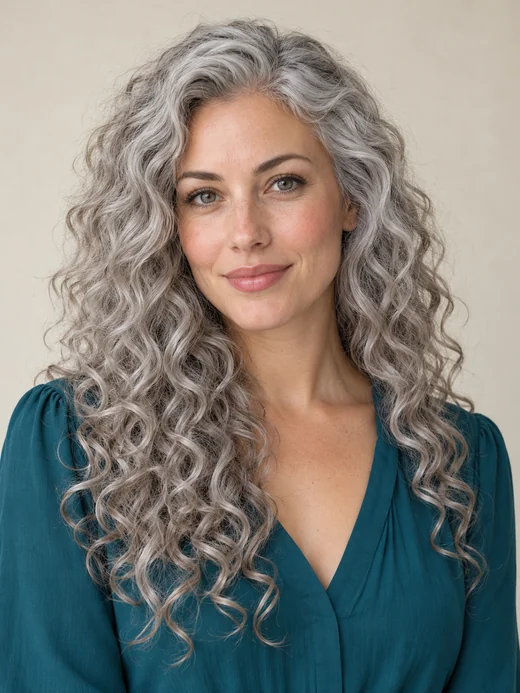
Silver curls turned a soft, satin black. The curl pattern, smile, and sweater stay exactly the same.
Upload one photo, pick a shade from jet black and soft black to blue black or a dark espresso, and add a new cut if you like. The black hair filter recolors only your hair, so you can see yourself with black or dark hair before you reach for the dye.
Black Shade: Jet Black · Hairstyle: Keep My Haircut
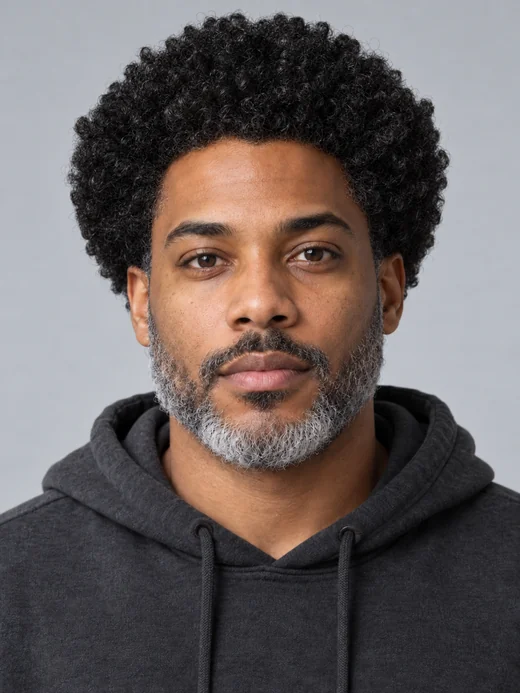
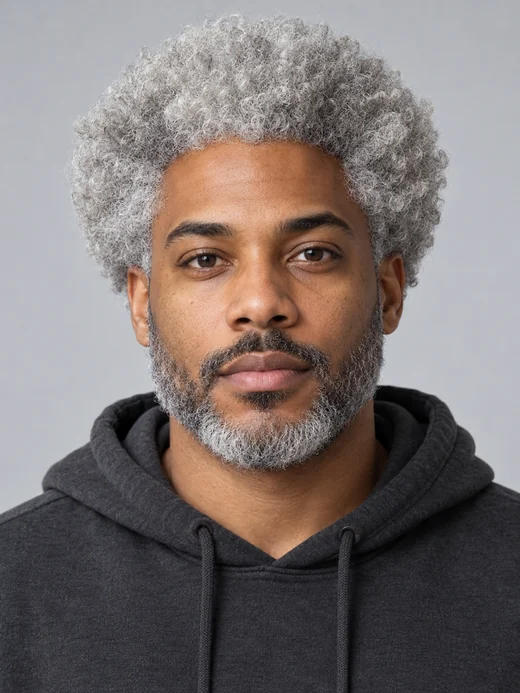
Reference example. It is not a result generated from your upload.
A black hair filter is an AI photo effect that recolors the hair in your picture to black and leaves the rest of the photo alone. Instead of painting one flat dark layer over your head, this one follows every strand, keeps the shine where the light hits, and leaves soft shadows underneath, so the result looks like real black hair, not a wig or a sticker.
It answers the questions people type before a big change: "what would I look like with black hair?", "what do I look like with black hair?" and "how would I look in black hair with my skin tone?" Most black hair filters give you one shade; here you can compare eight, from jet black to a softer natural black, plus a dark espresso for anyone who wants a dark hair filter rather than true black. Use it whenever you think "make my hair black, but let me see it first."
Same person, same pose, same light: only the color changes. Drag each slider to compare.
Silver curls turned a soft, satin black. The curl pattern, smile, and sweater stay exactly the same.
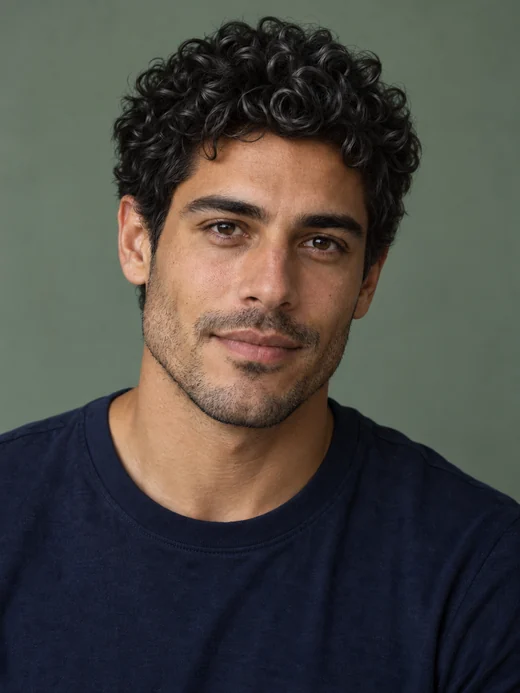
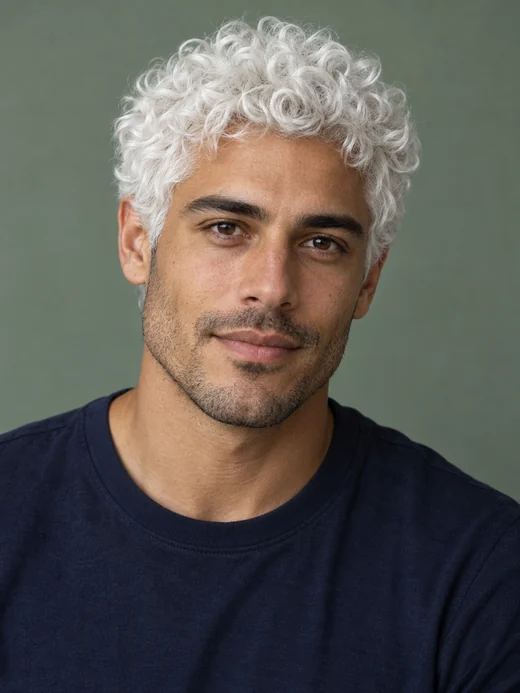
A man’s bright white curls taken all the way to a glossy jet black, with every curl kept in place.
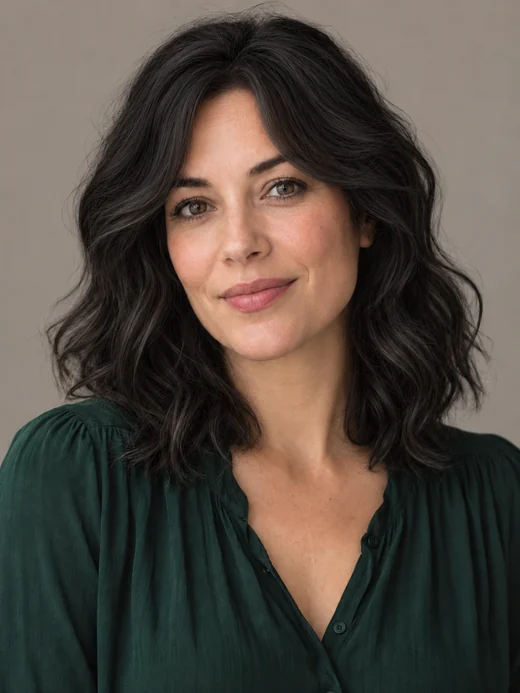
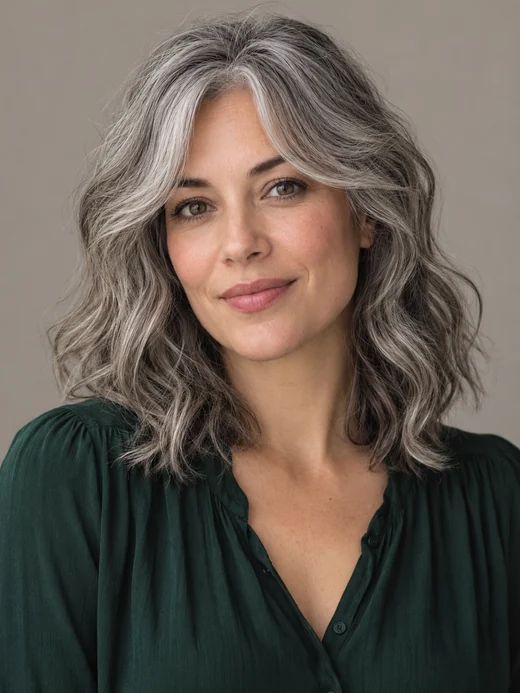
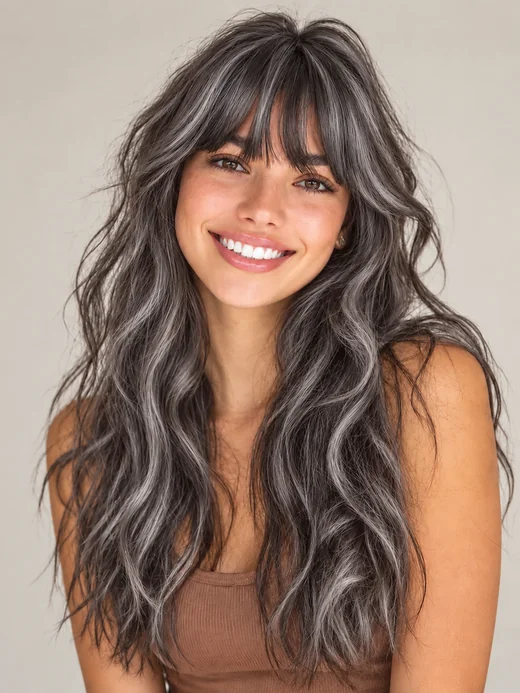
Grey-streaked waves and bangs recolored to a natural 1B black that still shows depth in the light.
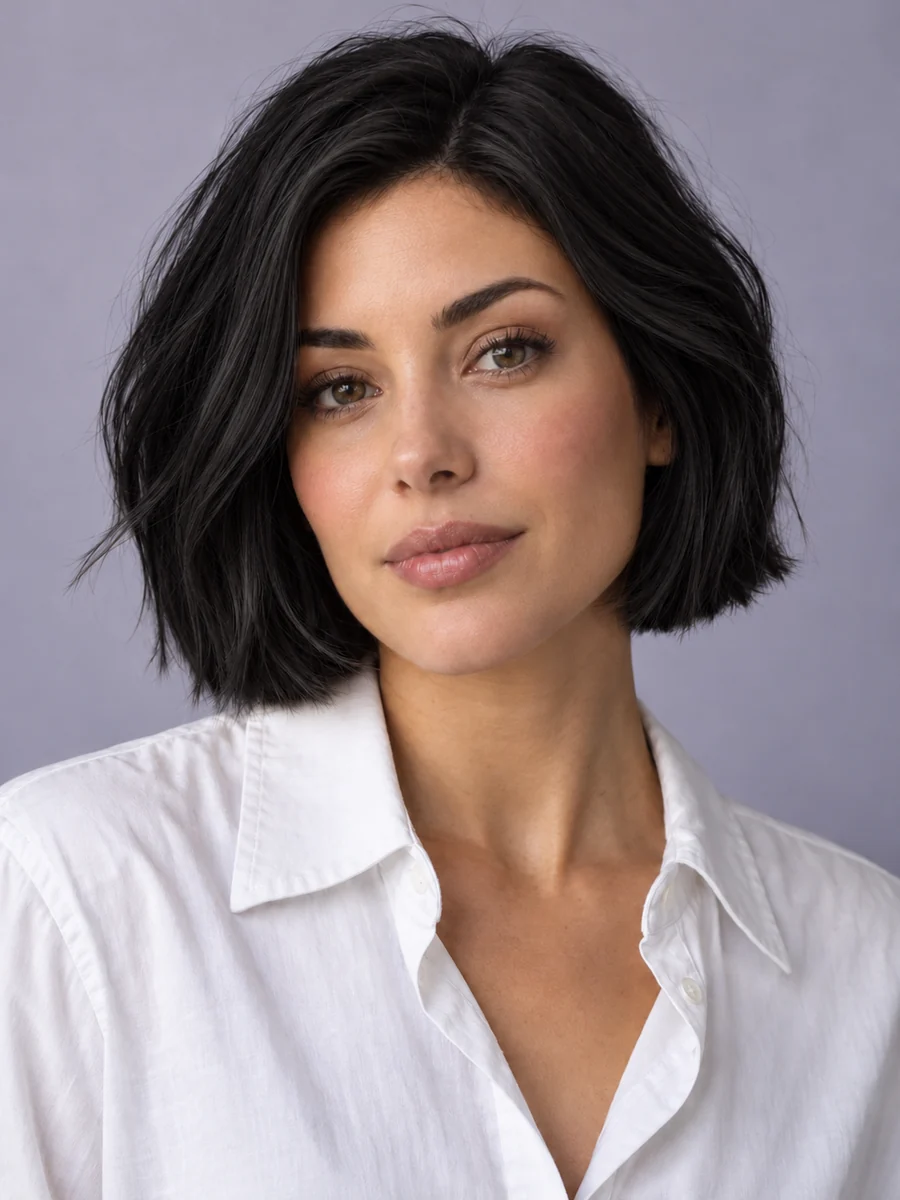
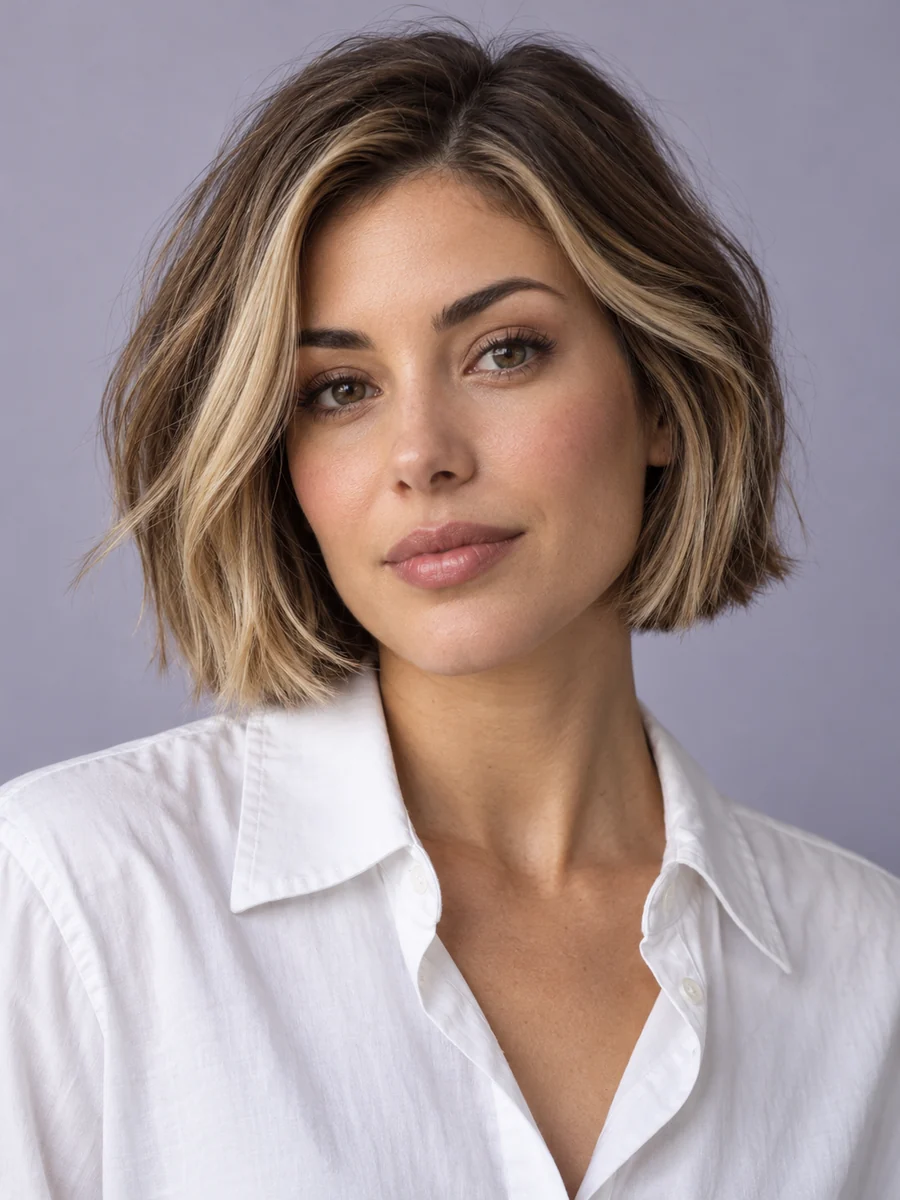
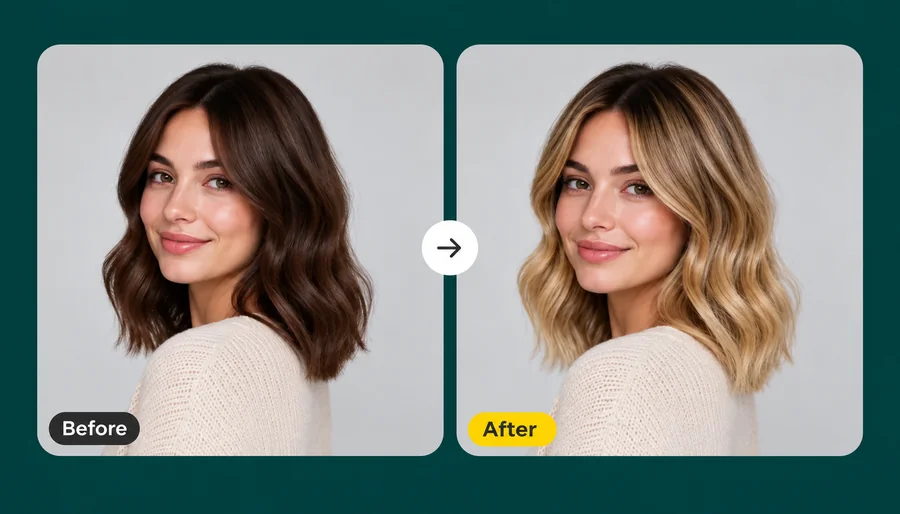
Chunky blonde highlights blended away into one even, glossy black. The bob and the parting stay untouched.
Wondering "what will I look like with black hair?" Find out in three steps in your browser, with no app to install and no editing skills needed.
Choose a well-lit photo with your hair visible and mostly loose. JPG, PNG, or WebP files up to 10 MB. Light, grey, red, or colored hair all work.
Choose one of eight shades, from Jet Black to Espresso, then keep your haircut or try a new one such as Long & Sleek, a Short Bob, or Bangs. Add streaks or other details in the optional note.
Create up to four versions, compare them with your original photo, and save the black you like best.
Black is unforgiving in photos: too flat and it looks like a helmet. These details keep it believable.
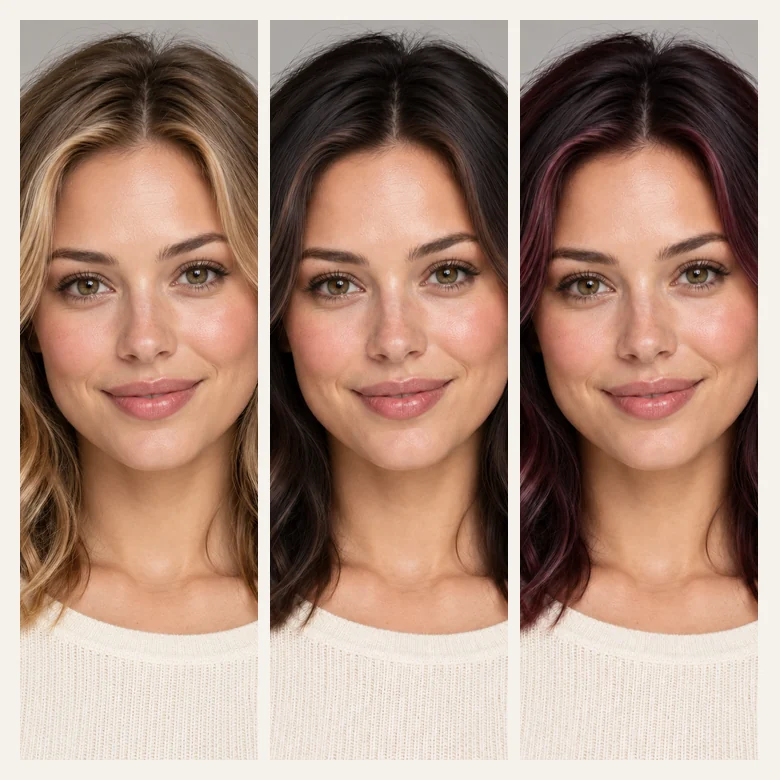
The filter keeps the natural shine on the crown and the soft shadows under each layer, and it matches the light that is already in your photo. Waves, curls, and flyaways survive the color change, so the black reads as hair, not a dark shape around your face.
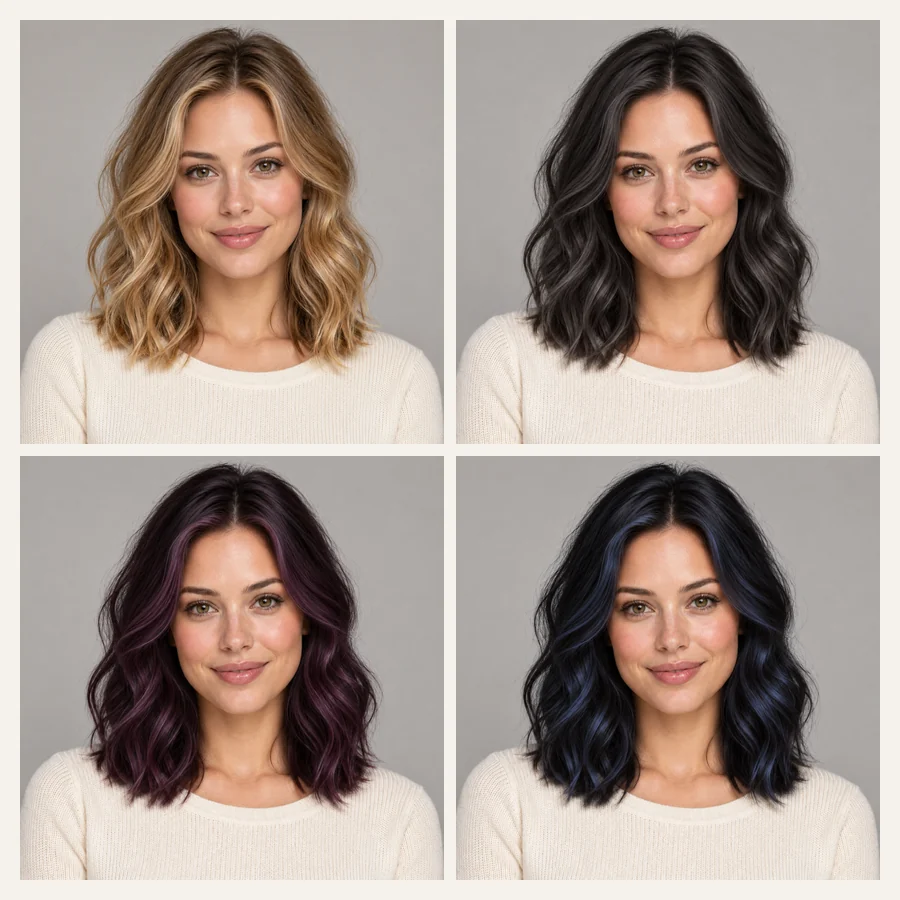
Jet black and blue black are cool and dramatic; natural black and soft black are gentler next to fair or warm skin; violet black and black cherry add a hidden tint; espresso is the dark hair option for anyone who is not sure about true black. Run two or three and compare them side by side.
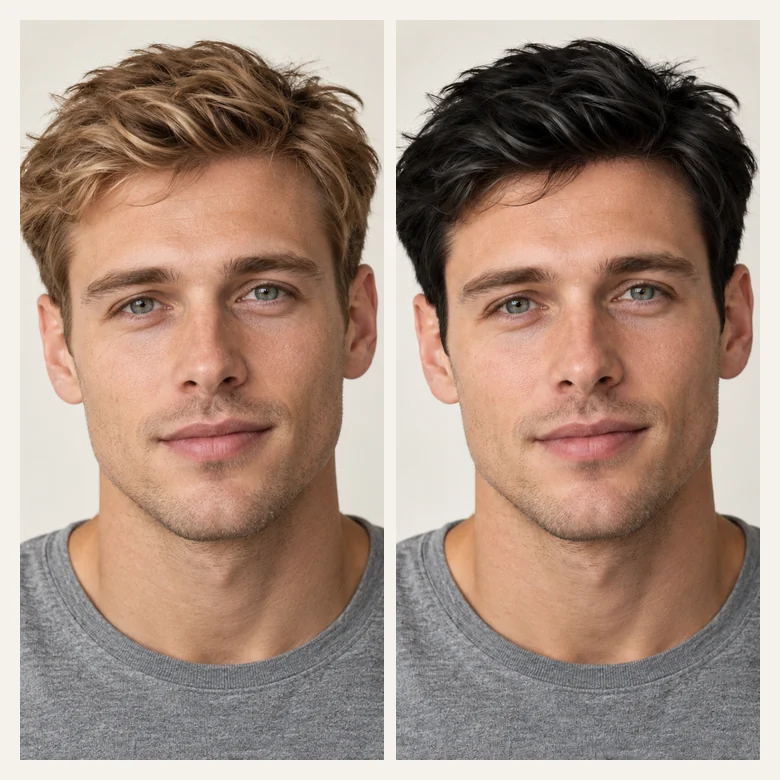
Blonde, ginger, or greying hair can go jet black or natural black while your beard, brows, and skin stay as they are. Pick Men’s Textured Crop to try a new cut at the same time, or ask for darker brows and beard in the note if you want everything to match.
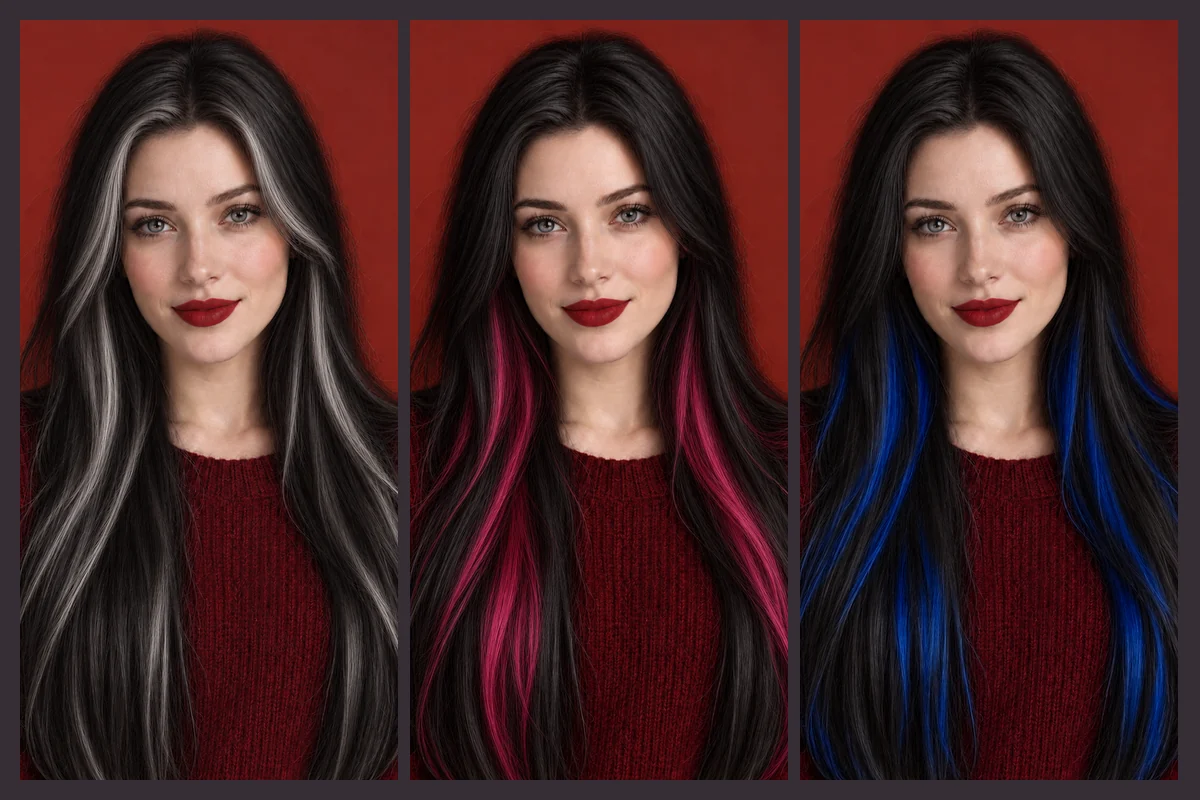
Want black with a twist? Describe it in the note, for example silver money pieces, pink peekaboo panels, or blue streaks under black, and the filter adds them on top of the shade you picked. For full rainbow colors, the hair color changer has more shades.
A starting point before you pick presets. Then preview two or three of the suggestions on your own photo.
| Skin tone | Blacks to try | Why they work | Go easy on |
|---|---|---|---|
| Fair, cool undertone | Soft black, ash black, blue black | Cool blacks echo pink undertones without looking harsh | Jet black right at the hairline |
| Fair, warm undertone | Natural black, espresso, black cherry | A hint of warmth keeps the face from looking washed out | Very blue blacks |
| Medium or olive | Natural black, jet black, violet black | Olive skin carries deep black and cool tints well | Matte ash black |
| Tan or golden | Espresso, natural black, black cherry | Warm dark tones pick up golden undertones | Flat, shine-free black |
| Deep, cool undertone | Jet black, blue black, violet black | High shine and cool tints look rich on deep skin | Muddy brown-blacks |
| Deep, warm undertone | Natural black, black cherry, espresso | Soft warmth glows next to warm deep skin | Ashy, greyish blacks |
Rules of thumb only: your eye color, eyebrows, and makeup change the result as much as your skin tone. The preview is the fastest way to check.
Black dye is the hardest color to take back out. A preview costs nothing to undo.
Going from blonde or brown to black is easy; going back can take months of color removal. Check the shade on your face first.
Grown tired of bleach? See your natural black again before you book the color correction.
Preview how jet black or a softer black would look over grey or salt-and-pepper hair.
Test a jet black or blue black character look on your own photo before you buy dye or a wig.
A photo of you in the exact black you mean beats describing "not too blue, not too brown."
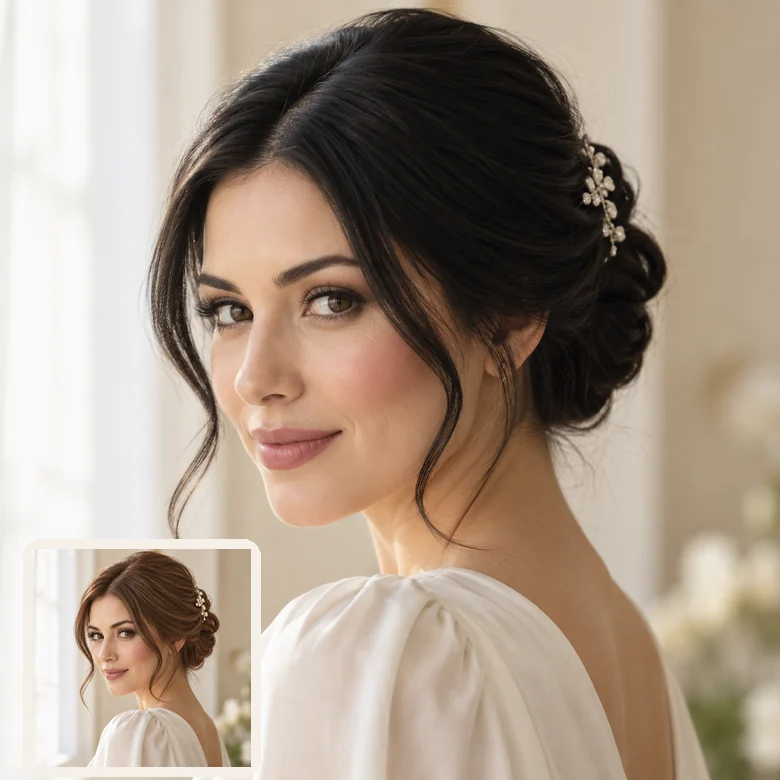
Planning a dramatic black updo or sleek style for a big day? See the whole look with your outfit in the frame.
The fastest answer to "how will I look with black hair?" starts with a good photo.
Black hair loses its detail in harsh shadow. Daylight from a window shows the shine and the shape.
Loose hair with its ends visible lets the filter color every strand, not just the top of your head.
Run Jet Black and Natural Black on the same photo; the difference next to your skin is easy to see.
Hats hide the hairline, and strong filters shift your skin tone, which changes how black looks on you.
Not sure black is the one? Try the colors on either side of it.
Every shade in one place: browns, reds, pastels, and vivid colors on your own photo.
Open toolThe opposite move: honey, golden, ash, and platinum blonde with a natural root.
Open toolSee silver, ash grey, or salt and pepper, or the grey you are covering with black.
Open toolApps and online tools to try on hair colors and cuts, compared, with their free tiers explained.
Read the guideAnswers to common questions about trying black hair on your photo.
Upload a clear photo, pick a shade such as Jet Black or Natural Black, keep your haircut, and generate. The black hair filter recolors every strand and keeps the shine and shadows from your photo, so you see a realistic version of yourself with black hair. Compare one cool and one warm black for the fullest picture.
Black next to fair skin is a strong contrast, which is exactly why a preview helps. Start with Soft Black or Espresso, then try Jet Black. If your brows are very light, add "darken my eyebrows a little" to the note so the face and hair match.
Jet black is the deepest, coolest black with a glossy shine. Natural black (often sold as 1B) is a softer off-black with a hint of brown in the light. Soft black is muted and satiny, so it looks gentler on lighter skin. Blue black, violet black, and black cherry add a tint that shows in highlights.
Yes. If true black feels too strong, choose Espresso for a dark brown that is almost black, or Natural Black for a softer finish. Both work as a dark hair filter while keeping the look natural.
Yes. Pick a shade, then a hairstyle such as Long & Sleek, Short Bob, Pixie Cut, Bangs, or Men’s Textured Crop. Keep My Haircut changes only the color.
Yes. Short cuts, fades, curls, and longer hair are all recolored the same way, and your beard, brows, and skin stay unchanged unless you ask for darker facial hair in the note.
It is free to try: new accounts get free credits when they sign up, which cover your first previews. After that, each preview uses credits.
No. Only the hair color changes (and the cut, if you pick one). Your skin tone, eyebrows, eye color, makeup, clothes, and background stay as they are.
It is a realistic preview, not a promise. Real results depend on your starting color, hair condition, the dye, and your stylist. Remember that black is hard to lift later, so use the preview to be sure before you commit.
Only upload photos you own or have permission to edit, and do not use an edited photo to mislead anyone about how a real person looks. Uploads are used only to create your preview.
Upload a selfie and compare jet black, soft black, blue black, and espresso before you dye. Free to try with sign-up credits.