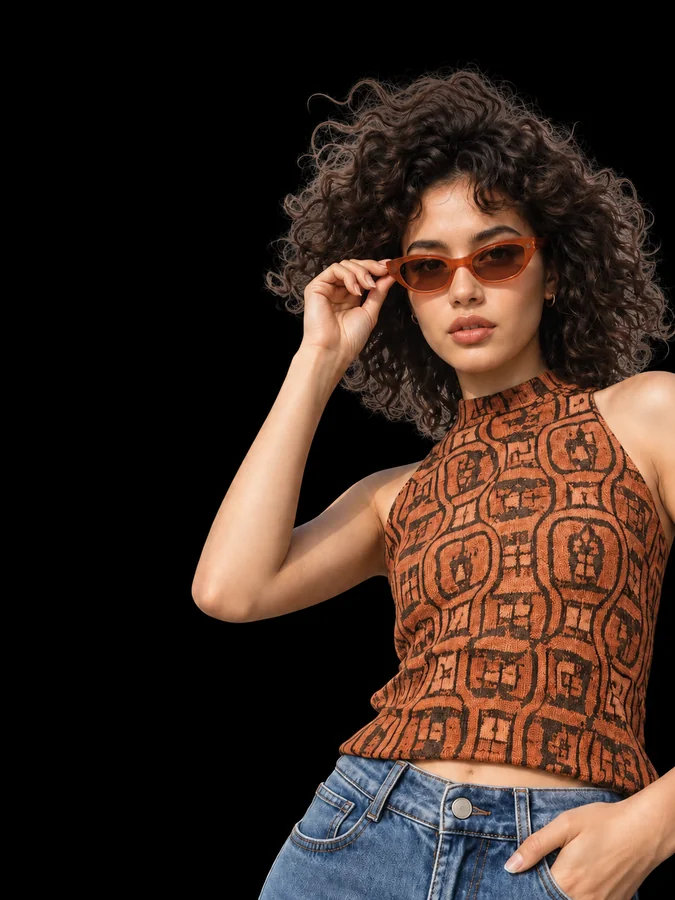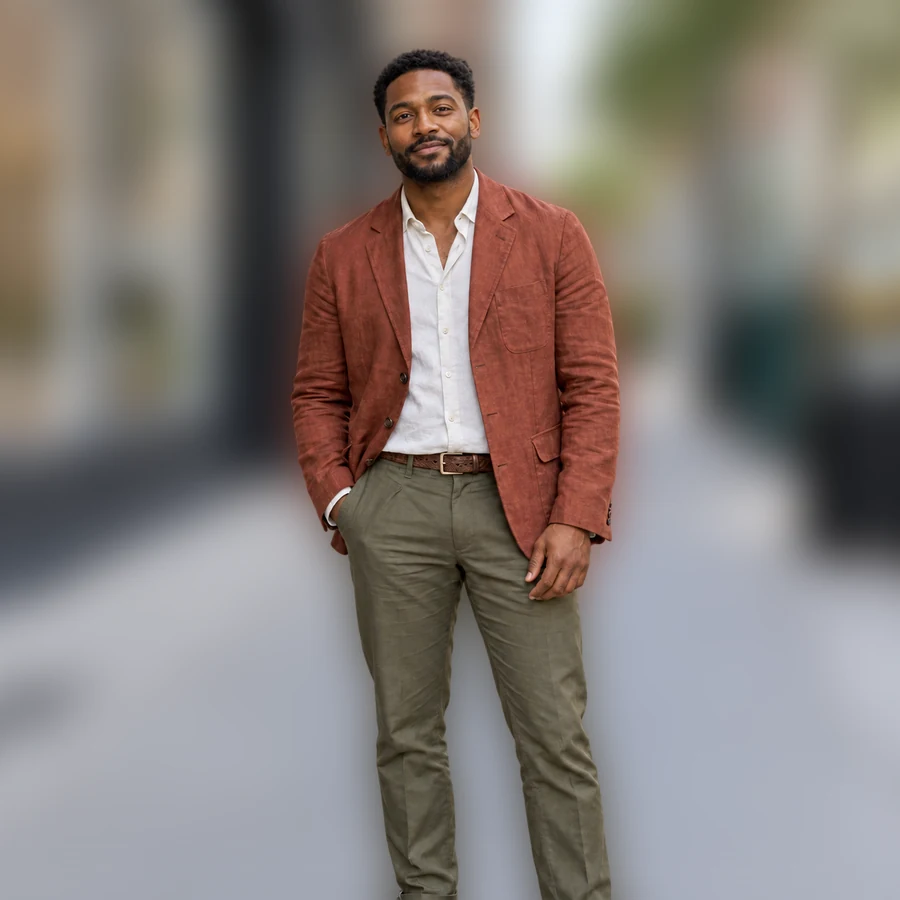

White Studio
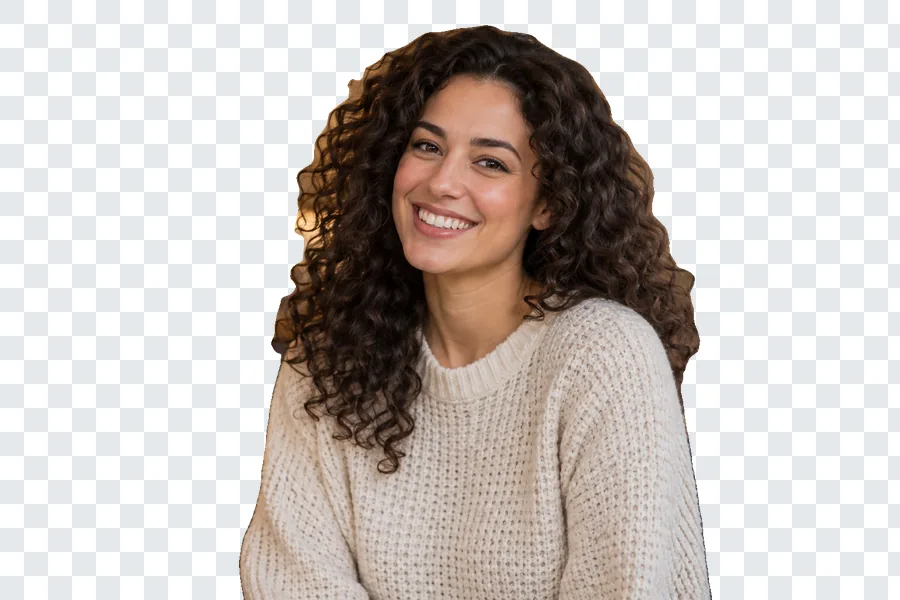
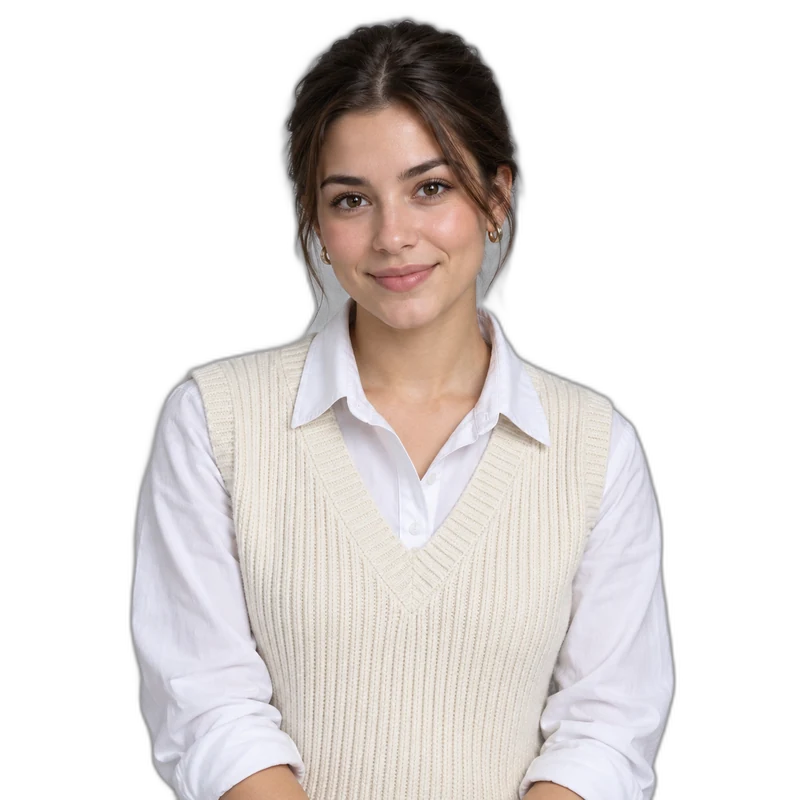
A clean white studio sweep with soft floor shading. Great for headshots, though the white is AI-rendered rather than exact #FFFFFF.
Upload one photo, then pick from 12 background presets, set a solid color, add a background you own or describe a setting. No masks or layers: let AI change background scenery around your subject, then compare it with the original.
Try a starting point
Fine-tune
Reference example. It is not a result generated from your upload.
Most photo background changer apps make you cut the subject out before you can change background of picture files. Here you upload one photo and the AI background changer replaces the scene in a single generation: it keeps the person, pet or product and redraws what is behind them, matching light and shadows to the new setting as closely as it can.
This change background editor offers 12 presets, from White Studio and Soft Gradient to Beach, Neon Night and Product Podium. You can also upload a background you own in the second slot or describe a scene in your own words. Background changing is an AI interpretation, so compare edges, hands and hair with your original before you download.
Unlike a background changer in photo apps that only pastes a cutout on top of a picture, this background replacer redraws the meeting point between subject and scene. If you need exact #FFFFFF white or a transparent PNG instead, the browser tools linked further down are a better fit.
A clean white studio sweep with soft floor shading. Great for headshots, though the white is AI-rendered rather than exact #FFFFFF.


A gentle lavender gradient that adds depth without a real place, suited to professional profile photos and speaker bios.


One flat color behind the subject, chosen with the color picker. Use black for a blackout look or a brand color for a campaign.


A softly blurred modern office for work profiles and team pages. Desks and windows stay out of focus so the person remains the subject.


Sea, sand and a bright sky. Daylight scenes look most natural when the original photo was also lit from the front or side.
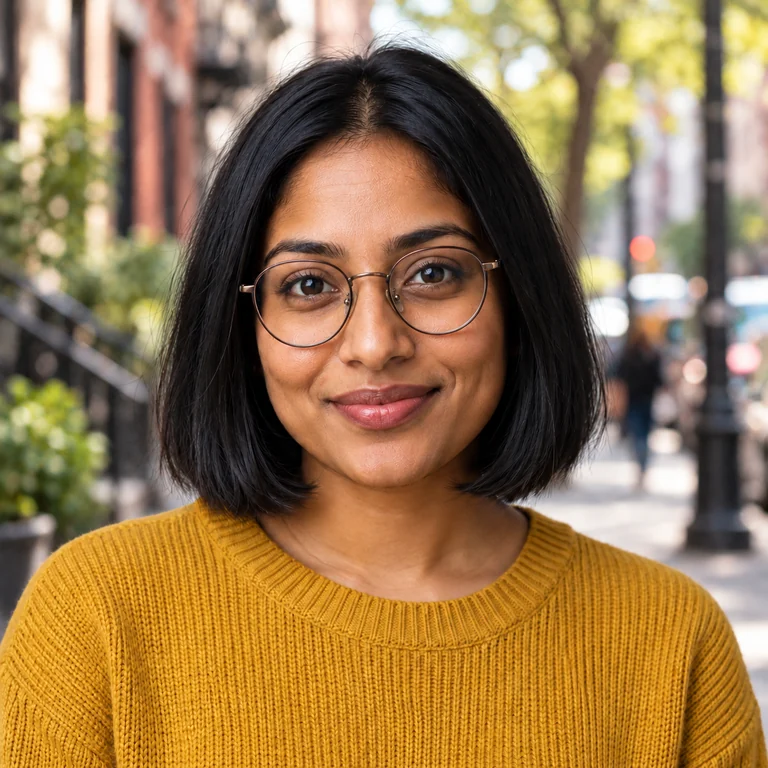

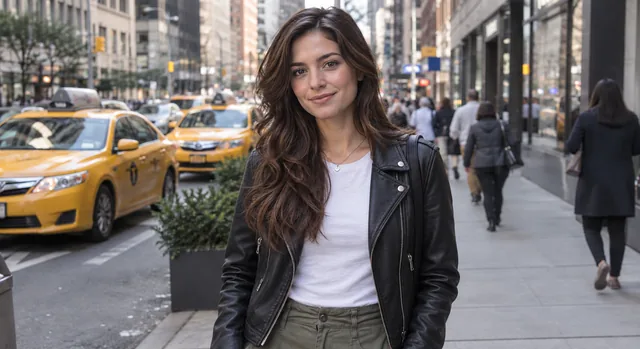
A tree-lined street with brick townhouses for a relaxed street-portrait feel.


Green trees and a sunny path, a good match for outdoor profile photos that were actually taken indoors.
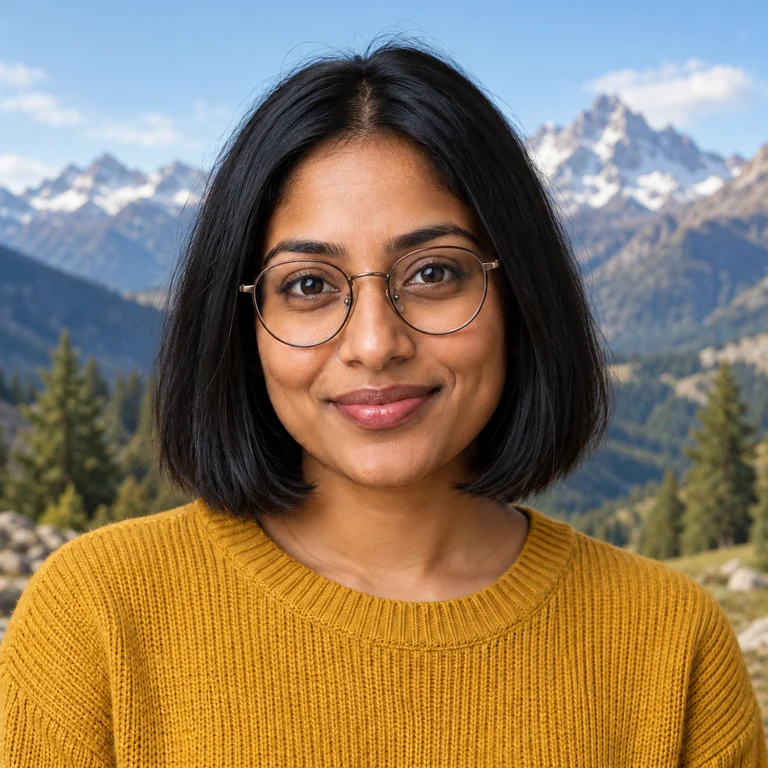

Snowy peaks and pine forest for a travel look. Check that the light on the face still makes sense against a bright alpine sky.
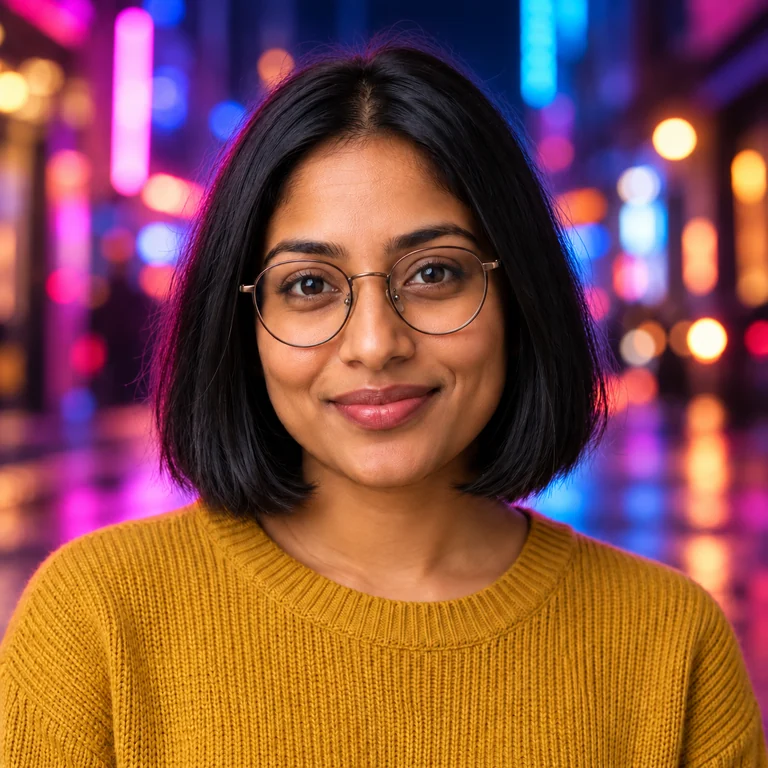

Pink and blue city lights for a night-out or event poster mood. Expect some colored light on hair and shoulders, and compare skin tones with the original.
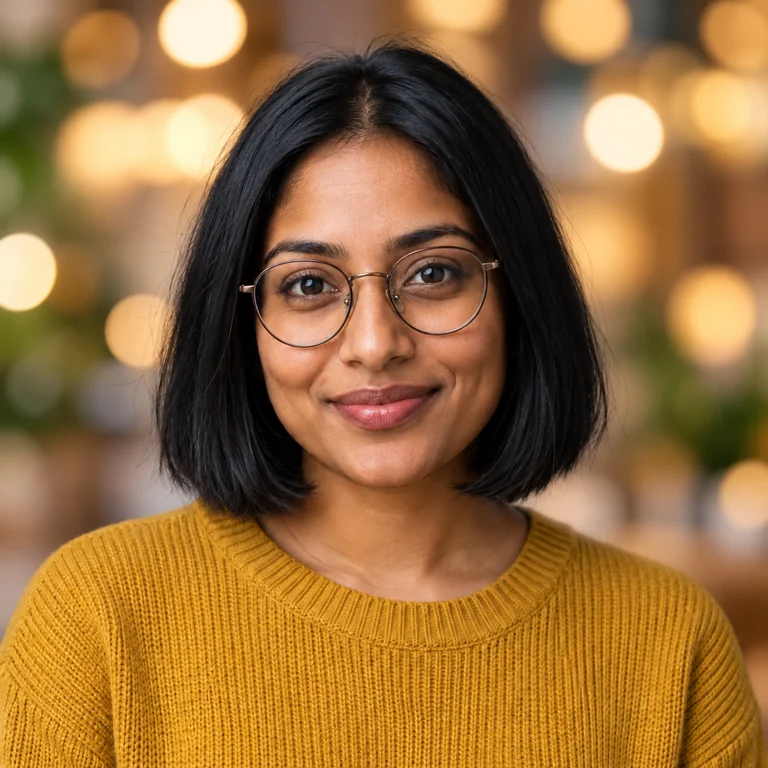

Warm out-of-focus lights for holiday cards, party invitations and festive greetings.
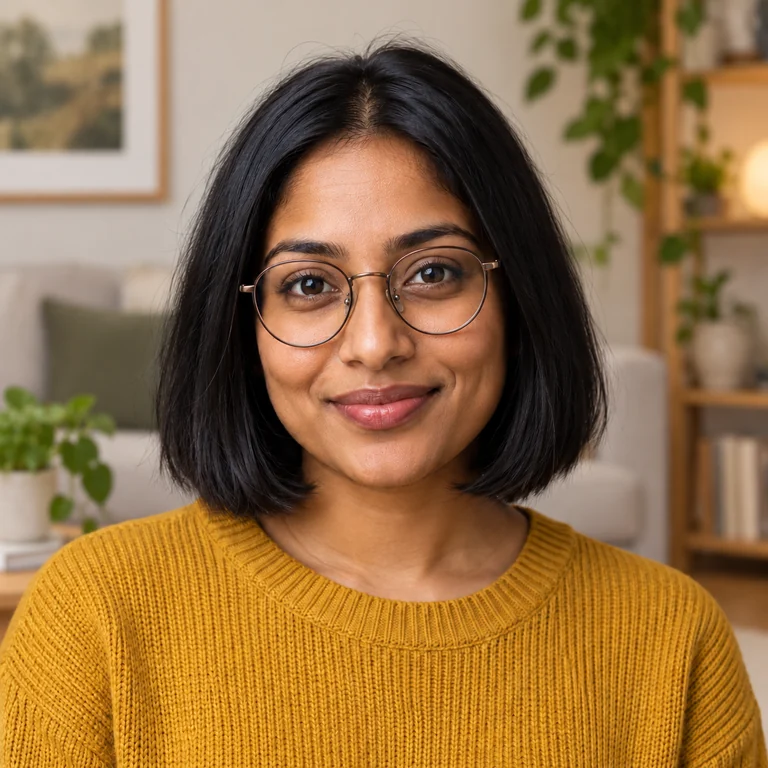

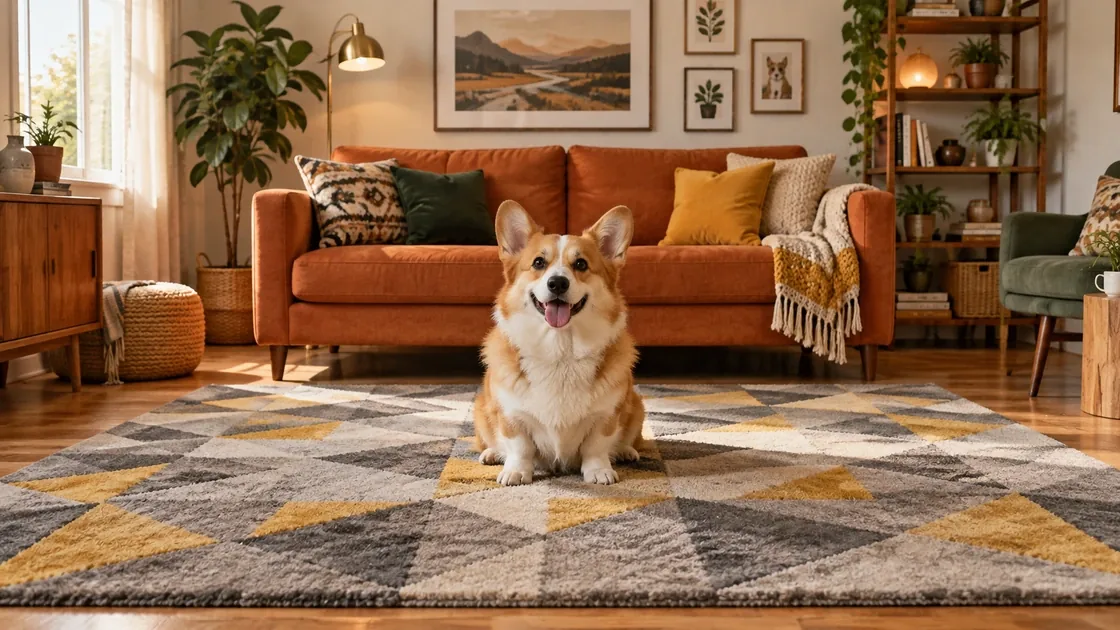
A bright living room with plants and shelves for relaxed home portraits and lifestyle shots.


Neutral pedestals and arches made for product shots; it also gives portraits a gallery-like backdrop.
Use a JPG, PNG or WebP up to 20 MB with the subject fully in frame. Clear edges around hair, glasses and hands give the cleanest swap.
Tap a preset, set a solid color, add a background image you own in the second slot, or describe a setting in up to 1,000 characters.
Press Generate. The AI is asked to keep the face, pose and clothing and to redraw only the surroundings, with matching light.
Drag the before and after slider over edges and shadows. If something drifted, generate again or make the description more specific.
White Studio, Soft Gradient and Solid Color turn a casual snapshot into a clean headshot. They are the quickest way to change background for a photo you need on a CV, a staff page or a speaker bio.
Beach, Park, City Street and Mountains move the subject outdoors without a reshoot. Add the time of day to the description so the light on the face matches the new sky.
Add a photo you own, such as your office, venue or shop, in the second slot to replace background in photo files with a real place. Similar camera height and lighting in both pictures give the most believable result.
Choose Solid Color with black for a full blackout, or describe a dim, low-key backdrop for a moodier portrait. To edit background of photo lighting without changing the place, describe the same kind of room in darker light.
A photo taken from above looks odd on an eye-level street scene. Choose or describe a scene seen from the same height as your original.
Add phrases such as “soft light from the left” or “overcast daylight” so new shadows fall where your original light came from.
When you change image background with a description, one setting, one light source and one mood work better than a long list of objects.
When you photograph cars for background editing, keep the whole car and its tyres in frame so the AI can set it on the ground convincingly.
These are the details AI redraws most often. Zoom in on them with the comparison slider before you download.
Save the untouched photo. Each generation is a new interpretation, and you may want to try another preset or your own background later.
Cut the subject out to a transparent PNG without adding any new scene.
Read the guideDescribe other edits, such as clothing color or lighting, in plain words.
Read the guideCreate a new background image from text, then upload it here as your own background.
Read the guideCreates a brand-new wallpaper, video call background or empty product set from a text description when there is no photo to edit.
Open toolPick White Studio, or Solid Color with the color set to white, then generate and check the edges. The AI may add soft floor shading, so the white is not always exact; for pure #FFFFFF product files, use Add White Background instead.
It is Free to try. Each Generate run is a new AI generation and the button shows its cost before you start; comparing and downloading the result costs nothing extra.
Yes. Upload your subject in the first slot and the place in Upload your own background. The AI uses that photo as the setting; similar camera height and daylight in both pictures make the result more believable.
JPG, PNG or WebP up to 20 MB, showing people, pets or products you photographed or have permission to edit. Ask the people pictured before you place them in a new scene, and only upload background photos you have the right to use.
It is instructed to keep the face, pose and clothing, but like any AI image changer it can alter small details such as hair strands, jewelry or fingers. Compare with the original, and generate again or simplify the description if something drifted.
Choose Solid Color and set the color picker to black, or describe “a plain black backdrop” in the text box. Check the hair edge afterwards, since dark hair can merge into a black background.
Try Park, Beach, City Street or Mountains, and add the time of day and light direction to the description, such as “late afternoon sun from the left”. Indoor light is usually soft, so soft outdoor light tends to look more natural than harsh midday sun.
A background remover only deletes the scene and gives you a transparent cutout. This image background changer creates a new scene behind the subject and adapts light and shadows to it. Use the remover when you plan to place the cutout yourself.
Yes. Product Podium and Solid Color suit shop images, and car background editing works best when the whole car is in frame. Mention the ground surface, such as wet asphalt or a showroom floor, so the AI adds believable contact shadows.
Yes. Upload, presets, the description box and the comparison slider all work in a mobile browser, so it doubles as a quick bg changer on the go. Zoom into the result before downloading to spot small edge problems.
Upload a photo, choose a preset or your own scene, and compare the new background with the original before you download.