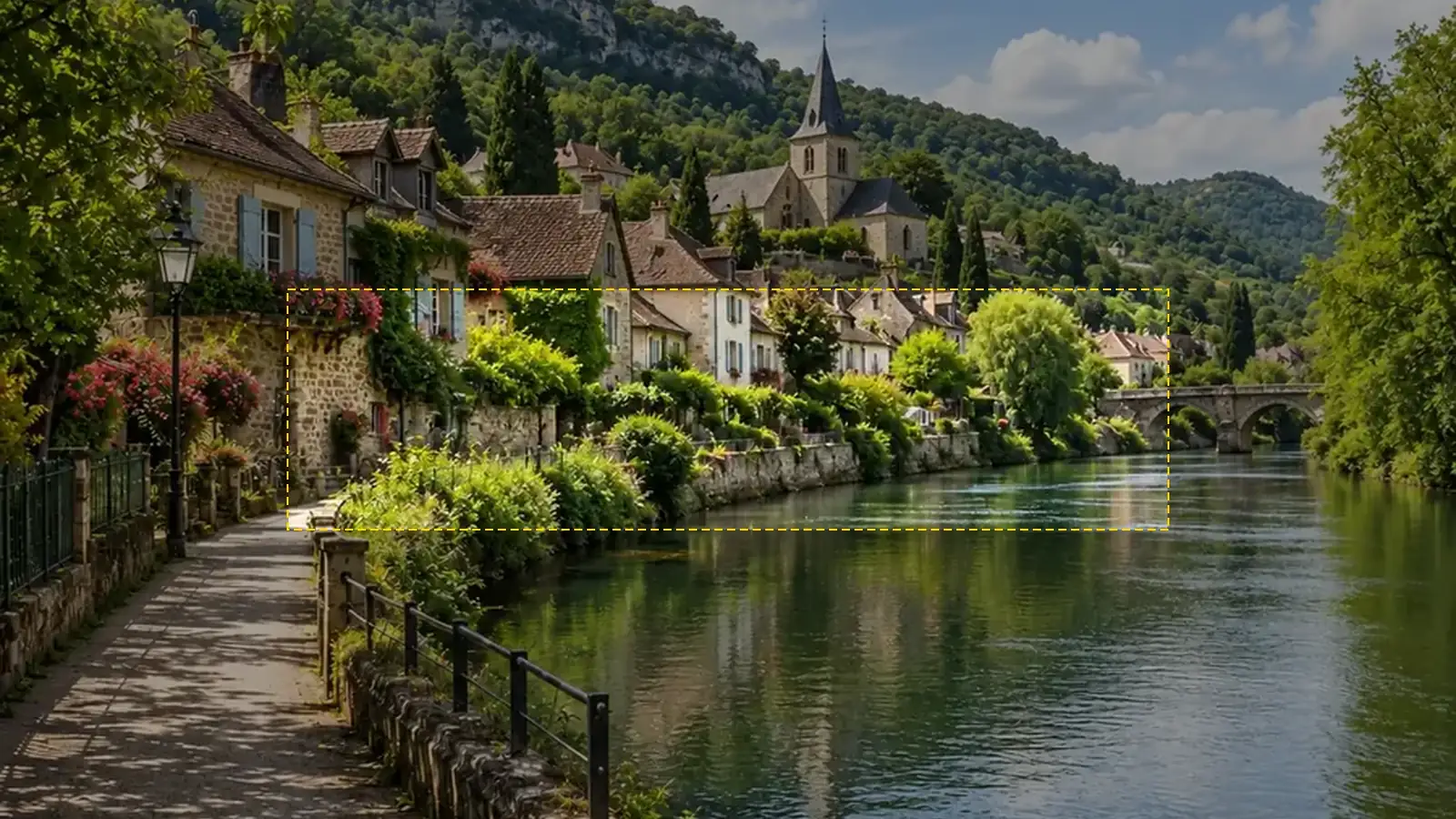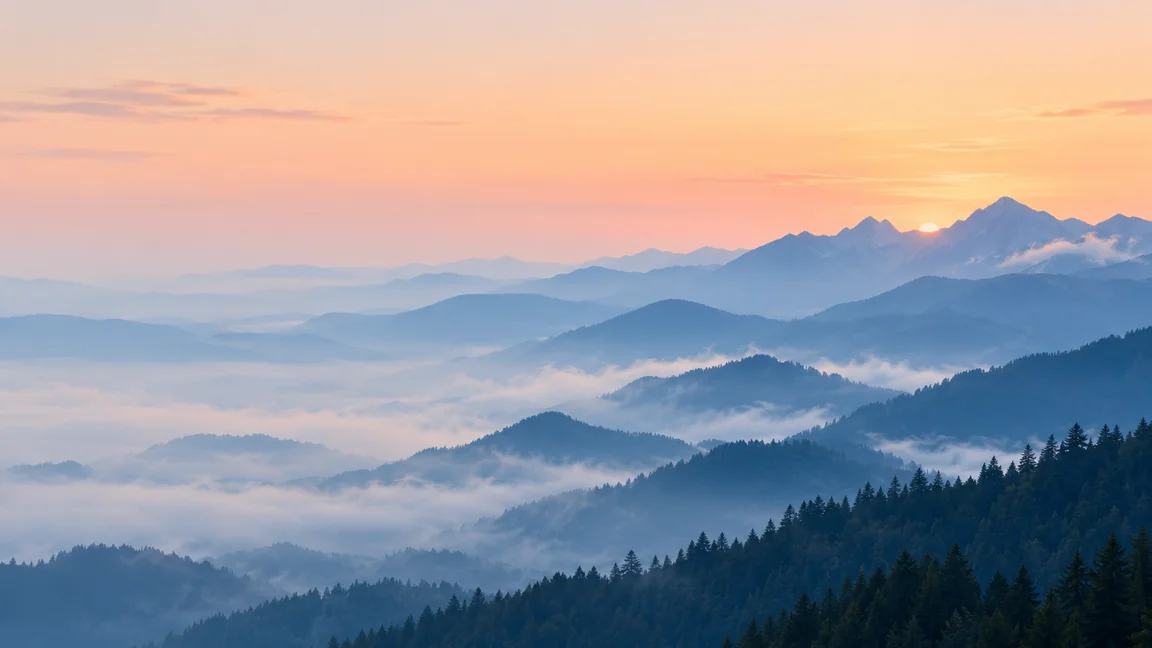
Desktop wallpaper
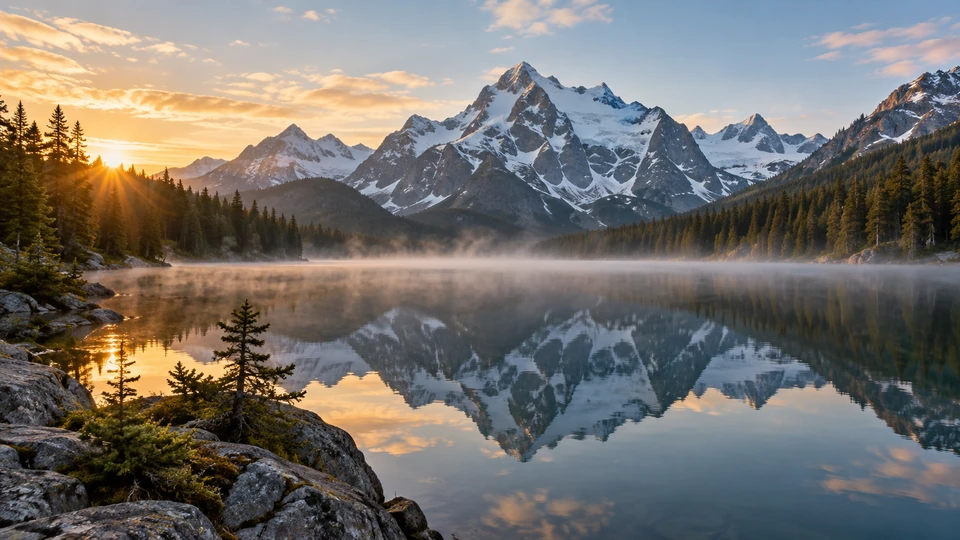
Layered mountain ridges with a quiet left side, so icons never sit on busy detail.
Describe a scene, pick a type such as Desktop Wallpaper, Video Call Background or Product Backdrop, and the AI bg generator paints a background in the matching shape, with calm space left for your text, product or face. Free to try.
A wide desktop wallpaper of layered blue mountain ridges in morning mist under a pale peach sky, calm and minimal, the left half kept quiet where desktop icons sit.
Reference example. It is not a result generated from your upload.
A good background is the part people are not meant to stare at: it frames a desktop full of icons, sits behind your head on a call or holds up a product without stealing the attention. This AI background generator is built around that job. You describe the scene, choose one of eight types, and it paints the backdrop in the matching shape with calm space where your text, product or face will go. Think of it as an AI image background generator that plans for the foreground.
Desktop Wallpaper and Video Call Background come out wide, Phone Wallpaper comes out tall, Product Backdrop comes out square and Studio Backdrop in 4:3, unless you pick another shape. Already have a photo and only want what is behind the subject replaced? Use Change Picture Background for that. Need nothing behind the subject at all? Background Remover and Make Image Transparent cut it out instead.
Wallpapers, call backgrounds, gradients and party backdrops made with the background generator. Tap a card to load its type.
Layered mountain ridges with a quiet left side, so icons never sit on busy detail.
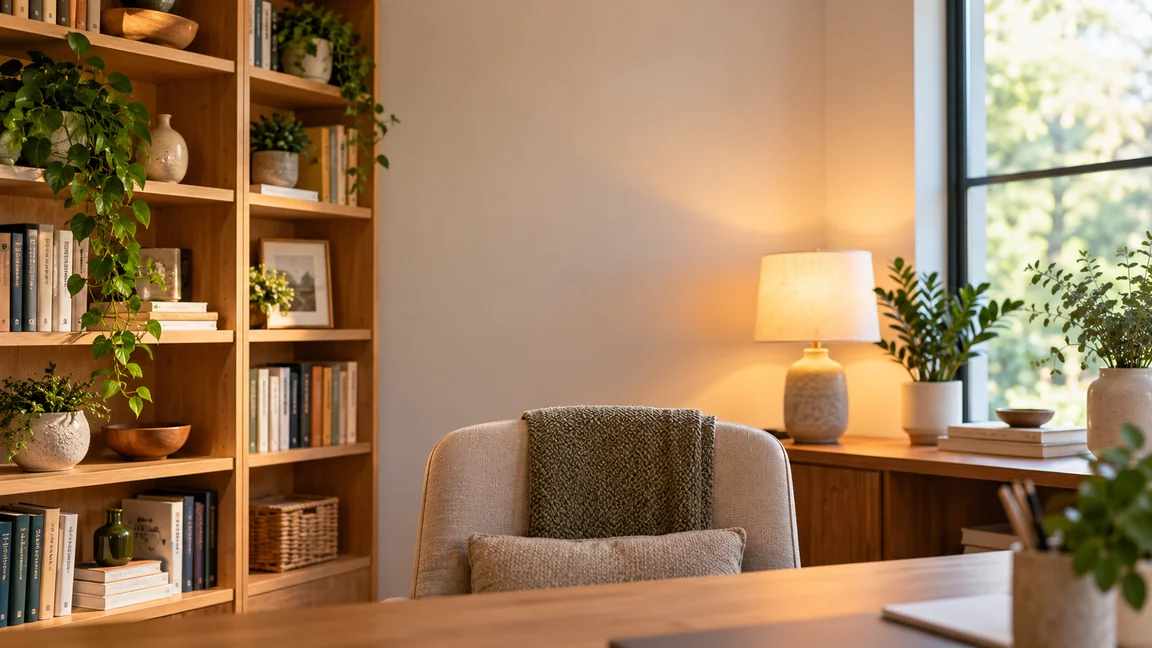
A tidy shelf, a warm lamp and a soft window, with the middle left open behind your head.
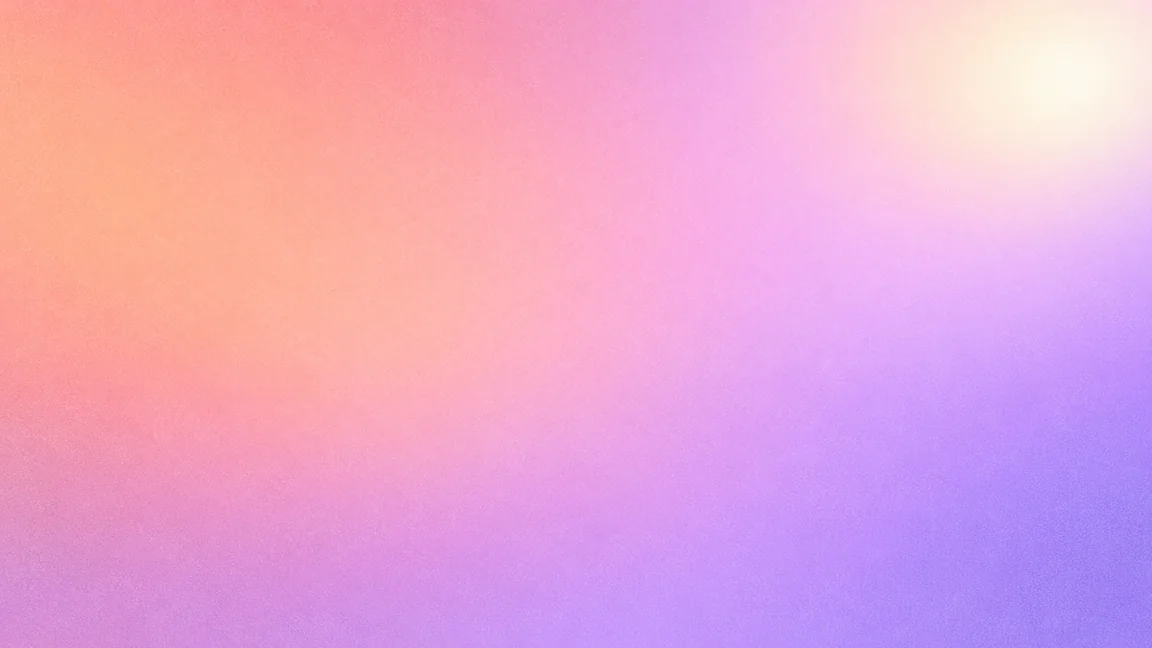
Peach melting into lilac with fine grain: a backdrop for slides, cards and quotes.
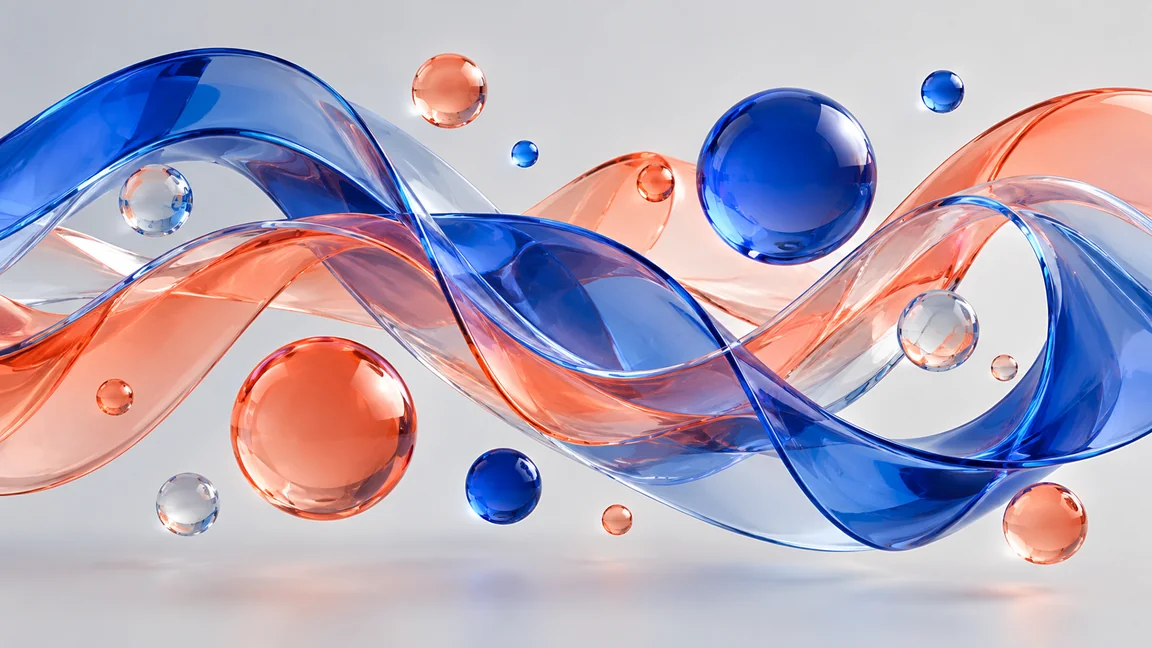
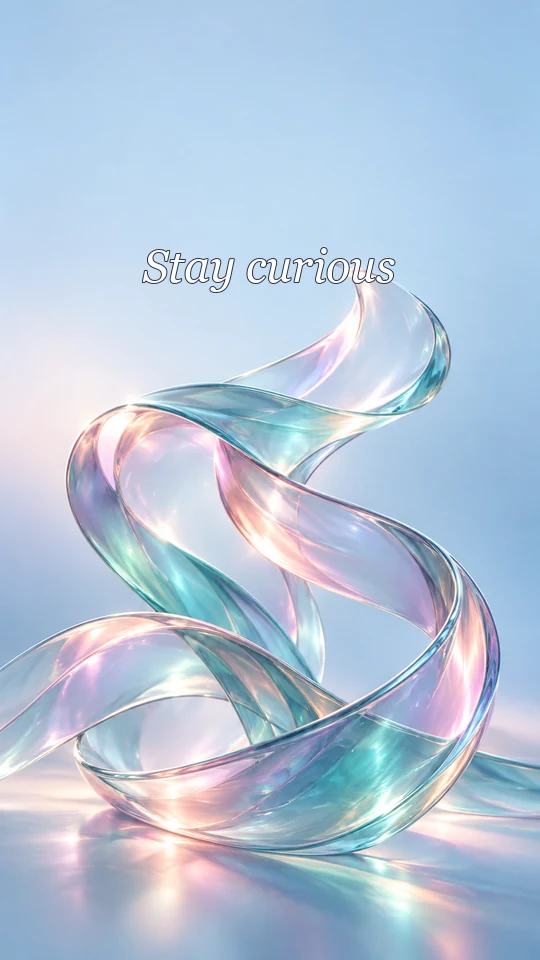
Glass ribbons and floating spheres for a 3D background maker look on banners and covers.
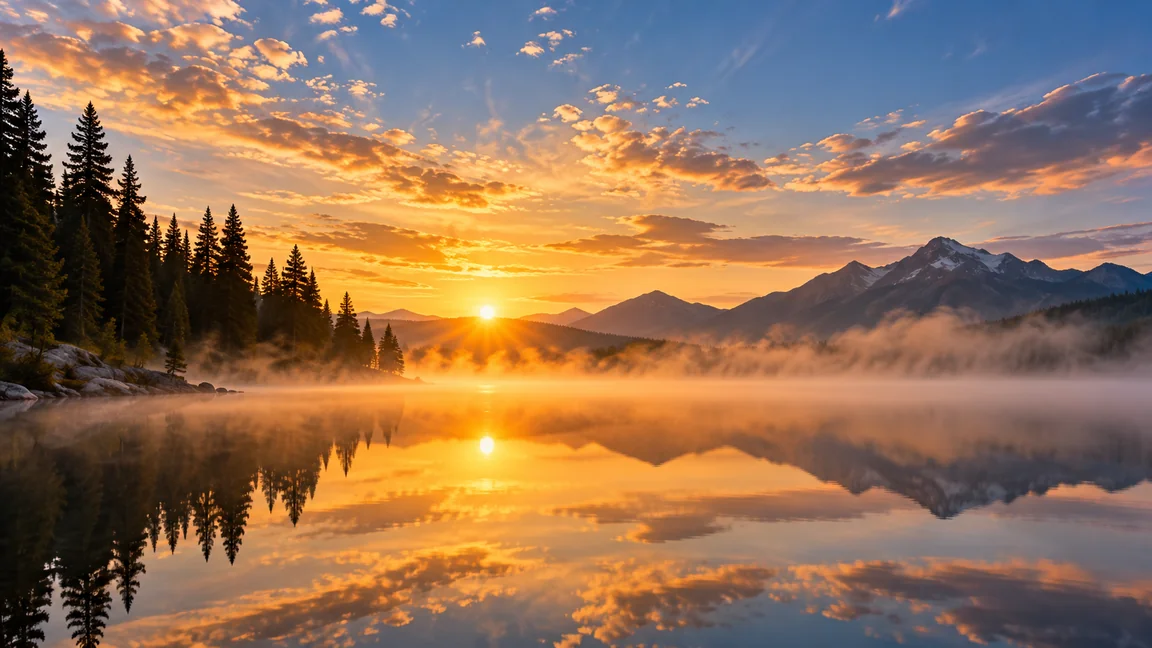
A still lake at sunrise with open sky at the top, room for a title or a logo.
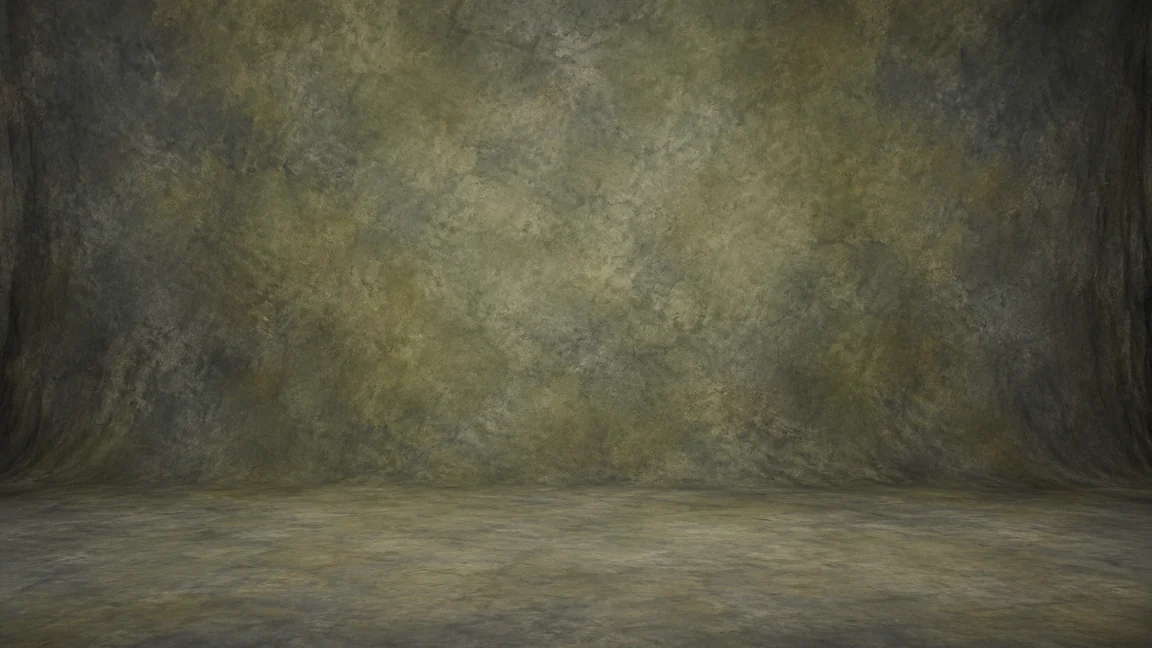
Mottled painted canvas with a soft vignette, the classic look for portraits.
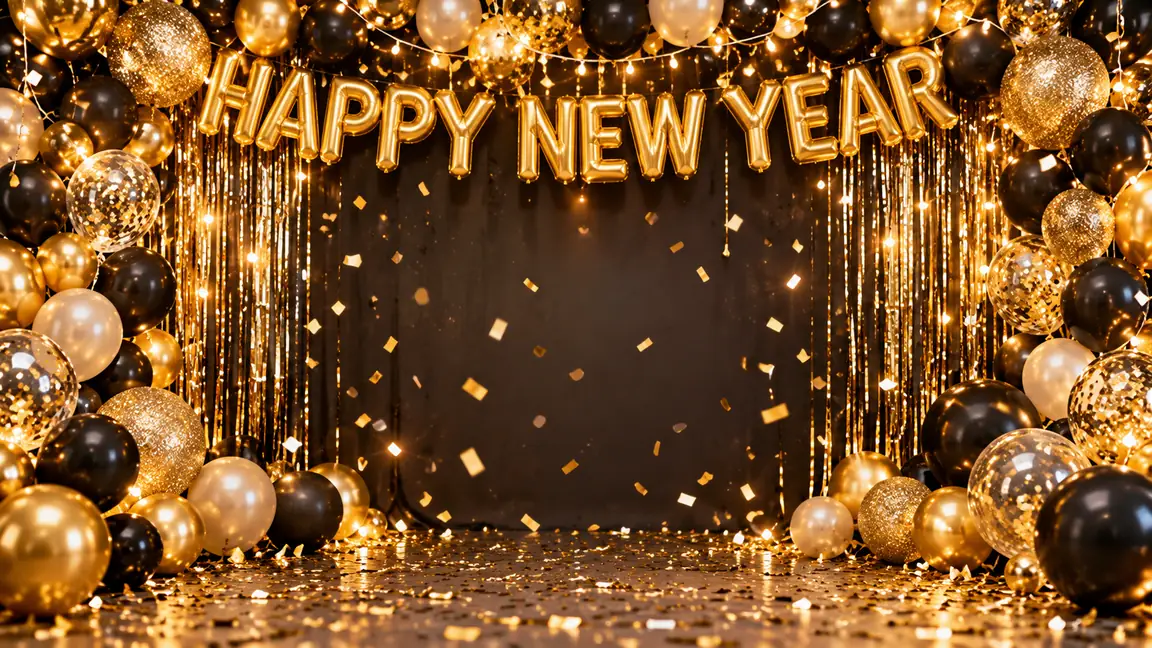
Gold and black balloons, confetti and a greeting, with space for guests in front.
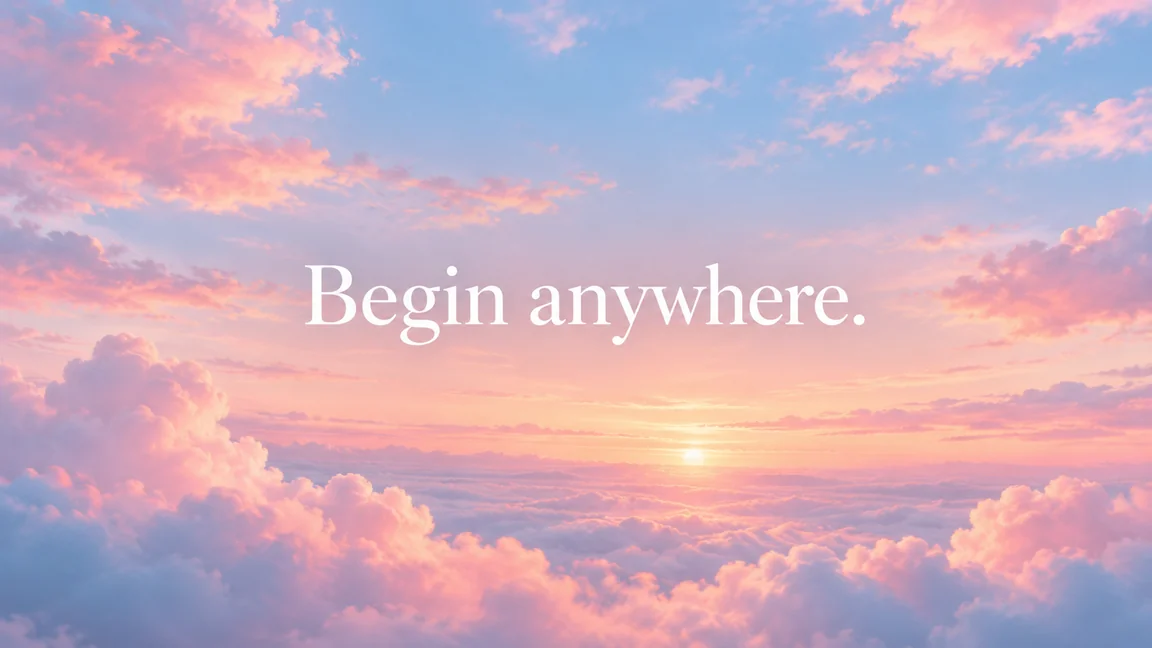
Pastel dawn clouds with a short quote set large in the calm middle of the frame.
Say what the background shows and how busy it may be: “a foggy pine lake at sunrise” or “peach to lilac gradient with grain”. Mention what will sit in front, such as a headline or a bottle.
Desktop Wallpaper, Phone Wallpaper, Video Call Background, Product Backdrop, Gradient, Abstract, Nature Scene or Studio Backdrop. With the shape on Match the type, the type also sets the size.
Keep the center, the left side or the bottom calm, or fill it all. Pick a palette or let the AI choose, and type a short line if you want a background with text.
Make up to four backgrounds in one go with the AI bg maker and keep the one that leaves the cleanest space. Run it through the Image Upscaler first if it has to fill a 4K screen or a large print.
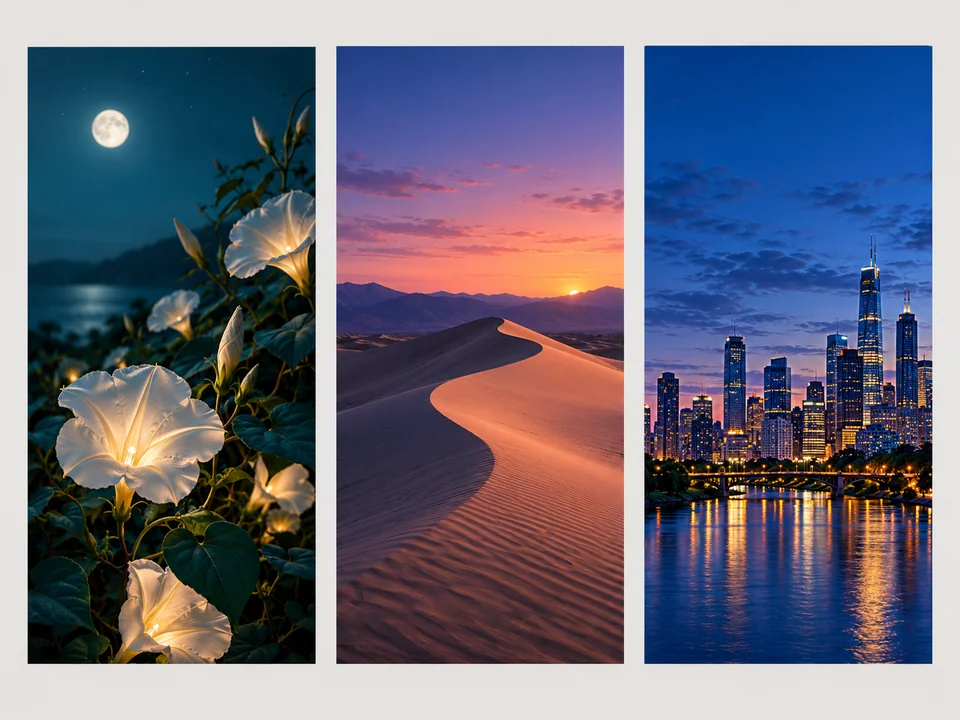
Choose Phone Wallpaper and the background comes out tall, with the busy detail in the middle and a calm strip at the top for the clock and widgets. Name a color you like and generate four to see which sits best behind your apps.
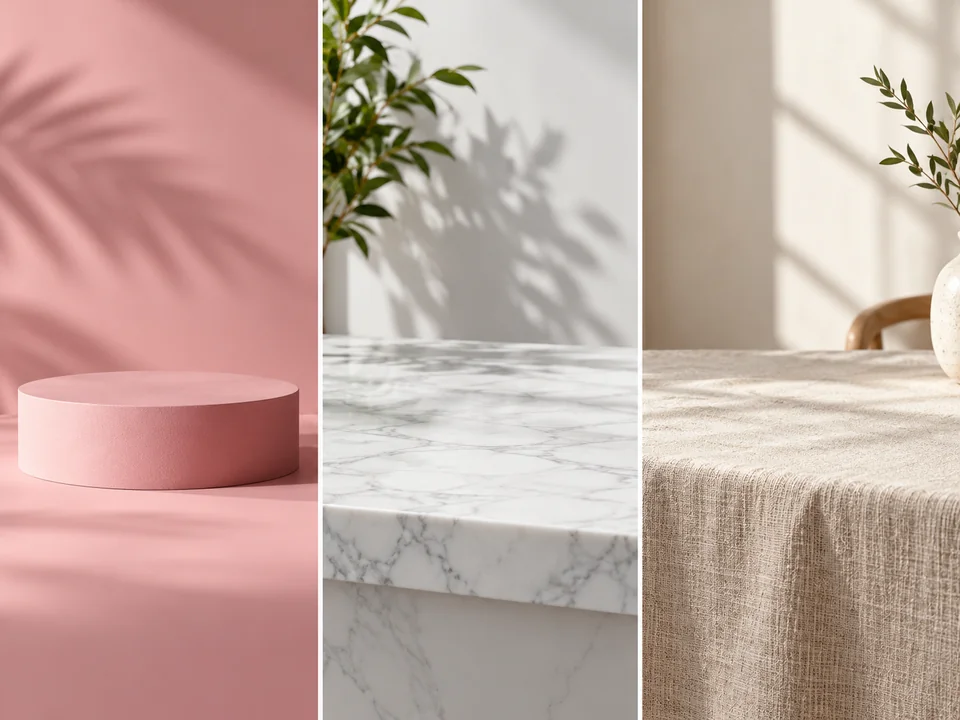
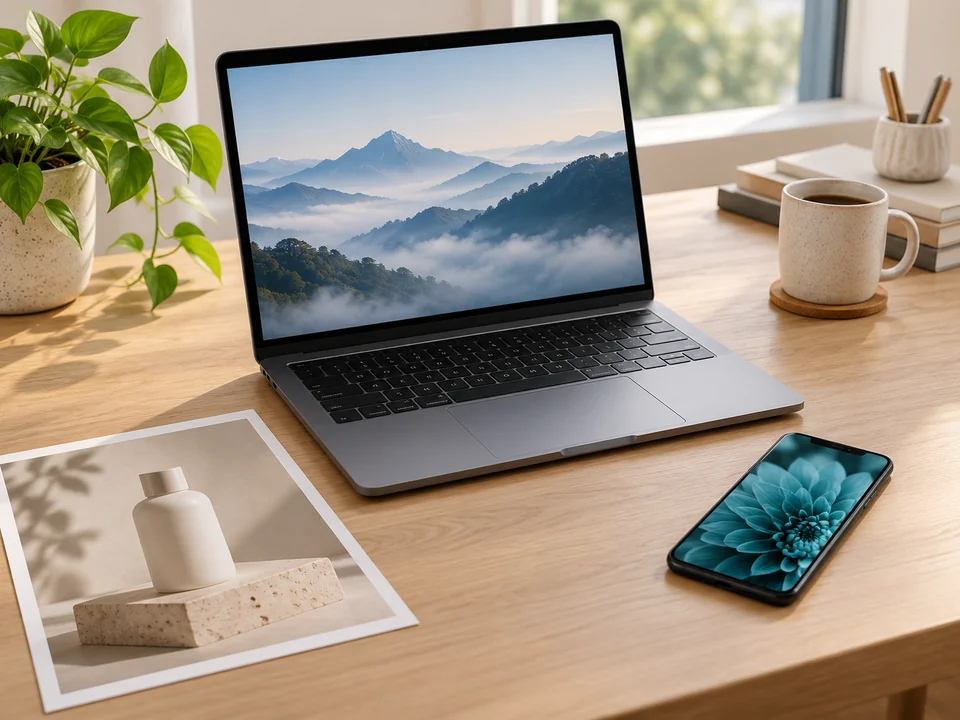
Product Backdrop builds the empty set: a plinth, a marble counter or a linen tabletop with real-looking shadows. Shoot your item on a plain table, then place it on the set with Change Picture Background or a layout app.
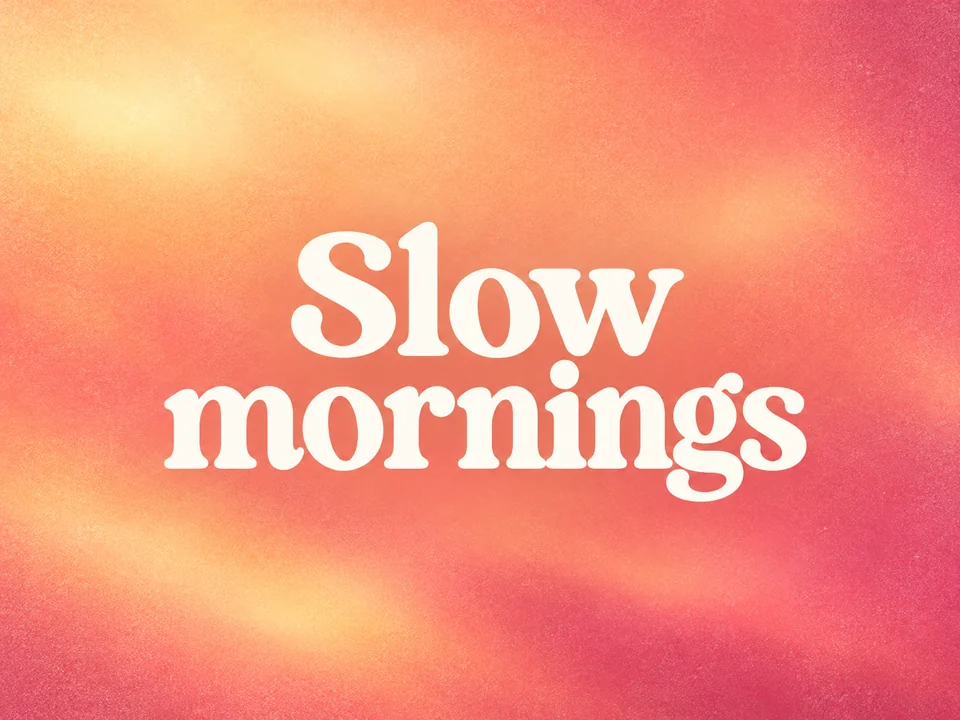
Type a short line into Text on the background and it is lettered once in the calm area, exactly as you wrote it. It works as a quote background maker for cards and posts; keep the line under a dozen words.
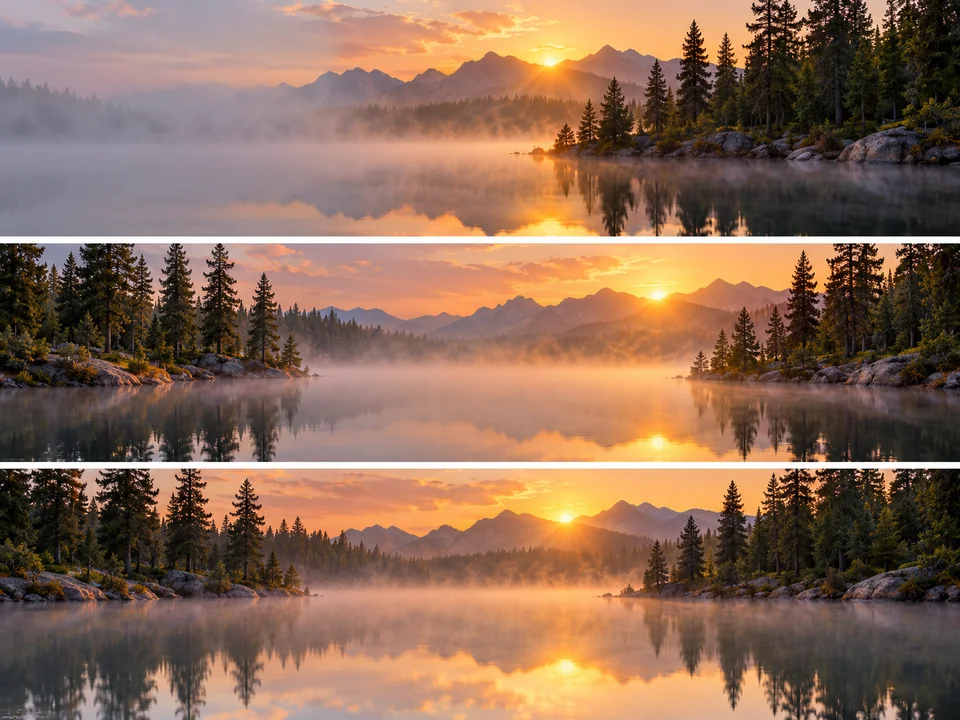
Set Leave empty space to Left side for desktop icons and slide titles, Center for a portrait or a product, or Bottom for captions. The same lake scene can be composed three ways from one prompt.
What Match the type gives you for each card, and where each background usually goes.
| Background type | Default shape | Where it goes | Keep calm for |
|---|---|---|---|
| Desktop Wallpaper | 16:9 wide | Laptops and monitors | Icons and open windows |
| Phone Wallpaper | 9:16 tall | Lock and home screens | The clock and the app dock |
| Video Call Background | 16:9 wide | Video meetings and streams | Your head and shoulders |
| Product Backdrop | 1:1 square | Shop listings and ads | The product on the plinth |
| Gradient | 16:9 wide | Slides, cards and quotes | A headline or a quote |
| Abstract | 16:9 wide | Banners, covers and websites | A logo or a title |
| Nature Scene | 16:9 wide | Wallpapers and title slides | A title in the sky area |
| Studio Backdrop | 4:3 | Portraits and photo booths | The person in front |
Pick a shape yourself in More settings to override the default, for example a square gradient for a social post.
Gold balloon walls, midnight-blue drapes with confetti or a skyline at midnight: NYE backdrop ideas to project on a wall or print as a photo booth backdrop.
Project a school play background AI painted as a forest, a castle hall or a city street behind the actors, and switch scenes between acts.
A calm room or soft-focus setting to load as your virtual background, so the call shows a tidy space instead of laundry.
Empty plinths, counters and tabletops in your brand colors to place product shots on for listings and ads.
Use it as a quote background generator: a soft gradient or sky with a short line of text, sized square or tall.
Create background image layers for title slides, website heroes and channel banners, with space left where the headline goes.
A background for “a white sneaker” or “a headline on the left” gets its calm area in the right place.
The same forest works as a phone wallpaper or a call background, but the type decides the shape and the focus.
Name the colors of your brand, your room or your outfit so the background sits well with what is in front of it.
Out of ideas? Press Surprise me to use the page as a random background generator and let AI generate background ideas you would not have typed.
Keeps the person or product in your photo and swaps only what is behind them, from a beach to a studio wall.
Open the toolCuts the subject out of a photo with clean hair and edges and leaves nothing behind it.
Open the toolThe invisible background maker: erases the backdrop of a logo or product photo and saves a PNG with real transparency.
Open the toolWallpaper ideas sized for phones, tablets and monitors, with a size table for popular screens.
Open the toolIt makes the image that goes behind something else: a wallpaper behind icons, a virtual background behind you on a call, a set behind a product or a gradient behind a quote. You type a description and pick a type, and the background AI generator paints a new image instead of handing you a stock photo, which is what sets a background image generator apart from a photo library.
It is Free to try, using the free credits that come with a new account. The Generate button shows what one background, or a set of four, costs with the model you picked, before you confirm.
Pick Video Call Background, describe a tidy room or setting and leave Leave empty space on Center, so nothing busy sits behind your head. Download the wide image and load it as the virtual background in your meeting app’s video settings.
Yes. Type up to a short sentence into Text on the background and the quote background generator letters it once in the calm area. Short lines spell most reliably; GPT Image 2 is the steadier model for lettering, and you should check every word before you post.
This page creates a new background from text, with no photo involved. To keep the person or product from your own picture and only replace the scenery behind it, use Change Picture Background, the AI photo background generator for existing photos.
This tool always paints a background, so it is not a no background generator. To get an invisible background, upload your image to Make Image Transparent or Background Remover, which work as a PNG background maker and give you a file with transparency.
Nano Banana 2 is the default background generator AI model and suits most scenes, gradients and rooms. Choose GPT Image 2 when the background carries text, and try Seedream 4.5 or FLUX.2 for a different feel on landscapes and abstract 3D shapes. Comparing two models on one prompt is a quick way to find the best AI background generator for your project.
With Shape on Match the type, wallpapers and call backgrounds come out 16:9, phone wallpapers 9:16, product backdrops square and studio backdrops 4:3. For a 4K monitor or a big print, enlarge the download with the Image Upscaler before you use it. The shape is the same whichever bg generator AI model you choose.
Start from the New Year’s Eve card above, then describe your own: gold balloon arches, a midnight skyline, sequin drapes or a clock at midnight. These New Years backdrop ideas work on a projector, a TV screen or a large print behind your guests.
No. It generates a fresh background rather than softening the one in your photo. To keep your photo and just blur what is behind you, use the Blur Background tool; to make a soft-focus backdrop from scratch, describe “softly blurred” here.
Describe the scene, pick a type and choose where the empty space goes. Free to try.