Pet Portrait, 75 Stitches
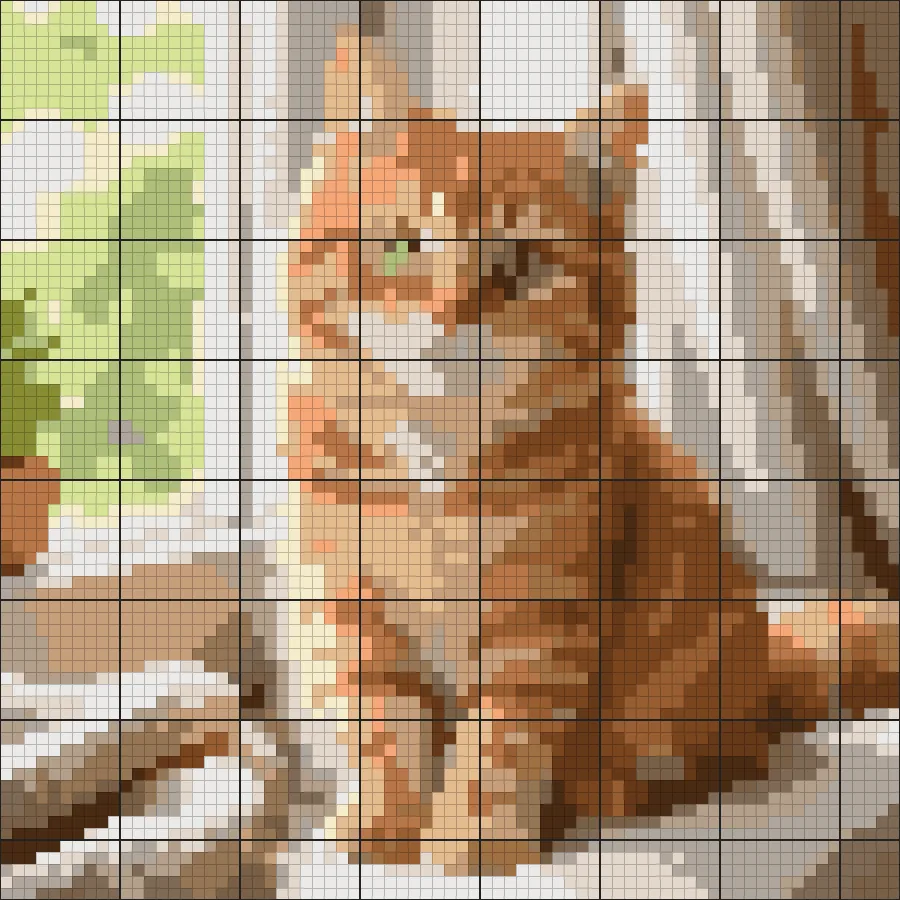
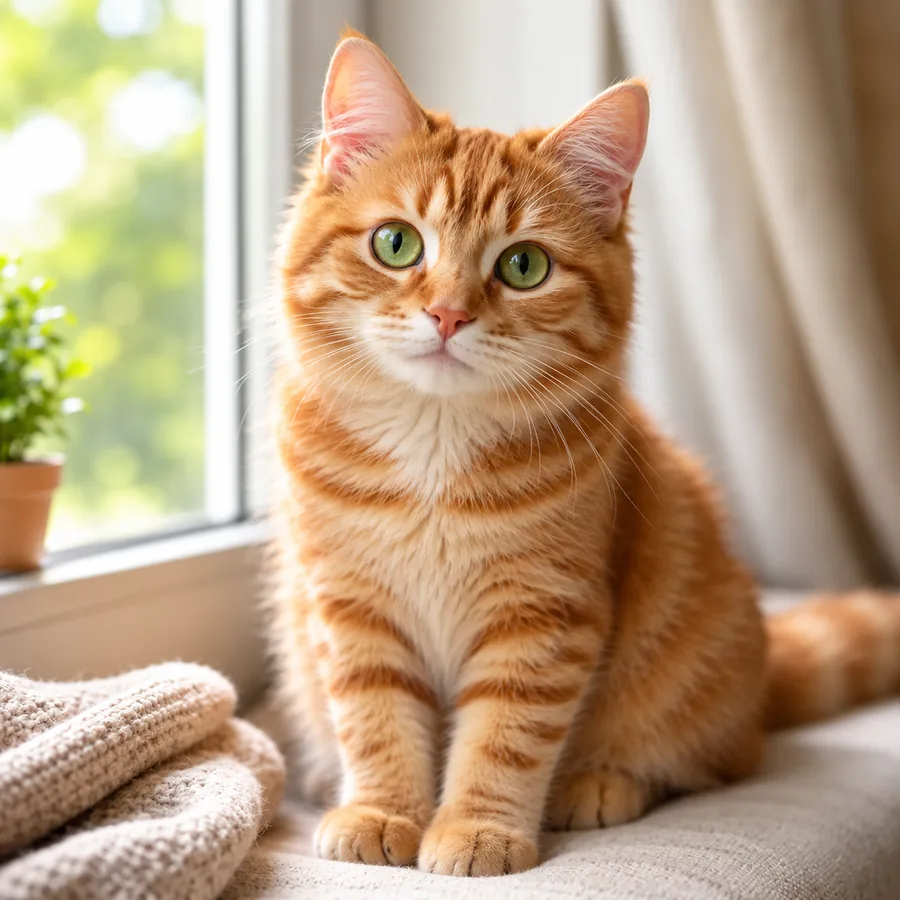
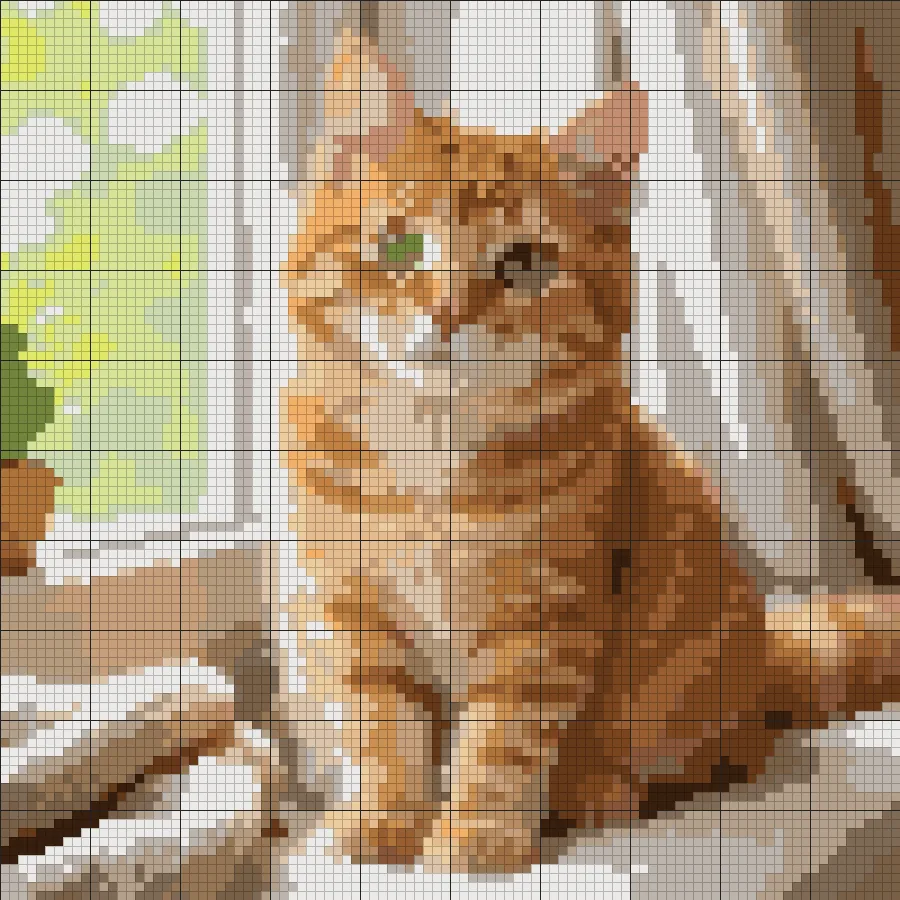
A ginger cat with 20 colors. Fur shading stays readable while the busy background settles into calm color blocks.
Upload a photo and turn it into a counted cross stitch chart. Choose the stitch count and number of colors, get matching DMC floss with symbols, and download a printable pattern, all in your browser.
Quick start
Pattern settings
Runs in your browser. Your photo is never uploaded. DMC numbers are approximate color matches.
Reference example. It is not a result generated from your upload.
A cross stitch pattern maker turns a picture into a counted chart you can stitch from. This free cross stitch pattern generator shrinks your photo to the number of stitches you choose, reduces it to a small set of thread colors, matches each color to the nearest DMC floss, and prints a symbol for every stitch on a grid with bold lines every 10 squares, the same layout as a printed counted chart.
It works as an online cross stitch pattern maker that runs entirely in your browser: your photo is never uploaded, there is no account, and you can make cross stitch patterns as often as you like. DMC numbers are close matches to on-screen colors rather than exact dye matches, so compare them with a real floss card before you buy thread.
Real results from this image to cross stitch pattern converter. Each chart was made from the photo on the left with the settings named below.
A ginger cat with 20 colors. Fur shading stays readable while the busy background settles into calm color blocks.
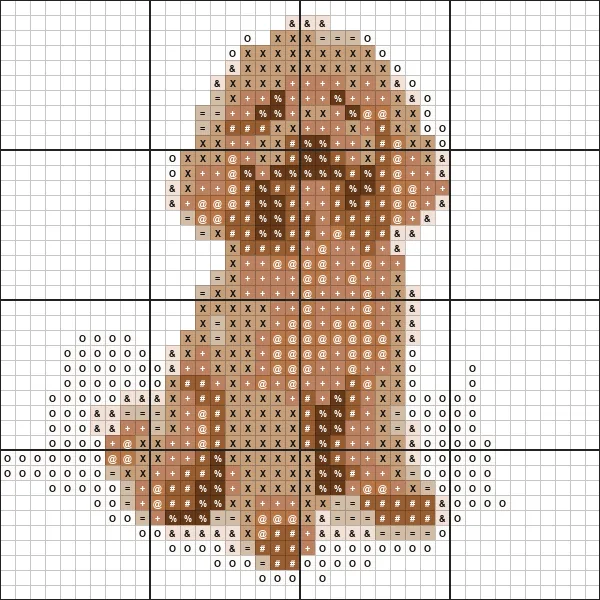
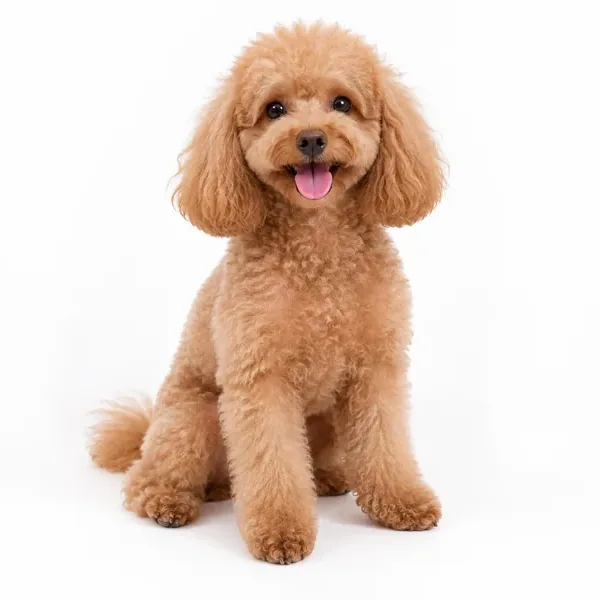
Nine colors with the plain background left unstitched, so you only stitch the dog. A good first project.
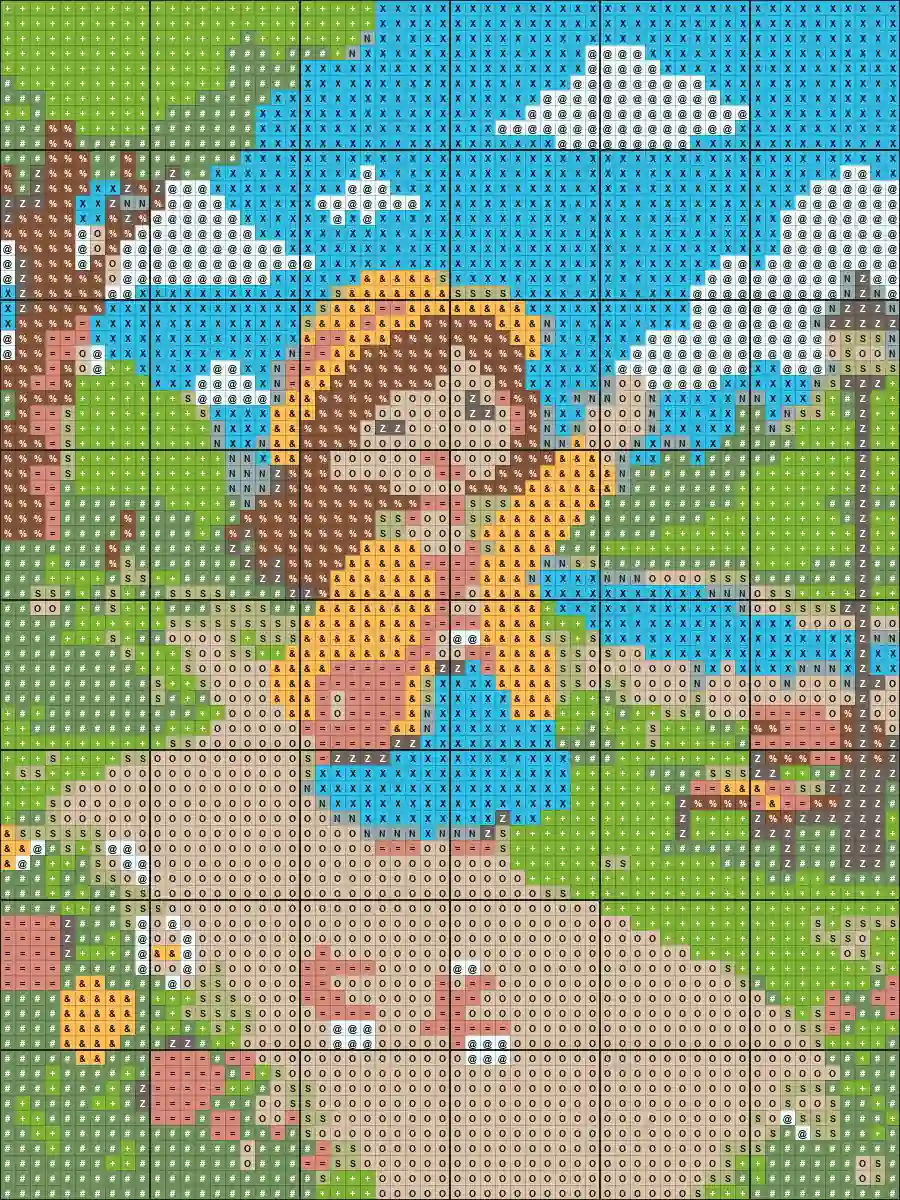
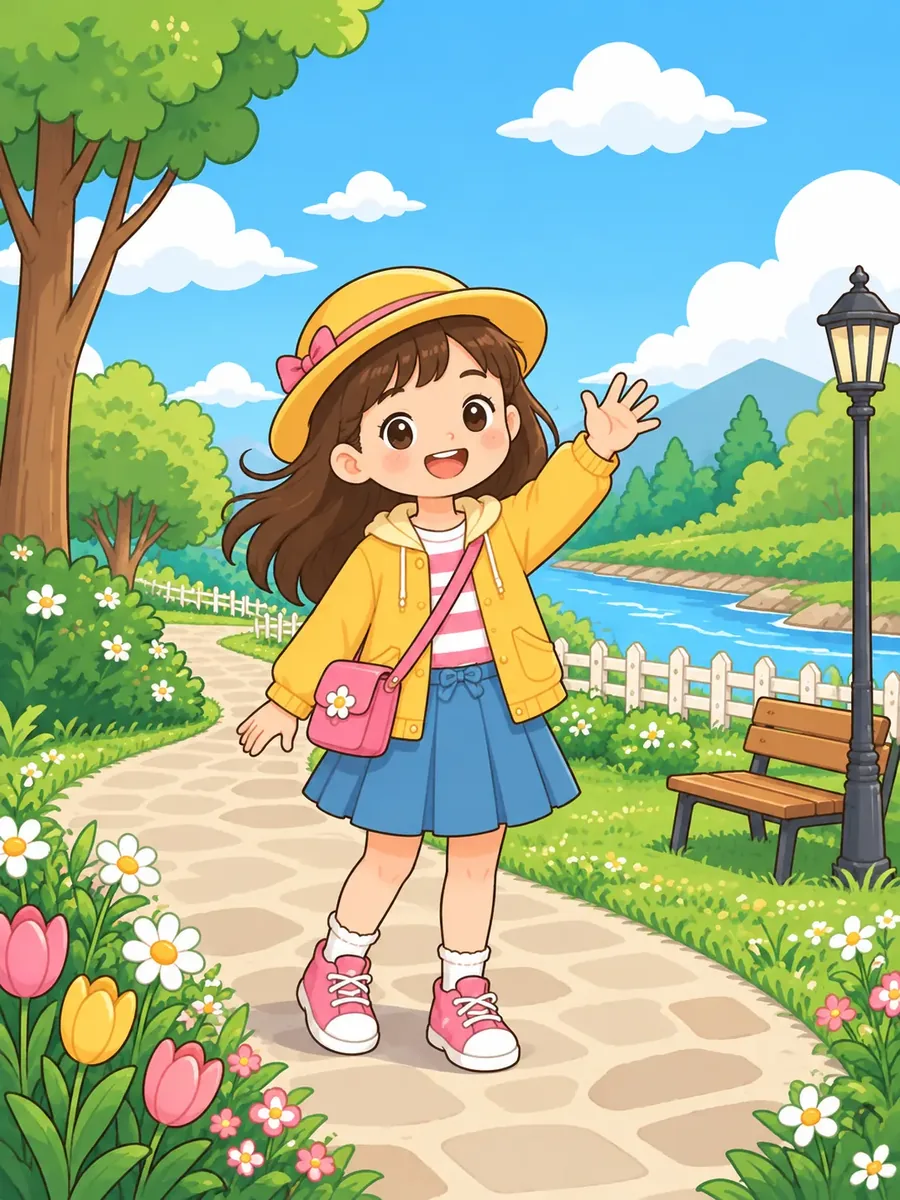
Flat illustrations convert into clean color areas with very little confetti, which makes them quick to stitch.
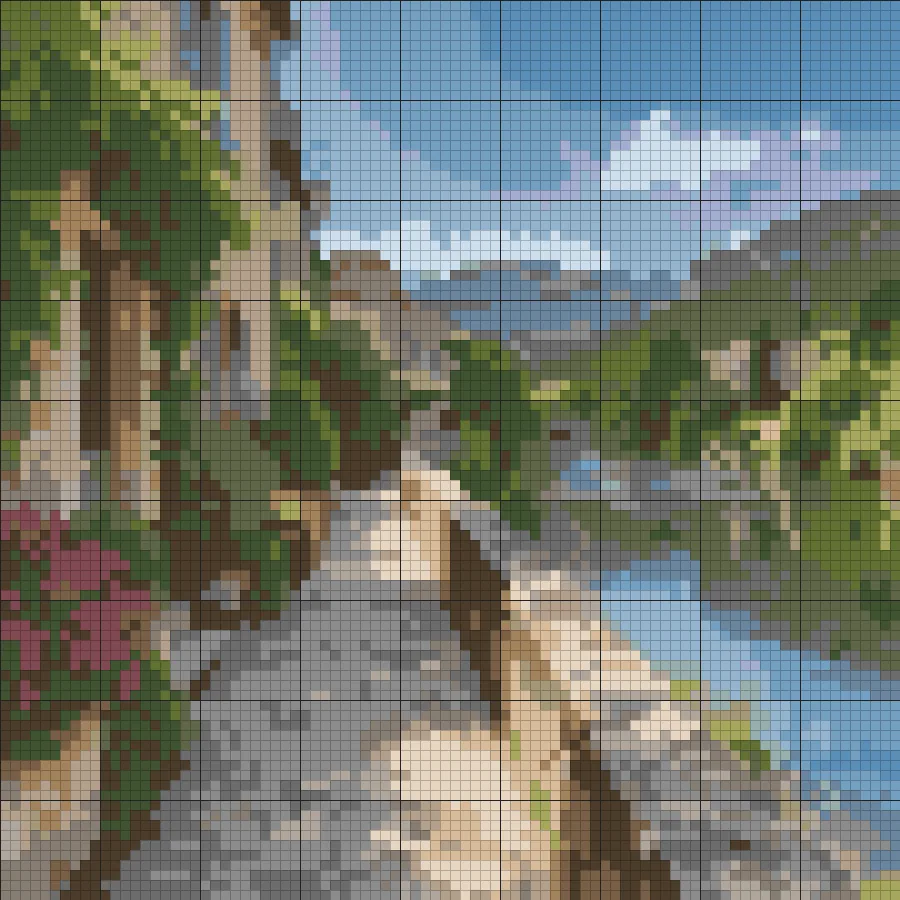
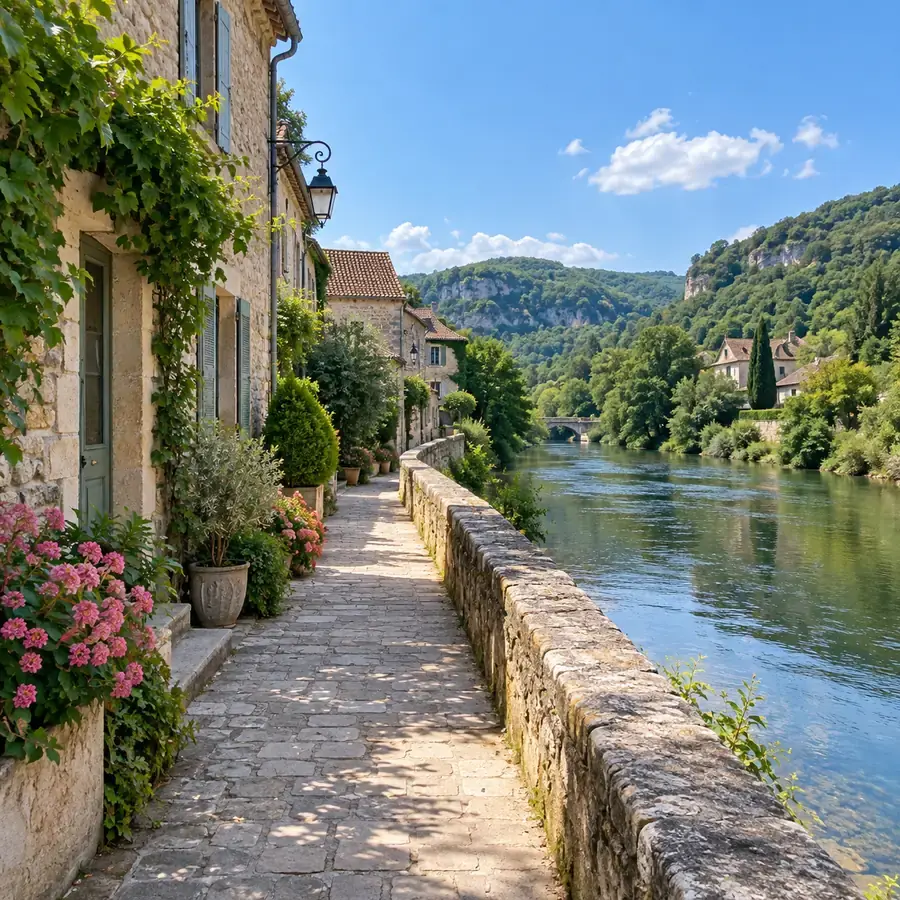
A riverside village with 24 colors. Larger stitch counts keep rooftops, trees, and water apart.
Create your own cross stitch pattern in three steps, with no computer program to install.
Pick a JPG, PNG, WebP, GIF, or BMP image up to 20 MB. A photo with one clear subject and good contrast gives the cleanest cross stitch pattern from photo files.
Choose the width in stitches (20 to 200), the number of colors (2 to 40), and your Aida count. The chart, the DMC floss key, and the finished size update as you adjust.
Save the counted pattern as a PNG with symbols, a floss key, and stitch counts, plus an optional CSV floss list to take to the craft store.
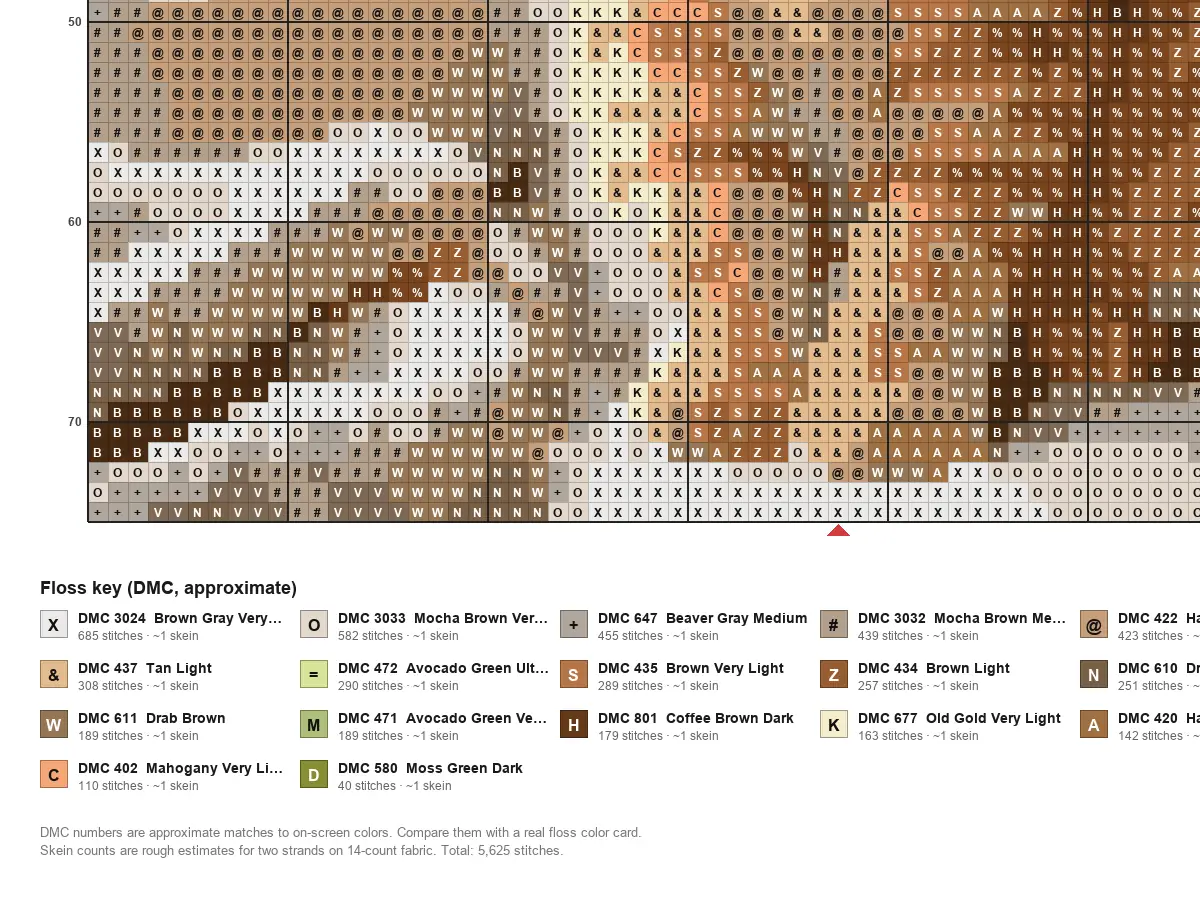
Every color in your pattern is matched to the nearest shade in a built-in table of 365 DMC floss colors. The floss key lists the DMC number, color name, stitch count, and a rough skein estimate for your fabric. Matches are approximate because screens and real thread never look exactly alike.
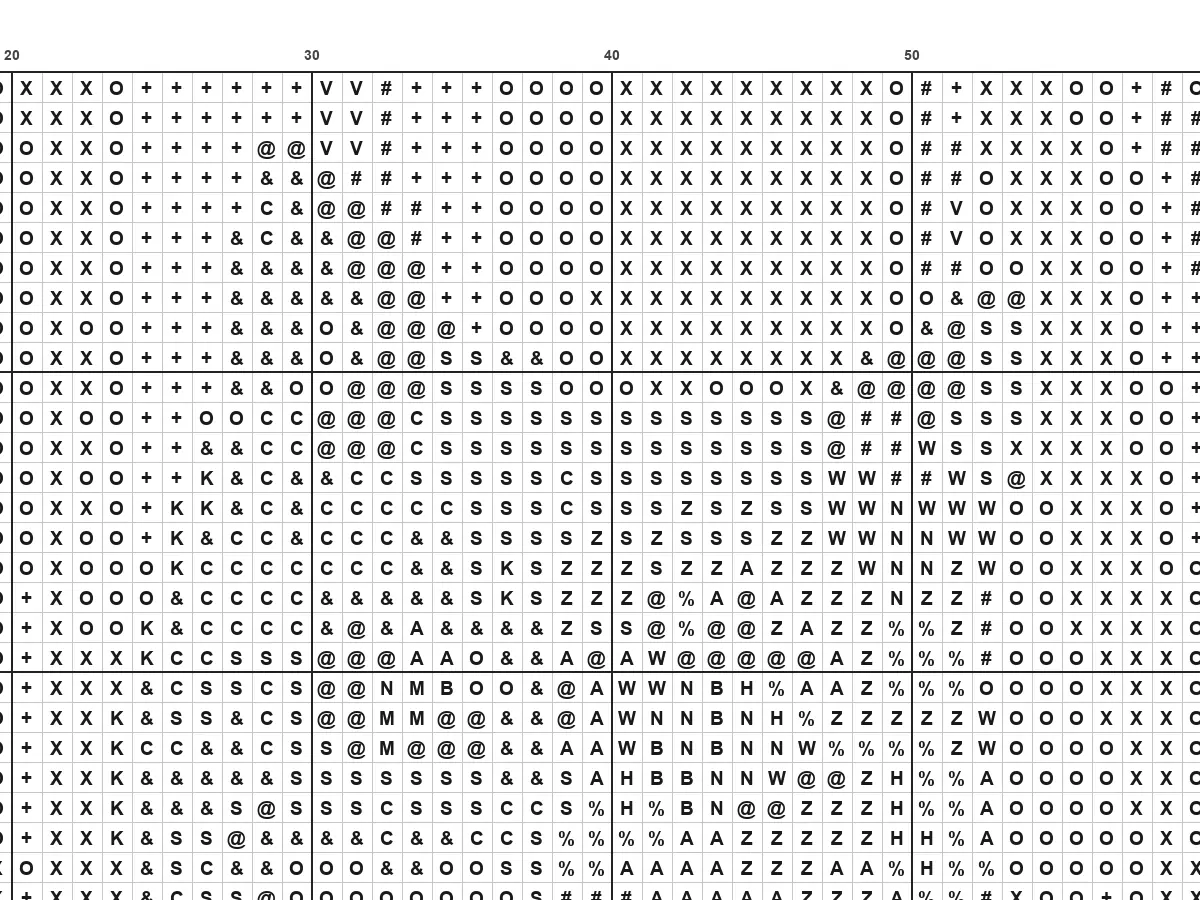
This cross stitch chart maker gives each color its own symbol, rules the grid with bold lines every 10 squares, numbers the edges, and marks the center with red arrows. Switch between color with symbols, plain color, and black-and-white symbols that print cleanly on any printer.
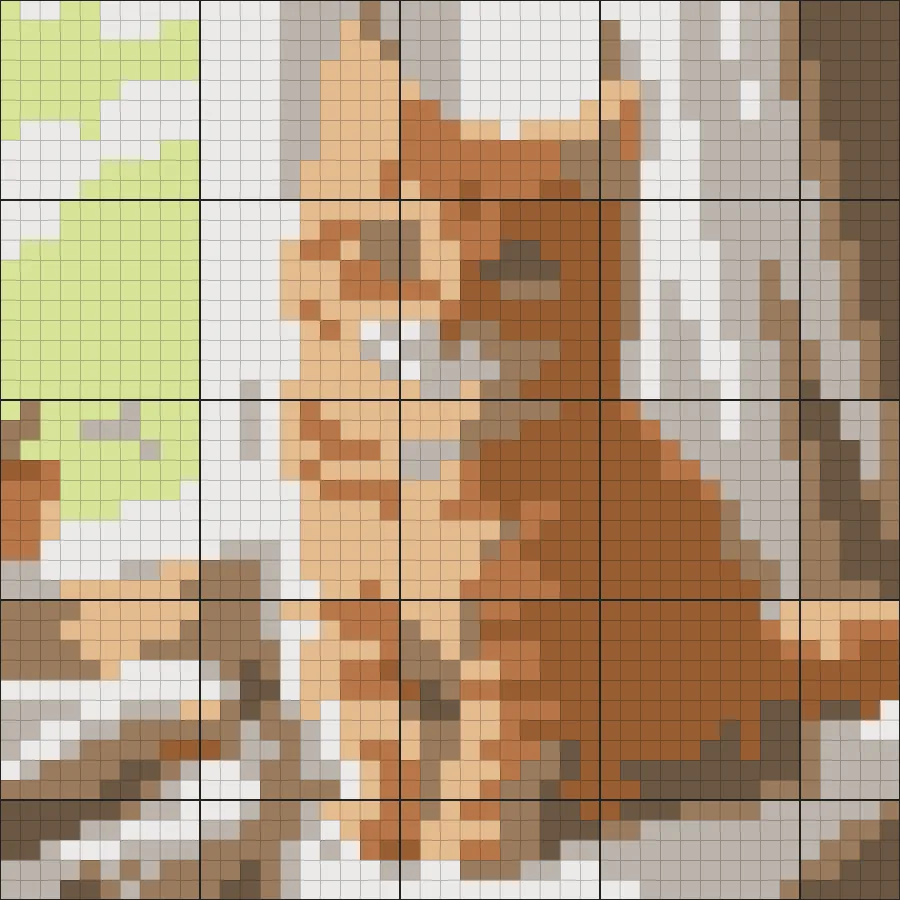
Fewer stitches and colors make a quick, beginner-friendly project; more of both bring out detail for a photo-realistic piece. Start from the Simple, Balanced, or Detailed preset, then fine-tune. Turn on single-stitch cleanup to remove scattered confetti stitches that slow you down.
The whole cross stitch generator runs on your own device, so your photos stay private and there are no credits or sign-ups. Make as many versions as you like, compare them side by side, and keep the one that suits your fabric and floss stash.
Ideas for every kind of stitcher, from first projects to pattern shops.
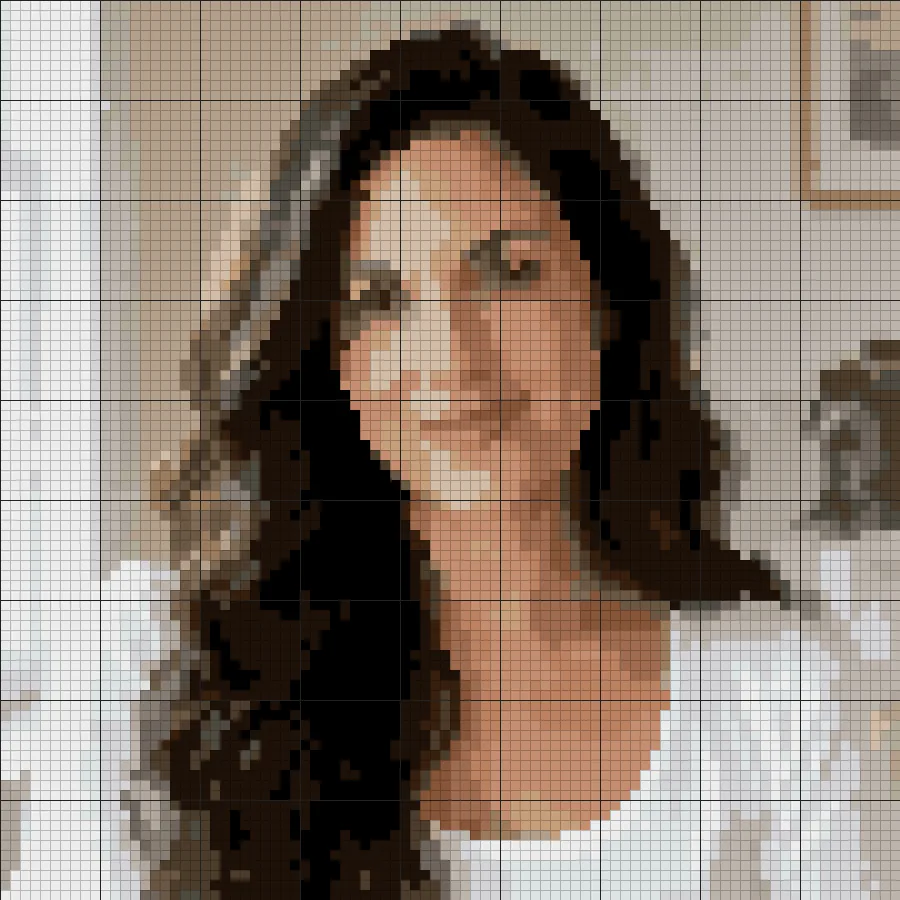
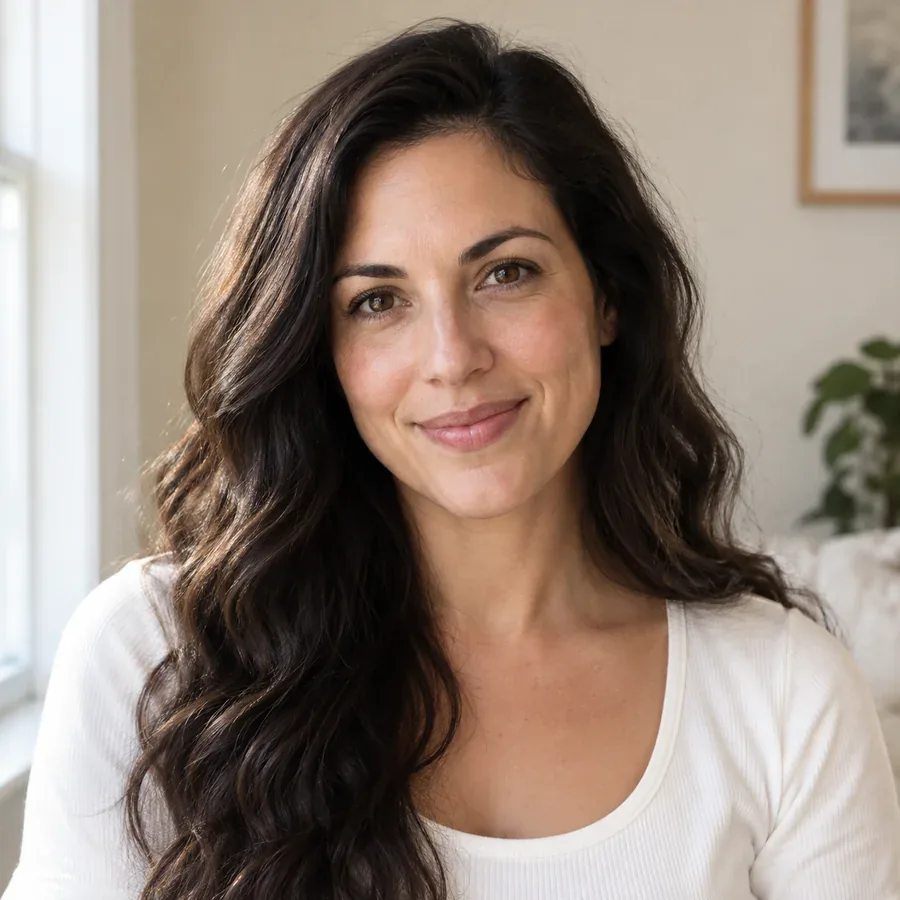
Turn a favorite photo of a pet, a child, or grandparents into a framed keepsake. Use 80 to 120 stitches for faces.
Wedding photos, a first home, or a holiday snapshot become a handmade gift that nobody else has.
The counted grid also works as a needlepoint pattern maker and for tapestry, diamond painting, fuse beads, or knitting colorwork charts.
Use it as a quick cross stitch designer to test compositions and palettes before refining a chart by hand. Use your own photos or images you have the rights to.
A pattern maker for cross stitch can only work with what the photo gives it. These habits make better charts.
Crop tightly before uploading. Every stitch spent on background is a stitch not spent on the face or pet.
Try 8 to 16 colors first. Add more only where shading really needs it; each extra color means another skein and more thread changes.
Check the finished size: 70 stitches is 5 inches on 14-count Aida but under 4 inches on 18-count.
Well-lit photos with clear contrast keep features apart. Dark or blurry photos merge into muddy blocks.
How people use a photo to cross stitch converter for their projects.
Illustrative examples adapted from reference material, not verified reviews of EzImgMaker.
I turned a photo of our old terrier into a 90-stitch chart. The floss key told me exactly which DMC colors to buy, and the bold 10-lines make counting easy.
As a beginner I used the Simple preset with 8 colors and left the background unstitched. I finished it in two weekends and it actually looks like my cat.
I draft ideas with this cross stitch patterns maker before I chart them properly. Trying 12 versus 20 colors takes a moment instead of an evening.
The black-and-white symbol chart prints cleanly on our office printer, so my students can mark off stitches with a pencil as they go.
Common questions about making cross stitch charts from photos.
It is a tool that turns a picture into a counted chart: a grid where each square is one cross stitch, marked with a color and symbol, plus a key that tells you which floss to use. This one also works as a counted cross stitch pattern maker for printing, with numbered edges and bold 10-stitch lines.
Upload the photo, choose the width in stitches and the number of colors, and check the live chart. Adjust until the subject is clear, then download the PNG chart and floss list. Cropping to the subject first gives the best result.
Yes. This free cross stitch pattern maker runs in your browser, so it is a cross stitch pattern generator free to use with no sign-up. It is also a cross stitch pattern creator free of credits and watermarks: make as many patterns as you like.
No, they are approximate. Each color is matched to the closest entry in a built-in table of 365 DMC shades based on typical screen colors. Real floss looks different under different light, so hold the suggested skeins against a physical DMC color card before buying.
For a first project, 40 to 60 stitches wide with 8 to 12 colors. For pet or family portraits, 80 to 120 stitches with 20 to 30 colors. The finished size shown under the sliders tells you how big the piece will be on 11, 14, 16, or 18-count Aida.
No. Desktop charting software offers deep editing, but for turning a photo into a chart this page is enough: it runs in any modern browser on Windows, Mac, Chromebook, iPhone, or Android and needs nothing installed.
Yes. Open the page in your phone browser, pick a picture from your gallery, and download the chart. Use Zoom to read the symbols on a small screen, or print the PNG for stitching.
Remove single stitches replaces isolated stitches that have no neighbor of the same color, which cuts down on tedious confetti. Leave plain background unstitched clears the most common edge color so the fabric shows through, ideal for pets or objects on a plain backdrop.
Your photo is never uploaded; the pattern is made on your device. Only use photos you took yourself or have permission to use, especially if you plan to share or sell the finished chart.
Yes. Download the PNG chart, which includes the grid, symbols, and floss key, and print it at full page width. The black-and-white symbol style saves ink and is easiest to mark as you stitch.
Upload a photo, pick stitches and colors, and download a counted chart with a DMC floss key.