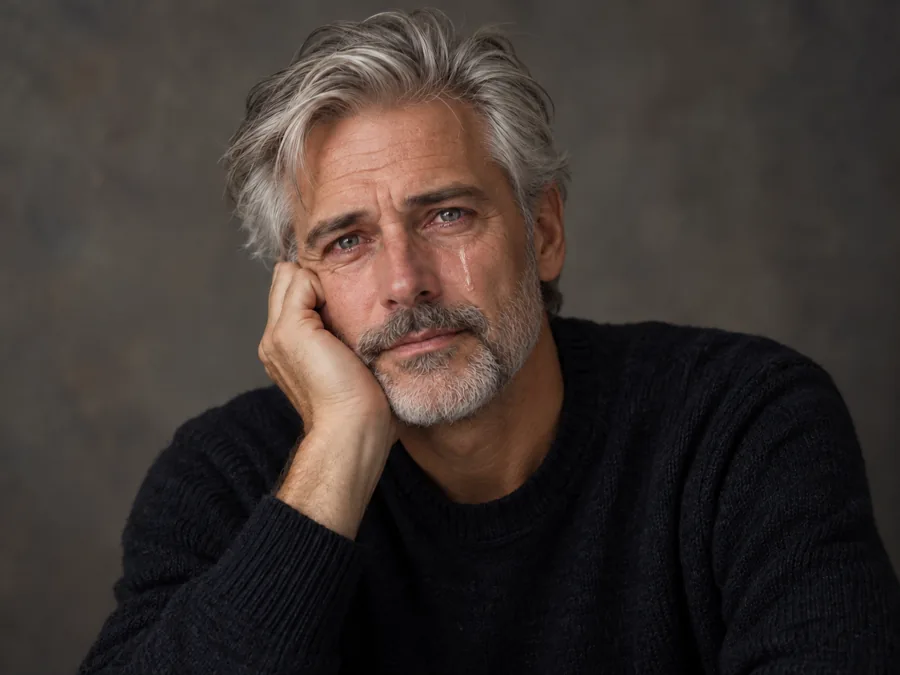
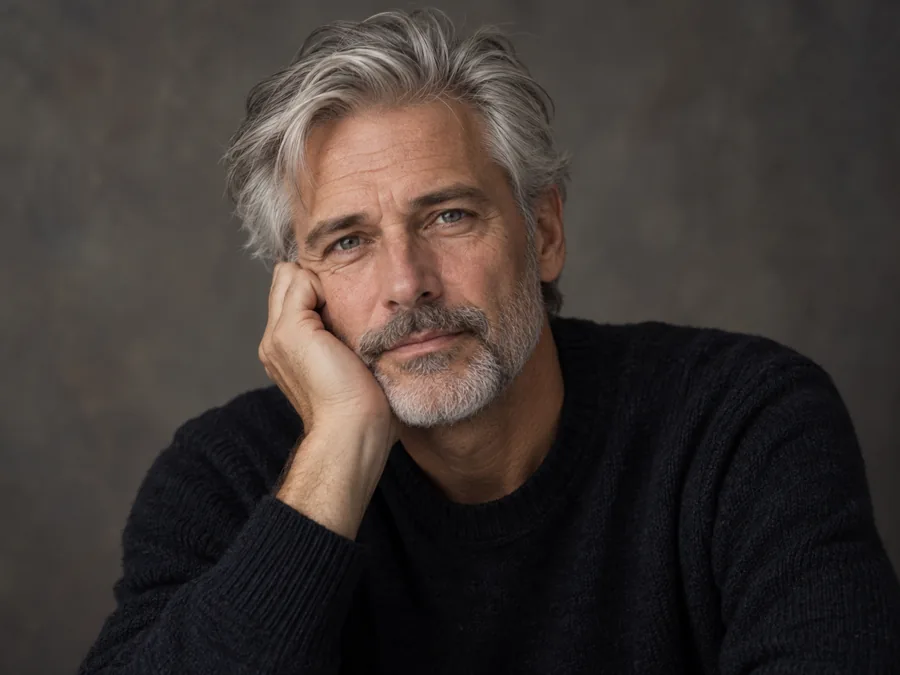
Thoughtful Pose to Quiet Crying
A thoughtful studio pose turns into quiet crying, with the hand, coat and grey backdrop unchanged.
Turn a smile into a single tear, teary eyes, happy tears or a full meme-worthy sob. Upload a photo, pick a crying look or a sad face, and the AI changes the eyes, brows and mouth together while the person, outfit and background stay exactly as they were.
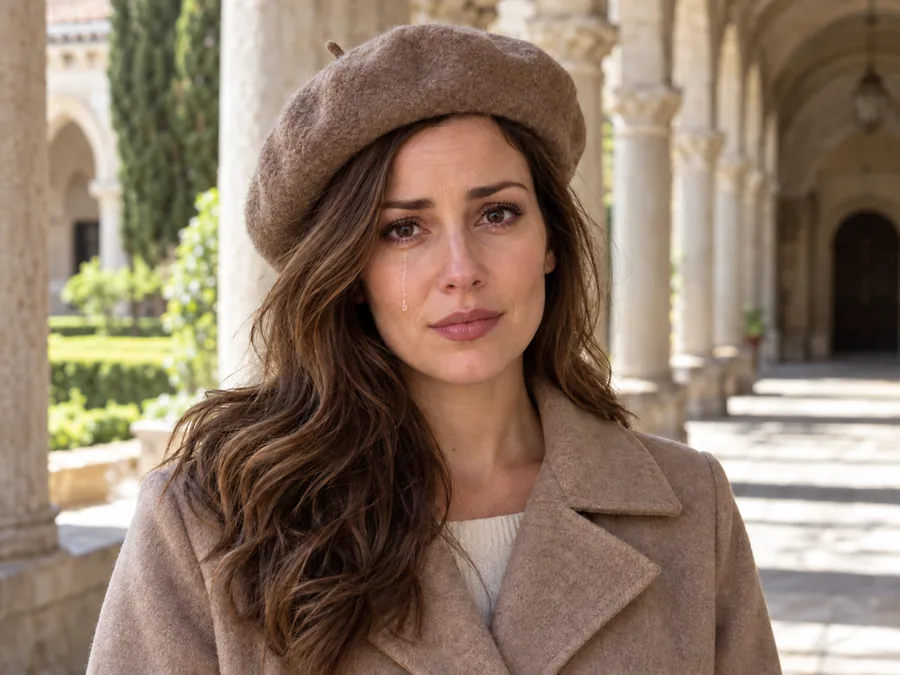
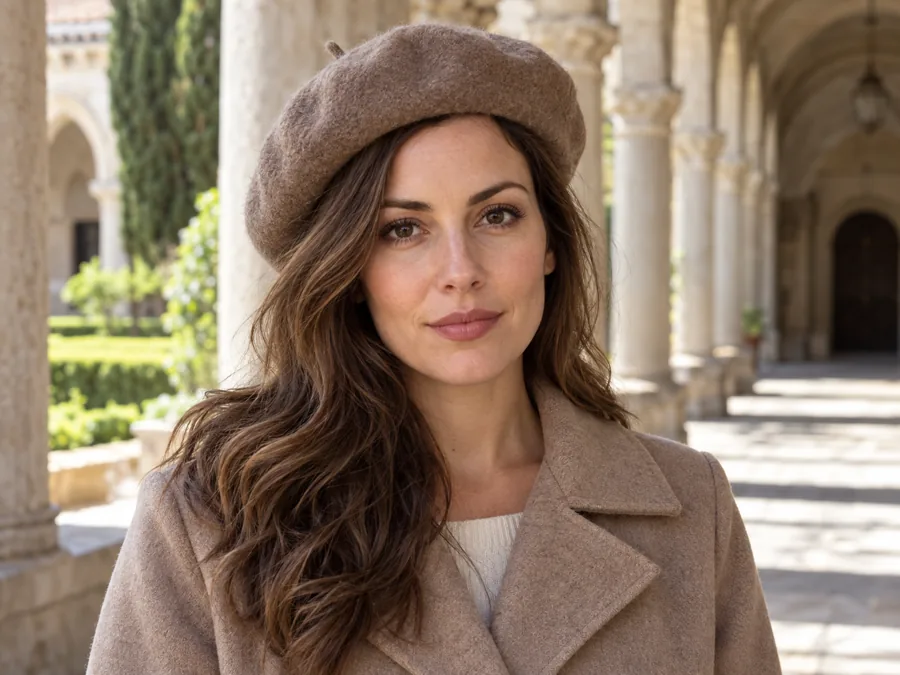
Reference example. It is not a result generated from your upload.
A crying filter changes a face in a photo so it looks like it is crying. Old cry filter apps paste cartoon tears over the eyes; this AI crying filter rebuilds the whole expression instead: the inner brows lift, the eyes glisten and squeeze, the mouth turns down and trembles, and clear tears run where real ones would. The result reads as a real moment, whether you want one quiet tear or a dramatic sob.
Pick from eight crying looks, from a single tear and teary eyes to happy tears, laugh-crying and an over-the-top meme cry, or use the Sad Faces tab when you want a sad face filter without tears: a pout, a frown, puppy eyes or a disappointed look. The person, outfit, lighting and background stay as they were, and the sad AI works on selfies, group photos, paintings and cartoons.
Drag each slider: the same picture, the same person, a new expression.
A thoughtful studio pose turns into quiet crying, with the hand, coat and grey backdrop unchanged.
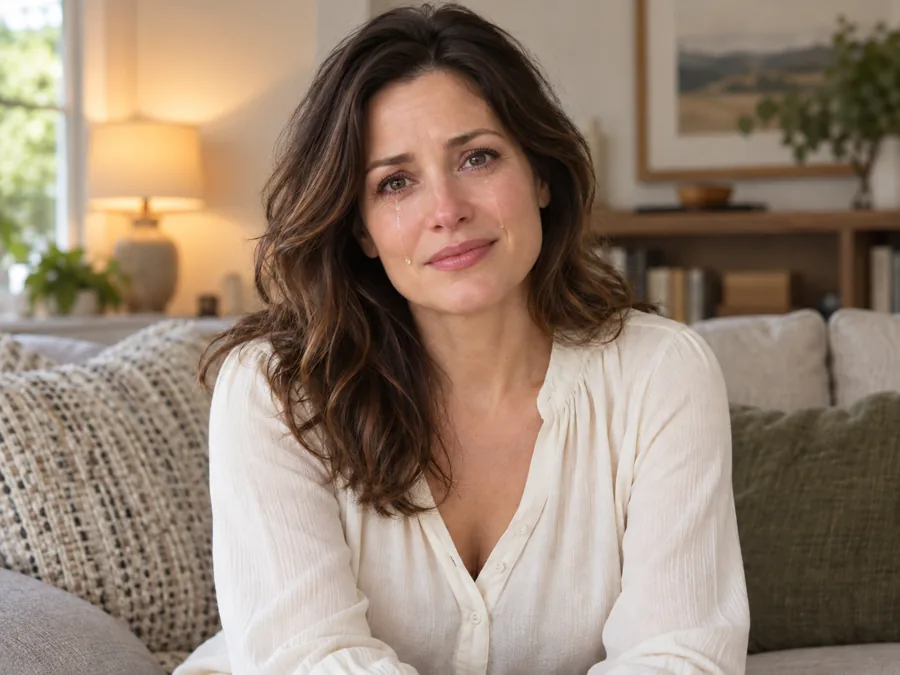
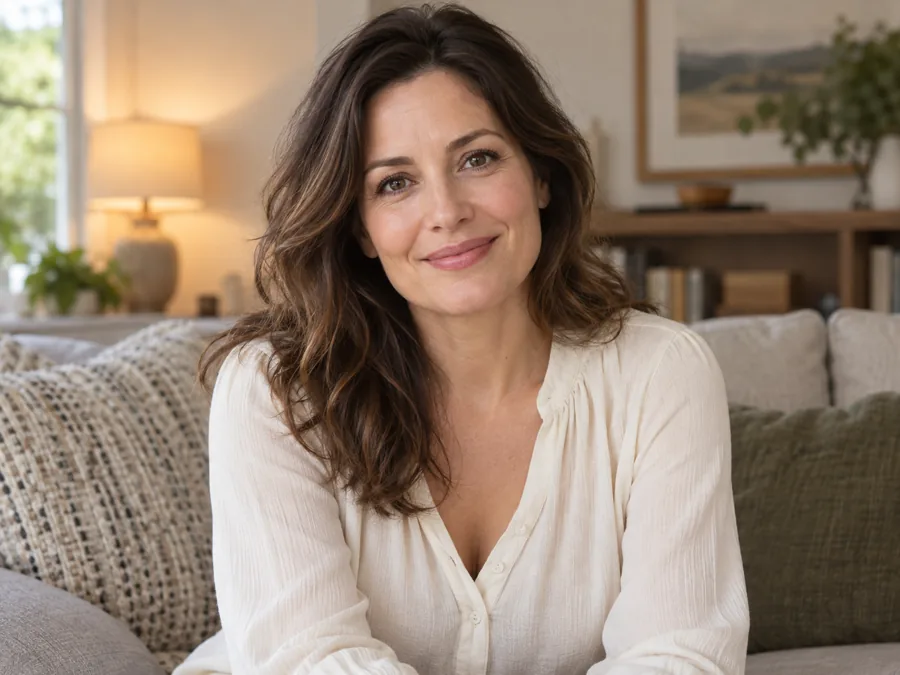
A relaxed smile becomes teary eyes and a trembling lip, the cozy room and lamp light left as they were.
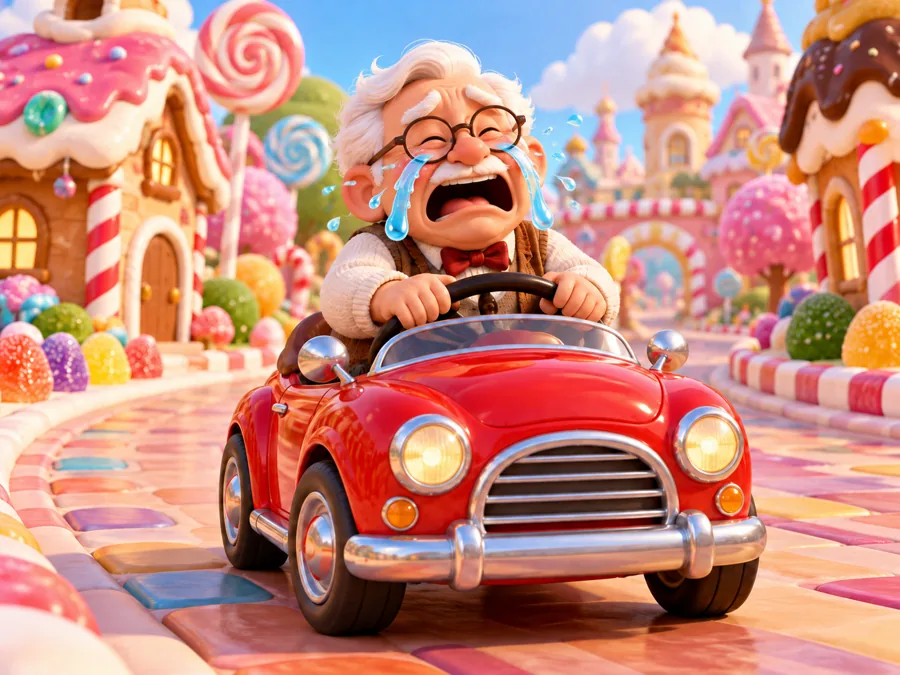
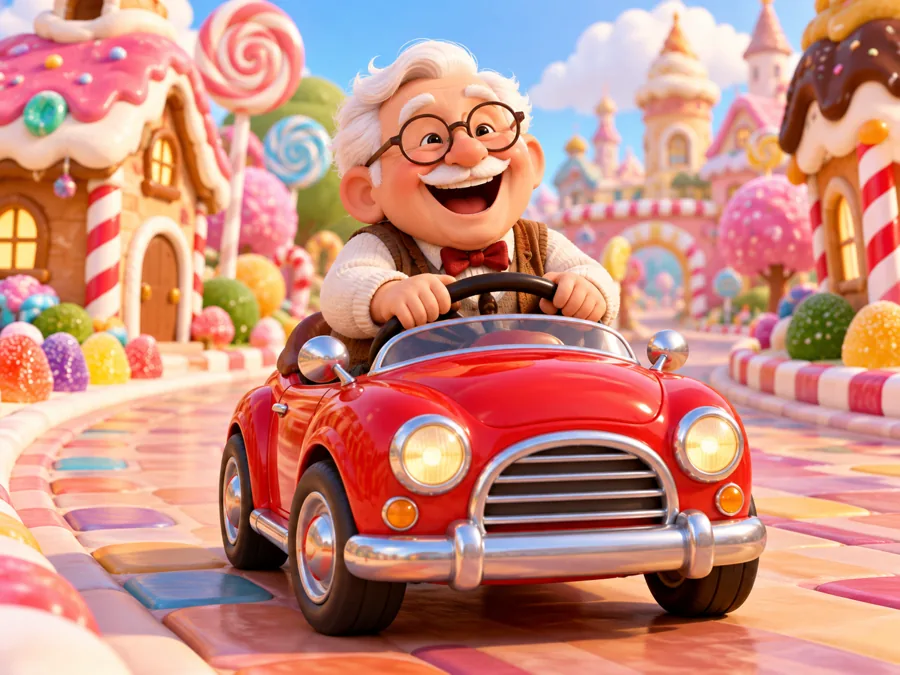
The cry face filter works on illustrations too: the character keeps its style, colors and scene.
Three steps from a normal photo to an AI crying face, right in your browser.
Add a JPG, PNG or WebP up to 10 MB with a clear face. Selfies, portraits, group photos, paintings and cartoons all work.
Choose from Single Tear to Meme Cry, or open Sad Faces for a pout, frown, puppy eyes or a disappointed look. Name the person in the note for group shots.
Create up to 4 versions, compare them with the original and download the one that tells the story best.
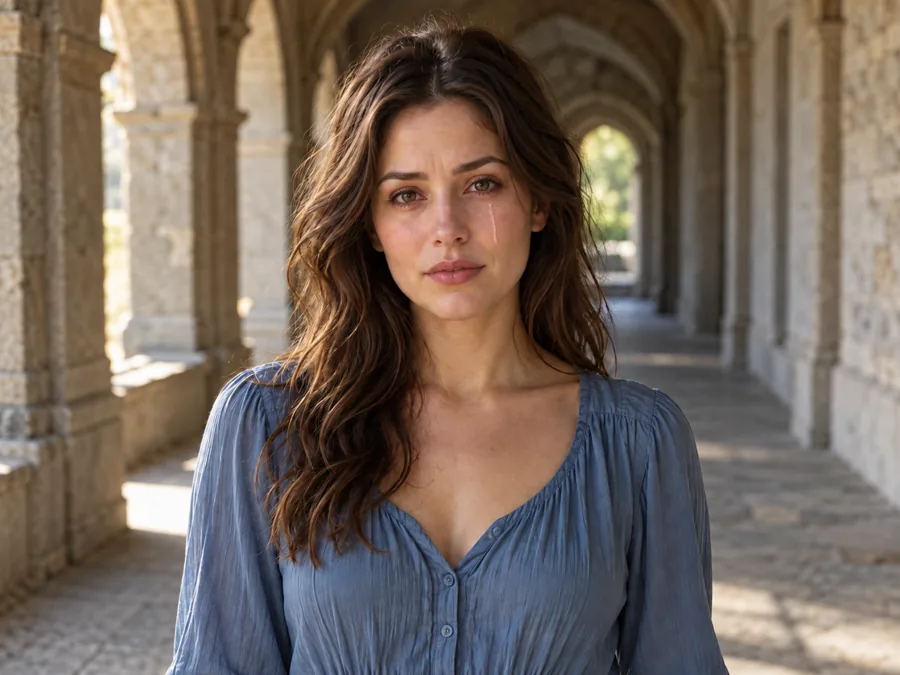
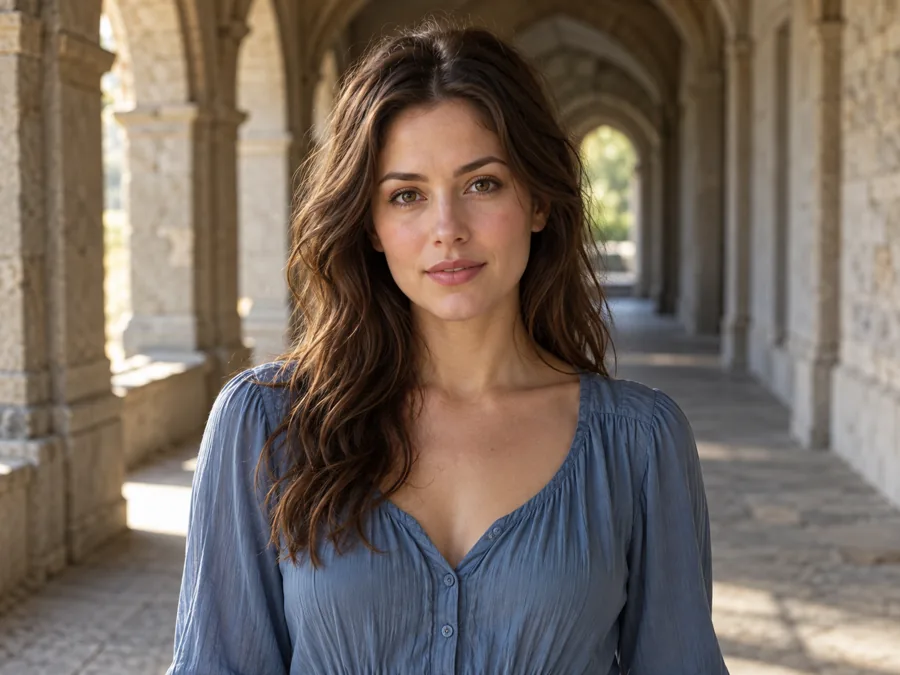
The AI crying filter draws tears that follow the shape of the face and catch the light of the photo, and it changes the brows, eyes and mouth to match. That is the difference between a believable crying face and a cartoon tear sticker.
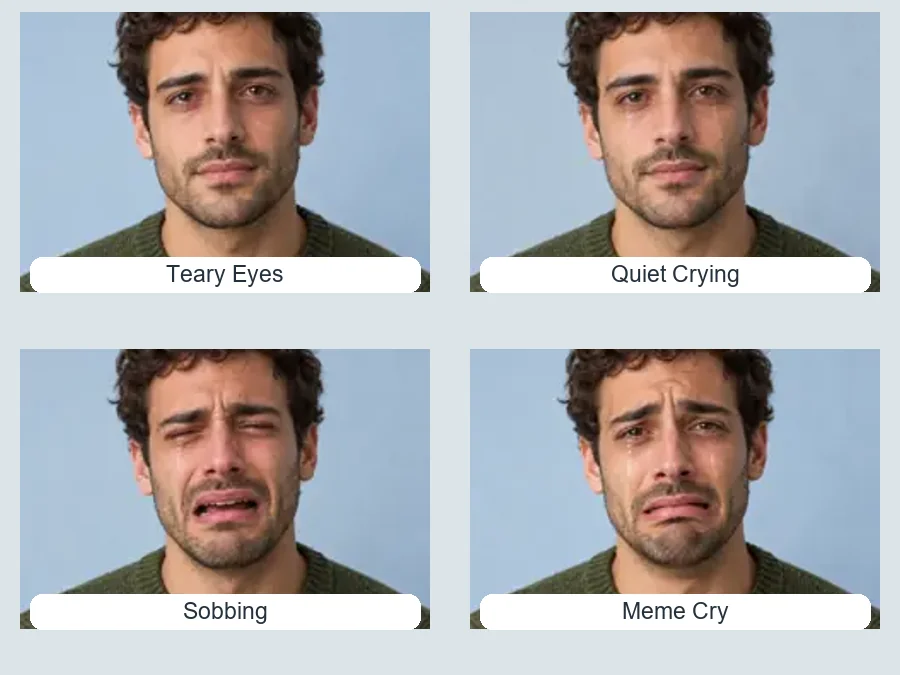
Choose how hard the photo cries: teary eyes for a subtle mood, quiet crying for a sad moment, sobbing for drama, or a meme cry for laughs. Happy tears and laugh-crying cover the joyful side too.

A sad or crying face makes a video thumbnail or a story cover land instantly. Make the reaction from your own photo, then add text or emoji and crop it to the thumbnail size.
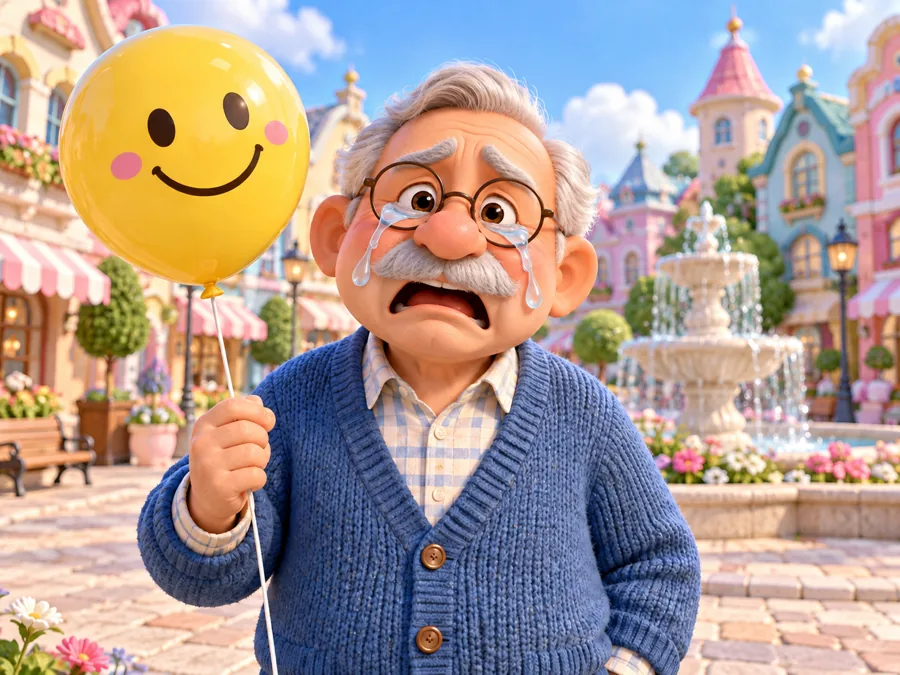
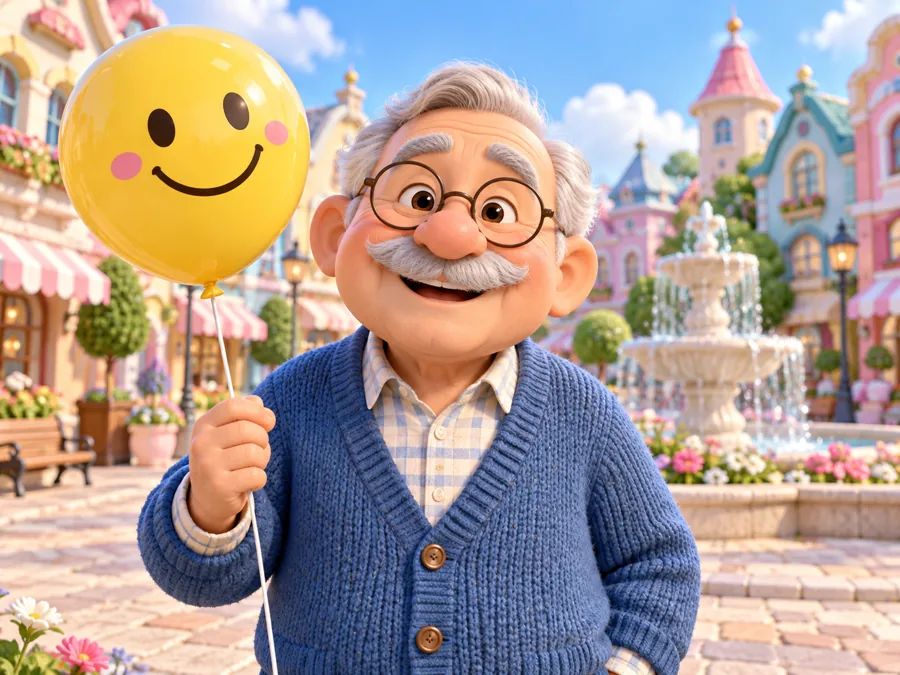
Make a cartoon character, a painted portrait or a 3D avatar cry. The cry AI keeps the art style, colors and scene, so the result still looks like the original artwork.
Wondering how to make sad face expressions for a photo, an acting reel or a meme? Two ways that work.
Upload any photo, open Sad Faces and pick Frown, Sad Pout, Puppy Eyes or Disappointed. Add tears from the Crying tab if you want them.
Posing yourself? The key muscle is between the brows: lift and pull the inner ends of the eyebrows together. It is what makes a face read as sad.
Relax the jaw, let the corners of the mouth fall slightly and push the lower lip out a little. Do not force a big frown; small changes look more real.
Lower the eyelids a touch and look slightly down or past the camera. Soft, indirect light helps; harsh flash makes any expression look staged.
Mostly for fun, sometimes for a story. These are the common reasons.
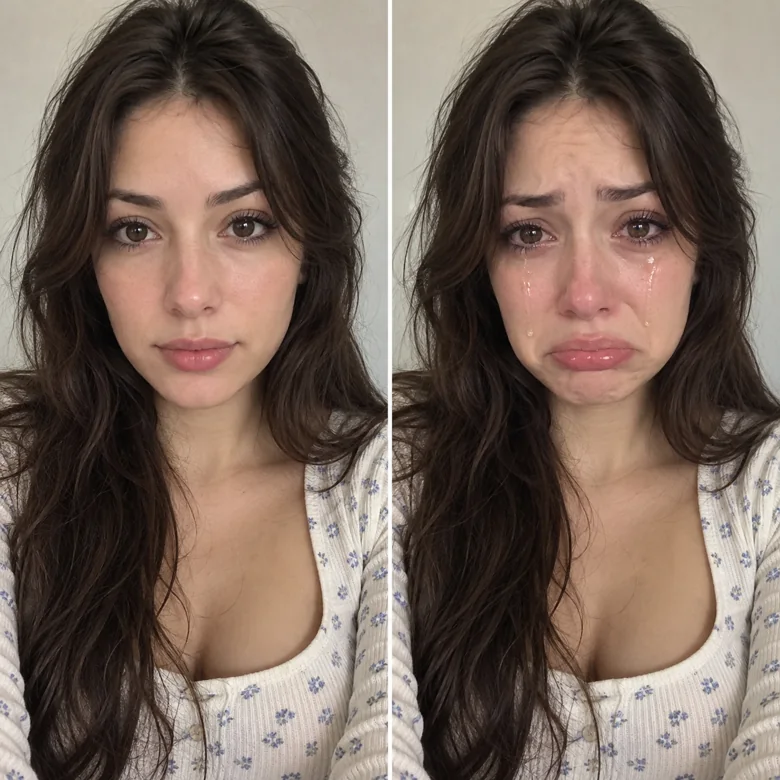
Show a friend a crying version of themselves and watch them react. Keep it kind and let them in on the joke.
Make crying and sad reaction images for Monday mornings, exam results or a lost game.
A crying face on a thumbnail or story cover signals drama, a confession or a sad ending.
Show a character’s emotion in a storyboard, a comic or a moody portrait edit.
Happy tears and laugh-crying suit wedding, reunion and good-news photos.
A few details make AI crying look natural.
The AI needs to see the eyes, brows and mouth to move them convincingly.
Tears catch soft light naturally; very dark or blown-out photos hide them.
A single tear suits a portrait; a meme cry suits a funny selfie.
Prank only people who will laugh with you, and never use a crying photo to embarrass someone.
Change the mood the other way, or go even sillier.
Switch the mood back: add a subtle, toothy or laughing smile.
Try itThirty expressions across happy, surprised, playful, serious and sad moods.
Try itBig heads, bubble cheeks and animal faces for even sillier memes.
Try itCrop your crying reaction to the exact thumbnail size before you upload.
Try itAnswers about the AI crying filter, tear levels, sad faces and fair use.
Upload a photo and pick a look. The AI changes the brows, eyelids, eyes, cheeks and mouth together and adds clear tears where the look calls for them, while keeping the person, clothes and background as they were.
Teary Eyes has tears that have not fallen; Single Tear adds one tear; Quiet Crying has a few tears and a trembling mouth; Sobbing is full crying; Happy Tears and Laugh-Crying are joyful; Movie Moment is cinematic; Meme Cry is deliberately over the top.
Yes. Open the Sad Faces tab for a sad filter without tears: Sad Pout, Frown, Puppy Eyes or Disappointed. Add a note such as “a few tears” if you change your mind.
Yes. The AI crying face can replace a big smile, but the bigger the change, the more the face has to be rebuilt. Compare a few versions and pick the most natural one.
Write who should cry in Extra details, for example “only the man in the grey coat”. Without a note the AI may change more than one face.
It is free to try: new accounts get free credits when they sign up, enough for your first crying photos. After that each generation uses credits, shown on the Start button.
Yes. Illustrations, 3D characters, paintings and scanned photos all work. The AI keeps the original style, so a cartoon stays a cartoon and a black-and-white photo stays black and white.
Only with their permission, and only when they would find it funny too. Do not use crying photos to embarrass, bully or mislead anyone, and only edit photos you have the right to use.
Upload a photo and try the crying filter with your free sign-up credits: one tear, happy tears or a full meme cry.