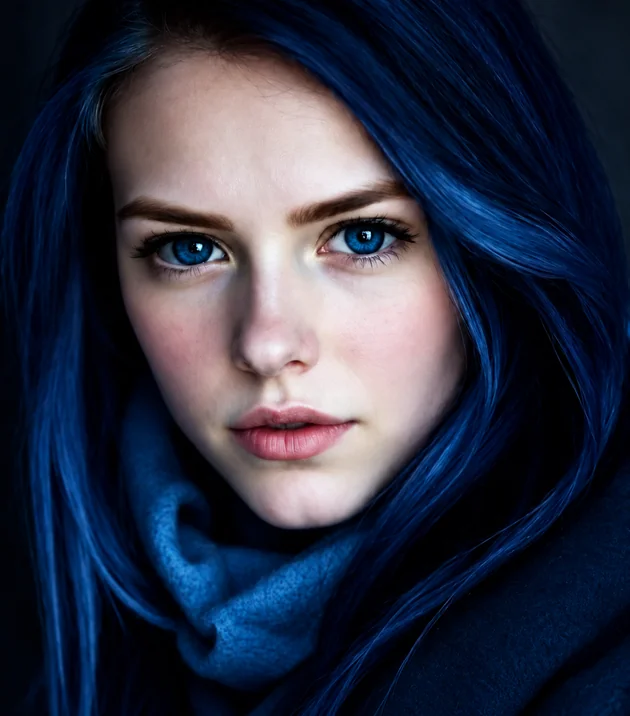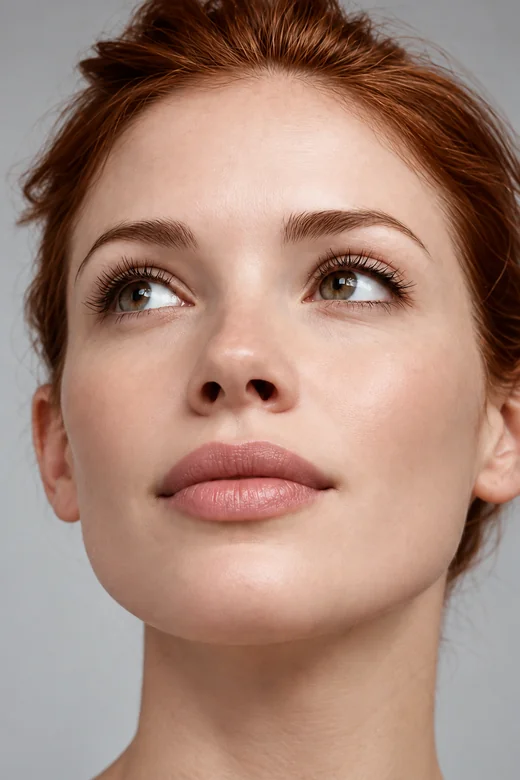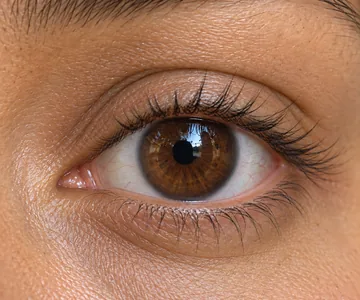
Wispy
Spiky, feathery texture.
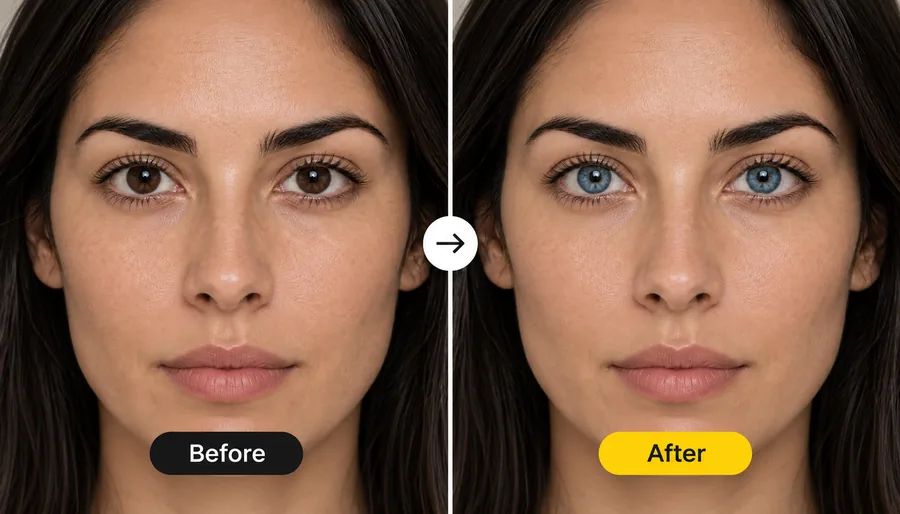
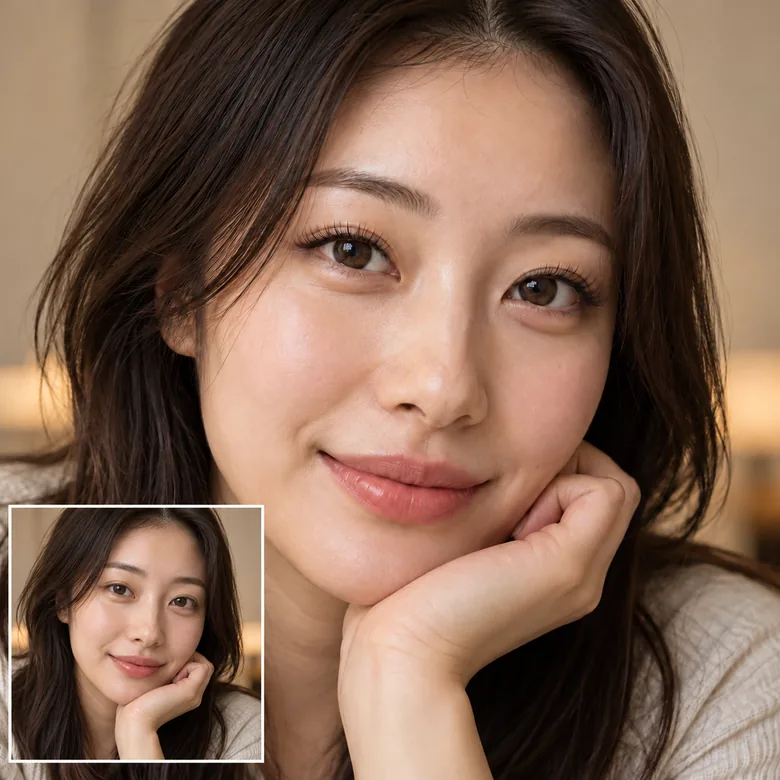
Wondering how lash extensions would look on you? Upload a selfie, pick a lash style from a natural boost to mega volume, set the length and color, and the AI adds realistic lashes that follow your eye shape. Your eyes, brows and makeup stay the same.
Lash Style: Natural Boost · Length: As Styled · Color: Jet Black
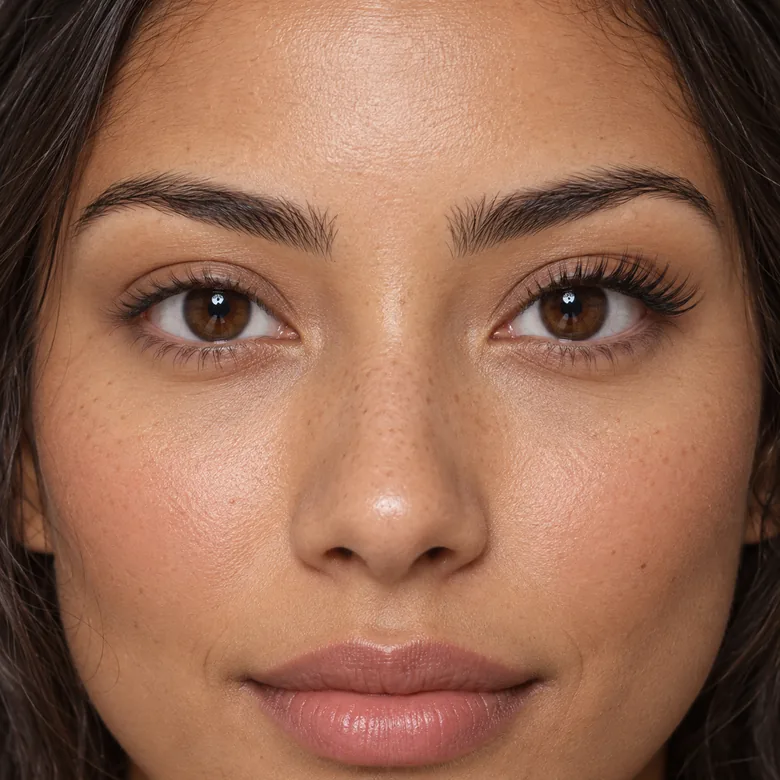
Reference example. It is not a result generated from your upload.
An eyelash filter adds lashes to a photo so you can see a lash style on your own eyes before you book it. This one uses AI lashes rather than a sticker: it finds your lash line, follows the shape of each eye and draws fine, individual hairs with a real curl and shadow, so the lash filter looks like lashes you are actually wearing.
Try twelve styles, from a natural boost, mascara look and lash lift to classic, hybrid, volume and mega volume extension sets, plus shapes such as wispy, cat eye, doll eye and manga lashes. Set the length in millimeters and choose black, brown or a color pop. It works as a virtual eyelash try on for first-timers, a lashes filter for selfies, and a quick preview tool for lash artists.
Shape changes everything. These are six of the most requested styles. Tap one to load it.
Spiky, feathery texture.
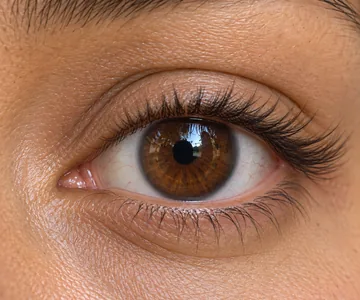
Longer at the outer corner.
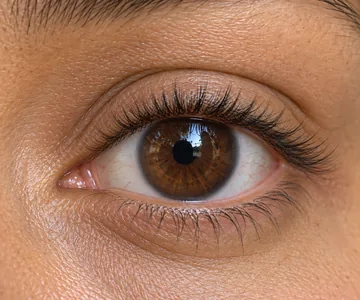
Longest at the center.
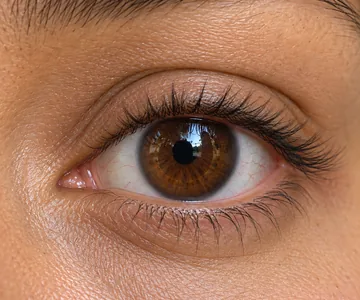
Dense, dark and fluffy.
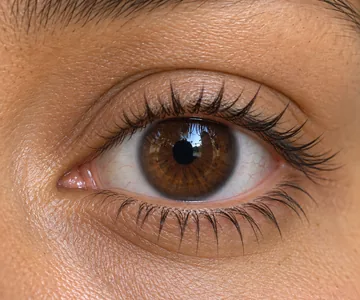
Defined spiky clusters.
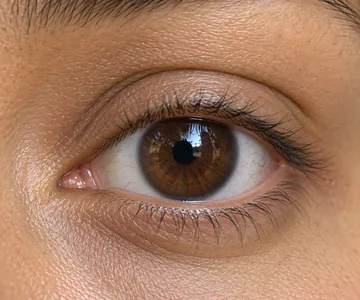
Your lashes, a bit more.
The quickest way to add lashes to photo uploads, in three steps and without an eyelash extension app.
Add a JPG, PNG or WebP up to 10 MB with your eyes open and in focus. A front-facing photo in soft light works best.
Choose a lash style such as Classic Set, Cat Eye or Mega Volume, then a length from 8 to 16 mm and a color.
Create up to 4 versions, drag the slider to compare with your natural lashes and save your favorite set.
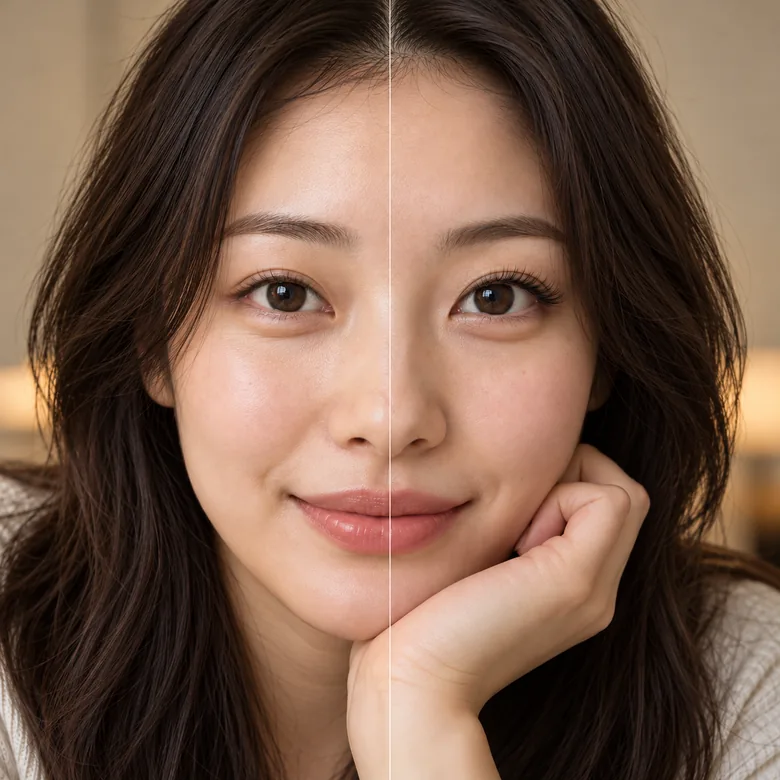
Most fake lashes filter apps stamp the same strip on every eye. This lash AI reads the lash line, eye shape and head angle, then draws fine hairs with a natural curl and a soft shadow on the lid, so the result passes a close look.
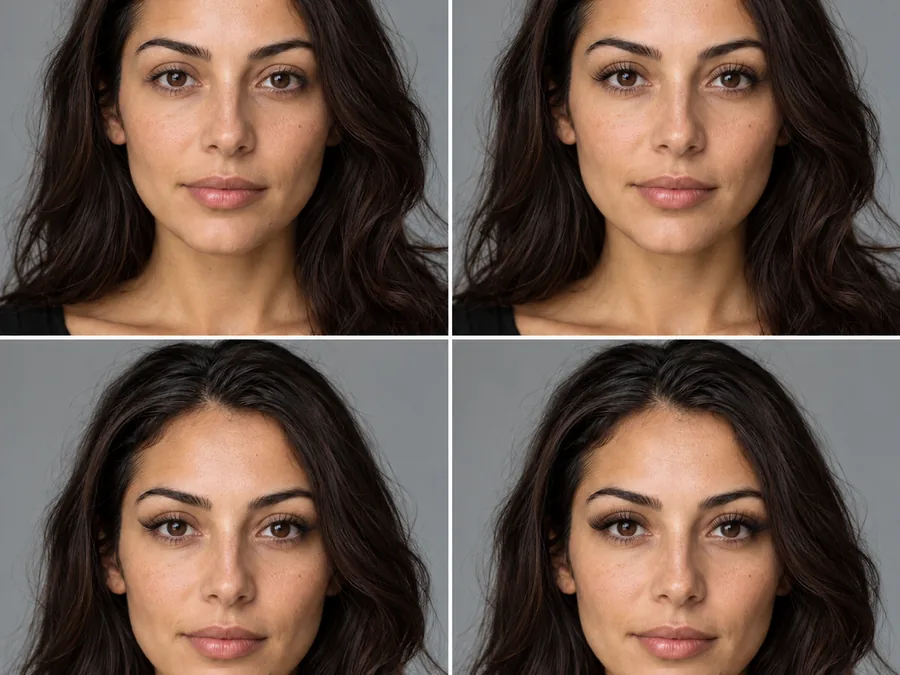
Compare a lash lift with a classic set, or a doll eye with a cat eye, on the same photo. The eyelash filter uses the same names lash artists use, so the look you pick is easy to ask for at the salon.
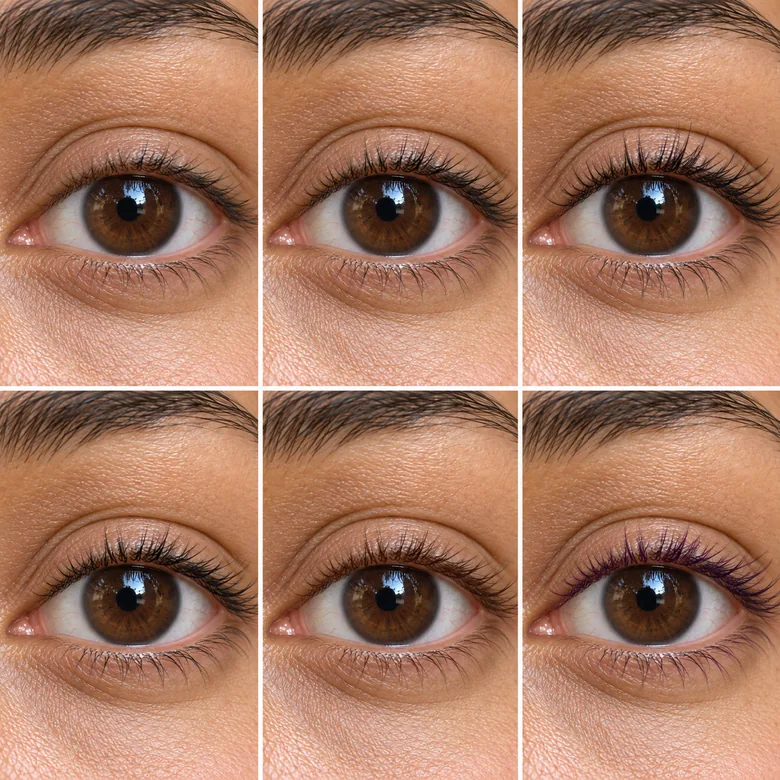
Lash extensions are measured in millimeters, so the length options are too: short 8–10 mm, medium 11–13 mm or long 14–16 mm. Choose jet black, soft black, brown, or a color pop with blue and purple tips.
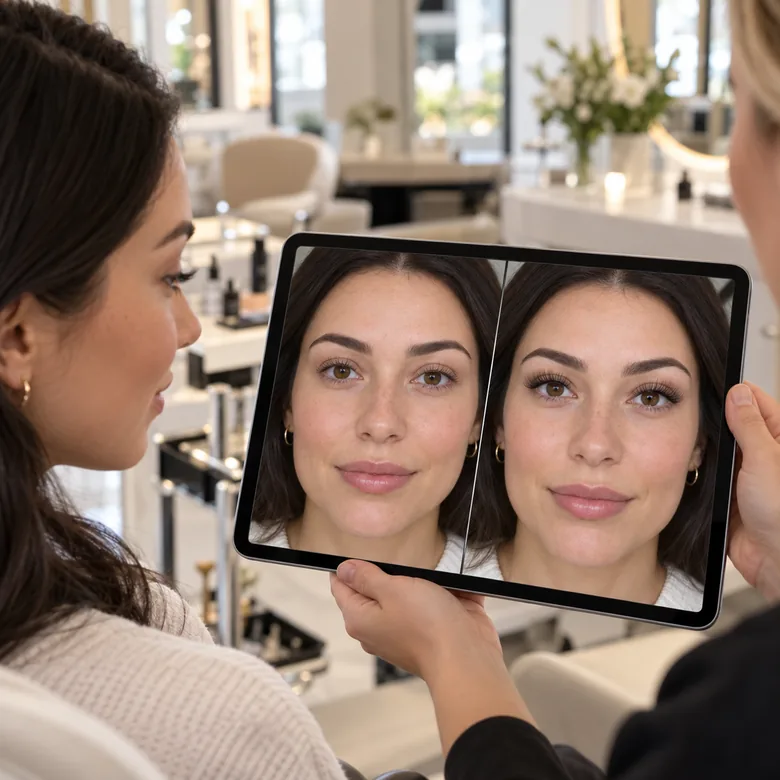
Show a client two or three sets on their own selfie before you start, and agree on the look in a minute. It makes consultations easier and helps first-time clients choose with confidence.
A quick guide to the names you will hear at the salon, and the preset to try each one.
| Style | What it is | Looks like | Preset to try |
|---|---|---|---|
| Lash lift | A curl and tint for your own lashes, no extensions | Natural, lifted, more open eyes | Lash Lift |
| Classic | One extension on each natural lash | Neat, defined, like mascara | Classic Set |
| Hybrid | A mix of classic lashes and light volume fans | Textured and fuller, still airy | Hybrid Set |
| Volume | Fans of several very fine lashes on each natural lash | Dense, dark and fluffy | Volume Set |
| Mega volume | Fans with even more ultra-fine lashes | Very bold, dramatic lash line | Mega Volume |
| Wispy | Spikes of longer lashes mixed with shorter ones | Feathery, textured | Wispy |
| Cat eye | Lengths increase toward the outer corner | Lifted, elongated eyes | Cat Eye |
| Doll eye | Longest lashes at the center of the eye | Rounder, brighter eyes | Doll Eye |
Fan sizes, lengths and curls vary between lash artists. Use the preview to choose a look, then ask your artist what suits your natural lashes.
Anyone who wants to see a lash look before committing to it.
Not sure between classic and volume? See both on your own eyes before your first appointment.
Plan lashes for a wedding, prom or photo shoot together with the rest of your makeup.
Show clients several sets on their selfie and agree on the look before you start.
Give a selfie fuller lashes when you forgot your mascara, without a fake lashes app.
A few photo choices make this eyelashes filter look like the real thing.
The lash line has to be visible. Closed or blurry eyes give the AI nothing to follow.
Window light shows lash detail and shadows; strong backlight turns lashes into silhouettes.
Try Natural Boost or Classic first, then step up to volume if you want more.
Brown or soft black looks softer on fair skin and light hair; jet black reads boldest.
Pair the lashes with these eye and makeup tools.
Try blue, green, hazel or grey eyes with your new lashes.
Try itFull glam makeup: contour, smoky eyes, lashes and a glossy lip.
Try itThirty complete makeup looks, from natural to festive.
Try itEyes half closed in the photo? Open them first, then add lashes.
Try itCommon questions about adding lashes to photos with AI.
Upload a selfie with your eyes open, pick a lash style, length and color, and generate. The eyelash filter adds lashes along your lash line and keeps your eyes, brows and makeup as they are. It is the easiest way to add eyelashes to photo selfies without editing skills.
No. This runs in your phone or desktop browser, so there is no eyelash extension app, fake lashes app or false eyelashes app to install. Upload, choose a style and save the result.
The AI draws individual fine hairs that follow your eye shape and head angle, with a natural curl and shadow, so most results look like real lashes. Very long Mega Volume sets look dramatic by design; Natural Boost and Classic are the most subtle.
Yes, that is the main use of this eyelash try on. It shows the style, length and color on your own eyes. Real results depend on your natural lashes and your lash artist, so treat it as a preview and ask your artist what is safe for your lashes.
Partly. Closed eyes show the lash line from above, so lashes can be added, but open eyes give much better results. If someone blinked by accident, use the open closed eyes tool first.
Pick Lower Lashes to define the lower lash line, or write “only the lower lashes” in Extra details with any style.
It is free to try: new accounts get free credits when they sign up, enough for your first lash previews. After that each generation uses credits, shown on the Start button.
Yes. Natural Boost and Lash Lift suit anyone who wants fuller lashes without a made-up look. Clear glasses are fine; strong reflections over the eyes can hide the lash line.
Upload a client’s selfie with their permission and show two or three sets before the appointment. It helps agree on style and length quickly, especially with first-time clients.
Upload a selfie and try the eyelash filter with your free sign-up credits: natural, wispy, cat eye, doll eye or mega volume.