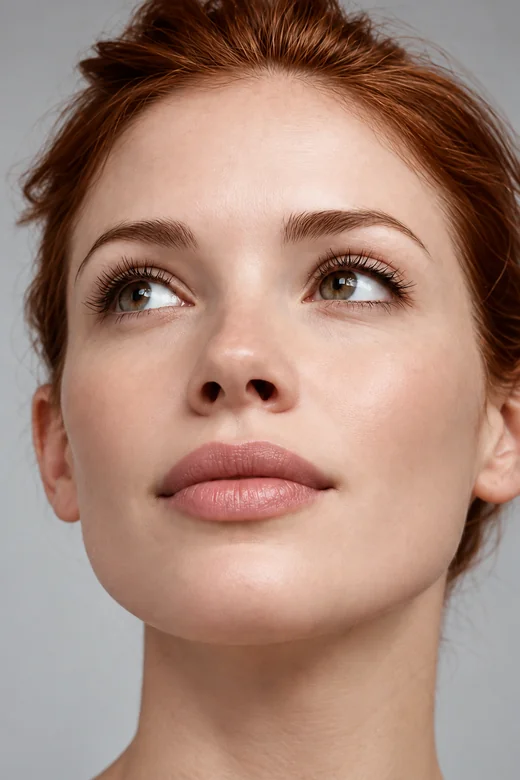
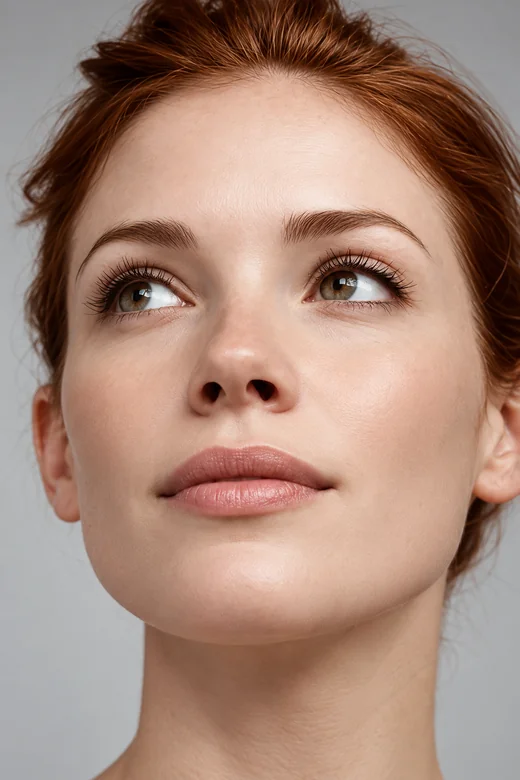
Natural Plump
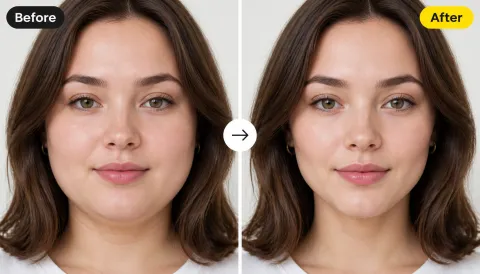
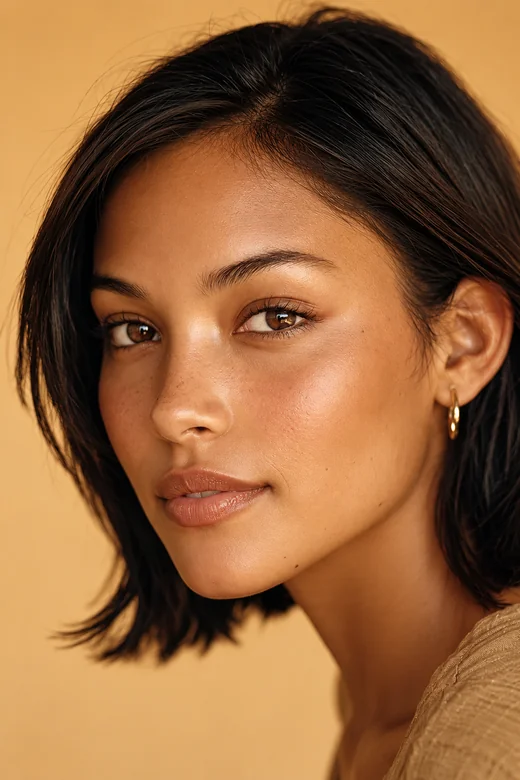
Even, soft volume on both lips with the original outline kept intact.
What will I look like with lip injections? Upload a selfie, choose a lip shape and how much volume to add, and preview the result on your own face. For adults only: a visual preview, not a treatment plan.
Lip Shape: Natural Plump · Volume: Subtle (+5%)
Your photo stays in this browser during this UI preview.
Reference example. It is not a result generated from your upload.
A lip filler filter is an AI lip filler simulator that reshapes the lips in a photo to show how added volume or a new shape could look on your face. Unlike a simple lip filter that stretches the mouth, this lip filler AI rebuilds only the lip area, keeps the natural texture and lip line, and matches your lighting and skin tone.
Searching for small lip filters? Whether you want a barely-there change or a fuller, more defined look, start with a subtle volume and work up from there. The preview is for adults exploring a cosmetic idea. It cannot show swelling, healing, or how a real treatment will turn out; only a licensed medical professional can advise on that.
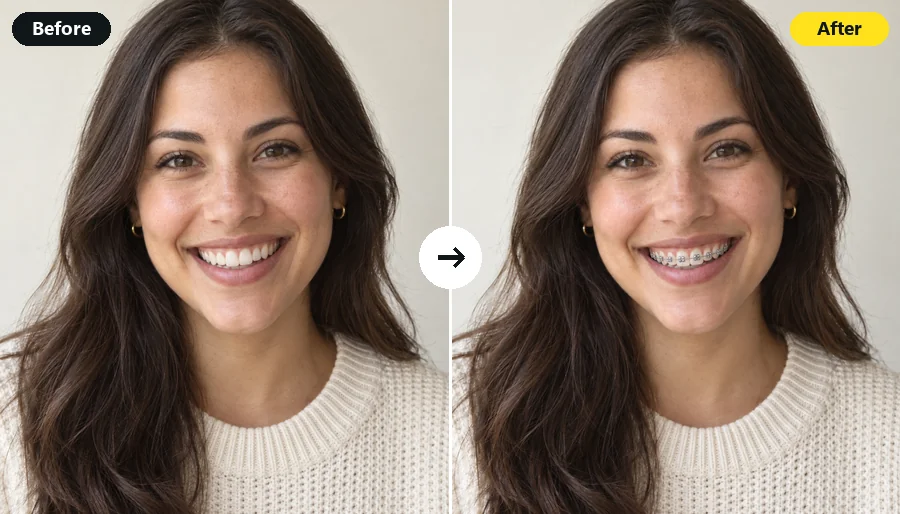
Drag each image to compare the original lips with the preview. Every face keeps its own features.
Even, soft volume on both lips with the original outline kept intact.
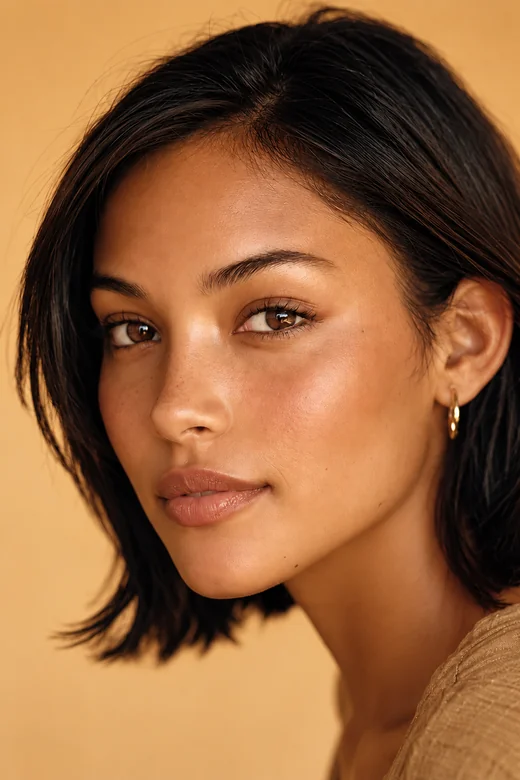
A little more fullness on the upper lip for better upper-to-lower balance.
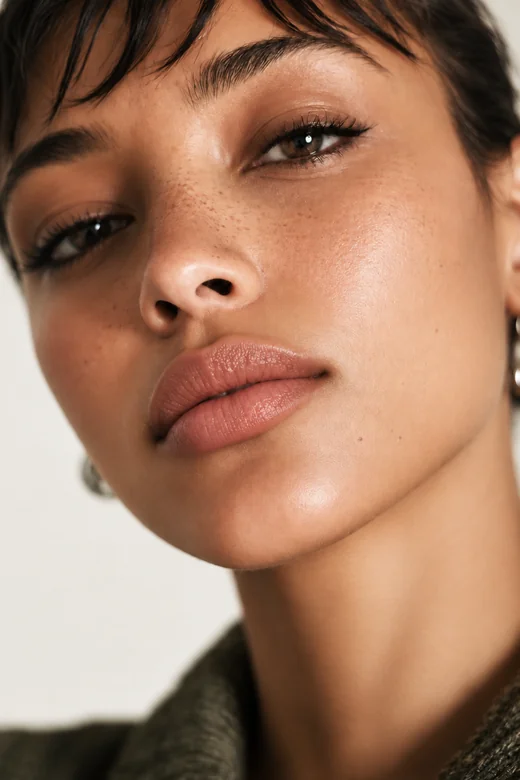
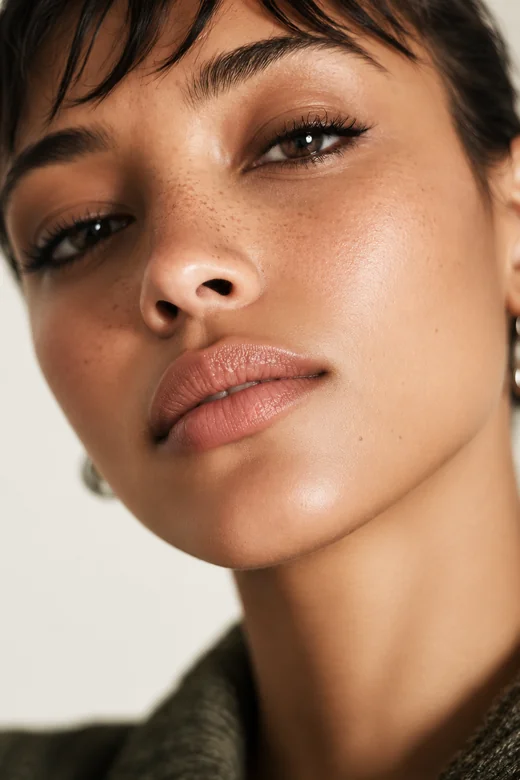
A crisper lip line and balanced proportions, seen up close.
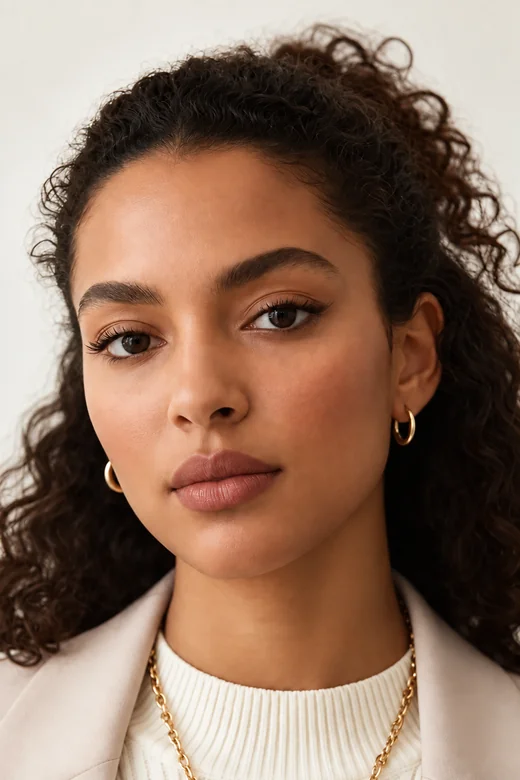
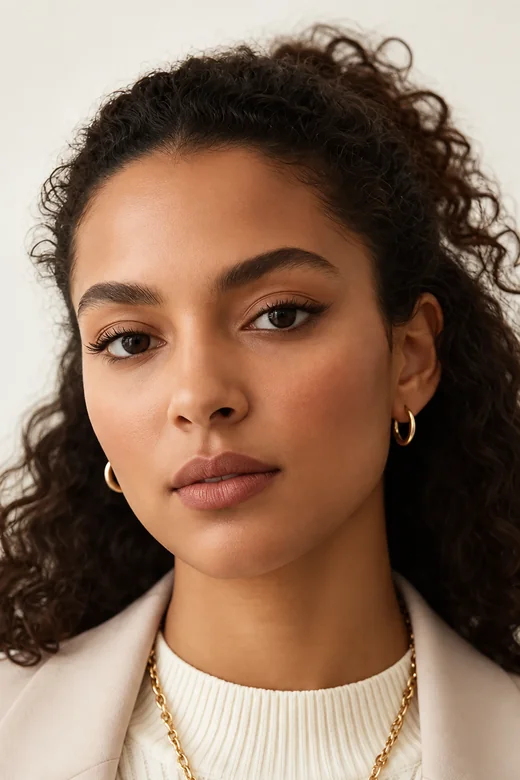
One of the small lip filters: a light touch that friends might not even notice.
How will I look with lip fillers? Find out in three steps, with no lip filler simulation app to install.
Use a front-facing photo of yourself (adults only) with even light, a relaxed mouth, and nothing covering the lips. JPG, PNG, and WebP up to 10 MB.
Pick a lip shape such as Natural Plump, Heart-Shaped, or Cupid’s Bow, then a volume from Subtle (+5%) to Full (+25%). Add details like "upper lip only" in the optional note.
Generate up to four versions, compare them with your original at full-face size, and keep the most balanced one as a reference.
Skin, eyes, nose, hair, and background stay exactly as shot. The AI lip filler adjusts volume and outline while keeping the natural lip texture and blending the edge into the surrounding skin, so it does not look stretched or airbrushed.
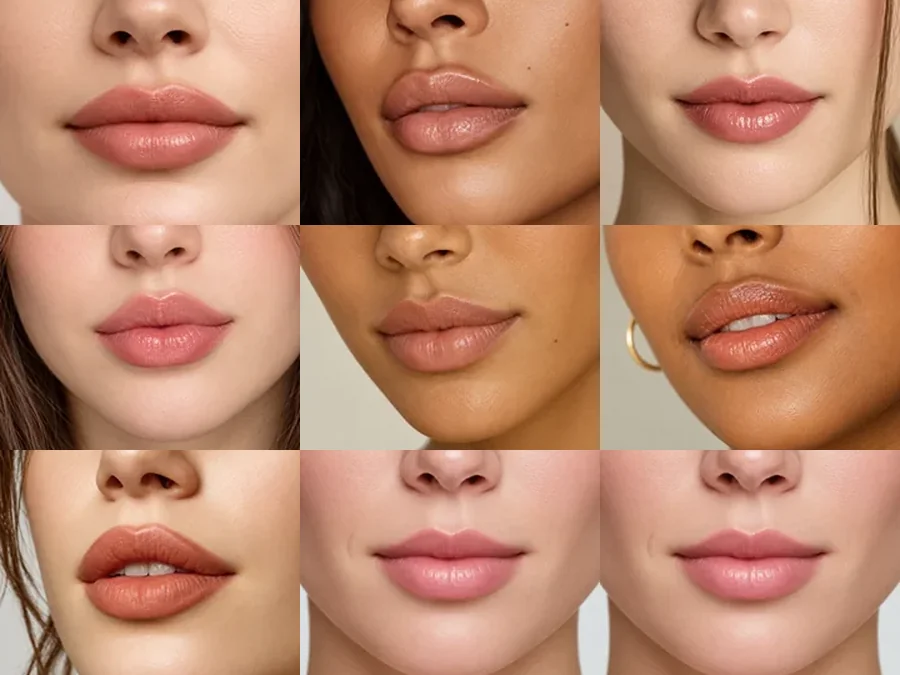
Compare popular lip filler styles on the same photo: natural plump, classic full, heart-shaped, Cupid’s bow, M-shaped, pillow lips, defined contour, an upper lip boost, or a polished Hollywood glam look. For Russian lips or other styles, describe them in the note.
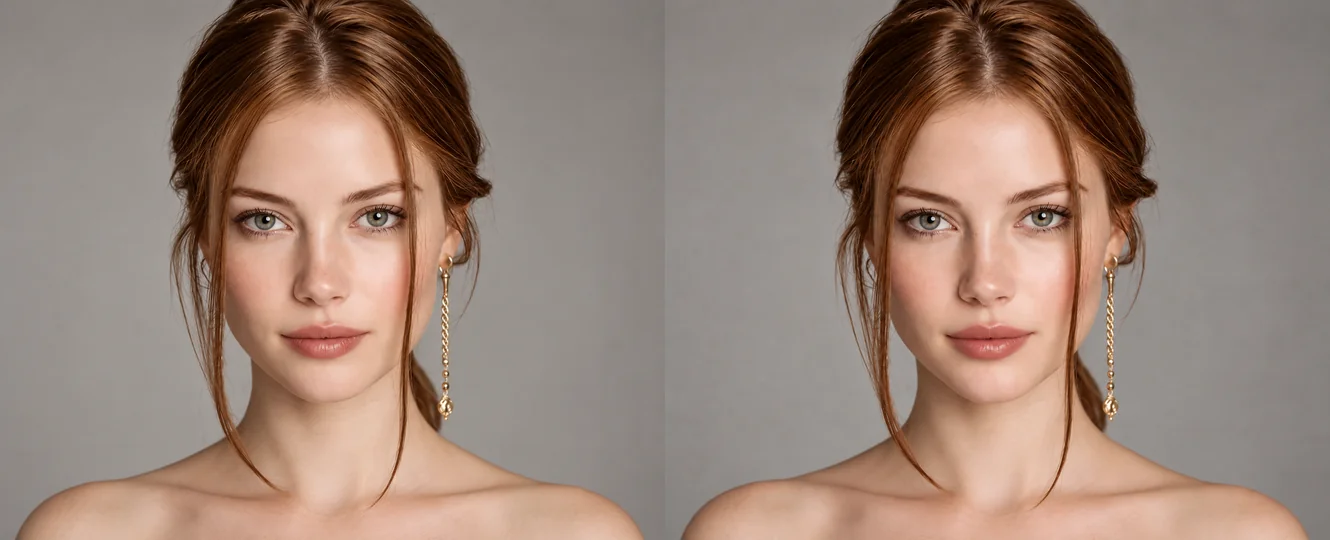
How would I look with lip injections if I only want a little? Begin at Subtle (+5%) or Soft (+10%), check the result at normal portrait size, and only then try Medium or Full. Small changes often look more like you.
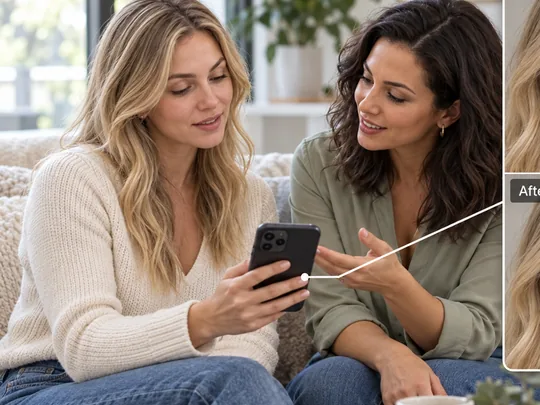
Words like "subtle" or "defined" mean different things to different people. Save the version you like and show it during a consultation with a licensed injector, who will tell you what is realistic for your lips.
See a few shapes and volumes on your own face before booking a consultation.
Check whether a subtle boost is enough before thinking about anything bigger.
Plan lip makeup and fuller-lip looks for content, clearly labeled as edited.
Show adult clients illustrative options, alongside a proper medical consultation.
A neutral photo gives the most honest preview.
A closed, relaxed mouth without a pout or big smile shows your natural lip shape.
Soft light without strong shadows keeps the lip line and texture accurate.
Overlined lips and beauty filters hide your real outline.
A look that seems fine in close-up can feel strong on the whole face. Compare both.
Common ways adults use the preview before a consultation.
Illustrative examples adapted from reference material, not verified reviews of EzImgMaker.
I wanted a small change, not a different mouth. The subtle preview showed me that was all I needed.
The shape options made it easier to explain what I liked. I brought one natural version and my original photo.
A fuller look seemed fine close up, but at full-face size I preferred the soft volume. Glad I checked.
I tested a fuller outline before choosing liner and lipstick for a makeup post, and labeled it as an edit.
Answers to common questions about previewing lip fillers online.
Upload a relaxed, front-facing selfie, choose a lip shape and a volume, and generate. Compare two or three versions, for example Natural Plump at Subtle and Soft, to see which change still looks like you.
Choose Subtle (+5%) or Soft (+10%) with Natural Plump or Upper Lip Boost. These small lip filters keep your outline and add a light amount of volume.
Switch between nine shapes, including heart-shaped, Cupid’s bow, M-shaped, pillow, and Hollywood glam, on the same photo. To try Russian lips or another named style, describe it in the optional note.
Pick Medium (+15%) or Full (+25%) and compare it with a subtle version at full-face size. Larger changes can shift your overall expression, so view the whole portrait before deciding you like it.
The lips are regenerated with your own texture, lighting, and skin tone, and the lip line is blended into the skin. A sharp, evenly lit photo gives the most natural result.
No. You can preview lip fillers online in your phone or desktop browser, with no lip filler simulator app to download.
Yes. Add a color to the note, such as "soft nude gloss" or a bold coral like an orange lips filter, and it will be applied along with the new shape.
No. It is a visual illustration only. It cannot predict swelling, healing, product choice, or the final result of a real procedure. Talk to a licensed medical professional about whether lip fillers are right for you.
The tool is for adults previewing their own look. Do not upload photos of anyone under 18, and only upload photos you own or have permission to edit.
Only with the permission of the adult in the photo. Do not use lip edits to mislead anyone, or to present an edited image as a real treatment result.
Upload a selfie and try small lip filters, nine lip shapes, and four volume levels.
For adults only. Lip filler previews are visual illustrations, not medical advice or a prediction of treatment results. Consult a licensed medical professional before any cosmetic procedure.