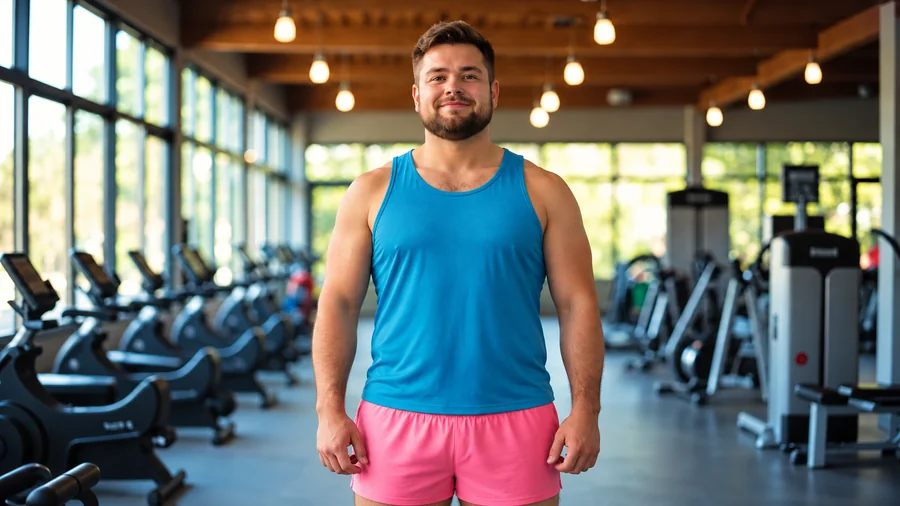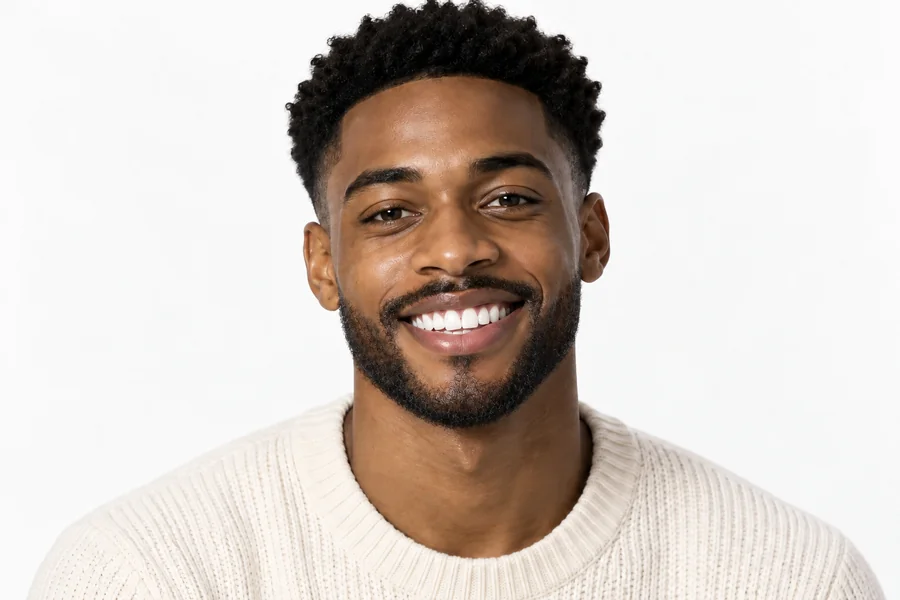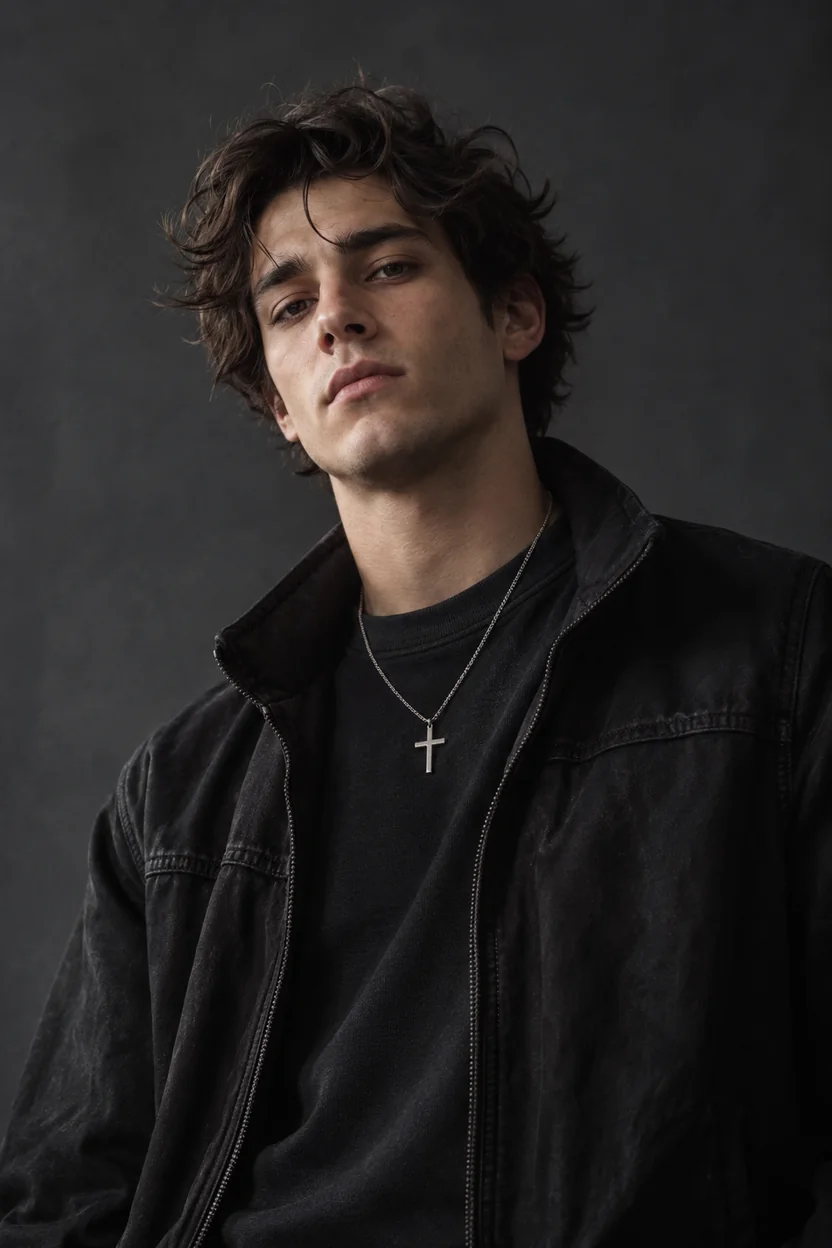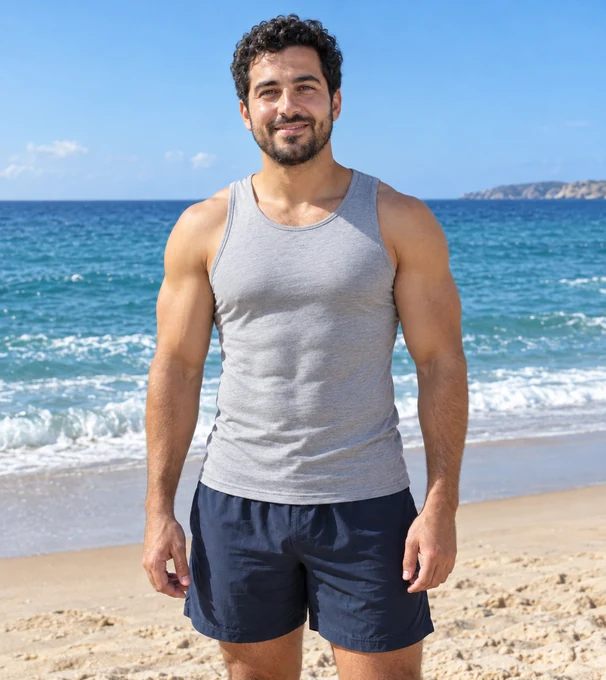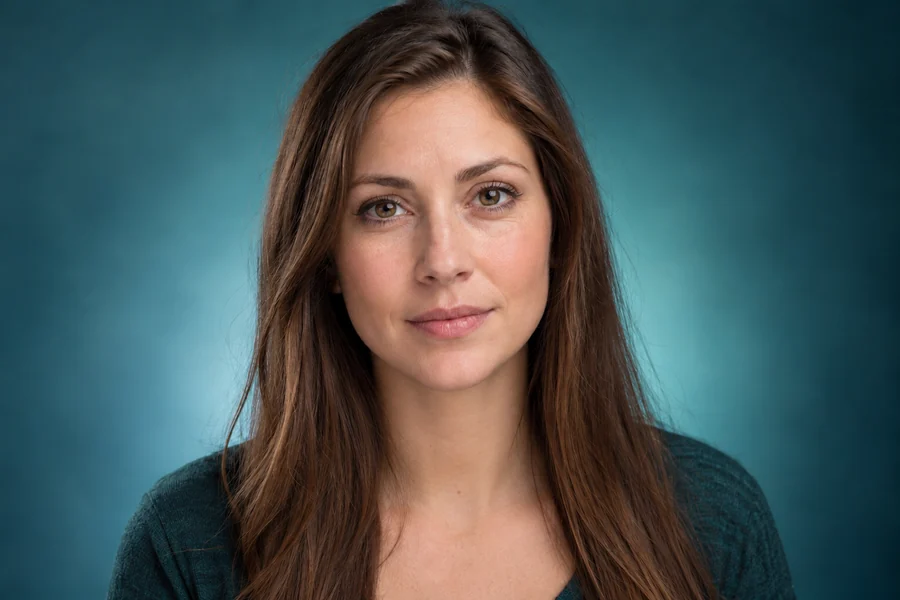
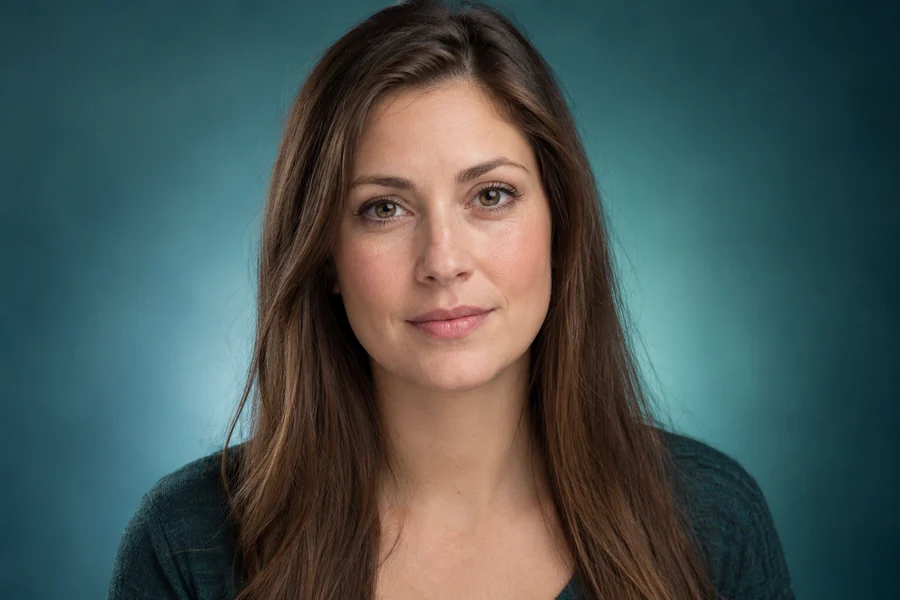
Sharper, Defined Jawline
A soft jaw edge gets a cleaner line from ear to chin and a natural shadow underneath, the classic model jawline at Natural strength.
Upload a selfie or headshot, pick a jawline style (sharper, V-line, square, chiseled or softer) and a strength, and the AI redraws the jaw edge along your own bone structure. Skin, beard, expression and background stay exactly as they were.
Jawline looks
Fine-tune
Reference example. It is not a result generated from your upload.
An AI jawline editor is a jawline filter that works on a finished photo. Instead of a live jaw filter that warps the lower face while you move, the jawline AI looks at your own jaw angle, chin and neck, then redraws the edge in the style you choose: sharper and defined, a soft V-line, a squarer jaw, a chiseled masculine line or a softer curve. Skin, beard and lighting are rebuilt to match, so the result reads as a real photo.
Think of it as a jawline enhancer with a dial. Subtle gives a profile picture a cleaner edge that nobody will spot, Natural is clearly visible on camera, and Noticeable is there for comparing bigger ideas. Every face shape is a good one; this is about how your jaw reads in one picture, which often comes down to light and angle more than bone.
Drag each slider. The face, skin and hair stay the same; only the jaw edge changes.
A soft jaw edge gets a cleaner line from ear to chin and a natural shadow underneath, the classic model jawline at Natural strength.
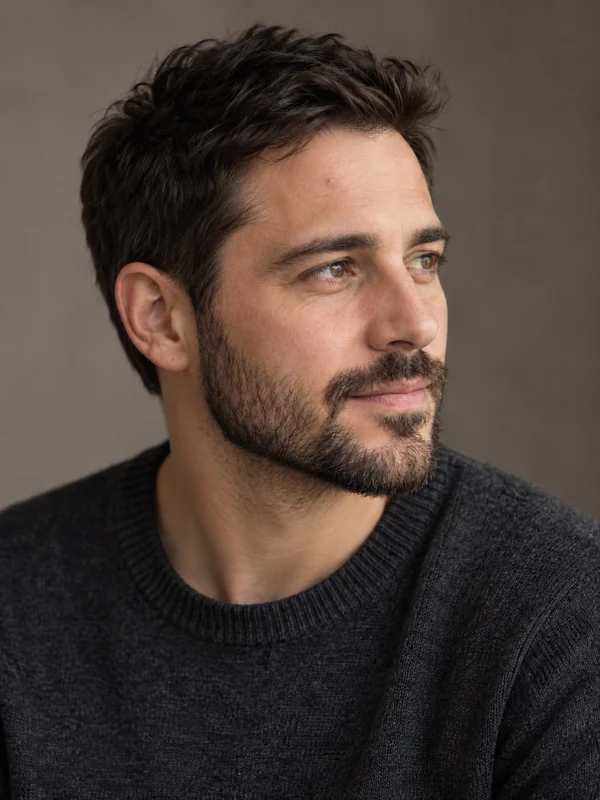
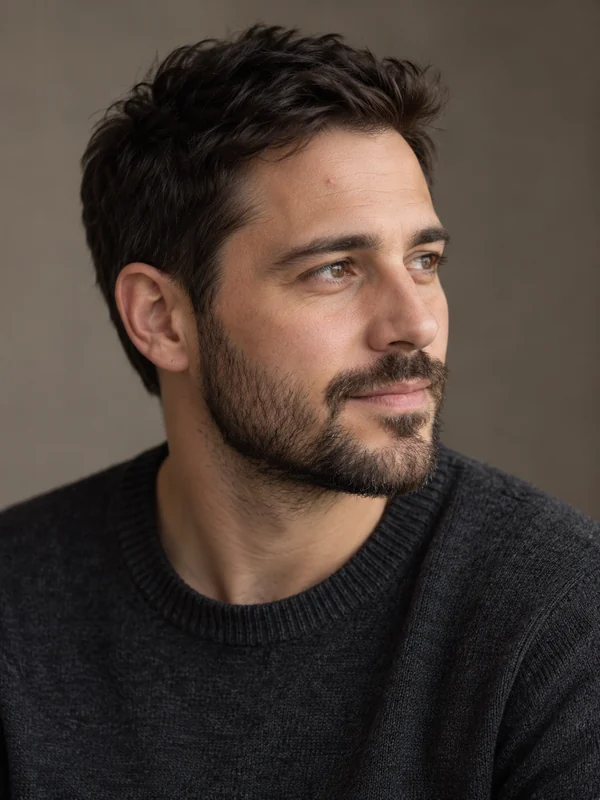
In a three-quarter profile, the chiseled style strengthens the jaw angle and the chin while the stubble stays exactly as it was.
Three steps with the AI jawline editor, right in your browser.
Add a JPG, PNG or WebP up to 10 MB where the jaw and chin are visible. Front-facing, three-quarter and profile photos all work.
Tap a look such as Model Jawline, Snatched V-Line or Men’s Chiseled Jaw, or set the style and strength yourself. Brush over one person in a group photo.
Click Edit My Jawline, drag the slider to compare, and download. Too strong? Drop to Subtle and run it again.
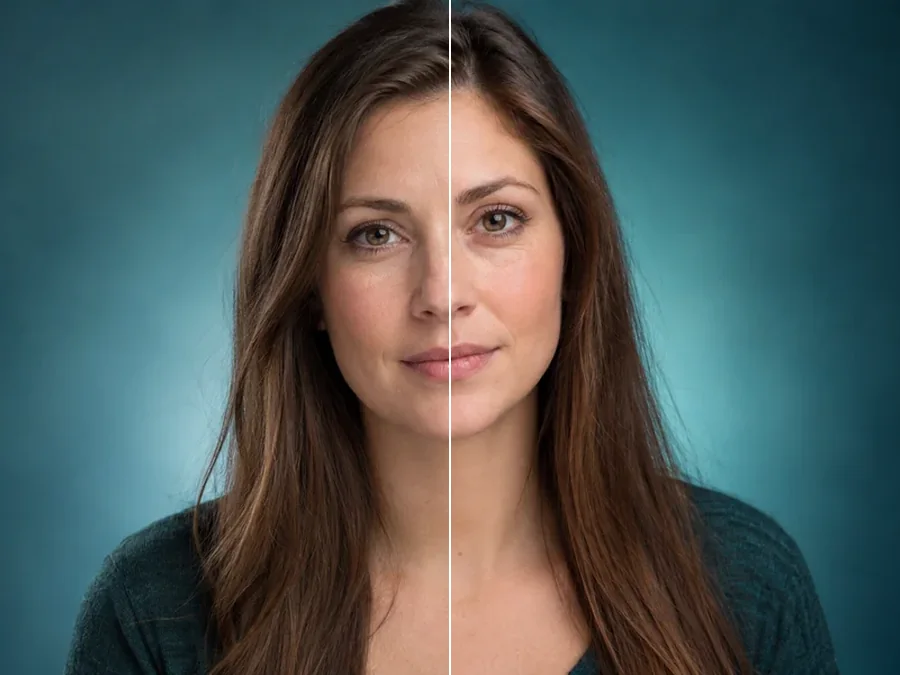
Sharper and defined, V-line, square, chiseled or softer: each style follows the jaw you already have instead of pasting a generic shape on top. That is the difference between a jawline creator that looks like you on a good day and a filter everyone can spot.
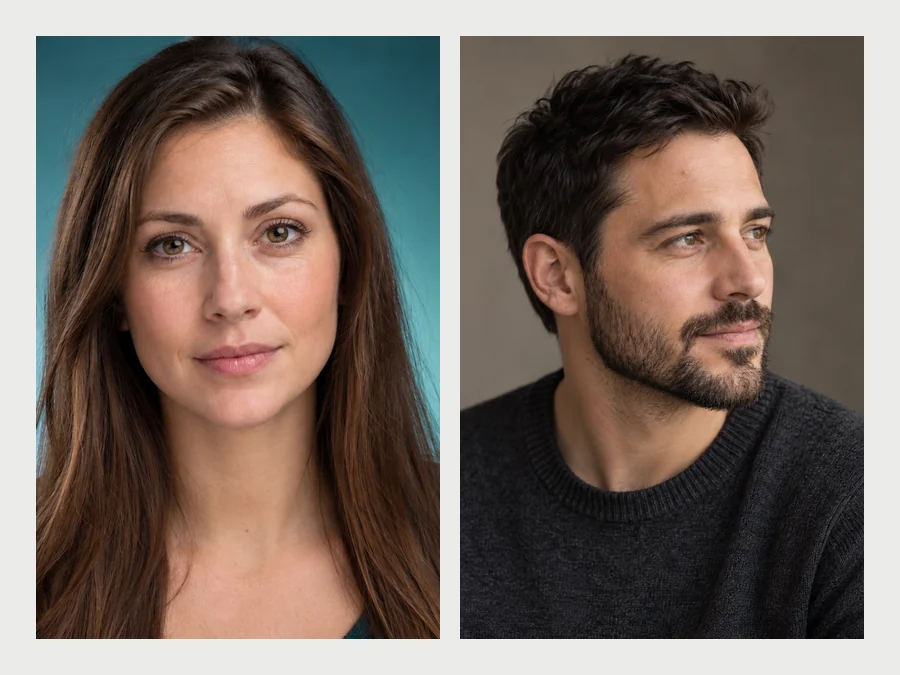
A defined or V-line jaw suits many women’s portraits; a square or chiseled jaw is what most men ask for. Pick the style that fits the face, or soften a very angular jaw for a gentler, baby-face look.
Beards, stubble and skin texture are kept, the cheeks and chin keep their proportions, and the rest of the face is untouched. The Beard Jawline look defines the jaw under facial hair without redrawing a single whisker.
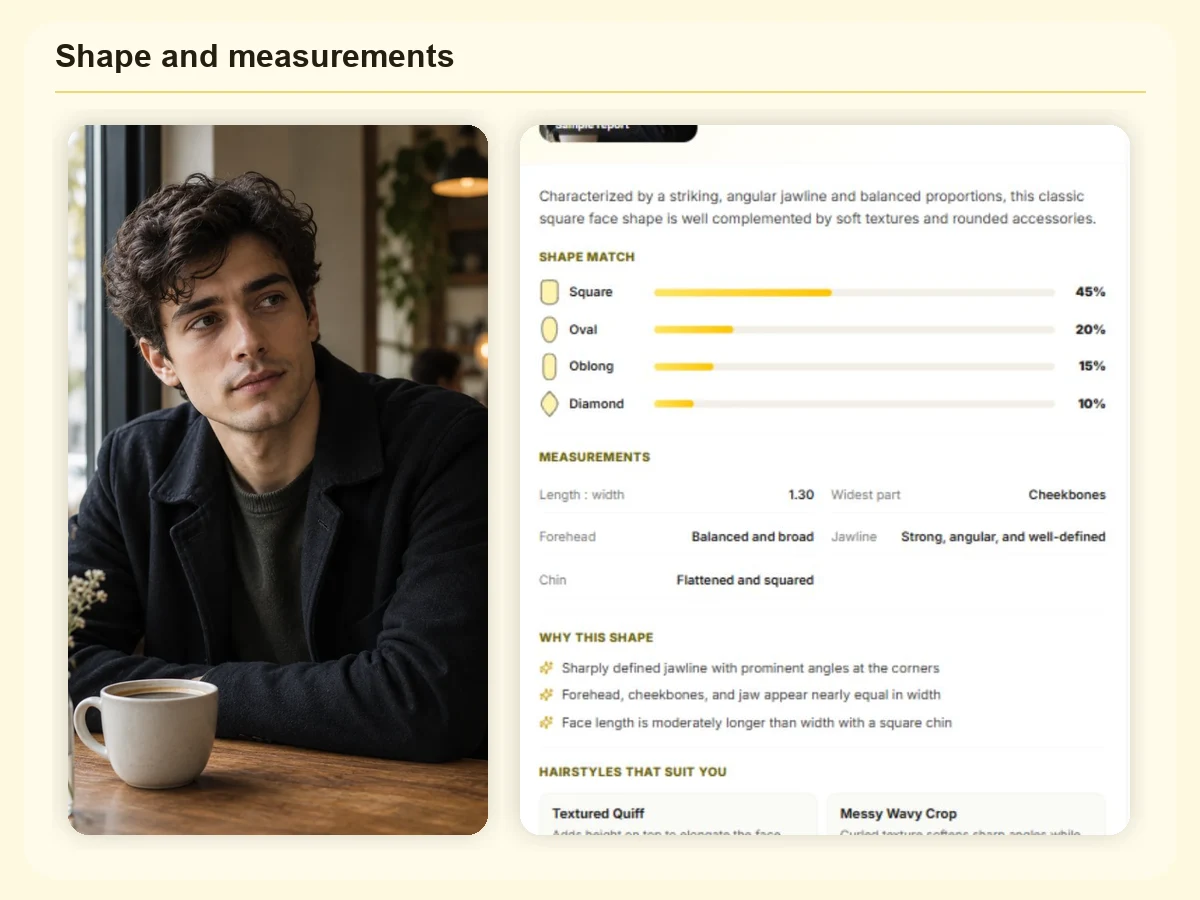
Not sure which jawline suits you? A round face often looks best with a defined edge, a long face with a softer one, a square face with less change than you think. Check your face shape, then pick the style that balances it.
Most of a strong jawline picture happens before you press the shutter. These are the tricks portrait photographers use.
A camera below the chin softens the jaw. Hold it a little higher and look up into it.
Push your head slightly toward the camera and tip the chin down a touch. It stretches the skin along the jaw.
Turning the face slightly away shows the jaw angle on one side, which reads stronger than straight on.
Light from one side, on the far side of the face, casts the shadow under the jaw that defines it.
Stand tall and drop the shoulders. Slouching blurs the line between jaw and neck in every photo.
Got the moment but not the angle? A Subtle jawline edit finishes what the light started.
The portraits people refine most with an AI jawline editor.
A clean jaw edge on the photo people see first, at Subtle strength so it still looks like you.
A confident, defined jaw in a professional headshot without another session.
Light refinements only, so you still look like yourself when you meet.
See how a defined jaw would read before you shape a beard or practice contour makeup.
A sharper face for covers, thumbnails and banners where the image is small.
Try a strong, chiseled or soft jaw for a character look from your reference photo.
Refine the chin, learn your face shape, or open every face edit at once.
How will I look with a nose job?
Open toolSoften the fold under the chin from low angles and side profiles, naturally.
Remove Double ChinFind out whether your face is oval, round, square, heart or diamond shaped.
Detect Face ShapeTry a full beard, stubble or goatee and see how it frames your jaw.
Try a BeardSmile, jawline, nose, makeup, teeth and skin edits in one place.
Open Face EditorHow the jawline filter works and how to keep the result natural.
Upload the photo, choose a look such as Model Jawline or Men’s Chiseled Jaw, and click Edit My Jawline. Start on Natural strength, compare with the original, and switch to Subtle if you want an edit nobody notices.
It is built to. The jawline AI follows your own jaw angle and chin, keeps skin texture and beard, and rebuilds the shadow under the jaw to match the light. Very strong settings on a soft, front-lit photo are where edits start to show, so step down if it looks drawn on.
Both, in a sense: it edits a finished photo like a jawline maker tool, with presets like a filter. People also call it a jawline fixer, enhancer or creator. Unlike a live camera effect, you can pick the exact style and strength and compare before you download.
Yes. Square and Chiseled suit most men’s portraits, and the Beard Jawline look defines the jaw under facial hair while keeping the beard and stubble exactly as they are.
Hold the camera slightly above eye level, push your forehead forward and tip your chin down a little, turn three-quarters away from the camera and use light from one side. Those four habits are the core of jawline photography.
The jawline editor reshapes the jaw edge itself (sharper, V-line, square, chiseled or softer). The double chin remover only softens the fold under the chin. For photos taken from below, start with the double chin remover, then add a subtle jawline edit if needed.
It is free to try: new accounts get free credits when they sign up. After that, each edit uses credits from your balance, and the cost is shown on the button before you start.
Yes. Profiles and three-quarter views work well because the jaw angle is visible. In a group photo, brush over the jaw of the person to edit or name them in Extra details; otherwise only the main person changes.
Only edit photos of yourself or photos you have permission to edit, and do not share edited faces to mock or mislead anyone. On dating profiles, keep edits light so the photo still shows the real you.
No. It is a photo edit that shows a look, not a prediction of surgery, fillers, weight loss or jaw exercises, and it is not medical advice.
Upload a photo, pick a jawline look and a strength, and compare a natural result with your original.
Edited images are AI photo edits, not predictions of cosmetic or medical results. Only edit photos of yourself or photos you have permission to edit.