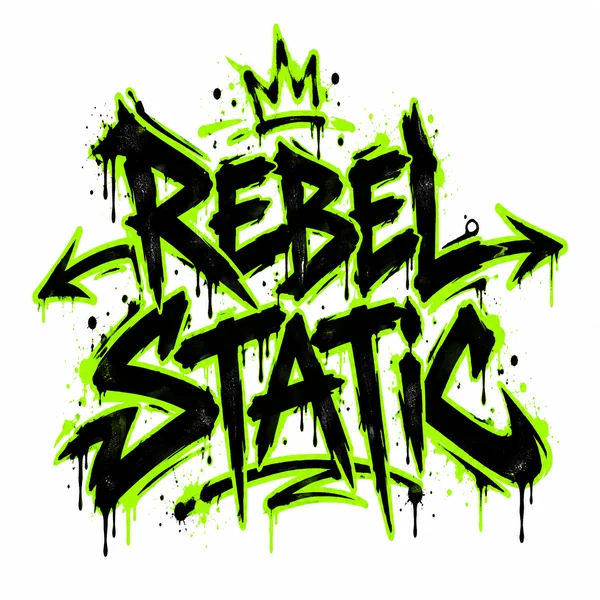
Graffiti Tag
Spray letters with drips for Rebel Static, still readable across the back of a hoodie.
Type your label name, choose a direction from Streetwear and Luxury to Kids and Sustainable, and pick one of eight logo styles such as Monogram, Graffiti Tag, Varsity, or Crest. Set how many print colors you can afford and get a design ready for tees, hang tags, and woven labels. Free to try.
Logo style
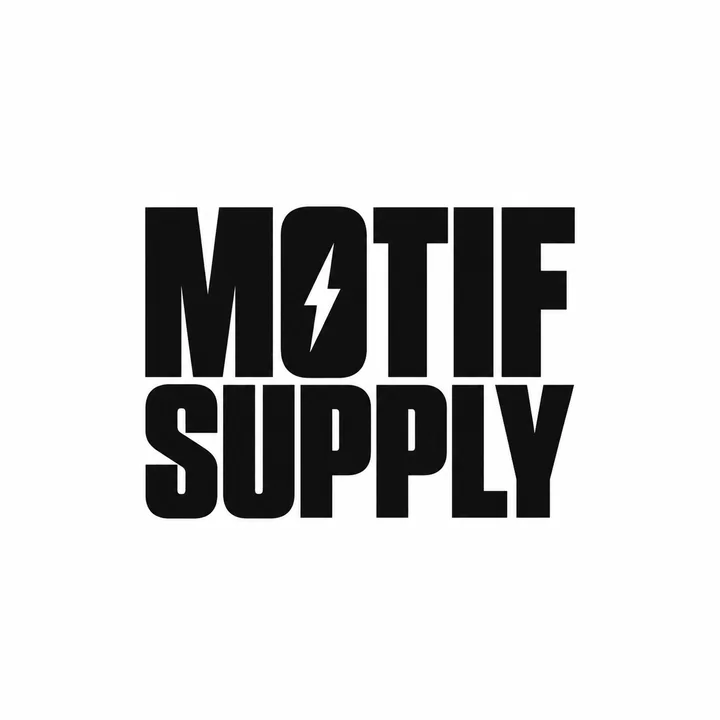
A streetwear wordmark for "MOTIF SUPPLY": bold condensed black letters with a tiny lightning bolt in the O, one ink color, on white.
Reference example. It is not a result generated from your upload.
A clothing logo has to work on cotton, thread, and a two-centimeter woven label, not only on a screen. This clothing brand logo generator starts from your label name, the direction of your brand, and how many inks you can print, then draws wordmarks, monograms, badges, and crests with bold, clean shapes.
Use it as a clothing logo creator for a first streetwear drop, a kids’ line, a sustainable basics brand, or premium knitwear. Generate the same name in several styles for a matching set, size it for a chest or back print, and upload a sketch if you already have an idea. The clothing logo generator is free to try with sign-up credits.
Six fictional labels. Click any card to load its look, then type your label name.
Spray letters with drips for Rebel Static, still readable across the back of a hoodie.
Sunday Sail in a looping script with a swash, sized for a small embroidered chest hit.
A laurel crest with a stag for Hartwell & Co., made to be woven into a neck label.
Rounded letters and a smiling star for Little Comet, soft enough for baby onesies.
One small wave mark for Tidewell, stamped in a single ink on a kraft hang tag.
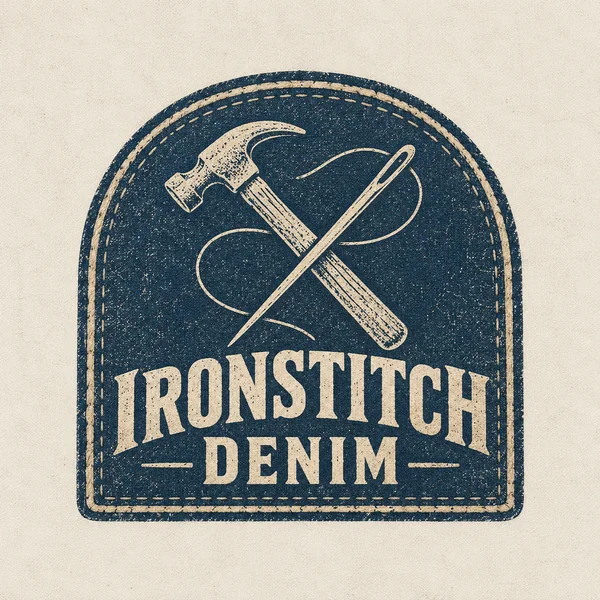
A crossed hammer and needle in faded indigo for Ironstitch Denim, ready to stitch onto a jacket.
Type it exactly as it will be printed and stitched. Add small text, such as a founding year or a city, if you want it under the name.
Streetwear, Luxury, Sportswear, Vintage, Kids, or Sustainable sets the attitude; One color keeps screen printing simple and affordable.
Wordmark, Monogram, Badge, Script, Graffiti Tag, Minimal Icon, Varsity, or Crest. Monograms and icons double as tag and button marks.
Use Chest print 3:2 for the front, Back print 4:5 for large graphics, and square for socials, then proofread every letter.
Ink counts up front, a matching family of marks, fabric-ready shapes, and attitude without copying.
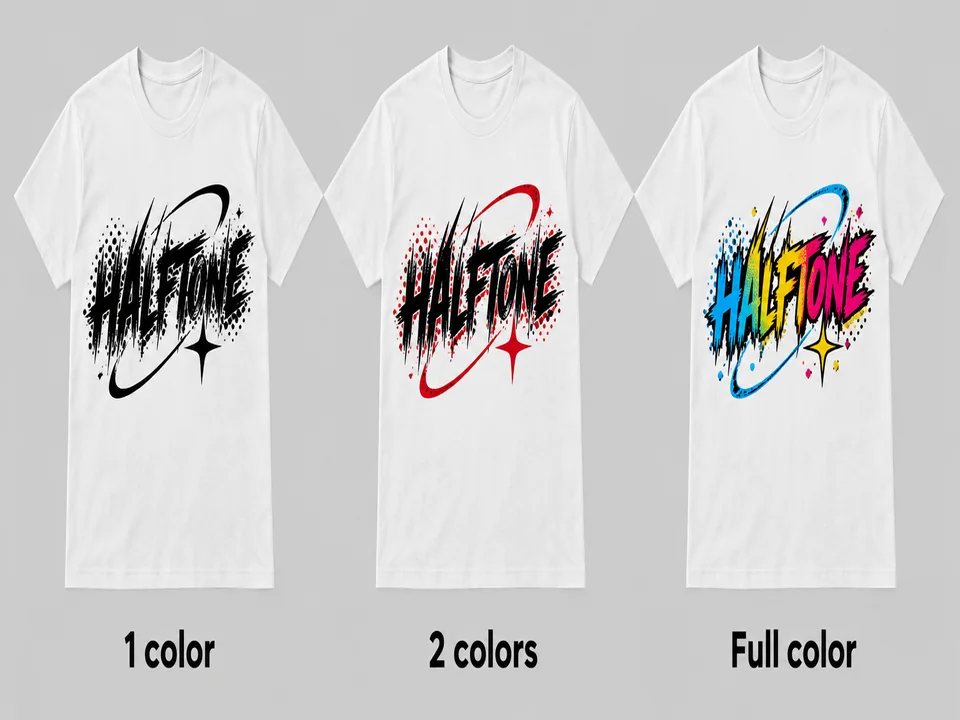
In screen printing, every extra ink usually means another screen and another setup charge. Choose One color or Two colors and the logo is drawn with flat inks only, so the quote for your first 50 tees holds no surprises.
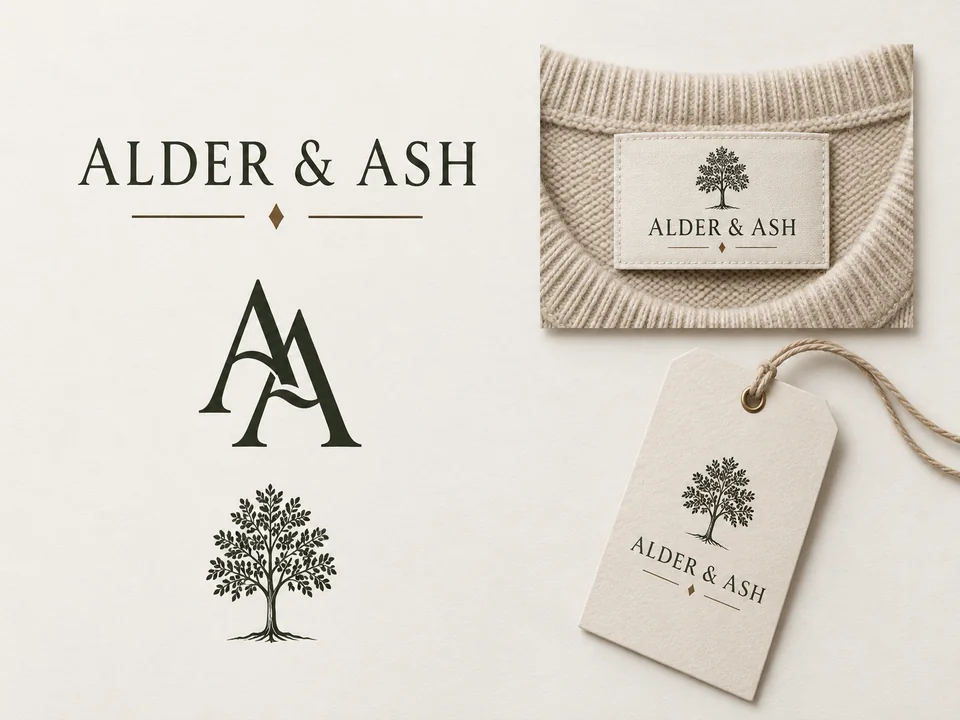
A label needs a main wordmark for chests, a monogram for neck labels and buttons, and a small icon for hang tags. Generate the same name in each style and you get a set that clearly belongs together.
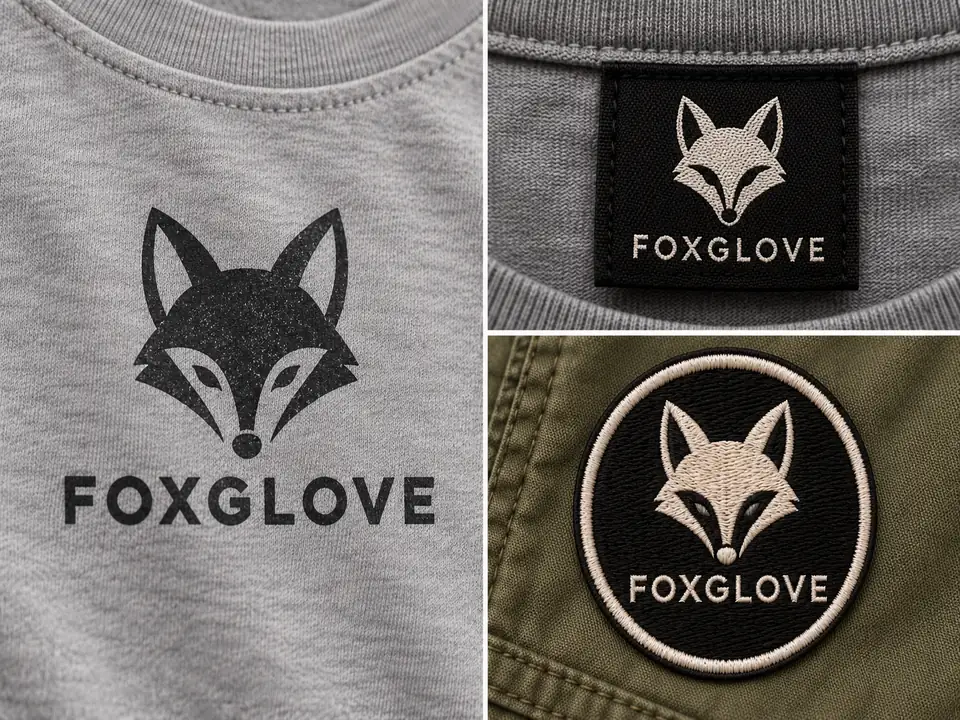
Shapes stay bold and edges clean, so the design survives cotton texture, tiny woven labels, and embroidery thread. As a garments logo maker it avoids hairline details that disappear on fabric.
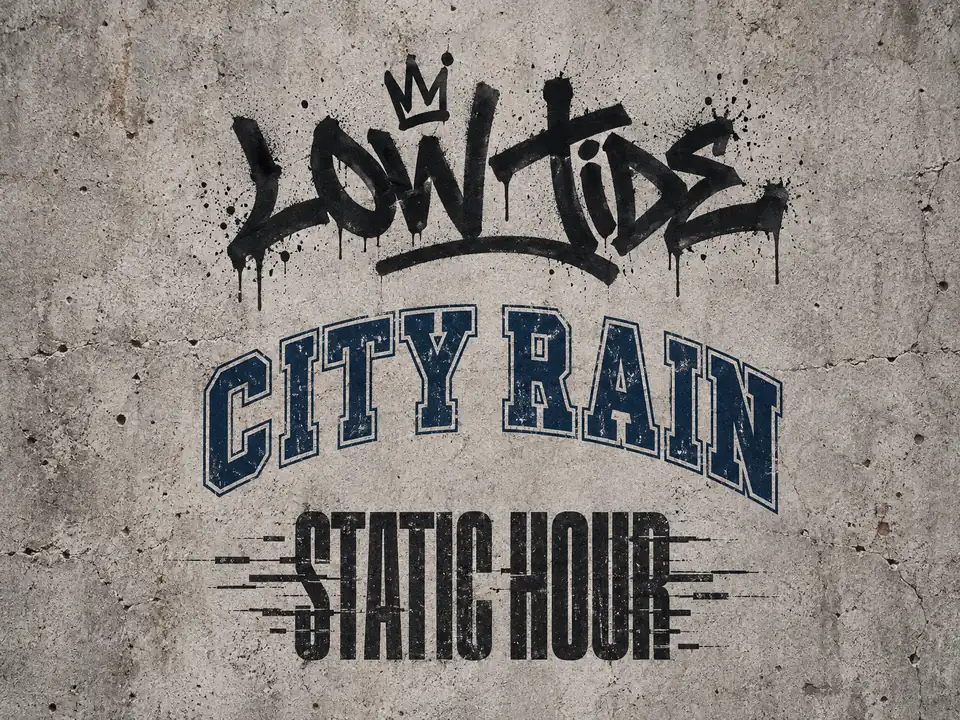
Graffiti Tag, Varsity, and bold wordmarks give a drop its attitude, while the model is told never to imitate existing fashion labels, so the logo is one you can actually build a brand on.
Most labels need more than one version of the same logo. Here is where each one ends up.
| Version | Where it goes | Best styles | Size tip |
|---|---|---|---|
| Primary wordmark | Chest prints, shopping bags, website header | Wordmark, Script, Graffiti Tag | Keep the name under about 12 letters |
| Monogram | Woven neck labels, buttons, zipper pulls, patterns | Monogram, Crest | Should read at about 2 cm wide |
| Badge or patch | Embroidered patches, caps, jacket sleeves | Badge, Varsity, Crest | Thick outlines, no tiny text |
| Icon | Hang tags, social profiles, packaging stickers | Minimal Icon | One shape that works in one ink |
| Back print | Large hoodie and tee back graphics | Graffiti Tag, Varsity, Wordmark | Use the 4:5 canvas |
Before you order, ask your printer or embroiderer which file they need; many will vectorize or digitize a clean PNG for you.
From the first sample to the mailer box, these are the places your label logo lives.
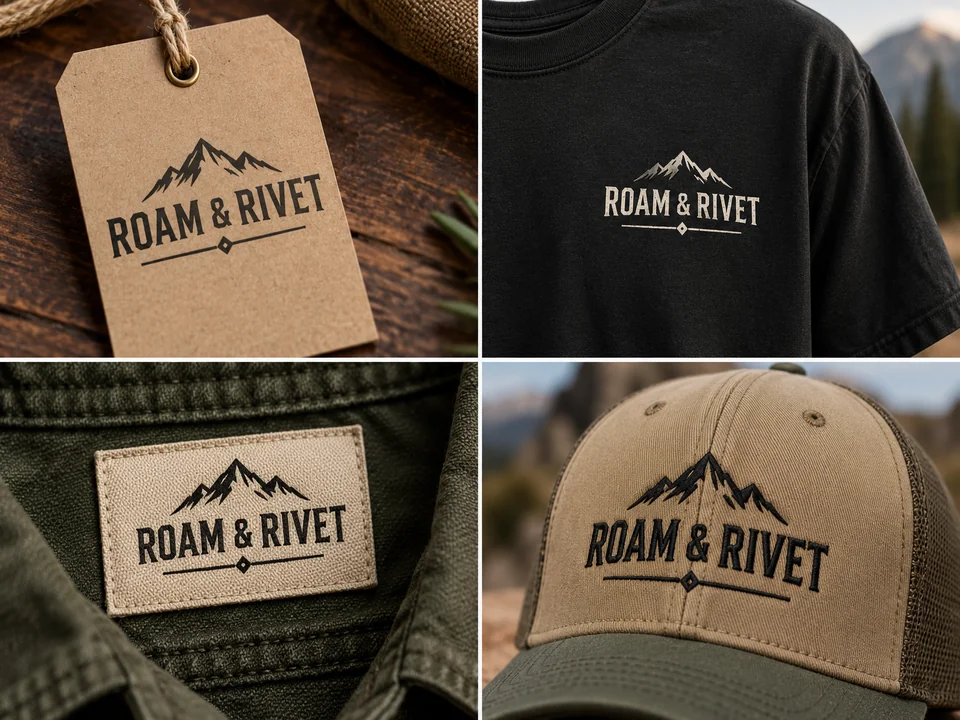
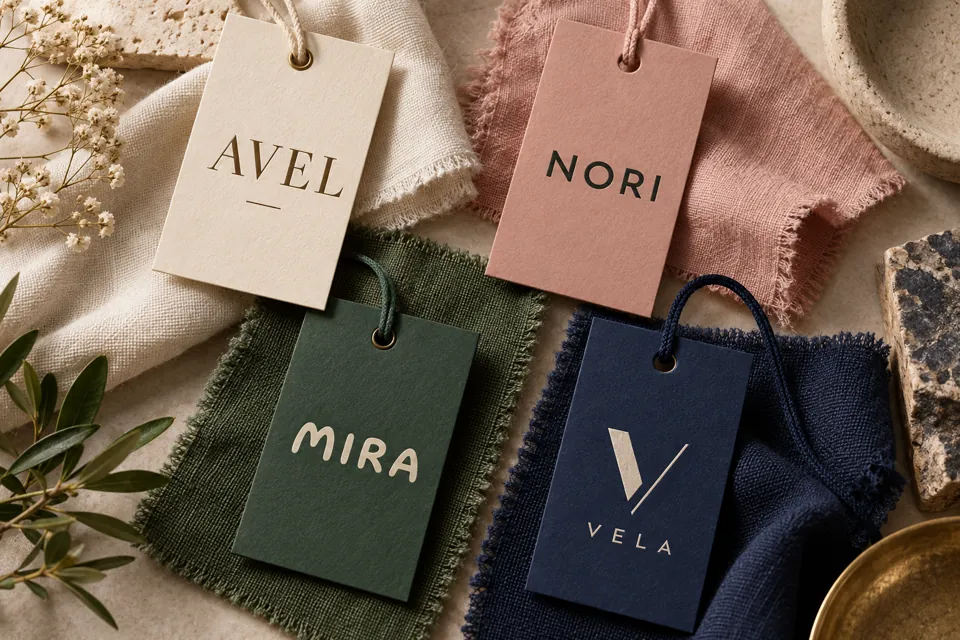
A minimal icon or monogram stamped on kraft card, with the wordmark on the reverse.
Wordmarks on the chest, and big graffiti or varsity graphics across the back.
A monogram or short wordmark that still reads when it is woven at label size.
Badges and crests with thick outlines translate cleanly into thread.
The square version becomes your shop icon and profile picture.
Stickers, tissue paper, and mailer boxes that unbox like an established label.
If the logo works in black alone, it will work in every colorway you add later.
Shrink the monogram to about 2 cm. If it blurs, simplify the letters.
Generate a wordmark, a monogram, and an icon from the same name so tags and tees agree.
Adding “for a heavyweight black hoodie” to the description steers contrast and scale.
Avoid gradients and hairlines in anything that will be stitched.
Search existing clothing labels and trademarks before you print stock.
Stitch it, read up on fashion logos, cut out the background, or try a sister logo maker.
Preview your logo as satin stitch or an iron-on patch before you order thread.
Open the toolWhat makes a fashion logo feel premium, playful, or street, with original examples.
Read guideRemove the plain background so the logo drops onto mockups and product photos.
Open the toolLogos for any business, with a slogan line and two brand colors you pick yourself.
Open the toolRetro badges and 70s scripts for heritage and workwear collections.
Open the toolNeon and glitch logos for the artists who play your launch party.
Open the toolYes. Create an account and the free credits that come with it pay for your first label concepts. Further designs use credits, and the Generate Clothing Logo button displays the exact cost before you press it.
Set Print colors to One color or Two colors and the design is drawn with flat inks only, which is what screen printers want. Send them the largest PNG; many shops separate the colors or vectorize it themselves.
Yes. Badge, Crest, and Monogram stitch most cleanly. Send the PNG to an embroiderer to digitize, or preview a stitched look first with the Embroidery Pattern Maker, and skip gradients and hairline details.
Usually three: a primary wordmark for chests and the website, a monogram for neck labels and hardware, and a small icon for hang tags and socials. Generate the same name in each style to get a matching set.
Yes. Choose Streetwear with Graffiti Tag, Wordmark, or Varsity, add the drop name or city as small text, and use the 4:5 canvas for a back print. Bold one-color designs are the cheapest to produce in small runs.
No, and you should not ask it to: the monograms and logos of existing fashion houses are protected trademarks. The generator is told to create original marks, but search before you print in case of an accidental look-alike.
The largest PNG you downloaded, upscaled with the Image Upscaler if they ask for more pixels. This tool does not export vector files; most printers can trace a clean, flat logo into one.
The default is flat artwork you can print. For a preview, write “shown printed on a heather gray T-shirt” in the description and the model draws a mockup instead of the flat file.
Yes. Mention the product in the description, such as “for an embroidered cap front” or “for a small sock cuff”, and the model keeps the mark compact and bold enough for that surface.
Yes, under Sketch or current label, as long as the design is yours or you have permission to use it. The AI keeps the idea and redraws it cleanly; uploading another brand’s label is not allowed.
Type the brand name, set your print colors, and compare wordmarks, monograms, and badges side by side.
The labels pictured here are invented for illustration. GPT Image (a trademark of OpenAI) and Nano Banana (a trademark of Google LLC) are listed only as model names, and EzImgMaker is not affiliated with or endorsed by either company.