Landscape
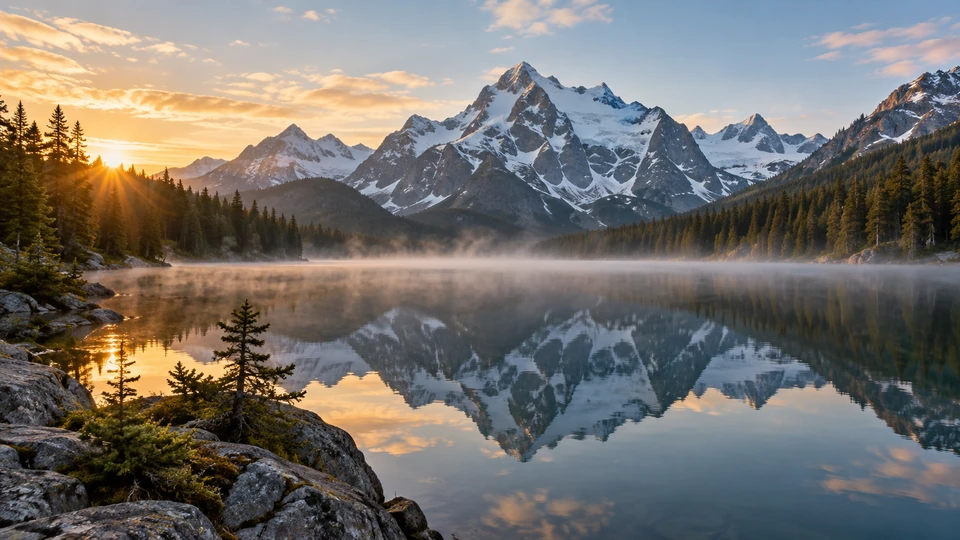
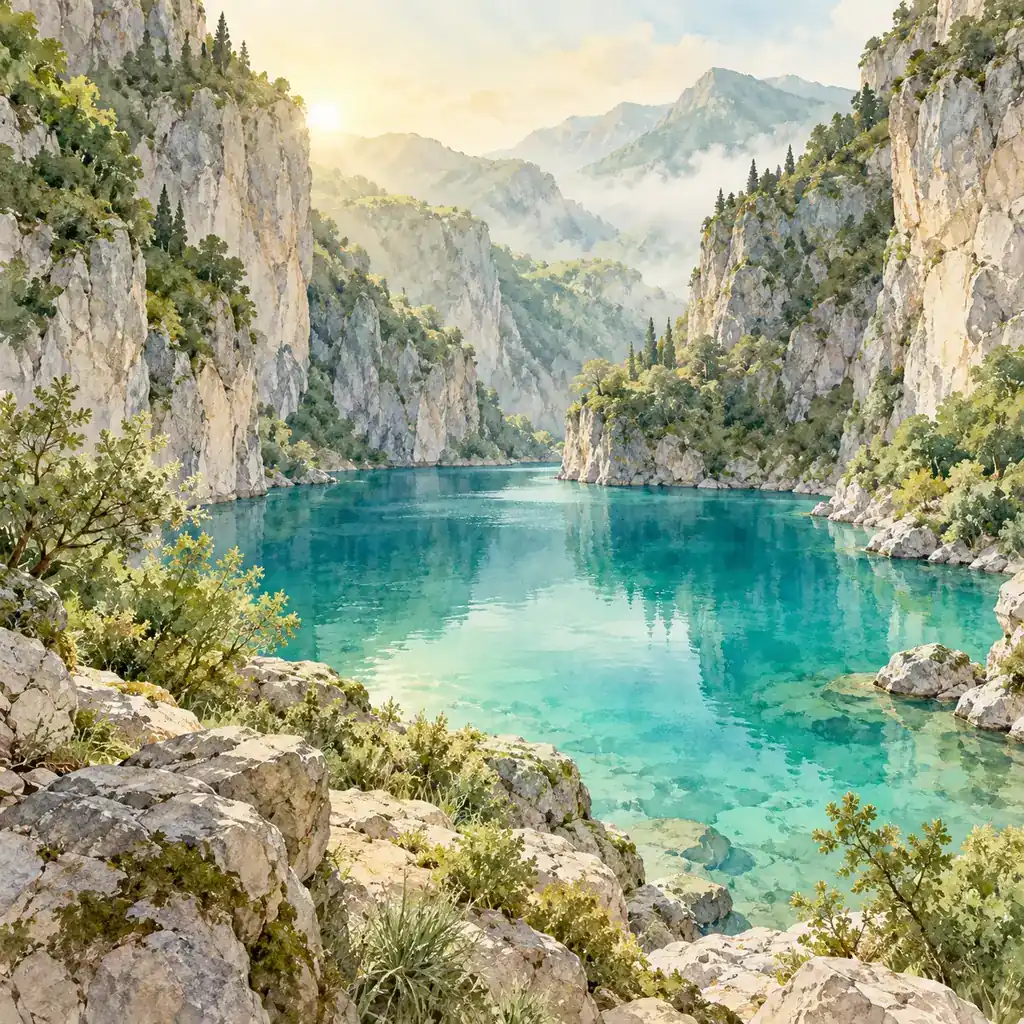
A hidden turquoise lake, watercolor, early light.
Press Randomize and five prompt pools combine into a fresh idea: a subject, an art style, a setting, the lighting and a color palette. Keep any part with its lock, re-roll the others, edit the words if you like, then generate the picture with the AI model of your choice. Free to try.
1Theme
2Prompt parts
Lock what you like3Your prompt
Edit freely. Randomize rebuilds the prompt from the parts above.
4Image settings
Free to tryReference example. It is not a result generated from your upload.
A random photo generator usually shows you an existing picture. This random image generator invents a new one. Every press of Randomize draws one entry from each of five pools: a subject, a style such as watercolor or low-poly 3D, a setting, a kind of light and a color palette. Together they form a readable prompt like "A curious red fox in a misty pine forest, watercolor illustration, soft morning light, muted sage and cream colors."
You stay in control of how random it is. Pick a theme to steer the subject and setting (landscape, animals, fantasy, sci-fi, characters, food or architecture), lock the parts you want to keep and shuffle only the rest, or rewrite the prompt by hand before you generate. Hundreds of entries across the pools make millions of combinations, and even the same prompt produces a different image on each run.
Randomizing is free and instant. Generating the picture uses an AI image model and is free to try; the Generate image button shows the cost before you start.
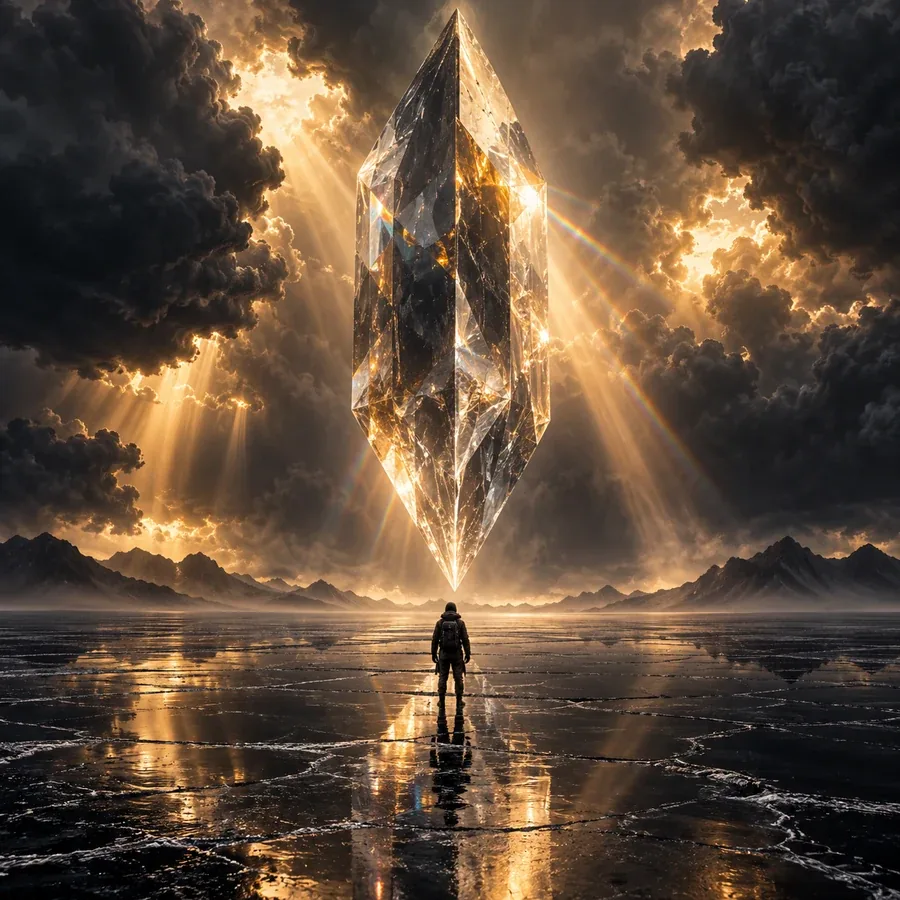
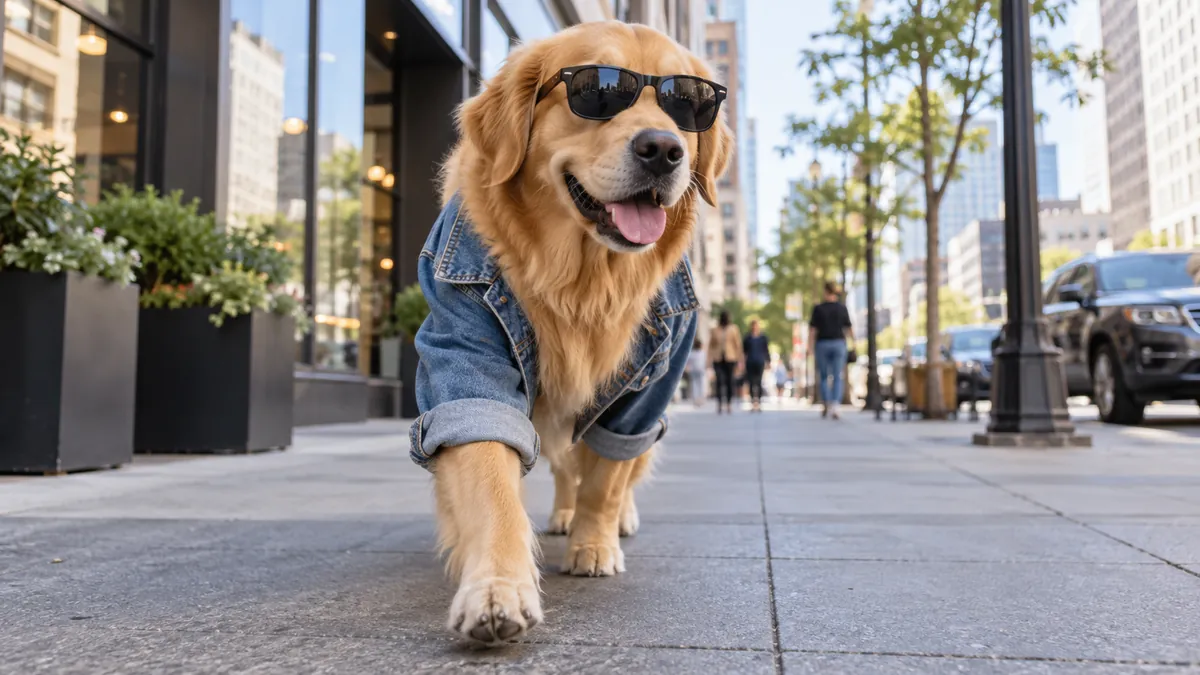
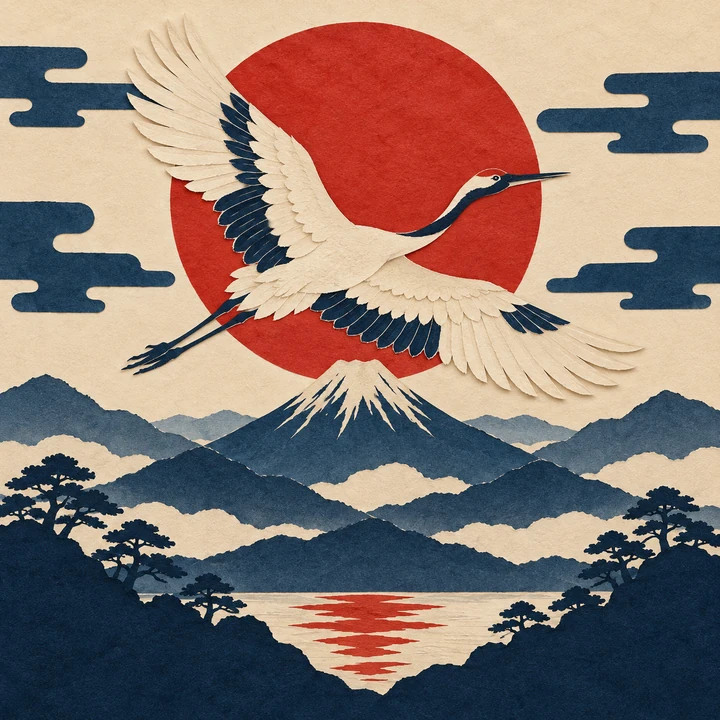
One random roll per theme, generated without editing the prompt. Pick a theme to start from the same pools.
A hidden turquoise lake, watercolor, early light.
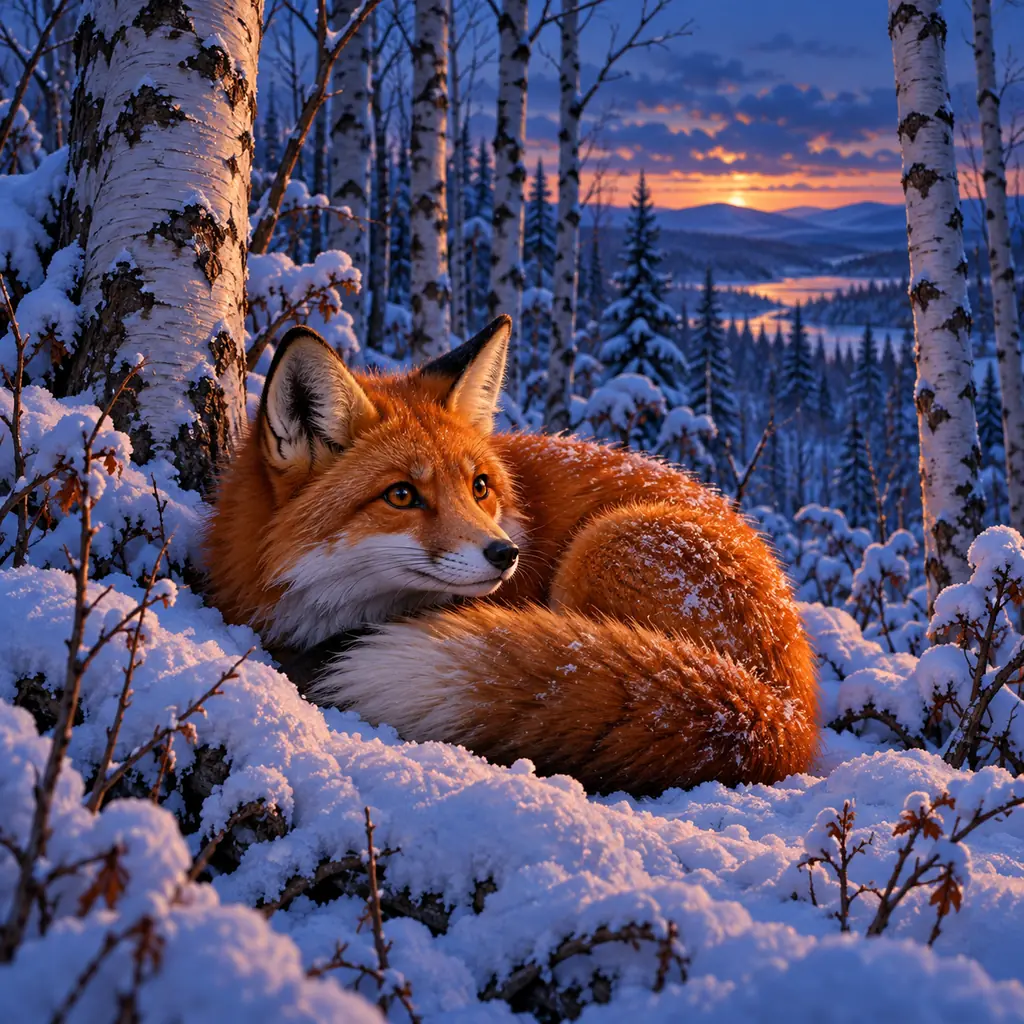
A red fox curled up in a snowy birch forest at dusk.
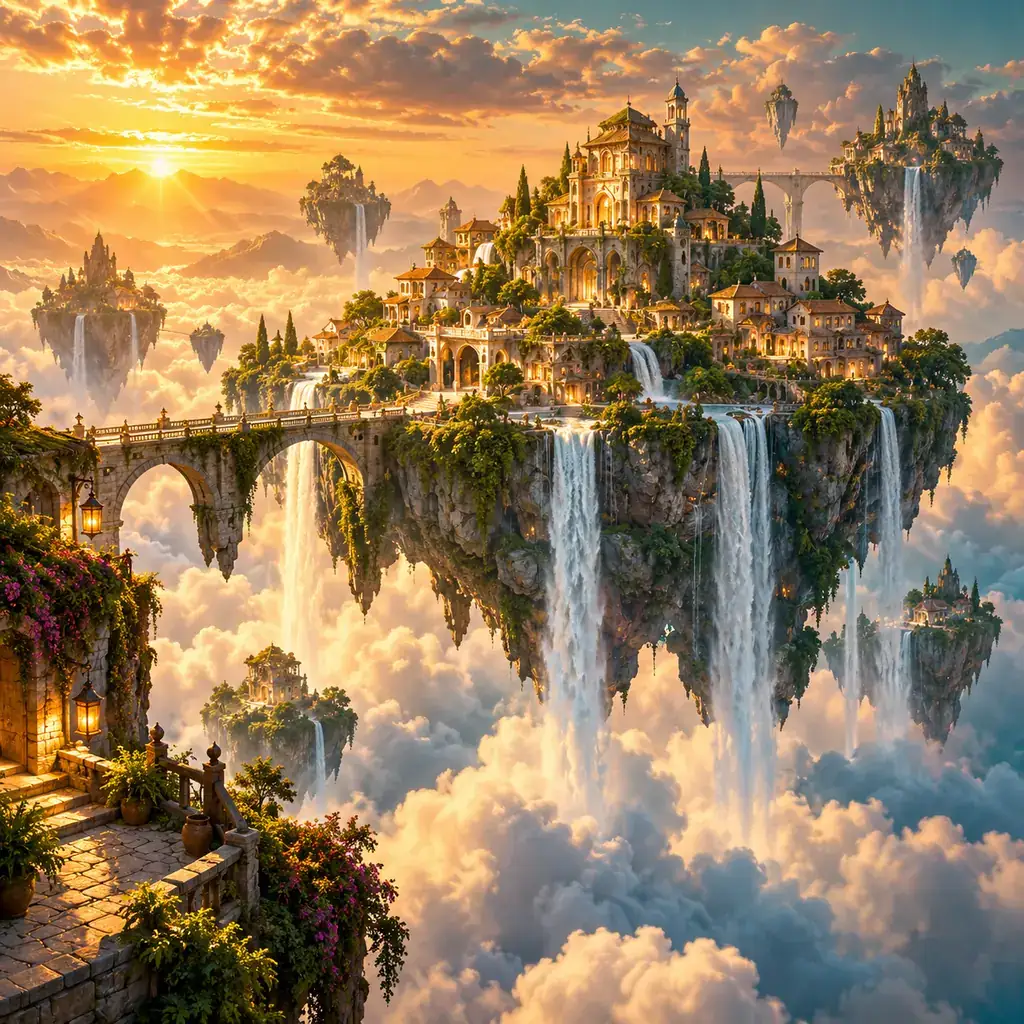
A floating island village with waterfalls, golden hour.
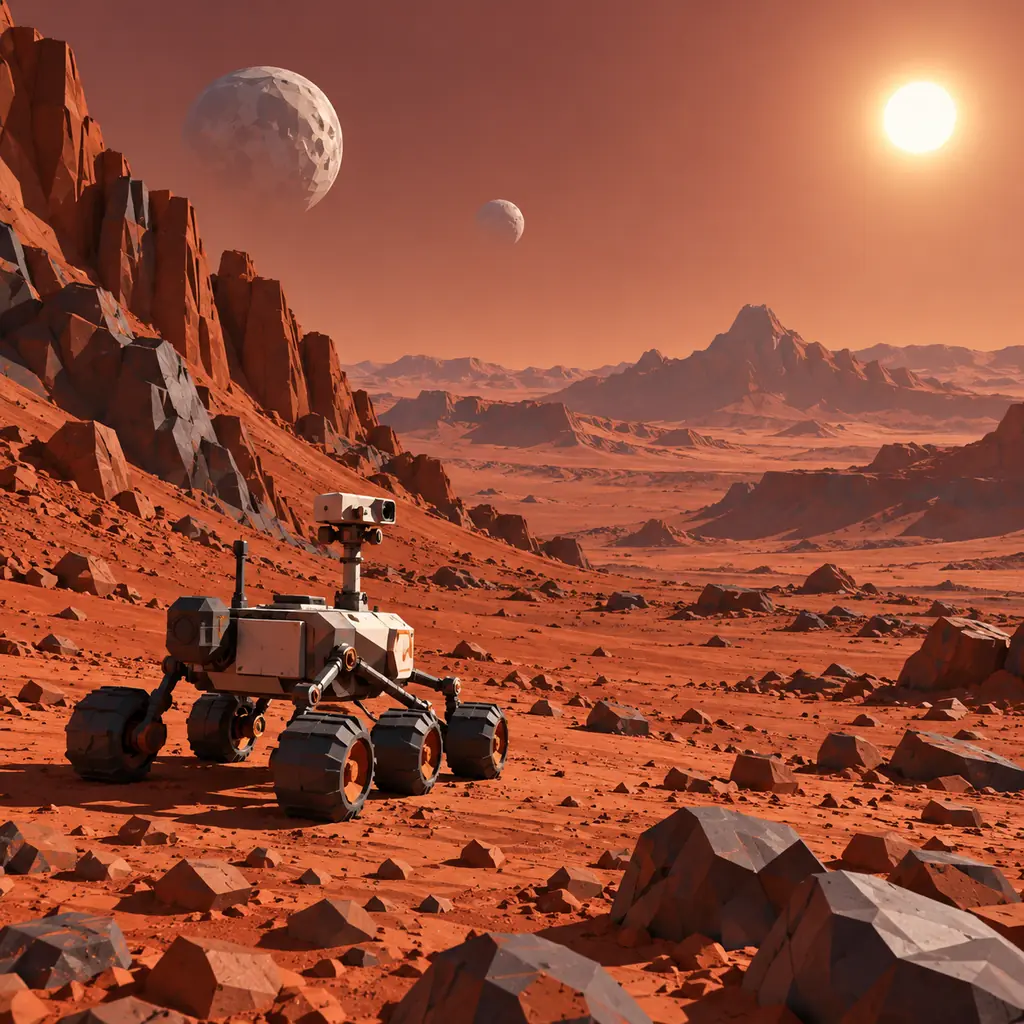
A small exploration rover on a red desert planet, low-poly 3D.
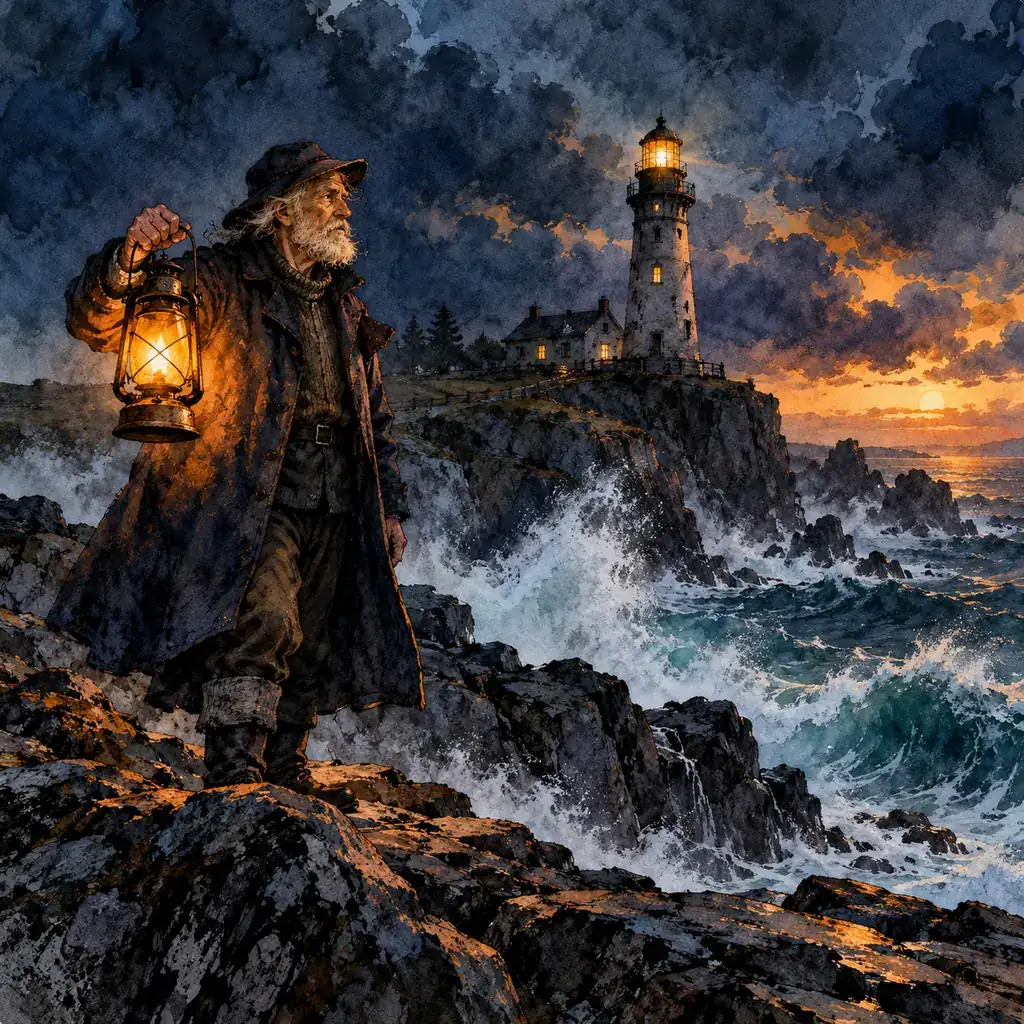
A fictional lighthouse keeper with a lantern, storybook ink and wash.
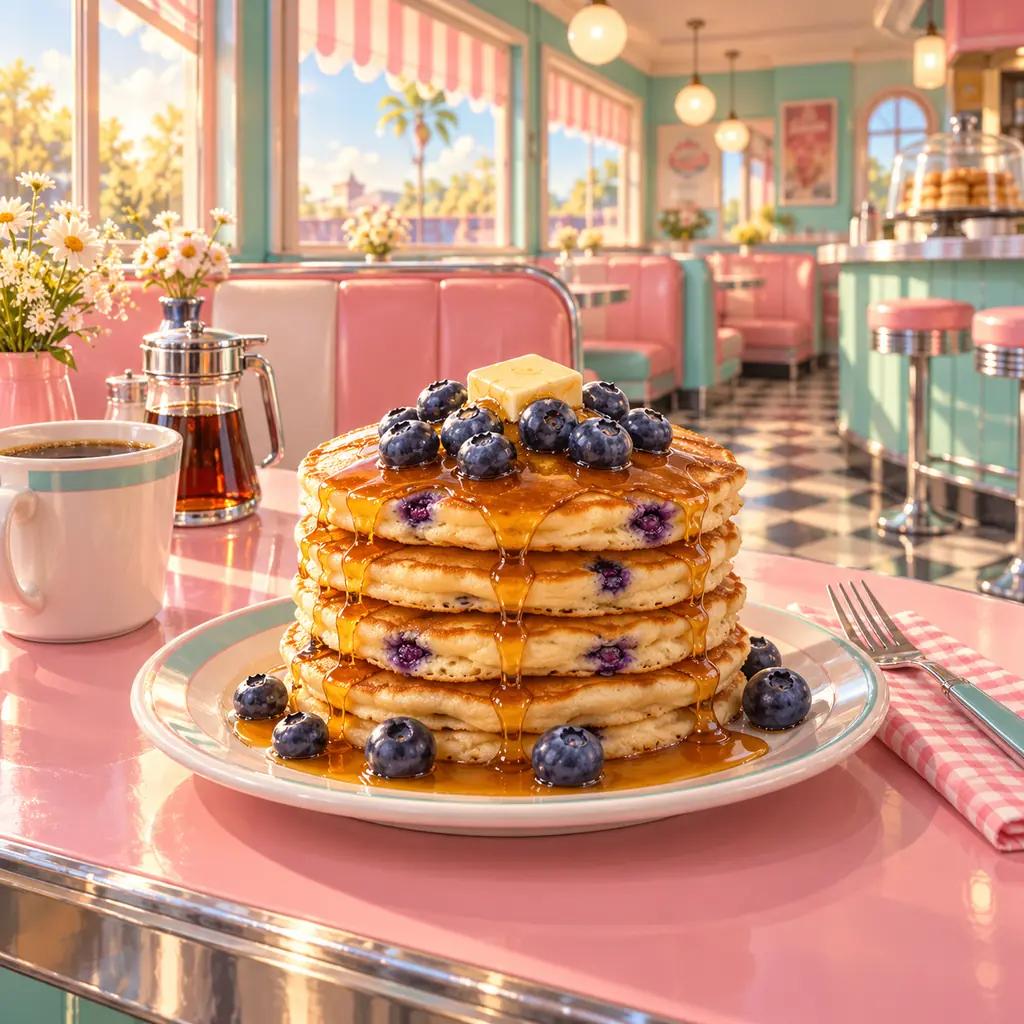
Blueberry pancakes in a sunny diner, pastel colors.
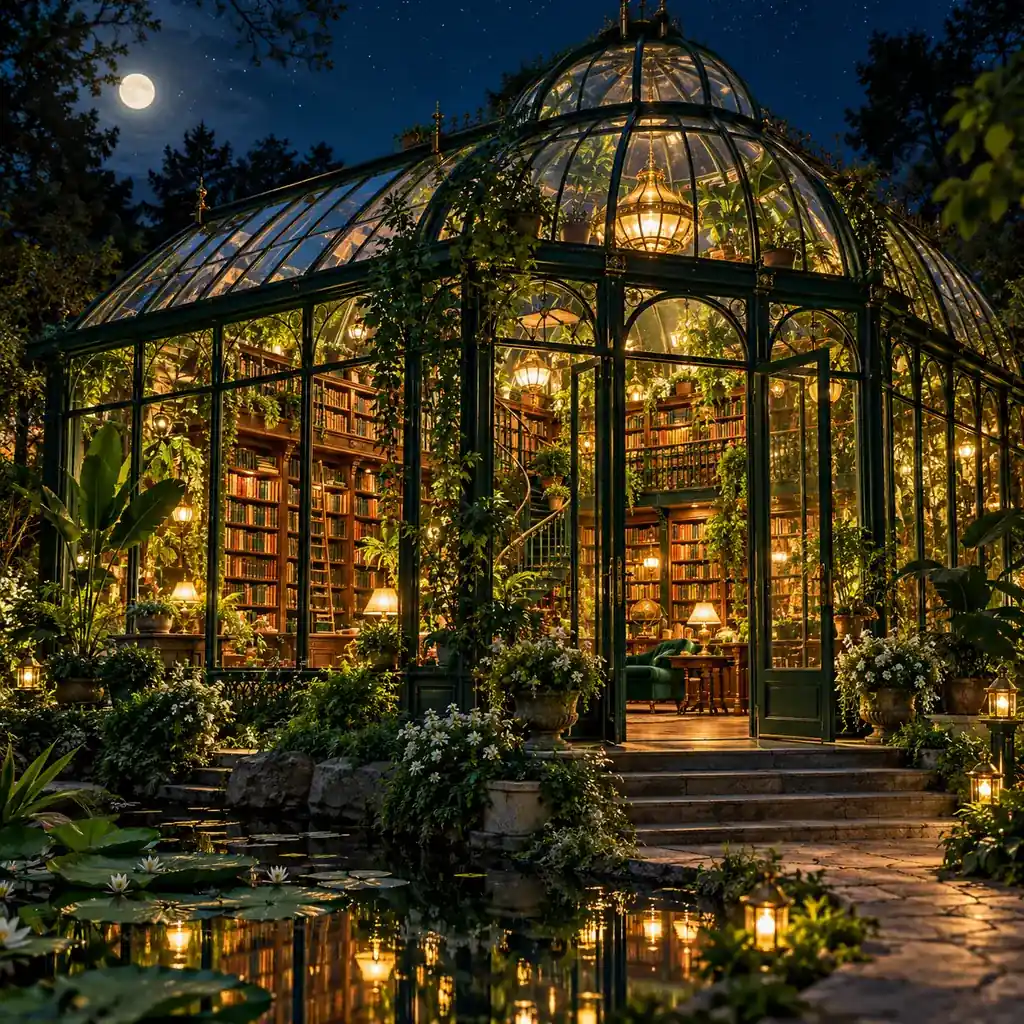
A glass greenhouse library at night, cinematic light.
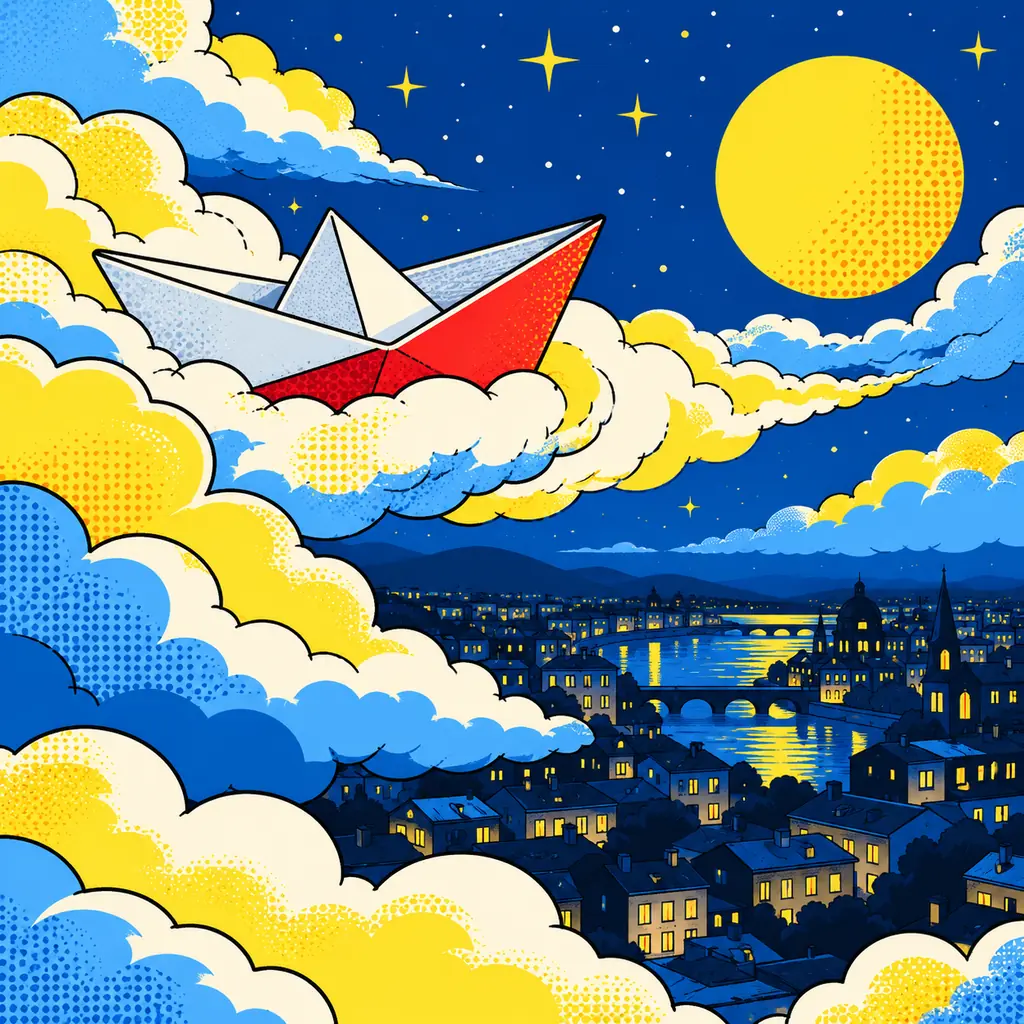
No theme: a paper boat sailing through clouds, pop-art palette.
A theme narrows the subject and setting pools; Anything mixes everything, which gives the most surprising results.
Each press replaces every unlocked part. Re-roll one part on its own with the dice next to it.
Lock the parts you love, edit the prompt text freely, and pick a model and an aspect ratio from 1:1 to 16:9 or 9:16.
Press Generate image, or Surprise me to randomize and generate in one go. Download the result or randomize again.
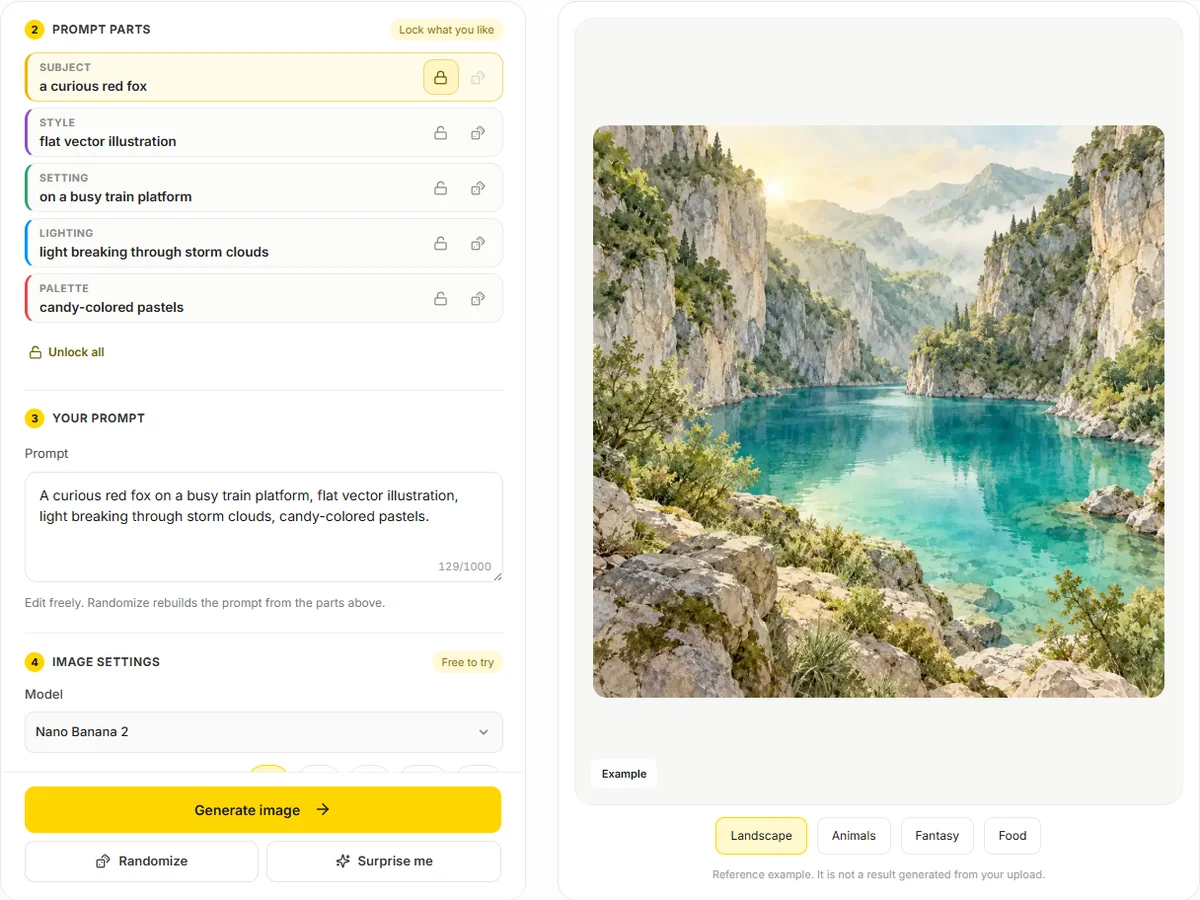
Found a subject you like? Lock it and keep pressing Randomize: the same fox or lighthouse keeper comes back in new styles, places, light and colors. Lock the style instead to get a consistent series with different subjects.
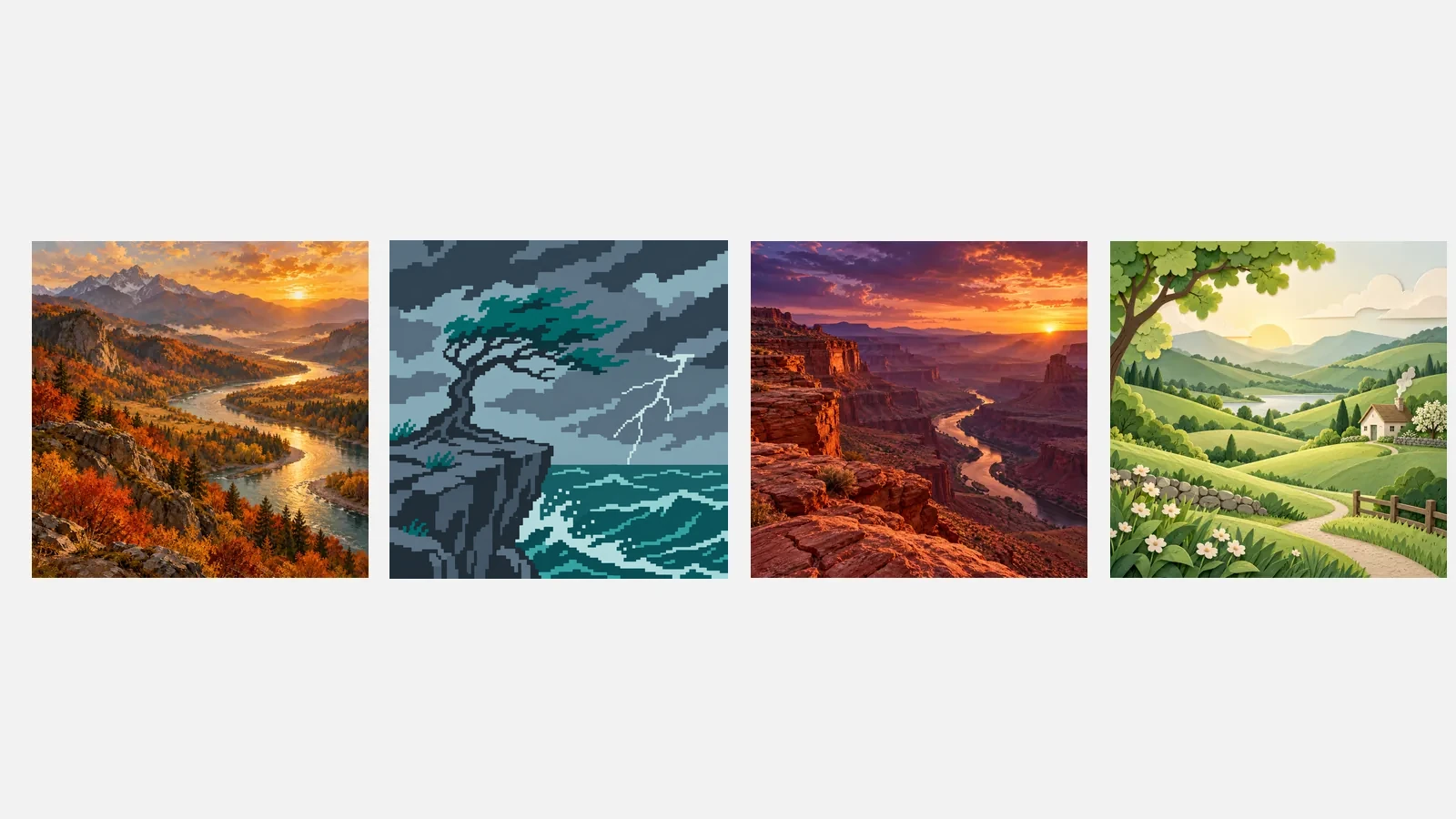
The Landscape theme draws from lakes, ridges, coastlines, deserts and forests, so you can use it as a random scenery generator for wallpapers, painting references or game backdrops.
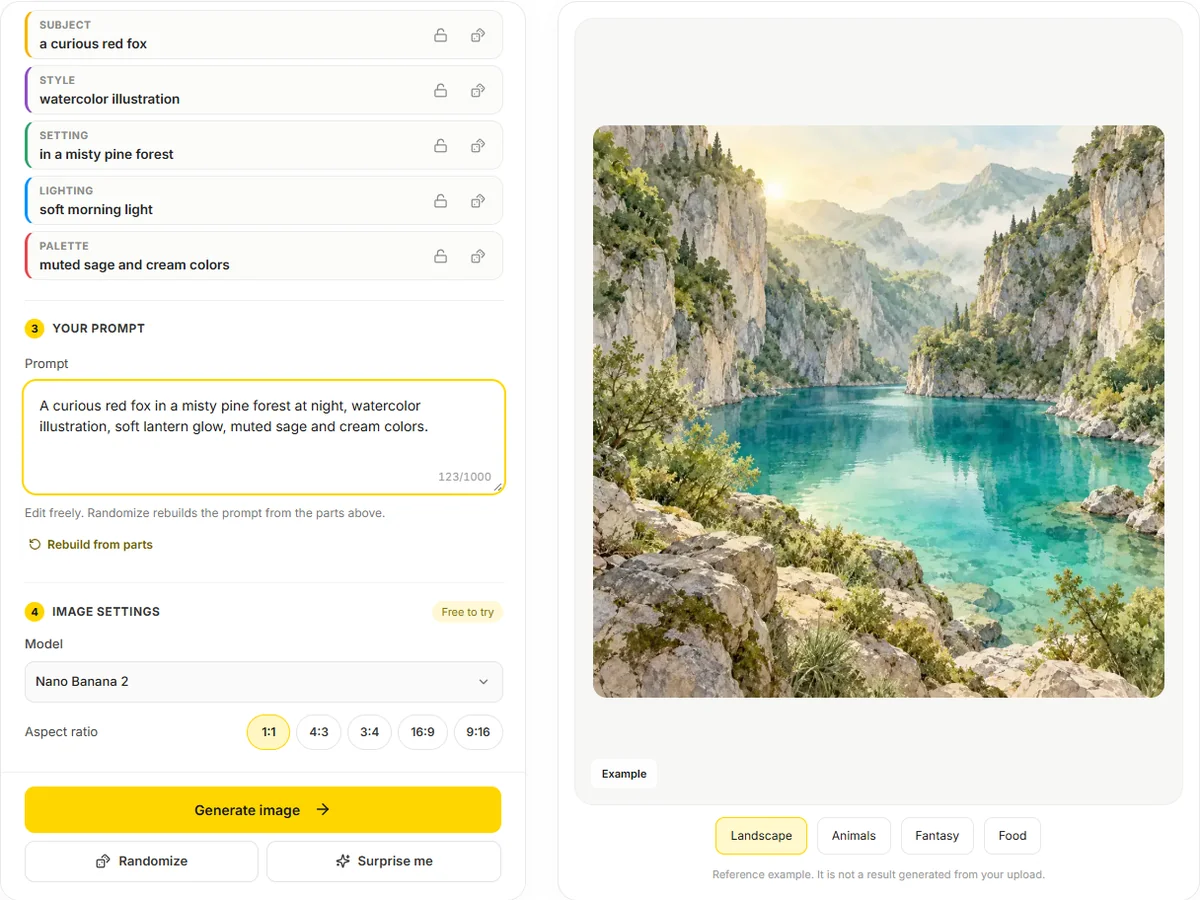
The prompt is plain text you can change: add "at night", swap the animal, or remove the palette. Randomize rebuilds it from the parts, so you can always get back to a clean version.
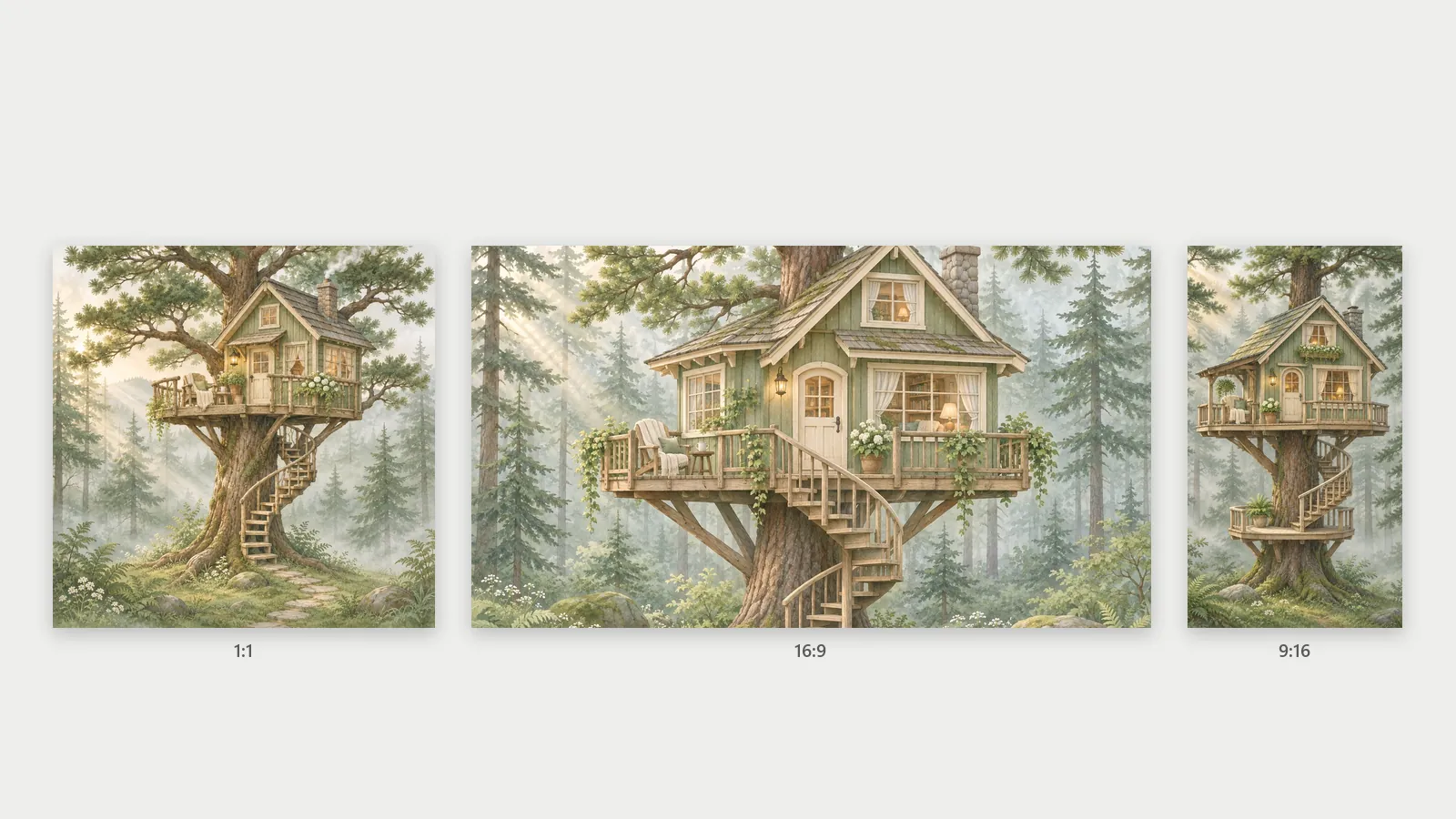
Choose square for posts and icons, 16:9 for desktop wallpapers and slides, or 9:16 for phone backgrounds. Several image models are available; each interprets a random prompt a little differently.
| Prompt part | Examples from the pool | Entries |
|---|---|---|
| Subject | a curious red fox, a lone windswept tree, a fictional lighthouse keeper | 100+ (tagged by theme) |
| Setting | in a misty pine forest, on a quiet beach at dawn, in a sunlit meadow | 60 |
| Style | watercolor illustration, oil painting, digital concept art | 39 |
| Lighting | soft morning light, golden hour sunlight, dramatic rim lighting | 21 |
| Palette | muted sage and cream colors, vibrant rainbow colors, pastel pink and mint | 21 |
All characters in the pools are fictional, and the pools contain no brands, artist names or existing franchises.
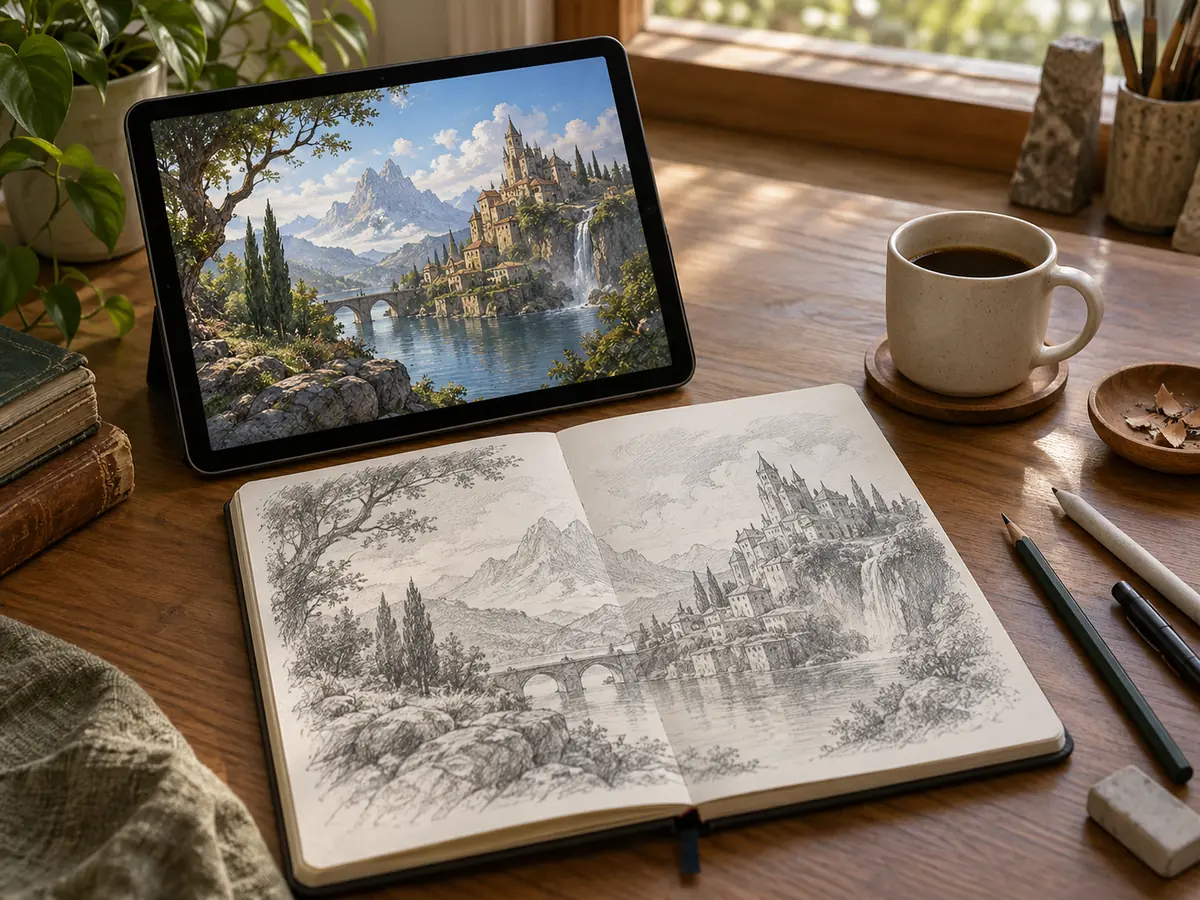
Let the pools suggest a combination you would never have typed, then paint, write or design from it.
Roll a landscape at 16:9 for the desktop or 9:16 for the phone, and change it whenever you like.
Generate an unusual subject in a clear style and use it as a reference for a study.
Show random AI images and have everyone guess the prompt, or caption them for laughs.
Find a style for a post series: lock the style and palette, randomize the subject each day.
Use it as a random images generator for testing: run the same random prompt on two models to see how each handles style, light and detail.
Locking a single part gives variety with a thread of consistency; locking four makes small variations of one idea.
If a picture looks crowded, delete the palette or the lighting phrase and let the model decide.
Landscapes and architecture shine in 16:9; characters and still life sit better in 1:1 or 3:4.
The same prompt gives a new image each time, so generate a promising roll more than once before moving on.
Need just a thing to draw? Roll up to ten objects from ten categories, with a sketch timer.
Open the toolEnlarge a favorite random picture 2x or 4x for printing or a high-resolution wallpaper.
Open the toolUse a random result as the starting point and restyle it with your own instructions.
Open the toolMake backgrounds on purpose: wallpapers, video call scenes and product backdrops.
Open the toolIt creates a new picture from a randomly assembled prompt instead of one you write from scratch. Here the prompt is built from five pools (subject, style, setting, lighting and palette) and then generated by an AI image model.
Randomizing and editing prompts is free. Generating the picture is free to try with the credits you get when you sign up; the Generate image button shows the cost first.
No. It does not fetch or get random images from other sites: every picture is newly generated from your prompt, so you will not see someone else's photo.
Yes. Press the lock next to any part and it stays the same when you randomize; the dice next to a part re-rolls just that one. Unlock all resets them.
Choose the Landscape theme. Subjects and settings then come from lakes, mountains, coasts, forests and deserts, while style, light and palette still vary.
Yes. The prompt box is fully editable, up to 1,000 characters. Randomize or Rebuild from parts replaces your edits with a prompt built from the current parts.
Very unlikely. Hundreds of pool entries make millions of prompts, and even an identical prompt produces a different image on each run.
As a random AI image generator it works with several models; start with the default model and 1:1. Use 16:9 for wallpapers and scenery, 9:16 for phone screens, and try another model if you want a different take on the same prompt.
The pools only contain fictional characters, and you should not edit prompts to depict real people, celebrities or existing franchise characters.
You can download them and use them in your projects under the site terms. Do not present AI pictures as real photographs, and check any image carefully before using it somewhere official.
Randomize a prompt, lock what you like and generate it with AI. Shuffling is free; generating is free to try.